Laptops 15
Laptops 15 offer a perfect balance of performance and portability, making them a popular choice for work, study, and entertainment. Browse a wide selection of models designed to fit various needs and lifestyles. Whether upgrading your home office or searching for a reliable device for on-the-go productivity, Laptops 15 provide versatile options to suit every user. Find the ideal laptop that matches your preferences and enjoy seamless computing wherever you are.
Sort
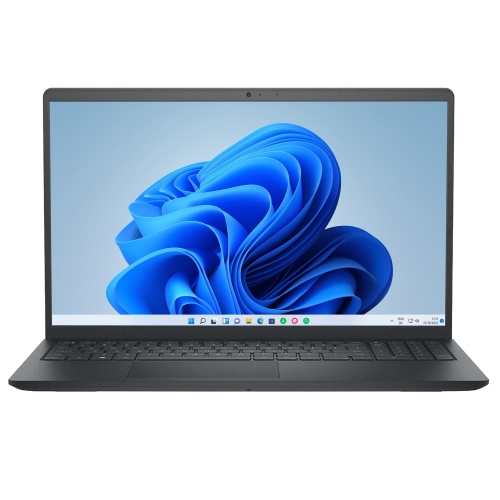
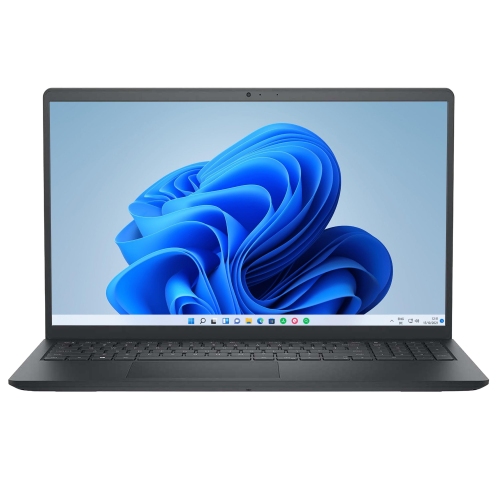
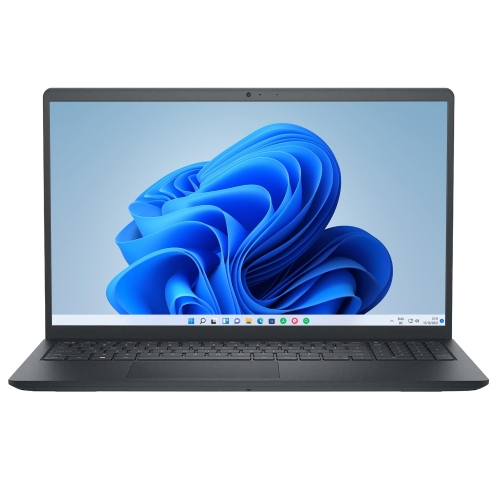
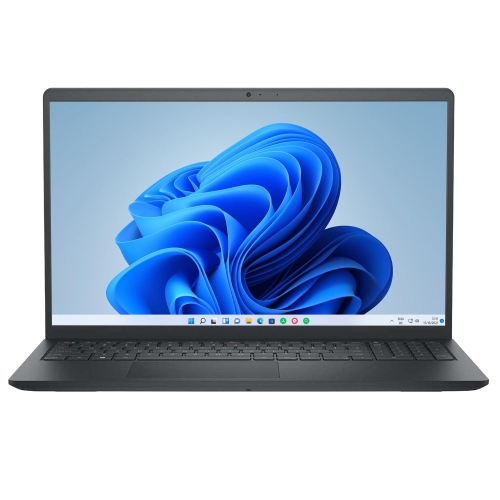
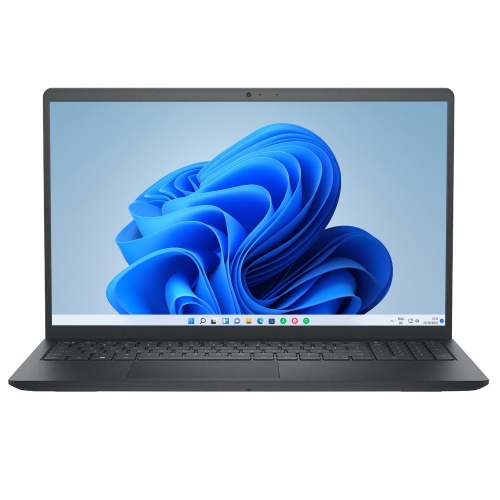
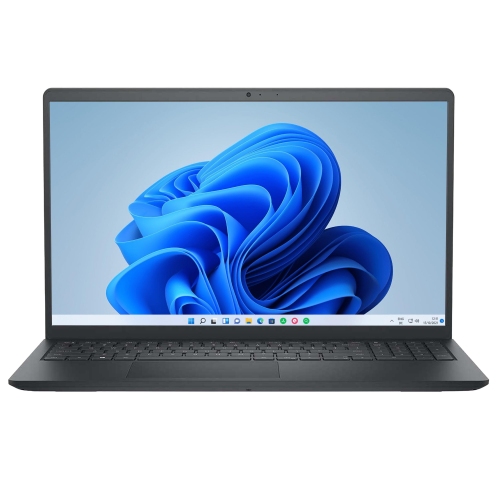
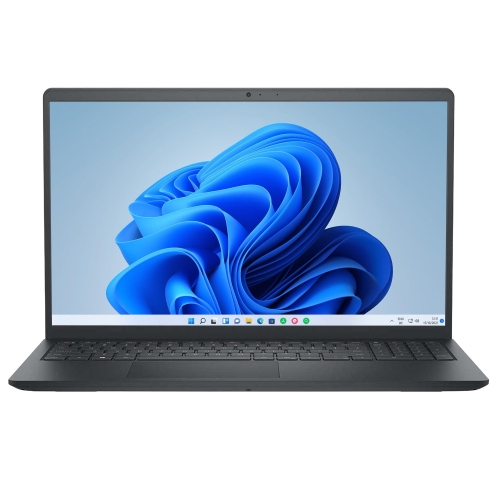
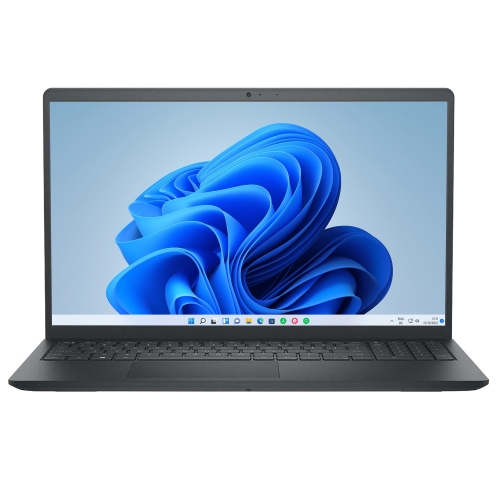


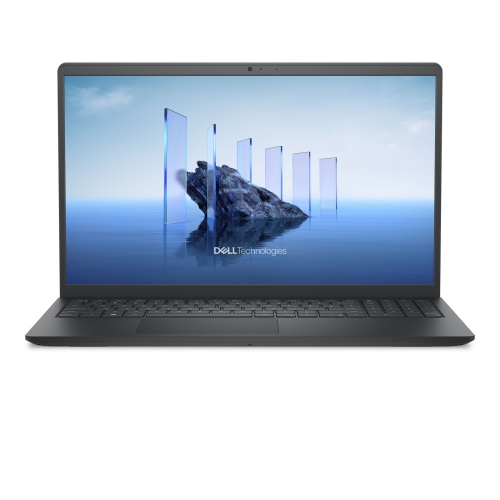
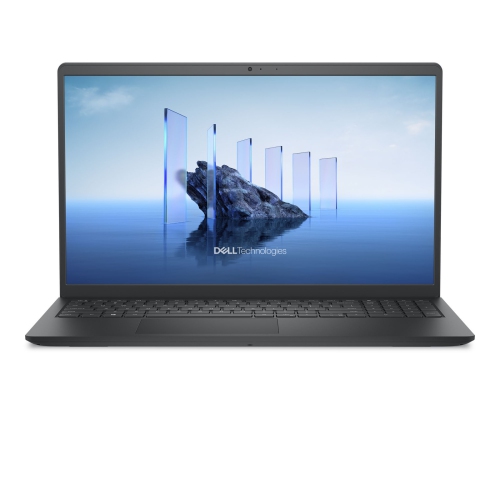
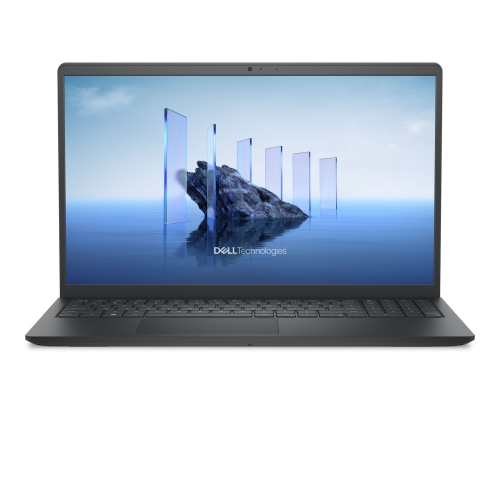
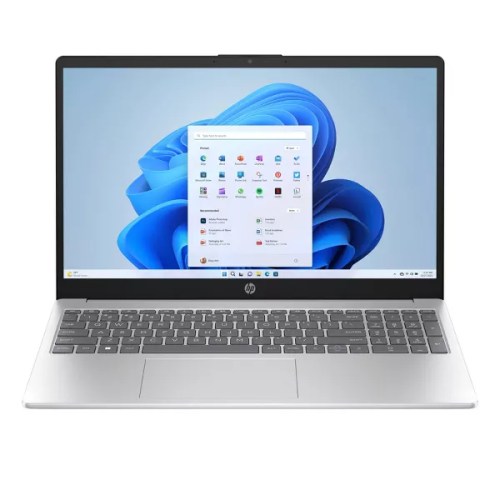
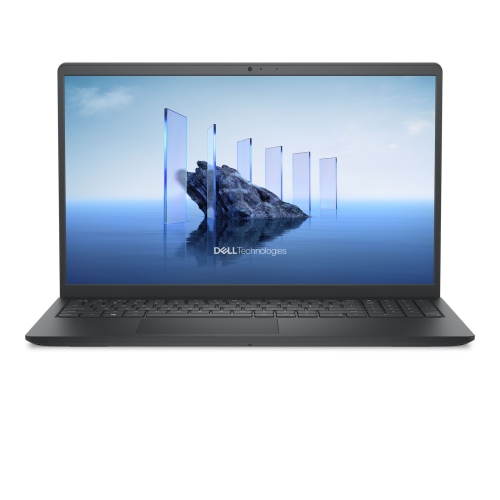
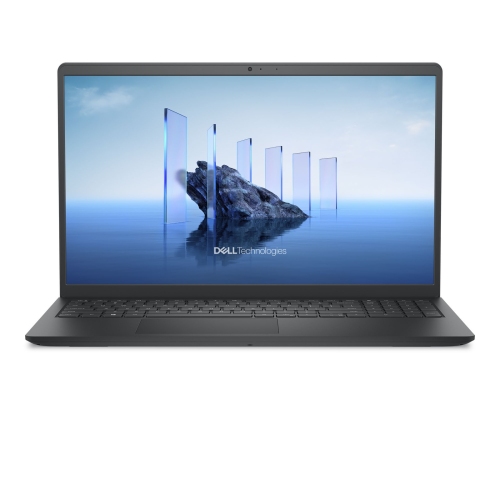
Room for side-by-side work without a larger laptop
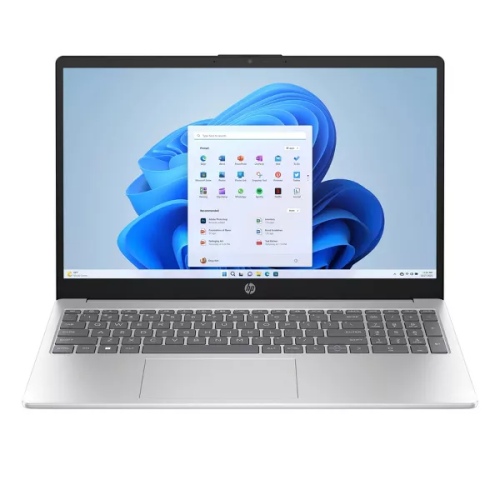
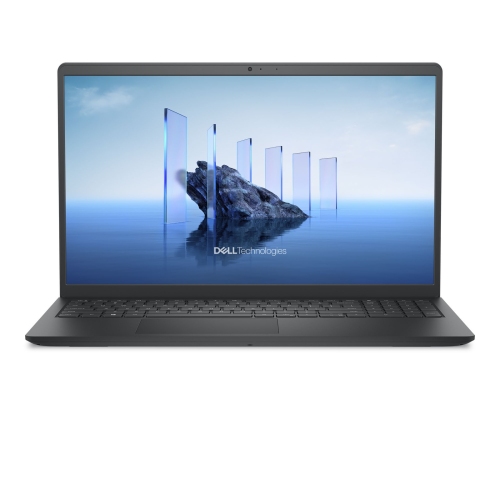
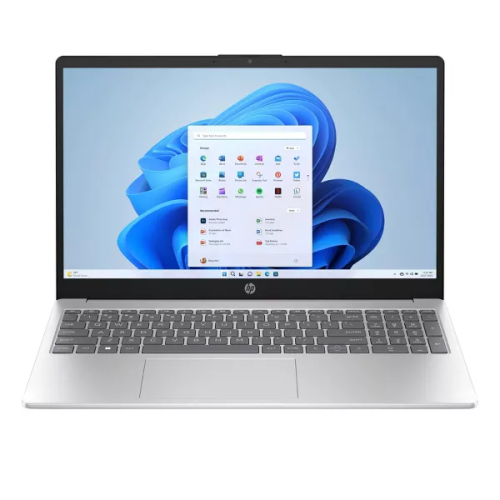
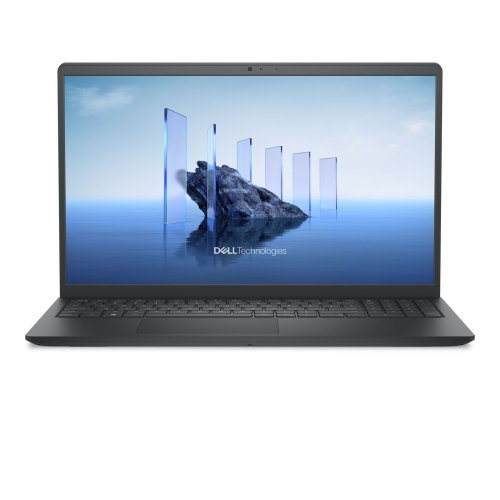
15-inch laptops combine a comfortable screen size with a portable design, making them a practical choice for schoolwork, office tasks, entertainment, and creative projects. This size category commonly includes 15.6-inch laptops, with the screen measurement taken diagonally rather than across the width of the computer. The chassis dimensions vary with the thickness of the screen borders and the overall design, so two laptops with similar display sizes may fit differently in the same bag. For someone writing assignments at a library table or keeping a spreadsheet open beside a video call, the appeal is straightforward: there is enough screen space to work comfortably without moving to a much larger computer. A document and a browser window can sit side by side, while photos, films, and presentation slides remain easy to view. Display resolution affects how much detail appears on screen, and Full HD provides a useful starting point for everyday reading, streaming, and productivity. Higher resolutions can make fine text and images look sharper, although their benefit depends on viewing distance, display scaling, and the work being done. Brightness, colour accuracy, and surface finish matter, too. A matte screen can reduce distracting reflections near a window or under overhead lighting, while a glossy panel may offer a vivid appearance but show more reflections. Touchscreen capability adds another way to scroll, navigate, or interact with compatible applications, though it is not essential for conventional keyboard-and-mouse use. Keyboard layouts also differ: some 15-inch designs include a numeric keypad for entering figures, while others devote more space to the main keys. Compared with the larger designs in the 17 Laptops category, a 15-inch laptop can be easier to pack while still providing useful room for documents, spreadsheets, and entertainment. The balance depends on the complete laptop’s weight and dimensions, not screen size alone.
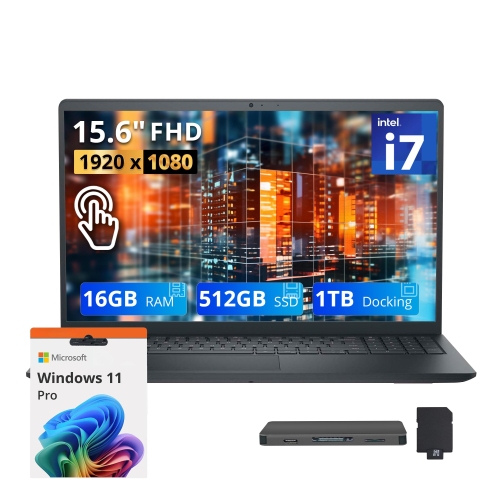
Performance within the 15-inch laptop category ranges from straightforward everyday computing to demanding creative work and gaming. Browsing, email, word processing, and online classes generally place different demands on a computer than editing high-resolution video or running complex design software. Processor capability, memory, graphics, and storage all contribute to how responsive a laptop feels, especially when several applications are open together. For everyday multitasking, 16GB of memory provides useful breathing room for browser tabs, documents, and communication apps; heavier projects may benefit from more. Memory requirements still depend on the software involved, and upgrade options vary because some laptops have memory attached directly to the main board. Solid-state storage helps applications launch promptly and keeps file access responsive. Storage capacity determines how much room remains for downloaded media, games, project files, and personal photos, so a large local library has different needs from a workflow centred on online storage. Integrated graphics can handle routine office work and media playback, while dedicated graphics may be important for demanding games, three-dimensional design, or applications that use graphics acceleration. Those capabilities can also affect weight, fan noise, and battery runtime. A slim everyday laptop and a performance-focused laptop may share a screen size without offering the same carrying experience. Battery-life figures are best understood alongside the activities involved: video meetings, demanding software, higher screen brightness, and gaming can draw more power than light document work. Connections are another part of daily convenience. USB-A can accommodate many familiar accessories, while USB-C capabilities differ by laptop and may include charging, video output, or data transfer. An HDMI connection can simplify attaching a monitor or television, and a memory card reader can be helpful for photo transfers. Wi-Fi supports wireless network access, but connection quality also depends on the router, distance, and surrounding interference. Webcam quality, microphone clarity, and speaker placement deserve attention for anyone whose day includes remote meetings or online lessons.
The construction and physical fit of a 15-inch laptop have a lasting effect on everyday use. Metal and plastic chassis designs can both serve well, with durability depending on the hinges, internal support, finish, and handling rather than the outer material alone. A firm keyboard deck can feel more comfortable during long writing sessions, and a well-supported hinge helps the screen stay at a useful angle. Smooth trackpad response, clearly marked keys, and a layout that feels natural are details that become noticeable after hours of use. For travel between home, campus, and an office, a padded sleeve should match the laptop’s actual dimensions; a sleeve labelled for the screen size is not always a precise fit. The charger adds to the load, too, particularly with higher-performance designs that use larger power adapters. At a desk, raising the screen and adding an external keyboard and mouse can make extended sessions more comfortable. Ventilation openings need clear space, so a firm surface is preferable to a cushion or blanket that could obstruct airflow. Routine care is uncomplicated: power down before cleaning, use a soft cloth, follow the manufacturer’s cleaning directions, and avoid spraying liquid directly onto the display or keyboard. Keeping food and drinks away from the keys helps prevent spills and debris, while carrying the laptop in a separate padded compartment protects it from pressure and scratches. Regular software updates and a reliable backup routine help protect work beyond the physical care of the computer. As a gift, a 15-inch laptop can suit a student starting a new program, a family member managing household tasks, or someone developing an interest in photography or digital art. The most useful match reflects the recipient’s software requirements, preferred operating system, accessibility needs, and typical workspace. A comfortable screen and keyboard matter just as much as headline specifications when the laptop will be used every day.
Performance within the 15-inch laptop category ranges from straightforward everyday computing to demanding creative work and gaming. Browsing, email, word processing, and online classes generally place different demands on a computer than editing high-resolution video or running complex design software. Processor capability, memory, graphics, and storage all contribute to how responsive a laptop feels, especially when several applications are open together. For everyday multitasking, 16GB of memory provides useful breathing room for browser tabs, documents, and communication apps; heavier projects may benefit from more. Memory requirements still depend on the software involved, and upgrade options vary because some laptops have memory attached directly to the main board. Solid-state storage helps applications launch promptly and keeps file access responsive. Storage capacity determines how much room remains for downloaded media, games, project files, and personal photos, so a large local library has different needs from a workflow centred on online storage. Integrated graphics can handle routine office work and media playback, while dedicated graphics may be important for demanding games, three-dimensional design, or applications that use graphics acceleration. Those capabilities can also affect weight, fan noise, and battery runtime. A slim everyday laptop and a performance-focused laptop may share a screen size without offering the same carrying experience. Battery-life figures are best understood alongside the activities involved: video meetings, demanding software, higher screen brightness, and gaming can draw more power than light document work. Connections are another part of daily convenience. USB-A can accommodate many familiar accessories, while USB-C capabilities differ by laptop and may include charging, video output, or data transfer. An HDMI connection can simplify attaching a monitor or television, and a memory card reader can be helpful for photo transfers. Wi-Fi supports wireless network access, but connection quality also depends on the router, distance, and surrounding interference. Webcam quality, microphone clarity, and speaker placement deserve attention for anyone whose day includes remote meetings or online lessons.
The construction and physical fit of a 15-inch laptop have a lasting effect on everyday use. Metal and plastic chassis designs can both serve well, with durability depending on the hinges, internal support, finish, and handling rather than the outer material alone. A firm keyboard deck can feel more comfortable during long writing sessions, and a well-supported hinge helps the screen stay at a useful angle. Smooth trackpad response, clearly marked keys, and a layout that feels natural are details that become noticeable after hours of use. For travel between home, campus, and an office, a padded sleeve should match the laptop’s actual dimensions; a sleeve labelled for the screen size is not always a precise fit. The charger adds to the load, too, particularly with higher-performance designs that use larger power adapters. At a desk, raising the screen and adding an external keyboard and mouse can make extended sessions more comfortable. Ventilation openings need clear space, so a firm surface is preferable to a cushion or blanket that could obstruct airflow. Routine care is uncomplicated: power down before cleaning, use a soft cloth, follow the manufacturer’s cleaning directions, and avoid spraying liquid directly onto the display or keyboard. Keeping food and drinks away from the keys helps prevent spills and debris, while carrying the laptop in a separate padded compartment protects it from pressure and scratches. Regular software updates and a reliable backup routine help protect work beyond the physical care of the computer. As a gift, a 15-inch laptop can suit a student starting a new program, a family member managing household tasks, or someone developing an interest in photography or digital art. The most useful match reflects the recipient’s software requirements, preferred operating system, accessibility needs, and typical workspace. A comfortable screen and keyboard matter just as much as headline specifications when the laptop will be used every day.
Top selling and popular products
-
 Your price for this item is $449
-
 Your price for this item is $3099
-
 Your price for this item is $1800.68
-
 Your price for this item is $664.05
-
 Your price for this item is $869.99
-
 Your price for this item is $2960.48
-
 Your price for this item is $499.68
-
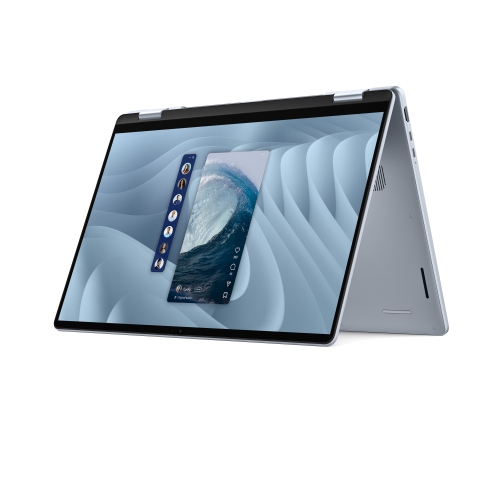 Your price for this item is $1951.79
Discover more categories related to Laptops 15


Top Collections:
Best Black Friday Deals This Year, Best Black Friday Deals On Electronics, Kindle Devices, Pokemon Centers, Best Black Friday Deals On Apple Products, Best Cameras for Sports Photography, Dyson Airwrap, Pokémon 30th Celebration Cards, Apple iPhone 17 Pro, Canon G7X Cameras
Some products may be subject to Environmental Handling Fees
(EHF) depending on your province.
Learn more about EHFs.