Laptops for Writers On A Budget
If you're a writer on a budget, finding the perfect laptop that balances functionality, performance, and affordability can be a daunting task. But fear not! We've curated a selection of laptops tailored specifically for writers like you who are looking to maximize their creativity without breaking the bank. Whether you're working on your next novel, crafting compelling blog posts, or simply jotting down your thoughts, these budget-friendly laptops offer the ideal blend of portability, speed, and value. Say goodbye to sluggish typing and hello to seamless multitasking – it's time to unleash your writing potential without compromising your wallet.
Sort

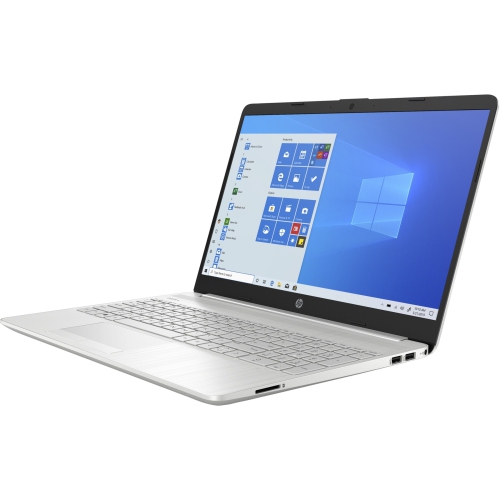
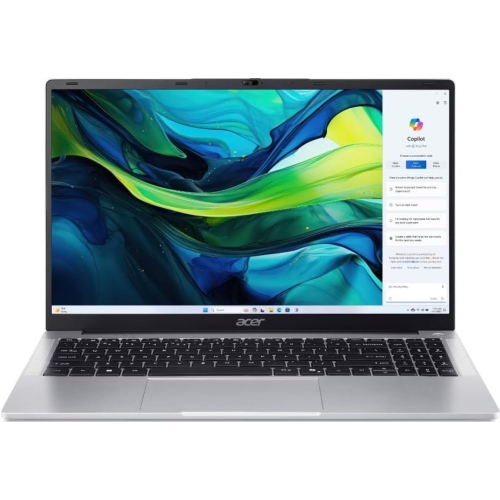
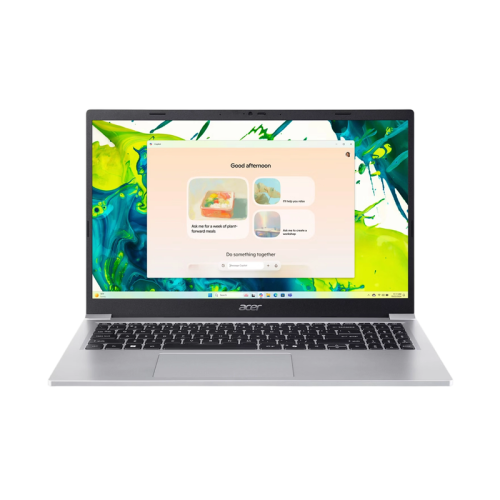
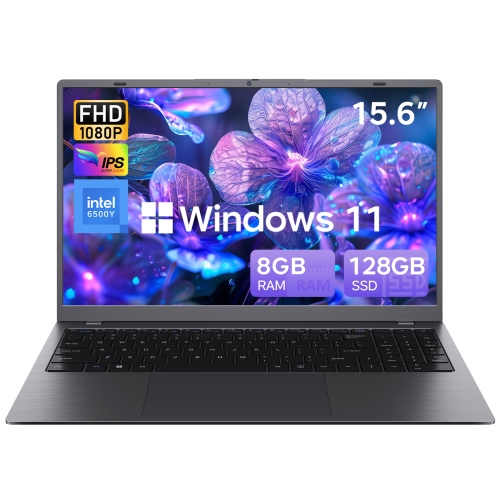
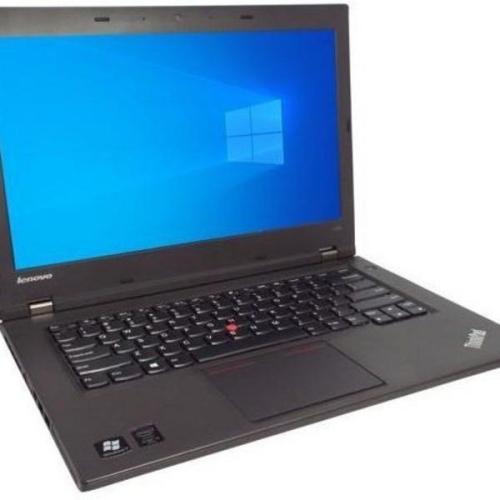
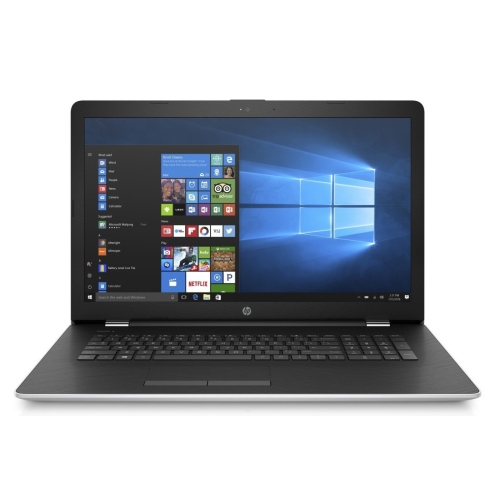

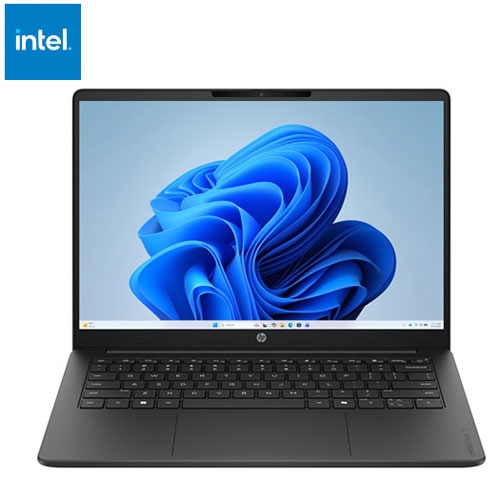
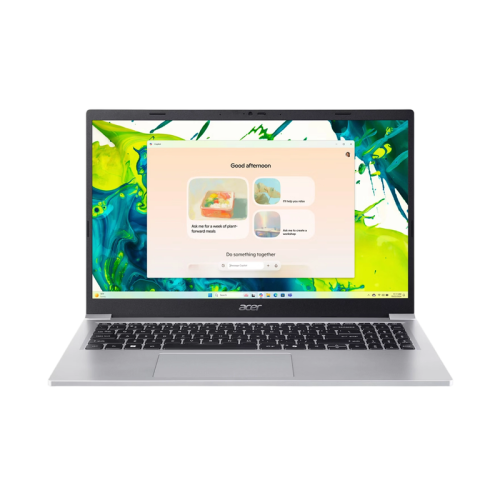
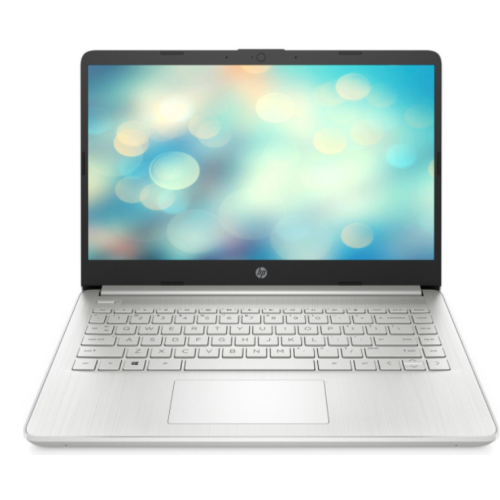
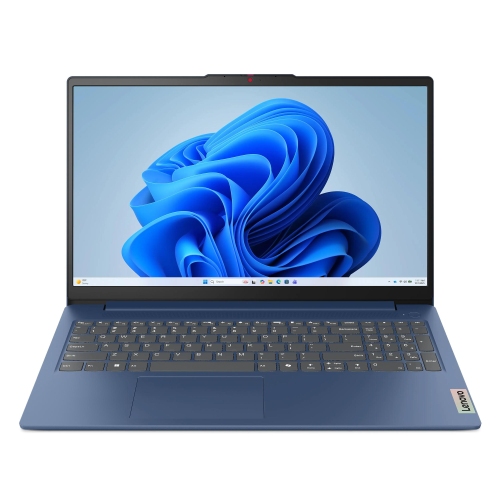
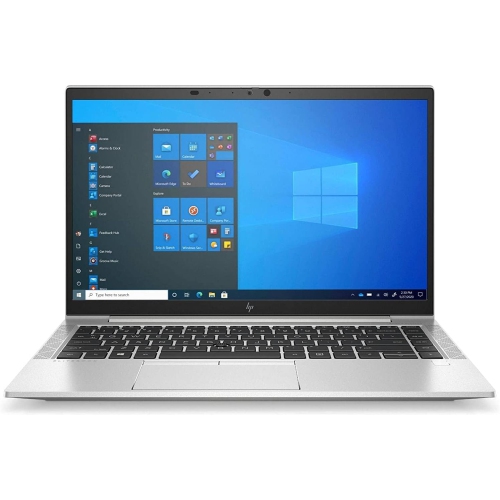

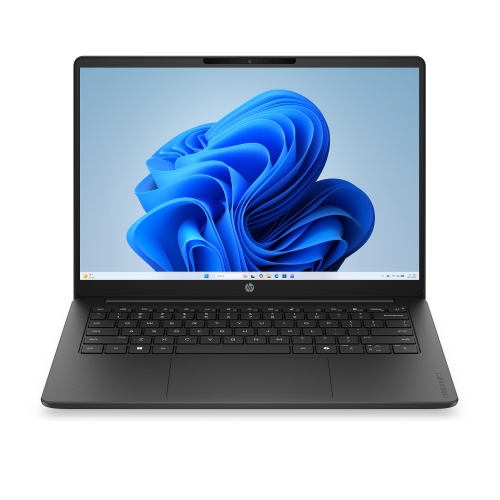

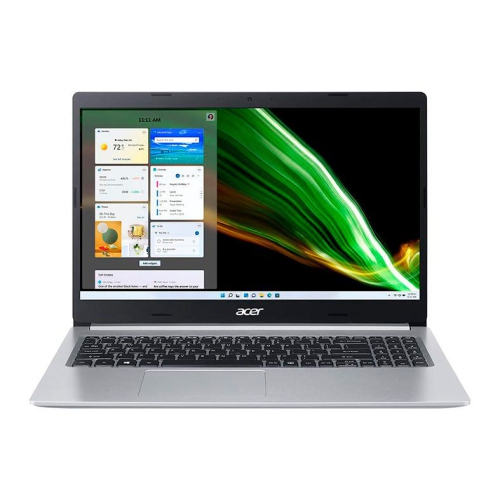
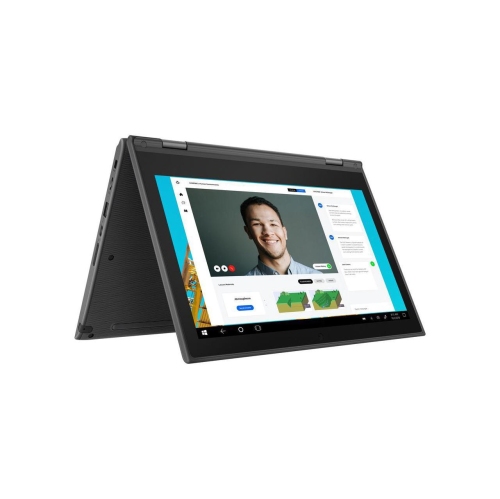
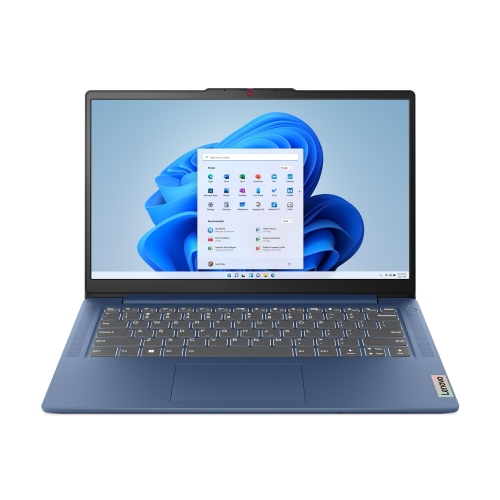
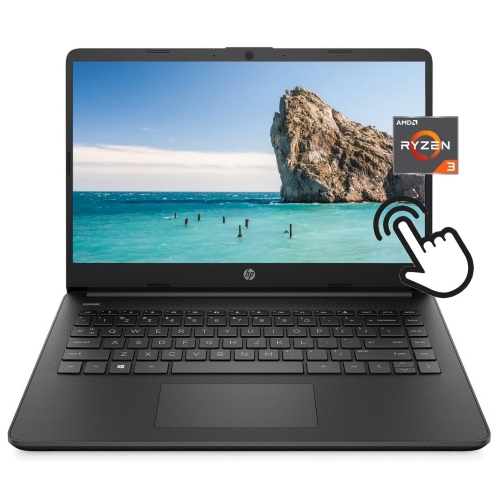
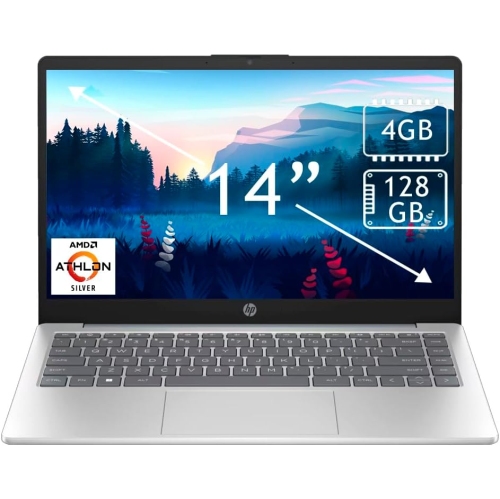
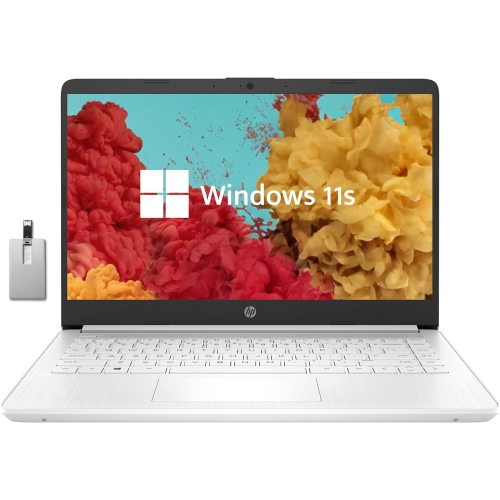

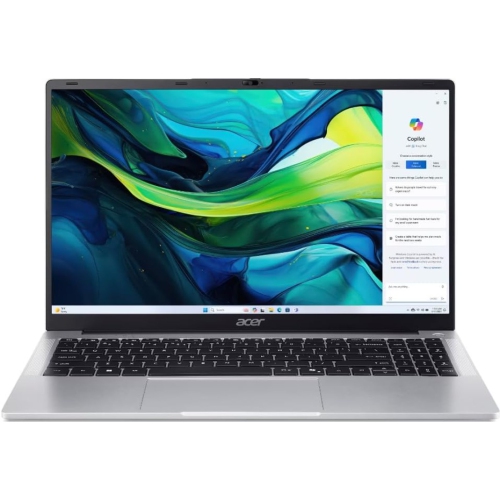
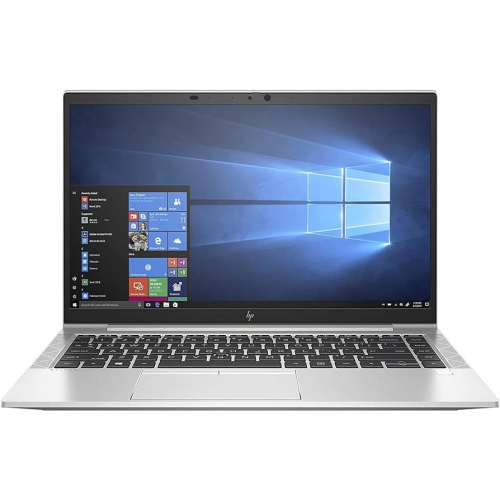


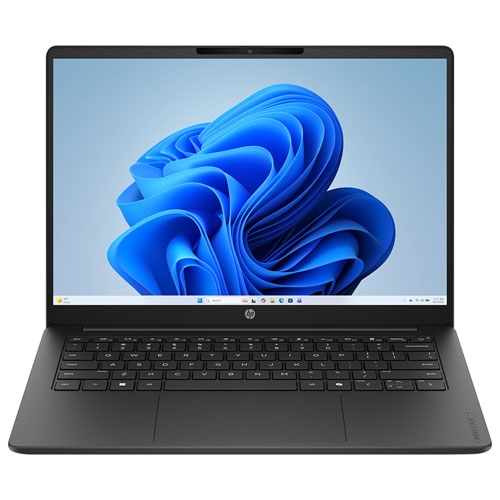
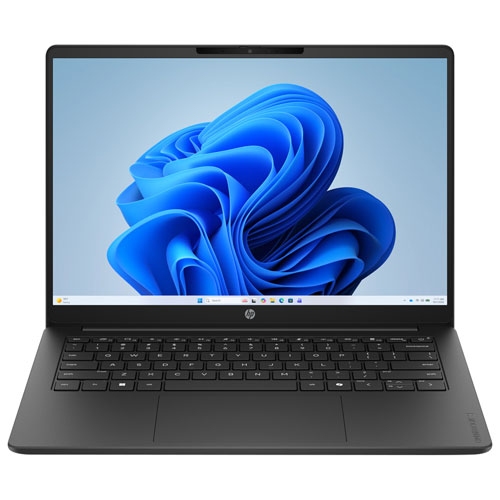

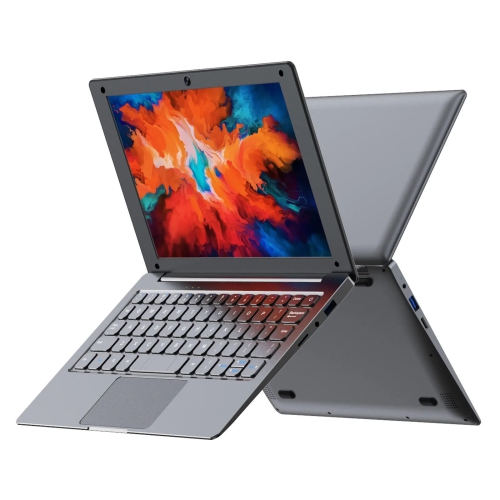


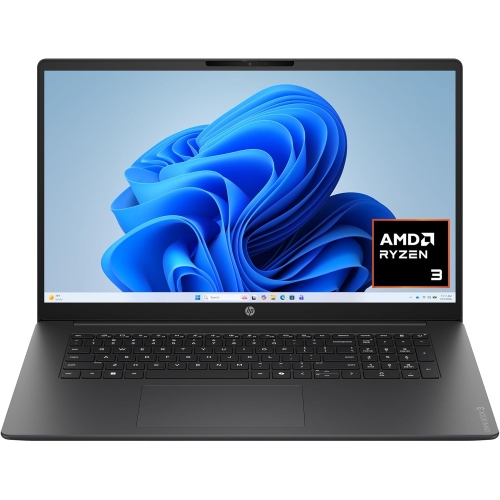
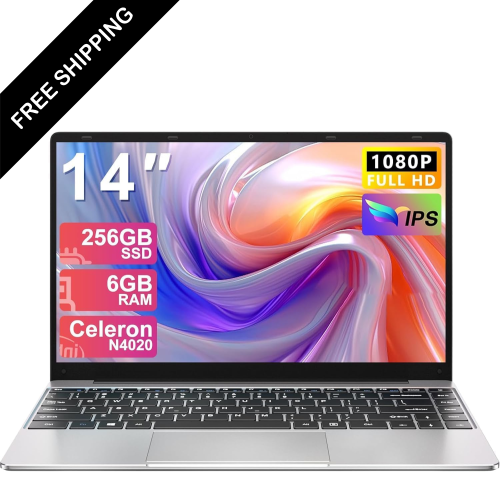
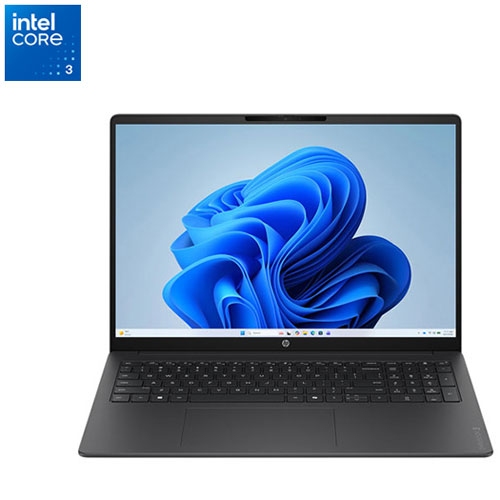
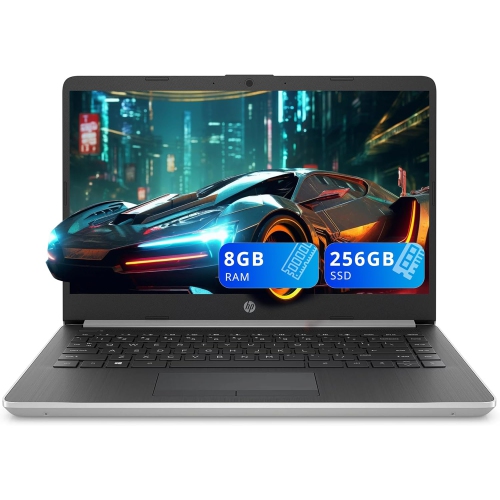
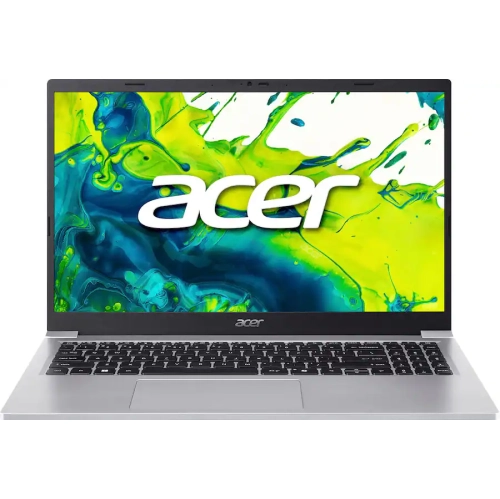
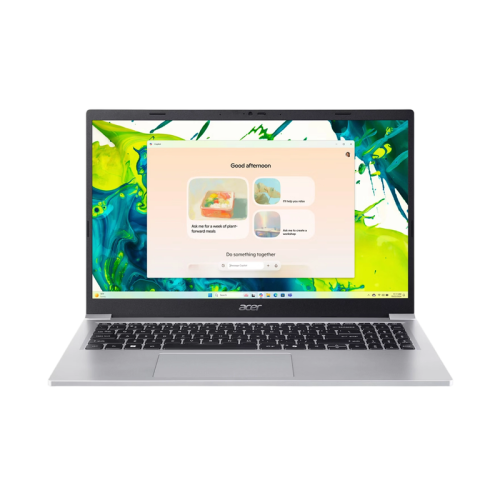
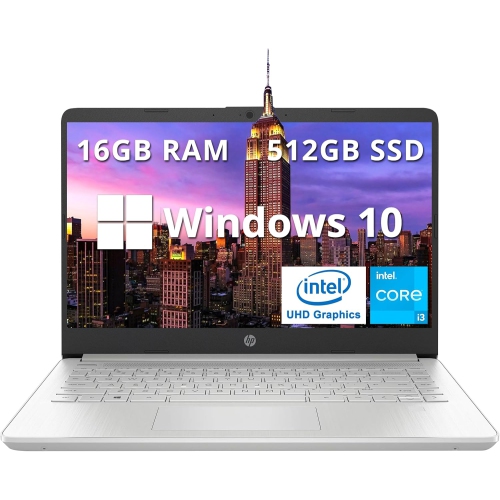


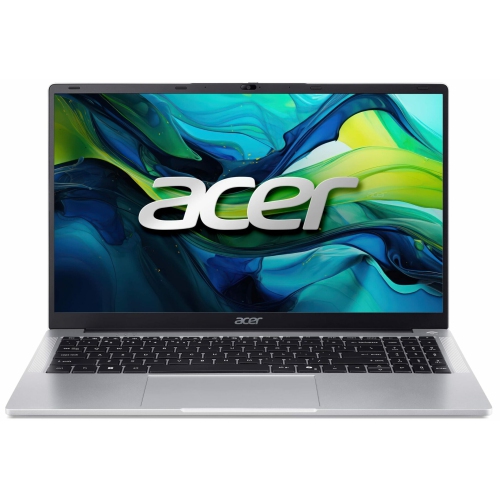
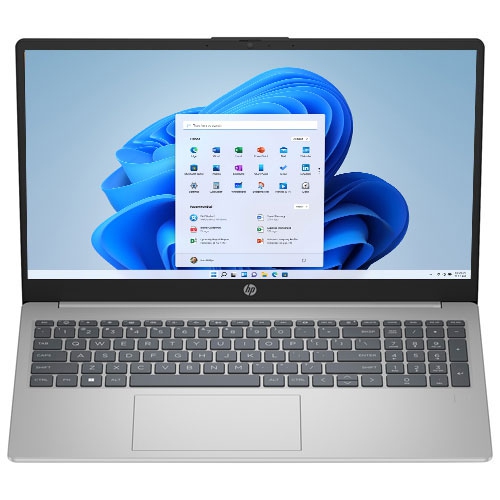
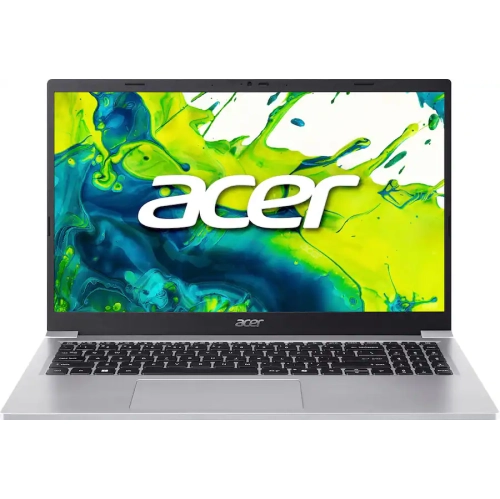
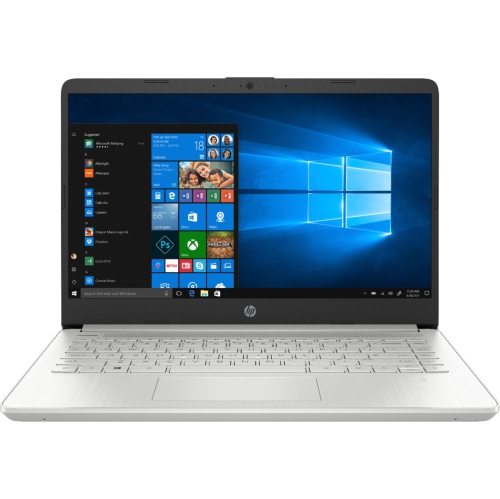
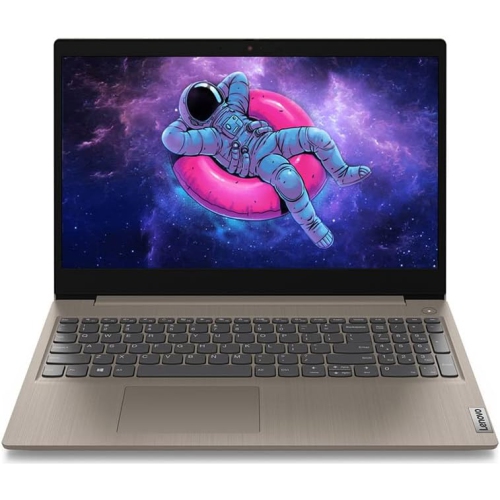

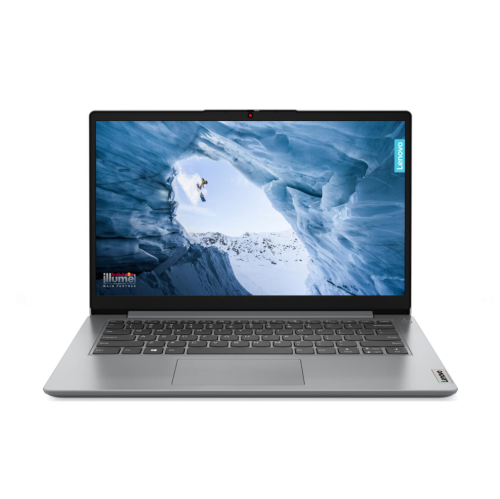
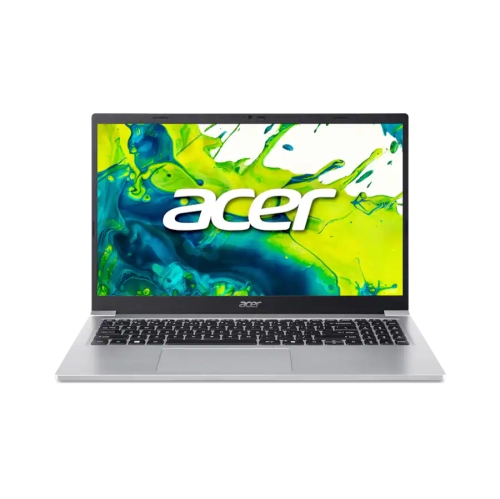

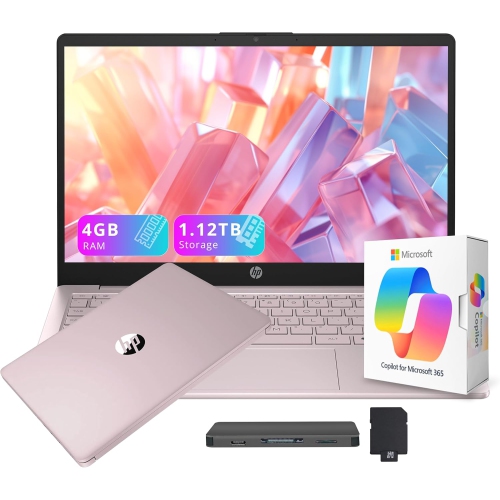
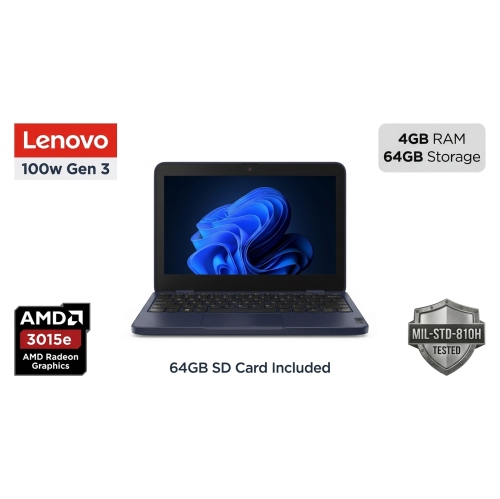
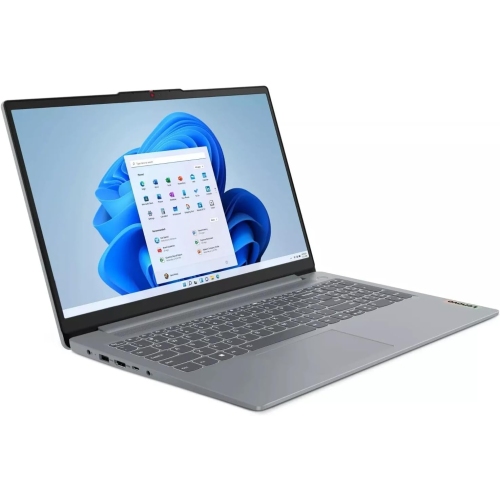
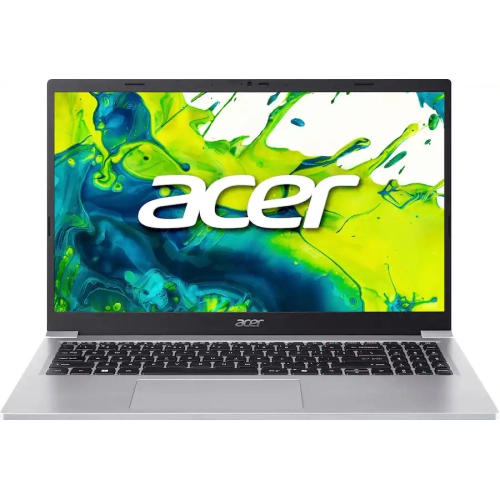
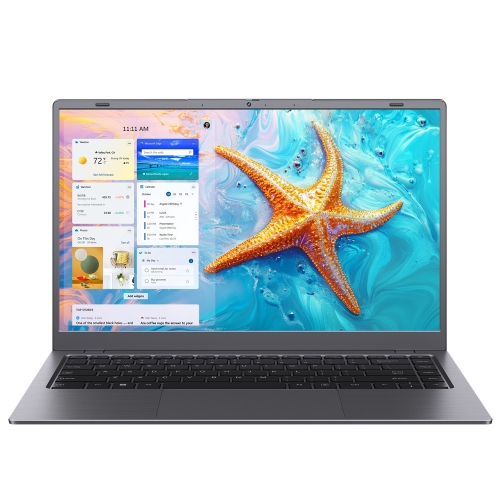
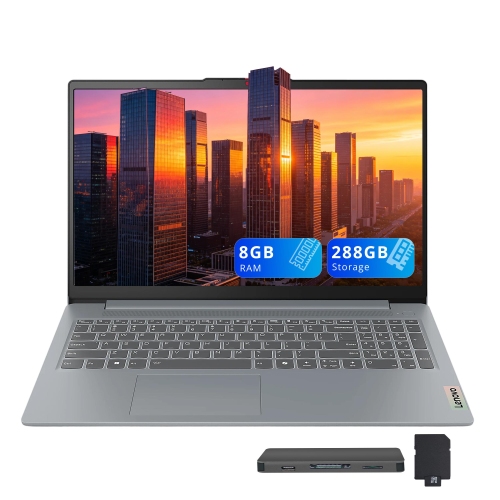
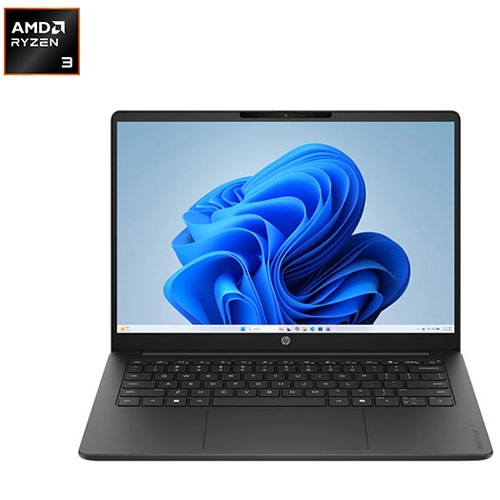
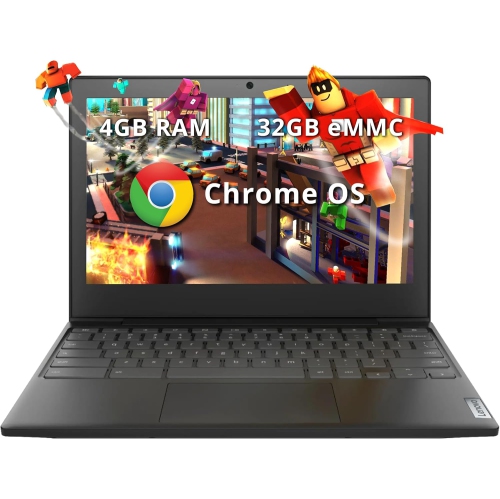
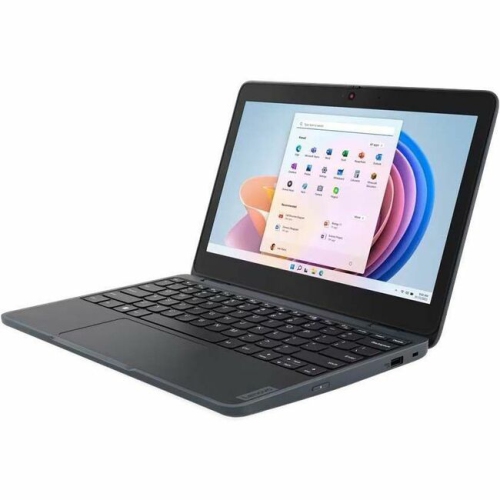


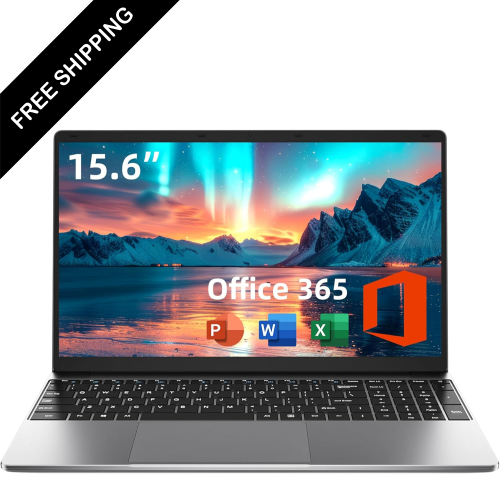

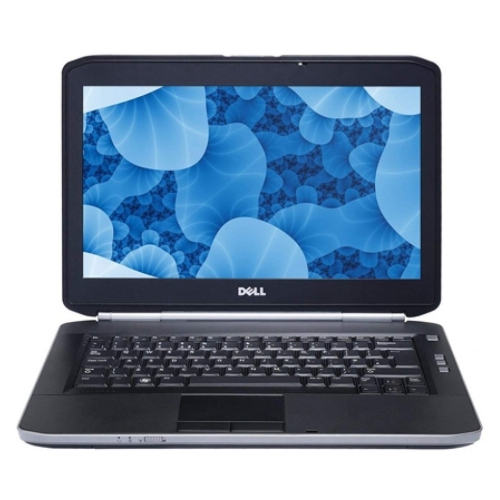
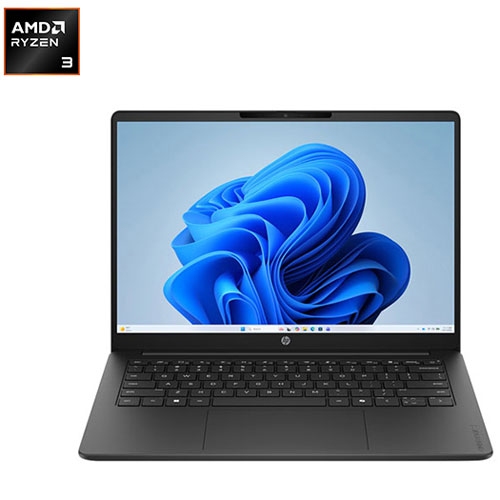


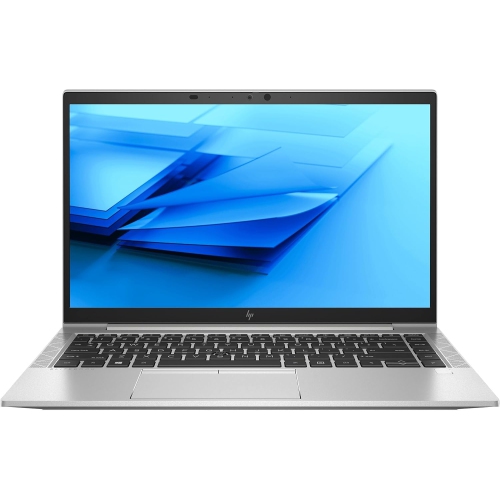
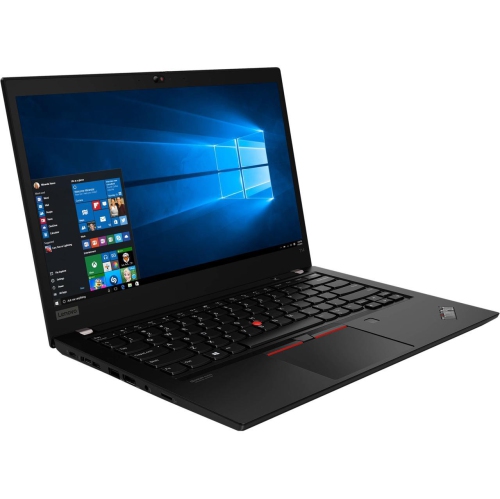
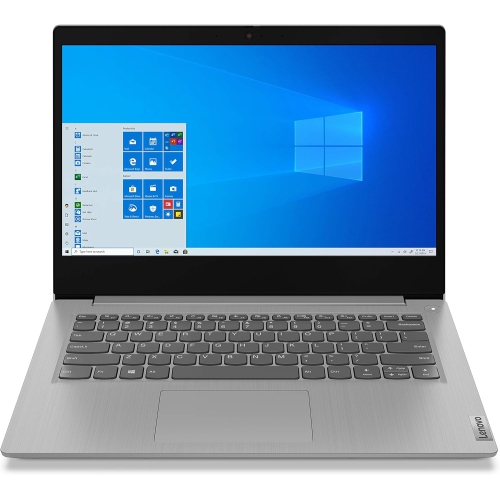
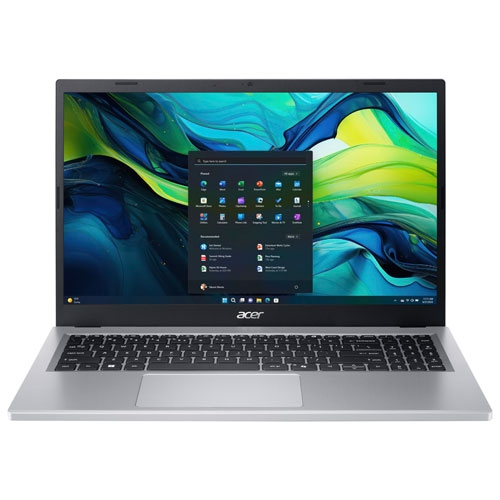
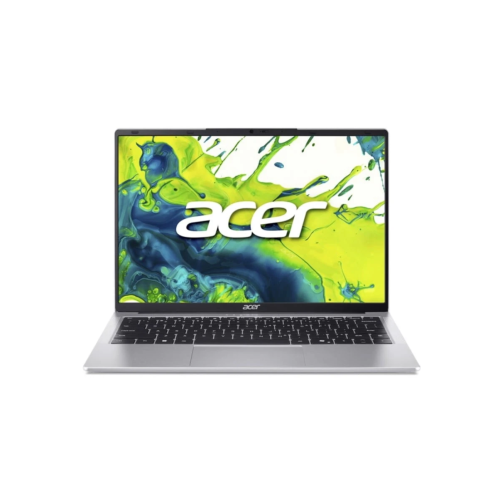
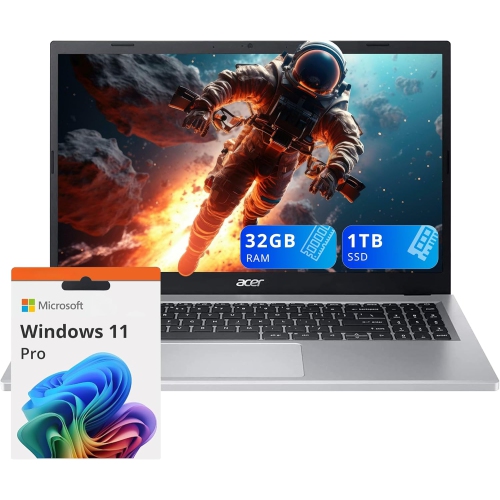
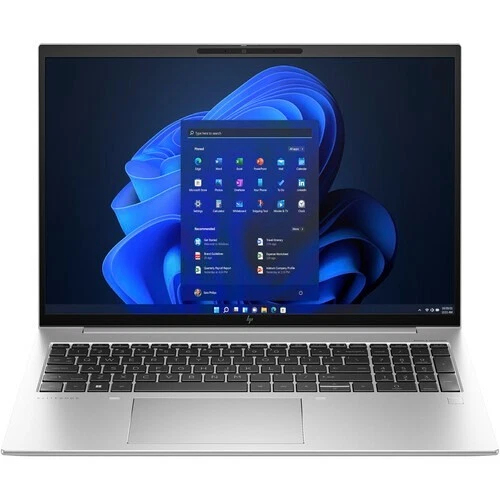

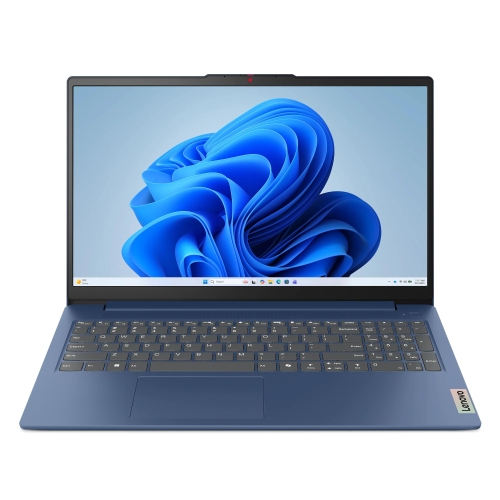



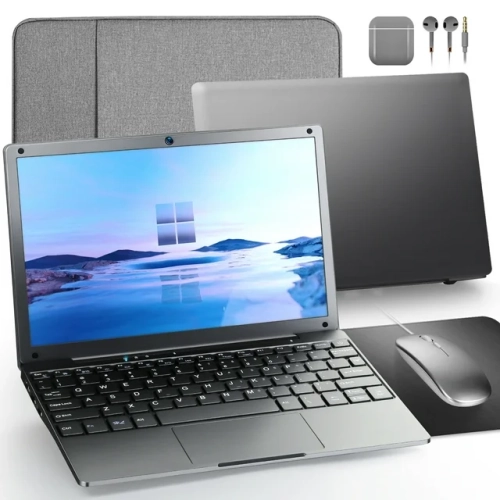
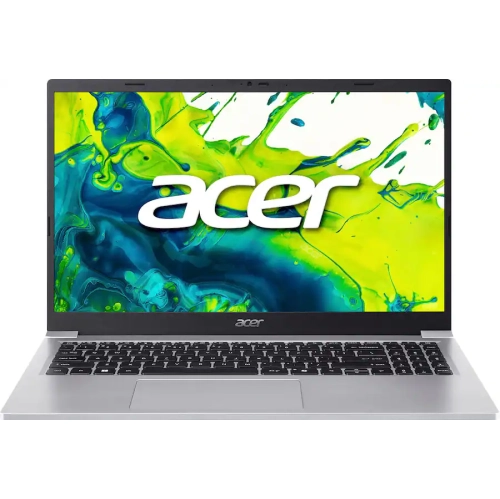

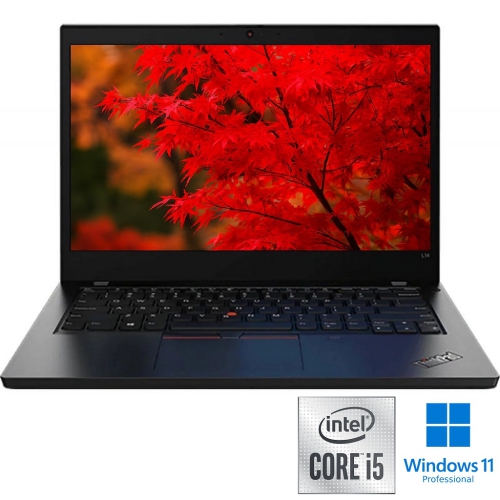
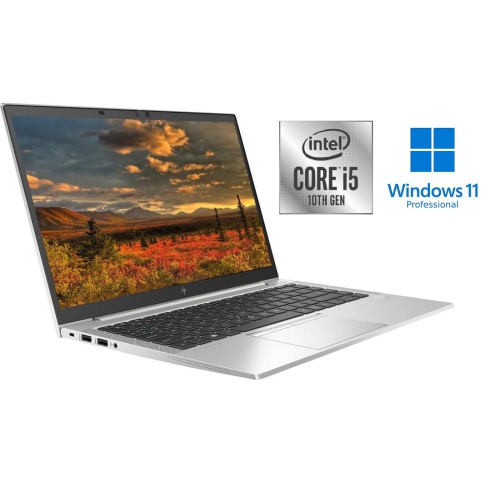
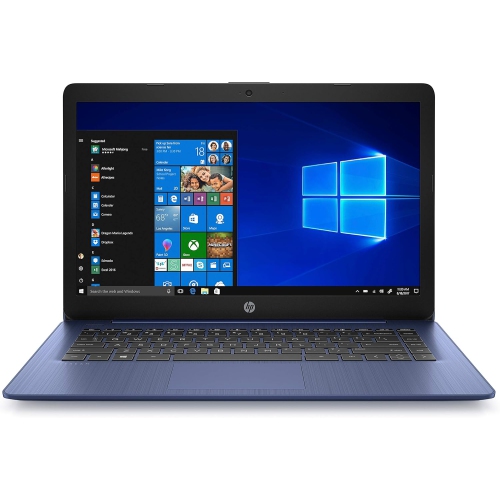
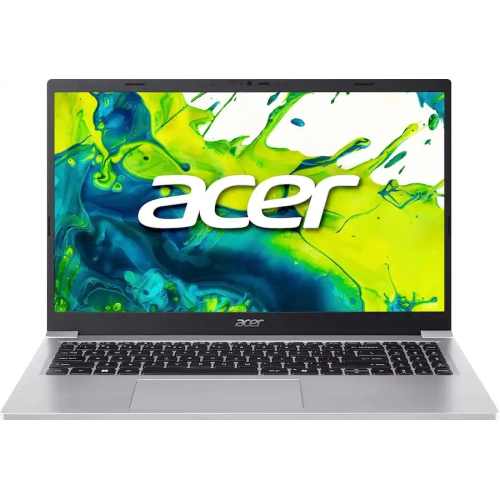
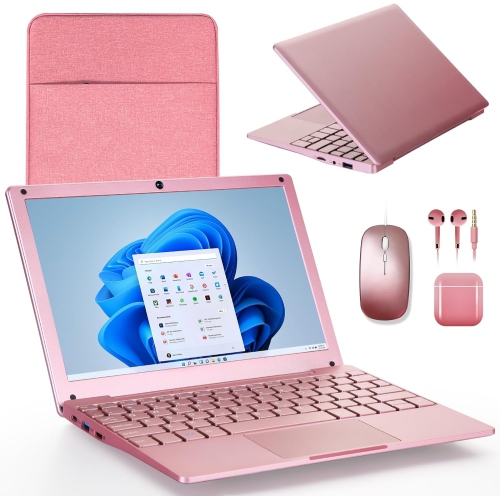
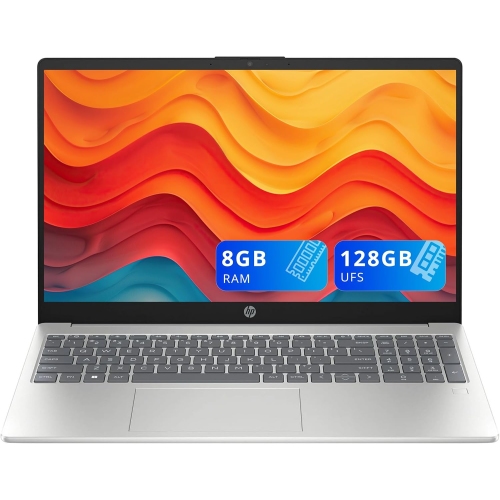
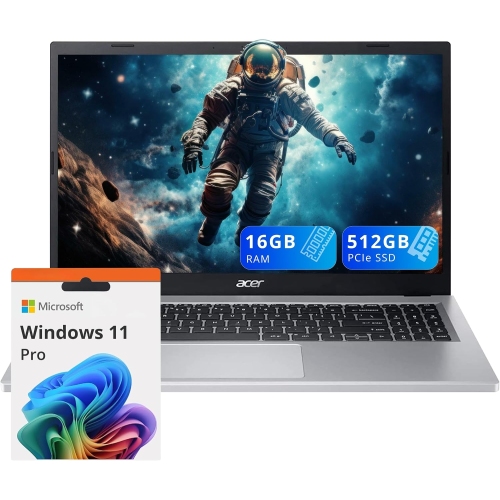
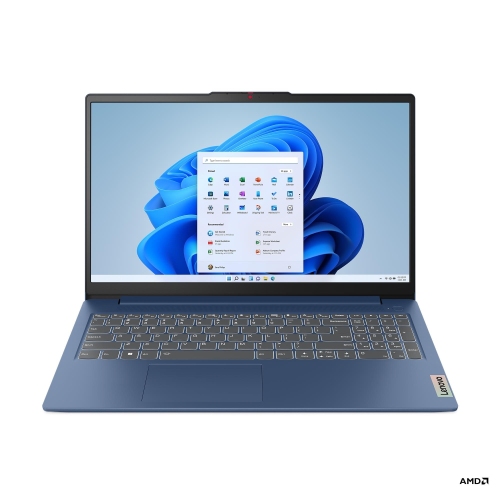


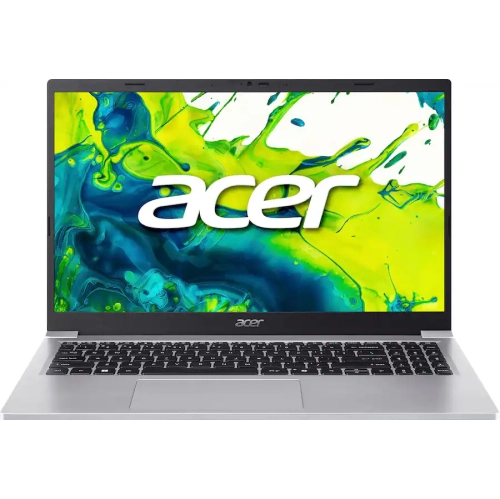
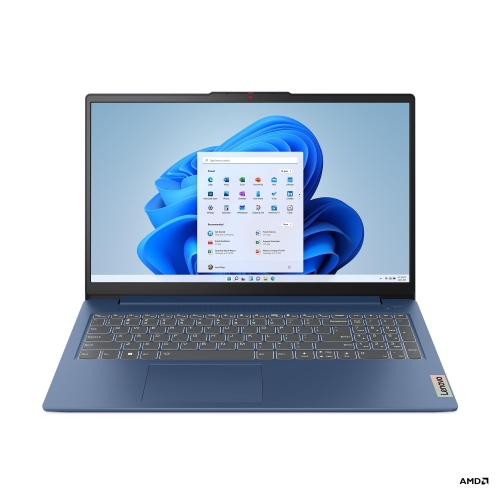

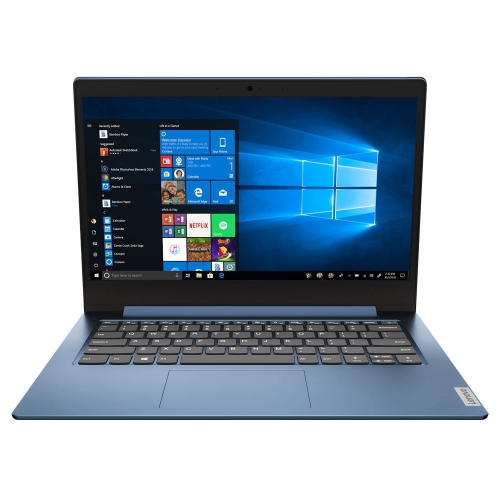
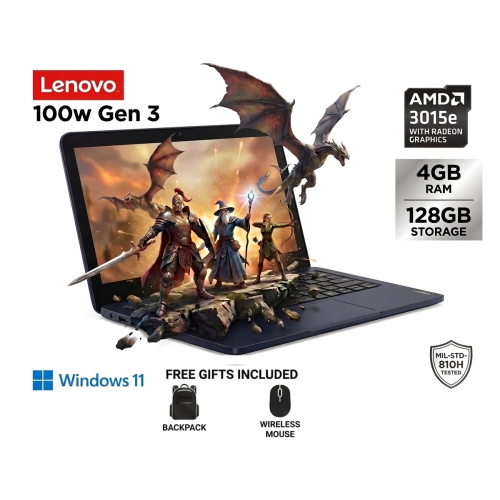
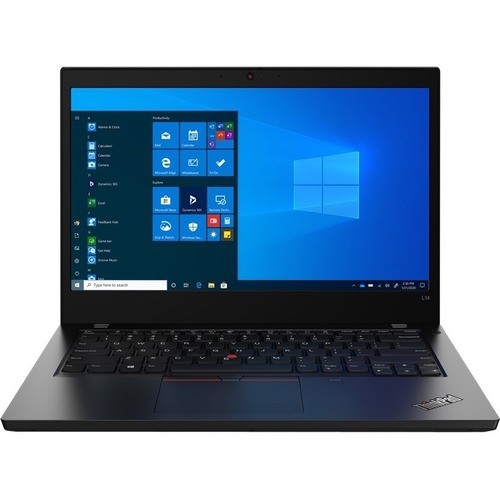


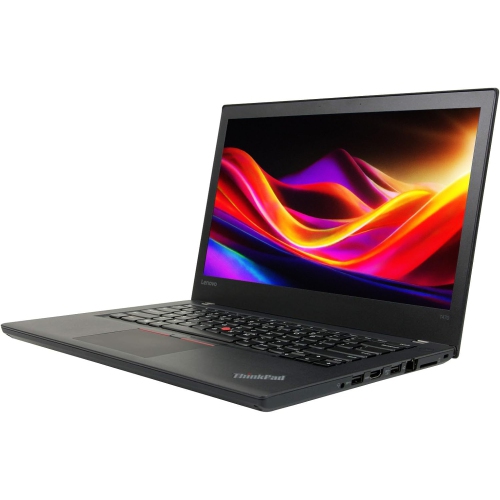
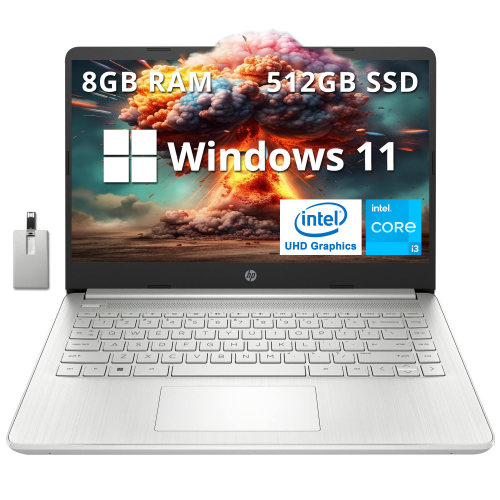
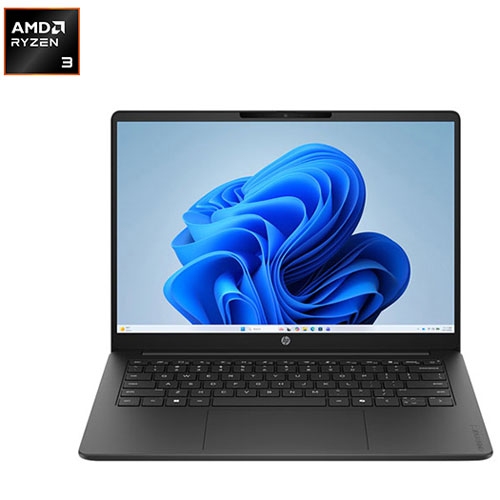


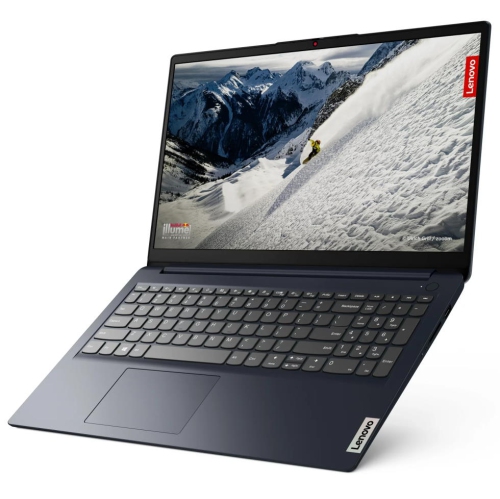

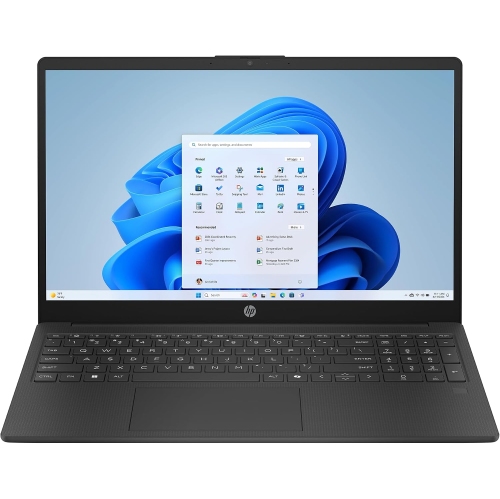
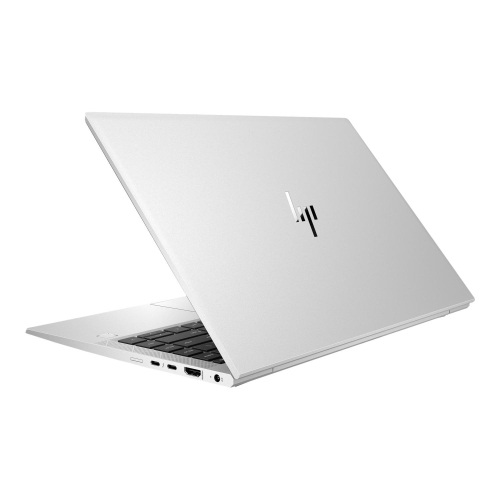
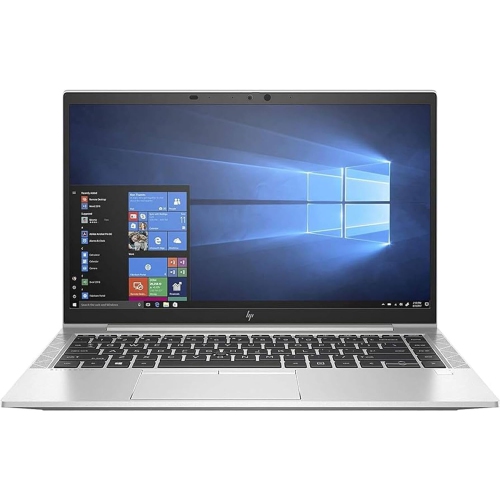
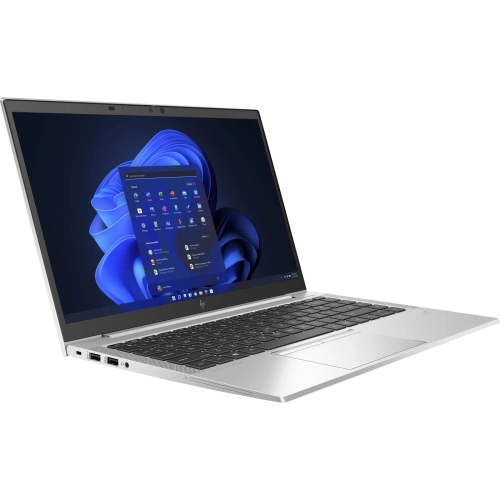

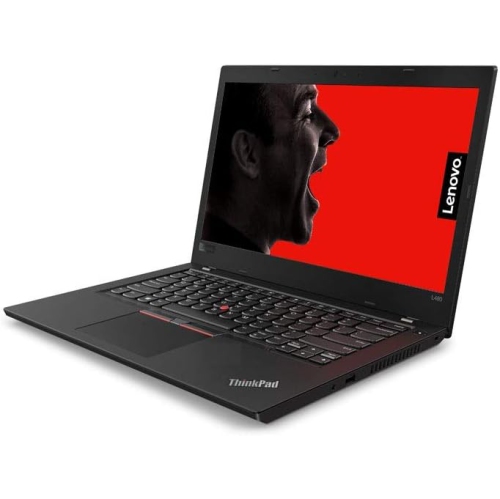
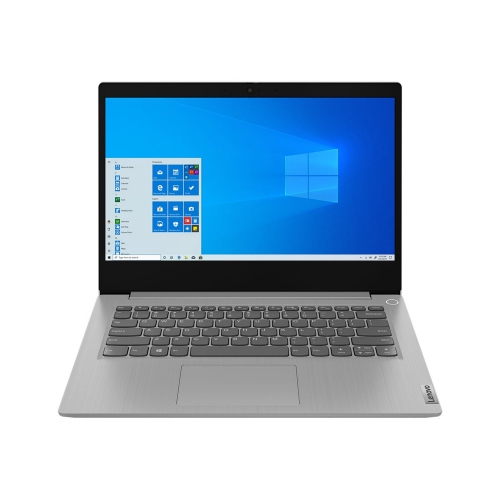
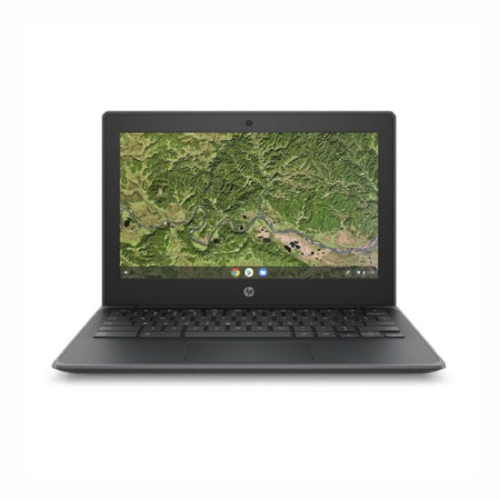




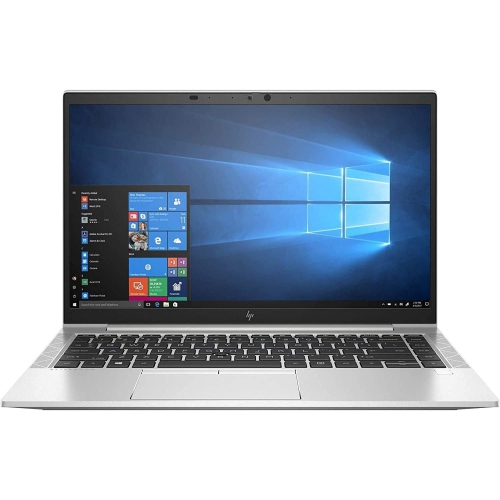
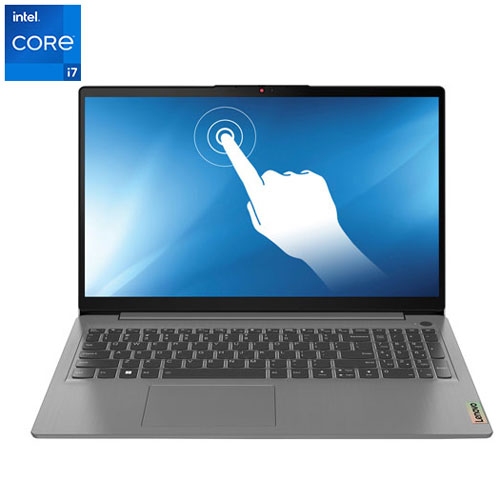
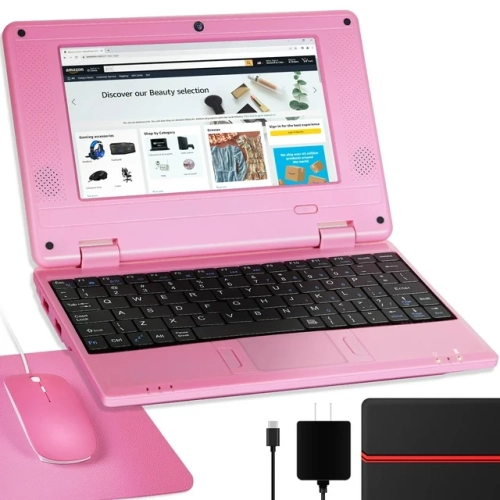
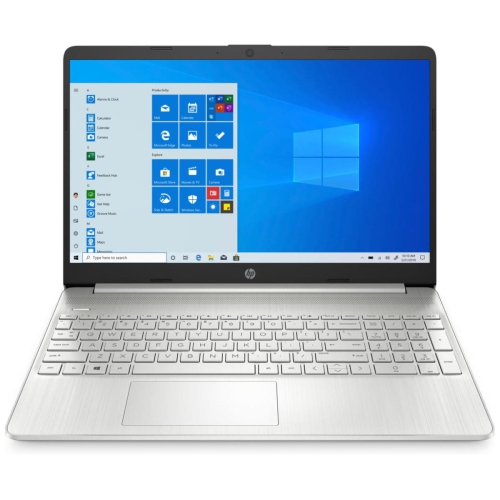
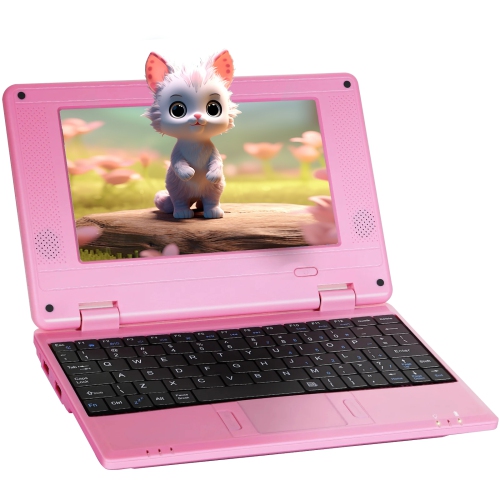

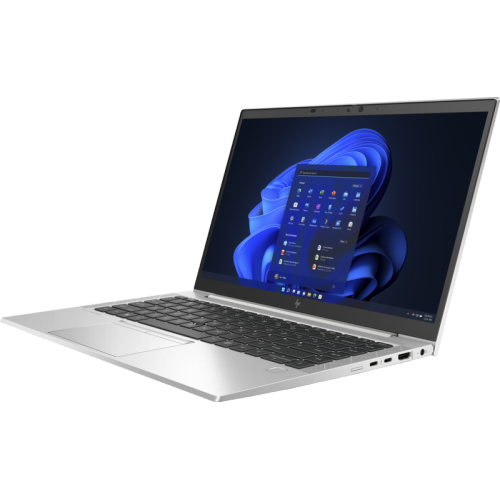
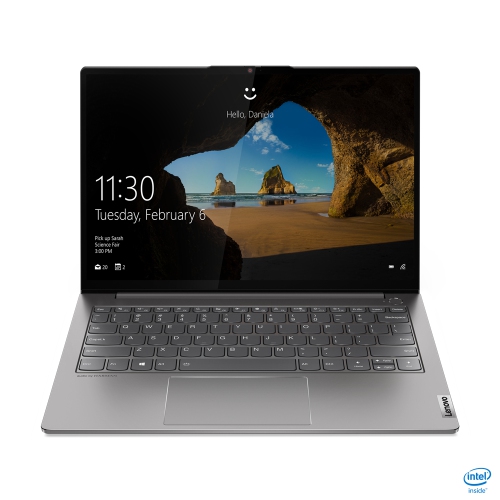
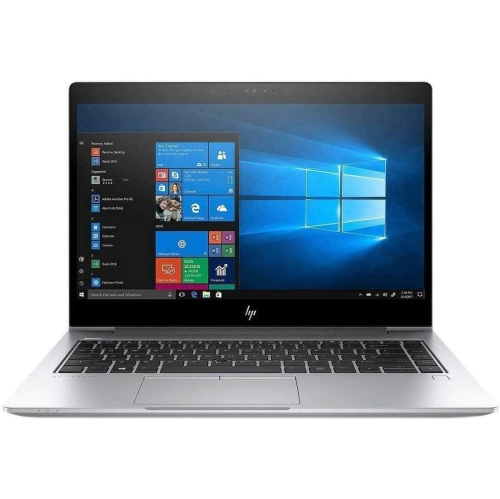

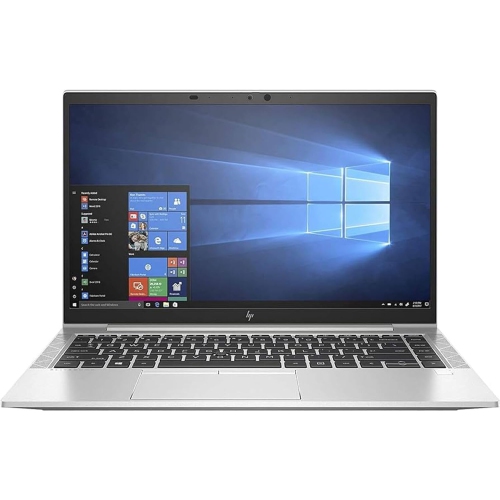
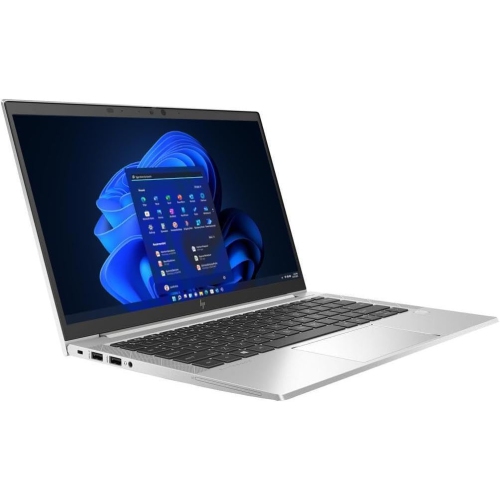
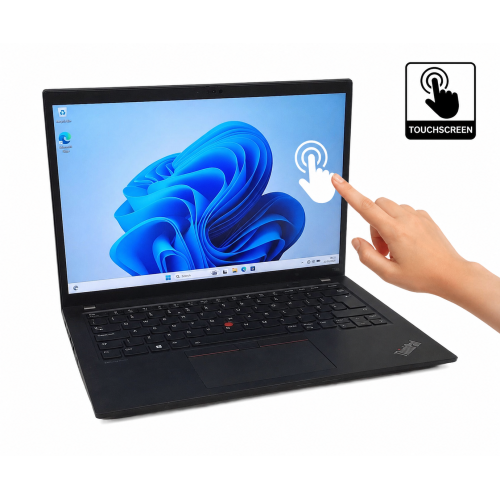
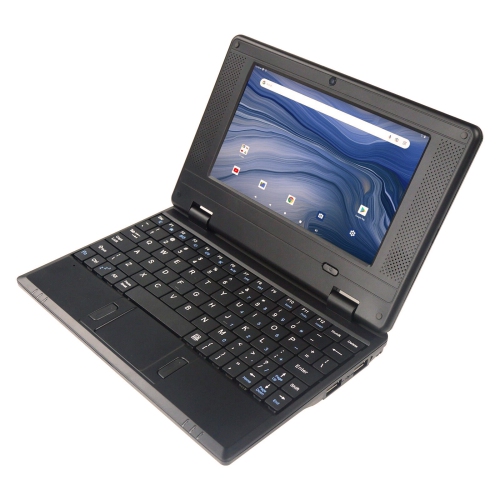
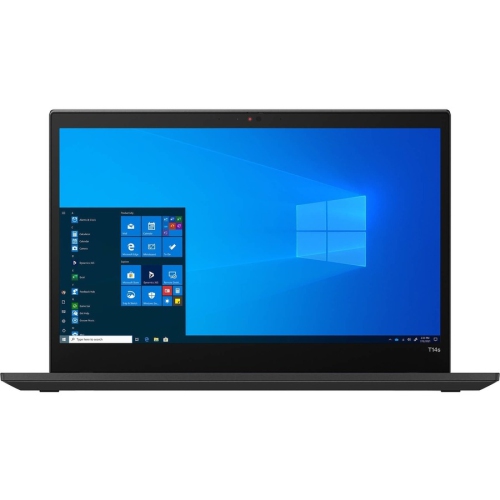
Writing comfort matters more than gaming power
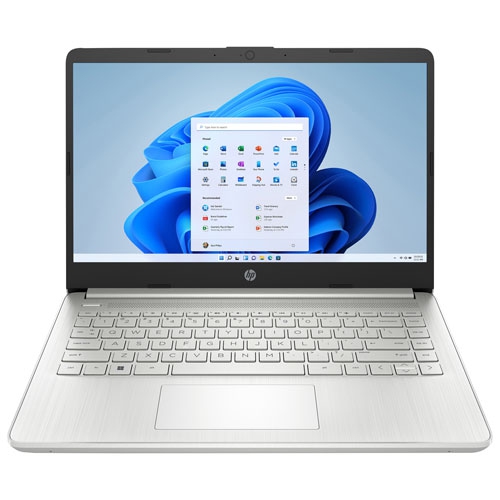
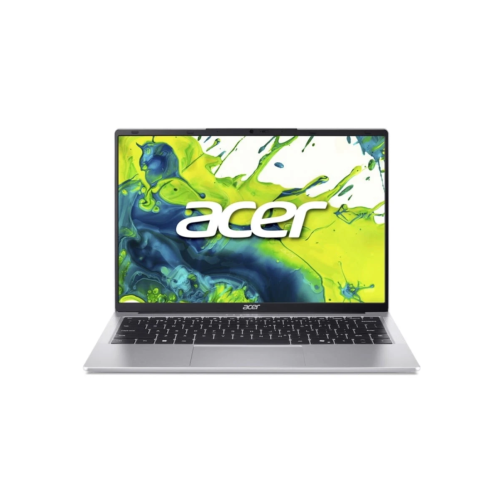
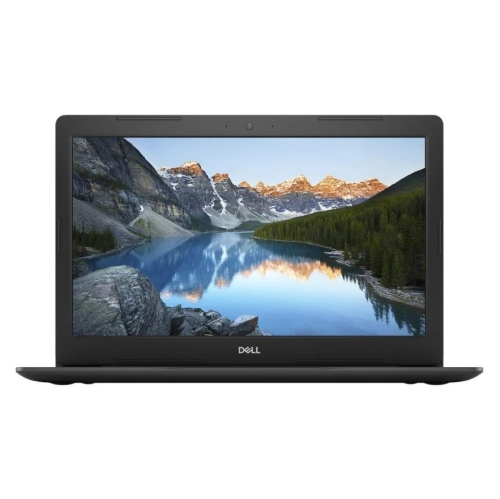
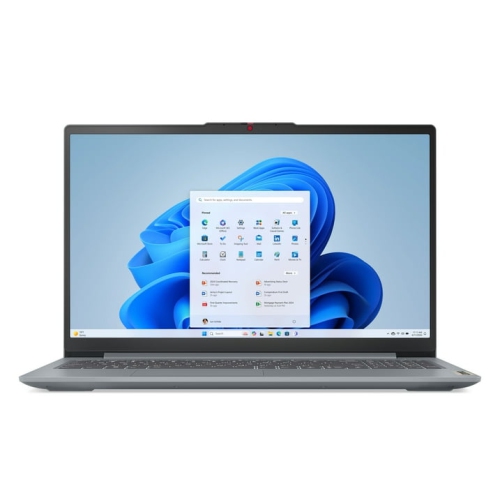
Laptops for writers on a budget work best when everyday writing comfort takes priority: a responsive keyboard, a readable screen, dependable document performance, and battery life that supports time away from a power outlet. These qualities matter whether the task is a university essay, a freelance assignment, a short story, or a collection of family memories. Writing rarely requires the graphics capabilities associated with demanding games, but it does involve thousands of keystrokes, frequent revisions, and plenty of movement between documents and research tabs. A comfortable keyboard has clearly spaced keys, consistent feedback, and a layout that makes familiar shortcuts easy to reach. The placement of the arrow keys, Delete key, and punctuation keys can be especially noticeable when editing dialogue or moving through a lengthy manuscript. A backlit keyboard can make key labels easier to see in a dim room, while a precise touchpad helps with selecting passages and adding comments without interrupting the flow of a sentence. Screen size influences both portability and the amount of text visible at once. A compact laptop fits more easily on a small library desk or into a commuter bag; a larger display provides more room for a draft beside research notes. Resolution, text scaling, and contrast all affect readability, so a sharp display is most useful when words can be shown at a comfortable size. A matte finish can reduce distracting reflections, although glare also depends on lighting and where the laptop is placed. For someone who writes at a kitchen table, then moves to a shared workspace, an adjustable screen hinge and manageable overall weight can matter as much as screen dimensions. Longer writing sessions also make physical fit important. Enough space to rest the hands, keys that do not feel cramped, and a screen position that limits hunching help create a more comfortable setup. At a regular desk, a laptop stand paired with an external keyboard and mouse can bring the display closer to eye level without raising the typing surface.
For everyday drafting and editing, a laptop needs to keep word processing, web research, email, and reference files running smoothly together. Memory helps determine how comfortably those tasks coexist. Basic document work can be manageable with 8 GB of memory, while 16 GB offers more room for numerous browser tabs, larger files, and other applications running alongside a draft. The right balance depends on the software and workload rather than writing alone. A novelist working mainly in text has different needs from a journalist reviewing recorded interviews or a content creator editing photographs for an article. A solid-state drive supports responsive startup and file access, while storage capacity becomes more important when projects include audio, images, or extensive reference collections. Plain text documents occupy relatively little space, but supporting material can accumulate over time. Software compatibility matters too: some writing tools run in a browser, while others require a particular operating system or a locally installed application. Browser-based tools can make it convenient to move between devices, although offline access depends on the application and its settings. Local applications are useful for drafting on a train or in a quiet corner without a reliable internet connection. Battery life deserves the same practical attention as performance. Actual runtime changes with screen brightness, video calls, background applications, and battery condition, so an advertised figure does not describe every writing session. Reliable Wi-Fi supports research, shared documents, and sending finished work, while suitable ports make it easier to connect a mouse, external display, or storage device. USB-C capabilities differ between laptops; a port used for data does not necessarily support charging or video output. For writers who carry work between several locations, the charger’s size and connection type also affect convenience. Protecting a manuscript involves more than saving it once. Automatic saving and version history can help recover earlier wording, while a separate backup provides another layer of protection if a file is deleted or a device is damaged. These everyday details support a workflow in which the laptop stays in the background and the writing receives the attention.
Within the broader Laptops for Writing category, durability and portability help distinguish a device suited to occasional notes from one intended for frequent travel and sustained use. Laptop housings commonly use plastic, aluminum, or a combination of materials. Metal can provide a firm feel, while well-built plastic can keep a device light; hinge construction, keyboard support, and overall assembly matter alongside the material itself. A screen that holds its position and a typing surface that does not flex noticeably contribute to a reassuring everyday feel. Writers who carry a laptop between home, campus, and appointments benefit from a protective sleeve that fits the device closely without putting pressure on the display. The complete carrying load includes the charger and accessories, not just the laptop, which can make a compact setup appealing to someone commuting on foot or by transit. Care is straightforward but important: a soft, lint-free cloth helps remove surface dust, liquids belong away from the keyboard, and ventilation openings need clear space. A firm desk or table is generally a better working surface than bedding that can obstruct airflow. Cleaning methods should follow the device’s care directions, particularly for the screen coating. Keyboard layout is another personal detail worth considering for Canadian writers who work in English, French, or both, since layouts and shortcuts for accented characters can vary. Accessibility features such as text enlargement, speech-to-text, and read-aloud tools may also support drafting and proofreading, with their usefulness depending on the application and available settings. As a gift, a writing-focused laptop can suit a student beginning a research-heavy program, a relative recording personal histories, or an aspiring author building a regular writing habit. The recipient’s preferred software, comfort with the operating system, and need to carry the device are more meaningful than an impressive specification alone. For budget-minded writers, a well-matched laptop is one that handles familiar tasks reliably, feels comfortable through repeated revisions, and fits naturally into the places where their work takes shape.
For everyday drafting and editing, a laptop needs to keep word processing, web research, email, and reference files running smoothly together. Memory helps determine how comfortably those tasks coexist. Basic document work can be manageable with 8 GB of memory, while 16 GB offers more room for numerous browser tabs, larger files, and other applications running alongside a draft. The right balance depends on the software and workload rather than writing alone. A novelist working mainly in text has different needs from a journalist reviewing recorded interviews or a content creator editing photographs for an article. A solid-state drive supports responsive startup and file access, while storage capacity becomes more important when projects include audio, images, or extensive reference collections. Plain text documents occupy relatively little space, but supporting material can accumulate over time. Software compatibility matters too: some writing tools run in a browser, while others require a particular operating system or a locally installed application. Browser-based tools can make it convenient to move between devices, although offline access depends on the application and its settings. Local applications are useful for drafting on a train or in a quiet corner without a reliable internet connection. Battery life deserves the same practical attention as performance. Actual runtime changes with screen brightness, video calls, background applications, and battery condition, so an advertised figure does not describe every writing session. Reliable Wi-Fi supports research, shared documents, and sending finished work, while suitable ports make it easier to connect a mouse, external display, or storage device. USB-C capabilities differ between laptops; a port used for data does not necessarily support charging or video output. For writers who carry work between several locations, the charger’s size and connection type also affect convenience. Protecting a manuscript involves more than saving it once. Automatic saving and version history can help recover earlier wording, while a separate backup provides another layer of protection if a file is deleted or a device is damaged. These everyday details support a workflow in which the laptop stays in the background and the writing receives the attention.
Within the broader Laptops for Writing category, durability and portability help distinguish a device suited to occasional notes from one intended for frequent travel and sustained use. Laptop housings commonly use plastic, aluminum, or a combination of materials. Metal can provide a firm feel, while well-built plastic can keep a device light; hinge construction, keyboard support, and overall assembly matter alongside the material itself. A screen that holds its position and a typing surface that does not flex noticeably contribute to a reassuring everyday feel. Writers who carry a laptop between home, campus, and appointments benefit from a protective sleeve that fits the device closely without putting pressure on the display. The complete carrying load includes the charger and accessories, not just the laptop, which can make a compact setup appealing to someone commuting on foot or by transit. Care is straightforward but important: a soft, lint-free cloth helps remove surface dust, liquids belong away from the keyboard, and ventilation openings need clear space. A firm desk or table is generally a better working surface than bedding that can obstruct airflow. Cleaning methods should follow the device’s care directions, particularly for the screen coating. Keyboard layout is another personal detail worth considering for Canadian writers who work in English, French, or both, since layouts and shortcuts for accented characters can vary. Accessibility features such as text enlargement, speech-to-text, and read-aloud tools may also support drafting and proofreading, with their usefulness depending on the application and available settings. As a gift, a writing-focused laptop can suit a student beginning a research-heavy program, a relative recording personal histories, or an aspiring author building a regular writing habit. The recipient’s preferred software, comfort with the operating system, and need to carry the device are more meaningful than an impressive specification alone. For budget-minded writers, a well-matched laptop is one that handles familiar tasks reliably, feels comfortable through repeated revisions, and fits naturally into the places where their work takes shape.
Top selling and popular products
-
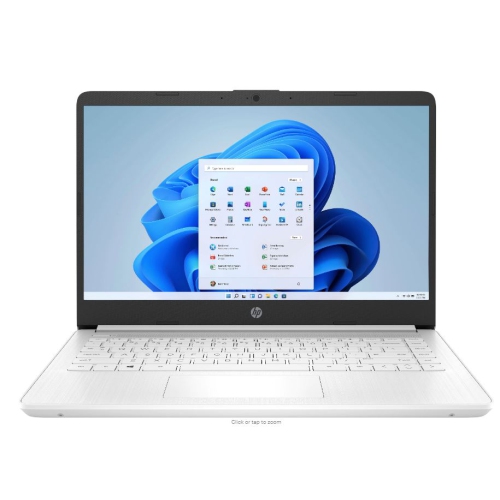 Your price for this item is $449
-
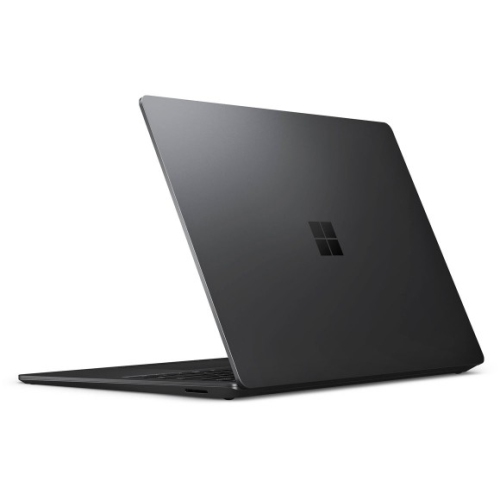 Your price for this item is $3099
-
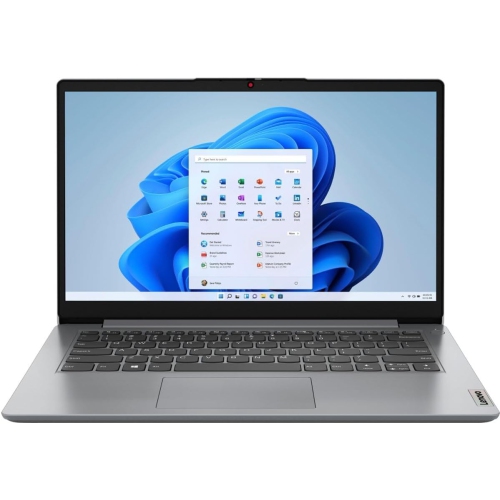 Your price for this item is $664.05
-
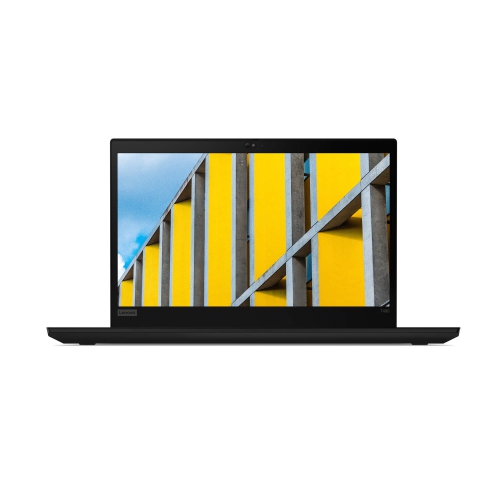 Your price for this item is $599.68
-
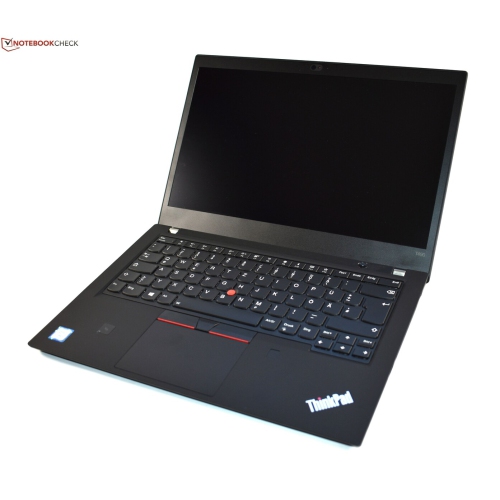 Your price for this item is $499.99
-
 Your price for this item is $418.98
-
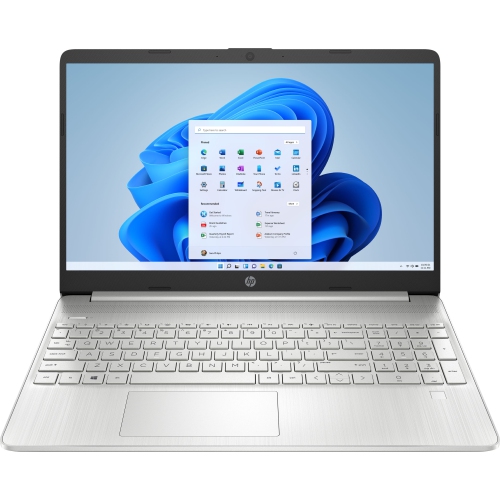 Your price for this item is $829
-
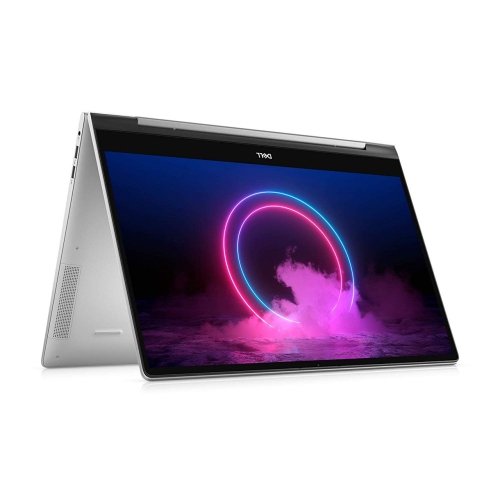 Your price for this item is $999.95
Discover more categories related to Laptops for Writers On A Budget
Top Collections:
Pokemon Centers, Kindle Devices, Best Cameras for Sports Photography, Pokémon 30th Celebration Cards, Apple iPhones 16, Canon G7X Cameras, iPhone 15 Apple, Flip Phones, Samsung Galaxy Phones, Alarm Clock
Some products may be subject to Environmental Handling Fees
(EHF) depending on your province.
Learn more about EHFs.