Laptops With 1TB Storage
Looking for a laptop with ample storage space? 1TB of storage offers the perfect solution for storing almost all your files, photos, videos, and more. With these generous amounts of storage, you can enjoy the convenience of having everything at your fingertips without worrying about running out of space. Whether you're a student, professional, or avid gamer, these laptops are designed to meet your storage needs while delivering top-notch performance.
Sort
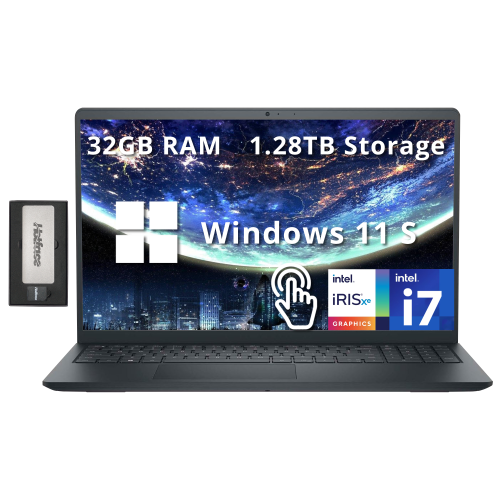
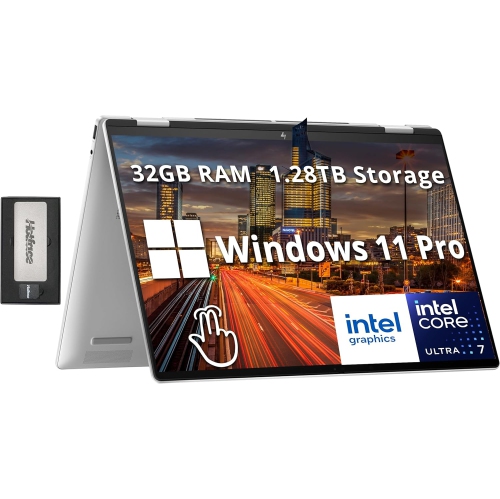
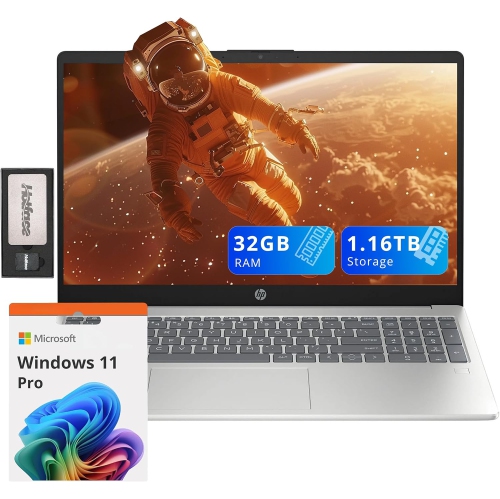
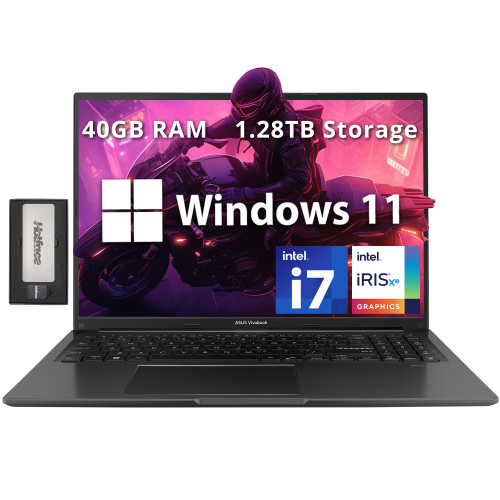
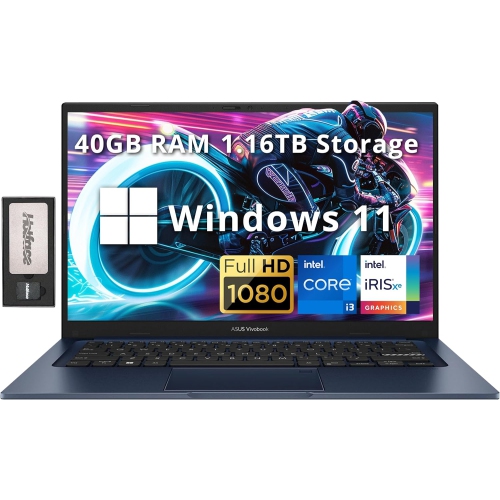
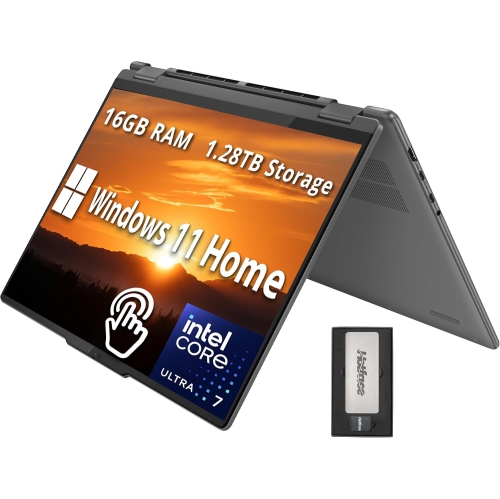
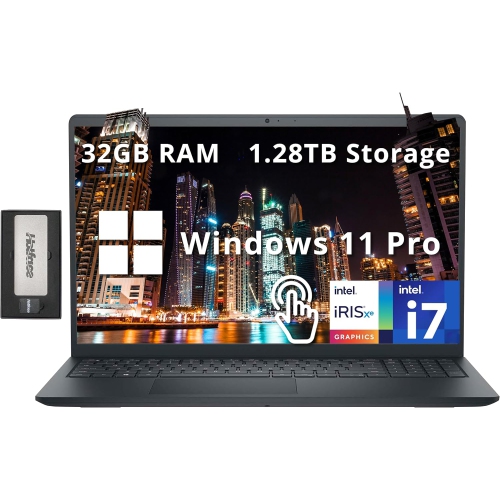
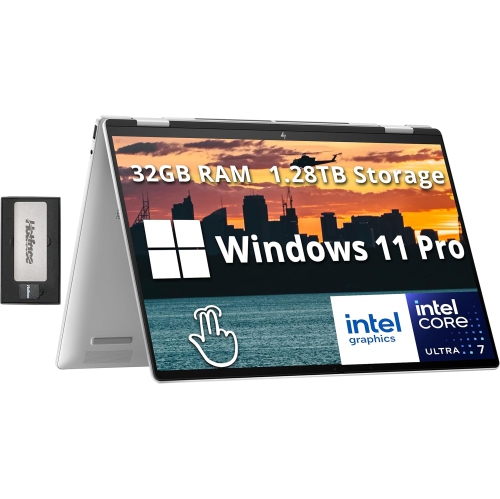
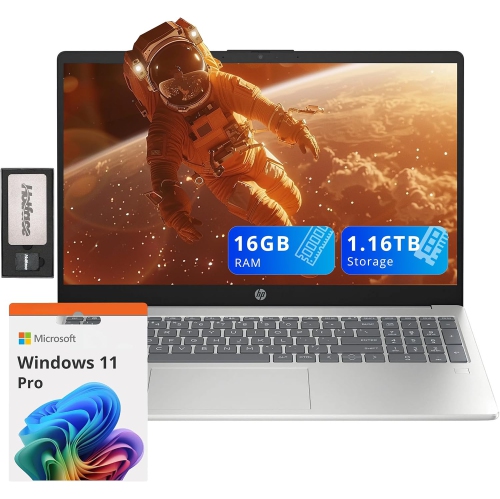
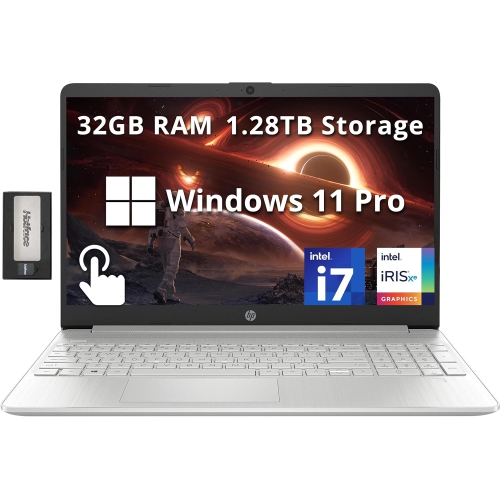
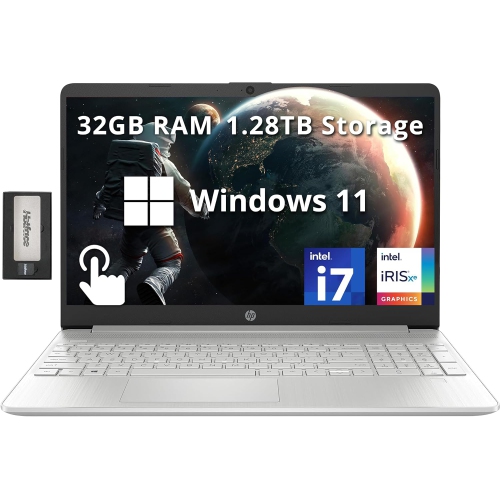
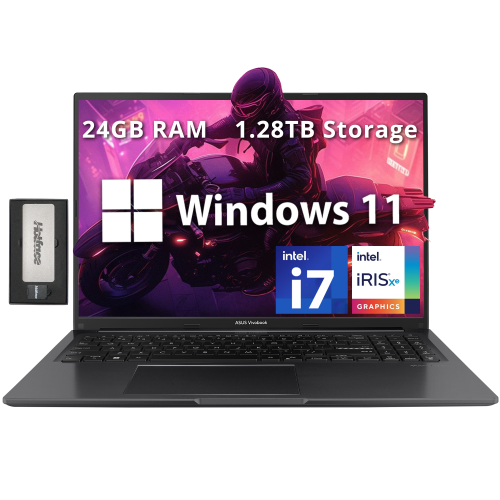
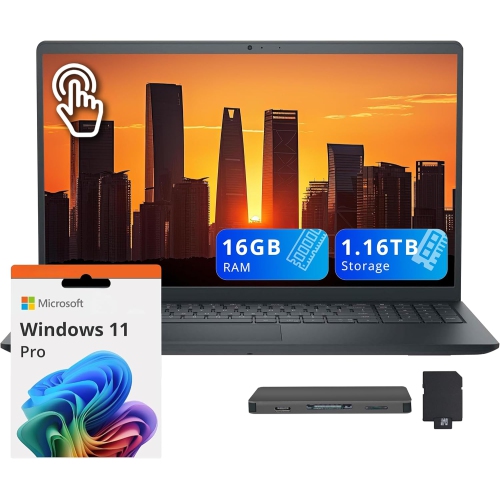
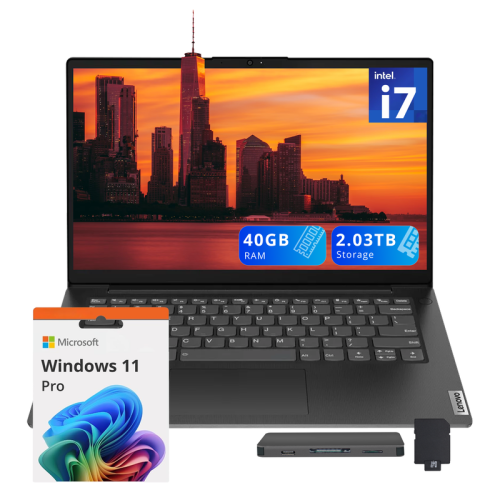
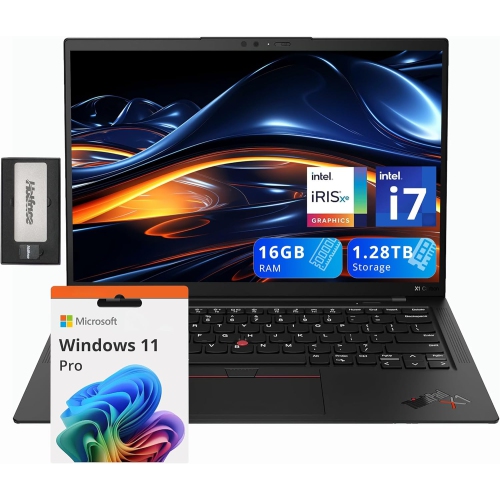
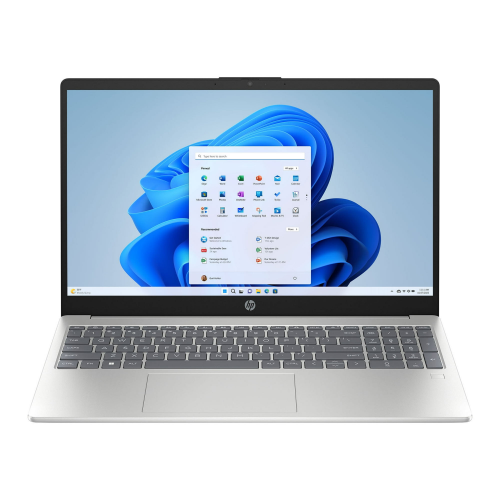


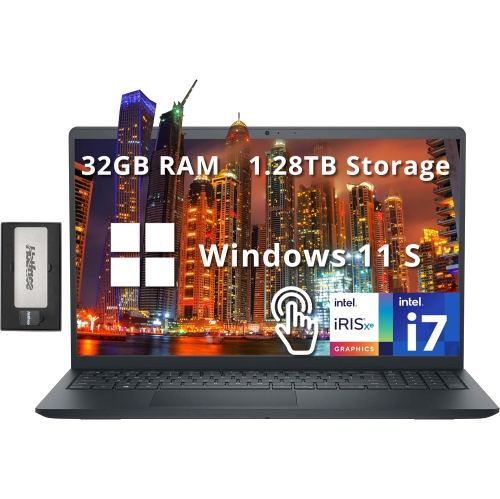
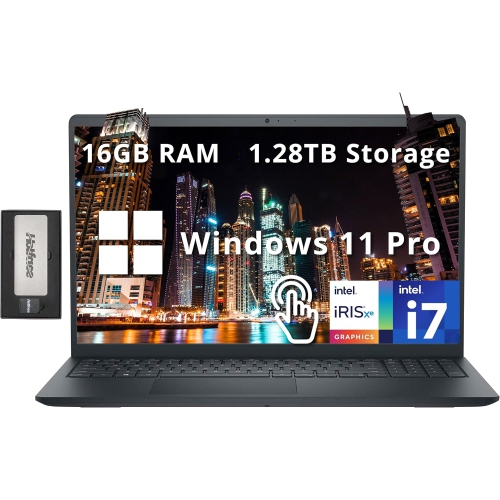
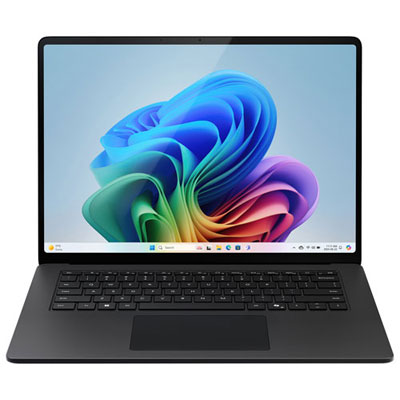
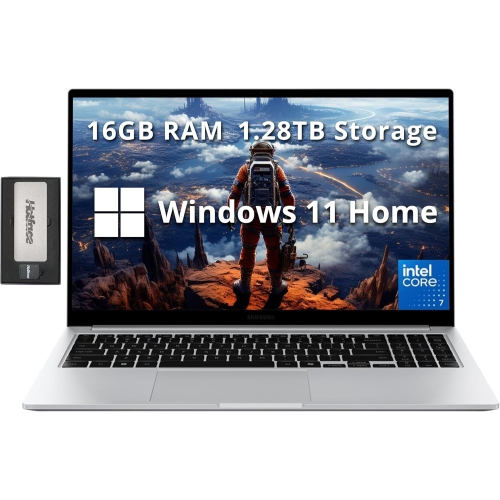
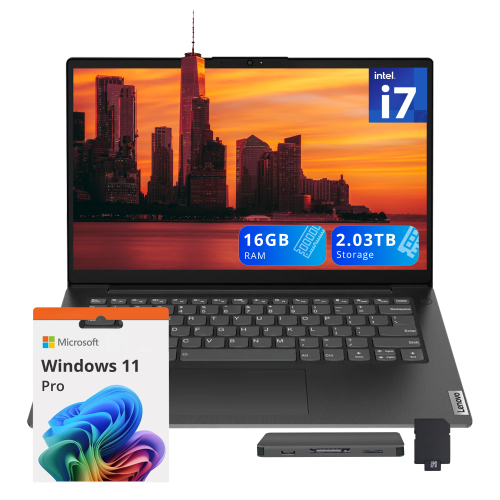
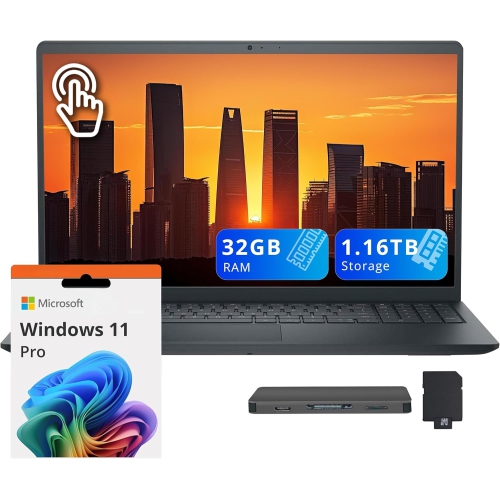
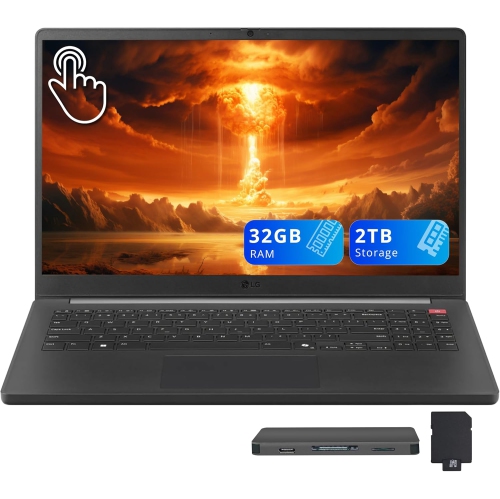
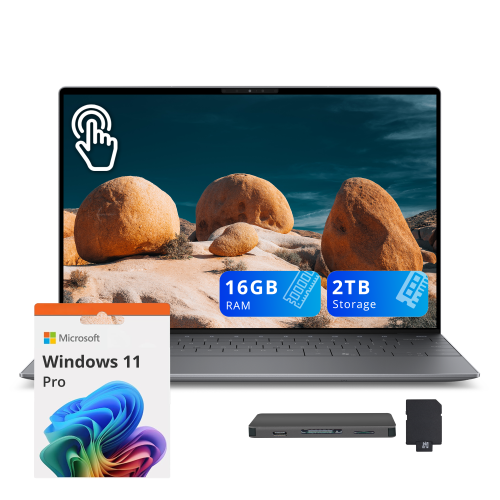
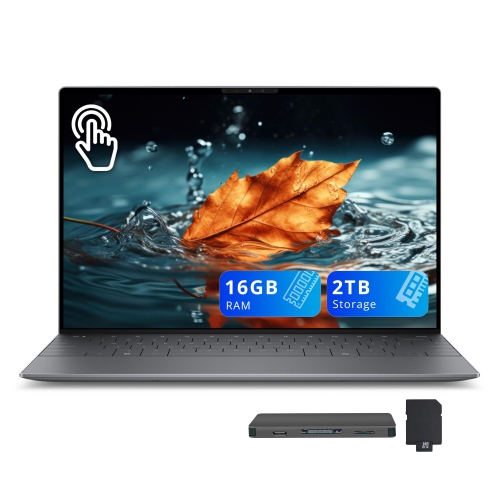
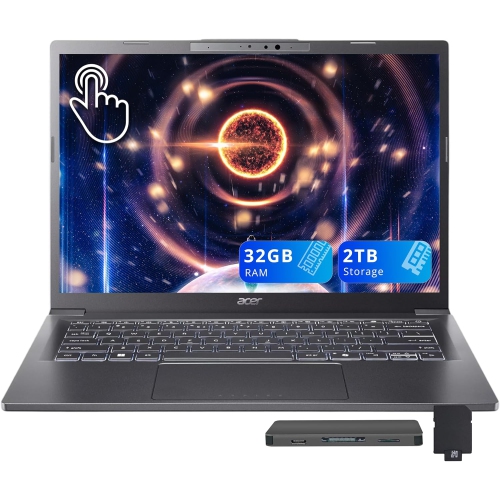
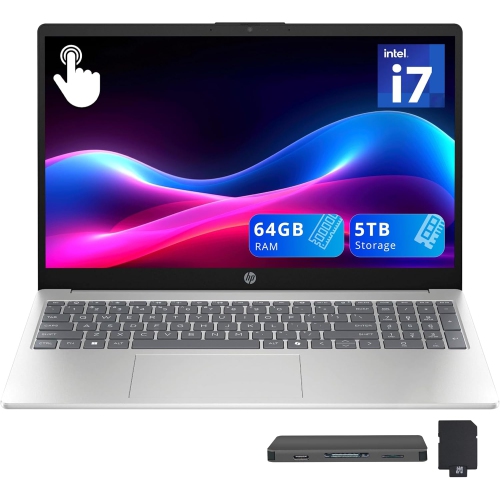
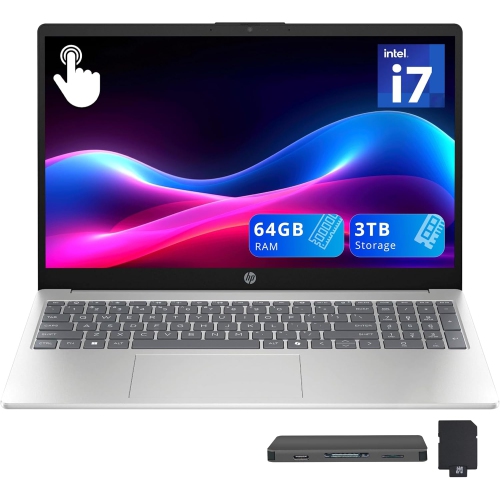
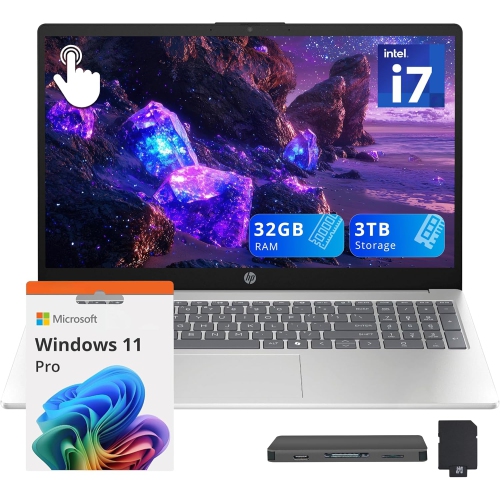
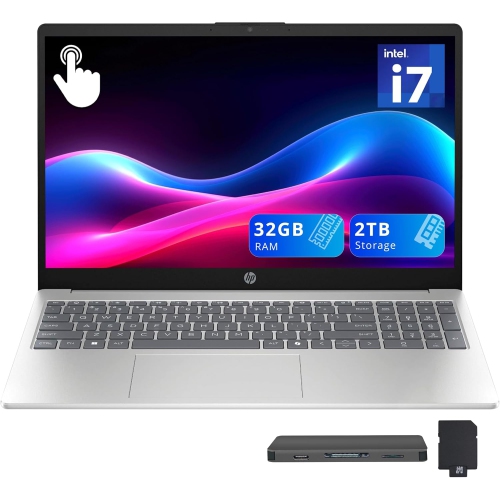
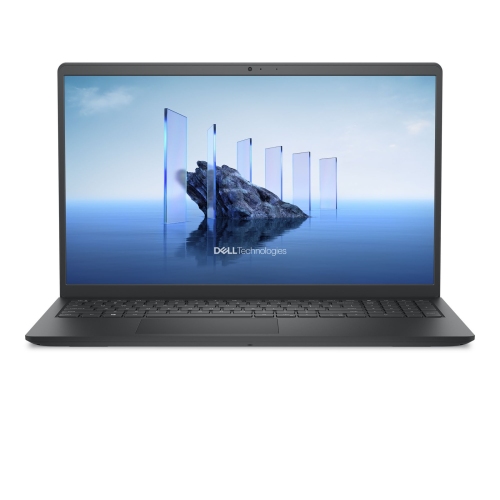
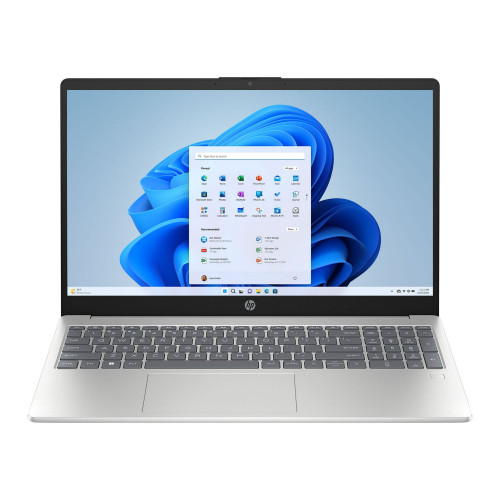
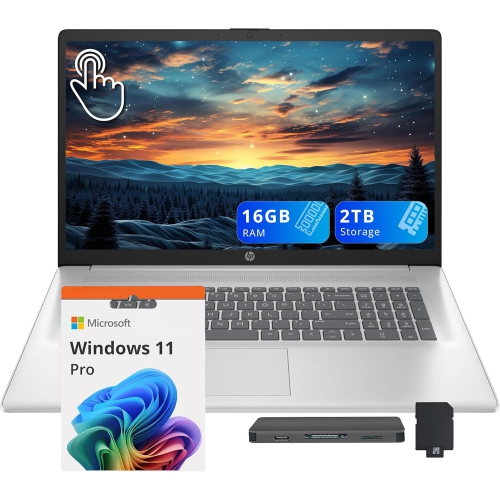
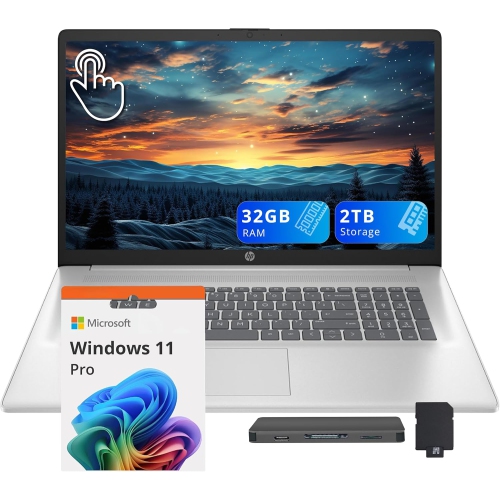
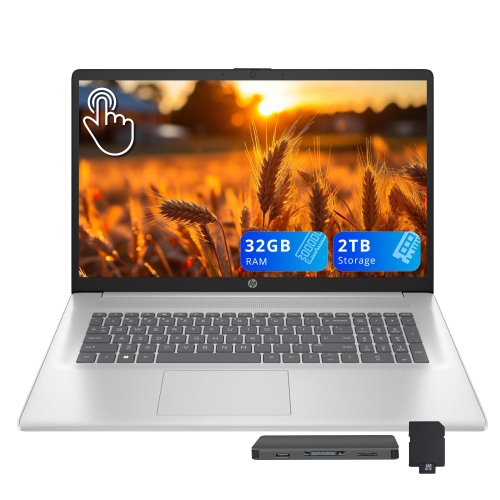
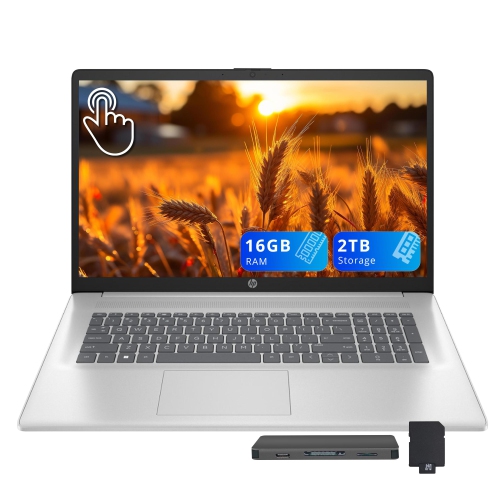
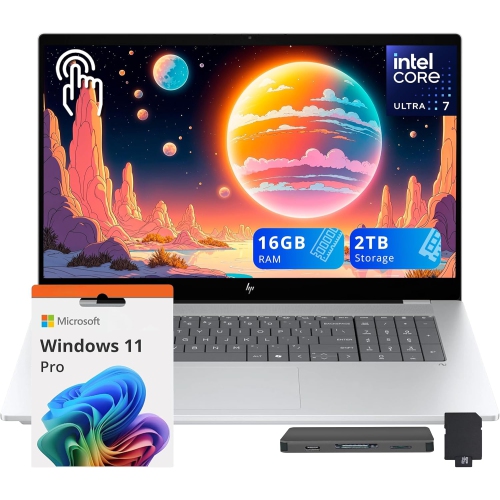
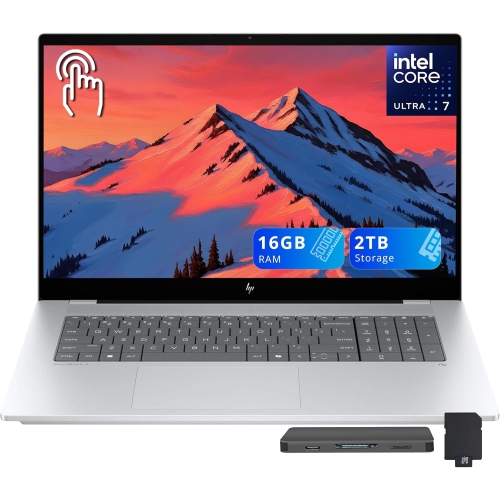
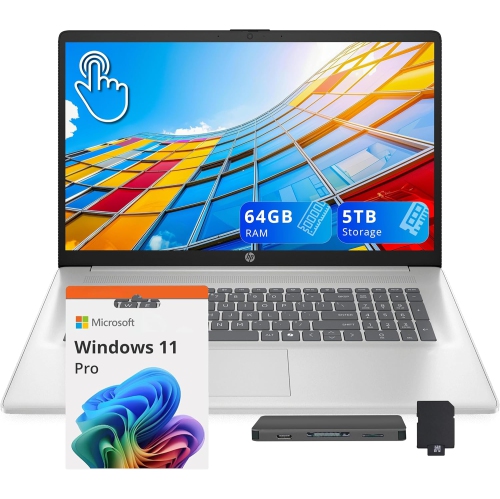
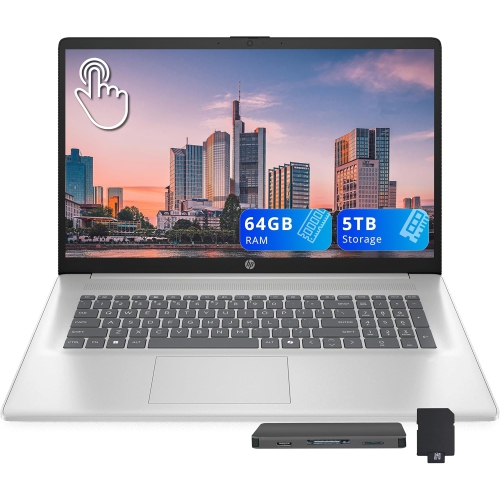
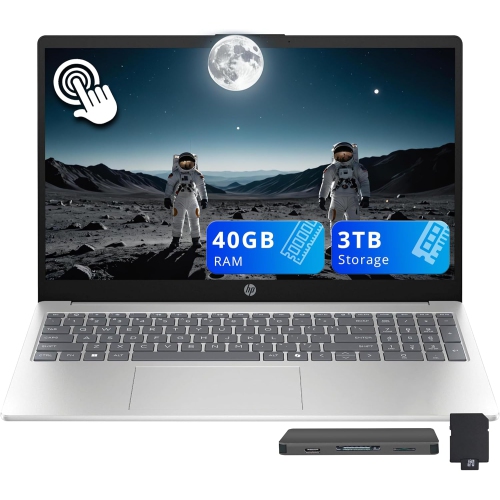
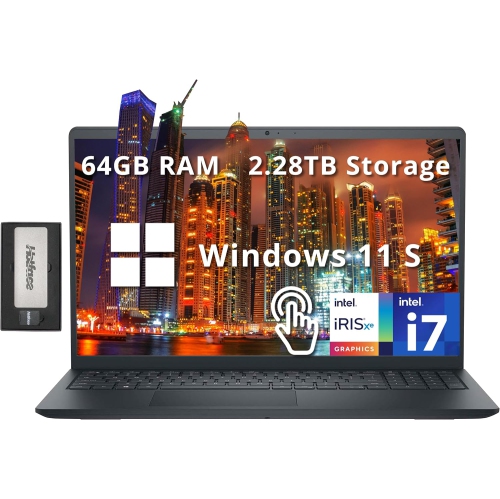
More room for everyday files and bigger projects
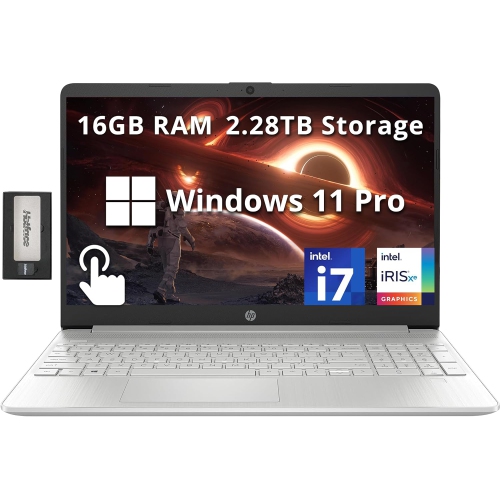
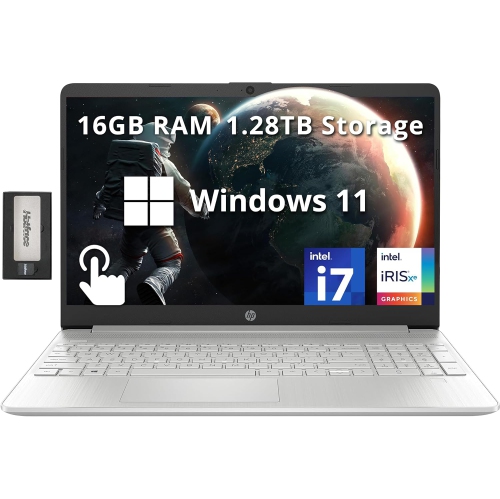
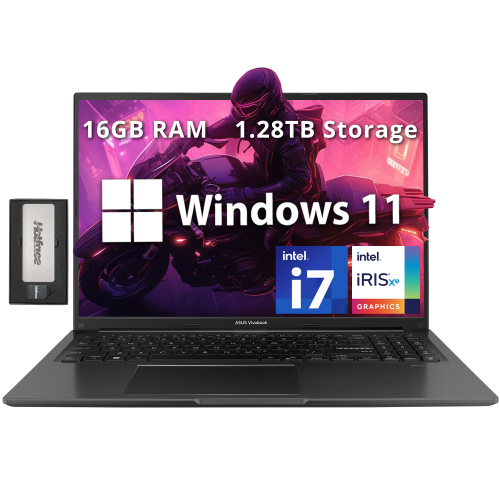
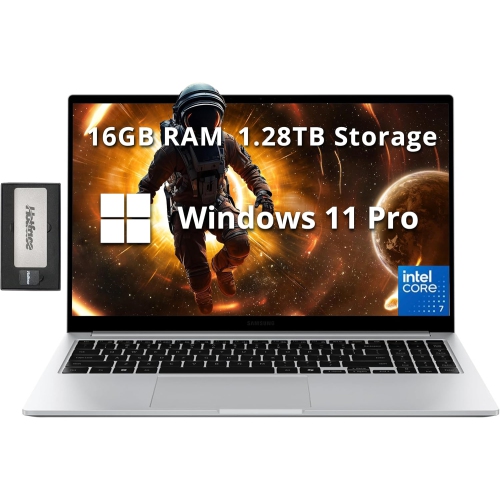
Laptops with 1TB storage offer room for everyday documents alongside larger collections of photos, videos, games, and applications. A terabyte represents about 1,000 gigabytes of advertised storage capacity, although the space available for personal files is lower once formatting, the operating system, and preinstalled software are accounted for. For someone moving between work projects, coursework, and personal entertainment, that capacity can mean keeping more files close at hand rather than regularly moving them to an external drive. A presentation with embedded video, a folder of high-resolution holiday photos, and several downloaded games can share the same computer without immediately crowding out routine tasks. The type of storage matters as much as the capacity: a 1TB solid-state drive, or SSD, generally starts applications and loads files faster than a traditional hard disk drive. SSDs have no moving mechanical parts, which also makes them less vulnerable to damage from everyday movement than spinning drives, though the laptop itself still needs careful handling. Many laptops use NVMe SSDs, which can transfer data faster than SATA SSDs, but actual performance varies with the drive and the rest of the system. A 1TB storage specification alone does not tell the whole story, so the listed drive type remains an important distinction. Storage is also separate from RAM, the working memory used by active applications. More storage lets a laptop hold more files; enough RAM helps it handle open programs and multitasking smoothly. Neither automatically replaces the need for a capable processor. For everyday use, 1TB can provide comfortable breathing room, while large video projects and extensive game libraries can still fill it surprisingly quickly. File sizes vary too much to promise a fixed number of photos, movies, or games. Keeping frequently used material locally is particularly useful during a train journey, a long flight, or an afternoon working somewhere with unreliable internet access. Downloaded files remain accessible offline when the application and its licensing requirements allow it.
Across school, work, gaming, and creative projects, laptops with 1TB storage suit people whose digital lives extend beyond a browser and a few documents. Students may need space for lecture recordings, research PDFs, design assignments, and course software, all while keeping personal photos and entertainment on the same device. The Back to School Laptops with 1TB SSD Storage collection brings that storage capacity into a school-focused selection, where portability and compatibility with required software also matter. For office work, local storage can hold spreadsheets, presentation assets, and project archives, subject to an employer’s file-handling and security requirements. Someone editing photographs may appreciate having original images and working copies together, while video editors need to account for source footage, temporary files, and finished exports. Those tasks also benefit from suitable processing power, memory, and a display that represents colour accurately. Gaming brings a different balance: a 1TB SSD can accommodate several sizeable installations, but modern games and their updates may consume substantial space. Graphics capability, cooling, and display refresh rate have a greater bearing on gaming performance than storage capacity alone. A dedicated graphics processor may be useful for demanding games and certain creative applications, while integrated graphics can suit documents, streaming, and lighter visual tasks. Around 16GB of RAM is a practical starting point for many mixed-use workloads, with more memory worth considering for complex editing, demanding applications, or heavier multitasking. Software requirements should determine the final fit rather than storage size by itself. For a shared household computer, separate user accounts can help keep school files, work documents, and personal settings organised, though everyone still draws from the same total drive capacity. A laptop can also be a useful gift for someone starting post-secondary studies or building a home workspace, provided its operating system, keyboard layout, and performance match what they need. The most useful configuration is one that accommodates both ordinary routines and the larger projects likely to follow.
The physical design of a 1TB laptop shapes how comfortably it fits into daily life. A compact 13-inch or 14-inch model is easier to carry between classrooms or tuck onto a small café table, while a 15-inch or 16-inch display gives spreadsheets, editing timelines, and side-by-side documents more room. Overall dimensions and weight matter alongside screen size, especially when the laptop travels with a charger, notebooks, and other essentials. Aluminium and magnesium-alloy housings can provide a rigid feel, while well-built plastic housings can also stand up to regular use; hinge construction, keyboard support, and careful handling all contribute to durability. A comfortable keyboard, a responsive touchpad, and a screen with suitable brightness can make a longer working session more pleasant than storage capacity alone would suggest. Matte displays can help reduce reflections, and a well-positioned webcam and clear microphone are useful for online classes and video meetings. Battery life depends on screen brightness, workload, wireless activity, and hardware, so a larger drive does not necessarily mean longer unplugged use. Ports deserve attention too: USB connections, a memory card reader, and external display support can simplify transferring photos or settling into a desk setup. USB-C capabilities vary, so charging and display support should be confirmed in the specifications rather than assumed from the connector’s shape. For long-term use, storage upgrade options differ by laptop; some accept a replacement drive or an additional SSD, while others offer limited access. External storage can expand file space without opening the computer. A padded sleeve helps protect the chassis in transit, clear vents support airflow, and a soft microfibre cloth keeps everyday dust off the screen. Important files still need a separate backup because generous internal storage cannot protect against loss, accidental deletion, or device failure. Leaving some free drive space for updates and temporary files also helps keep a well-used laptop ready for the next assignment, project, or download.
Across school, work, gaming, and creative projects, laptops with 1TB storage suit people whose digital lives extend beyond a browser and a few documents. Students may need space for lecture recordings, research PDFs, design assignments, and course software, all while keeping personal photos and entertainment on the same device. The Back to School Laptops with 1TB SSD Storage collection brings that storage capacity into a school-focused selection, where portability and compatibility with required software also matter. For office work, local storage can hold spreadsheets, presentation assets, and project archives, subject to an employer’s file-handling and security requirements. Someone editing photographs may appreciate having original images and working copies together, while video editors need to account for source footage, temporary files, and finished exports. Those tasks also benefit from suitable processing power, memory, and a display that represents colour accurately. Gaming brings a different balance: a 1TB SSD can accommodate several sizeable installations, but modern games and their updates may consume substantial space. Graphics capability, cooling, and display refresh rate have a greater bearing on gaming performance than storage capacity alone. A dedicated graphics processor may be useful for demanding games and certain creative applications, while integrated graphics can suit documents, streaming, and lighter visual tasks. Around 16GB of RAM is a practical starting point for many mixed-use workloads, with more memory worth considering for complex editing, demanding applications, or heavier multitasking. Software requirements should determine the final fit rather than storage size by itself. For a shared household computer, separate user accounts can help keep school files, work documents, and personal settings organised, though everyone still draws from the same total drive capacity. A laptop can also be a useful gift for someone starting post-secondary studies or building a home workspace, provided its operating system, keyboard layout, and performance match what they need. The most useful configuration is one that accommodates both ordinary routines and the larger projects likely to follow.
The physical design of a 1TB laptop shapes how comfortably it fits into daily life. A compact 13-inch or 14-inch model is easier to carry between classrooms or tuck onto a small café table, while a 15-inch or 16-inch display gives spreadsheets, editing timelines, and side-by-side documents more room. Overall dimensions and weight matter alongside screen size, especially when the laptop travels with a charger, notebooks, and other essentials. Aluminium and magnesium-alloy housings can provide a rigid feel, while well-built plastic housings can also stand up to regular use; hinge construction, keyboard support, and careful handling all contribute to durability. A comfortable keyboard, a responsive touchpad, and a screen with suitable brightness can make a longer working session more pleasant than storage capacity alone would suggest. Matte displays can help reduce reflections, and a well-positioned webcam and clear microphone are useful for online classes and video meetings. Battery life depends on screen brightness, workload, wireless activity, and hardware, so a larger drive does not necessarily mean longer unplugged use. Ports deserve attention too: USB connections, a memory card reader, and external display support can simplify transferring photos or settling into a desk setup. USB-C capabilities vary, so charging and display support should be confirmed in the specifications rather than assumed from the connector’s shape. For long-term use, storage upgrade options differ by laptop; some accept a replacement drive or an additional SSD, while others offer limited access. External storage can expand file space without opening the computer. A padded sleeve helps protect the chassis in transit, clear vents support airflow, and a soft microfibre cloth keeps everyday dust off the screen. Important files still need a separate backup because generous internal storage cannot protect against loss, accidental deletion, or device failure. Leaving some free drive space for updates and temporary files also helps keep a well-used laptop ready for the next assignment, project, or download.
Top selling and popular products
-
 Your price for this item is $449
 -
 Your price for this item is $3099
 -
 Your price for this item is $299.95
 -
 Your price for this item is $664.05
 -
 Your price for this item is $599.68
 -
 Your price for this item is $869.99
 -
 Your price for this item is $259
 -
 Your price for this item is $418.98
Discover more categories related to Laptops With 1TB Storage
Top Collections:
Pokemon Centers, Kindle Devices, Best Budget Office Chairs, Apple iPhones 16, Best Laptops for Writers, iPhone 15 Apple, Canon G7X Cameras, Refurbished Apple Laptops, Alarm Clock, Motorola Razr Phones
Some products may be subject to Environmental Handling Fees
(EHF) depending on your province.
Learn more about EHFs.