Laptops With AMD Ryzen Processors
Laptops With AMD Ryzen Processors deliver impressive performance for work, school, gaming, and everyday multitasking. Explore a wide selection of models designed to keep up with your busy lifestyle, whether you're editing photos, streaming movies, or tackling assignments. Find the perfect combination of speed and efficiency with Laptops With AMD Ryzen Processors, offering options that cater to both productivity and entertainment needs. Discover devices that fit your preferences and budget while enjoying the power and reliability you expect from modern laptops.
Sort
Why laptop performance depends on more than its processor
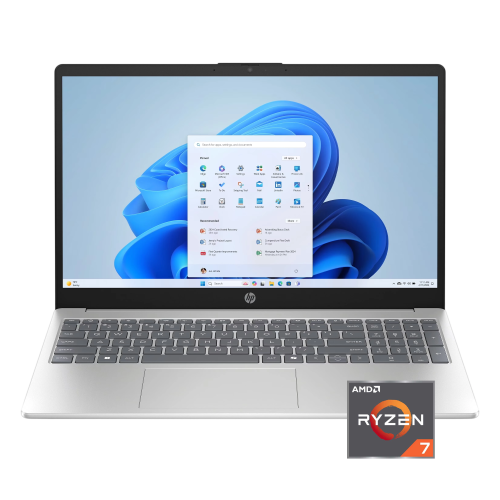
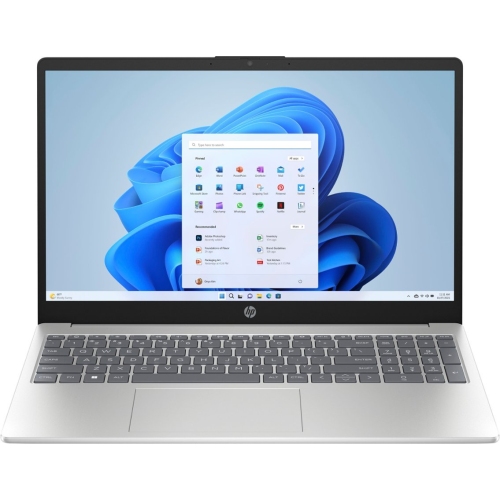
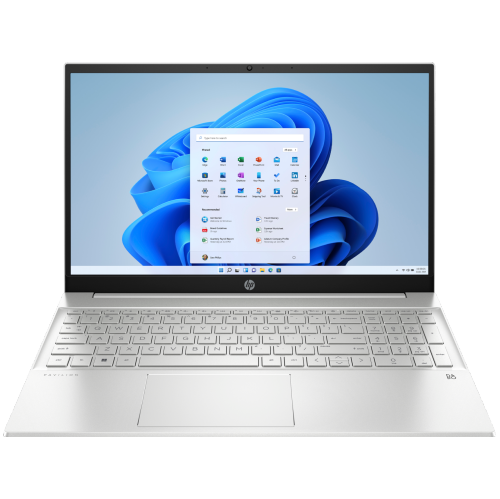
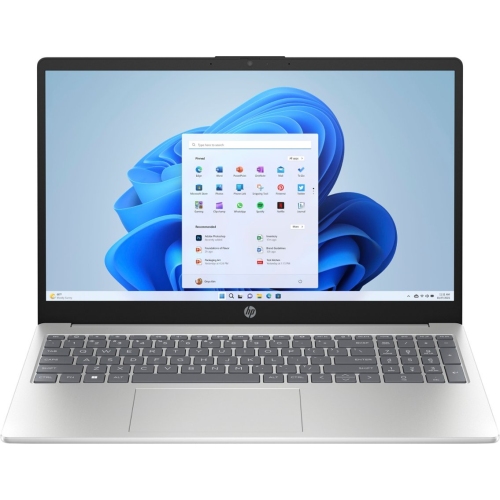
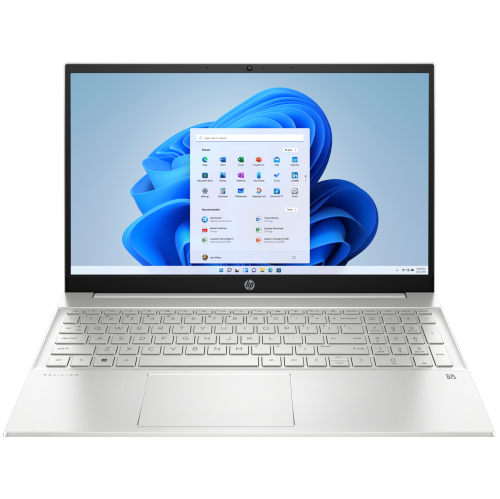
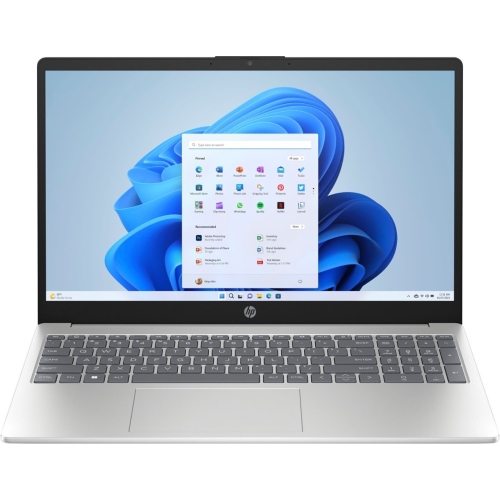
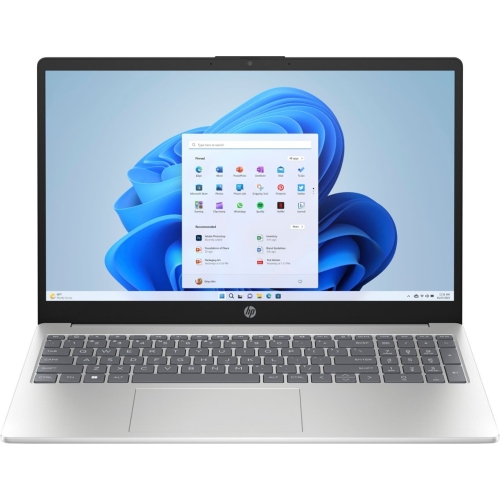
Laptops with AMD Ryzen processors bring everyday computing, creative work, and entertainment into a portable format, with capabilities that depend on the complete laptop configuration rather than the processor name alone. The AMD Ryzen Laptops category covers computers suited to needs ranging from writing assignments and managing household paperwork to editing photos, developing software, and playing games. For a student moving between lecture notes, research tabs, and video calls, a balanced combination of processor performance, memory, and battery life can matter more than the highest processor tier. Someone working with large spreadsheets, compiling code, or exporting video may benefit from a processor with more processing cores, although the software’s ability to use those cores also affects the result. Processor generations matter, too: similar names do not necessarily indicate identical capabilities, and a higher-tier processor from an older generation is not automatically faster in every task. Memory helps determine how comfortably several applications can run together. A configuration with 16 GB of RAM is a practical starting point for many mixed workloads, while 32 GB or more can provide useful headroom for demanding creative applications, virtual machines, and larger projects. Storage needs are separate from memory needs. A solid-state drive helps applications open promptly and keeps file access responsive, but capacity determines how much can remain on the laptop. Documents and streaming services generally need less space than game libraries, video footage, or large photo collections. Graphics capabilities deserve equal attention. Integrated graphics can suit everyday productivity, video playback, and some lighter games, while demanding games, detailed 3D work, and certain editing tasks may benefit from dedicated graphics. Neither processor branding nor the presence of dedicated graphics guarantees a particular level of performance; the graphics hardware, cooling system, display resolution, and application requirements all play a part. For shared family use, a balanced configuration can support homework, budgeting, and casual entertainment without placing every decision around one demanding activity.
Physical fit shapes the experience of using a laptop just as much as its internal components. A compact computer with a 13-inch or 14-inch display can be easier to carry between classrooms, offices, and shared workspaces, while a 15-inch or 16-inch screen gives spreadsheets, documents, and editing timelines more room. Screen size alone does not determine portability: overall dimensions, weight, and the size of the power adapter affect what fits comfortably into a bag. A larger display can reduce the need to switch between windows, but text size, resolution, and scaling settings influence how much information remains readable. Display brightness and surface finish matter near windows or under overhead lighting, where reflections can make a screen harder to read. For photography and design, colour coverage and accuracy are more useful details than resolution alone. For gaming, refresh rate and response time can influence motion clarity, provided the graphics hardware can deliver suitable performance. The keyboard and touchpad also deserve attention because they are the parts used throughout the day. Key spacing, travel, palm-rest space, and the presence of a number pad can change how comfortable a long writing session or afternoon of data entry feels. A convertible design adds flexibility for reading, presentations, or handwritten notes, but touchscreen support does not necessarily mean that every digital pen will work. Materials and construction contribute to durability without telling the whole story: metal panels can feel firm, while well-designed plastic housings can offer a practical balance of weight and resilience. Hinge stability, chassis rigidity, and a secure carrying sleeve are worth considering for frequent travel. Connections should match everyday equipment, whether that means a mouse, headset, memory card, external drive, or monitor. USB-C ports vary in their support for charging, video output, and data transfer, so the connector shape is not enough to establish compatibility. Wi-Fi performance also depends on the router and surrounding network conditions, not only the laptop’s wireless specifications. A desk setup with an external display and keyboard may make a smaller laptop comfortable for longer sessions without adding weight to the computer carried each day.
Battery life, cooling, and maintenance influence how well a laptop fits into an established routine. A machine used mainly at a desk has different priorities from one expected to last through lectures, meetings, or work away from an outlet. Published battery estimates reflect particular test conditions; screen brightness, video calls, background applications, wireless use, and demanding workloads can all change the time between charges. A processor designed for higher performance may be paired with a larger cooling system, while a thinner design may prioritize portability and quieter operation during lighter tasks. Fan noise can become more noticeable during gaming, rendering, or other sustained work, even when everyday browsing is quiet. Keeping ventilation openings clear helps the cooling system do its job, so a firm surface is preferable to bedding or a cushion that can block airflow. For regular care, shut the laptop down before cleaning, follow the manufacturer’s instructions, and use a soft microfibre cloth without spraying liquid directly onto the screen or keyboard. A padded sleeve helps limit scuffs in transit, and carrying the computer separately from loose cables and heavy objects can reduce pressure on the display. Long-term suitability also depends on repair and upgrade options. Some laptops allow memory or storage changes, while others have fixed memory or limited internal access; those details matter when choosing capacity for future projects. Routine software updates, secure sign-in options, and reliable backups help protect schoolwork, business files, and personal photos. For someone receiving a laptop as a gift, familiar requirements are useful starting points: the software used for a course, the connections needed for a home workstation, or the portability expected during a commute. A comfortable screen, adequate memory, suitable graphics, and a manageable carrying weight often make a more meaningful difference than a single headline specification. When those elements match the intended use, a laptop with an AMD Ryzen processor can serve as a dependable tool for focused work, shared tasks, and downtime.
Top selling and popular products
-
 Your price for this item is $449
-
 Your price for this item is $3099
-
 Your price for this item is $1800.68
-
 Your price for this item is $664.05
-
 Your price for this item is $869.99
-
 Your price for this item is $2960.48
-
 Your price for this item is $489.7
-
 Your price for this item is $1199
Discover more categories related to Laptops With AMD Ryzen Processors
Top Collections:
Best Black Friday Deals This Year, Best Black Friday Deals On Electronics, Kindle Devices, Best Black Friday Deals On Apple Products, Best Budget Office Chairs, Best Cameras for Sports Photography, Dyson Airwrap, Canon G7X Cameras, Best Laptops for Writers, Samsung Galaxy Phones
Some products may be subject to Environmental Handling Fees
(EHF) depending on your province.
Learn more about EHFs.