Latitude 5420 14 Laptops
The Latitude 5420 14 Laptop offers the perfect combination of performance and portability for busy professionals, students, and anyone in need of a reliable computing solution. With its sleek design and versatile capabilities, this laptop is designed to keep up with your daily tasks whether you're working from home, at the office, or on the go. Explore a range of options to find the ideal Latitude 5420 14 Laptop to match your productivity needs and enhance your digital experience.
Sort



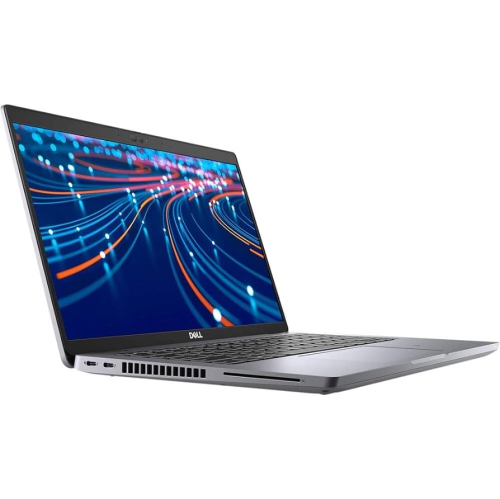
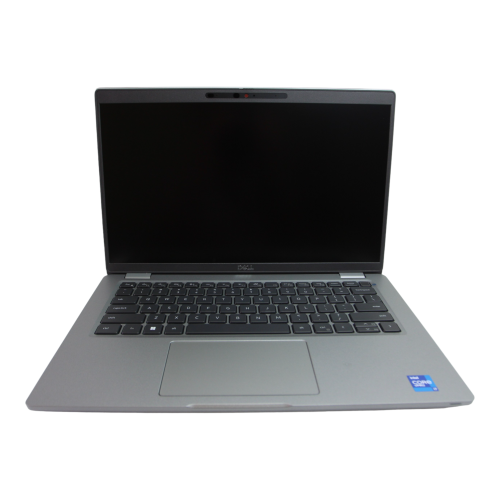
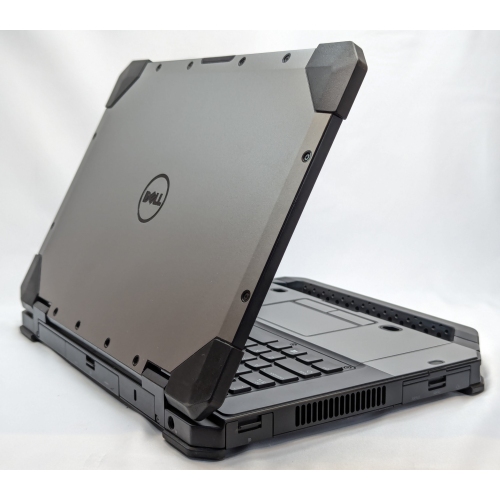
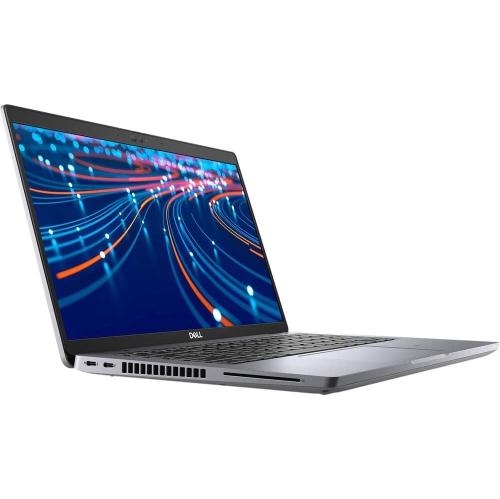
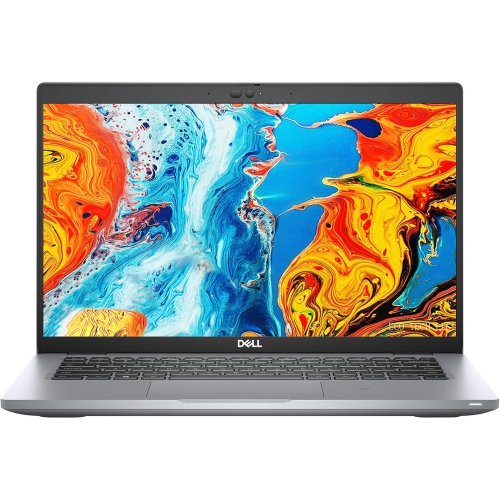
Everyday productivity at your desk and on the move
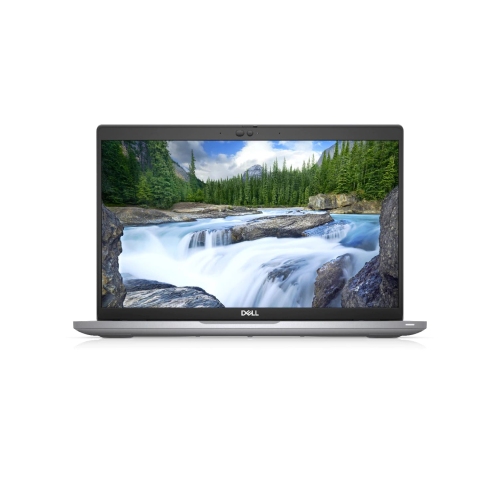
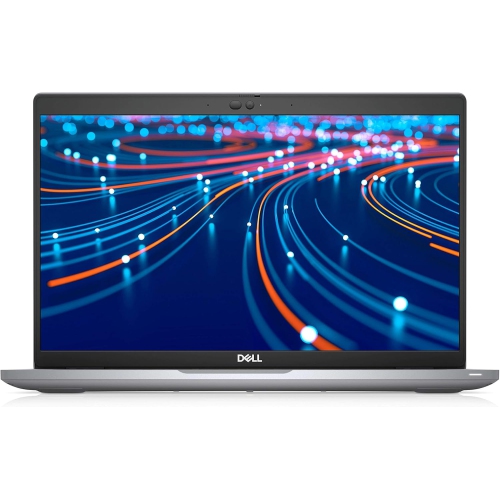
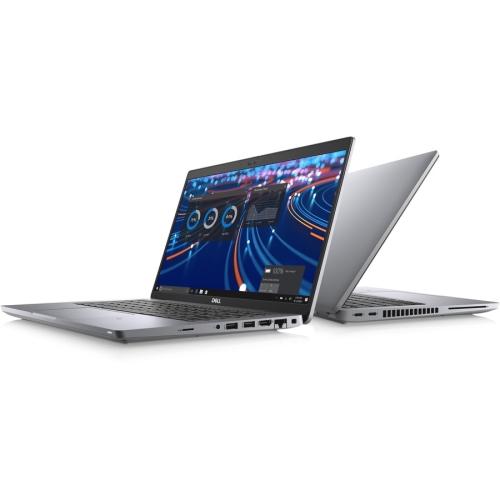
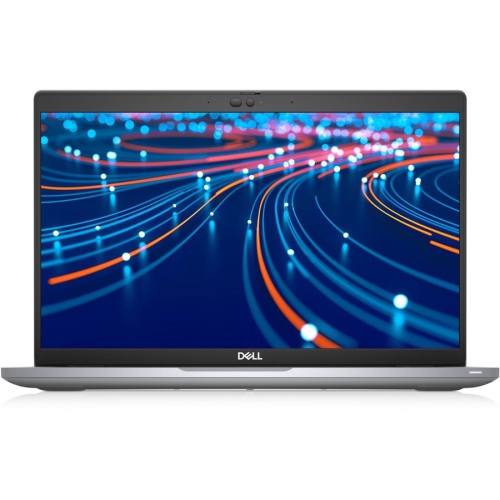
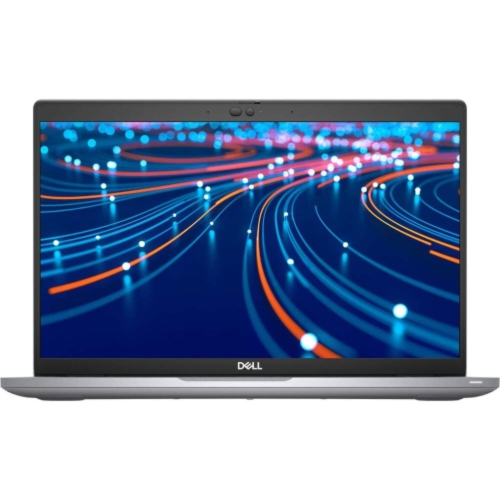
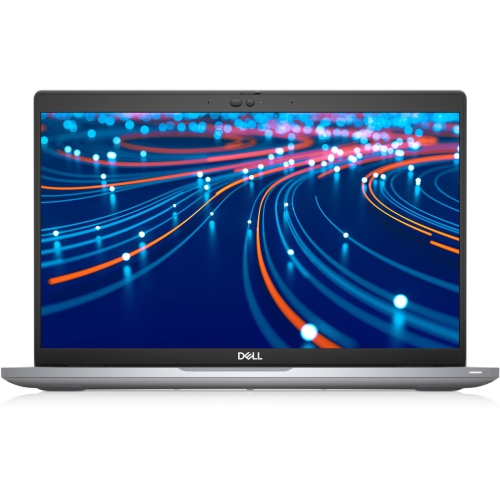
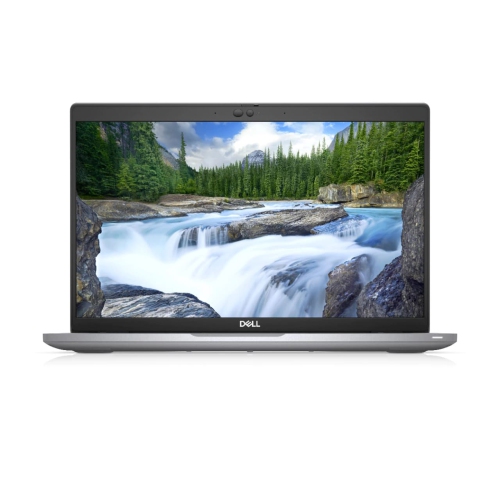
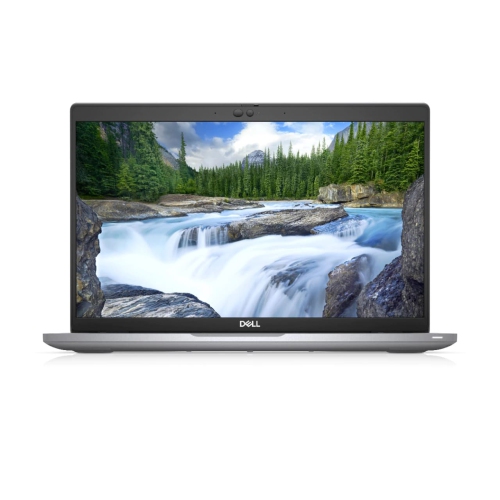
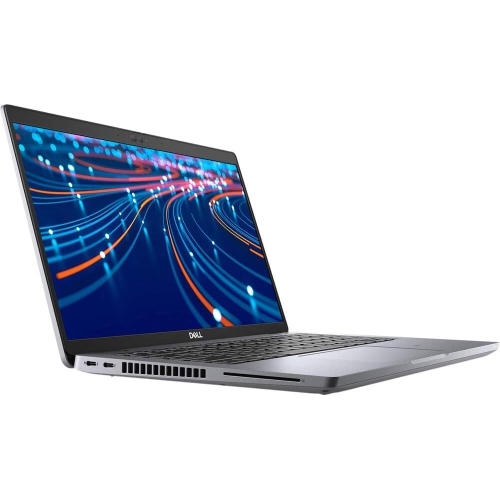
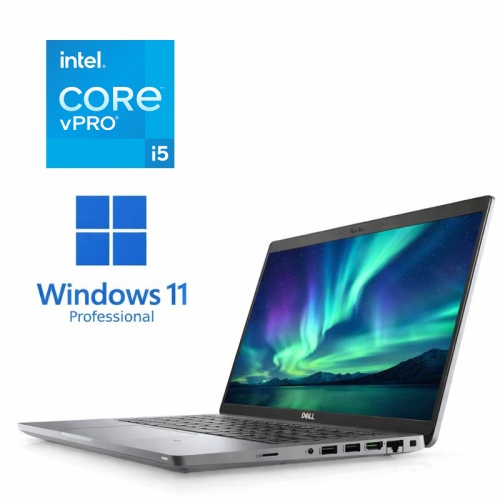
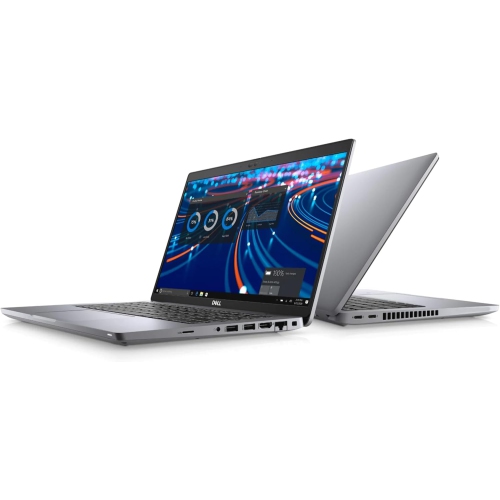
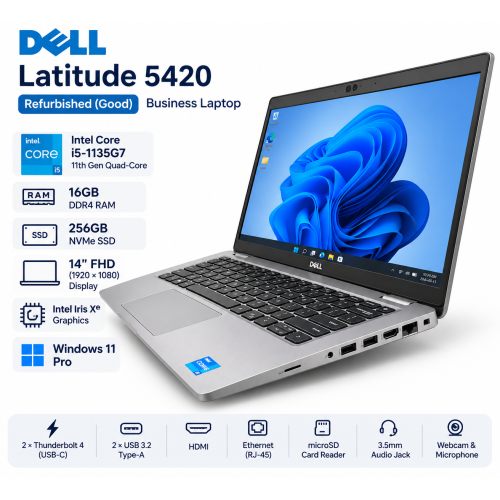
The Dell Latitude 5420 14 family consists of 14-inch business laptops designed for everyday productivity, communication, and work away from a fixed desk. Common configurations combine 11th-generation processors, 16GB of memory, and solid-state storage, although specifications differ between configurations. This combination suits familiar tasks such as preparing presentations, working through spreadsheets, managing email, and joining video meetings while keeping reference documents open. A solid-state drive helps applications launch and files open promptly, while sufficient memory makes switching between a browser, a document, and a meeting application feel smoother. Processor tier matters most when the workload becomes more demanding, but memory capacity, storage speed, and cooling also influence the overall experience. These are productivity-focused computers rather than dedicated gaming machines or mobile workstations for intensive graphics work. For an office administrator, student, consultant, or small-business owner, that emphasis can be a practical match for daily routines. The 14-inch screen provides room for a document beside a browser window without taking up as much desk or bag space as a larger laptop. Display resolution deserves attention because screen size alone does not determine how much detail fits comfortably on screen. A Full HD panel generally provides sharper text and more usable workspace than a lower-resolution panel of the same size. Brightness, surface finish, and viewing angles affect comfort when reading lengthy reports or sharing a screen across a table. Touch capability is configuration-dependent and should not be assumed from the model family alone. For someone who spends much of the day reviewing contracts, organizing research, or updating customer records, a readable display and comfortable keyboard can matter as much as a faster processor. The best fit comes from matching the complete configuration to those everyday tasks rather than judging the laptop by a single specification.
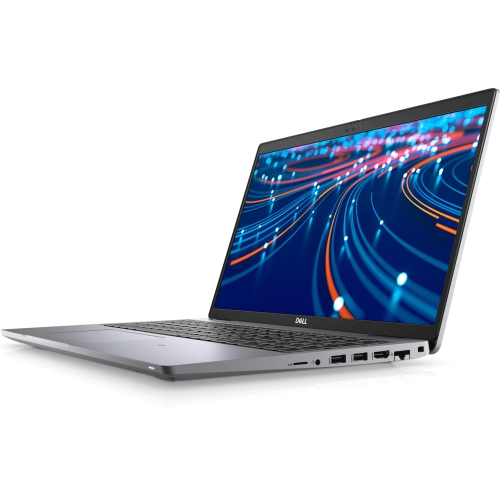
A business laptop also needs to work with the equipment around it. Depending on the configuration, connections such as USB-C, USB-A, HDMI, and Ethernet can support a combination of newer accessories and familiar office hardware. USB-A remains useful for a wired mouse or an existing keyboard, while HDMI can simplify connecting to a monitor or meeting-room display. Ethernet provides a wired networking option when a suitable connection is present, and Wi-Fi supports movement between a desk, meeting room, and shared workspace. USB-C connections can serve different purposes, so charging, display output, and docking compatibility depend on the capabilities of both the laptop and the accessory. A connector that fits physically does not, by itself, confirm every function. For a desk setup with two external screens, a keyboard, and a headset, docking support can make the transition from a carried laptop to a full workstation much simpler. Away from the desk, portability depends on more than screen size: the computer’s weight, charger size, and overall dimensions all affect how it feels in a bag. A padded compartment should fit the actual chassis rather than relying only on a sleeve’s advertised screen-size category. Inside the laptop, keyboard spacing, touchpad responsiveness, and palm-rest comfort influence long typing sessions. Keyboard backlighting, where included, can make key labels easier to see in a dim meeting room or lecture theatre. Chassis materials and construction matter for daily handling, particularly around the hinges, corners, and charging ports. A lid that stays in position and a base that sits evenly on a table contribute to a reassuring working feel, but a business design should not be treated as a guarantee against drops or spills. For video calls, webcam quality, microphone clarity, and a comfortable headset connection deserve consideration alongside processing power. A clear conversation with a client or classmate depends on the whole setup, including room lighting and network stability, not simply the camera specification.
Condition and battery health are especially important when comparing refurbished or previously used business laptops. Cosmetic descriptions help distinguish light surface marks from more noticeable wear, but they do not necessarily describe battery capacity, keyboard feel, or display condition. Refurbished does not automatically mean that the battery has been replaced. Battery runtime depends on its remaining capacity as well as screen brightness, wireless activity, connected accessories, and the demands of open applications. A laptop used mainly at a desk has different battery needs from one carried between classes or appointments, making the intended routine an important part of the choice. Storage capacity should also reflect how the computer will be used: documents and browser-based work need less local space than large photo libraries, recorded meetings, or extensive project folders. Upgrade possibilities depend on the internal layout and supported components, so expansion should not be assumed without confirming the specifications. Security features may include a fingerprint reader, smart card support, or a camera shutter, but these features vary by configuration. For work or study, operating system compatibility, required applications, and any organization-managed access requirements deserve equal attention. Everyday care is straightforward: keep ventilation openings clear, use the laptop on a firm surface, and avoid trapping it under papers or fabric while it is running. A soft, lint-free cloth is suitable for routine cleaning, with any cleaning liquid applied to the cloth rather than sprayed directly onto the computer. Carrying the device in a padded sleeve, keeping drinks away from the keyboard, and disconnecting cables before packing it help protect frequently handled areas. An appropriately rated charger supports dependable charging without relying on an accessory chosen solely because its plug fits. With a suitable configuration and sensible care, a compact business laptop can serve as a practical tool for writing assignments, preparing invoices, coordinating projects, or keeping household administration organized. Its appeal lies in a manageable size, useful connections, and productivity-focused features that support familiar tasks throughout the day.
Top selling and popular products
-
 Your price for this item is $449
-
 Your price for this item is $3099
-
 Your price for this item is $1800.68
-
 Your price for this item is $664.05
-
 Your price for this item is $869.99
-
 Your price for this item is $2960.48
-
 Your price for this item is $499.68
-
 Your price for this item is $1951.79
Discover more categories related to Latitude 5420 14 Laptops
Top Collections:
Best Black Friday Deals This Year, Best Black Friday Deals On Electronics, Kindle Devices, Pokemon Centers, Best Black Friday Deals On Apple Products, Best Cameras for Sports Photography, Dyson Airwrap, Pokémon 30th Celebration Cards, Apple iPhone 17 Pro, Canon G7X Cameras
Some products may be subject to Environmental Handling Fees
(EHF) depending on your province.
Learn more about EHFs.