Lenovo Legion Towers
Experience exceptional gaming and performance with the Lenovo Legion Tower collection. Designed for those who demand power and style, these desktop PCs offer a seamless blend of speed and reliability to enhance your setup. Whether you're diving into the latest games or managing creative projects, the Lenovo Legion Tower delivers the versatility you need to stay ahead. Explore a range of configurations to find the perfect match for your needs and elevate your computing experience.
Sort
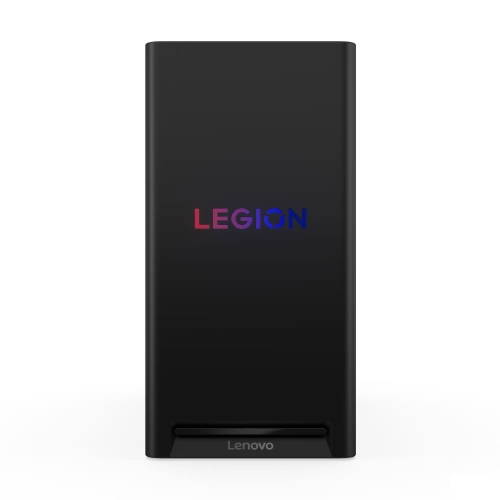
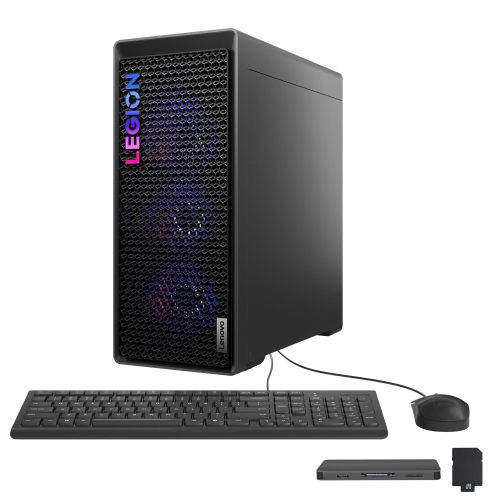
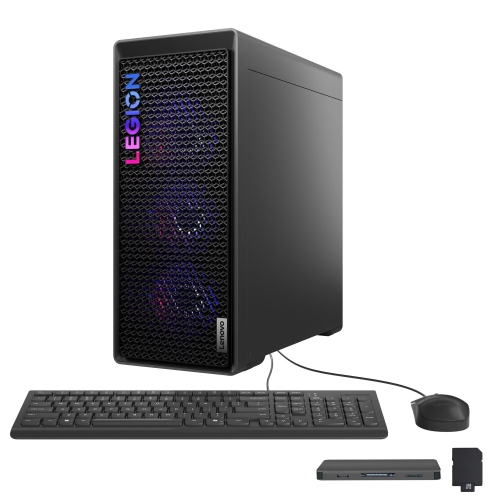
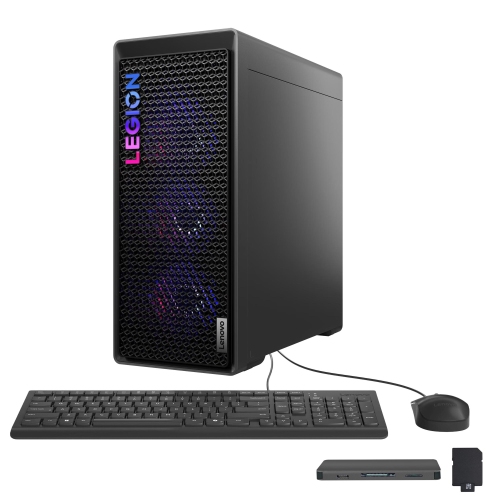
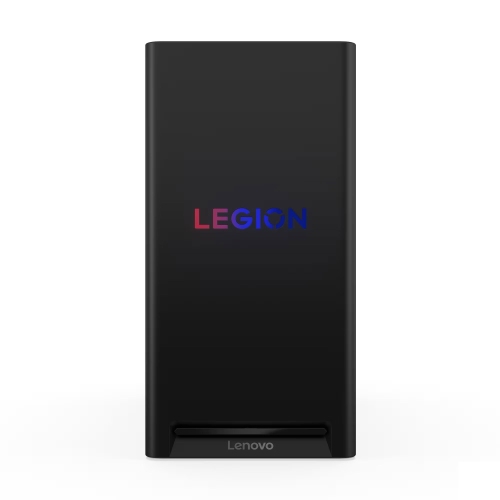
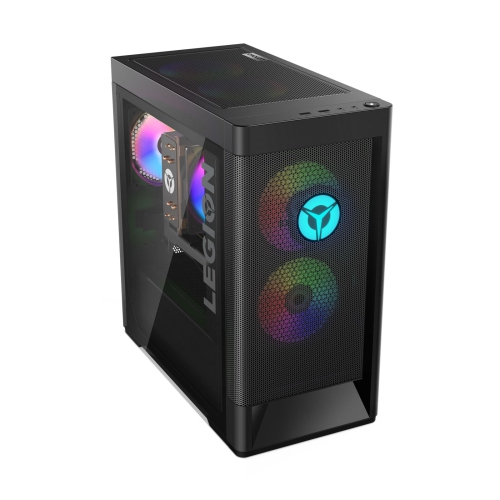
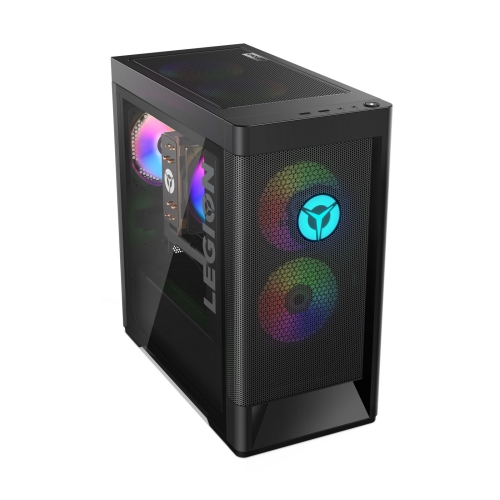
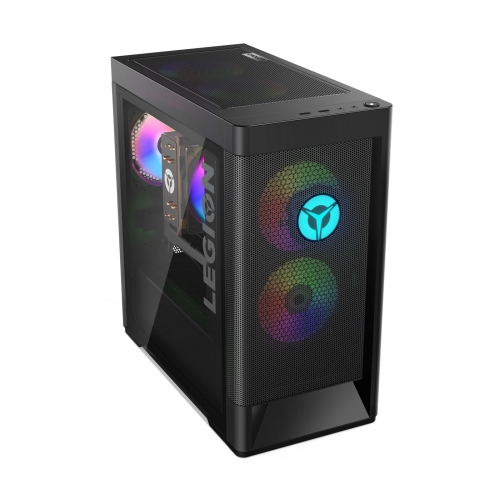

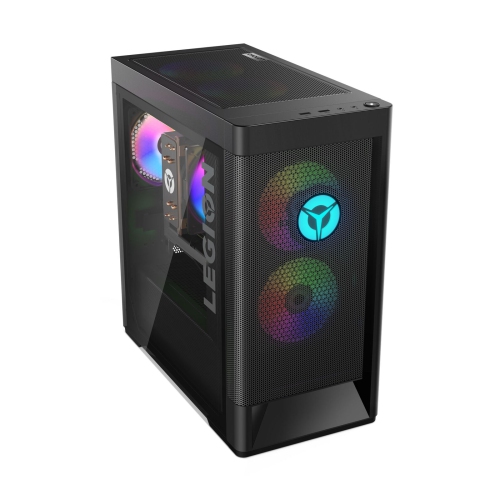
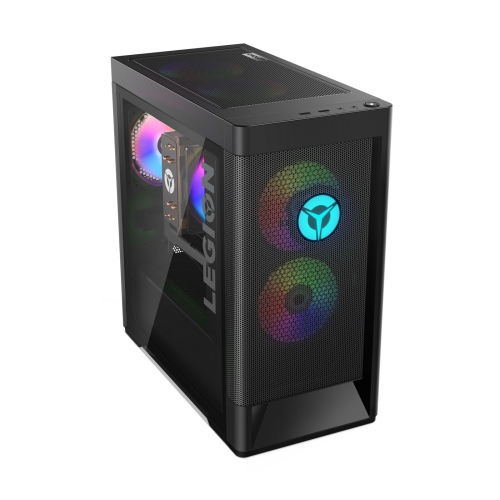
Why gaming tower performance goes beyond the graphics card
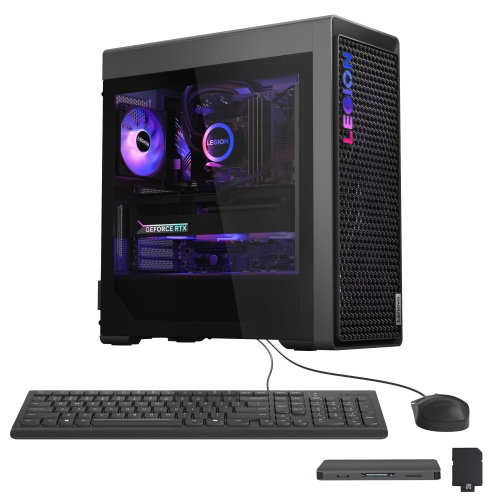
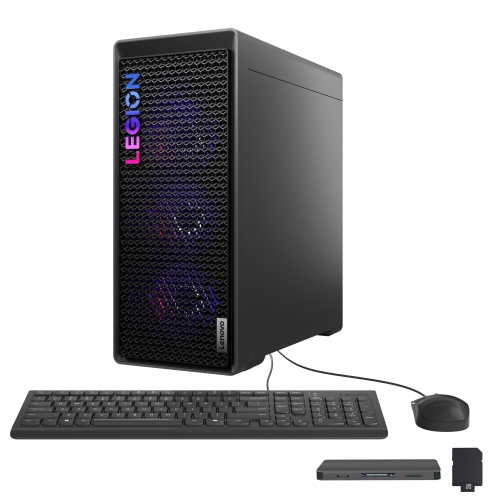
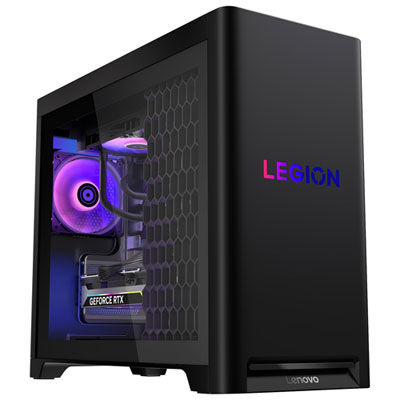
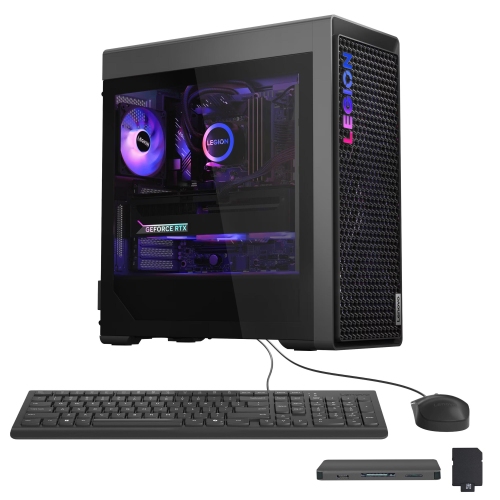
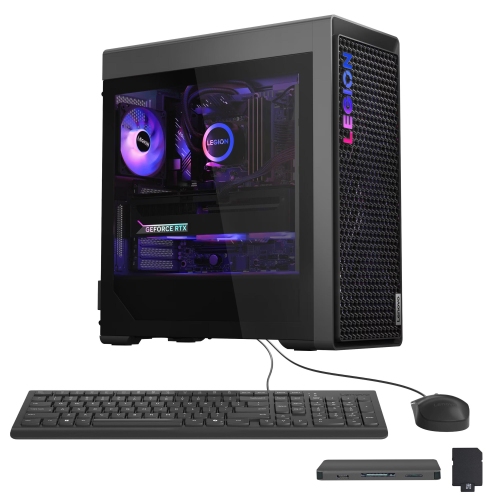
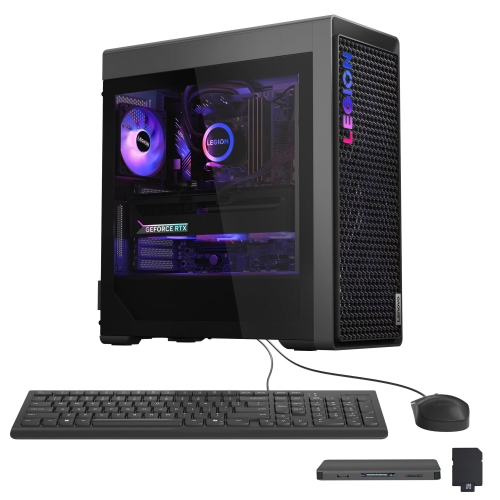
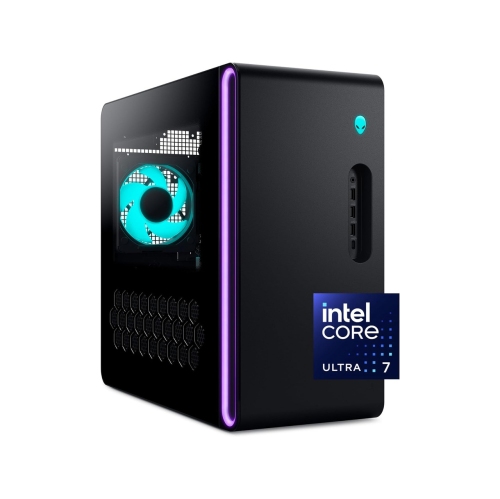
Gaming towers bring processing power, graphics, memory and storage together in a freestanding desktop case, creating a dedicated home base for games, creative projects and everyday computing. Unlike a laptop, a tower is designed to stay in one place, connected to a separate monitor, keyboard and mouse. That makes it well suited to a desk setup where screen size, seating position and accessories can be arranged around the person using them. Performance depends on the complete configuration rather than the appearance of the case or the generation name alone. The graphics card plays a major role in how games look and run, particularly at higher resolutions or with demanding lighting effects enabled. Its video memory is separate from system memory and helps support workloads such as detailed game textures. The processor handles game logic and many other computing tasks, with its importance varying by game and application. A fast-paced competitive game, a sprawling strategy title and a detailed flight simulator can place different demands on the same computer. Display resolution matters, too: a tower paired with a 1080p monitor has a different workload from one driving a 4K screen. System memory supports active applications, making capacity especially relevant when a game runs alongside voice chat, browser tabs or streaming software. More memory does not automatically make every game faster, but sufficient capacity helps avoid constraints during heavier multitasking. Solid-state storage can shorten startup and loading times, while total capacity determines how much space remains for large game libraries, recordings and personal files. A computer used for both gaming and video editing may need a different balance of graphics performance, processor capability and storage than one used mainly for multiplayer matches. Looking at those specifications together gives a clearer picture of a gaming tower’s intended use than any single headline feature.
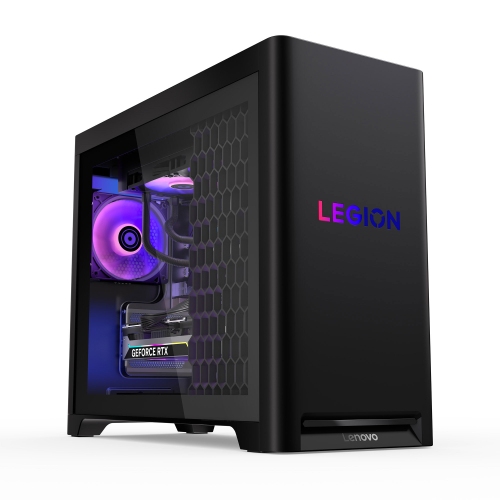
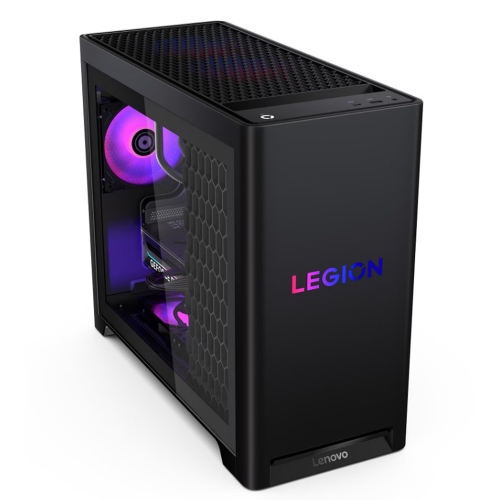
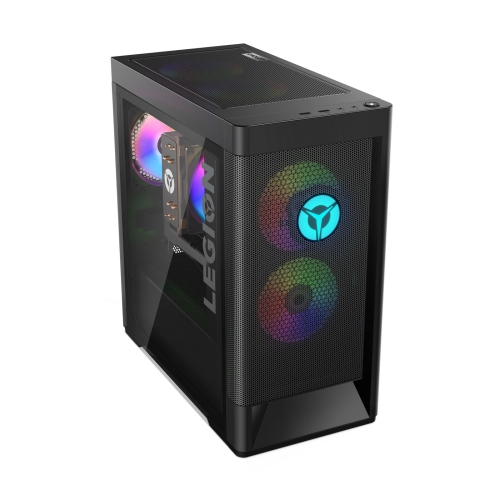
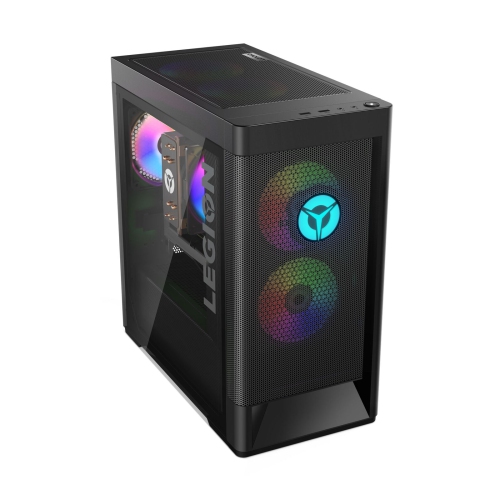
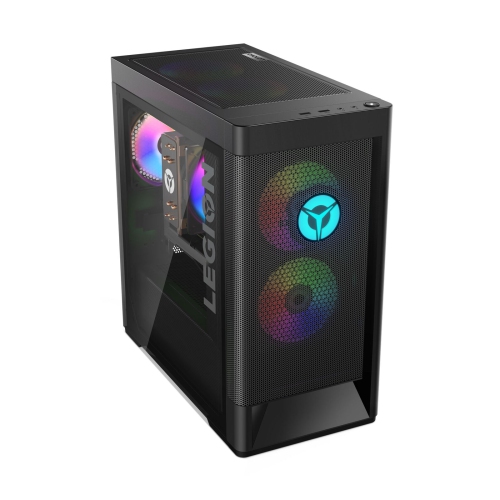
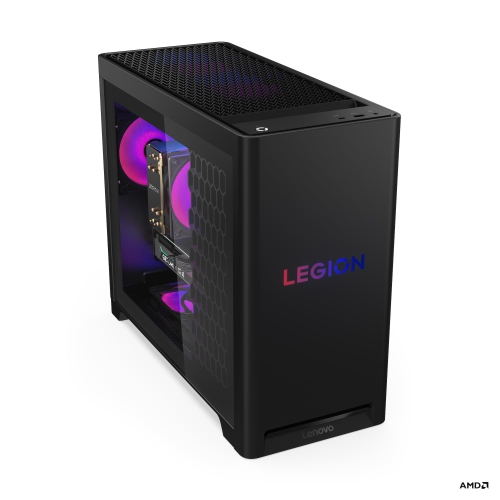
The chassis affects more than appearance. Depending on the design, a gaming tower may combine a metal frame with plastic trim, mesh ventilation and a glass side panel. Metal framing provides structural support, while mesh sections allow air to move through the case; transparent panels put internal components and lighting on display. Dimensions deserve attention because towers can differ considerably in height, width and depth. A compact-looking case in a photograph may still need substantial space beside a desk, and rear cable connections add to its effective depth. Clear space around the intake and exhaust vents allows the cooling system to work as intended. A narrow enclosed cabinet, thick carpet or a stack of accessories pressed against a vent can restrict airflow. A stable, hard surface also helps keep the case secure and makes routine cleaning easier. Cooling arrangements vary, with fans, heat sinks and, in some configurations, liquid cooling working to carry heat away from demanding components. Fan noise can become more noticeable during intensive games or rendering, so acoustics matter when the computer shares a room with a microphone, a study area or another person. Lighting controls, where supported, can help personalize the setup without changing its performance. Long-term durability depends partly on everyday care: keeping liquids away, preventing cables from pulling against ports and removing accumulated dust according to the manufacturer’s instructions. Cleaning should be done with the computer shut down and disconnected from power, using methods appropriate to its surfaces and components. Glass panels need careful handling, especially when removed for access. Internal expansion is another consideration, but a tower case does not guarantee unrestricted upgrades. Motherboard connections, power supply capacity, component clearance and cooling requirements determine what can be changed. An unused storage slot may make a future addition possible, while a larger graphics card could require more space or power than the original configuration provides. Service documentation and warranty terms help clarify which maintenance and upgrade tasks are appropriate for the owner.
Connections and the surrounding desk setup help turn a gaming tower into a practical everyday computer. USB port types and placement affect how easily a keyboard, mouse, controller, webcam and external drive can stay connected. Front or top ports are convenient for frequently removed accessories, while rear ports can keep permanent connections tucked out of the way. The monitor’s inputs and the graphics card’s outputs need to match, with a suitable cable for the intended resolution and refresh rate. On systems with dedicated graphics, the display normally connects to the graphics card rather than a motherboard video port; the setup documentation identifies the correct connection. Ethernet can provide a dependable wired network connection, while Wi-Fi and Bluetooth support should be checked in the individual specifications rather than assumed. Network conditions still affect online play, downloads and streaming, regardless of the computer’s processing power. Audio connections also matter for anyone switching between a headset, speakers and a separate microphone. These details become especially useful in a shared household, where the same tower might support schoolwork in the afternoon, photo editing later on and a gaming session in the evening. Separate user accounts can keep files and preferences organized, while adjustable lighting and thoughtfully routed cables help the setup suit a bedroom, home office or shared workspace. For someone giving a gaming computer as a gift, the recipient’s favourite games, existing monitor and available desk space are useful reference points. Confirming which accessories and software are included helps distinguish the tower itself from everything needed for a complete setup. A related generation-focused selection, Lenovo Legion Gen 9, offers another way to compare computing configurations, with the full specifications remaining more informative than the generation label alone. A well-matched gaming tower supports the activities that matter to its user, whether that means smooth multiplayer sessions, recording gameplay, working on creative projects or keeping one capable desktop at the centre of daily computing.
Top selling and popular products
-
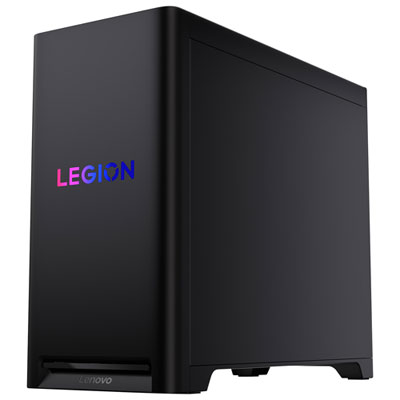 Your price for this item is $3499.99
-
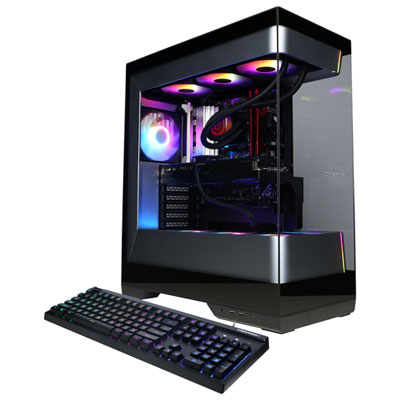 Your price for this item is $3559.99
-
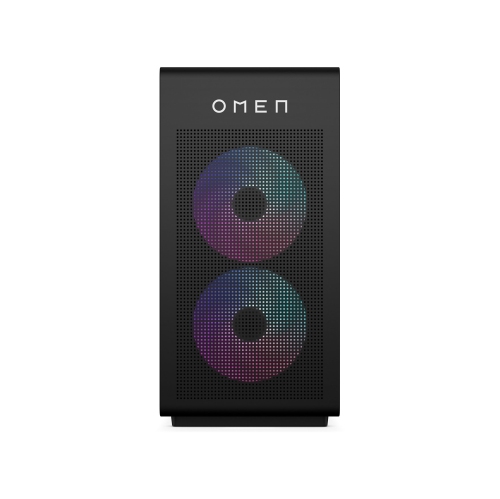 Your price for this item is $7958.99
-
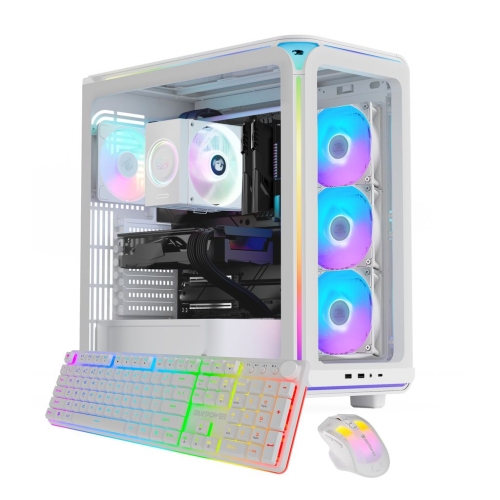 Your price for this item is $2999.99
-
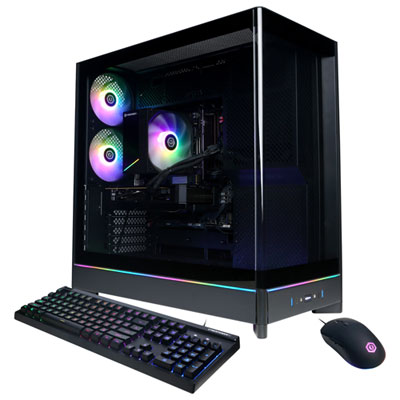 Your price for this item is $2149.99
-
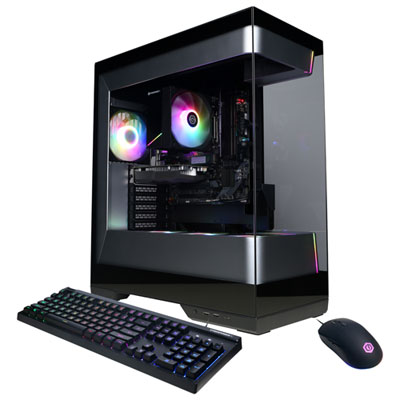 Your price for this item is $1549.99
-
 Your price for this item is $7579.99
-
 Your price for this item is $3150.49
Discover more categories related to Lenovo Legion Towers
Top Collections:
Best Black Friday Deals This Year, Best Black Friday Deals On Electronics, Kindle Devices, Pokemon Centers, Best Black Friday Deals On Apple Products, Best Cameras for Sports Photography, Dyson Airwrap, Pokémon 30th Celebration Cards, Apple iPhone 17 Pro, Canon G7X Cameras
Some products may be subject to Environmental Handling Fees
(EHF) depending on your province.
Learn more about EHFs.