Lenovo Tab Pen
Enhance your digital experience with the Lenovo Tab Pen, designed to bring precision and convenience to your everyday tasks. Whether you’re taking notes, sketching ideas, or navigating your device, the Lenovo Tab Pen offers a seamless way to interact with your tablet. Explore a range of options that cater to different needs and preferences, making it easy to find the perfect accessory for work, school, or entertainment. Discover how the Lenovo Tab Pen can elevate productivity and creativity on your compatible devices.
Sort
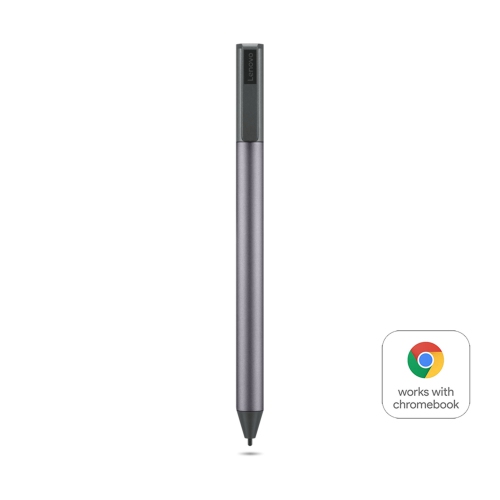
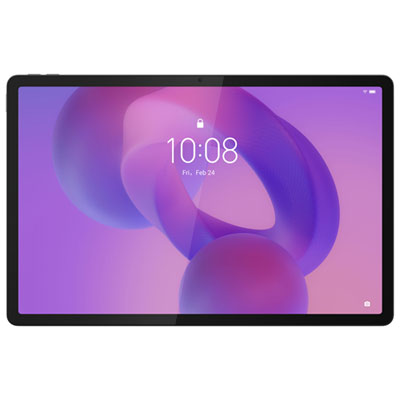
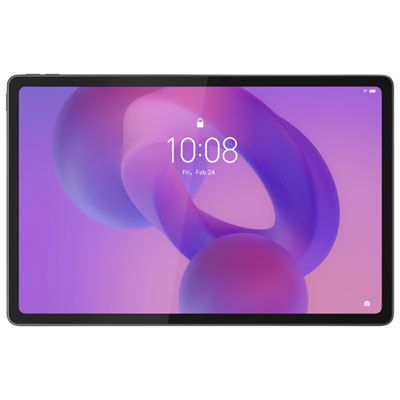

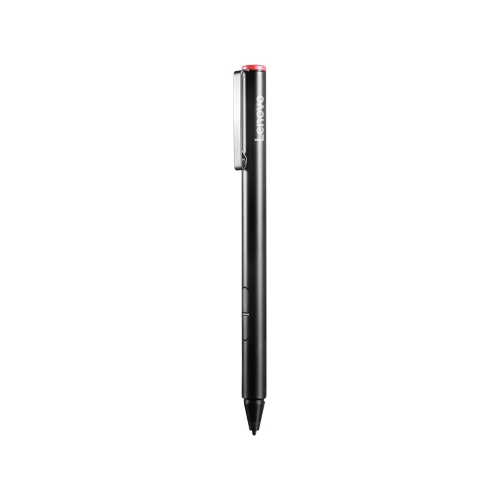

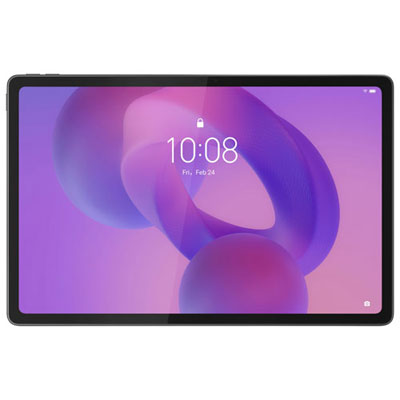

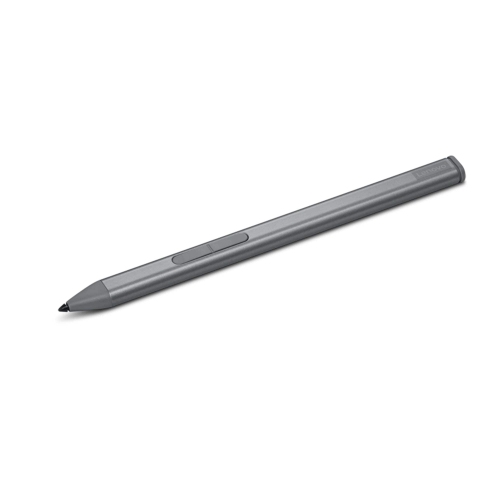
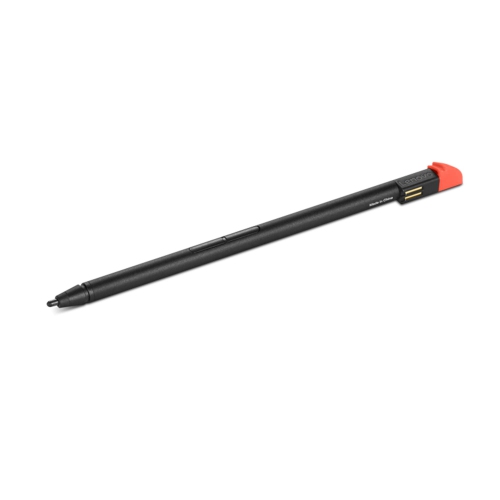
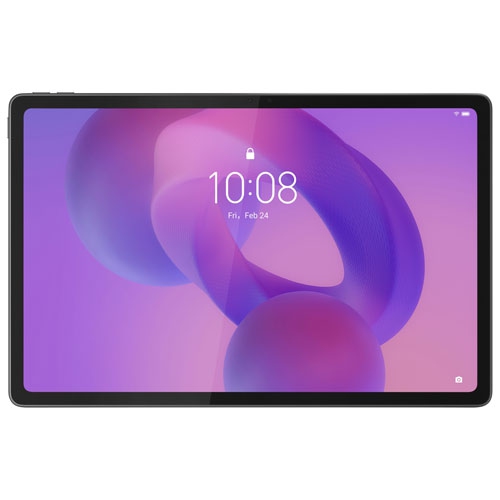
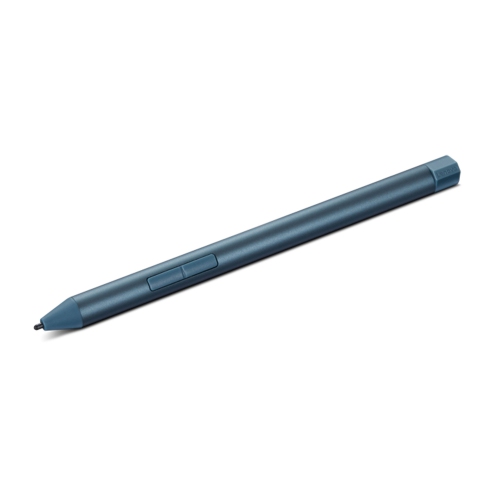
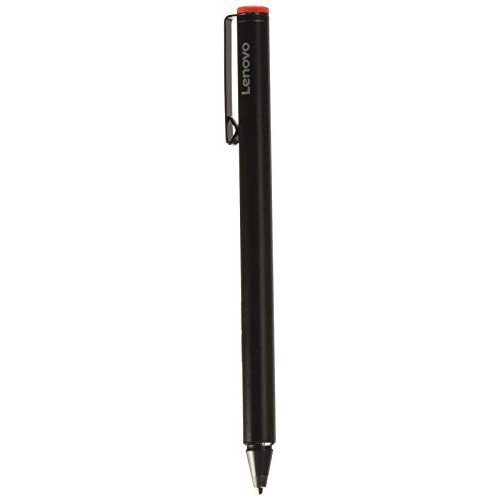
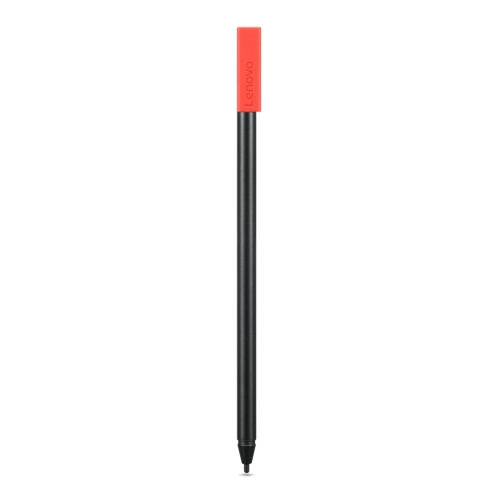
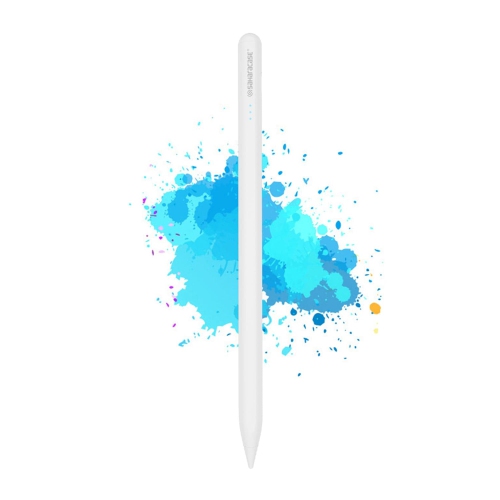
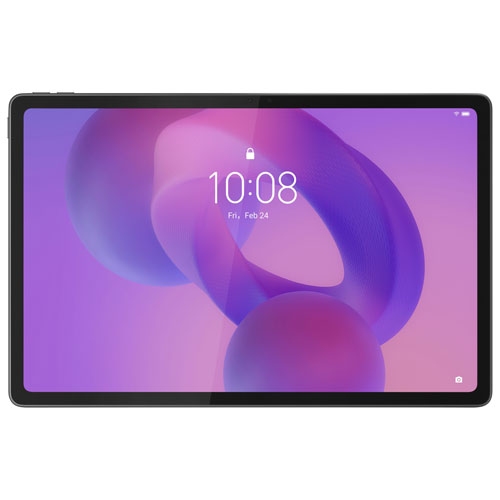
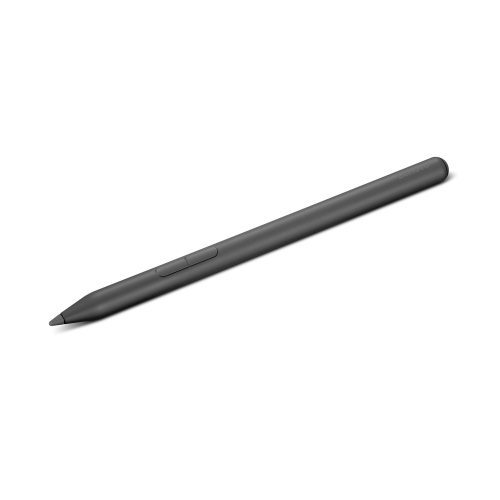
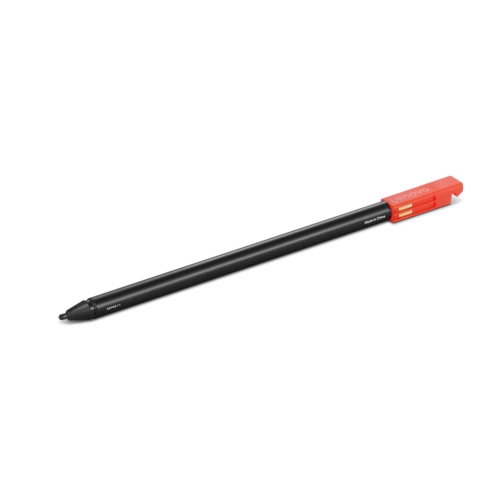
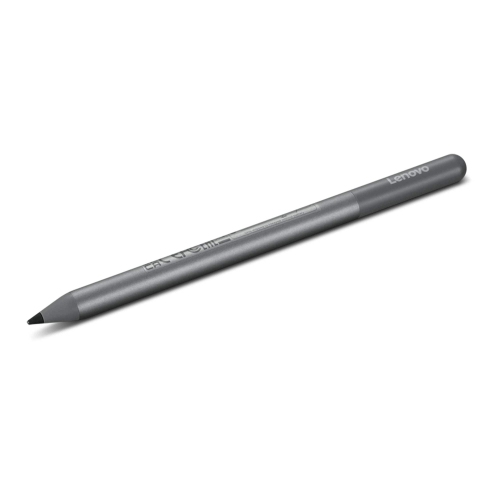
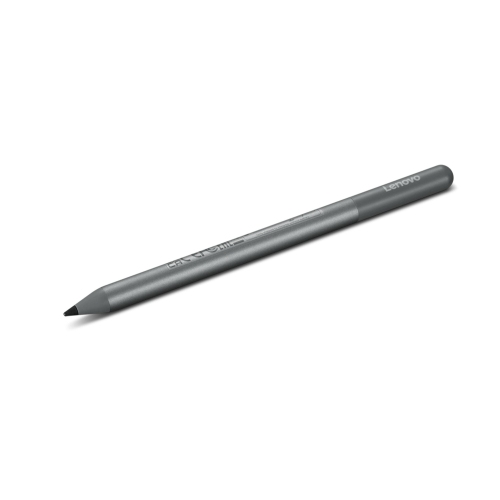
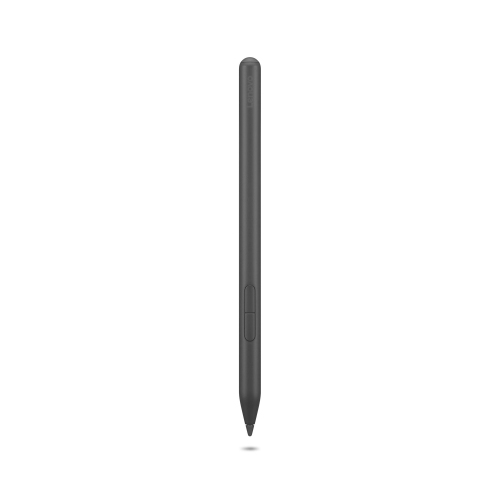
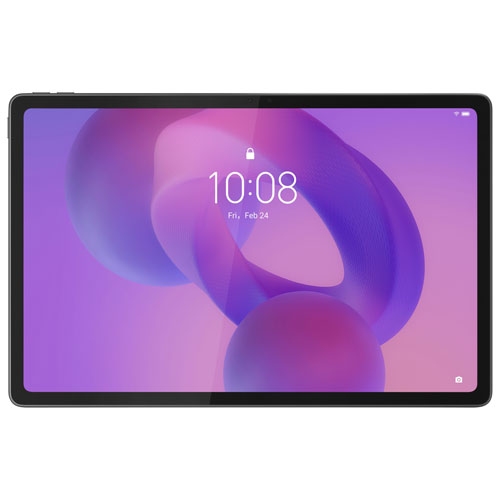
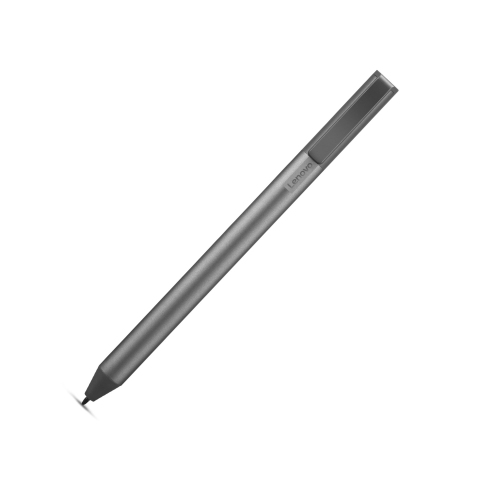
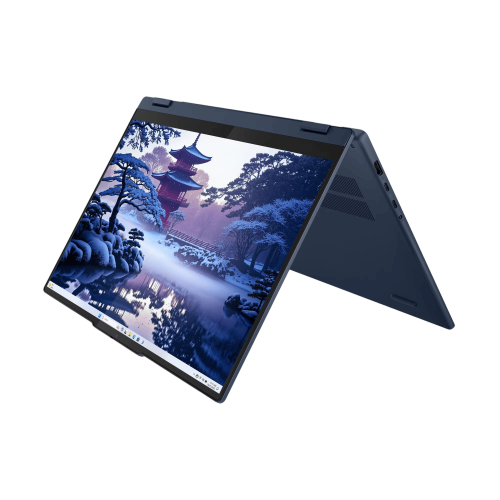
A stylus brings handwriting, creativity, and precision to tablets
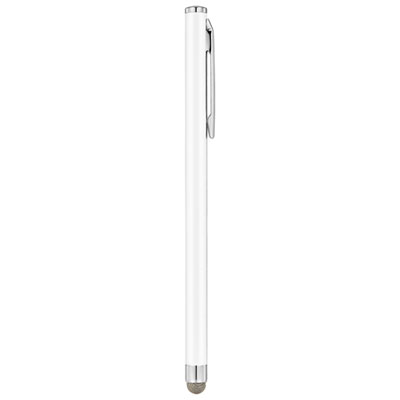
When considering the addition of a digital pen to your tablet setup, it’s easy to see why so many people are drawn to the experience. Whether you’re sketching out ideas on a chilly January morning or making notes during a virtual meeting, a stylus opens up a world of creative and productive possibilities. For students, artists, and professionals alike, the right pen can transform a tablet from a simple device into a powerful tool for expression and efficiency. Imagine sitting in your favourite coffee shop, the snow gently falling outside, as you jot down lecture notes, annotate readings, or brainstorm your next big project—all with the natural feel of handwriting. For artists, the tactile response of a stylus can make digital drawing sessions feel as immersive as working with a traditional sketchbook, while the ability to quickly undo or adjust strokes keeps the creative process fluid and stress-free.
The versatility of tablet pens makes them a thoughtful gift, especially during the winter months when indoor activities take centre stage. If you have a family member who loves to doodle, a friend who’s mastering digital art, or a colleague looking to streamline their workflow, a tablet pen can be a welcome addition to their tech toolkit. It’s also a practical choice for anyone who prefers the precision of pen input over finger taps—think architects marking up blueprints, teachers preparing lesson plans, or business professionals signing documents on the go. When choosing a stylus, it’s important to consider compatibility with your device, pressure sensitivity for nuanced control, and ergonomic design for comfortable use during long sessions. Some pens feature customizable buttons or tilt detection, which can make tasks like shading, highlighting, or switching tools feel intuitive and seamless. As you explore your options, you may want to learn more about the range of features and models available on the dedicated Lenovo Stylus page.
No matter how you plan to use your tablet pen—whether it’s for taking notes in a bustling lecture hall, adding flair to your digital planner as you map out the year ahead, or unwinding with a bit of digital painting after a day of shovelling snow—the right accessory can elevate your experience. Many find that incorporating a stylus into their daily routine not only boosts productivity but also brings a sense of enjoyment and personal touch to their digital interactions. As you browse through the selection, think about the moments in your day when a pen could make things easier or more enjoyable, and choose a model that fits your unique style and needs. With the right tools at hand, your tablet becomes more than just a screen—it becomes an extension of your creativity, organization, and personal expression.
The versatility of tablet pens makes them a thoughtful gift, especially during the winter months when indoor activities take centre stage. If you have a family member who loves to doodle, a friend who’s mastering digital art, or a colleague looking to streamline their workflow, a tablet pen can be a welcome addition to their tech toolkit. It’s also a practical choice for anyone who prefers the precision of pen input over finger taps—think architects marking up blueprints, teachers preparing lesson plans, or business professionals signing documents on the go. When choosing a stylus, it’s important to consider compatibility with your device, pressure sensitivity for nuanced control, and ergonomic design for comfortable use during long sessions. Some pens feature customizable buttons or tilt detection, which can make tasks like shading, highlighting, or switching tools feel intuitive and seamless. As you explore your options, you may want to learn more about the range of features and models available on the dedicated Lenovo Stylus page.
No matter how you plan to use your tablet pen—whether it’s for taking notes in a bustling lecture hall, adding flair to your digital planner as you map out the year ahead, or unwinding with a bit of digital painting after a day of shovelling snow—the right accessory can elevate your experience. Many find that incorporating a stylus into their daily routine not only boosts productivity but also brings a sense of enjoyment and personal touch to their digital interactions. As you browse through the selection, think about the moments in your day when a pen could make things easier or more enjoyable, and choose a model that fits your unique style and needs. With the right tools at hand, your tablet becomes more than just a screen—it becomes an extension of your creativity, organization, and personal expression.
Top selling and popular products
-
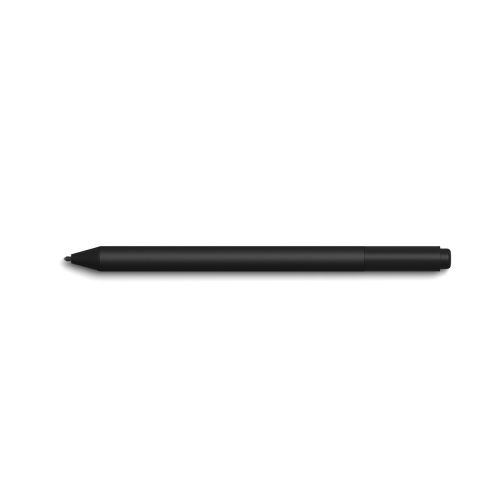 Your price for this item is $165.68
 -
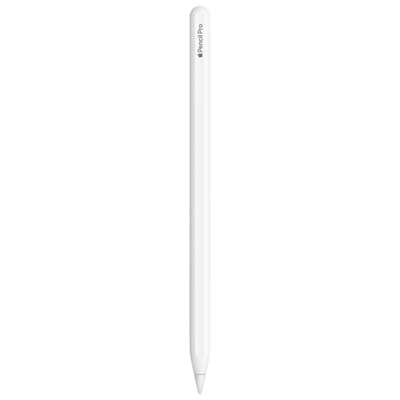 Your price for this item is $169
 -
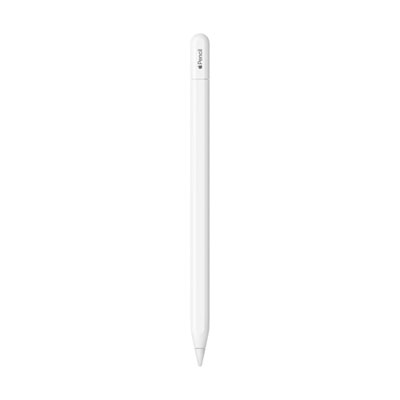 Your price for this item is $94
 -
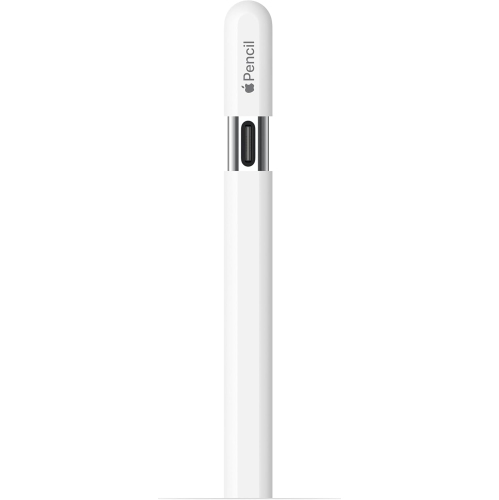 Your price for this item is $96.9
 -
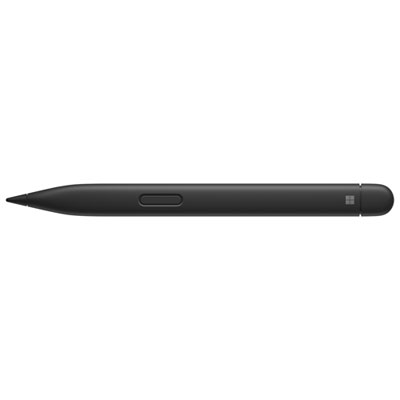 Your price for this item is $151.99
 -
 Your price for this item is $89.95
 -
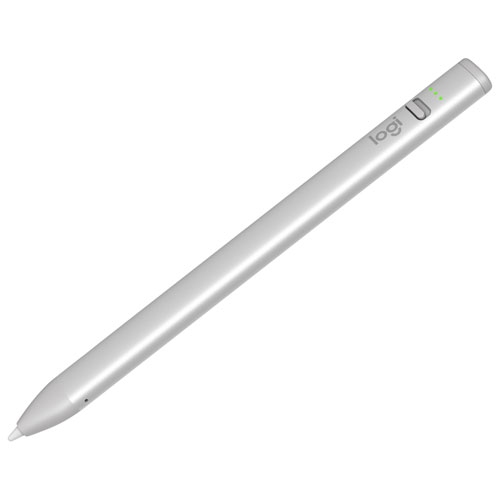 Your price for this item is $118.51
 -
 Your price for this item is $9.99
Discover more categories related to Lenovo Tab Pen
Top Collections:
Best Laptops for Video Editing, Pokemon Centers, Samsung Z Fold, Kindle Devices, Best Cell Phones Under $300, Best Laptops for Writers, Best Budget Office Chairs, Best Cell Phones Under $500, Best Laptop Computers for Students, iPhone 15 Apple
Some products may be subject to Environmental Handling Fees
(EHF) depending on your province.
Learn more about EHFs.