Lenovo Stylus Pen
Enhance your digital experience with the Lenovo Stylus Pen, designed to offer precision and versatility for a variety of tasks. Whether you're taking notes, sketching, or navigating your device, the Lenovo Stylus Pen provides seamless interaction and control. Ideal for students, professionals, and creatives alike, it’s a valuable addition to any compatible device. Discover options that help bring your ideas to life and support productivity on the go.
Sort
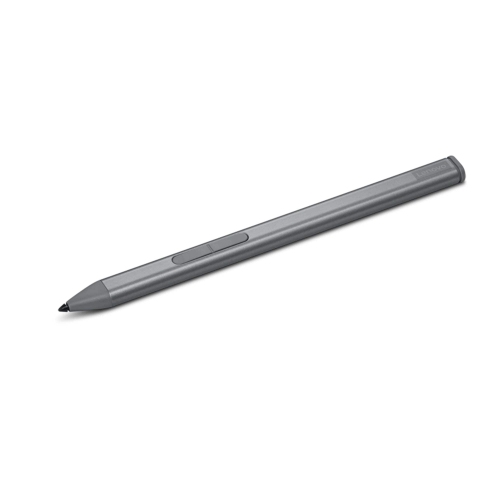
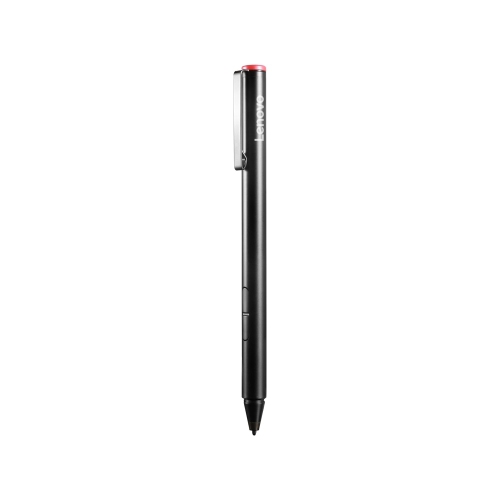
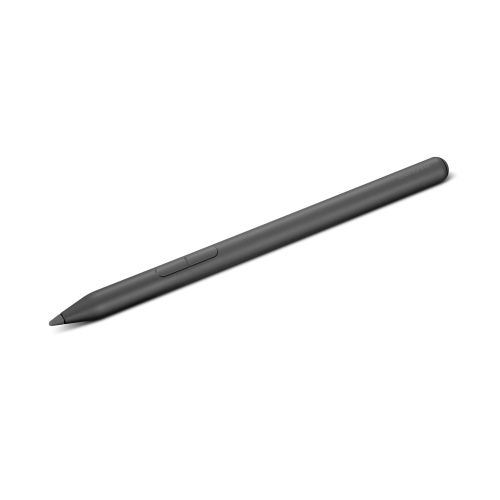
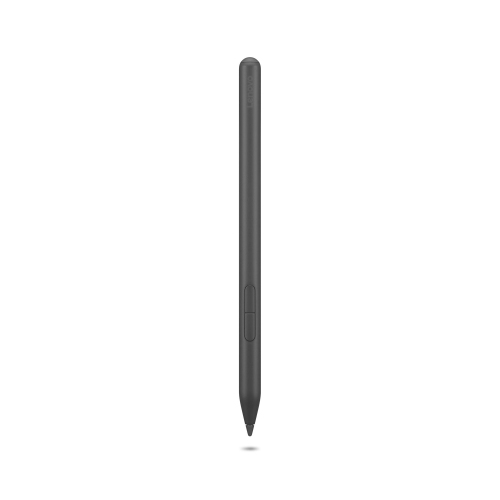
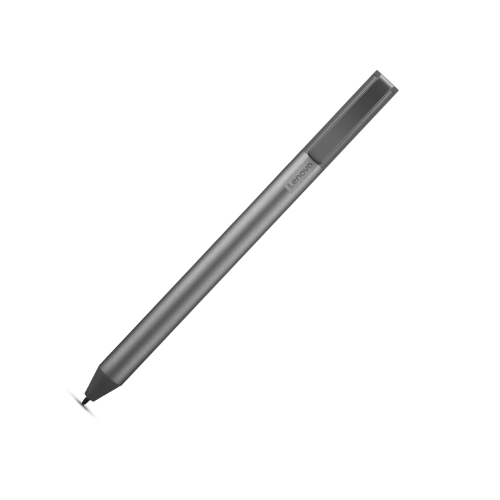
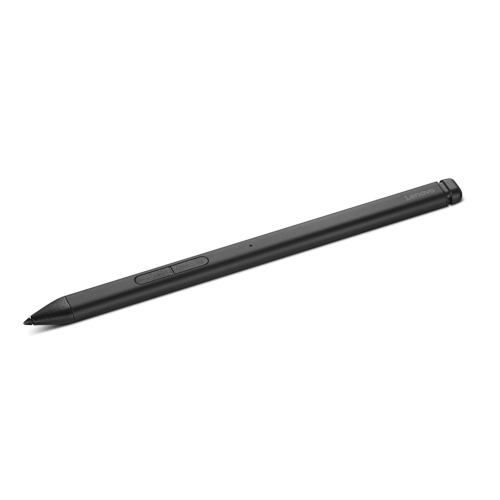


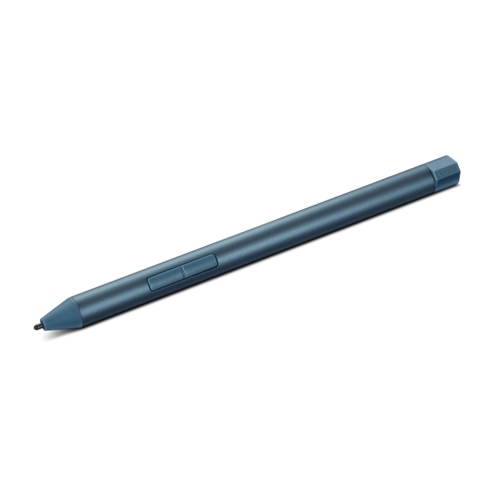
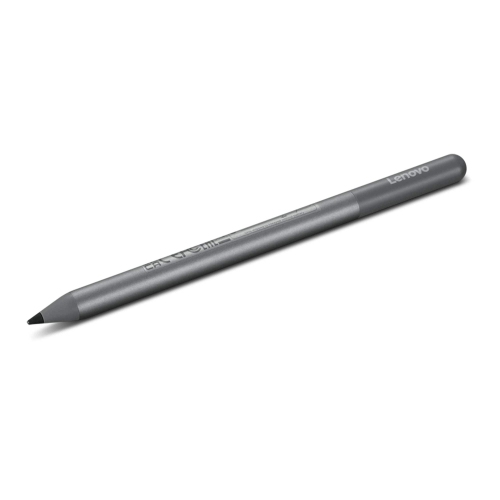

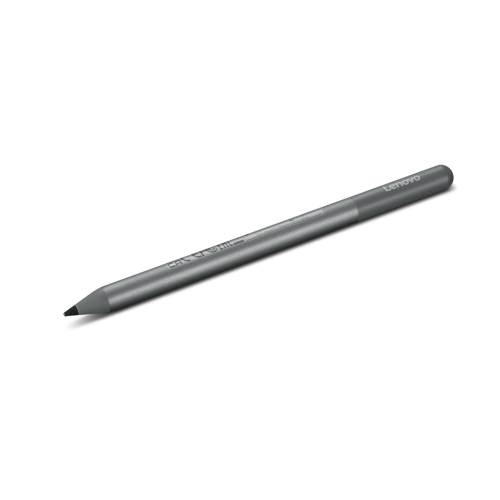
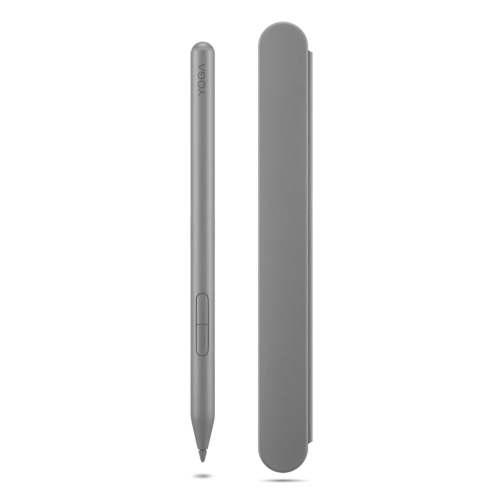

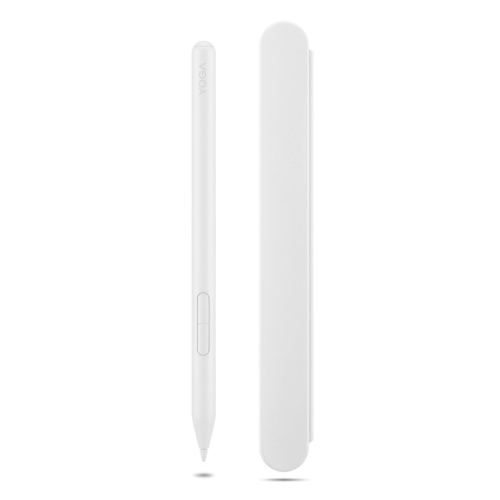
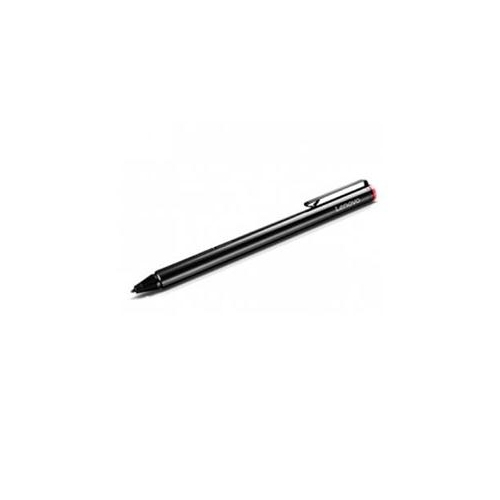
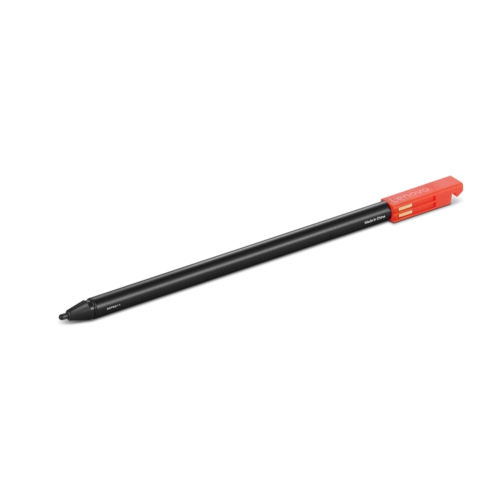
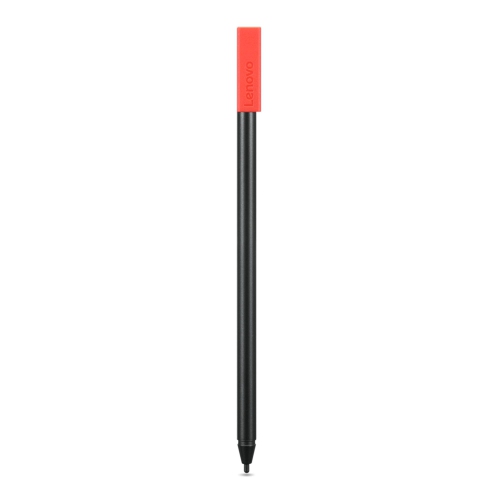
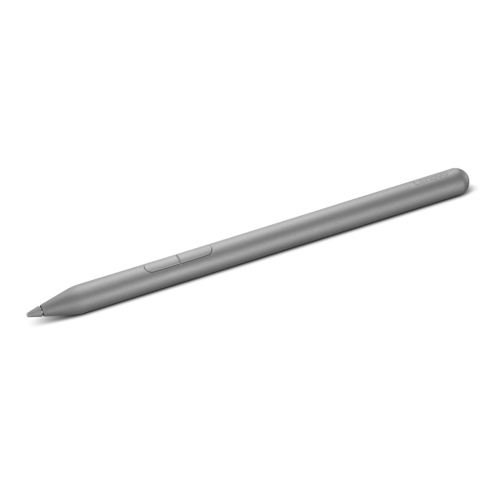
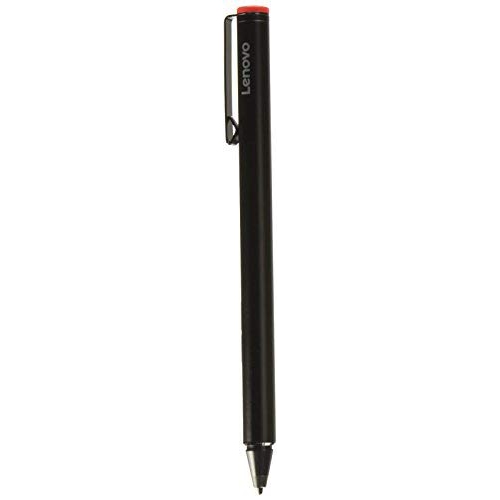
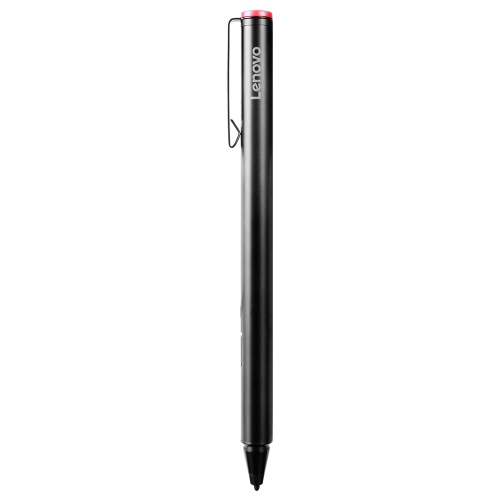
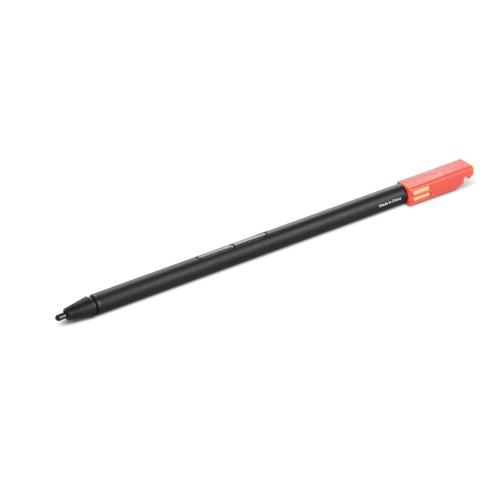
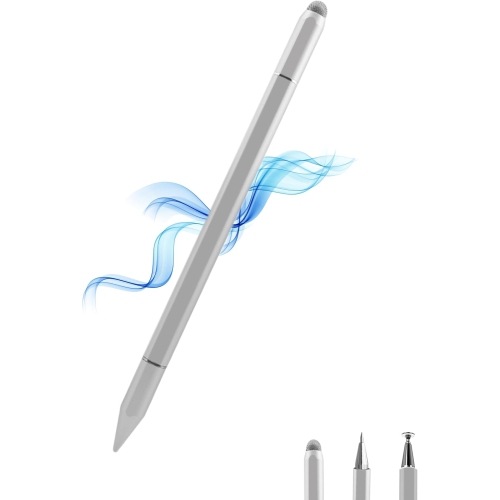
Precise digital handwriting starts with a compatible pen
A stylus pen gives a compatible touchscreen a more precise, familiar way to capture handwriting, mark up documents, and develop visual ideas. Instead of typing every thought, a student can draw arrows between lecture notes, a designer can sketch a rough layout, and someone reviewing a contract can add handwritten comments beside the relevant passage. The narrow tip helps place small marks where a fingertip might cover the details, making it useful for annotating diagrams, working through equations, or selecting controls in a drawing application. For people who prefer writing by hand, digital ink can bring the feel of a notebook to a tablet or a convertible laptop while keeping notes together with other digital files. Compatibility is the essential starting point: a touchscreen alone does not guarantee support for an active pen. The exact device model, its built-in pen technology, and the pen’s supported input protocol need to match. Even devices from the same family can differ between generations or configurations, so a similar appearance or screen size is not enough to establish a fit. Some pens support more than one input protocol, but that does not make them universal. Bluetooth support is also separate from writing compatibility; a wireless connection may enable shortcuts without making an otherwise unsupported pen write on the display. Tablet users can also explore Lenovo Tab Pen options, with the same attention to the exact tablet model and supported features. Intended use helps narrow the choice further. A pen for occasional document signing may need fewer controls than one used for daily handwritten coursework or detailed illustration. Someone who moves between a desk, meeting room, and lecture hall may place extra value on secure storage and a comfortable grip. For a convertible laptop, the device’s supported writing positions matter too: a stable, folded-back screen can make a long annotation session easier than trying to write against an upright display.
Active and passive stylus pens offer different kinds of interaction. An active pen contains electronics and works with compatible screen technology to provide features that may include pressure sensitivity, palm rejection, tilt response, and configurable buttons. A passive capacitive stylus generally acts more like a fingertip, needs no battery, and does not provide the same pressure-sensitive input. It can suit basic tapping or simple mark-making, but it is not a substitute when a task requires an active pen’s supported capabilities. Some active pens offer 2,048 or 4,096 pressure levels, allowing compatible applications to vary a stroke as the user presses more firmly or lightly. That can help produce delicate pencil-like lines, heavier outlines, or expressive brushwork, although the application’s brush settings and pressure curve also influence the result. Tilt support, where available, can change a mark as the pen leans, making broader shading possible with a supported brush. Palm rejection helps the screen distinguish pen input from a resting hand, which can make handwriting feel less awkward; its behaviour depends on the device, software, and settings. Responsiveness matters just as much as the feature list. A line that follows the tip closely is easier to control, while perceived delay can vary with the display, application, and complexity of the file. Side buttons can provide convenient access to an eraser, selection tool, or other supported action, but their functions are not identical across applications. For note-taking, consistent strokes and dependable palm rejection may be more useful than an extensive set of controls. For artwork, pressure response, tilt support, and access to suitable replacement tips deserve closer attention. Power arrangements vary as well: an active pen may use a replaceable battery, charge through a cable, or recharge through a compatible device connection. Magnetic attachment does not necessarily mean charging, and a pen that writes without Bluetooth pairing may still need pairing for additional shortcut functions.
Comfort and construction become especially noticeable during longer writing sessions. A slim barrel can be easy to carry, while a fuller grip may feel more relaxed in some hands; neither shape is automatically better for everyone. Weight, balance, surface texture, and button placement all affect how naturally a pen sits between the fingers. A smooth metal barrel may feel solid, while a textured or cushioned grip can provide a different hold. Buttons should be accessible without forcing a change in grip or being pressed accidentally during ordinary writing. Tip material also changes the experience: a firmer tip may glide more freely, while a softer tip can add a little resistance, though the screen surface and any compatible screen protector influence that feel. Replaceable tips can be useful for frequent writers because wear may eventually make a tip feel rough or alter its shape. Only tips specified for the pen should be used, since a similar-looking replacement may not fit or perform correctly. Routine care is straightforward but worthwhile. Keep the tip and display free of grit, wipe the barrel with a soft cloth, and follow the device manufacturer’s cleaning guidance rather than applying liquid directly to openings or charging contacts. Avoid excessive pressure, which is not needed for ordinary writing and can strain the tip. In a backpack or work bag, a fitted sleeve, pen loop, or compatible storage slot helps protect the point from bending and keeps the pen from disappearing among cables. A magnetic mount is convenient at a desk, but its hold may not be secure enough for loose transport. For a gift, confirming the recipient’s exact device model is more useful than choosing by appearance alone. A well-matched stylus can be a thoughtful tool for a student who fills pages with handwritten notes, a hobby artist exploring digital drawing, or a professional who regularly reviews and annotates documents. The strongest fit combines verified compatibility, comfortable handling, and the features that support those everyday tasks.
Active and passive stylus pens offer different kinds of interaction. An active pen contains electronics and works with compatible screen technology to provide features that may include pressure sensitivity, palm rejection, tilt response, and configurable buttons. A passive capacitive stylus generally acts more like a fingertip, needs no battery, and does not provide the same pressure-sensitive input. It can suit basic tapping or simple mark-making, but it is not a substitute when a task requires an active pen’s supported capabilities. Some active pens offer 2,048 or 4,096 pressure levels, allowing compatible applications to vary a stroke as the user presses more firmly or lightly. That can help produce delicate pencil-like lines, heavier outlines, or expressive brushwork, although the application’s brush settings and pressure curve also influence the result. Tilt support, where available, can change a mark as the pen leans, making broader shading possible with a supported brush. Palm rejection helps the screen distinguish pen input from a resting hand, which can make handwriting feel less awkward; its behaviour depends on the device, software, and settings. Responsiveness matters just as much as the feature list. A line that follows the tip closely is easier to control, while perceived delay can vary with the display, application, and complexity of the file. Side buttons can provide convenient access to an eraser, selection tool, or other supported action, but their functions are not identical across applications. For note-taking, consistent strokes and dependable palm rejection may be more useful than an extensive set of controls. For artwork, pressure response, tilt support, and access to suitable replacement tips deserve closer attention. Power arrangements vary as well: an active pen may use a replaceable battery, charge through a cable, or recharge through a compatible device connection. Magnetic attachment does not necessarily mean charging, and a pen that writes without Bluetooth pairing may still need pairing for additional shortcut functions.
Comfort and construction become especially noticeable during longer writing sessions. A slim barrel can be easy to carry, while a fuller grip may feel more relaxed in some hands; neither shape is automatically better for everyone. Weight, balance, surface texture, and button placement all affect how naturally a pen sits between the fingers. A smooth metal barrel may feel solid, while a textured or cushioned grip can provide a different hold. Buttons should be accessible without forcing a change in grip or being pressed accidentally during ordinary writing. Tip material also changes the experience: a firmer tip may glide more freely, while a softer tip can add a little resistance, though the screen surface and any compatible screen protector influence that feel. Replaceable tips can be useful for frequent writers because wear may eventually make a tip feel rough or alter its shape. Only tips specified for the pen should be used, since a similar-looking replacement may not fit or perform correctly. Routine care is straightforward but worthwhile. Keep the tip and display free of grit, wipe the barrel with a soft cloth, and follow the device manufacturer’s cleaning guidance rather than applying liquid directly to openings or charging contacts. Avoid excessive pressure, which is not needed for ordinary writing and can strain the tip. In a backpack or work bag, a fitted sleeve, pen loop, or compatible storage slot helps protect the point from bending and keeps the pen from disappearing among cables. A magnetic mount is convenient at a desk, but its hold may not be secure enough for loose transport. For a gift, confirming the recipient’s exact device model is more useful than choosing by appearance alone. A well-matched stylus can be a thoughtful tool for a student who fills pages with handwritten notes, a hobby artist exploring digital drawing, or a professional who regularly reviews and annotates documents. The strongest fit combines verified compatibility, comfortable handling, and the features that support those everyday tasks.
Top selling and popular products
-
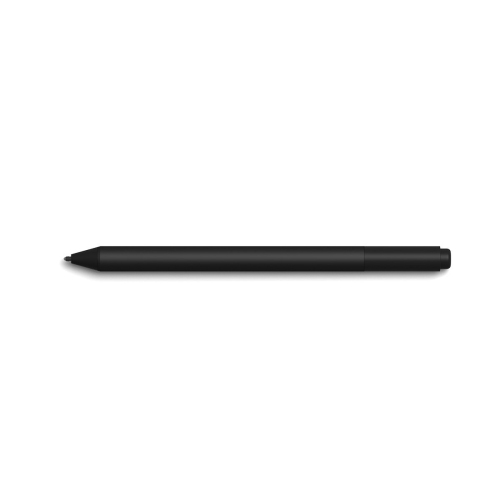 Your price for this item is $175.68
-
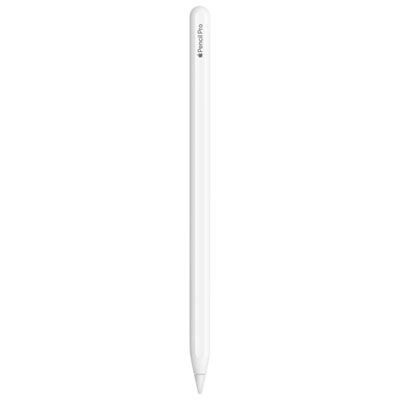 Your price for this item is $169
-
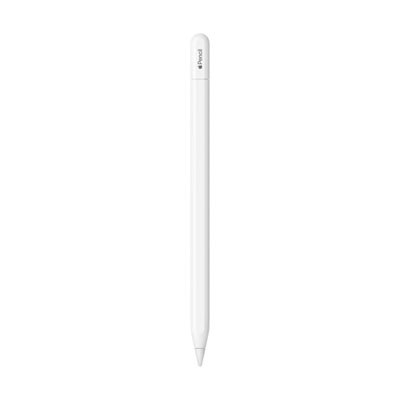 Your price for this item is $109
-
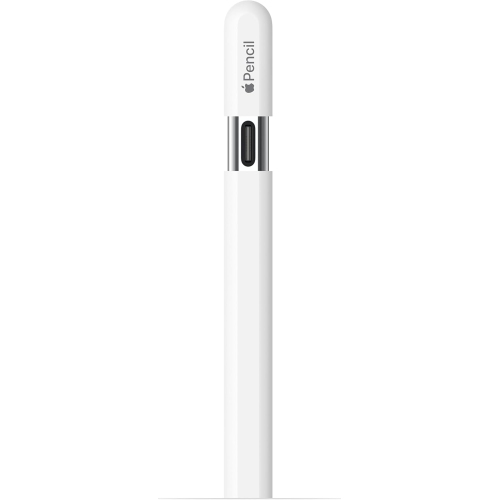 Your price for this item is $96.9
-
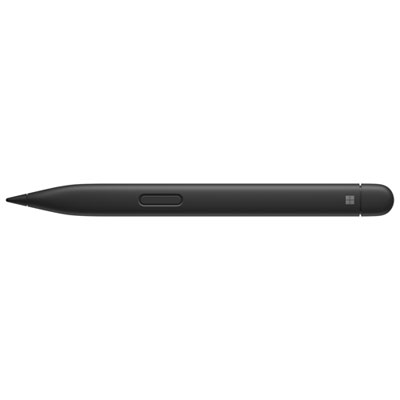 Your price for this item is $189.99
-
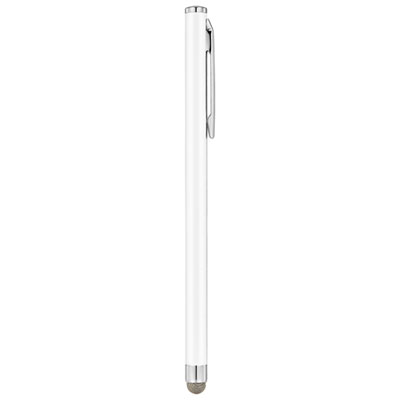 Your price for this item is $9.99
-
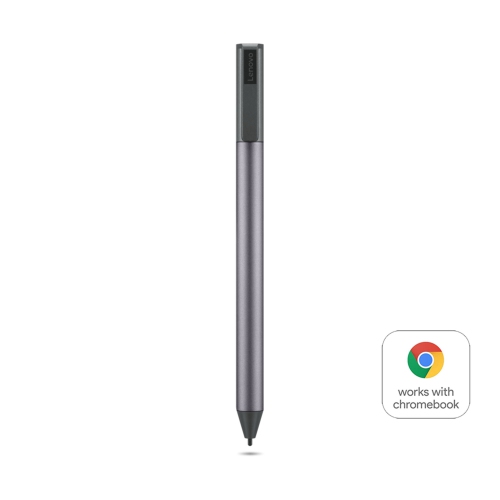 Your price for this item is $71.99
-
 Your price for this item is $21.99
Discover more categories related to Lenovo Stylus Pen
Top Collections:
Pokemon Centers, Kindle Devices, Best Cameras for Sports Photography, Best Budget Office Chairs, Pokémon 30th Celebration Cards, Apple iPhones 16, Canon G7X Cameras, iPhone 15 Apple, Flip Phones, Samsung Galaxy Phones
Some products may be subject to Environmental Handling Fees
(EHF) depending on your province.
Learn more about EHFs.