LG Gaming Monitors
Level up your gaming experience with an LG Gaming Monitor, designed to deliver smooth visuals and responsive performance for every session. Whether you’re a casual player or a competitive enthusiast, the right monitor can make all the difference in your setup. Explore a range of options to find the perfect LG Gaming Monitor that matches your style and enhances your gameplay.
Sort



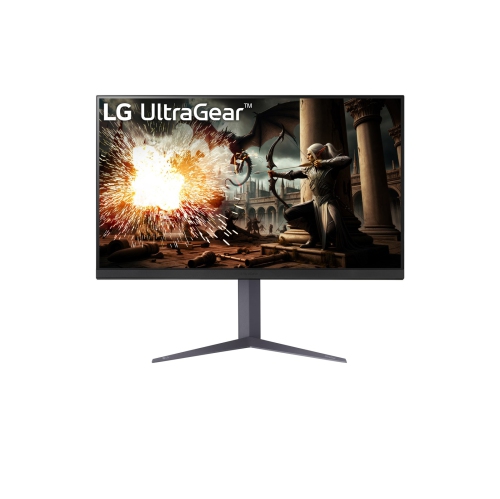
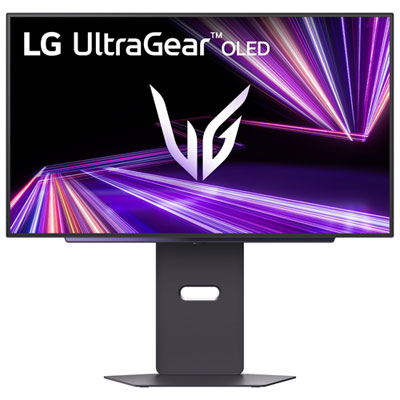
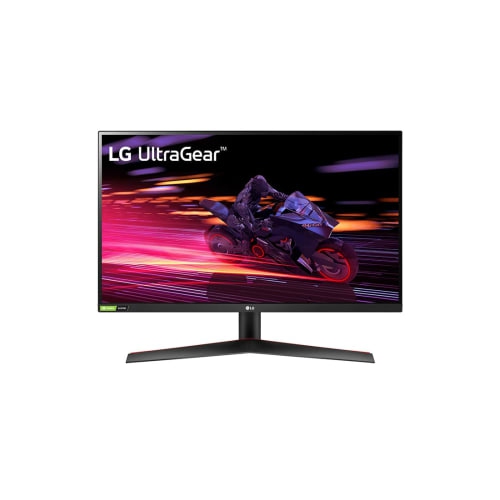
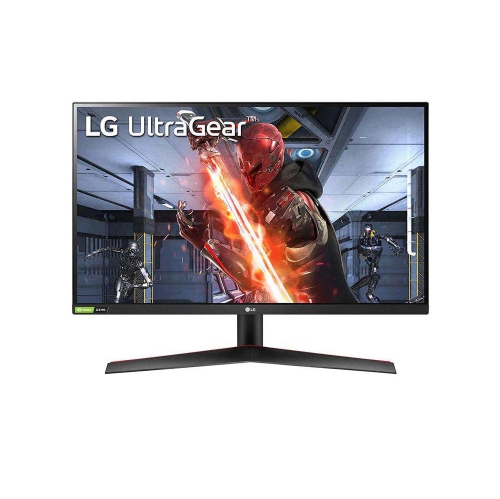
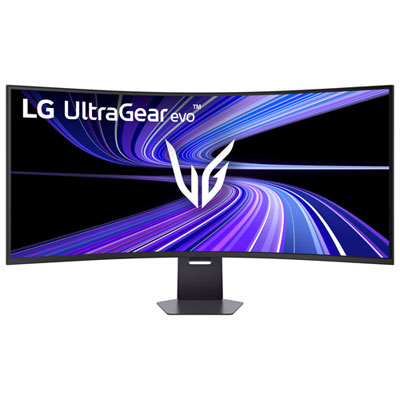
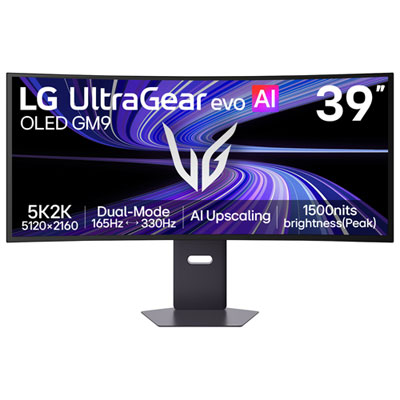
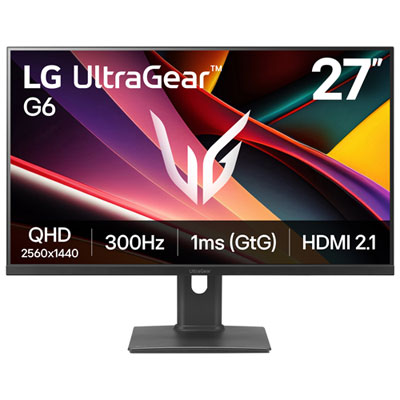
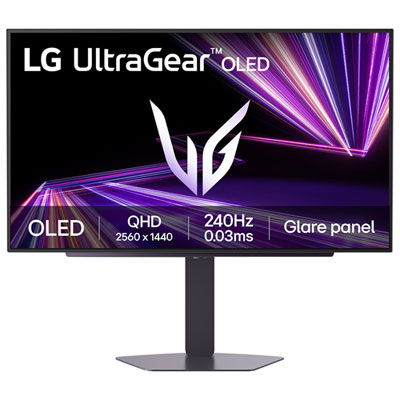
What makes game worlds look sharp and move smoothly
Gaming monitors bring together screen clarity, responsive motion, and a comfortable viewing position for everything from competitive matches to expansive role-playing adventures. Their differences go beyond screen size: panel technology, resolution, refresh rate, and screen shape all influence how a game looks and feels. OLED gaming monitors control light at the pixel level, producing deep blacks and strong contrast that can make a dim corridor, star-filled sky, or brightly lit dashboard look especially distinct. Their fast pixel transitions also help keep moving objects clearly defined. IPS gaming monitors are known for consistent colour and wide viewing angles, making them well suited to a desktop that doubles as a space for gaming, photo editing, and everyday work. VA panels typically deliver strong native contrast, although motion handling varies by display, particularly in darker scenes. Resolution affects both visible detail and the demands placed on a computer. Full HD, also called 1080p, can suit high-frame-rate gaming with less demanding graphics requirements, while QHD, or 1440p, offers additional detail for games, text, and multitasking. A 4K gaming monitor provides a finer pixel grid, which can reveal small interface elements and detailed textures, but running demanding games at that resolution generally requires more graphics performance. Screen size changes how that detail is experienced. A 27-inch screen and a 32-inch screen at the same resolution do not have the same pixel density, so text sharpness and viewing distance matter alongside the resolution label. Ultrawide formats add horizontal space for racing cockpits, flight simulators, timelines, and side-by-side windows, though game support varies. Some titles fill the wider screen naturally, while others display black bars or limit the visible playing area. HDR can add depth to highlights and shadows, but its impact depends on brightness, contrast, colour capability, and the way the display controls light rather than on HDR compatibility alone.
Motion performance is especially noticeable when tracking an opponent across a map or following a ball through a fast camera pan. Refresh rate describes how often the screen can update, with rates such as 144Hz, 165Hz, and 240Hz allowing more frequent updates than a standard 60Hz display. The benefit depends partly on the frame rate supplied by the computer or console, so a high refresh rate does not automatically mean every game will run at that speed. Pixel response time is a separate measurement: it describes how quickly pixels change between specified states, not the total delay between pressing a button and seeing an action. Advertised figures can use different test conditions, and aggressive response settings may create bright or dark trails around moving objects. Adaptive sync can help reduce tearing when frame rates fluctuate, provided the display, graphics hardware, connection, and selected settings work together. Connectivity is just as important as panel performance. HDMI and DisplayPort capabilities vary, and the supported resolution and refresh rate depend on both ends of the connection as well as the cable. Console compatibility also involves supported video modes, variable refresh rate, and the game itself; a console does not necessarily use every capability a monitor offers. For laptop users, a USB-C connection may simplify a desktop setup when it supports video, with charging and USB functions depending on the display’s specifications. Physical fit matters throughout daily use. A wide screen needs enough clearance for speakers and accessories, while a deep stand can occupy space otherwise used for broad mouse movements. Height adjustment, tilt, and swivel help place the screen at a relaxed viewing angle, and a compatible mounting arm can free work surface space when its weight limit and mounting pattern match the display. Curved screens can make the edges of a broad display feel more naturally positioned, although the effect depends on screen width, curve, and seating distance.
The materials and finish of a gaming monitor also influence how it fits into a frequently used setup. Moulded plastic housings help keep the display manageable to position, while stands may combine plastic covers with metal supports for stability. A firm base is useful on a desktop that also holds a keyboard, speakers, and a controller charging station, especially when enthusiastic play causes small movements across the work surface. Matte screen finishes can soften reflections, while glossier finishes may preserve a clearer-looking image in a room where light sources are carefully positioned. Neither finish removes the need to consider a nearby window or a lamp reflected in a dark scene. Routine care is straightforward but important: a soft, clean microfibre cloth can lift dust, and cleaning should follow the manufacturer’s directions without pressing hard on the panel or spraying liquid directly onto it. Ventilation openings need clear space, and cables benefit from enough slack to avoid strain when the screen moves. For OLED displays, built-in panel-care functions and habits that limit prolonged static imagery can help manage the risk of image retention or burn-in; the relevant settings and coverage terms differ by model. Intended use remains the strongest connection between these details. A player focused on fast competitive games may value motion clarity and an uncluttered screen position, while someone exploring detailed landscapes may place more emphasis on contrast, resolution, and a wider field of view. A shared gaming and study setup benefits from readable text, flexible connections, and an adjustable stand. As a gift, a gaming monitor is most useful when it suits the recipient’s computer or console, available desktop space, and preferred games rather than screen size alone. For a sofa-based console setup or a larger shared viewing space, LG Gaming TVs offer another display format alongside desktop gaming monitors. The right fit supports both the game on screen and the way that space is used every day.
Top selling and popular products
-
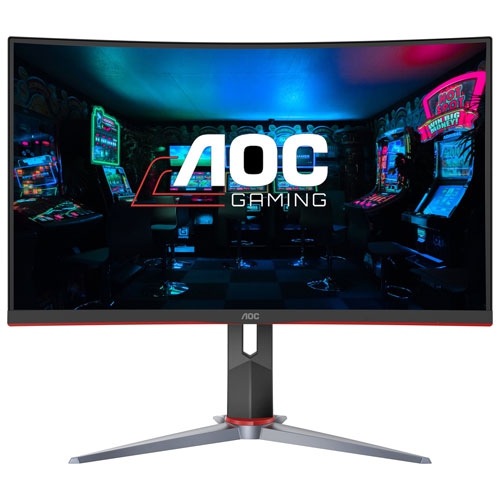 Your price for this item is $275
-
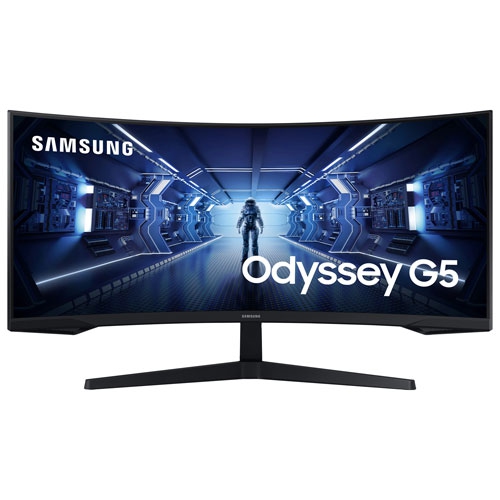 Your price for this item is $559.68
-
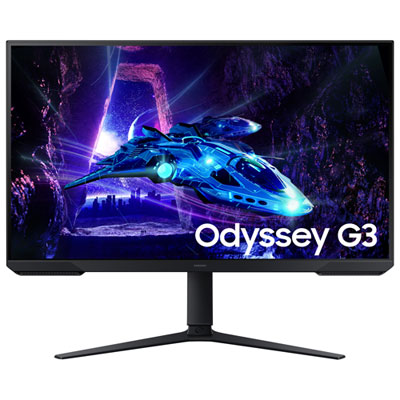 Your price for this item is $209.95
-
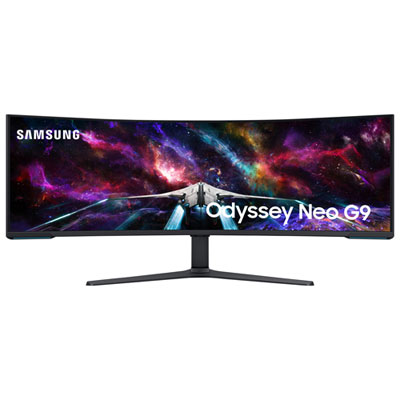 Your price for this item is $3299.99
-
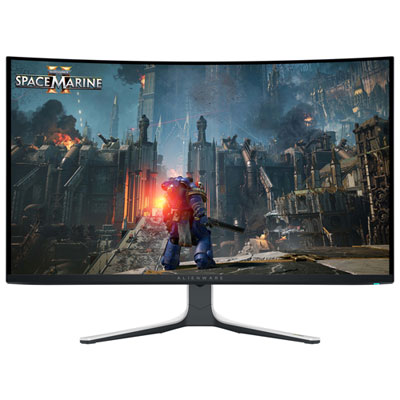 Your price for this item is $1349.99
-
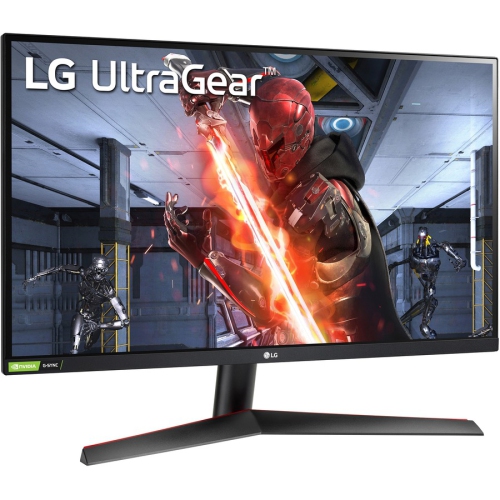 Your price for this item is $554.68
-
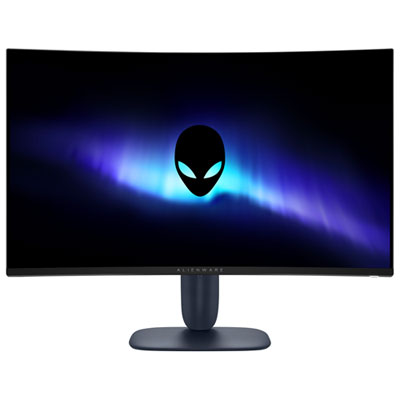 Your price for this item is $339.95
-
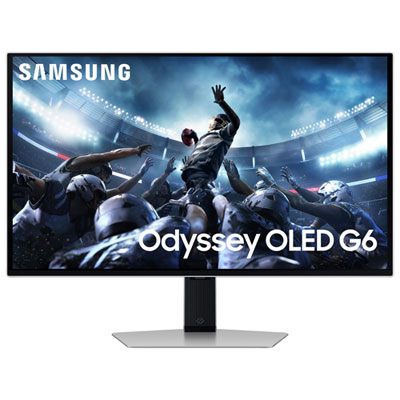 Your price for this item is $1199.99
Discover more categories related to LG Gaming Monitors

Top Collections:
Best Black Friday Deals This Year, Best Black Friday Deals On Electronics, Kindle Devices, Pokemon Centers, Best Black Friday Deals On Apple Products, Best Cameras for Sports Photography, Dyson Airwrap, Pokémon 30th Celebration Cards, Apple iPhone 17 Pro, Canon G7X Cameras
Some products may be subject to Environmental Handling Fees
(EHF) depending on your province.
Learn more about EHFs.