Lightweight Tablet Computers
Lightweight Tablet Computer options offer a perfect blend of portability and performance, making them ideal for staying connected, productive, and entertained on the go. With sleek designs that are easy to carry, these tablets fit seamlessly into your daily routine at home, at work, or while traveling. Explore a wide range of Lightweight Tablet Computer choices to find the right device for browsing, streaming, gaming, or managing your tasks with ease. Discover how these versatile tablets can simplify your digital experience and keep you moving forward wherever life takes you.
Sort





Why tablet comfort depends on more than weight
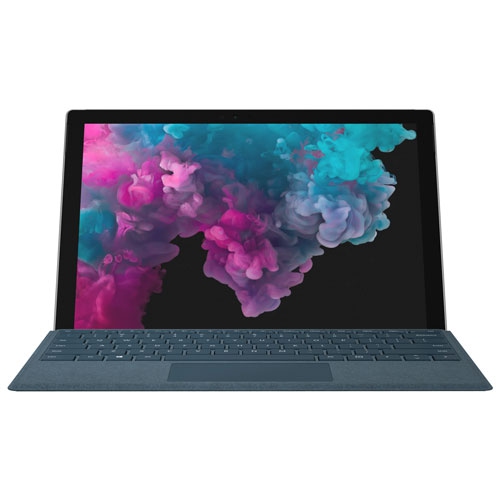
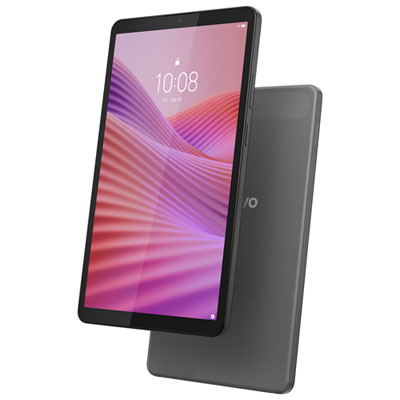
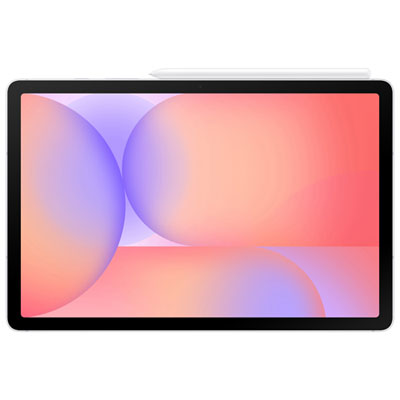
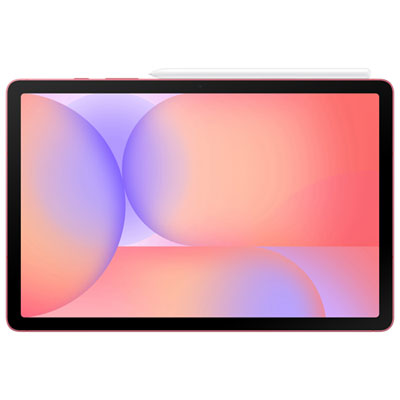
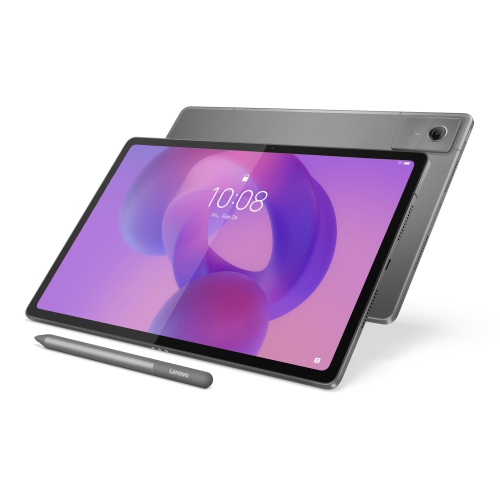
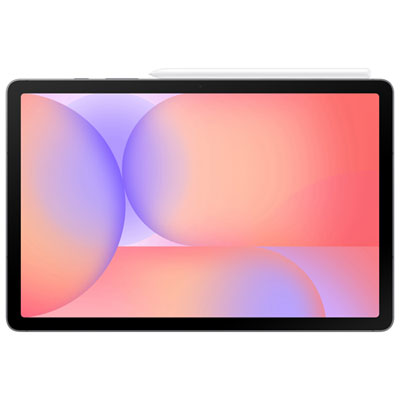
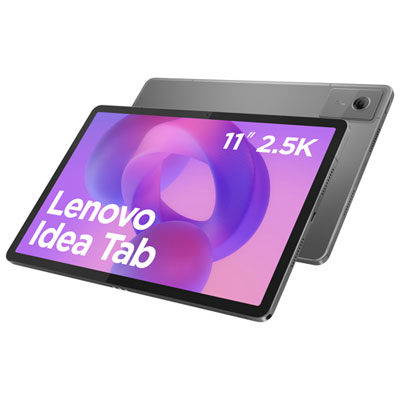
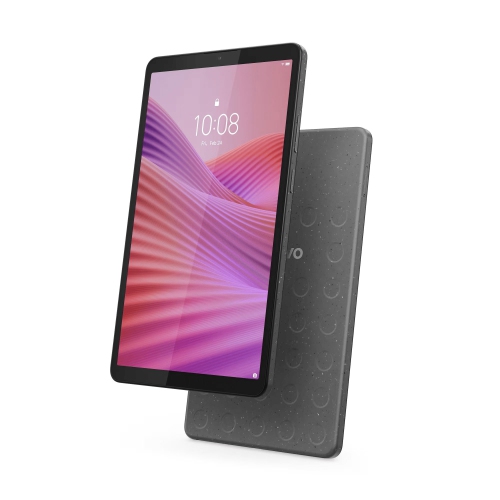
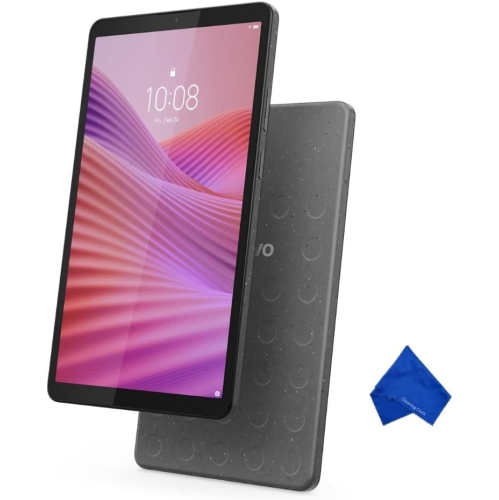
Lightweight tablet computers combine a touchscreen, rechargeable battery, and portable design for reading, entertainment, communication, and everyday tasks away from a full-sized computer. Their appeal comes from how easily they fit into ordinary routines: reading an article on the train, reviewing a presentation between meetings, or following a recipe without giving up much countertop space. Weight matters most when the tablet will spend long stretches in someone’s hands rather than resting on a stand. A slim body can slide neatly into a bag, but thickness alone does not determine how comfortable a tablet feels. Width, balance, edge shape, and the weight of a protective case all affect the experience. Compact tablets with displays around 8 to 9 inches are often easier to hold for reading and casual browsing, while models around 10 to 11 inches provide more room for documents, video calls, and handwritten notes. Larger screens can make side-by-side apps and detailed artwork easier to manage, though they take up more room in a bag and may feel less comfortable during extended one-handed use. These size groups are useful points of comparison rather than fixed rules; a larger tablet can still have a notably light design. Display proportions also matter. A wider screen suits video playback, while a less elongated screen can provide comfortable space for pages, sheet music, and documents. Clear text, readable brightness, and viewing angles contribute as much to everyday comfort as the screen’s dimensions. For someone reading a novel with the tablet propped on a lap, a compact body may be the priority. For someone reviewing a spreadsheet at a work surface, a larger display and stable stand may matter more. The most practical size balances carrying comfort with enough usable screen space for the tasks that will fill the day.
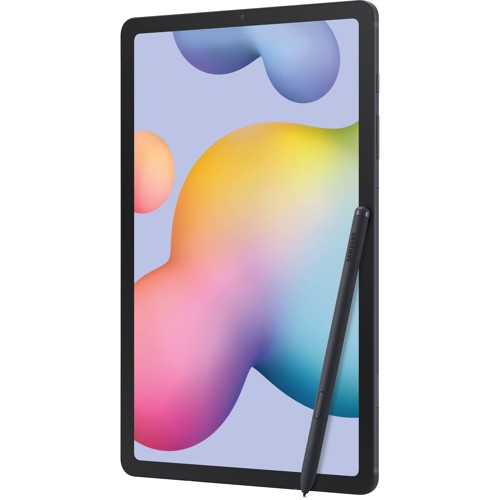
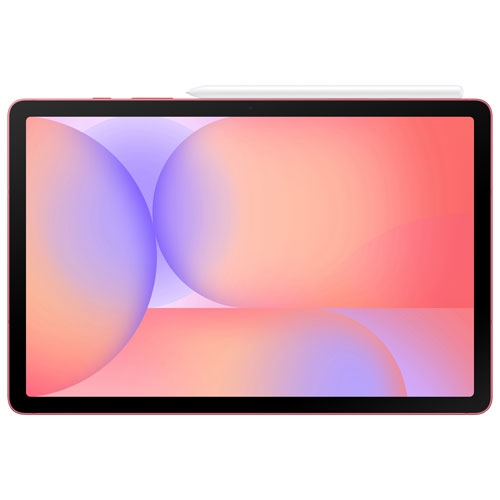
The capabilities of lightweight tablets range from straightforward browsing and streaming to demanding creative work, depending on the processor, memory, operating system, and app support. Low weight does not necessarily mean limited performance, just as a larger screen does not guarantee faster operation. Responsive app switching is especially useful when moving between a lecture recording, a document, and a browser, while more demanding drawing, editing, or gaming benefits from hardware suited to those workloads. Software compatibility remains important for anyone expecting a tablet to take over computer tasks. A mobile version of an application may offer different features from its desktop counterpart, and some specialized programs require a laptop or desktop computer. For handwritten work, lightweight tablets for note taking bring portability together with features that can support class notes, meeting summaries, diagrams, and marked-up documents. Active pen compatibility, palm rejection, and a comfortable writing position can make the difference between occasional scribbles and a dependable daily notebook. These functions depend on the tablet, pen, and application working together; not every touchscreen supports the same writing tools. A keyboard can make longer emails and assignments more comfortable, while a stand helps position the display for typing or calls. Students may appreciate a tablet that travels easily between classes, and frequent travellers may value downloaded books, videos, and documents in a single compact device. Artists can use a compatible pen for sketches and colour studies, while family members may prefer straightforward controls for reading, puzzles, and video chats. As a gift, a lightweight tablet is most useful when its software, screen size, and controls suit the recipient’s habits. Storage capacity also shapes long-term usefulness, particularly for downloaded media, large drawing files, or shared family use. Some tablets accept memory cards, while others rely on built-in storage and online services, so storage flexibility varies.
Day-to-day ownership also involves battery life, connections, construction, and care. Published battery estimates reflect particular test conditions, and actual running time changes with screen brightness, video calls, games, wireless connections, and background activity. A tablet used mainly for reading may behave quite differently from the same device running a demanding game. Charging convenience matters on busy days, but charging speed depends on both the tablet and a compatible charger. Wi-Fi supports access through home, school, workplace, and public networks; cellular-capable tablets can connect through a compatible mobile service plan where coverage permits. Wireless headphones, keyboards, and other accessories can make a compact tablet more versatile, although each connection and feature needs compatible hardware and software. A USB-C connector does not, by itself, guarantee support for an external display or every accessory. Construction affects how the tablet feels in the hand and how well it suits its intended use. Aluminium bodies often have a firm, rigid feel, while plastic designs vary in texture and grip; neither material alone establishes how well a device will withstand a drop. A fitted case can protect corners and provide a stand, but it also adds weight and bulk. Secure fit is particularly important around buttons, cameras, speakers, charging ports, and any magnetic pen attachment. A raised edge may help keep the screen from touching a flat surface, while a screen protector can help reduce surface scratches without making the tablet unbreakable. Water resistance should only be assumed when a specific rating is stated. For routine cleaning, a soft, lint-free cloth and the manufacturer’s care directions help protect the screen and finish; liquid should not enter ports or openings. Protective sleeves are useful when a tablet shares a bag with keys, chargers, and books. Taken together, manageable weight, suitable performance, comfortable handling, and thoughtful protection support a tablet that feels easy to carry and useful well beyond its first few outings.
The capabilities of lightweight tablets range from straightforward browsing and streaming to demanding creative work, depending on the processor, memory, operating system, and app support. Low weight does not necessarily mean limited performance, just as a larger screen does not guarantee faster operation. Responsive app switching is especially useful when moving between a lecture recording, a document, and a browser, while more demanding drawing, editing, or gaming benefits from hardware suited to those workloads. Software compatibility remains important for anyone expecting a tablet to take over computer tasks. A mobile version of an application may offer different features from its desktop counterpart, and some specialized programs require a laptop or desktop computer. For handwritten work, lightweight tablets for note taking bring portability together with features that can support class notes, meeting summaries, diagrams, and marked-up documents. Active pen compatibility, palm rejection, and a comfortable writing position can make the difference between occasional scribbles and a dependable daily notebook. These functions depend on the tablet, pen, and application working together; not every touchscreen supports the same writing tools. A keyboard can make longer emails and assignments more comfortable, while a stand helps position the display for typing or calls. Students may appreciate a tablet that travels easily between classes, and frequent travellers may value downloaded books, videos, and documents in a single compact device. Artists can use a compatible pen for sketches and colour studies, while family members may prefer straightforward controls for reading, puzzles, and video chats. As a gift, a lightweight tablet is most useful when its software, screen size, and controls suit the recipient’s habits. Storage capacity also shapes long-term usefulness, particularly for downloaded media, large drawing files, or shared family use. Some tablets accept memory cards, while others rely on built-in storage and online services, so storage flexibility varies.
Day-to-day ownership also involves battery life, connections, construction, and care. Published battery estimates reflect particular test conditions, and actual running time changes with screen brightness, video calls, games, wireless connections, and background activity. A tablet used mainly for reading may behave quite differently from the same device running a demanding game. Charging convenience matters on busy days, but charging speed depends on both the tablet and a compatible charger. Wi-Fi supports access through home, school, workplace, and public networks; cellular-capable tablets can connect through a compatible mobile service plan where coverage permits. Wireless headphones, keyboards, and other accessories can make a compact tablet more versatile, although each connection and feature needs compatible hardware and software. A USB-C connector does not, by itself, guarantee support for an external display or every accessory. Construction affects how the tablet feels in the hand and how well it suits its intended use. Aluminium bodies often have a firm, rigid feel, while plastic designs vary in texture and grip; neither material alone establishes how well a device will withstand a drop. A fitted case can protect corners and provide a stand, but it also adds weight and bulk. Secure fit is particularly important around buttons, cameras, speakers, charging ports, and any magnetic pen attachment. A raised edge may help keep the screen from touching a flat surface, while a screen protector can help reduce surface scratches without making the tablet unbreakable. Water resistance should only be assumed when a specific rating is stated. For routine cleaning, a soft, lint-free cloth and the manufacturer’s care directions help protect the screen and finish; liquid should not enter ports or openings. Protective sleeves are useful when a tablet shares a bag with keys, chargers, and books. Taken together, manageable weight, suitable performance, comfortable handling, and thoughtful protection support a tablet that feels easy to carry and useful well beyond its first few outings.
Top selling and popular products
-
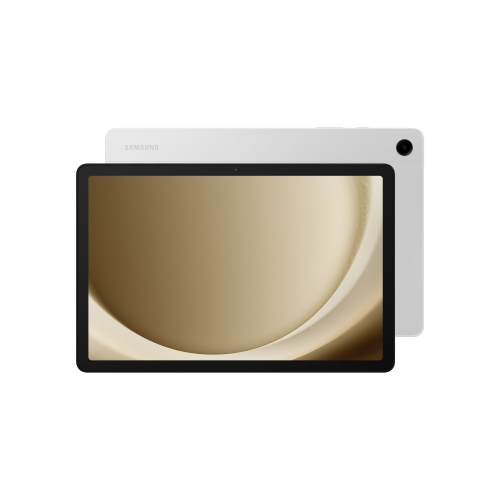 Your price for this item is $499.99
-
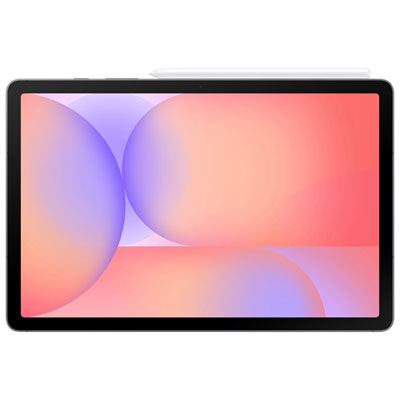 Your price for this item is $399.99
-
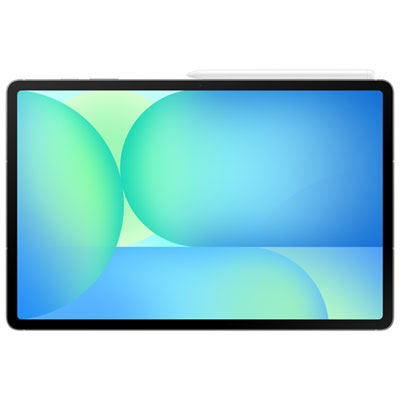 Your price for this item is $979.99
-
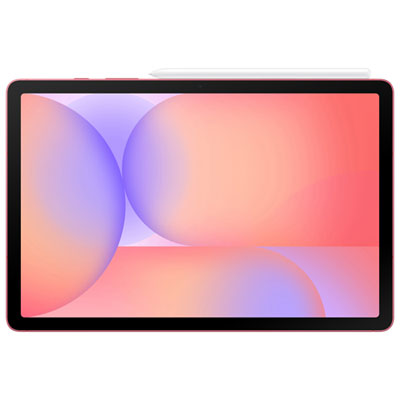 Your price for this item is $399.99
-
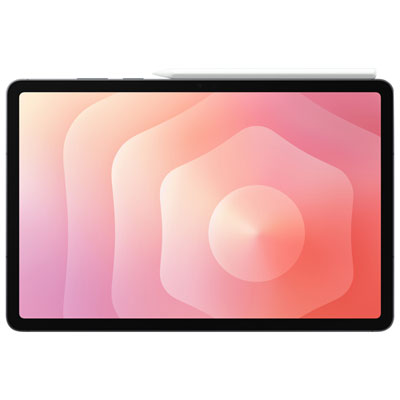 Your price for this item is $1399.99
-
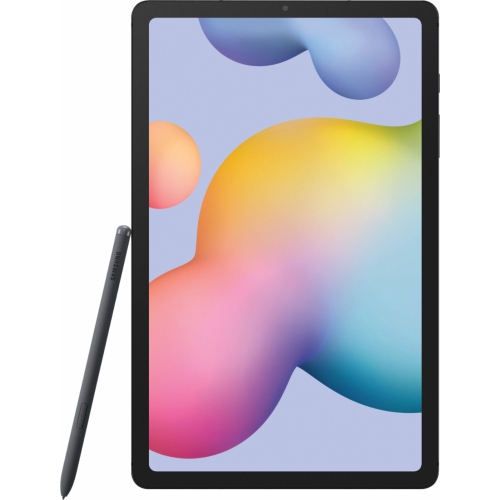 Your price for this item is $699.99
-
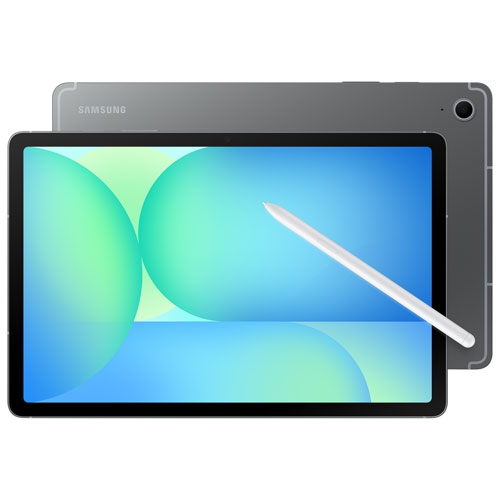 Your price for this item is $624.95
-
 Your price for this item is $929.99
Discover more categories related to Lightweight Tablet Computers
Top Collections:
Pokemon Centers, Best Black Friday Deals This Year, Best Black Friday Deals On Electronics, Kindle Devices, Best Budget Office Chairs, Best Black Friday Deals On Apple Products, Best Cameras for Sports Photography, Pokémon 30th Celebration Cards, Dyson Airwrap, Canon G7X Cameras
Some products may be subject to Environmental Handling Fees
(EHF) depending on your province.
Learn more about EHFs.