Liquid Cooled Computers
Looking to take your gaming or content creation to the next level? Look no further than liquid-cooled computers. These high-performance machines are equipped with advanced cooling systems that keep temperatures low even during intense gaming sessions or demanding tasks. With liquid-cooled computers, you can enjoy enhanced performance and reliability, making them a must-have for any tech enthusiast.
Sort



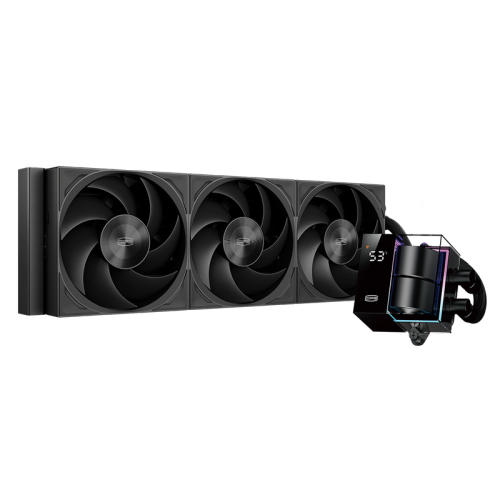
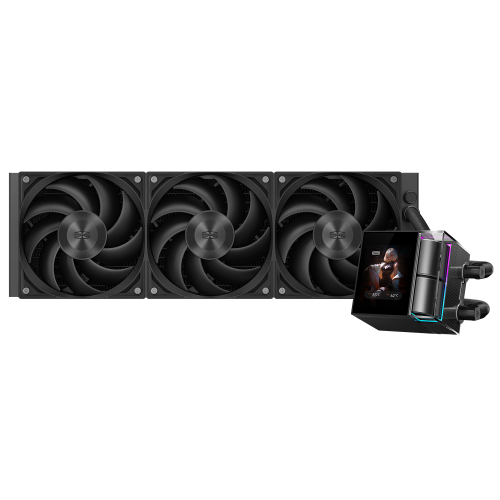
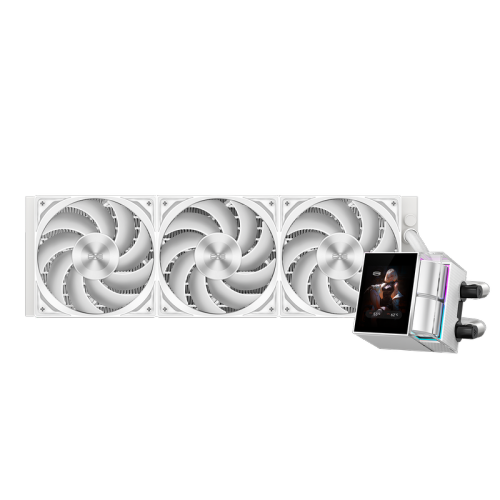
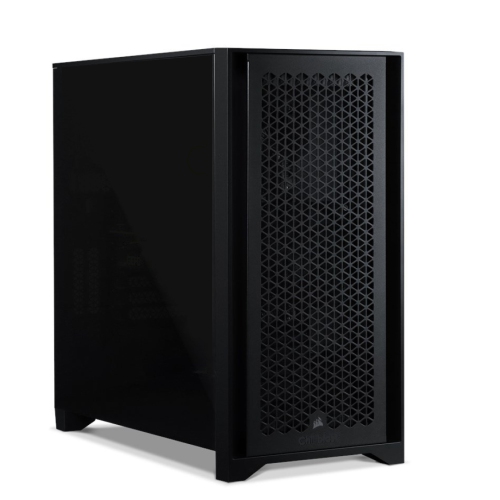
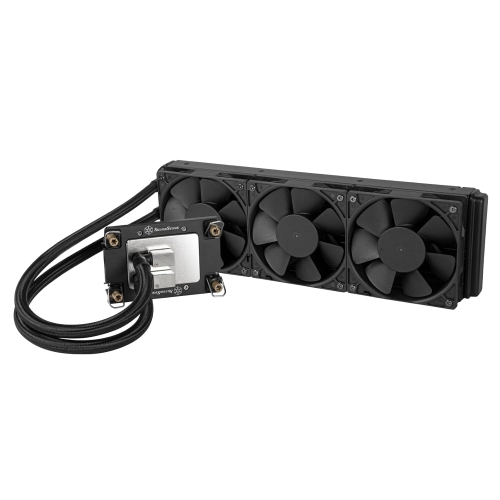
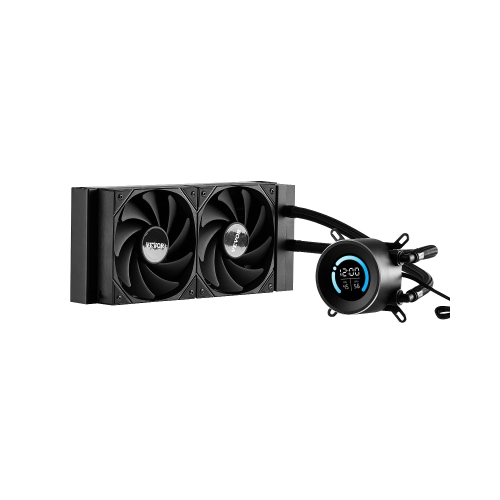
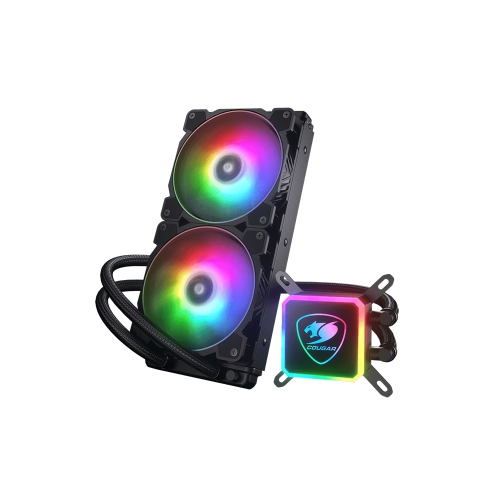
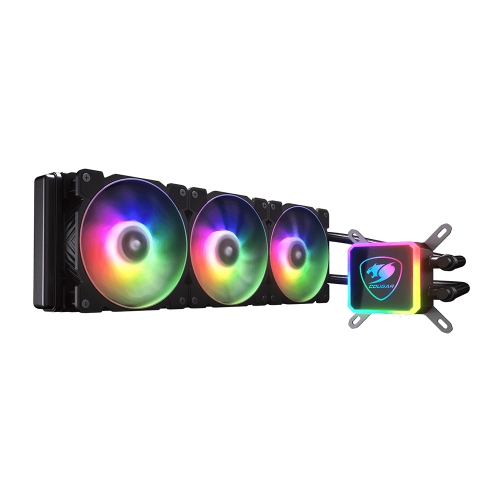



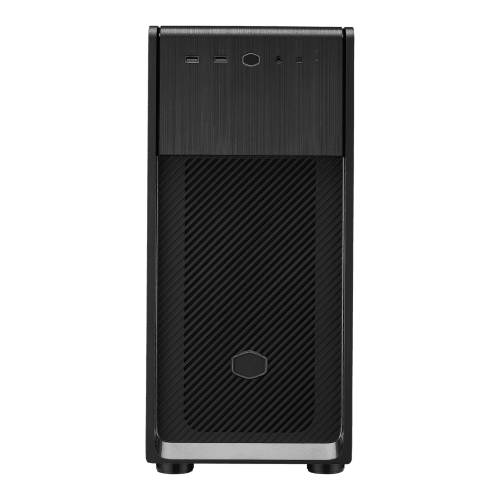
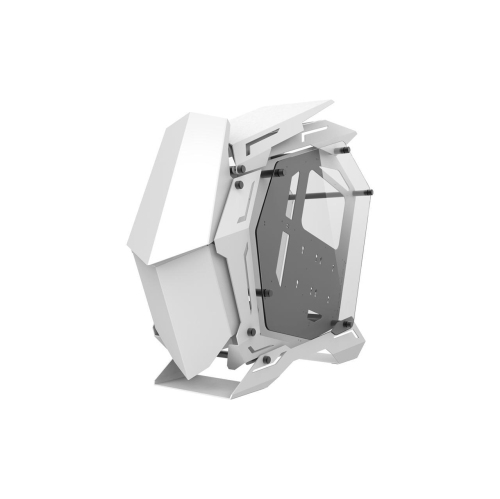
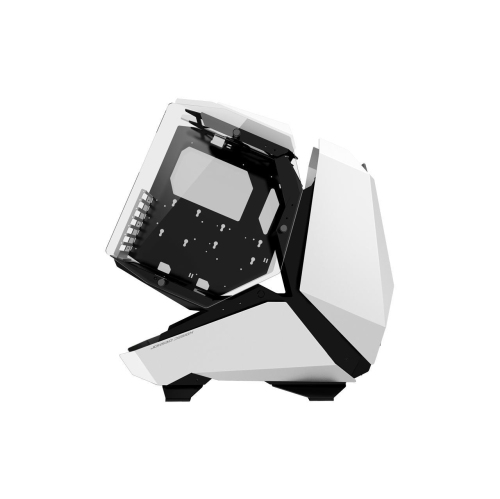

Cooling built for sustained gaming and creative workloads
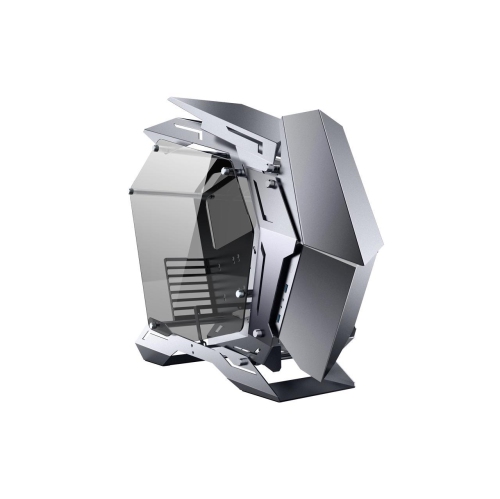
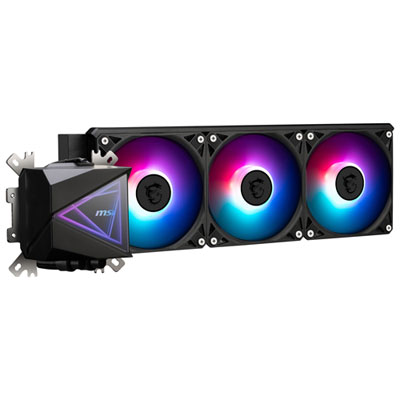
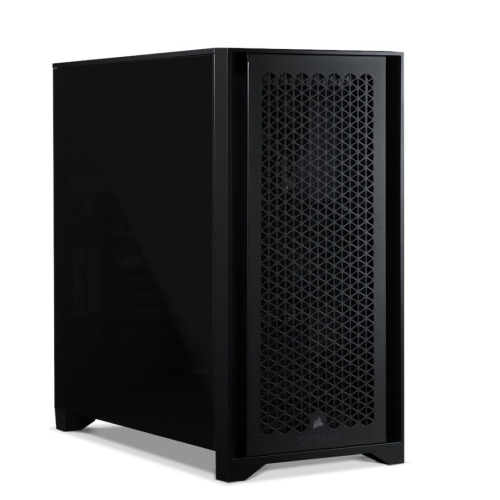
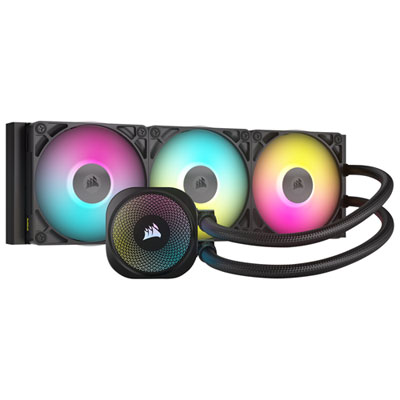
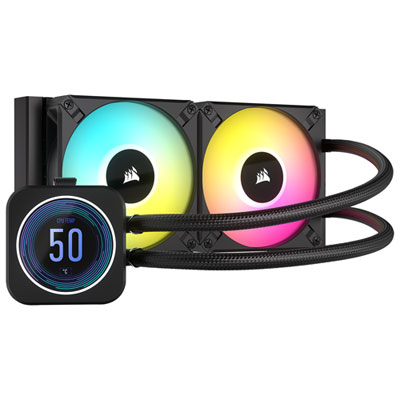
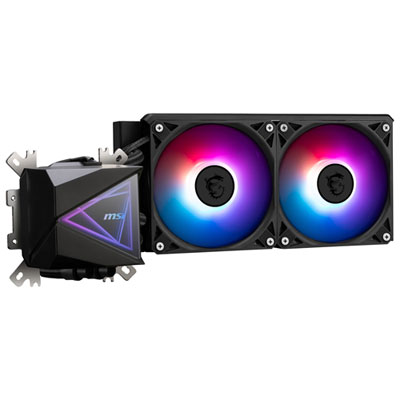
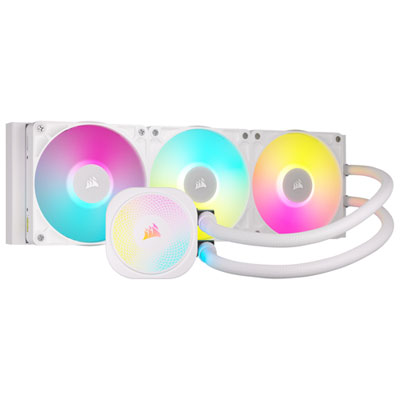
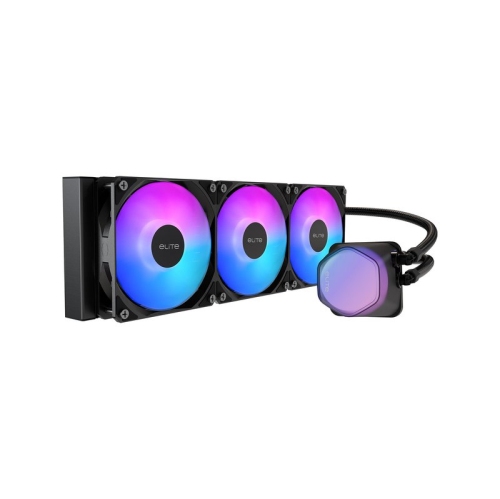
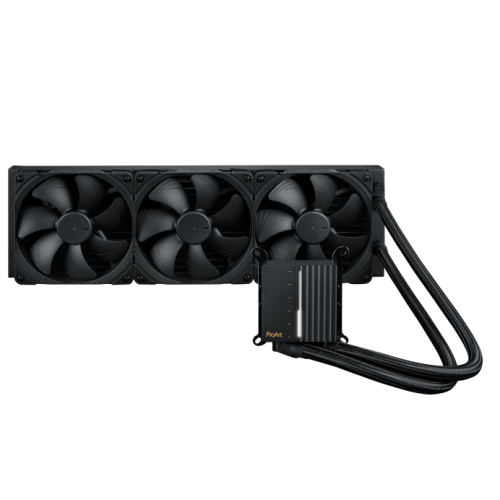
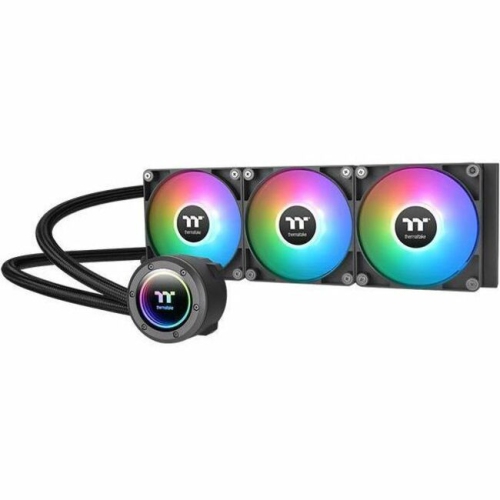
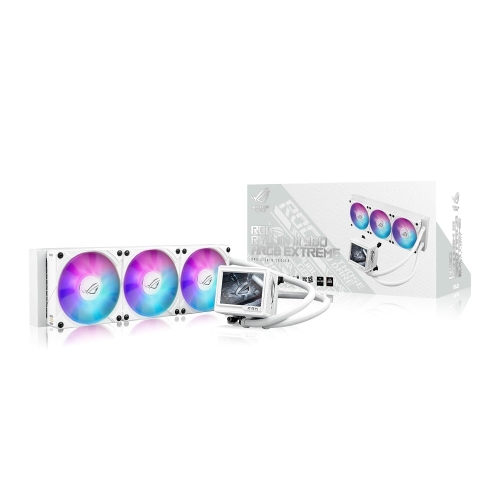
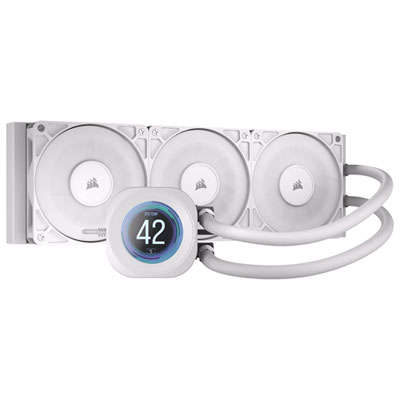
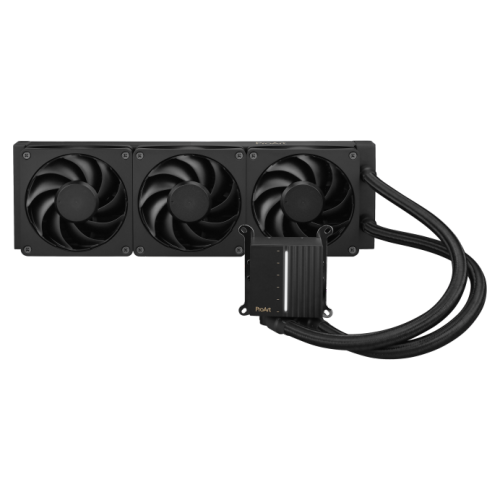
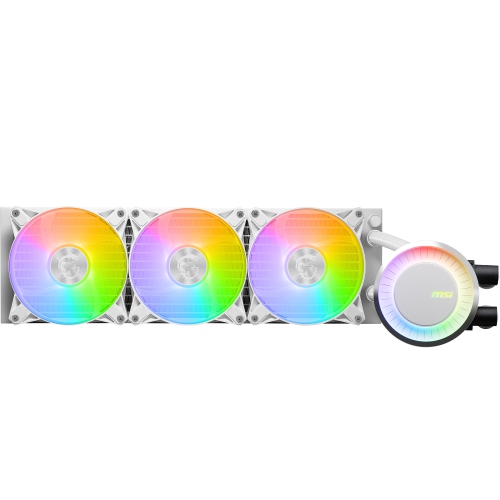
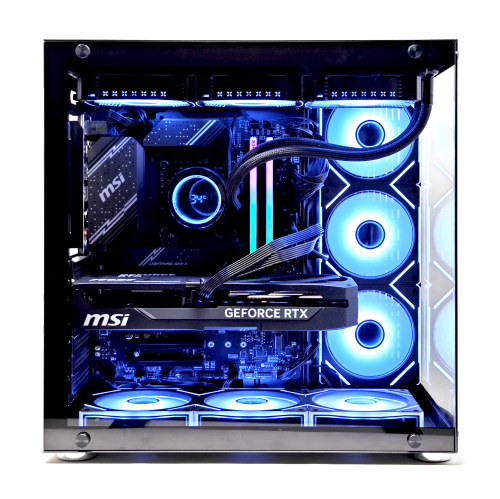
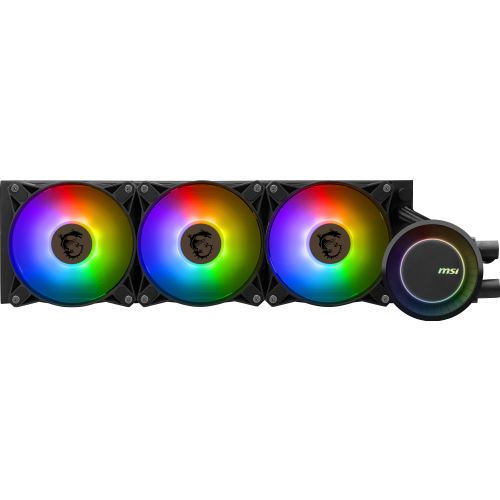
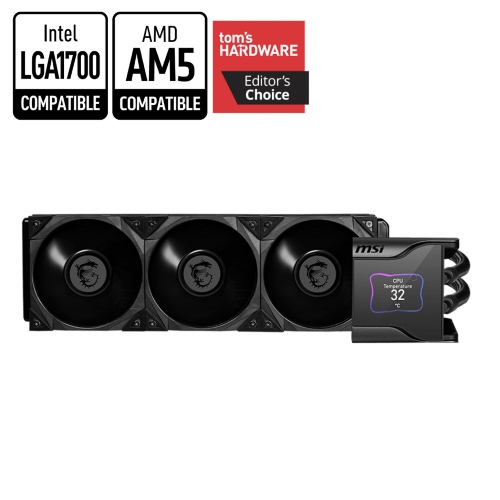
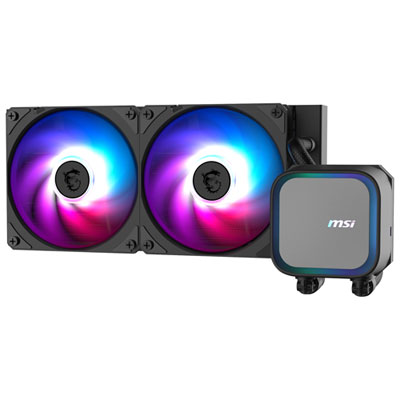
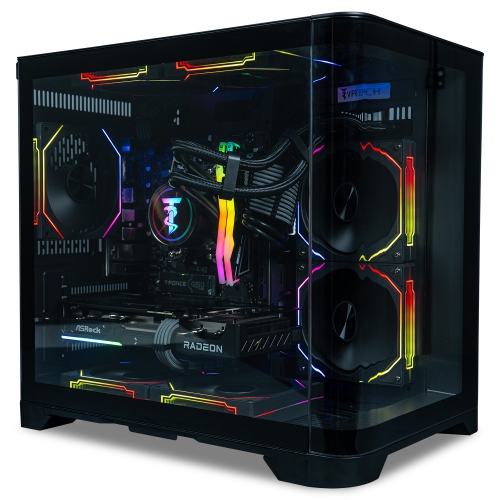
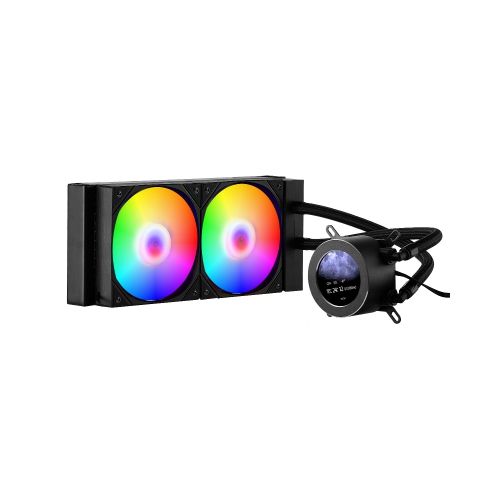
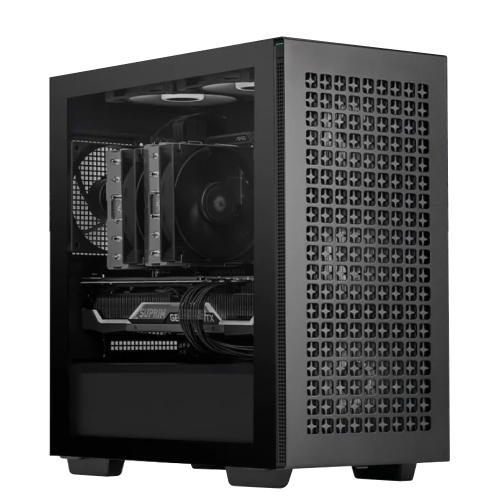
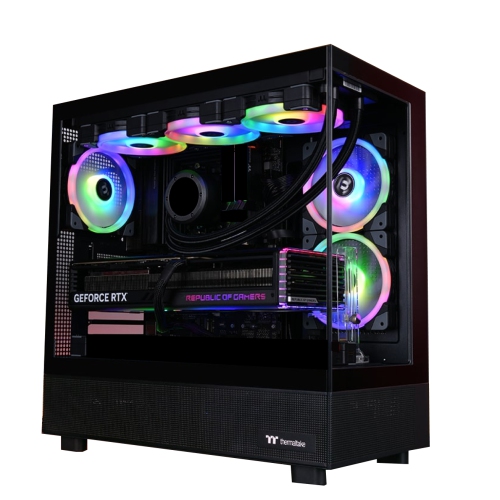
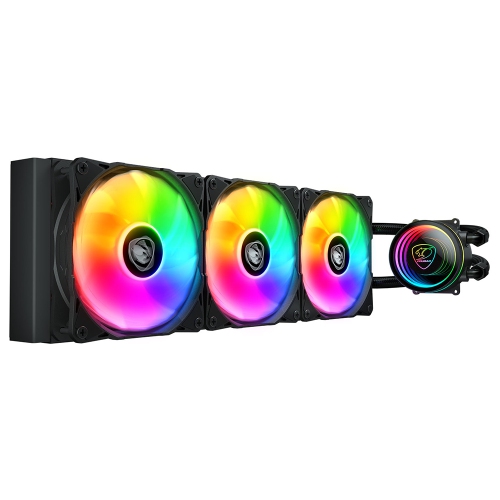
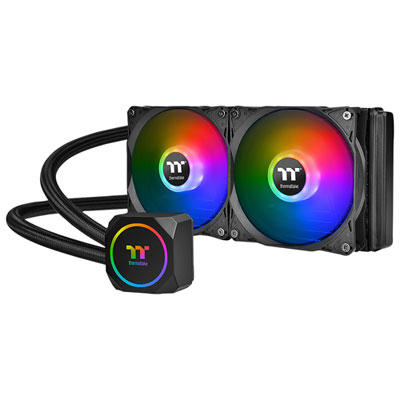
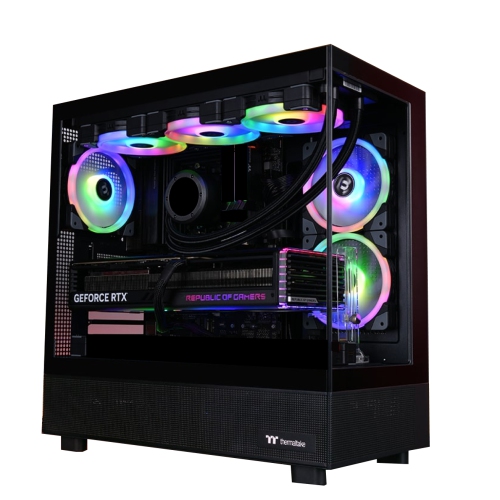
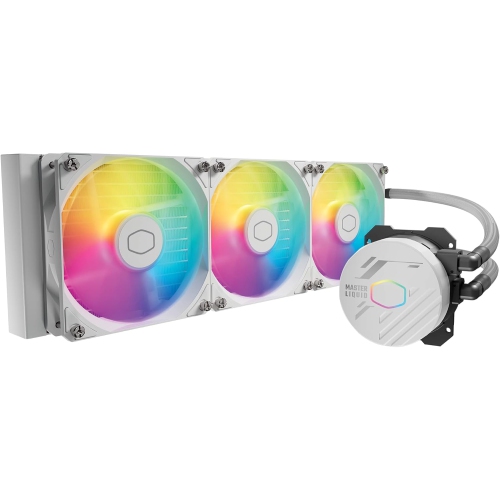
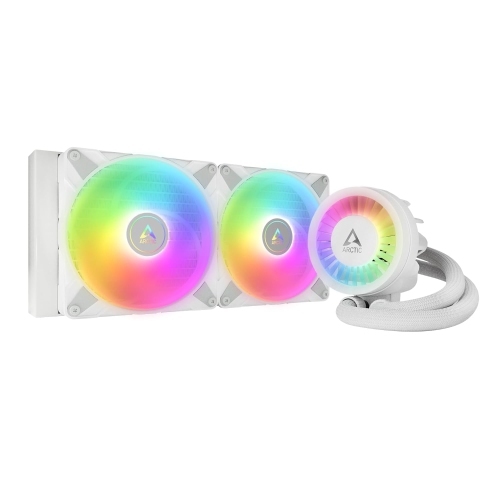
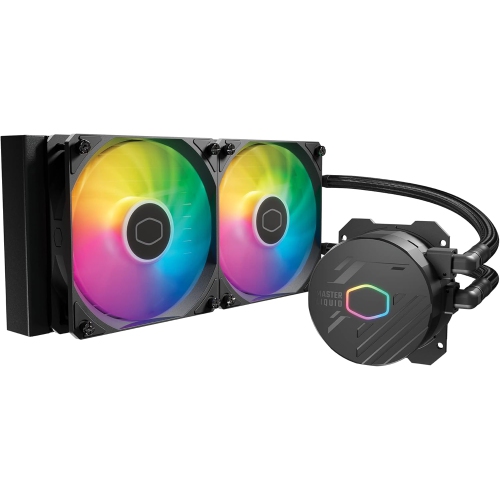
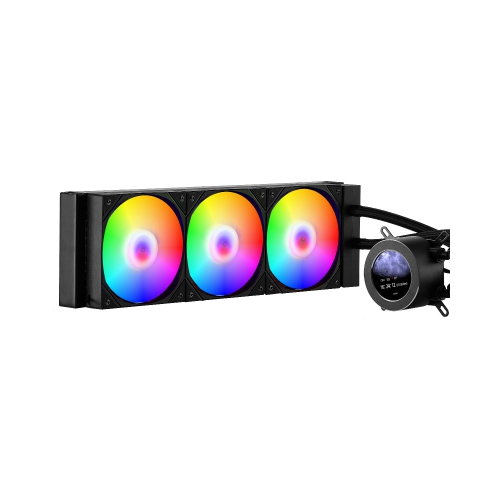
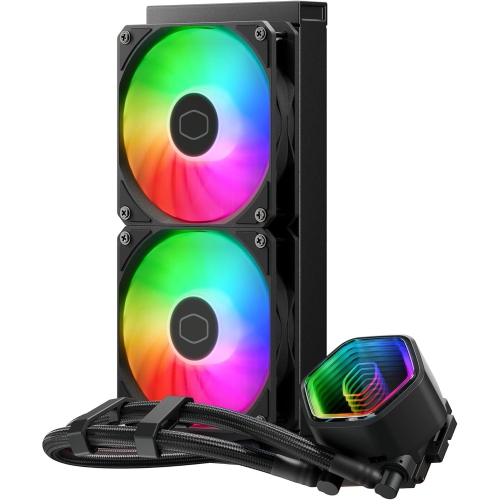
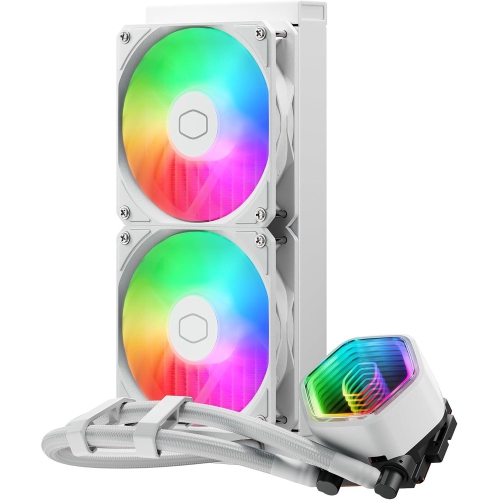
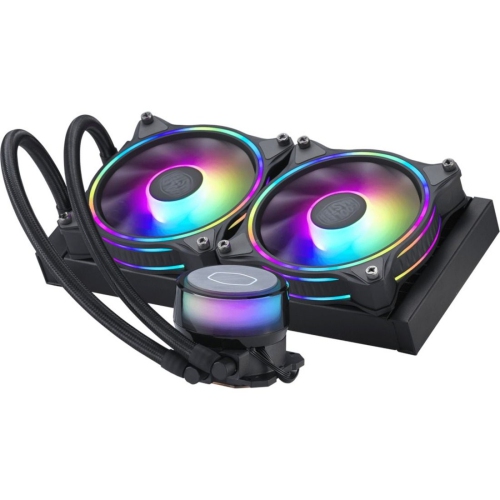
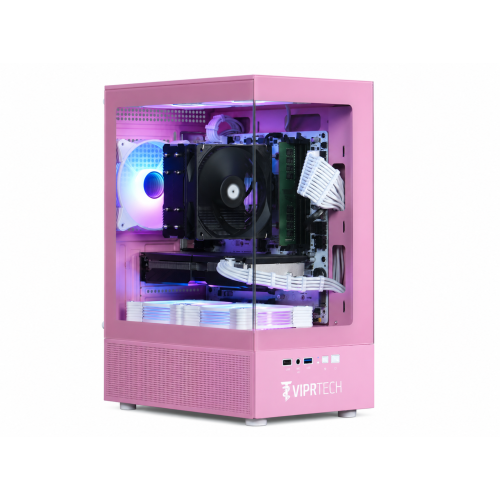
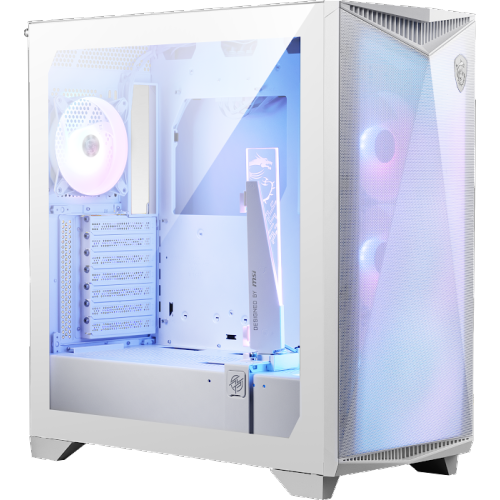
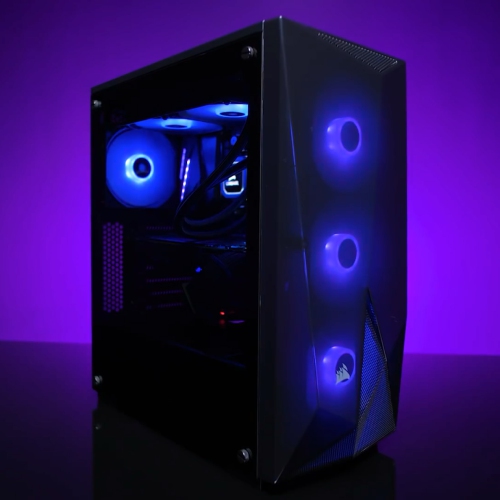
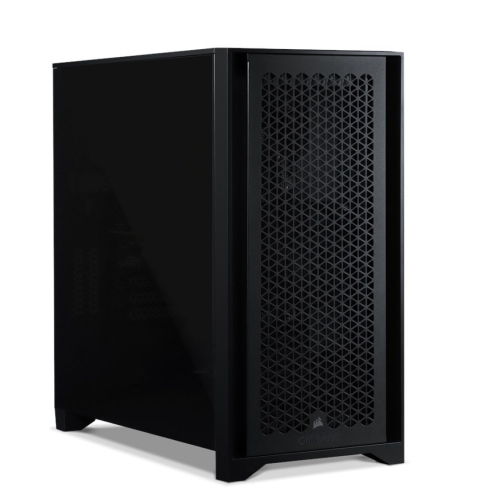
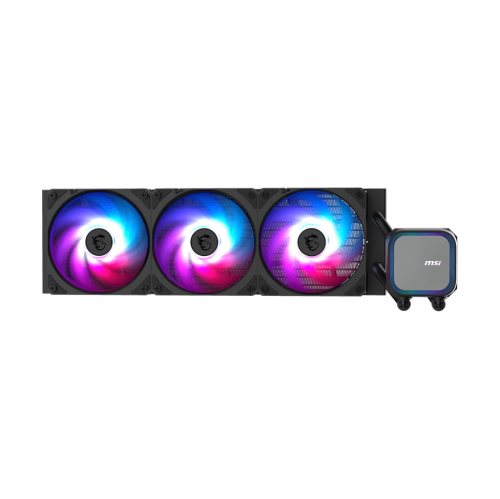
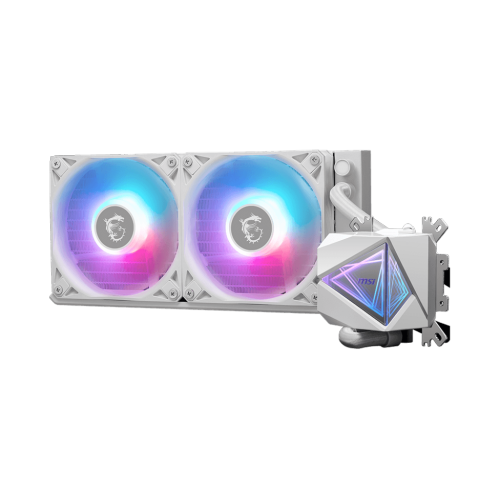
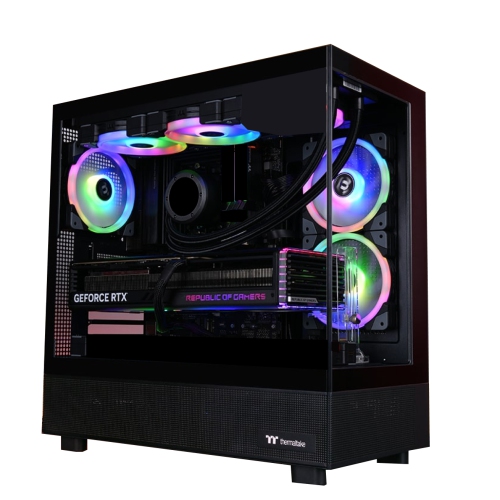
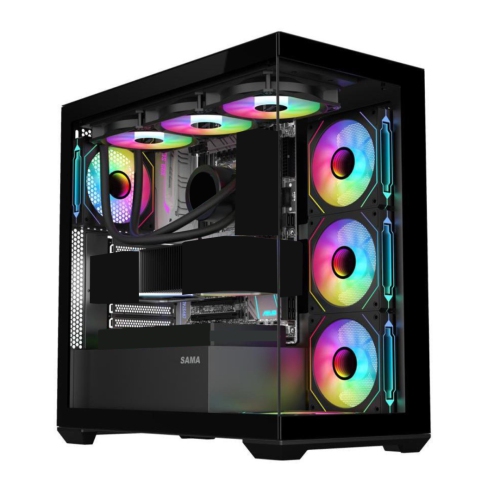
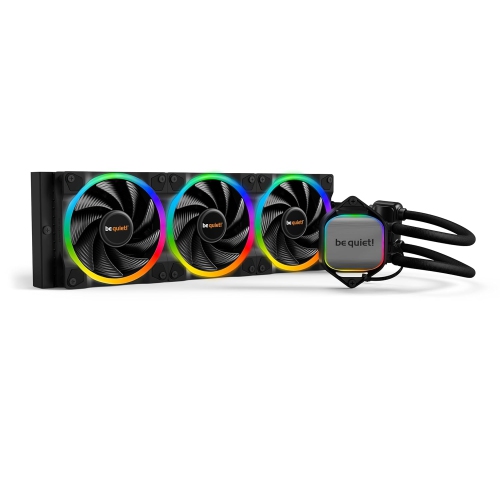
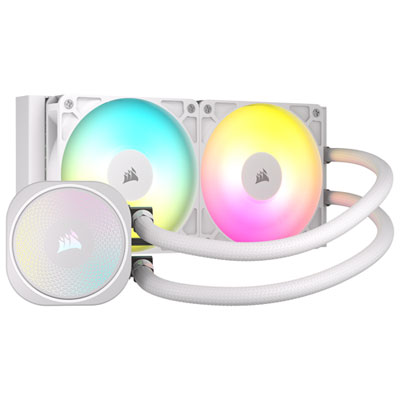
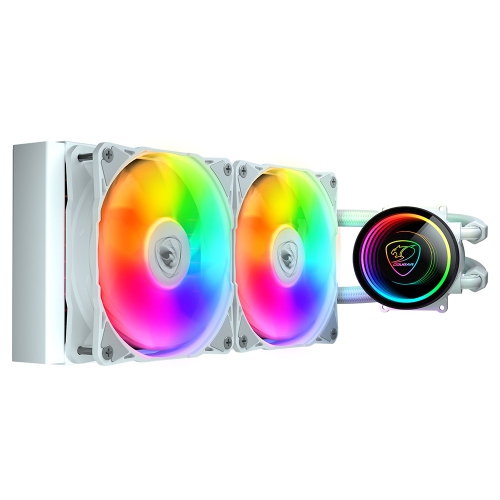
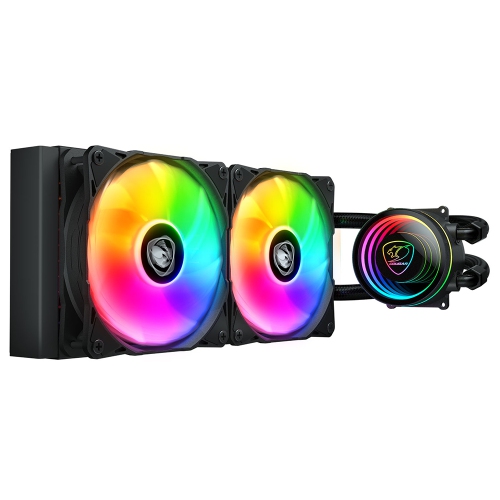
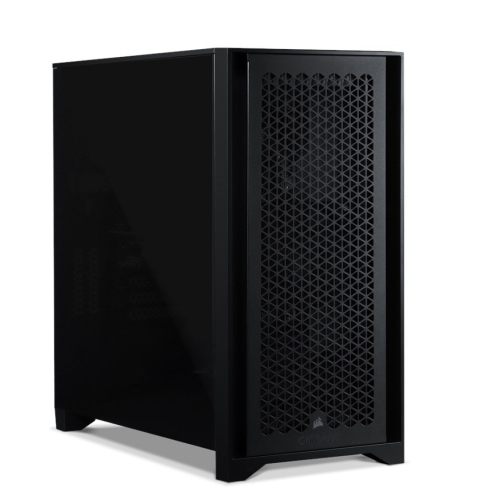
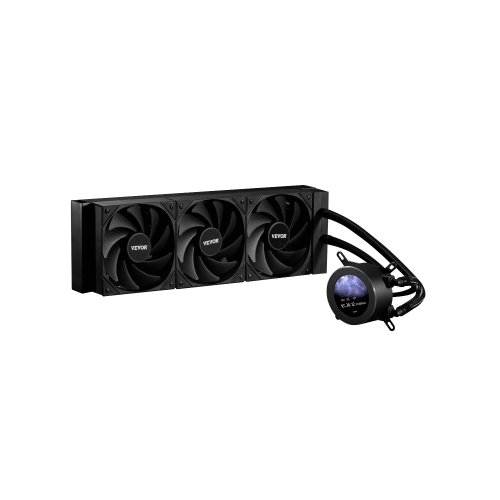
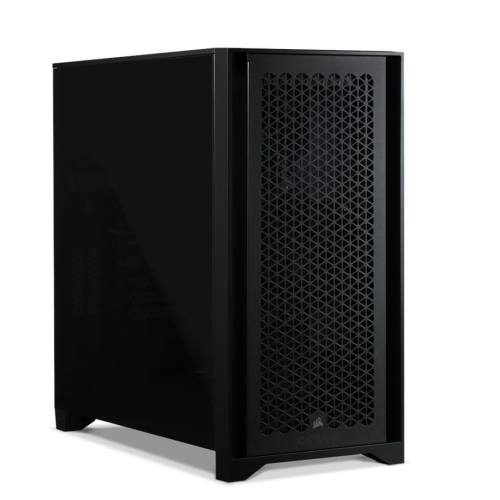
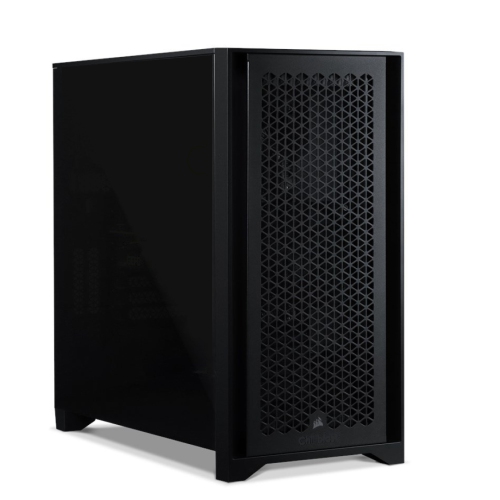
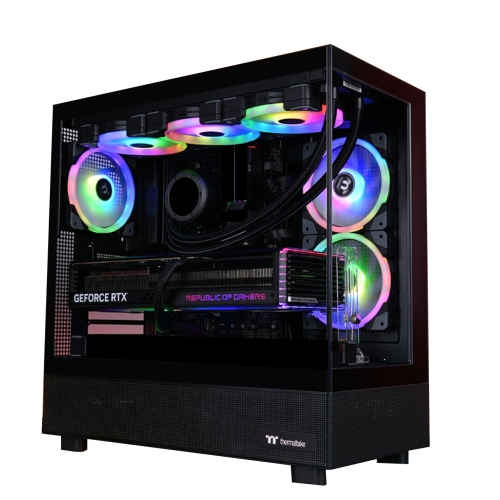
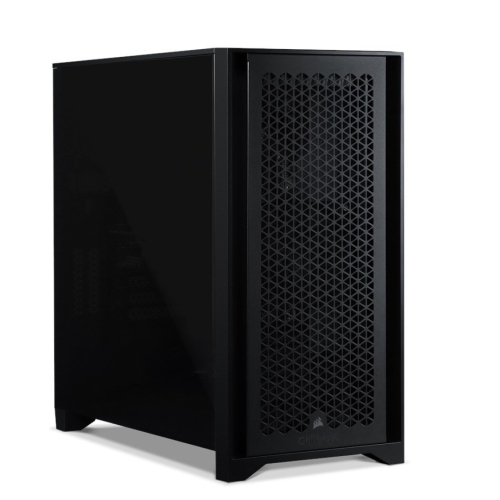
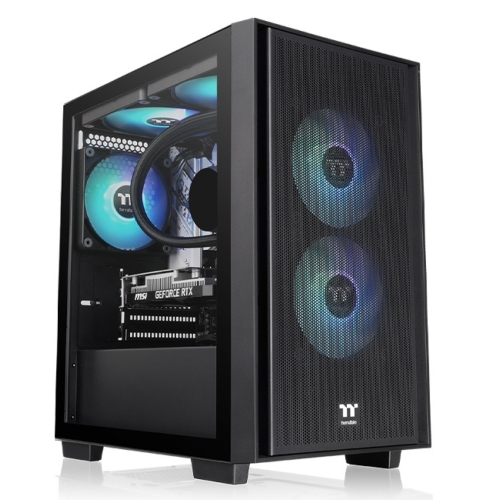
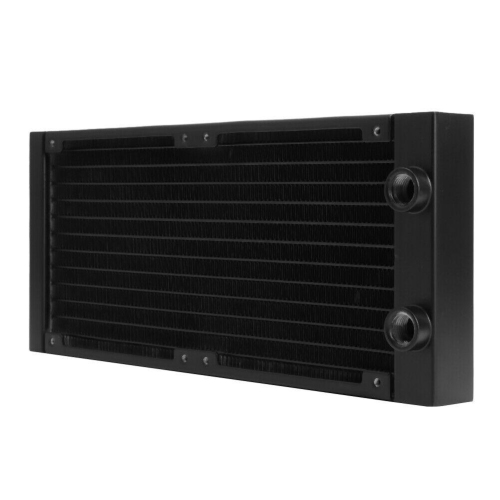
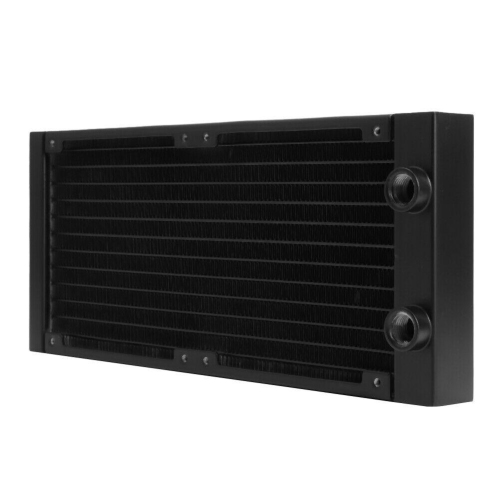
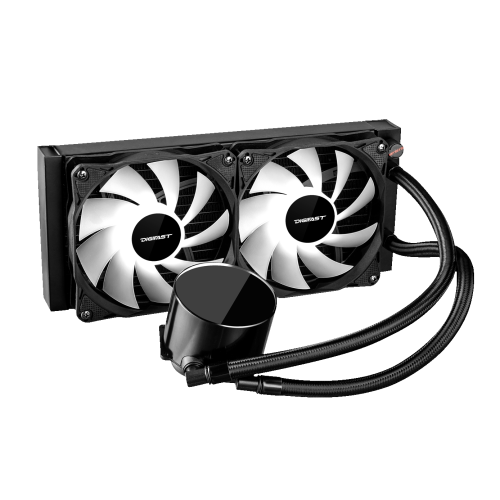
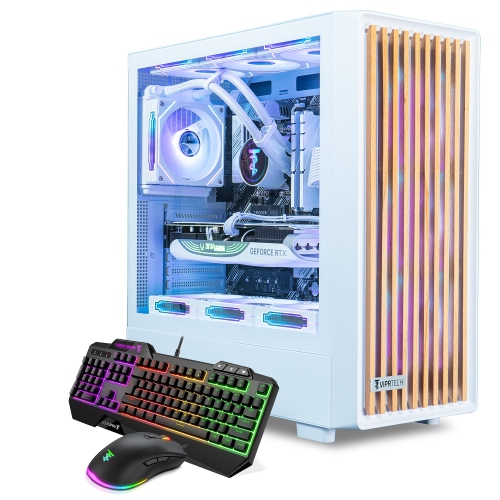
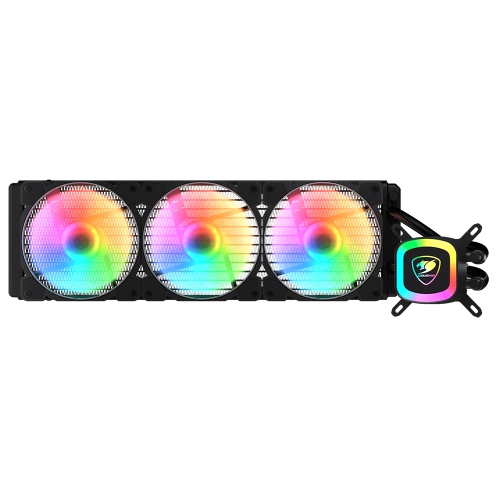
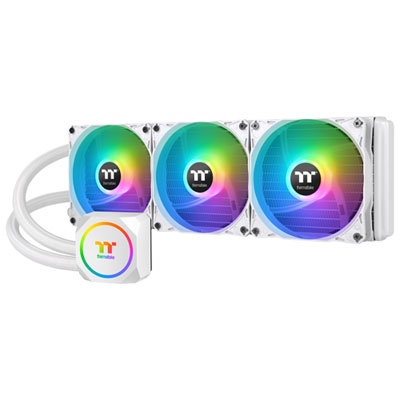
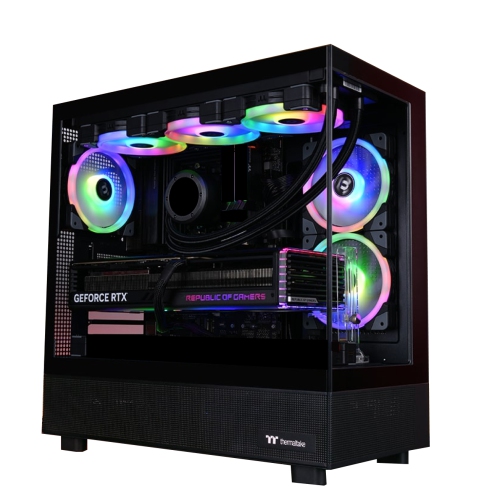
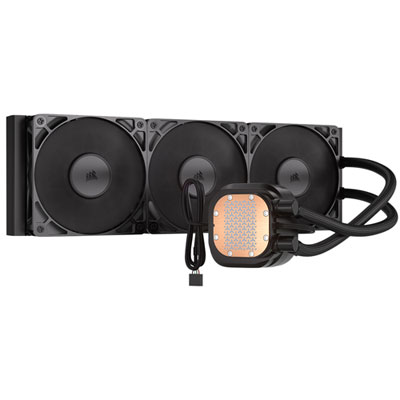
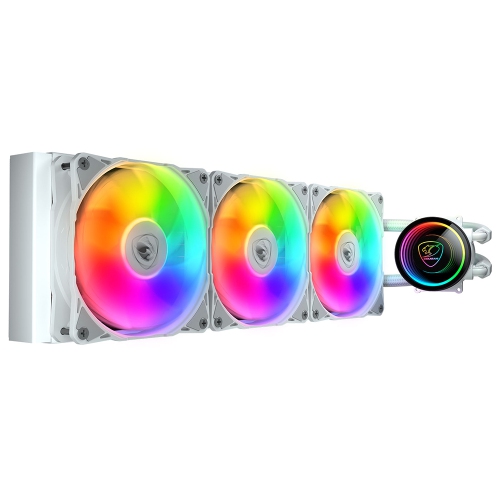
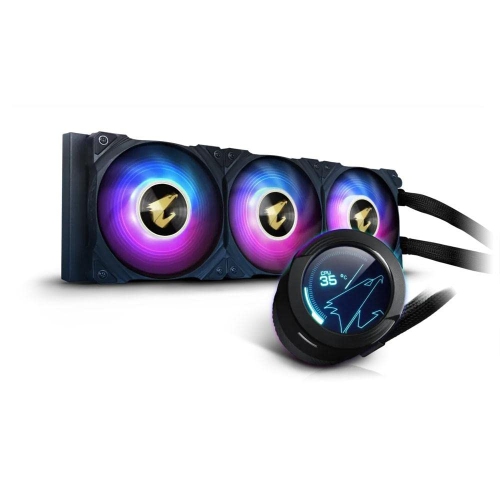
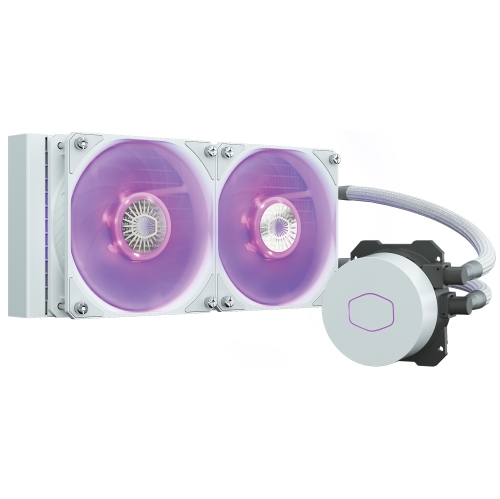
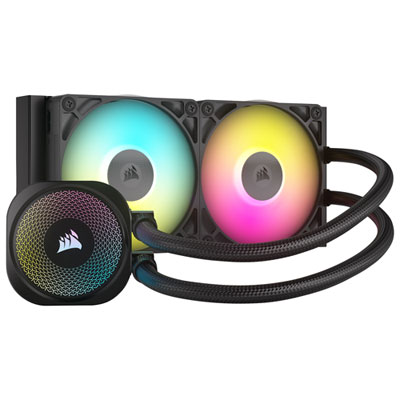
Liquid cooled computers are designed to help manage the heat produced by powerful processors, especially when a system is used for demanding games, content creation, 3D rendering, software development, streaming, or other workloads that keep the CPU working hard for extended periods. Instead of relying solely on a metal heatsink and fan, a liquid cooling system uses a pump to move coolant through a block mounted over the processor. The fluid absorbs heat from the CPU and carries it to a radiator, where fans disperse that heat before the liquid returns to the pump and repeats the cycle. This creates a carefully controlled path for moving heat away from the most temperature-sensitive component in the computer. Many liquid cooled computers use an all-in-one, or AIO, cooler: a sealed, pre-filled unit that combines the pump, tubing, CPU block, radiator, and fans in one assembly. AIO systems are generally the most approachable option for shoppers who want the advantages of liquid cooling without planning and assembling an individual loop. Custom-loop computers take a more specialised approach, with separately selected reservoirs, pumps, tubing, fittings, and cooling blocks. They can be highly configurable and visually striking, but they demand more installation knowledge, maintenance, and attention to compatibility. Exploring Liquid Cooling System Computers can help narrow the selection to systems built around this cooling approach, whether the priority is smooth gaming performance, a distinctive desktop setup, or dependable operation during long creative sessions.
When choosing a liquid cooled computer, begin by considering the processor, graphics hardware, software, and type of work the computer will handle. A high-performance CPU can generate considerable heat under sustained loads, so check that the cooling solution is suitable for the processor’s power requirements and that the computer has enough internal space for its radiator and fans. Radiator size and placement matter: a larger radiator may provide additional cooling capacity, while a smaller design can be easier to fit in a compact case. The case should also offer appropriate mounting points and sufficient clearance around the motherboard, memory, graphics card, and storage drives. Fan speed, pump operation, and airflow design can influence both temperatures and sound levels, so it is worth looking for a configuration that balances cooling performance with a comfortable acoustic profile. Liquid cooling can support lower temperatures and quieter fan behaviour under load, but it does not eliminate the need for good case airflow or sensible computer placement. Keep the system on a firm, open surface rather than inside a cramped cabinet, and allow room for warm air to leave the case. AIO coolers are sealed and factory-filled, which makes them simpler for most people than custom loops, although every liquid cooled system still contains mechanical components such as a pump and fans that should be monitored over time. Custom loops are best suited to experienced PC builders who enjoy detailed upgrades and hands-on maintenance. Whichever style fits the setup, confirm the operating system, memory, storage capacity, ports, network connections, monitor requirements, and included accessories so the computer supports the entire workspace rather than just the cooling system.
Liquid cooled computers can be a practical choice for players who want consistent performance during long gaming sessions, particularly when a demanding title is running alongside voice chat, recording software, or live streaming tools. They also suit photographers, video editors, animators, engineers, architects, and music producers whose applications can keep the processor busy while files are rendered, exported, compiled, or processed. For someone building a first serious desktop, an all-in-one liquid cooling configuration can offer a clean interior layout and an enthusiast-style look without requiring the person to fill tubing or assemble a cooling circuit. It may also be a thoughtful gift for a dedicated PC gamer, a student entering computer science or digital media, or a family member setting up a home office that needs more performance than a basic computer can provide. Before giving one as a gift, consider the recipient’s desk space, preferred games or applications, monitor resolution, keyboard and mouse setup, and comfort with computer maintenance. A liquid cooled computer can be especially appealing in a home where the desktop runs for hours at a time, from an evening gaming session to a long project that continues through the cooler months. Keep in mind that liquid cooling is not automatically necessary for every user; everyday browsing, document work, video calls, and light streaming may not require the extra cooling capacity. For more demanding tasks, however, it can be part of a balanced system that combines strong processing hardware, suitable graphics performance, adequate memory, fast storage, and effective airflow. Reviewing these details together helps ensure the selected computer feels responsive in daily use, remains composed during demanding workloads, and fits naturally into the recipient’s room, office, or gaming space.
When choosing a liquid cooled computer, begin by considering the processor, graphics hardware, software, and type of work the computer will handle. A high-performance CPU can generate considerable heat under sustained loads, so check that the cooling solution is suitable for the processor’s power requirements and that the computer has enough internal space for its radiator and fans. Radiator size and placement matter: a larger radiator may provide additional cooling capacity, while a smaller design can be easier to fit in a compact case. The case should also offer appropriate mounting points and sufficient clearance around the motherboard, memory, graphics card, and storage drives. Fan speed, pump operation, and airflow design can influence both temperatures and sound levels, so it is worth looking for a configuration that balances cooling performance with a comfortable acoustic profile. Liquid cooling can support lower temperatures and quieter fan behaviour under load, but it does not eliminate the need for good case airflow or sensible computer placement. Keep the system on a firm, open surface rather than inside a cramped cabinet, and allow room for warm air to leave the case. AIO coolers are sealed and factory-filled, which makes them simpler for most people than custom loops, although every liquid cooled system still contains mechanical components such as a pump and fans that should be monitored over time. Custom loops are best suited to experienced PC builders who enjoy detailed upgrades and hands-on maintenance. Whichever style fits the setup, confirm the operating system, memory, storage capacity, ports, network connections, monitor requirements, and included accessories so the computer supports the entire workspace rather than just the cooling system.
Liquid cooled computers can be a practical choice for players who want consistent performance during long gaming sessions, particularly when a demanding title is running alongside voice chat, recording software, or live streaming tools. They also suit photographers, video editors, animators, engineers, architects, and music producers whose applications can keep the processor busy while files are rendered, exported, compiled, or processed. For someone building a first serious desktop, an all-in-one liquid cooling configuration can offer a clean interior layout and an enthusiast-style look without requiring the person to fill tubing or assemble a cooling circuit. It may also be a thoughtful gift for a dedicated PC gamer, a student entering computer science or digital media, or a family member setting up a home office that needs more performance than a basic computer can provide. Before giving one as a gift, consider the recipient’s desk space, preferred games or applications, monitor resolution, keyboard and mouse setup, and comfort with computer maintenance. A liquid cooled computer can be especially appealing in a home where the desktop runs for hours at a time, from an evening gaming session to a long project that continues through the cooler months. Keep in mind that liquid cooling is not automatically necessary for every user; everyday browsing, document work, video calls, and light streaming may not require the extra cooling capacity. For more demanding tasks, however, it can be part of a balanced system that combines strong processing hardware, suitable graphics performance, adequate memory, fast storage, and effective airflow. Reviewing these details together helps ensure the selected computer feels responsive in daily use, remains composed during demanding workloads, and fits naturally into the recipient’s room, office, or gaming space.
Top selling and popular products
-
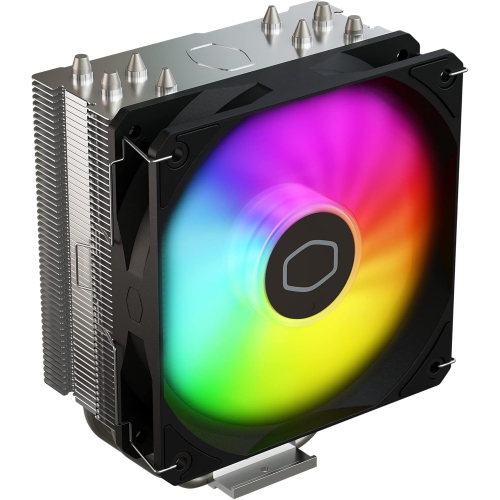 Your price for this item is $29.27
 -
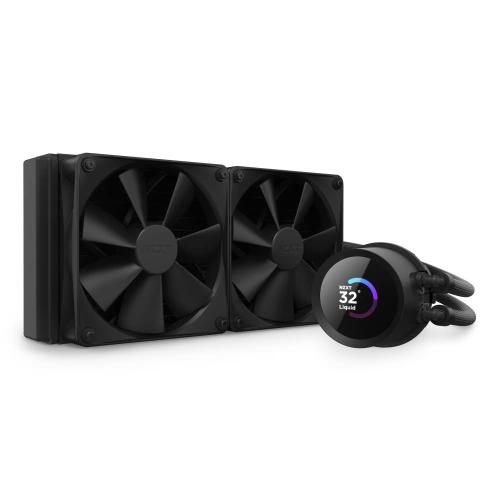 Your price for this item is $419.68
 -
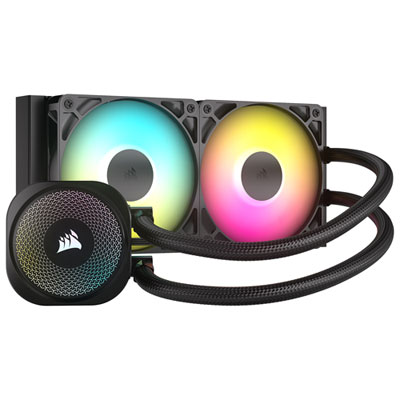 Your price for this item is $114.99
 -
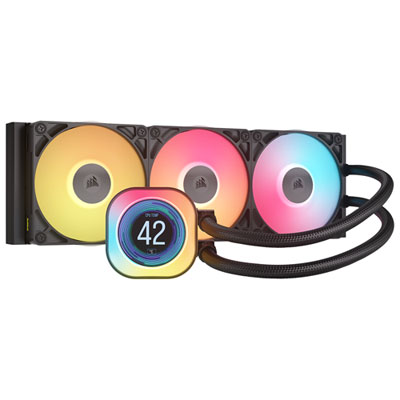 Your price for this item is $244.99
 -
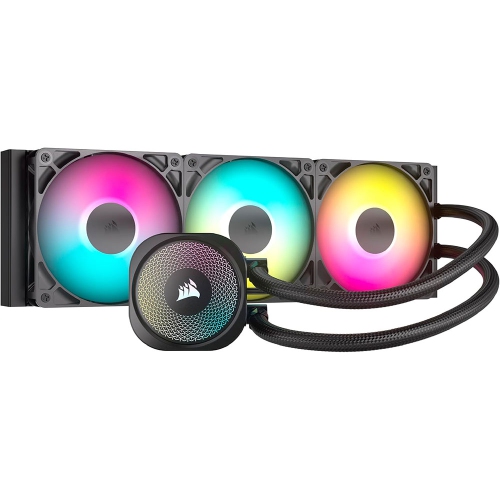 Your price for this item is $179
 -
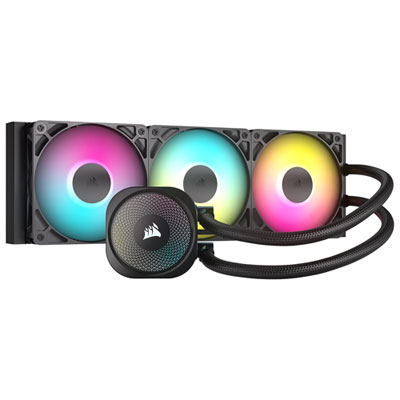 Your price for this item is $134.99
 -
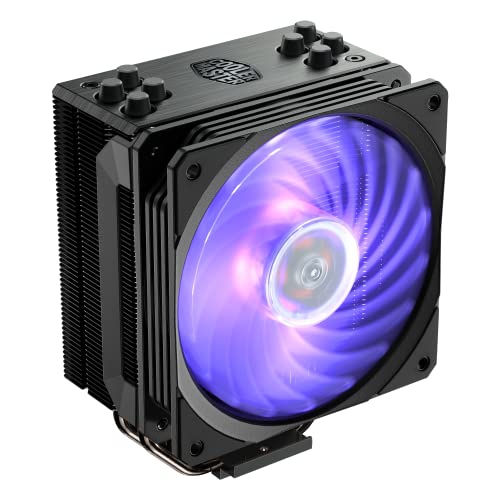 Your price for this item is $60.68
 -
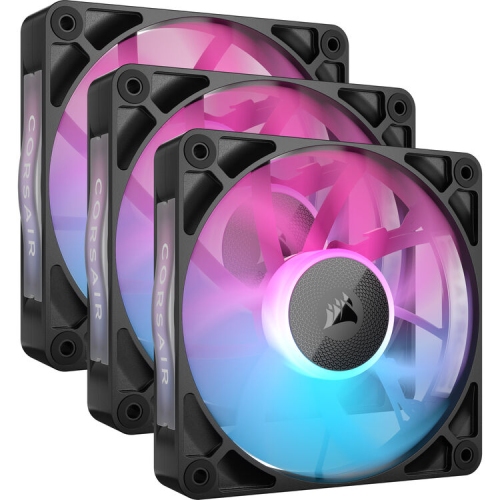 Your price for this item is $151.8
Discover more categories related to Liquid Cooled Computers
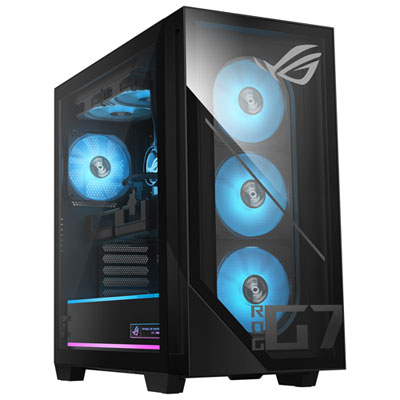
Top Collections:
Pokemon Centers, Kindle Devices, Best Budget Office Chairs, Apple iPhones 16, Best Laptops for Writers, iPhone 15 Apple, Canon G7X Cameras, Refurbished Apple Laptops, Alarm Clock, Motorola Razr Phones
Some products may be subject to Environmental Handling Fees
(EHF) depending on your province.
Learn more about EHFs.