MacBook Alternatives for Back to School Students
Looking for MacBook alternatives for back-to-school students? Explore laptops for coursework, research, video calls, and everyday study, with options to suit different budgets and course requirements. Compare battery life, portability, storage, and compatibility with required school software to find a laptop that fits your classes and commute.






FAQ
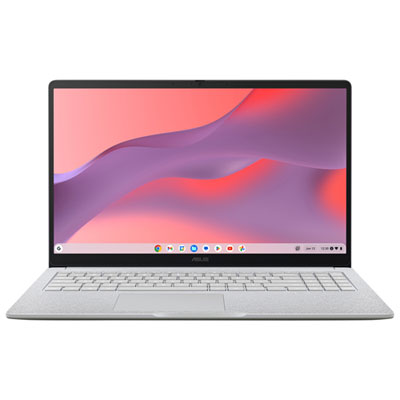
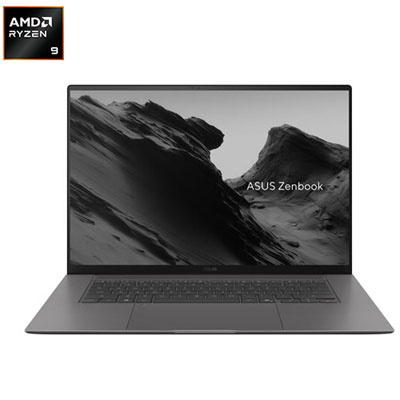
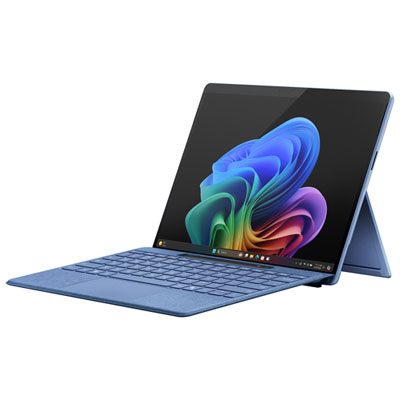
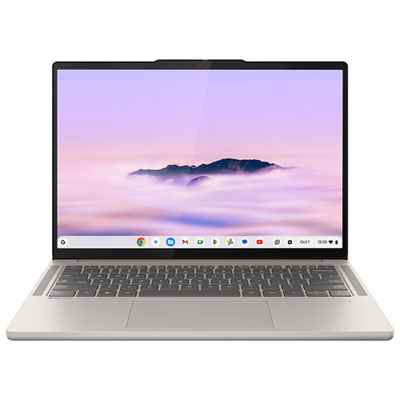
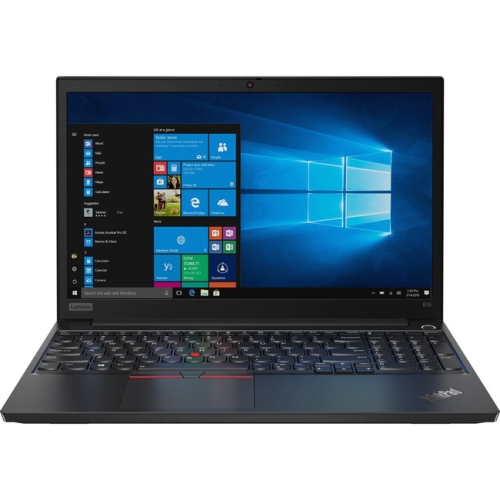
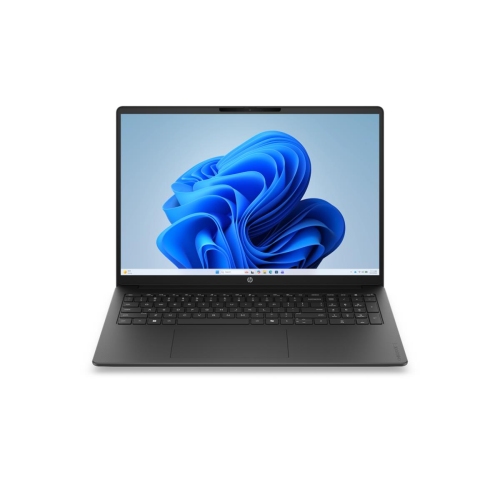
Windows laptops, Chromebooks and Windows 2-in-1 laptops are common MacBook alternatives for back to school. Windows laptops offer access to a broad range of desktop software, while Chromebooks centre on browser-based tools and supported apps. A 2-in-1 adds a touchscreen and a convertible or detachable design for different ways to take notes.
Windows laptops run Windows desktop applications as well as browser-based tools. Chromebooks use ChromeOS and primarily rely on web apps, with Android apps available on supported models. Some Chromebook features require an internet connection, while certain apps and documents can be set up for offline use.
Start with the software list and operating system requirements provided by your school or program. Check whether each application requires Windows or macOS, offers a browser version, or supports ChromeOS. Programs involving coding, design or engineering may require specific desktop applications, so confirm compatibility before choosing a laptop.
Yes. Browser-based services such as Google Workspace and Microsoft 365 let students collaborate across operating systems. Common file formats, including DOCX, XLSX, PPTX and PDF, can also be shared, though formatting and available features may vary between applications. For group assignments, agree on a shared app and file format.
Check for Wi-Fi, Bluetooth and the connections needed for your school accessories. USB-A or USB-C ports can connect peripherals, while HDMI or a USB-C port with video output can connect an external display. USB-C capabilities vary by laptop, so verify support for charging and video output if you plan to use a dock.
Top selling and popular products
Discover more categories related to MacBook Alternatives for Back to School Students



Some products may be subject to Environmental Handling Fees (EHF) depending on your province. Learn more about EHFs.