MagSafe 2 Chargers
Discover the convenience and reliability of a MagSafe 2 Charger, designed to keep your compatible devices powered up throughout the day. Whether you need a replacement or a spare for home, office, or travel, you'll find options that deliver seamless charging for your electronics. Explore a selection of MagSafe 2 Charger solutions to suit your needs and enjoy hassle-free connectivity wherever you go.
Sort







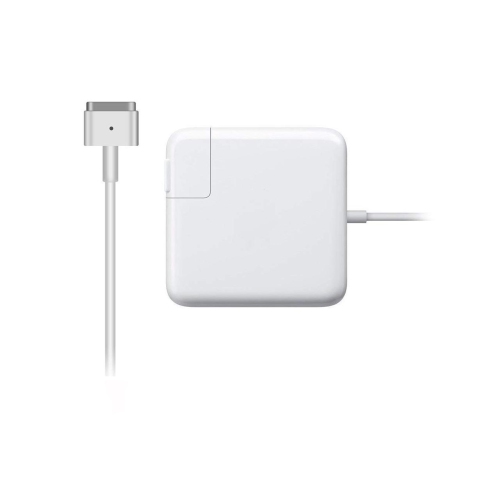
Why a magnetic fit does not guarantee compatibility
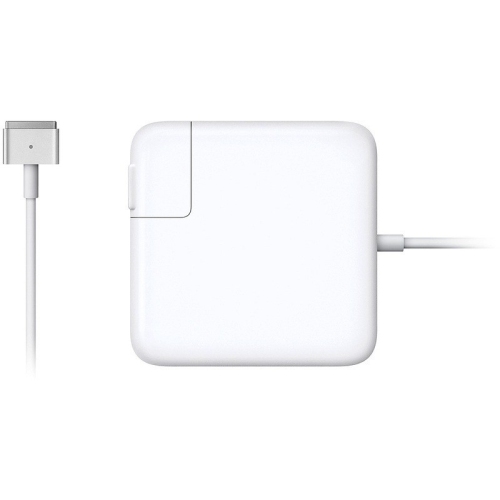
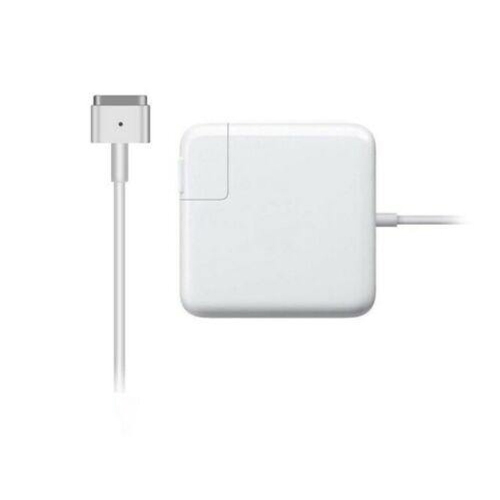
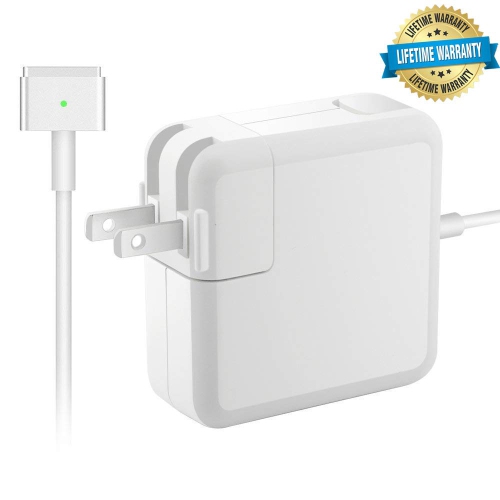
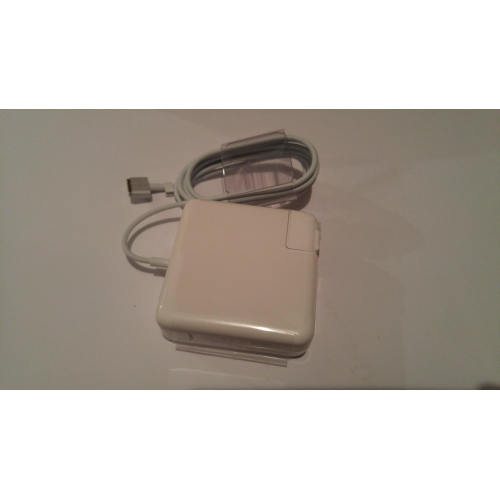
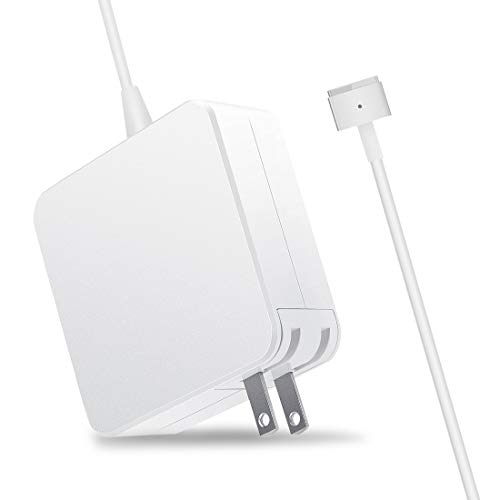
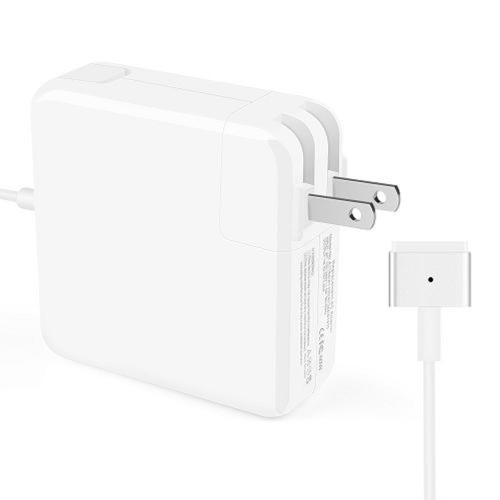
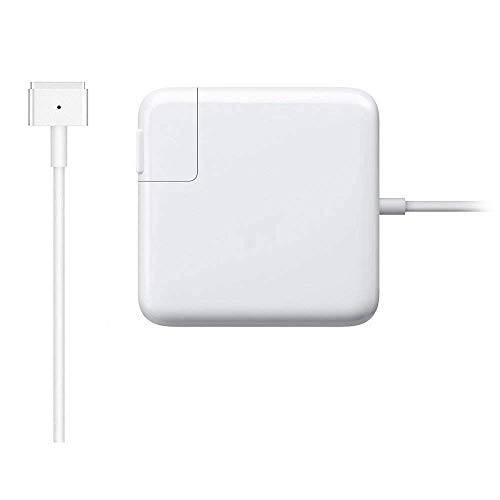
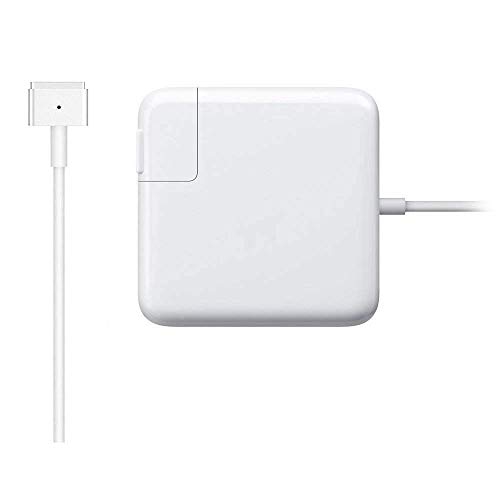
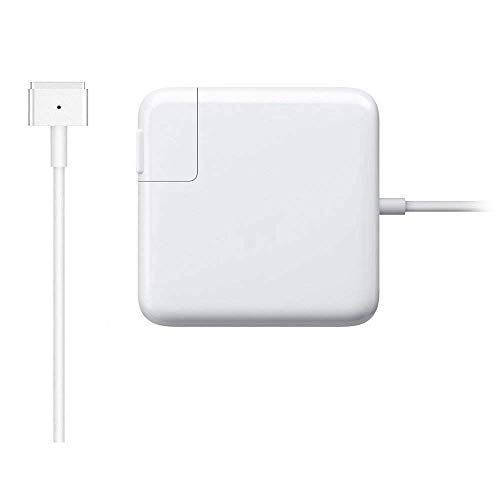
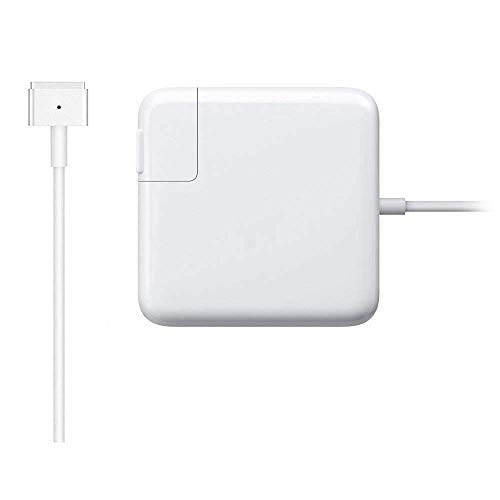
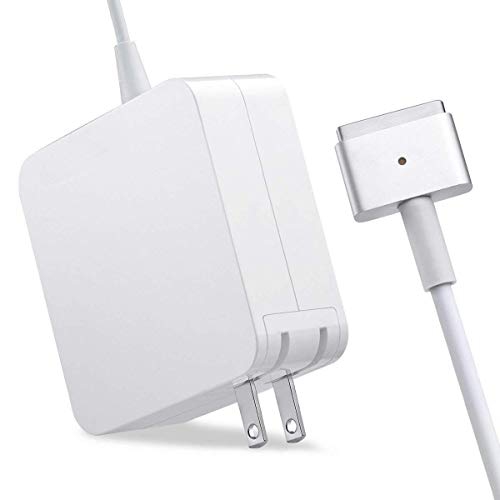
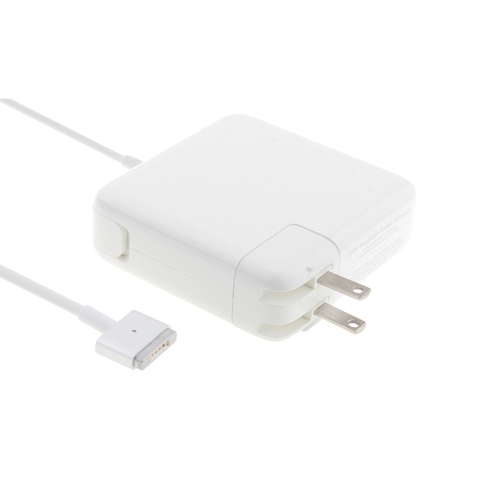
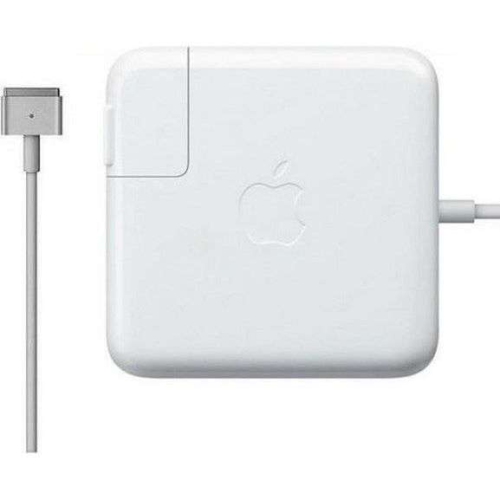
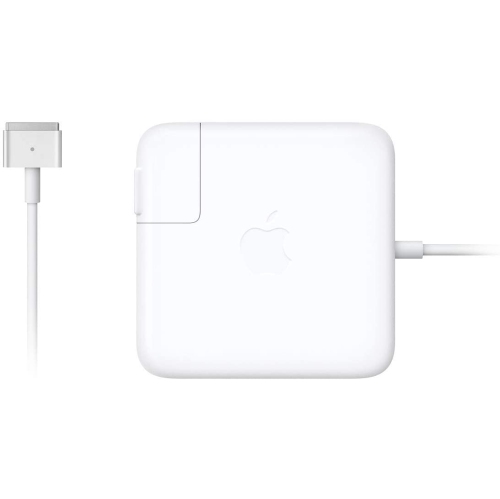
MagSafe 2 chargers are magnetic power adapters designed to supply power to compatible laptops through a thin, wide MagSafe 2 charging port. They connect directly to the laptop rather than charging wirelessly through its casing. The magnetic connector helps guide the tip into position and is designed to detach if the cable is pulled, reducing the chance that a snagged cord will drag a laptop across a desk. That connection is useful at a study table, beside a shared workstation, or anywhere a charging cable might cross someone’s path, although it does not remove the need for careful cable placement. MagSafe 2 is a particular connector type, not a general name for every magnetic charger. Original-generation magnetic laptop connectors, newer magnetic laptop connectors, USB-C plugs, and magnetic phone charging accessories are not interchangeable simply because they serve a similar purpose. Compatibility depends on the laptop’s exact charging port and power requirements. A familiar-looking silver connector or a matching screen size is not enough to establish the right fit, since laptops with similar appearances can use different charging systems. The laptop’s model information and its manufacturer’s power specifications provide a more reliable reference than appearance alone. For someone keeping an older laptop in regular use, a correctly matched adapter supports everyday activities such as writing assignments, joining video calls, managing household paperwork, and watching downloaded films. It can serve as the main charger at a desk or as a dedicated adapter kept with a laptop bag. A magnetic connection is especially convenient when a laptop is frequently moved between a table and a storage shelf: the connector can be removed without gripping a small plug tightly. The tip should still be handled by its connector housing rather than pulled free by the cable, helping protect the joint where the flexible cord meets the rigid end.
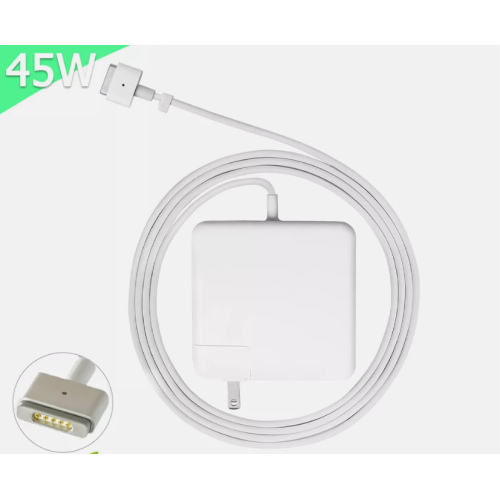
Power output is another important distinction among MagSafe 2 chargers. Common ratings include 45W, 60W, and 85W, and the appropriate rating depends on the laptop rather than the size of the adapter housing. A charger needs to meet the computer’s documented power requirements while using the correct connector and electrical specifications. A lower-rated adapter may charge slowly or struggle to keep up while the laptop is running demanding software, while a higher wattage alone does not establish compatibility. Connector fit, output specifications, and the laptop manufacturer’s guidance belong together when assessing a replacement. Input information matters as well, particularly for anyone who carries a laptop between countries. An adapter’s printed input voltage range indicates the electrical supply it can accept; a travel plug adapter changes the physical plug connection but does not, by itself, convert voltage. For use in Canada, a suitable wall connection and recognized electrical safety certification are important considerations. Construction also affects how an adapter stands up to daily handling. These chargers generally combine a rigid plastic power-adapter housing, insulated cable, and a magnetic connector with metal contacts. Reinforcement where the cable enters the adapter and connector can help limit sharp bending at those vulnerable points. Cable length changes how comfortably a charging setup fits a room: a short lead may suit a nearby desktop outlet, while a longer overall reach can accommodate an outlet beneath a table without leaving the adapter suspended by its cord. Excess length needs sensible routing so it does not gather under a chair wheel or stretch across a walkway. Some designs support removable wall plugs, extension leads, or cable-management features, but those parts must be compatible with the adapter. Clear labelling, readable electrical ratings, secure connections, and documented compatibility provide more useful information than a housing that merely resembles a familiar charger.
Everyday care helps protect both the charging cable and the laptop’s power connection. A MagSafe 2 connector should sit evenly against the port, with no debris preventing the contacts from meeting properly. Small metal objects can be attracted to the magnetic tip, making a quick visual check worthwhile after the charger has travelled loose in a bag or rested on a busy desk. Cleaning is best done with the adapter disconnected from power, using a soft, dry cloth on accessible surfaces and avoiding liquids or metal tools around the contacts. During use, the power adapter belongs on a firm, uncovered surface with room for airflow, rather than beneath bedding, inside a closed bag, or under a pile of papers. When packing it away, loose cable loops put less strain on the cord than tight winding or a hard bend beside the connector. A separate pocket can keep the tip away from keys and prevent the cable from being crushed beneath books. Fraying, exposed wiring, a cracked housing, scorching, or an unreliable connection are reasons to stop using an adapter rather than cover the damage with tape. A connector indicator light, where fitted, can provide a convenient charging cue, but the laptop’s battery display gives additional context about whether power is reaching the computer. For students, remote workers, and people who regularly move between two desks, a dedicated adapter at each location can reduce repeated packing and cable handling. A replacement charger can also be a practical gift for someone who relies on a compatible older laptop, provided the exact connector and power requirements have been confirmed beforehand. Travel may involve separate charging accessories for a phone as well as a computer. The related Travel MagSafe Chargers category offers another place to explore magnetic charging options, but phone charging accessories should not be confused with a MagSafe 2 laptop adapter. Matching the connection, electrical requirements, and intended use remains the foundation of a dependable charging setup.
Top selling and popular products
-
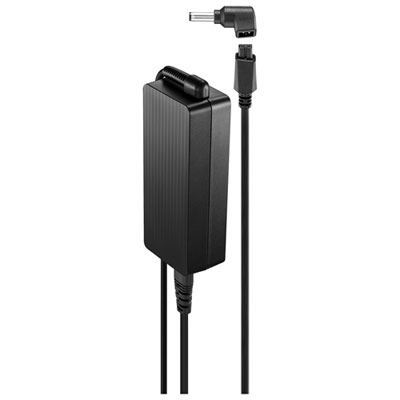 Your price for this item is $69.99
-
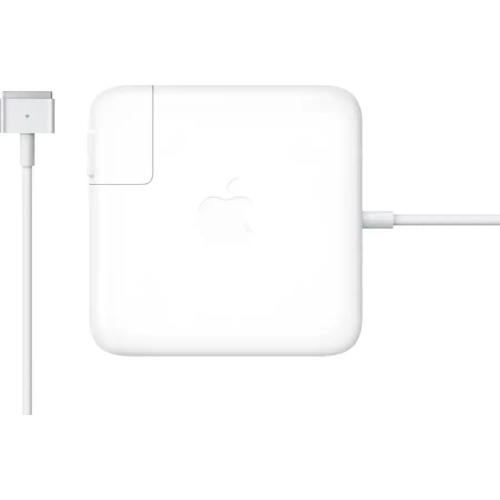 Your price for this item is $135.39
-
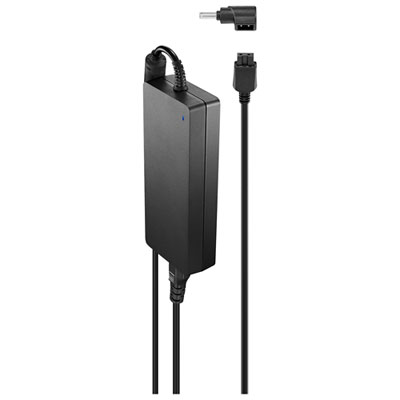 Your price for this item is $109.99
-
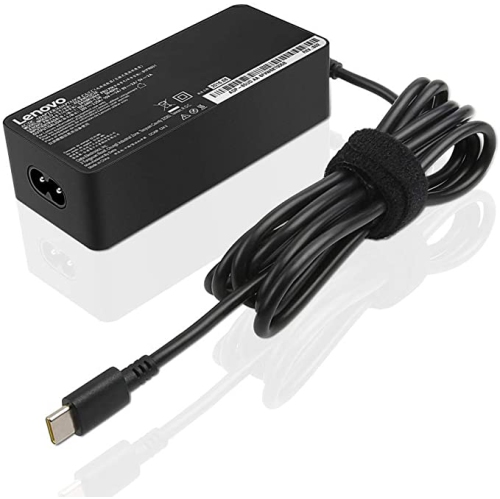 Your price for this item is $67
-
 Your price for this item is $71.99
-
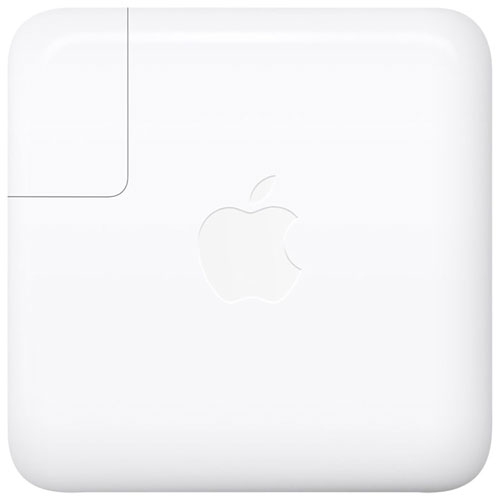 Your price for this item is $71
-
 Your price for this item is $51.99
-
 Your price for this item is $48
Discover more categories related to MagSafe 2 Chargers
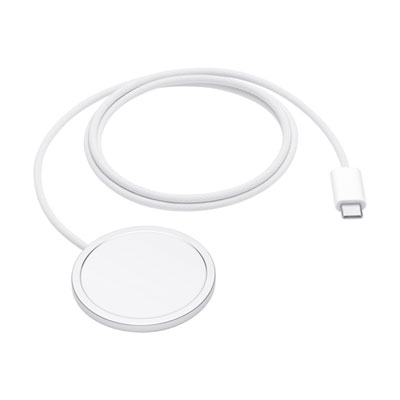
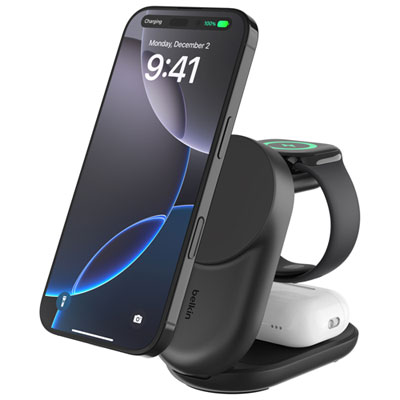
Top Collections:
Best Black Friday Deals This Year, Best Black Friday Deals On Electronics, Kindle Devices, Dyson Airwrap, Best Cameras for Sports Photography, Best Budget Office Chairs, Canon G7X Cameras, PS5 Pro Consoles, Best Black Friday Deals On Apple Products, XBOX One S Consoles
Some products may be subject to Environmental Handling Fees
(EHF) depending on your province.
Learn more about EHFs.