Mesh Computer Cases
Upgrade your computer setup with a sleek and stylish mesh computer case. Designed to enhance airflow and keep your components cool, these cases offer both functionality and aesthetic appeal. Whether you're a gaming enthusiast looking to showcase your high-performance rig or a professional seeking a professional-looking workstation, our selection of mesh computer cases has something for everyone. Here are some great options available.
Sort


Why airflow depends on more than a mesh panel
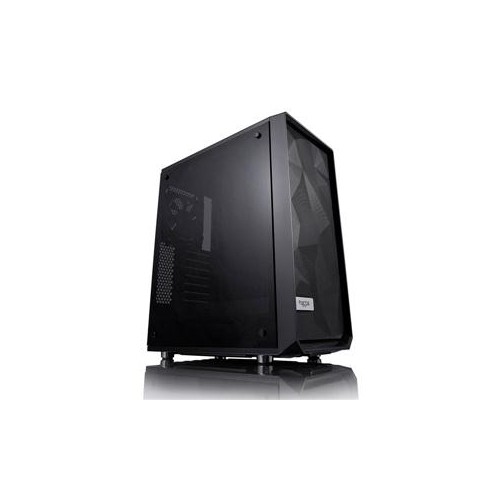
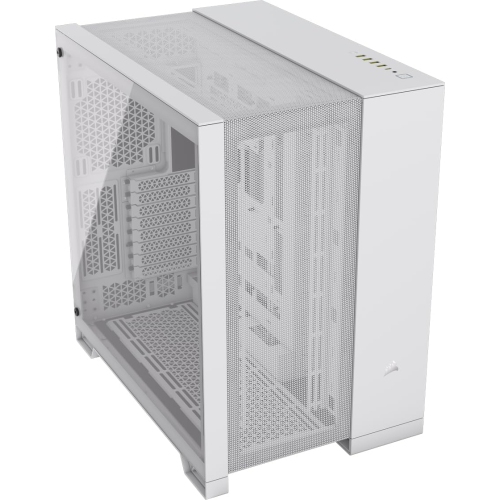
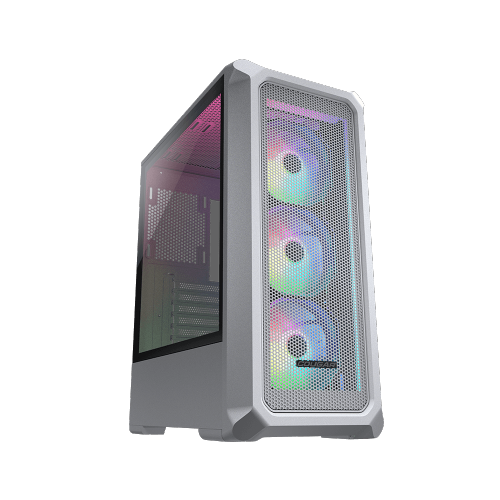
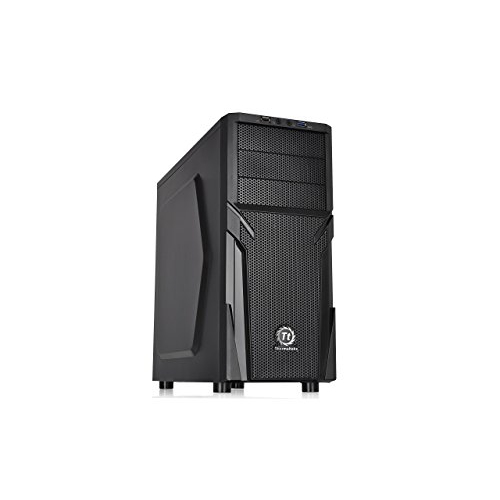
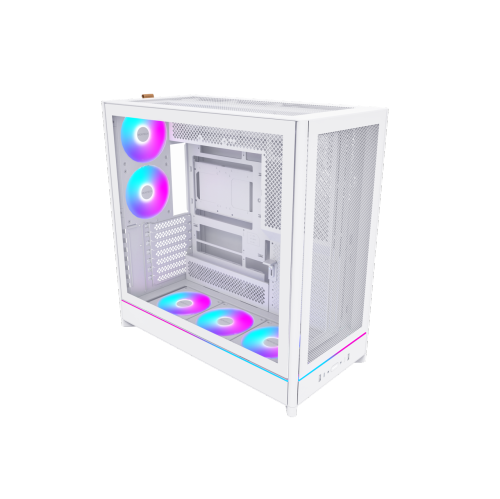
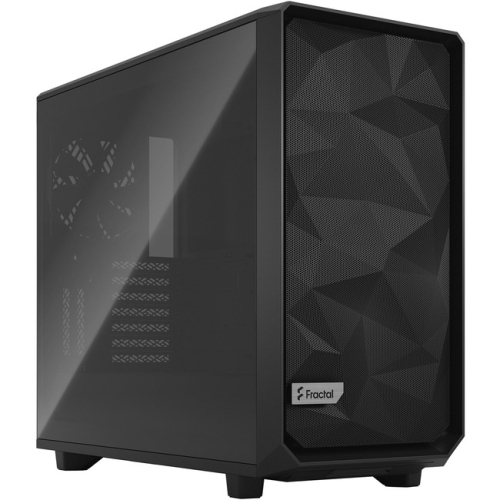
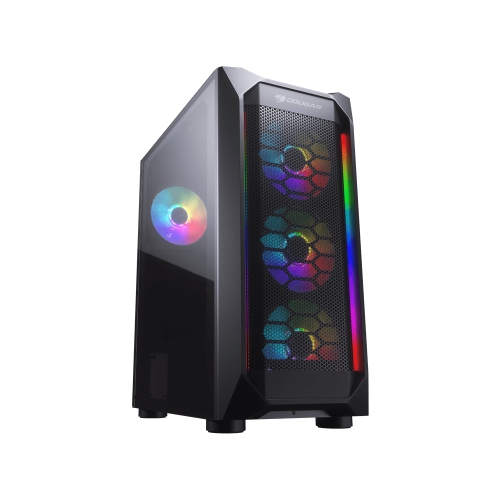
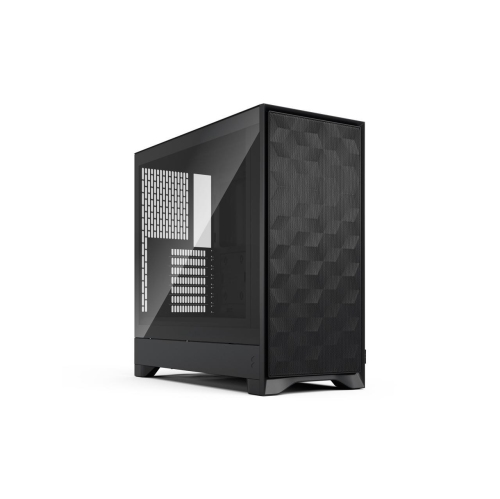
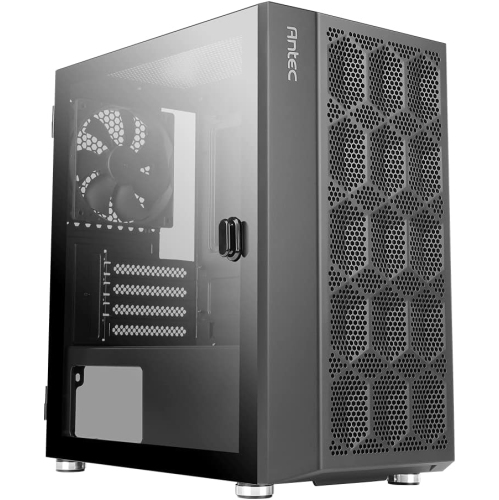
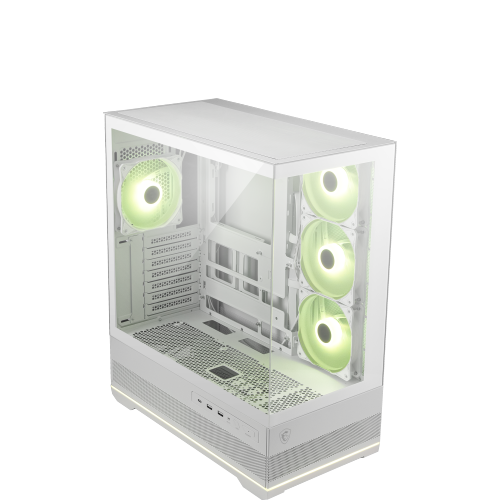
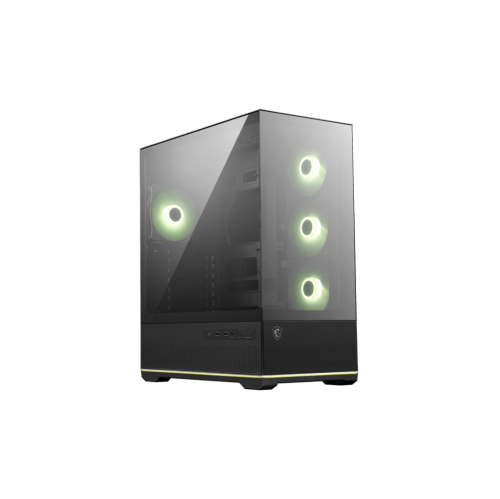
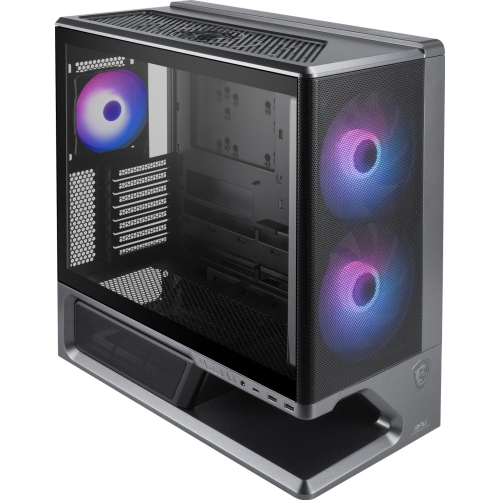
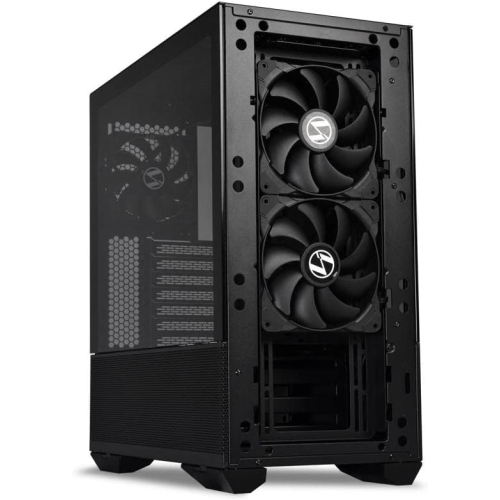
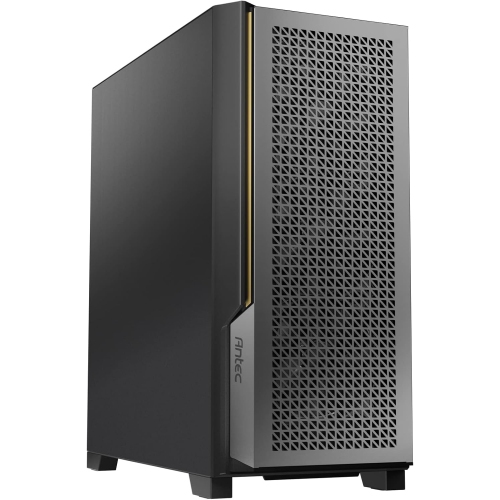
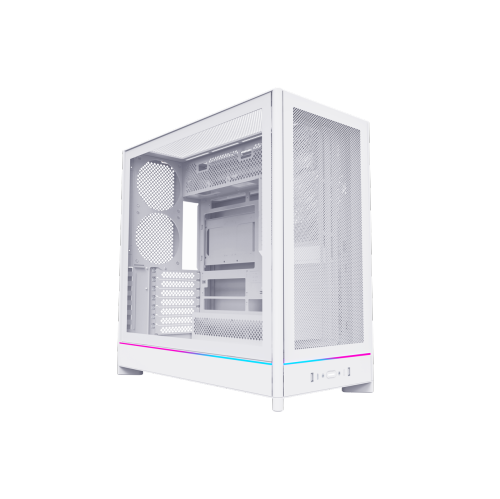
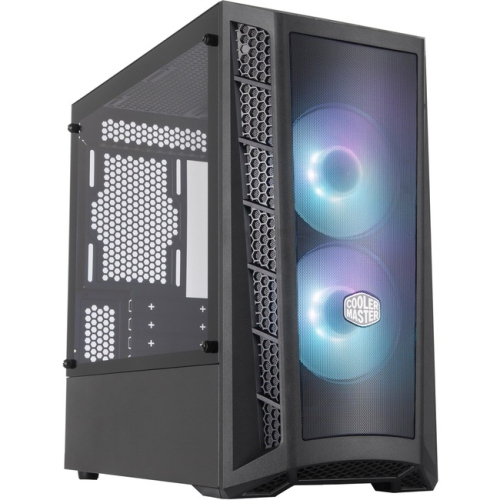
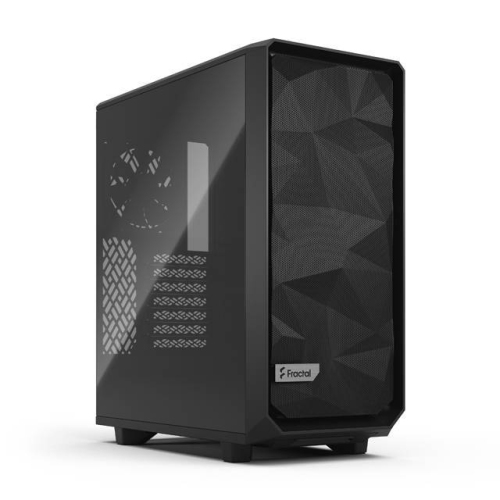
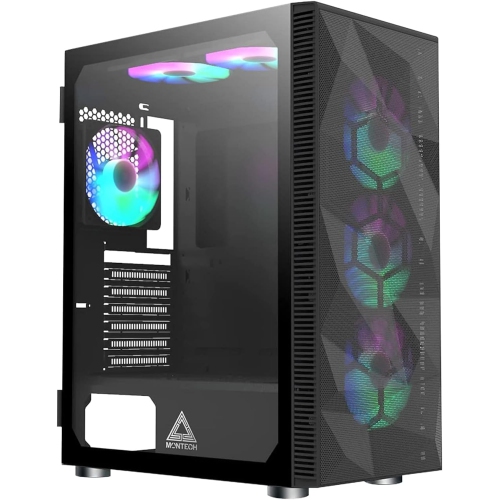
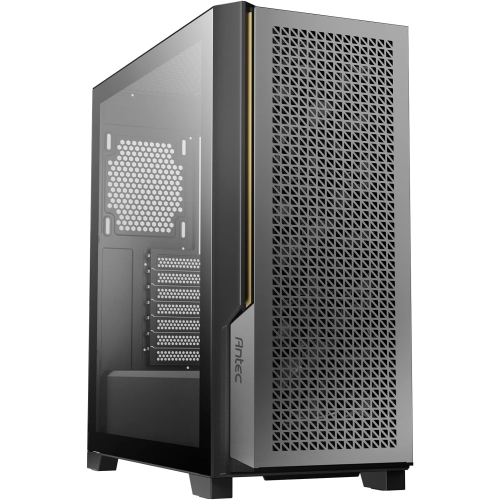
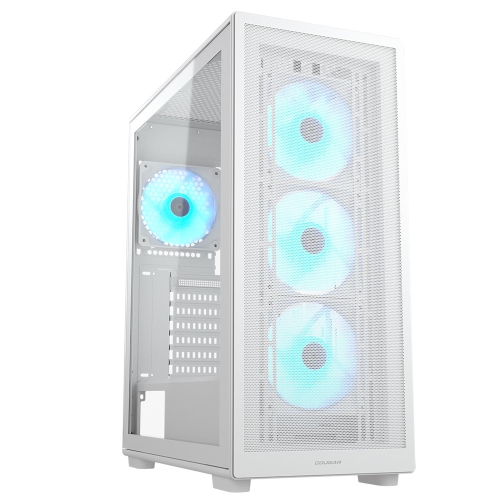
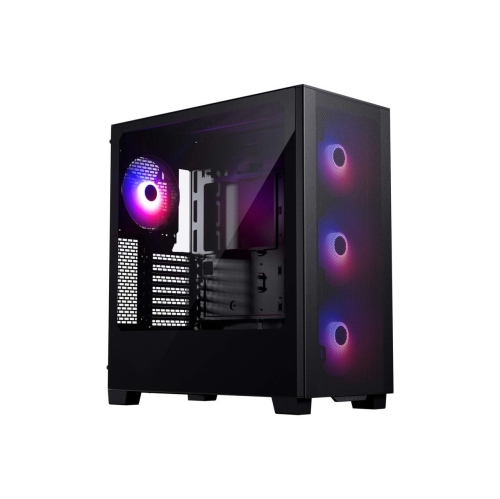
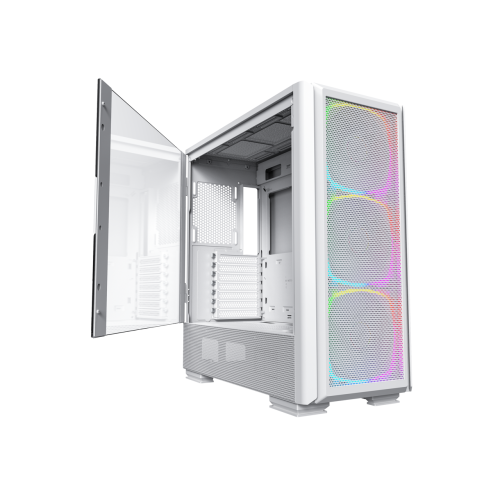
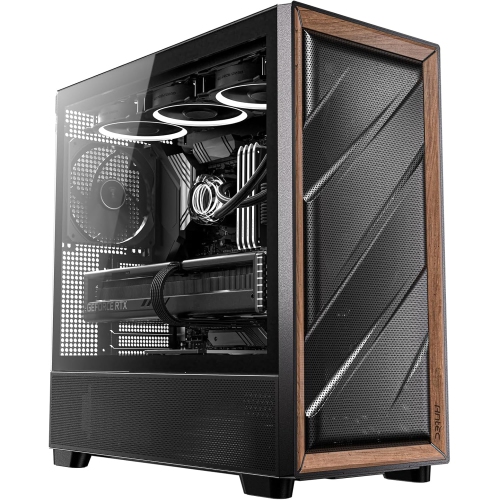
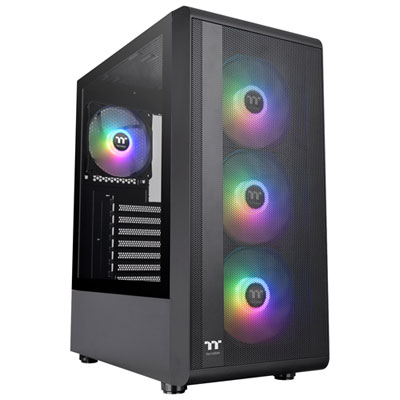
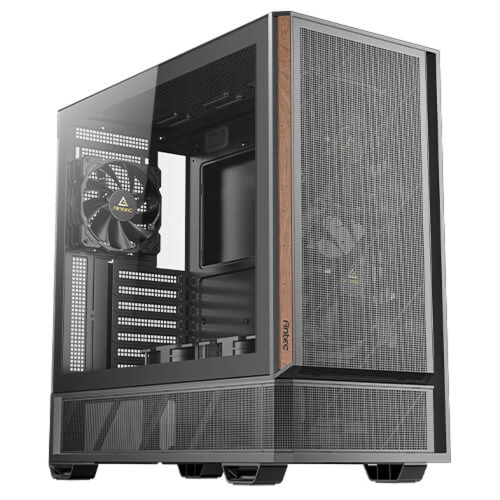
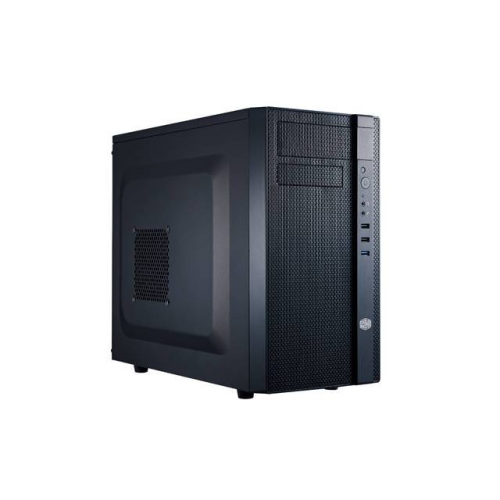
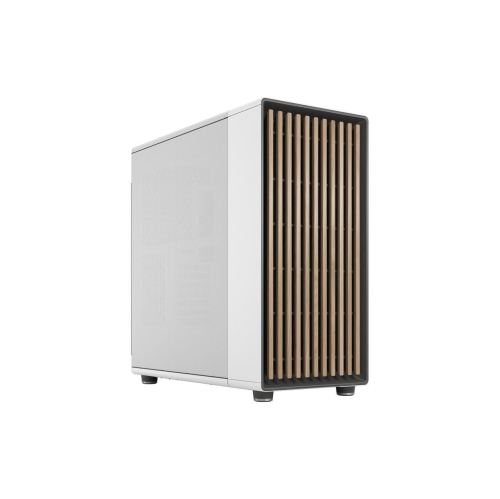
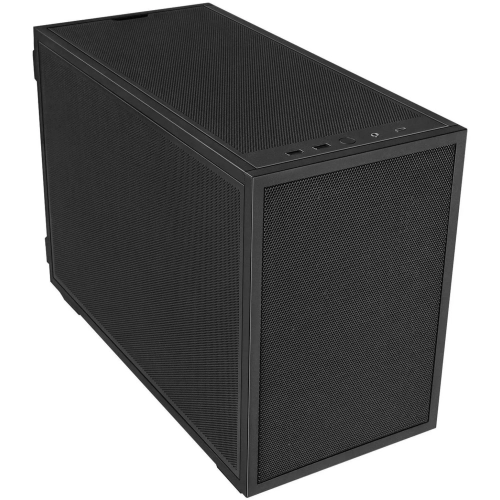
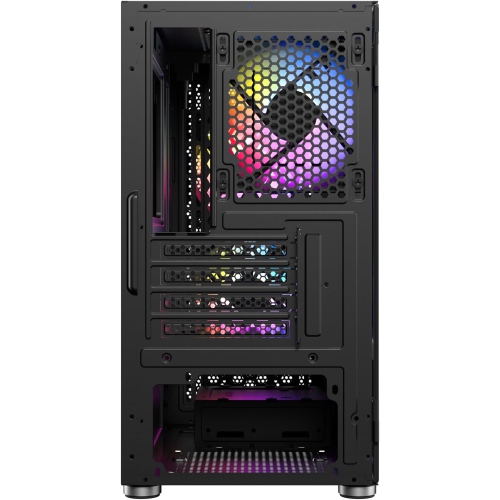
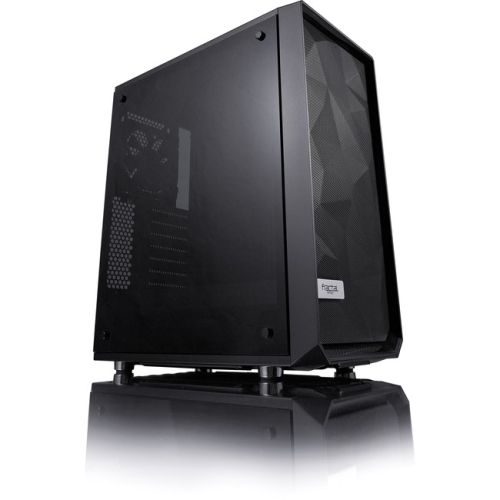
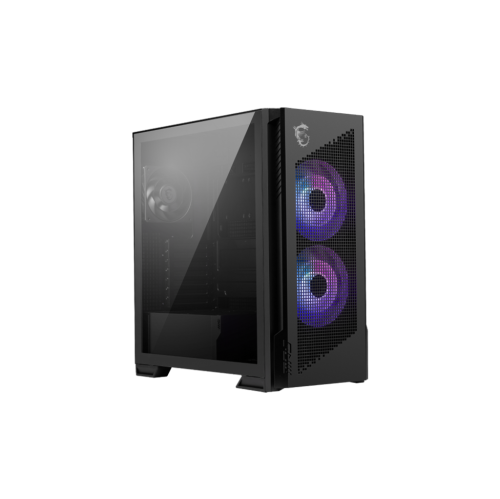
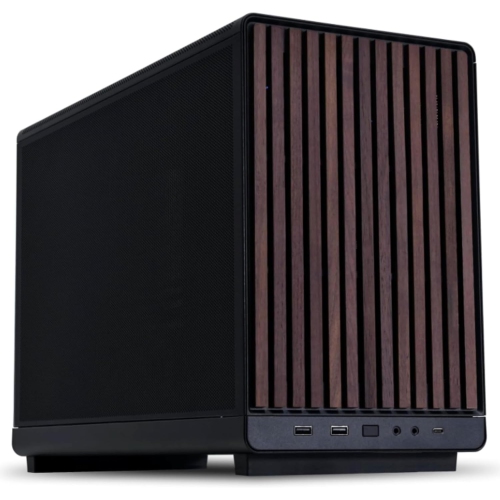
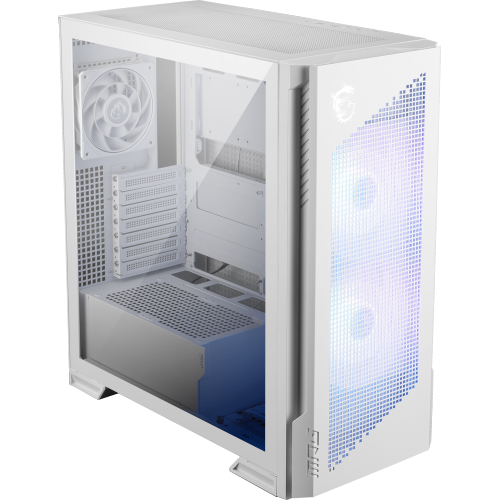
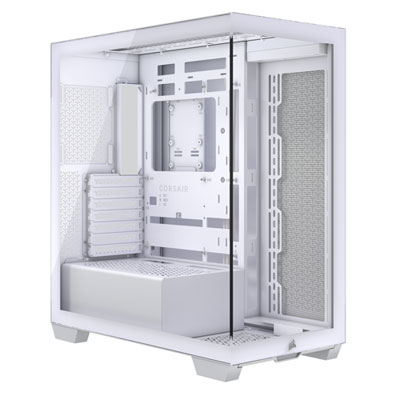
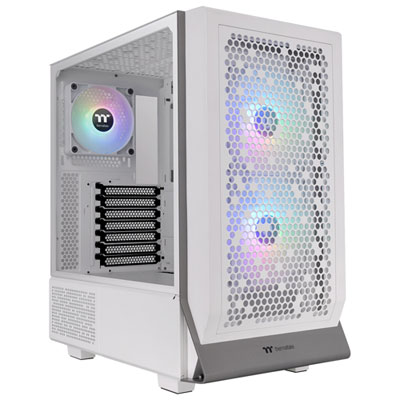
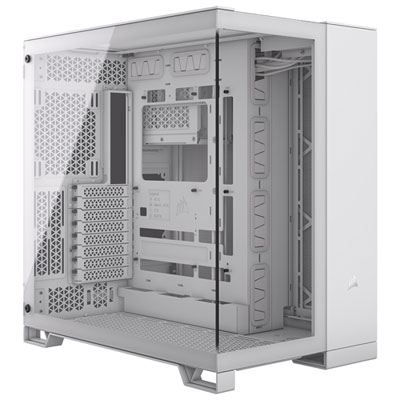
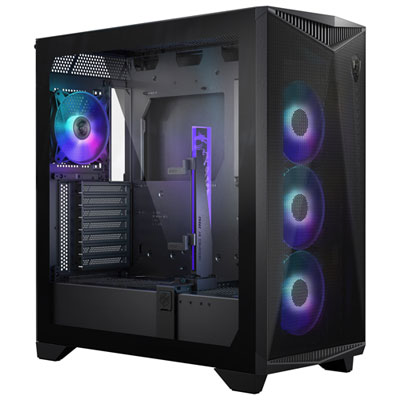
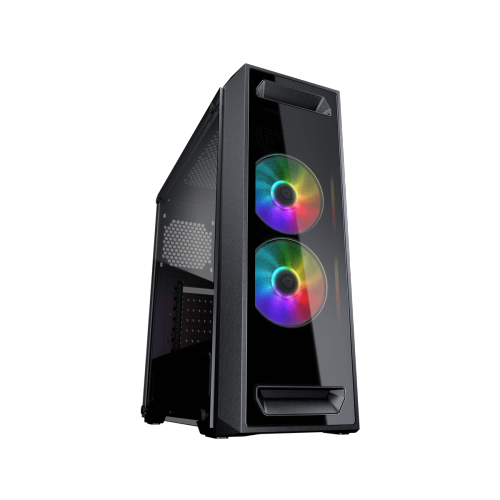
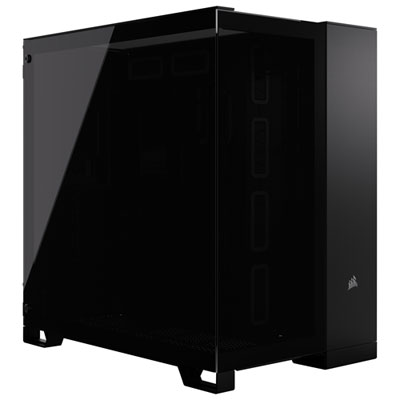
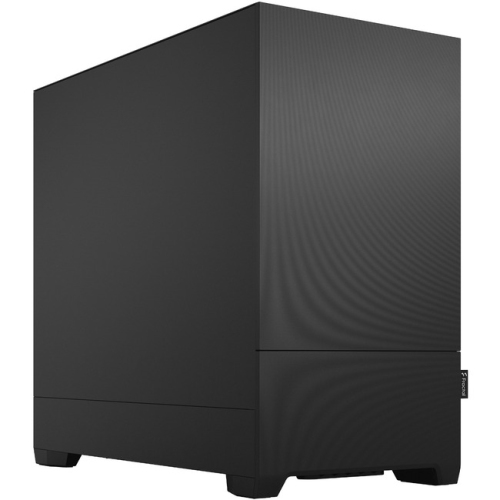
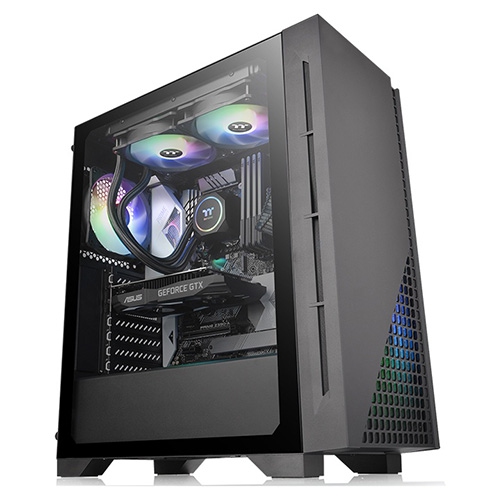
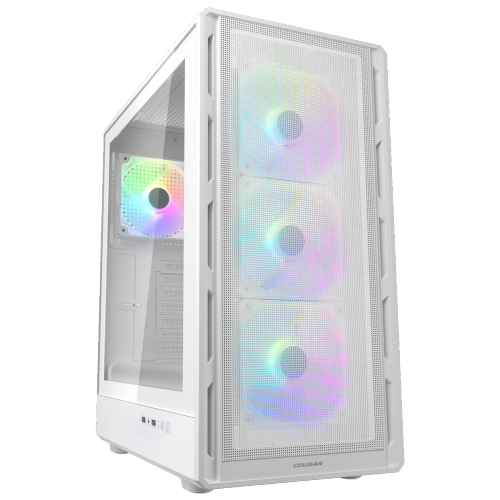
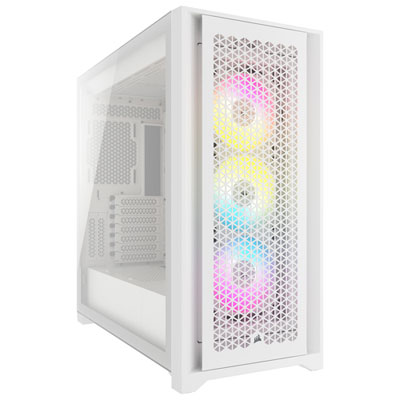
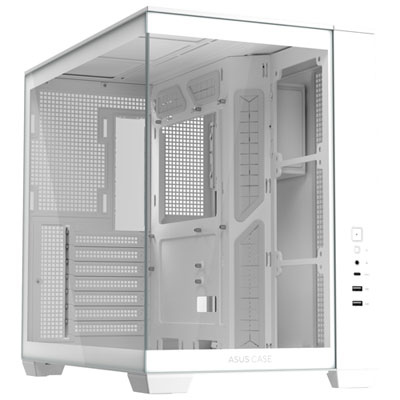
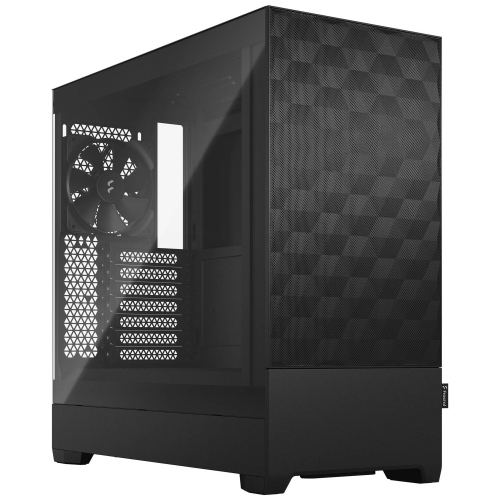
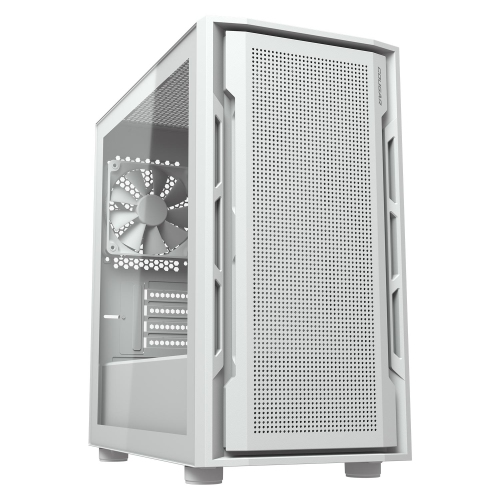
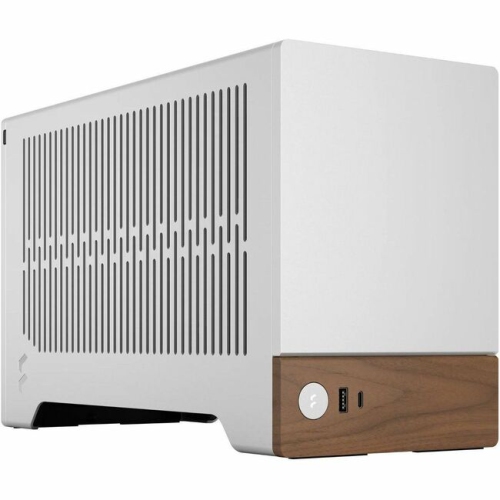
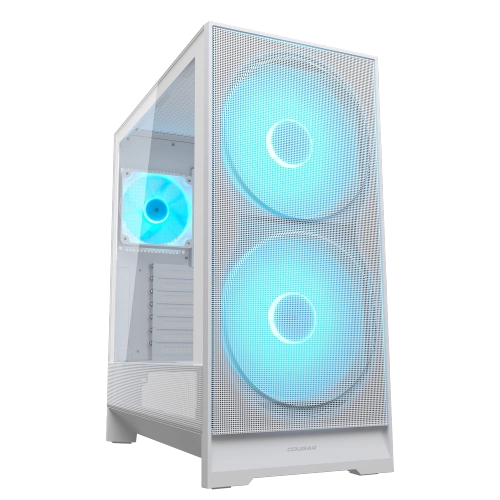
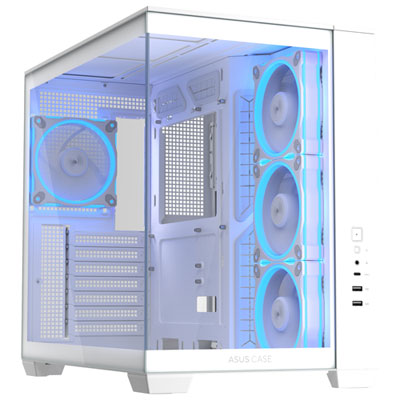
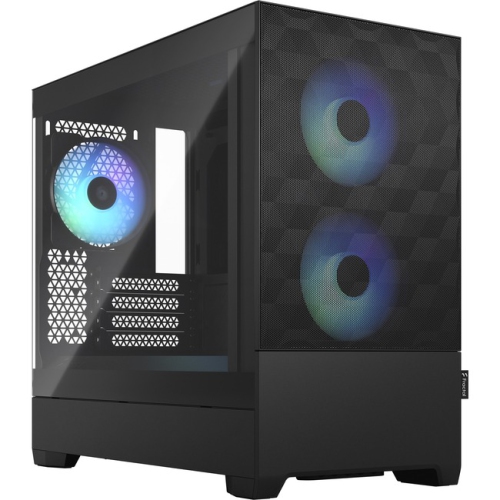
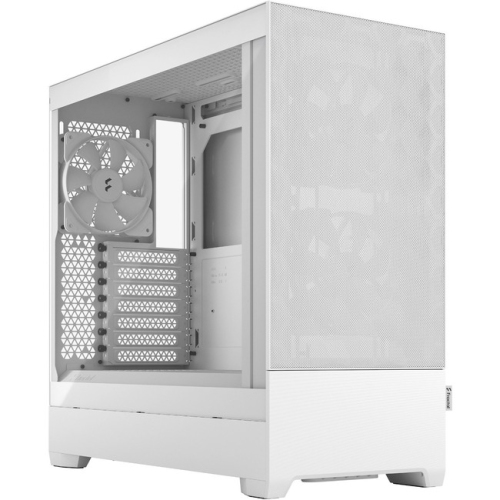
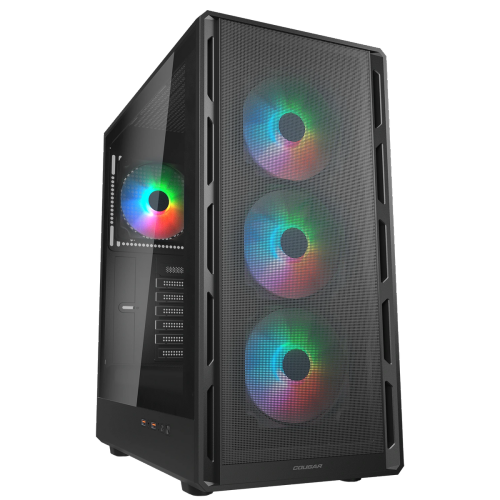
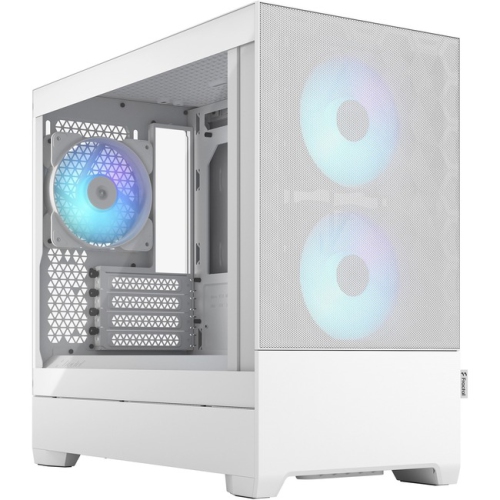
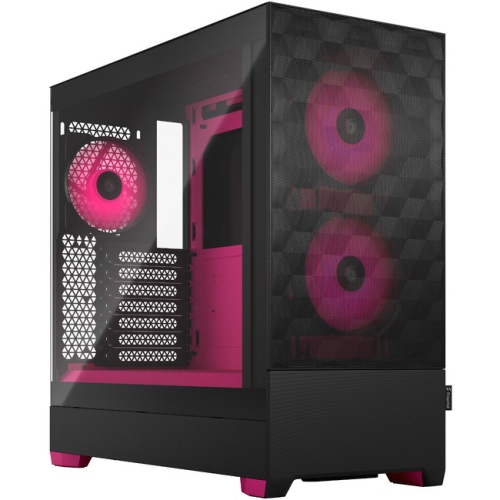
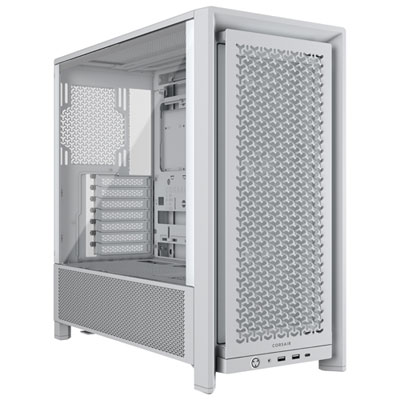
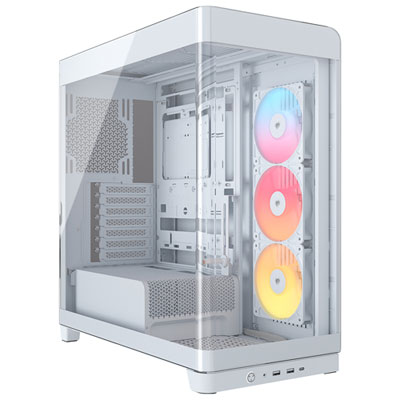
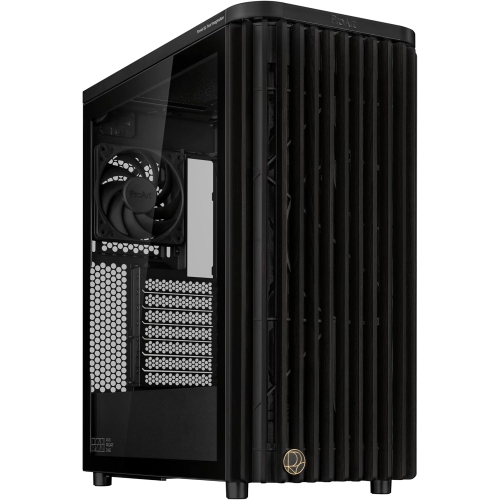
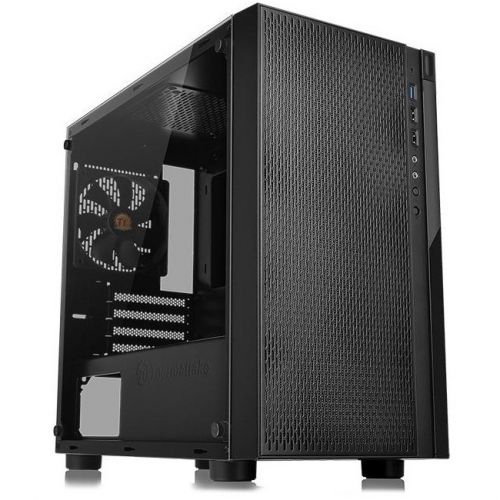
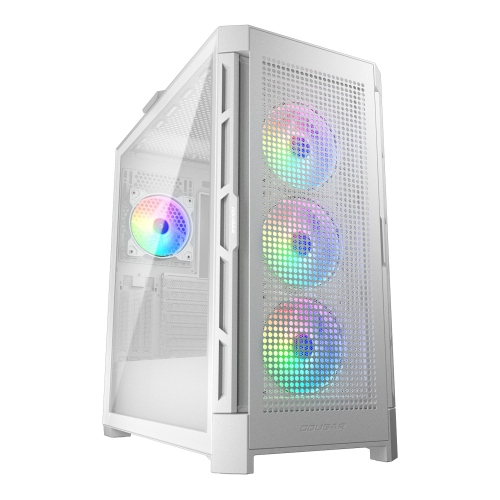
Mesh computer cases are PC enclosures with perforated panels that allow air to move through the chassis, helping fans deliver fresh air to internal components and carry heat away. Mesh is commonly used across the front panel, although some designs also feature ventilated tops, sides, or lower sections. Unlike a mostly solid panel with narrow intake openings, a broad mesh surface gives intake fans a less restricted path for drawing air into the system. This makes mesh PC cases a practical choice for gaming desktops, creative workstations, and other computers that produce substantial heat during demanding tasks. A long video export, a detailed 3D render, or an extended gaming session can keep the processor and graphics card working hard, making the enclosure’s airflow layout an important part of the build. Mesh alone does not guarantee lower component temperatures: fan placement, cooler capacity, cable routing, and the amount of open space around the computer all influence results. The construction of the mesh matters, too. Larger perforations generally allow air through more easily, while finer openings can help catch some dust but may add resistance. Some cases pair a perforated outer panel with a separate dust filter, giving each layer a distinct role. Steel chassis are common for their rigidity, while aluminum panels can offer a lighter construction and a different surface finish. Sturdy panel mounts, neatly finished edges, and a stable frame contribute to how a case feels during assembly and everyday use. Sound is another consideration. An open mesh panel can let fan and component noise escape more readily than a closed panel with sound-dampening material. At the same time, an effective airflow layout may allow suitable fans to run at lower speeds under comparable loads. The overall experience depends on the complete system rather than the panel style alone, particularly for a desktop that sits close to a microphone or beside a monitor.
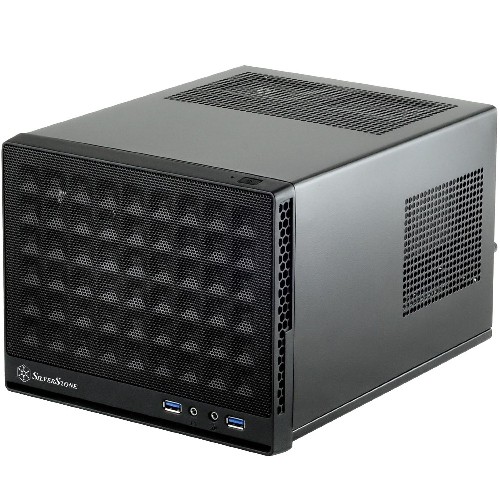
Fit is central to choosing a mesh computer case because the enclosure needs to accommodate both the hardware and the space where the finished PC will sit. Motherboard support is a useful starting point: ATX, microATX, and Mini-ITX describe different board formats, but case dimensions and supported layouts still vary considerably. A compact tower can suit a smaller desk, while a roomier chassis may provide more space for expansion cards, cooling hardware, and easier access during assembly. Graphics card clearance deserves particular attention with long or thick cards, especially when front-mounted fans or a liquid-cooling radiator occupy some of the same space. Card height and power-cable clearance also matter; a connector pressed tightly against the side panel can complicate an otherwise compatible build. Air-cooled processors need enough clearance for the cooler’s full height, while liquid-cooling systems require compatible radiator mounting positions and sufficient room around motherboard heatsinks, memory modules, and cables. A stated radiator size does not describe every aspect of fit, since radiator thickness and the attached fans also take up space. Power supply dimensions, mounting format, and cable space can be equally important in smaller enclosures. Storage needs shape the layout as well: a gaming desktop built around motherboard-mounted storage may need fewer drive bays than a workstation carrying several large-capacity drives. Front-panel connections add everyday convenience, whether that means an accessible headset socket, USB ports for peripherals, or a USB-C connection supported by the motherboard’s internal headers. Port placement can make a noticeable difference when the tower sits on the floor rather than on a desktop. Fan support is worth distinguishing from included fans, since mounting locations do not necessarily mean fans are supplied in those positions. For a first build or a substantial upgrade, the most useful specifications are the ones that explain how all these parts fit together, including any clearance changes caused by installing additional cooling or storage hardware.
Everyday usability comes from the smaller details that make a mesh PC case easier to assemble, keep tidy, and maintain. Space behind the motherboard tray, well-placed cable openings, and secure tie-down points help keep wiring away from fans and leave a clearer route for airflow. A removable front panel or accessible filter can make routine cleaning less awkward, particularly for a computer used near carpeting or in a home with pets. Mesh does not eliminate dust, and even a filtered enclosure needs occasional attention as lint collects on intake surfaces. Cleaning methods depend on the materials and construction: removable filters may have different care requirements from painted metal panels, and any washable part needs to be completely dry before it returns to the case. With the computer powered off and disconnected, dust can be removed according to the manufacturer’s care directions without introducing moisture into the assembled system. Placement also affects performance and upkeep. Intake and exhaust openings need breathing room, so a tower pushed tightly into a cabinet or against a desk panel may not benefit fully from its ventilation. Cases with bottom-mounted intakes are best kept on a firm surface that does not obstruct those openings. Appearance remains part of the appeal, from understated metal panels that blend into a home office to visible fans and lighting in a gaming setup. Mesh-front designs can also include transparent side panels, so ventilation and a view of the components are not mutually exclusive. The Glass Computer Cases category offers another point of comparison for builds where displaying the interior is a priority. For hobbyists who enjoy assembling and upgrading PCs, a case can also be a thoughtful gift when its dimensions and hardware support are known in advance. Whether the intended system handles coursework, streaming, design projects, or gaming, a well-matched mesh enclosure combines practical ventilation with the fit, access, and durability needed for ongoing use.
Fit is central to choosing a mesh computer case because the enclosure needs to accommodate both the hardware and the space where the finished PC will sit. Motherboard support is a useful starting point: ATX, microATX, and Mini-ITX describe different board formats, but case dimensions and supported layouts still vary considerably. A compact tower can suit a smaller desk, while a roomier chassis may provide more space for expansion cards, cooling hardware, and easier access during assembly. Graphics card clearance deserves particular attention with long or thick cards, especially when front-mounted fans or a liquid-cooling radiator occupy some of the same space. Card height and power-cable clearance also matter; a connector pressed tightly against the side panel can complicate an otherwise compatible build. Air-cooled processors need enough clearance for the cooler’s full height, while liquid-cooling systems require compatible radiator mounting positions and sufficient room around motherboard heatsinks, memory modules, and cables. A stated radiator size does not describe every aspect of fit, since radiator thickness and the attached fans also take up space. Power supply dimensions, mounting format, and cable space can be equally important in smaller enclosures. Storage needs shape the layout as well: a gaming desktop built around motherboard-mounted storage may need fewer drive bays than a workstation carrying several large-capacity drives. Front-panel connections add everyday convenience, whether that means an accessible headset socket, USB ports for peripherals, or a USB-C connection supported by the motherboard’s internal headers. Port placement can make a noticeable difference when the tower sits on the floor rather than on a desktop. Fan support is worth distinguishing from included fans, since mounting locations do not necessarily mean fans are supplied in those positions. For a first build or a substantial upgrade, the most useful specifications are the ones that explain how all these parts fit together, including any clearance changes caused by installing additional cooling or storage hardware.
Everyday usability comes from the smaller details that make a mesh PC case easier to assemble, keep tidy, and maintain. Space behind the motherboard tray, well-placed cable openings, and secure tie-down points help keep wiring away from fans and leave a clearer route for airflow. A removable front panel or accessible filter can make routine cleaning less awkward, particularly for a computer used near carpeting or in a home with pets. Mesh does not eliminate dust, and even a filtered enclosure needs occasional attention as lint collects on intake surfaces. Cleaning methods depend on the materials and construction: removable filters may have different care requirements from painted metal panels, and any washable part needs to be completely dry before it returns to the case. With the computer powered off and disconnected, dust can be removed according to the manufacturer’s care directions without introducing moisture into the assembled system. Placement also affects performance and upkeep. Intake and exhaust openings need breathing room, so a tower pushed tightly into a cabinet or against a desk panel may not benefit fully from its ventilation. Cases with bottom-mounted intakes are best kept on a firm surface that does not obstruct those openings. Appearance remains part of the appeal, from understated metal panels that blend into a home office to visible fans and lighting in a gaming setup. Mesh-front designs can also include transparent side panels, so ventilation and a view of the components are not mutually exclusive. The Glass Computer Cases category offers another point of comparison for builds where displaying the interior is a priority. For hobbyists who enjoy assembling and upgrading PCs, a case can also be a thoughtful gift when its dimensions and hardware support are known in advance. Whether the intended system handles coursework, streaming, design projects, or gaming, a well-matched mesh enclosure combines practical ventilation with the fit, access, and durability needed for ongoing use.
Top selling and popular products
-
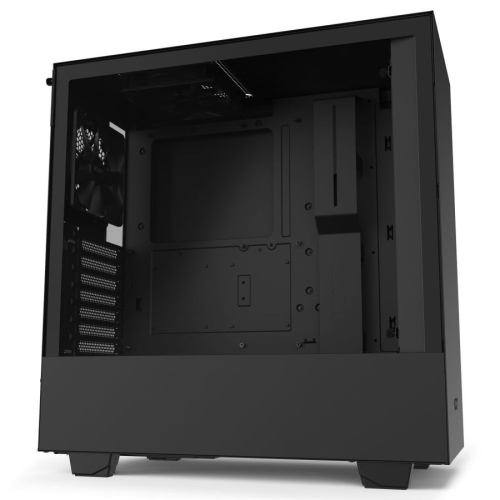 Your price for this item is $299
 -
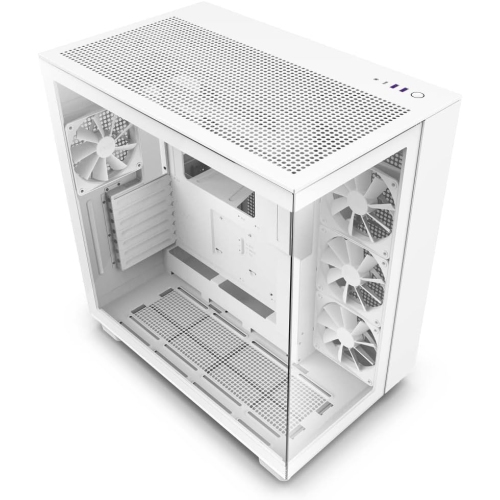 Your price for this item is $454.68
 -
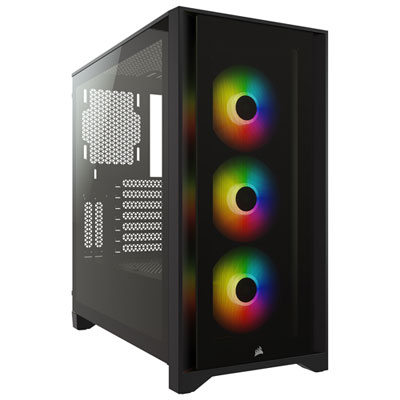 Your price for this item is $149.99
 -
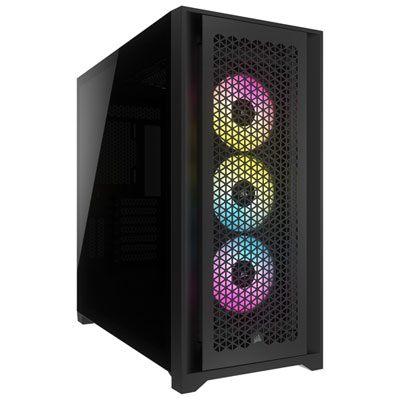 Your price for this item is $249.99
 -
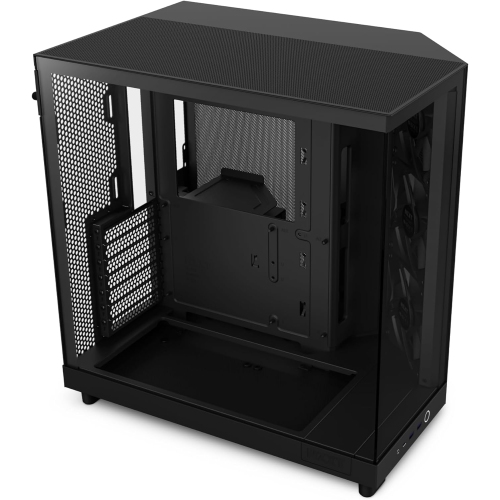 Your price for this item is $165.99
 -
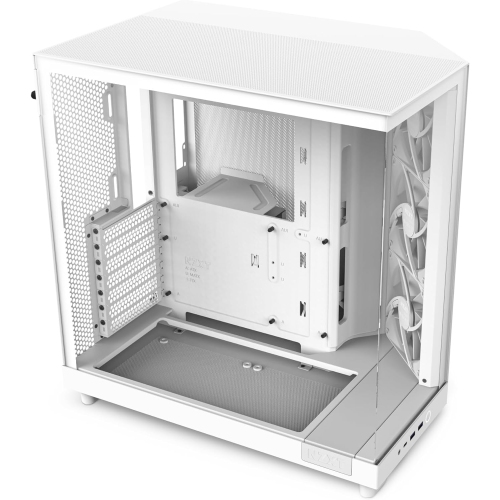 Your price for this item is $131.99
 -
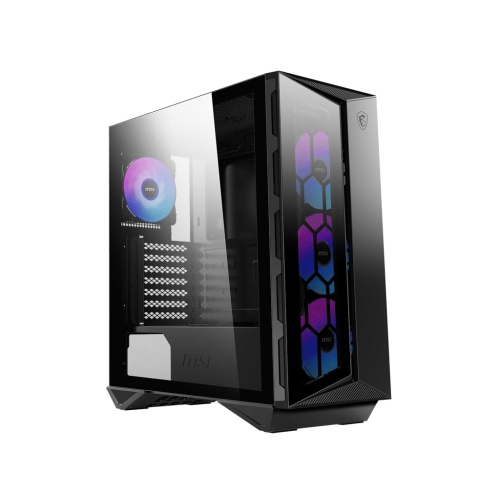 Your price for this item is $177.68
 -
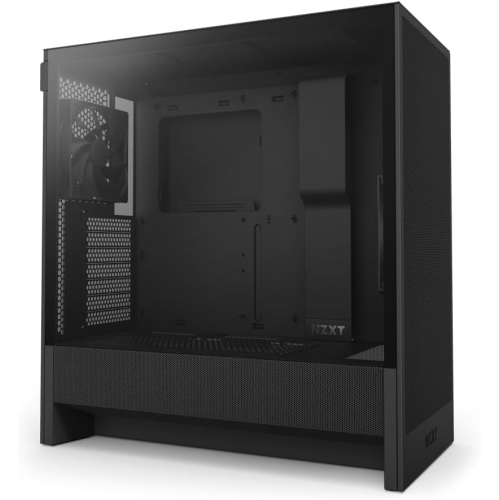 Your price for this item is $149.99
Discover more categories related to Mesh Computer Cases
Top Collections:
Pokemon Centers, Best Budget Office Chairs, Kindle Devices, Best Cameras for Sports Photography, Pokémon 30th Celebration Cards, Best Laptops for Writers, Apple iPhones 16, Laptops for Business Work, Canon G7X Cameras, iPhone 15 Apple
Some products may be subject to Environmental Handling Fees
(EHF) depending on your province.
Learn more about EHFs.