Metallic Laptops
Upgrade your tech game with our collection of metallic laptops. Sleek, stylish, and sophisticated, these laptops are designed to make a statement while delivering top-notch performance. Whether you're a student, professional, or a creative genius, our range of metallic laptops offers the perfect blend of power and style to suit your needs. From slim and lightweight designs to powerful processors and stunning displays, our selection of metallic laptops has something for everyone. Explore our assortment today and discover the perfect laptop that matches your personality and productivity requirements.
Sort


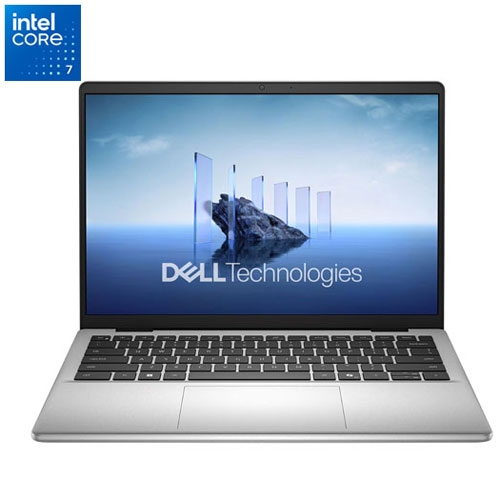
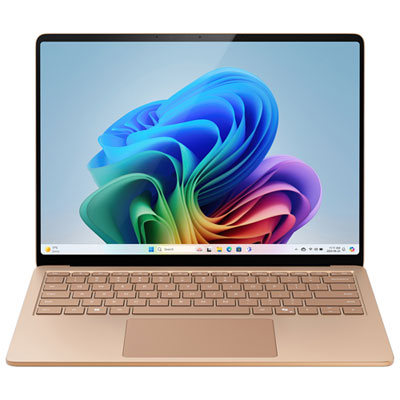


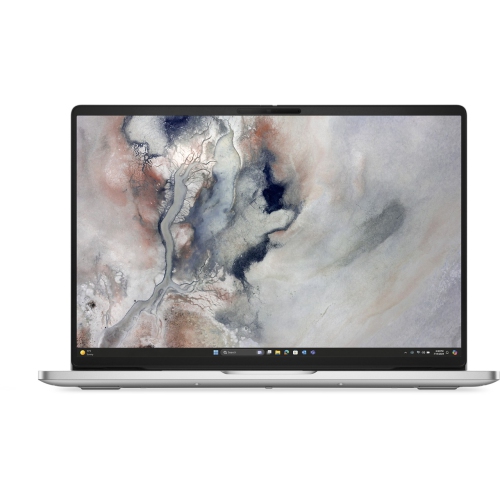



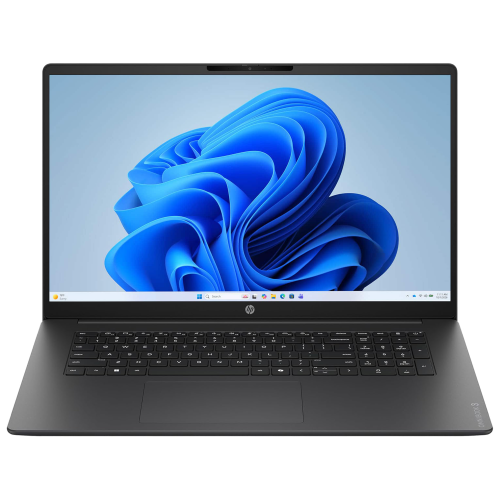
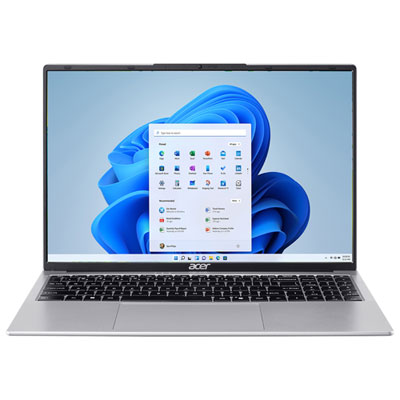
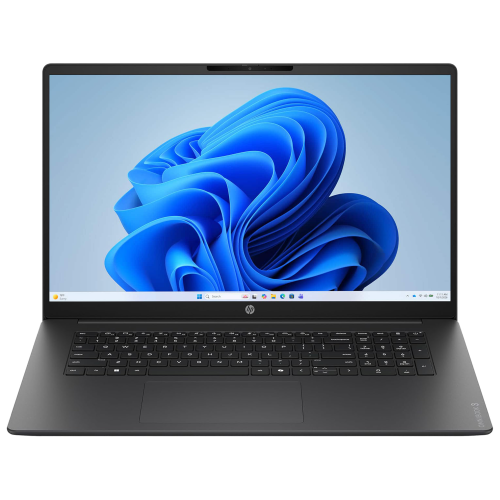
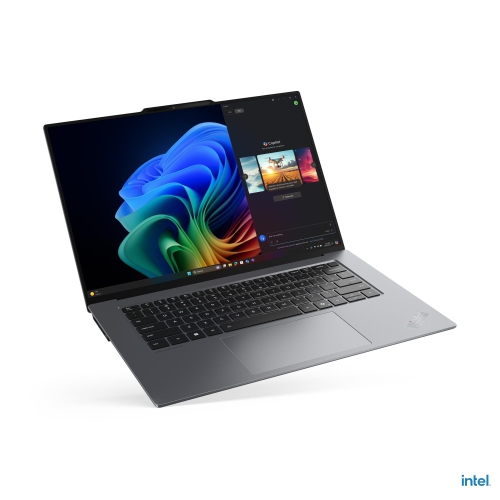

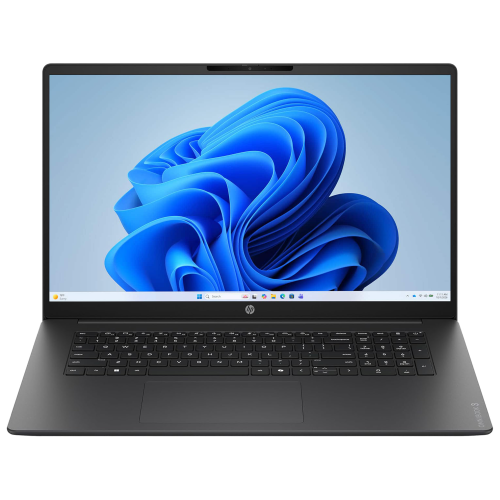

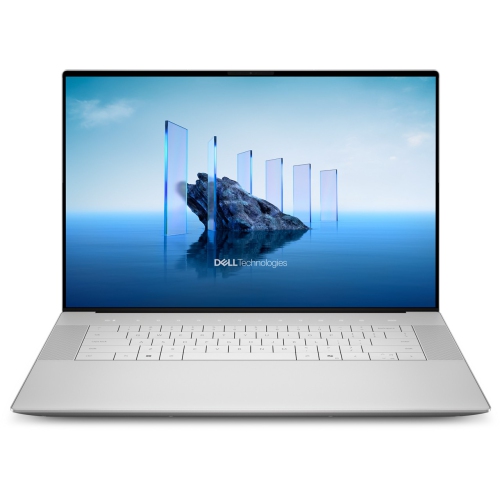
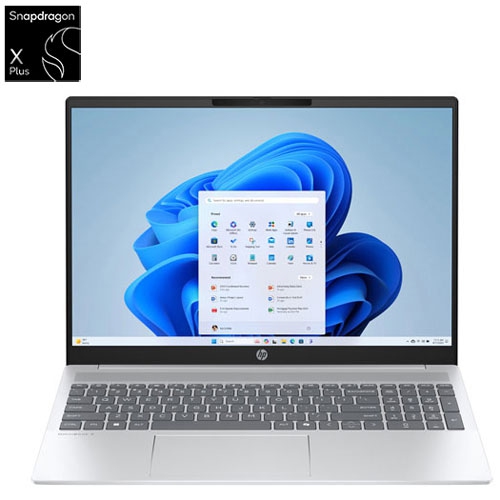

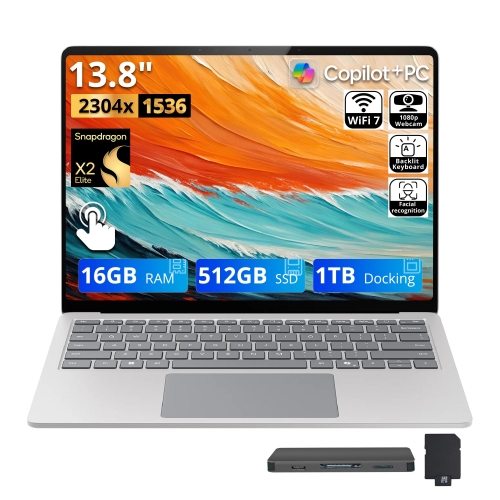

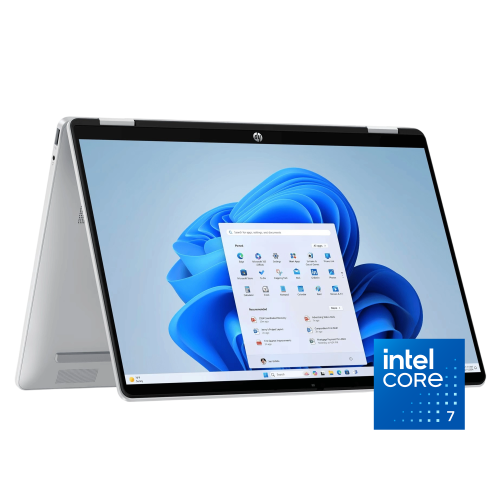
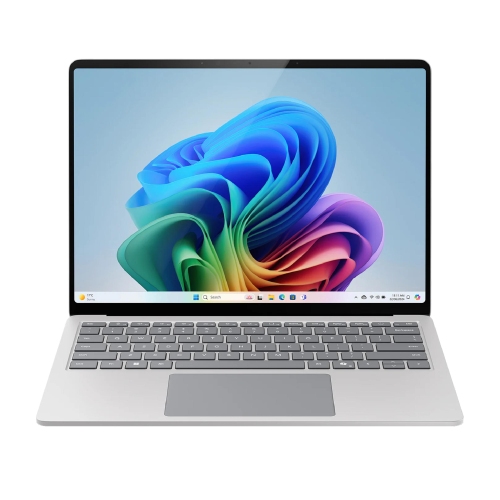
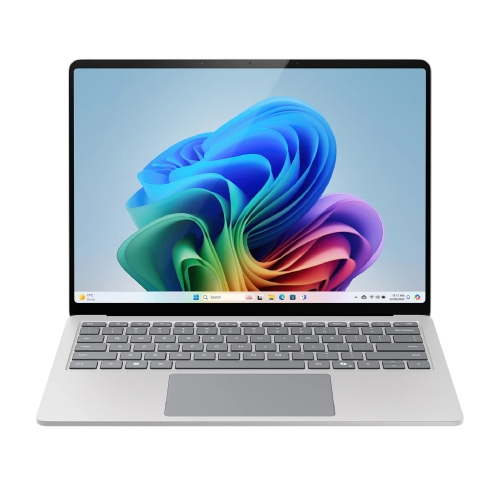
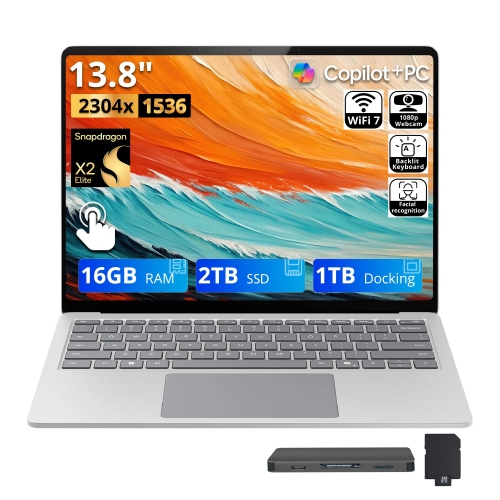
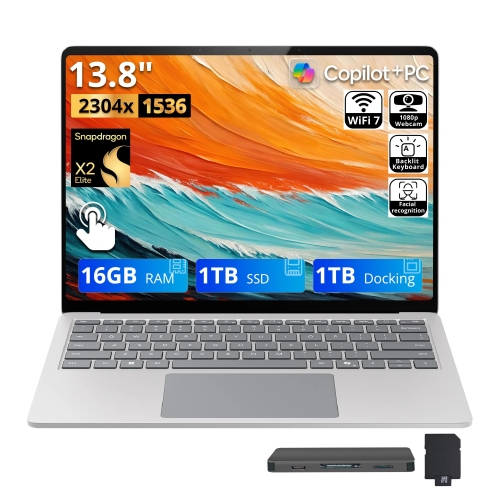

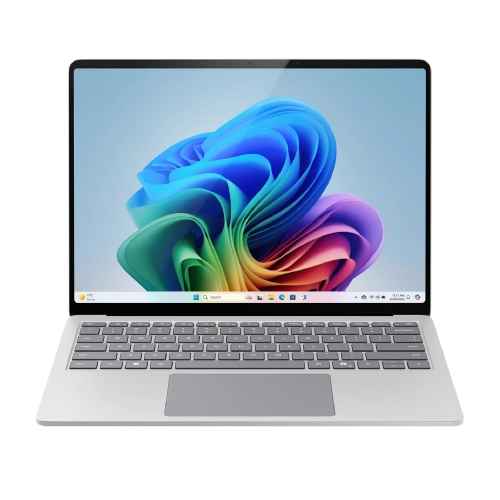
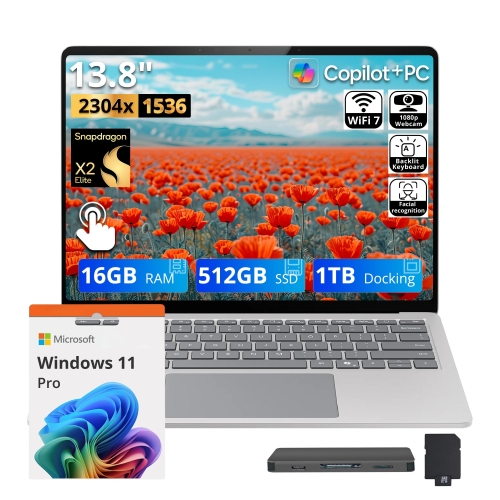
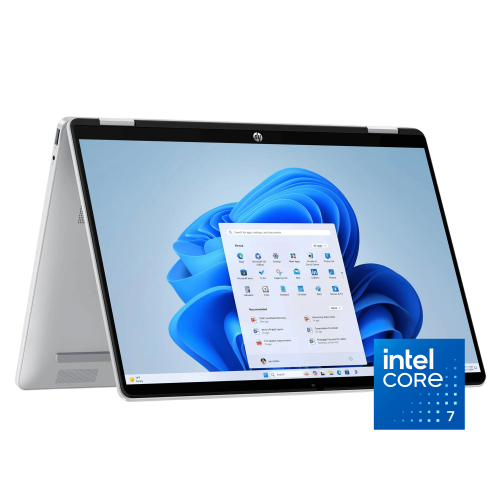

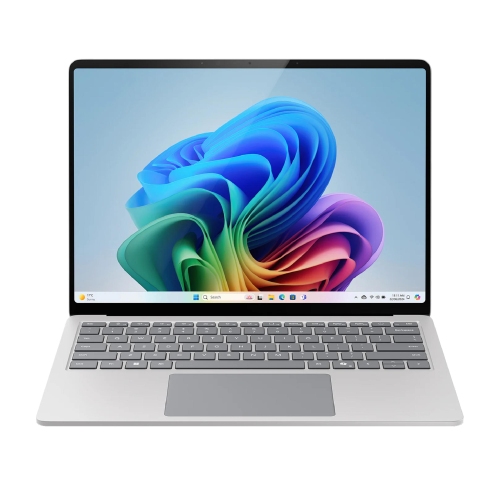
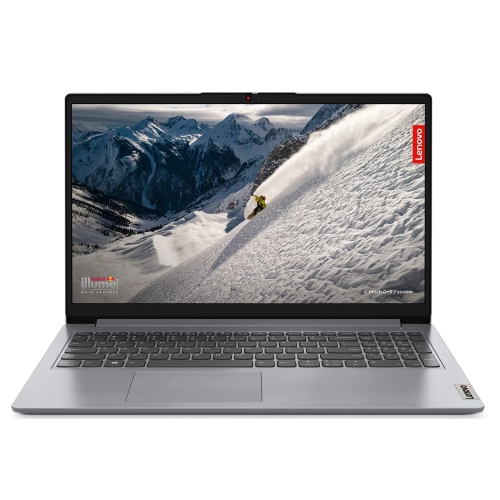
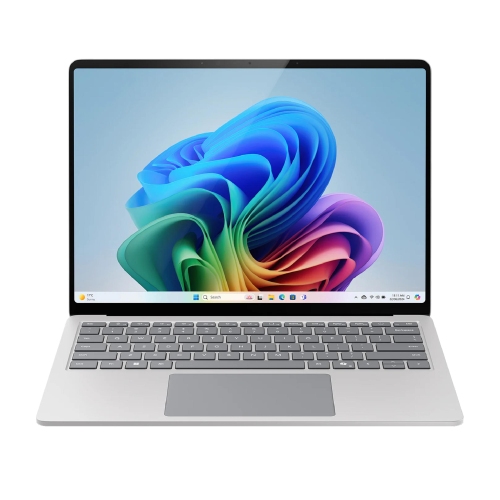
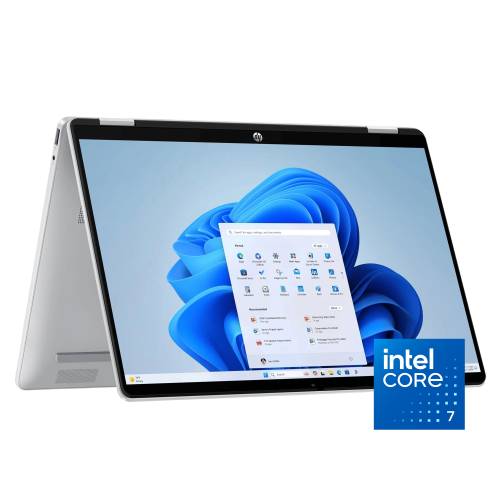

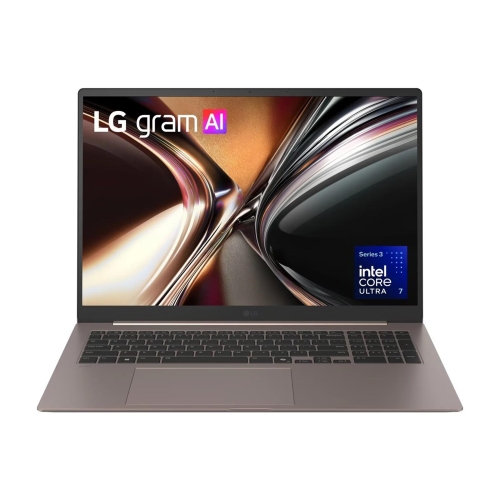
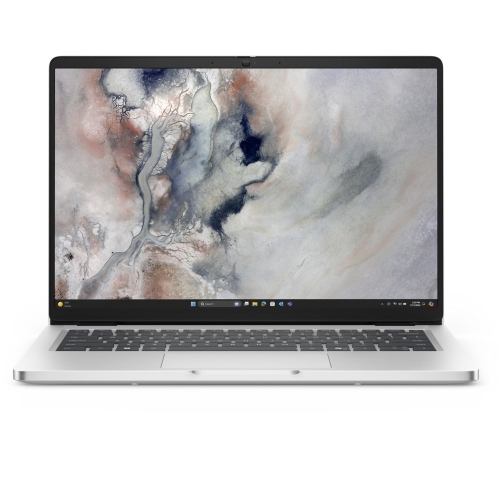


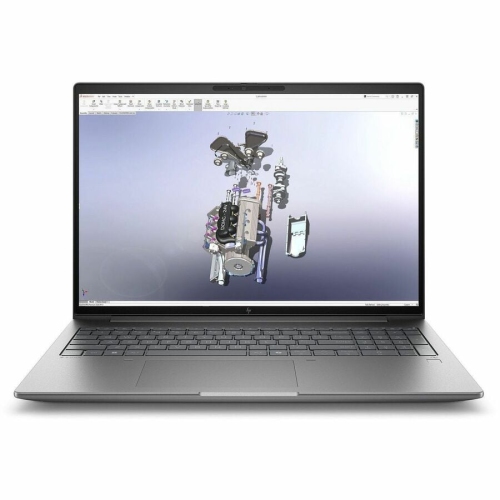
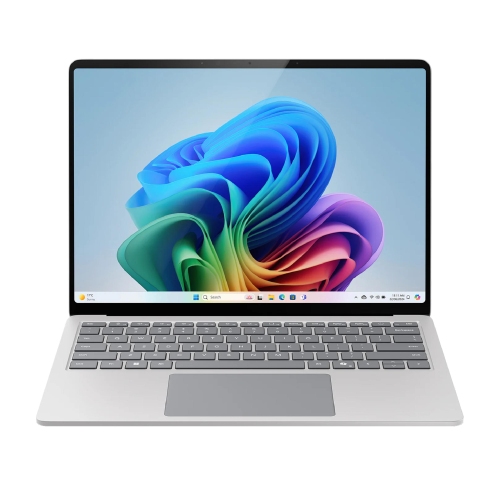
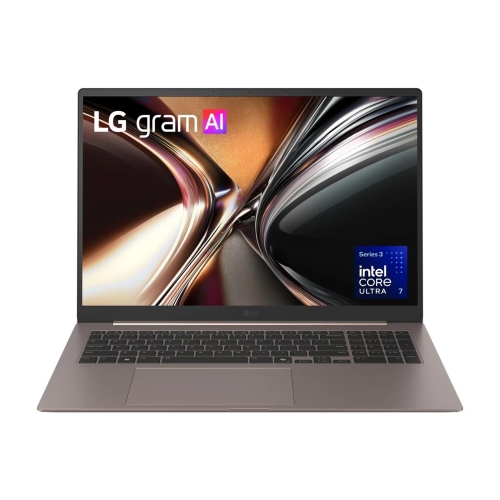
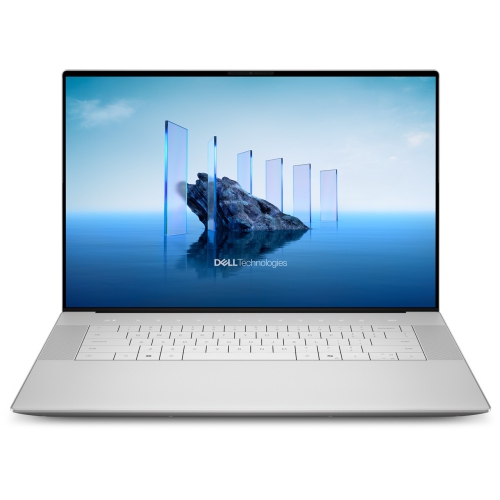
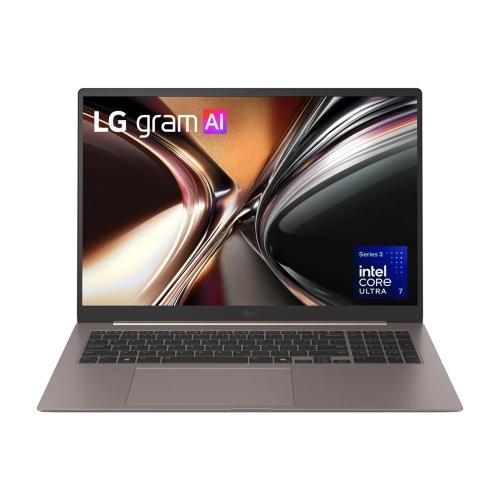

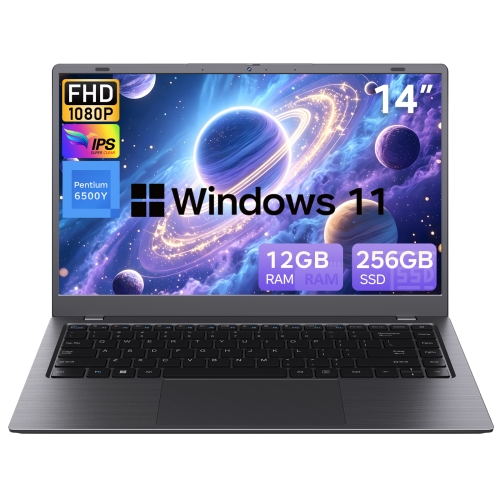

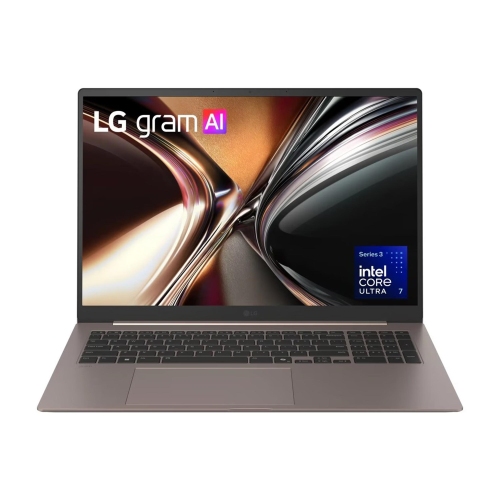
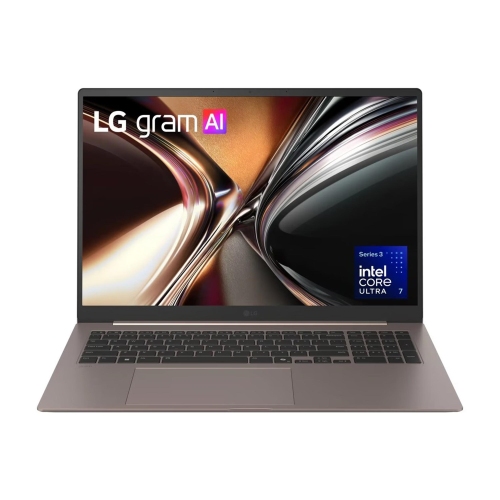
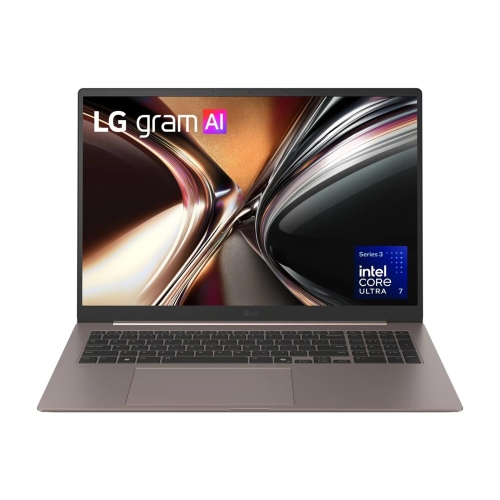
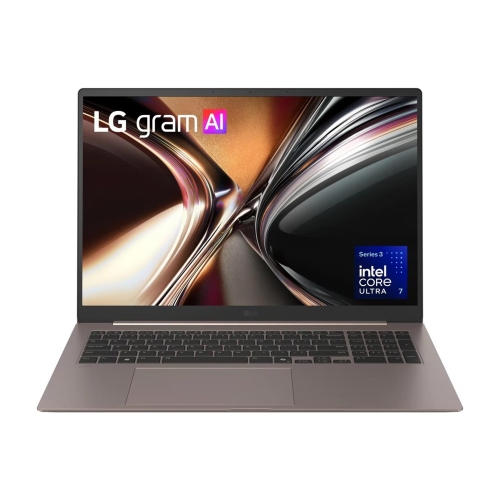


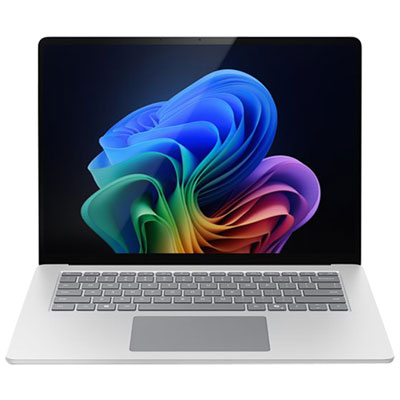
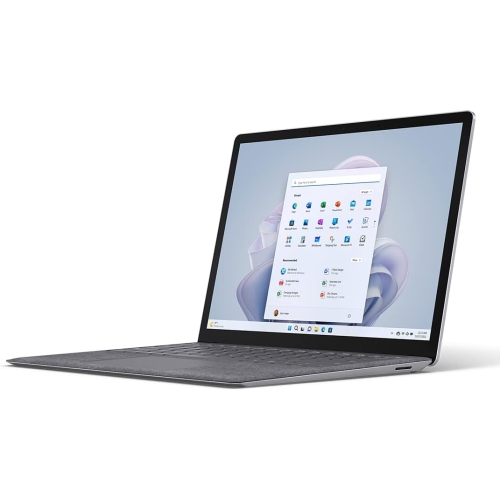
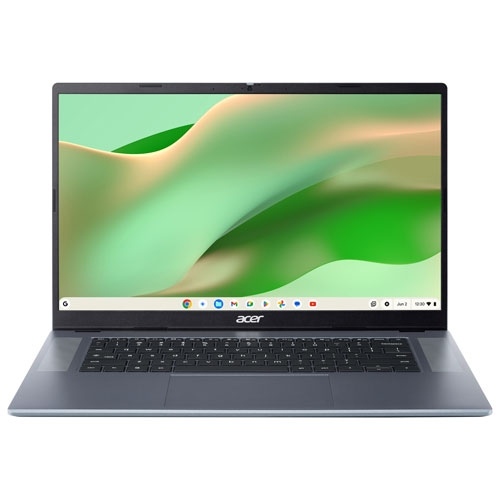
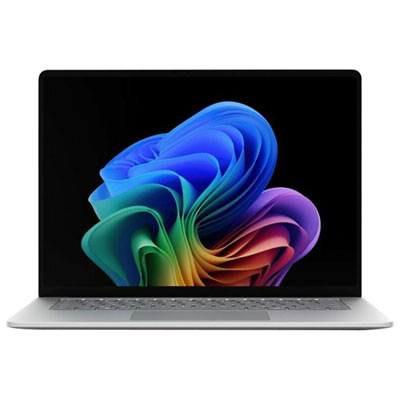
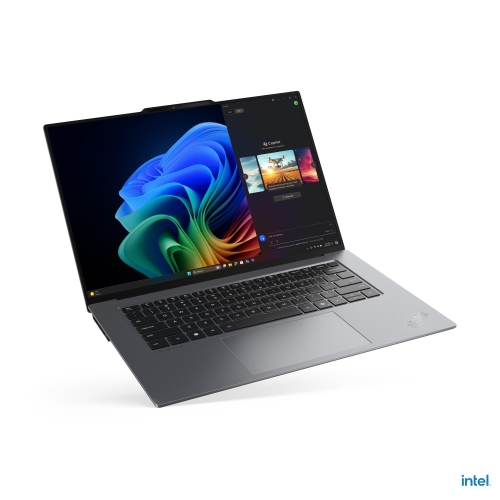
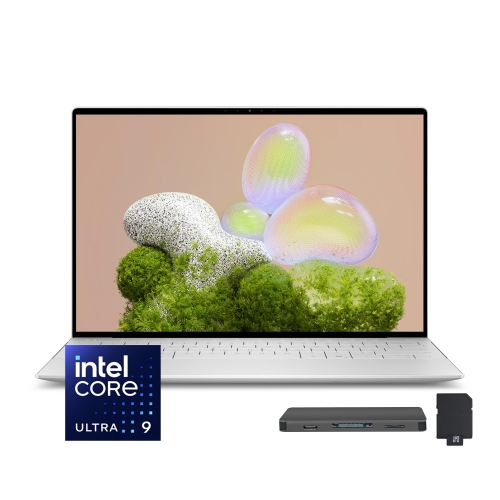
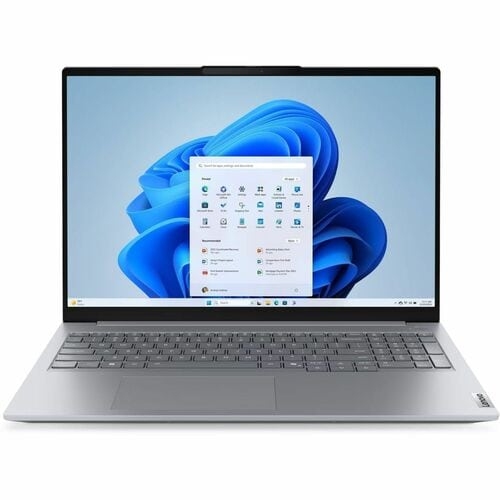
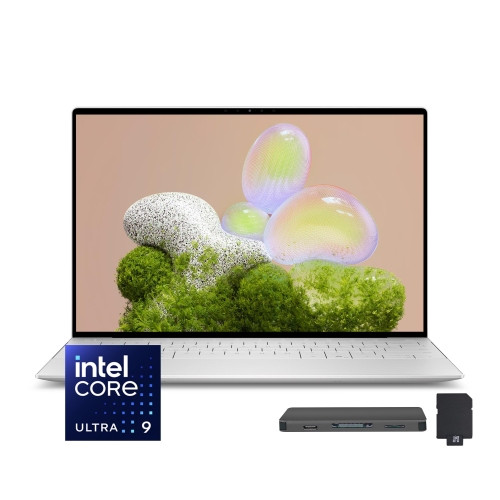
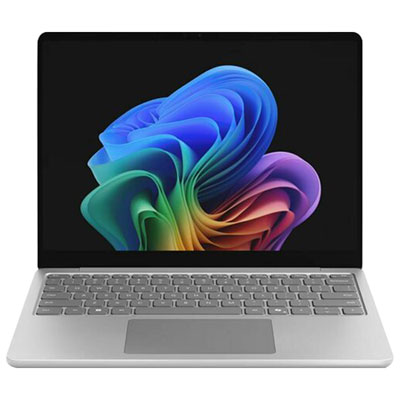
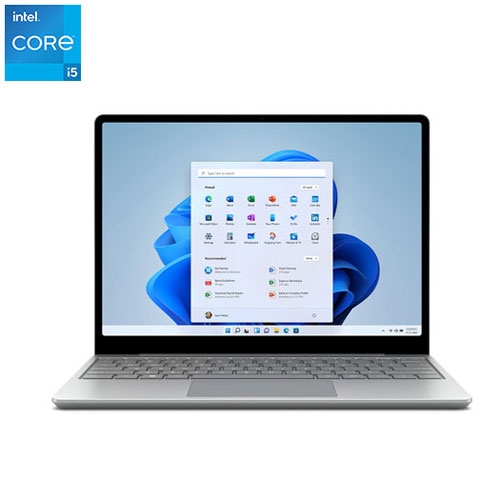
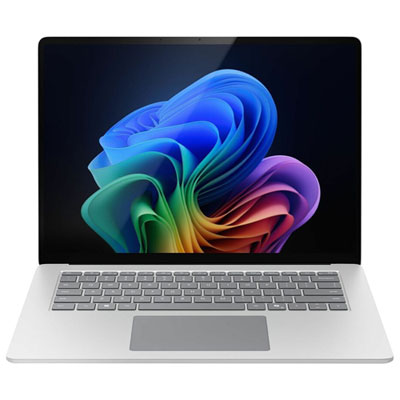
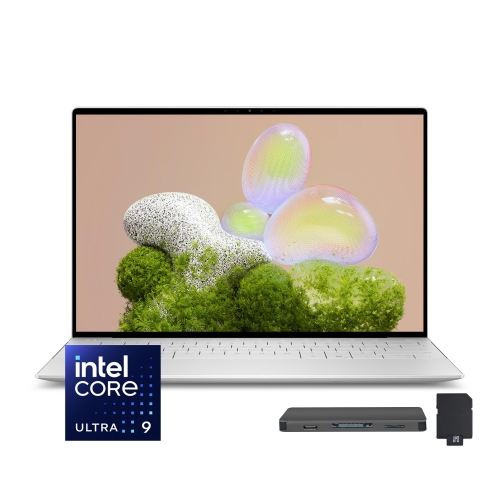
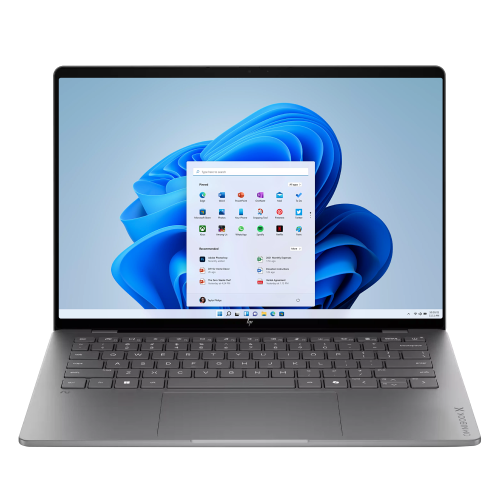
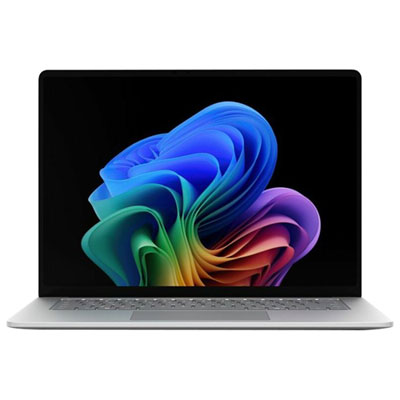
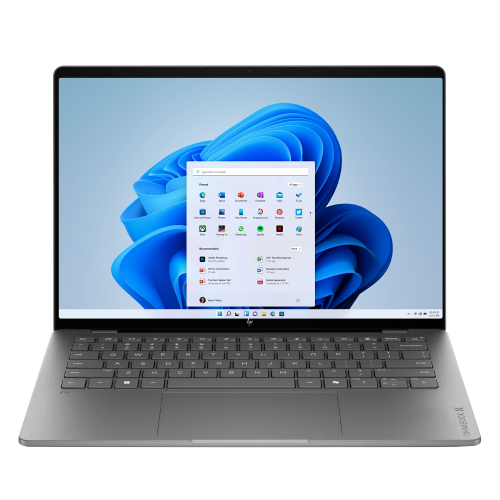
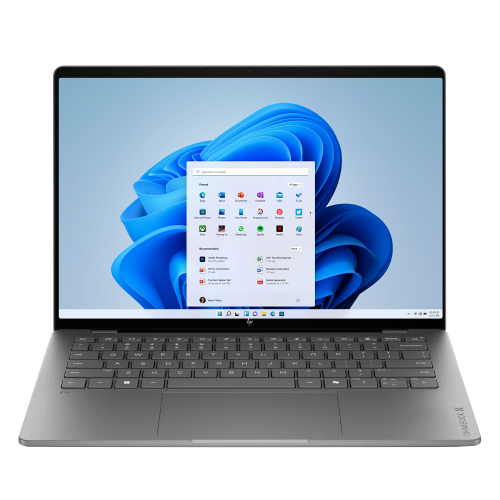
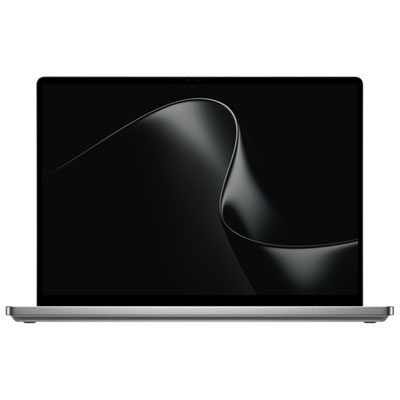
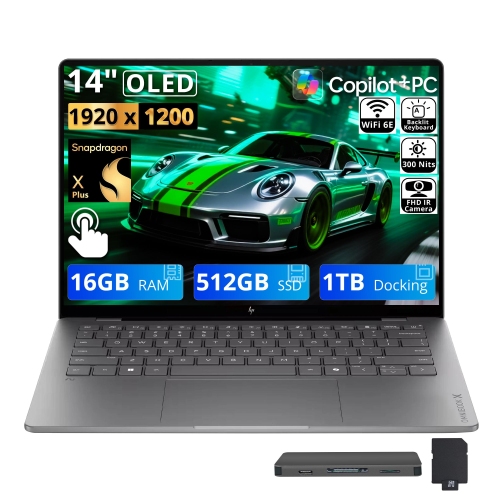




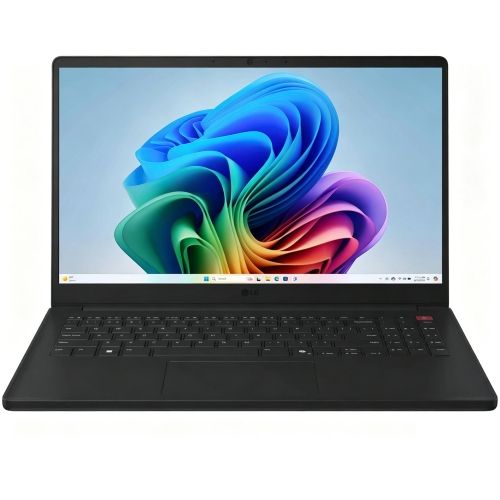


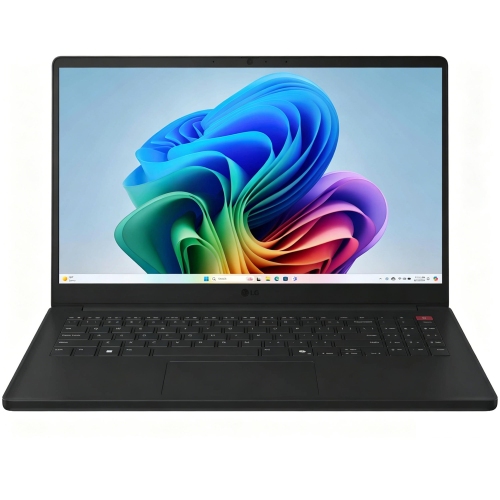


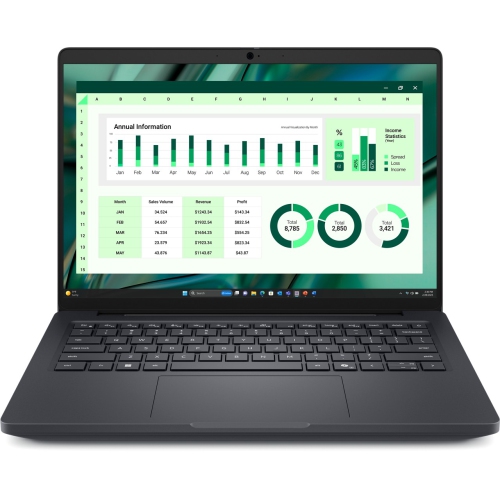

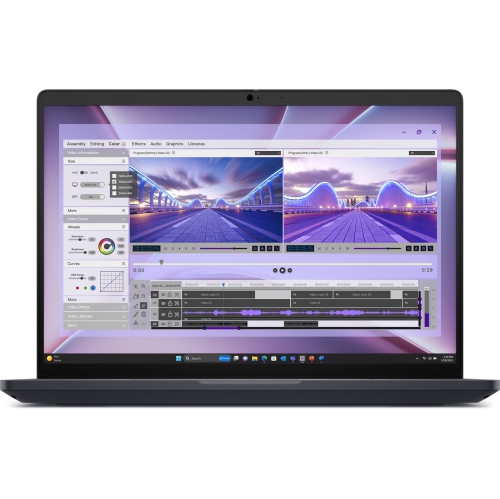



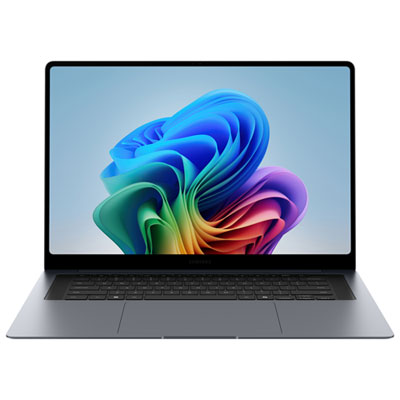
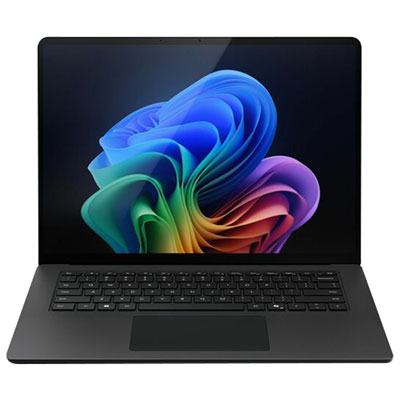
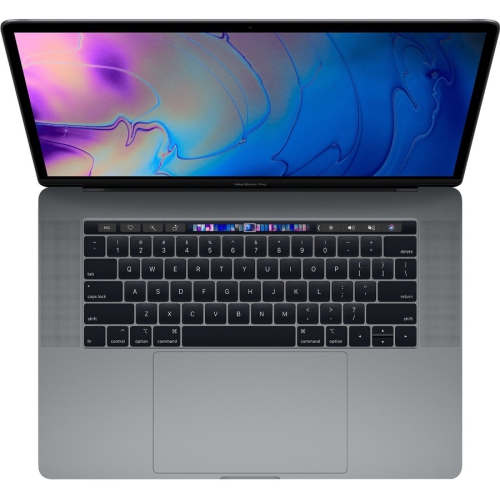
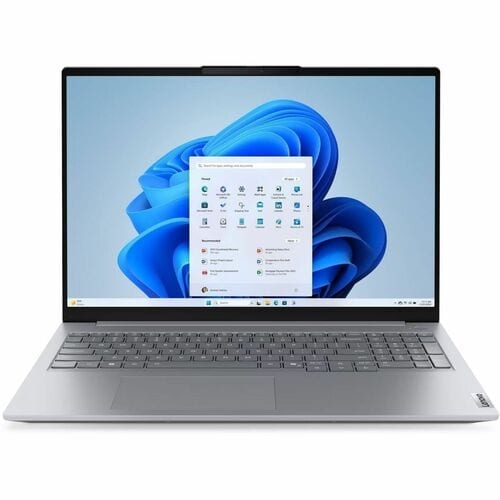

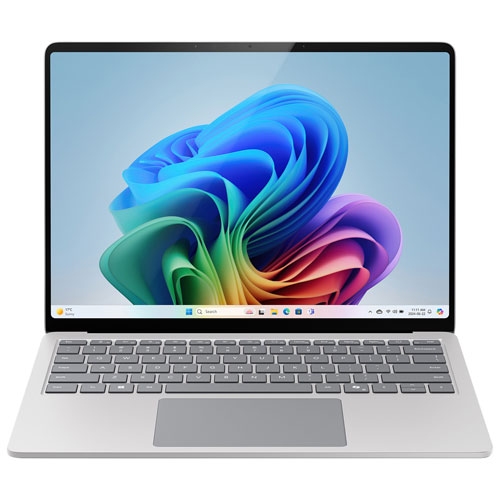
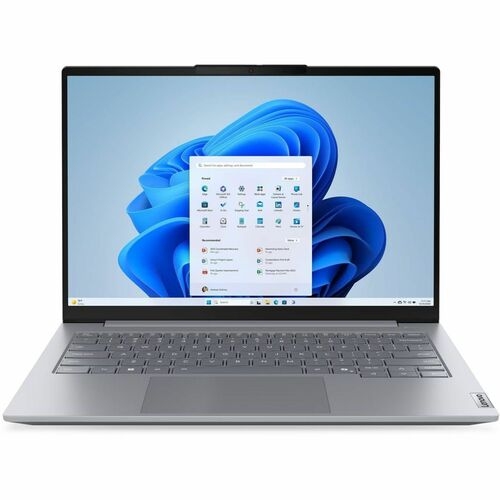
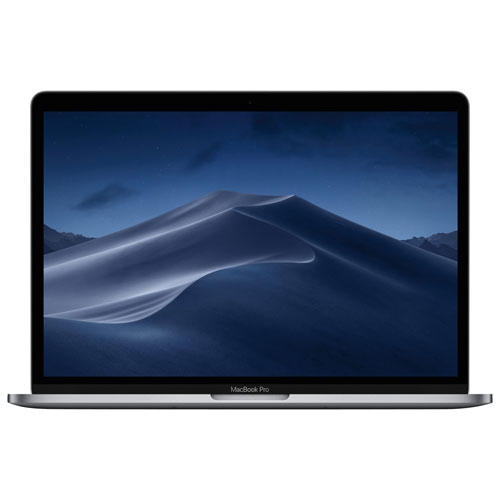
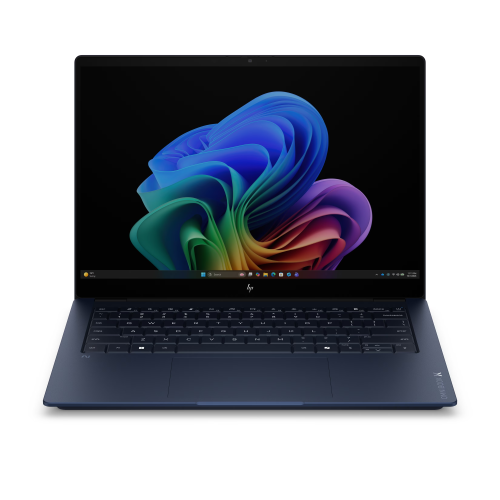
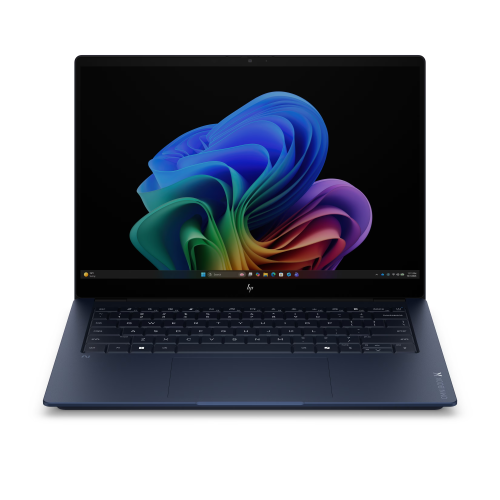
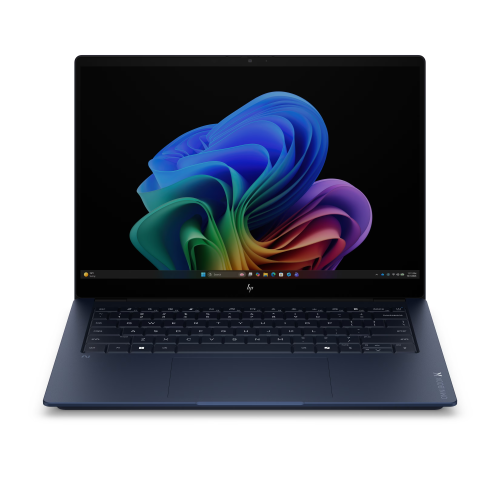

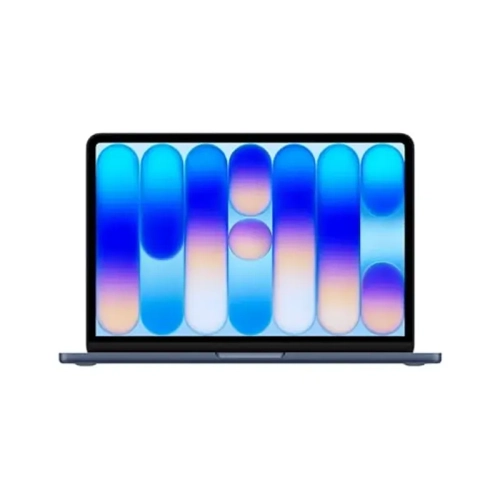

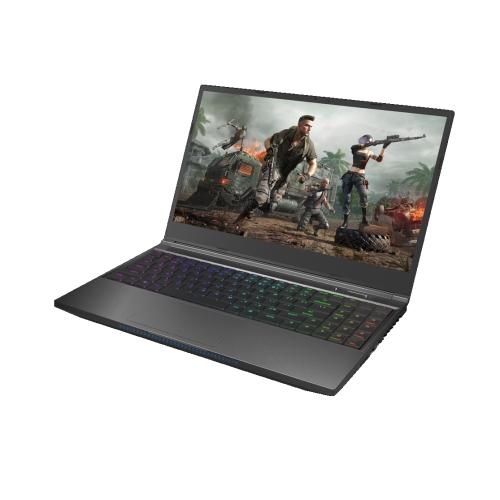
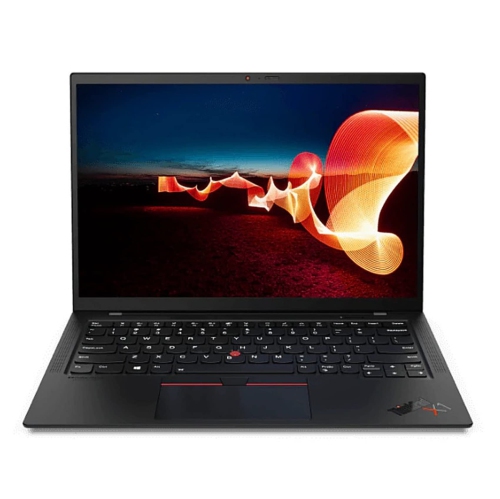


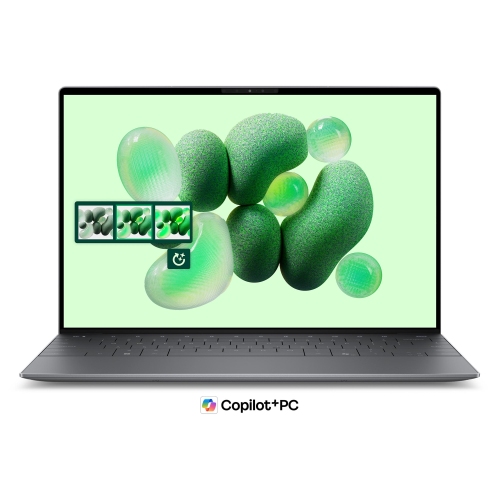
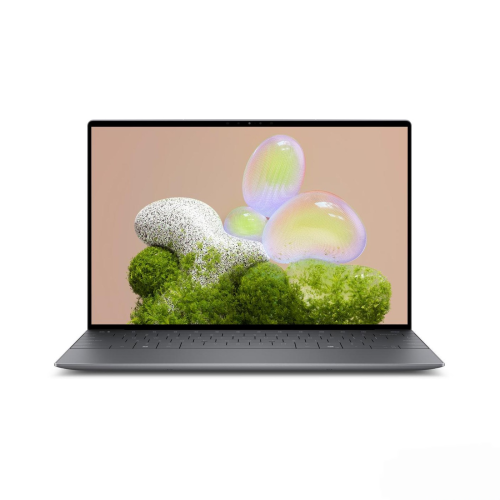
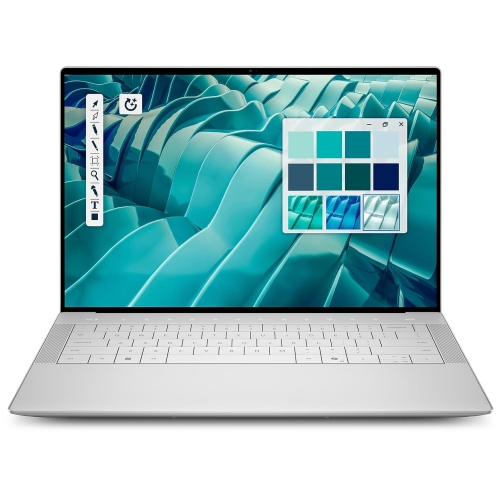
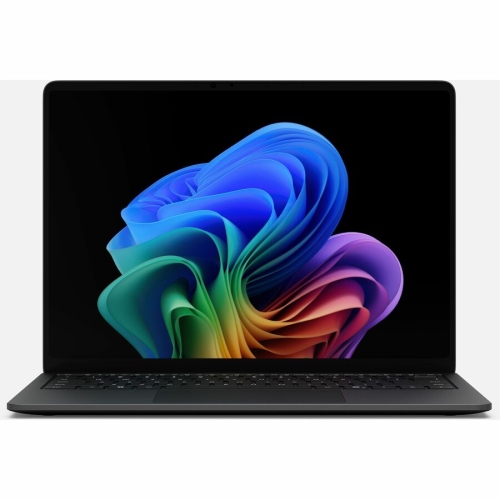
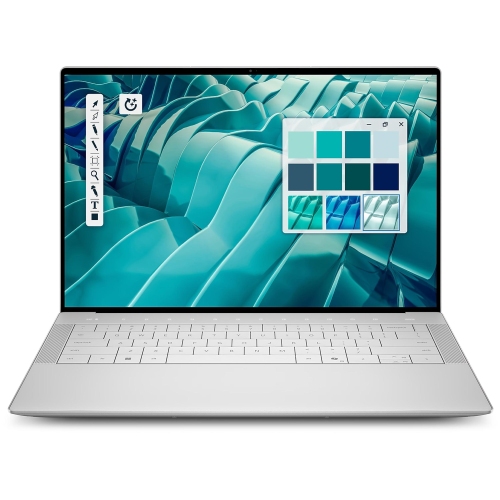
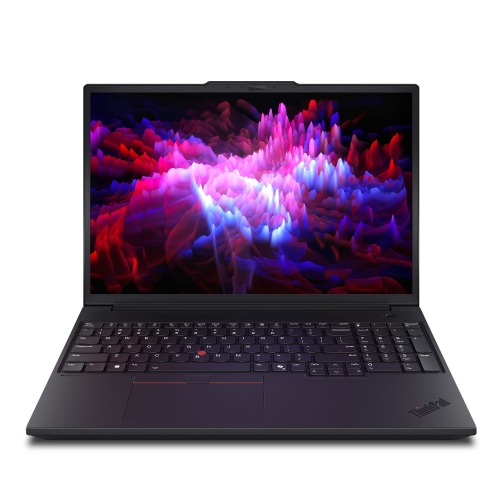
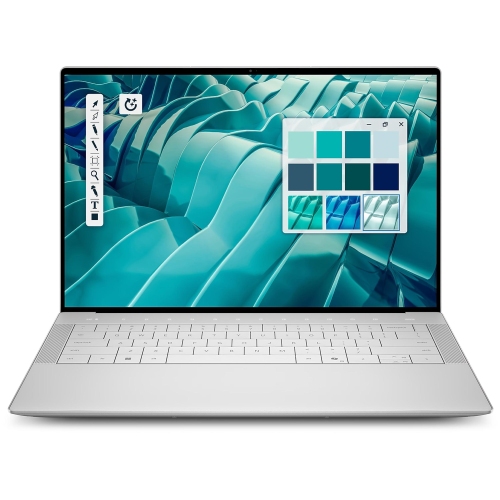
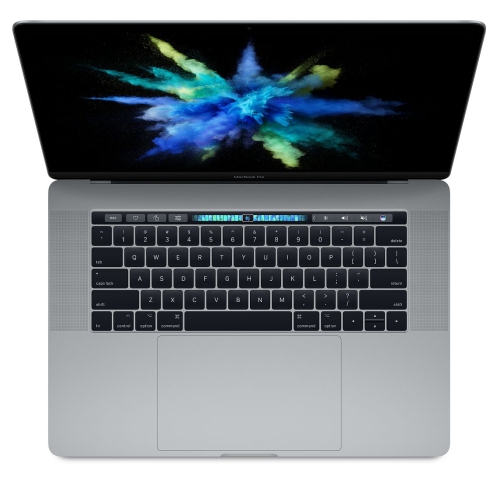
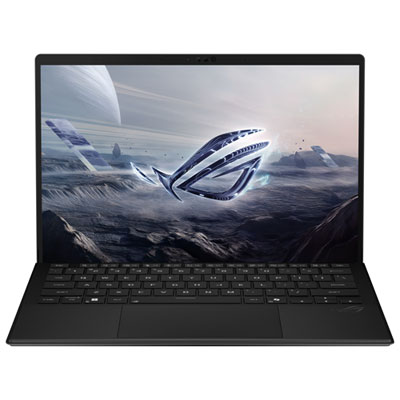

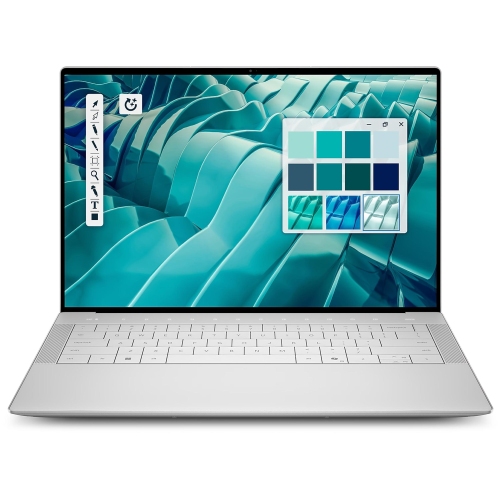
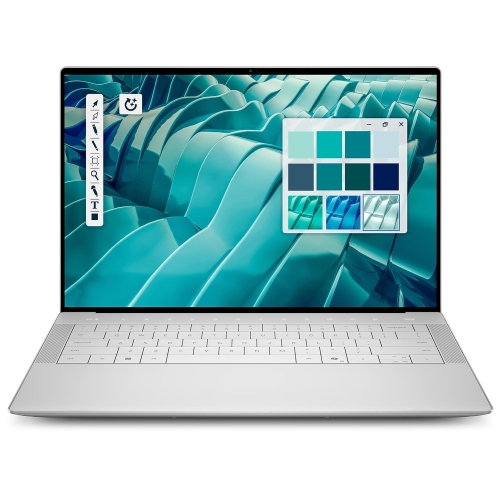
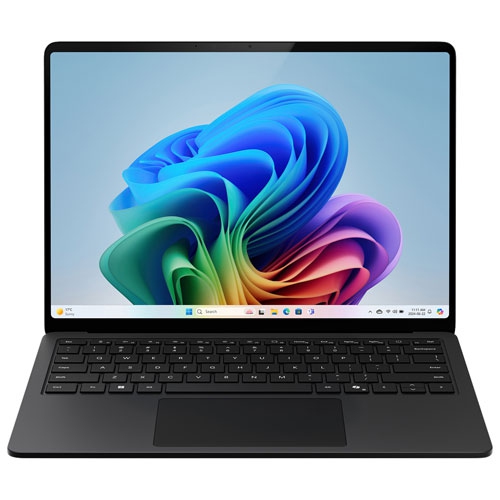
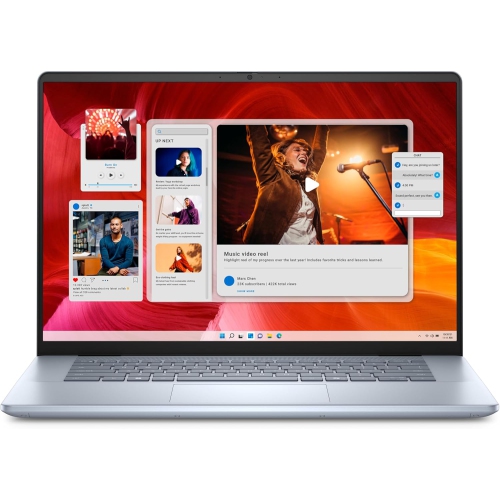
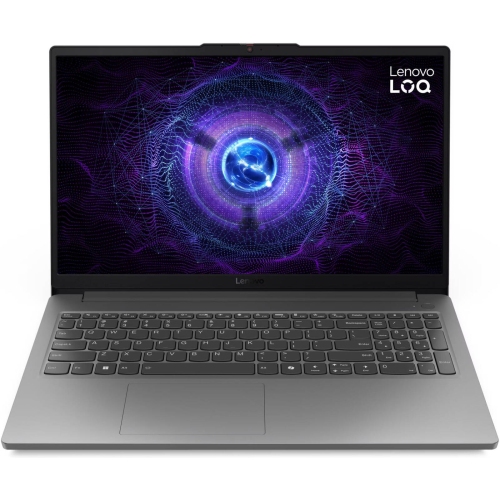
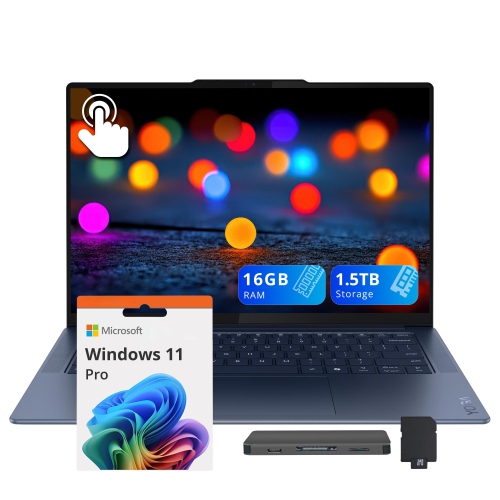




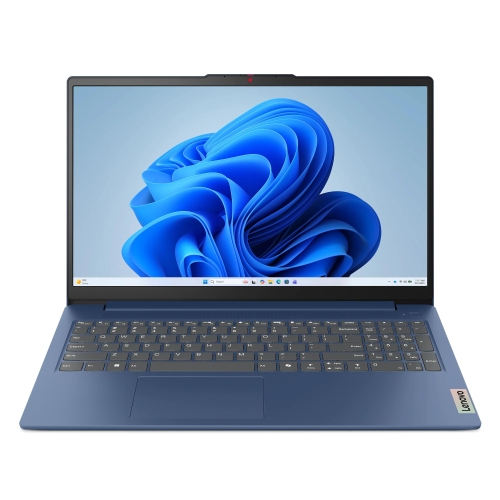
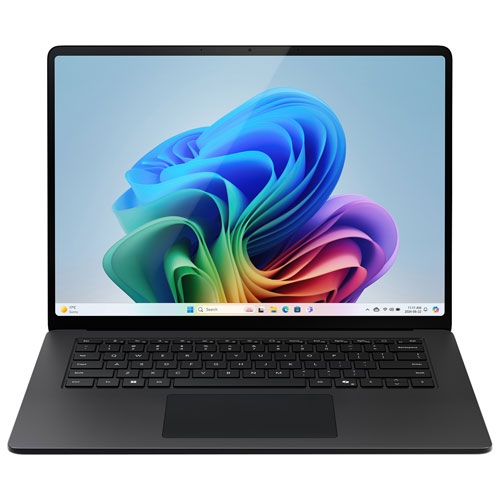

A metal finish doesn't tell the whole story
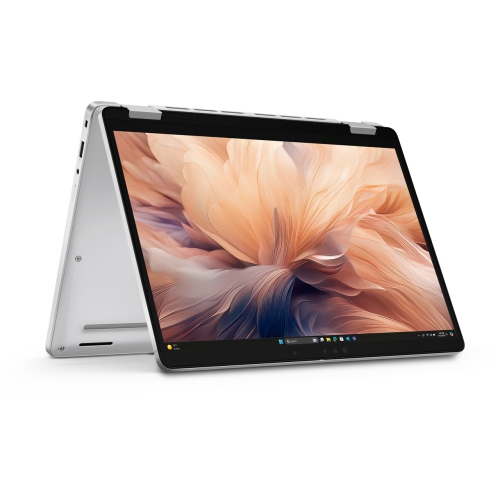
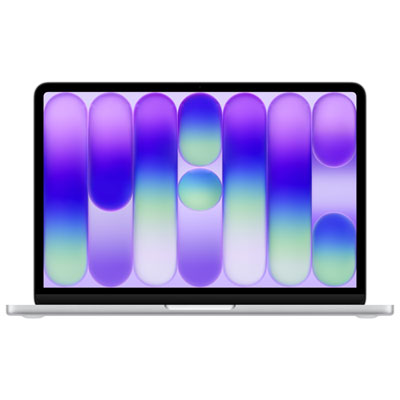
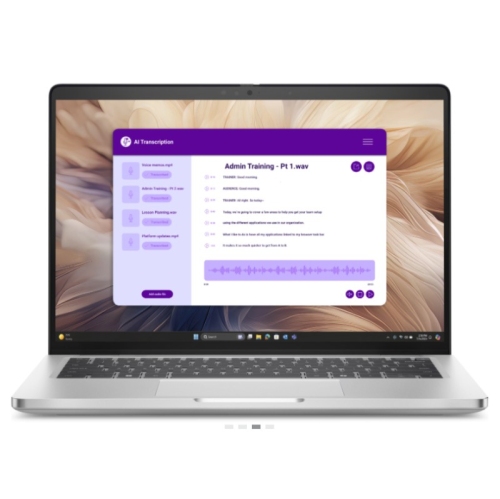
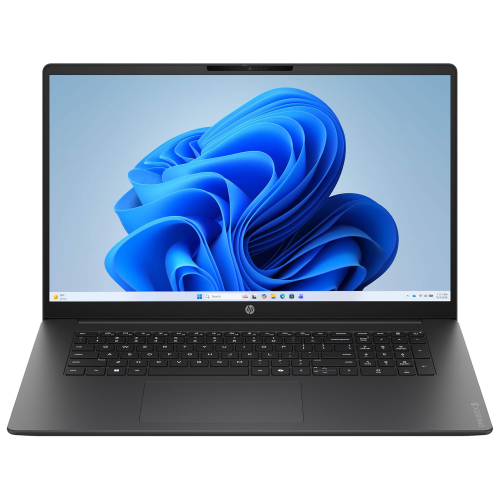
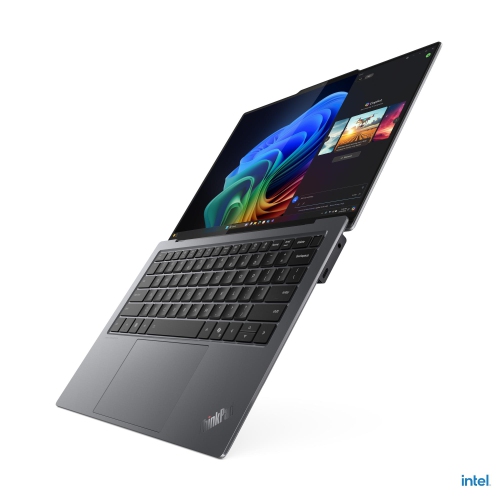
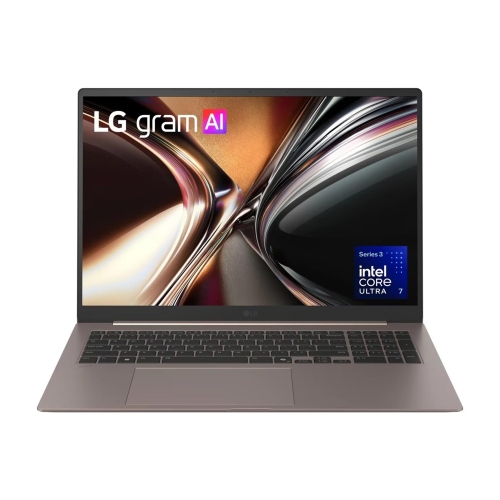
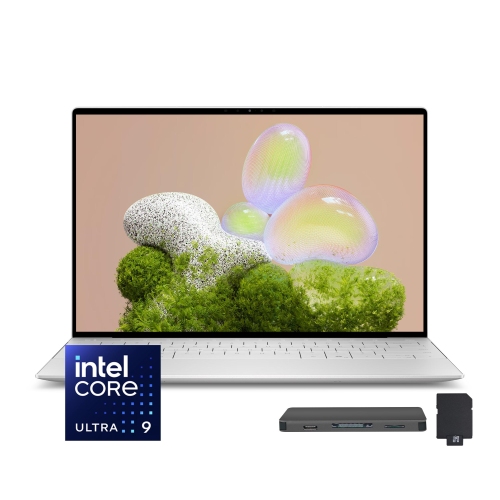
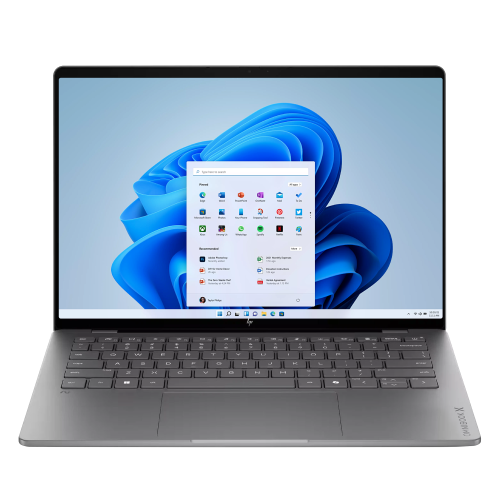
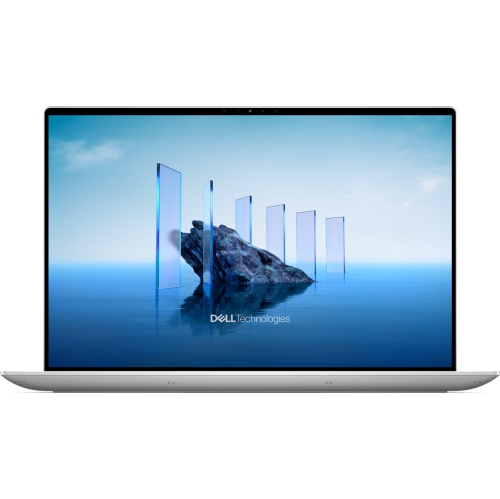
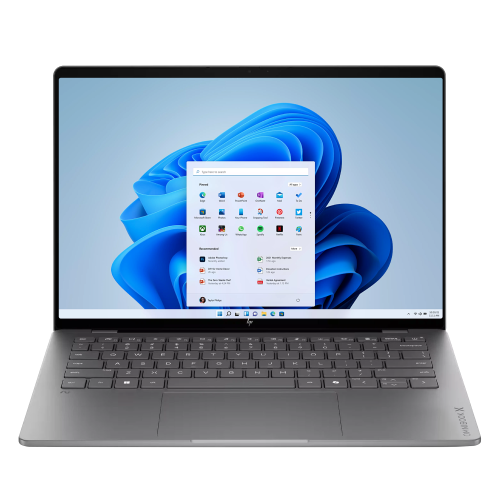
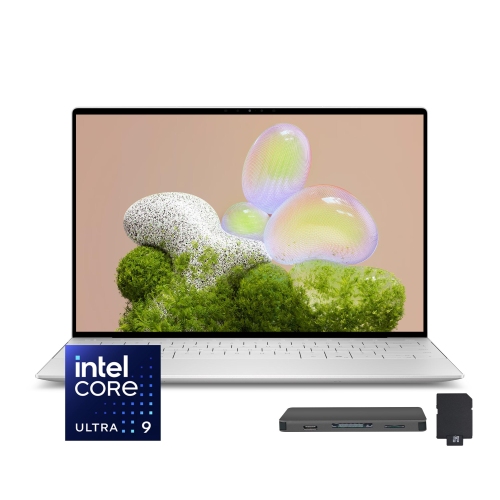
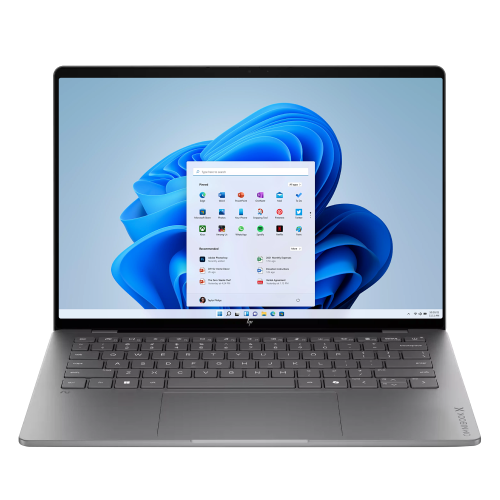
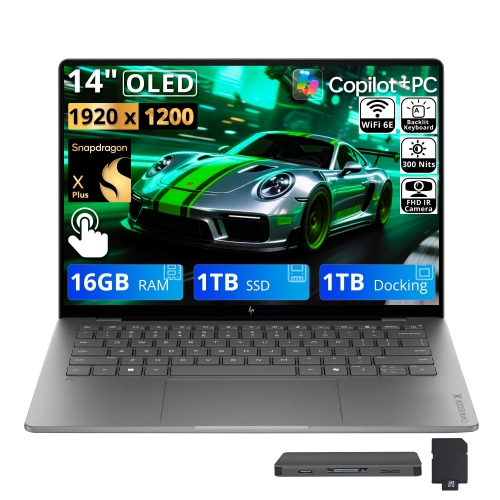
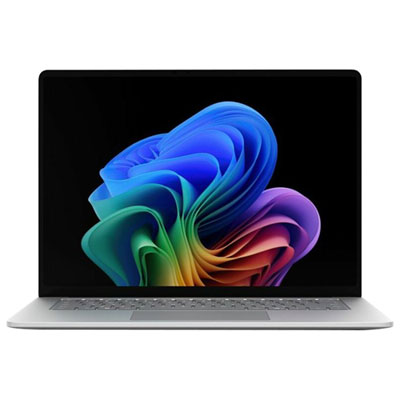
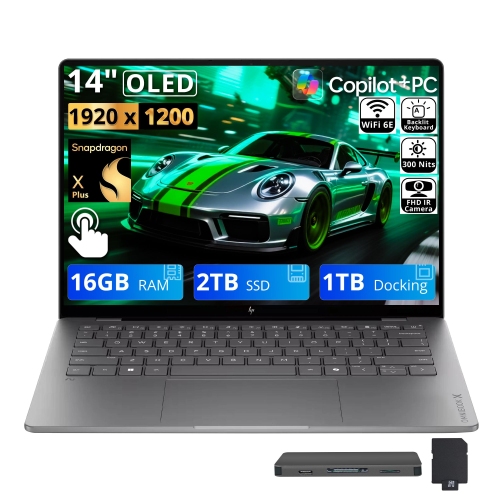
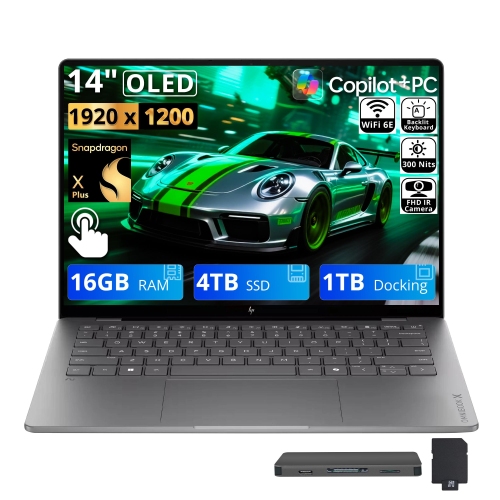
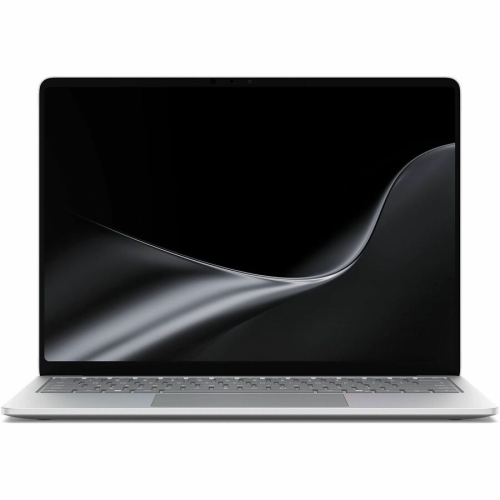
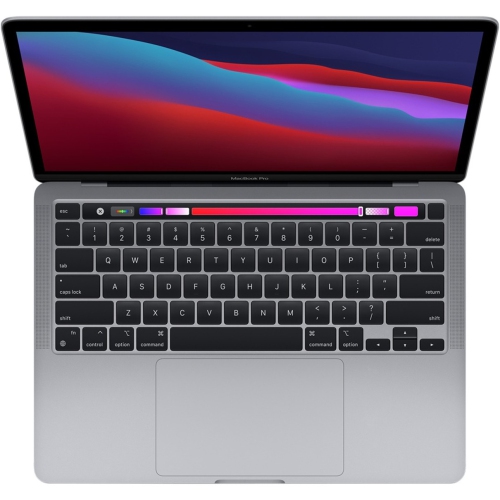
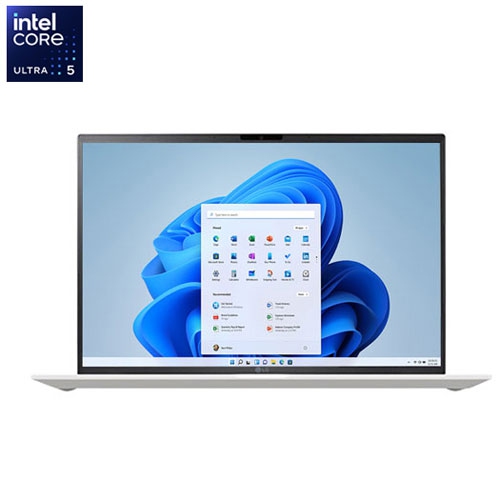
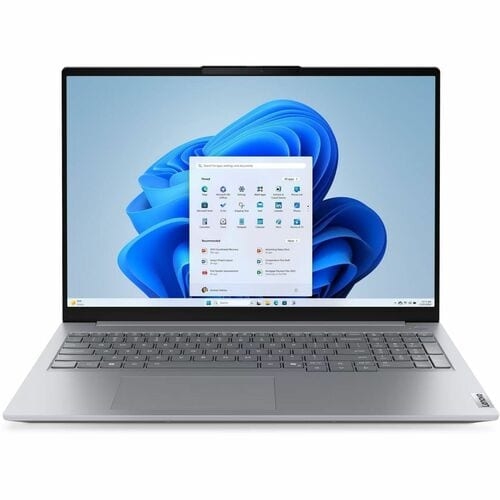
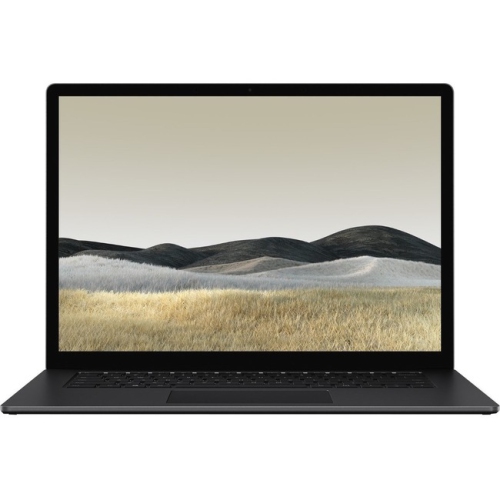
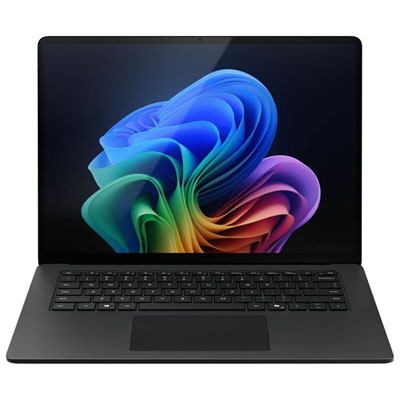
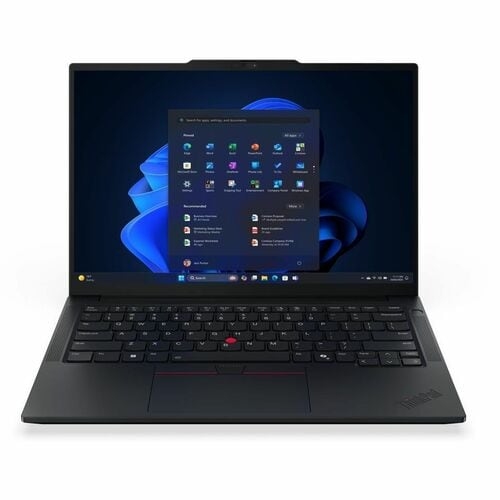
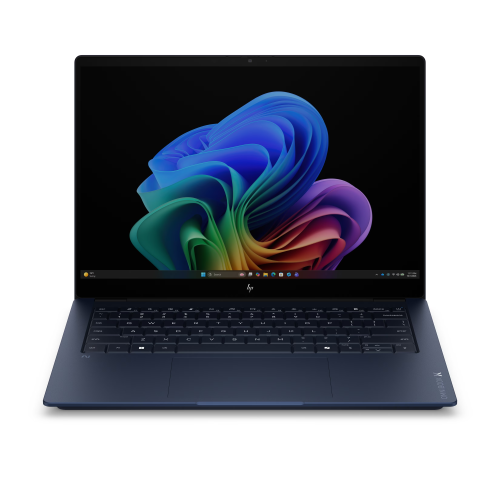
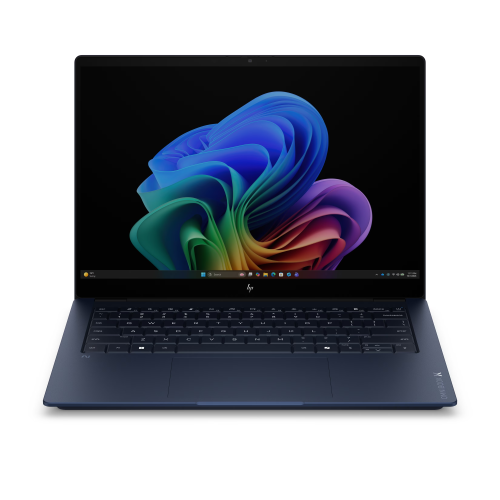
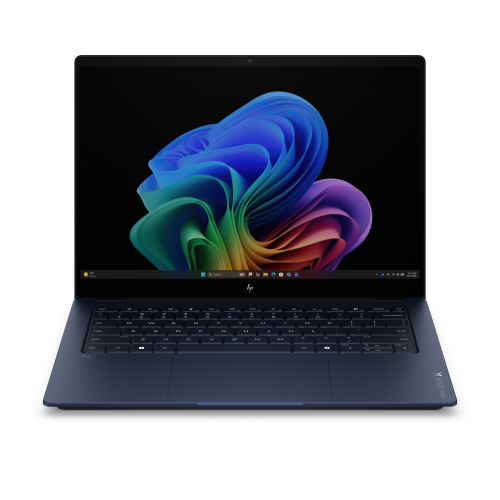
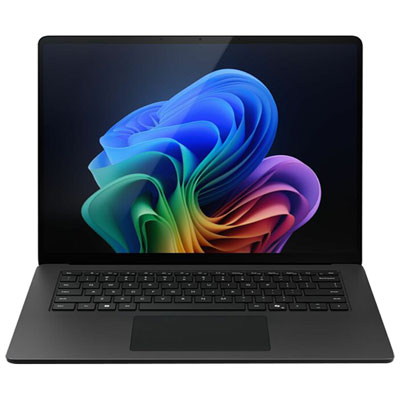
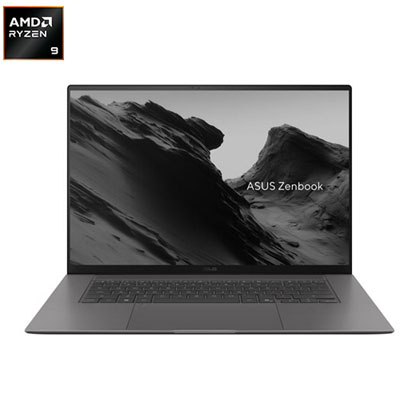
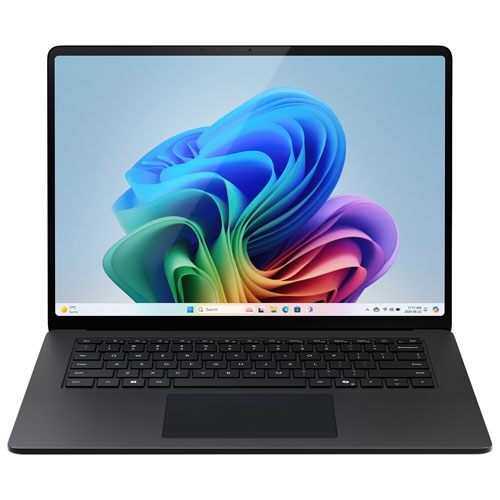
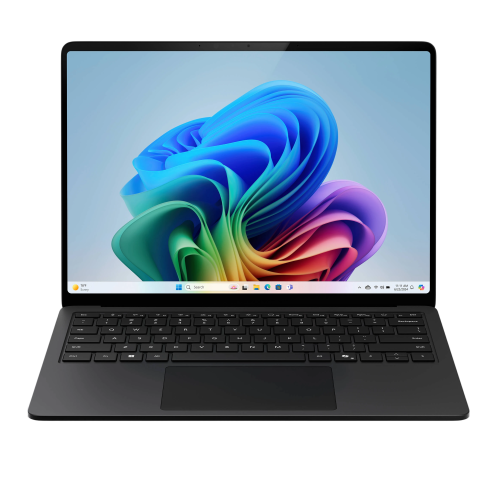
Metallic laptops bring a clean, understated look to everyday computing, with housings that may use aluminum, magnesium alloy, or a finish designed to resemble metal. The distinction matters: a silver or brushed-metal appearance does not necessarily mean that the entire laptop has a metal body. Some designs use metal for the lid and keyboard deck, while others combine metal panels with plastic components around the base, hinges, or antenna areas. Aluminum is valued for its rigidity and smooth finish, while magnesium alloys can provide a light, sturdy structure that suits frequent travel. Actual durability depends on the complete design, including panel thickness, hinge construction, and how the internal components are supported. A well-built metal chassis can feel reassuringly solid when lifted from a desk or carried between meetings, but it is not immune to dents, scratches, or damage from a fall. Metallic finishes also vary in character. A softly brushed surface has a different texture from polished metal, and a matte coating can give the same material a more subdued appearance. Silver, grey, and darker metallic tones fit comfortably into home offices, lecture halls, and shared workspaces without drawing much attention. Fingerprints and small marks may be more noticeable on certain finishes, particularly darker or highly polished surfaces. Metal can also help spread heat through parts of the housing when it forms part of the laptop’s thermal design. That does not make every metal laptop cooler or quieter than a plastic-bodied alternative; processor demands, fans, vents, and internal cooling hardware remain important. The underside or keyboard area may feel warm during demanding tasks because heat is moving through the housing. For shoppers drawn to metallic laptops, the appeal is therefore more than colour alone: it can include the feel of the palm rest, the stability of the lid, and the way a slim computer fits into a daily routine.
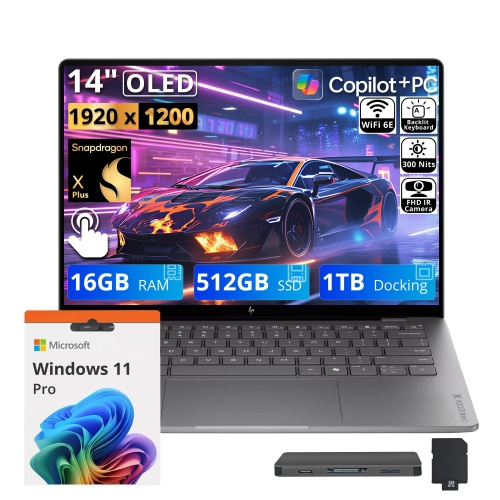
The most useful metallic laptop is one whose computing capabilities suit the work it will actually do. For a student moving between classrooms, a compact design with manageable weight, a comfortable keyboard, and enough battery capacity for time away from an outlet can matter more than a large screen. A 13-inch or 14-inch display often fits more easily on a small desk or into a backpack, although overall dimensions and weight vary between designs. A 15-inch or 16-inch laptop can provide more room for spreadsheets, side-by-side documents, and creative applications, with a larger footprint to accommodate in a bag or on a table. Display quality deserves attention alongside size: text clarity, brightness, viewing angles, and colour accuracy affect everything from reading course notes to editing photographs. A reflective screen may show overhead lights, while a less reflective surface can make a shared office or bright room more comfortable to work in. For everyday browsing, video calls, and document editing, a balanced processor, sufficient memory, and solid-state storage support a responsive experience. Larger projects, demanding creative software, and gaming may call for additional processing power, more memory, or dedicated graphics, regardless of the chassis material. A metallic exterior does not indicate a particular performance level. Practical details can be just as noticeable over time. Clearly spaced keys and a responsive touchpad help during long writing sessions, while a reliable webcam and microphone support calls from a kitchen table or home office. Port selection affects whether a laptop connects directly to a monitor, external storage, or other accessories, or needs an adapter. USB-C charging, where supported, can simplify a desk setup, but the charger still needs to meet the laptop’s power requirements. Wi-Fi capabilities, operating system compatibility, and support for essential software also shape everyday usefulness. Battery-life estimates are best understood in the context of workload, screen brightness, and power settings: streaming video, running demanding applications, and joining extended calls can produce different results from light document work.
Care and handling help preserve both the appearance and function of a metallic laptop. A padded sleeve or a laptop compartment with a secure fit protects the housing from rubbing against keys, chargers, and other loose objects inside a bag. A snug compartment should still allow the computer to slide in without force, and its dimensions should account for the laptop’s full width, depth, and thickness rather than screen size alone. Carrying weight includes the charger and any accessories, which can make a difference for someone walking across campus or commuting with a full bag. At a desk, a firm, flat surface keeps ventilation openings clear; blankets, cushions, and upholstered furniture can obstruct airflow even when the outer shell is metal. For cleaning, a soft, lint-free cloth is generally suitable for removing light marks, with any cleaning solution used according to the manufacturer’s directions. Liquid should not be sprayed directly onto the keyboard, ports, or display, and abrasive materials can damage surface coatings. The screen may require different care from the metal housing, so the finish of the body should not determine how the display is cleaned. Small habits, such as keeping drinks away from the keyboard and closing the lid without objects left on the palm rest, help prevent avoidable damage. Metallic laptops can make thoughtful gifts for someone beginning a course of study, setting up a home office, or replacing an older computer, provided the software needs, preferred screen size, and carrying requirements are understood. Appearance is personal, too: some people like the brightness of silver, while others prefer a restrained dark finish that coordinates with a monitor and keyboard. For a different visual direction, Matte Black Laptops offer a related style to explore, with housing materials and specifications still worth considering separately. Across these looks, the lasting value of a laptop comes from how comfortably its construction, controls, display, and performance support the person using it.
The most useful metallic laptop is one whose computing capabilities suit the work it will actually do. For a student moving between classrooms, a compact design with manageable weight, a comfortable keyboard, and enough battery capacity for time away from an outlet can matter more than a large screen. A 13-inch or 14-inch display often fits more easily on a small desk or into a backpack, although overall dimensions and weight vary between designs. A 15-inch or 16-inch laptop can provide more room for spreadsheets, side-by-side documents, and creative applications, with a larger footprint to accommodate in a bag or on a table. Display quality deserves attention alongside size: text clarity, brightness, viewing angles, and colour accuracy affect everything from reading course notes to editing photographs. A reflective screen may show overhead lights, while a less reflective surface can make a shared office or bright room more comfortable to work in. For everyday browsing, video calls, and document editing, a balanced processor, sufficient memory, and solid-state storage support a responsive experience. Larger projects, demanding creative software, and gaming may call for additional processing power, more memory, or dedicated graphics, regardless of the chassis material. A metallic exterior does not indicate a particular performance level. Practical details can be just as noticeable over time. Clearly spaced keys and a responsive touchpad help during long writing sessions, while a reliable webcam and microphone support calls from a kitchen table or home office. Port selection affects whether a laptop connects directly to a monitor, external storage, or other accessories, or needs an adapter. USB-C charging, where supported, can simplify a desk setup, but the charger still needs to meet the laptop’s power requirements. Wi-Fi capabilities, operating system compatibility, and support for essential software also shape everyday usefulness. Battery-life estimates are best understood in the context of workload, screen brightness, and power settings: streaming video, running demanding applications, and joining extended calls can produce different results from light document work.
Care and handling help preserve both the appearance and function of a metallic laptop. A padded sleeve or a laptop compartment with a secure fit protects the housing from rubbing against keys, chargers, and other loose objects inside a bag. A snug compartment should still allow the computer to slide in without force, and its dimensions should account for the laptop’s full width, depth, and thickness rather than screen size alone. Carrying weight includes the charger and any accessories, which can make a difference for someone walking across campus or commuting with a full bag. At a desk, a firm, flat surface keeps ventilation openings clear; blankets, cushions, and upholstered furniture can obstruct airflow even when the outer shell is metal. For cleaning, a soft, lint-free cloth is generally suitable for removing light marks, with any cleaning solution used according to the manufacturer’s directions. Liquid should not be sprayed directly onto the keyboard, ports, or display, and abrasive materials can damage surface coatings. The screen may require different care from the metal housing, so the finish of the body should not determine how the display is cleaned. Small habits, such as keeping drinks away from the keyboard and closing the lid without objects left on the palm rest, help prevent avoidable damage. Metallic laptops can make thoughtful gifts for someone beginning a course of study, setting up a home office, or replacing an older computer, provided the software needs, preferred screen size, and carrying requirements are understood. Appearance is personal, too: some people like the brightness of silver, while others prefer a restrained dark finish that coordinates with a monitor and keyboard. For a different visual direction, Matte Black Laptops offer a related style to explore, with housing materials and specifications still worth considering separately. Across these looks, the lasting value of a laptop comes from how comfortably its construction, controls, display, and performance support the person using it.
Top selling and popular products
-
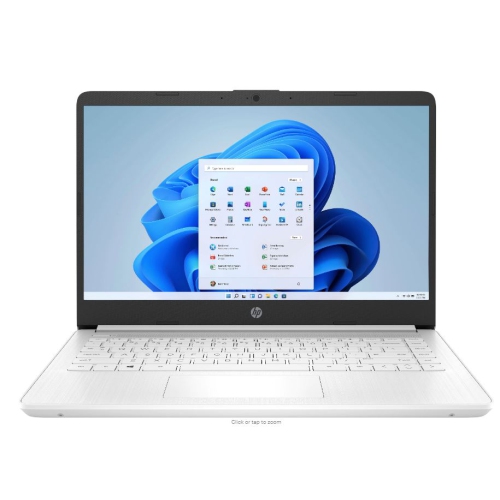 Your price for this item is $449
-
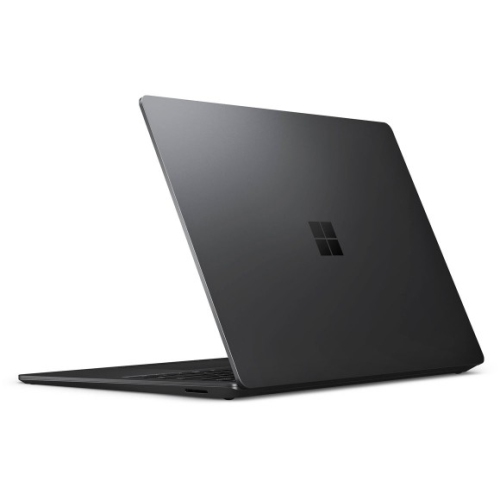 Your price for this item is $3099
-
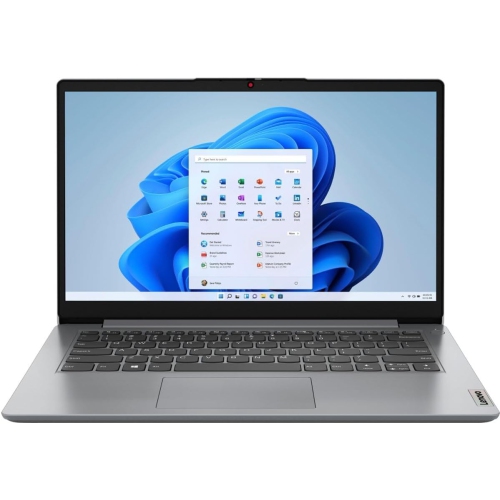 Your price for this item is $664.05
-
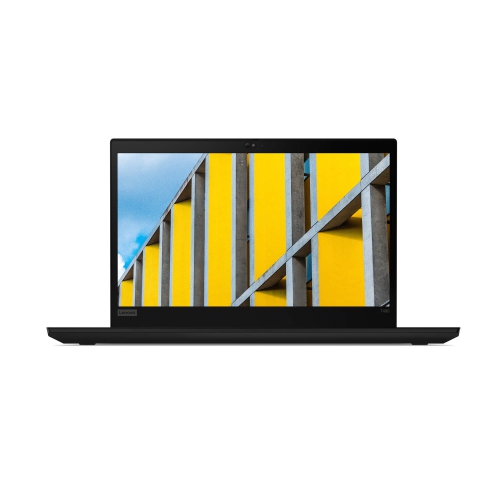 Your price for this item is $599.68
-
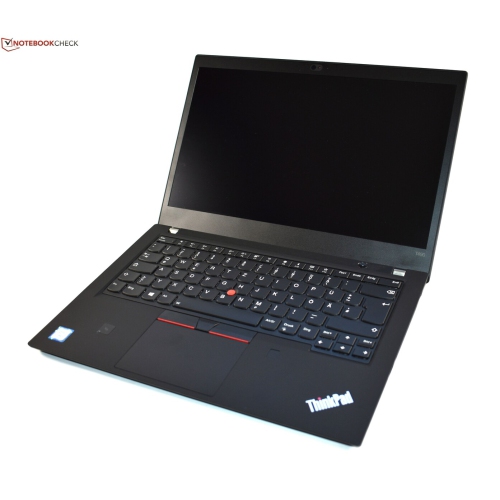 Your price for this item is $499.99
-
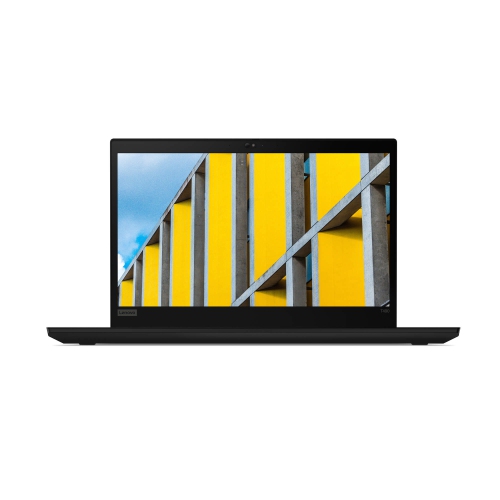 Your price for this item is $418.98
-
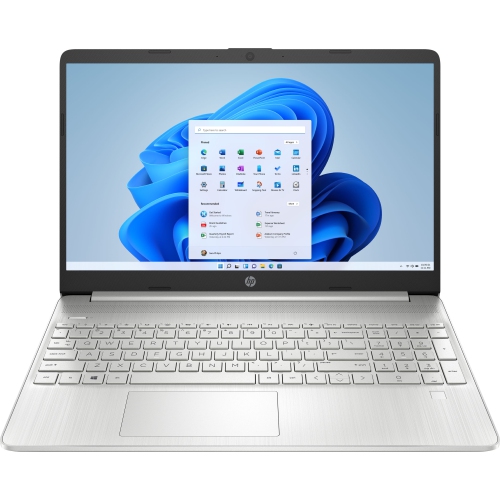 Your price for this item is $829
-
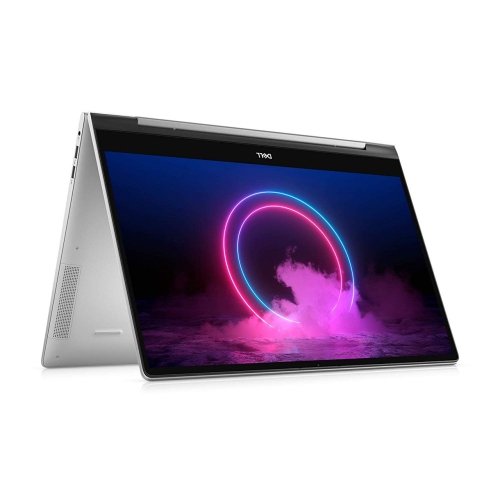 Your price for this item is $999.95
Discover more categories related to Metallic Laptops

Top Collections:
Pokemon Centers, Kindle Devices, Best Cameras for Sports Photography, Pokémon 30th Celebration Cards, Apple iPhones 16, Canon G7X Cameras, iPhone 15 Apple, Flip Phones, Samsung Galaxy Phones, Alarm Clock
Some products may be subject to Environmental Handling Fees
(EHF) depending on your province.
Learn more about EHFs.