Micro USB To USB C Adapters
Upgrade your connectivity with our selection of Micro USB to USB-C adapters. These versatile adapters allow you to easily connect your devices, whether it's charging your smartphone, transferring data between devices, or connecting peripherals. Say goodbye to compatibility issues and embrace the convenience of these compact and efficient adapters. Explore our range of Micro USB to USB-C adapters to find the perfect solution for all your connectivity needs.
Sort

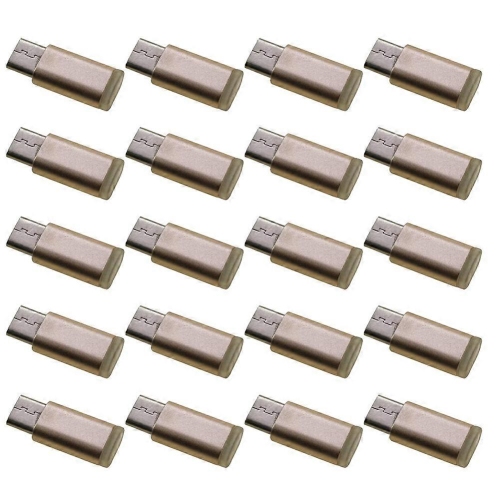
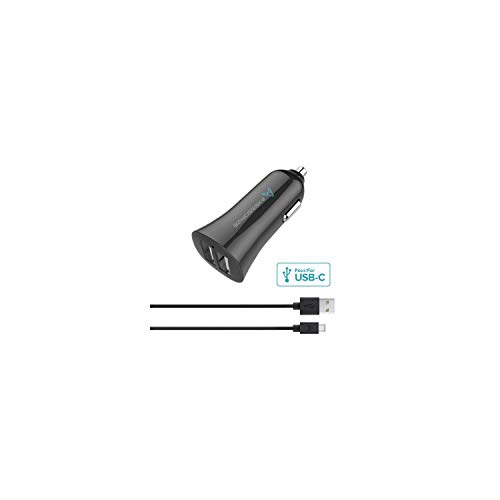


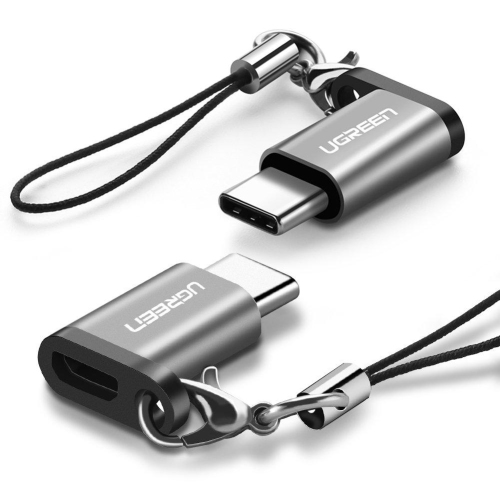
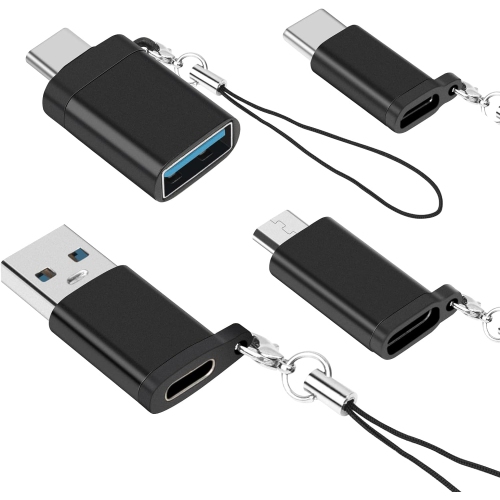


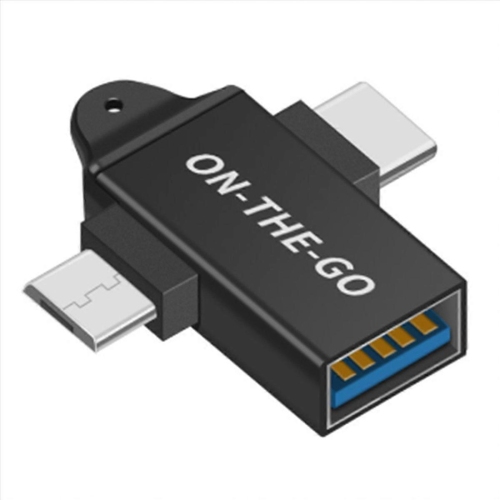

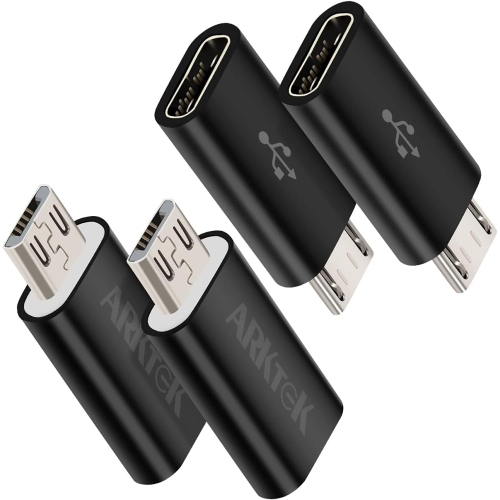


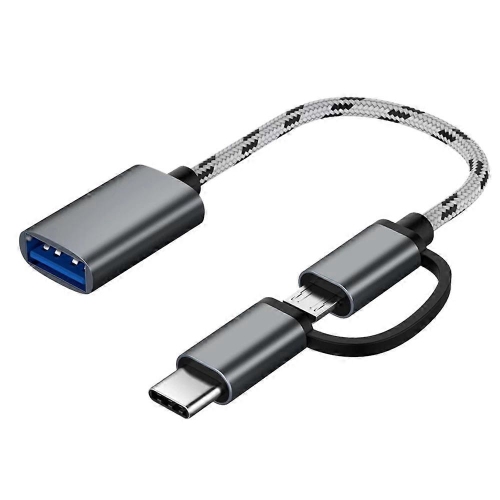
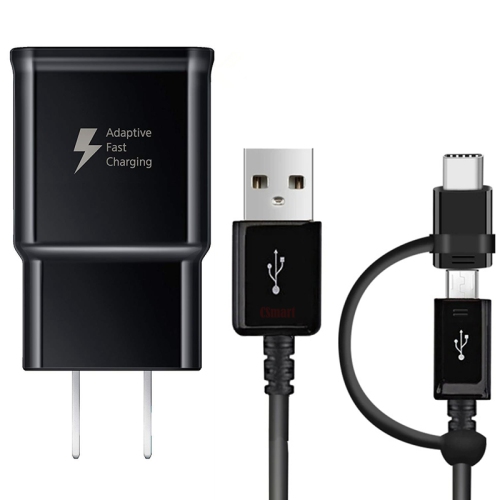


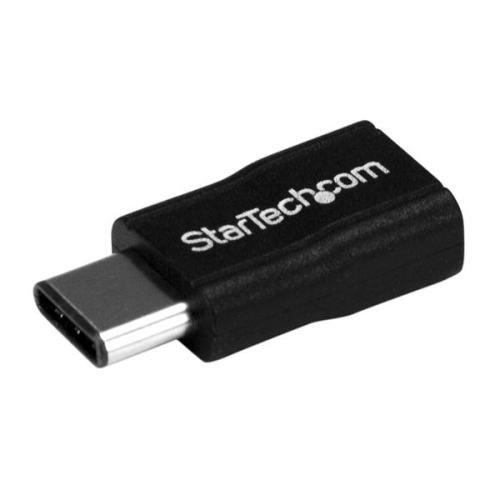
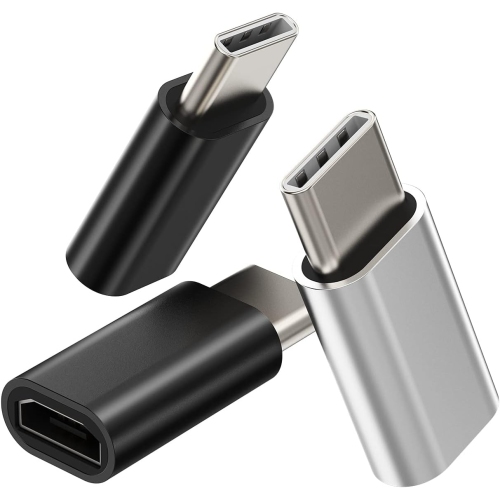


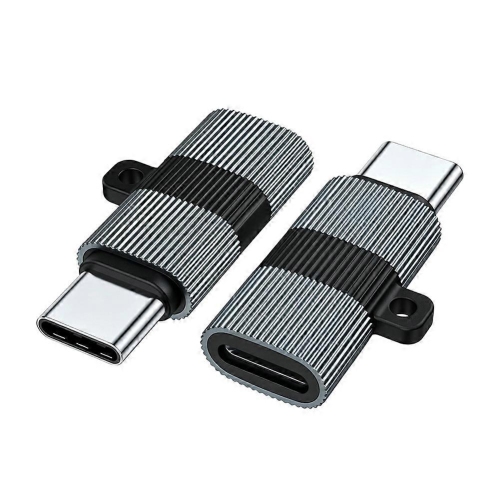
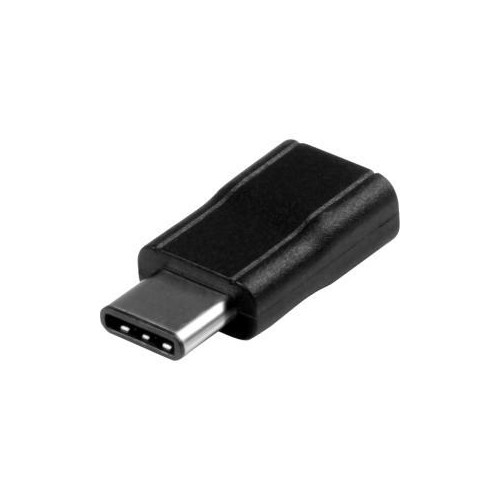

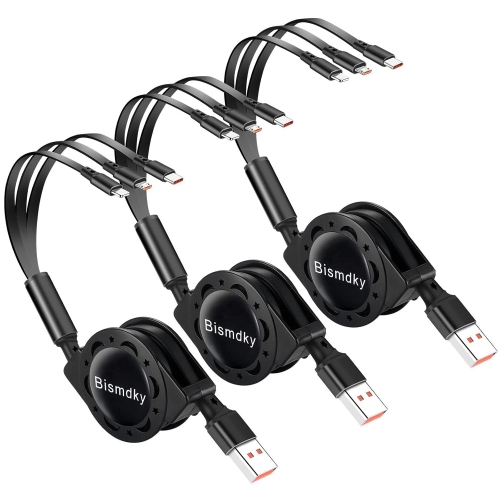


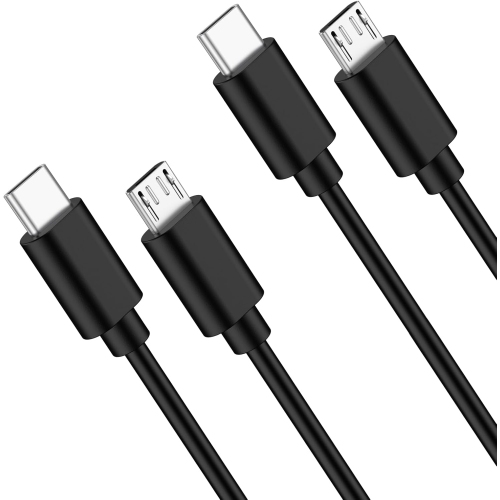


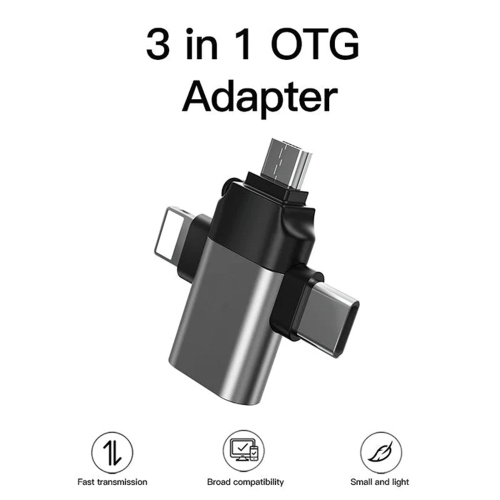
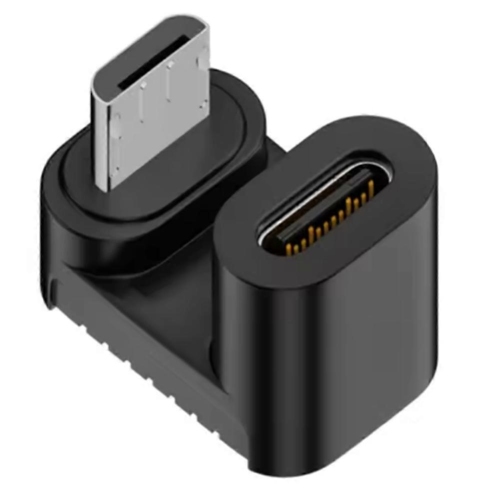







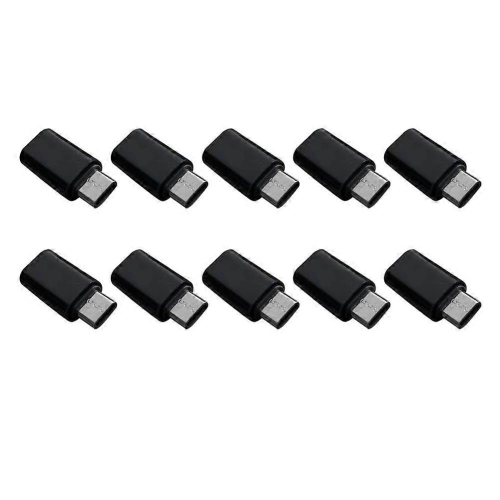
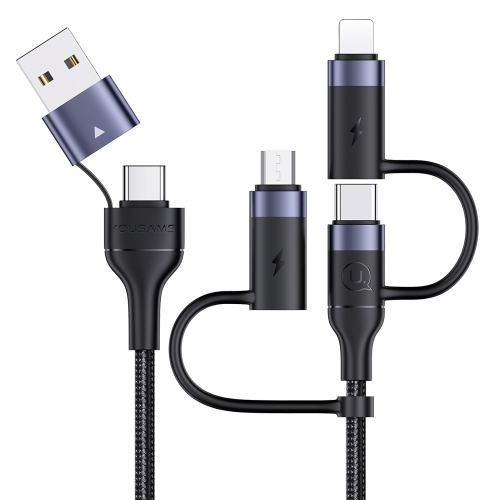

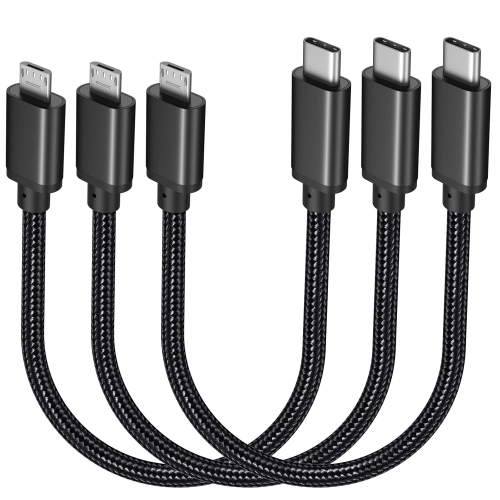
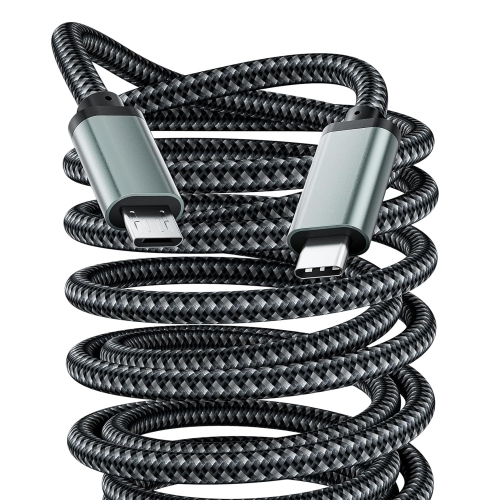





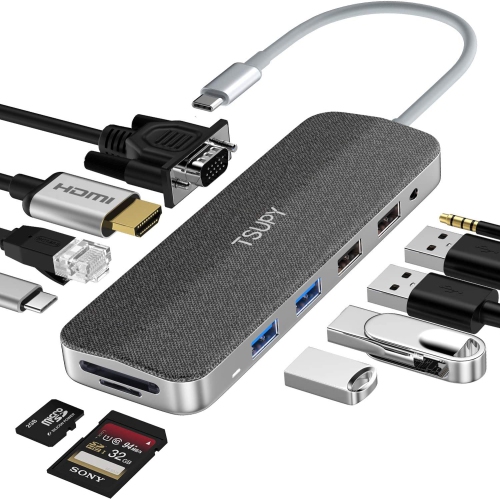

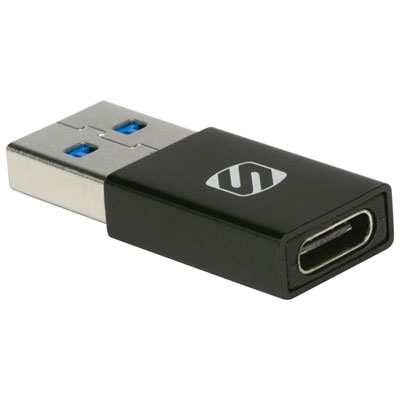

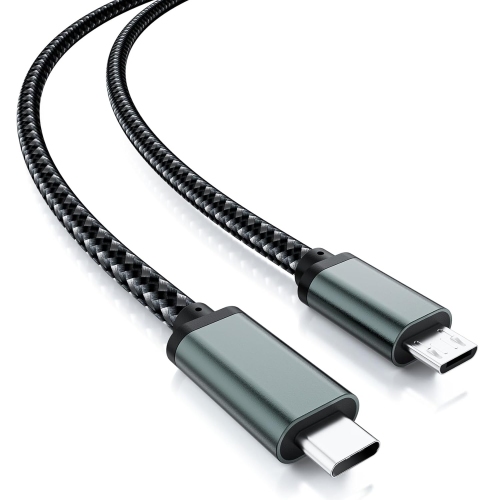
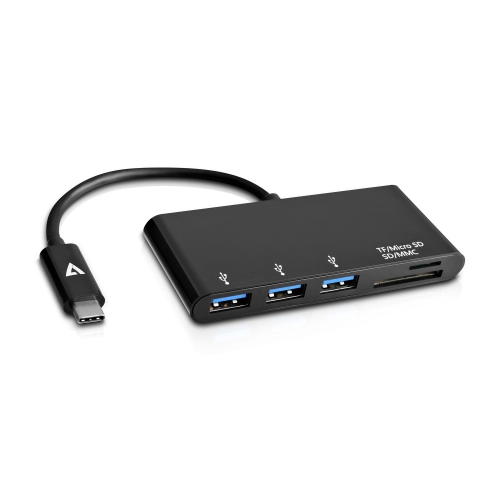
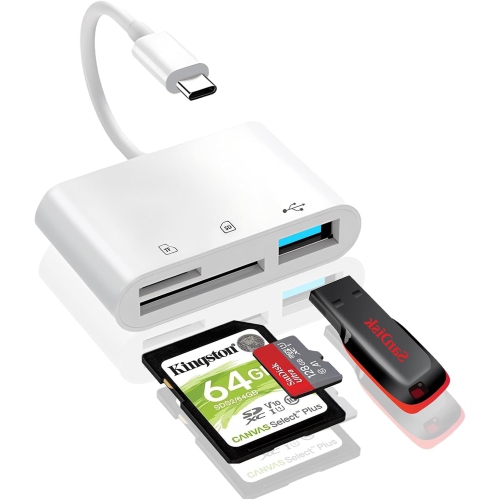

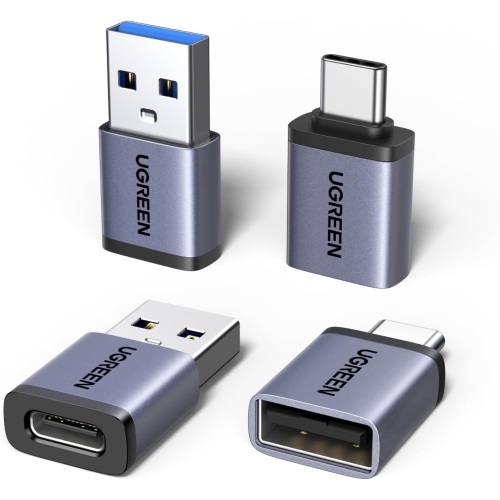
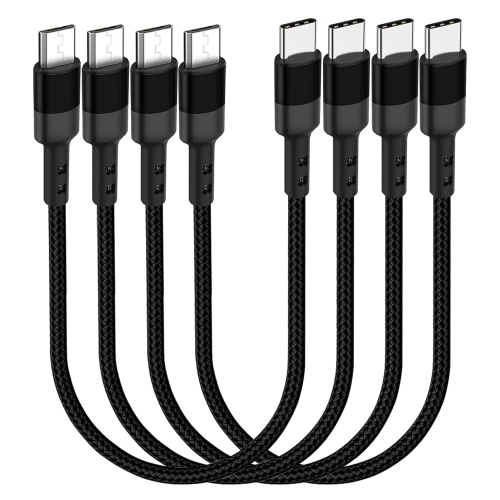
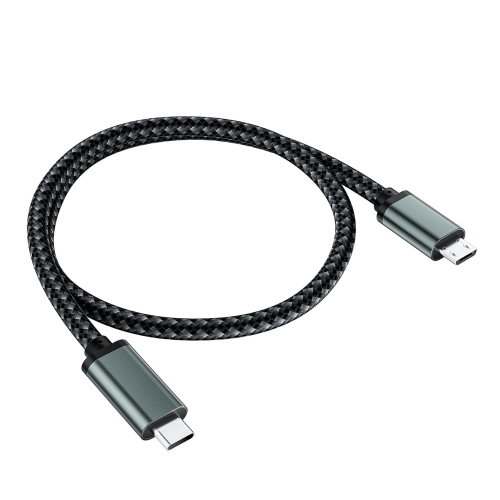

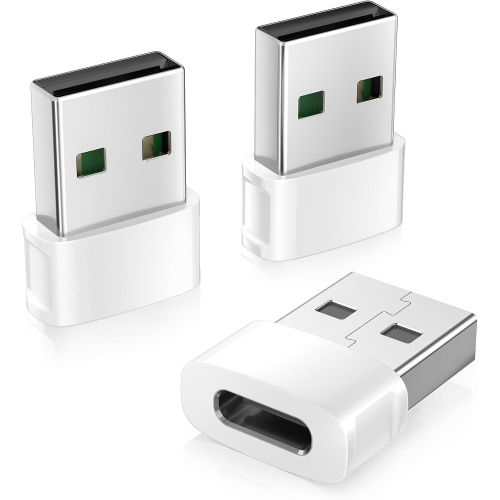

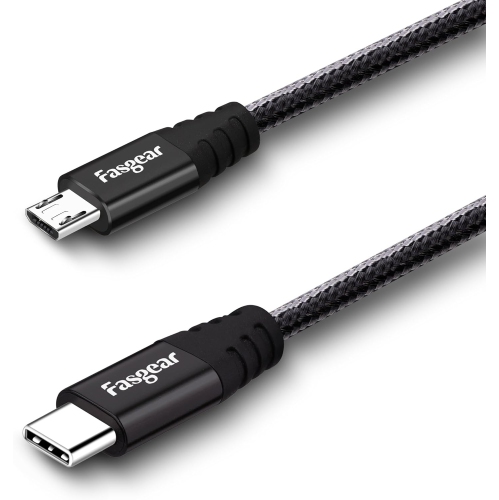
Familiar charging cables meet compatible USB-C devices
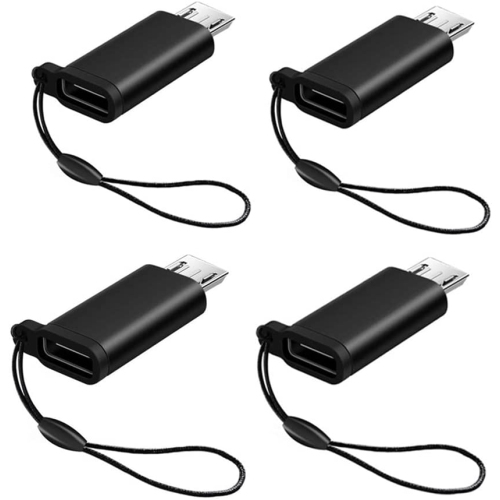
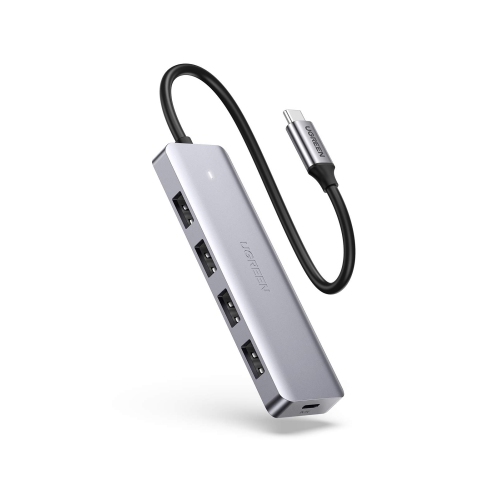
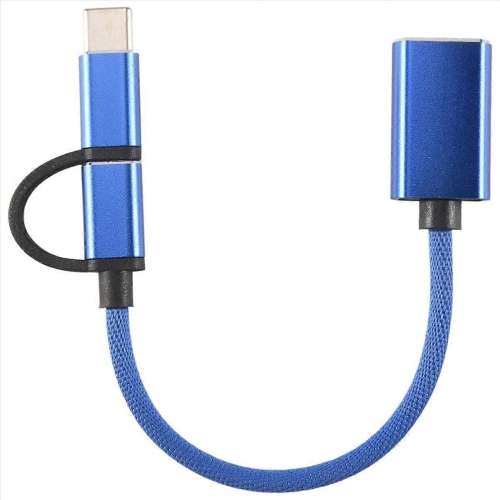
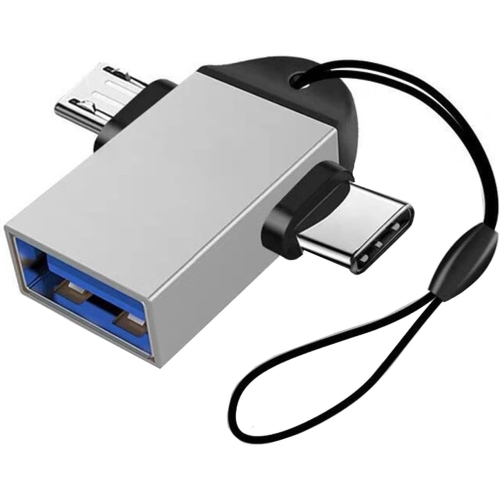
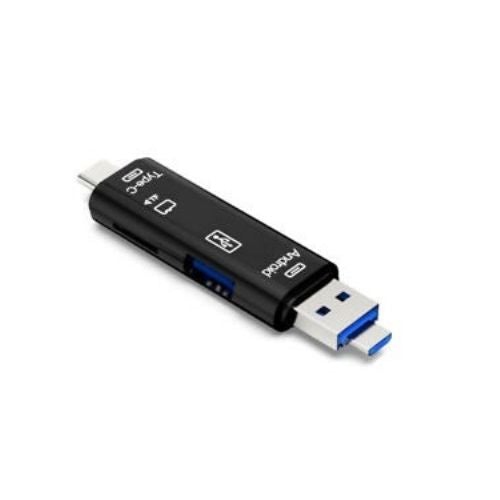
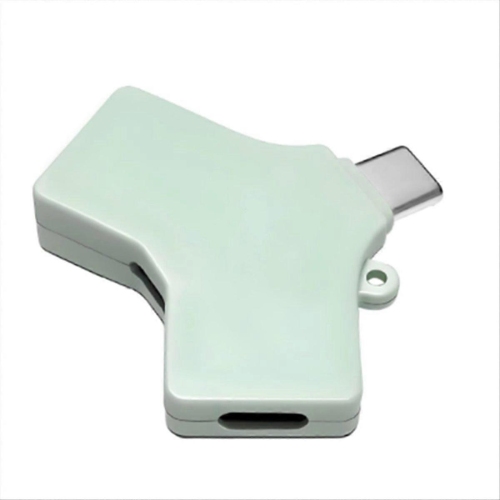
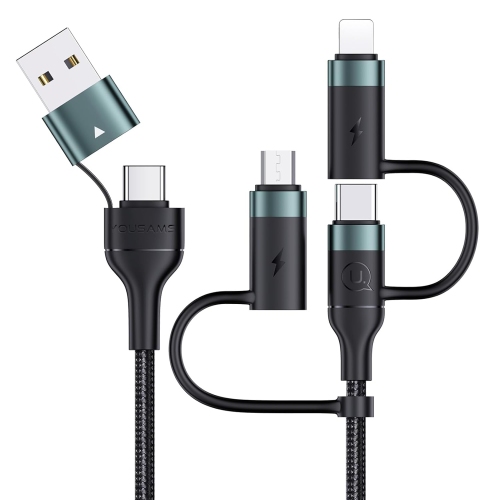
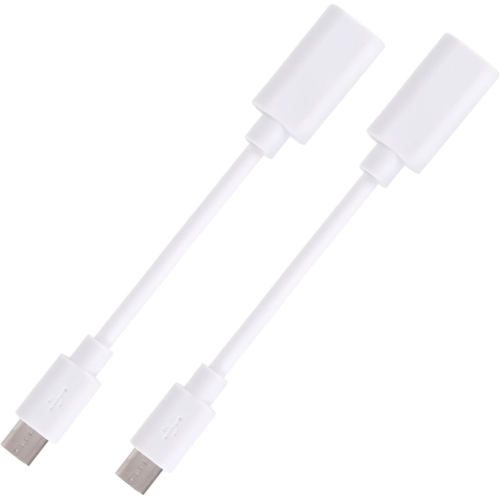
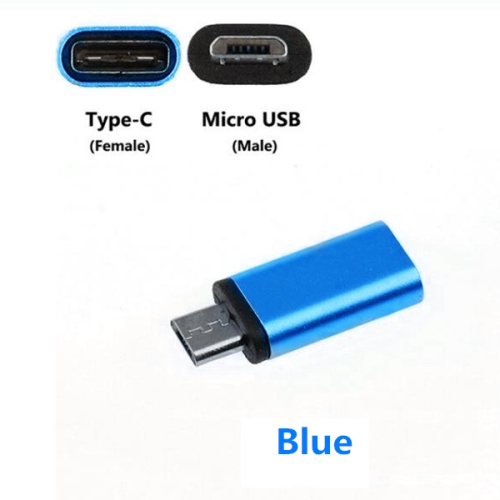
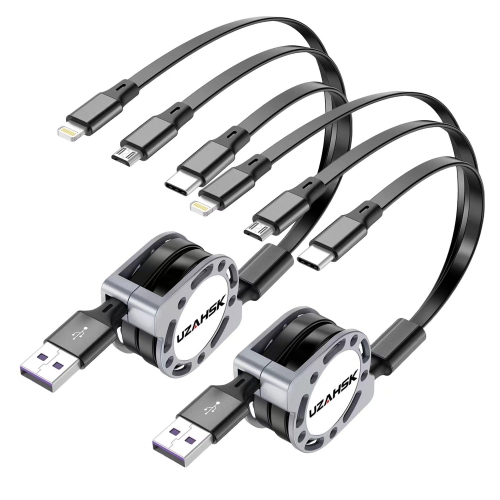
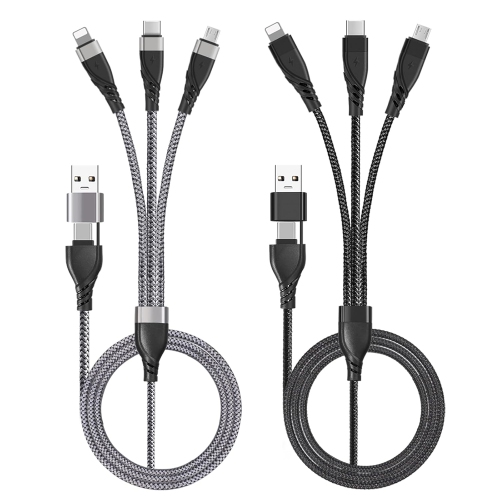
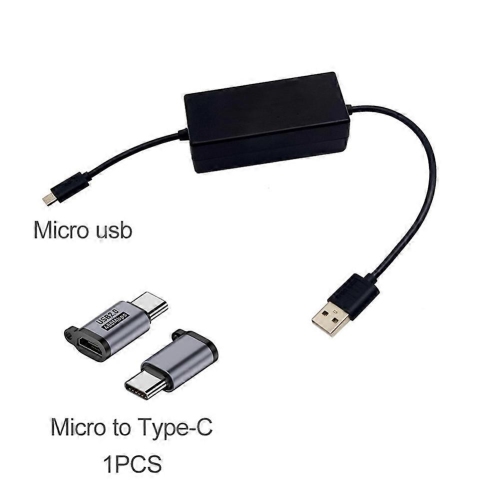
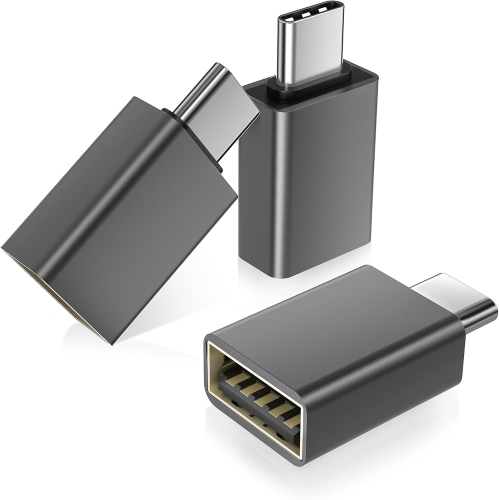
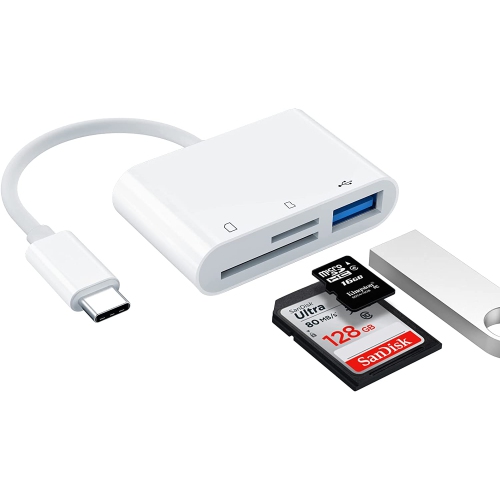
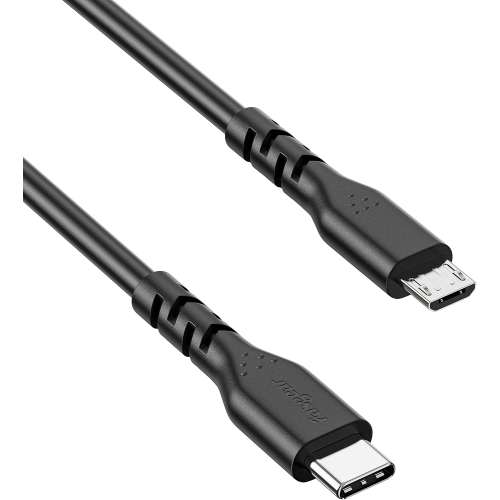
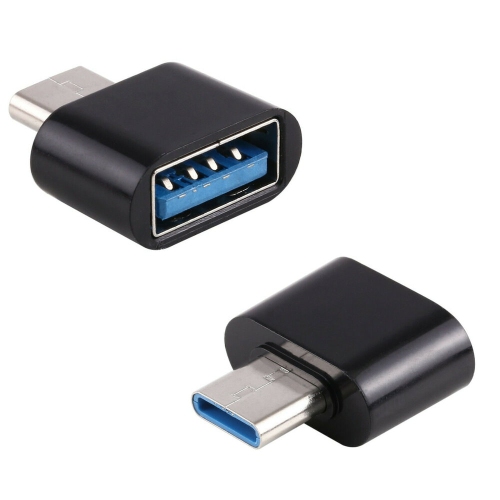
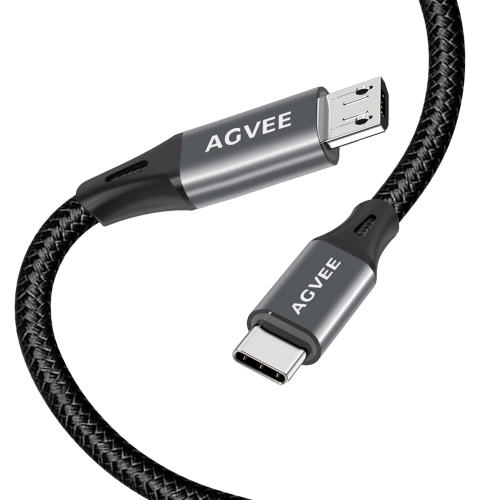
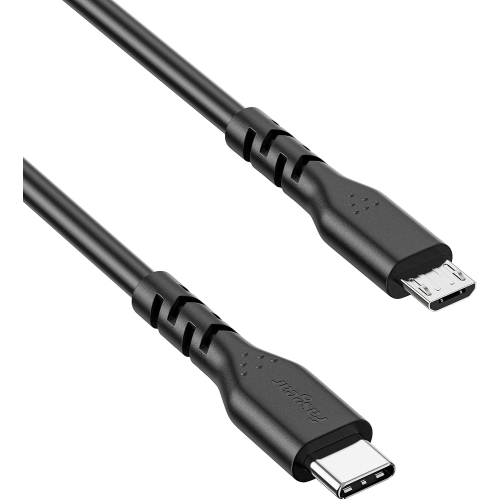
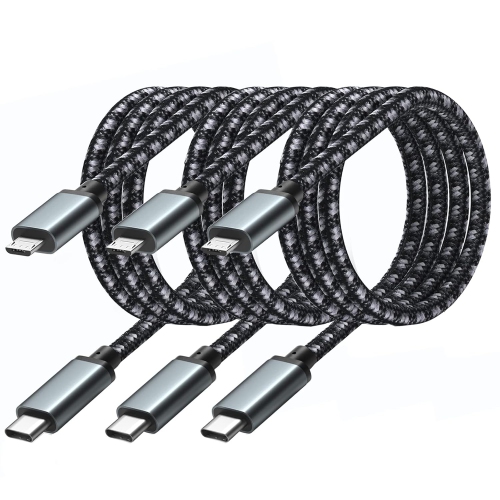
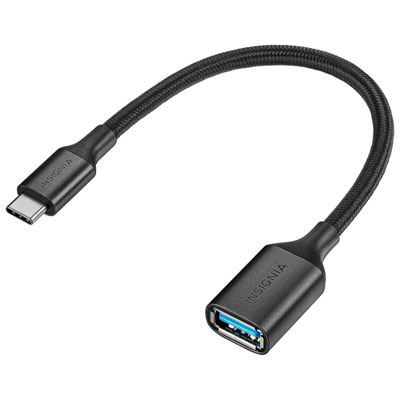
Micro USB to USB-C adapters connect a cable with a micro-USB plug to a device with a USB-C port. The common configuration has a female micro-USB socket that accepts the cable and a male USB-C plug that fits into the device. This small connection point can make an existing charging setup useful for a compatible phone, tablet, wireless headset, or other accessory with a USB-C charging port. It is particularly practical in a household where devices use different connectors, or at a desk where a familiar micro-USB cable is already connected to a suitable USB power source. Connector direction matters: an adapter with a micro-USB socket and USB-C plug serves a different purpose from one with a USB-C socket and micro-USB plug. Product images and connector descriptions help distinguish these arrangements, especially when both appear under similar names. USB-C plugs can be inserted either way up, while micro-USB plugs have a shaped profile and must enter the socket in the correct orientation. Neither connection should need force. For everyday use, the adapter acts as a compact link between two connector types rather than a replacement for the entire charging system. Its usefulness depends on the cable, power source, connected device, and functions the adapter supports. A cable kept beside a sofa might work well for topping up a compatible accessory, while a cable connected to a computer may also support file transfers if every part of the connection is designed for data. The same adapter will not necessarily perform both tasks. That distinction is important for students moving between a bedroom and study space, commuters keeping a charging cable in a bag, and families sharing a charging station. A small adapter can fit easily into these routines, provided its connector layout and supported functions match the equipment involved. It also helps to distinguish the familiar, narrow micro-USB charging plug from the wider micro-USB connector used by some external drives; similar terminology does not mean the sockets are interchangeable.
Charging support is one of the most important differences between micro USB to USB-C adapters. A USB-C connector alone does not guarantee fast charging, high power delivery, or compatibility with every USB-C device. Charging performance depends on the power source’s output, the cable’s capacity, the adapter’s rating, and the device’s charging requirements. An adapter cannot increase the output of a low-power source simply by changing the shape of its connector. For a laptop that requires USB-C Power Delivery, a small micro-USB adapter is not a substitute for an appropriately rated USB-C charger and cable. Phones and smaller accessories also vary in how they accept power, so stated compatibility and electrical ratings matter more than the appearance of the plug. Data support deserves a separate look. Some adapters are intended only for charging, while others support charging and data transfer. A data-capable adapter still needs a data-capable cable; a charge-only cable will not gain file-transfer functions when an adapter is attached. Transfer speeds remain limited by the slowest supported part of the connection, and changing to a USB-C plug does not turn an older connection into a faster USB standard. For example, moving photos from a compatible phone to a computer requires a suitable data connection throughout, along with any permissions or settings required by the phone. Video output, wired audio, and connections to storage devices involve additional requirements that a basic charging adapter may not support. USB On-The-Go functionality, which allows certain mobile devices to act as a host for accessories, should likewise be treated as a stated feature rather than assumed from the connector shape. For connections involving other plug types or different tasks, USB-C Cable Adapters cover a broader range of connection formats. Keeping the intended task specific—charging a compatible accessory, transferring files, or connecting a peripheral—makes it easier to distinguish a suitable adapter from one that merely looks as though it will fit.
Physical design affects how comfortably an adapter fits into daily use. Compact, rigid adapters add little cable length and can be convenient in a pencil case, tech pouch, or small accessory compartment. Short, flexible adapter designs place some distance between the cable socket and the device, which may be helpful when a stiff cable would otherwise press against a case or neighbouring connection. Neither style should leave the device’s port carrying the weight of a dangling cable or pulling sideways against a plug. A protective phone or tablet case can also affect fit: the USB-C opening may be deep or narrow enough that a bulky adapter housing cannot seat fully. The connector needs to reach the port securely without requiring the housing to be pushed against the case. Materials vary, with moulded plastic housings offering a lightweight feel and metal housings providing a different surface finish and construction. Durability depends on more than the outer material, however. Securely assembled connectors, a well-supported socket, and strain relief on any flexible section all contribute to how an adapter handles repeated use. Someone who connects a device once at a bedside table has different handling needs from someone who packs and unpacks a charging kit every day. Small adapters are also easy to misplace, so a dedicated pouch or a separate compartment in a laptop bag can keep them from disappearing among pens and loose cables. Care is straightforward: keep the connectors dry, protect them from dust and debris, and disconnect by holding the plug or housing rather than pulling on the cable. Avoid twisting the adapter to loosen it or inserting metal objects into its openings. A loose connection, damaged housing, bent connector, or unusual heat during use warrants stopping and inspecting the setup. For a student, traveller, or family member who already uses compatible equipment, an adapter can be a thoughtful small addition to a charging kit, particularly when its fit and supported functions are known in advance.
Charging support is one of the most important differences between micro USB to USB-C adapters. A USB-C connector alone does not guarantee fast charging, high power delivery, or compatibility with every USB-C device. Charging performance depends on the power source’s output, the cable’s capacity, the adapter’s rating, and the device’s charging requirements. An adapter cannot increase the output of a low-power source simply by changing the shape of its connector. For a laptop that requires USB-C Power Delivery, a small micro-USB adapter is not a substitute for an appropriately rated USB-C charger and cable. Phones and smaller accessories also vary in how they accept power, so stated compatibility and electrical ratings matter more than the appearance of the plug. Data support deserves a separate look. Some adapters are intended only for charging, while others support charging and data transfer. A data-capable adapter still needs a data-capable cable; a charge-only cable will not gain file-transfer functions when an adapter is attached. Transfer speeds remain limited by the slowest supported part of the connection, and changing to a USB-C plug does not turn an older connection into a faster USB standard. For example, moving photos from a compatible phone to a computer requires a suitable data connection throughout, along with any permissions or settings required by the phone. Video output, wired audio, and connections to storage devices involve additional requirements that a basic charging adapter may not support. USB On-The-Go functionality, which allows certain mobile devices to act as a host for accessories, should likewise be treated as a stated feature rather than assumed from the connector shape. For connections involving other plug types or different tasks, USB-C Cable Adapters cover a broader range of connection formats. Keeping the intended task specific—charging a compatible accessory, transferring files, or connecting a peripheral—makes it easier to distinguish a suitable adapter from one that merely looks as though it will fit.
Physical design affects how comfortably an adapter fits into daily use. Compact, rigid adapters add little cable length and can be convenient in a pencil case, tech pouch, or small accessory compartment. Short, flexible adapter designs place some distance between the cable socket and the device, which may be helpful when a stiff cable would otherwise press against a case or neighbouring connection. Neither style should leave the device’s port carrying the weight of a dangling cable or pulling sideways against a plug. A protective phone or tablet case can also affect fit: the USB-C opening may be deep or narrow enough that a bulky adapter housing cannot seat fully. The connector needs to reach the port securely without requiring the housing to be pushed against the case. Materials vary, with moulded plastic housings offering a lightweight feel and metal housings providing a different surface finish and construction. Durability depends on more than the outer material, however. Securely assembled connectors, a well-supported socket, and strain relief on any flexible section all contribute to how an adapter handles repeated use. Someone who connects a device once at a bedside table has different handling needs from someone who packs and unpacks a charging kit every day. Small adapters are also easy to misplace, so a dedicated pouch or a separate compartment in a laptop bag can keep them from disappearing among pens and loose cables. Care is straightforward: keep the connectors dry, protect them from dust and debris, and disconnect by holding the plug or housing rather than pulling on the cable. Avoid twisting the adapter to loosen it or inserting metal objects into its openings. A loose connection, damaged housing, bent connector, or unusual heat during use warrants stopping and inspecting the setup. For a student, traveller, or family member who already uses compatible equipment, an adapter can be a thoughtful small addition to a charging kit, particularly when its fit and supported functions are known in advance.
Top selling and popular products
-
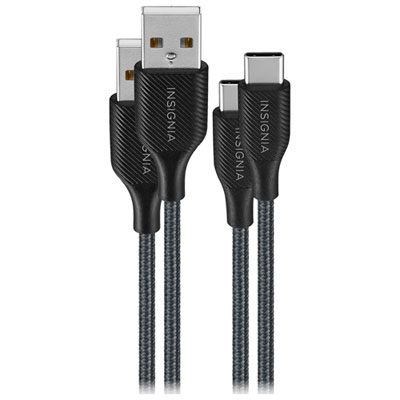 Your price for this item is $19.99
-
 Your price for this item is $52.75
-
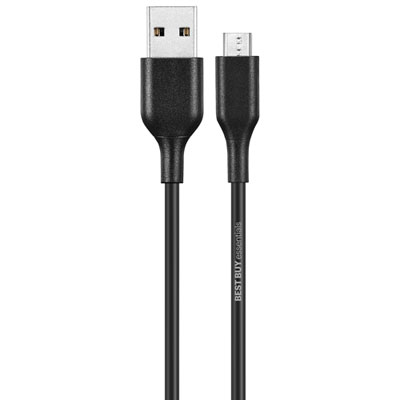 Your price for this item is $7.99
-
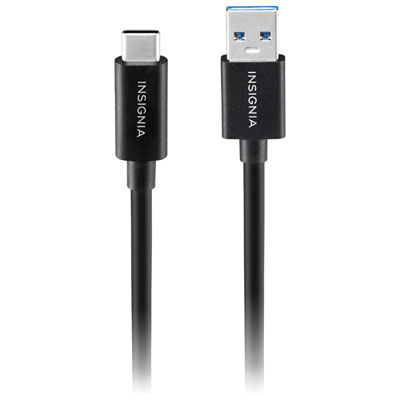 Your price for this item is $19.99
-
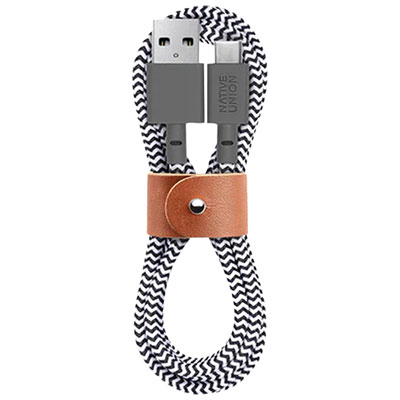 Your price for this item is $29.99
-
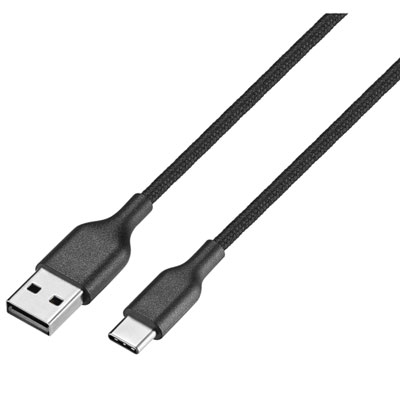 Your price for this item is $9.99
-
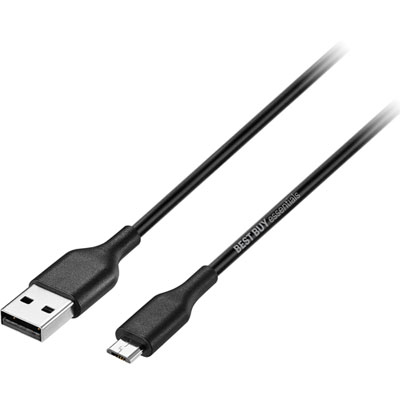 Your price for this item is $9.99
-
 Your price for this item is $14.99
Discover more categories related to Micro USB To USB C Adapters

Top Collections:
Pokemon Centers, Kindle Devices, Best Cameras for Sports Photography, Pokémon 30th Celebration Cards, Apple iPhones 16, Canon G7X Cameras, iPhone 15 Apple, Flip Phones, Samsung Galaxy Phones, Alarm Clock
Some products may be subject to Environmental Handling Fees
(EHF) depending on your province.
Learn more about EHFs.