Microfiber Screen Cleaning Cloths for Students
Microfiber Screen Cleaning Cloths For Students are essential for keeping devices like laptops, tablets, and smartphones looking their best throughout the school year. Whether studying in the classroom or working on assignments at home, students can rely on these cloths to maintain clear screens for optimal viewing. Compact and easy to carry, microfiber screen cleaning cloths fit neatly into backpacks or pencil cases, making them a convenient addition to any student’s daily essentials. Explore a variety of options designed to help students keep their tech in top condition.
Sort
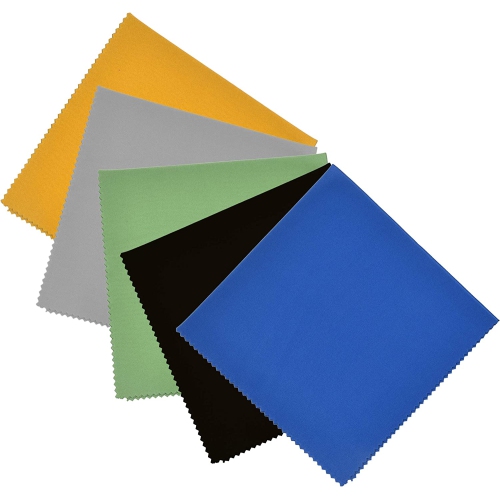
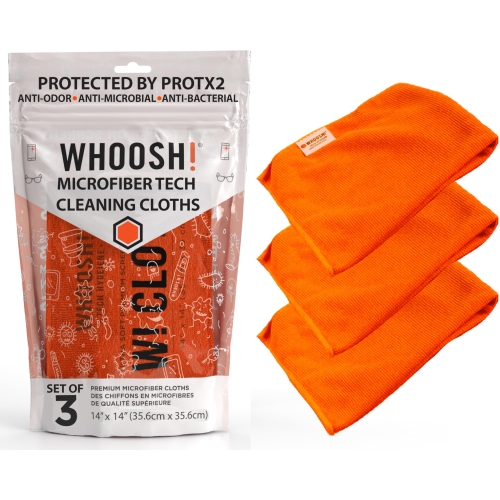
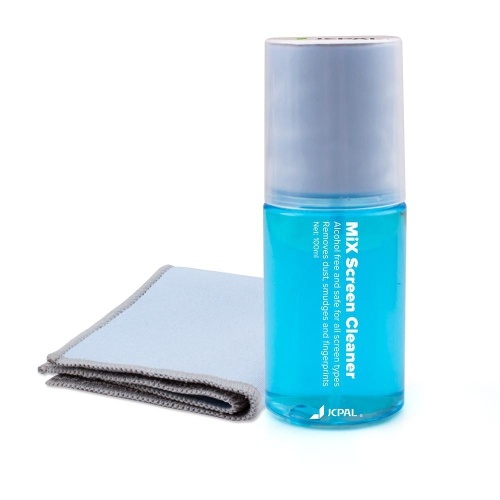
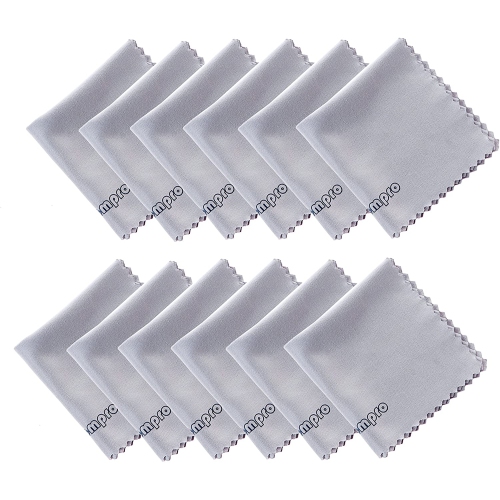
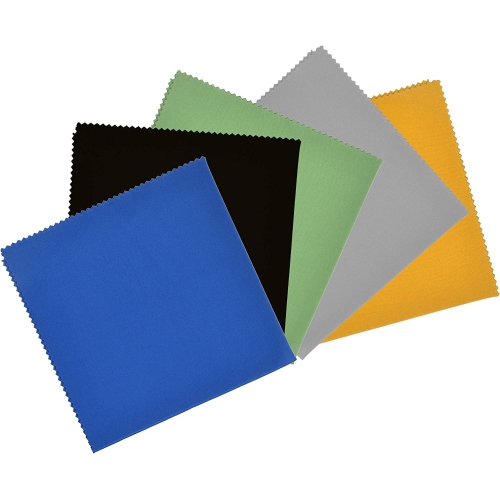

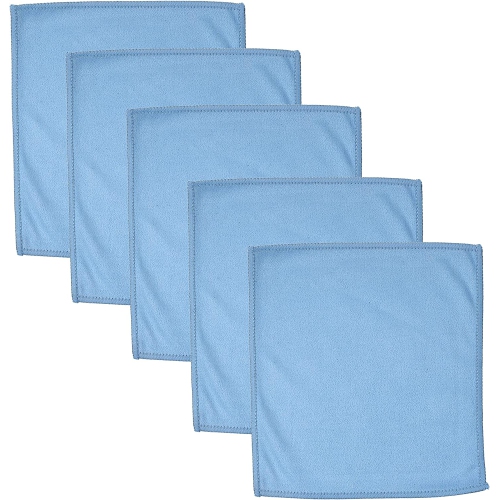
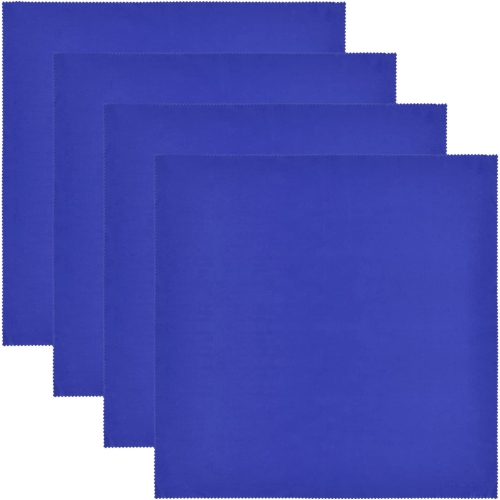

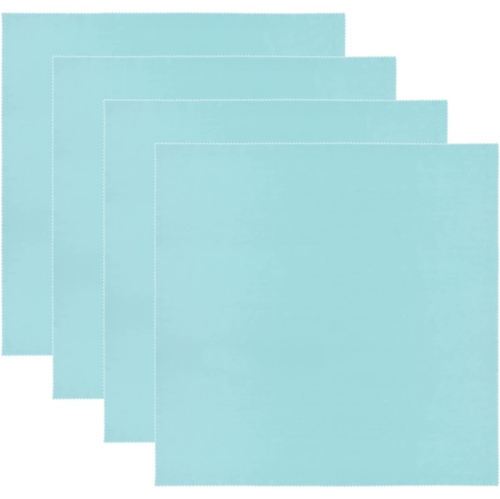
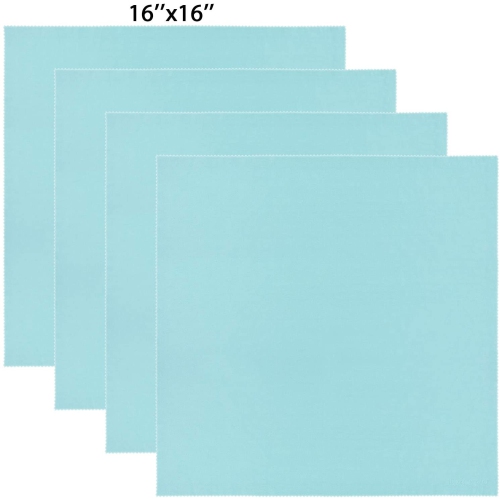

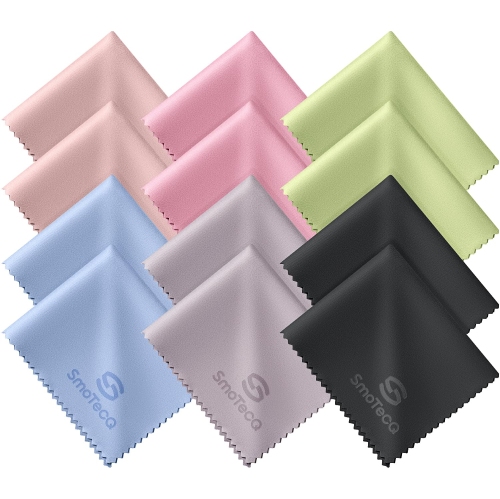

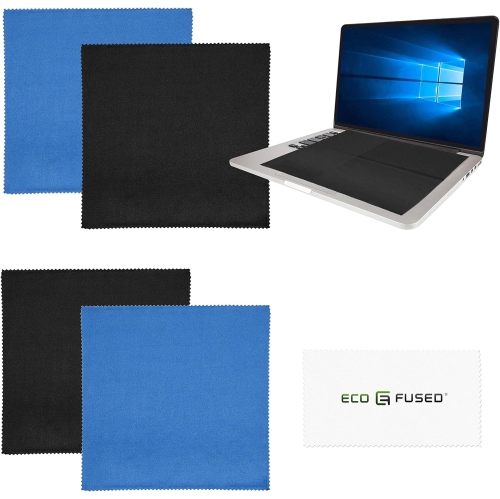
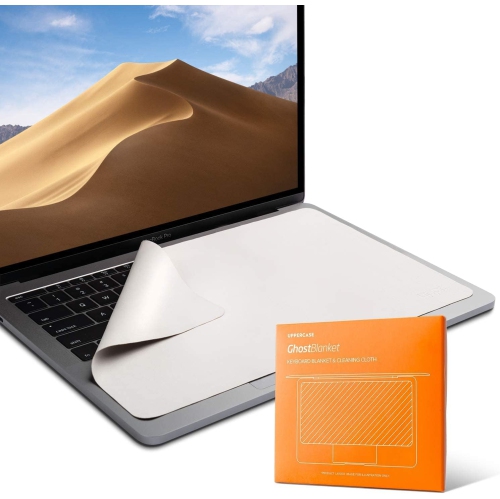
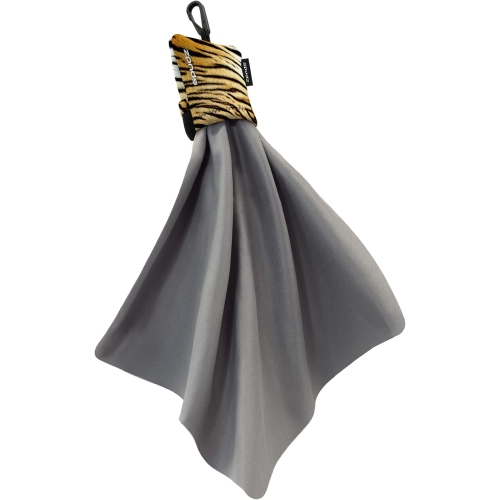
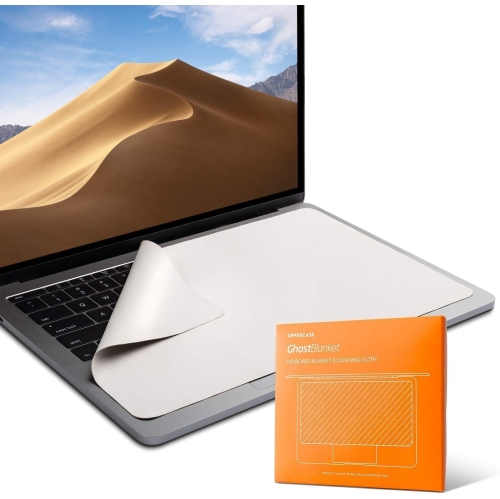


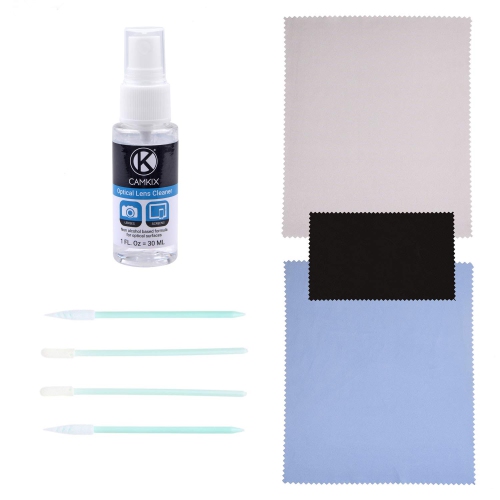
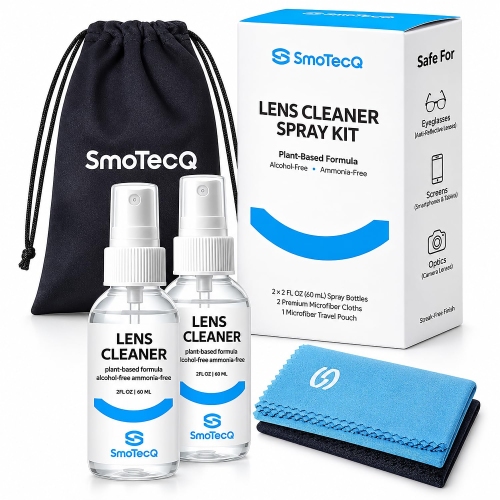
When a dry wipe is enough for smudged screens
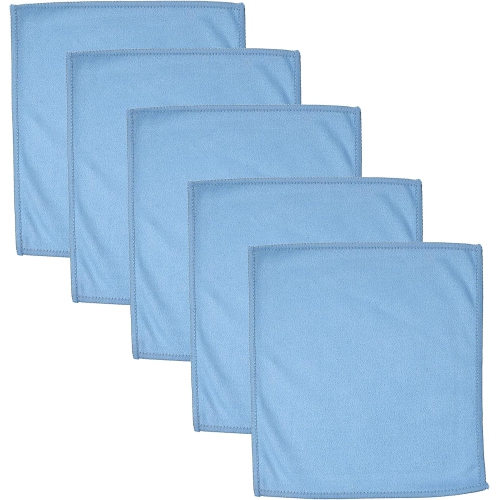
Microfibre screen cleaning cloths are compact, reusable cloths that lift dust, fingerprints and light smudges from student laptops, tablets and smartphones. The fine fibres pick up loose dust and absorb some of the oils left by fingertips, so a clean, dry cloth is often enough for everyday marks. That’s handy for a tablet used to annotate readings, a touchscreen laptop passed around during a group project or a phone that doubles as a scanner for handwritten notes. On a glossy display, a thumbprint may be easy to miss until a bright reading page gives way to a dark slide. On a matte display, dust can be more noticeable around the edges, especially on a laptop that spends much of the day open on a desk. A soft, lint-free cloth intended for screens is a better choice for either finish than a paper towel or a shirt cuff, which can leave lint or carry grit. Smooth, low-pile microfibre is common in screen cloths because it folds flat and makes it easy to feel where the cloth meets the glass. Size matters as much as texture: a small square fits in a pencil case or the inside pocket of a laptop sleeve and is easy to handle on a phone, while a larger cloth covers more of a laptop display in each pass. A larger cloth can also be folded into quarters, leaving a clean section to turn to after wiping a particularly smudged area. A thin cloth suits a student who carries a device from class to class, while a larger one can stay beside a monitor at home or in a residence room. For a shared tablet, keeping the cloth in the same pouch as the charging cable makes it easy for everyone who uses the device to find it without searching through a desk drawer.
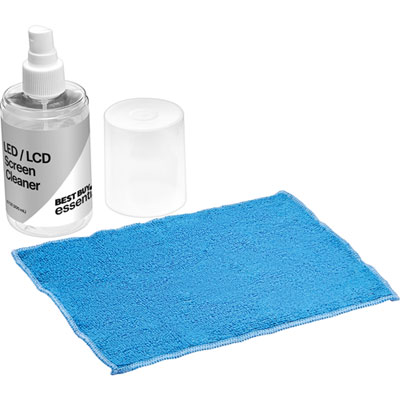
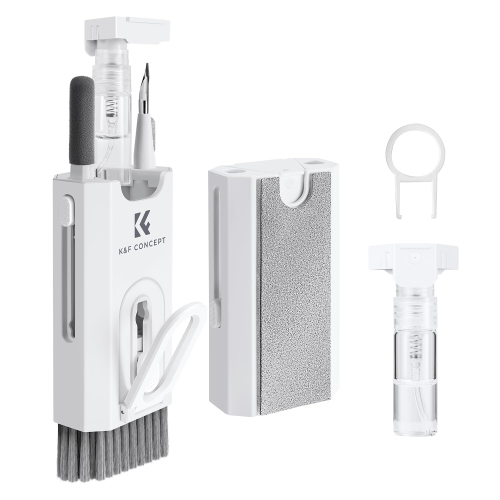
A dry screen cloth is a practical match for the marks that build up during a typical school day, from handprints along the edge of a tablet to a faint streak where someone pointed at a chart on a laptop. Turning off the display makes those marks easier to see and prevents stray taps on a touchscreen. Light passes with a clean part of the cloth are preferable to pressing on the panel or rubbing repeatedly at a stubborn spot. Loose crumbs and visible grit need particular care: dragging them across the display can scratch the surface even when the cloth itself is soft. The device maker’s cleaning directions matter most when a dry wipe leaves a mark behind. Some displays permit a lightly dampened cloth, while others have specific instructions for their finish or coating. If moisture is permitted, it belongs on the cloth rather than directly on the display, and the cloth should never be wet enough to drip near ports, seams or openings. A screen protector can have its own care instructions, too, particularly if it has a textured surface for writing with a stylus. For students whose devices regularly need more than a dry wipe, Screen Cleaning Kits for Student Devices can be useful when the included supplies are compatible with the display. For everyday dust and fresh fingerprints, a standalone cloth takes up less room and can stay close at hand. It’s also worth setting aside one cloth specifically for displays rather than using the same one on a keyboard, desk or device case. A cloth that looks clean after wiping a work surface may still hold crumbs or oil that leave fresh streaks on a screen, especially when the display is viewed from an angle.
How a microfibre cloth is stored and washed makes a difference to how long it stays useful. Tucking a clean cloth into a small pouch is better than leaving it loose at the bottom of a backpack, where it can pick up pencil shavings, crumbs or grit. A dedicated sleeve pocket also works well, provided it isn’t shared with keys or used to collect odds and ends. Students who move between a computer lab, a library table and a desk at home may find it easier to keep one cloth with a portable device and another beside a monitor. A cloth kept at a desk can be larger without getting in the way, while a pocket-sized cloth is convenient for a quick wipe before a presentation or video call. If a cloth starts to move fingerprints around instead of lifting them, it’s likely time to wash it. Follow the cloth’s care directions, and if laundering is permitted, skip fabric softener and dryer sheets, which can leave a coating on the fibres. Washing it apart from lint-heavy towels helps keep stray fibres from transferring back to the display. Let the cloth dry fully before folding it away, and set aside any cloth that has picked up grit that won’t wash out or developed a rough edge. A fresh cloth also makes a practical small gift for a student setting up a study space, getting a first laptop or using a tablet for drawing and note-taking. For someone who carries only a phone and a tablet, a flat cloth that slips into an existing case may be the most useful size. For a student who splits time between a laptop and a larger desktop monitor, there’s more value in a cloth with enough surface area to fold and refold without wiping with the same smudged section.
Top selling and popular products
-
 Your price for this item is $9.99
-
 Your price for this item is $54.98
-
 Your price for this item is $43.99
-
 Your price for this item is $108.99
-
 Your price for this item is $59.99
-
 Your price for this item is $67.99
-
 Your price for this item is $33.99
-
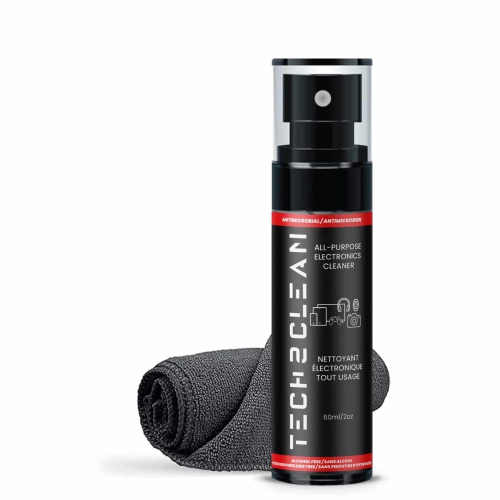 Your price for this item is $19.99
Discover more categories related to Microfiber Screen Cleaning Cloths for Students
Top Collections:
Best Black Friday Deals This Year, Best Black Friday Deals On Electronics, Kindle Devices, Best Black Friday Deals On Apple Products, Best Budget Office Chairs, Best Cameras for Sports Photography, Dyson Airwrap, Canon G7X Cameras, Best Laptops for Writers, Samsung Galaxy Phones
Some products may be subject to Environmental Handling Fees
(EHF) depending on your province.
Learn more about EHFs.