Mini DisplayPort HDMI Audio
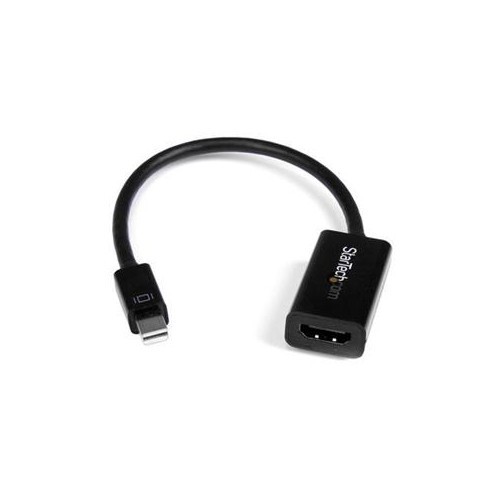
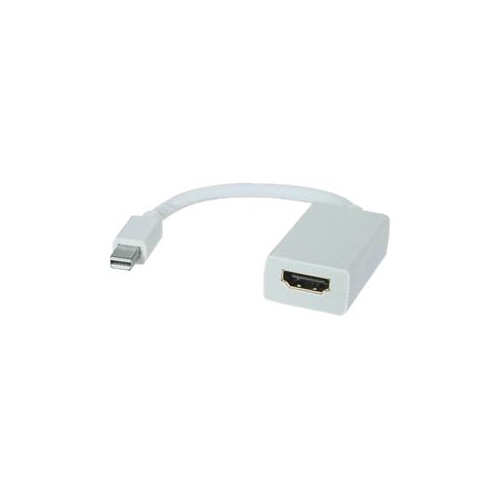
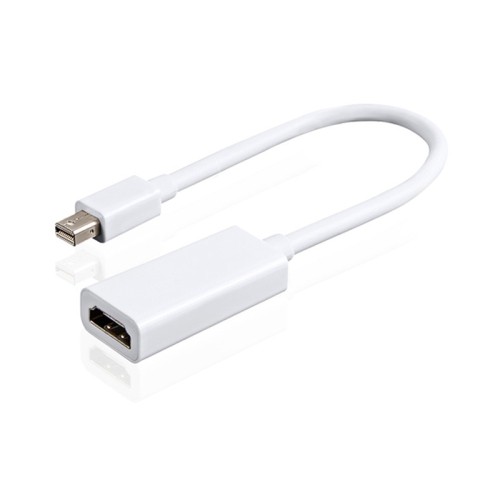
Mini DisplayPort HDMI Audio solutions provide a convenient way to connect your devices for both high-quality video and audio transmission. Whether you're setting up a home entertainment system, enhancing your workspace, or sharing presentations, these adapters and cables make it easy to link laptops, monitors, and other compatible devices. Explore a range of Mini DisplayPort HDMI Audio options designed to deliver reliable performance and seamless connectivity for all your digital needs.
Sort
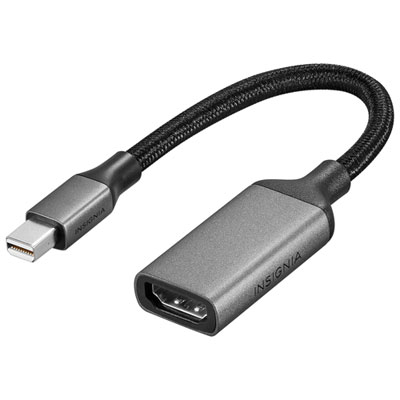
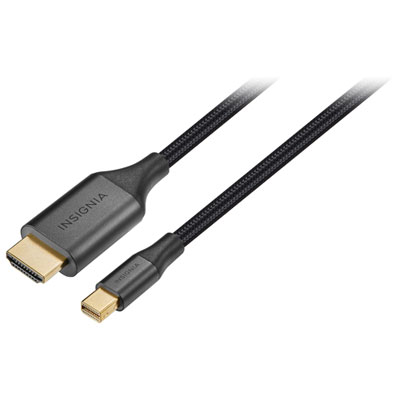
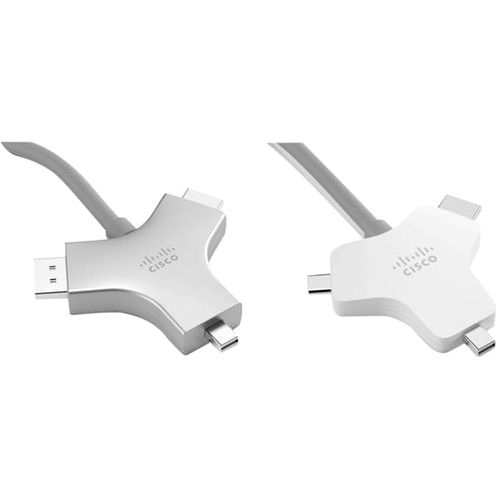
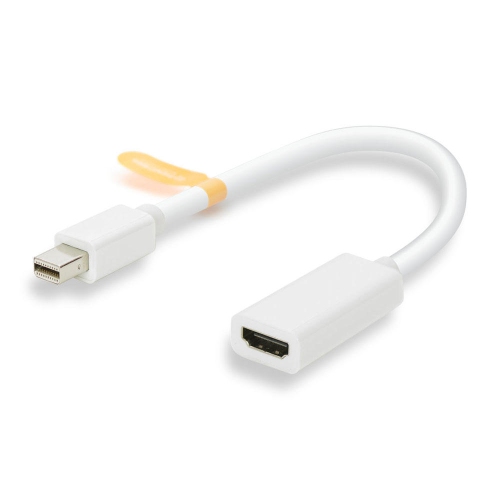
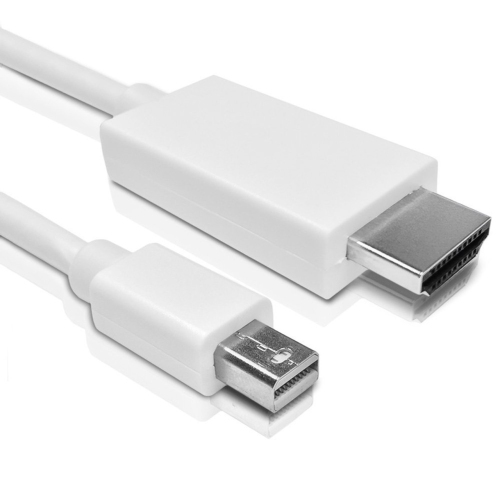
![BENFEI Mini Displayport to HDMI 6 Feet Cable [4K30Hz, Aluminum Shell, Nylon Braided]](https://multimedia.bbycastatic.ca/multimedia/products/500x500/184/18483/18483173.jpeg)
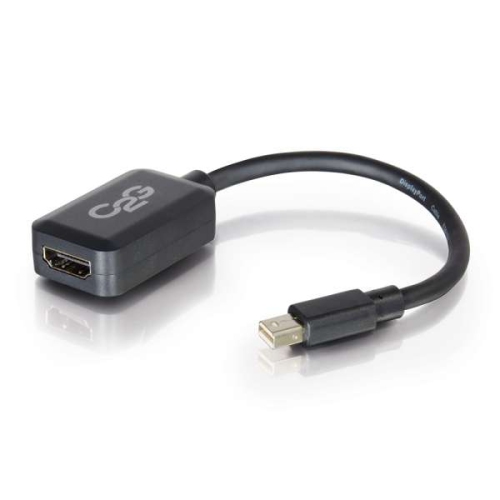
Bridge older computers and modern displays with video and audio
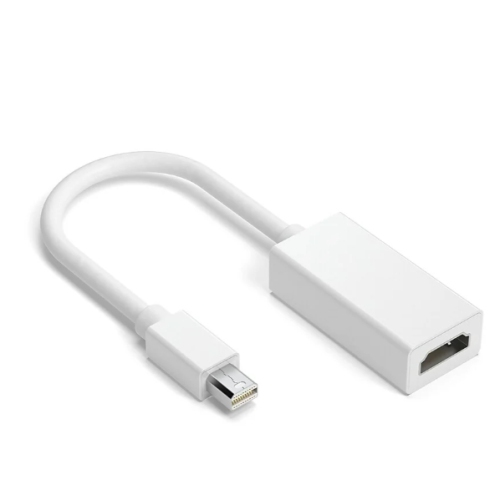
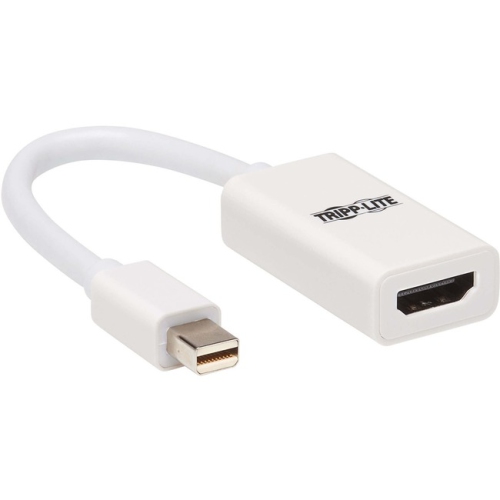
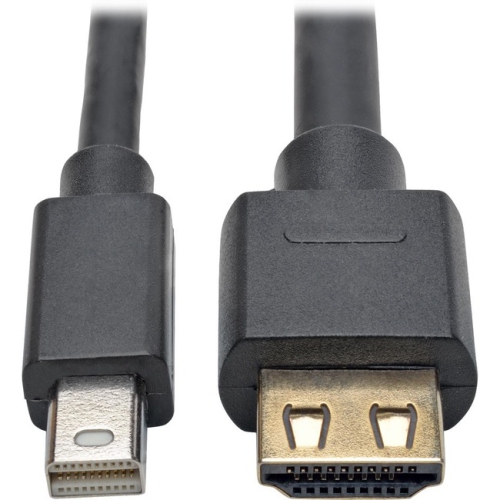
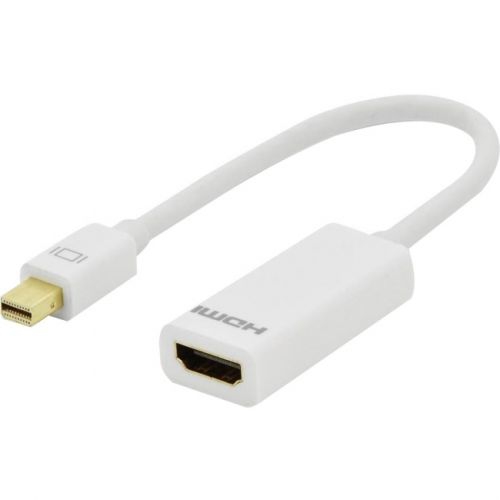
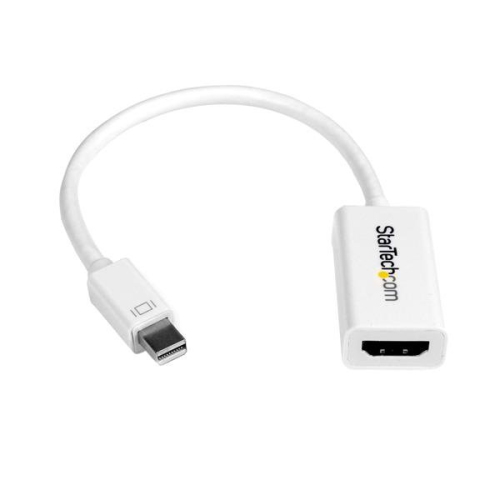
Mini DisplayPort HDMI audio adapters and cables are essential tools for anyone looking to bridge the gap between modern laptops or desktops and external displays, TVs, or projectors. Whether you’re setting up a home office, organizing a movie night with friends as the weather warms, or preparing for a business presentation during the busier conference season, these adapters make it possible to transmit both high-definition video and rich audio from devices equipped with a Mini DisplayPort to HDMI-enabled screens. Many people rely on these solutions for connecting MacBooks, Microsoft Surface devices, and other computers to larger monitors or entertainment systems, making them a popular choice for students, professionals, and content creators alike. They also make practical gifts for anyone upgrading their workspace or home theatre, especially as new graduates prepare for university or as families gather for summer celebrations and want to share photos, videos, or streaming content on the big screen.
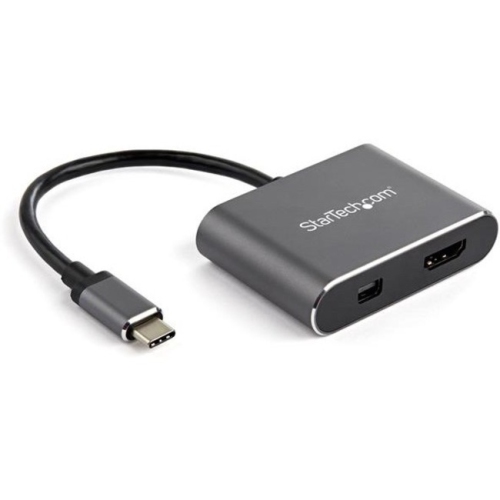
When choosing a Mini DisplayPort HDMI audio adapter or cable, there are several important factors to consider to ensure a seamless experience. Compatibility is key: most adapters support Thunderbolt 1 and 2 ports found on older Macs, and many are designed to pass both video and audio signals, often supporting up to 4K resolution at 60Hz or 1080p for crystal-clear visuals. For users who require advanced audio, look for adapters that support multi-channel audio such as 7.1 surround sound—ideal for immersive movie nights or gaming sessions. It’s helpful to confirm that your device’s audio output is set to “Intel Display Audio” or a similar setting to make sure sound is routed properly through the adapter. If you encounter issues with audio transmission, a simple troubleshooting tip is to connect the adapter after your media has started playing, which can resolve common handshake problems between devices. There are both passive and active adapters available; passive options are sufficient for most everyday uses, while active adapters may be necessary for higher resolutions or certain graphics cards. Multi-port adapters, which combine HDMI with VGA or DVI outputs, offer added flexibility for those who frequently connect to a variety of display types at work, school, or on the go.
As more people embrace flexible work and entertainment setups across the changing seasons, having the right Mini DisplayPort HDMI audio solution can make all the difference. These adapters are compact enough to travel easily in a laptop bag or backpack, making them a smart addition for anyone who needs to present, collaborate, or unwind with digital content in different environments. They’re also a thoughtful addition to any tech toolkit, especially for those who value convenience and seamless connectivity. For more information about the full range of options and to explore related accessories, visit the Mini Displayport page at Best Buy Canada.
When choosing a Mini DisplayPort HDMI audio adapter or cable, there are several important factors to consider to ensure a seamless experience. Compatibility is key: most adapters support Thunderbolt 1 and 2 ports found on older Macs, and many are designed to pass both video and audio signals, often supporting up to 4K resolution at 60Hz or 1080p for crystal-clear visuals. For users who require advanced audio, look for adapters that support multi-channel audio such as 7.1 surround sound—ideal for immersive movie nights or gaming sessions. It’s helpful to confirm that your device’s audio output is set to “Intel Display Audio” or a similar setting to make sure sound is routed properly through the adapter. If you encounter issues with audio transmission, a simple troubleshooting tip is to connect the adapter after your media has started playing, which can resolve common handshake problems between devices. There are both passive and active adapters available; passive options are sufficient for most everyday uses, while active adapters may be necessary for higher resolutions or certain graphics cards. Multi-port adapters, which combine HDMI with VGA or DVI outputs, offer added flexibility for those who frequently connect to a variety of display types at work, school, or on the go.
As more people embrace flexible work and entertainment setups across the changing seasons, having the right Mini DisplayPort HDMI audio solution can make all the difference. These adapters are compact enough to travel easily in a laptop bag or backpack, making them a smart addition for anyone who needs to present, collaborate, or unwind with digital content in different environments. They’re also a thoughtful addition to any tech toolkit, especially for those who value convenience and seamless connectivity. For more information about the full range of options and to explore related accessories, visit the Mini Displayport page at Best Buy Canada.
Top selling and popular products
-
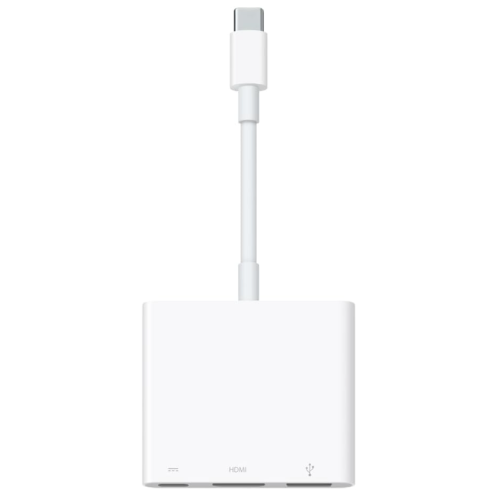 Your price for this item is $179.99
 -
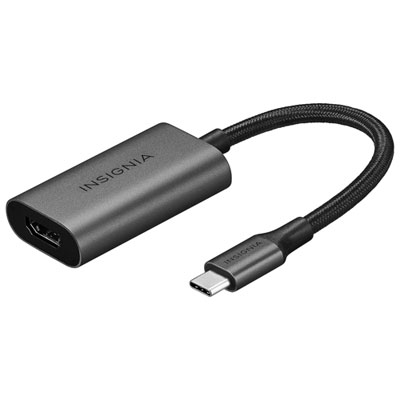 Your price for this item is $39.99
 -
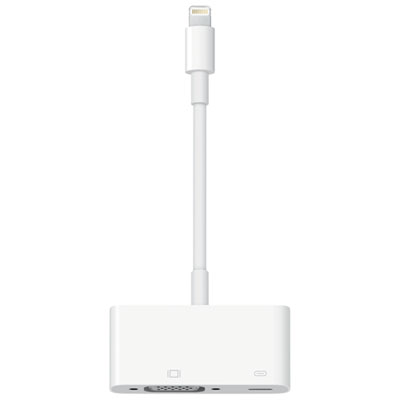 Your price for this item is $64.97
 -
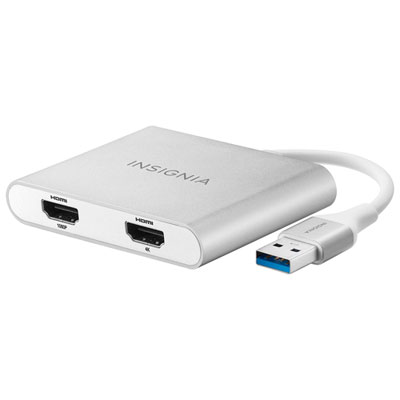 Your price for this item is $79.99
 -
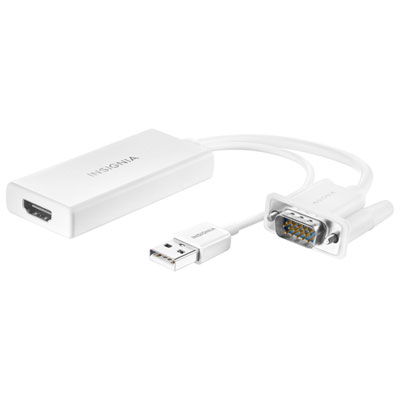 Your price for this item is $49.99
 -
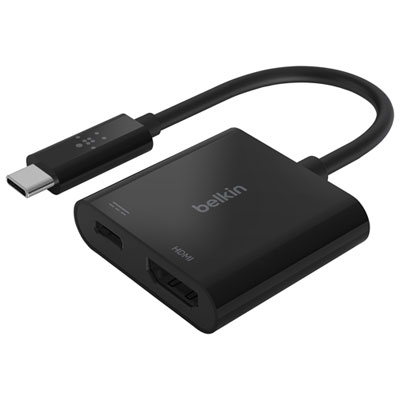 Your price for this item is $34.99
 -
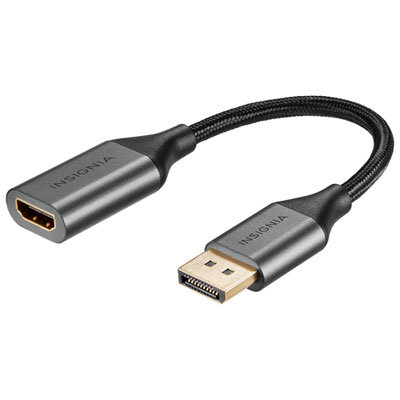 Your price for this item is $24.95
 -
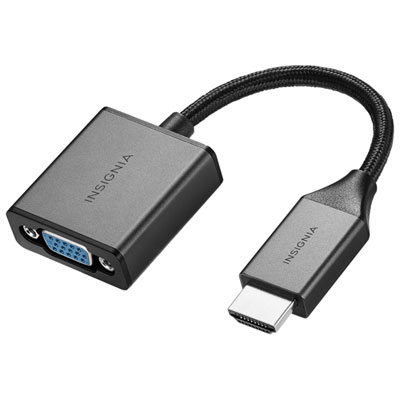 Your price for this item is $39.99
Discover more categories related to Mini DisplayPort HDMI Audio
Top Collections:
Pokemon Centers, Kindle Devices, Best Budget Office Chairs, Canon G7X Cameras, Apple iPhones 16, Samsung Galaxy Phones, Refurbished Apple Laptops, Laptops for Students, iPhone 15 Apple, Budget Smartphones
Some products may be subject to Environmental Handling Fees
(EHF) depending on your province.
Learn more about EHFs.