DisplayPort To HDMI Active Adapters
A DisplayPort To HDMI Active Adapter is the ideal solution for connecting devices with DisplayPort outputs to HDMI-enabled displays, monitors, or projectors. Perfect for home offices, entertainment centers, or professional workspaces, these adapters offer a simple way to enjoy high-quality video and audio on your favorite screens. Whether you’re looking to expand your workstation or enhance your viewing experience, a DisplayPort To HDMI Active Adapter ensures seamless compatibility between your devices. Explore a variety of options to find the right adapter for your setup.
Sort


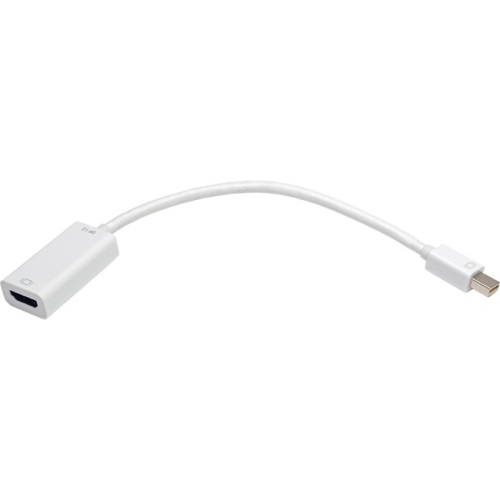
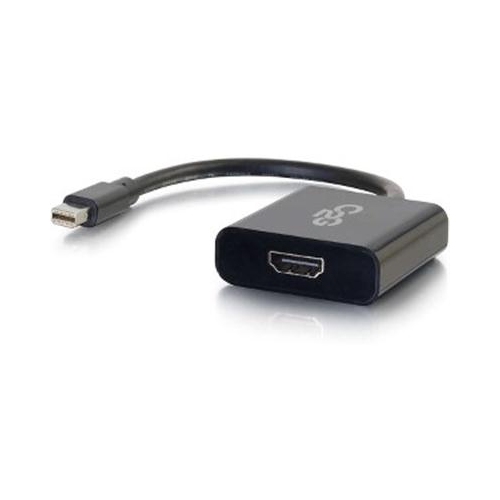
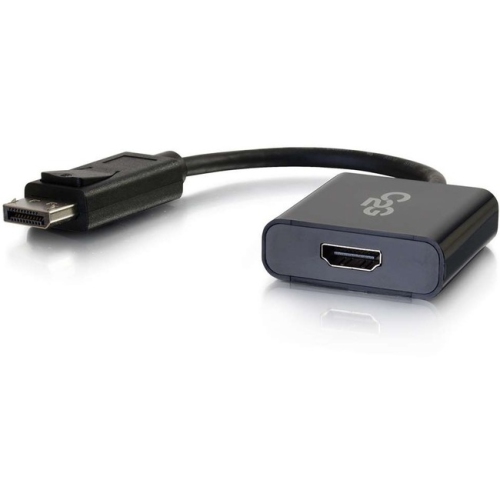
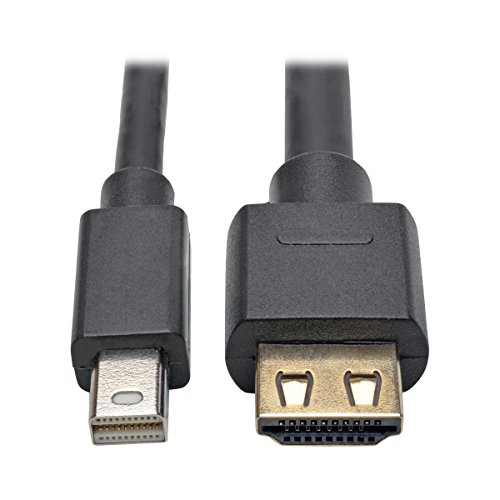
Why active conversion matters for your existing display
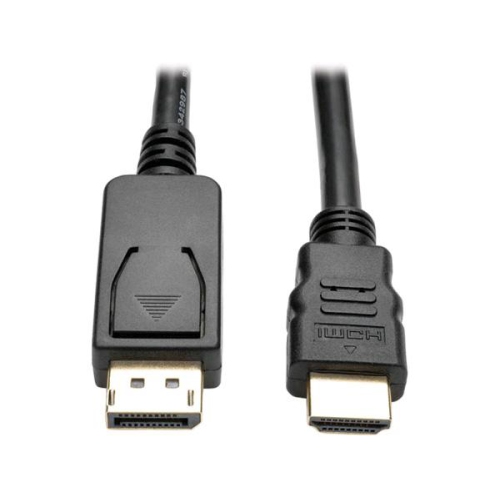
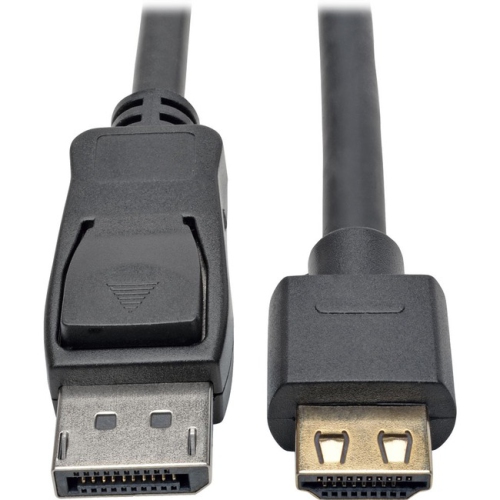
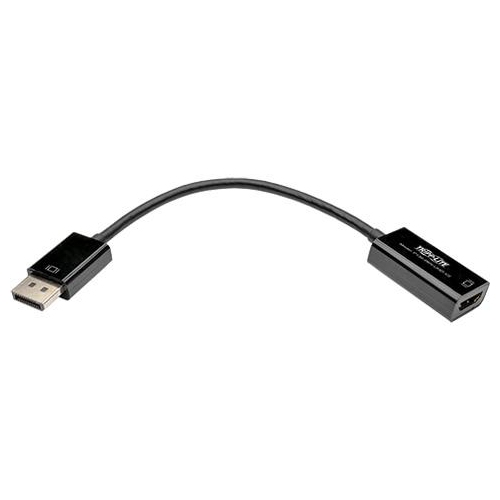
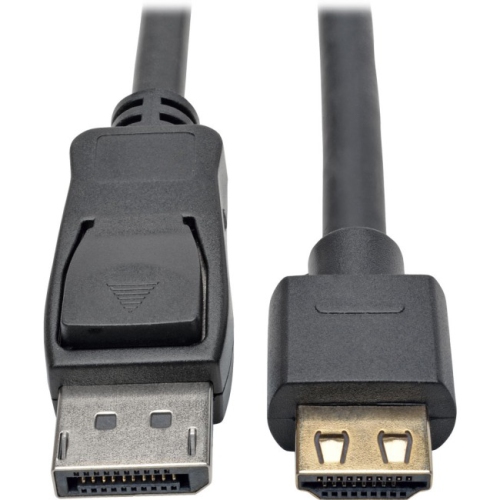
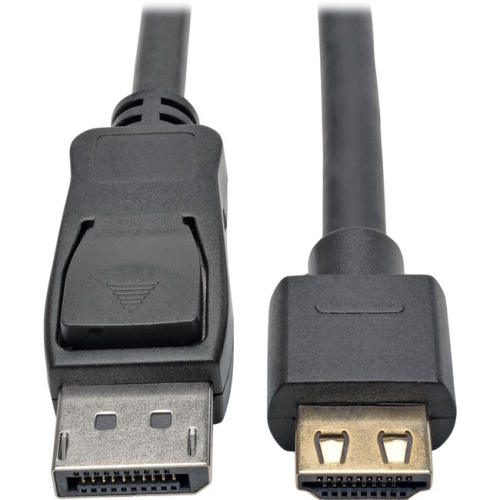
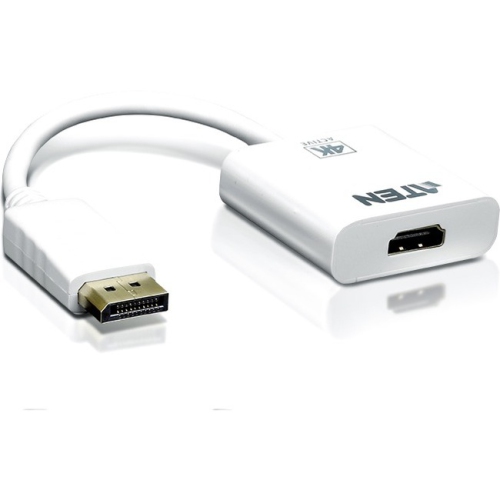
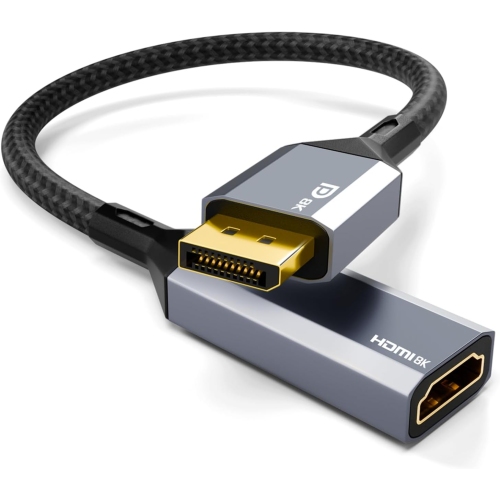
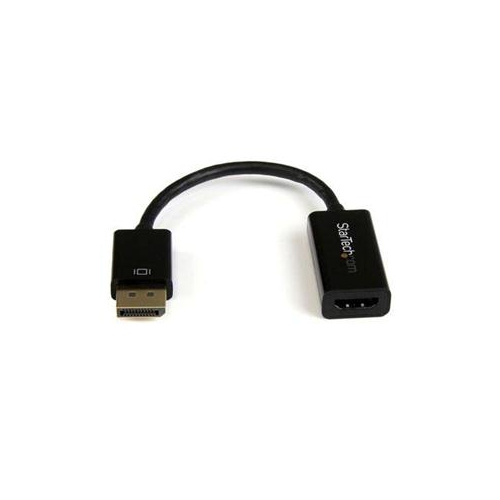
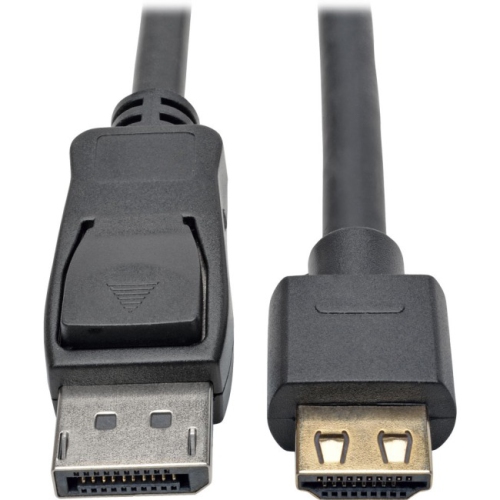
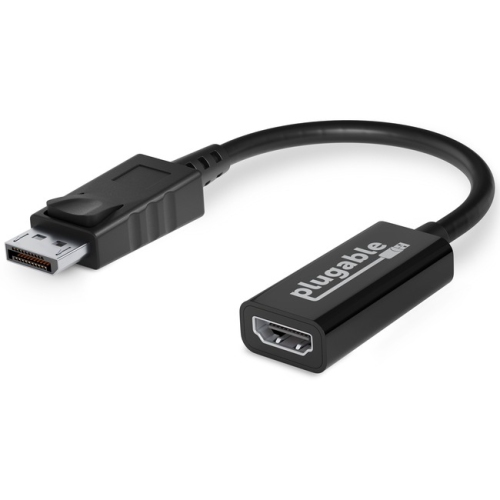
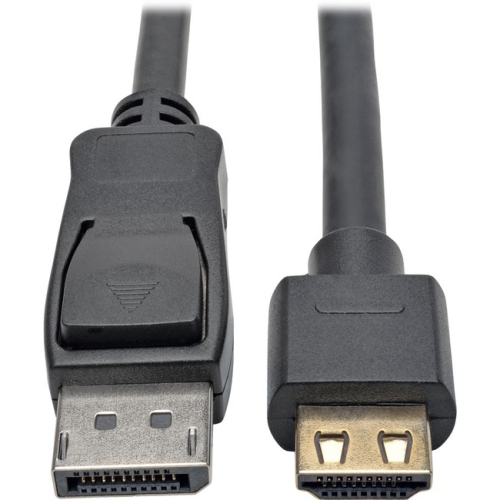
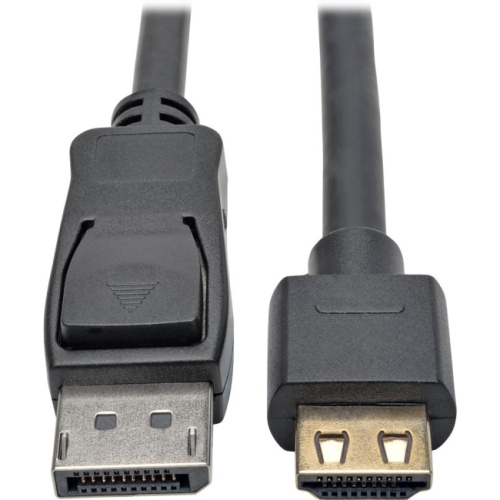
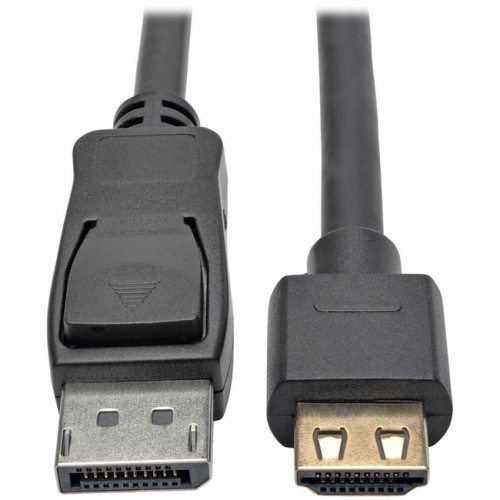
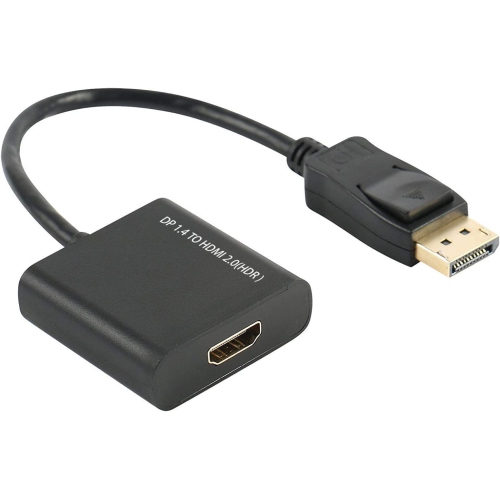
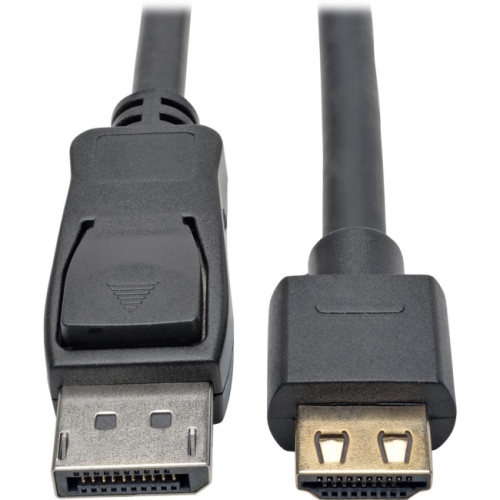
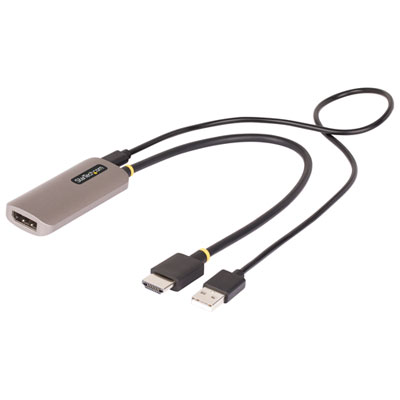
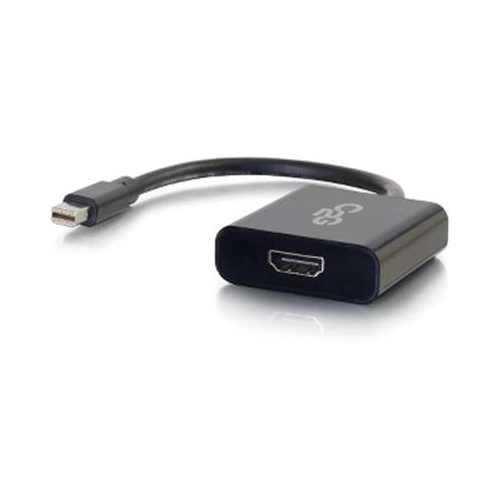
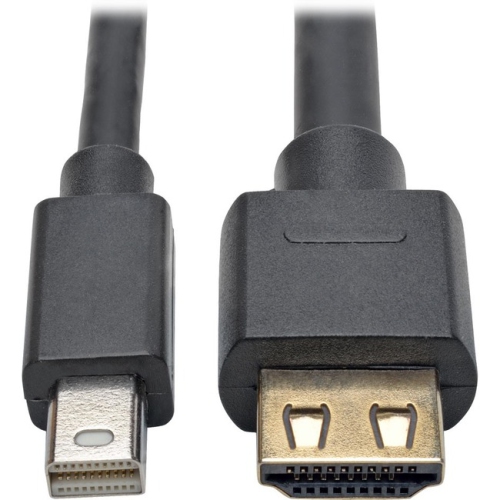
DisplayPort to HDMI active adapters connect a computer’s DisplayPort output to an HDMI input on a monitor, television, or projector. A built-in conversion chip translates the DisplayPort signal into an HDMI signal, allowing compatible displays to receive video and, where supported, audio through the same connection. Unlike a passive adapter, which relies on the source device to output an HDMI-compatible signal through dual-mode DisplayPort, an active adapter performs that conversion itself. This makes active conversion particularly useful for graphics hardware without dual-mode support, often marked DP++, and for connections whose resolution or refresh rate exceeds the capabilities of a passive adapter. The distinction matters at an everyday desk: a desktop computer may have an unused DisplayPort socket while the monitor beside it has only an HDMI input. An active adapter can bridge those connections without replacing an otherwise suitable screen. Similar arrangements suit home offices, study spaces, meeting rooms, and workstations where existing displays need to work with different computers. These adapters are directional, with DisplayPort serving as the source and HDMI serving as the destination; they generally cannot connect an HDMI computer output to a DisplayPort monitor. Connector fit also matters. Full-size DisplayPort and Mini DisplayPort have different physical shapes, and a USB-C socket is not interchangeable with either, even when it supports DisplayPort video. Many active adapters draw the power needed for conversion from the DisplayPort connection, while some designs require an additional USB power connection. A short adapter lead typically ends in an HDMI socket for a separate HDMI cable, whereas an integrated adapter cable combines both connections in one assembly. Either format can suit a permanent desk or a portable presentation kit, provided its connections match the equipment involved. For someone moving between a work monitor and a meeting-room screen, the practical benefit is a straightforward connection between two common display interfaces, without assuming that matching connector shapes alone guarantee compatibility.
Resolution and refresh rate are among the most important distinctions within this category. An adapter rated for 4K at 30 Hz is not equivalent to one rated for 4K at 60 Hz: both may display a detailed image, but the higher refresh rate can make scrolling, pointer movement, and video motion look smoother. For a typical 4K monitor, the relevant resolution is often 3840 × 2160, though supported display modes should always be checked against the adapter’s specifications. Active conversion alone does not guarantee 4K at 60 Hz, high refresh rates at lower resolutions, or support for every HDMI feature. The computer’s output, the adapter’s conversion hardware, the HDMI cable, and the display’s input must all support the intended signal. A connection is limited by the capabilities of that complete chain, not simply by the highest number printed beside one component. This is especially relevant for a large spreadsheet spread across a sharp desktop monitor, detailed design work, or a television used for presentations. Clear text can depend on support for an appropriate colour format, including full chroma detail where required, while HDR requires compatible support throughout the connection. Protected streaming video may also depend on the required HDCP version being supported by the source, adapter, and display. Audio can travel over a compatible DisplayPort-to-HDMI connection, but the screen or connected sound equipment must be able to play it, and the computer may need the HDMI display selected as its audio output. Multi-monitor workspaces introduce another consideration: an active adapter converts a connection but does not, by itself, turn one output into several independent desktops. The graphics hardware or docking station must support the desired number of displays and their combined bandwidth requirements. Active adapters can be useful in these setups when passive conversion is unsupported or limited, but they do not remove the computer’s display-count limits. For gaming, features such as variable refresh rate should be confirmed explicitly rather than assumed from a resolution rating.
Physical design has a noticeable effect on how comfortably an adapter fits into a workspace. A compact housing can leave neighbouring sockets accessible, while a short, flexible lead can reduce leverage on a computer’s DisplayPort socket when a heavier HDMI cable is attached. Some DisplayPort plugs include a locking latch that helps keep the connection seated; that latch needs to be released before removal rather than pulled against. Housing materials commonly include moulded plastic or metal, with different approaches to weight, rigidity, and heat dissipation. Neither material alone establishes signal quality or compatibility. More useful construction details include secure connector housings, well-supported cable entries, and strain relief that reduces sharp bending near the plugs. For a fixed desk, enough cable slack allows a monitor arm to move without tugging on the connection. For travel between offices or classrooms, a flexible lead and protected connectors are helpful when the adapter shares a bag with a laptop charger and other accessories. Excess cable length can be awkward behind a screen, while a cable stretched tightly across a desk can place unnecessary stress on the ports. The HDMI cable should be rated for the intended signal and suited to the required distance, particularly for higher-resolution, higher-refresh-rate connections. Routine care is simple: keep connectors free of debris, wipe the exterior with a soft, dry cloth, and avoid tight bends or wrapping the cable sharply around its housing. Disconnecting by the plug rather than the cord helps protect the cable joints. An adapter can also be a practical accessory for a student, presenter, or home-office user when the computer’s output and the recipient’s display input are known. Older presentation equipment may need a different connection altogether; the DisplayPort To VGA Adapter Active category addresses DisplayPort sources connecting to VGA displays instead. VGA carries analogue video rather than HDMI’s digital video and audio, so that type of connection has different capabilities and generally requires a separate audio path. Matching the adapter to the actual equipment keeps the connection useful, whether the destination is a desktop monitor or a shared presentation screen.
Top selling and popular products
-
 Your price for this item is $19.99
-
 Your price for this item is $99.99
-
 Your price for this item is $15
-
 Your price for this item is $50.68
-
 Your price for this item is $51.68
-
 Your price for this item is $29.68
-
 Your price for this item is $39.99
-
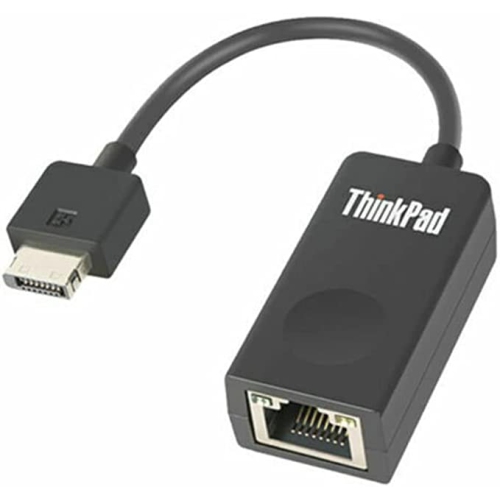 Your price for this item is $51.68
Discover more categories related to DisplayPort To HDMI Active Adapters

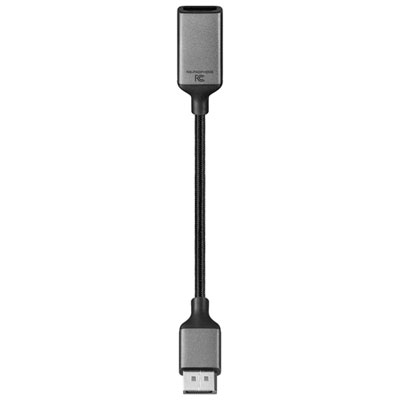
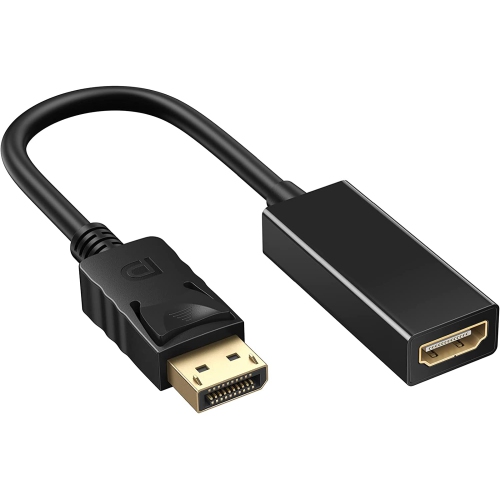
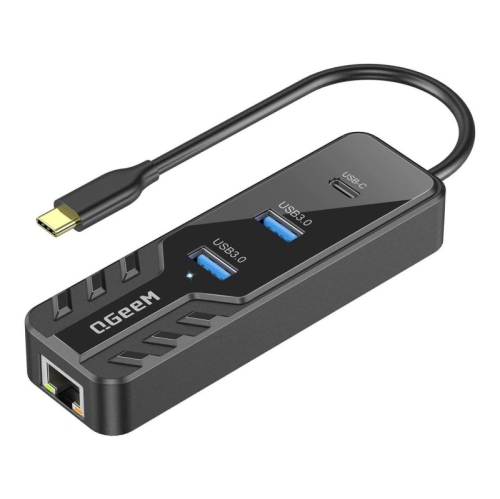
Top Collections:
Best Black Friday Deals This Year, Best Black Friday Deals On Electronics, Kindle Devices, Pokemon Centers, Best Black Friday Deals On Apple Products, Best Cameras for Sports Photography, Dyson Airwrap, Pokémon 30th Celebration Cards, Apple iPhone 17 Pro, Canon G7X Cameras
Some products may be subject to Environmental Handling Fees
(EHF) depending on your province.
Learn more about EHFs.