Mini iPad Stands
Looking for the perfect stand to prop up your iPad? Look no further! Our collection of mini iPad stands offers a wide range of options to enhance your tablet experience. Whether you're watching movies, video chatting with friends, or using your Mini iPad as a second screen for work, these stands provide stability and convenience. With various styles and features to choose from, finding the ideal stand to suit your needs has never been easier. Explore our selection today and take your Mini iPad usage to new heights!
Sort
![CSMART [Cs] Universal Phone Desk Stand Foldable Cellphone Mount Holder for Iphone Ipad Cell Phone Smartphone Tablet In Black](https://multimedia.bbycastatic.ca/multimedia/products/500x500/169/16932/16932912.jpeg)
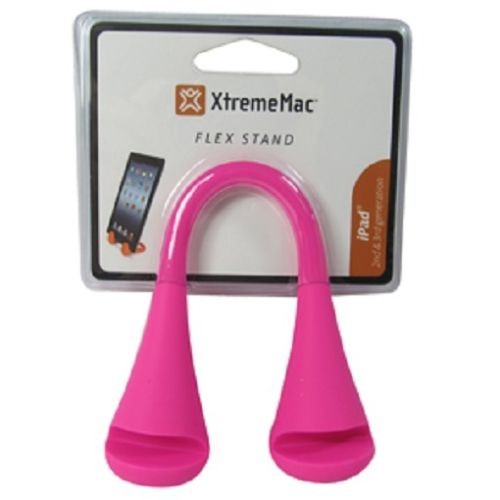
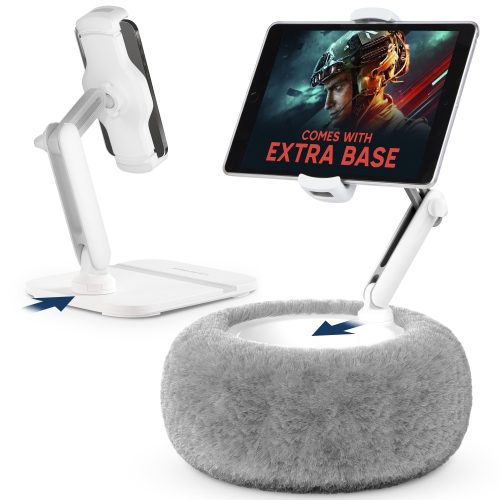
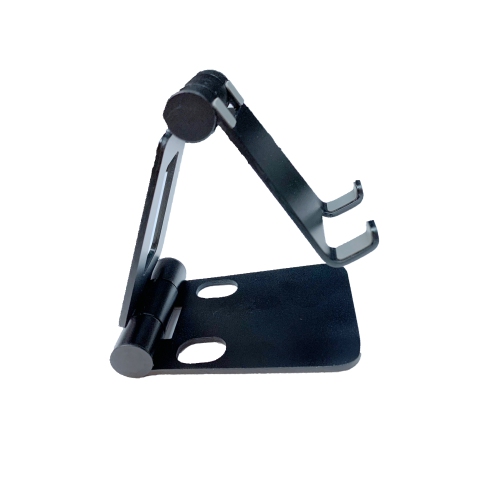
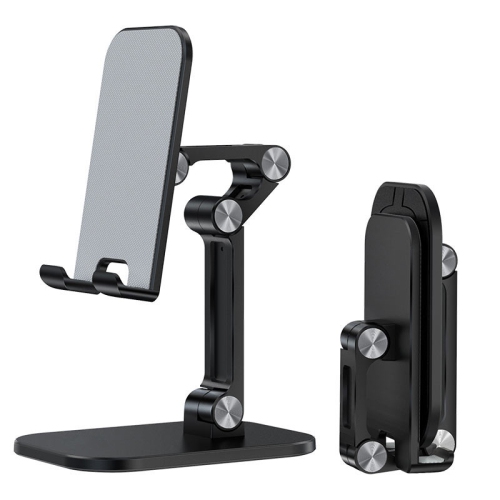
Better viewing angles, stability, and case compatibility matter
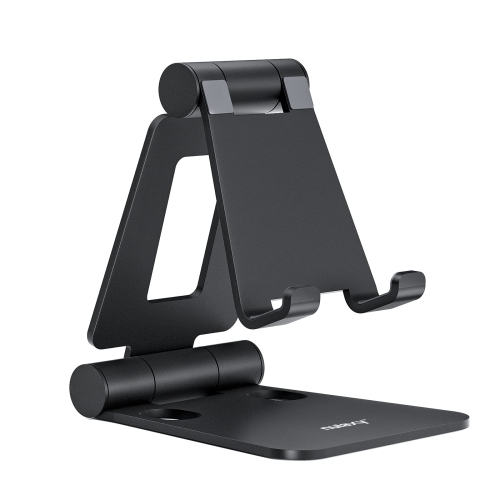
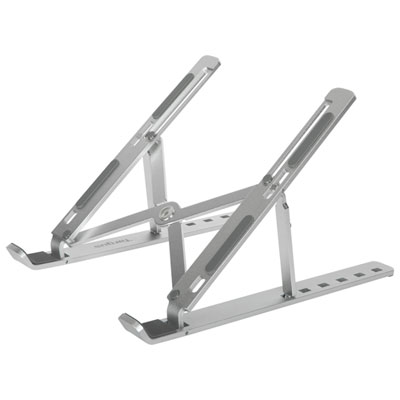
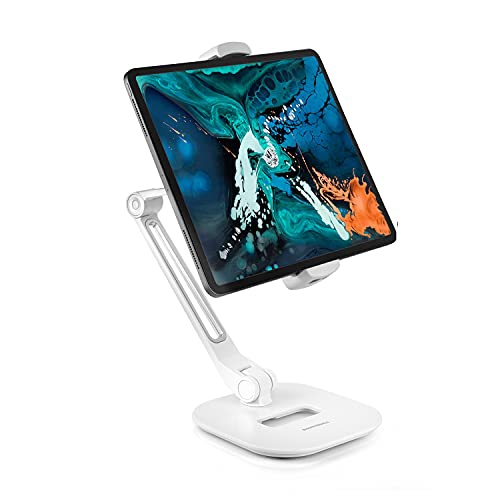
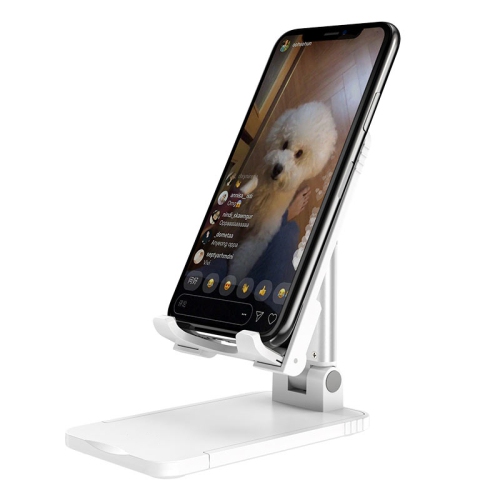
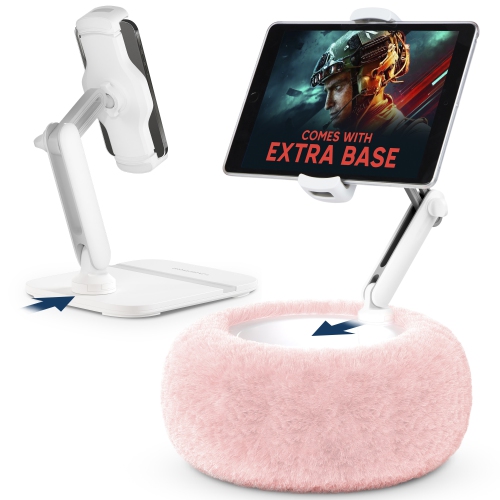
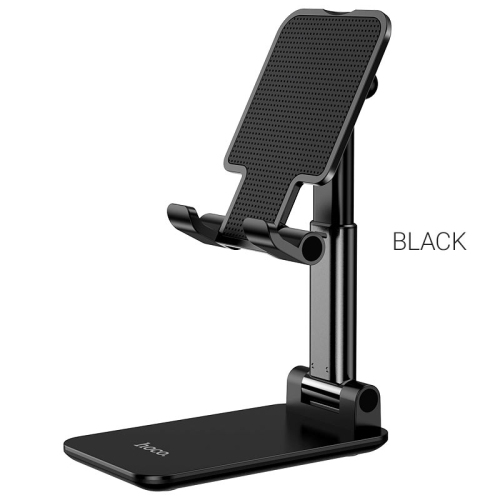
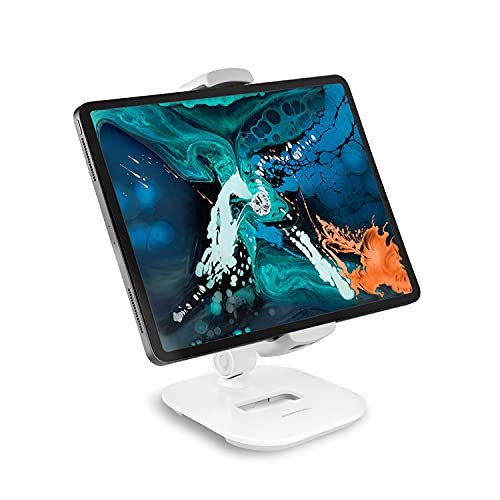
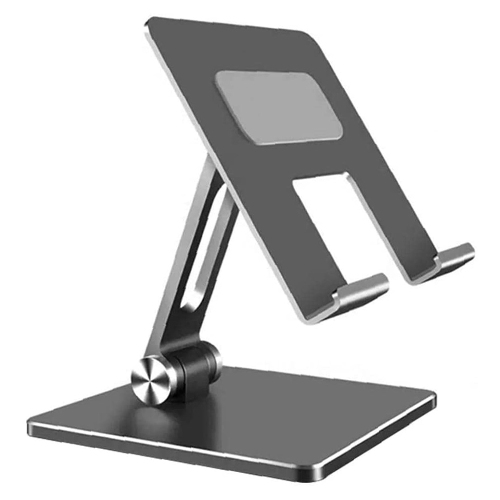
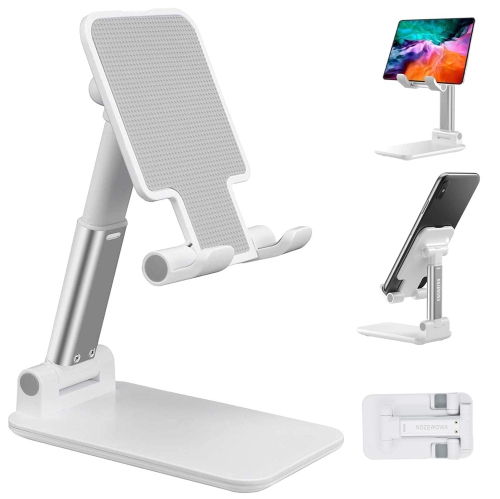
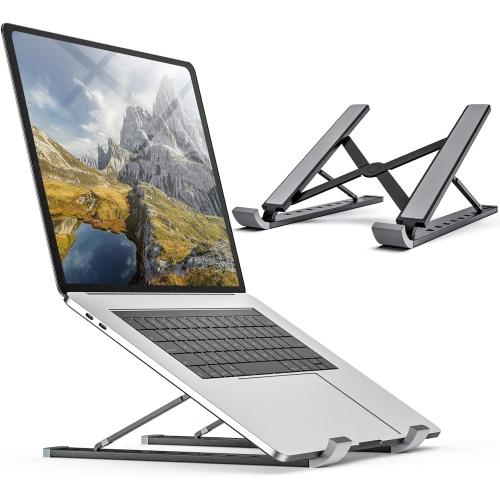
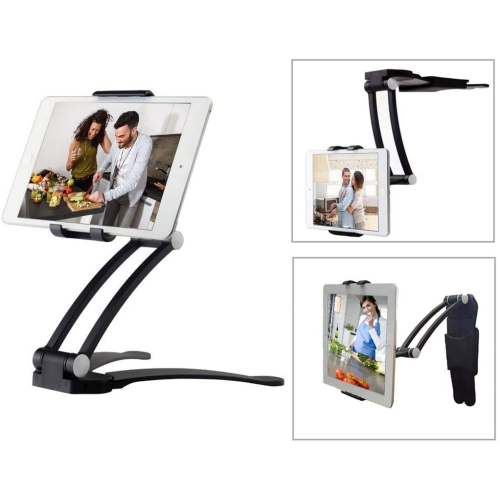
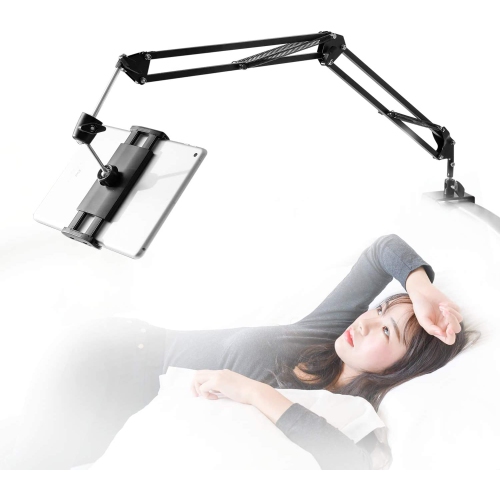
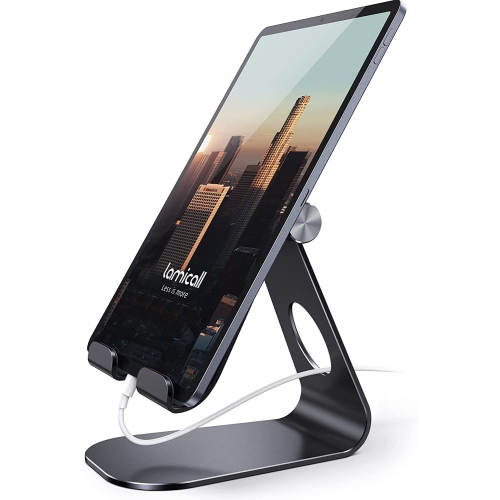
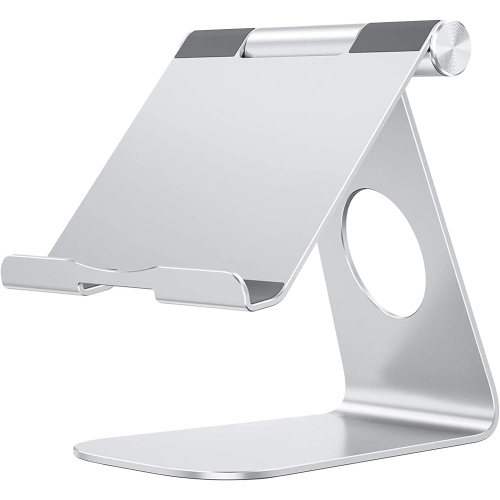
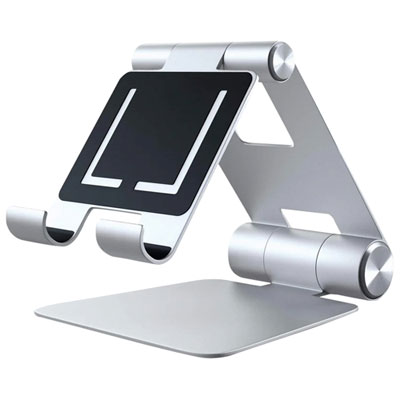
Choosing the right stand can make an iPad mini feel more comfortable and useful throughout the day. A well-designed stand raises the screen from a flat surface, helps reduce awkward neck angles, and keeps the tablet steady while you read, stream, follow a recipe, join a video call, or use it as a compact second screen. Browse the selection of iPad Mini Stands with your usual routines in mind, since the best option depends on where you use your tablet and how often you move it. A small stand that stays on a bedside table or home office can prioritize stability and a clean, unobtrusive design, while a travel-friendly option should fold flat or take up very little room in a backpack. Consider whether you prefer portrait or landscape viewing, or need both. Portrait orientation can be useful for reading, browsing long web pages, checking messages, and displaying a document, while landscape orientation is often more comfortable for video, gaming, typing, and video calls. Adjustable viewing angles can also make a noticeable difference when lighting changes during the day or when several people are looking at the screen together. A stable base, grippy feet, and a well-balanced frame help prevent sliding and tipping when you tap, swipe, or connect a charging cable. For a tidy desk, look for thoughtful cable clearance so the stand does not press against the connector or force the cord into a sharp bend.
Compatibility with a case is one of the most important details to check before choosing a mini iPad stand. Some slim magnetic stands are designed to connect directly to the tablet and may not work with every protective case, particularly thicker folio, keyboard, rugged, or wallet-style designs. Other stands hold the device by its edges or support it in a cradle, making them more flexible for everyday use with a case attached. If you prefer to keep your iPad mini protected, measure the combined thickness of the tablet and case and compare it with the stand’s supported dimensions. It is also worth checking how easily the tablet can be inserted and removed. A stand that requires removing the case each time may be less convenient than one with an open frame or adjustable support. Magnetic designs can offer a sleek, almost floating appearance and quick attachment, while fold-out or adhesive designs can provide a very compact way to add a viewing angle directly to the tablet or its case. Adhesive options should be positioned carefully on a clean, suitable surface, since moving them later may not be simple. When a stand includes rotation, confirm that the hinge or swivel feels firm enough to hold the screen in place rather than slowly drifting during use. For a work area, a stand with a built-in USB-C hub may add practical value by bringing ports such as USB, HDMI, or memory card connections closer to the tablet, but check the iPad mini’s port compatibility and the accessories you plan to connect. A stand is most useful when its features match the way you actually work, rather than adding bulk or connections that will rarely be used.
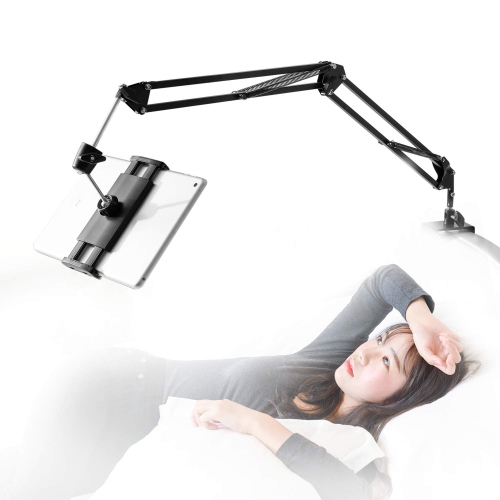
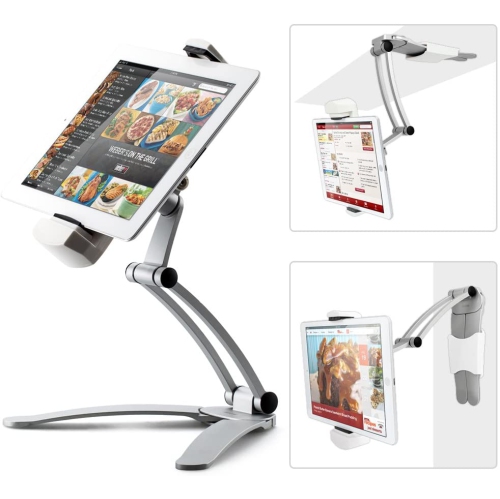
Mini iPad stands can suit a wide range of users and make thoughtful gifts for students, home cooks, travellers, readers, and anyone who enjoys a more organized digital setup. A student might use one on a dorm desk to keep lecture notes visible while writing, or to position a study timer where it is easy to see. At home, it can hold a recipe at eye level on a kitchen counter, keeping the tablet away from splashes and making it easier to move through instructions with clean or flour-covered hands. In a living room, a stand can turn the iPad mini into a convenient screen for streaming, displaying photos, controlling compatible smart-home accessories, or following a workout during the cooler months. Travellers may appreciate a lightweight folding design for hotel desks, train tables, or airport seating, while someone working remotely may prefer a sturdy desktop model that supports long video calls and keeps the camera at a more natural height. It can also be helpful beside a bed or reading chair, where a steady viewing position is more comfortable than holding the tablet for an extended period. During the transition from early fall into winter, a compact stand can provide a dedicated place for schedules, recipes, entertainment, and video calls as people spend more time indoors, without being tied to a particular room or routine. Before purchasing, review the stand’s dimensions, weight, material, adjustment range, case support, charging access, and intended surface. Think about whether it will remain in one location or travel between rooms, and whether the recipient values a nearly invisible accessory or a more substantial workstation-style setup. With the right balance of portability, stability, viewing flexibility, and device compatibility, a mini iPad stand can turn a small tablet into a more comfortable, capable part of everyday life.
Compatibility with a case is one of the most important details to check before choosing a mini iPad stand. Some slim magnetic stands are designed to connect directly to the tablet and may not work with every protective case, particularly thicker folio, keyboard, rugged, or wallet-style designs. Other stands hold the device by its edges or support it in a cradle, making them more flexible for everyday use with a case attached. If you prefer to keep your iPad mini protected, measure the combined thickness of the tablet and case and compare it with the stand’s supported dimensions. It is also worth checking how easily the tablet can be inserted and removed. A stand that requires removing the case each time may be less convenient than one with an open frame or adjustable support. Magnetic designs can offer a sleek, almost floating appearance and quick attachment, while fold-out or adhesive designs can provide a very compact way to add a viewing angle directly to the tablet or its case. Adhesive options should be positioned carefully on a clean, suitable surface, since moving them later may not be simple. When a stand includes rotation, confirm that the hinge or swivel feels firm enough to hold the screen in place rather than slowly drifting during use. For a work area, a stand with a built-in USB-C hub may add practical value by bringing ports such as USB, HDMI, or memory card connections closer to the tablet, but check the iPad mini’s port compatibility and the accessories you plan to connect. A stand is most useful when its features match the way you actually work, rather than adding bulk or connections that will rarely be used.
Mini iPad stands can suit a wide range of users and make thoughtful gifts for students, home cooks, travellers, readers, and anyone who enjoys a more organized digital setup. A student might use one on a dorm desk to keep lecture notes visible while writing, or to position a study timer where it is easy to see. At home, it can hold a recipe at eye level on a kitchen counter, keeping the tablet away from splashes and making it easier to move through instructions with clean or flour-covered hands. In a living room, a stand can turn the iPad mini into a convenient screen for streaming, displaying photos, controlling compatible smart-home accessories, or following a workout during the cooler months. Travellers may appreciate a lightweight folding design for hotel desks, train tables, or airport seating, while someone working remotely may prefer a sturdy desktop model that supports long video calls and keeps the camera at a more natural height. It can also be helpful beside a bed or reading chair, where a steady viewing position is more comfortable than holding the tablet for an extended period. During the transition from early fall into winter, a compact stand can provide a dedicated place for schedules, recipes, entertainment, and video calls as people spend more time indoors, without being tied to a particular room or routine. Before purchasing, review the stand’s dimensions, weight, material, adjustment range, case support, charging access, and intended surface. Think about whether it will remain in one location or travel between rooms, and whether the recipient values a nearly invisible accessory or a more substantial workstation-style setup. With the right balance of portability, stability, viewing flexibility, and device compatibility, a mini iPad stand can turn a small tablet into a more comfortable, capable part of everyday life.
Top selling and popular products
-
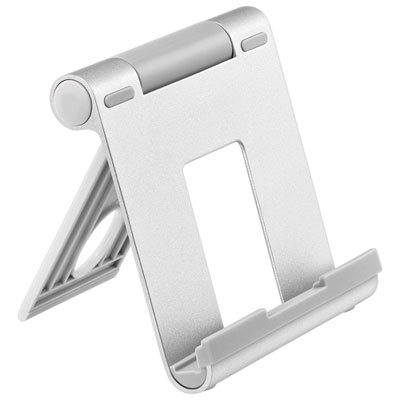 Your price for this item is $18.97
 -
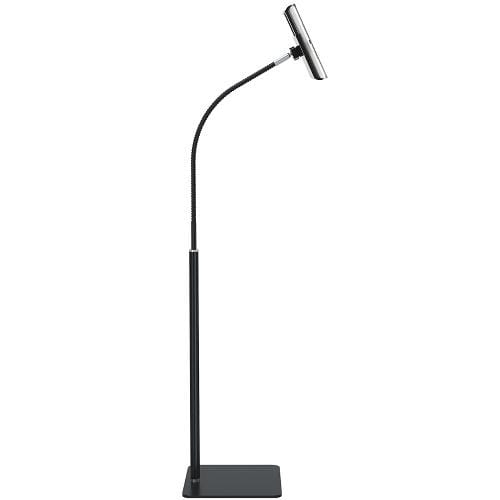 Your price for this item is $129
 -
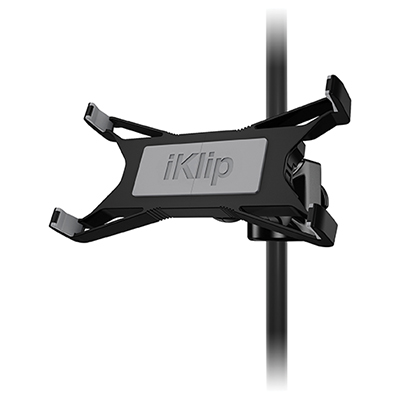 Your price for this item is $59.99
 -
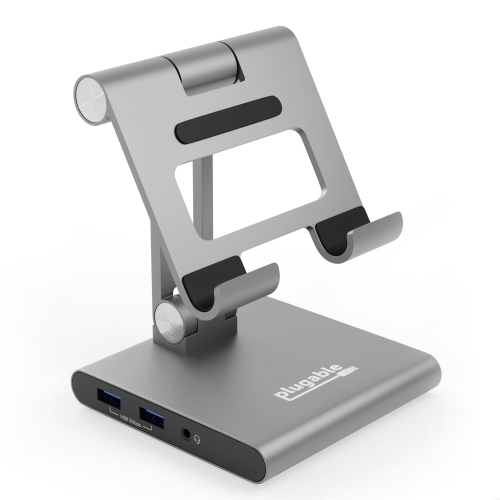 Your price for this item is $134.94
 -
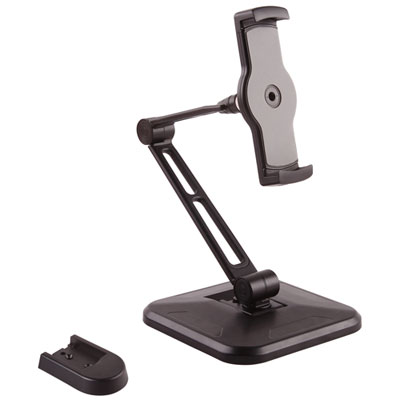 Your price for this item is $65.99
 -
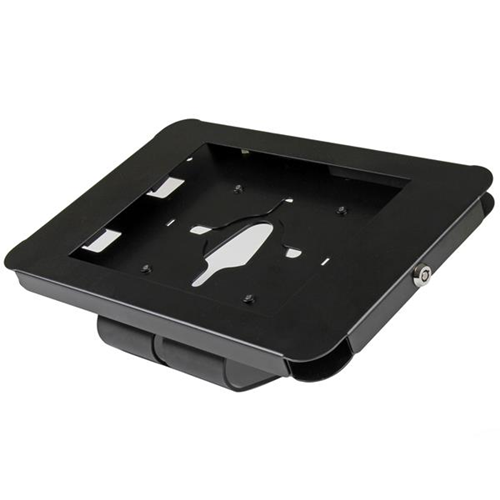 Your price for this item is $72.68
 -
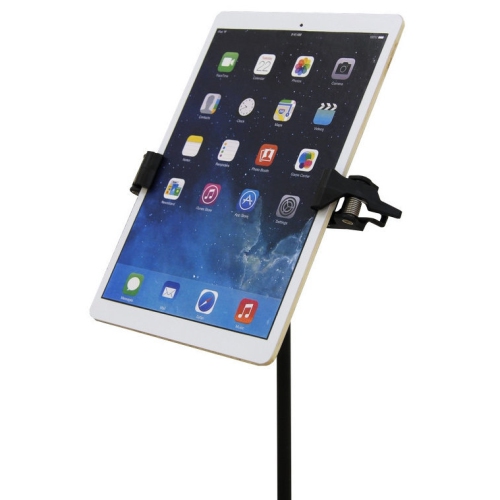 Your price for this item is $74.99
 -
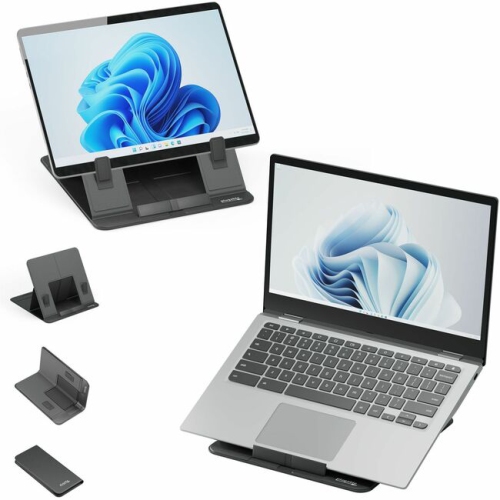 Your price for this item is $73.97
Discover more categories related to Mini iPad Stands
Top Collections:
Pokemon Centers, Kindle Devices, Best Budget Office Chairs, Apple iPhones 16, Best Laptops for Writers, iPhone 15 Apple, Canon G7X Cameras, Refurbished Apple Laptops, Alarm Clock, Motorola Razr Phones
Some products may be subject to Environmental Handling Fees
(EHF) depending on your province.
Learn more about EHFs.