iPad Stands for Drawing
Enhance your artistic journey with our collection of iPad stands specifically designed for drawing. Whether you're a professional artist or simply enjoy expressing your creativity through digital art, these stands provide the perfect solution to elevate your iPad experience. With their versatile features and sturdy construction, our selection of iPad stands for drawing offers the ideal platform for you to explore your artistic potential. Discover the perfect stand that combines functionality, comfort, and style, allowing you to immerse yourself in the world of digital art like never before.
Sort

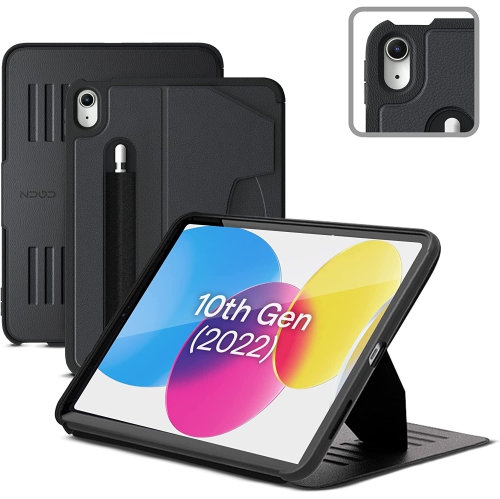
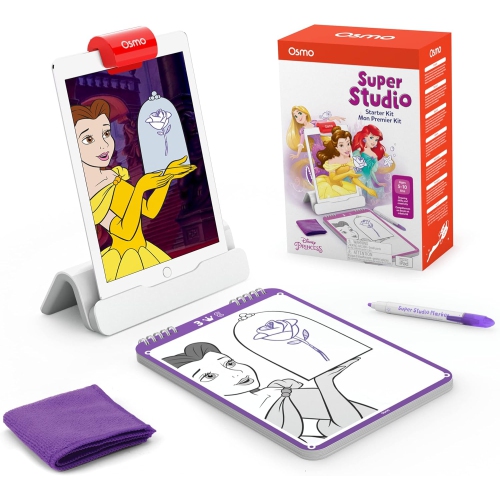
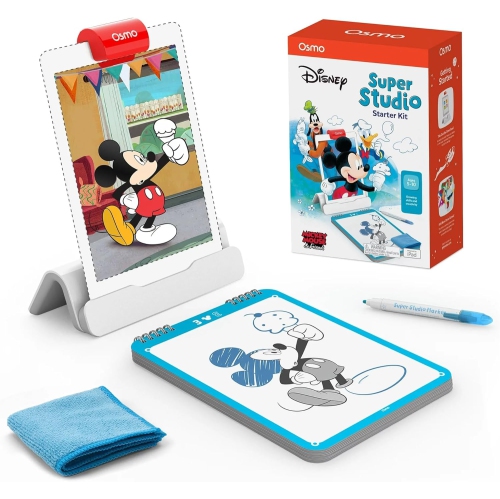
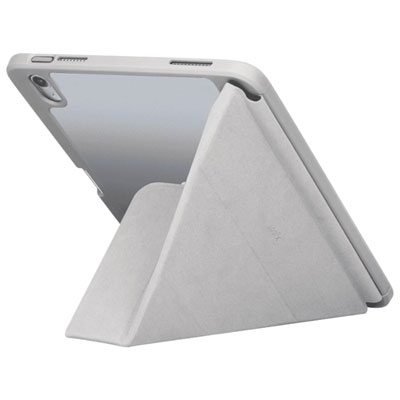
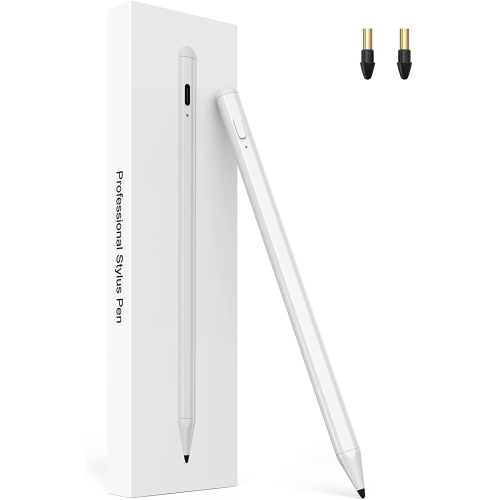
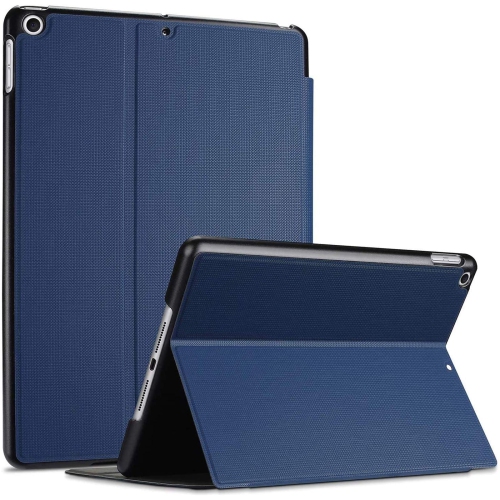
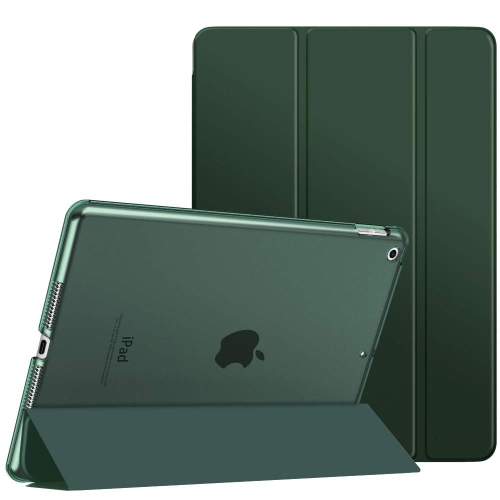
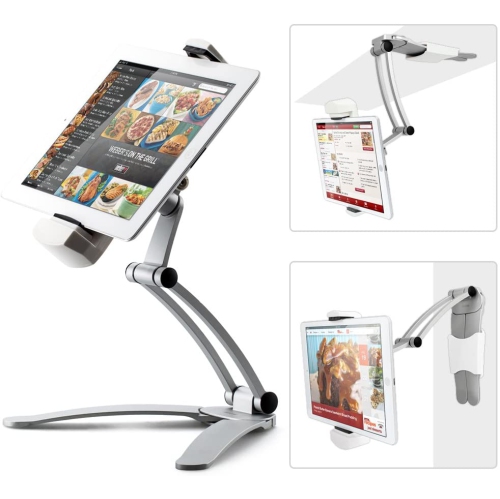
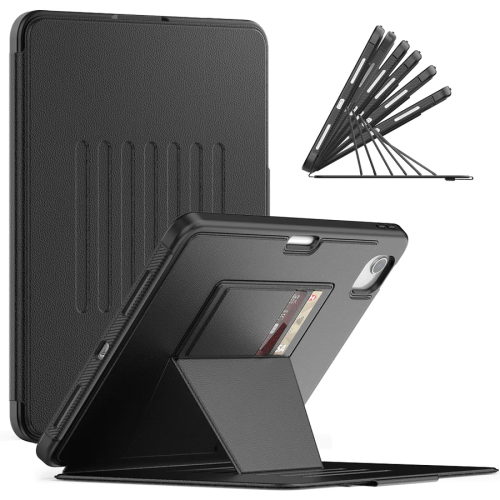
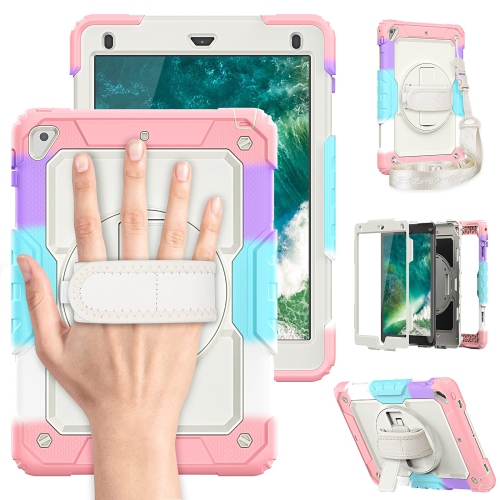
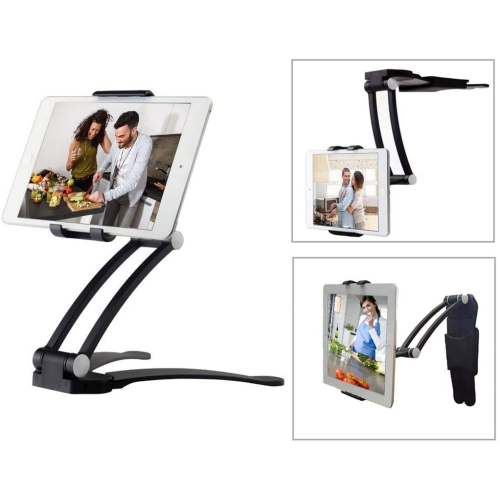
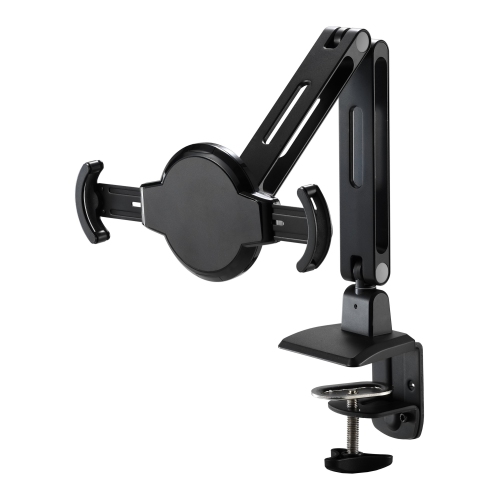
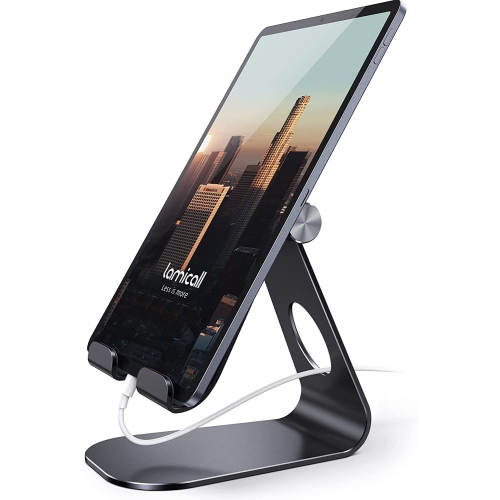

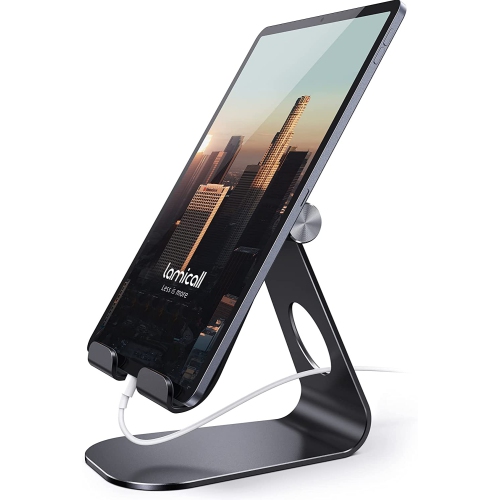

![HLD Ipad 9Th Generation Case, Ipad 8Th/7Th Generation Case Ipad 10.2 Case, Ipad Air 3 Case [Pencil Holder] Kids Camo Case for Ipad 10.2" Shockproof](https://multimedia.bbycastatic.ca/multimedia/products/500x500/164/16471/16471772.jpeg)

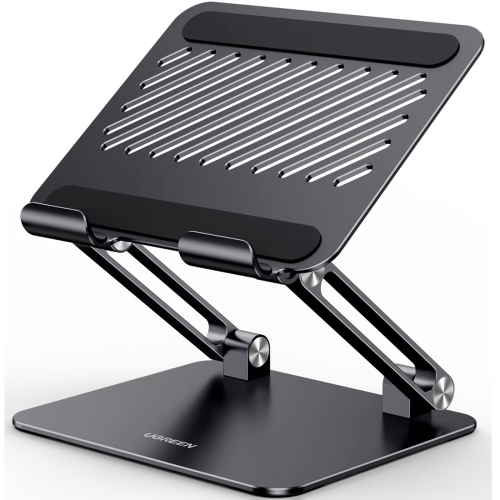
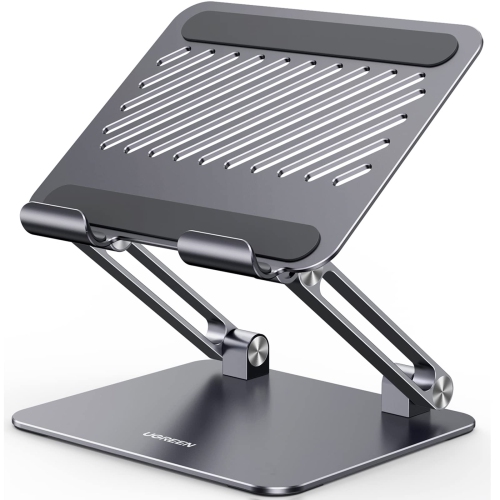

![CSMART [Cs] 360 Rotating Pu Leather Stand Case Smart Cover for Ipad 10Th Gen. / Ipad (A16) 11Th Gen. In Black](https://multimedia.bbycastatic.ca/multimedia/products/500x500/165/16596/16596891.jpeg)
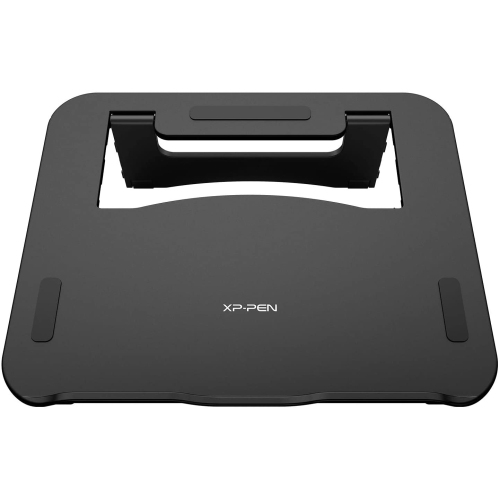
![SUPERSHIELD Stock Ipad 9Th/8Th/7Th Generation Case, Ipad Three Layer Drop Protection Case w [360 Rotating Stand] Hand Strap Ipad 9Th/8Th/7Th Gen](https://multimedia.bbycastatic.ca/multimedia/products/500x500/166/16682/16682461.jpeg)
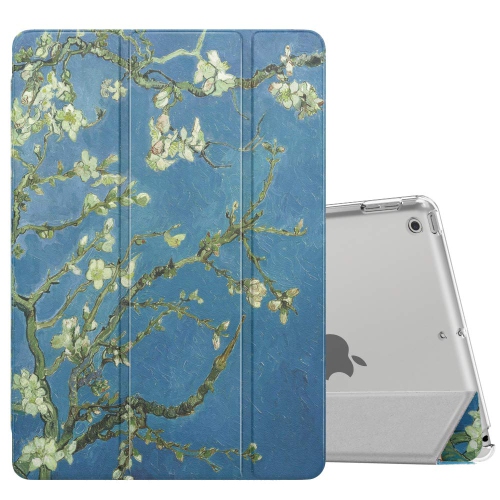
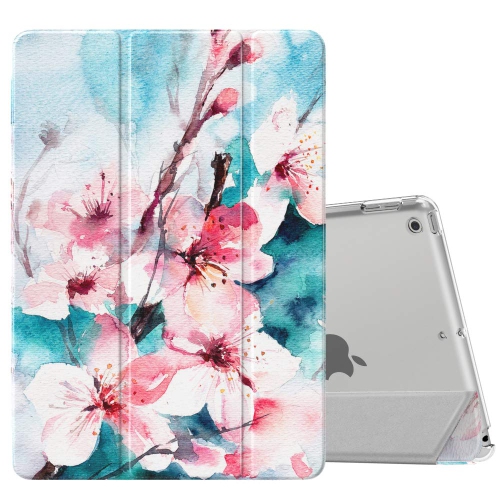

![ALBERTATECH Case for Ipad 9.7 2018 2017 / Ipad Air 2 / Ipad Air - [Corner Protection] Multi-Angle Viewing Folio Stand Cover](https://multimedia.bbycastatic.ca/multimedia/products/500x500/163/16341/16341259.jpeg)
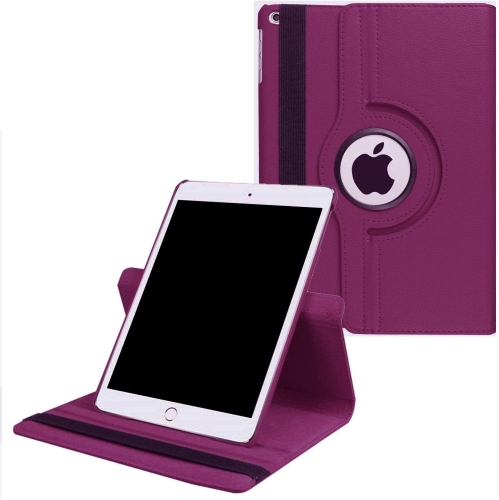
Steady support matters more than height for drawing
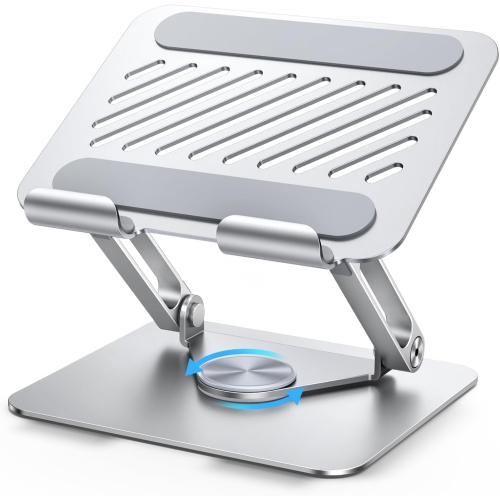
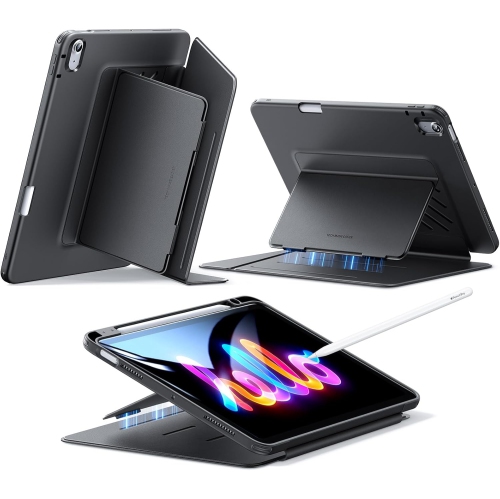
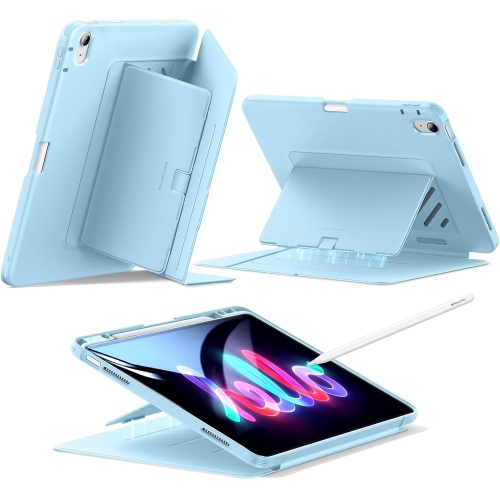
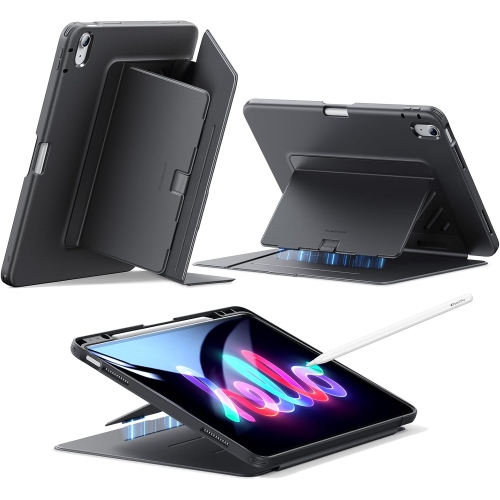
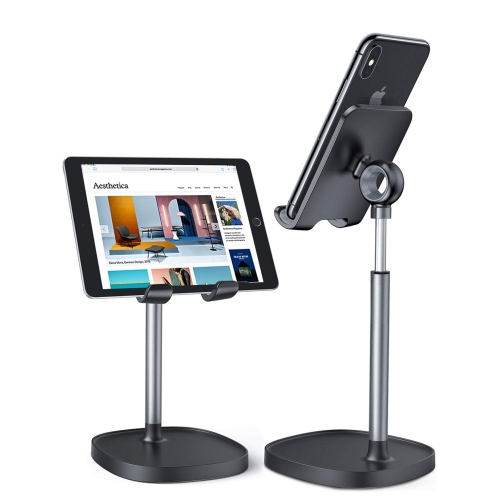
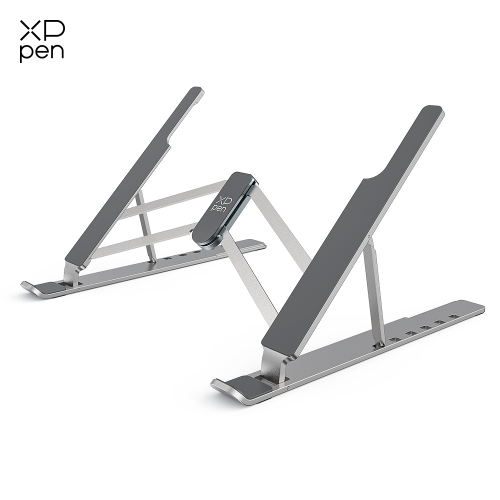
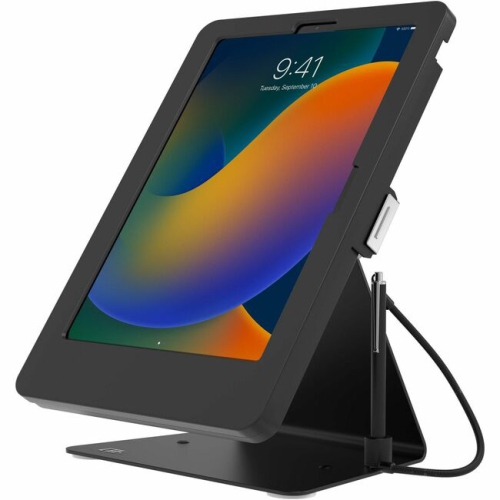
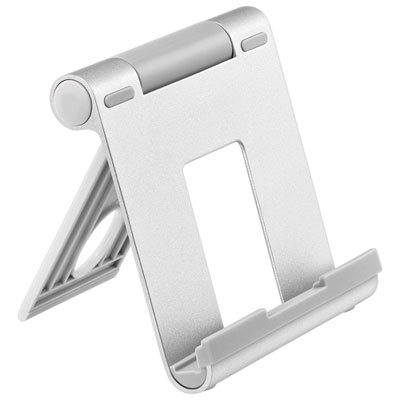
iPad stands for drawing support a tablet at an angle that suits sketching, illustration, lettering, and other hands-on creative work. Unlike a stand used mainly for watching videos, a drawing stand needs to stay steady while a stylus moves across the screen and a hand rests near its edge. A broad base, firm hinges, and a secure tablet support are especially useful for controlled strokes, detailed shading, and repeated gestures such as zooming or rotating a canvas. Low-angle supports can make drawing feel closer to working in a sketchbook, while adjustable designs let the screen tilt higher for checking proportions, viewing reference images, or reviewing a finished piece. Height adjustment and tilt adjustment serve different purposes: raising the tablet brings the display closer to eye level, while changing its tilt alters the surface beneath the drawing hand. A tall stand that works well for video calls may still flex under drawing pressure, so stability at the preferred working angle matters more than height alone. Drawing-board designs take another approach by placing the tablet within a wider surface, giving the hand and forearm somewhere to rest beyond the glass. That extra support can be helpful when making broad strokes near the edge of the display, though it also takes up more room than a compact desktop stand. For someone creating character art at a desk, a sturdy adjustable base may suit a workflow that alternates between loose sketches and fine linework. A student annotating diagrams might prefer a smaller folding support that shares desk space with textbooks. Digital painters, hobby artists, design students, and people learning hand lettering can all use these supports, but their needs differ with drawing style and workspace. The most useful features are the ones that keep the screen secure, leave room for natural hand movement, and make it easy to settle into a practical working position.
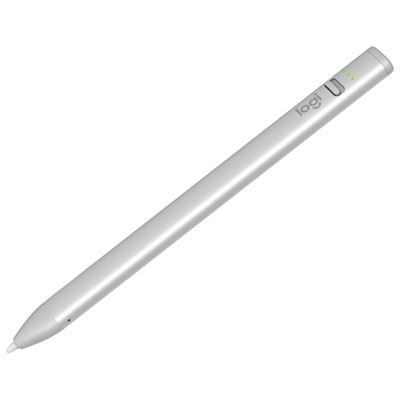
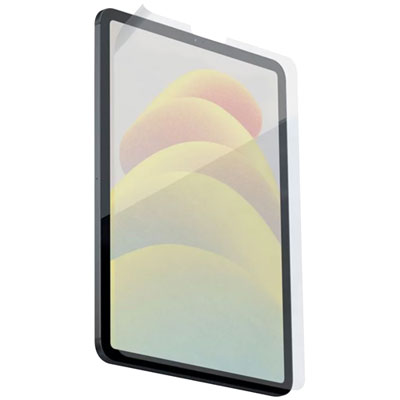
Fit involves more than matching a screen size. The tablet’s exact model, overall dimensions, thickness, and case all affect how it sits in a stand. A recessed drawing board may be shaped for a particular device, whereas an open platform or adjustable holder may accommodate several sizes within its stated limits. A protective case adds bulk and can prevent a tablet from sitting flush, fitting beneath retaining tabs, or reaching the back of a support ledge. The ledge itself deserves attention, too: it should hold the tablet securely without pressing awkwardly against the wrist or blocking access to the lower edge of the screen. For artists who turn their canvas between portrait and landscape, a rotating mount or a platform that permits easy repositioning can simplify the change. Any rotating mechanism should remain firm once positioned rather than drifting with each stroke. Access around the tablet is equally important. Charging ports, buttons, speakers, and any magnetic stylus attachment area should remain usable wherever the stand’s design allows. Cable clearance helps prevent a charging connector from being trapped between the tablet and the desk, particularly at lower drawing angles. Materials influence both handling and durability. Aluminium supports can provide a rigid structure, although the stability of a finished stand also depends on its joints, base width, and weight distribution. Moulded plastic designs can be light and easy to carry, while wood or composite drawing boards can offer a broad working surface. Silicone or rubber contact pads help limit slipping and keep hard edges from rubbing directly against the tablet or furniture. Padding is most useful when it stays firmly attached and does not compress enough to let the device rock. On a shared desk, the stand’s footprint should leave space for a keyboard, reference notebook, and drawing hand. Related tools, including compatible styluses, drawing gloves, and screen protectors, can also shape the setup; Ipad Drawing Accessories brings those supporting categories together. Their compatibility still needs to be checked separately, since a stand does not change which input tools or attachments a tablet supports.
Where drawing happens often determines which stand features earn their place. A dedicated desk can accommodate a heavier base or a wide drawing board that stays in position between sessions. A portable setup benefits from a folding design, a secure closed position, and edges that slide easily into a bag without catching on other belongings. Folded thickness matters alongside weight, especially when the stand travels with a tablet case, charger, and sketchbook. For drawing on a lap, a broad board intended for that use generally offers a more suitable foundation than a narrow desktop pedestal. Its underside should sit securely, and the tablet should remain supported as posture changes; soft cushions alone can allow a small stand to lean or wobble. At a table, positioning the support within easy reach helps avoid stretching forward for every stroke. No single angle will suit every artist or task, and even a well-supported tablet does not replace posture changes and regular breaks during long sessions. Day-to-day care is usually straightforward, but the finish and moving parts need appropriate treatment. Dust and grit should be removed from contact pads and tablet recesses so particles are not held against the device. A soft cloth can handle routine cleaning, with any cleaning solution used according to the stand manufacturer’s directions. Hinges, folding legs, and locking points should be checked periodically for looseness, and adjustment knobs should be tightened only as directed rather than forced. Carrying a stand folded and protected from heavy objects can help prevent bent supports or damaged joints. A drawing stand can also make a thoughtful gift for someone who regularly creates digital art, provided the tablet model and usual drawing location are known. For a beginner, a simple stable support may be more useful than numerous adjustments that rarely get used. For an experienced illustrator, details such as wrist clearance, dependable tilt control, and a surface that accommodates sweeping hand movements may matter most. Those practical differences help a drawing stand fit naturally into everyday creative work.
Fit involves more than matching a screen size. The tablet’s exact model, overall dimensions, thickness, and case all affect how it sits in a stand. A recessed drawing board may be shaped for a particular device, whereas an open platform or adjustable holder may accommodate several sizes within its stated limits. A protective case adds bulk and can prevent a tablet from sitting flush, fitting beneath retaining tabs, or reaching the back of a support ledge. The ledge itself deserves attention, too: it should hold the tablet securely without pressing awkwardly against the wrist or blocking access to the lower edge of the screen. For artists who turn their canvas between portrait and landscape, a rotating mount or a platform that permits easy repositioning can simplify the change. Any rotating mechanism should remain firm once positioned rather than drifting with each stroke. Access around the tablet is equally important. Charging ports, buttons, speakers, and any magnetic stylus attachment area should remain usable wherever the stand’s design allows. Cable clearance helps prevent a charging connector from being trapped between the tablet and the desk, particularly at lower drawing angles. Materials influence both handling and durability. Aluminium supports can provide a rigid structure, although the stability of a finished stand also depends on its joints, base width, and weight distribution. Moulded plastic designs can be light and easy to carry, while wood or composite drawing boards can offer a broad working surface. Silicone or rubber contact pads help limit slipping and keep hard edges from rubbing directly against the tablet or furniture. Padding is most useful when it stays firmly attached and does not compress enough to let the device rock. On a shared desk, the stand’s footprint should leave space for a keyboard, reference notebook, and drawing hand. Related tools, including compatible styluses, drawing gloves, and screen protectors, can also shape the setup; Ipad Drawing Accessories brings those supporting categories together. Their compatibility still needs to be checked separately, since a stand does not change which input tools or attachments a tablet supports.
Where drawing happens often determines which stand features earn their place. A dedicated desk can accommodate a heavier base or a wide drawing board that stays in position between sessions. A portable setup benefits from a folding design, a secure closed position, and edges that slide easily into a bag without catching on other belongings. Folded thickness matters alongside weight, especially when the stand travels with a tablet case, charger, and sketchbook. For drawing on a lap, a broad board intended for that use generally offers a more suitable foundation than a narrow desktop pedestal. Its underside should sit securely, and the tablet should remain supported as posture changes; soft cushions alone can allow a small stand to lean or wobble. At a table, positioning the support within easy reach helps avoid stretching forward for every stroke. No single angle will suit every artist or task, and even a well-supported tablet does not replace posture changes and regular breaks during long sessions. Day-to-day care is usually straightforward, but the finish and moving parts need appropriate treatment. Dust and grit should be removed from contact pads and tablet recesses so particles are not held against the device. A soft cloth can handle routine cleaning, with any cleaning solution used according to the stand manufacturer’s directions. Hinges, folding legs, and locking points should be checked periodically for looseness, and adjustment knobs should be tightened only as directed rather than forced. Carrying a stand folded and protected from heavy objects can help prevent bent supports or damaged joints. A drawing stand can also make a thoughtful gift for someone who regularly creates digital art, provided the tablet model and usual drawing location are known. For a beginner, a simple stable support may be more useful than numerous adjustments that rarely get used. For an experienced illustrator, details such as wrist clearance, dependable tilt control, and a surface that accommodates sweeping hand movements may matter most. Those practical differences help a drawing stand fit naturally into everyday creative work.
Top selling and popular products
-
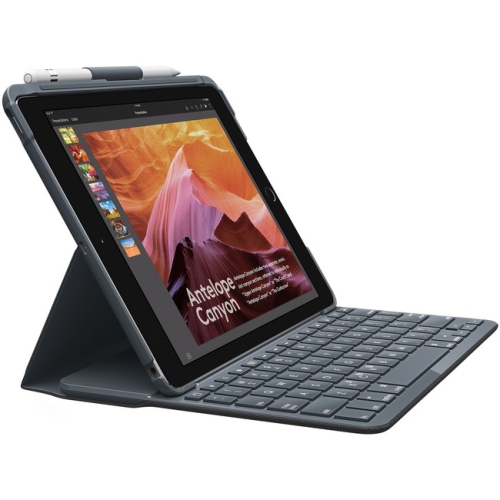 Your price for this item is $152.47
 -
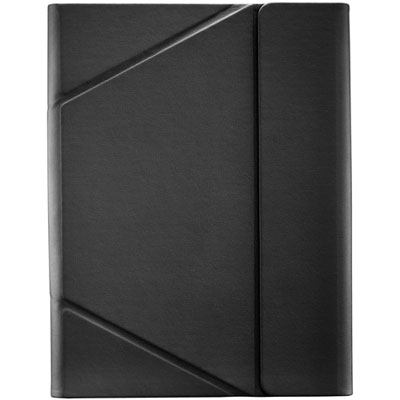 Your price for this item is $44.99
 -
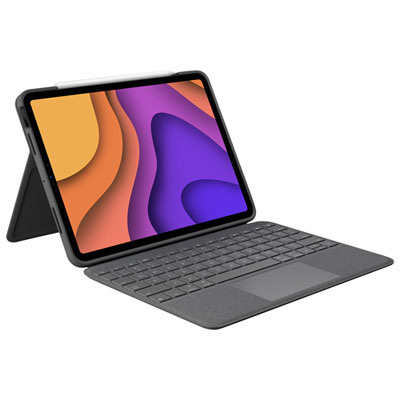 Your price for this item is $229.99
 -
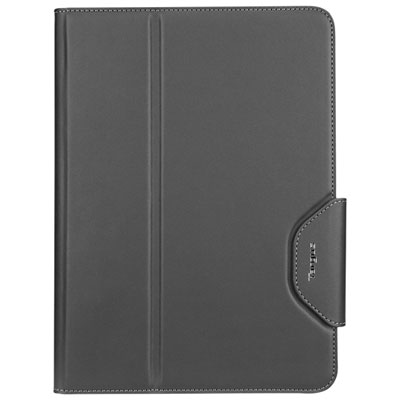 Your price for this item is $62.99
 -
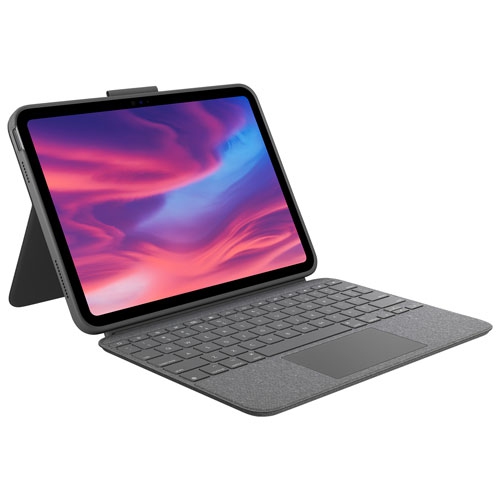 Your price for this item is $187.47
 -
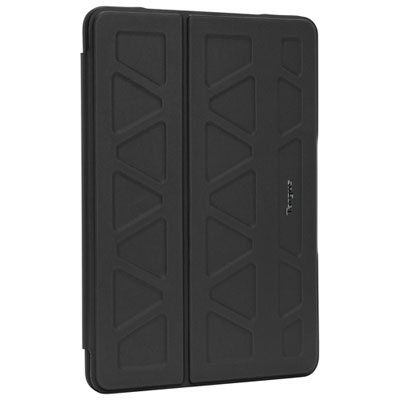 Your price for this item is $52.99
 -
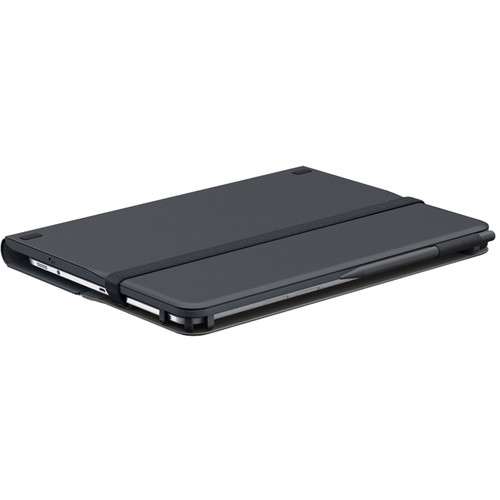 Your price for this item is $105.68
 -
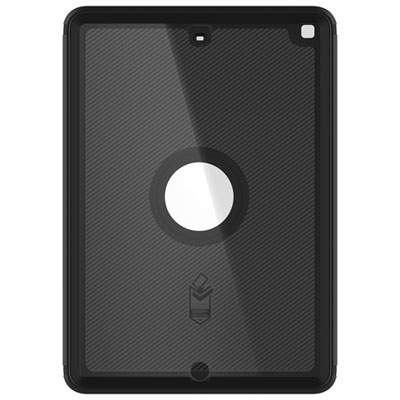 Your price for this item is $98.97
Discover more categories related to iPad Stands for Drawing

Top Collections:
Pokemon Centers, Kindle Devices, Best Budget Office Chairs, Apple iPhones 16, Best Laptops for Writers, iPhone 15 Apple, Canon G7X Cameras, Refurbished Apple Laptops, Alarm Clock, Motorola Razr Phones
Some products may be subject to Environmental Handling Fees
(EHF) depending on your province.
Learn more about EHFs.