Mini ITX Cases
Discover the perfect Mini ITX Case to build a compact yet powerful PC setup. Designed for those who value space-saving solutions without compromising on style, these cases offer a streamlined foundation for your next desktop project. Whether you're assembling a gaming system, home theater PC, or workstation, find a variety of Mini ITX Case options that blend modern aesthetics with versatile compatibility. Explore choices that cater to both first-time builders and seasoned enthusiasts, making it easy to create your ideal small form factor computer.
Sort
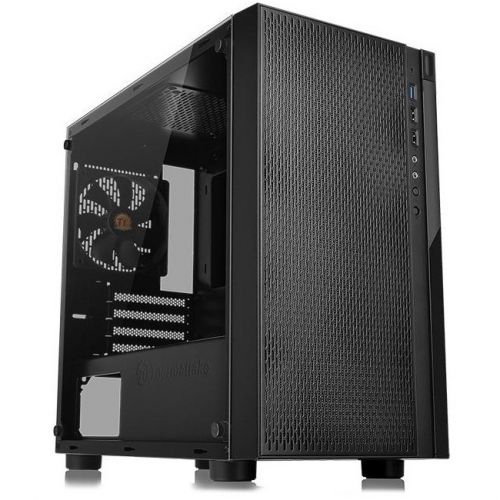
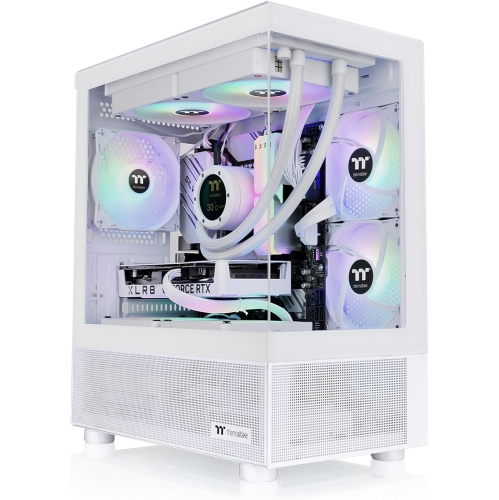
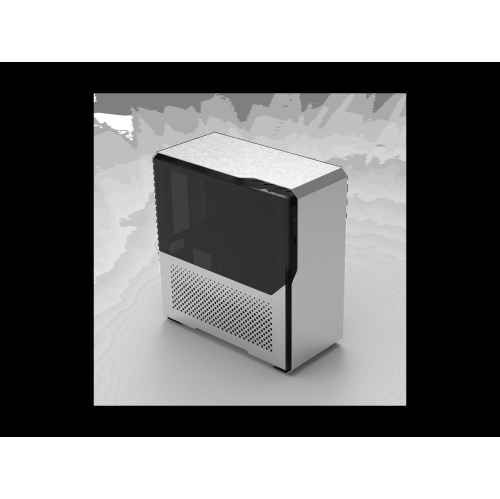
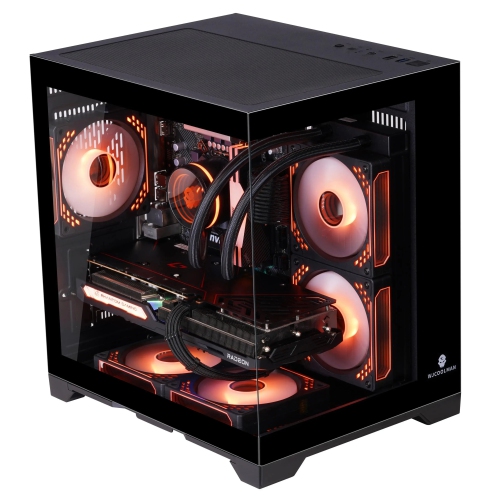
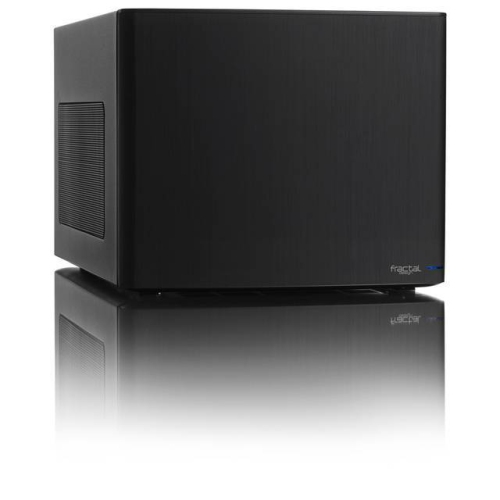
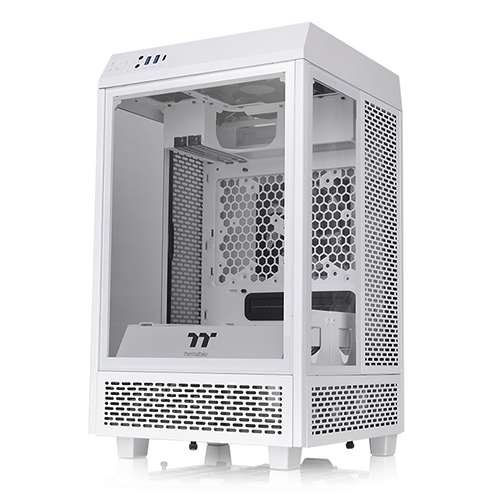
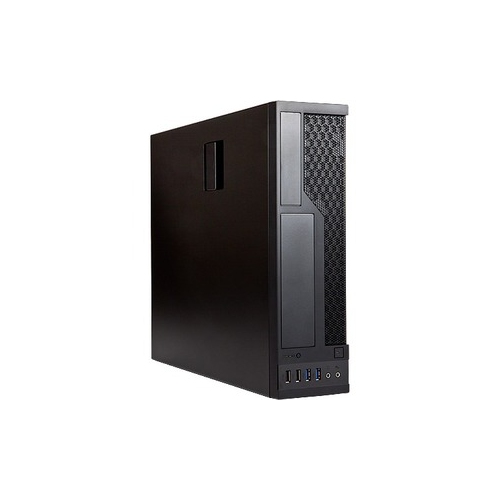
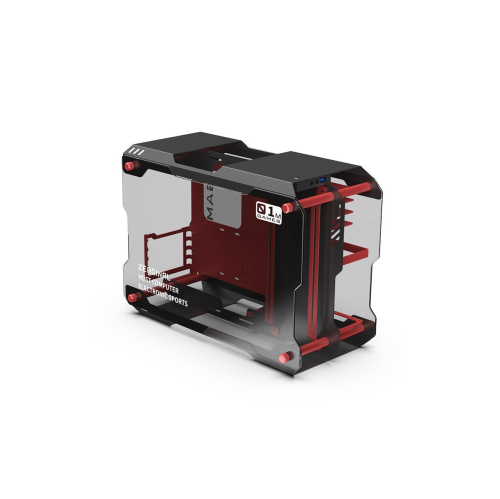
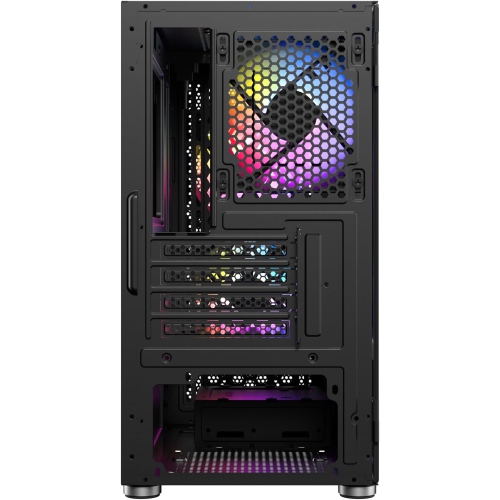
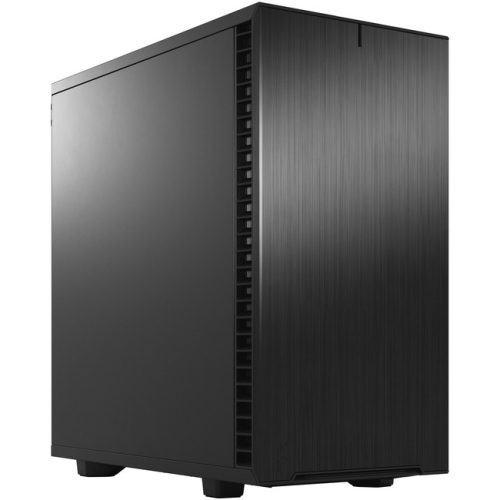
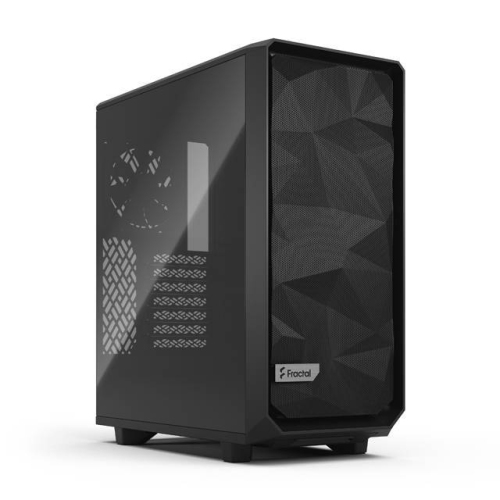
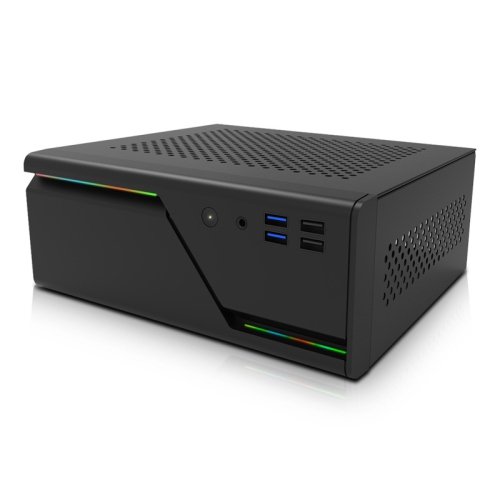
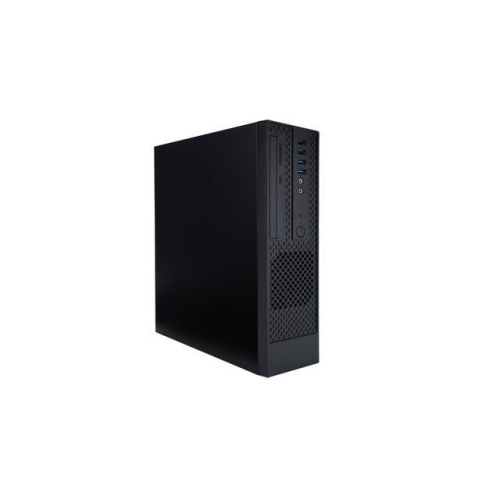


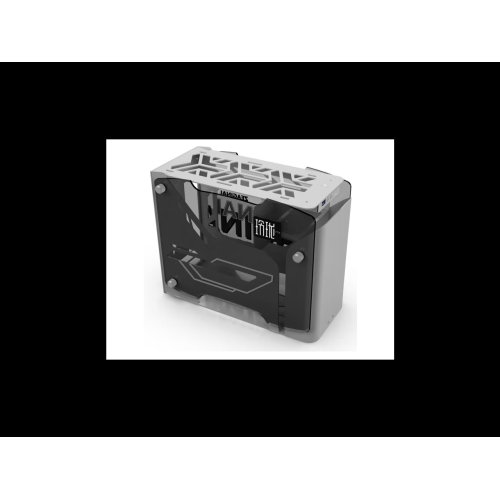
Compact builds depend on careful component and cooling planning
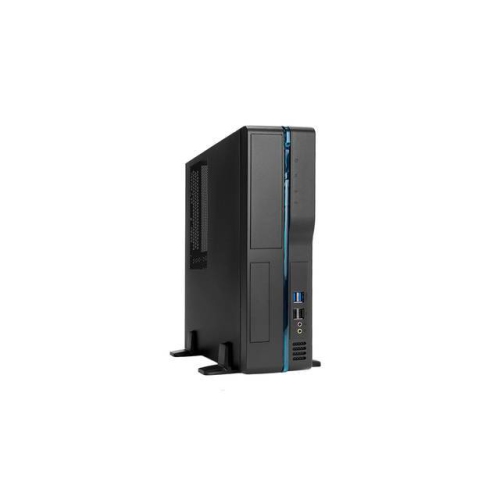
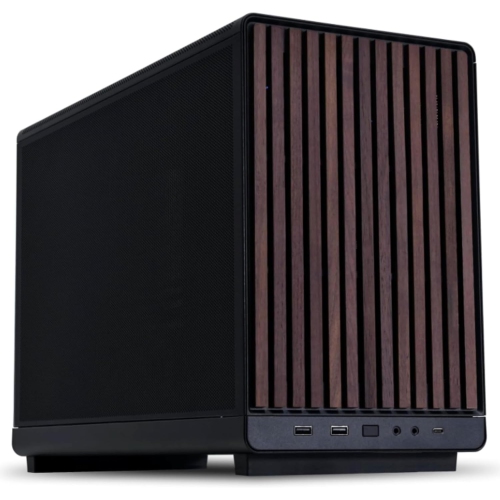
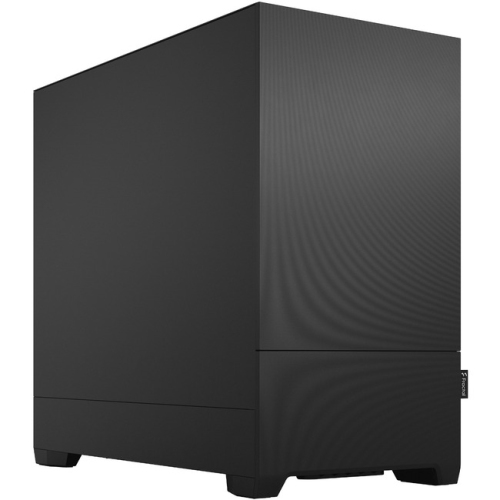
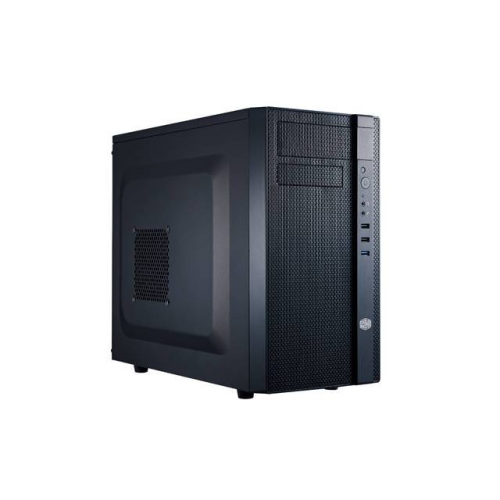
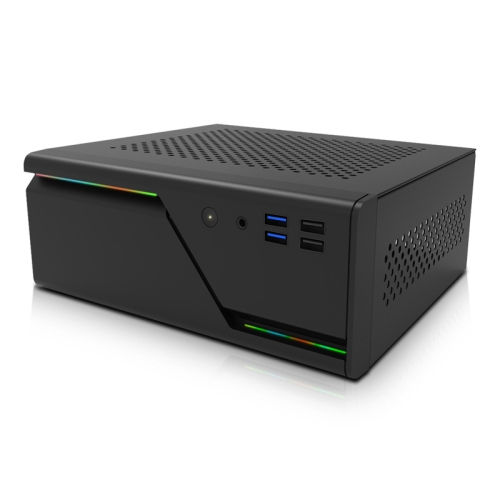
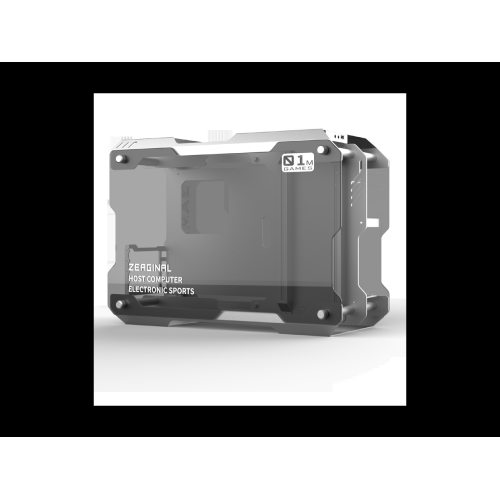
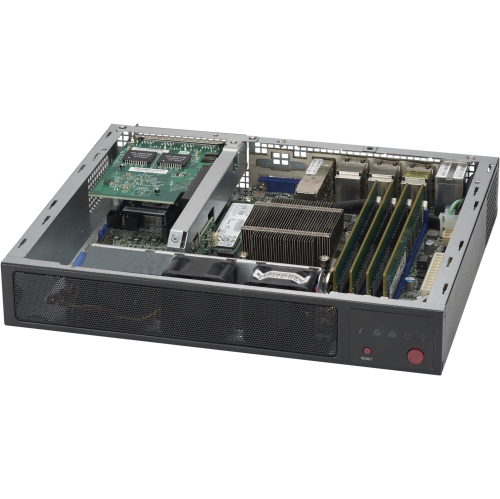
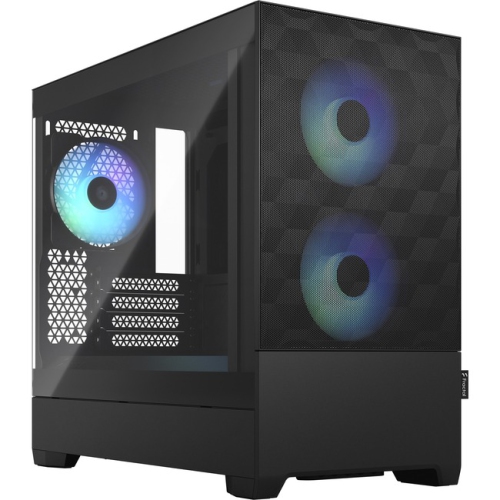
Mini ITX cases are compact computer enclosures designed for Mini-ITX motherboards, which measure 170 x 170 mm. Their small footprint makes them a practical choice when desk space is limited, while still allowing you to build a capable desktop for gaming, creative work, everyday computing, or home entertainment. Depending on the layout, a Mini-ITX case may stand vertically, sit horizontally, or use a compact sandwich-style interior that places components on separate sides of the enclosure. Some models are smaller than 10 litres, while larger small-form-factor cases provide additional room for full-length graphics cards, larger cooling solutions, and easier cable routing. This range means that “compact” can mean very different things from one case to another. A minimalist enclosure may suit a clean desk with a low-power processor and integrated graphics, while a roomier high-airflow design can support a dedicated graphics card and more demanding workloads. Before choosing a case, consider the complete computer you plan to build rather than judging size by appearance alone. Confirm the motherboard format, graphics card length and thickness, power supply standard, CPU cooler height, storage layout, and available fan mounts. A case that looks ideal on a shelf may not accommodate the components you already own, and compact builds leave less room for substitutions after purchase. For a gaming-focused system, graphics card clearance is especially important. Check the maximum supported length, height, and slot thickness, as a modern card with a large cooler may require considerably more space than its specifications suggest. It is also worth checking whether the case supports a vertically mounted card, a riser cable, or a particular orientation that could affect cooling and installation. If you are comparing small-form-factor options with more spacious designs, browsing ITX Gaming Cases can help you see how different layouts balance size, component support, and airflow.
Cooling deserves just as much attention as the exterior dimensions. A compact case has less internal volume for warm air to disperse, so thoughtful ventilation and fan placement can make a noticeable difference during long gaming sessions, video exports, or other sustained workloads. Mesh panels can encourage fresh air to reach the components, while carefully positioned intake and exhaust fans help move heat through the enclosure instead of allowing it to collect around the processor or graphics card. Check the maximum CPU air-cooler height before purchasing, since low-profile coolers may be necessary in especially slim cases. If you prefer an all-in-one liquid cooler, verify the supported radiator size and mounting location, along with clearance for the pump, tubing, memory, and graphics card. Liquid cooling is not automatically the best choice for every compact build; the right solution depends on the processor, noise expectations, available mounting space, and how comfortable you are with a more involved installation. Power supply compatibility is another defining detail. Many Mini-ITX cases require an SFX or SFX-L power supply rather than a standard ATX model, although some larger designs can accommodate both. Choose enough wattage for the processor, graphics card, drives, cooling, and future upgrades, and confirm the connector requirements of your selected components. Modular power supplies can be particularly helpful because unused cables do not have to be folded into an already crowded interior. Custom-length cables can make an even greater difference by reducing clutter and improving access around the motherboard and power supply. Cable management in a small enclosure is less about hiding every wire and more about planning the order of installation. Connecting difficult-to-reach cables before mounting the graphics card or cooler can save considerable frustration, while measuring cable paths in advance helps prevent sharp bends or blocked ventilation. Removable panels, tool-free access, and a well-organized interior can turn a challenging build into a manageable afternoon project.
Mini ITX cases can suit a wide range of people. They are popular with gamers who want a powerful computer that takes up less room than a conventional tower, especially when the system will share a desk with schoolwork, music equipment, or a second monitor. They can also appeal to photographers, designers, and video editors who need desktop-class components but prefer a less imposing workspace. A compact computer may fit neatly beside a television for streaming and local media, under a desk in a small apartment, or in a home office where every centimetre of surface area matters. Some designs include a carrying handle or a layout that makes transportation easier, making them useful for people who bring a computer to a gaming event, a studio, or a temporary workspace. Portability does not make a Mini-ITX build identical to a laptop: you still need to consider a monitor, keyboard, mouse, and safe transport, but the smaller chassis can make moving a complete desktop setup less cumbersome. These cases can also make thoughtful gifts for a PC enthusiast, a student setting up a first desktop, or someone planning a custom gaming computer during the cooler months when indoor projects naturally become more appealing. They are best given alongside an understanding of the recipient’s planned components, since motherboard size, graphics card dimensions, and power supply format must all work together. When assembling the system, take your time, keep the component manuals nearby, and test the basic hardware before closing every panel. Pay attention to dust filters, fan direction, and clearance around ventilation openings, particularly if the computer will sit inside a cabinet or close to a wall. A Mini-ITX case rewards careful planning: when the internal layout, power supply, cooling, and graphics card are matched correctly, it can deliver a full desktop experience in a remarkably small space without sacrificing the features that matter most to the way you work or play.
Cooling deserves just as much attention as the exterior dimensions. A compact case has less internal volume for warm air to disperse, so thoughtful ventilation and fan placement can make a noticeable difference during long gaming sessions, video exports, or other sustained workloads. Mesh panels can encourage fresh air to reach the components, while carefully positioned intake and exhaust fans help move heat through the enclosure instead of allowing it to collect around the processor or graphics card. Check the maximum CPU air-cooler height before purchasing, since low-profile coolers may be necessary in especially slim cases. If you prefer an all-in-one liquid cooler, verify the supported radiator size and mounting location, along with clearance for the pump, tubing, memory, and graphics card. Liquid cooling is not automatically the best choice for every compact build; the right solution depends on the processor, noise expectations, available mounting space, and how comfortable you are with a more involved installation. Power supply compatibility is another defining detail. Many Mini-ITX cases require an SFX or SFX-L power supply rather than a standard ATX model, although some larger designs can accommodate both. Choose enough wattage for the processor, graphics card, drives, cooling, and future upgrades, and confirm the connector requirements of your selected components. Modular power supplies can be particularly helpful because unused cables do not have to be folded into an already crowded interior. Custom-length cables can make an even greater difference by reducing clutter and improving access around the motherboard and power supply. Cable management in a small enclosure is less about hiding every wire and more about planning the order of installation. Connecting difficult-to-reach cables before mounting the graphics card or cooler can save considerable frustration, while measuring cable paths in advance helps prevent sharp bends or blocked ventilation. Removable panels, tool-free access, and a well-organized interior can turn a challenging build into a manageable afternoon project.
Mini ITX cases can suit a wide range of people. They are popular with gamers who want a powerful computer that takes up less room than a conventional tower, especially when the system will share a desk with schoolwork, music equipment, or a second monitor. They can also appeal to photographers, designers, and video editors who need desktop-class components but prefer a less imposing workspace. A compact computer may fit neatly beside a television for streaming and local media, under a desk in a small apartment, or in a home office where every centimetre of surface area matters. Some designs include a carrying handle or a layout that makes transportation easier, making them useful for people who bring a computer to a gaming event, a studio, or a temporary workspace. Portability does not make a Mini-ITX build identical to a laptop: you still need to consider a monitor, keyboard, mouse, and safe transport, but the smaller chassis can make moving a complete desktop setup less cumbersome. These cases can also make thoughtful gifts for a PC enthusiast, a student setting up a first desktop, or someone planning a custom gaming computer during the cooler months when indoor projects naturally become more appealing. They are best given alongside an understanding of the recipient’s planned components, since motherboard size, graphics card dimensions, and power supply format must all work together. When assembling the system, take your time, keep the component manuals nearby, and test the basic hardware before closing every panel. Pay attention to dust filters, fan direction, and clearance around ventilation openings, particularly if the computer will sit inside a cabinet or close to a wall. A Mini-ITX case rewards careful planning: when the internal layout, power supply, cooling, and graphics card are matched correctly, it can deliver a full desktop experience in a remarkably small space without sacrificing the features that matter most to the way you work or play.
Top selling and popular products
-
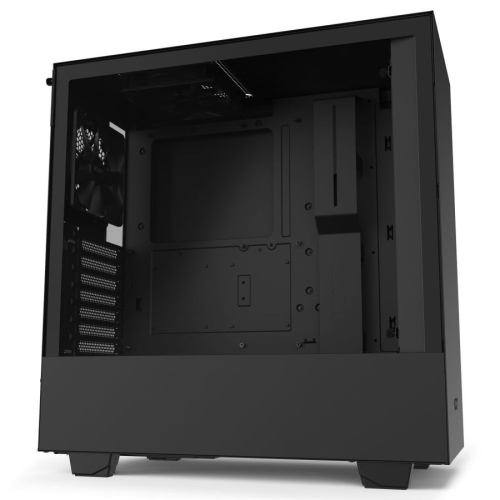 Your price for this item is $299
 -
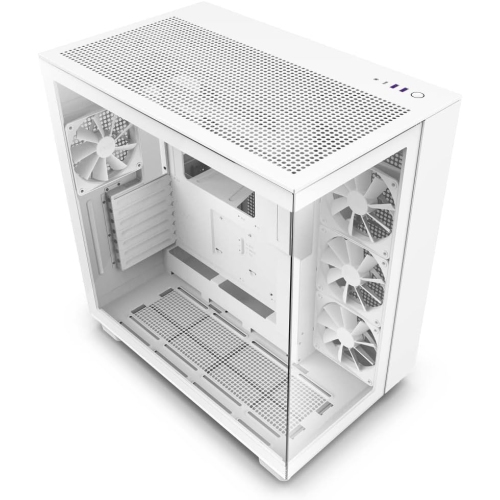 Your price for this item is $424.68
 -
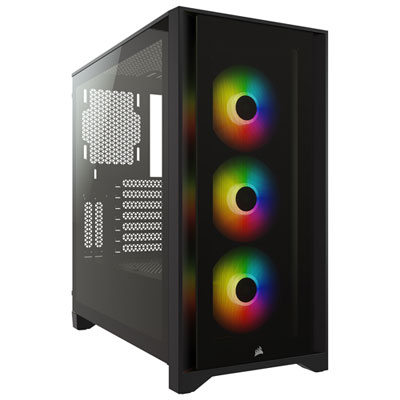 Your price for this item is $149.95
 -
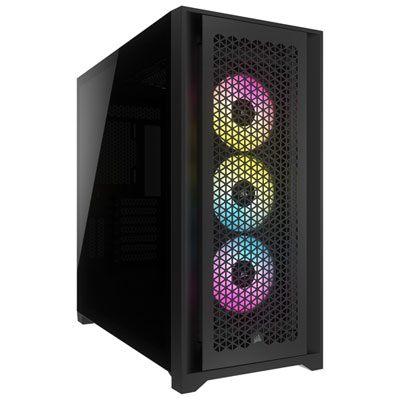 Your price for this item is $249.95
 -
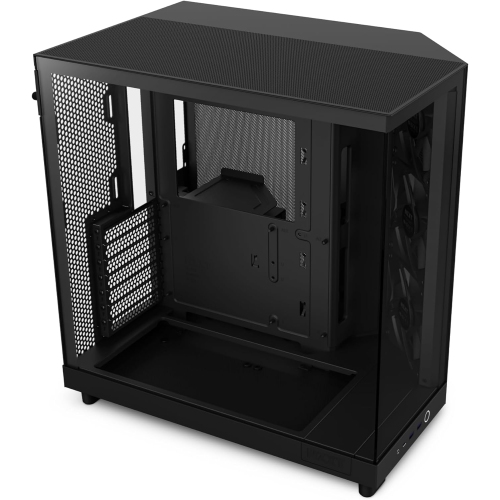 Your price for this item is $186.99
 -
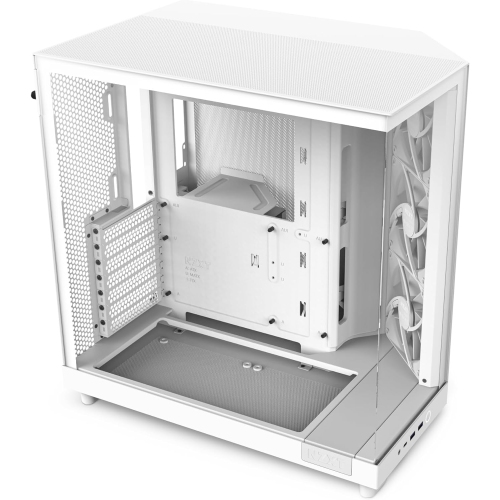 Your price for this item is $131.99
 -
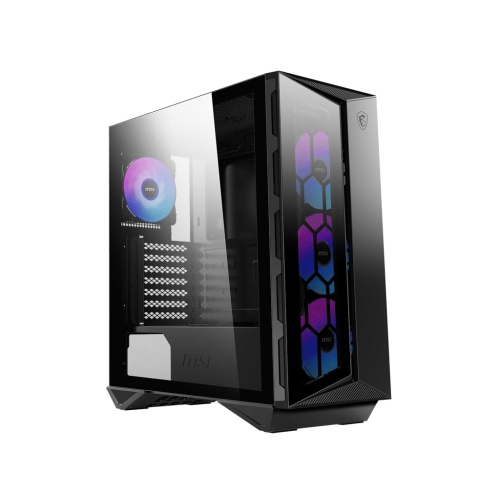 Your price for this item is $157.68
 -
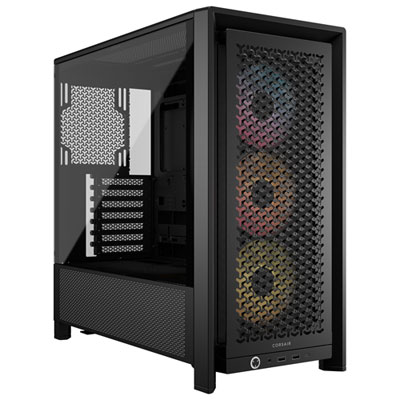 Your price for this item is $124.99
Discover more categories related to Mini ITX Cases
Top Collections:
Pokemon Centers, Kindle Devices, Best Budget Office Chairs, Apple iPhones 16, Best Laptops for Writers, iPhone 15 Apple, Canon G7X Cameras, Refurbished Apple Laptops, Alarm Clock, Motorola Razr Phones
Some products may be subject to Environmental Handling Fees
(EHF) depending on your province.
Learn more about EHFs.