Micro ATX Computer Cases
Discover the perfect balance of size and performance with a Micro ATX Computer Case. Designed to fit seamlessly into your workspace, these cases offer versatile options for building or upgrading your PC. Whether you're assembling a gaming rig or a home office system, a Micro ATX Computer Case provides the ideal foundation for your components while maintaining a compact footprint. Explore a variety of styles and configurations to find the right match for your needs.
Sort
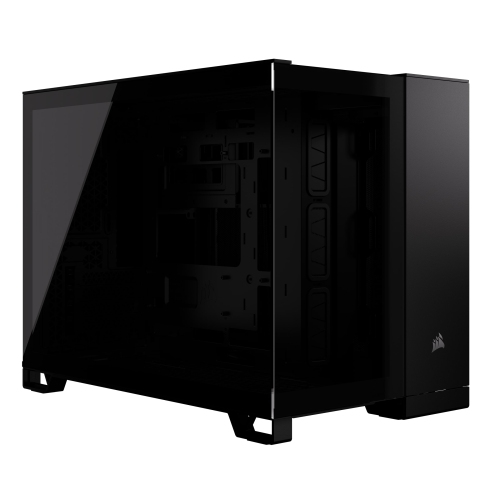
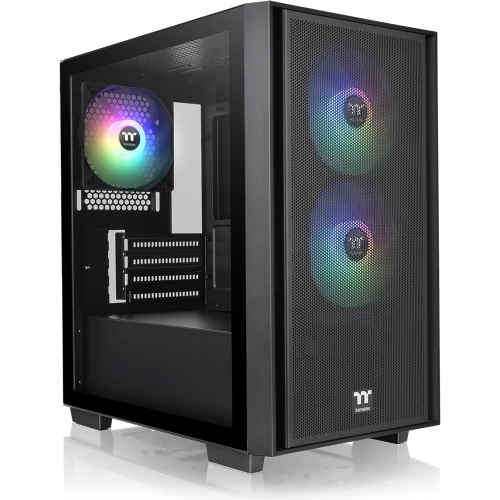
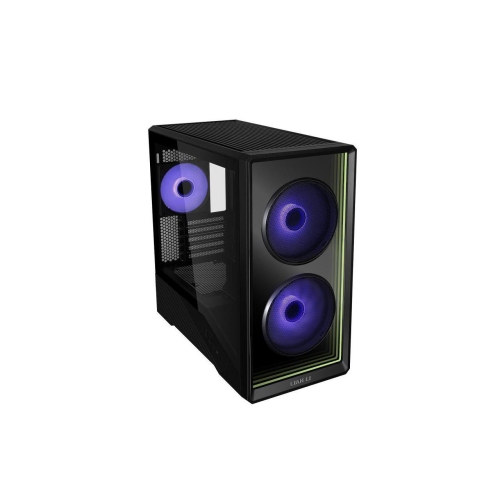
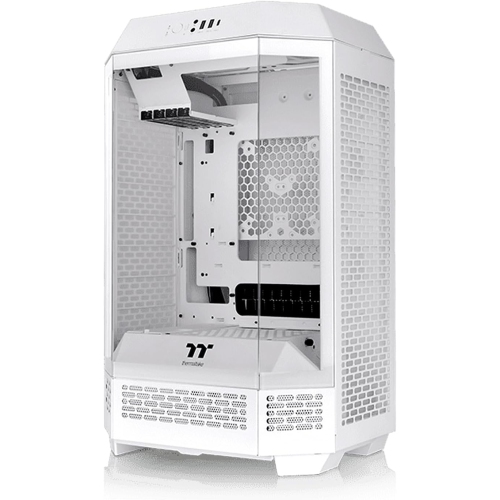
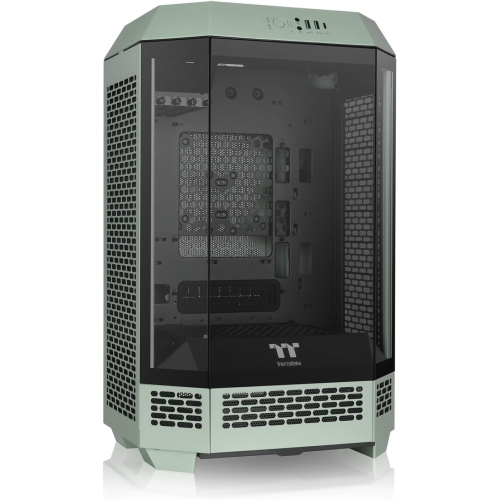
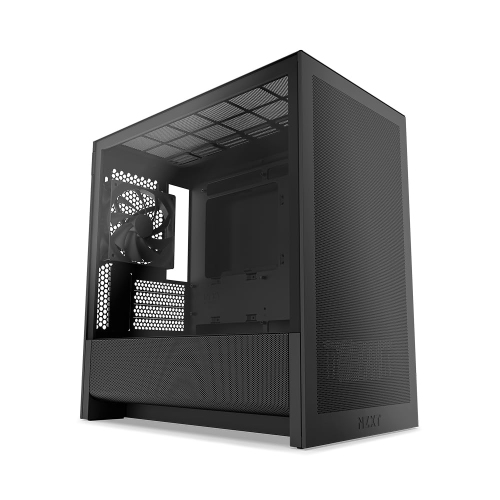
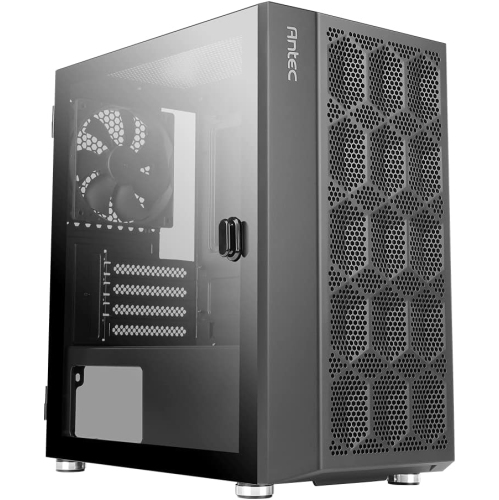
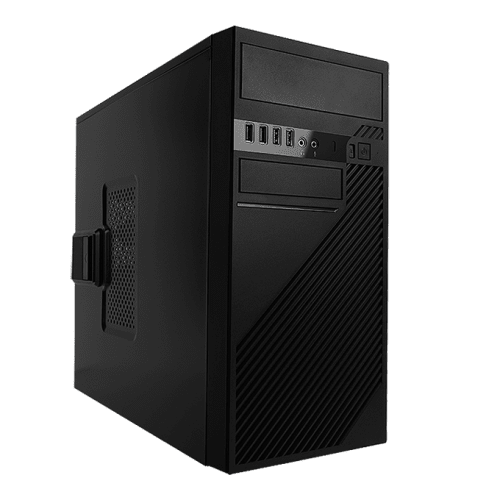
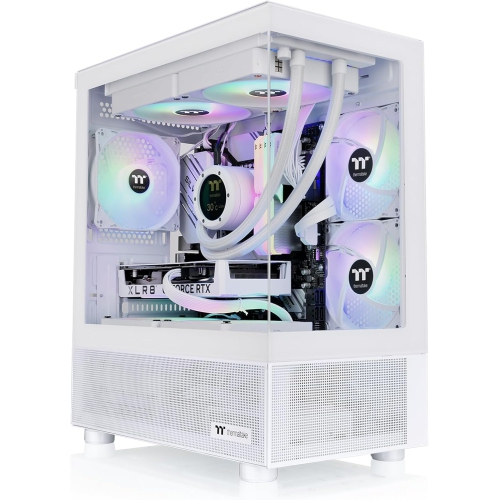
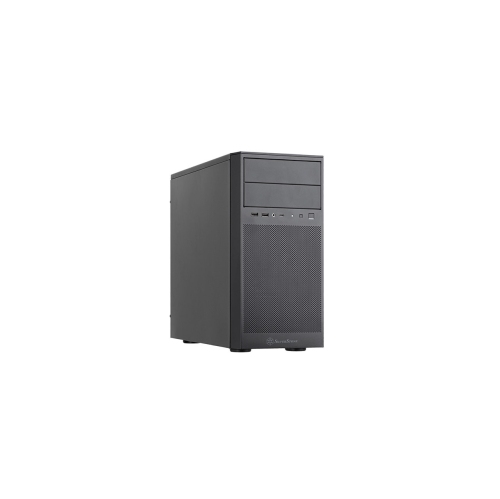
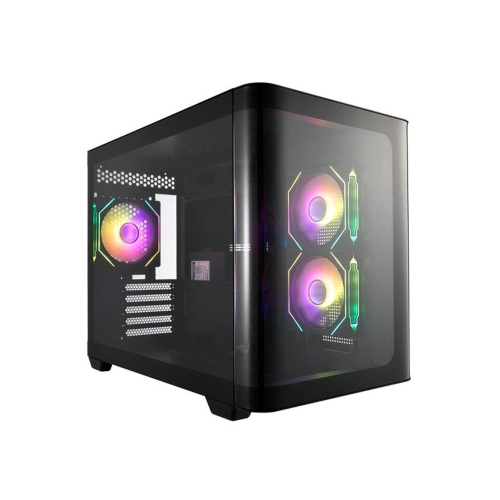
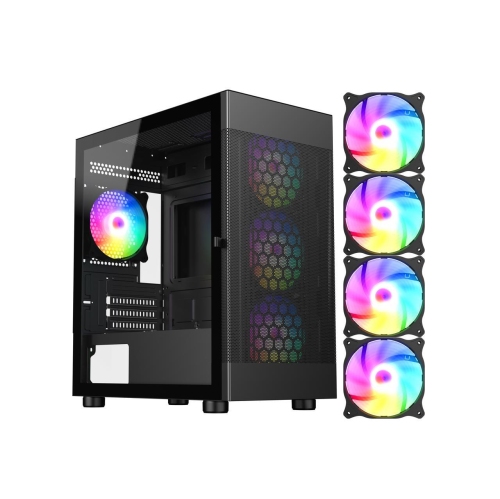
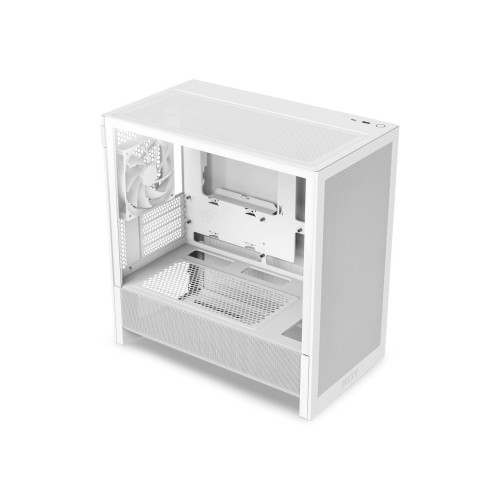
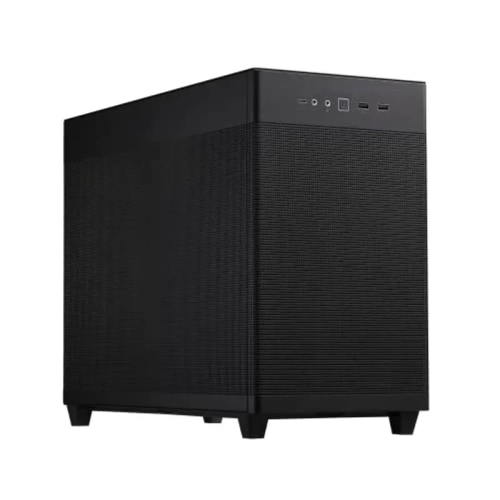
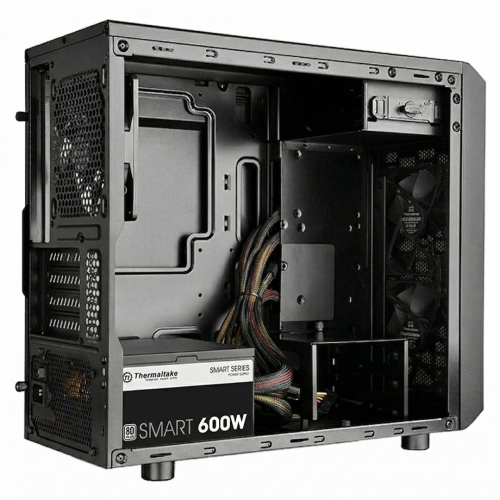

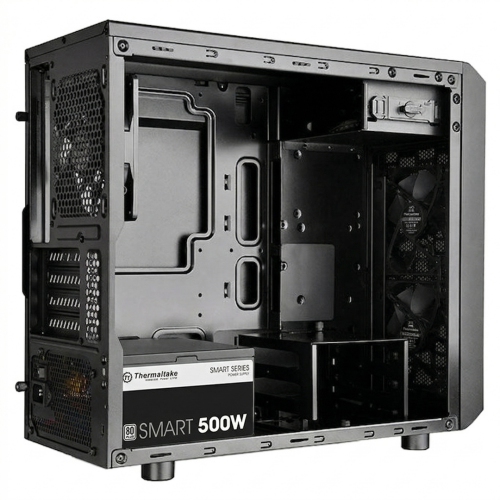
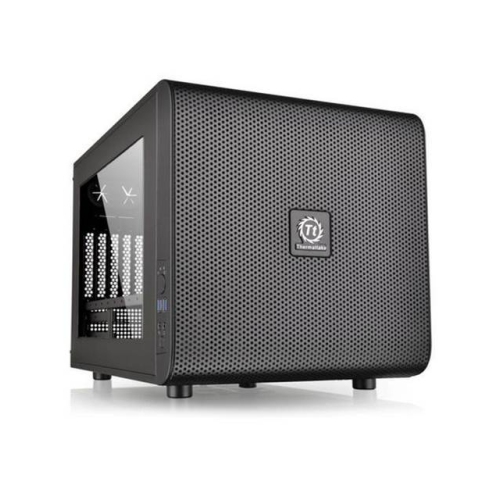
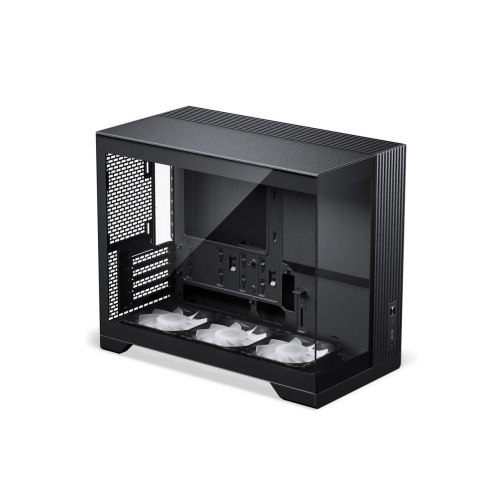
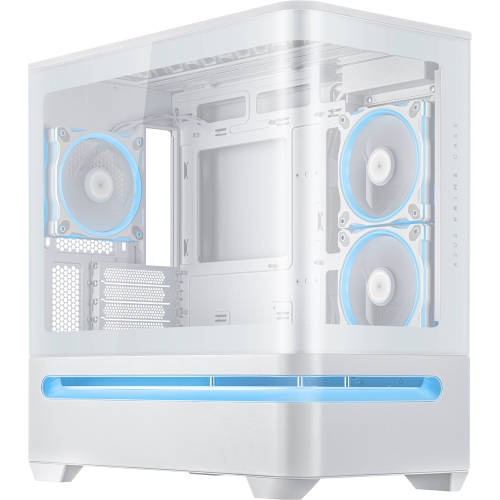
Compact PC builds depend on more than motherboard size
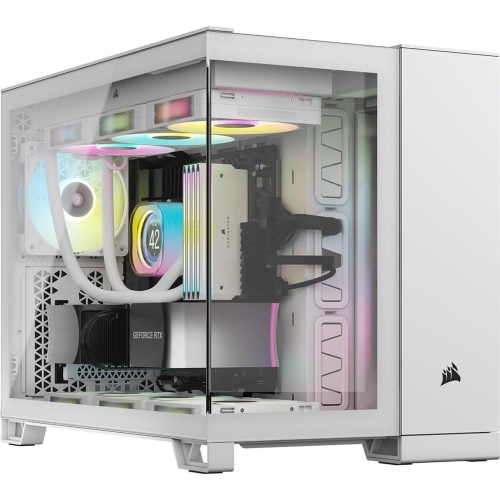
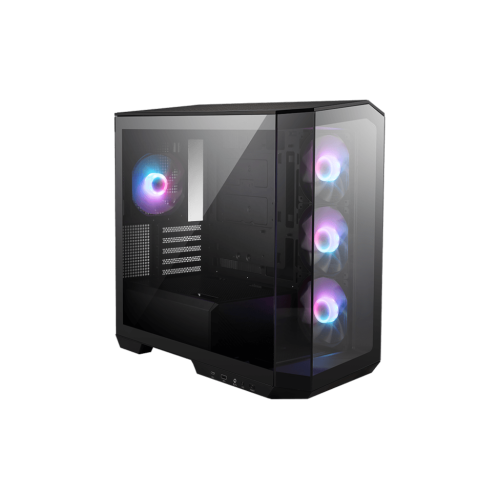
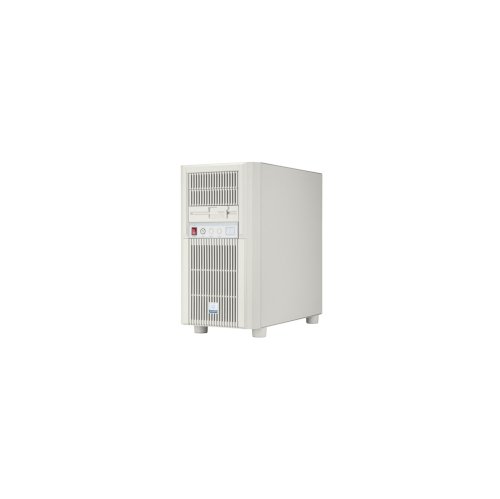
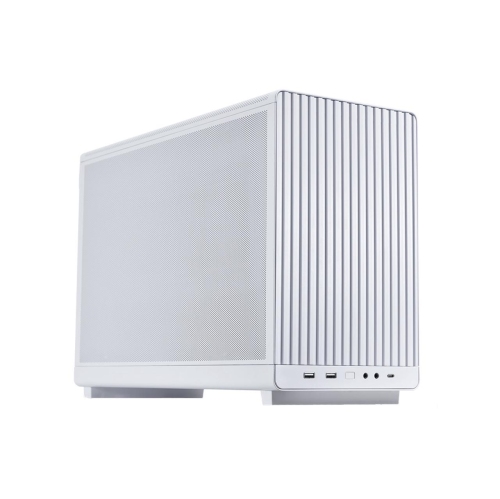
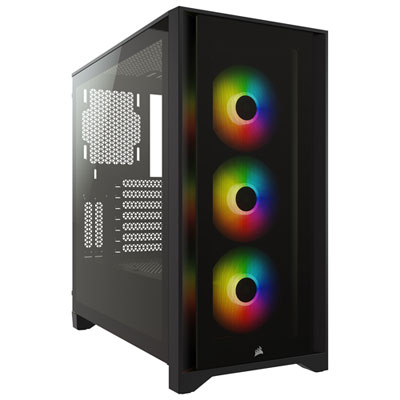
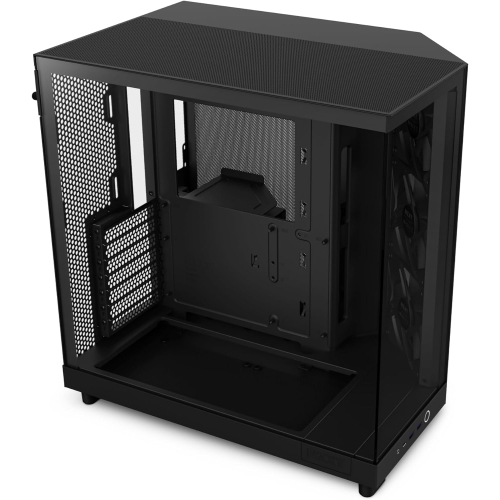
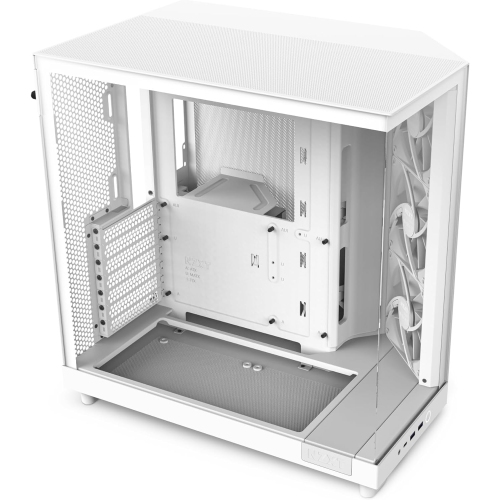
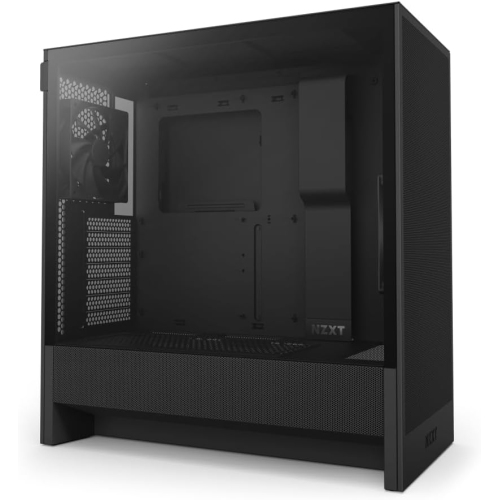
Micro ATX computer cases provide room for a capable desktop PC without necessarily taking up the space of a full-sized ATX tower. Designed around the micro-ATX motherboard format, which measures up to 244 mm by 244 mm, these enclosures suit gaming systems, home office computers, everyday family desktops, and creative workstations with carefully matched components. That measurement describes the motherboard, not the case: exterior dimensions vary considerably between slim towers, compact cubes, and wider designs with separate compartments for cables and power supplies. Many micro-ATX cases also support Mini-ITX motherboards, but supported formats depend on the enclosure’s mounting points and specifications. The appeal is flexibility within a manageable footprint. A system can sit beside a monitor on a desktop, fit into a dedicated computer nook, or occupy less floor space than a larger tower while still accommodating powerful hardware. Compatibility extends well beyond motherboard size, however. Graphics card length, height, and thickness determine whether a card fits comfortably, especially when front fans or a radiator occupy the same interior space. A thick graphics card may also cover neighbouring motherboard slots, limiting room for additional expansion cards. Processor air coolers need sufficient clearance between the motherboard and side panel, while liquid cooling systems require suitable radiator mounts and space for fans, tubing, and nearby components. Power supply support matters just as much: some cases accept standard ATX units, while more compact layouts may require an SFX or SFX-L power supply. Even within a supported format, a longer power supply can leave less room for cable connectors or drive cages. For a gaming build with a substantial graphics card, or a workstation carrying several storage drives, the most useful case is one whose internal layout matches those requirements rather than simply having the smallest exterior. Published clearance figures are especially helpful when they describe the intended configuration, since maximum graphics card length and maximum radiator support may not be achievable together.
Materials, panel design, and ventilation give micro-ATX cases much of their character. Steel chassis provide a sturdy framework for components, while aluminium panels can reduce weight and create a clean, understated finish. Tempered glass side panels put the motherboard, graphics card, and lighting on display; solid metal panels offer a more discreet appearance for an office or shared room. Glass is rigid and visually clear, but its edges need careful handling, particularly when a panel is removed for cleaning or upgrades. Mesh fronts and ventilated side panels allow air to move through the enclosure, helping cooling fans supply the graphics card and processor with fresh air. More closed designs can soften the direct path of some component noise, although cooling performance still depends on the openings, fans, and hardware inside. Fan mounting positions are only part of that picture. Included fans, supported fan sizes, intake restrictions, and the distance between components all affect how easily air circulates. A case with several fan mounts does not necessarily include fans for every position, and support for a particular radiator length does not guarantee clearance for every radiator thickness. In a compact gaming system, clear space beneath the graphics card can be particularly useful when its fans draw air from below. For a desktop used for video calls, writing, or audio work, smooth airflow and controllable fans can help keep distracting noise down without relying on unnecessary fan speed. Removable dust filters make routine maintenance easier, especially around front, bottom, and power supply intakes. Their usefulness depends on access as well as coverage: a filter that slides out without moving the entire computer is convenient in a snug desk setup. Raised feet can provide breathing room beneath a bottom-mounted intake, while a firm, flat surface helps keep that opening unobstructed. These practical details influence everyday comfort as much as a dramatic window or illuminated front panel.
Inside a well-arranged micro-ATX case, small conveniences can make ownership more straightforward. Cable routing openings, tie-down points, and space behind the motherboard tray help organize power and data cables without crowding fans or pressing against the side panel. A power supply shroud can conceal spare cabling, though the space beneath it still needs to accommodate connectors and any installed drive cages. Storage support is worth distinguishing carefully: motherboard-mounted M.2 drives do not need conventional drive bays, while 2.5-inch solid-state drives and 3.5-inch hard drives require suitable mounting positions. Someone moving a collection of photographs, games, or project files from an older desktop may need more drive space than a streamlined new build. Accessible mounting brackets, removable panels, and captive thumbscrews can make those installations less awkward. Front connections also shape daily use. Conveniently positioned USB ports and headset connections are helpful for attaching a controller, transferring files, or joining a call, but front USB-C functionality depends on a compatible motherboard header or an appropriate connection solution. A top-mounted power button may be easy to reach beside a desk, while front-facing controls can be more accessible when the computer sits beneath one. There should also be room behind the enclosure for display cables, network connections, and any Wi-Fi antennas, rather than measuring only the chassis itself. For builds centred on an even smaller motherboard format, Mini ITX Cases provide another category to compare, although exterior size and component support still vary by design. Whichever layout suits the space, long-term practicality comes from accessible filters, secure component mounting, and enough clearance for realistic upgrades. Periodic dust removal, with the computer switched off and disconnected, helps keep ventilation paths clear; exterior panels generally need only gentle cleaning appropriate to their finish. The result is an enclosure that supports the computer’s intended use while fitting naturally into the room around it.
Top selling and popular products
-
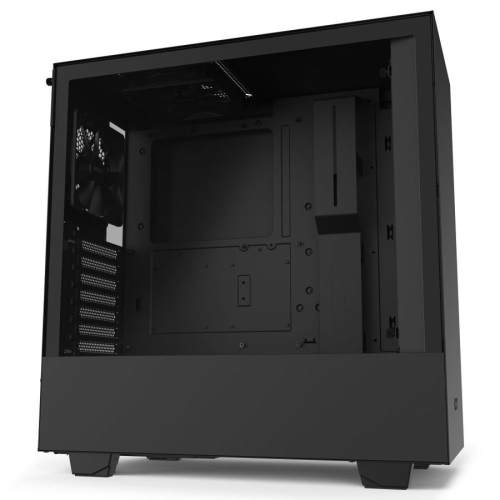 Your price for this item is $299
-
 Your price for this item is $149.97
-
 Your price for this item is $130.99
-
 Your price for this item is $104.49
-
 Your price for this item is $104.49
-
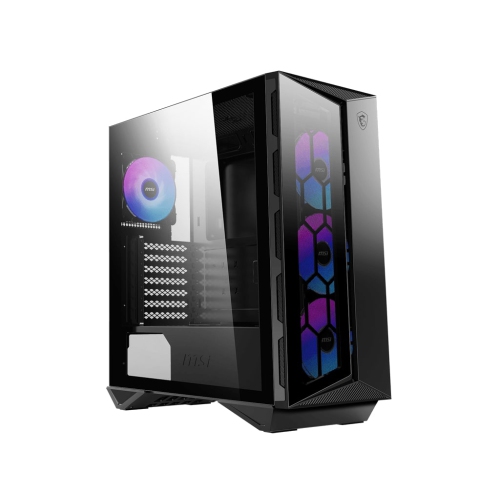 Your price for this item is $157.68
-
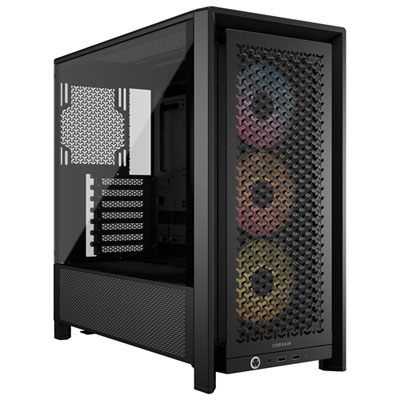 Your price for this item is $114.99
-
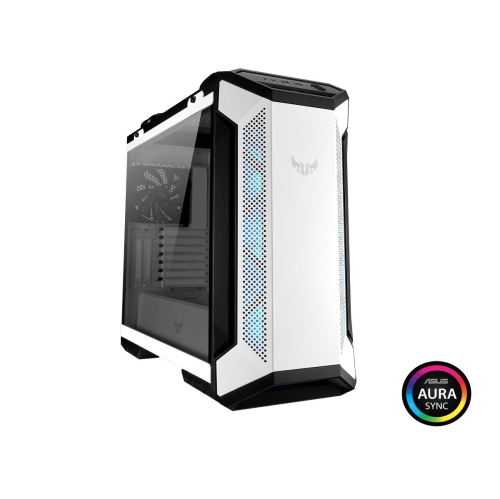 Your price for this item is $229.99
Discover more categories related to Micro ATX Computer Cases
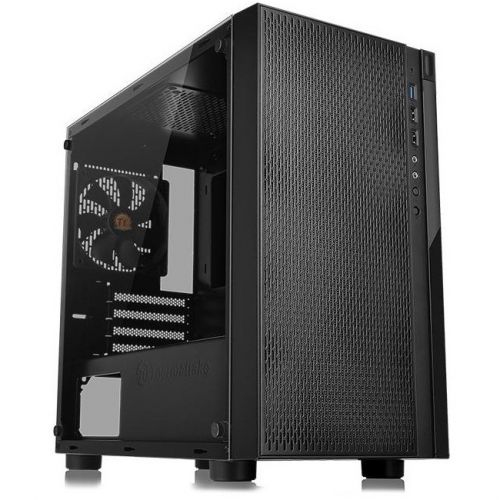
Top Collections:
Best Black Friday Deals This Year, Best Black Friday Deals On Electronics, Kindle Devices, Best Black Friday Deals On Apple Products, Best Budget Office Chairs, Best Cameras for Sports Photography, Dyson Airwrap, Canon G7X Cameras, Best Laptops for Writers, Samsung Galaxy Phones
Some products may be subject to Environmental Handling Fees
(EHF) depending on your province.
Learn more about EHFs.