Minimalist Monitors
Minimalist Monitors offer a sleek and modern approach to your workspace or home office. With clean lines and a clutter-free design, these monitors blend seamlessly into any environment while delivering reliable performance. Whether you're updating your setup for productivity or seeking a streamlined look, Minimalist Monitors provide an effortless way to enhance your viewing experience without unnecessary distractions. Explore the collection to find the perfect balance of style and functionality for your needs.
Sort
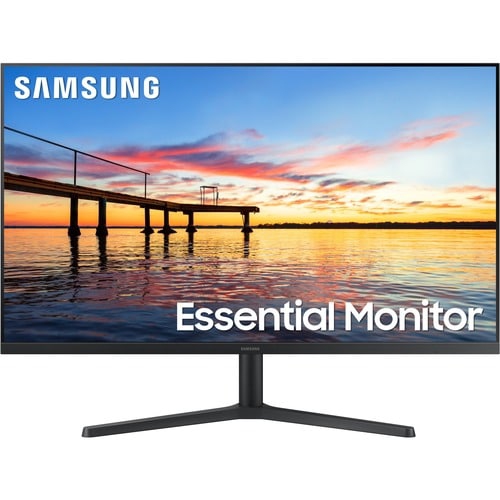

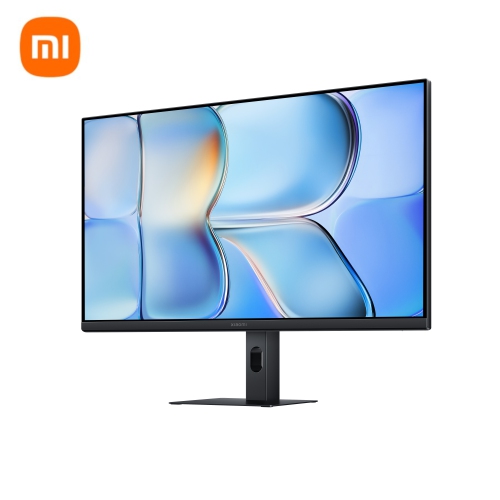
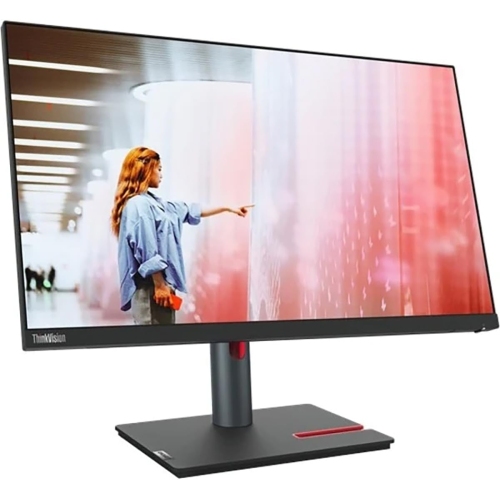

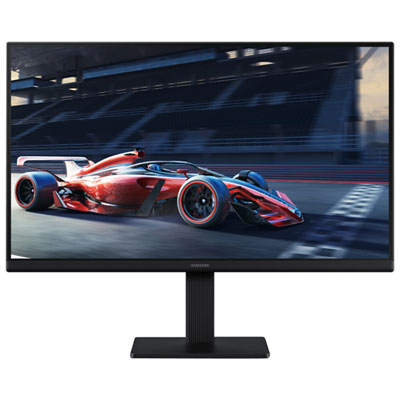
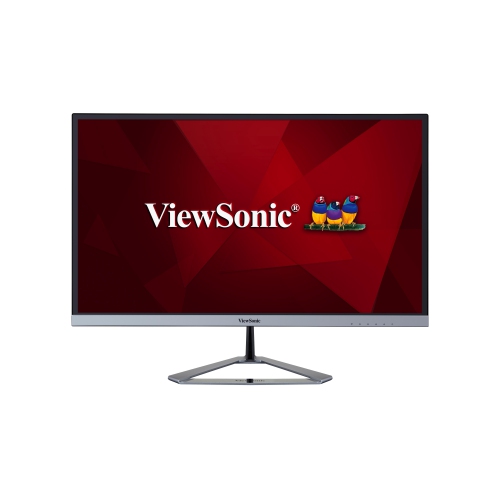
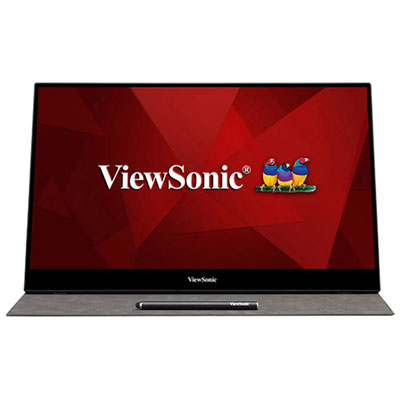
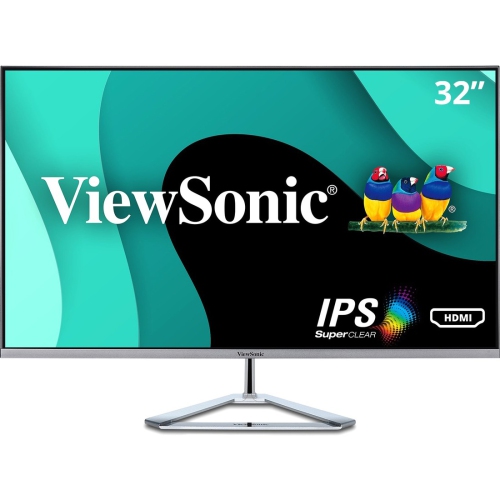


Clean monitor design goes beyond a slim bezel
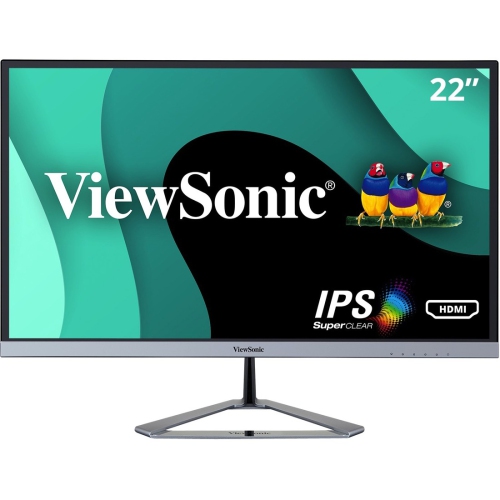
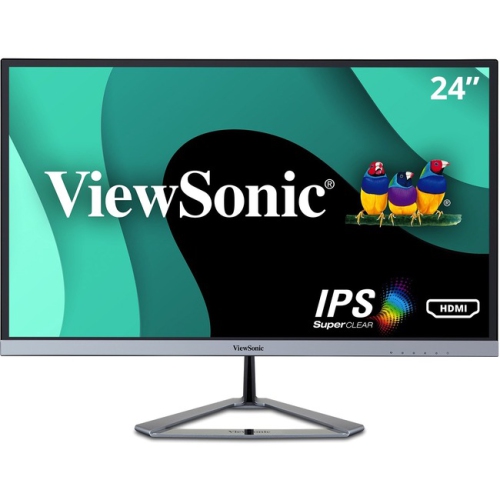
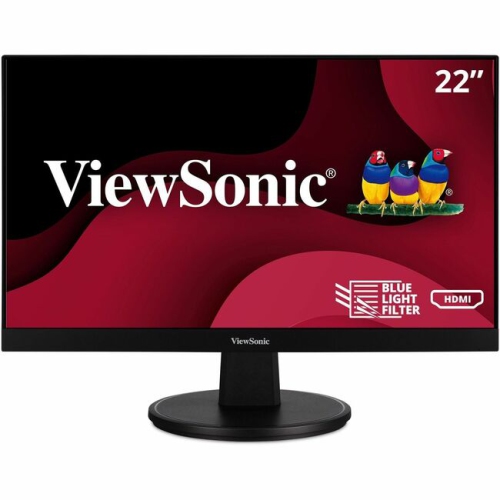
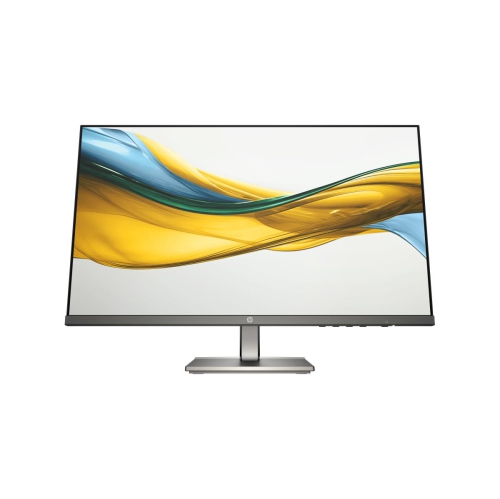
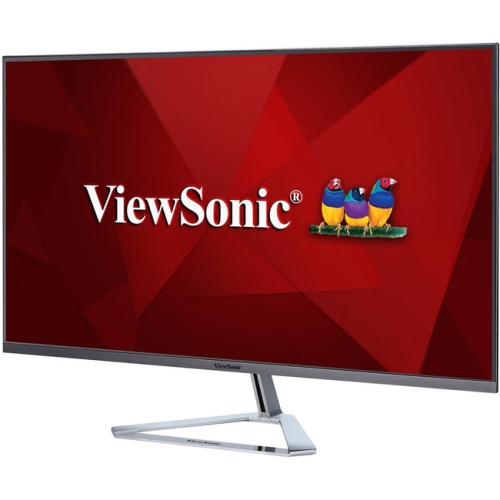
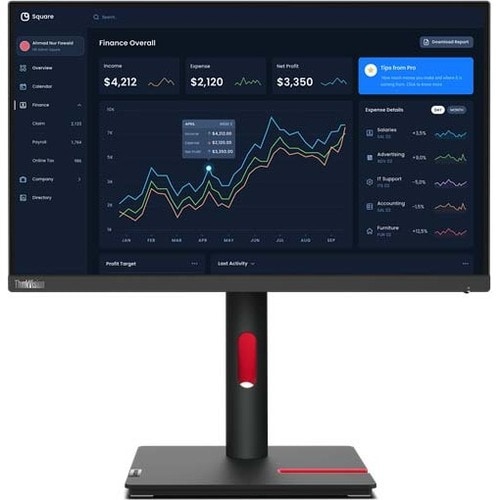
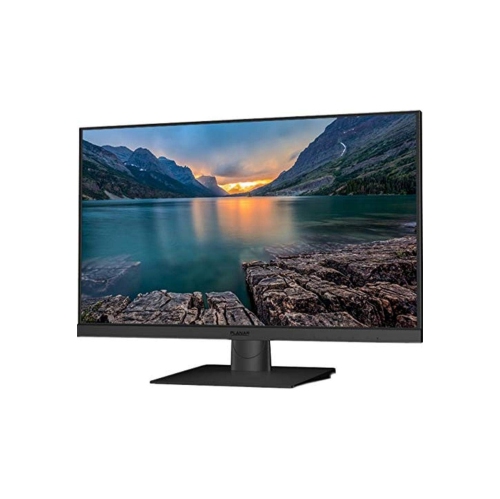
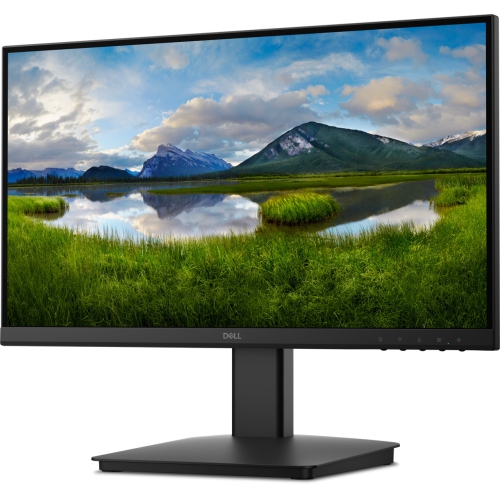
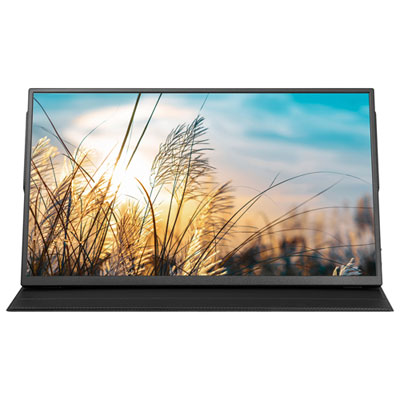
Minimalist monitors bring a clear, uncluttered look to a desktop without making the screen feel like the centrepiece of the room. Their appeal often comes from narrow bezels, restrained finishes, discreet controls, and stands that leave more of the work surface visible. In a home office that doubles as a guest room, or a study nook tucked beside a bookcase, those details help a display sit comfortably alongside the rest of the furniture. Black, white, silver, and other neutral finishes can blend with different keyboards, lamps, and desk accessories, while matte surfaces tend to make fingerprints less noticeable than glossy trim. The clean appearance is only part of the fit, though. A screen with a slim edge may still have a deeper section at the back, and a compact-looking stand can extend farther across the desktop than expected. Overall width, stand depth, and clearance beneath shelves matter just as much as the diagonal screen measurement. A 24-inch display can suit a smaller work surface, while a 27-inch or larger screen provides more room for documents, spreadsheets, or creative projects when the desk allows a comfortable viewing distance. Ultrawide formats offer another approach, keeping several windows within one continuous display rather than dividing them across separate screens. For shared spaces, a tidy rear panel and a cable opening in the stand can make the setup look more finished from the side or across the room. Materials also influence the feel of the display: metal stands can provide a reassuring base, while well-fitted plastic housings keep weight manageable. Neither material alone determines durability; stable construction, smooth adjustments, and a secure mounting connection are more useful signs of a monitor that will handle everyday use well. The result is a category that suits students, remote workers, designers, and anyone who wants useful screen space without a visually busy workstation.
A pared-back exterior does not dictate what appears on the screen, so minimalist monitors can serve quite different routines. For someone moving between email, browser tabs, and long documents, clear text and a comfortable screen height may matter more than dramatic contrast or very fast motion. Resolution works together with screen size to shape that experience. Full HD can be practical on smaller displays, while QHD and 4K can provide finer detail or more room for content, depending on the screen dimensions and display scaling. Higher resolution does not automatically make every application easier to read; scaling may be needed to keep menus and text comfortably sized. A spreadsheet user might appreciate seeing more columns at once, while a photographer may value the ability to examine small details without repeatedly zooming in. Panel characteristics make a difference as well. IPS panels are often valued for consistent viewing angles, which can help when sharing a screen with someone seated beside the desk. VA panels commonly offer stronger contrast, giving dark scenes more depth, although performance varies between displays. For colour-sensitive work, stated colour coverage, calibration options, and uniformity are more meaningful than a vivid picture alone. A matte screen finish can soften distracting reflections from nearby windows or lamps, but placement still matters because no finish removes every reflection. Refresh rate and response behaviour also affect the feel of everyday use. A higher refresh rate can make scrolling and pointer movement appear smoother, and it can support gaming when the connected computer can deliver suitable performance. Fast-paced games place different demands on a display than a presentation or a video call, so the clean styling need not imply a single intended use. Brightness adjustment, readable on-screen controls, and useful picture modes can help the same monitor move between focused work, casual entertainment, and shared household tasks without adding visual complexity to the desk.
Connections and adjustability often determine whether a minimalist setup stays simple after the first day. USB-C can reduce cable clutter when a compatible monitor and computer support video, data, and sufficient charging power through the same connection, but the port shape alone does not guarantee all three functions. The cable must support the required features too. HDMI and DisplayPort remain useful for connecting computers, consoles, and other compatible equipment, with the supported resolution and refresh rate depending on the ports and devices involved. Built-in USB ports can keep a keyboard receiver or webcam connected at the display, while integrated speakers may suit calls and everyday listening when a separate audio setup would crowd the work surface. Their sound will not necessarily replace dedicated speakers for music or films. A cable channel or clip can keep leads together behind the stand, although enough slack is needed for height changes and rotation. For desks where every centimetre counts, Low Profile Monitors offer a related way to explore displays with a less imposing footprint or silhouette. Physical comfort remains important even when the goal is a spare, streamlined appearance. Height adjustment, tilt, swivel, and portrait rotation can make a display easier to position for different users and tasks. A compatible monitor arm can free the area beneath the screen, provided the mounting pattern, monitor weight, arm capacity, and desktop attachment are suitable. The upper part of the screen generally sits around eye level, with the display positioned to avoid repeated neck bending or twisting. Care is straightforward but worth handling gently: power the monitor off, follow its cleaning instructions, and use a clean, soft microfibre cloth without pressing hard on the panel. Any permitted cleaning solution belongs on the cloth rather than directly on the screen, and vents need clear space for airflow. These practical details help preserve both the finish and the ease of use that make a minimalist monitor appealing: fewer distractions around the display, comfortable access to daily essentials, and a desktop that still has room to work.
Top selling and popular products
-
 Your price for this item is $2237.68
-
 Your price for this item is $320.68
-
 Your price for this item is $469
-
 Your price for this item is $149.99
-
 Your price for this item is $265.99
-
 Your price for this item is $229.99
-
 Your price for this item is $1138.68
-
 Your price for this item is $355.68
Discover more categories related to Minimalist Monitors
Top Collections:
Best Black Friday Deals This Year, Best Black Friday Deals On Electronics, Kindle Devices, Pokemon Centers, Best Black Friday Deals On Apple Products, Best Cameras for Sports Photography, Dyson Airwrap, Pokémon 30th Celebration Cards, Apple iPhone 17 Pro, Canon G7X Cameras
Some products may be subject to Environmental Handling Fees
(EHF) depending on your province.
Learn more about EHFs.