Mobile Thermal Printers
If you're looking for a convenient and portable solution for on-the-go printing needs, look no further than mobile thermal printers. These compact devices offer the flexibility to print receipts, labels, tickets, and more directly from your smartphone or tablet, making them ideal for small businesses, remote workers, and anyone who requires quick and efficient printing capabilities while away from a traditional office setup.
Sort


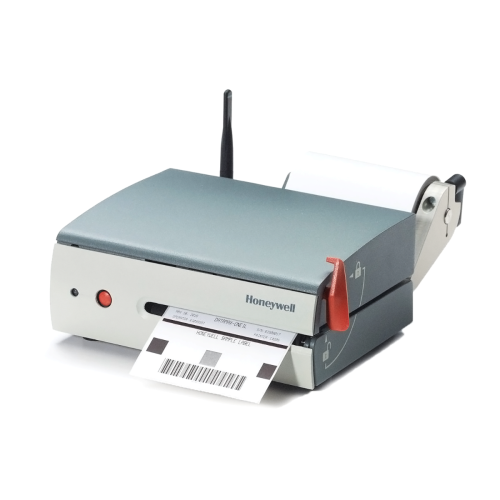
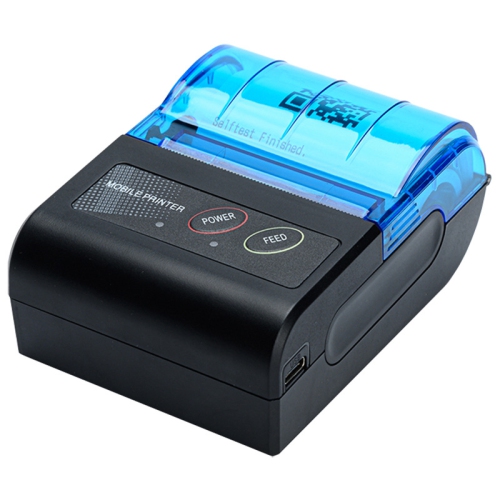
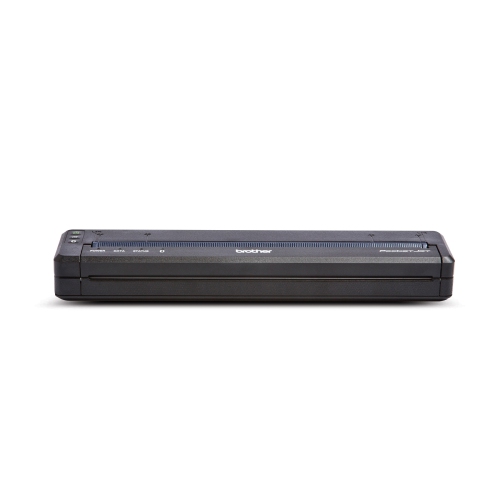
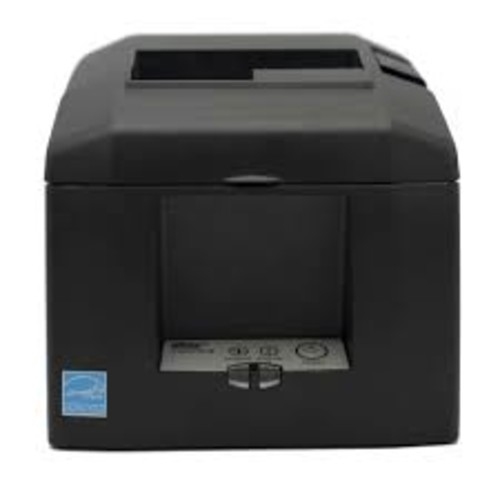
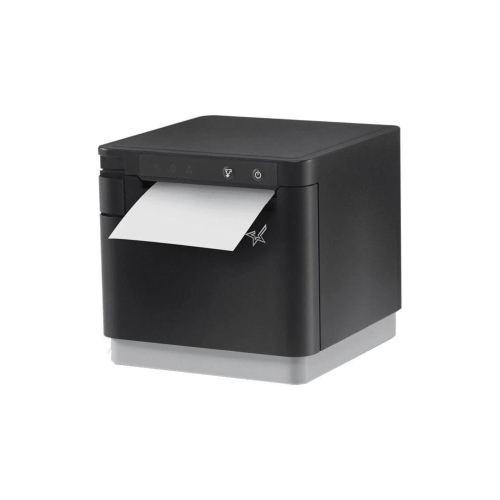

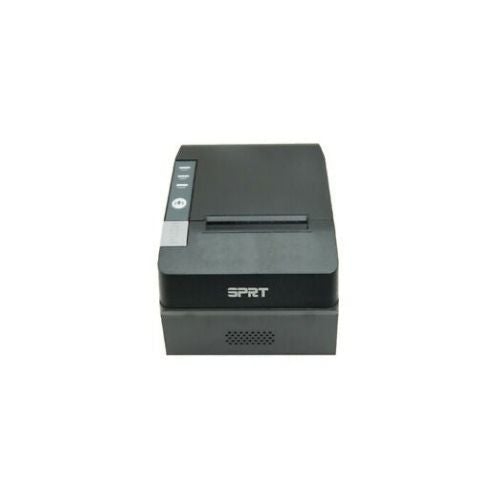
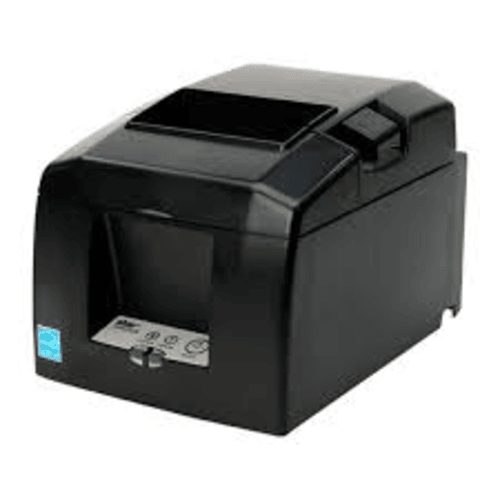
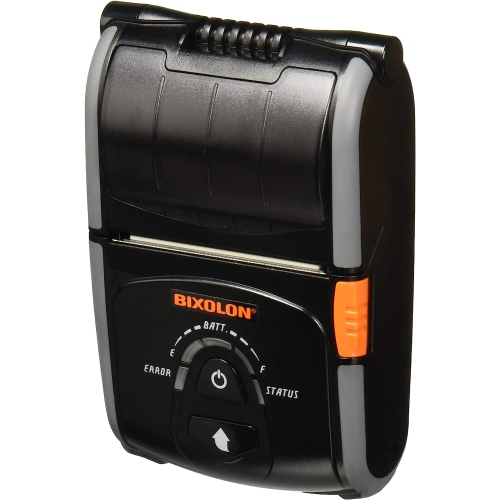
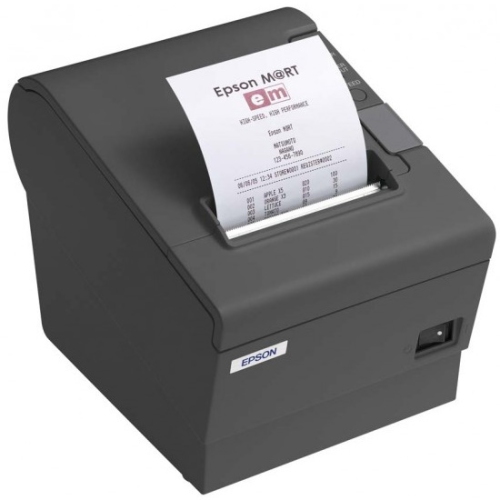
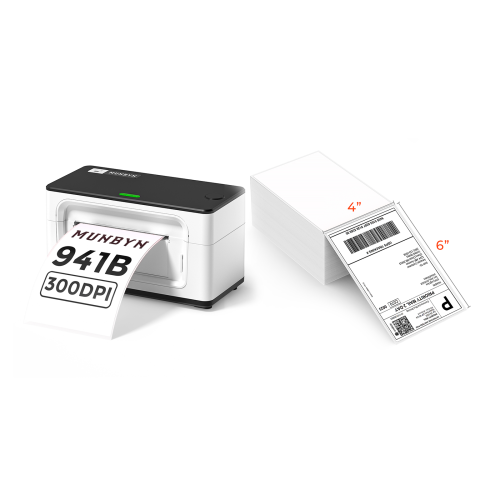
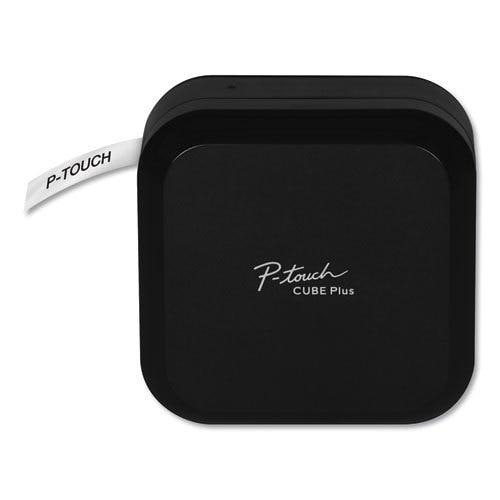

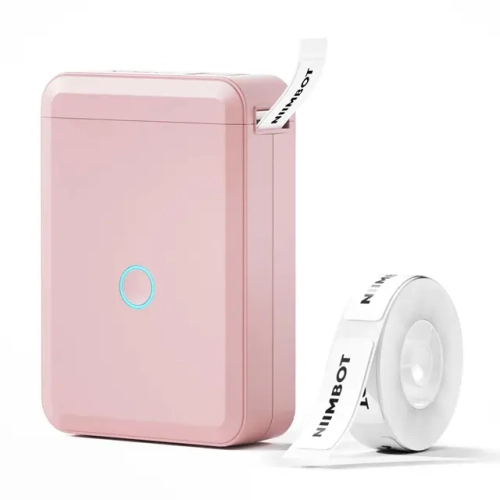
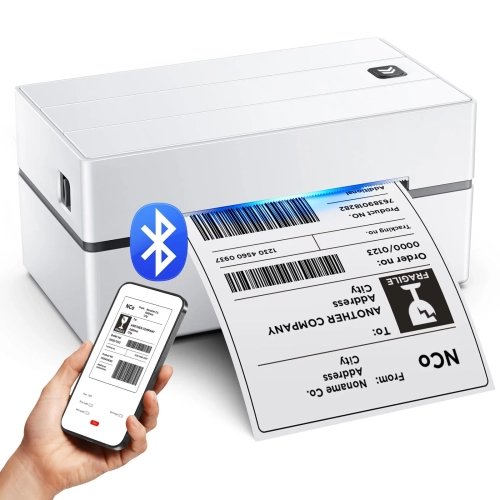
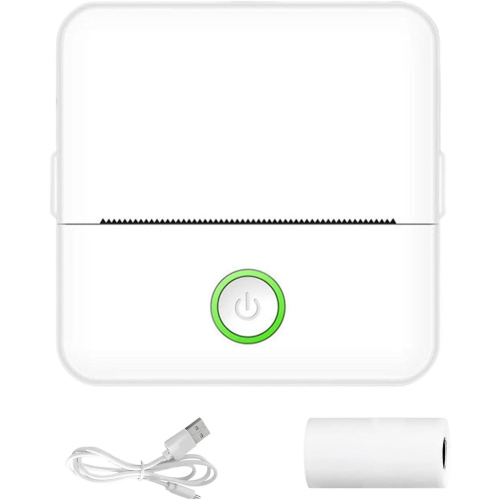
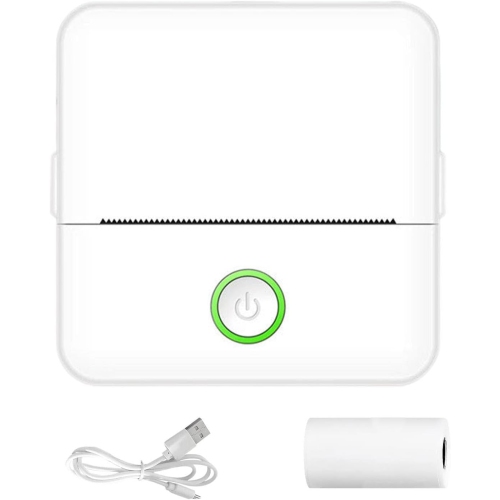
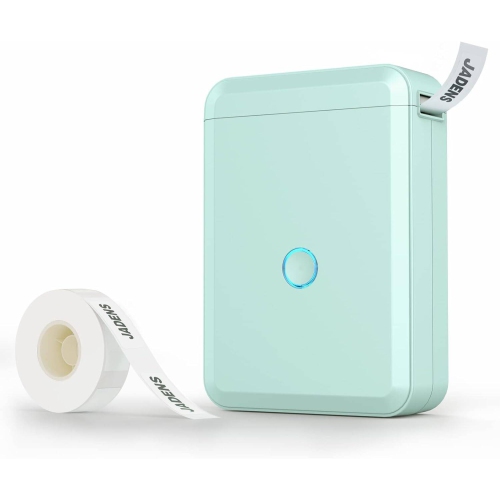

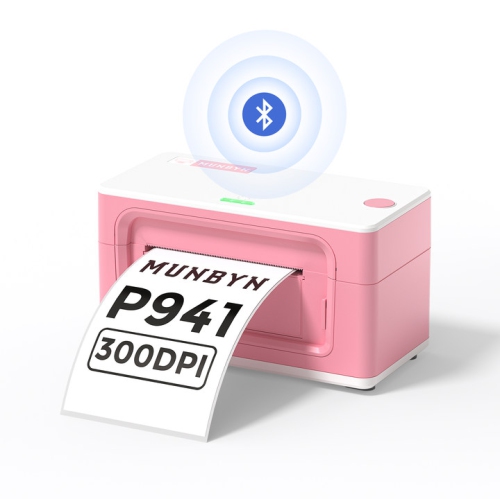
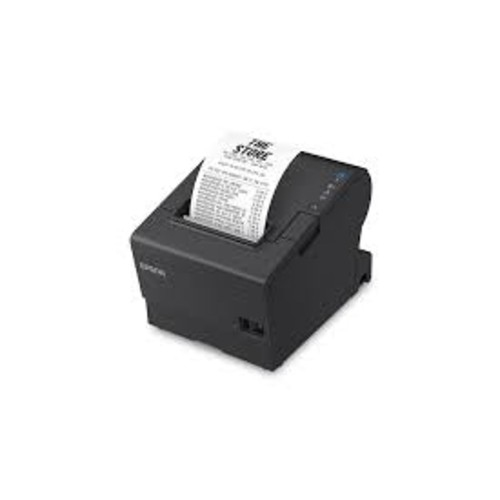
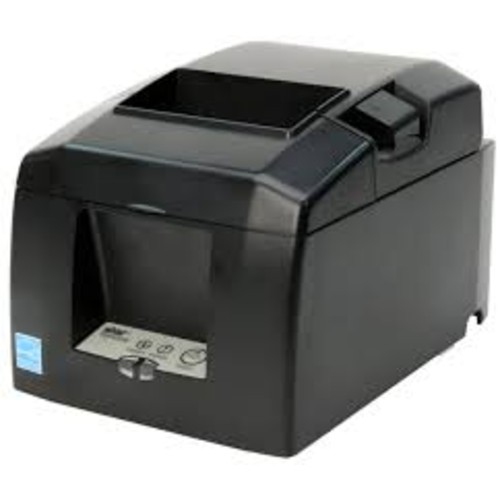
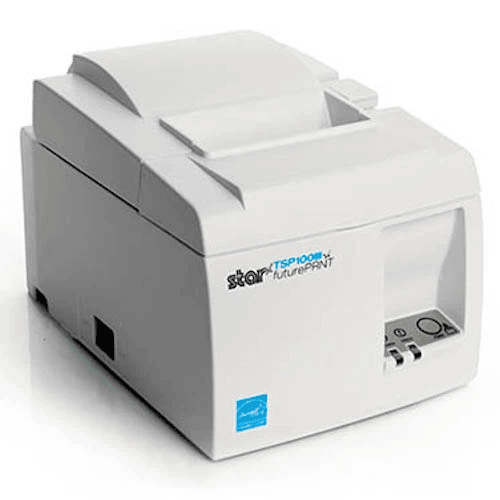
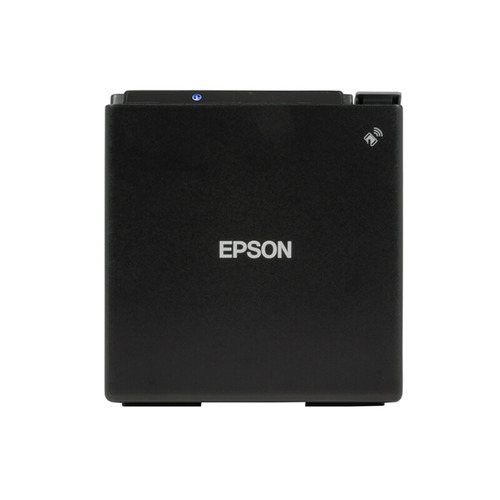
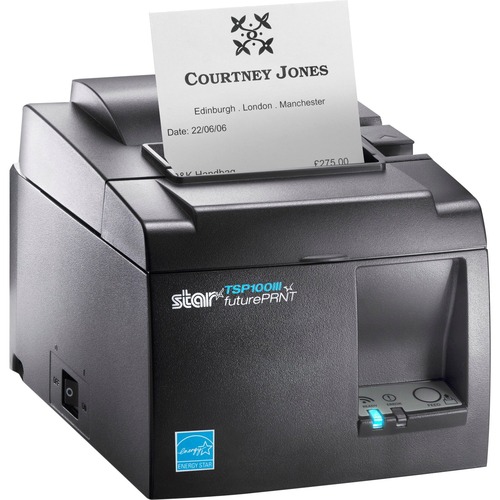
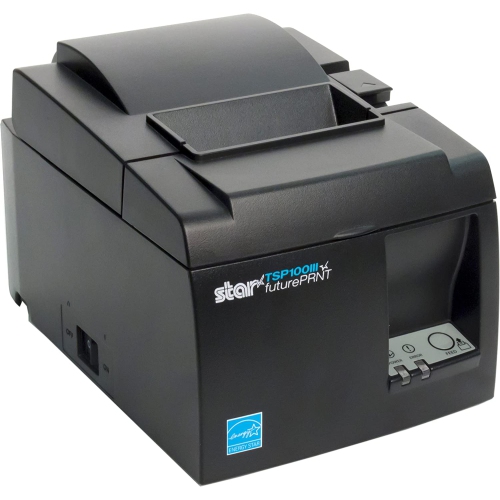

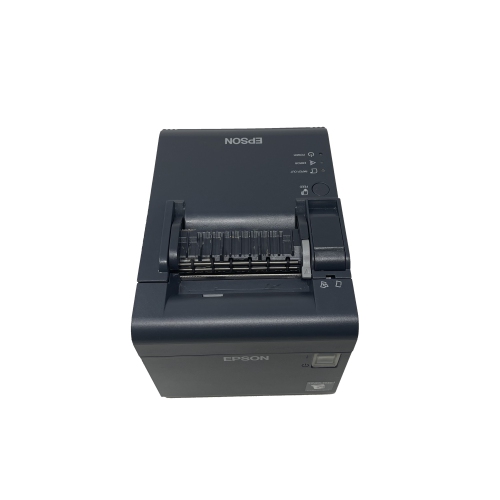
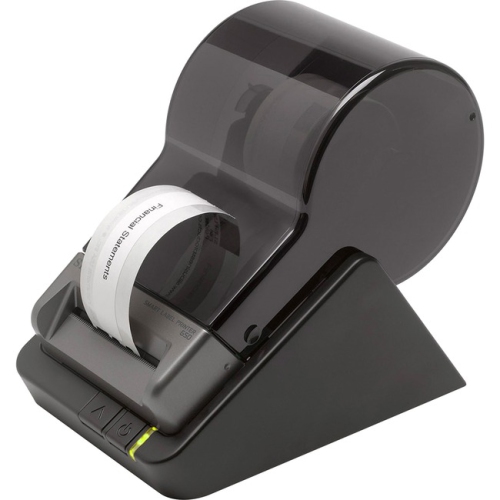
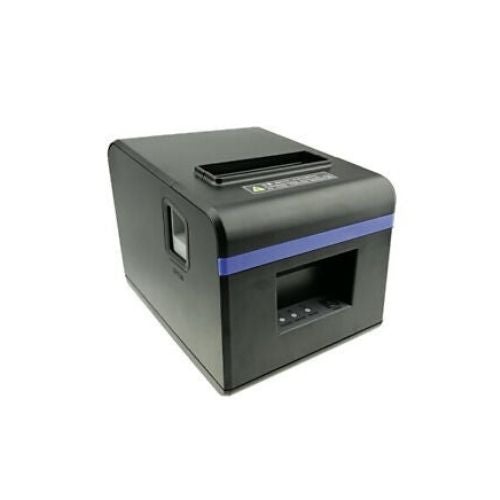
How format, paper, battery life, and connectivity shape your choice
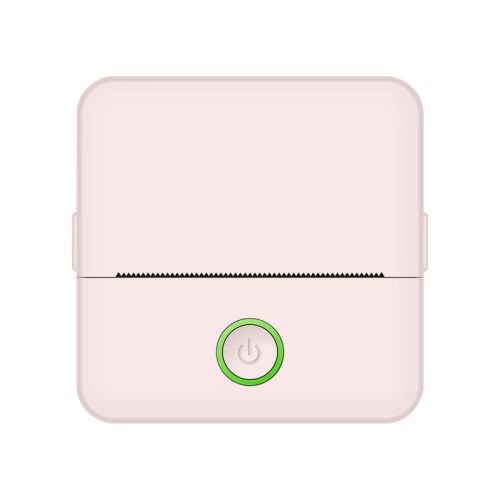
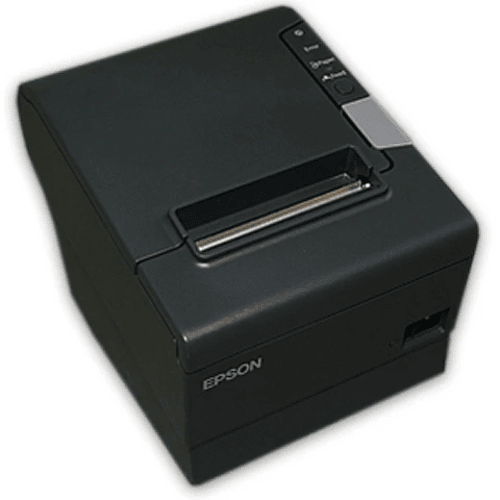
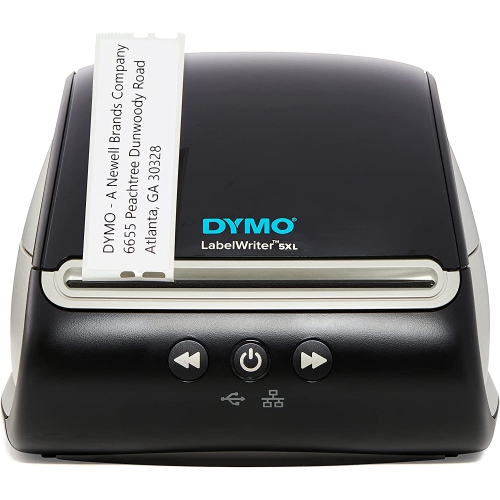
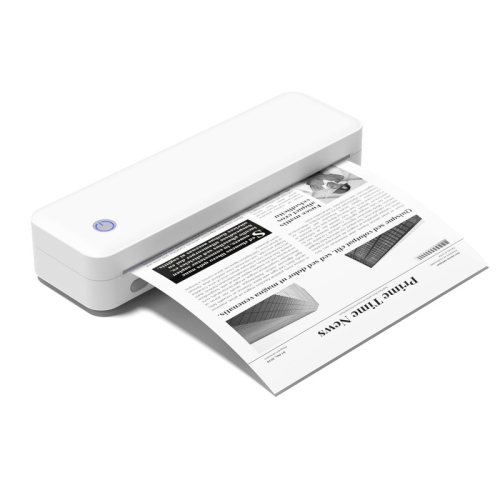
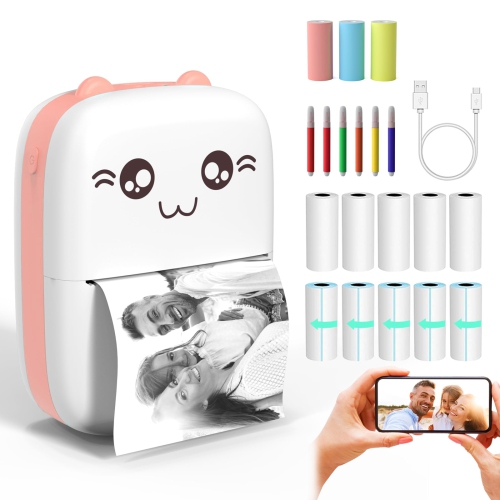
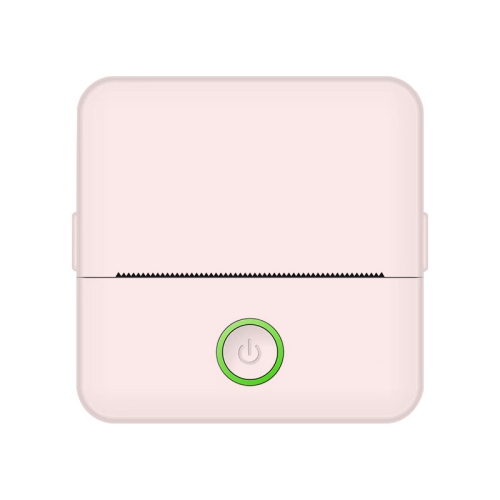
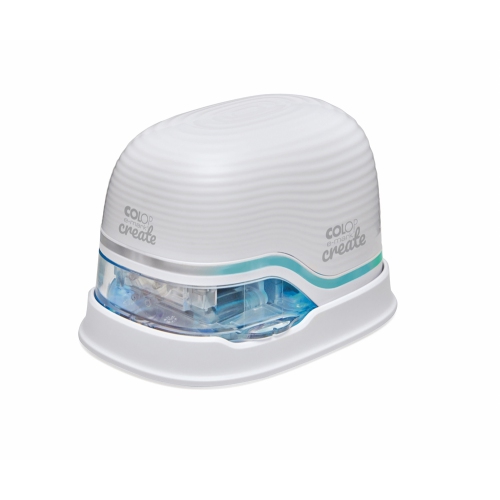
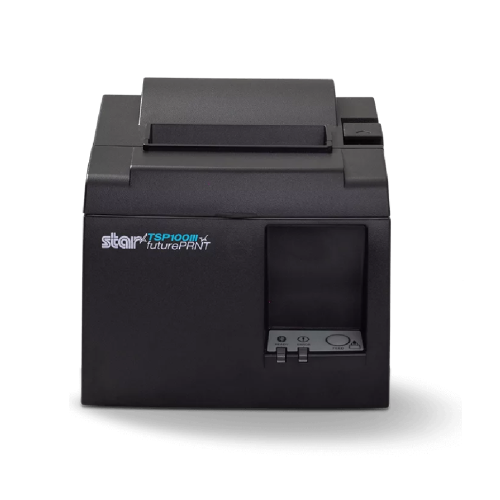
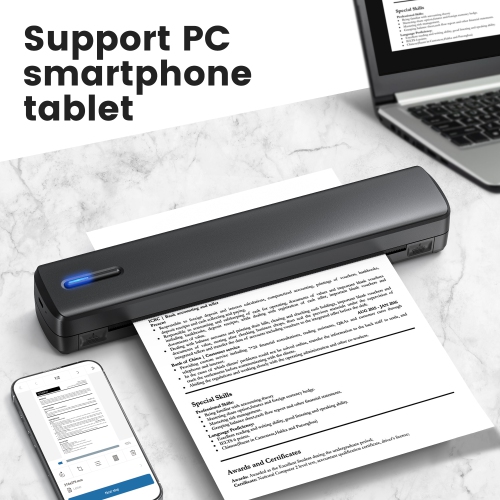
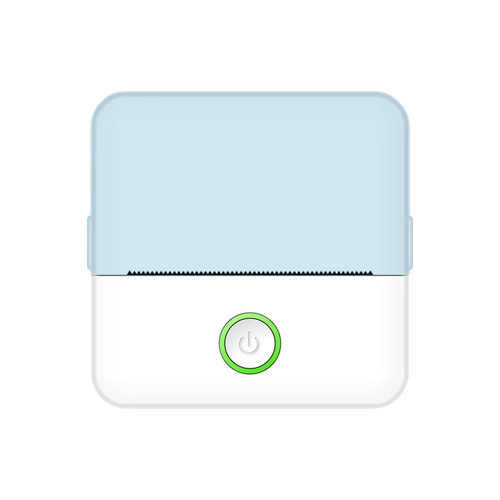
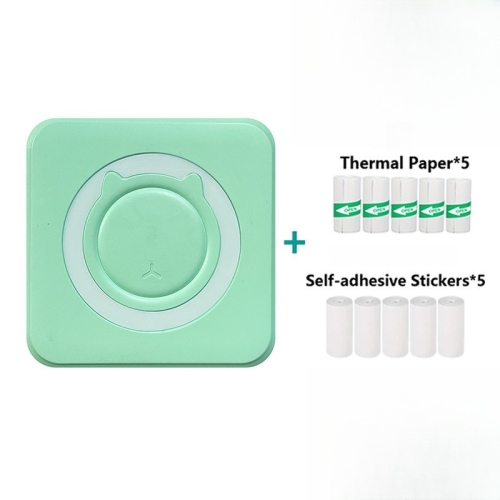
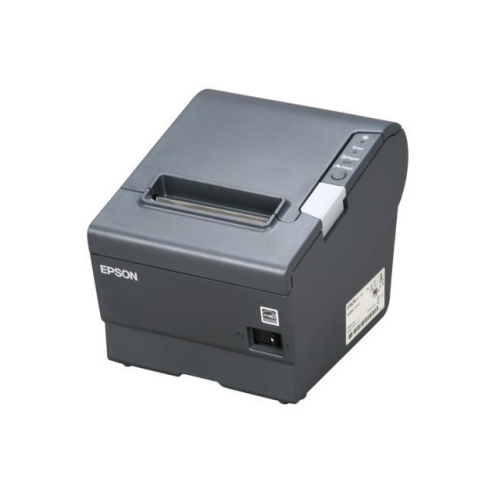
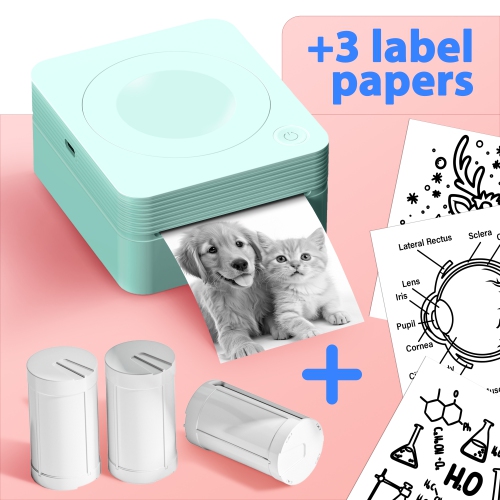
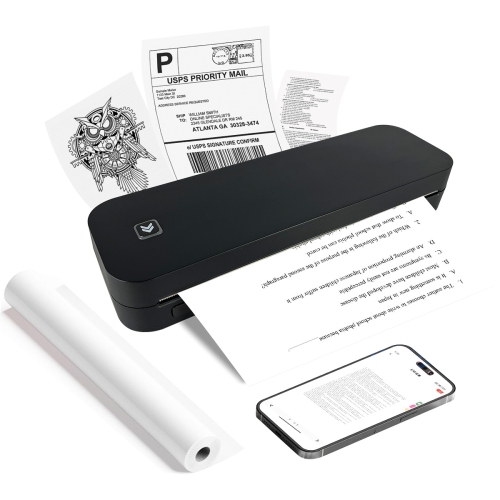
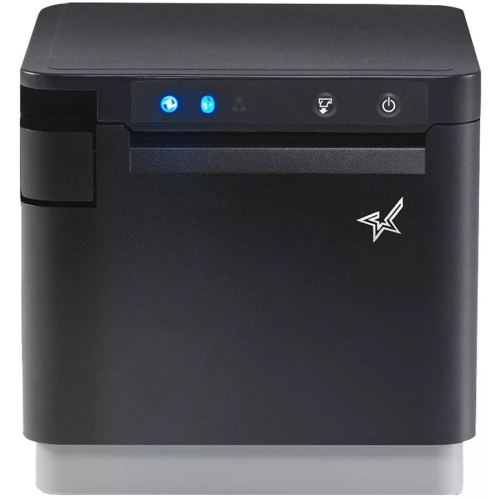
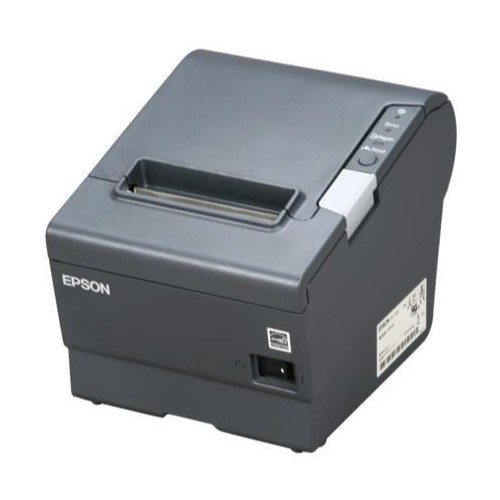
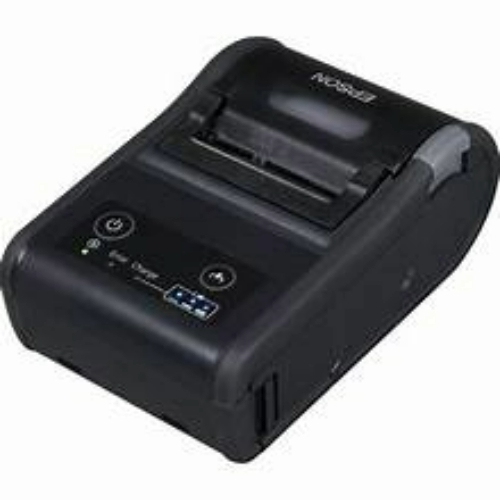
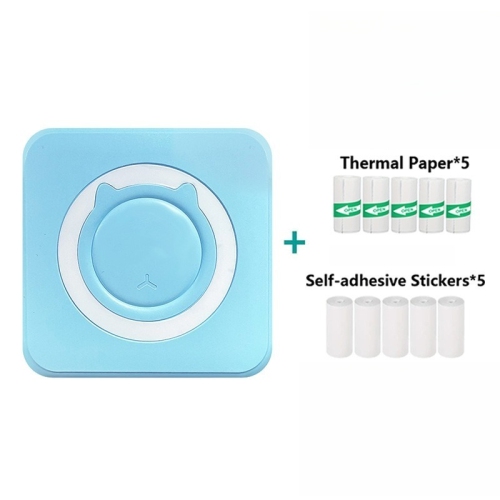
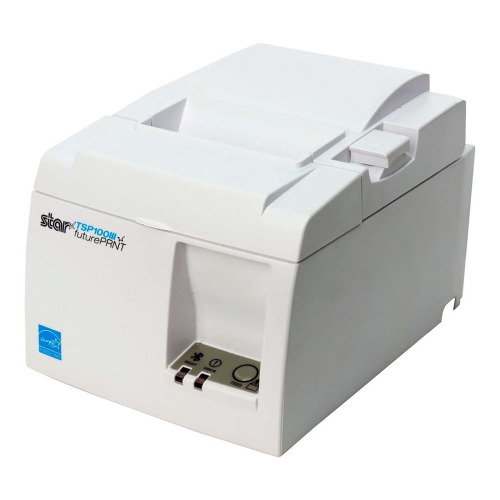
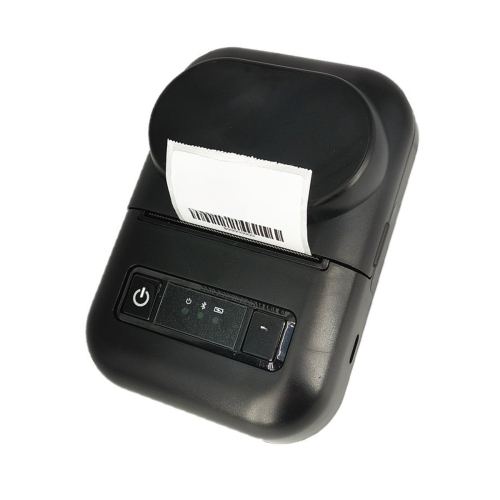
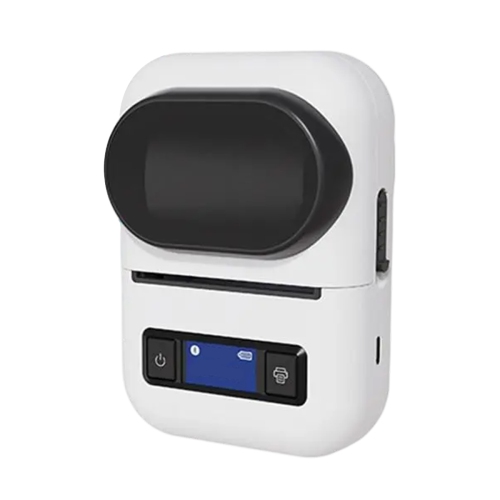
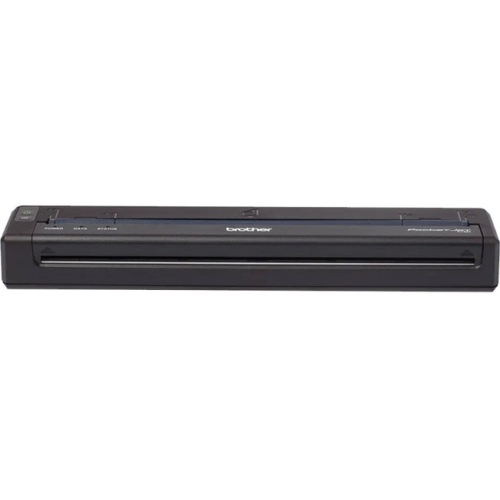
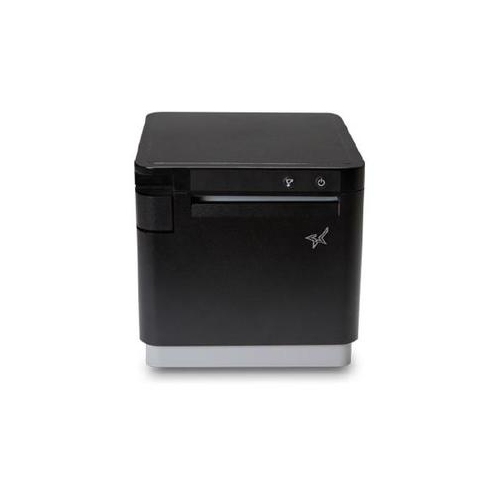
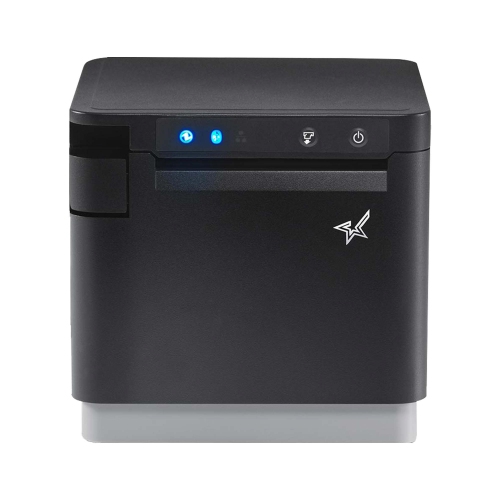
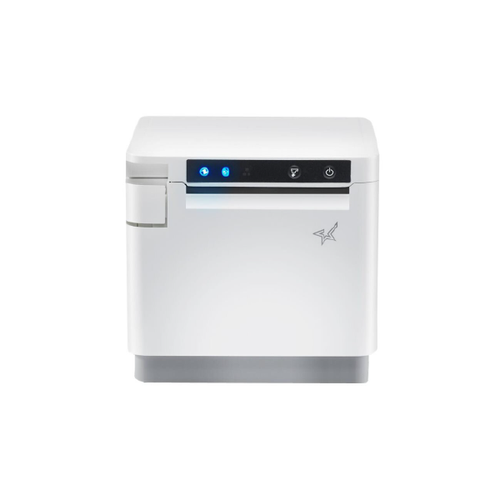
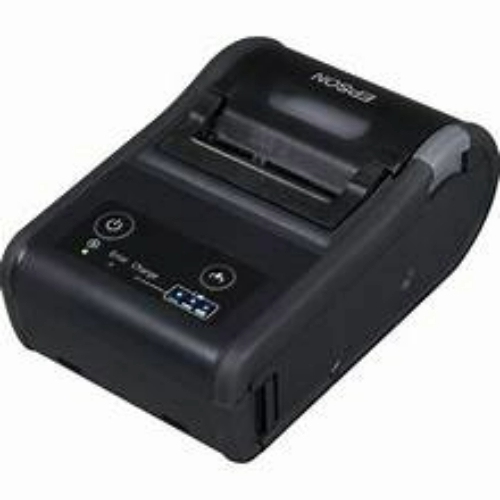
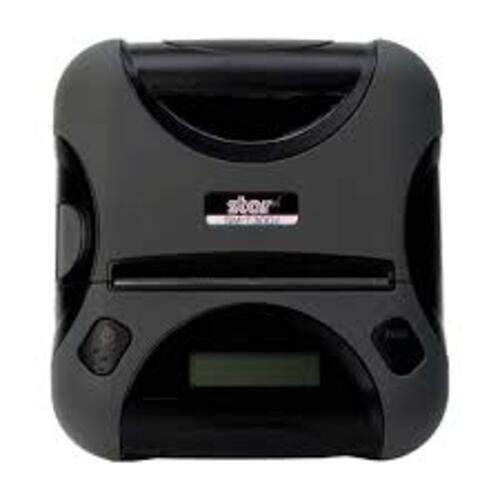
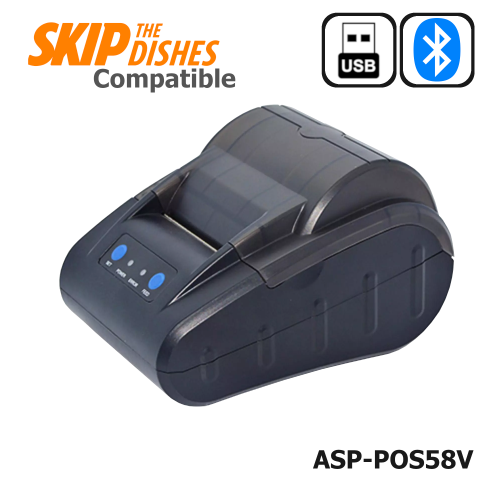
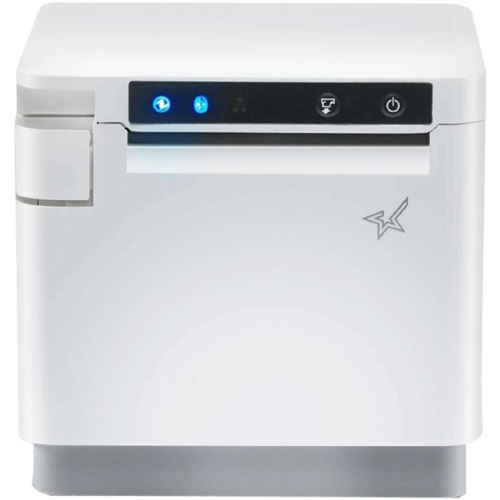
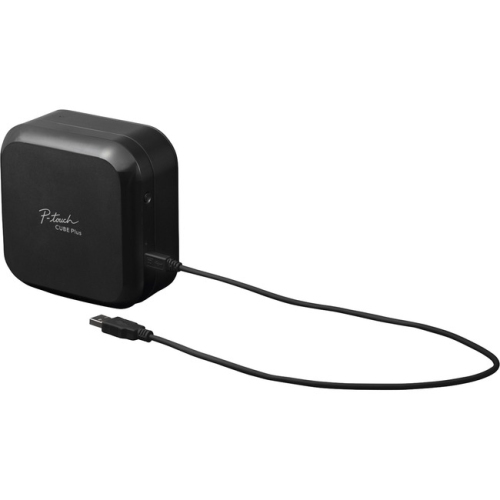
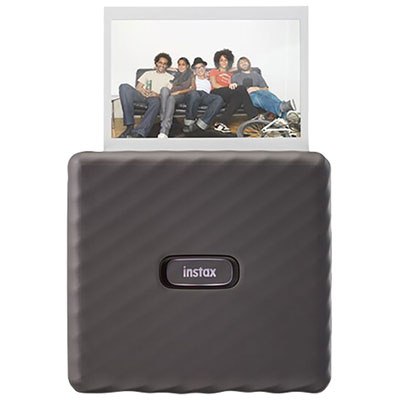
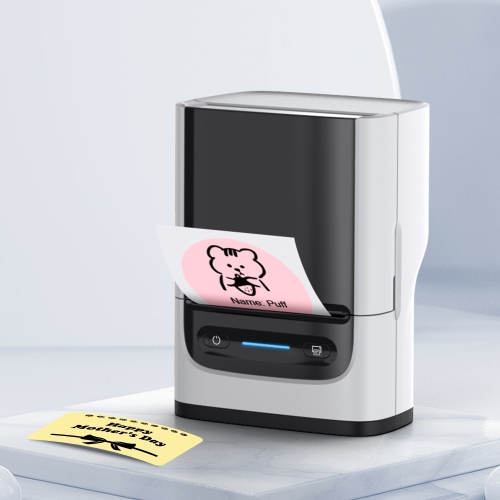
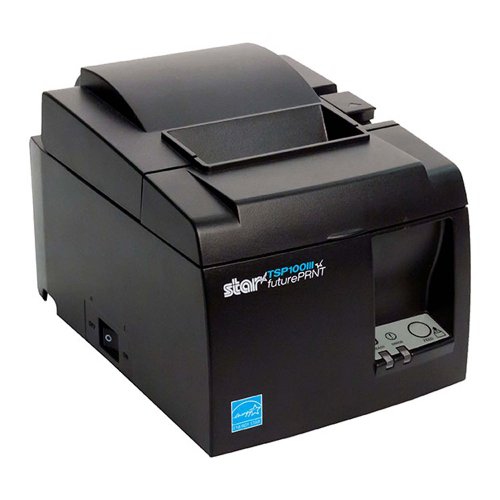
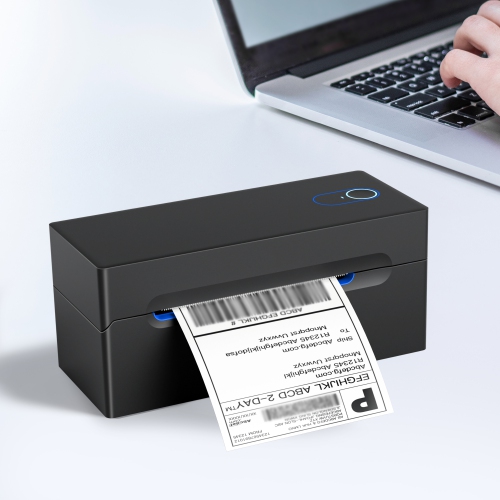
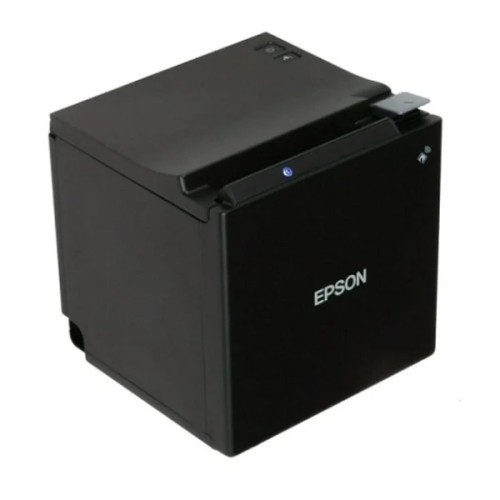
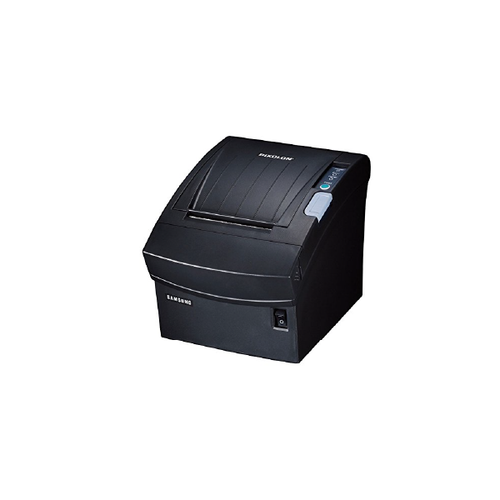
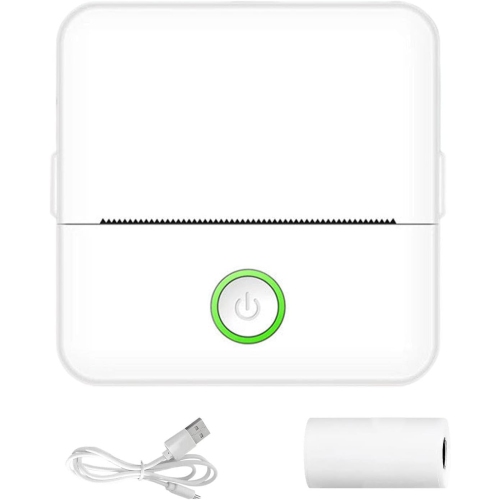
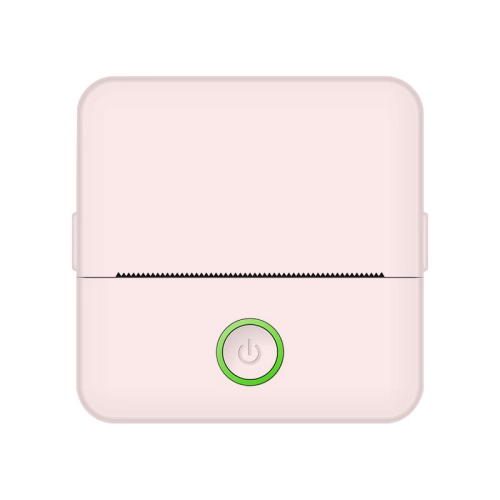
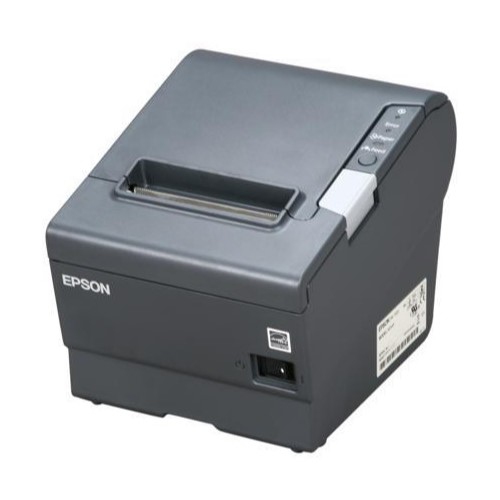
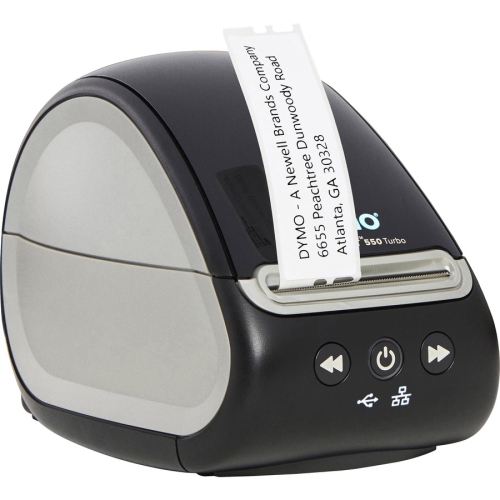
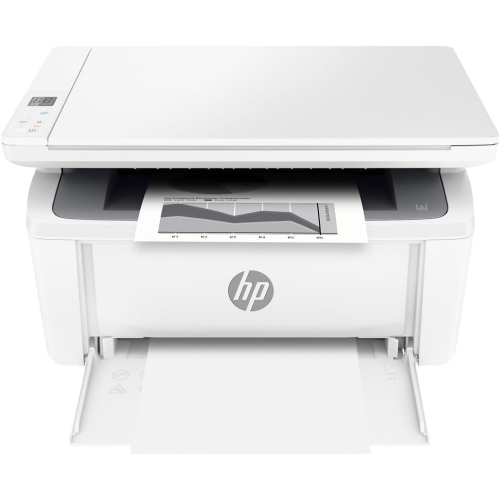
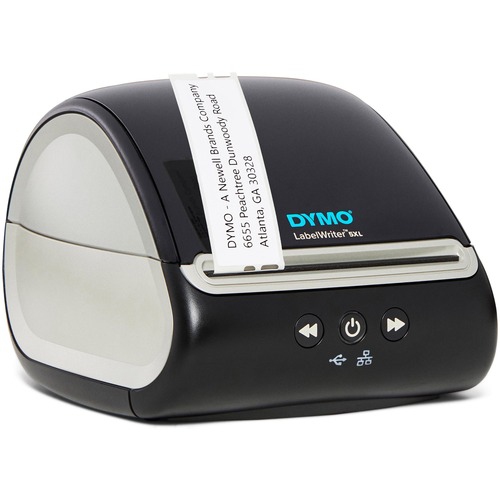
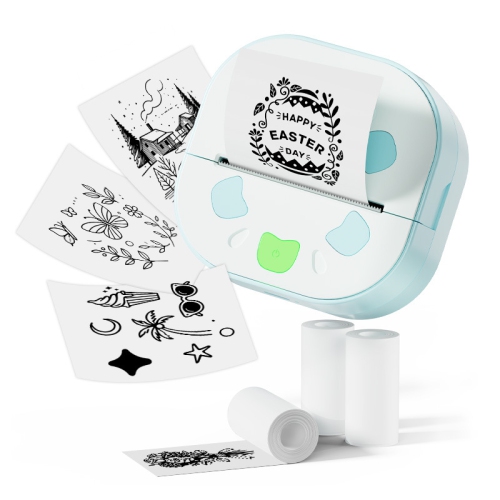
Mobile thermal printers bring convenient, on-demand printing to places where a full-size printer would be impractical. These compact devices use heat-sensitive paper rather than liquid ink or toner, creating text, barcodes, receipts, labels, notes, and simple images through a direct thermal printing process. Since there are no ink cartridges to replace, they are well suited to quick, occasional printing at a counter, in a vehicle, at a worksite, or while travelling. Some models are small enough to carry in a bag or equipment case, while others support full-page A4 or US Letter documents for forms, invoices, contracts, travel documents, and other paperwork. A rechargeable battery allows printing away from a wall outlet, with capacity varying by model, paper size, print density, and connection settings. Mobile thermal printers typically pair with a smartphone, tablet, laptop, or point-of-sale system through Bluetooth, Wi-Fi, or USB. When comparing options, start with the kind of material you expect to print most often. A pocket-sized receipt printer makes sense for delivery services, mobile sales, ticketing, pop-up shops, and field appointments, while a label printer can help organize bins, cables, inventory, shipping parcels, storage containers, and equipment. Compact full-page printers are better suited to remote workers, students, travelling professionals, and anyone who needs a physical document without relying on a hotel business centre or shared office printer. Small note and sticker printers can produce brief reminders, checklists, study aids, labels, or monochrome snapshots, although their narrow paper formats are not intended for standard documents. Browsing the wider selection of Thermal Printers can help you compare these different formats and choose a printer that matches the way you plan to work.
Paper compatibility is one of the most important purchase considerations because thermal printers are designed for specific roll widths, sheet sizes, coatings, and formats. Receipt-style models generally use continuous rolls, which are convenient for transaction records and short labels, while label printers may require adhesive rolls or die-cut labels in a particular size. Full-page units use heat-sensitive sheets that resemble ordinary printer paper, but they may not produce the same long-term appearance as ink-based documents, especially when exposed to heat, sunlight, friction, or moisture. Checking the supported paper dimensions, roll diameter, core size, adhesive type, and replacement-paper availability before buying can prevent frustrating interruptions later. Print resolution also matters: basic text and barcodes can be clear at modest resolutions, while small graphics, fine lines, and photographs benefit from a higher print density. Consider print speed if the device will be used for a queue of customers or a busy round of service calls, and look for automatic cutters, peeler functions, paper sensors, or tear bars when they suit your workflow. A good mobile printer should be easy to load, with an accessible paper compartment and simple status indicators for battery level, connection, and paper supply. Battery life is best assessed in pages or labels per charge rather than runtime alone, since darker graphics and larger sheets use more power. A USB charging connection may be useful in a vehicle, office, or travel bag, while a replaceable battery can be valuable for long shifts away from an outlet. Size and weight are equally practical concerns: a printer that slips into a jacket pocket may be ideal for receipts, but a full-page model may need a shoulder bag or laptop case. For work outdoors or in active environments, check whether the printer has a protective enclosure or resistance to dust, drops, and splashes. These details can make the difference between a device that stays packed away and one that becomes a dependable part of a daily routine.
The best mobile thermal printer also depends on the devices and software already used in your household or workplace. Confirm compatibility with iPhone, iPad, Android, Windows, or Mac devices, and review whether printing is managed through a dedicated app, a standard driver, a web-based system, or point-of-sale software. An app may offer useful tools such as label templates, barcode creation, image importing, text formatting, print previews, and saved layouts, while business users may need support for inventory platforms, invoicing systems, delivery software, or customer-order records. Bluetooth is convenient for a single phone or tablet nearby, whereas Wi-Fi can support several devices on the same network and may be more useful in a small shop, studio, classroom, or shared workspace. USB can provide a dependable wired connection when wireless pairing is inconvenient or when a laptop does not support the required Bluetooth profile. Think about privacy as well: receipts, forms, shipping labels, and service records can contain personal or business information, so simple pairing controls and responsible paper handling are worth considering. Mobile thermal printers can be practical for tradespeople leaving job summaries at a customer’s home, market vendors issuing receipts, caregivers organizing supplies, teachers preparing quick activity labels, photographers printing small keepsakes, and students marking folders or study materials. They can also make thoughtful gifts for someone starting a craft business, selling at community events, managing a home office, planning a move, or preparing for travel during the warmer or cooler parts of the year. A portable printer may be especially handy for road trips, where it can produce parking details, luggage labels, itineraries, or emergency contact information without adding much bulk. Before settling on a model, match the printer’s format, paper cost, battery capacity, connection options, and software support to the jobs it will perform most often. Choosing based on those everyday details helps ensure that the printer is not merely compact, but genuinely useful whenever a clear, physical copy is needed away from a traditional printer.
Paper compatibility is one of the most important purchase considerations because thermal printers are designed for specific roll widths, sheet sizes, coatings, and formats. Receipt-style models generally use continuous rolls, which are convenient for transaction records and short labels, while label printers may require adhesive rolls or die-cut labels in a particular size. Full-page units use heat-sensitive sheets that resemble ordinary printer paper, but they may not produce the same long-term appearance as ink-based documents, especially when exposed to heat, sunlight, friction, or moisture. Checking the supported paper dimensions, roll diameter, core size, adhesive type, and replacement-paper availability before buying can prevent frustrating interruptions later. Print resolution also matters: basic text and barcodes can be clear at modest resolutions, while small graphics, fine lines, and photographs benefit from a higher print density. Consider print speed if the device will be used for a queue of customers or a busy round of service calls, and look for automatic cutters, peeler functions, paper sensors, or tear bars when they suit your workflow. A good mobile printer should be easy to load, with an accessible paper compartment and simple status indicators for battery level, connection, and paper supply. Battery life is best assessed in pages or labels per charge rather than runtime alone, since darker graphics and larger sheets use more power. A USB charging connection may be useful in a vehicle, office, or travel bag, while a replaceable battery can be valuable for long shifts away from an outlet. Size and weight are equally practical concerns: a printer that slips into a jacket pocket may be ideal for receipts, but a full-page model may need a shoulder bag or laptop case. For work outdoors or in active environments, check whether the printer has a protective enclosure or resistance to dust, drops, and splashes. These details can make the difference between a device that stays packed away and one that becomes a dependable part of a daily routine.
The best mobile thermal printer also depends on the devices and software already used in your household or workplace. Confirm compatibility with iPhone, iPad, Android, Windows, or Mac devices, and review whether printing is managed through a dedicated app, a standard driver, a web-based system, or point-of-sale software. An app may offer useful tools such as label templates, barcode creation, image importing, text formatting, print previews, and saved layouts, while business users may need support for inventory platforms, invoicing systems, delivery software, or customer-order records. Bluetooth is convenient for a single phone or tablet nearby, whereas Wi-Fi can support several devices on the same network and may be more useful in a small shop, studio, classroom, or shared workspace. USB can provide a dependable wired connection when wireless pairing is inconvenient or when a laptop does not support the required Bluetooth profile. Think about privacy as well: receipts, forms, shipping labels, and service records can contain personal or business information, so simple pairing controls and responsible paper handling are worth considering. Mobile thermal printers can be practical for tradespeople leaving job summaries at a customer’s home, market vendors issuing receipts, caregivers organizing supplies, teachers preparing quick activity labels, photographers printing small keepsakes, and students marking folders or study materials. They can also make thoughtful gifts for someone starting a craft business, selling at community events, managing a home office, planning a move, or preparing for travel during the warmer or cooler parts of the year. A portable printer may be especially handy for road trips, where it can produce parking details, luggage labels, itineraries, or emergency contact information without adding much bulk. Before settling on a model, match the printer’s format, paper cost, battery capacity, connection options, and software support to the jobs it will perform most often. Choosing based on those everyday details helps ensure that the printer is not merely compact, but genuinely useful whenever a clear, physical copy is needed away from a traditional printer.
Top selling and popular products
-
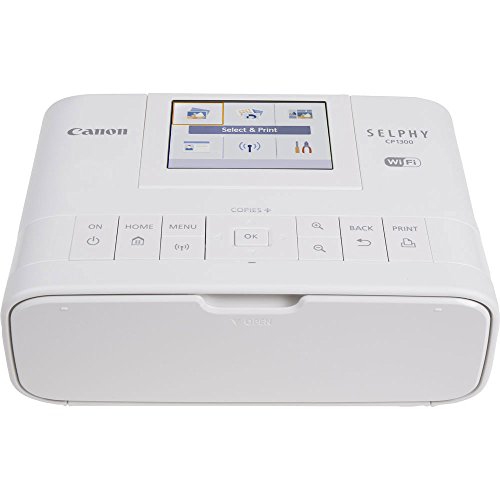 Your price for this item is $299
 -
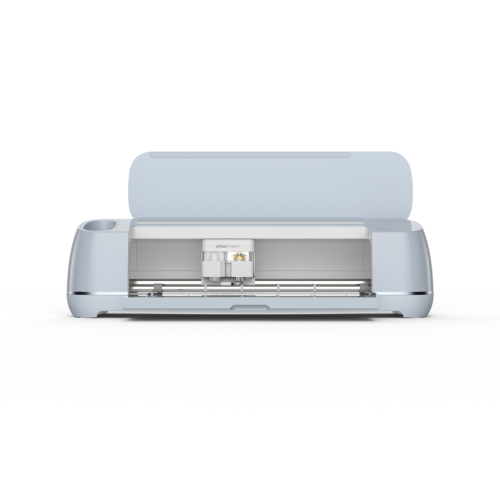 Your price for this item is $549
 -
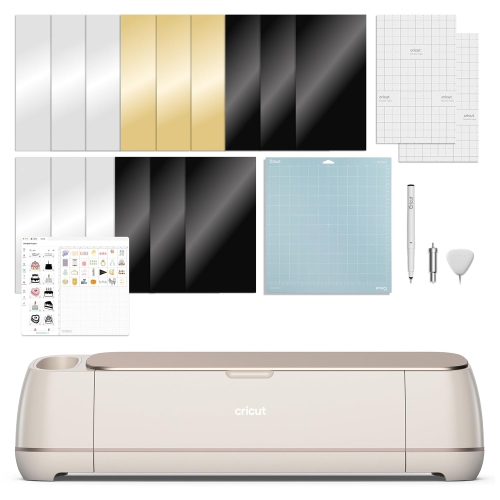 Your price for this item is $409.99
 -
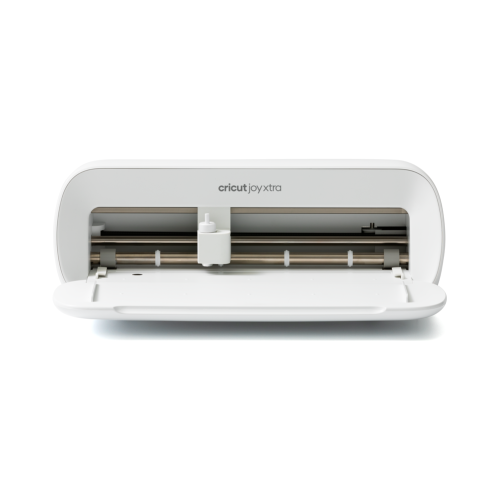 Your price for this item is $279
 -
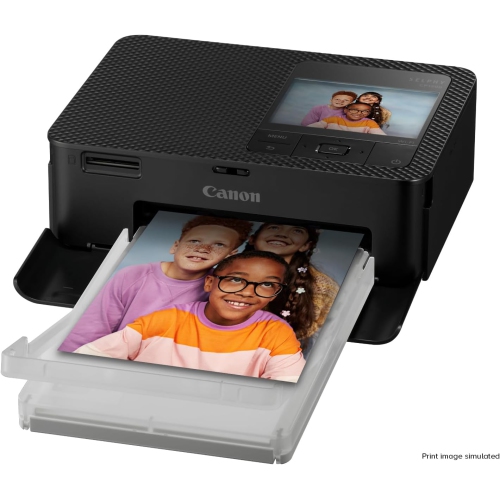 Your price for this item is $253.19
 -
 Your price for this item is $201.99
 -
 Your price for this item is $206.99
 -
 Your price for this item is $370.68
Discover more categories related to Mobile Thermal Printers
Top Collections:
Pokemon Centers, Kindle Devices, Best Budget Office Chairs, Apple iPhones 16, Best Laptops for Writers, iPhone 15 Apple, Canon G7X Cameras, Refurbished Apple Laptops, Alarm Clock, Motorola Razr Phones
Some products may be subject to Environmental Handling Fees
(EHF) depending on your province.
Learn more about EHFs.