Thermal Receipt Printers
Looking for a reliable and efficient way to print receipts for your business? Look no further than our collection of thermal receipt printers. Designed to streamline your checkout process, these printers use advanced thermal technology to produce high-quality receipts quickly and effortlessly. Whether you run a small retail store or a bustling restaurant, our range of thermal receipt printers offers the perfect solution to meet your needs. With their compact design and user-friendly features, these printers are not only practical but also add a professional touch to your customer transactions. Explore our selection today and find the perfect thermal receipt printer for your business.
Sort
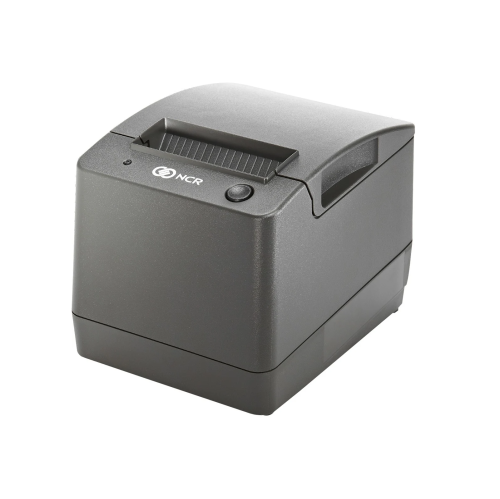
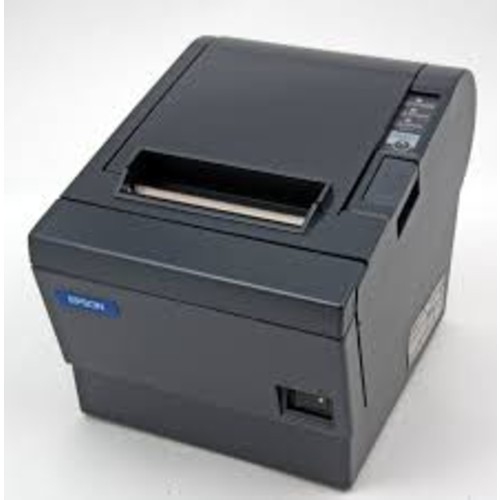
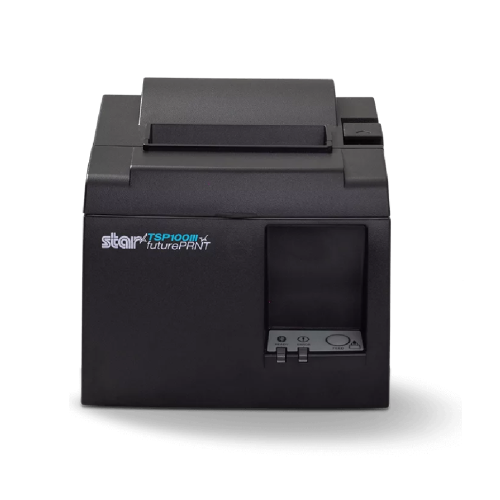
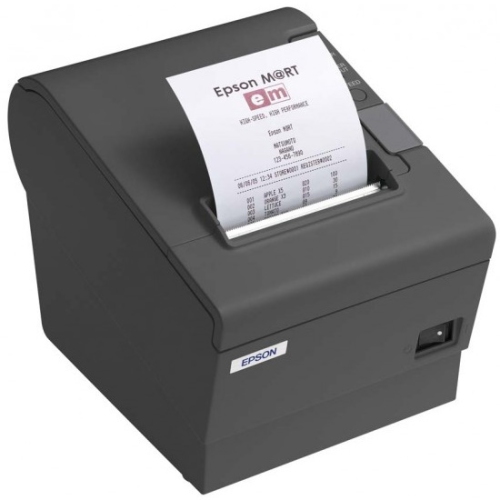
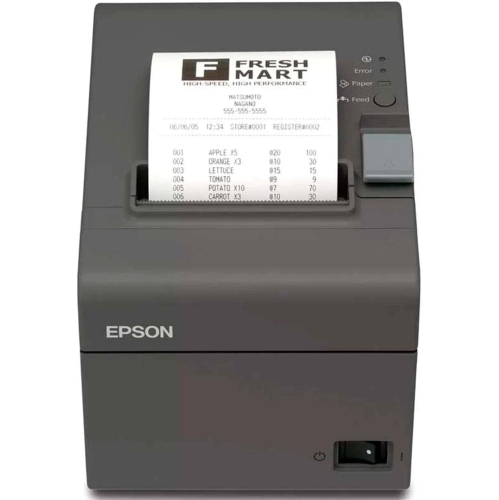

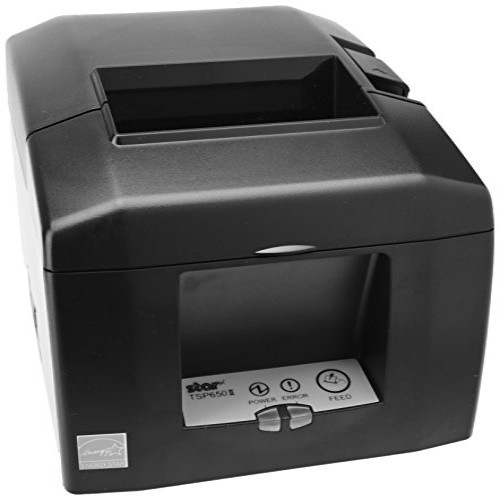
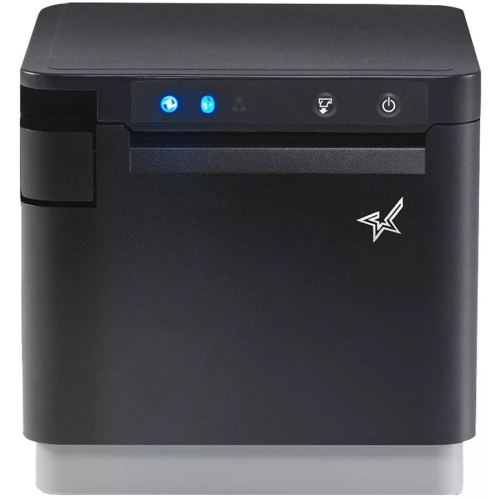
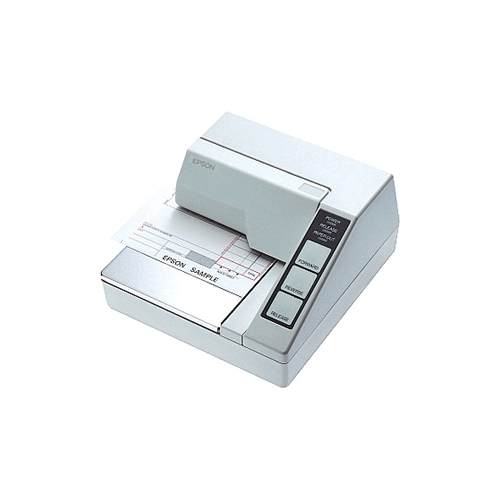
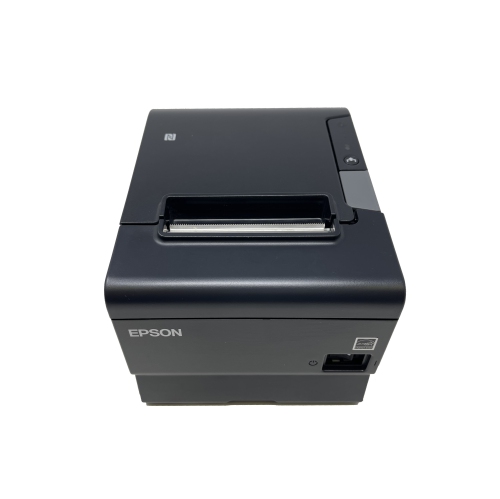
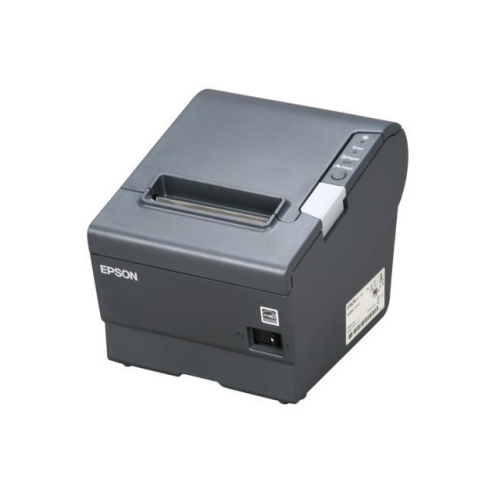
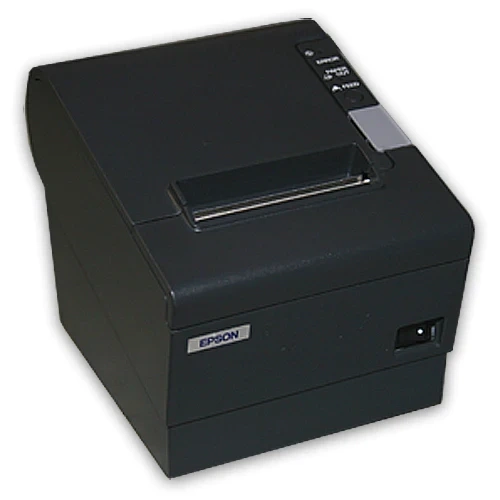
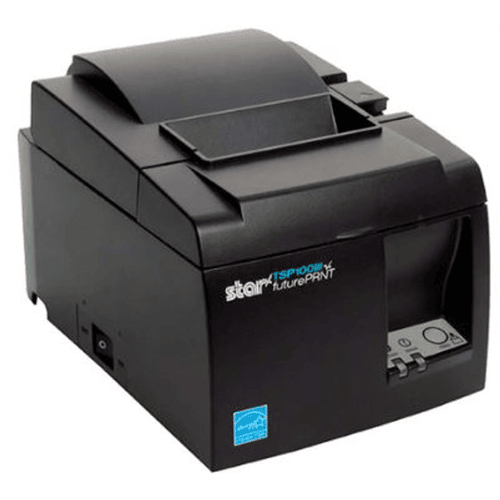
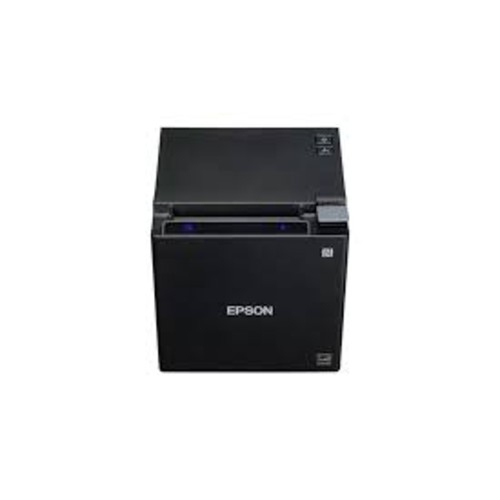
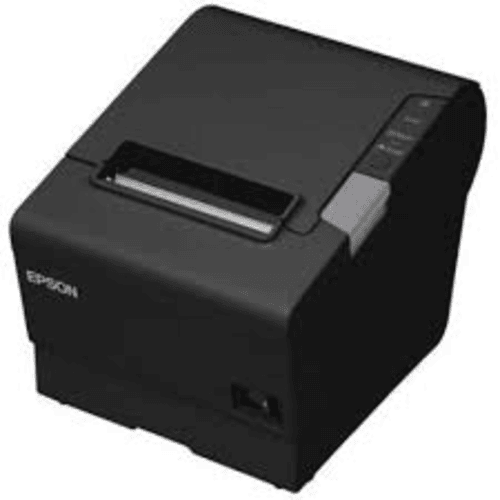
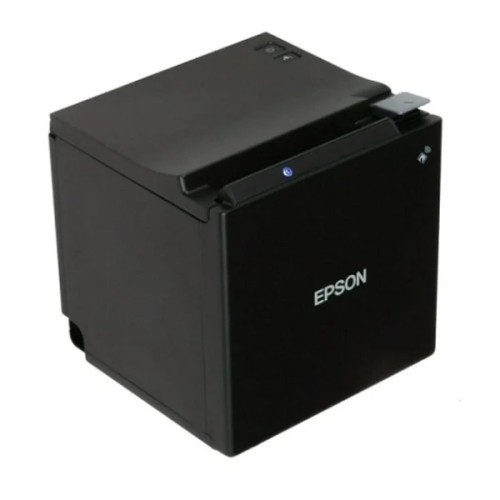
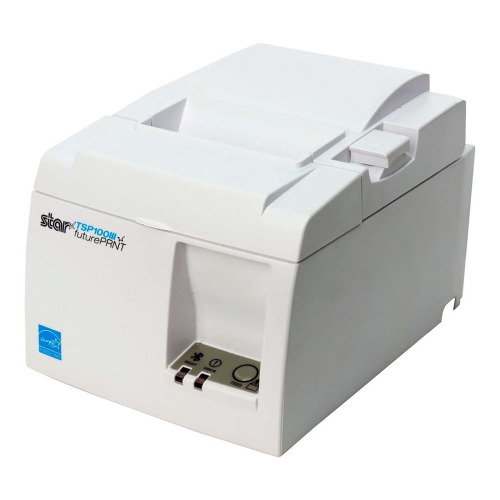
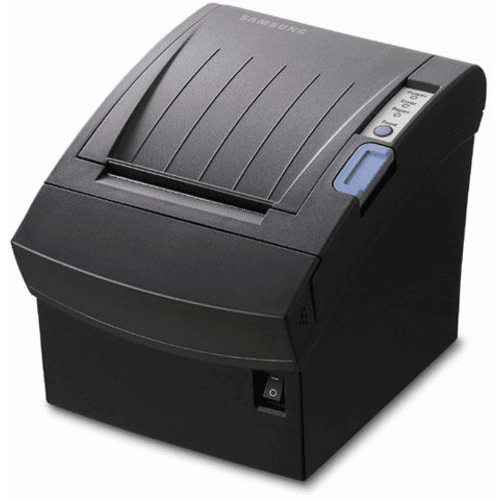
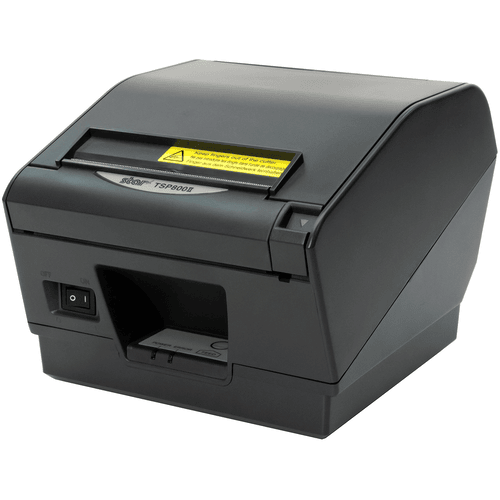
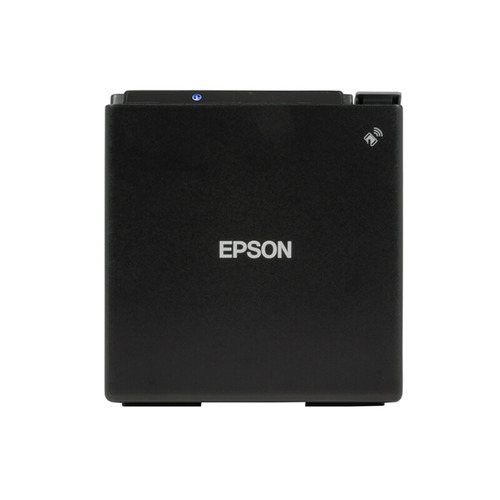
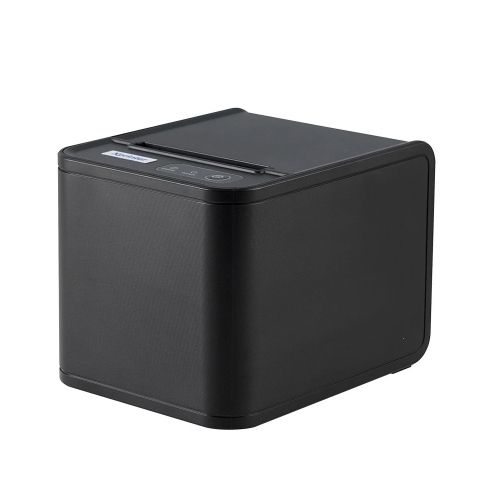


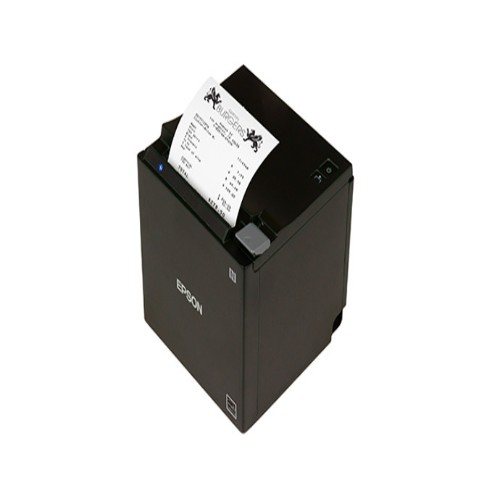
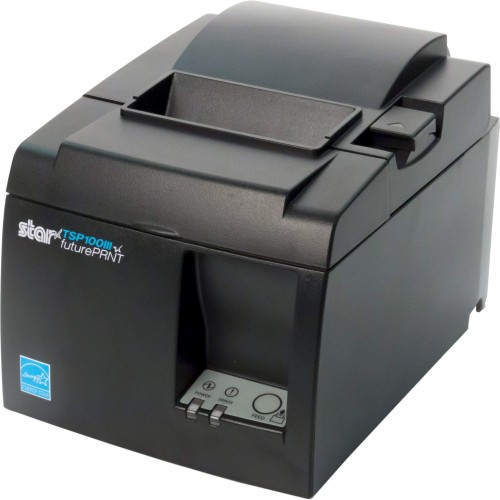
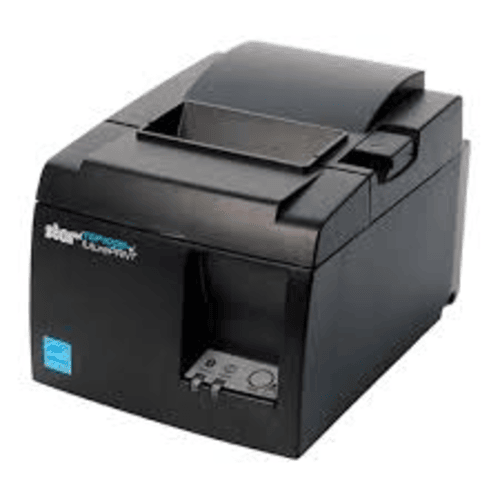
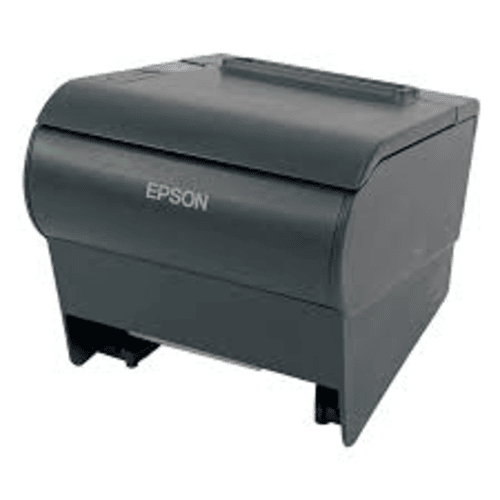

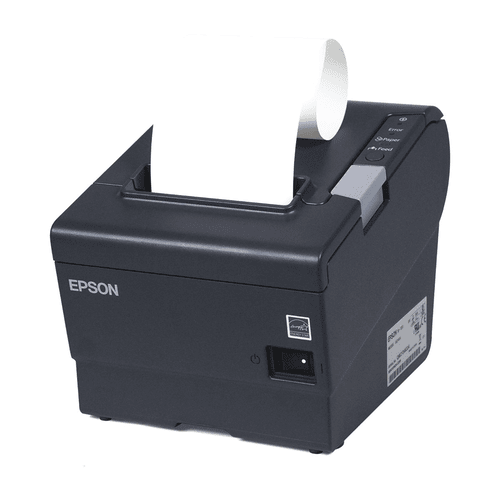
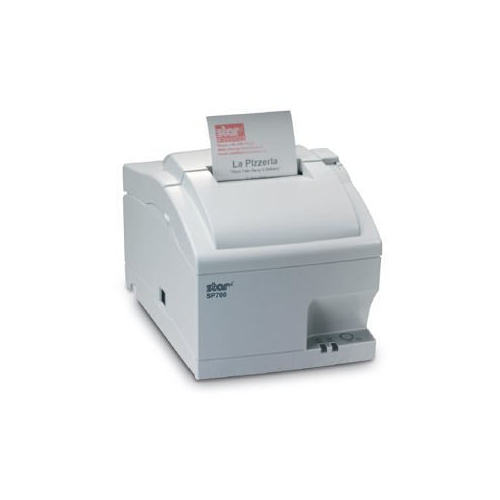
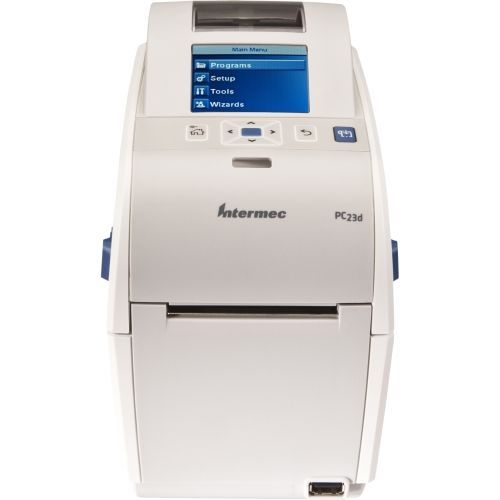
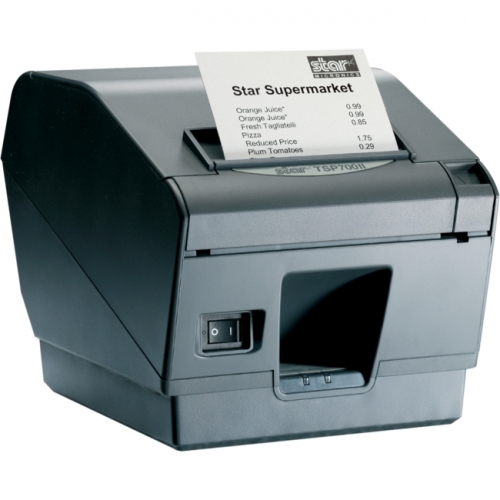
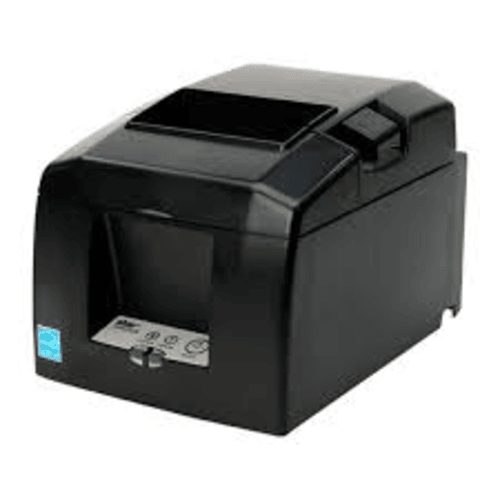
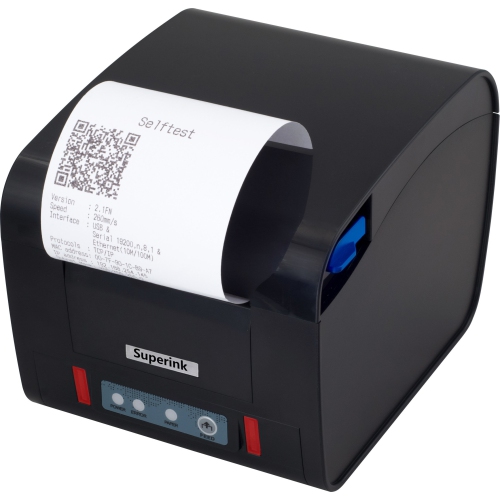
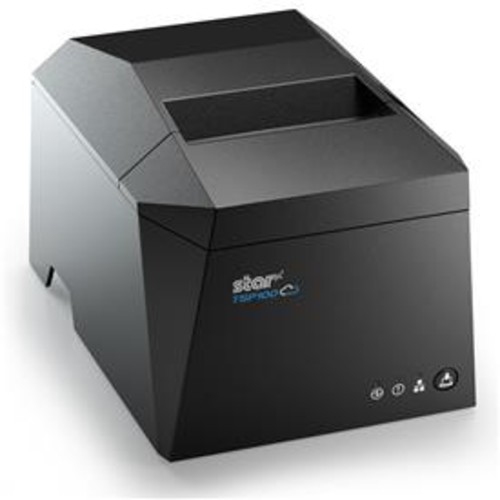

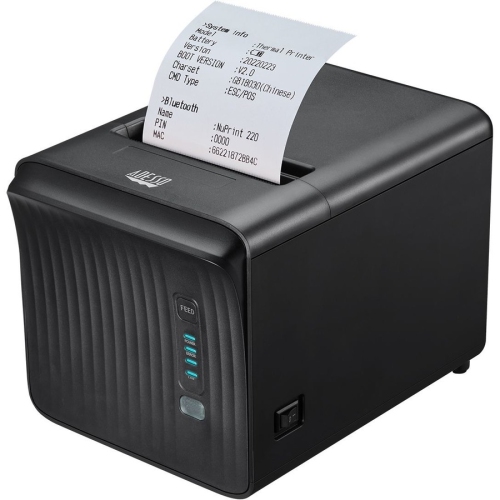
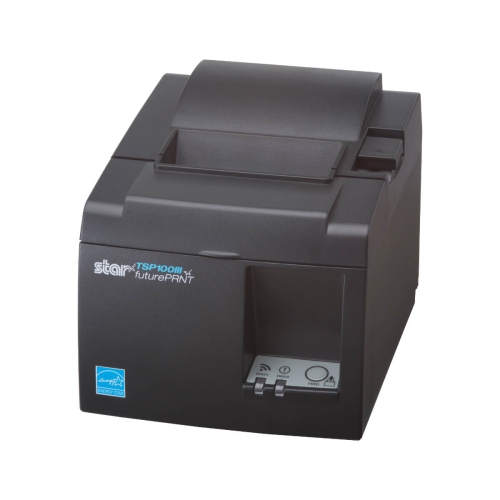
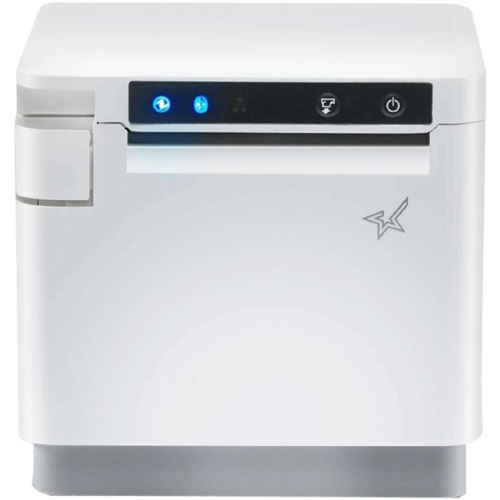
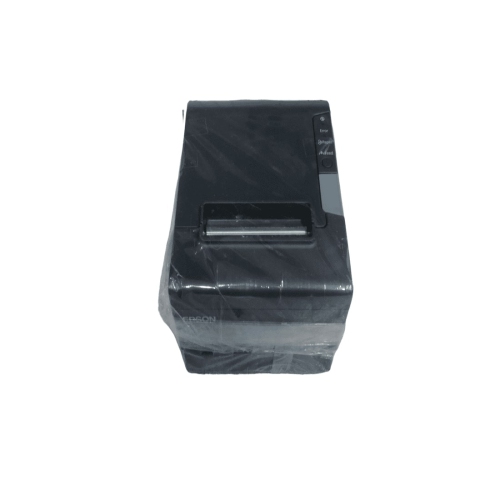
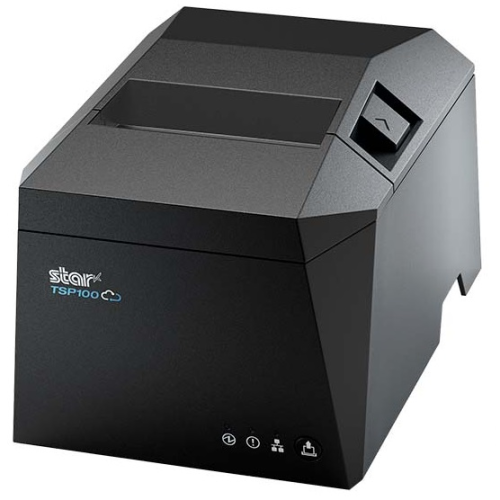
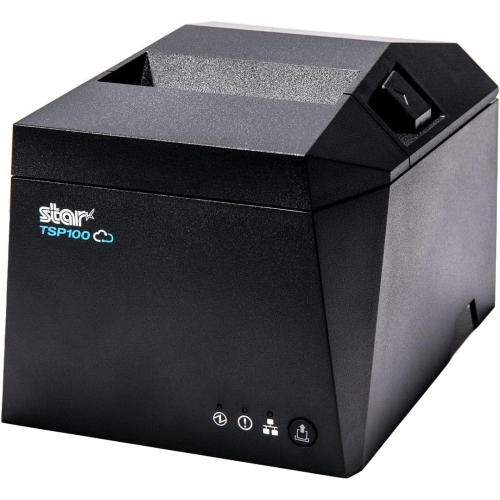
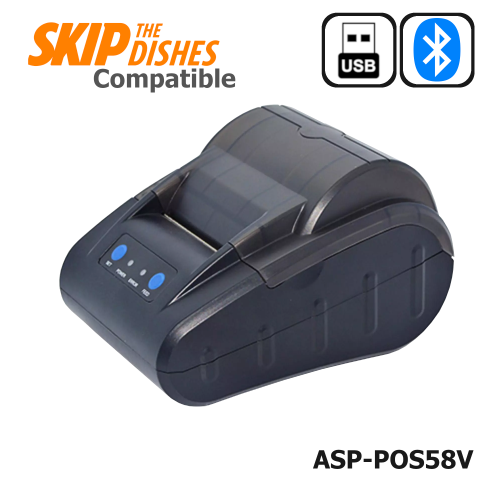
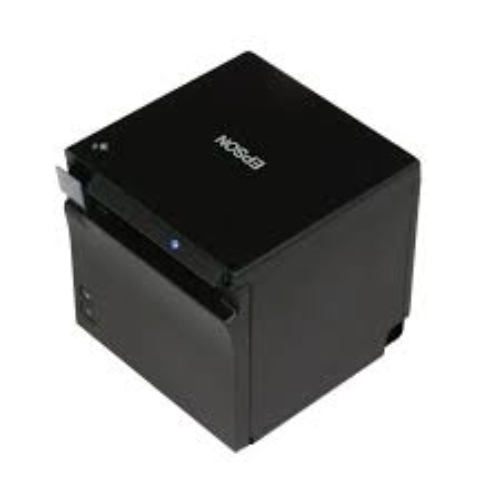

Key considerations for reliable, high-volume counter printing
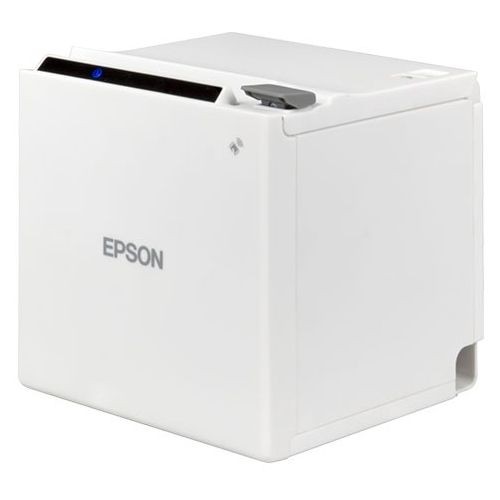
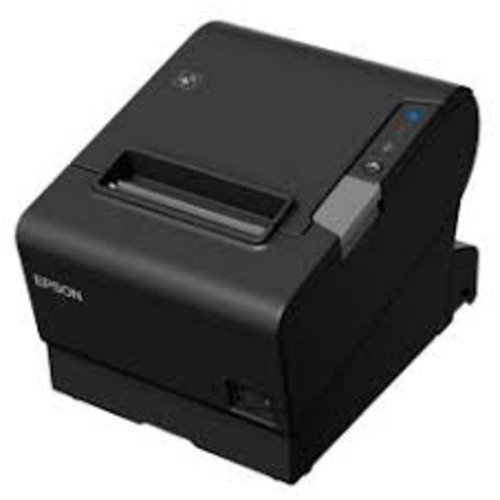
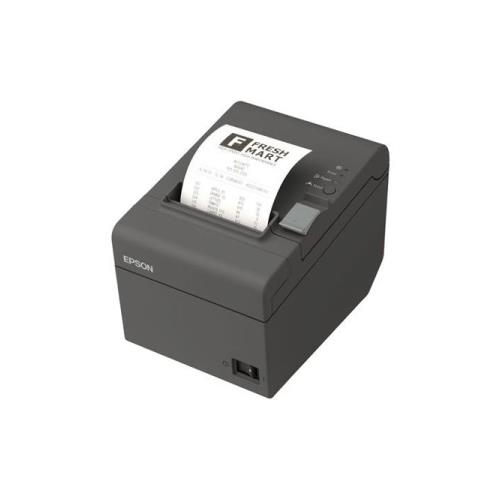
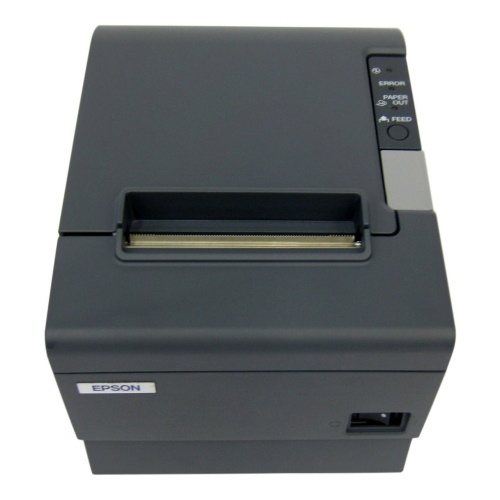
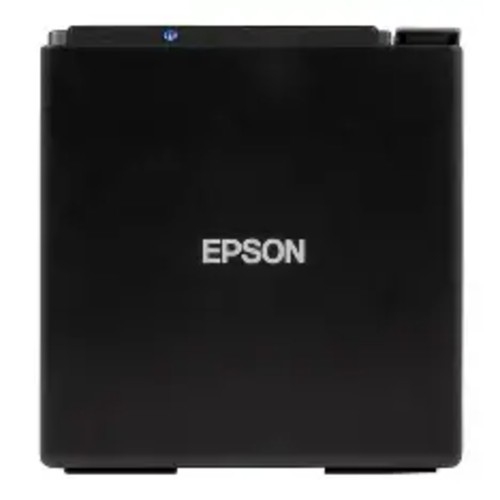
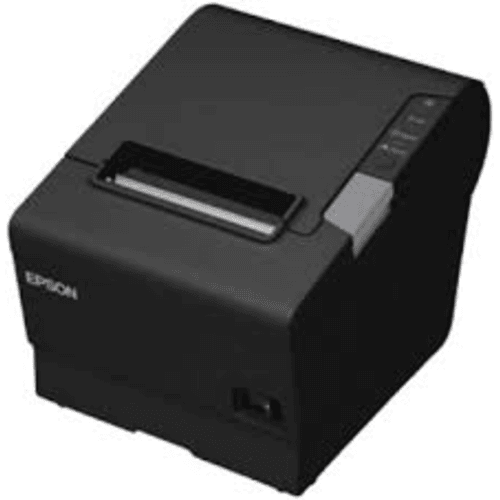
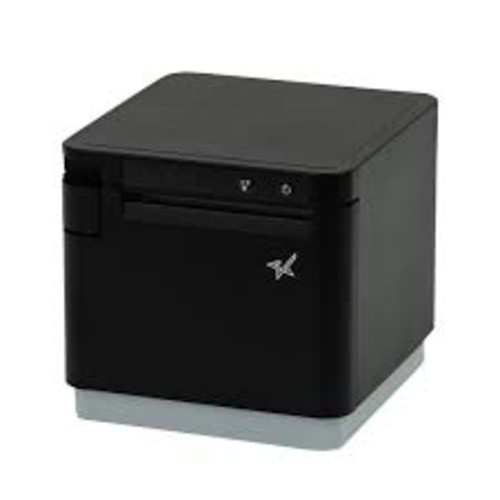
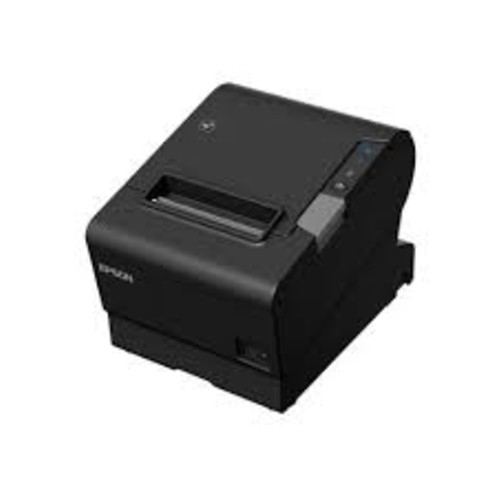
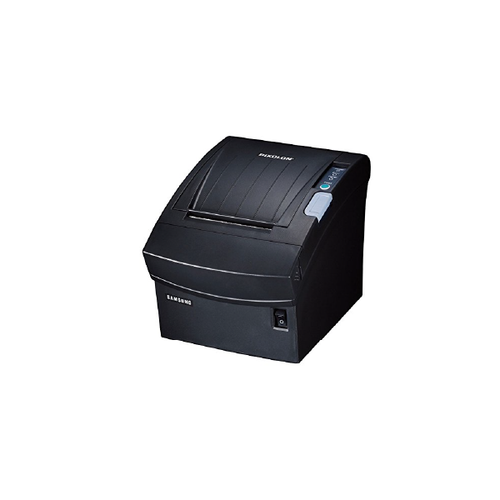
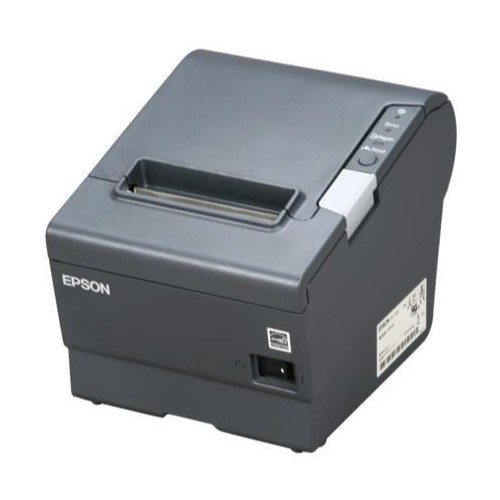
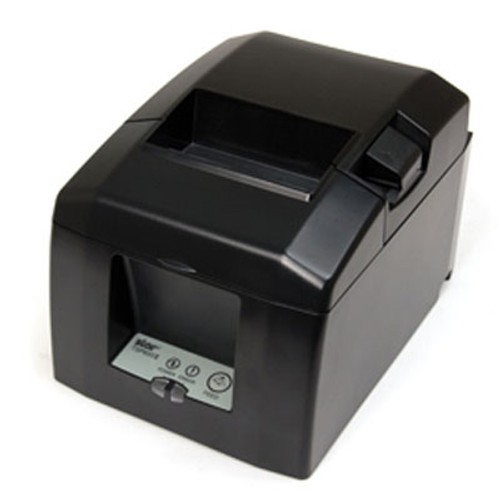
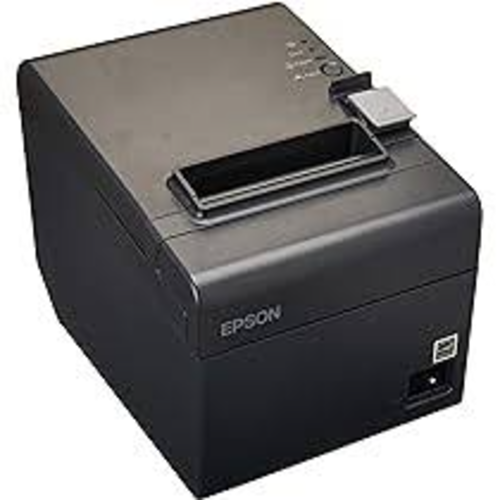
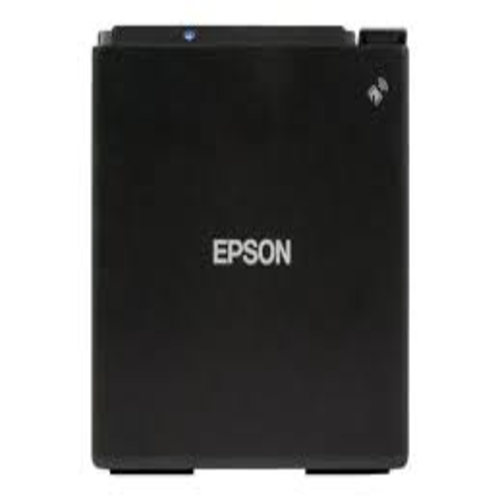
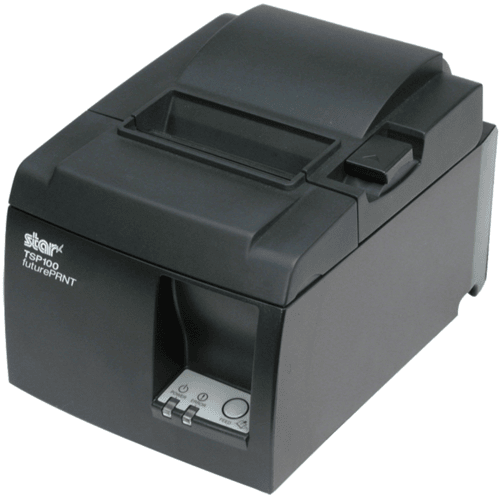
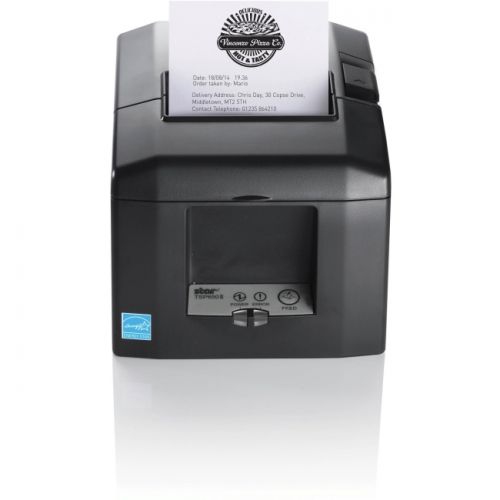
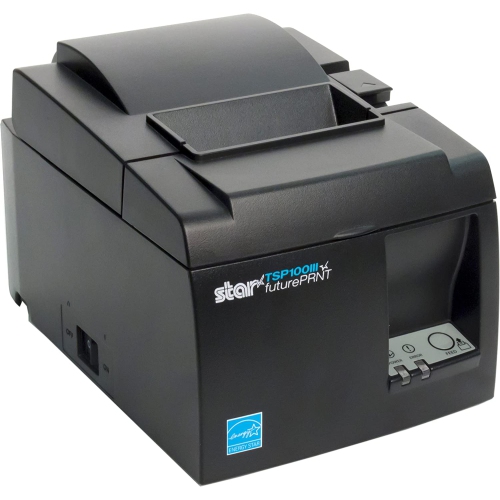
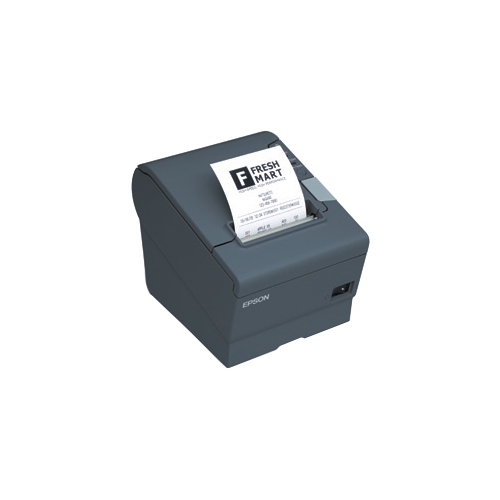
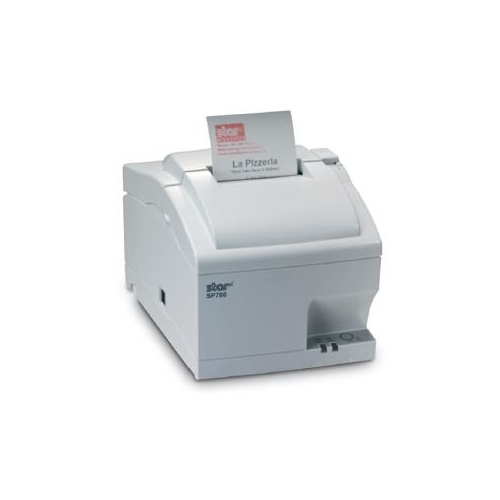
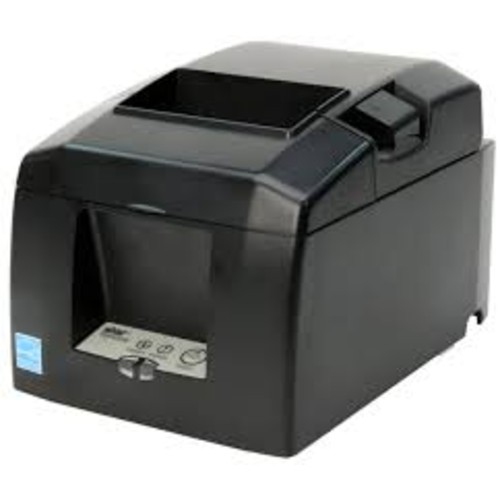
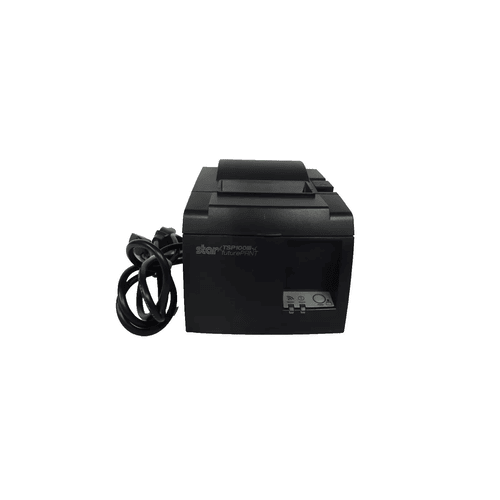
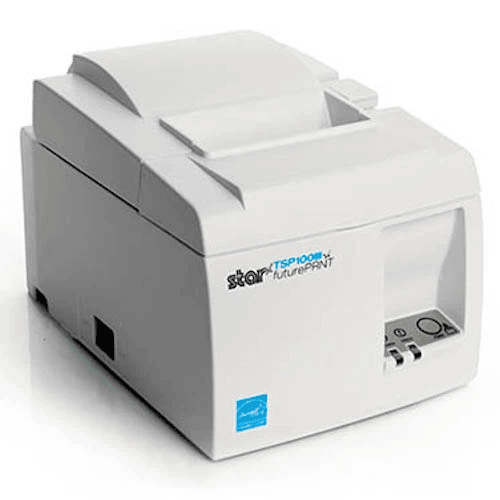
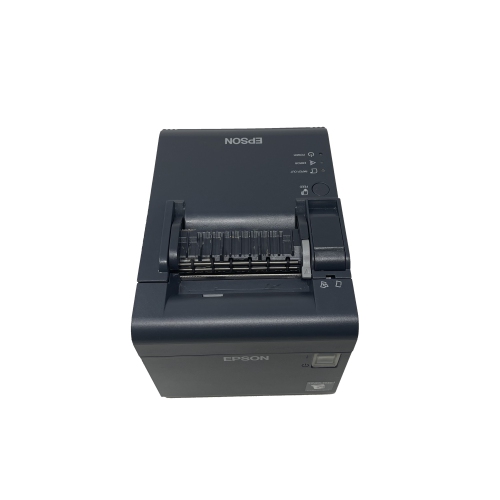
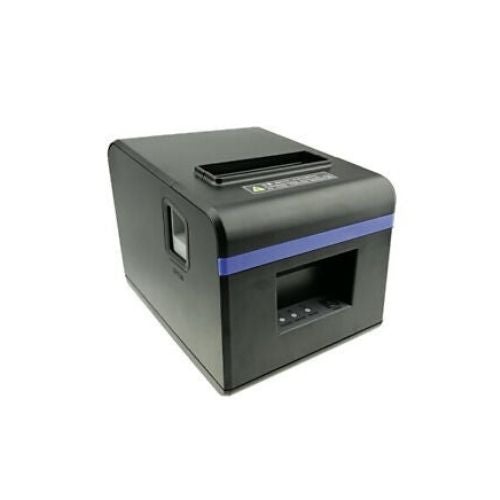
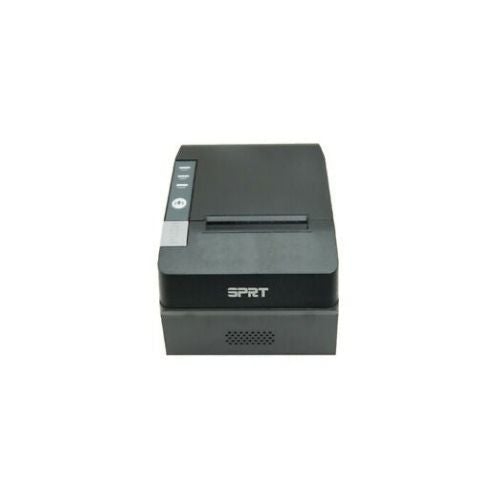
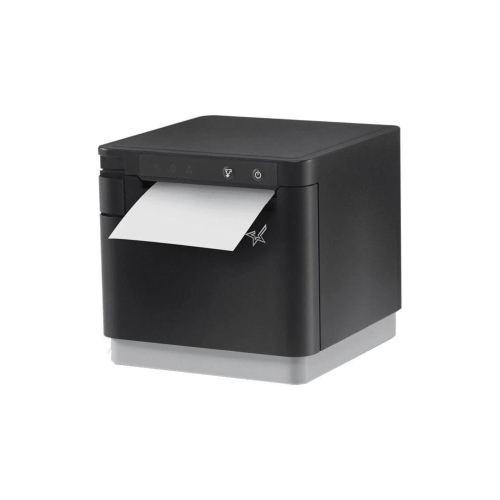
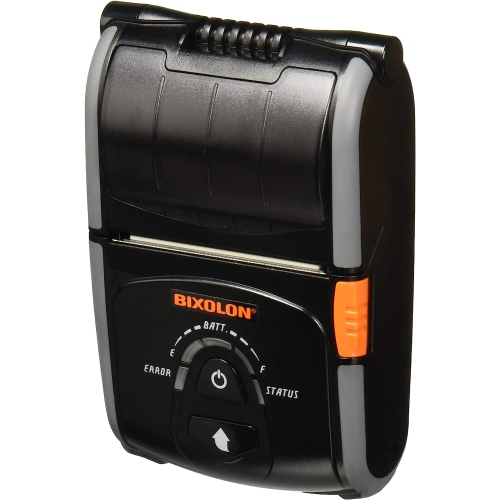
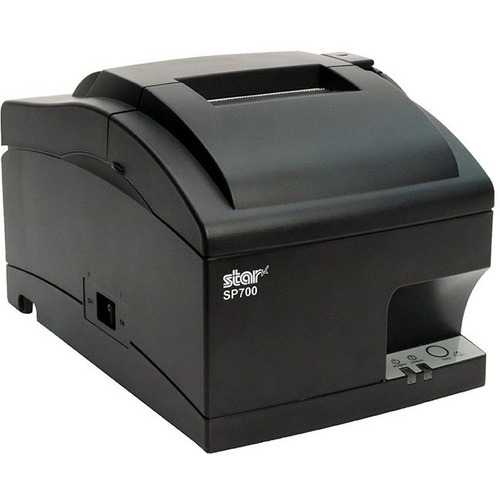
Thermal receipt printers are purpose-built for busy checkout counters, service desks, cafés, market stalls, ticket booths, and other settings where a clear receipt needs to be produced quickly and consistently. Unlike conventional printers, direct thermal receipt printers do not use ink cartridges, toner, or ribbons. Instead, a heated print head applies precise heat to special heat-sensitive paper as the roll moves through the printer, creating text, numbers, logos, barcodes, and other transaction details line by line. This inkless printing process helps keep day-to-day operation straightforward, with fewer consumable parts to replace and less maintenance between print jobs. Many models also include an automatic cutter that trims each receipt neatly after printing, which is especially useful when several customers are waiting in a queue. A quiet printer can make a noticeable difference in a small shop or restaurant, where the sound of a cutter and the movement of paper are repeated throughout the day. For businesses preparing for a busier sales period during the cooler months, a dependable receipt printer can help keep the checkout area organized while staff focus on customers, orders, and payments. Thermal receipt printers may also suit home-based sellers, tradespeople, event vendors, community organizations, and anyone who needs compact documentation for purchases or services. They are not generally chosen as traditional gifts, but they can be a practical addition to a new retail setup, a side business, or a growing food-service operation. When comparing options, start with the type of transactions you handle and the point-of-sale system that runs them. A printer that works with a Windows computer may not connect in the same way as one designed for a tablet-based POS system, so compatibility with your software, operating system, payment terminal, and register should be confirmed before purchase. Browsing Thermal Printers for Businesses can help you compare equipment suited to different commercial environments and connection requirements.
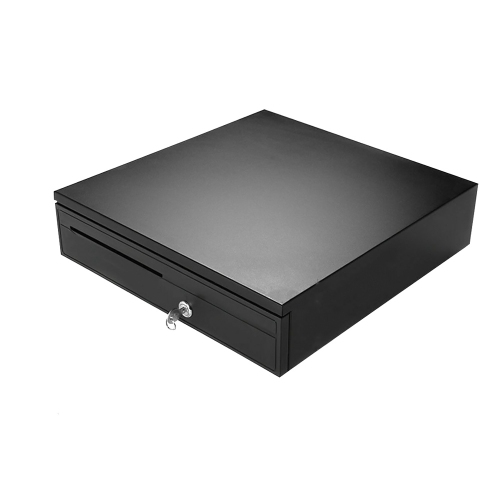
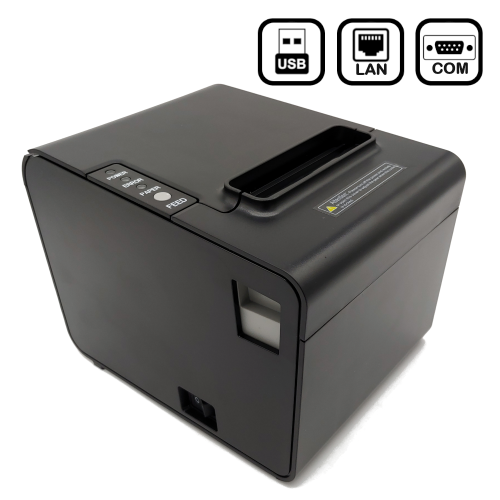
Print speed is one of the most important specifications for a high-volume counter. Speeds are often listed in millimetres per second, with faster models commonly reaching roughly 200 to 500 mm/s. A faster print mechanism can shorten the pause between payment approval and receipt handoff, helping reduce lines during lunch service, retail rushes, or event entry. Speed should still be considered alongside print quality, paper handling, and reliability; a quick printer is only useful when it produces sharp characters and feeds paper smoothly. Connection type also affects how easily the printer fits into your workspace. USB is a common choice for a fixed register or computer positioned beside the printer, while Ethernet can be useful when the printer needs to communicate with a POS system over a wired business network. Bluetooth may be more convenient for mobile devices, pop-up counters, food trucks, and other flexible arrangements, although wireless range, pairing, and device compatibility deserve close attention. Some receipt printers support more than one connection method, giving a business room to change its layout or replace a POS device later. Check the supported paper width before ordering, since narrower rolls can be suitable for compact counters while wider rolls may provide more space for item details, return policies, promotional messages, or longer order summaries. Also consider the printer’s footprint, paper-roll loading method, cable placement, and access to the cutter. A front-loading design can be easier to use where counter space is limited, and a clear indicator for low paper can prevent an avoidable interruption during a busy shift. For restaurants and service counters, it is worth checking whether the printer can handle the formatting used for kitchen tickets, order numbers, special instructions, or customer receipts. For retail environments, look for dependable barcode printing and legible small text. A compatible cash drawer port, status lights, wall-mounting option, or splash-resistant design may also matter depending on where the equipment will be installed.
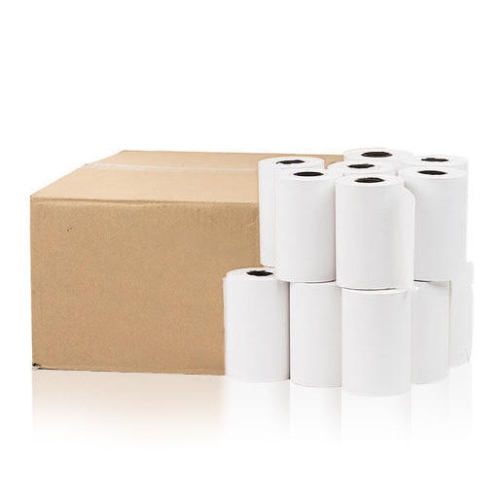
Durability is another central consideration for commercial printing. If the printer will produce receipts throughout the day, look for a robust feed mechanism, a rated print head life, and an automatic cutter rated for a high number of cuts; some commercial cutters are specified for more than one million cycles. These ratings do not guarantee identical results in every workplace, but they provide useful context when comparing equipment for sustained use. Keep the printer on a stable, level surface and follow the manufacturer’s recommendations for cleaning the print head, clearing paper jams, and replacing rolls. Direct thermal paper is convenient, but it reacts to heat and light. Receipts can darken, fade, or become difficult to read if stored against a warm surface, left in direct sunlight, or exposed to intense heat for long periods. For records that need to be retained, store them in a cool, dry, darker location and follow any applicable business record-keeping requirements; printed text may gradually degrade over several years, often within the range of three to five years depending on paper quality and storage conditions. Choose rolls designed for the printer and keep spare rolls close to the checkout area, particularly when deliveries may be less convenient during colder weather. A thermal receipt printer with the right speed, paper format, connectivity, cutter, and POS compatibility can provide a smooth handoff from a completed transaction to a clean, readable receipt. With those practical details matched to the way your business operates, the printer becomes a quiet, reliable part of the counter rather than another source of delays or complicated upkeep.
Print speed is one of the most important specifications for a high-volume counter. Speeds are often listed in millimetres per second, with faster models commonly reaching roughly 200 to 500 mm/s. A faster print mechanism can shorten the pause between payment approval and receipt handoff, helping reduce lines during lunch service, retail rushes, or event entry. Speed should still be considered alongside print quality, paper handling, and reliability; a quick printer is only useful when it produces sharp characters and feeds paper smoothly. Connection type also affects how easily the printer fits into your workspace. USB is a common choice for a fixed register or computer positioned beside the printer, while Ethernet can be useful when the printer needs to communicate with a POS system over a wired business network. Bluetooth may be more convenient for mobile devices, pop-up counters, food trucks, and other flexible arrangements, although wireless range, pairing, and device compatibility deserve close attention. Some receipt printers support more than one connection method, giving a business room to change its layout or replace a POS device later. Check the supported paper width before ordering, since narrower rolls can be suitable for compact counters while wider rolls may provide more space for item details, return policies, promotional messages, or longer order summaries. Also consider the printer’s footprint, paper-roll loading method, cable placement, and access to the cutter. A front-loading design can be easier to use where counter space is limited, and a clear indicator for low paper can prevent an avoidable interruption during a busy shift. For restaurants and service counters, it is worth checking whether the printer can handle the formatting used for kitchen tickets, order numbers, special instructions, or customer receipts. For retail environments, look for dependable barcode printing and legible small text. A compatible cash drawer port, status lights, wall-mounting option, or splash-resistant design may also matter depending on where the equipment will be installed.
Durability is another central consideration for commercial printing. If the printer will produce receipts throughout the day, look for a robust feed mechanism, a rated print head life, and an automatic cutter rated for a high number of cuts; some commercial cutters are specified for more than one million cycles. These ratings do not guarantee identical results in every workplace, but they provide useful context when comparing equipment for sustained use. Keep the printer on a stable, level surface and follow the manufacturer’s recommendations for cleaning the print head, clearing paper jams, and replacing rolls. Direct thermal paper is convenient, but it reacts to heat and light. Receipts can darken, fade, or become difficult to read if stored against a warm surface, left in direct sunlight, or exposed to intense heat for long periods. For records that need to be retained, store them in a cool, dry, darker location and follow any applicable business record-keeping requirements; printed text may gradually degrade over several years, often within the range of three to five years depending on paper quality and storage conditions. Choose rolls designed for the printer and keep spare rolls close to the checkout area, particularly when deliveries may be less convenient during colder weather. A thermal receipt printer with the right speed, paper format, connectivity, cutter, and POS compatibility can provide a smooth handoff from a completed transaction to a clean, readable receipt. With those practical details matched to the way your business operates, the printer becomes a quiet, reliable part of the counter rather than another source of delays or complicated upkeep.
Top selling and popular products
-
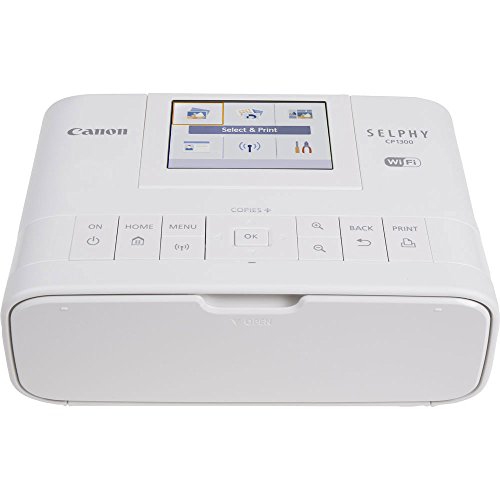 Your price for this item is $299
 -
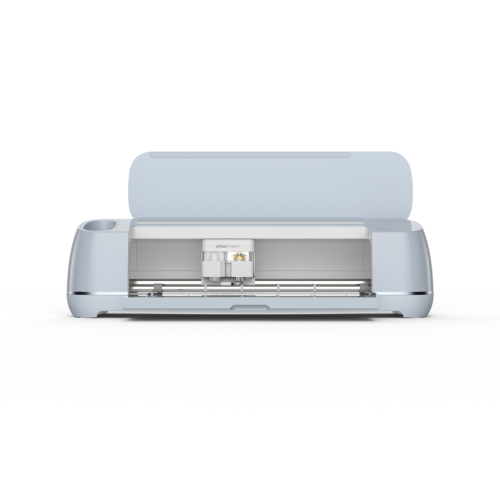 Your price for this item is $549
 -
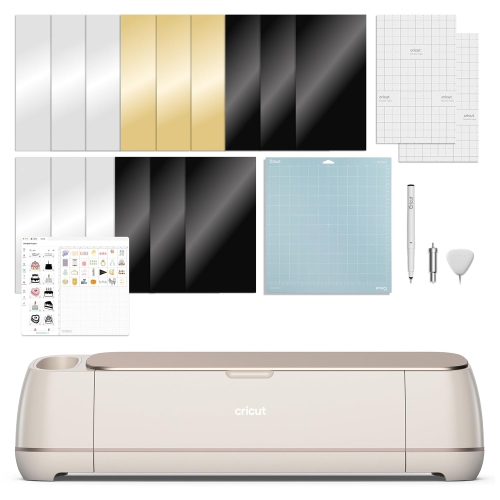 Your price for this item is $409.99
 -
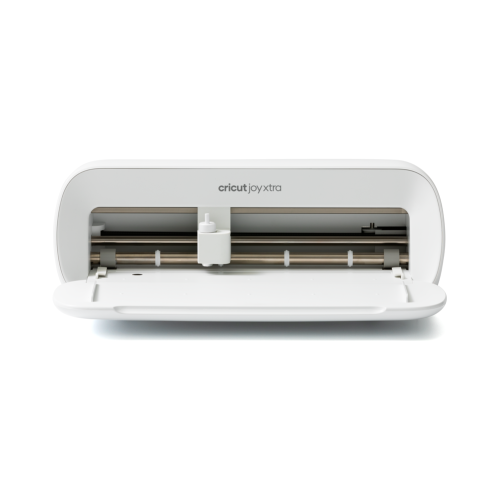 Your price for this item is $279
 -
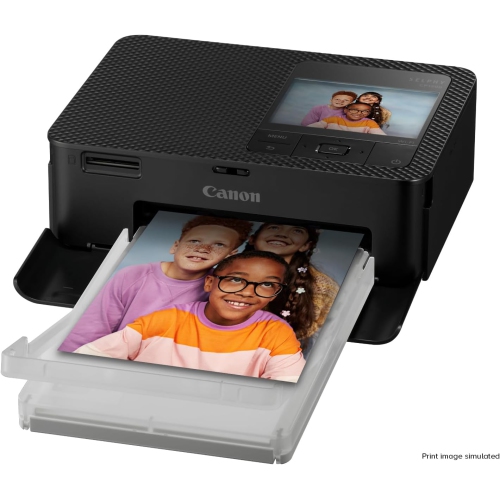 Your price for this item is $253.19
 -
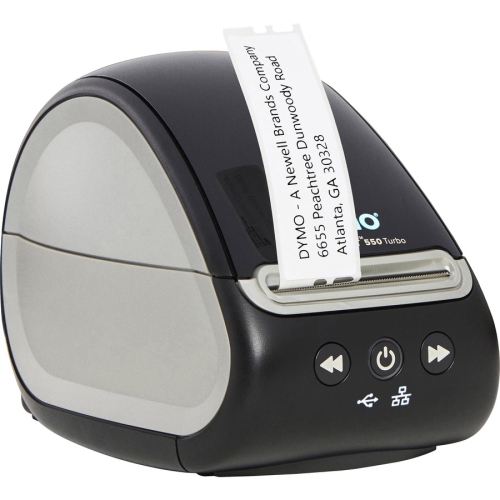 Your price for this item is $201.99
 -
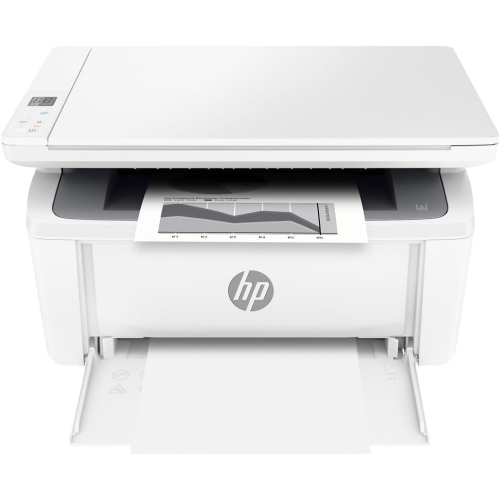 Your price for this item is $206.99
 -
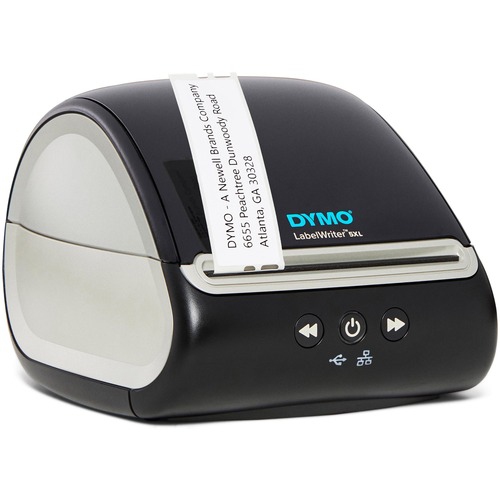 Your price for this item is $370.68
Discover more categories related to Thermal Receipt Printers
Top Collections:
Pokemon Centers, Kindle Devices, Best Budget Office Chairs, Apple iPhones 16, Best Laptops for Writers, iPhone 15 Apple, Canon G7X Cameras, Refurbished Apple Laptops, Alarm Clock, Motorola Razr Phones
Some products may be subject to Environmental Handling Fees
(EHF) depending on your province.
Learn more about EHFs.