Modern Computers
Our collection of modern computers offers cutting-edge technology and stylish designs to suit every need. Whether you're a creative professional, a hardcore gamer, or simply in need of a reliable workhorse for everyday tasks, you'll find the perfect match in our lineup. From lightning-fast processors to stunning displays and innovative features, these modern computers are sure to take your digital experience to the next level.
Sort





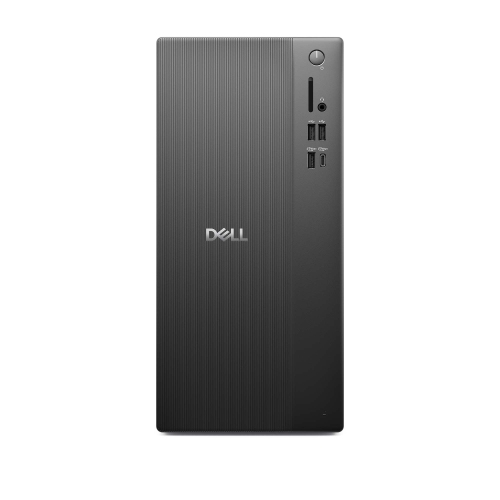
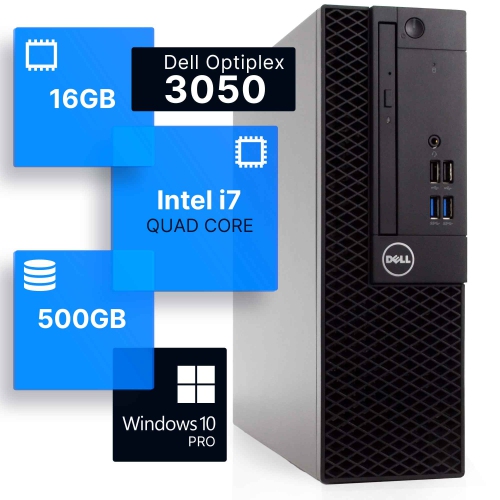
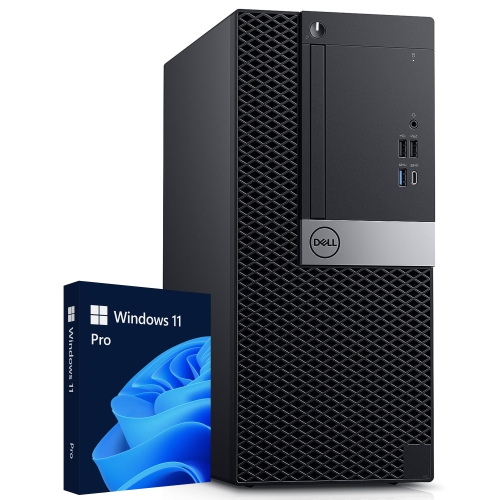
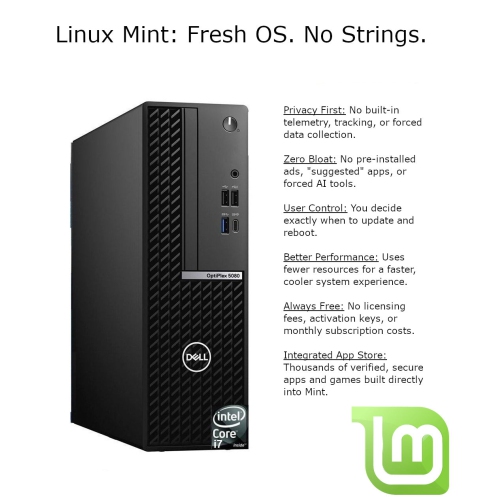
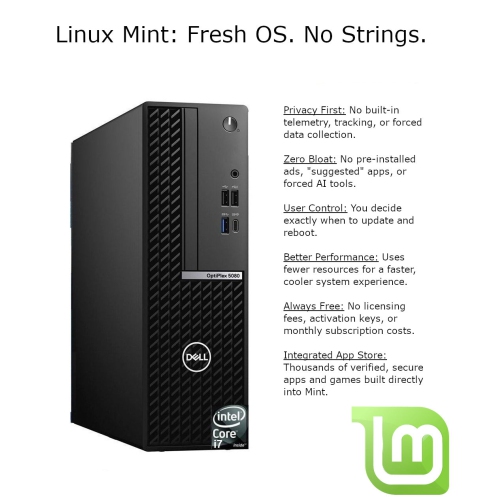
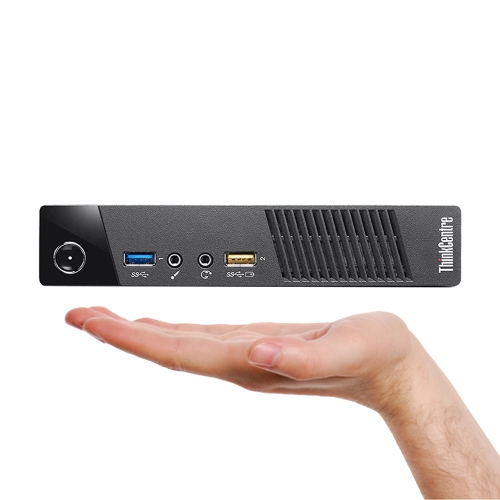

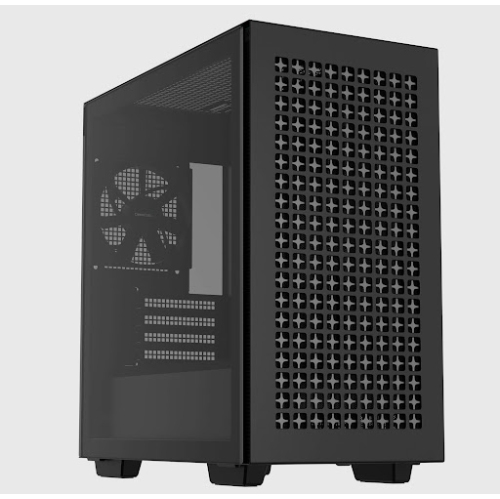
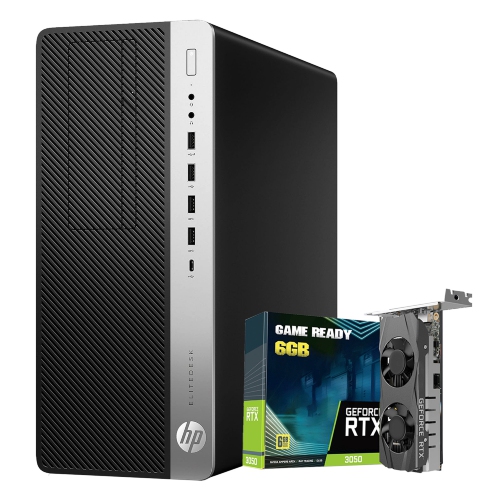
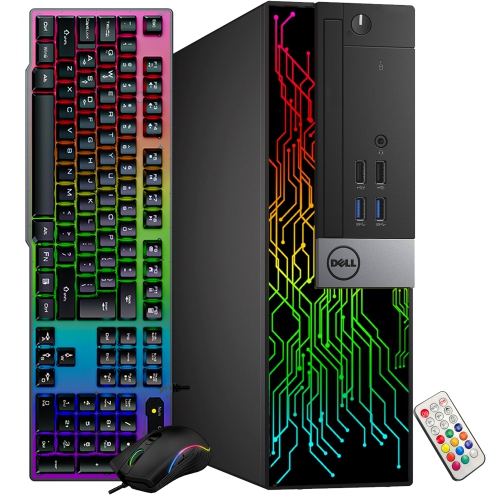
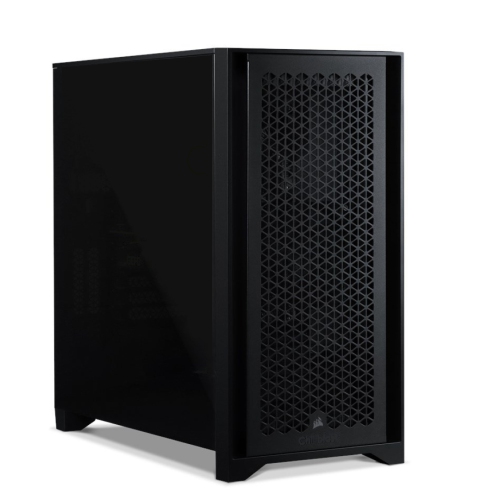
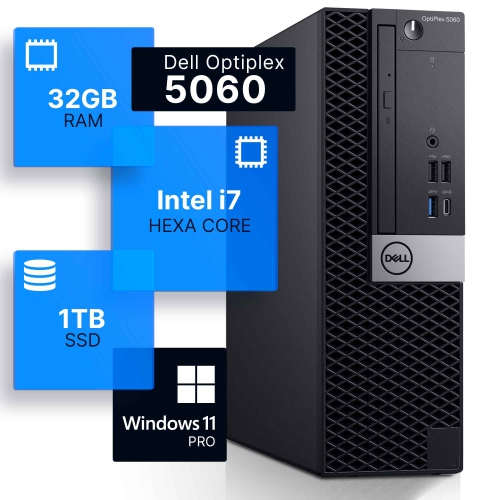
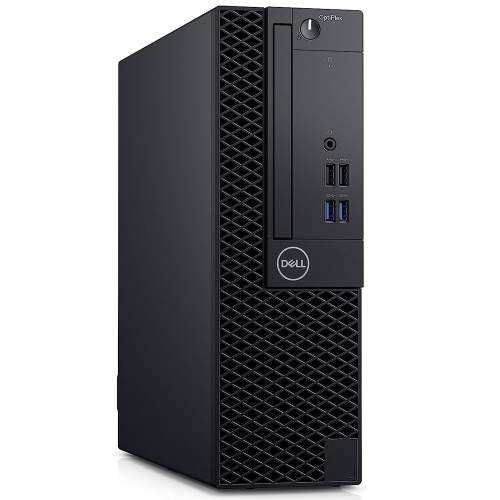


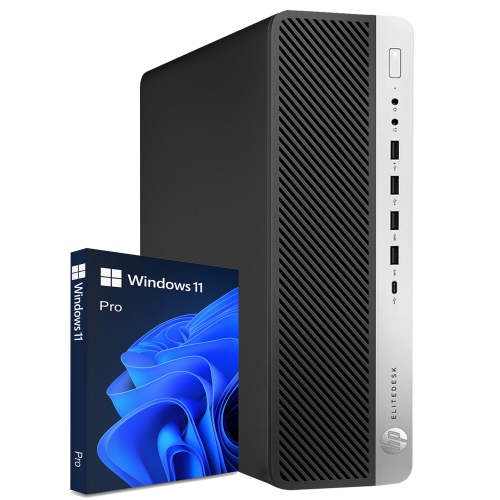
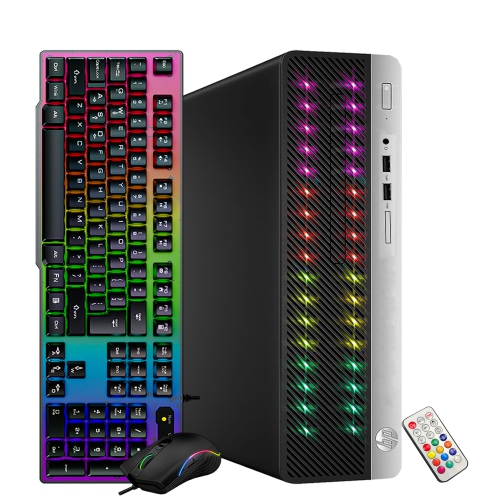
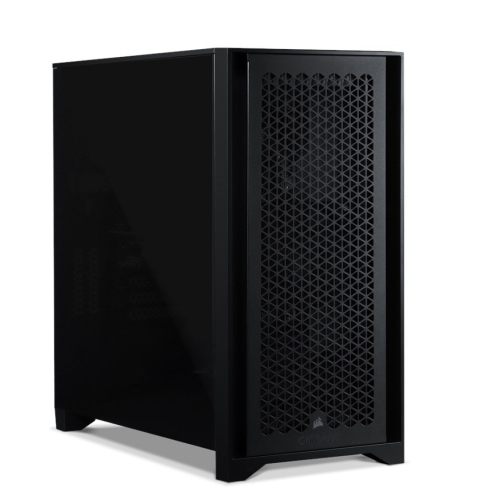

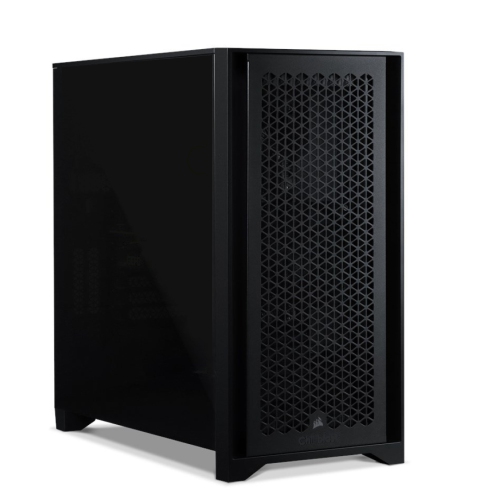
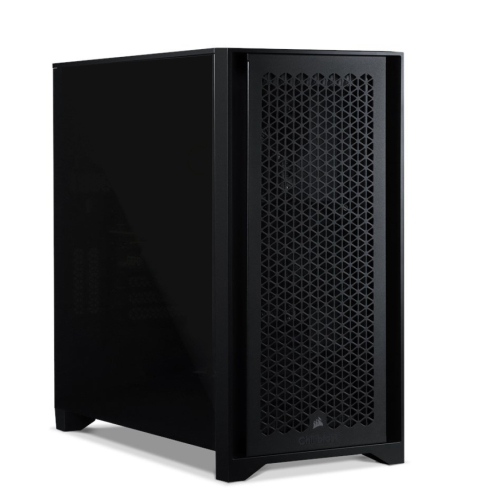
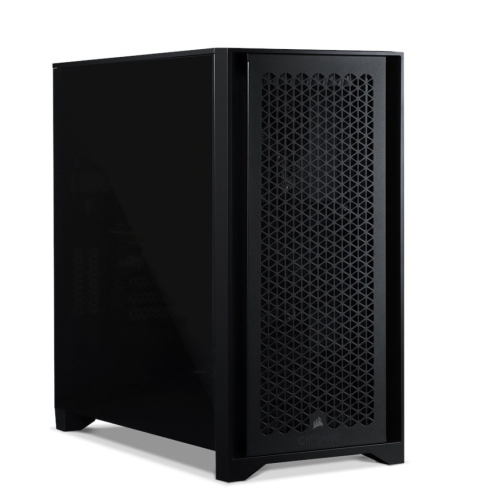
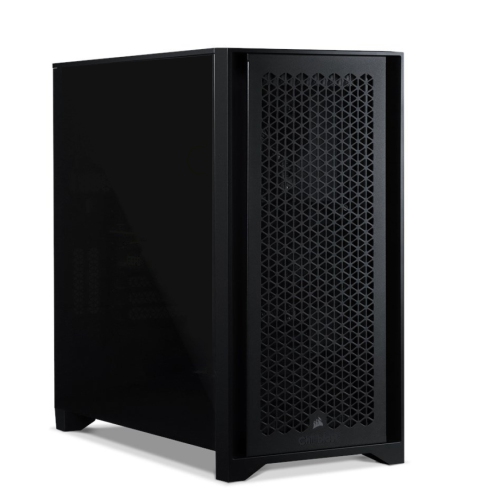
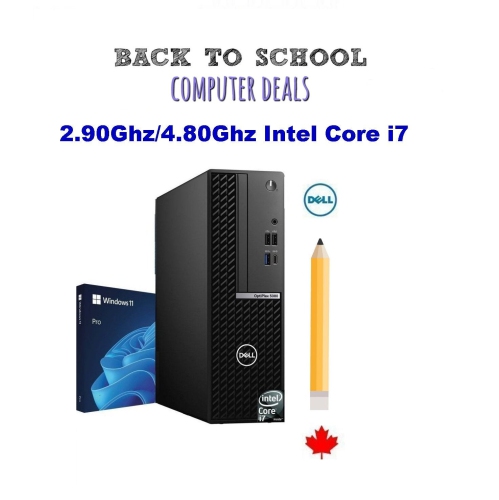
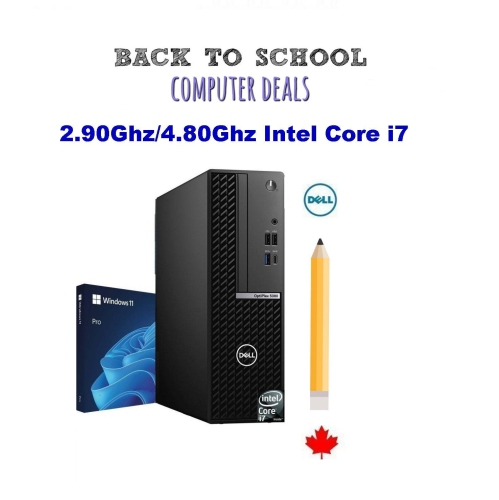
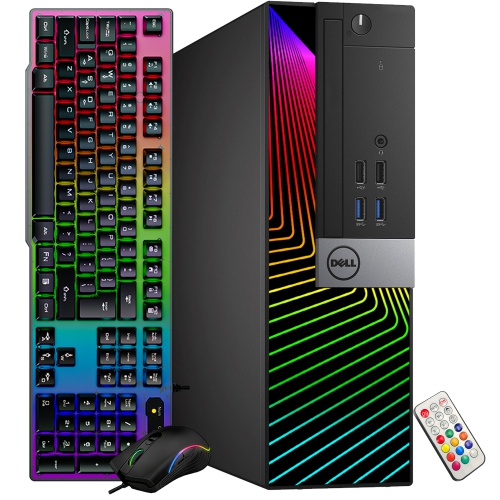
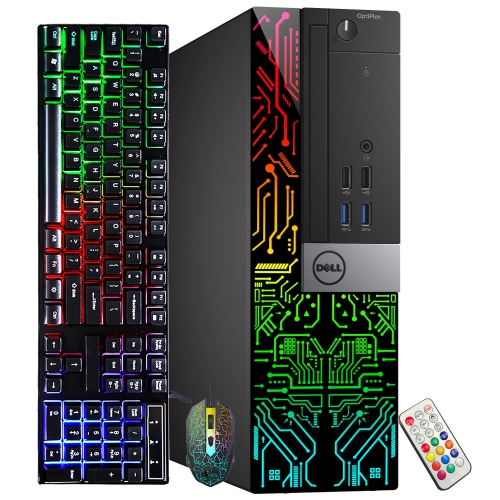
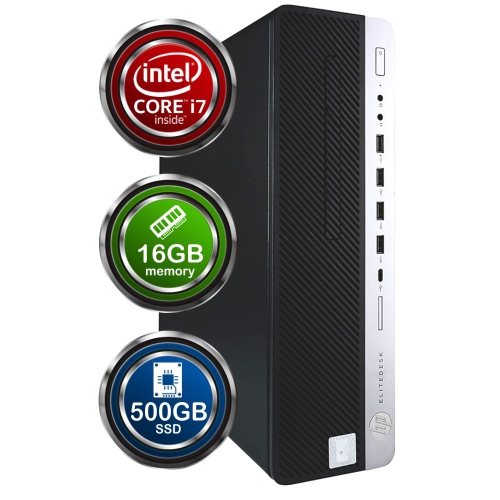
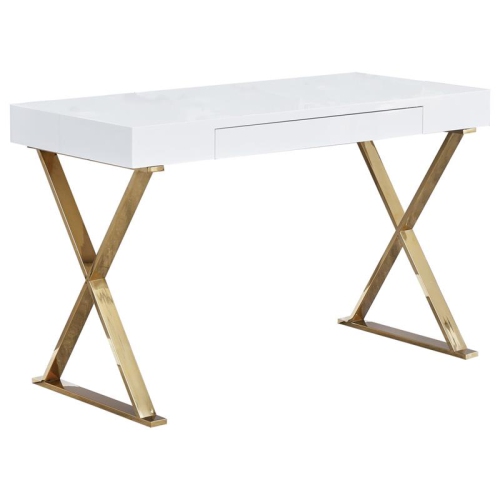
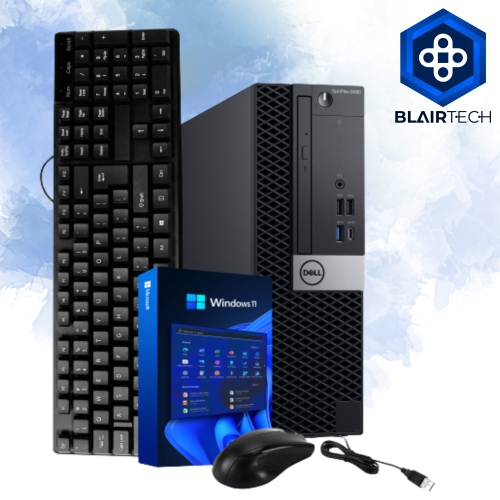
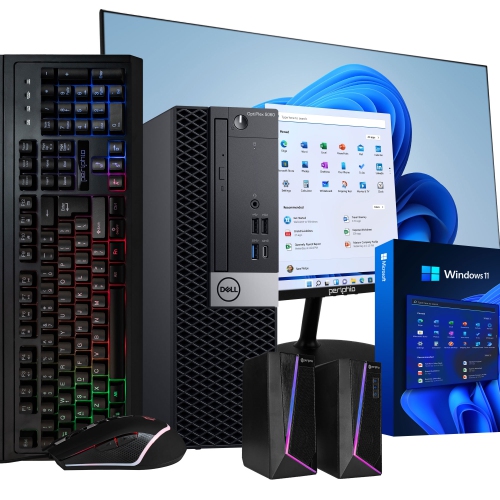
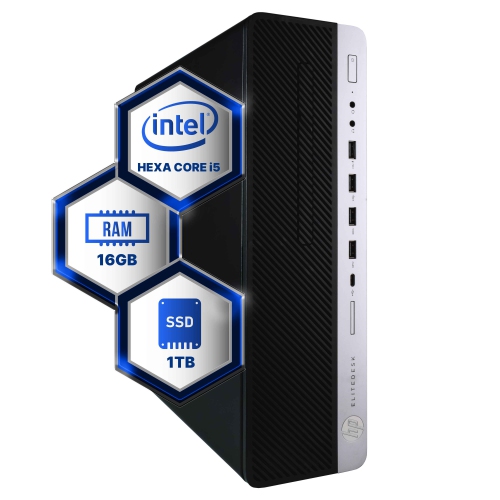
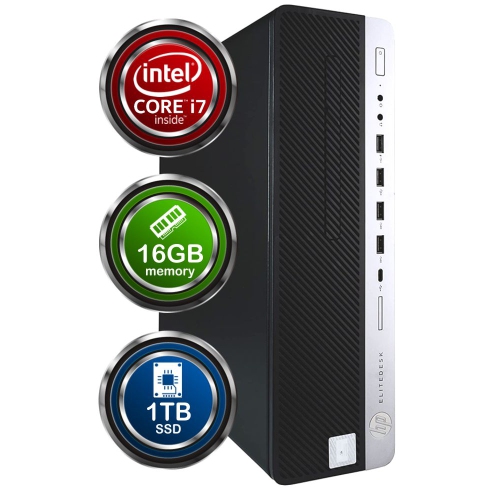

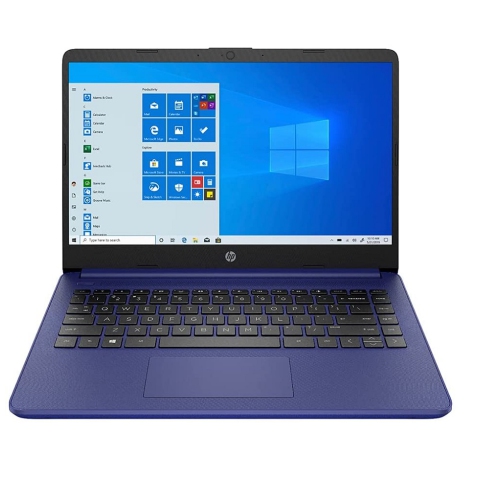
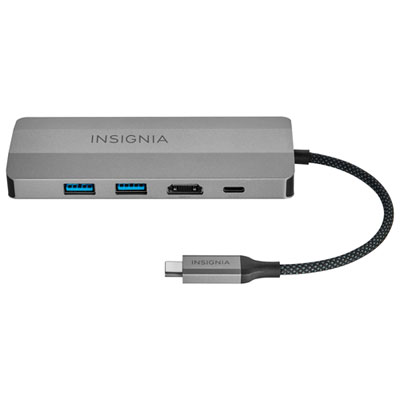
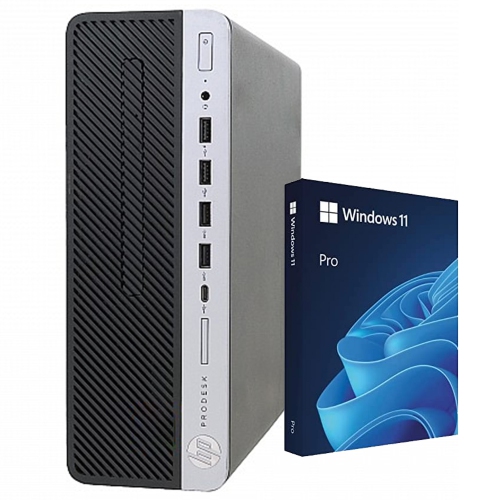
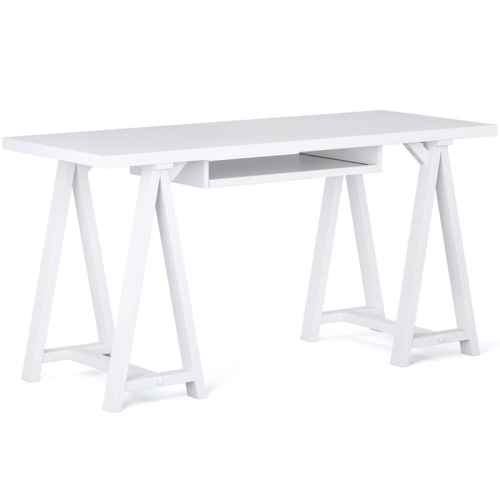
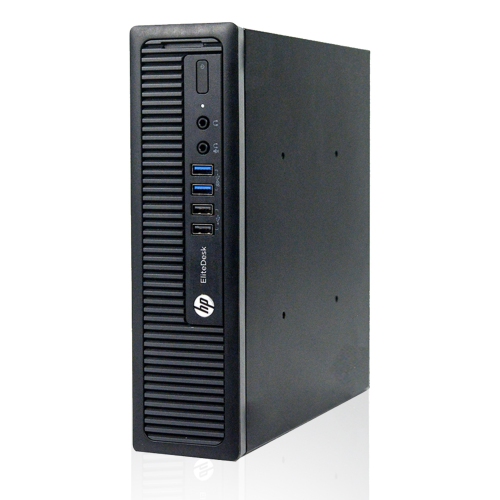
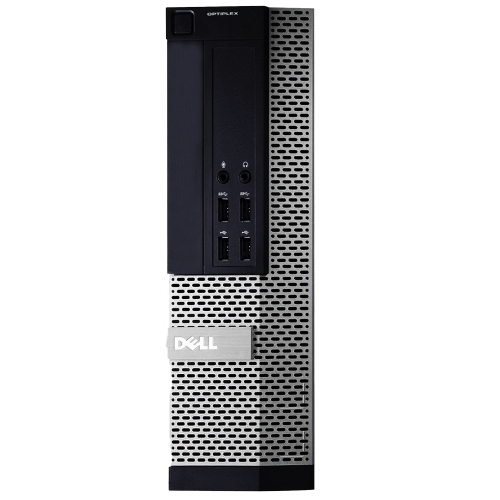
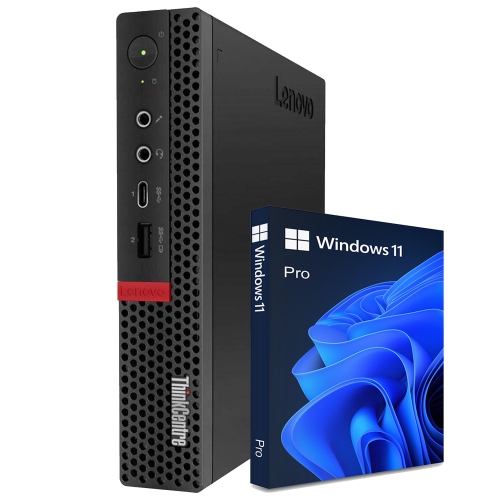
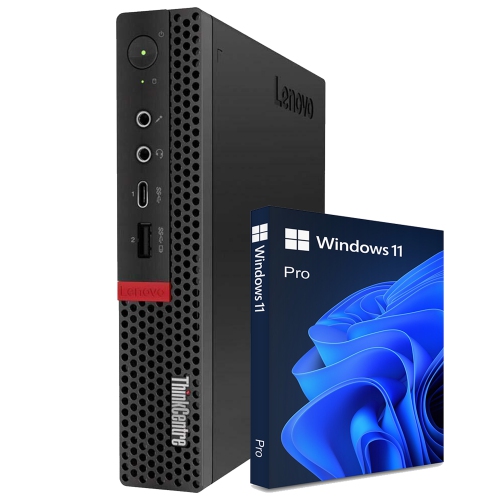

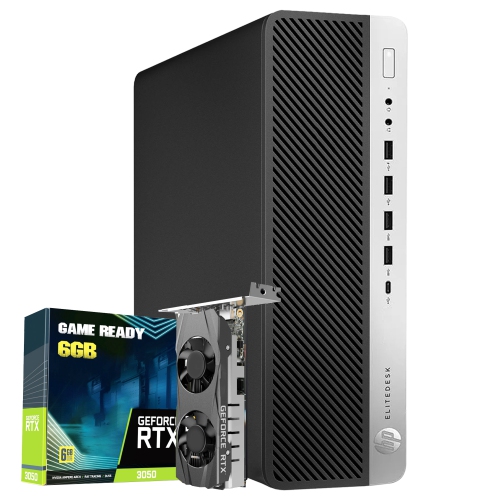
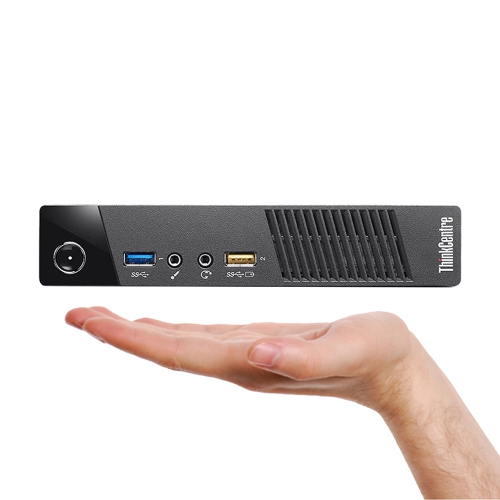
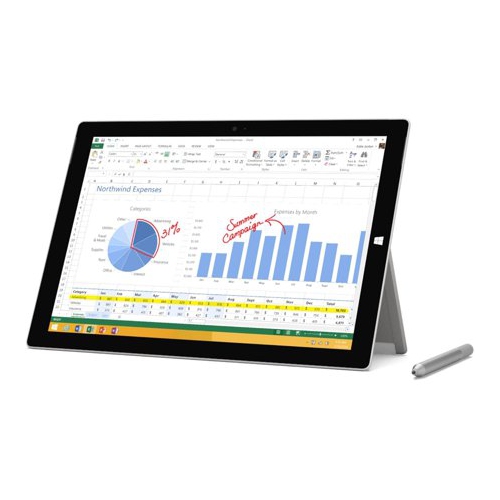
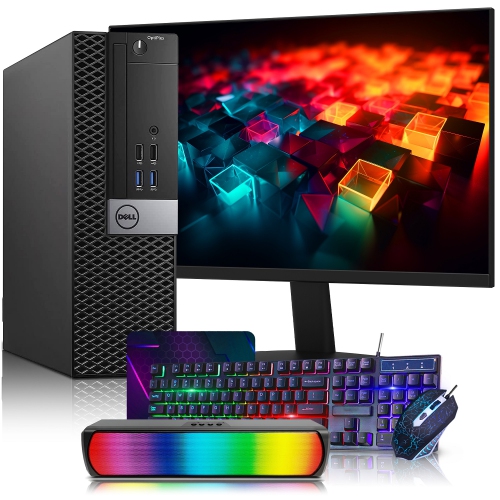
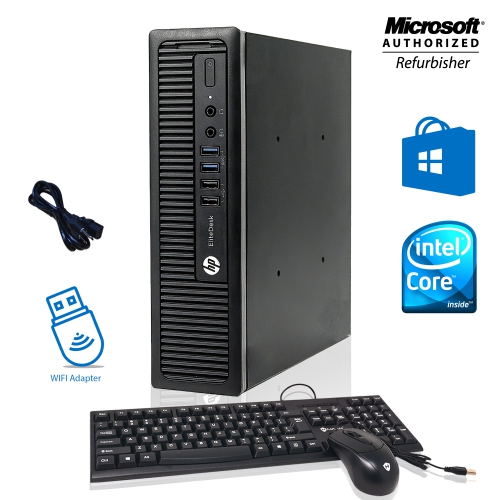
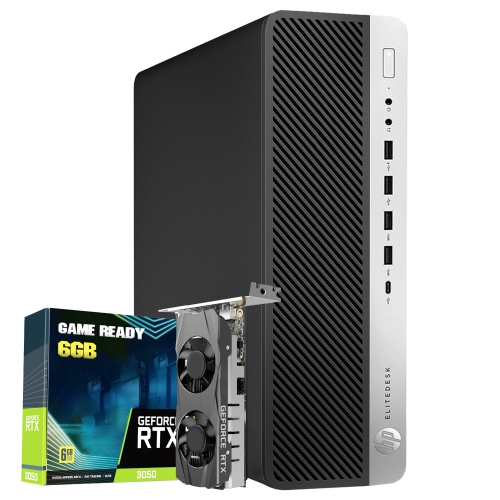


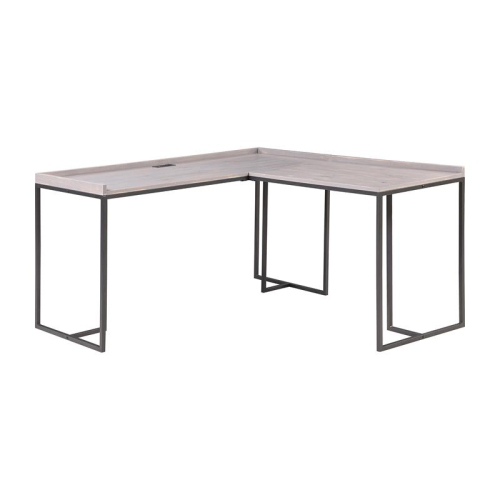
How computer components and formats fit everyday needs
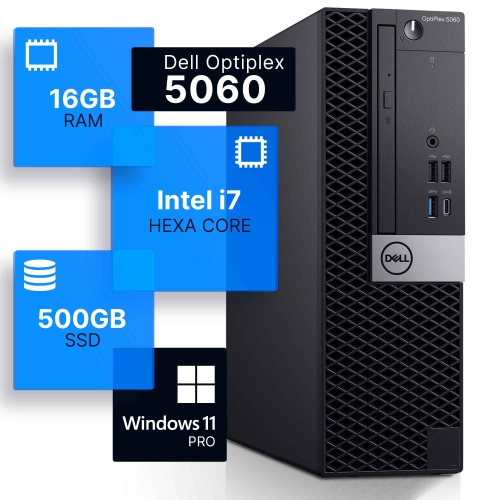
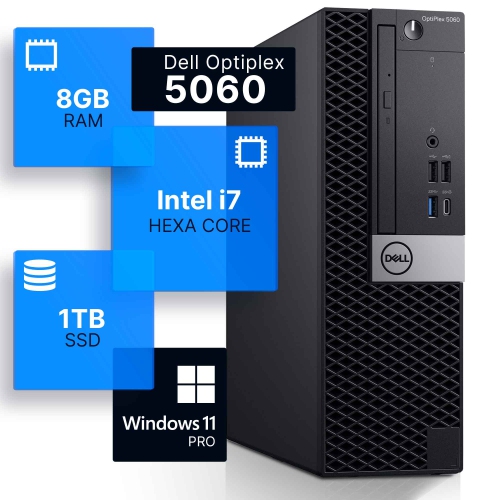
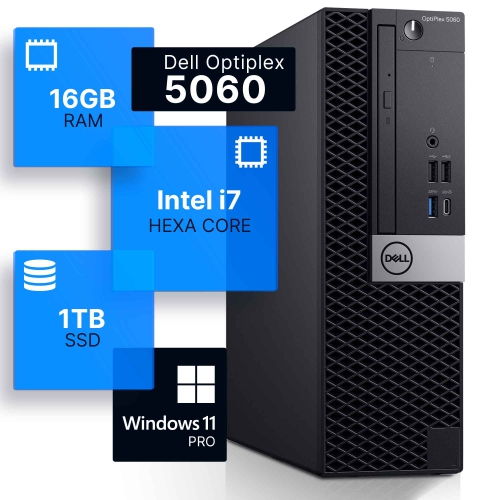
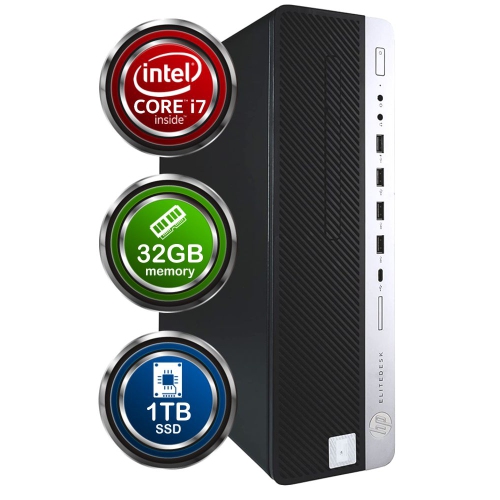
Modern computers bring together the processing power, memory, storage and software needed for work, learning, communication, entertainment and creative projects. At the centre of every computer is the CPU, or central processing unit, which carries out instructions and manages the many calculations taking place behind the scenes. A faster, more capable CPU can make demanding tasks feel smoother, particularly when several applications are open at once or when working with large files. RAM, or memory, temporarily holds the information a computer is actively using. More RAM can help with switching between a video call, a web browser, documents and other programs without the system slowing down. Storage keeps files, applications and the operating system saved when the computer is turned off. Many modern computers use solid-state drives, commonly called SSDs, which provide quick start-up times and responsive access to files. Storage capacity is also important: a smaller drive may suit mostly cloud-based work, while a larger drive is helpful for photos, games, downloaded media and creative projects. The operating system provides the interface used to open applications, organize files, adjust settings and connect with accessories. Together, these components shape how a computer feels in everyday use, from the moment the display lights up to the time a large project is saved.
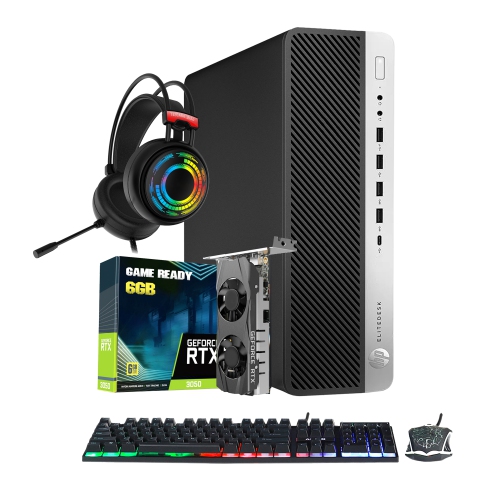
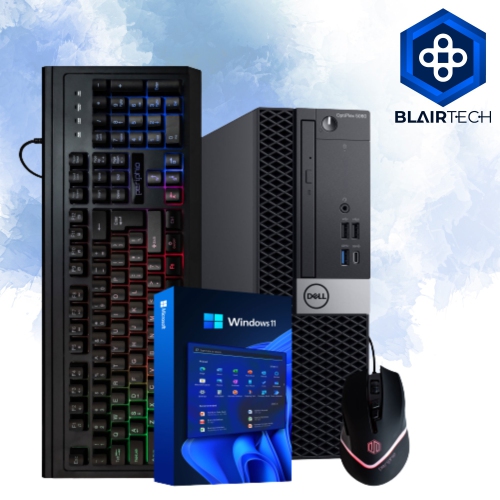
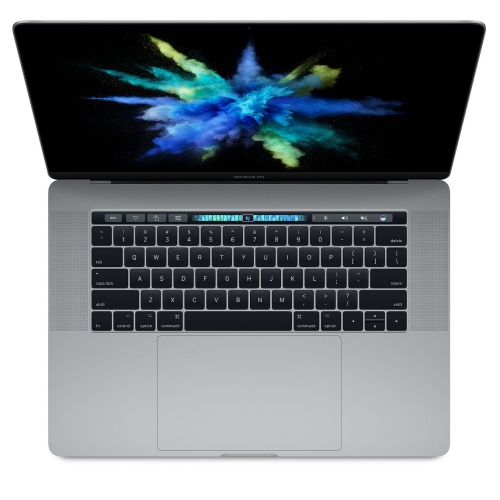
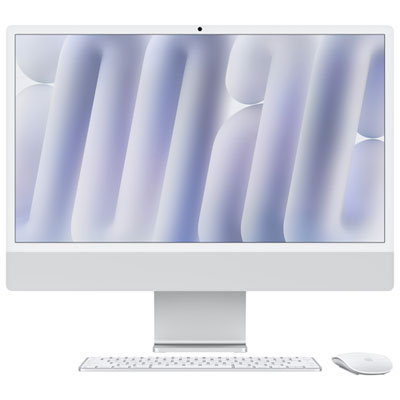
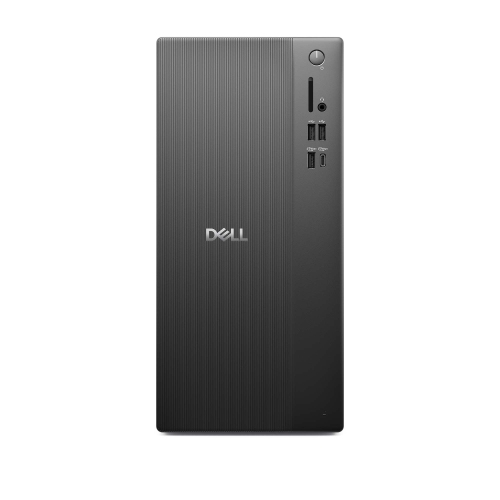
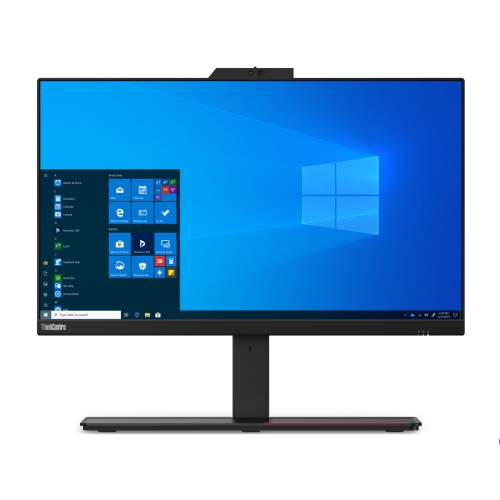
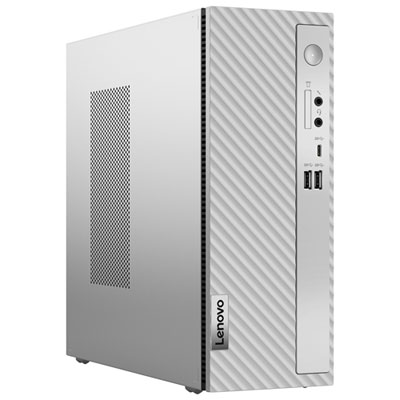
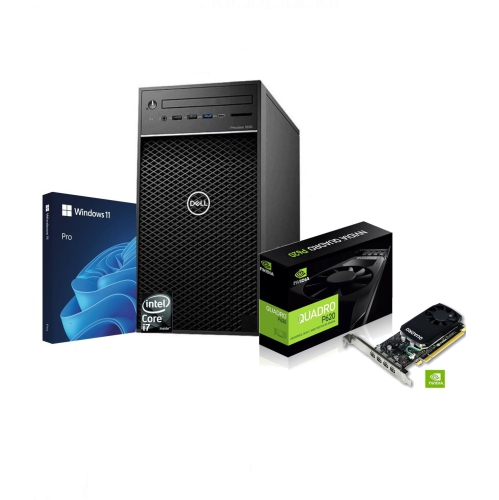
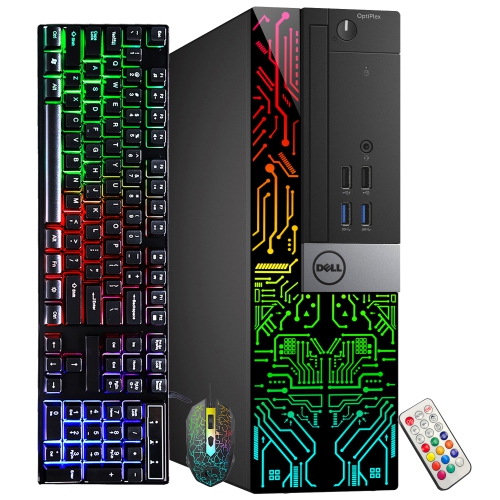
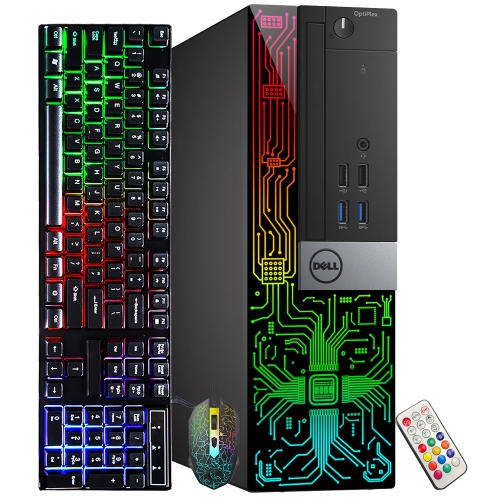
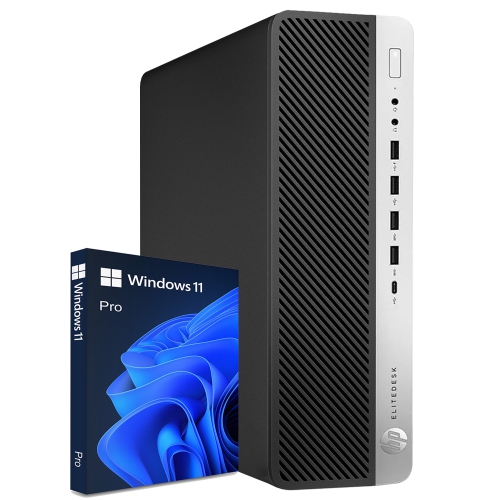
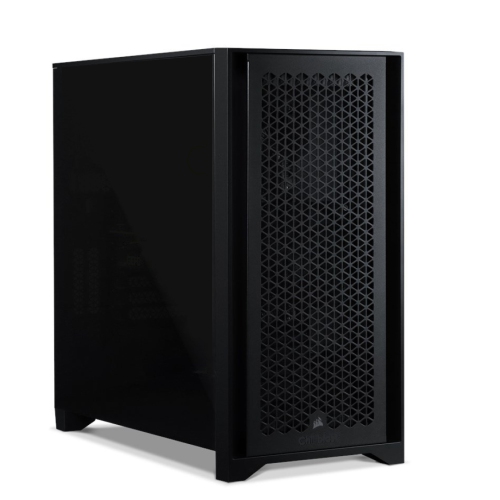
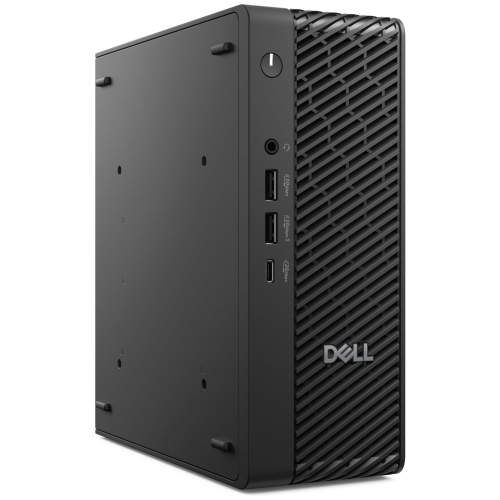
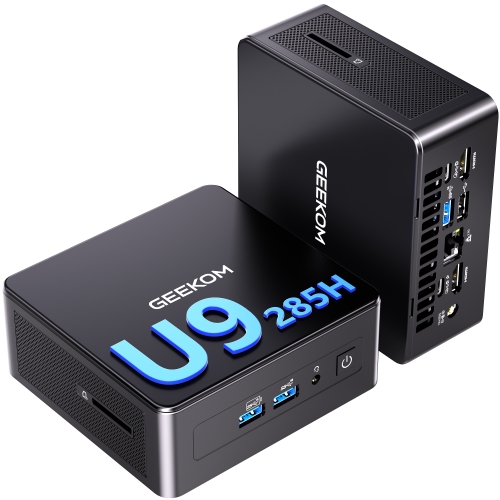
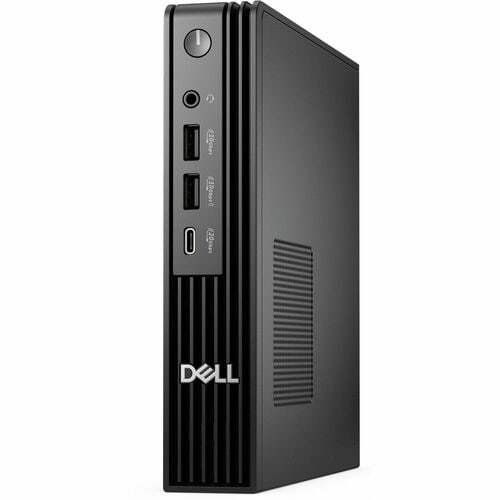
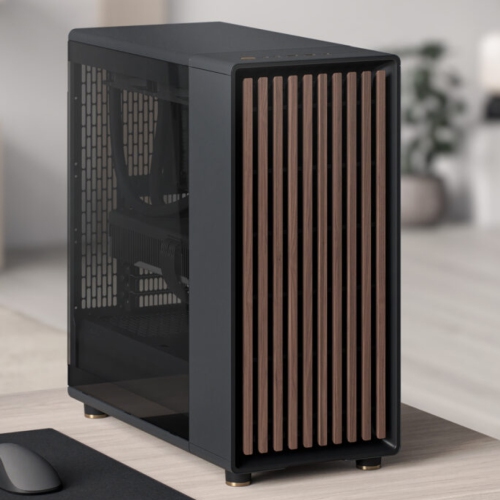
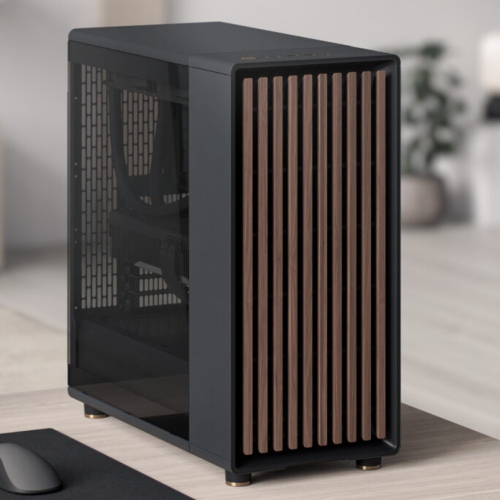
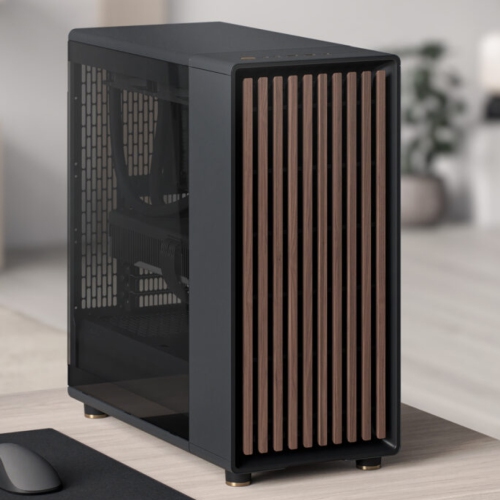
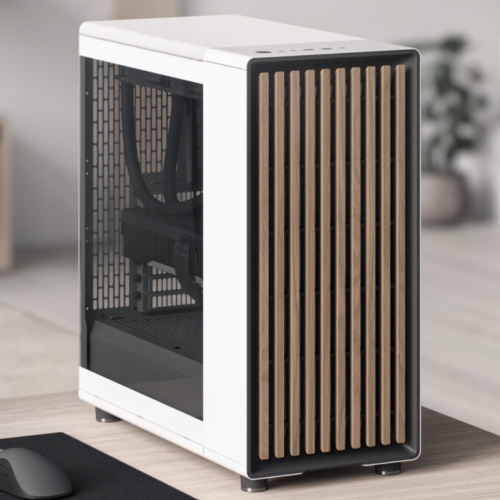
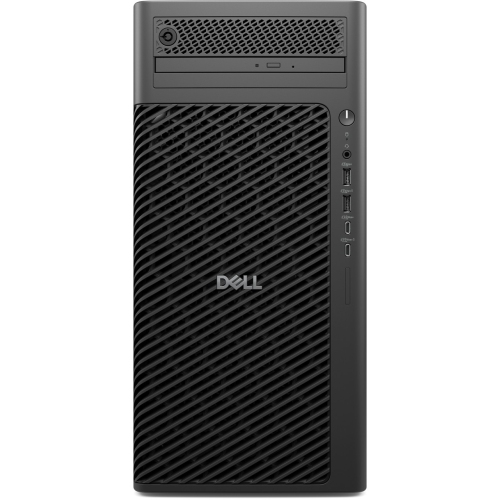
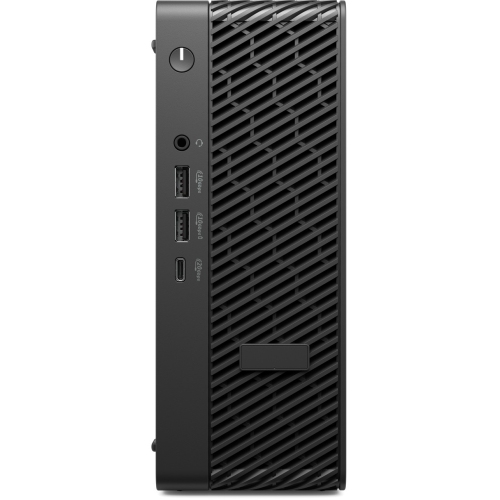
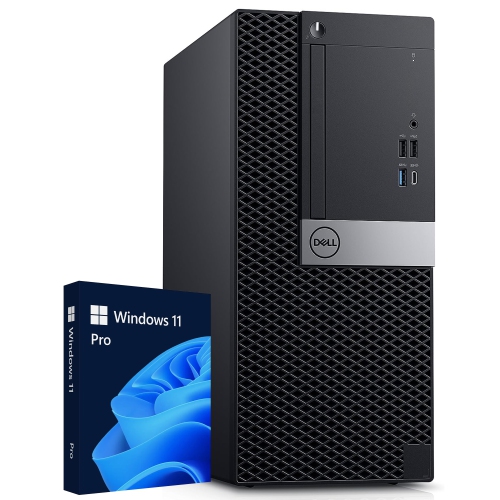
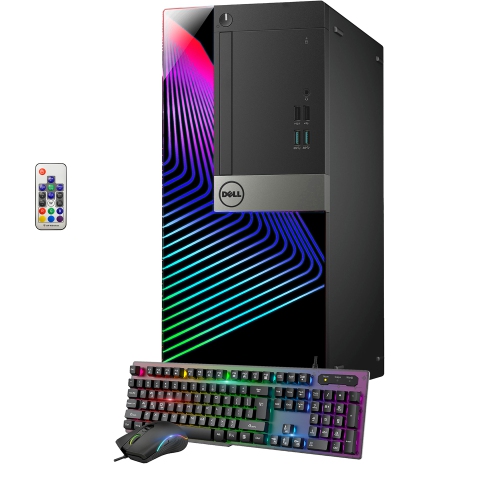
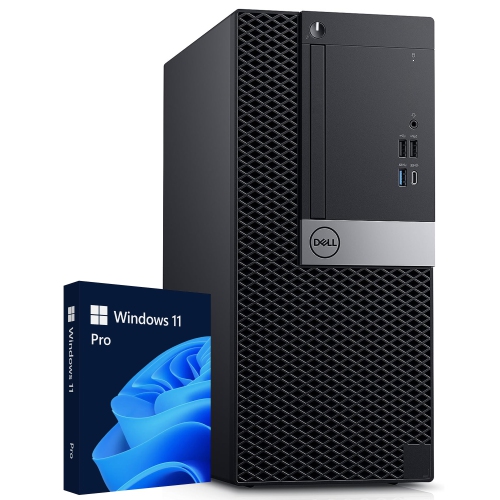
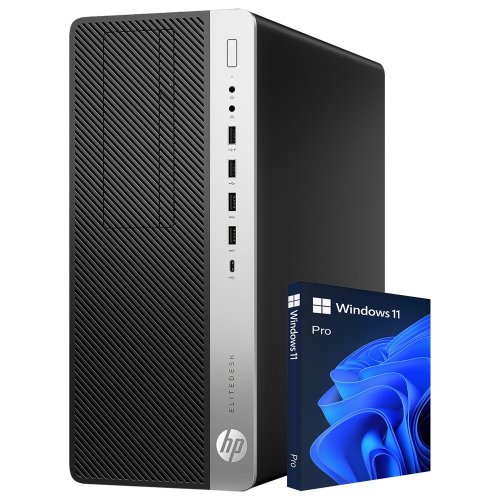
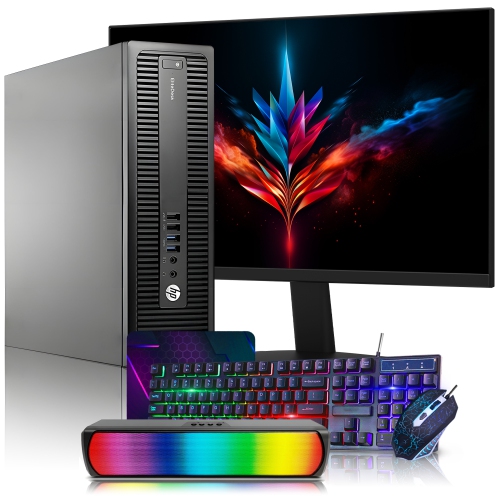
The right format depends on where and how the computer will be used. Laptops combine a screen, keyboard, touchpad, battery and internal components in a portable design, making them practical for moving between a home office, classroom, kitchen table or shared workspace. A lighter laptop can be convenient for commuting and travel, while a larger display may be more comfortable for spreadsheets, research, video editing and extended writing sessions. Desktops are designed to stay in one location and can offer a spacious work area, strong performance and straightforward connections for monitors, keyboards, printers, external drives and other accessories. They can be a natural fit for a home office, family computer area or dedicated gaming and creative space. All-in-one computers place the main components behind or within the display, reducing cable clutter and leaving more room on a desk. This streamlined layout can suit apartments, reception areas, student workspaces and anyone who prefers a tidy setup. When comparing options, consider the programs that will be used, the number of browser tabs typically kept open, the size of files being handled and the amount of time spent away from a power outlet. Everyday tasks such as email, online banking, document editing and video streaming generally need less processing power than 3D design, software development, high-resolution photo work, music production or demanding games. For more intensive needs, explore Powerful Computers with attention to processor performance, dedicated graphics, RAM and cooling.
Modern computers can also become useful, thoughtful gifts for students, remote workers, new graduates, home-office users and family members who want an easier way to stay connected. A laptop may help a student take notes in class, prepare presentations in the library and join group projects from home. For someone starting a new role, a dependable computer can create a more comfortable place for video meetings, scheduling, research and focused work during the cooler months when more time is spent indoors. A desktop can give a creative hobbyist a steady base for organizing photos, recording music, editing video or learning new software, while a family computer can support homework, shared calendars, recipes and movie nights. Before choosing a gift, check whether the recipient needs a particular operating system, application or connection type, and consider practical details such as display size, keyboard comfort, webcam quality, battery life and available ports. It is also worth thinking about the surrounding space: a compact design may be easier to position on a smaller desk, whereas a larger screen can reduce the need to scroll through long documents. Accessories such as a mouse, headset, monitor, printer or external storage may complete the setup, but the computer itself should match the person’s habits rather than simply offering the highest specifications. A well-matched system should feel ready for the morning’s first message, a busy afternoon of multitasking and an evening of entertainment, with enough capability to remain useful as needs grow.
The right format depends on where and how the computer will be used. Laptops combine a screen, keyboard, touchpad, battery and internal components in a portable design, making them practical for moving between a home office, classroom, kitchen table or shared workspace. A lighter laptop can be convenient for commuting and travel, while a larger display may be more comfortable for spreadsheets, research, video editing and extended writing sessions. Desktops are designed to stay in one location and can offer a spacious work area, strong performance and straightforward connections for monitors, keyboards, printers, external drives and other accessories. They can be a natural fit for a home office, family computer area or dedicated gaming and creative space. All-in-one computers place the main components behind or within the display, reducing cable clutter and leaving more room on a desk. This streamlined layout can suit apartments, reception areas, student workspaces and anyone who prefers a tidy setup. When comparing options, consider the programs that will be used, the number of browser tabs typically kept open, the size of files being handled and the amount of time spent away from a power outlet. Everyday tasks such as email, online banking, document editing and video streaming generally need less processing power than 3D design, software development, high-resolution photo work, music production or demanding games. For more intensive needs, explore Powerful Computers with attention to processor performance, dedicated graphics, RAM and cooling.
Modern computers can also become useful, thoughtful gifts for students, remote workers, new graduates, home-office users and family members who want an easier way to stay connected. A laptop may help a student take notes in class, prepare presentations in the library and join group projects from home. For someone starting a new role, a dependable computer can create a more comfortable place for video meetings, scheduling, research and focused work during the cooler months when more time is spent indoors. A desktop can give a creative hobbyist a steady base for organizing photos, recording music, editing video or learning new software, while a family computer can support homework, shared calendars, recipes and movie nights. Before choosing a gift, check whether the recipient needs a particular operating system, application or connection type, and consider practical details such as display size, keyboard comfort, webcam quality, battery life and available ports. It is also worth thinking about the surrounding space: a compact design may be easier to position on a smaller desk, whereas a larger screen can reduce the need to scroll through long documents. Accessories such as a mouse, headset, monitor, printer or external storage may complete the setup, but the computer itself should match the person’s habits rather than simply offering the highest specifications. A well-matched system should feel ready for the morning’s first message, a busy afternoon of multitasking and an evening of entertainment, with enough capability to remain useful as needs grow.
Top selling and popular products
-
 Your price for this item is $1599
 -
 Your price for this item is $1629.79
 -
 Your price for this item is $1999.99
 -
 Your price for this item is $1459.79
 -
 Your price for this item is $879
 -
 Your price for this item is $1199.99
 -
 Your price for this item is $1839
 -
 Your price for this item is $879
Discover more categories related to Modern Computers

Top Collections:
Pokemon Centers, Kindle Devices, Best Budget Office Chairs, Apple iPhones 16, Best Laptops for Writers, iPhone 15 Apple, Canon G7X Cameras, Refurbished Apple Laptops, Alarm Clock, Motorola Razr Phones
Some products may be subject to Environmental Handling Fees
(EHF) depending on your province.
Learn more about EHFs.