Powerful Computers
If you're looking for a computer that can handle all your tasks with ease, look no further than these powerful computers. Whether you're a gamer, a creative professional, or simply someone who needs a high-performance machine for work or play, we have the perfect option for you. With lightning-fast processors, ample storage space, and top-of-the-line graphics capabilities, these computers are designed to deliver unrivaled speed and performance.
Sort
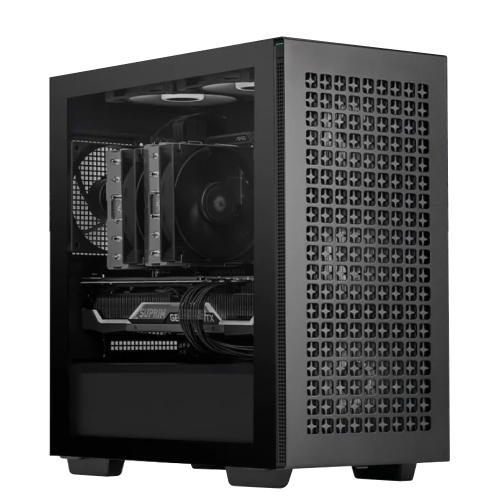

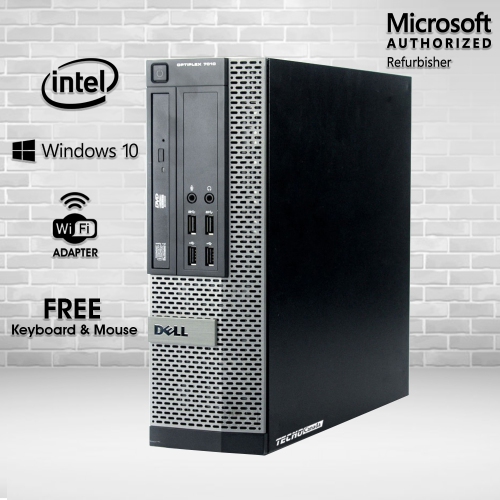
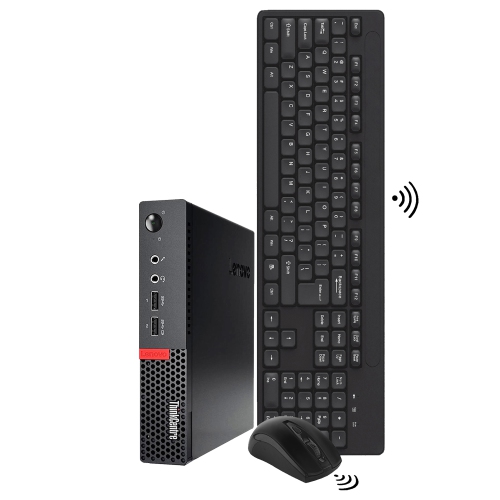

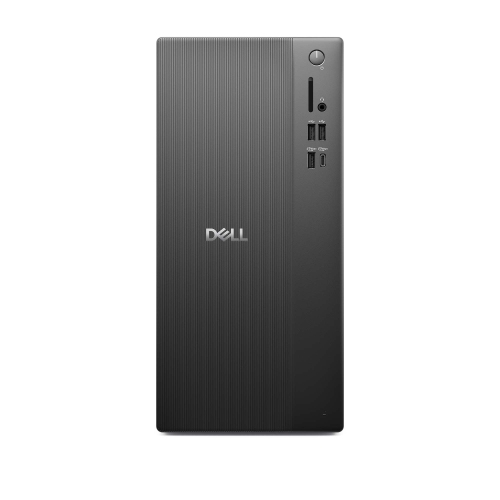
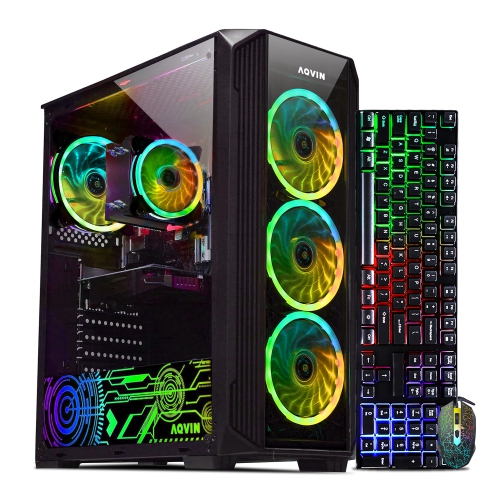

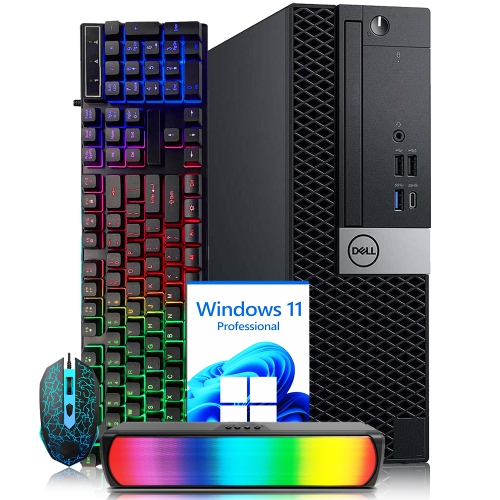
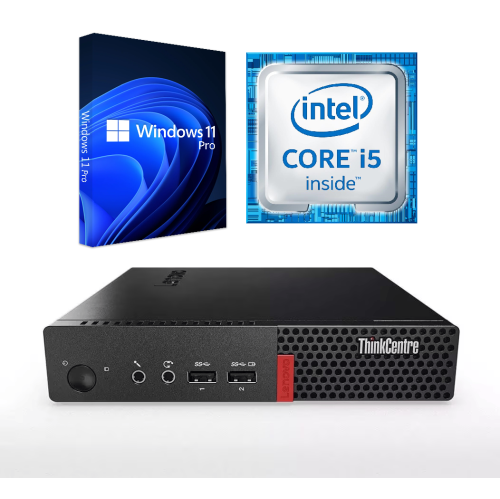
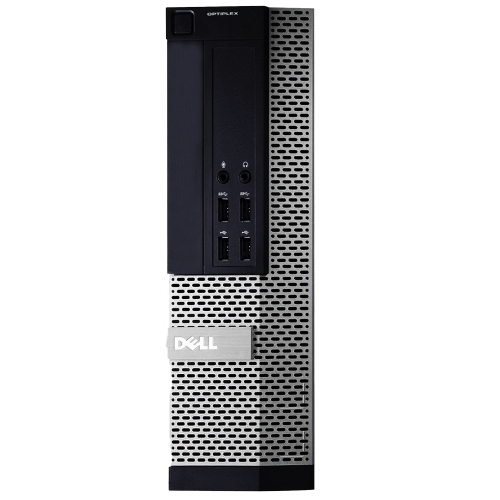


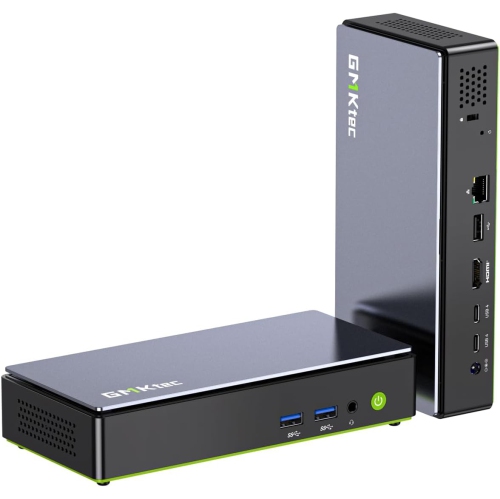
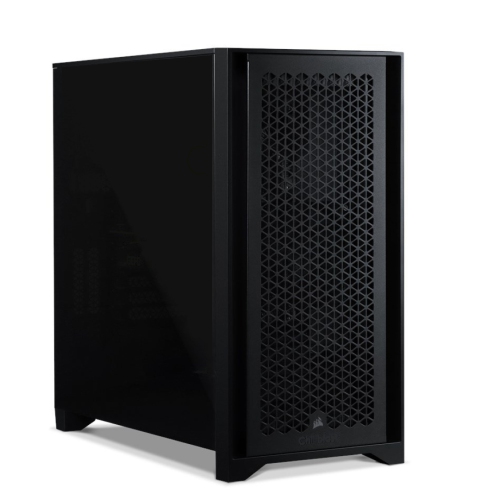
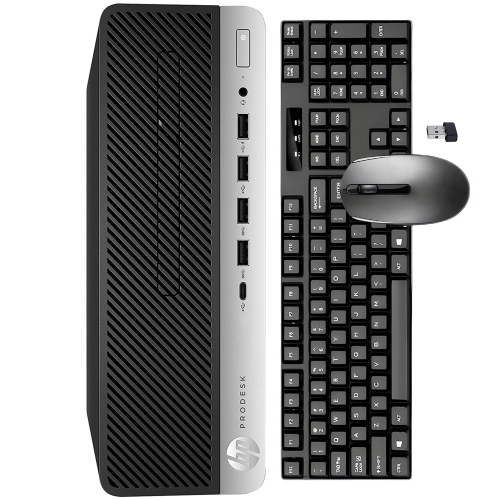
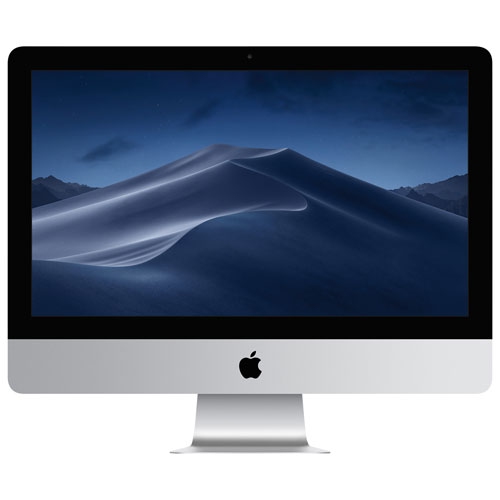
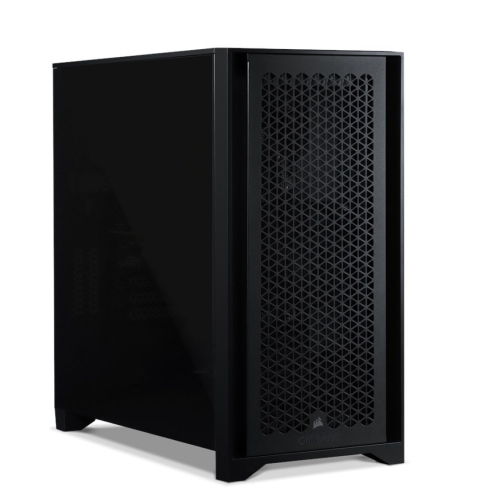
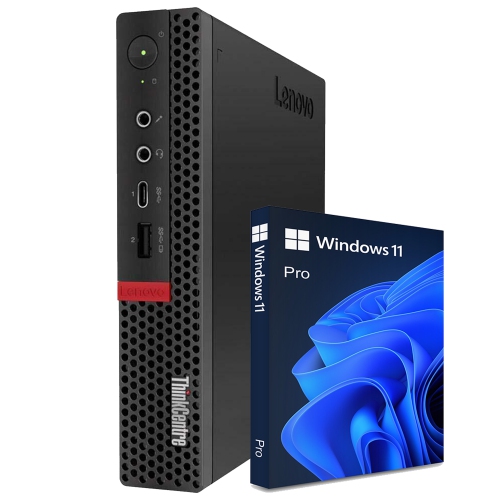
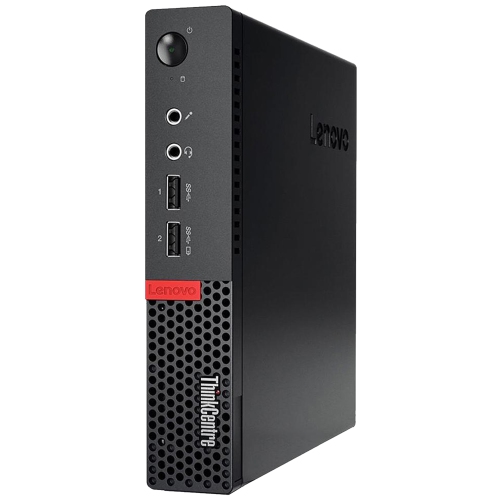

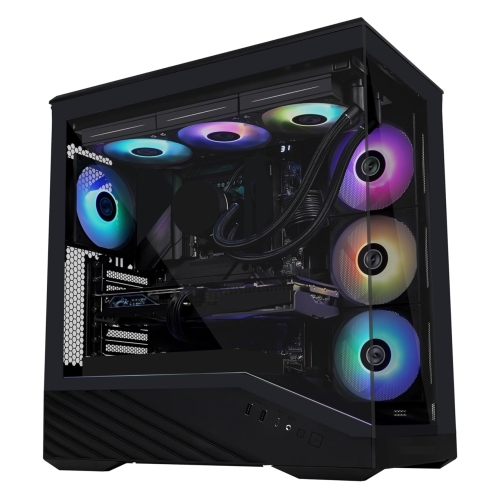
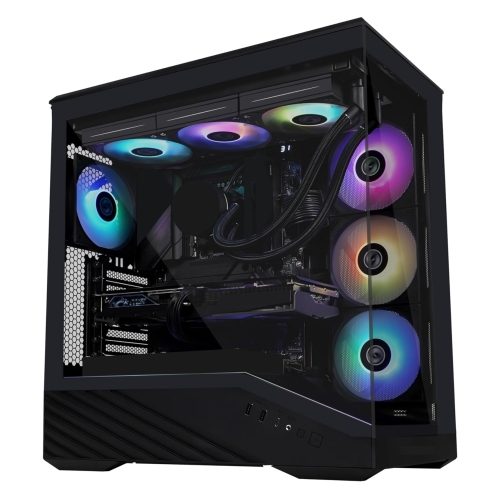
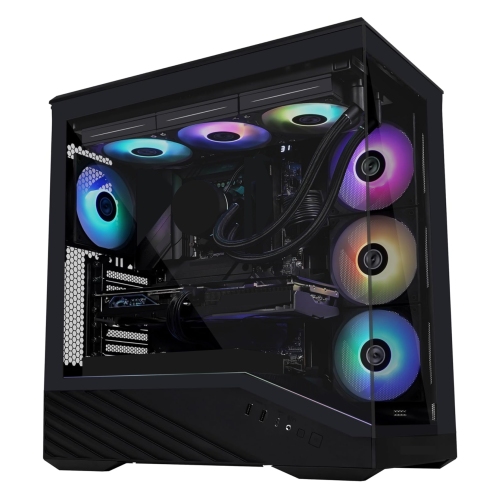
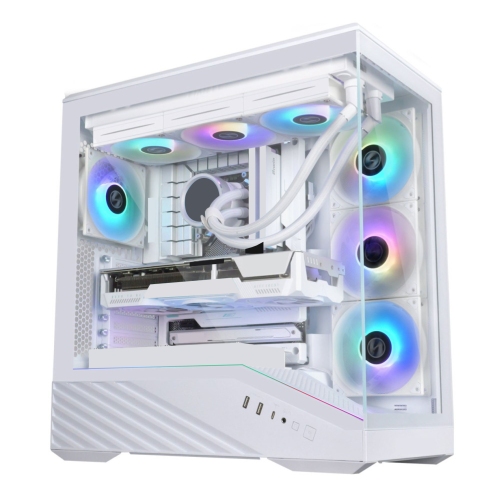
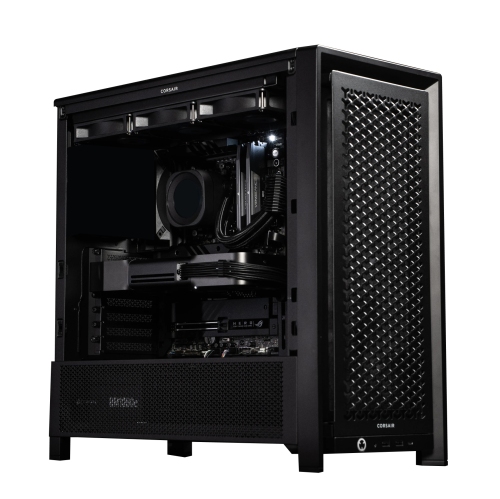
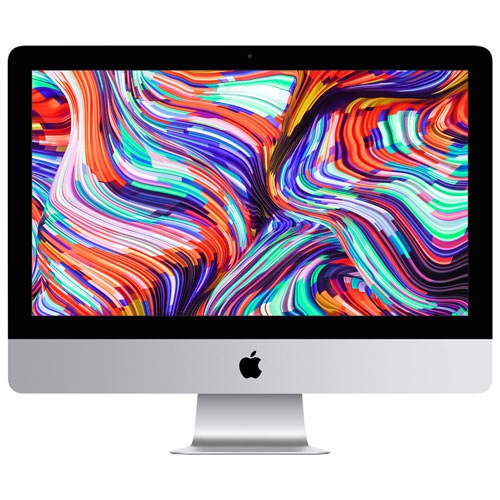
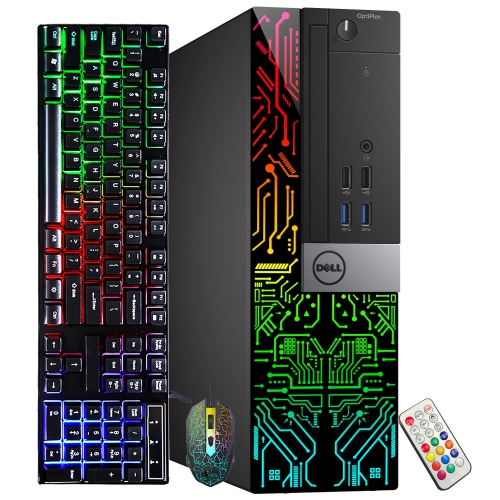
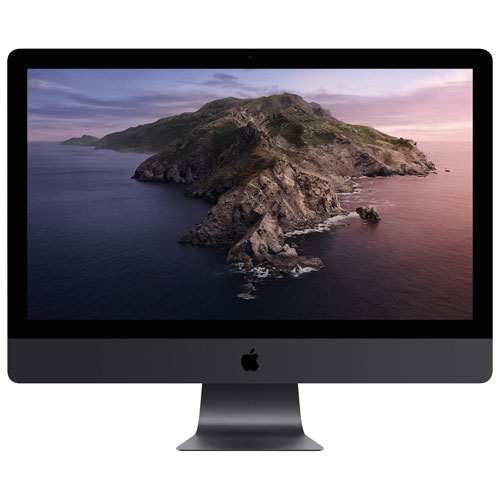
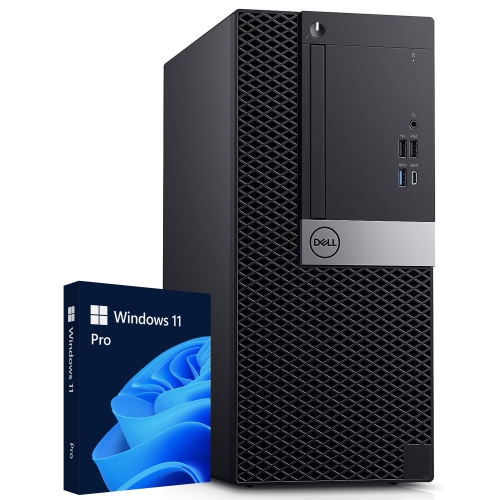
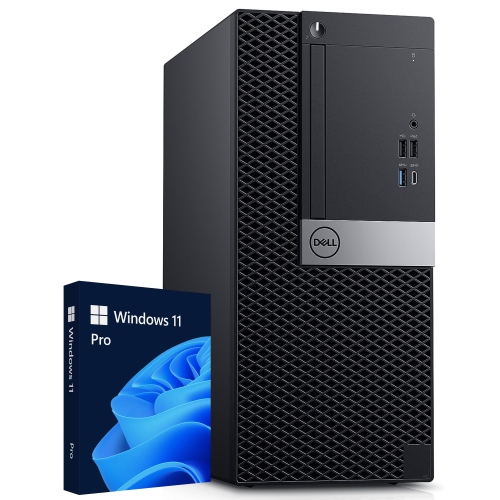
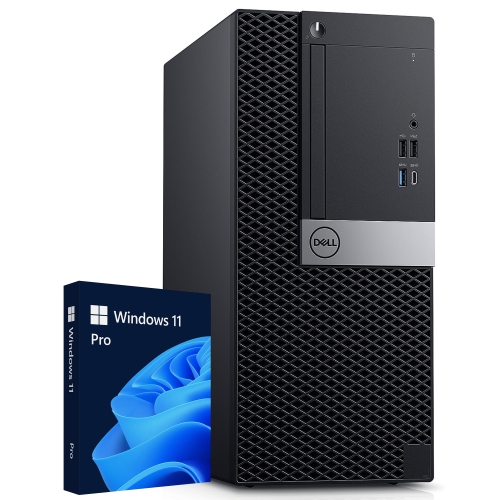
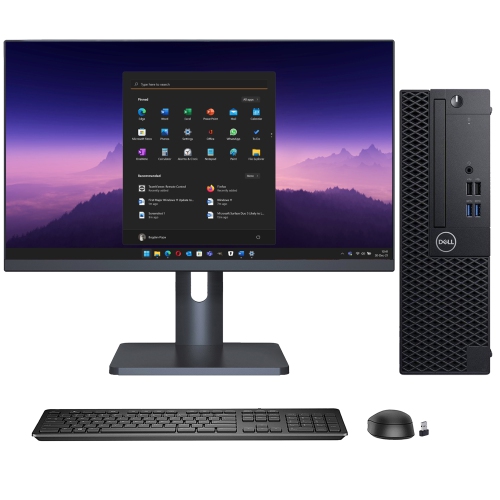

Why demanding software needs more than a fast processor
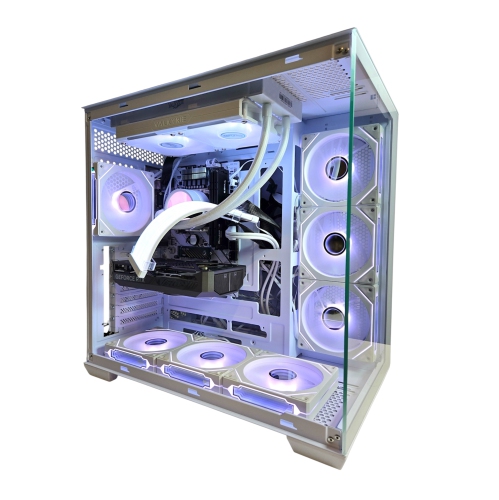
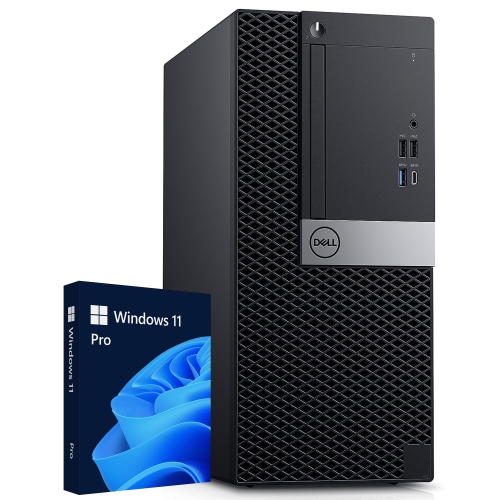
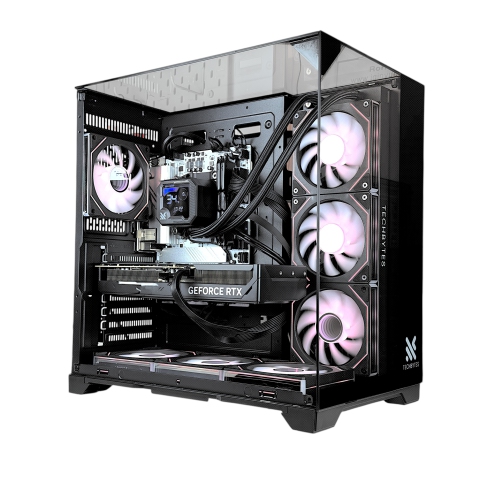
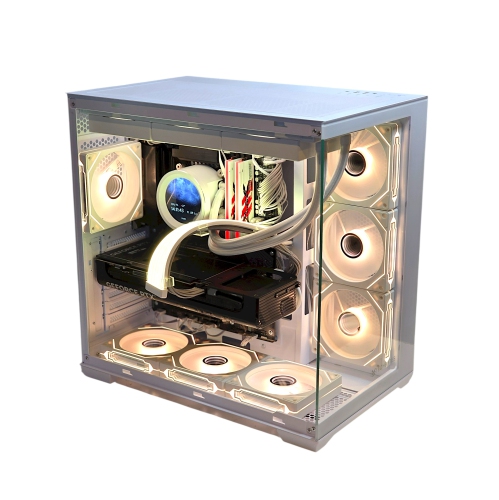
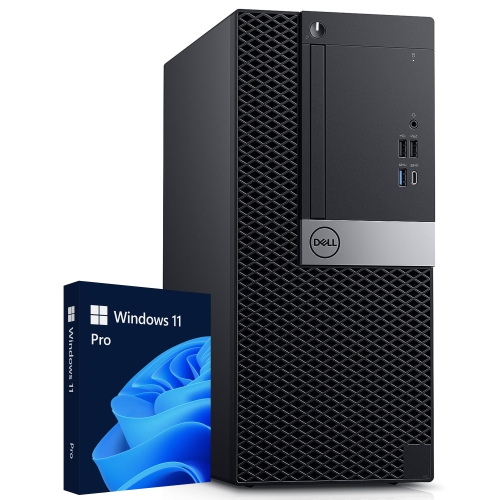
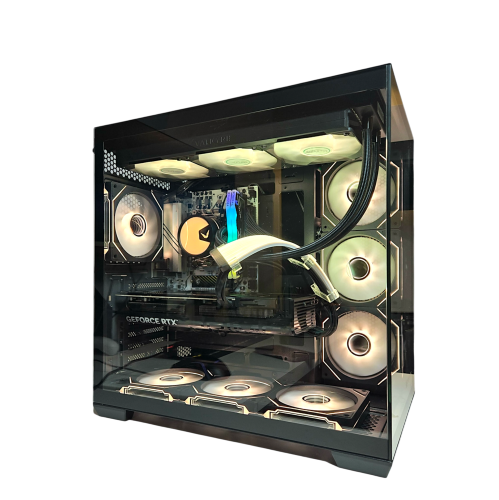
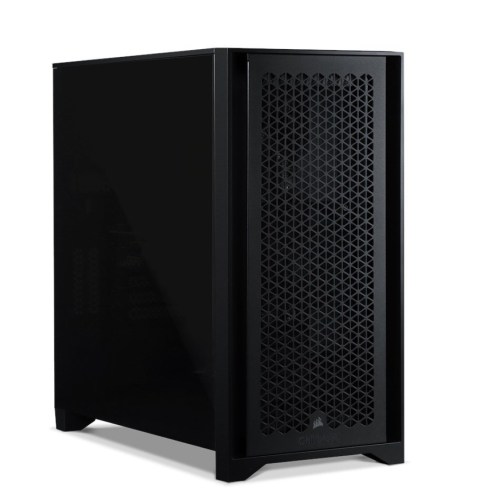
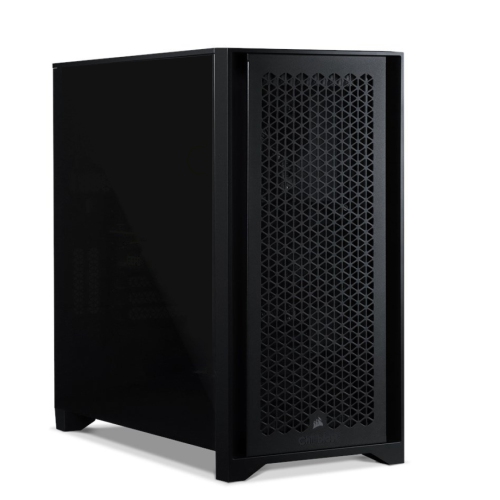
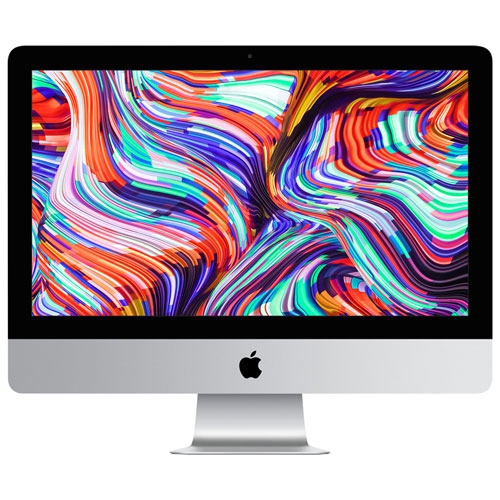
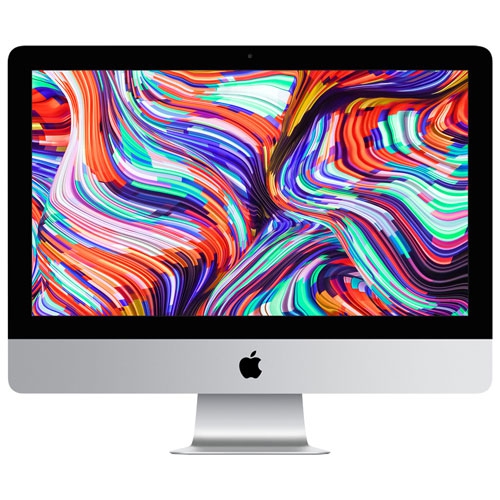
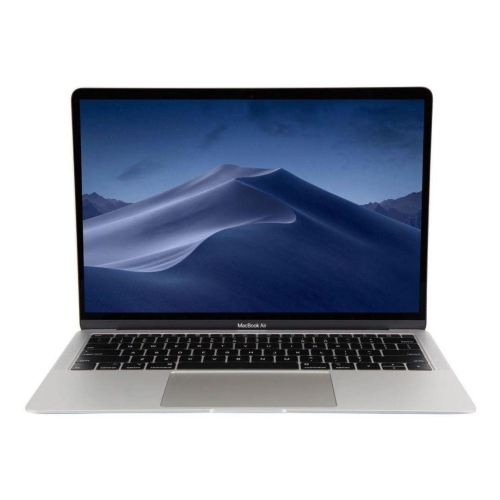
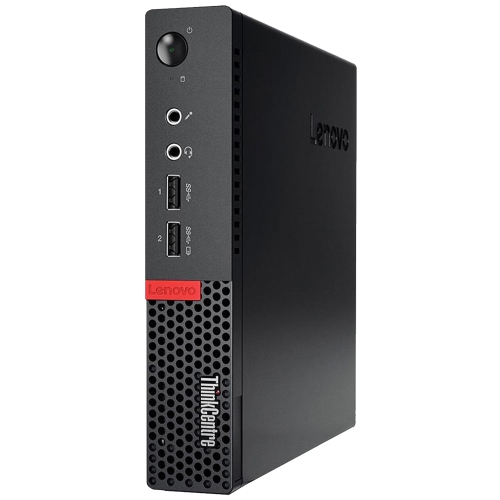
Powerful computers are desktops, laptops, and workstations designed to handle demanding software, large files, and complex calculations with less interruption. Their performance comes from several components working together: a capable processor, sufficient memory, fast storage, and graphics hardware suited to the task. A computer that feels quick when opening documents may need very different specifications from one used to render a detailed architectural model or edit multiple streams of high-resolution video. In scientific computing, supercomputers combine large numbers of interconnected processors to tackle enormous calculations, often across many machines at once. High-performance personal computers bring computing power to a different scale, supporting creative projects, technical work, gaming, and demanding everyday multitasking at a desk or on the move. For someone editing a documentary, that can mean smoother playback while adjusting colour and sound. For a developer, it can mean compiling code while running test tools and virtual machines. For a student working with engineering software, it can mean navigating a complex model without repeatedly pausing to let the screen catch up. The central processing unit, or CPU, handles general instructions and much of the work behind these activities. Strong performance from individual processor cores helps with tasks that depend on a few fast threads, while additional cores can benefit software built to divide work into parallel processes. The graphics processing unit, or GPU, draws images and can accelerate supported rendering, video, and computational workloads. Neither core count nor a single speed figure tells the whole story: processor design, software support, power settings, and cooling all affect the result. Powerful computers therefore make the most sense when their strengths match the applications they will run. A system built for long rendering sessions has different priorities from a lightweight laptop used for presentations, spreadsheets, and occasional photo editing, even when both need to feel responsive throughout a busy day.
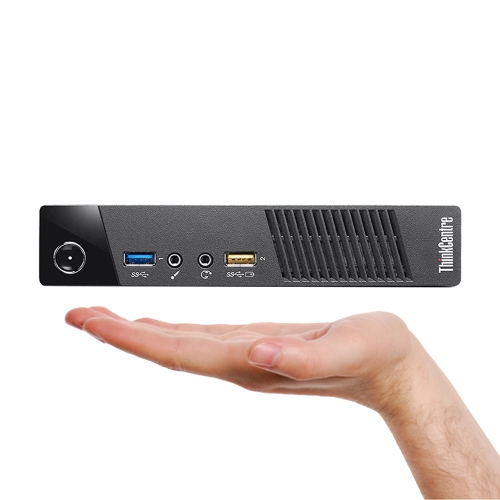
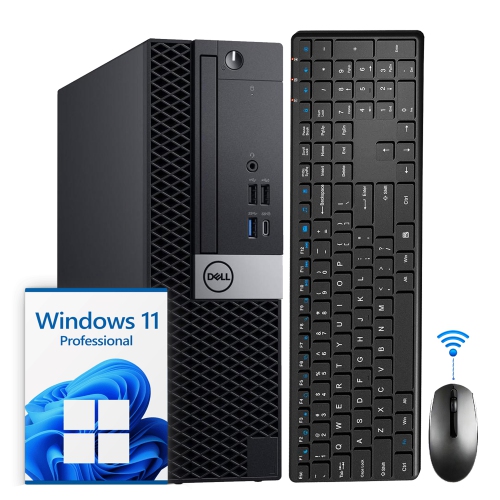
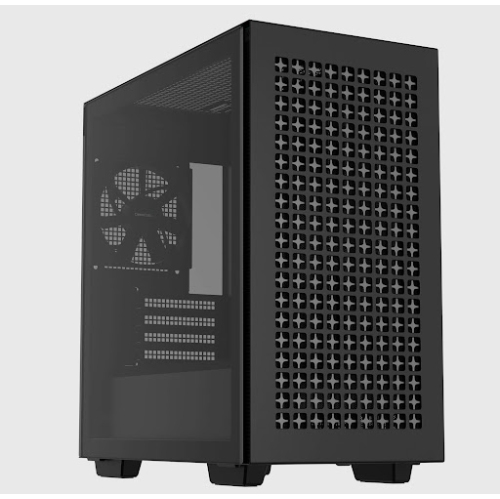
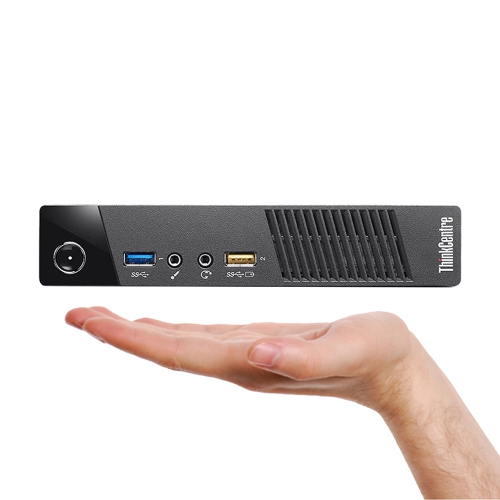
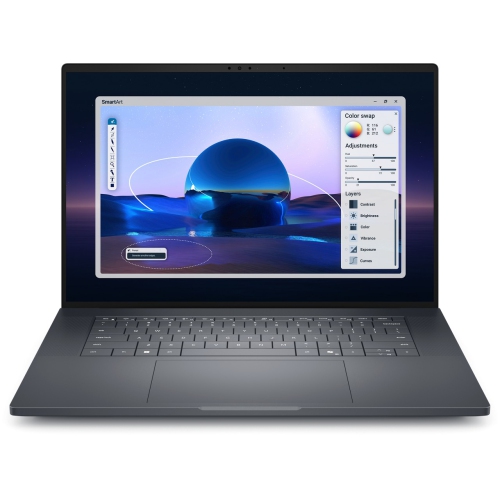
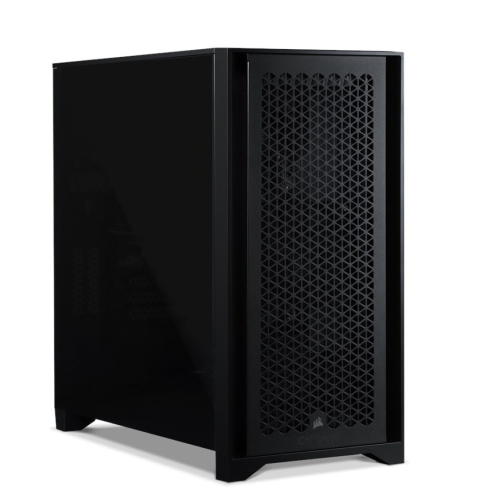
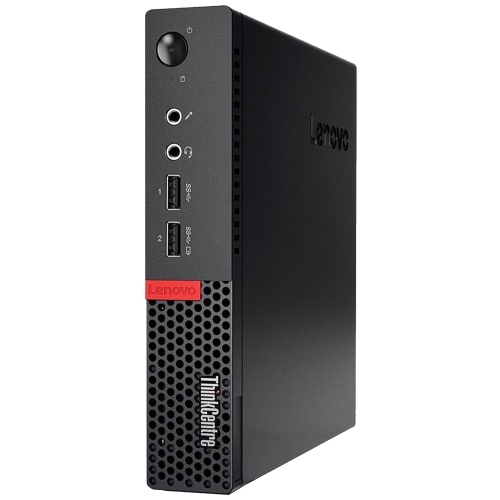
Memory and storage have an equally practical influence on how a powerful computer behaves. Random-access memory, or RAM, holds information that applications are actively using. Having enough room for that working data helps when a browser full of research sits beside a large spreadsheet, a design application, and a video call. More memory is particularly useful for substantial media projects, virtual machines, and other workloads that can exceed the needs of routine office work, although adding memory beyond what the software uses does not automatically make every task faster. Solid-state storage supports quick startup, responsive application launches, and fast access to project files. Storage capacity matters separately from speed: raw footage, image libraries, game installations, and technical datasets can occupy considerable space. A practical setup leaves room for applications, working files, and the temporary files created during editing or processing, with a separate backup for important work. Graphics memory also deserves attention when handling complex 3D scenes, high-resolution textures, or compatible local artificial intelligence tasks. A dedicated GPU can be valuable for those uses, while integrated graphics may be entirely suitable for less graphics-intensive work. Desktop towers generally offer more space for cooling and, depending on their design, more opportunities to replace memory, storage, or graphics hardware. Compact desktops keep a workspace tidy but may have fewer expansion options. Performance laptops combine the computer, display, keyboard, and battery in one portable design, making them useful for people who move between a home desk, studio, classroom, and office. Their full performance may depend on being connected to power, and demanding applications typically shorten battery runtime. Across these formats, Modern Computers span a range of designs for connected work and entertainment. The distinction for more demanding use is how well a particular configuration supports the actual workload, including the operating system, required software, and any peripherals needed to complete it.
Day-to-day comfort and long-term usefulness depend on more than internal specifications. A powerful desktop needs a stable surface, clearance around its ventilation openings, and enough room for cables without crowding the keyboard or display. A laptop should fit comfortably in its carrying bag and feel manageable alongside its charger and other essentials. Metal and reinforced plastic housings can both be durable, but construction quality, hinge design, and careful handling matter more than a material name alone. For sustained typing, a comfortable keyboard and an external display can make a substantial difference to the working experience. Photo and video work benefit from a display with appropriate colour accuracy and coverage, while fast-moving games benefit from a suitable refresh rate paired with graphics hardware capable of driving it. Screen resolution adds detail but can also increase graphics demands. Connections deserve similar attention: external drives, drawing tablets, audio interfaces, and multiple monitors may require particular port types, transfer speeds, or display capabilities. A connector's shape alone does not establish which features it supports. Wi-Fi offers flexible placement, while a wired network connection can provide dependable access for large file transfers when the network supports it. Cooling design and fan noise are worth considering for shared rooms, recording spaces, and long work sessions, since intensive processing can make fans more noticeable. Routine care helps preserve dependable operation: keep vents unobstructed, remove dust using the manufacturer's recommended method, clean surfaces with suitable materials, and avoid placing a working laptop on soft bedding that blocks airflow. Software updates, organized storage, and regular backups also support everyday reliability. For a computer intended to serve through several years of changing projects, accessible components and documented upgrade options can be useful, though many thin laptops have memory or other parts that cannot be replaced. As a gift for a student, creator, or enthusiastic gamer, a powerful computer is most useful when it suits the recipient's software, space, and preferred way of working. The lasting value is practical capability: enough headroom to finish complex projects, keep several tools open, and spend more time working than waiting.
Memory and storage have an equally practical influence on how a powerful computer behaves. Random-access memory, or RAM, holds information that applications are actively using. Having enough room for that working data helps when a browser full of research sits beside a large spreadsheet, a design application, and a video call. More memory is particularly useful for substantial media projects, virtual machines, and other workloads that can exceed the needs of routine office work, although adding memory beyond what the software uses does not automatically make every task faster. Solid-state storage supports quick startup, responsive application launches, and fast access to project files. Storage capacity matters separately from speed: raw footage, image libraries, game installations, and technical datasets can occupy considerable space. A practical setup leaves room for applications, working files, and the temporary files created during editing or processing, with a separate backup for important work. Graphics memory also deserves attention when handling complex 3D scenes, high-resolution textures, or compatible local artificial intelligence tasks. A dedicated GPU can be valuable for those uses, while integrated graphics may be entirely suitable for less graphics-intensive work. Desktop towers generally offer more space for cooling and, depending on their design, more opportunities to replace memory, storage, or graphics hardware. Compact desktops keep a workspace tidy but may have fewer expansion options. Performance laptops combine the computer, display, keyboard, and battery in one portable design, making them useful for people who move between a home desk, studio, classroom, and office. Their full performance may depend on being connected to power, and demanding applications typically shorten battery runtime. Across these formats, Modern Computers span a range of designs for connected work and entertainment. The distinction for more demanding use is how well a particular configuration supports the actual workload, including the operating system, required software, and any peripherals needed to complete it.
Day-to-day comfort and long-term usefulness depend on more than internal specifications. A powerful desktop needs a stable surface, clearance around its ventilation openings, and enough room for cables without crowding the keyboard or display. A laptop should fit comfortably in its carrying bag and feel manageable alongside its charger and other essentials. Metal and reinforced plastic housings can both be durable, but construction quality, hinge design, and careful handling matter more than a material name alone. For sustained typing, a comfortable keyboard and an external display can make a substantial difference to the working experience. Photo and video work benefit from a display with appropriate colour accuracy and coverage, while fast-moving games benefit from a suitable refresh rate paired with graphics hardware capable of driving it. Screen resolution adds detail but can also increase graphics demands. Connections deserve similar attention: external drives, drawing tablets, audio interfaces, and multiple monitors may require particular port types, transfer speeds, or display capabilities. A connector's shape alone does not establish which features it supports. Wi-Fi offers flexible placement, while a wired network connection can provide dependable access for large file transfers when the network supports it. Cooling design and fan noise are worth considering for shared rooms, recording spaces, and long work sessions, since intensive processing can make fans more noticeable. Routine care helps preserve dependable operation: keep vents unobstructed, remove dust using the manufacturer's recommended method, clean surfaces with suitable materials, and avoid placing a working laptop on soft bedding that blocks airflow. Software updates, organized storage, and regular backups also support everyday reliability. For a computer intended to serve through several years of changing projects, accessible components and documented upgrade options can be useful, though many thin laptops have memory or other parts that cannot be replaced. As a gift for a student, creator, or enthusiastic gamer, a powerful computer is most useful when it suits the recipient's software, space, and preferred way of working. The lasting value is practical capability: enough headroom to finish complex projects, keep several tools open, and spend more time working than waiting.
Top selling and popular products
-
 Your price for this item is $1599
 -
 Your price for this item is $1629.79
 -
 Your price for this item is $1999.99
 -
 Your price for this item is $1459.79
 -
 Your price for this item is $879
 -
 Your price for this item is $1199.99
 -
 Your price for this item is $1839
 -
 Your price for this item is $879
Discover more categories related to Powerful Computers

Top Collections:
Pokemon Centers, Kindle Devices, Best Budget Office Chairs, Apple iPhones 16, Best Laptops for Writers, iPhone 15 Apple, Canon G7X Cameras, Refurbished Apple Laptops, Alarm Clock, Motorola Razr Phones
Some products may be subject to Environmental Handling Fees
(EHF) depending on your province.
Learn more about EHFs.