Monitor Stand Desks
Elevate your workspace with our selection of monitor stand desks, designed to enhance your comfort and productivity. Whether you're working from home or in the office, these versatile desks offer a stylish and ergonomic solution to keep your monitors at eye level, reducing strain on your neck and shoulders. With various styles and configurations available, finding the perfect monitor stand desk to suit your needs has never been easier. Upgrade your setup today and experience the difference for yourself.
Sort







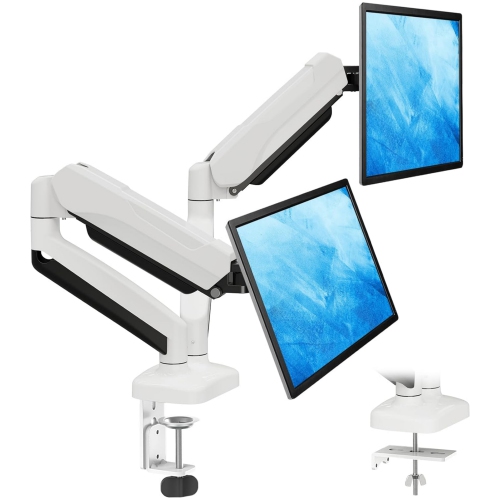
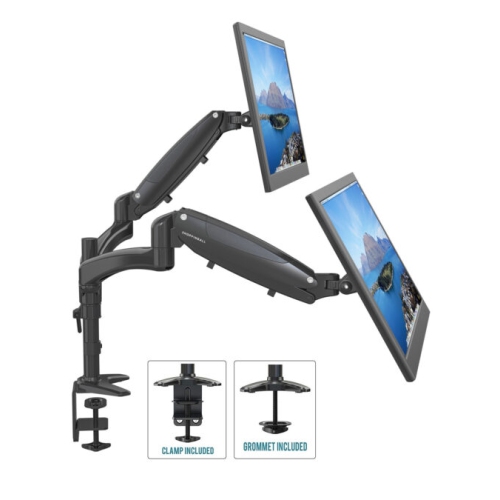
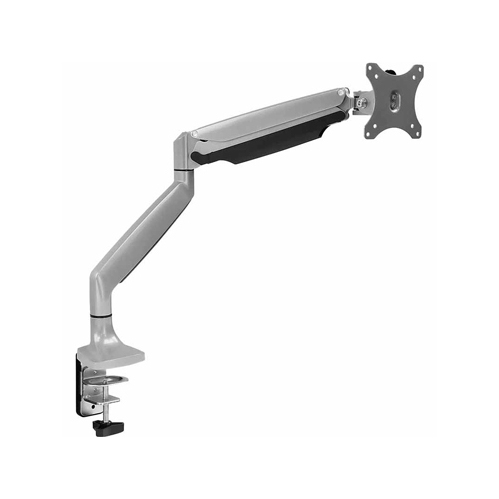
![AMER MOUNTS Dual Articulating Spring Monitor Arm [Arctic Edition] for 17"-32" Monitors 9Kg Max Weight Per Screen - Clamp And Grommet Base Mount But this one worked really great](https://multimedia.bbycastatic.ca/multimedia/products/500x500/160/16039/16039938.jpeg)
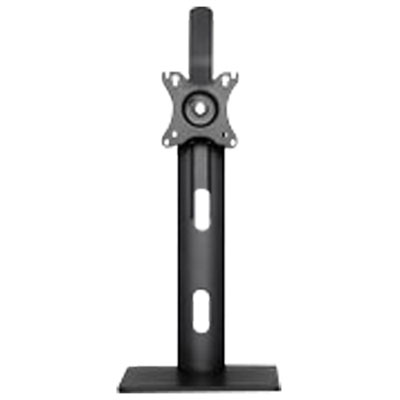
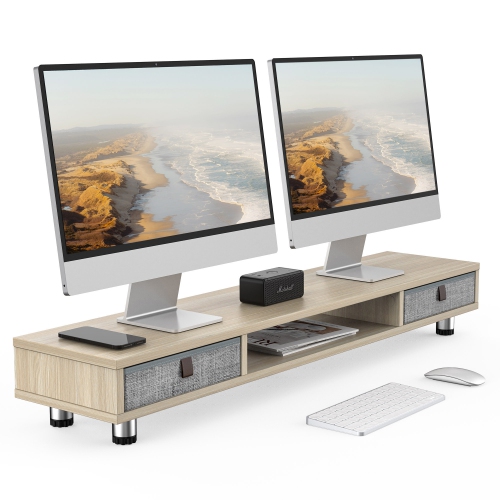
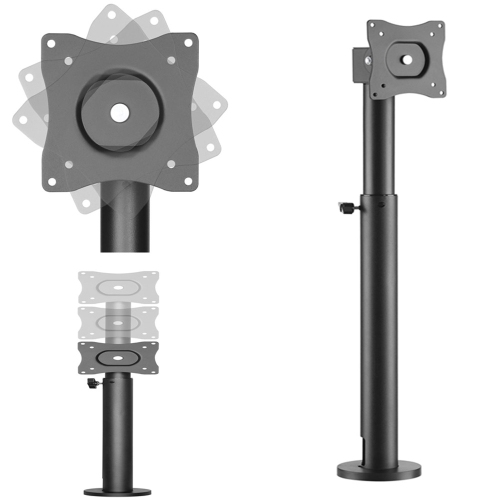
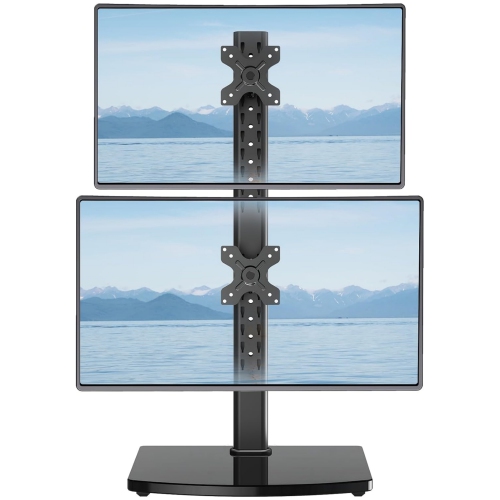
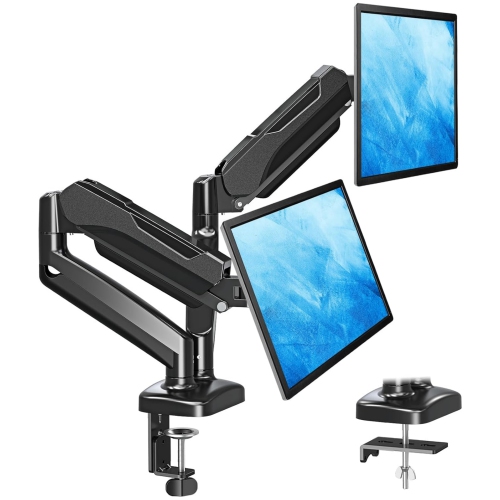
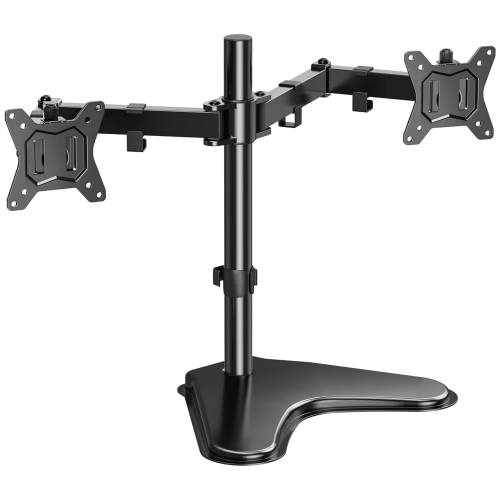
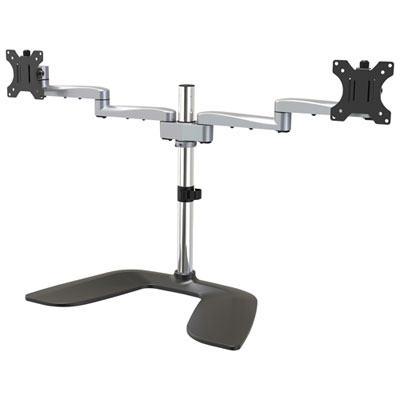
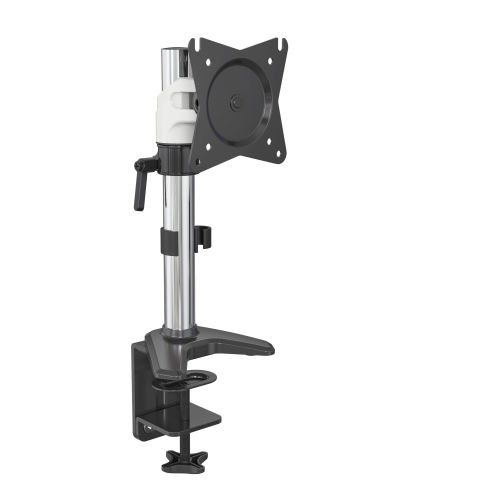
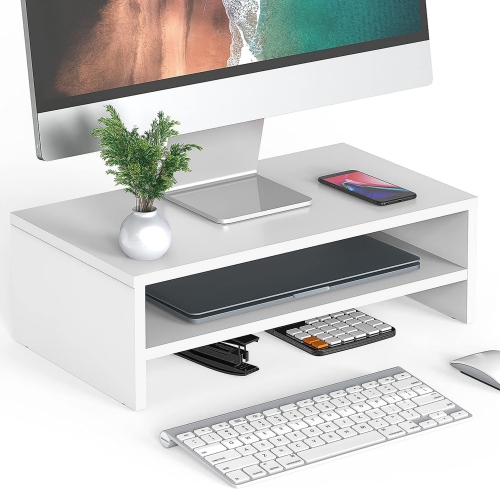
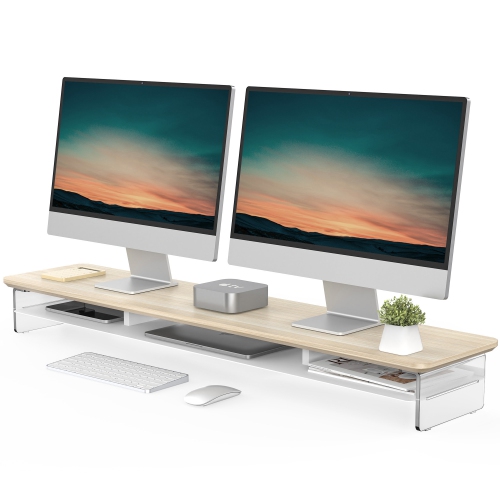
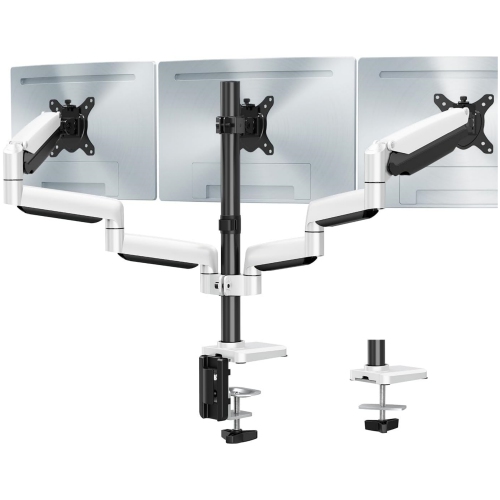
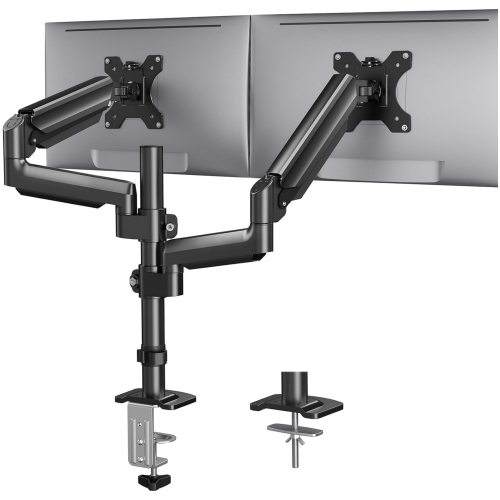
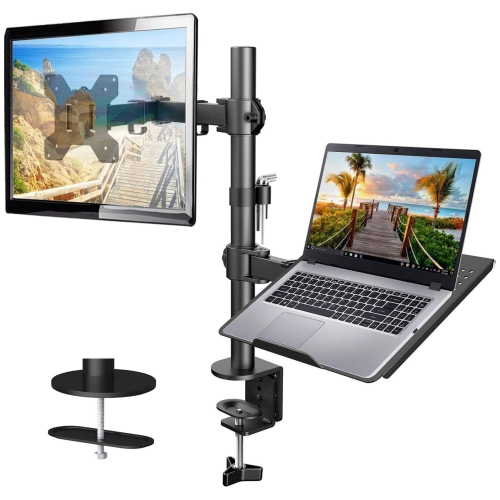


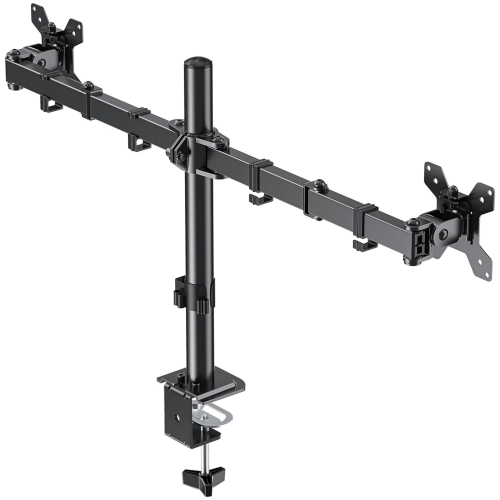

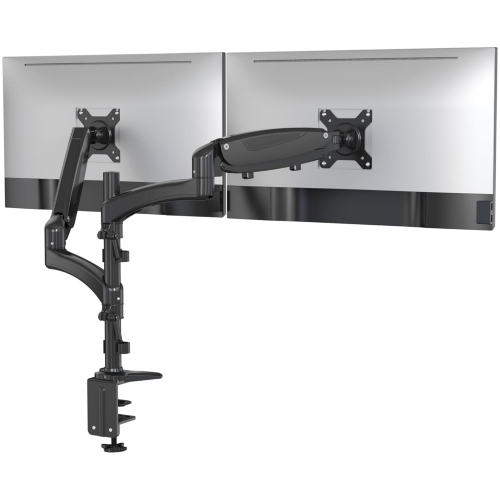
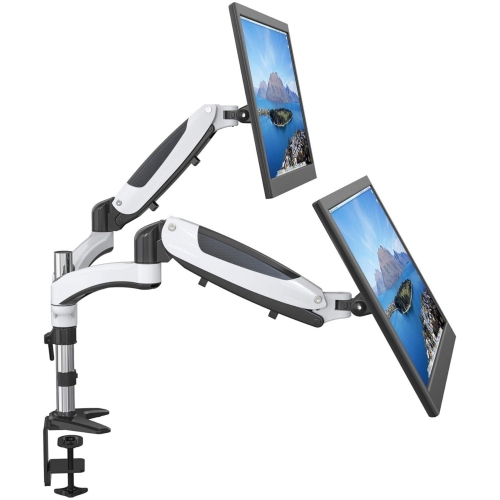
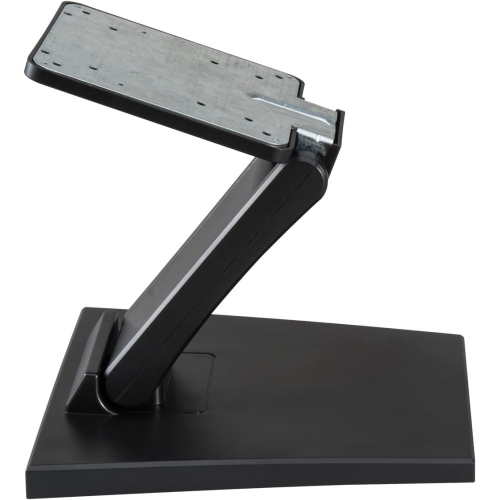
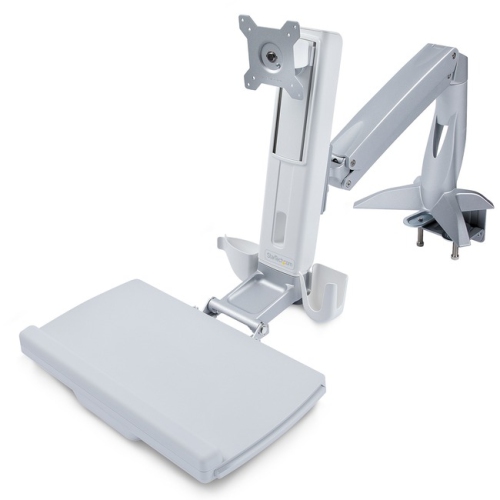
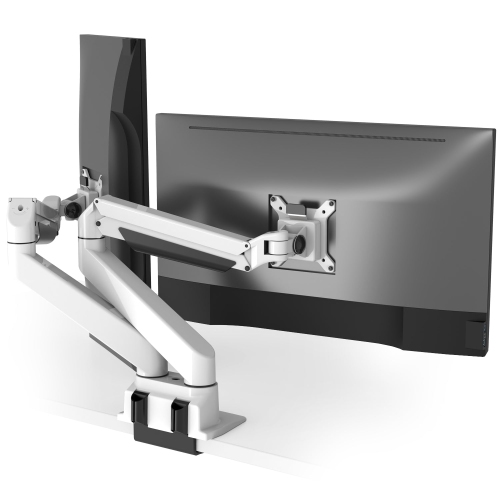
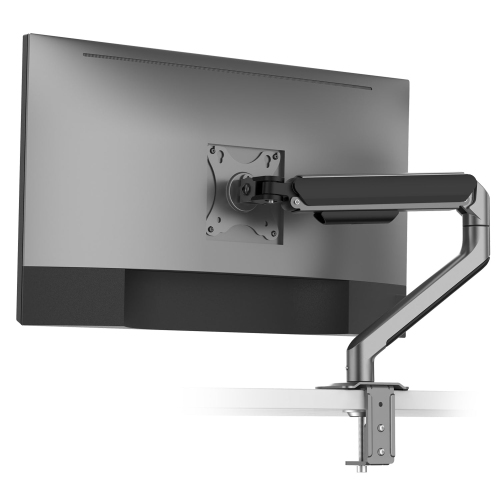
Adjustable designs support comfortable viewing and organized workspaces
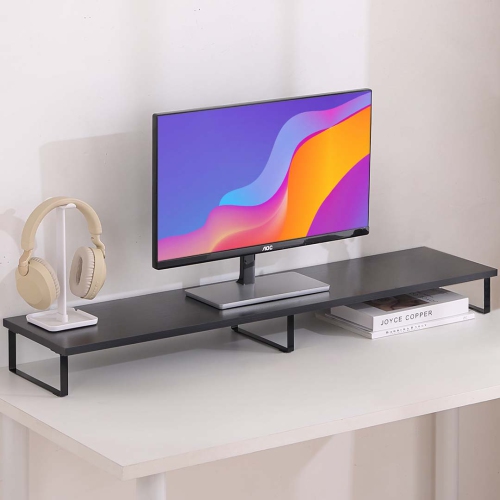
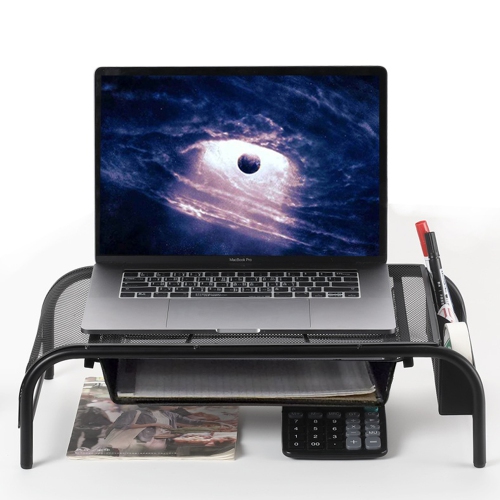
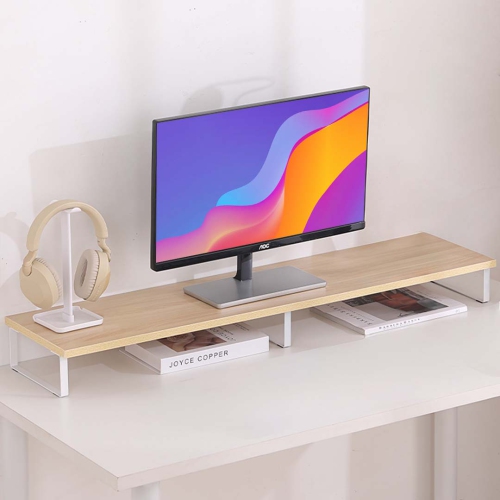
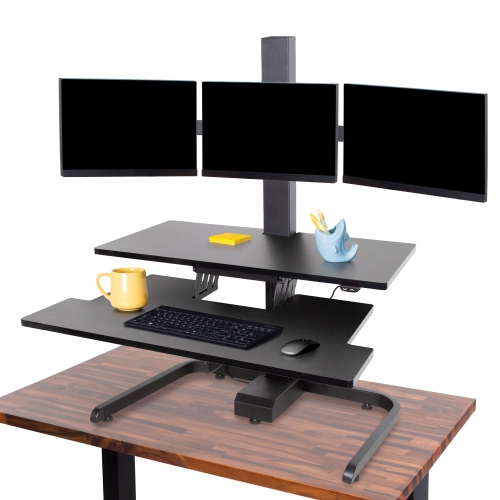
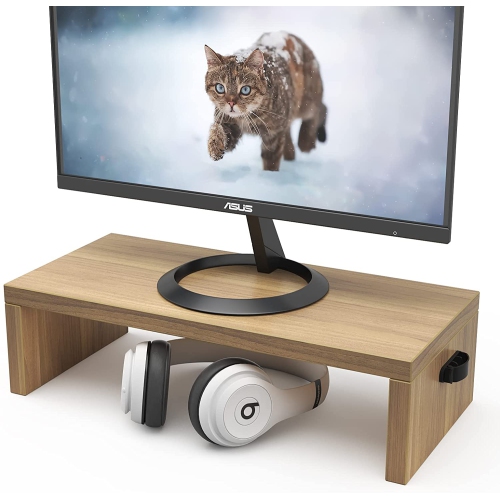
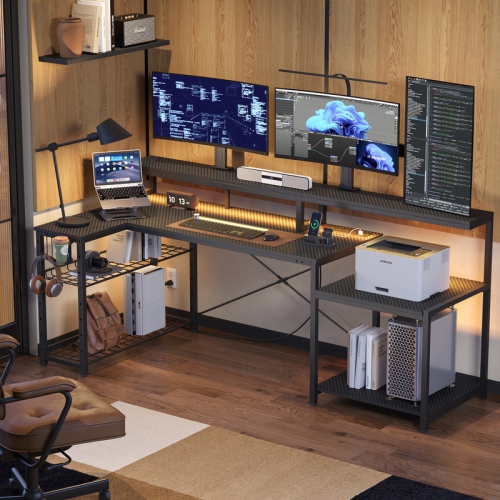
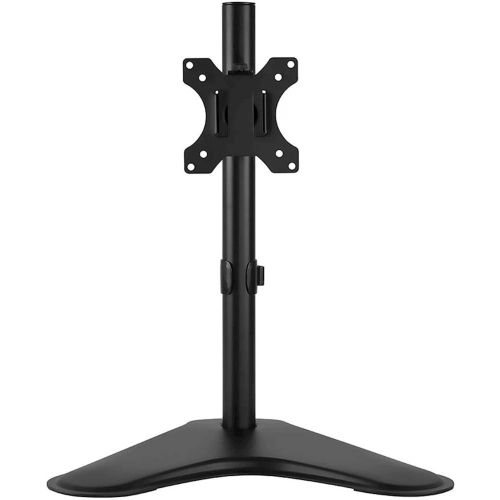
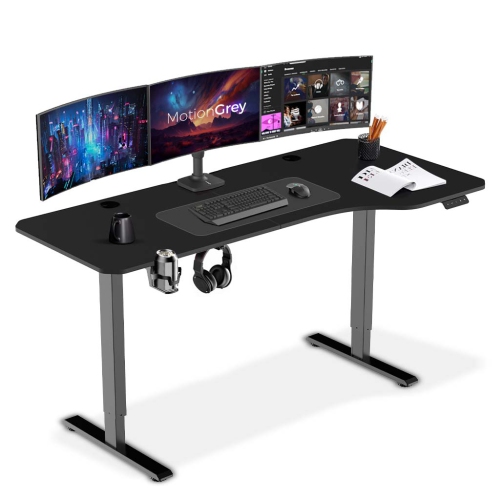
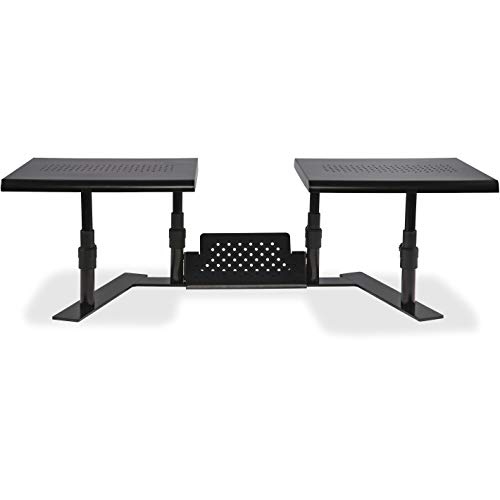
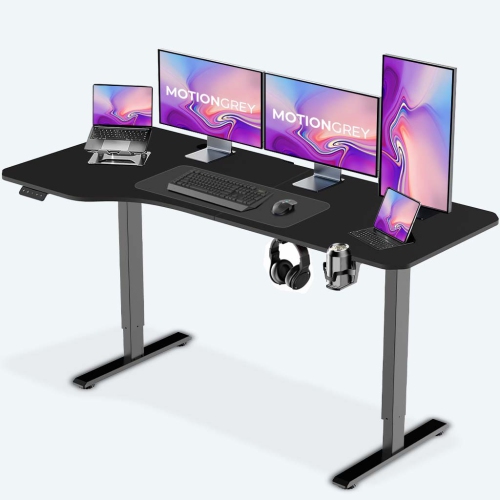
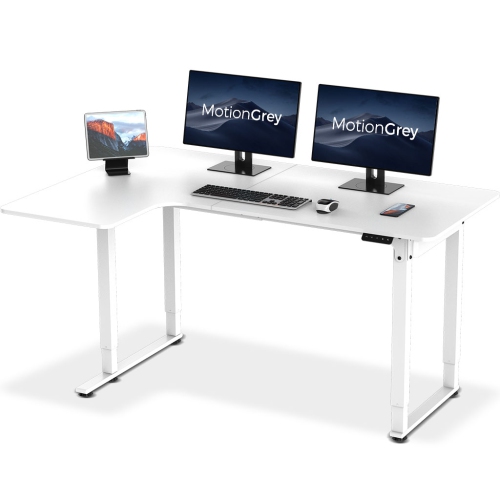
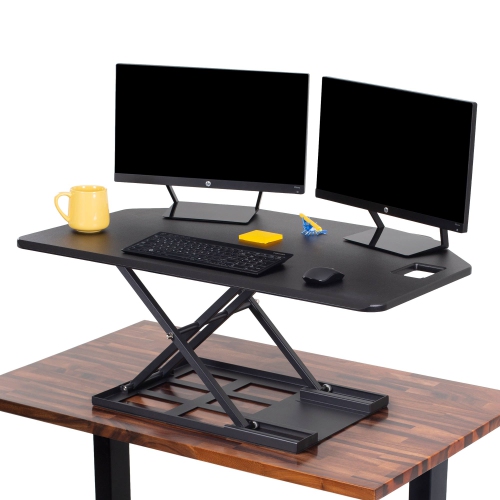
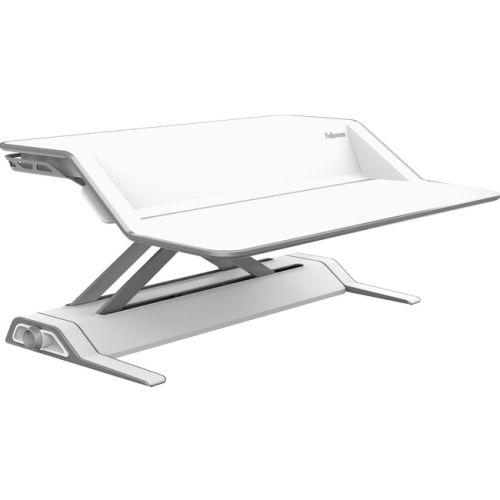
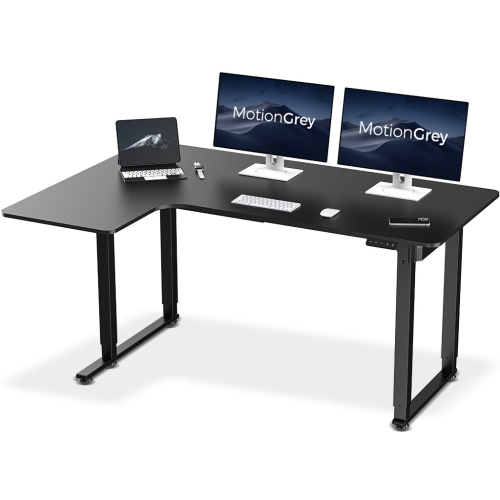
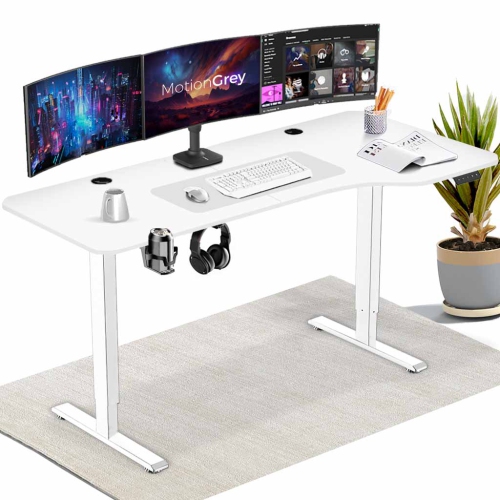
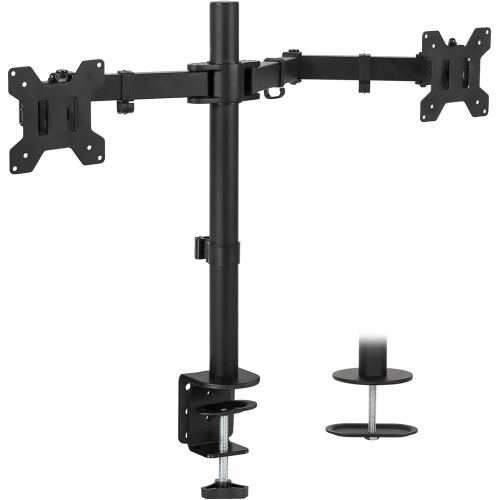
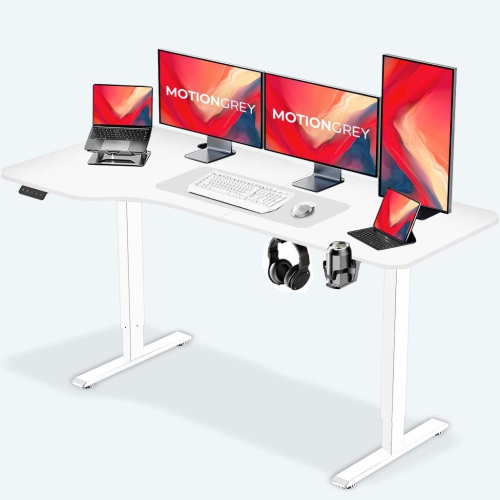
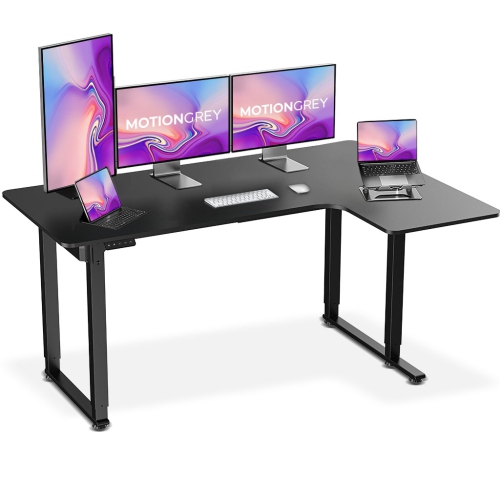
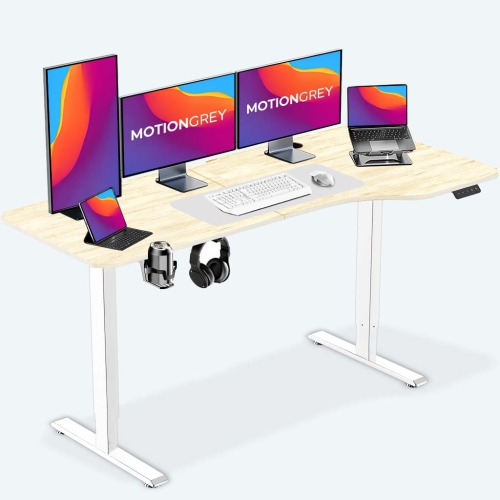
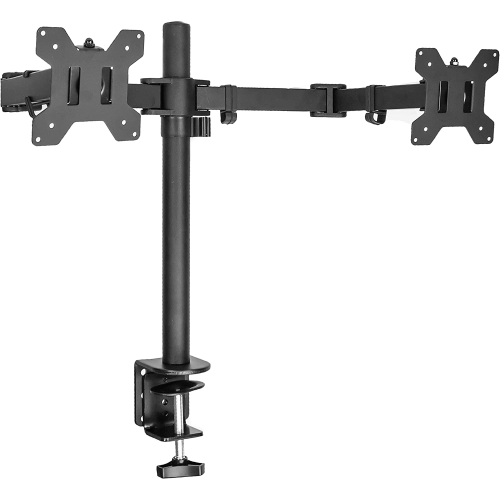
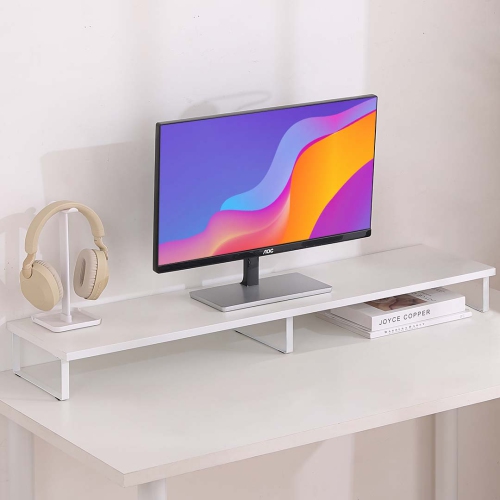
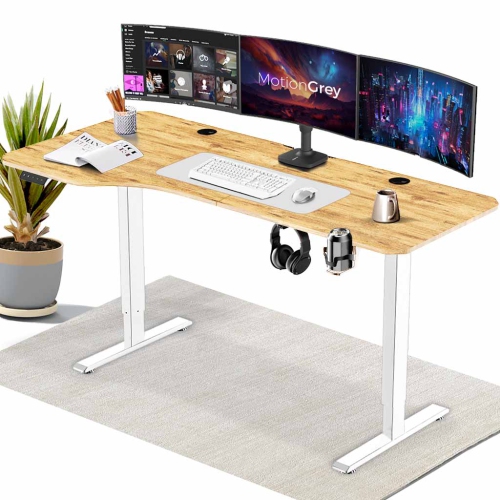
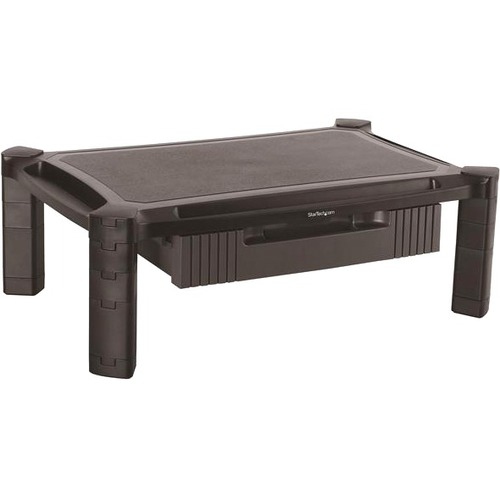
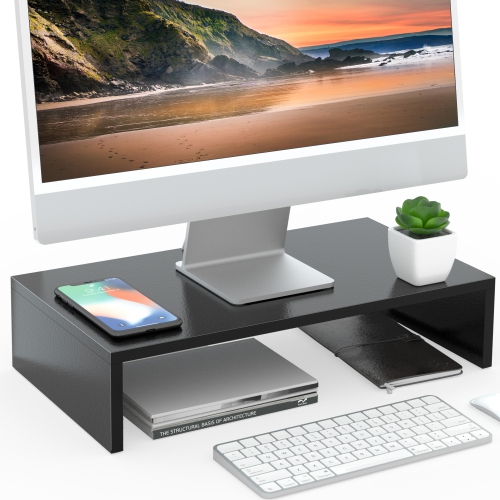
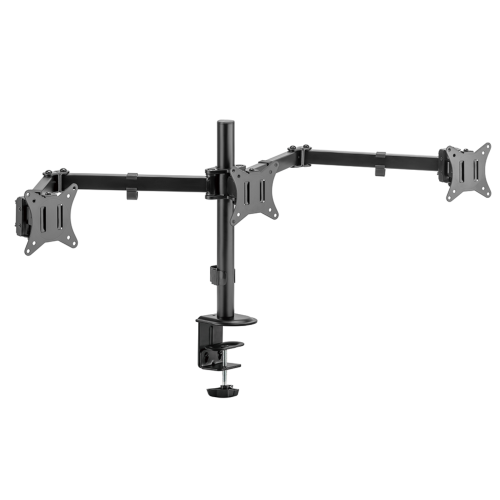
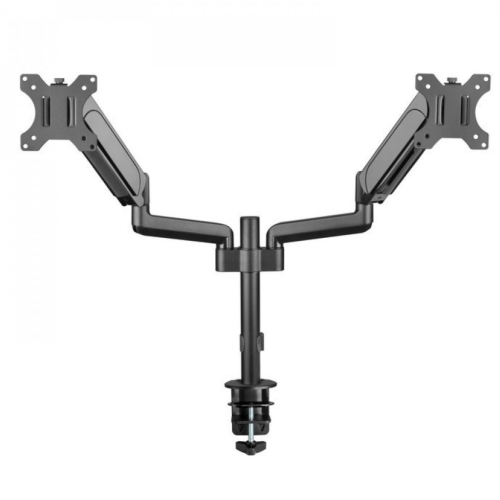
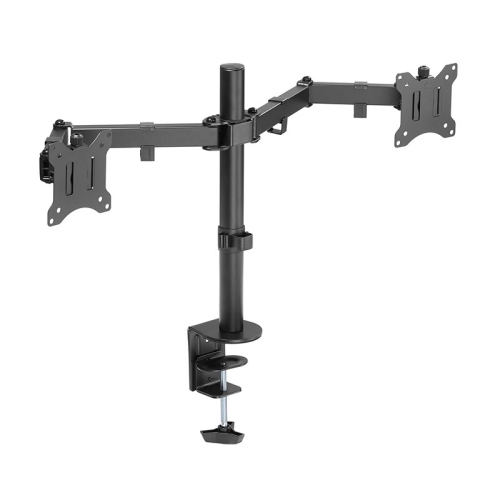
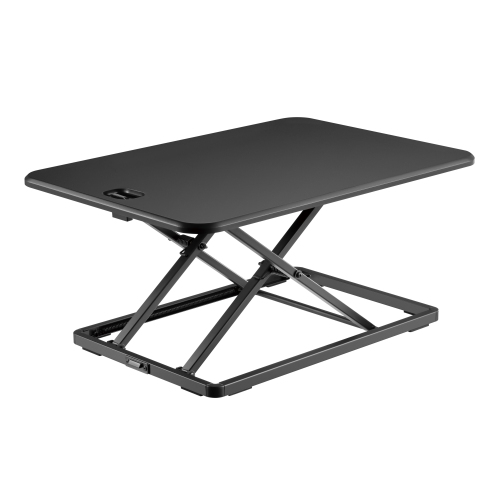
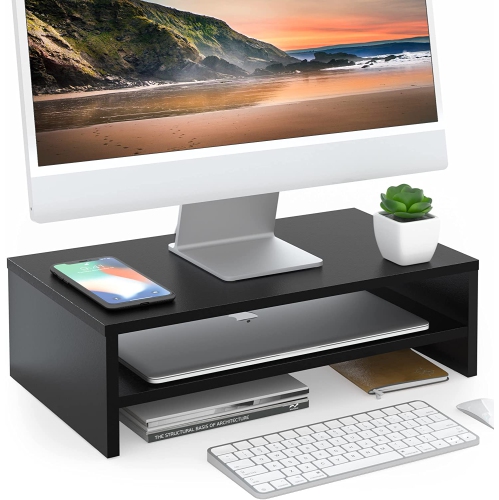
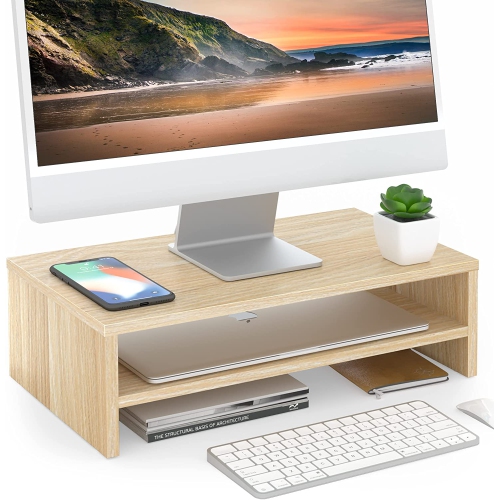
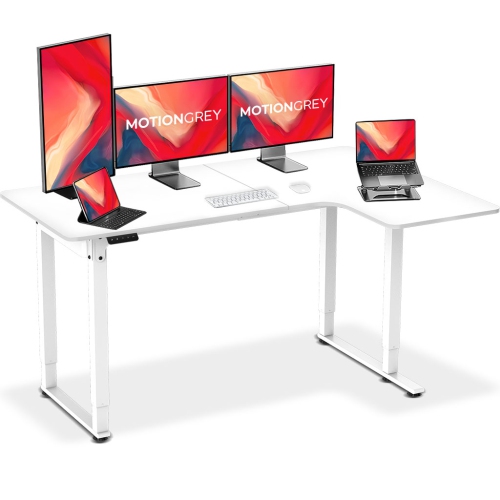
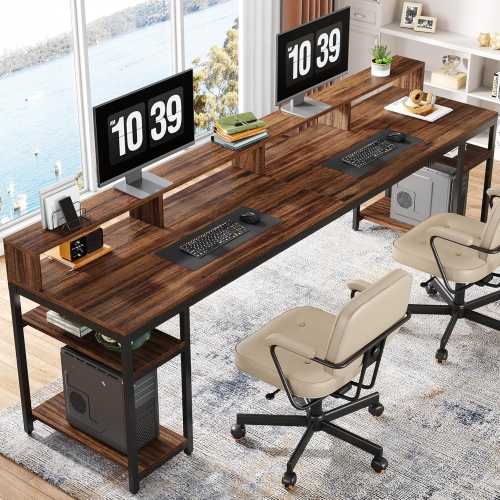
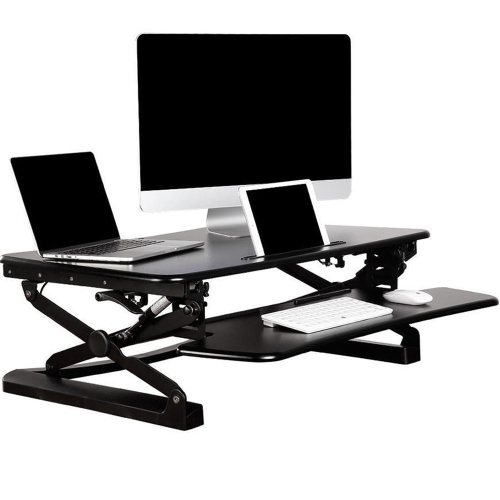
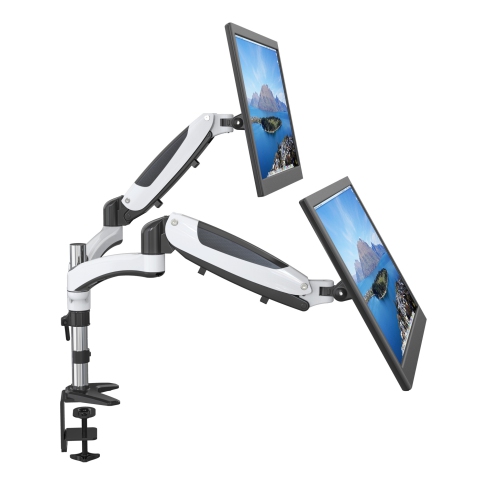
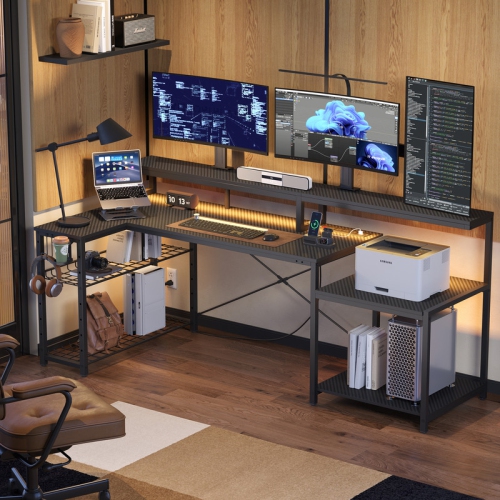
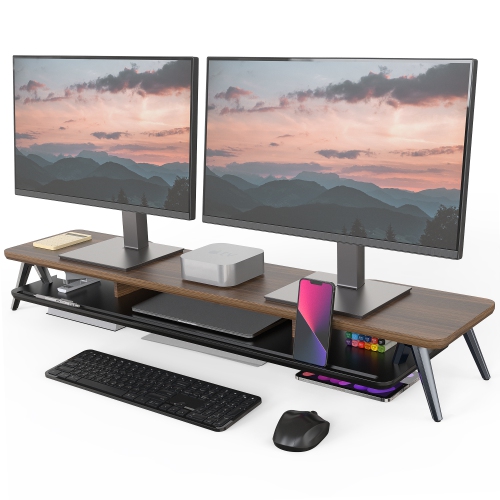
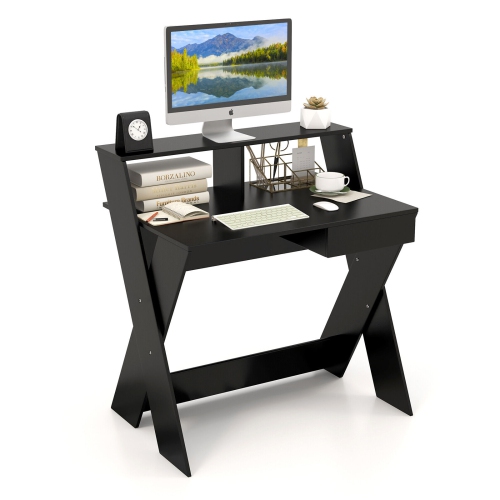
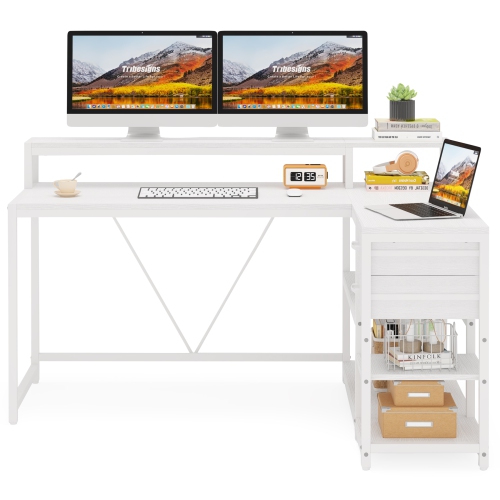
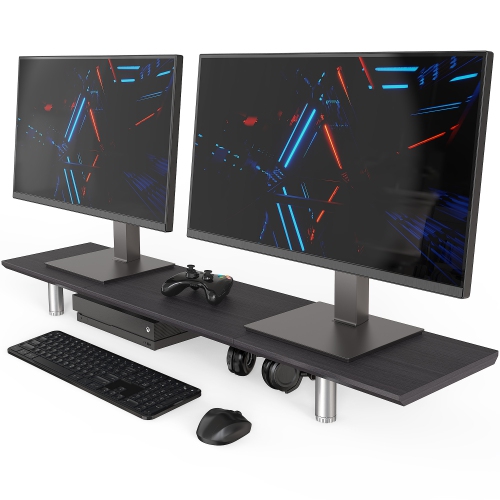
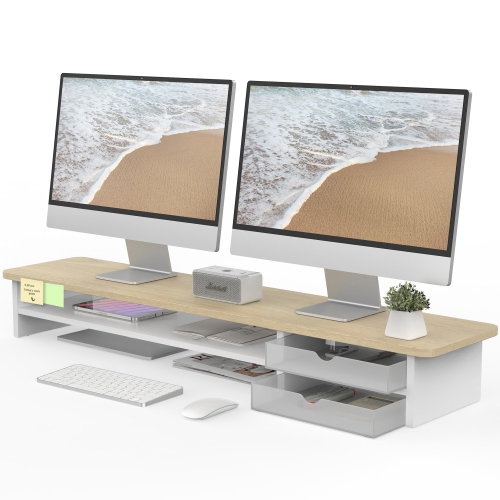
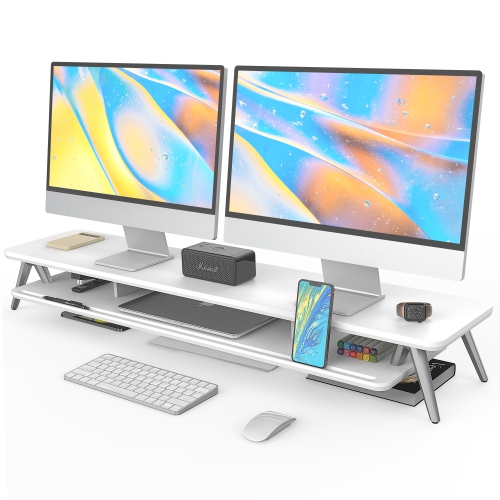
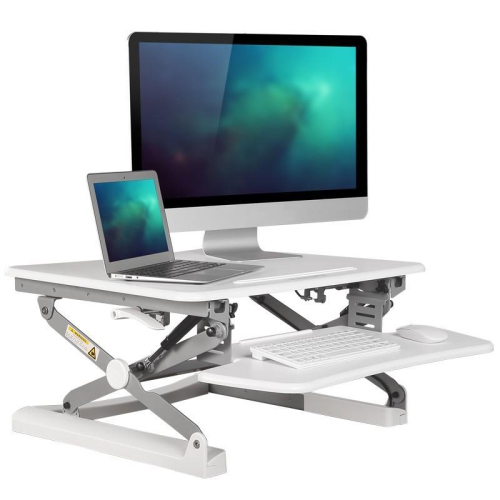
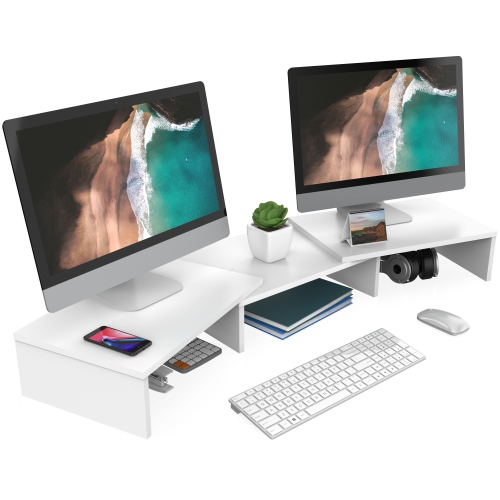
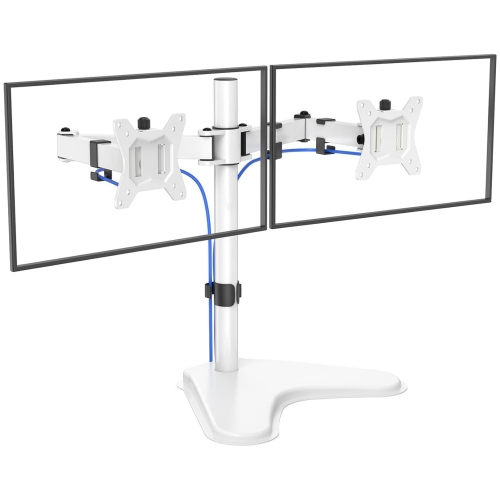
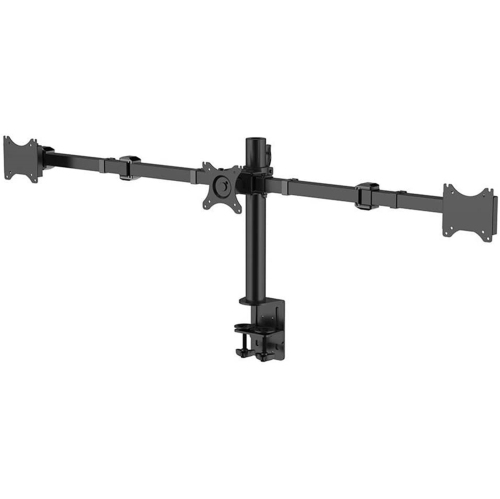
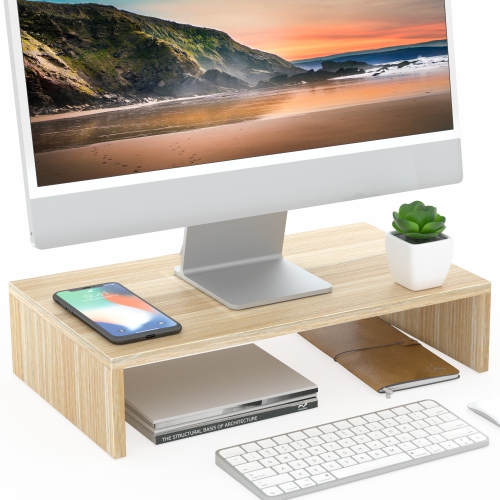
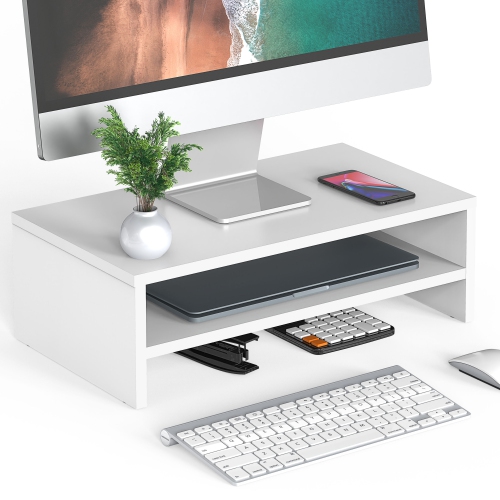
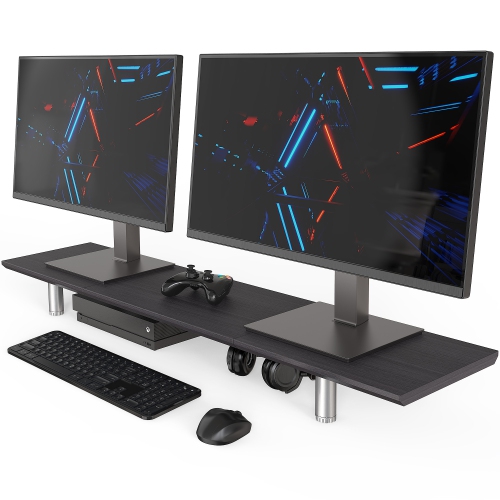
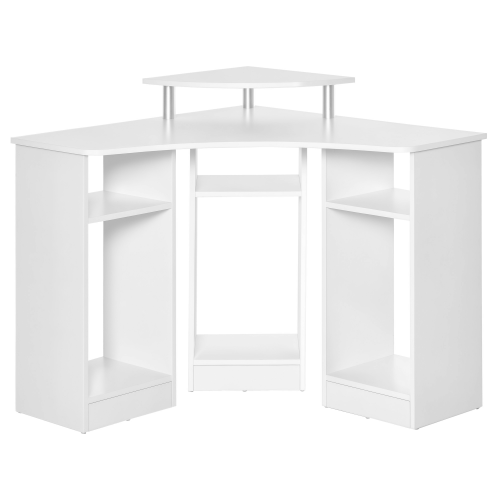
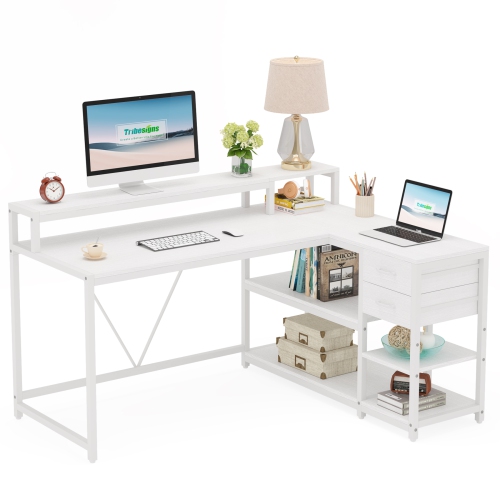
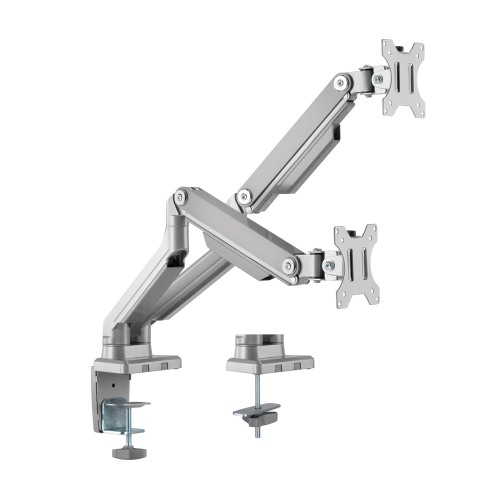
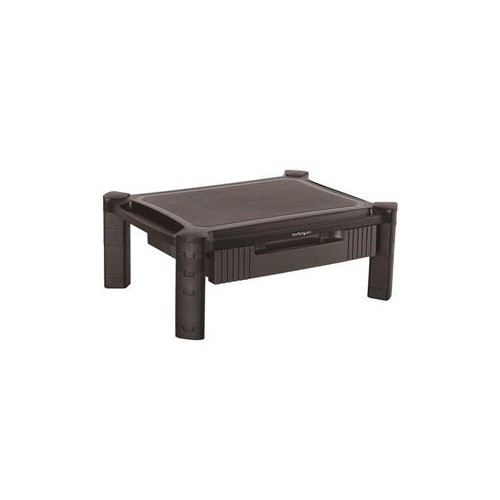
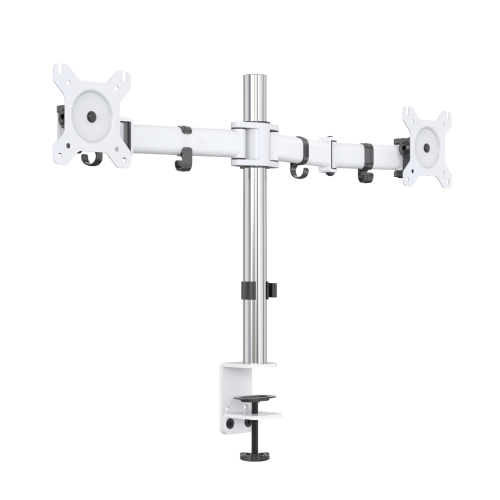
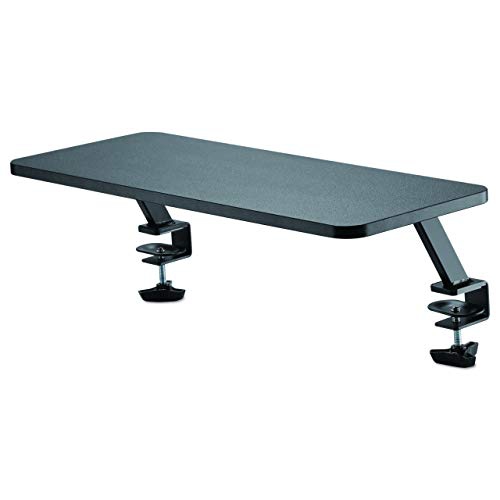
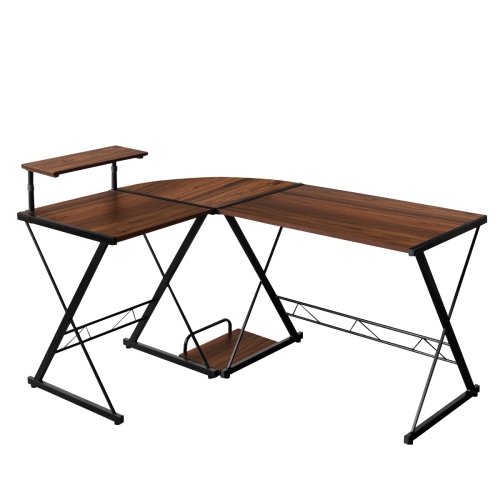
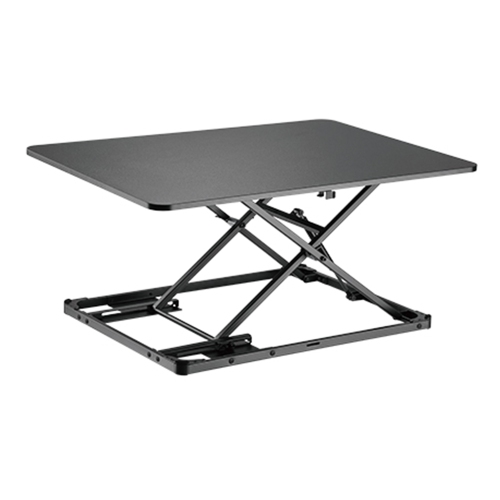
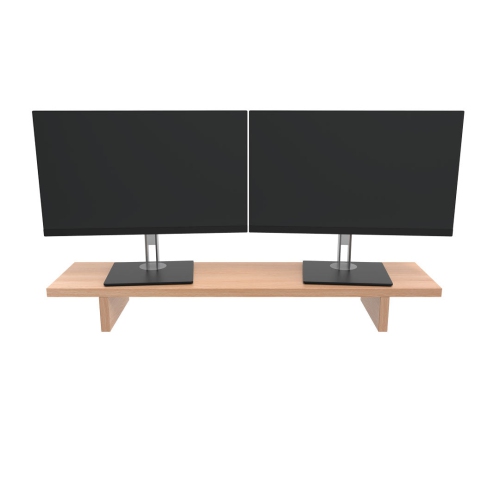
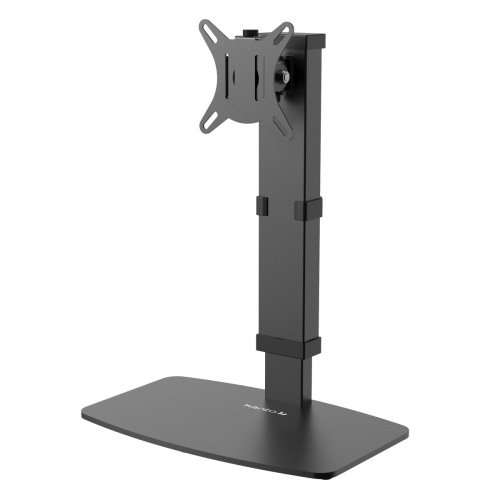
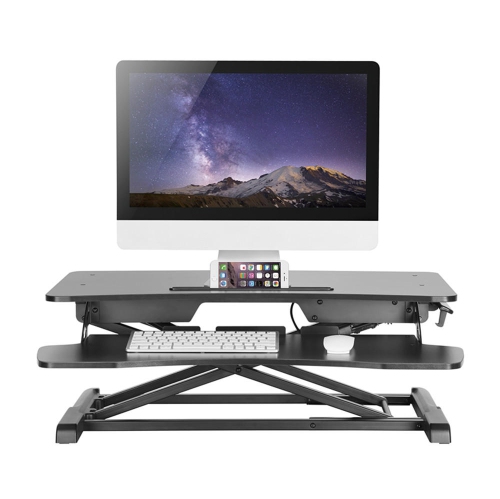
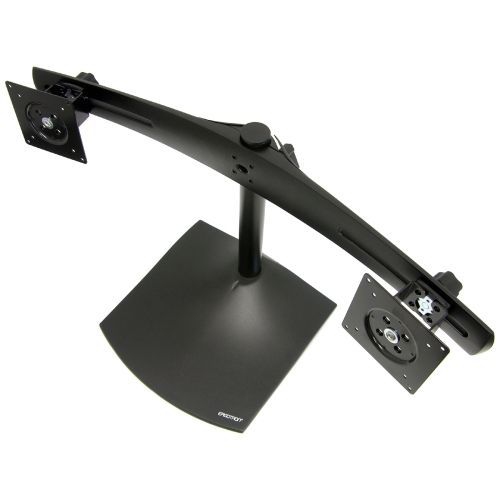
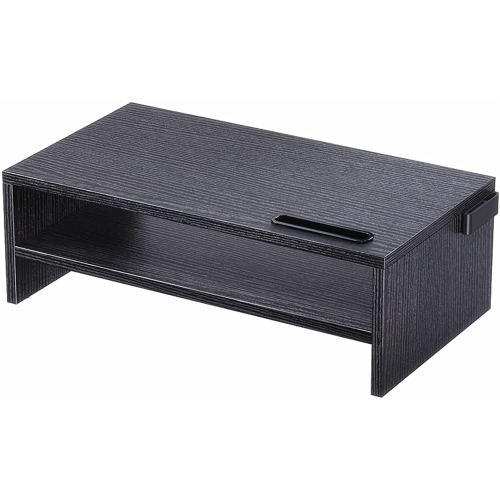
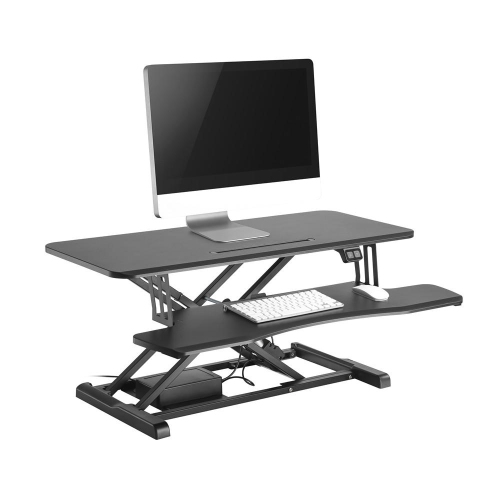
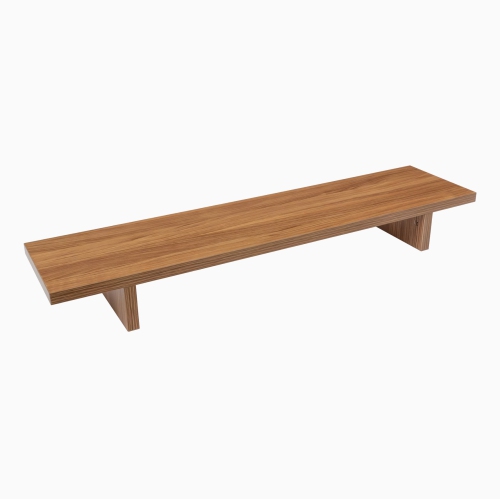
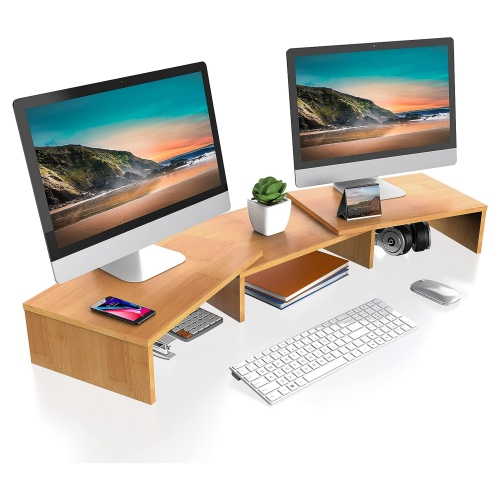
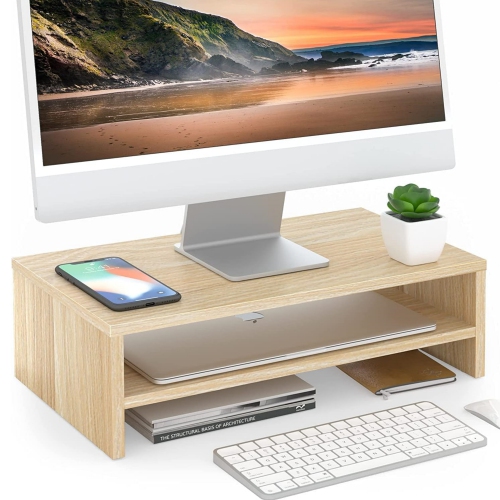
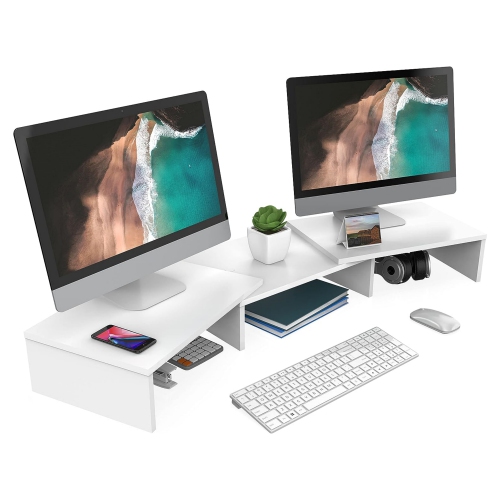
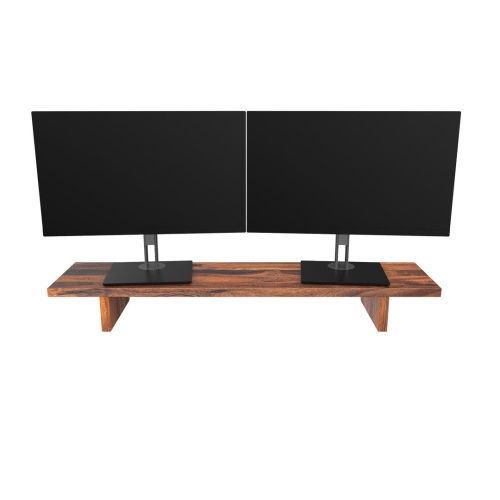
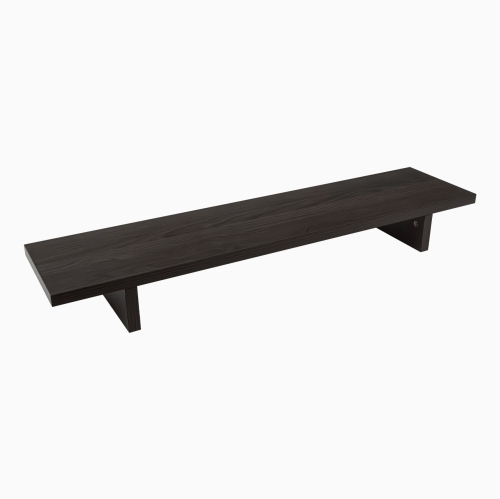
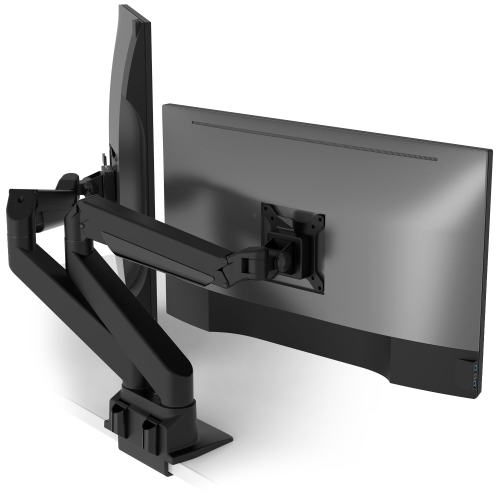
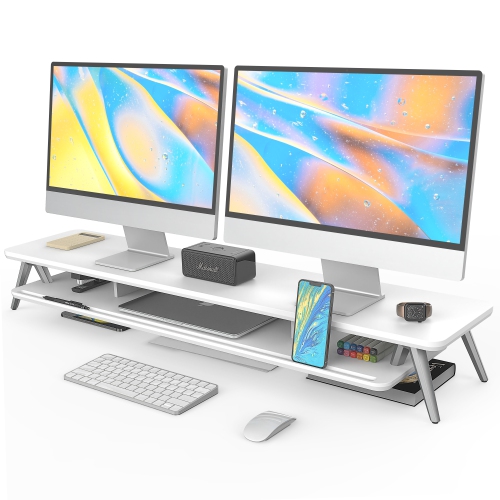
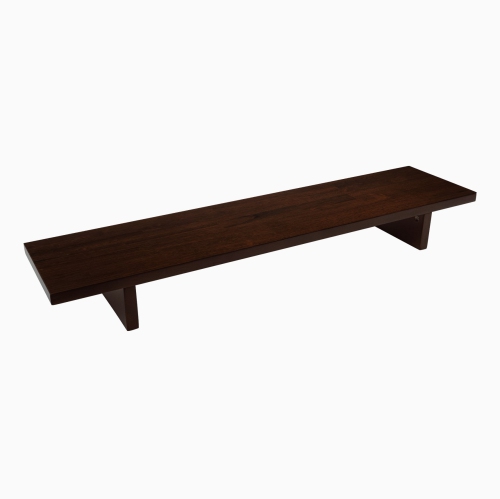
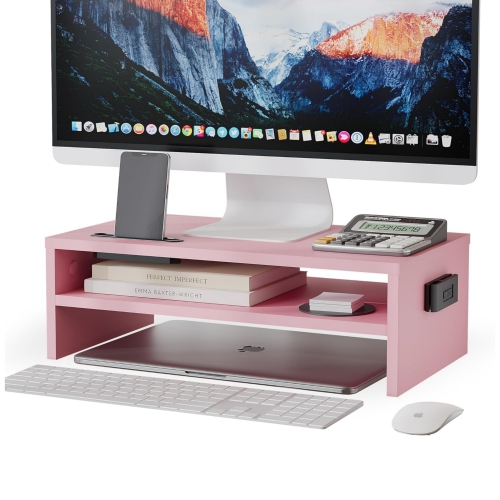
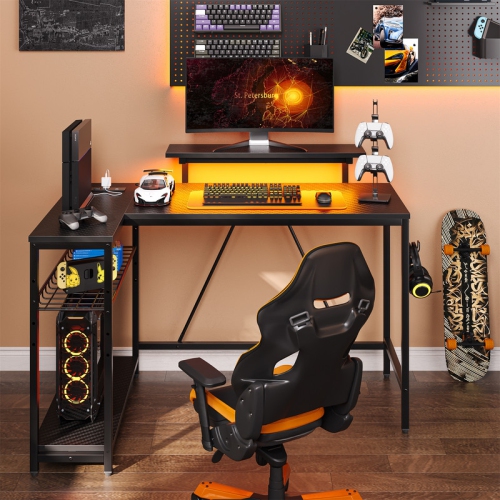
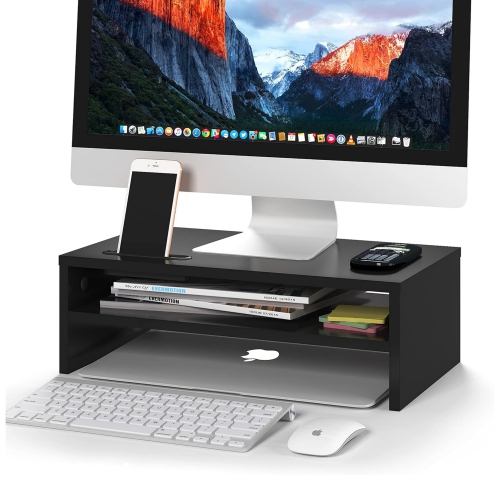
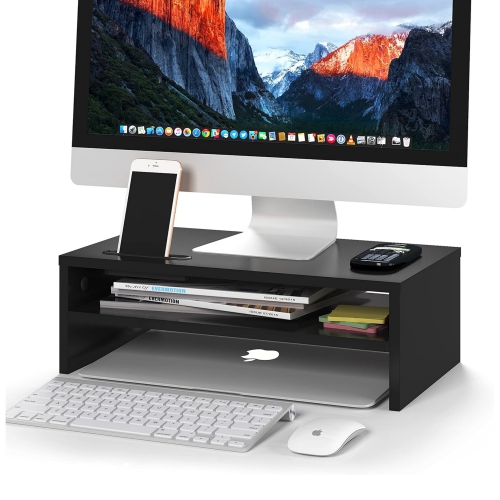
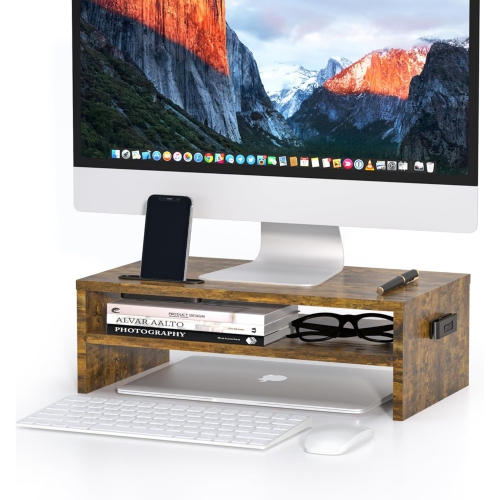
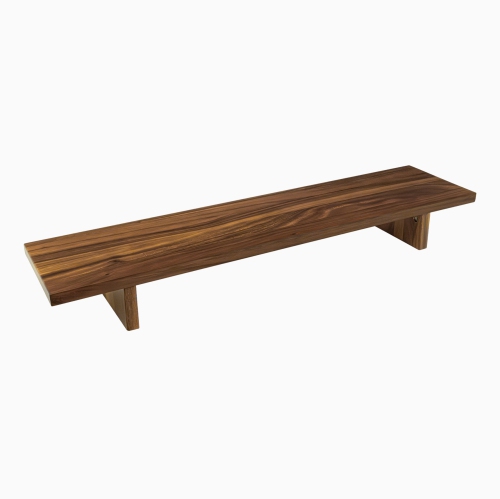
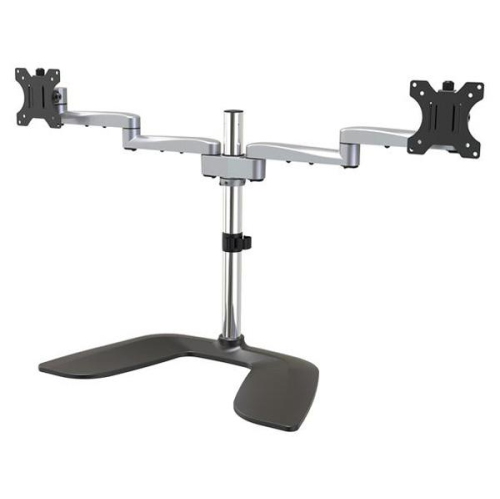
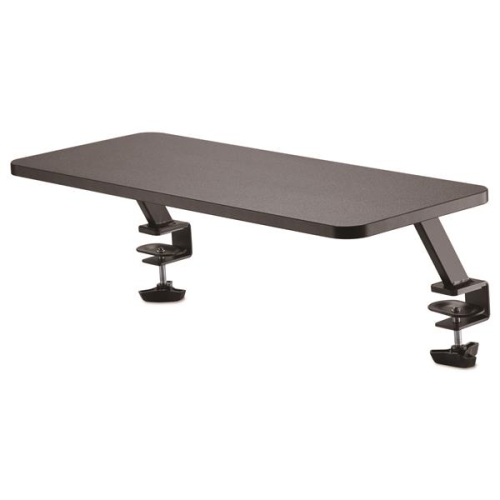
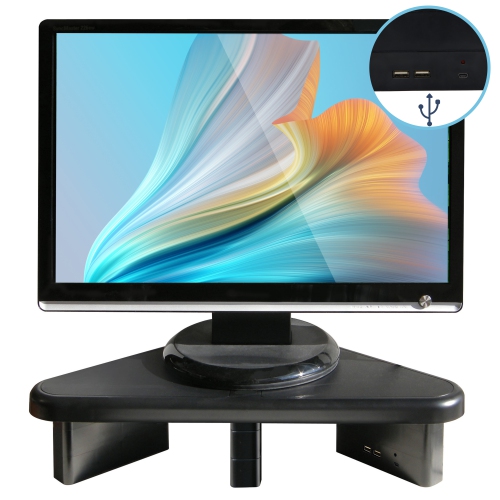
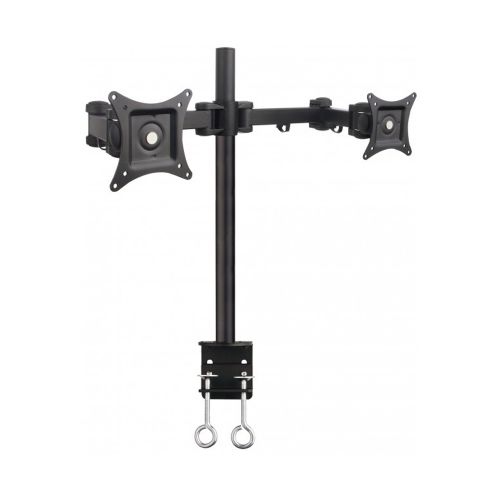
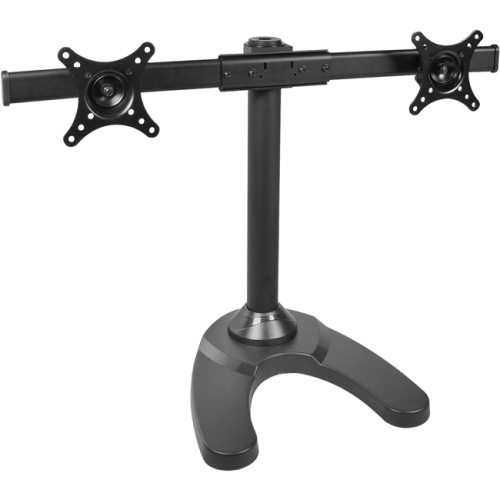
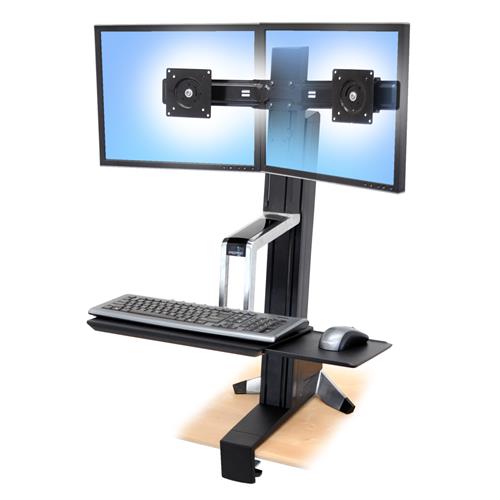
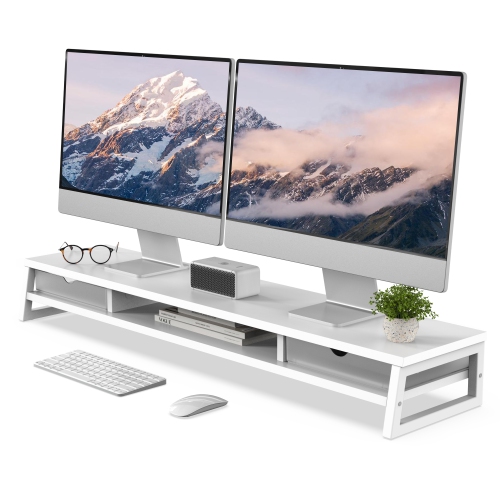
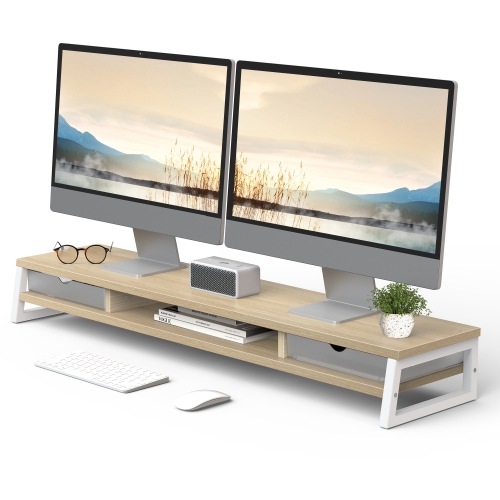
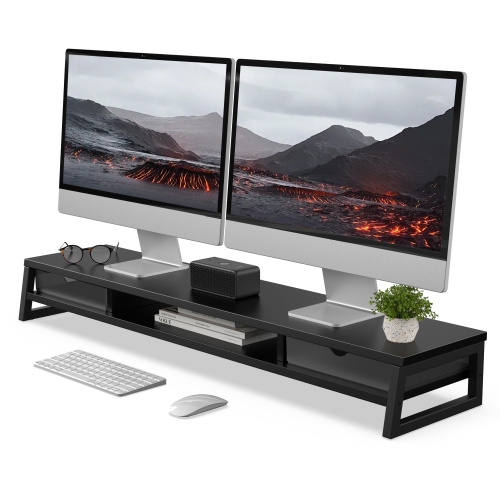
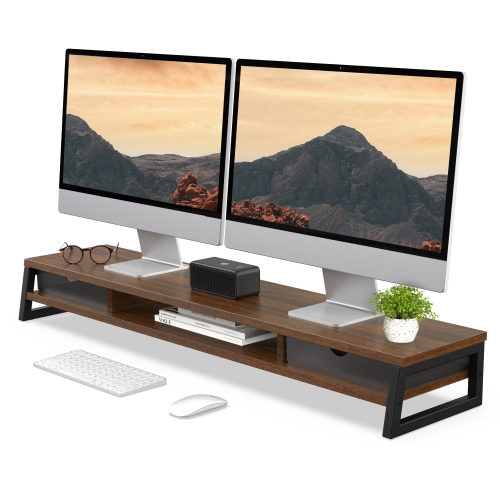
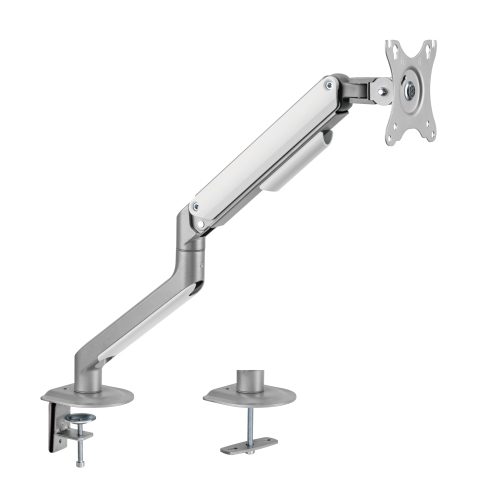
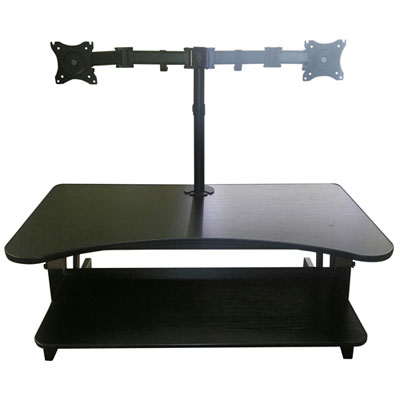
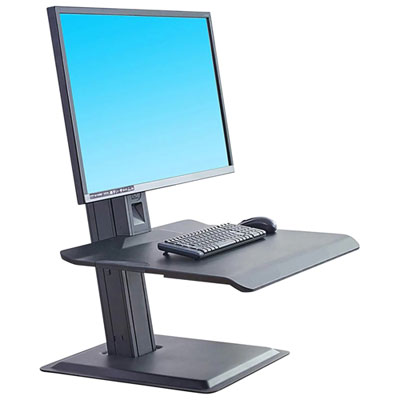
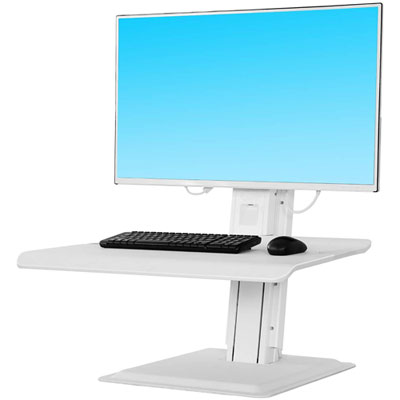
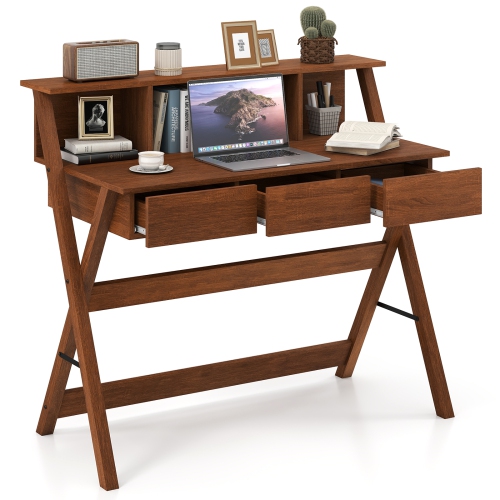
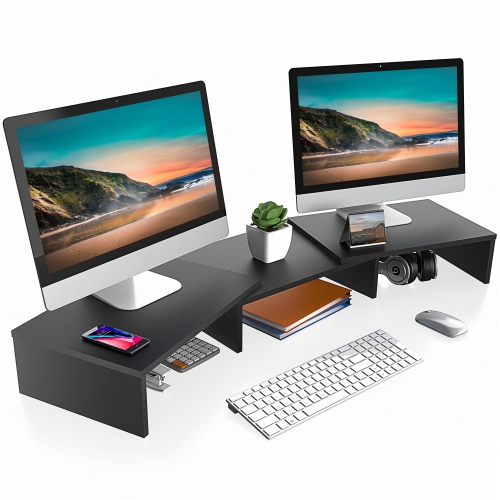
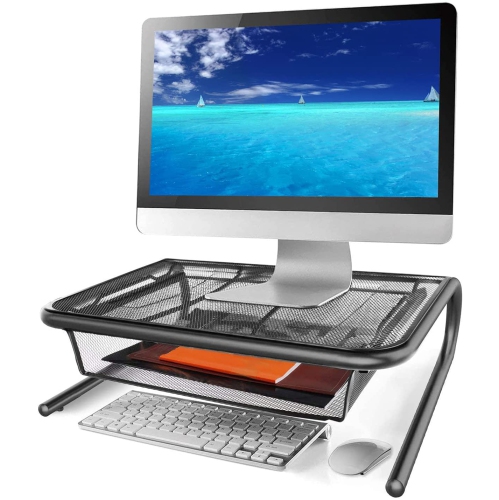
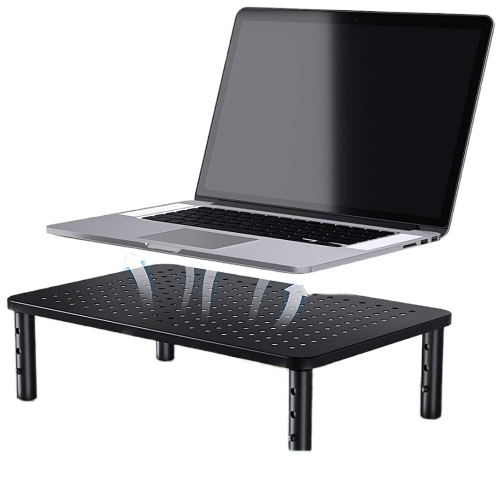
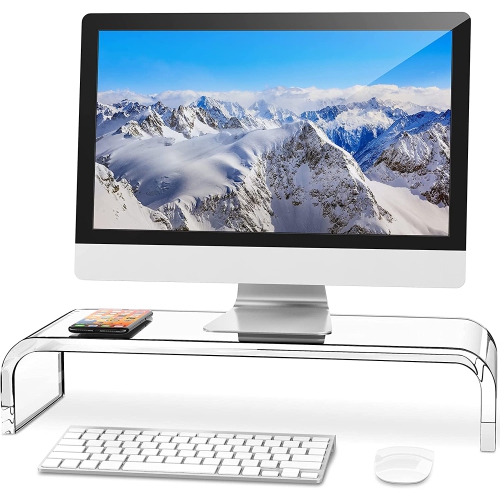
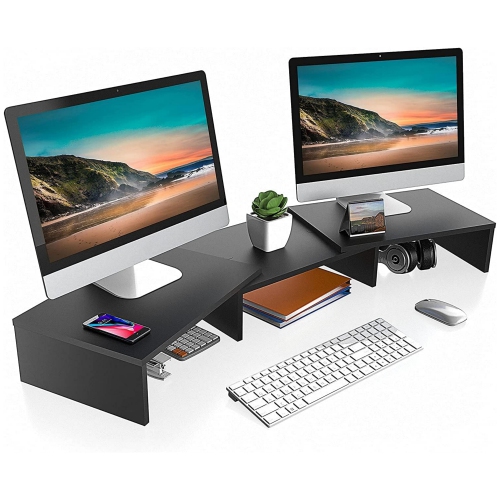
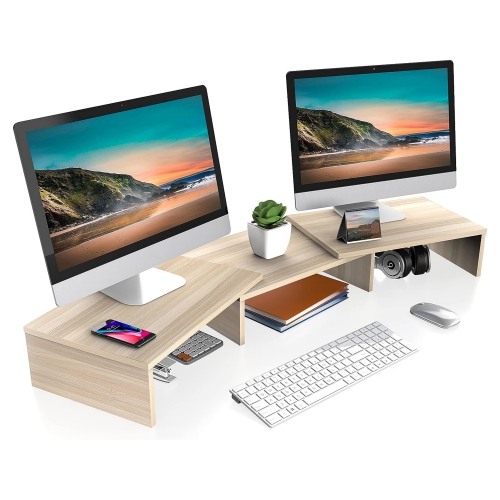
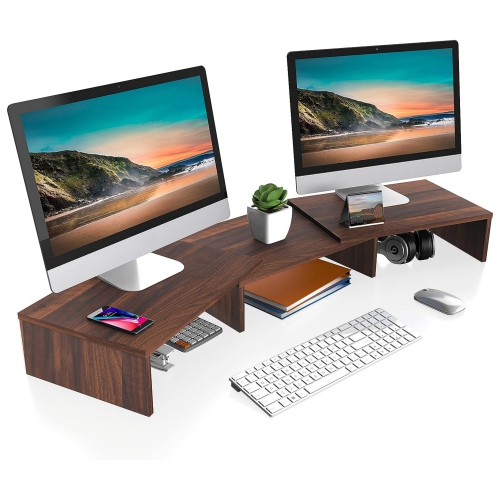
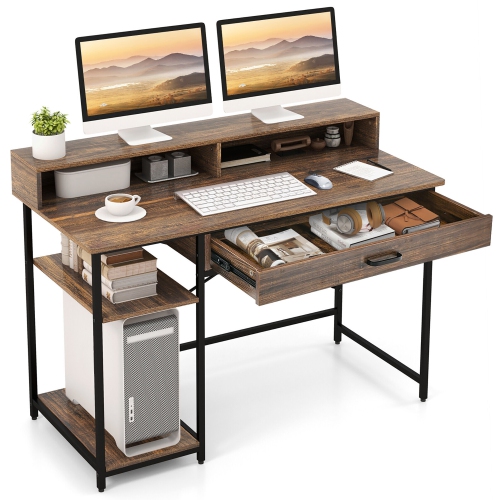
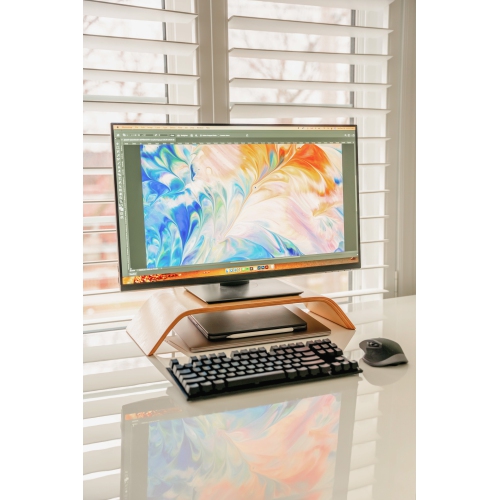
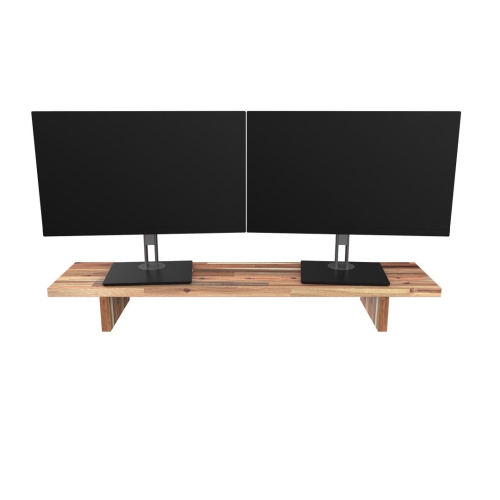
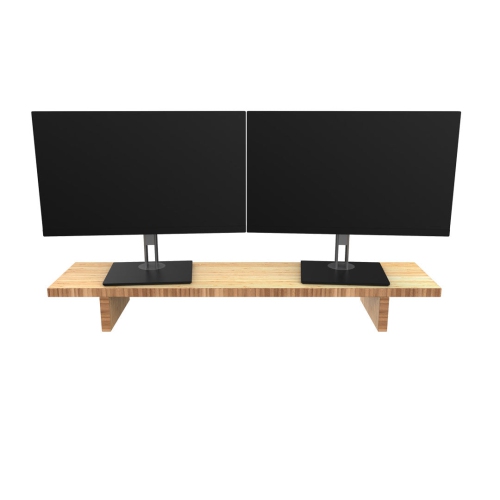
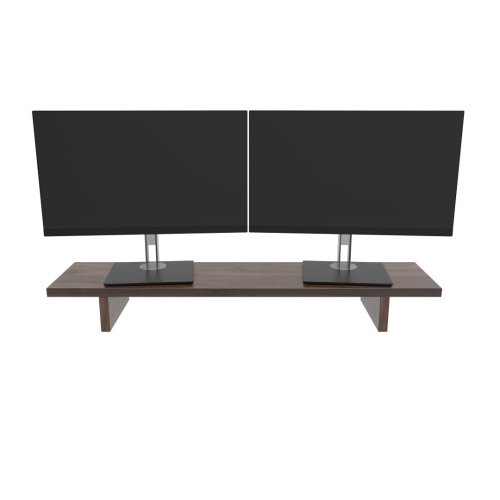
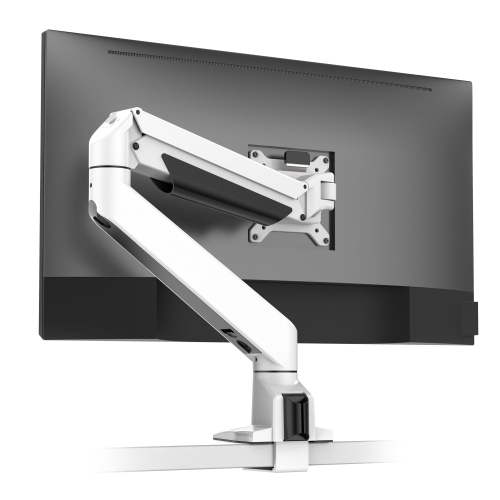
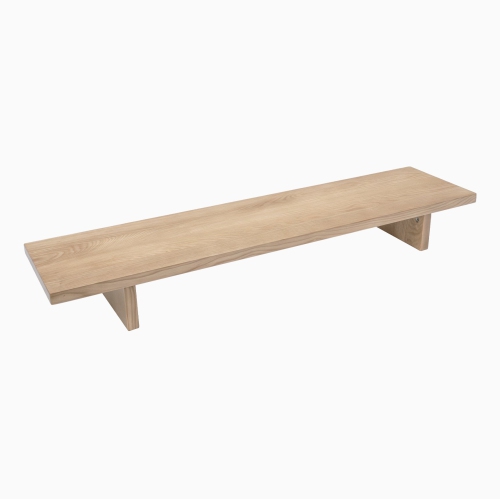
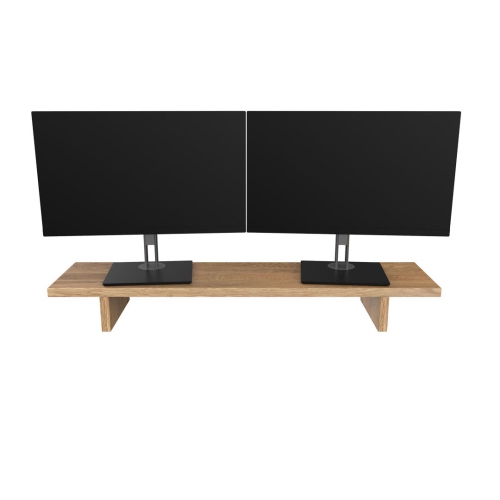
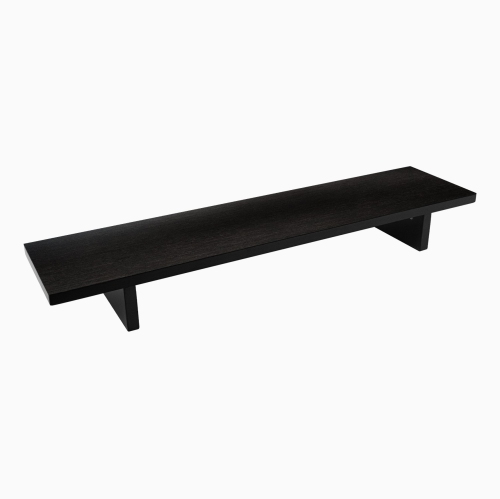
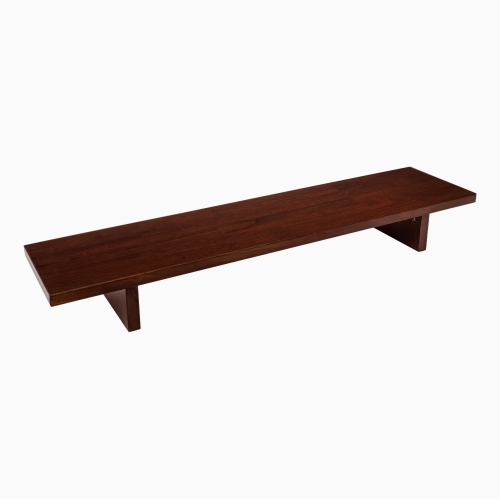
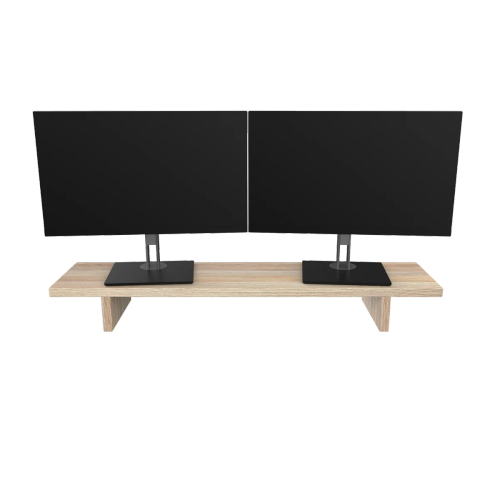
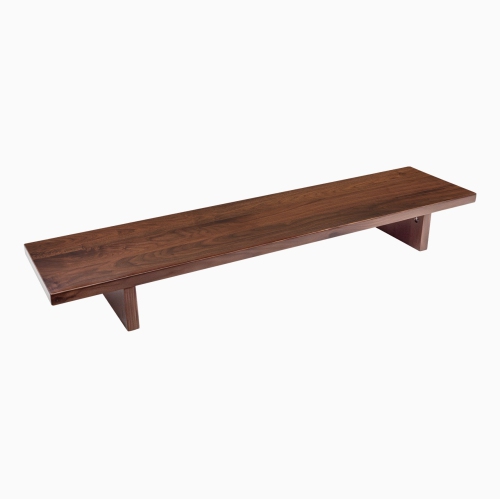
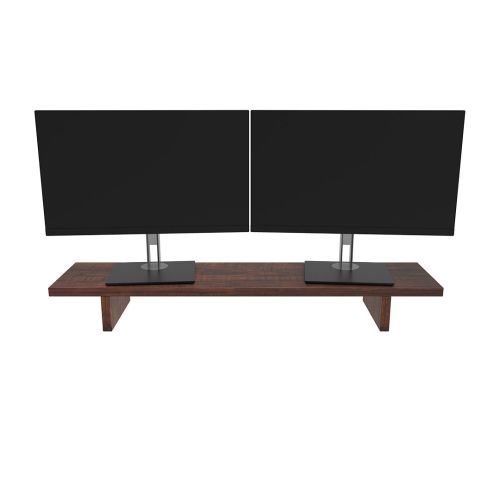
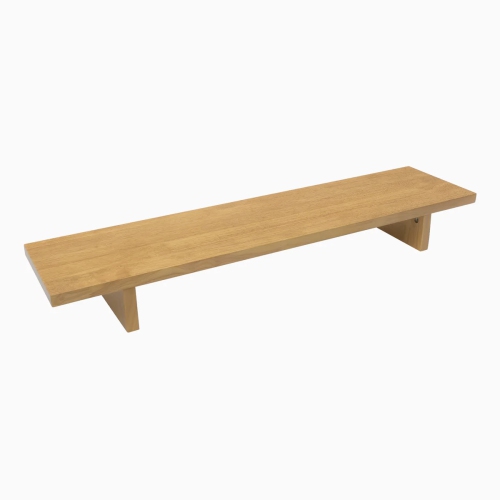
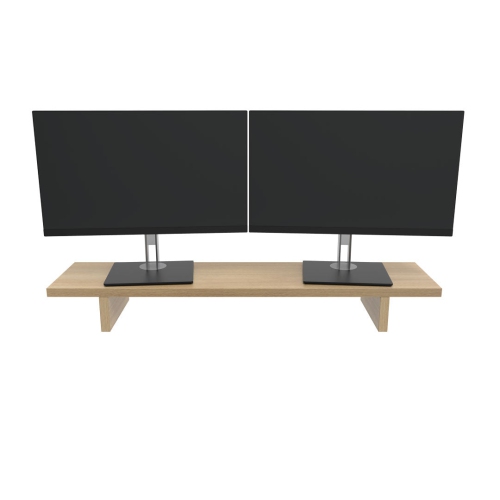
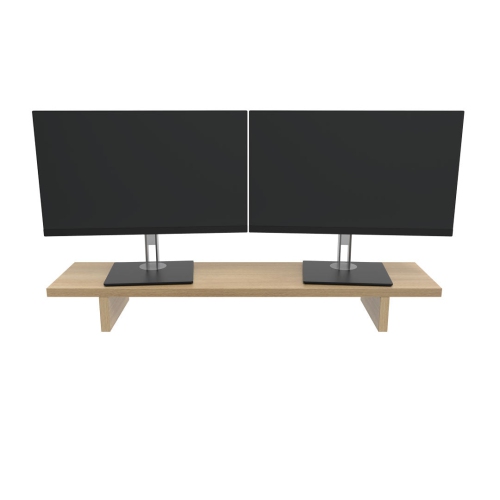
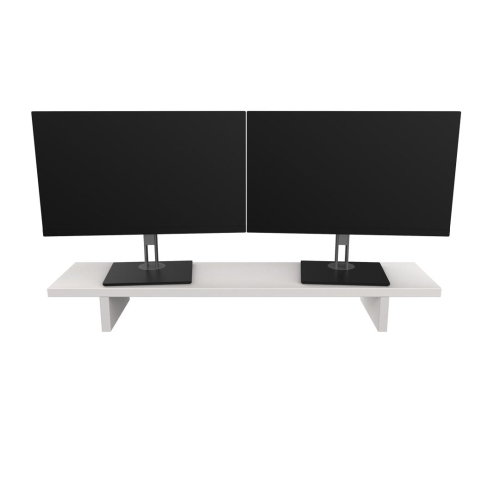
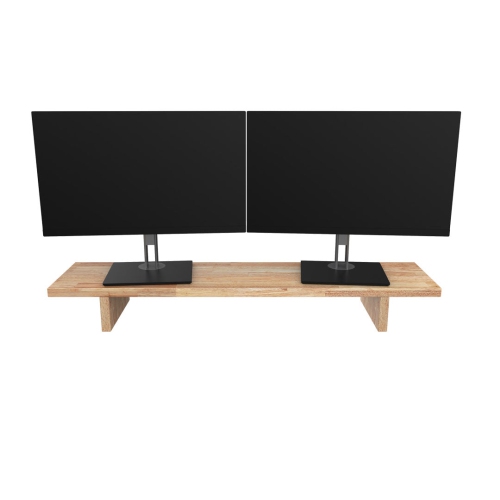
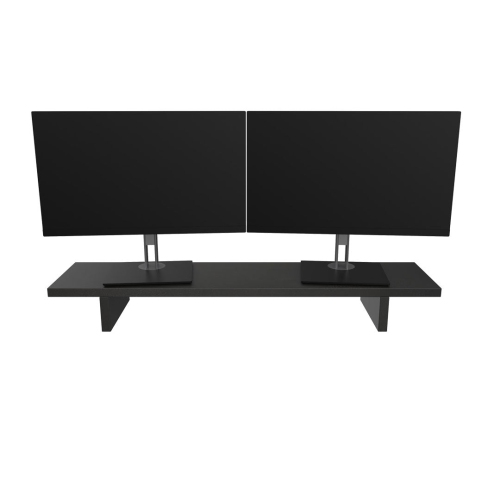
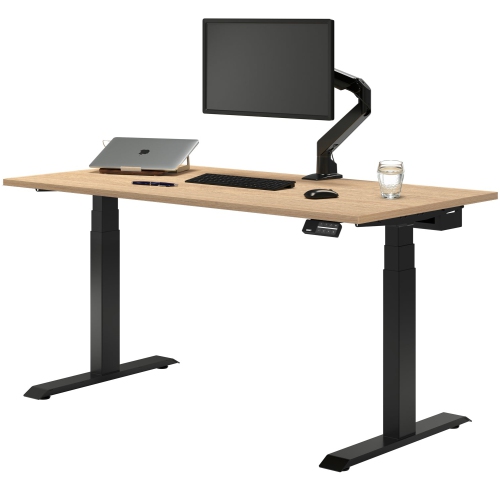
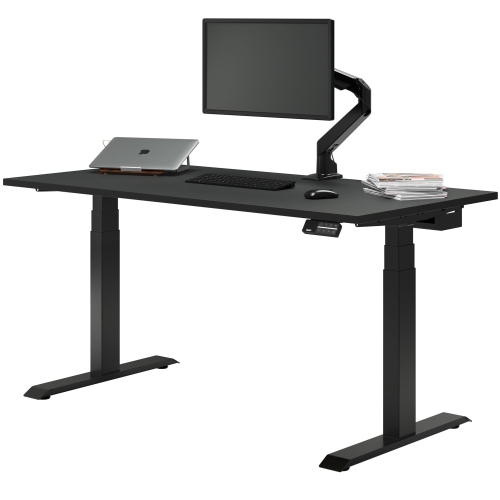
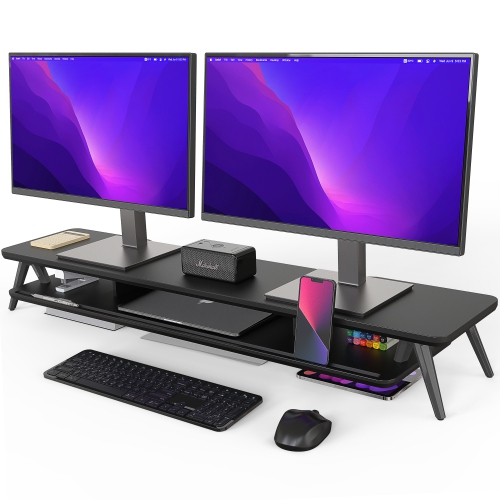
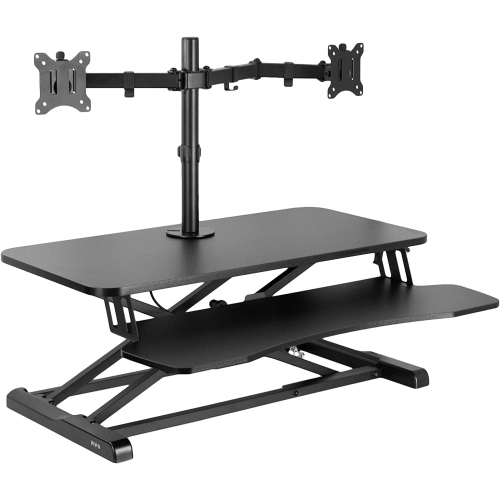
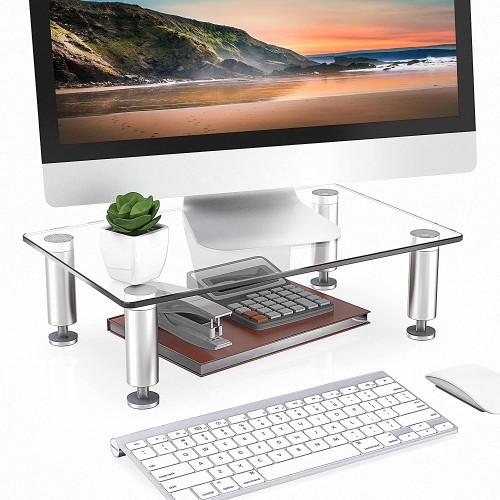
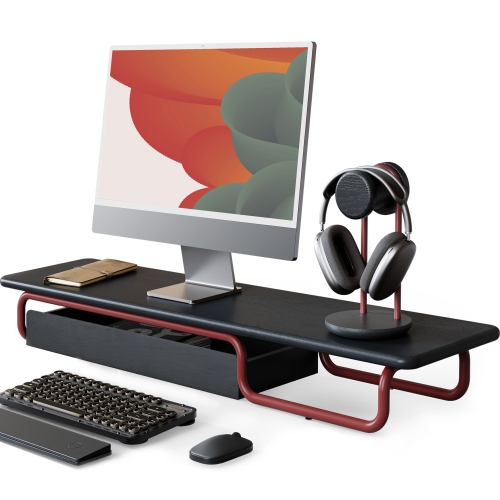
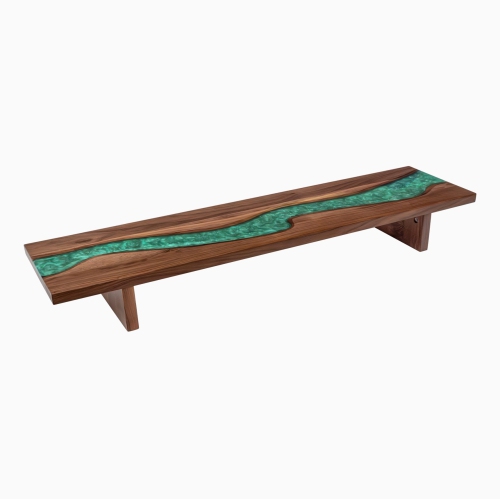
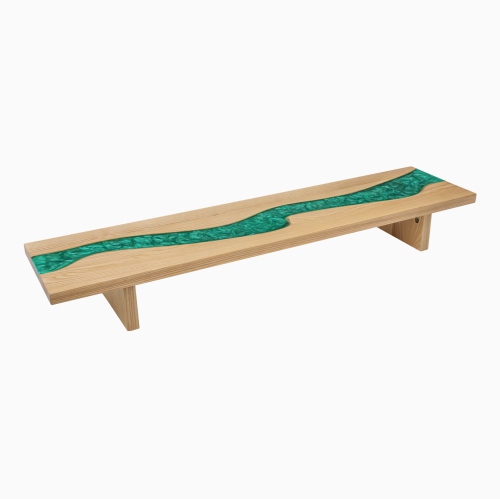
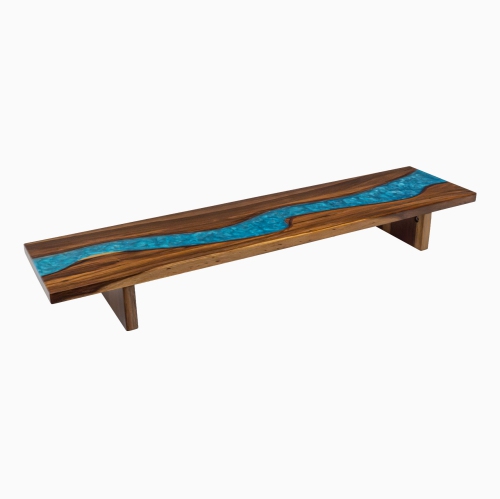
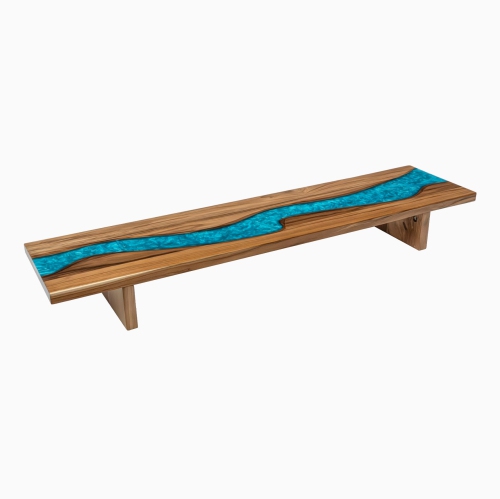
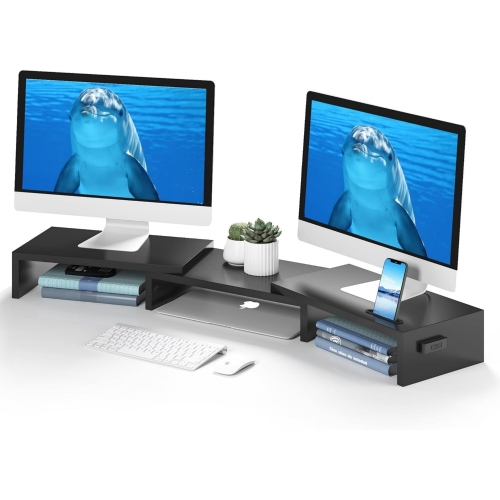
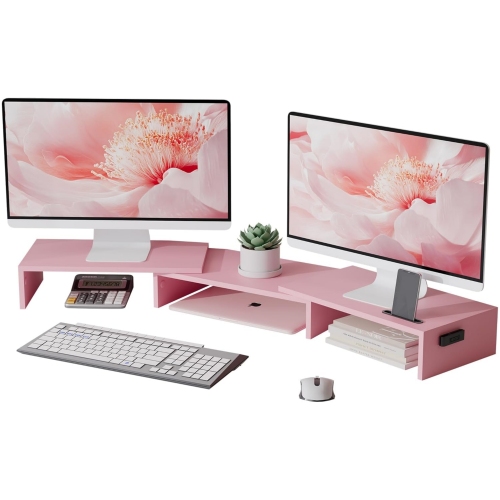
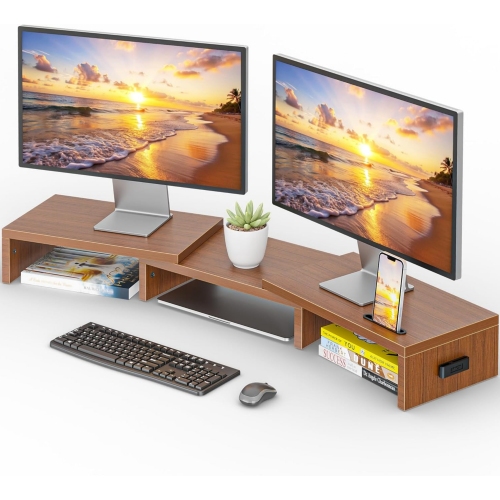
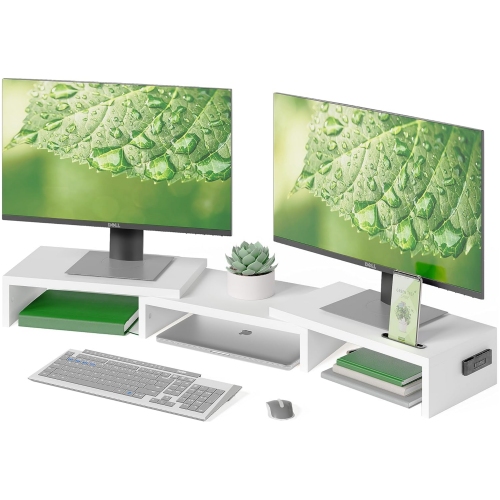
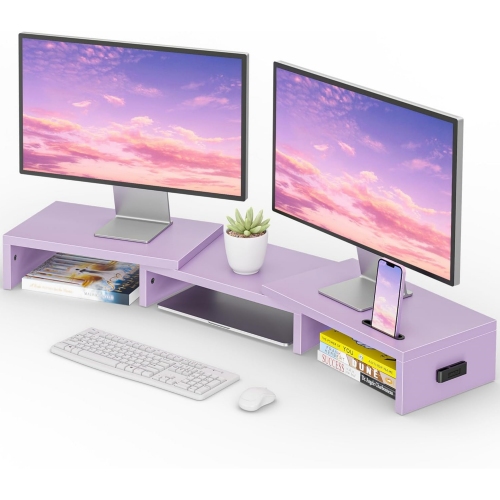
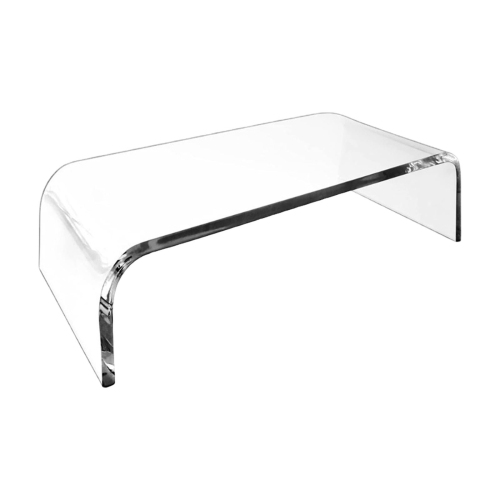
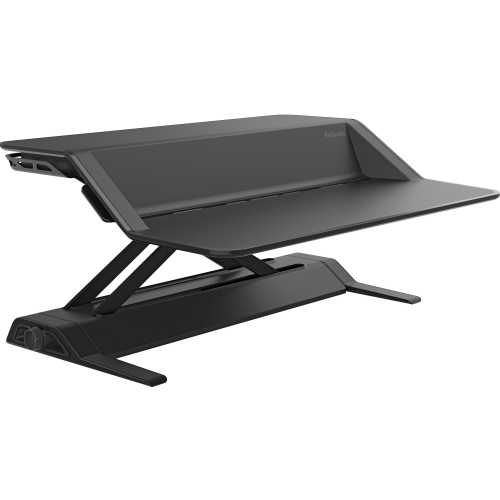
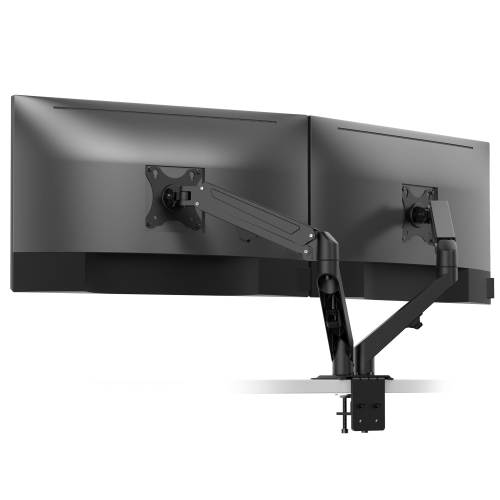
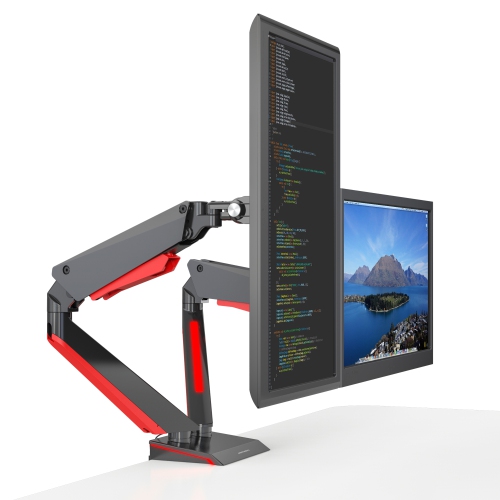
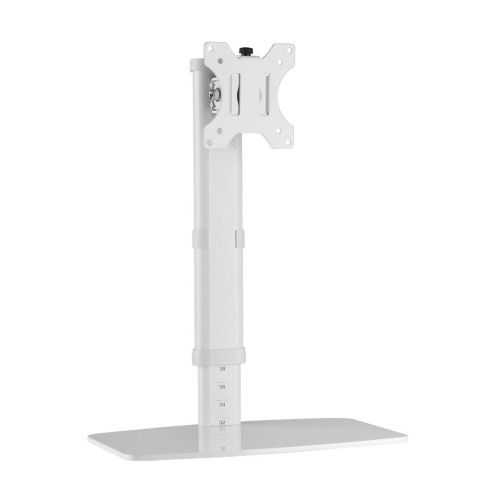
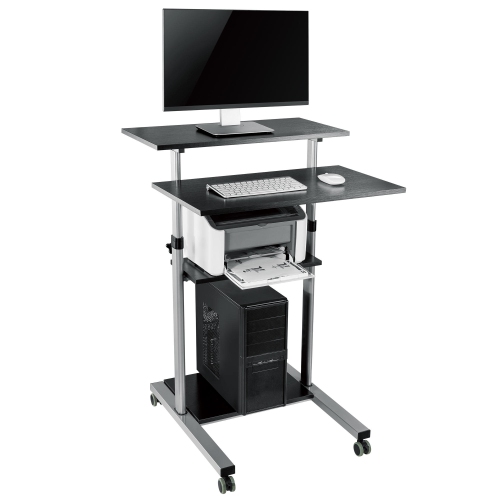
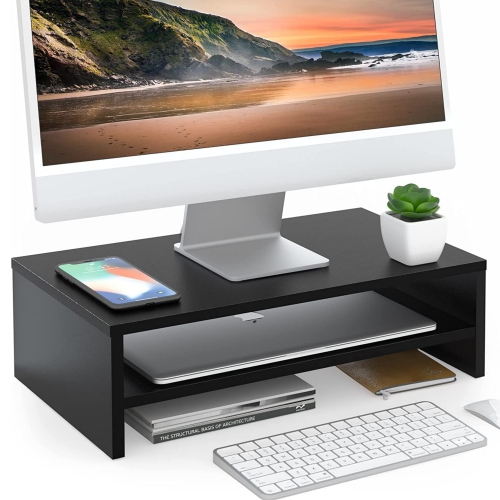
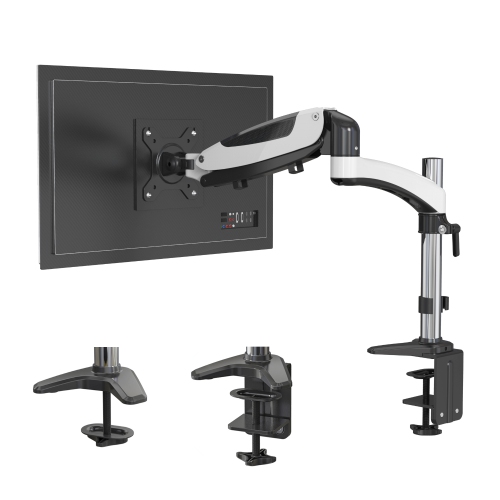
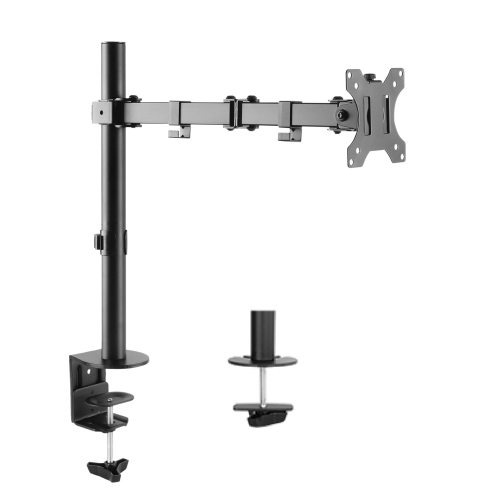
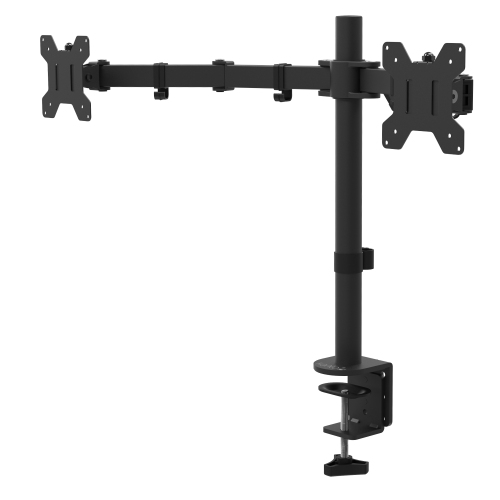
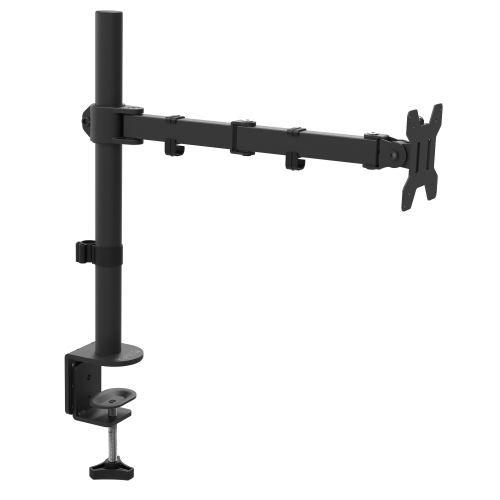
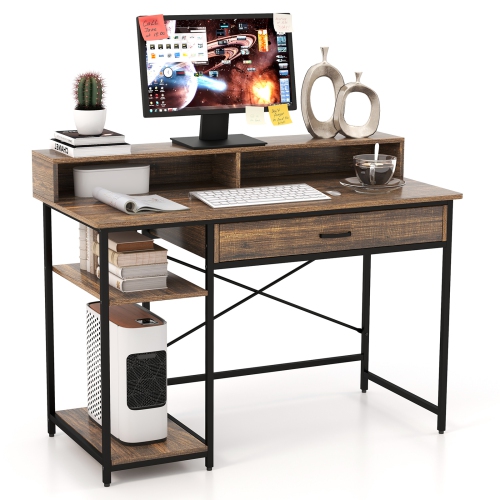
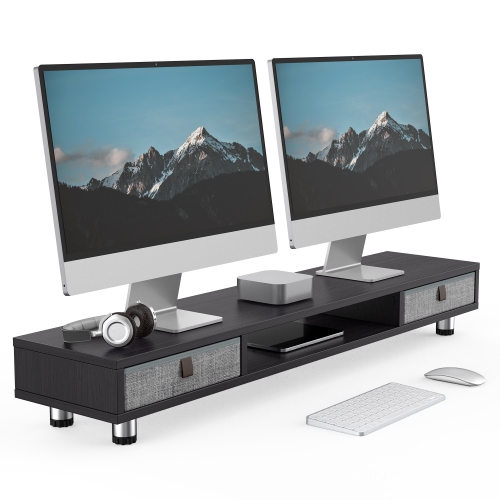
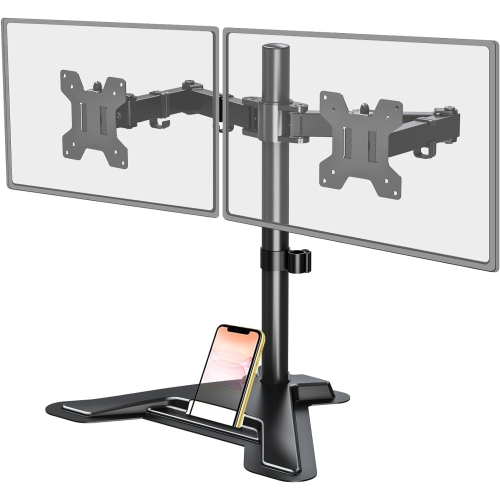
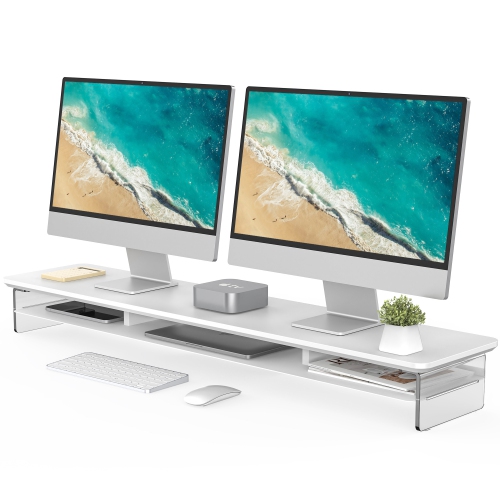
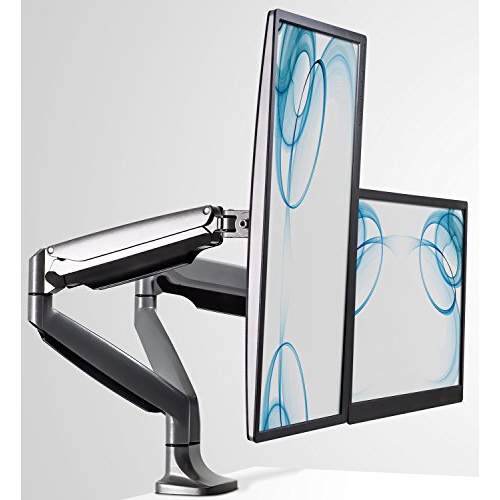
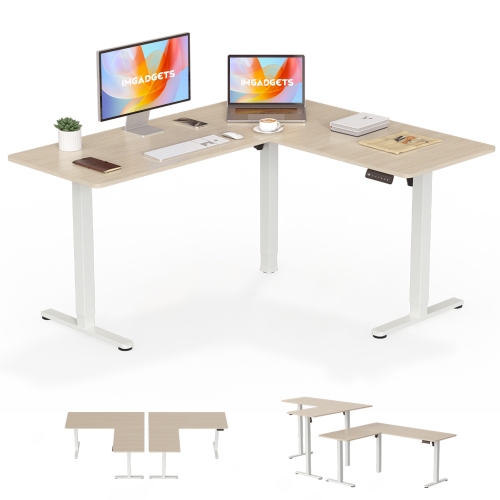
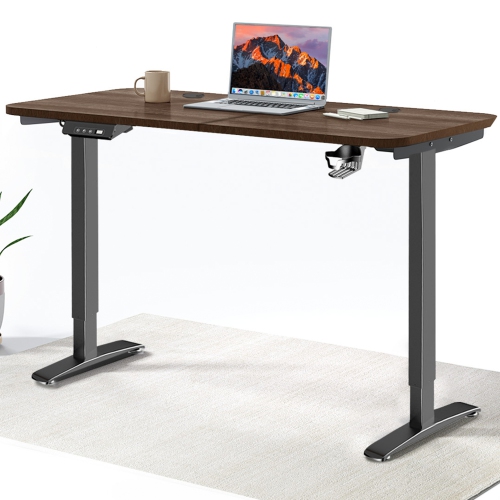
Monitor stand desks bring together the stability of a dedicated workstation and the positioning benefits of a monitor riser, shelf, or adjustable monitor arm. Depending on the design, this category can include a full sit-stand desk with built-in monitor brackets, a fixed computer desk with a raised shelf, or a desktop stand that upgrades an existing workspace. Some models use electric height adjustment to move the entire desk from seated to standing height, while others provide a simpler elevated platform for one or more screens. Clamp-on gas-spring arms are another popular option, allowing a monitor to float above the desktop while leaving room underneath for a keyboard, notebook, speakers, or other accessories. A fixed wooden or metal riser can offer a clean, stable surface with storage space below, making it useful in compact home offices, bedrooms, dorm rooms, and shared work areas. The best choice depends on the way the workspace is used, the number and size of the monitors, and whether the goal is to change the height of the screen, the desk, or both. Someone working from home may appreciate an adjustable desk that supports movement throughout the day, while a student may prefer a more compact stand that creates extra room for textbooks and study materials. These products can also be practical gifts for a university student setting up a first apartment, a remote worker refreshing a home office, or a family member who spends long hours at a computer. During the warmer and cooler parts of the year alike, a well-organized workstation can make it easier to settle into focused work, online classes, gaming, creative projects, or everyday computer tasks.
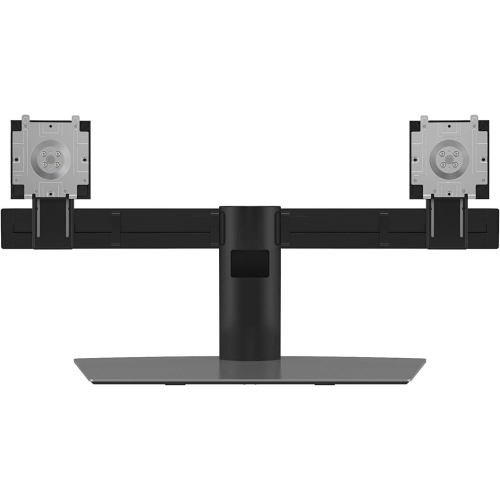
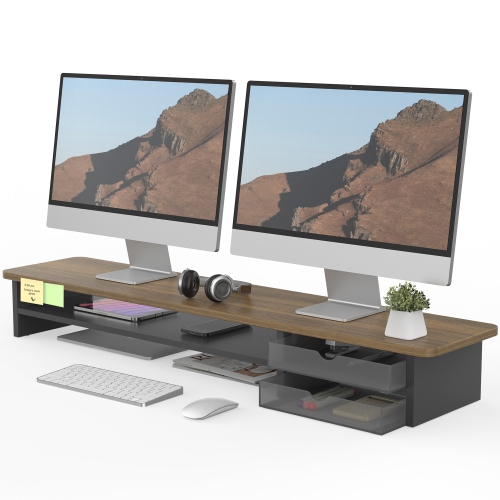
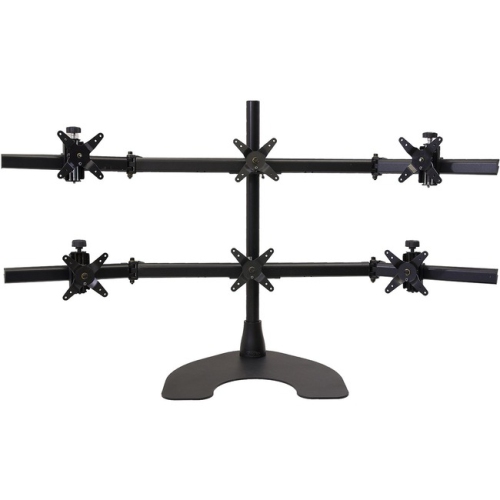
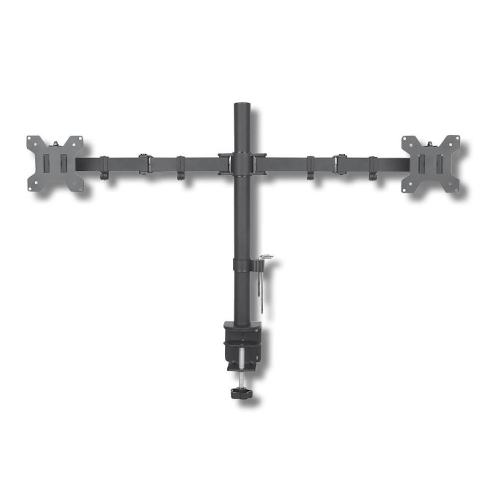
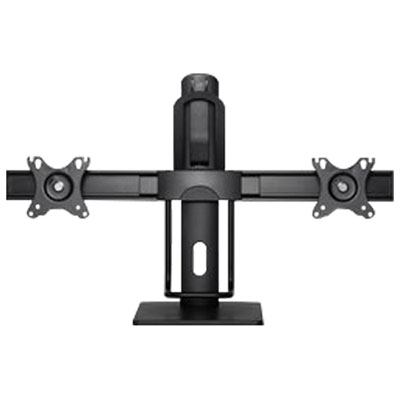
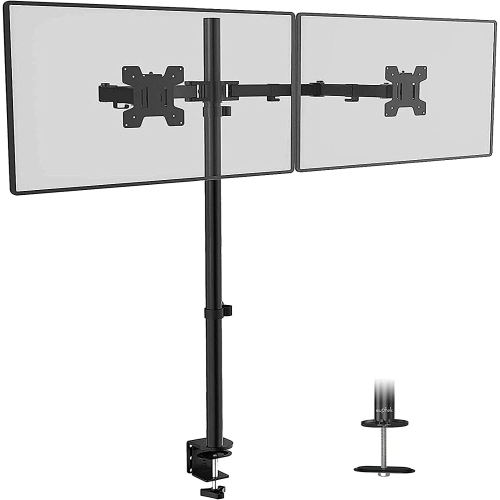
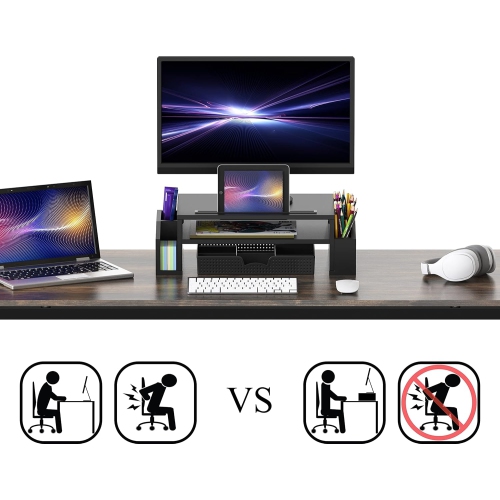
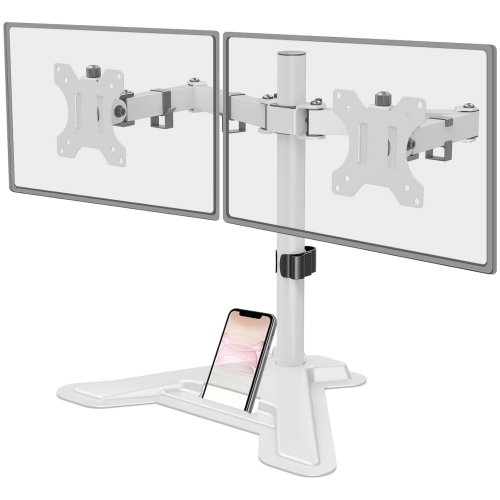
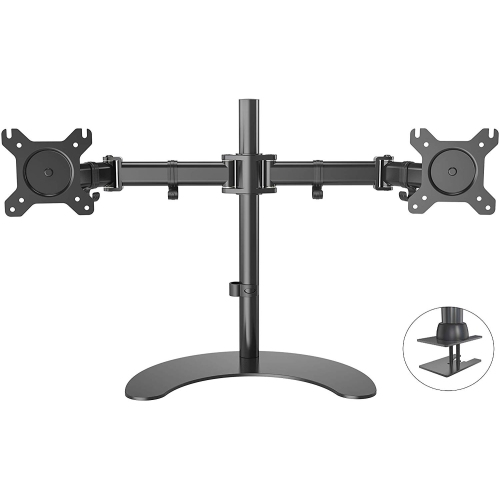
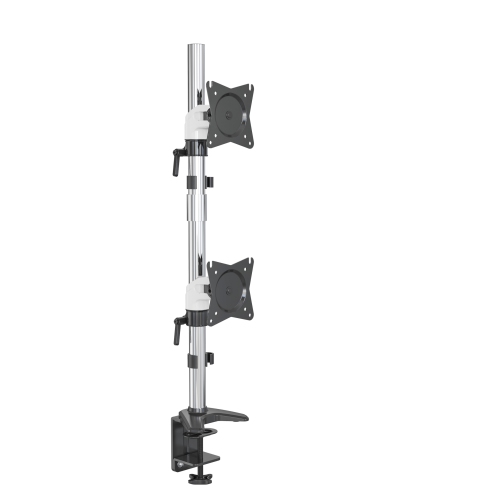
Ergonomics should be central when comparing monitor stand desks. Ideally, the top edge of the screen should be at or slightly below eye level when sitting or standing in a relaxed position, so the head does not need to tilt noticeably upward or downward. The centre of the display should remain at a comfortable viewing angle, and the screen should be far enough away to read without leaning forward. A desk with electric height adjustment can help users alternate between sitting and standing, but the useful height range matters: check that the lowest setting works with the chair and that the highest setting allows a comfortable standing posture without raised shoulders. For a desktop riser or monitor arm, measure the existing desk and the seated eye level before choosing a size. A fixed stand may be ideal when the workstation is used by one person at one consistent height, whereas an adjustable arm is better for households with more than one user or for displays that need to be moved between portrait and landscape orientation. Monitor arms typically attach with a clamp or grommet mount, so confirm that the desktop is thick enough and that there is sufficient clearance at the rear or underside. VESA compatibility is also important for mounted displays; common patterns include 75 x 75 mm and 100 x 100 mm, although the monitor’s manual or specifications should be checked before purchase. The total weight capacity must support the monitor itself, not just its screen size. Ultrawide displays, heavier professional monitors, and multi-monitor arrangements can require more support than a smaller standard display. For a dual-monitor setup, consider whether both arms move independently, whether the screens can be aligned evenly, and how much room the bases or clamps will occupy.
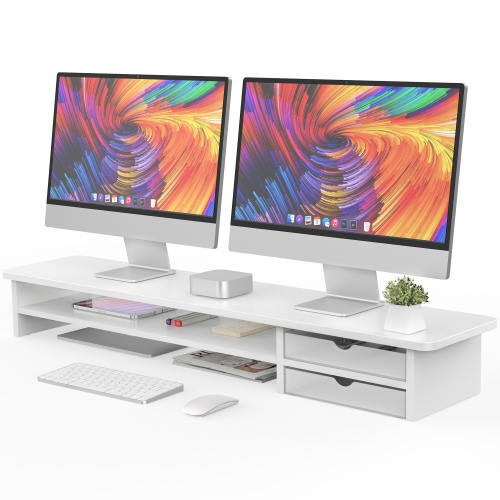
The details around the stand can have a noticeable effect on everyday comfort. A broad, solid platform may feel more reassuring for a large display, while a slimmer riser can preserve more of the desktop’s usable surface. Storage beneath a raised shelf is useful for sliding in a keyboard when writing or drawing, and some desks include compartments or cable openings to keep frequently used accessories close at hand. Cable management is especially helpful with sit-stand desks: channels, clips, sleeves, and routing holes can prevent cords from catching as the surface moves between seated and standing positions. Leave enough slack for the full height range, and check that power bars, charging cables, and display connections will not pull against the wall or computer. Users with more than one screen should also account for the width of the monitor arrangement and the position of a webcam, speakers, desk lamp, or laptop. A compact desktop stand may suit a small room, but a full desk with a larger footprint can provide a more comfortable layout for work and study materials. For students, Student Desktop Monitor Stands can help create a dedicated study area without taking over the entire room. For gamers and creators, a sturdy surface and flexible screen positioning can make it easier to organize a keyboard, controller, drawing tablet, microphone, or other equipment. Before ordering, compare the desk dimensions with the available floor space, verify the display mounting pattern and weight, and consider whether the style of adjustment matches the user’s routine. A stable monitor stand desk should support the screen securely, promote a more natural viewing position, and leave the workspace feeling clear rather than crowded.
Ergonomics should be central when comparing monitor stand desks. Ideally, the top edge of the screen should be at or slightly below eye level when sitting or standing in a relaxed position, so the head does not need to tilt noticeably upward or downward. The centre of the display should remain at a comfortable viewing angle, and the screen should be far enough away to read without leaning forward. A desk with electric height adjustment can help users alternate between sitting and standing, but the useful height range matters: check that the lowest setting works with the chair and that the highest setting allows a comfortable standing posture without raised shoulders. For a desktop riser or monitor arm, measure the existing desk and the seated eye level before choosing a size. A fixed stand may be ideal when the workstation is used by one person at one consistent height, whereas an adjustable arm is better for households with more than one user or for displays that need to be moved between portrait and landscape orientation. Monitor arms typically attach with a clamp or grommet mount, so confirm that the desktop is thick enough and that there is sufficient clearance at the rear or underside. VESA compatibility is also important for mounted displays; common patterns include 75 x 75 mm and 100 x 100 mm, although the monitor’s manual or specifications should be checked before purchase. The total weight capacity must support the monitor itself, not just its screen size. Ultrawide displays, heavier professional monitors, and multi-monitor arrangements can require more support than a smaller standard display. For a dual-monitor setup, consider whether both arms move independently, whether the screens can be aligned evenly, and how much room the bases or clamps will occupy.
The details around the stand can have a noticeable effect on everyday comfort. A broad, solid platform may feel more reassuring for a large display, while a slimmer riser can preserve more of the desktop’s usable surface. Storage beneath a raised shelf is useful for sliding in a keyboard when writing or drawing, and some desks include compartments or cable openings to keep frequently used accessories close at hand. Cable management is especially helpful with sit-stand desks: channels, clips, sleeves, and routing holes can prevent cords from catching as the surface moves between seated and standing positions. Leave enough slack for the full height range, and check that power bars, charging cables, and display connections will not pull against the wall or computer. Users with more than one screen should also account for the width of the monitor arrangement and the position of a webcam, speakers, desk lamp, or laptop. A compact desktop stand may suit a small room, but a full desk with a larger footprint can provide a more comfortable layout for work and study materials. For students, Student Desktop Monitor Stands can help create a dedicated study area without taking over the entire room. For gamers and creators, a sturdy surface and flexible screen positioning can make it easier to organize a keyboard, controller, drawing tablet, microphone, or other equipment. Before ordering, compare the desk dimensions with the available floor space, verify the display mounting pattern and weight, and consider whether the style of adjustment matches the user’s routine. A stable monitor stand desk should support the screen securely, promote a more natural viewing position, and leave the workspace feeling clear rather than crowded.
Top selling and popular products
-
 Your price for this item is $34.95
 -
 Your price for this item is $129.99
 -
 Your price for this item is $69.99
 -
 Your price for this item is $69.99
 -
 Your price for this item is $99.99
 -
 Your price for this item is $124
 -
 Your price for this item is $256.68
 -
 Your price for this item is $300
Discover more categories related to Monitor Stand Desks
Top Collections:
Pokemon Centers, Kindle Devices, Best Budget Office Chairs, Apple iPhones 16, Best Laptops for Writers, iPhone 15 Apple, Canon G7X Cameras, Refurbished Apple Laptops, Alarm Clock, Motorola Razr Phones
Some products may be subject to Environmental Handling Fees
(EHF) depending on your province.
Learn more about EHFs.