Motherboard Bundle
Upgrade your PC build with a Motherboard Bundle, designed to streamline your setup and deliver reliable performance for gaming, productivity, and everyday computing. Whether you're assembling a new system or enhancing your current rig, these bundles offer compatible components that take the guesswork out of matching parts. Explore a wide selection of Motherboard Bundles to find the perfect fit for your needs and enjoy a smoother building experience from start to finish.
Sort
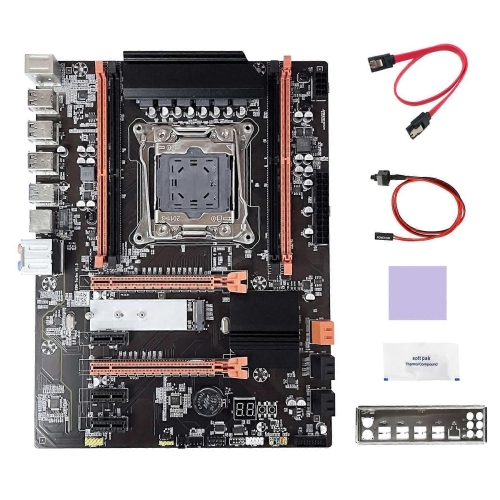
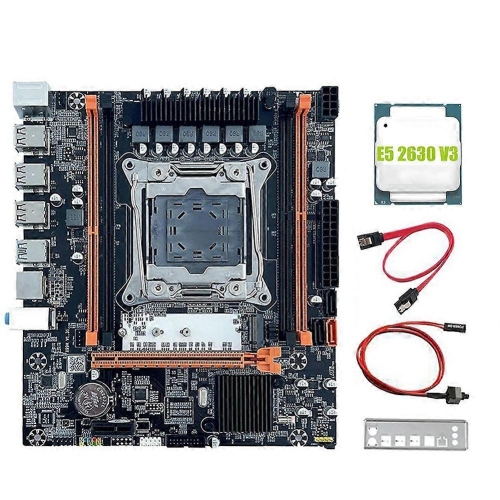
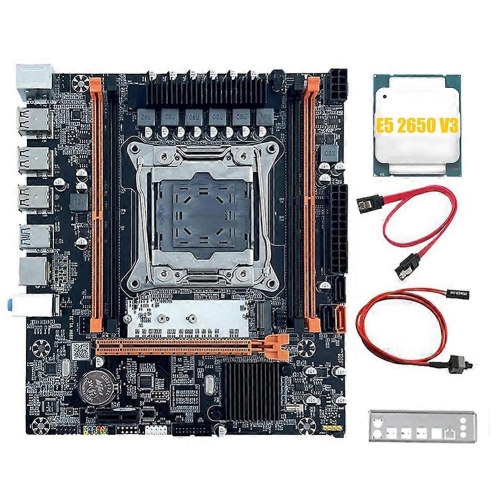
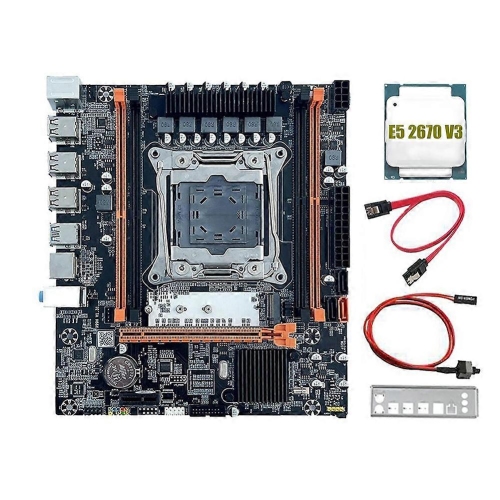
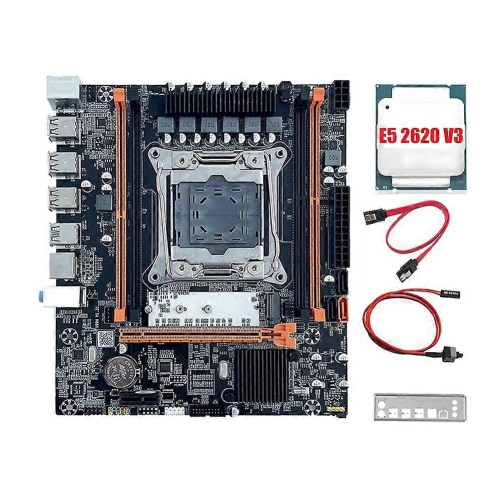
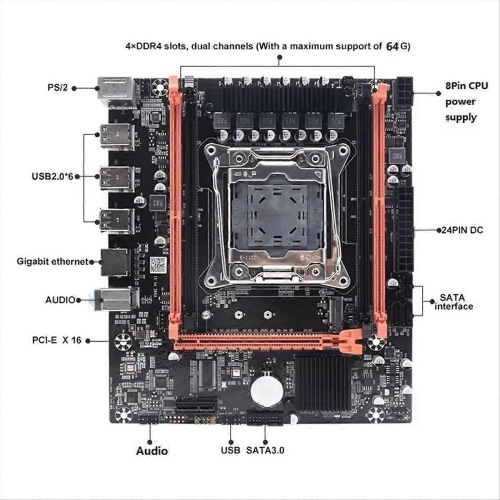
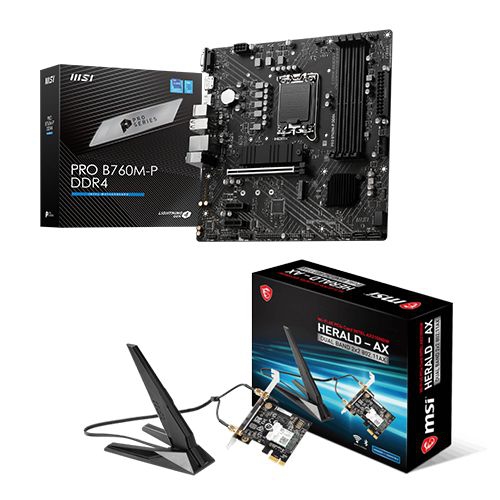
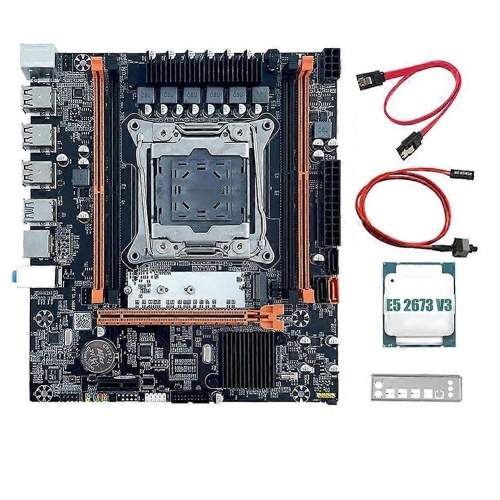
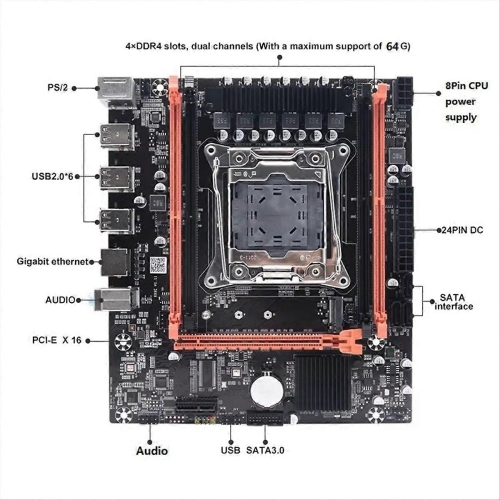
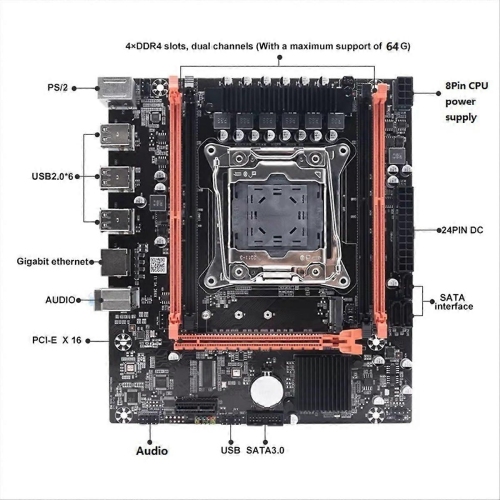


Compatibility matters more than the number of bundled parts
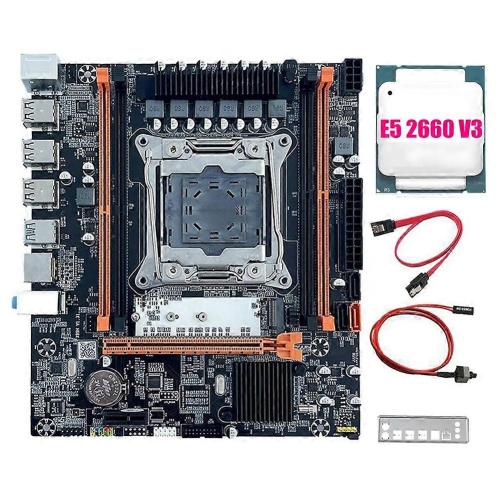
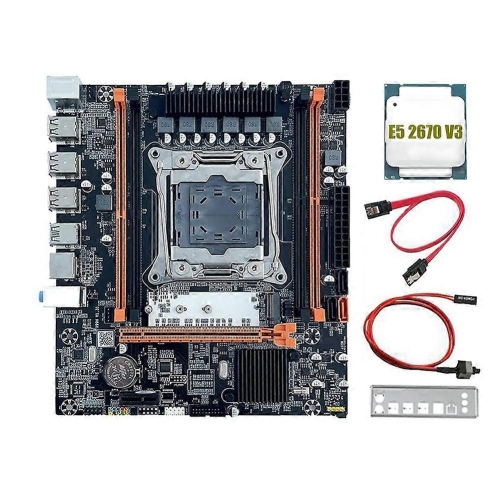
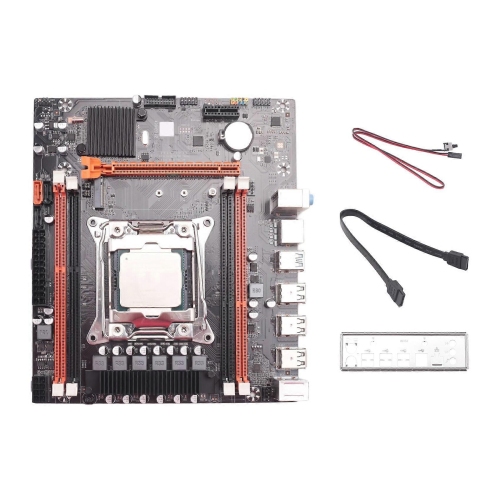
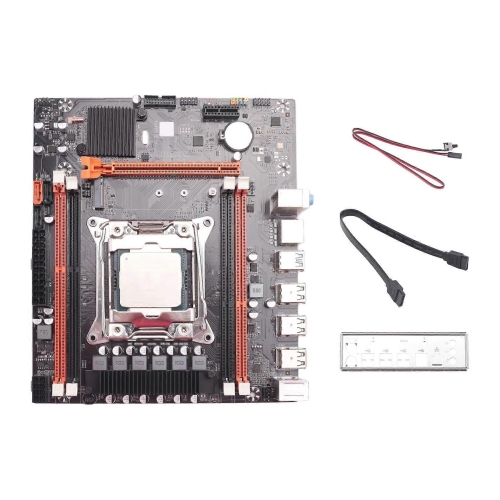
A motherboard bundle combines a desktop motherboard with other core components, commonly a processor and, in some configurations, memory. It provides a starting point for a new desktop PC or a platform upgrade, bringing together parts that need to work closely with one another. The exact contents matter: a motherboard and CPU bundle may not include RAM, a processor cooler, storage, or the other parts required for a complete computer. Compatibility also depends on more than the components sharing a package. The processor must match the motherboard’s socket and supported processor list, the installed firmware must support that processor, and the memory must meet the board’s requirements. Different memory generations are not interchangeable, even when modules look similar at a glance. For someone replacing an older desktop, a bundle can help define which existing parts can carry forward and which need to change. A familiar case, storage drive, or graphics card may still suit the new platform, provided the physical dimensions, connections, and power requirements line up. Intended use gives the choice direction. Everyday browsing, spreadsheets, video calls, and schoolwork place different demands on a system than gaming, video editing, software development, or working with large design files. A gaming build needs a balanced combination of processor, graphics hardware, and memory rather than a motherboard chosen solely for its appearance. A desktop used for editing footage may benefit more from room for additional memory and fast storage. For a compact home office PC, integrated graphics can simplify the build, but only if the selected processor supports them; display ports on the motherboard alone do not establish that capability. A useful motherboard bundle is therefore defined by how its components fit the planned computer, not simply by how many parts it contains. The right foundation supports the tasks the computer will handle while leaving appropriate room for later changes.
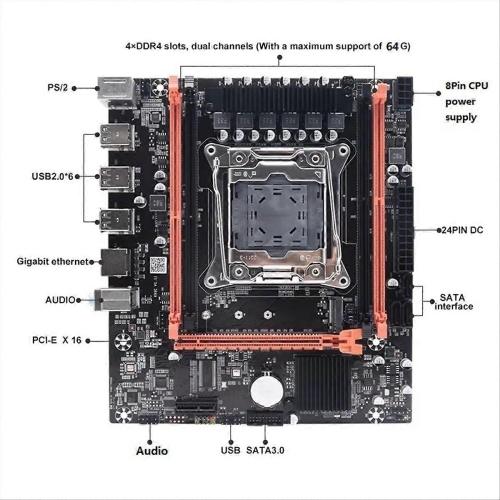
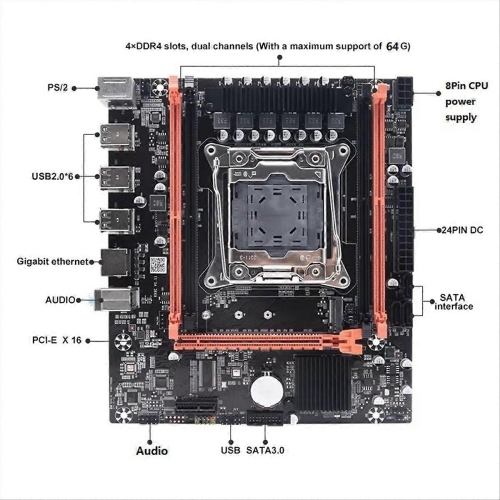
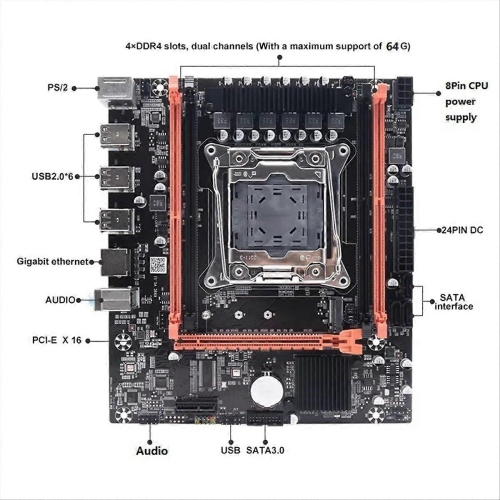
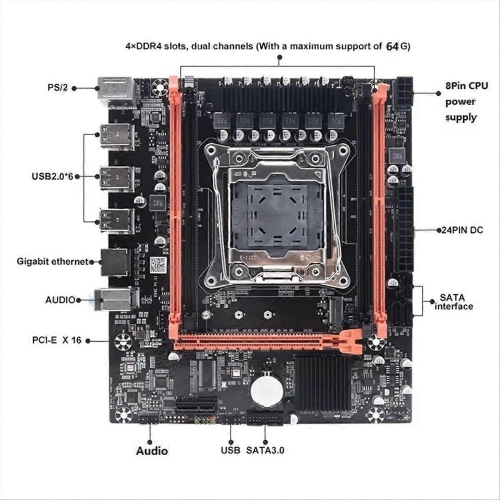
Physical fit is just as important as component support. Common motherboard sizes include ATX, micro-ATX, and Mini-ITX, with different dimensions, mounting requirements, and amounts of space for expansion. A larger case does not automatically support every board layout, and a smaller board does not necessarily provide all the connections a particular setup needs. Case specifications establish which form factors fit, while the arrangement of expansion slots, memory slots, and internal connectors affects how comfortably the finished system comes together. A wide graphics card may cover neighbouring slots, and a substantial processor cooler can limit clearance around taller memory modules. These details are especially relevant in a compact desktop, where cable routing and access to connectors become more constrained. Connectivity shapes everyday convenience, too. Rear USB ports serve peripherals such as a keyboard, mouse, webcam, and external drive, while internal headers determine whether compatible front-panel ports on the case can be connected. A desk with several accessories may need a different mix of ports from a straightforward office setup. Ethernet provides a wired network connection, while built-in Wi-Fi and Bluetooth depend on the board’s specifications and any required antennas. Storage support deserves similar attention: an M.2 slot can have particular length and interface requirements, and not every slot supports every M.2 drive. Some boards also share bandwidth between certain storage connectors and expansion slots, which can affect the connections usable together. For a workstation with several drives or add-in cards, the board’s connection layout can be more meaningful than the total number of slots. Power connections, processor cooler mounting support, and fan headers complete the picture. A motherboard bundle needs to fit not only the case, but also the supporting hardware around it, including a suitable power supply and cooling arrangement. Clear specifications make it easier to picture the finished computer, from the monitor connection at the back to the storage drives mounted inside.
Motherboards are built around rigid circuit boards with fine electrical pathways, fitted sockets, metal contacts, and connectors designed for specific components. Heatsinks, often made from aluminium, help move heat away from power circuitry or supported storage devices, while the overall power delivery design helps determine which processor workloads the board is suited to support. A large heatsink or elaborate lighting does not, by itself, establish better performance or greater durability. For a computer that spends hours rendering projects or compiling code, processor support, power delivery capability, and adequate case airflow are more relevant than decorative details. Long-term usefulness also comes from practical flexibility: spare memory slots, appropriate storage connections, accessible fan headers, and support for suitable future processors can make later changes easier, although no platform supports every upgrade. Care matters because exposed contacts and small socket components are vulnerable to damage. Protection from static discharge during handling, careful alignment of connectors, and keeping liquids away from the system help protect the hardware. Routine dust removal and unobstructed ventilation support reliable operation, while unnecessary handling of contacts or socket pins adds avoidable risk. Motherboard bundles appeal to first-time desktop builders, experienced enthusiasts replacing an ageing platform, and households putting together a dedicated computer for study, work, or shared use. They can also be a thoughtful gift for someone planning a PC build, provided the recipient’s case, component preferences, and existing hardware are known; these are highly fit-dependent parts rather than universal accessories. For a related starting point, a CPU Bundle may group a processor with supporting components, with the contents and compatibility requirements defined by each configuration. Whether the goal is a quiet desk companion, a capable gaming tower, or a workstation with room to expand, the strongest match is a combination whose socket, memory support, dimensions, connections, and intended workload all fit together.
Physical fit is just as important as component support. Common motherboard sizes include ATX, micro-ATX, and Mini-ITX, with different dimensions, mounting requirements, and amounts of space for expansion. A larger case does not automatically support every board layout, and a smaller board does not necessarily provide all the connections a particular setup needs. Case specifications establish which form factors fit, while the arrangement of expansion slots, memory slots, and internal connectors affects how comfortably the finished system comes together. A wide graphics card may cover neighbouring slots, and a substantial processor cooler can limit clearance around taller memory modules. These details are especially relevant in a compact desktop, where cable routing and access to connectors become more constrained. Connectivity shapes everyday convenience, too. Rear USB ports serve peripherals such as a keyboard, mouse, webcam, and external drive, while internal headers determine whether compatible front-panel ports on the case can be connected. A desk with several accessories may need a different mix of ports from a straightforward office setup. Ethernet provides a wired network connection, while built-in Wi-Fi and Bluetooth depend on the board’s specifications and any required antennas. Storage support deserves similar attention: an M.2 slot can have particular length and interface requirements, and not every slot supports every M.2 drive. Some boards also share bandwidth between certain storage connectors and expansion slots, which can affect the connections usable together. For a workstation with several drives or add-in cards, the board’s connection layout can be more meaningful than the total number of slots. Power connections, processor cooler mounting support, and fan headers complete the picture. A motherboard bundle needs to fit not only the case, but also the supporting hardware around it, including a suitable power supply and cooling arrangement. Clear specifications make it easier to picture the finished computer, from the monitor connection at the back to the storage drives mounted inside.
Motherboards are built around rigid circuit boards with fine electrical pathways, fitted sockets, metal contacts, and connectors designed for specific components. Heatsinks, often made from aluminium, help move heat away from power circuitry or supported storage devices, while the overall power delivery design helps determine which processor workloads the board is suited to support. A large heatsink or elaborate lighting does not, by itself, establish better performance or greater durability. For a computer that spends hours rendering projects or compiling code, processor support, power delivery capability, and adequate case airflow are more relevant than decorative details. Long-term usefulness also comes from practical flexibility: spare memory slots, appropriate storage connections, accessible fan headers, and support for suitable future processors can make later changes easier, although no platform supports every upgrade. Care matters because exposed contacts and small socket components are vulnerable to damage. Protection from static discharge during handling, careful alignment of connectors, and keeping liquids away from the system help protect the hardware. Routine dust removal and unobstructed ventilation support reliable operation, while unnecessary handling of contacts or socket pins adds avoidable risk. Motherboard bundles appeal to first-time desktop builders, experienced enthusiasts replacing an ageing platform, and households putting together a dedicated computer for study, work, or shared use. They can also be a thoughtful gift for someone planning a PC build, provided the recipient’s case, component preferences, and existing hardware are known; these are highly fit-dependent parts rather than universal accessories. For a related starting point, a CPU Bundle may group a processor with supporting components, with the contents and compatibility requirements defined by each configuration. Whether the goal is a quiet desk companion, a capable gaming tower, or a workstation with room to expand, the strongest match is a combination whose socket, memory support, dimensions, connections, and intended workload all fit together.
Top selling and popular products
-
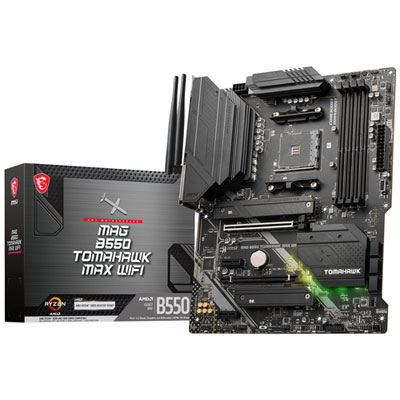 Your price for this item is $224.99
-
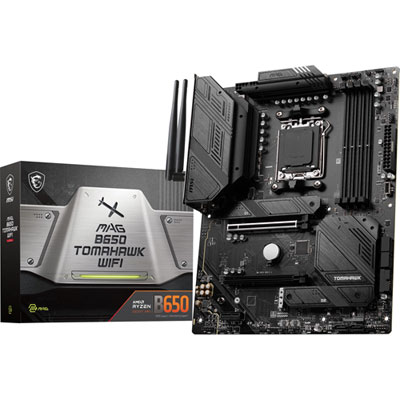 Your price for this item is $239.99
-
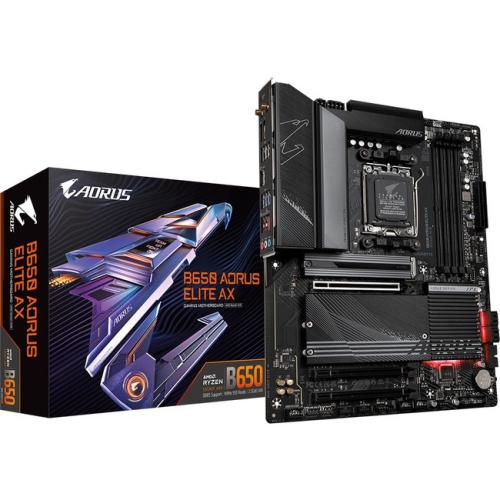 Your price for this item is $301.68
-
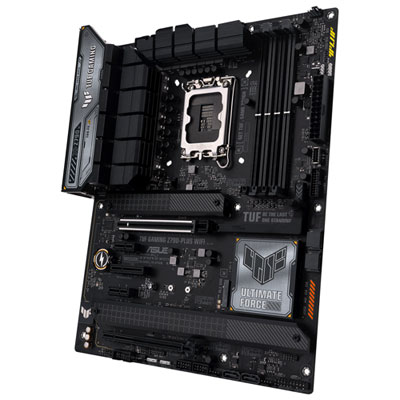 Your price for this item is $349.99
-
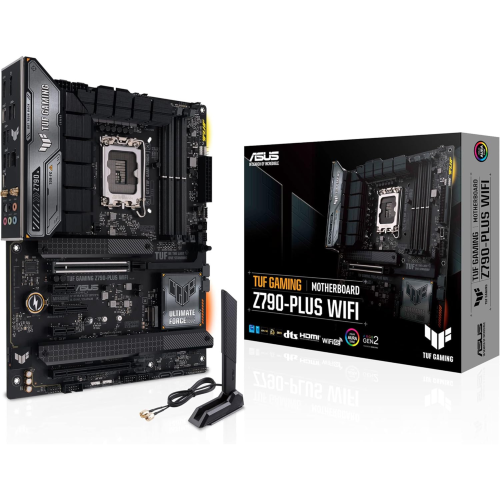 Your price for this item is $361
-
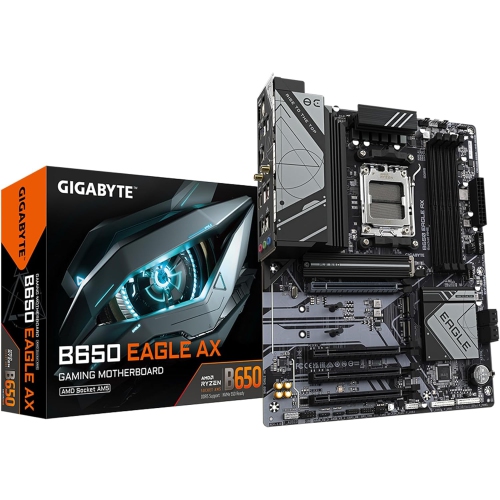 Your price for this item is $209.99
-
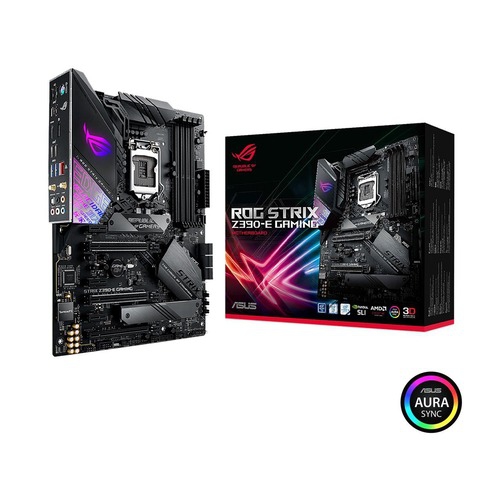 Your price for this item is $350
-
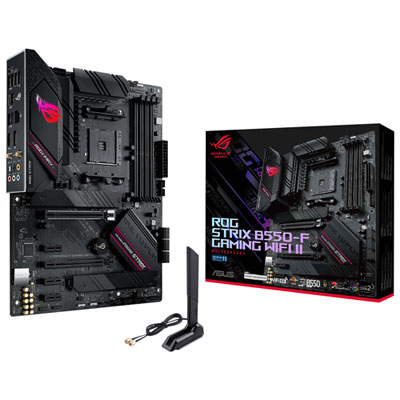 Your price for this item is $259.99
Discover more categories related to Motherboard Bundle
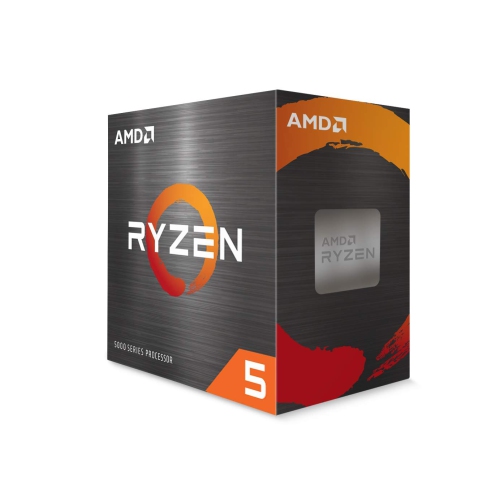
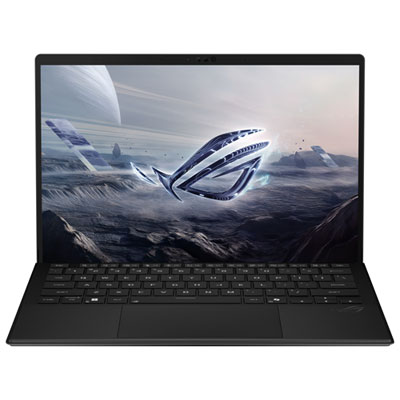
Top Collections:
Pokemon Centers, Kindle Devices, Best Cameras for Sports Photography, Pokémon 30th Celebration Cards, Apple iPhones 16, Canon G7X Cameras, iPhone 15 Apple, Flip Phones, Samsung Galaxy Phones, Alarm Clock
Some products may be subject to Environmental Handling Fees
(EHF) depending on your province.
Learn more about EHFs.