Mouse Pads for Laser Mice
Enhance your workspace with Mouse Pads for Laser Mice, designed to provide a smooth and reliable surface for precise cursor control. Whether you’re working, gaming, or browsing, these mouse pads help optimize the performance of your laser mouse, allowing for effortless movement and accuracy. Discover a variety of sizes, styles, and materials to match your setup and elevate your everyday computing experience.
Sort


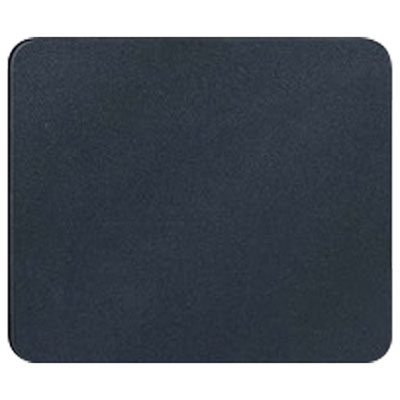
Why surface texture matters for laser mouse tracking
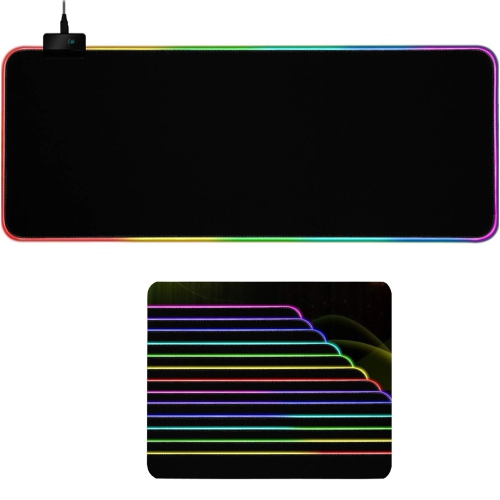
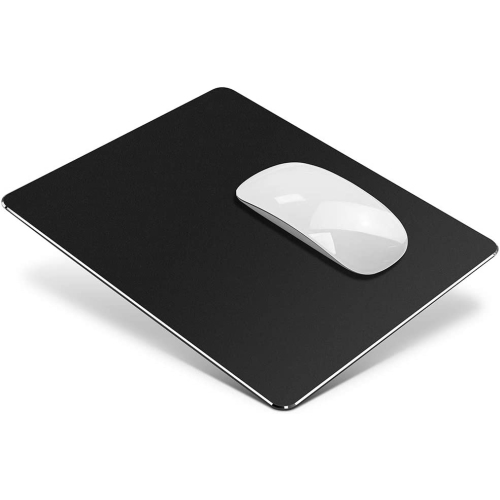
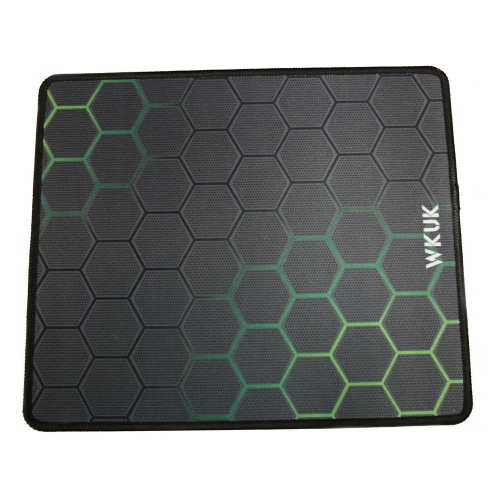
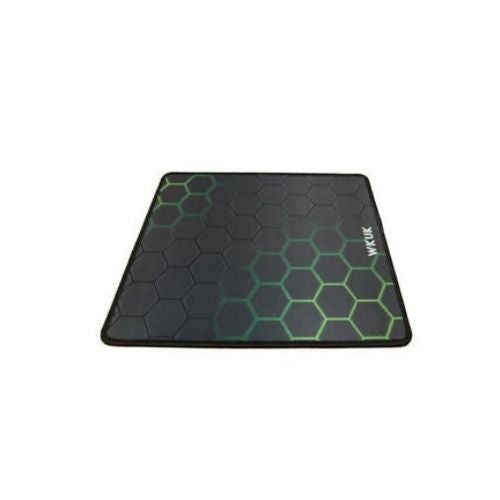
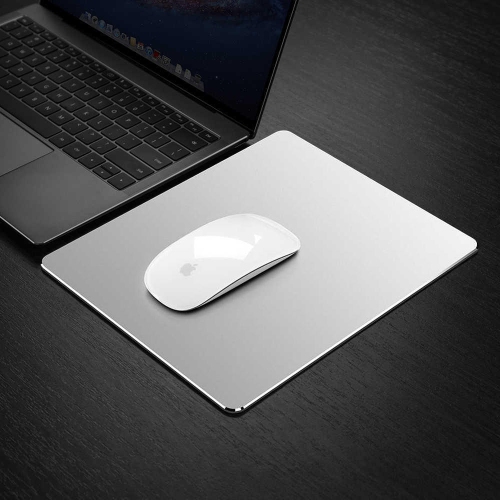
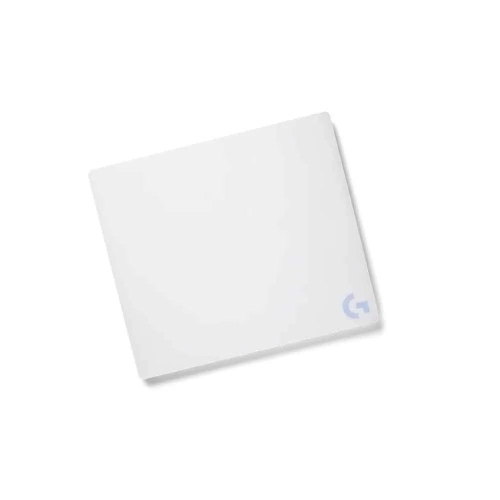
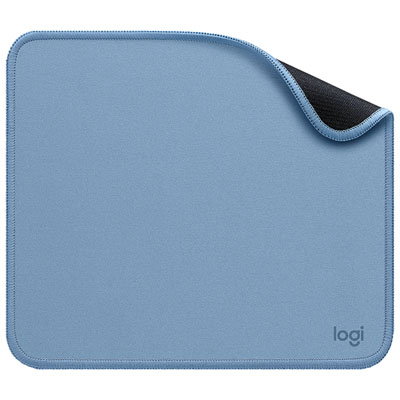
Mouse pads for laser mice provide a consistent surface for cursor tracking, helping make everyday navigation, detailed editing, and gaming feel more predictable. Smooth, evenly textured hard plastic and tightly woven cloth are common choices because they give the sensor a regular surface to read as the mouse moves. A suitable pad can also separate the mouse from desk grain, seams, scratches, or glossy finishes that may affect tracking. Laser sensors differ, so compatibility depends on the mouse as well as the pad: a surface that feels effortless with one setup may produce a different response with another. Reflective, transparent, or strongly uneven surfaces can be challenging for some sensors, while a uniform, non-reflective finish is generally a practical starting point. Hard pads tend to offer a quick, low-resistance glide, useful for moving across a large display with small hand movements. Cloth pads usually provide more friction and a softer feel, giving the hand a little resistance when stopping the pointer over a spreadsheet cell or lining up an adjustment in a photo. Neither material is automatically more accurate; the balance between glide and control matters more than a simple hard-versus-soft distinction. A tightly woven textile can work well with a laser mouse, while a coarse weave or pronounced texture may feel less consistent. Metal surfaces can also offer a firm glide, although their finish and stated sensor compatibility deserve attention. Pad thickness changes the feel beneath the hand rather than the sensor’s resolution. A thin pad keeps the mouse close to desk level, while a thicker cloth pad provides cushioning and may soften the feel of minor desk imperfections. For office work, study, creative tasks, or games, the most useful surface is one that supports repeatable movement without forcing constant corrections. A mouse pad does not increase a mouse’s DPI or fix every tracking problem, but a compatible, clean surface can help the sensor perform consistently. Texture, flatness, and a stable base are more meaningful considerations than appearance alone.
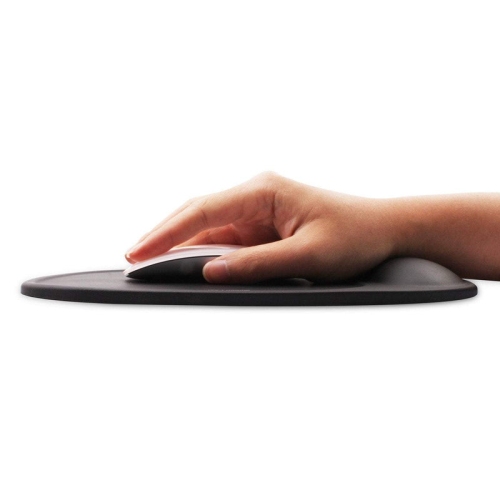
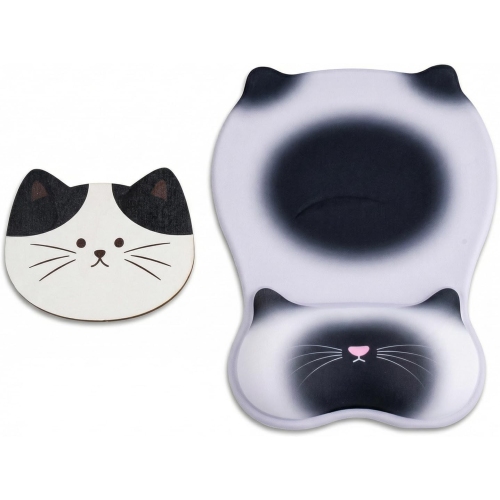
Size and fit shape how a mouse pad works within a desk setup. A compact pad suits a small workstation where the mouse travels only a short distance, leaving space for a notebook, speakers, or other desk essentials. A larger pad gives the hand more room before reaching an edge, particularly when a lower sensitivity setting calls for broad movements. For someone sweeping across a game map or moving between two monitors, that extra travel area can be more useful than additional cushioning. Extended desk mats place the keyboard and mouse on one continuous surface, creating a consistent feel across a wider workspace. Their dimensions need to account for the keyboard footprint as well as the space used by the mouse; a wide mat does not necessarily leave generous mouse room once everything is in position. Depth matters too, especially on a shallow desk where the keyboard already sits close to the front edge. A flat, grippy backing helps keep the pad in place during repeated movements, although its hold depends partly on the desk finish and cleanliness. Cloth surfaces offer a gentler resting place for the forearm, while firm surfaces retain their shape when moved between work areas. An integrated wrist rest adds another fit consideration: its height and position should allow a relaxed hand position rather than pushing the wrist upward. Padding is a comfort preference, not a guarantee against strain, and it should leave enough usable tracking space for the way the mouse is held. Edge construction also affects daily comfort. Stitched borders can help resist fabric fraying, but a raised seam may be noticeable beneath the forearm or when the mouse reaches the edge. Low-profile or smoothly finished borders may feel less intrusive in those situations. In a shared household with different mouse designs, browsing Mouse Pads for Magic Mouse can help keep surface compatibility in focus for another setup. The right dimensions and edge finish should support natural movement without crowding the rest of the desk.
Care and construction influence how well a mouse pad keeps its feel over time. Dust, crumbs, and stray hairs can interrupt an otherwise smooth glide, and particles near the sensor opening may contribute to erratic cursor movement. A clean pad and clean mouse feet help preserve the intended contact between the two surfaces. Hard plastic and finished metal pads are often straightforward to wipe down, while cloth can hold oils and debris within its weave and may need more thorough cleaning according to the care instructions. Not every textile pad is machine washable, and prolonged soaking, strong cleaners, or high heat can damage backing materials, printed finishes, or the bond between layers. Any cleaned surface should be fully dry before use. Durability is also about how the pad behaves under repeated movement: cloth edges may fray, hard surfaces may develop scratches or polished wear areas, and backing can lose its grip if debris builds up underneath. A pad that lies flat, stays put, and maintains a consistent texture is better suited to regular use than one with curled corners or separating layers. For a student, that can mean reliable pointer movement through research notes and coursework; for an office worker, it can mean less distraction while selecting text or moving between documents. Creative users may appreciate a controlled glide for small selections, while gamers may prefer either faster movement or firmer stopping resistance depending on sensitivity and play style. Someone moving between home and a shared workspace may value a flexible pad that travels easily, whereas a permanent desk setup leaves more room for a larger, firmer surface. Mouse pads can also make practical gifts for people setting up a study area, refreshing a workstation, or spending more time on desktop hobbies. Knowing the recipient’s desk space, mouse type, and preference for a soft or firm surface makes the gift more personal and useful. Across these uses, an appropriate mouse pad brings together reliable tracking, comfortable movement, manageable care, and a fit that makes sense for the desk.
Size and fit shape how a mouse pad works within a desk setup. A compact pad suits a small workstation where the mouse travels only a short distance, leaving space for a notebook, speakers, or other desk essentials. A larger pad gives the hand more room before reaching an edge, particularly when a lower sensitivity setting calls for broad movements. For someone sweeping across a game map or moving between two monitors, that extra travel area can be more useful than additional cushioning. Extended desk mats place the keyboard and mouse on one continuous surface, creating a consistent feel across a wider workspace. Their dimensions need to account for the keyboard footprint as well as the space used by the mouse; a wide mat does not necessarily leave generous mouse room once everything is in position. Depth matters too, especially on a shallow desk where the keyboard already sits close to the front edge. A flat, grippy backing helps keep the pad in place during repeated movements, although its hold depends partly on the desk finish and cleanliness. Cloth surfaces offer a gentler resting place for the forearm, while firm surfaces retain their shape when moved between work areas. An integrated wrist rest adds another fit consideration: its height and position should allow a relaxed hand position rather than pushing the wrist upward. Padding is a comfort preference, not a guarantee against strain, and it should leave enough usable tracking space for the way the mouse is held. Edge construction also affects daily comfort. Stitched borders can help resist fabric fraying, but a raised seam may be noticeable beneath the forearm or when the mouse reaches the edge. Low-profile or smoothly finished borders may feel less intrusive in those situations. In a shared household with different mouse designs, browsing Mouse Pads for Magic Mouse can help keep surface compatibility in focus for another setup. The right dimensions and edge finish should support natural movement without crowding the rest of the desk.
Care and construction influence how well a mouse pad keeps its feel over time. Dust, crumbs, and stray hairs can interrupt an otherwise smooth glide, and particles near the sensor opening may contribute to erratic cursor movement. A clean pad and clean mouse feet help preserve the intended contact between the two surfaces. Hard plastic and finished metal pads are often straightforward to wipe down, while cloth can hold oils and debris within its weave and may need more thorough cleaning according to the care instructions. Not every textile pad is machine washable, and prolonged soaking, strong cleaners, or high heat can damage backing materials, printed finishes, or the bond between layers. Any cleaned surface should be fully dry before use. Durability is also about how the pad behaves under repeated movement: cloth edges may fray, hard surfaces may develop scratches or polished wear areas, and backing can lose its grip if debris builds up underneath. A pad that lies flat, stays put, and maintains a consistent texture is better suited to regular use than one with curled corners or separating layers. For a student, that can mean reliable pointer movement through research notes and coursework; for an office worker, it can mean less distraction while selecting text or moving between documents. Creative users may appreciate a controlled glide for small selections, while gamers may prefer either faster movement or firmer stopping resistance depending on sensitivity and play style. Someone moving between home and a shared workspace may value a flexible pad that travels easily, whereas a permanent desk setup leaves more room for a larger, firmer surface. Mouse pads can also make practical gifts for people setting up a study area, refreshing a workstation, or spending more time on desktop hobbies. Knowing the recipient’s desk space, mouse type, and preference for a soft or firm surface makes the gift more personal and useful. Across these uses, an appropriate mouse pad brings together reliable tracking, comfortable movement, manageable care, and a fit that makes sense for the desk.
Top selling and popular products
-
 Your price for this item is $9.95
 -
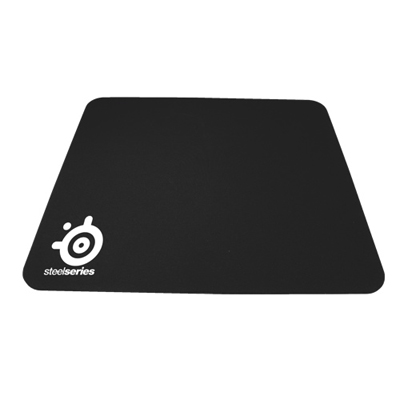 Your price for this item is $14.99
 -
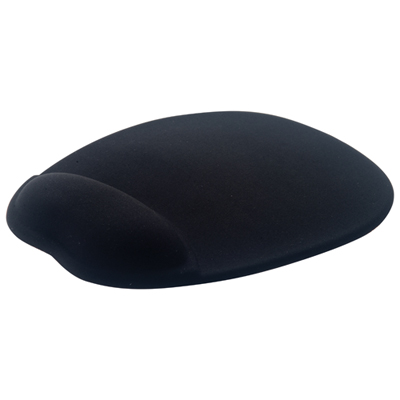 Your price for this item is $19.95
 -
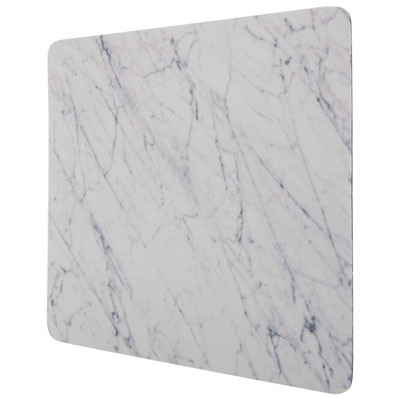 Your price for this item is $9.95
 -
 Your price for this item is $7.99
 -
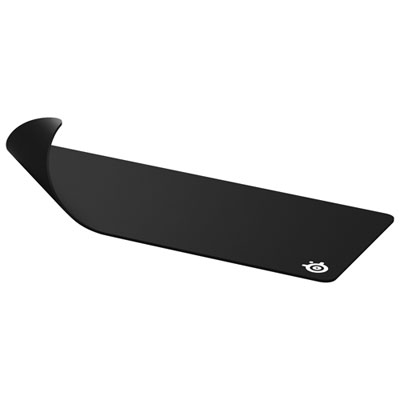 Your price for this item is $49.99
 -
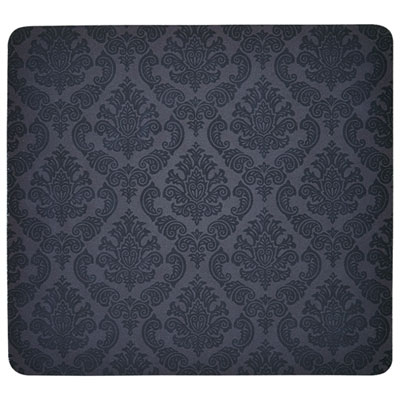 Your price for this item is $7.99
 -
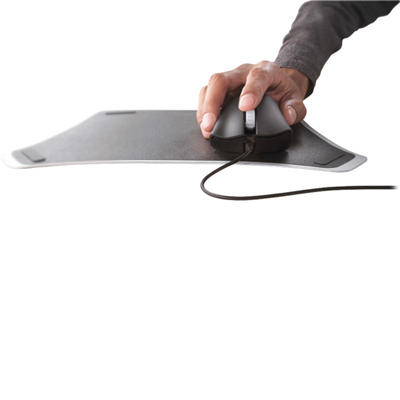 Your price for this item is $19.99
Discover more categories related to Mouse Pads for Laser Mice

Top Collections:
Pokemon Centers, Best Budget Office Chairs, Kindle Devices, Best Cameras for Sports Photography, Pokémon 30th Celebration Cards, Best Laptops for Writers, Apple iPhones 16, Laptops for Business Work, Canon G7X Cameras, iPhone 15 Apple
Some products may be subject to Environmental Handling Fees
(EHF) depending on your province.
Learn more about EHFs.