MSI Pro B650M A Wi-Fi
Upgrade your PC setup with the MSI Pro B650M A WiFi, designed to deliver reliable performance for a wide range of computing needs. Perfect for both everyday tasks and more demanding applications, the MSI Pro B650M A WiFi offers a solid foundation for building or enhancing your desktop experience. Explore options that seamlessly blend advanced technology and user-friendly design, making it easy to get the most out of your system. Discover how the MSI Pro B650M A WiFi can be the key component in your next PC build or upgrade.
Sort
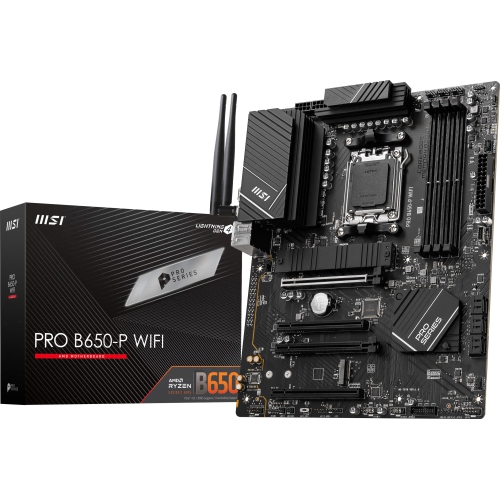
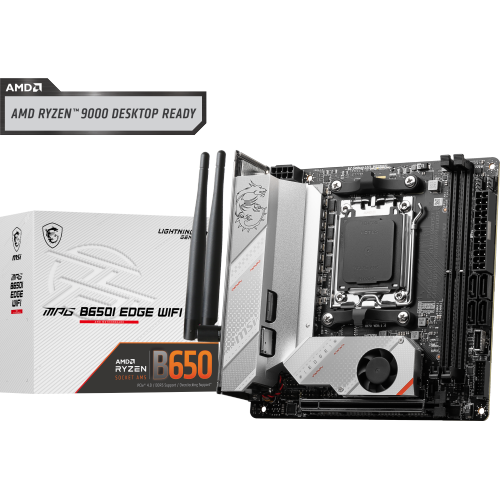
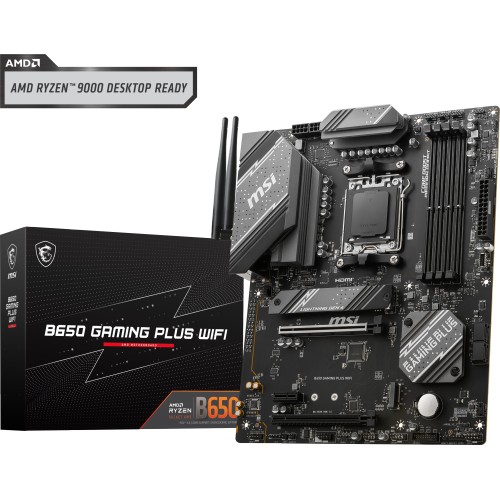
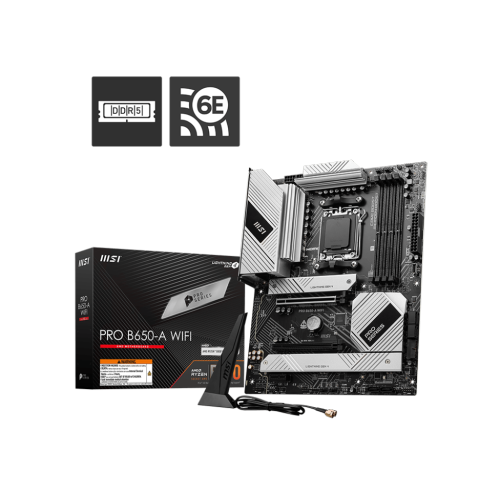
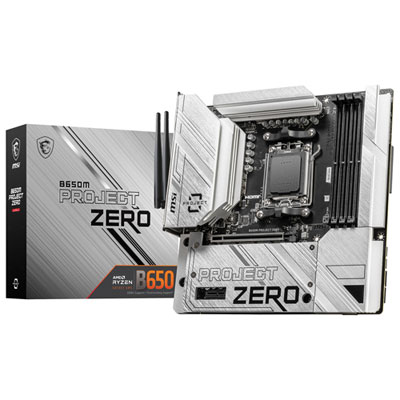
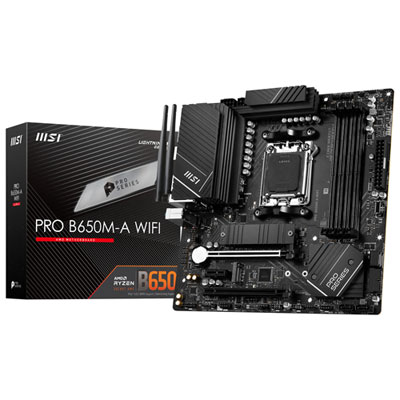
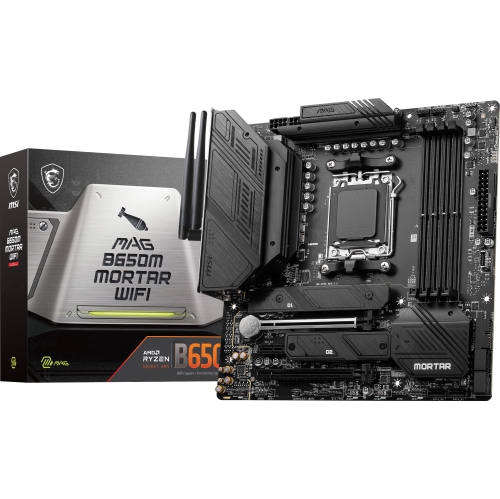
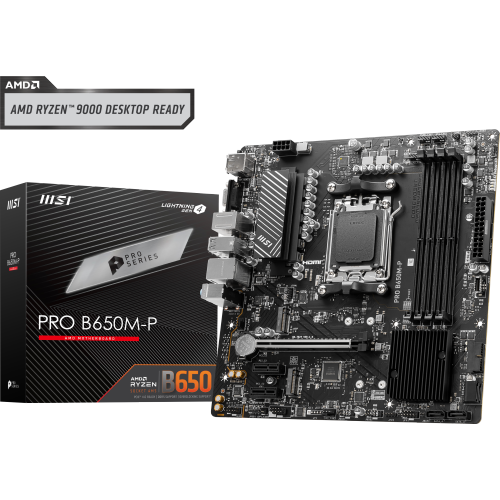
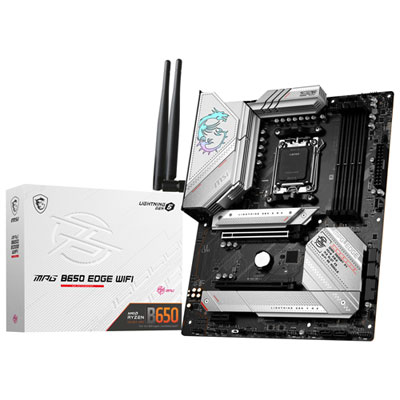
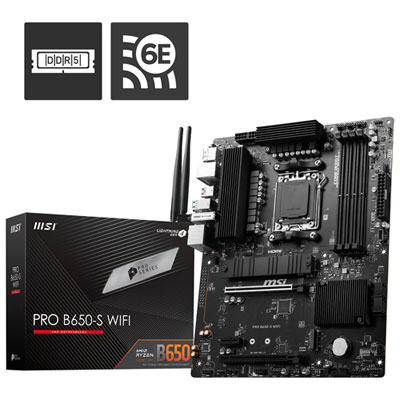
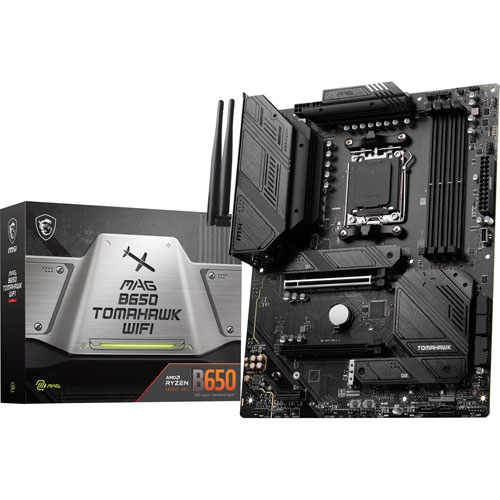
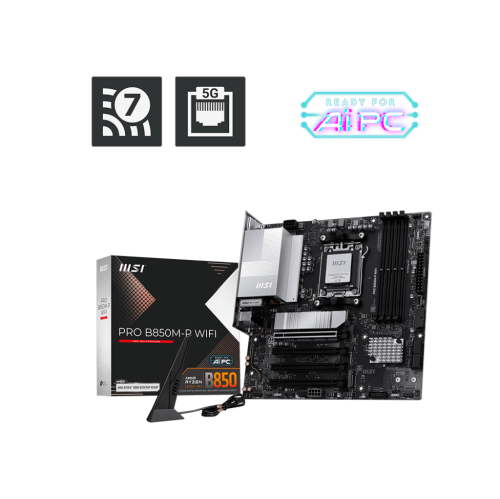
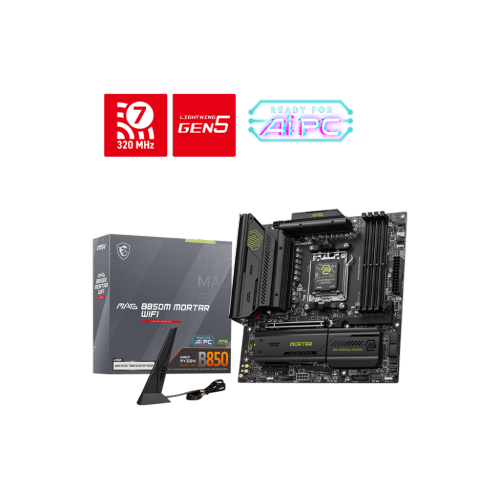
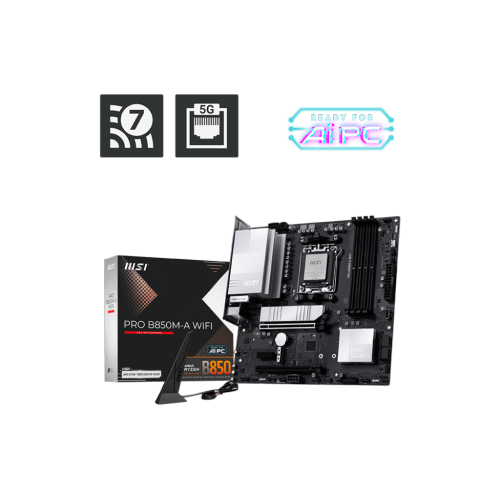
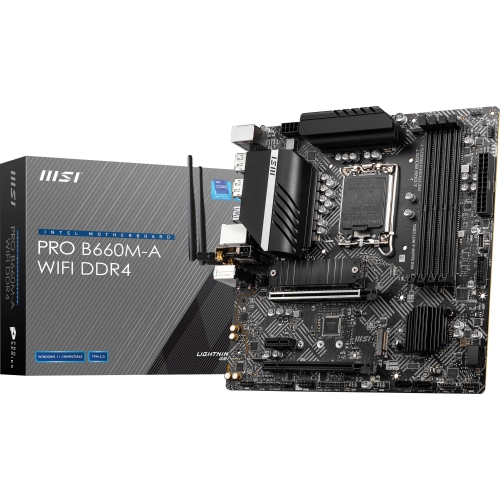
A compact motherboard with room for future upgrades
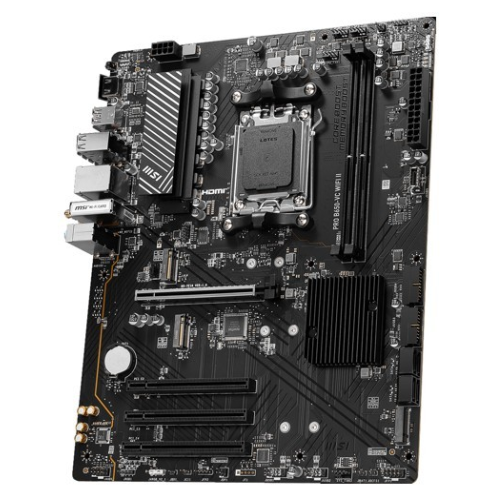
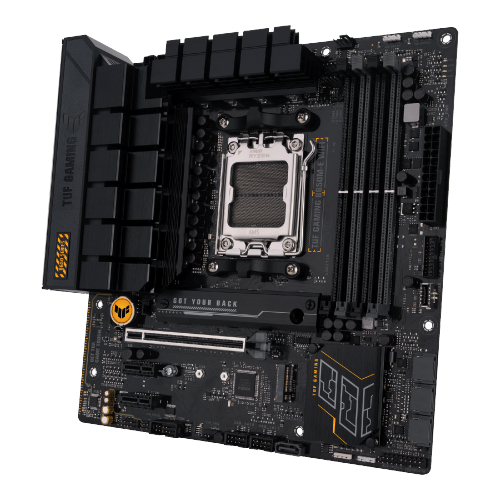
A micro-ATX motherboard with an AM5 socket, a B650 chipset, and built-in Wi-Fi provides the foundation for a compact desktop that can handle everyday work, gaming, and creative projects. The motherboard connects the processor, memory, storage, graphics card, and peripherals, so its layout and connections shape both the initial build and future upgrades. This type of platform suits a home office computer that needs dependable connectivity, a gaming system with a dedicated graphics card, or a multipurpose desktop shared by a household. Micro-ATX boards generally measure up to 244 by 244 mm, giving them a smaller footprint than full-size ATX boards while retaining room for useful expansion. A compatible micro-ATX tower can fit neatly beside a desk without requiring the tighter component arrangements associated with some smaller formats. Case compatibility still depends on the supported motherboard size, mounting points, and clearance for the graphics card and processor cooler. AM5 identifies the processor socket, while B650 identifies the chipset; neither term alone guarantees compatibility with every processor that physically fits. Support for a particular processor can depend on the motherboard’s firmware version, making the published processor support list an important reference for a new build or an upgrade. These platforms use DDR5 desktop memory, which is not interchangeable with DDR4. Many boards in this class have four memory slots, although the supported capacity, memory speeds, and recommended slot arrangement vary. A matched two-module kit is often a straightforward starting point for dual-channel operation, leaving additional slots open where the board’s design allows. Higher advertised memory speeds may require an enabled memory profile and remain dependent on the processor, firmware, and installed modules. For a desktop used for browser tabs, video calls, and occasional photo editing, balanced component choices tend to matter more than chasing the highest specification in any one category. More demanding work, such as editing large video files or running several virtual machines, puts greater emphasis on memory capacity, processor support, and storage expansion.
Storage and expansion connections determine how comfortably a desktop accommodates both daily tasks and larger projects. M.2 slots let compatible solid-state drives mount directly to the motherboard, reducing cable clutter and providing fast access to applications, games, and working files. PCIe 4.0 storage connections are common on B650 micro-ATX boards, but the number of slots, supported drive lengths, and connections assigned to each slot should be checked against the individual specifications. An M.2 heatsink helps carry heat away from a compatible drive during sustained activity, such as transferring a large video library, though heatsink coverage varies between boards. SATA connections can also be useful for adding a larger storage drive or keeping an existing compatible drive in service. A full-length expansion slot typically accommodates a dedicated graphics card, while any remaining slots may support other add-in hardware. Physical spacing matters: a thick graphics card can cover neighbouring slots even when the motherboard has several expansion connections. Built-in wireless networking is especially useful when a desk sits across the room from the router or an Ethernet cable would have to cross a hallway. Wi-Fi 6E can use the 6 GHz band with a compatible router and supported software, but connection quality still depends on distance, walls, interference, and antenna placement. Wired networking remains a practical choice for large file transfers and gaming, and a 2.5-gigabit Ethernet connection needs compatible network equipment to reach its higher link speed. Bluetooth, where included, can connect suitable headphones, controllers, keyboards, and mice without separate wireless adapters. Rear USB ports and internal headers deserve similar attention, particularly for a setup with an external drive, webcam, microphone, and front-panel USB-C connection. Display outputs on the motherboard require a processor with supported integrated graphics; their presence does not mean every compatible processor can drive a monitor through them. For a desk with two displays and several accessories, the right combination of ports can make the finished computer much easier to live with.
Construction, cooling, and layout contribute to a motherboard’s long-term usefulness as much as its headline features. Its rigid circuit board carries copper pathways between components, while metal heatsinks help manage heat around areas such as the processor power circuitry and storage slots. Heatsink size alone does not establish durability or processor suitability; power delivery design, airflow, workload, and the manufacturer’s specifications all matter. In a compact case, clear paths for intake and exhaust air help prevent heat from building up around the processor socket and graphics card. Fan headers positioned within easy reach can also make a build tidier, particularly when several case fans are involved. Socket clearance becomes important with a large air cooler, while taller memory modules may need extra room beneath an overhanging fan. Installation calls for careful handling because socket contacts, small surface components, and connectors can be damaged by force or misplaced mounting hardware. Correctly positioned case standoffs support the board without touching unintended points underneath it, and sensible cable routing reduces strain on headers. Routine care centres on keeping dust filters and fans clean, with the computer shut down and disconnected before internal cleaning. Firmware and driver support also affect the ownership experience. A firmware update may be needed for a newer processor, and some boards offer a dedicated update function that works without a supported processor installed; that capability must be confirmed for the particular board. Initial DDR5 memory training can make the first startup, or a startup after memory changes, longer than expected. It is distinct from everyday boot behaviour, and the motherboard documentation explains the relevant status lights and startup procedures. For shoppers comparing different processor platforms, the MSI Tomahawk Z790 page represents a separate socket and chipset family, not a drop-in alternative for an AM5 build. A motherboard can be a thoughtful gift for an experienced computer builder, but it is best matched to an agreed component list. For students, home-office users, gamers, and hobby creators alike, the most useful foundation is one that fits the intended case, supports the chosen components, and leaves practical room for the way the computer will be used.
Storage and expansion connections determine how comfortably a desktop accommodates both daily tasks and larger projects. M.2 slots let compatible solid-state drives mount directly to the motherboard, reducing cable clutter and providing fast access to applications, games, and working files. PCIe 4.0 storage connections are common on B650 micro-ATX boards, but the number of slots, supported drive lengths, and connections assigned to each slot should be checked against the individual specifications. An M.2 heatsink helps carry heat away from a compatible drive during sustained activity, such as transferring a large video library, though heatsink coverage varies between boards. SATA connections can also be useful for adding a larger storage drive or keeping an existing compatible drive in service. A full-length expansion slot typically accommodates a dedicated graphics card, while any remaining slots may support other add-in hardware. Physical spacing matters: a thick graphics card can cover neighbouring slots even when the motherboard has several expansion connections. Built-in wireless networking is especially useful when a desk sits across the room from the router or an Ethernet cable would have to cross a hallway. Wi-Fi 6E can use the 6 GHz band with a compatible router and supported software, but connection quality still depends on distance, walls, interference, and antenna placement. Wired networking remains a practical choice for large file transfers and gaming, and a 2.5-gigabit Ethernet connection needs compatible network equipment to reach its higher link speed. Bluetooth, where included, can connect suitable headphones, controllers, keyboards, and mice without separate wireless adapters. Rear USB ports and internal headers deserve similar attention, particularly for a setup with an external drive, webcam, microphone, and front-panel USB-C connection. Display outputs on the motherboard require a processor with supported integrated graphics; their presence does not mean every compatible processor can drive a monitor through them. For a desk with two displays and several accessories, the right combination of ports can make the finished computer much easier to live with.
Construction, cooling, and layout contribute to a motherboard’s long-term usefulness as much as its headline features. Its rigid circuit board carries copper pathways between components, while metal heatsinks help manage heat around areas such as the processor power circuitry and storage slots. Heatsink size alone does not establish durability or processor suitability; power delivery design, airflow, workload, and the manufacturer’s specifications all matter. In a compact case, clear paths for intake and exhaust air help prevent heat from building up around the processor socket and graphics card. Fan headers positioned within easy reach can also make a build tidier, particularly when several case fans are involved. Socket clearance becomes important with a large air cooler, while taller memory modules may need extra room beneath an overhanging fan. Installation calls for careful handling because socket contacts, small surface components, and connectors can be damaged by force or misplaced mounting hardware. Correctly positioned case standoffs support the board without touching unintended points underneath it, and sensible cable routing reduces strain on headers. Routine care centres on keeping dust filters and fans clean, with the computer shut down and disconnected before internal cleaning. Firmware and driver support also affect the ownership experience. A firmware update may be needed for a newer processor, and some boards offer a dedicated update function that works without a supported processor installed; that capability must be confirmed for the particular board. Initial DDR5 memory training can make the first startup, or a startup after memory changes, longer than expected. It is distinct from everyday boot behaviour, and the motherboard documentation explains the relevant status lights and startup procedures. For shoppers comparing different processor platforms, the MSI Tomahawk Z790 page represents a separate socket and chipset family, not a drop-in alternative for an AM5 build. A motherboard can be a thoughtful gift for an experienced computer builder, but it is best matched to an agreed component list. For students, home-office users, gamers, and hobby creators alike, the most useful foundation is one that fits the intended case, supports the chosen components, and leaves practical room for the way the computer will be used.
Top selling and popular products
-
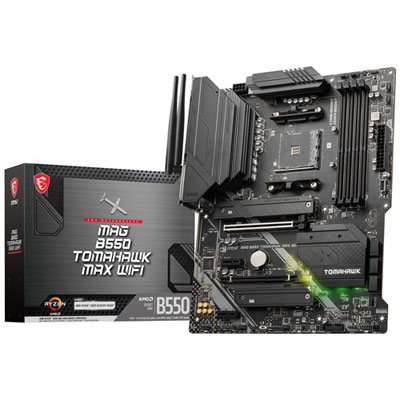 Your price for this item is $224.99
 -
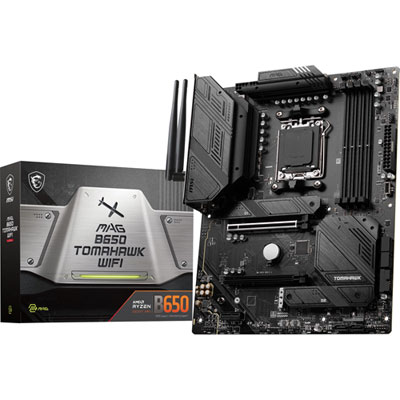 Your price for this item is $239.99
 -
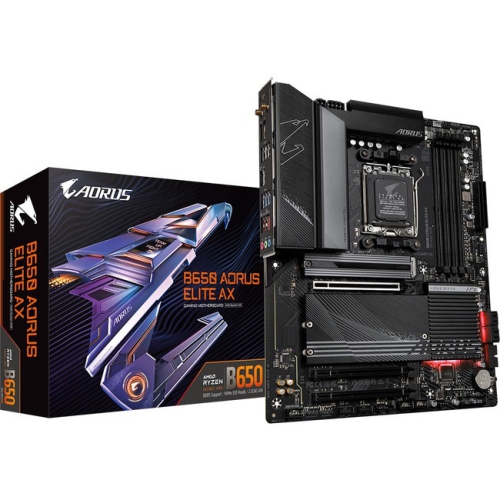 Your price for this item is $286.68
 -
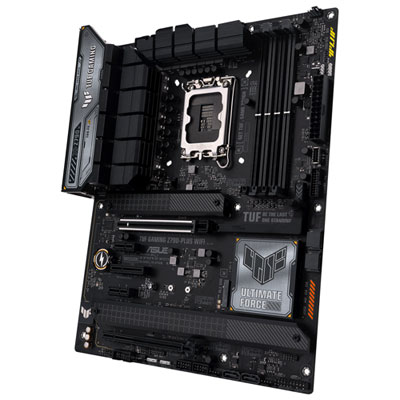 Your price for this item is $349.99
 -
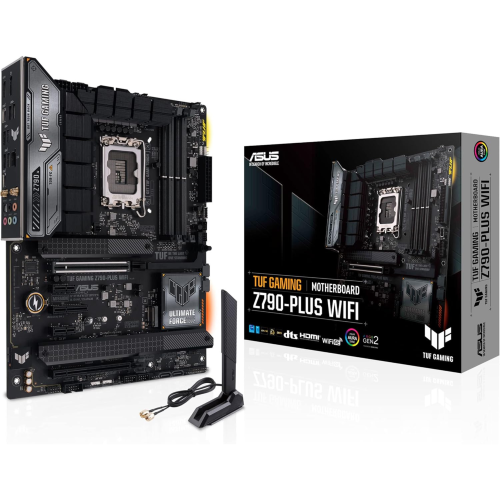 Your price for this item is $361
 -
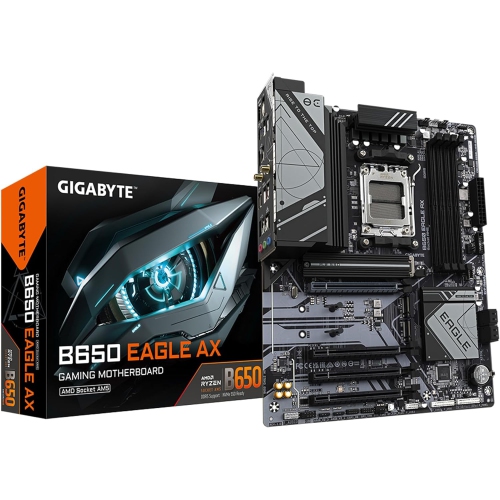 Your price for this item is $209.99
 -
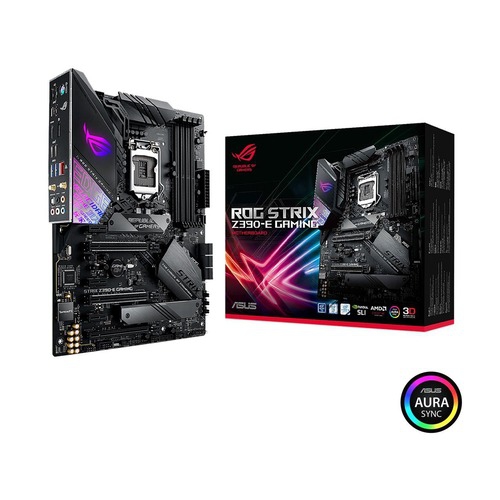 Your price for this item is $350
 -
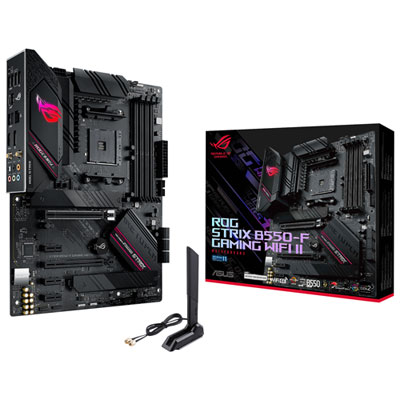 Your price for this item is $259.99
Discover more categories related to MSI Pro B650M A Wi-Fi
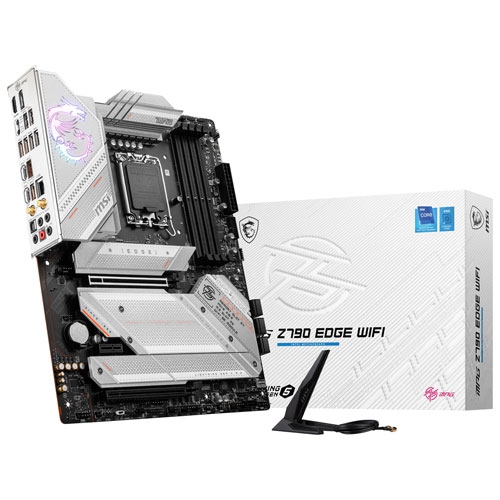
Top Collections:
Pokemon Centers, Kindle Devices, Best Budget Office Chairs, Apple iPhones 16, Best Laptops for Writers, iPhone 15 Apple, Canon G7X Cameras, Refurbished Apple Laptops, Alarm Clock, Motorola Razr Phones
Some products may be subject to Environmental Handling Fees
(EHF) depending on your province.
Learn more about EHFs.