MSI B550 Gaming Gen3
Discover the power and performance designed for gaming enthusiasts with the MSI B550 Gaming Gen3. Engineered to deliver a seamless experience, this lineup provides the foundation you need for building or upgrading your setup. Whether you're aiming for competitive play or immersive adventures, the MSI B550 Gaming Gen3 offers reliability and flexibility to help you get the most out of your system. Explore options that cater to your unique preferences and unlock new gaming possibilities.
Sort

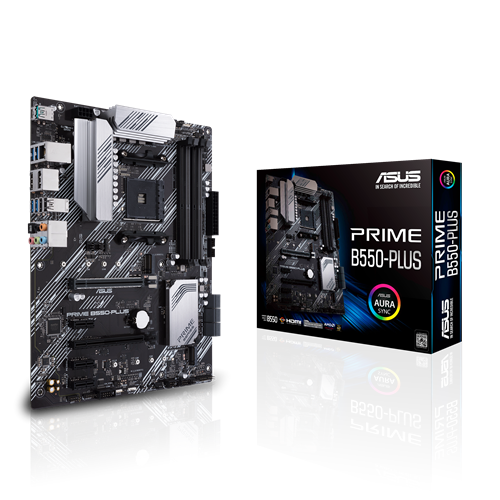

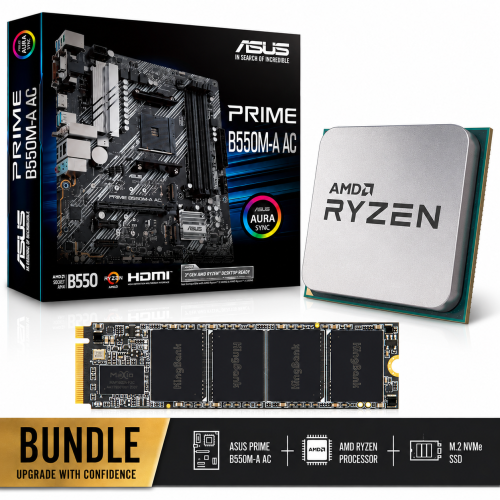
Why component compatibility matters for your AM4 gaming build
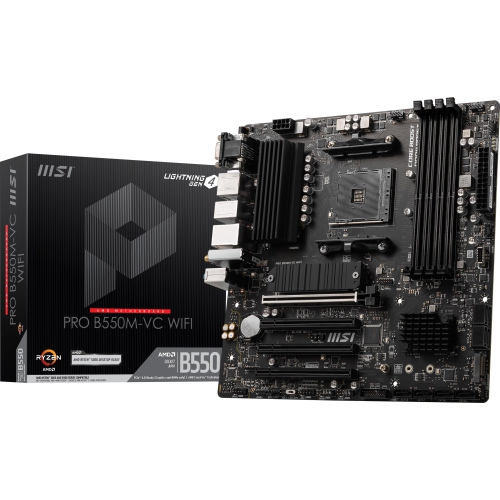
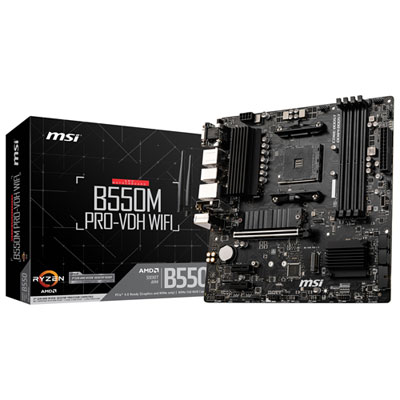
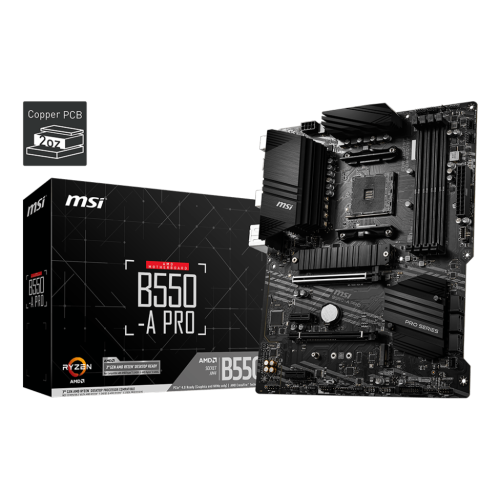
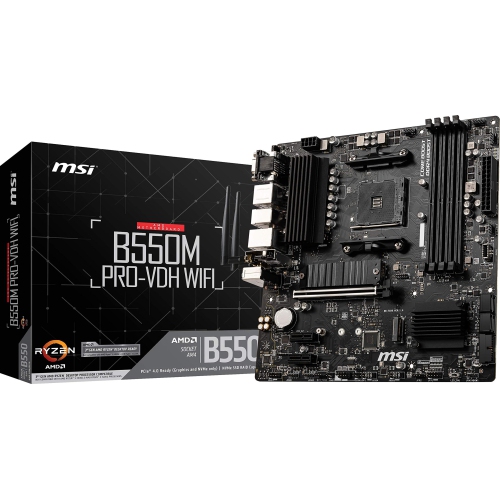
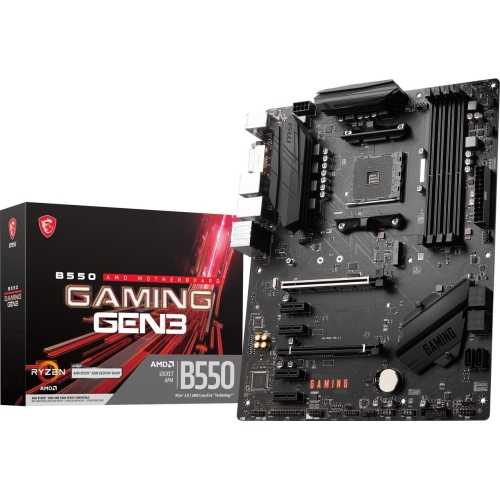
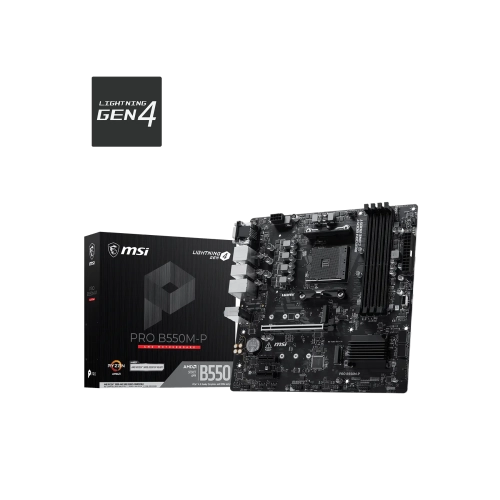
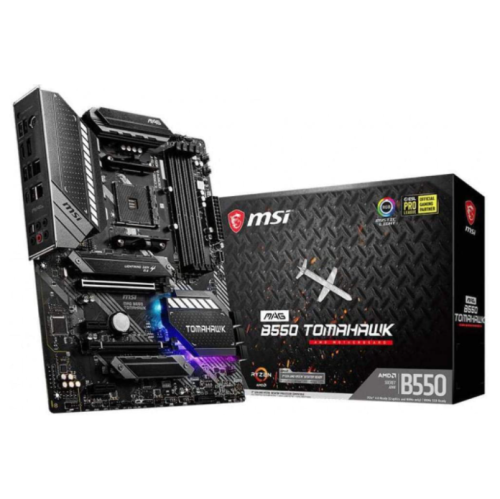
B550 gaming motherboards bring the main parts of a desktop PC together, linking the processor, memory, graphics card, storage drives, and everyday peripherals through a single circuit board. For a gaming build centred on an AM4 processor and DDR4 memory, a Gen3-focused motherboard can provide a practical foundation for entertainment, schoolwork, home-office tasks, and creative projects. The motherboard determines which components fit and how they communicate; it does not replace the performance of a capable processor or graphics card. That distinction matters for someone building a machine for evening multiplayer sessions, refreshing an older desktop, or putting together a shared family computer. An ATX board offers a full-size layout with room for memory sockets, expansion slots, storage connections, and cooling headers, provided the case supports its dimensions and mounting positions. B550 boards use the AM4 processor socket, but socket shape alone does not guarantee compatibility with every AM4 processor. Supported processor families, individual exceptions, and the installed BIOS version all matter, especially when pairing a newer processor with a board manufactured earlier. Processor support lists are the most reliable reference for an exact match. The same attention applies to expansion bandwidth: a Gen3-focused B550 design uses PCIe 3.0 for its key expansion connections rather than automatically providing PCIe 4.0 simply because it belongs to the B550 family. For many everyday gaming setups, this makes the graphics card’s requirements and the intended storage configuration more useful considerations than the chipset name alone. A balanced build might pair a dedicated graphics card with an M.2 solid-state drive for the operating system and favourite games, while leaving room for additional storage later. These motherboards are particularly relevant to builders who want to retain compatible DDR4 memory or an AM4 processor, making the fit with existing hardware as important as the features intended for future additions. The result is a desktop platform whose usefulness depends on thoughtful component matching rather than any single specification.
Memory, storage, and expansion connections shape how comfortably a desktop handles daily use. Four DDR4 DIMM slots provide flexibility for matched memory kits, although the supported total capacity and operating speed depend on the motherboard, processor, and memory configuration. Some boards in this category support up to 128 GB, a capacity more relevant to demanding multitasking and certain creative applications than to a straightforward gaming machine. Advertised high memory speeds may require an overclocking profile and are not guaranteed with every processor or fully populated memory layout. DDR4 and DDR5 modules are physically and electrically different, so they are not interchangeable. Storage connections deserve similar attention. A PCIe 3.0 x4 M.2 connection can accommodate a compatible NVMe solid-state drive without the separate data and power cables needed by a conventional SATA drive. SATA connections remain useful for larger game libraries, photo collections, and existing drives carried over from another system. M.2 describes a physical format, however, so the socket’s supported drive protocol and length still need to match the drive. Some motherboard layouts share resources between connections, which can affect the combinations usable at the same time. Expansion slots also differ in their electrical bandwidth even when they look similar in length. That matters when a graphics card is joined by a capture card, wireless adapter, or another expansion device. For a streamer with a microphone, camera, controller, and external drive connected, the number and placement of USB ports can make the setup noticeably easier to use. Faster USB connections are useful for compatible external storage, while keyboards and mice generally have less demanding bandwidth requirements. Wired gigabit Ethernet provides a straightforward network connection, but built-in Wi-Fi and Bluetooth should never be assumed from the gaming label. Shoppers exploring ROG Strix B550 F Gaming can consider the same practical distinctions in processor support, expansion bandwidth, networking, and rear-panel connectivity. HDMI or DVI outputs on a motherboard also require a supported processor with integrated graphics; with a processor lacking that capability, a dedicated graphics card supplies the display connection.
Physical construction and layout have a lasting influence on assembly, cooling, and routine care. A motherboard is built around a rigid, layered circuit board with copper pathways, mounted electronic components, and connectors positioned for the processor, memory, power supply, and case wiring. Heatsinks around the power-delivery circuitry help move heat away from components under load, while reinforced expansion slots, where fitted, add support around the graphics-card connection. Reinforcement does not eliminate the need to secure a heavy graphics card to the case or use an appropriate support bracket. An ATX-compatible enclosure needs the correct standoff arrangement beneath the board, adequate space around its edges, and clearance for the chosen processor cooler. A tall air cooler can overlap nearby memory modules, and a thick graphics card may cover adjacent expansion slots. These are tangible fit considerations for a build intended to sit quietly beneath a desk as well as one displayed through a glass side panel. Cable routing matters too: accessible SATA ports, conveniently placed fan headers, and a clear path for the main power cables help keep the interior manageable. Front-panel USB and audio sockets are useful only when the case wiring and motherboard headers are compatible. Cooling performance depends on the complete system, including case airflow, fan placement, ambient room temperature, and the heat produced by the processor and graphics card. Regular dust removal, with the computer shut down and disconnected from power, helps keep ventilation paths clear; careful handling around sockets and small headers protects delicate contacts. For a gift recipient who enjoys assembling PCs, a motherboard can be a meaningful part of a planned build, but the processor socket, memory type, case format, and required connections need to match their intended hardware. A student sharing a desktop between assignments and games may value straightforward connectivity, while a hobbyist editing video may place greater emphasis on memory capacity and storage expansion. Across these uses, a well-matched motherboard supports a tidy, dependable system with enough connections for the way its owner actually works and plays.
Memory, storage, and expansion connections shape how comfortably a desktop handles daily use. Four DDR4 DIMM slots provide flexibility for matched memory kits, although the supported total capacity and operating speed depend on the motherboard, processor, and memory configuration. Some boards in this category support up to 128 GB, a capacity more relevant to demanding multitasking and certain creative applications than to a straightforward gaming machine. Advertised high memory speeds may require an overclocking profile and are not guaranteed with every processor or fully populated memory layout. DDR4 and DDR5 modules are physically and electrically different, so they are not interchangeable. Storage connections deserve similar attention. A PCIe 3.0 x4 M.2 connection can accommodate a compatible NVMe solid-state drive without the separate data and power cables needed by a conventional SATA drive. SATA connections remain useful for larger game libraries, photo collections, and existing drives carried over from another system. M.2 describes a physical format, however, so the socket’s supported drive protocol and length still need to match the drive. Some motherboard layouts share resources between connections, which can affect the combinations usable at the same time. Expansion slots also differ in their electrical bandwidth even when they look similar in length. That matters when a graphics card is joined by a capture card, wireless adapter, or another expansion device. For a streamer with a microphone, camera, controller, and external drive connected, the number and placement of USB ports can make the setup noticeably easier to use. Faster USB connections are useful for compatible external storage, while keyboards and mice generally have less demanding bandwidth requirements. Wired gigabit Ethernet provides a straightforward network connection, but built-in Wi-Fi and Bluetooth should never be assumed from the gaming label. Shoppers exploring ROG Strix B550 F Gaming can consider the same practical distinctions in processor support, expansion bandwidth, networking, and rear-panel connectivity. HDMI or DVI outputs on a motherboard also require a supported processor with integrated graphics; with a processor lacking that capability, a dedicated graphics card supplies the display connection.
Physical construction and layout have a lasting influence on assembly, cooling, and routine care. A motherboard is built around a rigid, layered circuit board with copper pathways, mounted electronic components, and connectors positioned for the processor, memory, power supply, and case wiring. Heatsinks around the power-delivery circuitry help move heat away from components under load, while reinforced expansion slots, where fitted, add support around the graphics-card connection. Reinforcement does not eliminate the need to secure a heavy graphics card to the case or use an appropriate support bracket. An ATX-compatible enclosure needs the correct standoff arrangement beneath the board, adequate space around its edges, and clearance for the chosen processor cooler. A tall air cooler can overlap nearby memory modules, and a thick graphics card may cover adjacent expansion slots. These are tangible fit considerations for a build intended to sit quietly beneath a desk as well as one displayed through a glass side panel. Cable routing matters too: accessible SATA ports, conveniently placed fan headers, and a clear path for the main power cables help keep the interior manageable. Front-panel USB and audio sockets are useful only when the case wiring and motherboard headers are compatible. Cooling performance depends on the complete system, including case airflow, fan placement, ambient room temperature, and the heat produced by the processor and graphics card. Regular dust removal, with the computer shut down and disconnected from power, helps keep ventilation paths clear; careful handling around sockets and small headers protects delicate contacts. For a gift recipient who enjoys assembling PCs, a motherboard can be a meaningful part of a planned build, but the processor socket, memory type, case format, and required connections need to match their intended hardware. A student sharing a desktop between assignments and games may value straightforward connectivity, while a hobbyist editing video may place greater emphasis on memory capacity and storage expansion. Across these uses, a well-matched motherboard supports a tidy, dependable system with enough connections for the way its owner actually works and plays.
Top selling and popular products
-
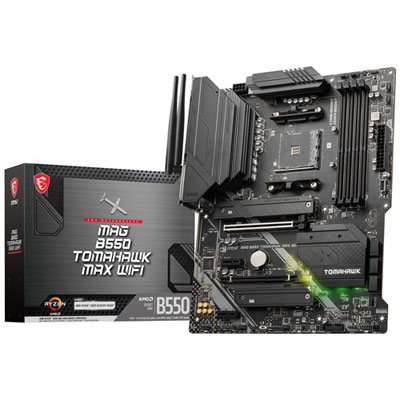 Your price for this item is $224.99
 -
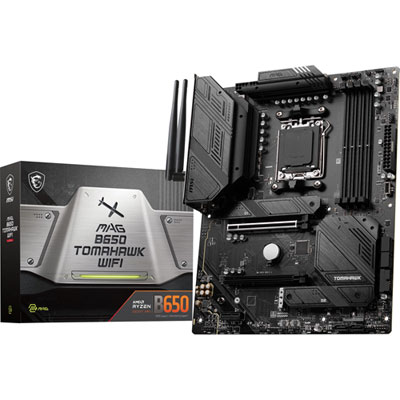 Your price for this item is $239.99
 -
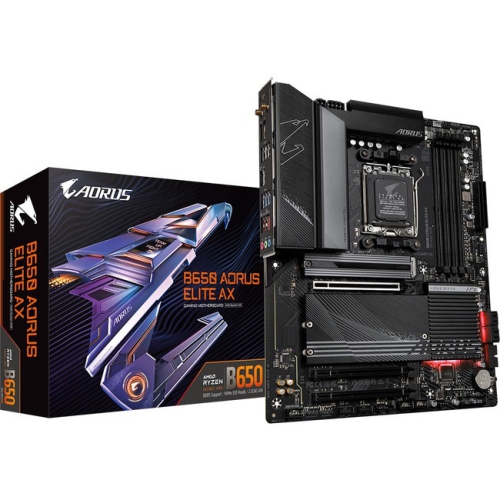 Your price for this item is $286.68
 -
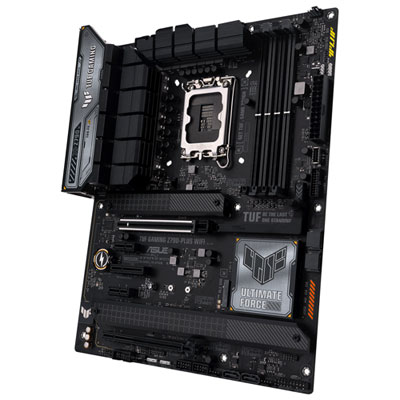 Your price for this item is $349.99
 -
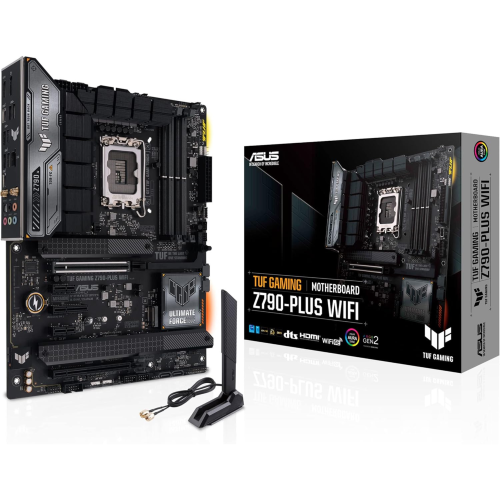 Your price for this item is $361
 -
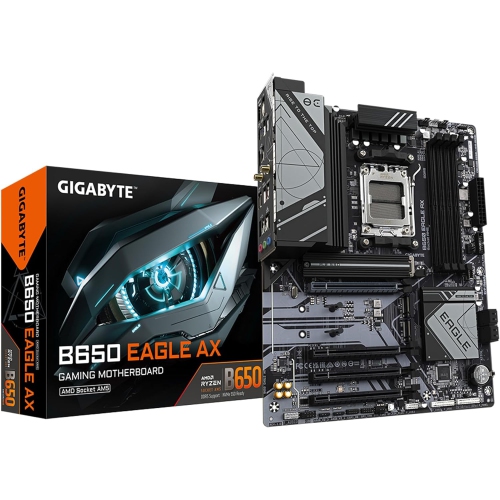 Your price for this item is $209.99
 -
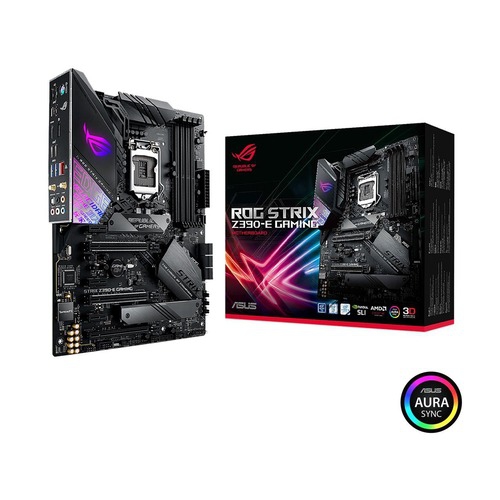 Your price for this item is $350
 -
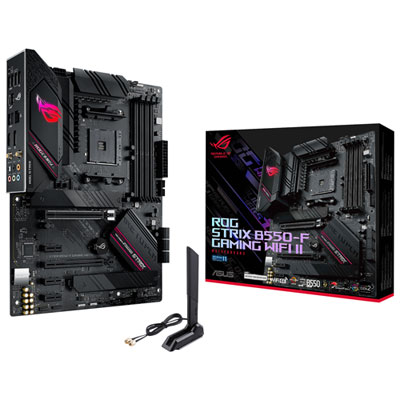 Your price for this item is $259.99
Discover more categories related to MSI B550 Gaming Gen3
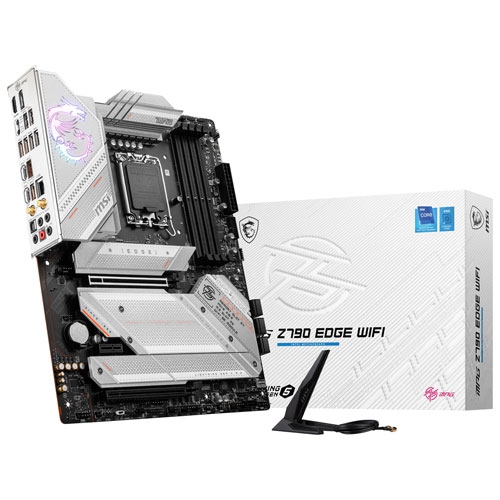
Top Collections:
Pokemon Centers, Kindle Devices, Best Budget Office Chairs, Apple iPhones 16, Best Laptops for Writers, iPhone 15 Apple, Canon G7X Cameras, Refurbished Apple Laptops, Alarm Clock, Motorola Razr Phones
Some products may be subject to Environmental Handling Fees
(EHF) depending on your province.
Learn more about EHFs.