Network Adapters
Enhance your connectivity with a wide selection of network adapters designed to keep your devices linked to the internet and local networks with ease. Whether you're setting up a new workstation, upgrading your home office, or expanding your gaming setup, finding the right network adapter is essential for seamless online performance. Explore options that support various connection types and speeds to match your needs. Discover how a reliable network adapter can make all the difference in staying connected at home or on the go.
Sort


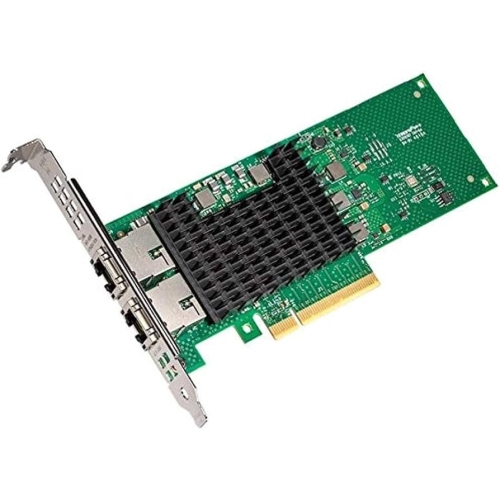


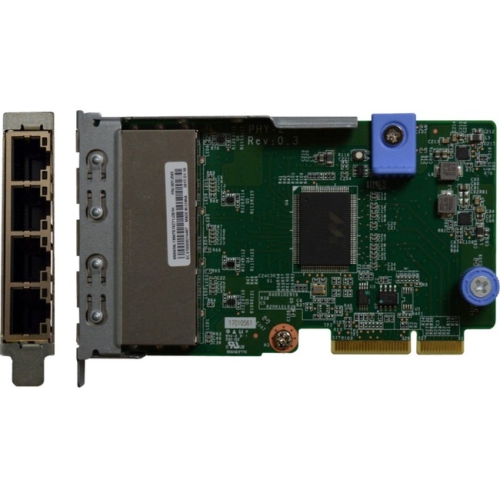


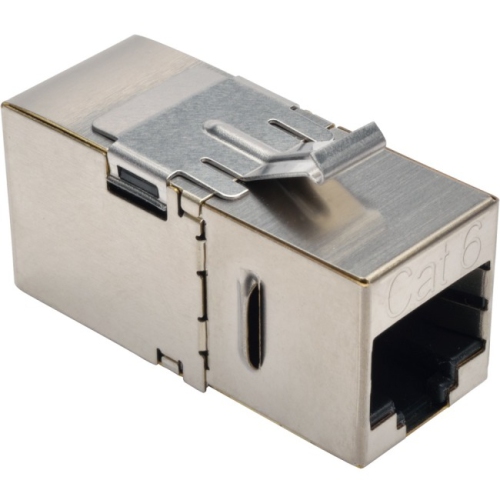


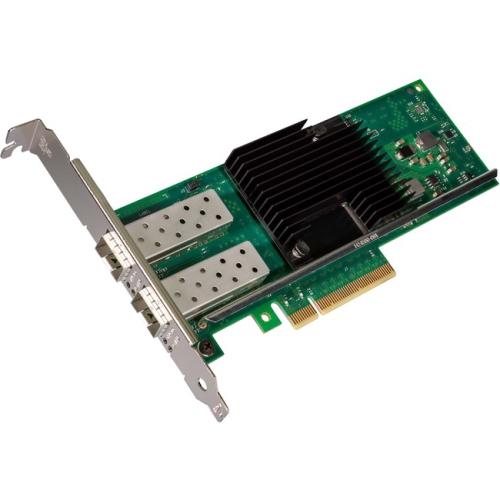
Wired and wireless connections that fit your computer
A network adapter is a hardware component that connects a computer or another compatible device to a local network, allowing it to exchange data with other devices and access the internet through a connected router. Also called a network interface card, or NIC, an adapter can be built into a computer, installed inside a desktop, or connected externally through a USB port. Network adapters generally provide either a wired Ethernet connection or a wireless Wi-Fi connection, with each type suited to different spaces and everyday tasks. A wired adapter connects to a router, switch, or wall network socket using an Ethernet cable. It can be useful for a laptop without an Ethernet port, a desktop used for online gaming, or a workstation that regularly transfers large files to shared storage. The Ethernet Adapters category focuses on hardware for these wired connections. A wireless adapter lets a compatible computer join a Wi-Fi network without running a cable across a room, making it practical for a desk away from the router or a desktop whose built-in wireless hardware no longer meets its needs. External USB adapters offer a convenient way to add connectivity without opening a computer case, while internal expansion cards are intended for compatible desktop systems. Some internal wireless cards also include Bluetooth, although that feature may require a separate connection to an internal USB header. Neither a wired nor a wireless adapter provides internet service by itself; it works with the network equipment and service already in place. For students joining online seminars, remote workers sharing presentations, or households moving photos between computers, the right adapter fills a specific gap between the device and the network. That gap might be a missing port, an older wireless connection, or the need for a dedicated wired link at a permanent desk.
Compatibility determines how comfortably a network adapter fits into an existing setup. External adapters may use USB-A or USB-C connectors, so the physical plug needs to match an accessible port on the computer. Connector shape alone does not establish performance: the USB connection’s supported data rate, the adapter’s specifications, and any intervening hub can all affect throughput. A compact adapter plugged directly into a laptop suits a tidy workspace, while a short attached cable can help keep the adapter body from blocking neighbouring ports. Internal cards require a compatible expansion slot and enough clearance inside the desktop case; smaller cases may also need a low-profile mounting bracket. Operating system support matters just as much as physical fit. Some adapters work with drivers already included in the operating system, while others need a separate driver installation, and compatibility can vary between system versions. On a work-managed computer, installation may also depend on administrator permissions. For wired networking, speed ratings describe the adapter’s connection capability rather than a promise of internet speed. A Gigabit Ethernet adapter can be suitable for everyday browsing, video calls, and many home networks, while faster Ethernet standards can support heavier transfers when the router or switch, cabling, and receiving device also support the connection. A faster adapter cannot increase an internet plan’s speed beyond the service provided. Wireless performance depends on a different combination of factors, including the Wi-Fi generation, supported frequency bands, router capabilities, distance, and interference. Dual-band adapters can provide access to compatible 2.4 GHz and 5 GHz networks, while certain newer adapters also support 6 GHz connections with suitable equipment and software. Higher advertised wireless rates are theoretical and do not represent guaranteed download speeds. Matching the adapter to the actual task is more useful than focusing on a single headline number: routine document sharing places different demands on a connection than moving a large video project to network storage.
Everyday design details can make a noticeable difference once an adapter becomes part of a desk, travel bag, or shared workstation. External housings are commonly made from plastic or metal, with metal designs sometimes helping disperse heat during sustained use. Materials alone do not establish durability; connector construction, cable flexibility, and the way the adapter sits beside the computer also matter. A small wireless adapter can remain relatively unobtrusive on a laptop, but its size may limit antenna placement. Larger external antennas can offer more positioning flexibility, although performance still depends on the surrounding layout and the router. A desktop tucked beneath a work surface or beside a metal cabinet may benefit from an antenna base that can sit in a clearer position, when the adapter supports one. Wired adapters need enough space for the Ethernet plug and cable without forcing a tight bend or pulling sideways on the computer’s port. For a laptop carried between home and a shared office, an adapter with a short lead can be easier to position than a rigid body projecting from the side. At a fixed desk, a dedicated wired connection can help reduce the variability associated with wireless interference during calls, gaming sessions, or lengthy file transfers, though it cannot eliminate congestion elsewhere on the network. Care is generally straightforward: keep connectors free of dust, avoid tugging on cables, protect exposed plugs during transport, and follow the manufacturer’s cleaning directions. Adapters that become warm in use should have the space specified by their manufacturer rather than being covered by papers or fabric. A student may value portability, a home-office user may prioritize a dependable wired connection, and someone upgrading a desktop may prefer an internal card that leaves external ports free. Across these uses, a well-matched network adapter adds the connection a device needs while fitting the available ports, software, workspace, and network.
Compatibility determines how comfortably a network adapter fits into an existing setup. External adapters may use USB-A or USB-C connectors, so the physical plug needs to match an accessible port on the computer. Connector shape alone does not establish performance: the USB connection’s supported data rate, the adapter’s specifications, and any intervening hub can all affect throughput. A compact adapter plugged directly into a laptop suits a tidy workspace, while a short attached cable can help keep the adapter body from blocking neighbouring ports. Internal cards require a compatible expansion slot and enough clearance inside the desktop case; smaller cases may also need a low-profile mounting bracket. Operating system support matters just as much as physical fit. Some adapters work with drivers already included in the operating system, while others need a separate driver installation, and compatibility can vary between system versions. On a work-managed computer, installation may also depend on administrator permissions. For wired networking, speed ratings describe the adapter’s connection capability rather than a promise of internet speed. A Gigabit Ethernet adapter can be suitable for everyday browsing, video calls, and many home networks, while faster Ethernet standards can support heavier transfers when the router or switch, cabling, and receiving device also support the connection. A faster adapter cannot increase an internet plan’s speed beyond the service provided. Wireless performance depends on a different combination of factors, including the Wi-Fi generation, supported frequency bands, router capabilities, distance, and interference. Dual-band adapters can provide access to compatible 2.4 GHz and 5 GHz networks, while certain newer adapters also support 6 GHz connections with suitable equipment and software. Higher advertised wireless rates are theoretical and do not represent guaranteed download speeds. Matching the adapter to the actual task is more useful than focusing on a single headline number: routine document sharing places different demands on a connection than moving a large video project to network storage.
Everyday design details can make a noticeable difference once an adapter becomes part of a desk, travel bag, or shared workstation. External housings are commonly made from plastic or metal, with metal designs sometimes helping disperse heat during sustained use. Materials alone do not establish durability; connector construction, cable flexibility, and the way the adapter sits beside the computer also matter. A small wireless adapter can remain relatively unobtrusive on a laptop, but its size may limit antenna placement. Larger external antennas can offer more positioning flexibility, although performance still depends on the surrounding layout and the router. A desktop tucked beneath a work surface or beside a metal cabinet may benefit from an antenna base that can sit in a clearer position, when the adapter supports one. Wired adapters need enough space for the Ethernet plug and cable without forcing a tight bend or pulling sideways on the computer’s port. For a laptop carried between home and a shared office, an adapter with a short lead can be easier to position than a rigid body projecting from the side. At a fixed desk, a dedicated wired connection can help reduce the variability associated with wireless interference during calls, gaming sessions, or lengthy file transfers, though it cannot eliminate congestion elsewhere on the network. Care is generally straightforward: keep connectors free of dust, avoid tugging on cables, protect exposed plugs during transport, and follow the manufacturer’s cleaning directions. Adapters that become warm in use should have the space specified by their manufacturer rather than being covered by papers or fabric. A student may value portability, a home-office user may prioritize a dependable wired connection, and someone upgrading a desktop may prefer an internal card that leaves external ports free. Across these uses, a well-matched network adapter adds the connection a device needs while fitting the available ports, software, workspace, and network.
Top selling and popular products
-
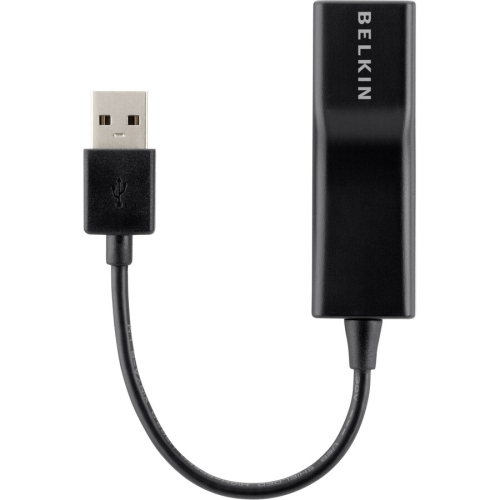 Your price for this item is $45.68
-
 Your price for this item is $35.91
-
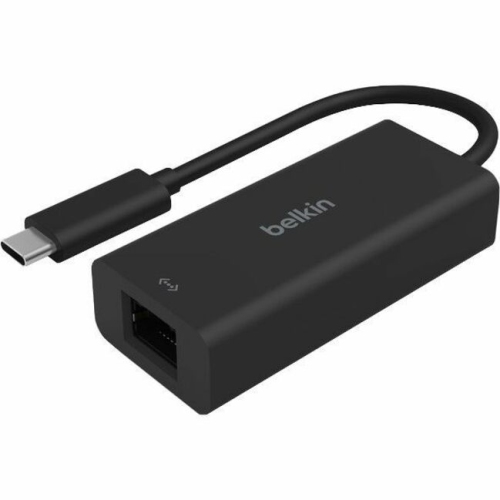 Your price for this item is $77.68
-
 Your price for this item is $649.57
-
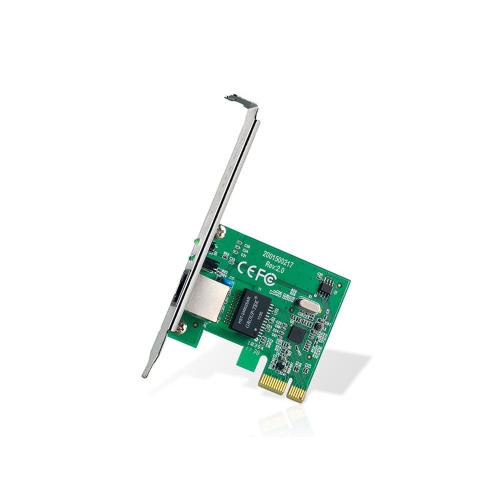 Your price for this item is $23.99
-
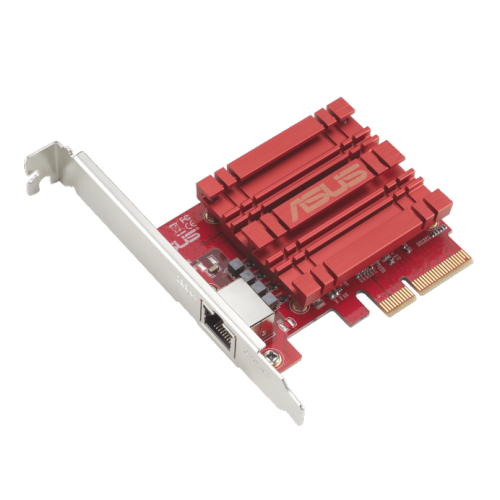 Your price for this item is $129.99
-
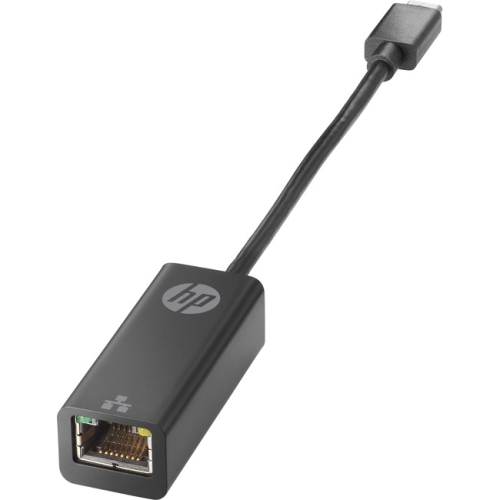 Your price for this item is $62.68
-
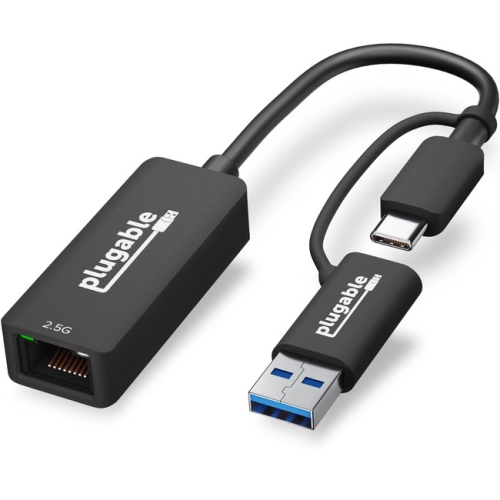 Your price for this item is $56.37
Discover more categories related to Network Adapters

Top Collections:
Best Black Friday Deals This Year, Best Black Friday Deals On Electronics, Kindle Devices, Pokemon Centers, Best Black Friday Deals On Apple Products, Best Cameras for Sports Photography, Dyson Airwrap, Pokémon 30th Celebration Cards, Apple iPhone 17 Pro, Canon G7X Cameras
Some products may be subject to Environmental Handling Fees
(EHF) depending on your province.
Learn more about EHFs.