Network Security Solutions
Network security is a critical aspect of safeguarding your digital assets and sensitive information from potential cyber threats. Explore a range of advanced network security solutions designed to protect your home or business network from unauthorized access, data breaches, and malicious cyber attacks. From robust firewalls and intrusion detection systems to secure VPNs and encryption tools, fortify your network defenses with innovative technologies that provide peace of mind in an increasingly interconnected world.
Sort
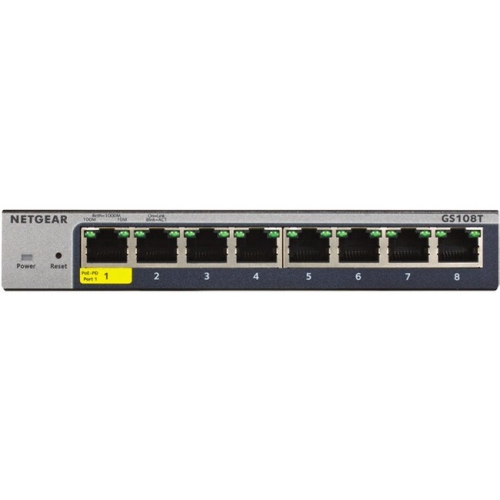
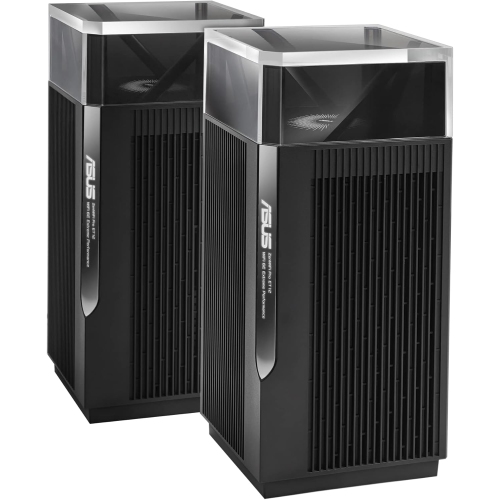
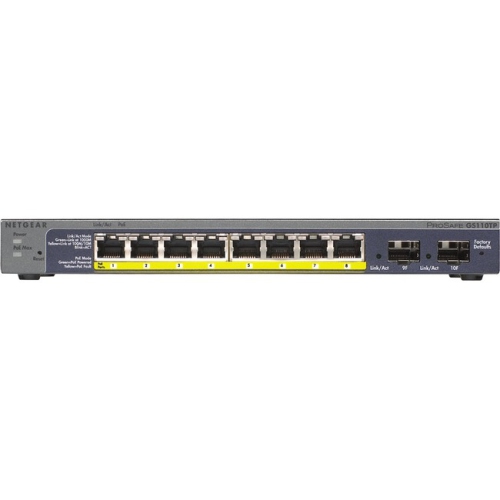
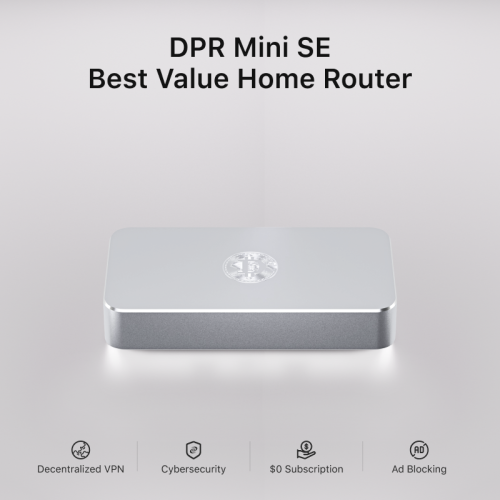
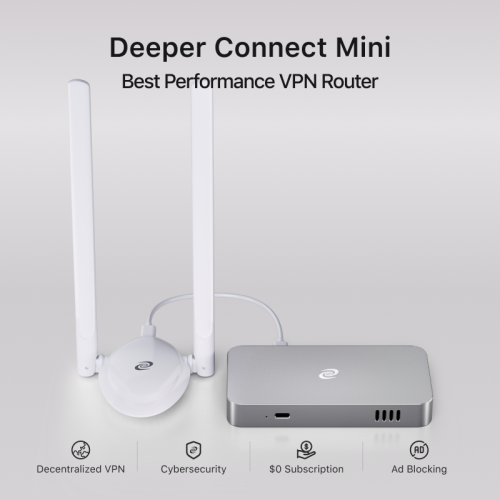
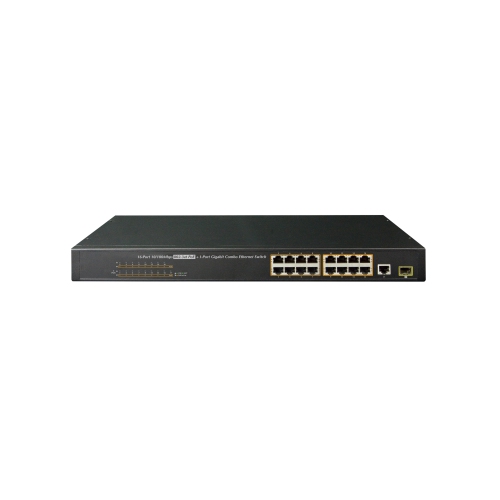
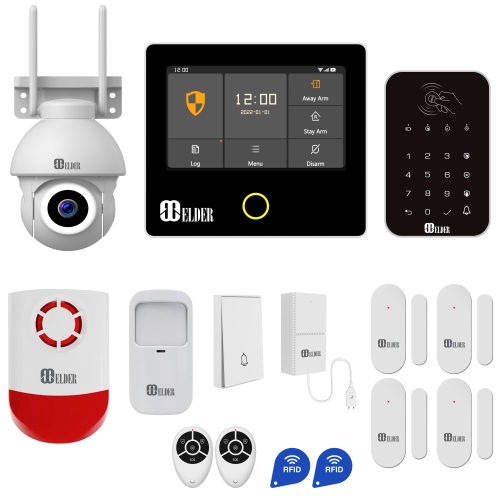

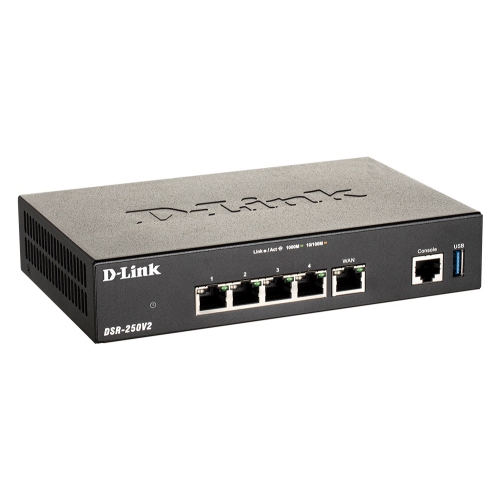
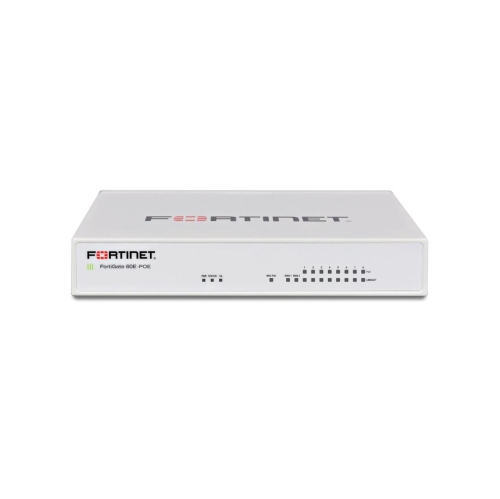
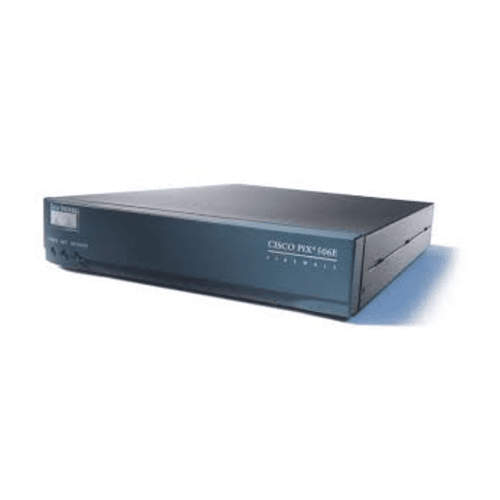

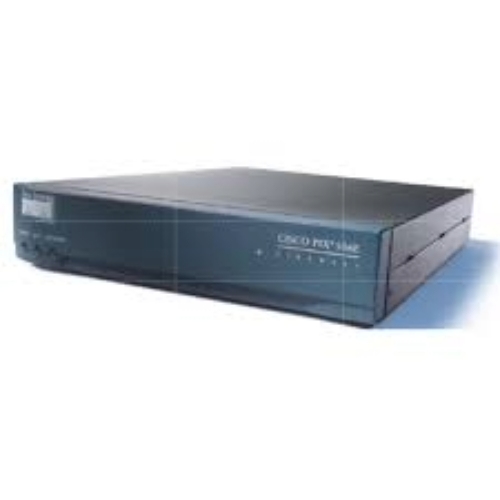
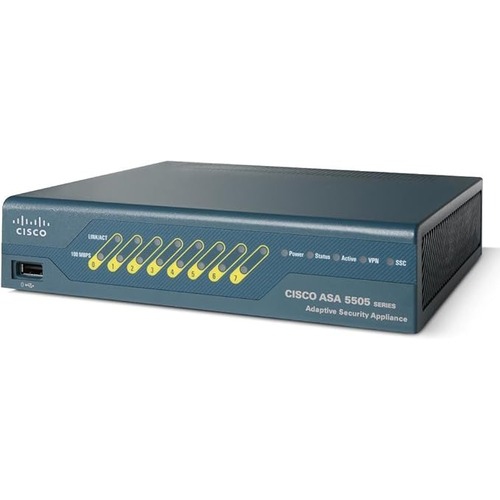
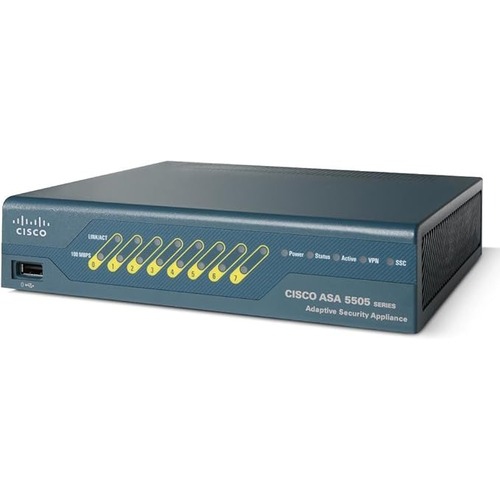
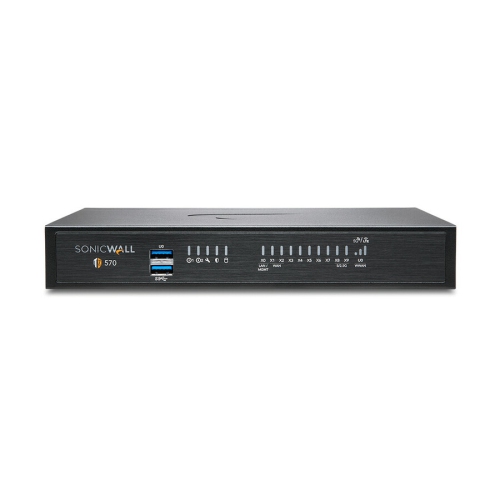

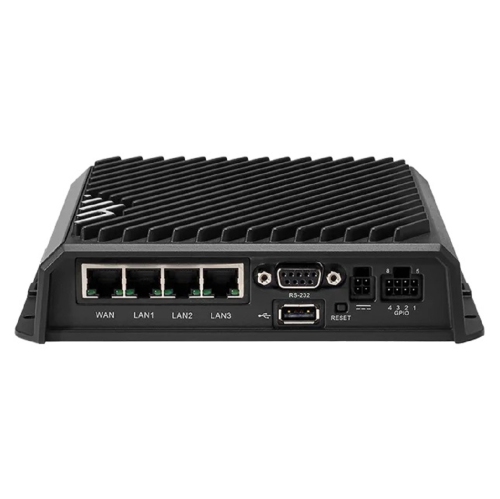
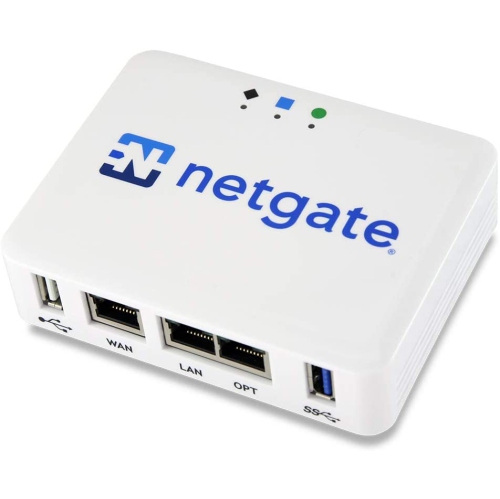
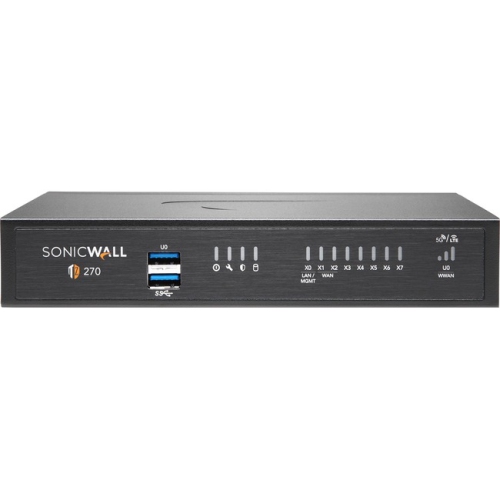
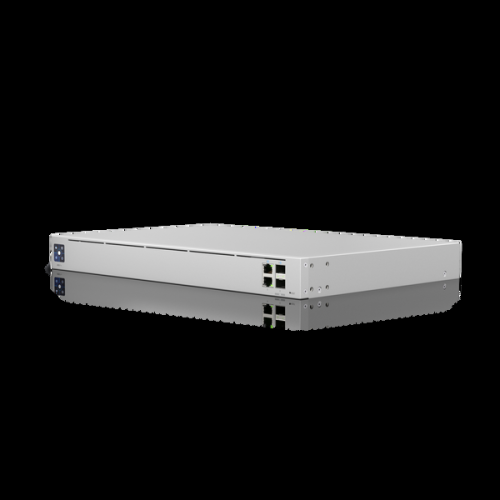


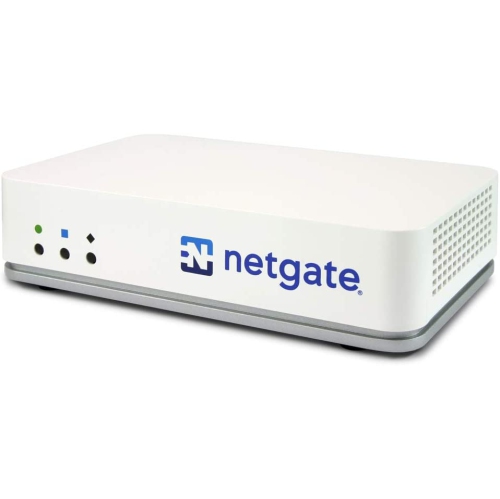


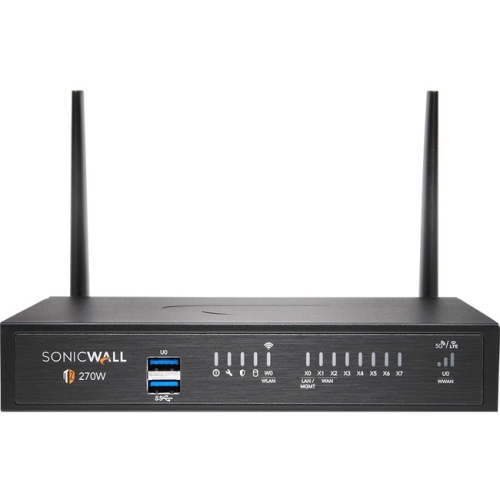
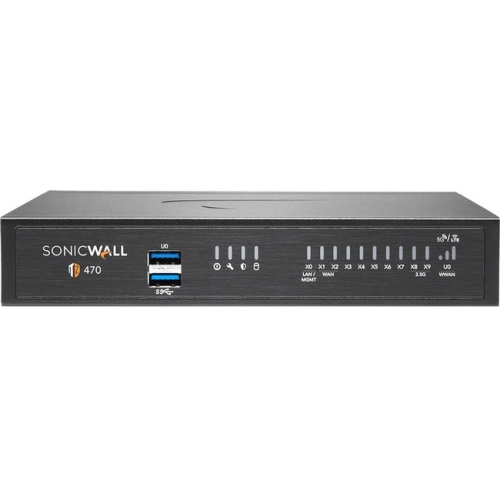
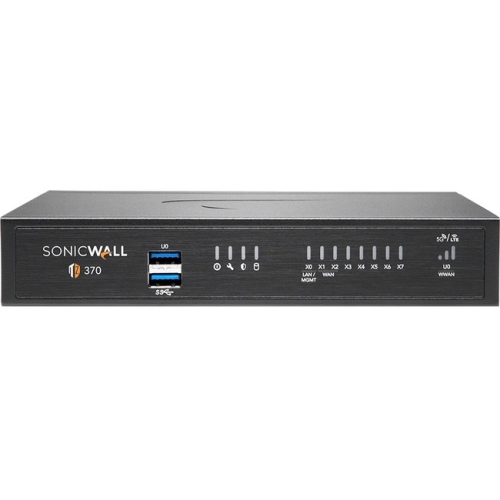
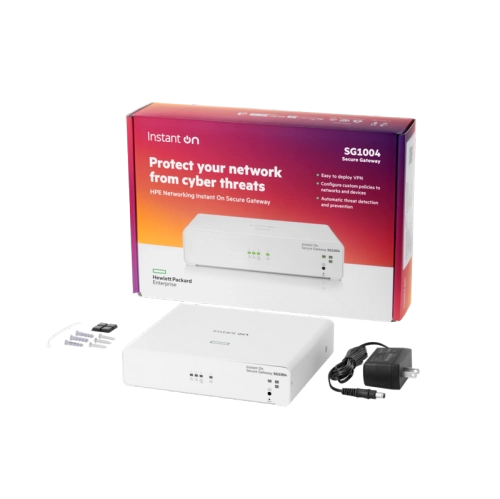
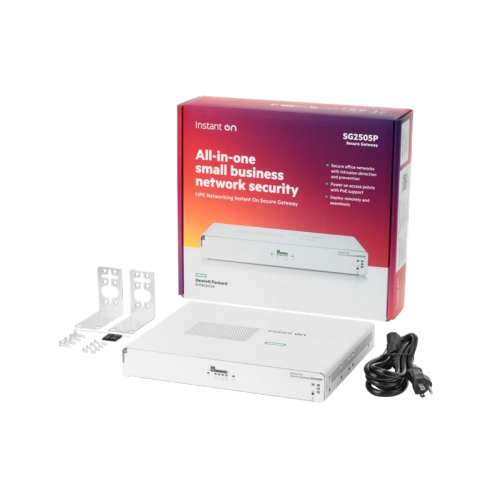






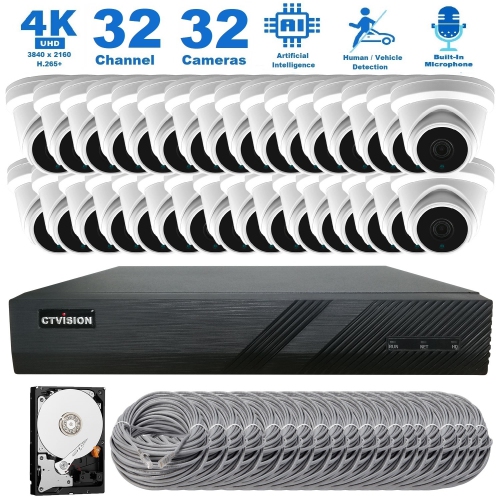
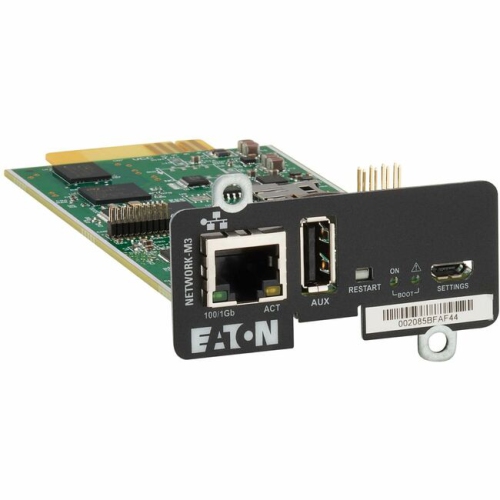
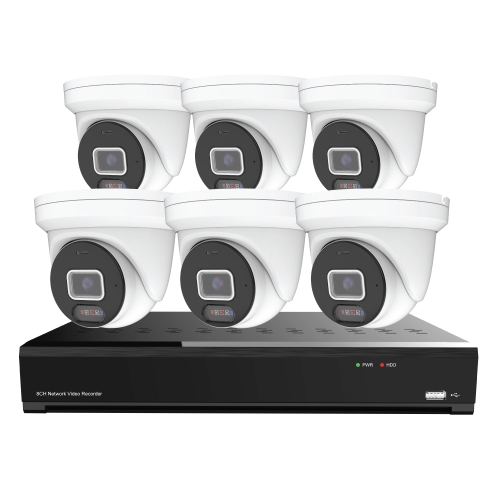
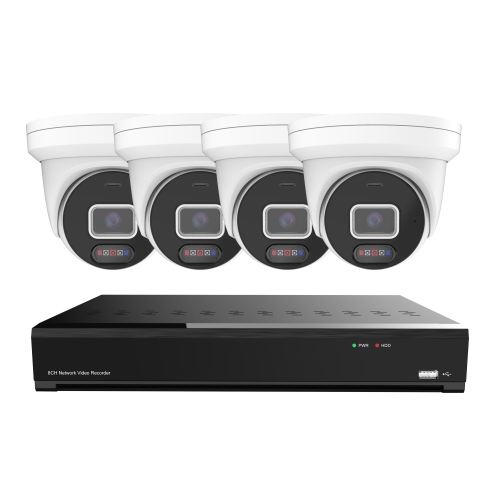
Layered protection for safer home and business networks
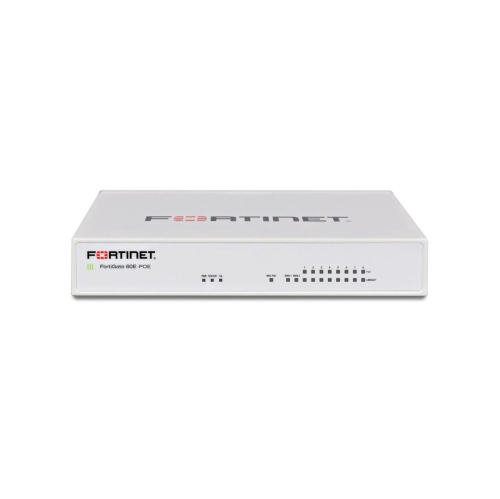
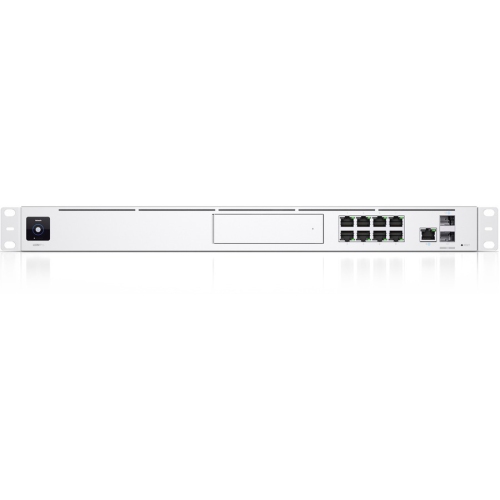
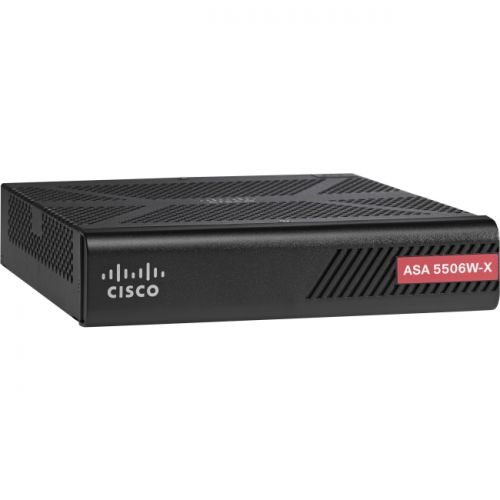
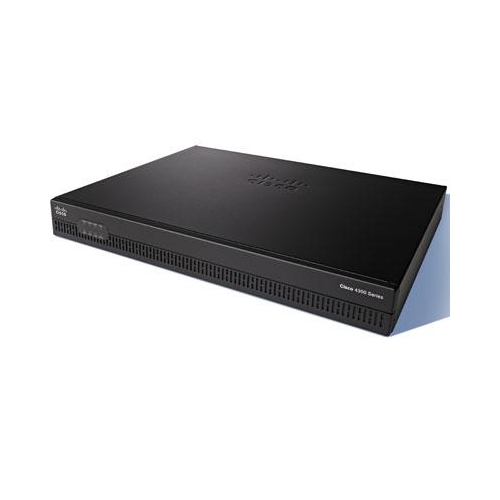
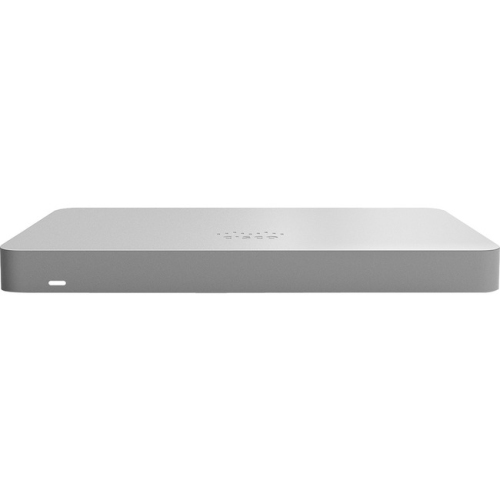
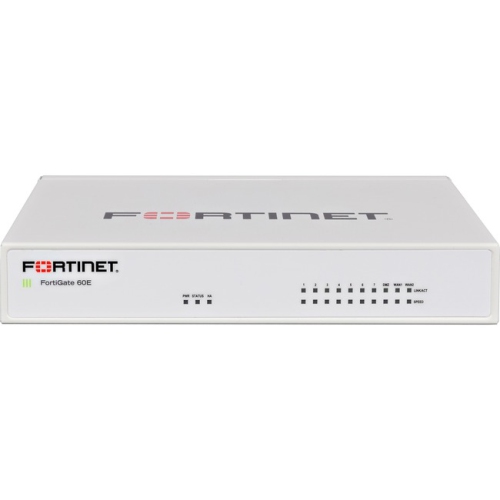
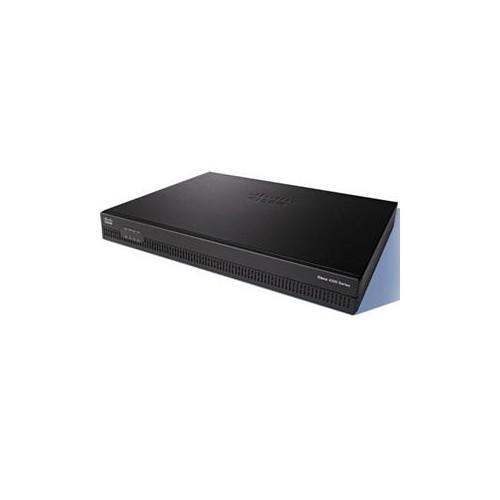
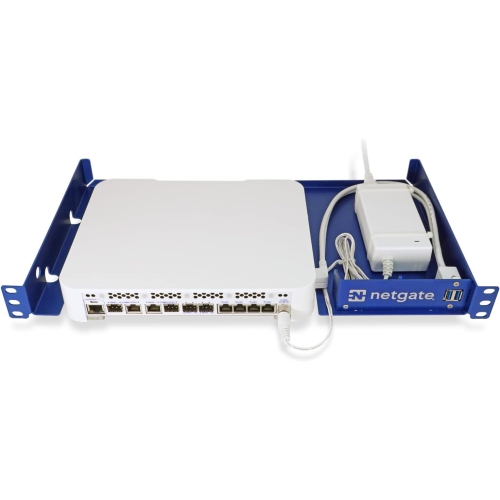
Network security solutions bring together the hardware, software, and cloud-based services used to protect a home office, small business, branch location, or larger organization from unauthorized access, cyberattacks, and data loss. Rather than relying on one layer of protection, a well-planned setup uses several complementary controls to monitor traffic, verify users and devices, limit access, and respond to suspicious activity. Firewalls form a central part of many network security environments by filtering incoming and outgoing connections according to defined rules. Next-generation firewalls add deeper inspection, application-level controls, and threat prevention features that can identify activity that basic traffic filtering may miss. Intrusion detection and prevention systems examine network traffic for signs of active exploit attempts, unusual connection patterns, or known attack behaviour, then provide alerts or block threats when prevention is enabled. Network access control adds another checkpoint by checking whether a user or device is authorized and meets required security conditions before joining the network. These solutions can be useful wherever several people, devices, applications, or locations share digital resources, from a home workspace with connected computers and printers to a growing company managing customer information, cloud accounts, and remote employees. For software-focused options, explore Network Security Softwares to compare solutions that can support safer browsing, device protection, access management, and other security needs.
Choosing the right network security solutions starts with understanding the environment they need to protect. Consider how many users and devices connect to the network, whether employees work from home or travel between locations, how much control is needed over applications and websites, and whether sensitive information is stored locally or in the cloud. A small office may benefit from straightforward firewall protection, secure wireless management, device monitoring, and clear administration tools, while a larger organization may need centralized controls that support multiple sites, departments, and permission levels. Zero Trust Network Access, often called ZTNA, verifies every user and device before granting access rather than assuming that anything inside the network is automatically trusted. This approach can be helpful for remote workforces, contractors, and organizations with cloud-based applications. Network segmentation divides a larger network into separate areas, such as guest access, employee devices, payment systems, security equipment, and servers, helping limit the spread of an incident if one device is compromised. Secure Access Service Edge, or SASE, combines wide-area networking with cloud-native security functions to support users and locations that may not connect through one central office. Data loss prevention tools monitor sensitive information as it is stored, accessed, or transferred, helping reduce the chance that confidential records, financial details, or regulated data will leave approved systems. When reviewing a solution, also look for compatibility with existing routers, operating systems, cloud platforms, and management tools, along with automatic updates, reporting, notifications, user controls, and support for the number of devices in the environment.
Network security solutions can make everyday digital activity feel more predictable and manageable. A small business owner might use access controls to ensure that staff members can reach the files and applications required for their roles without exposing administrative systems to everyone on the network. A family working and learning from home may want protection for computers, connected devices, and personal accounts, especially when the household network is busy with video calls, online shopping, streaming, and schoolwork. IT professionals can use traffic monitoring and behaviour-based analytics to spot unusual activity, such as a device connecting to unfamiliar destinations at an unusual hour or attempting to access parts of the network it has never used before. AI-driven analytics can help identify anomalies and support automated incident response, although alerts still benefit from thoughtful configuration and regular review. Network security is most effective when it is treated as an ongoing process: change default credentials, use strong unique passwords, enable multi-factor authentication where available, keep firmware and software updated, review connected devices, remove unused accounts, and maintain backups of important data. During the warmer and cooler parts of the year, homes and workplaces may see changes in occupancy, travel, staffing, or remote access patterns, making it useful to check that permissions and security settings still match the people and devices using the network. Whether the goal is to protect a personal workspace, support a growing team, or add structure to a complex IT environment, the best solution is one that fits the network’s size, risk level, technical requirements, and the people responsible for managing it.
Choosing the right network security solutions starts with understanding the environment they need to protect. Consider how many users and devices connect to the network, whether employees work from home or travel between locations, how much control is needed over applications and websites, and whether sensitive information is stored locally or in the cloud. A small office may benefit from straightforward firewall protection, secure wireless management, device monitoring, and clear administration tools, while a larger organization may need centralized controls that support multiple sites, departments, and permission levels. Zero Trust Network Access, often called ZTNA, verifies every user and device before granting access rather than assuming that anything inside the network is automatically trusted. This approach can be helpful for remote workforces, contractors, and organizations with cloud-based applications. Network segmentation divides a larger network into separate areas, such as guest access, employee devices, payment systems, security equipment, and servers, helping limit the spread of an incident if one device is compromised. Secure Access Service Edge, or SASE, combines wide-area networking with cloud-native security functions to support users and locations that may not connect through one central office. Data loss prevention tools monitor sensitive information as it is stored, accessed, or transferred, helping reduce the chance that confidential records, financial details, or regulated data will leave approved systems. When reviewing a solution, also look for compatibility with existing routers, operating systems, cloud platforms, and management tools, along with automatic updates, reporting, notifications, user controls, and support for the number of devices in the environment.
Network security solutions can make everyday digital activity feel more predictable and manageable. A small business owner might use access controls to ensure that staff members can reach the files and applications required for their roles without exposing administrative systems to everyone on the network. A family working and learning from home may want protection for computers, connected devices, and personal accounts, especially when the household network is busy with video calls, online shopping, streaming, and schoolwork. IT professionals can use traffic monitoring and behaviour-based analytics to spot unusual activity, such as a device connecting to unfamiliar destinations at an unusual hour or attempting to access parts of the network it has never used before. AI-driven analytics can help identify anomalies and support automated incident response, although alerts still benefit from thoughtful configuration and regular review. Network security is most effective when it is treated as an ongoing process: change default credentials, use strong unique passwords, enable multi-factor authentication where available, keep firmware and software updated, review connected devices, remove unused accounts, and maintain backups of important data. During the warmer and cooler parts of the year, homes and workplaces may see changes in occupancy, travel, staffing, or remote access patterns, making it useful to check that permissions and security settings still match the people and devices using the network. Whether the goal is to protect a personal workspace, support a growing team, or add structure to a complex IT environment, the best solution is one that fits the network’s size, risk level, technical requirements, and the people responsible for managing it.
Top selling and popular products
-
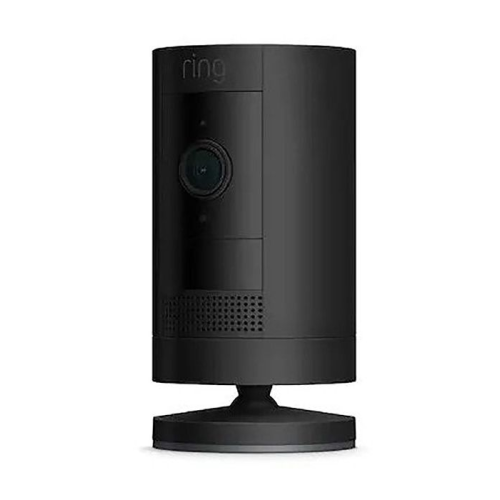 Your price for this item is $165
 -
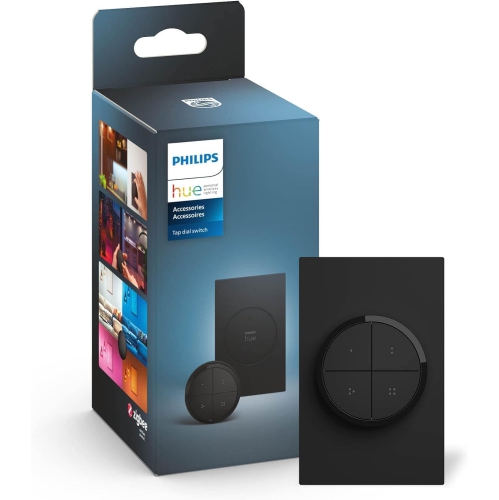 Your price for this item is $86.68
 -
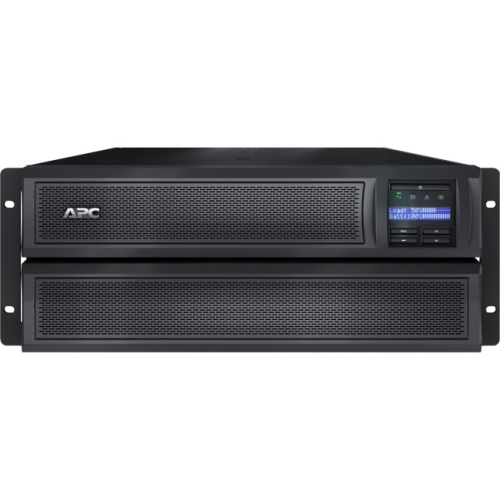 Your price for this item is $1282.5
 -
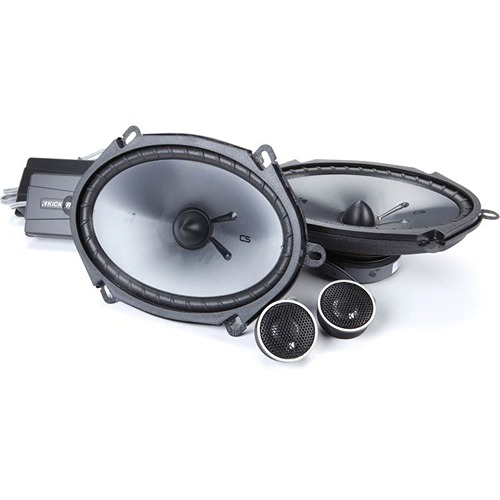 Your price for this item is $229.95
 -
 Your price for this item is $289.99
 -
 Your price for this item is $119.99
 -
 Your price for this item is $173.99
 -
 Your price for this item is $234.99
Discover more categories related to Network Security Solutions

Top Collections:
Pokemon Centers, Kindle Devices, Best Budget Office Chairs, Apple iPhones 16, Best Laptops for Writers, iPhone 15 Apple, Canon G7X Cameras, Refurbished Apple Laptops, Alarm Clock, Motorola Razr Phones
Some products may be subject to Environmental Handling Fees
(EHF) depending on your province.
Learn more about EHFs.