Nvidia Quadro Laptops
Discover the power and performance of Nvidia Quadro laptops, designed to meet the demands of professionals and creatives alike. Whether you're a graphic designer, architect, or content creator, these laptops are engineered to deliver exceptional graphics capabilities and seamless multitasking. With cutting-edge technology and advanced features, Nvidia Quadro laptops offer unparalleled efficiency and reliability for your most demanding tasks. Elevate your productivity and creativity with a laptop that is built to exceed expectations.
Sort
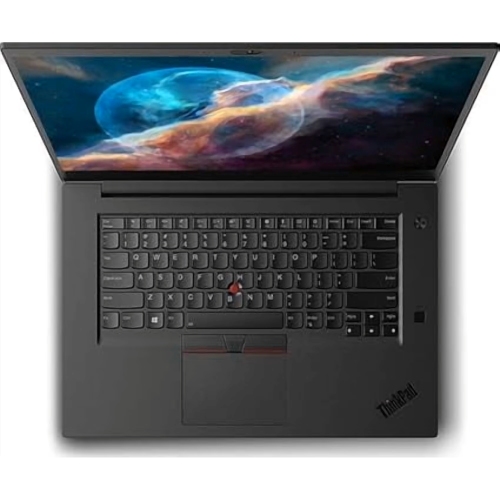
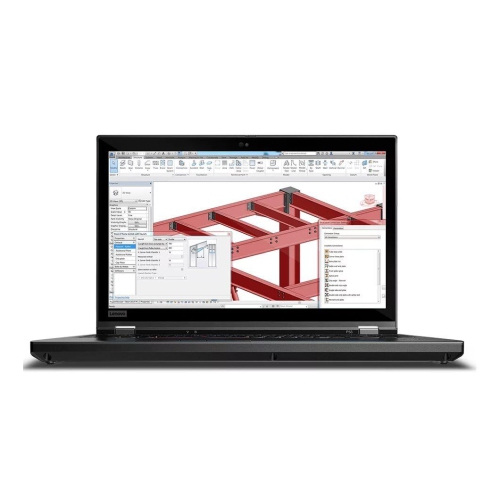
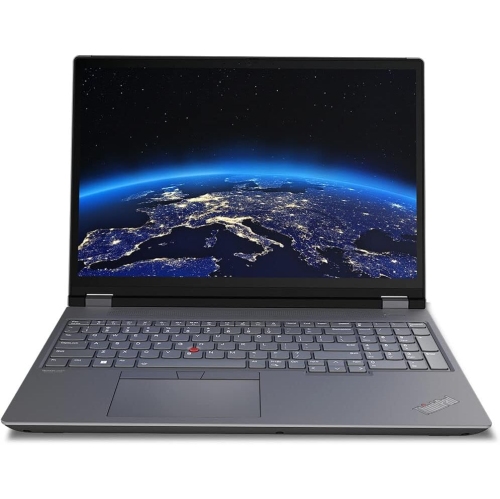
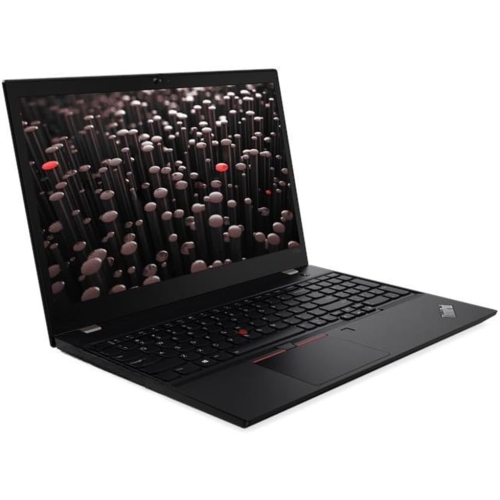
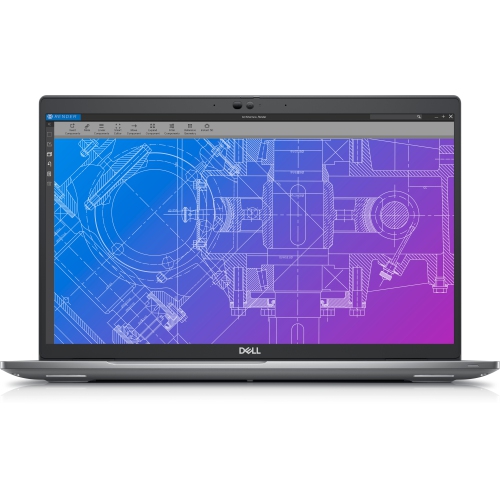
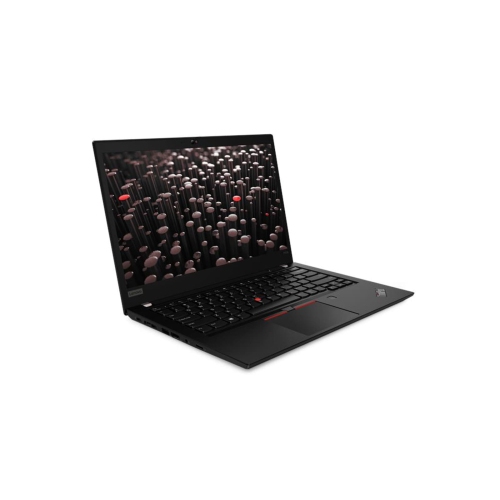
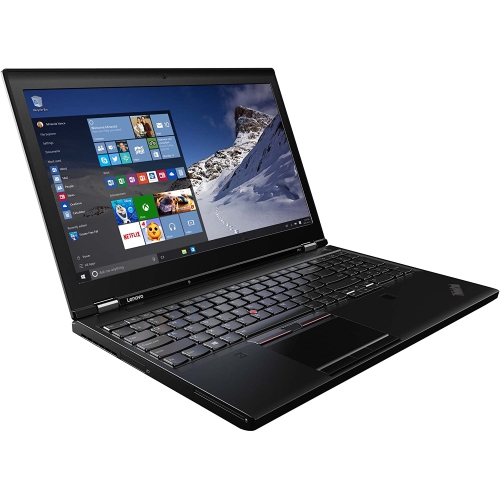
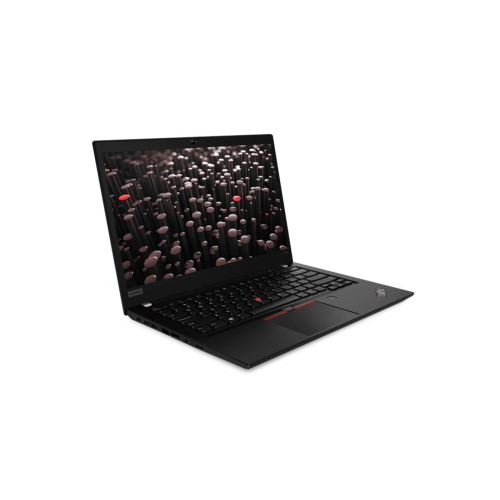
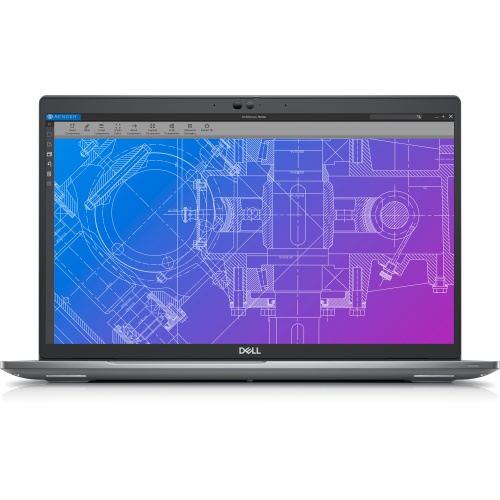
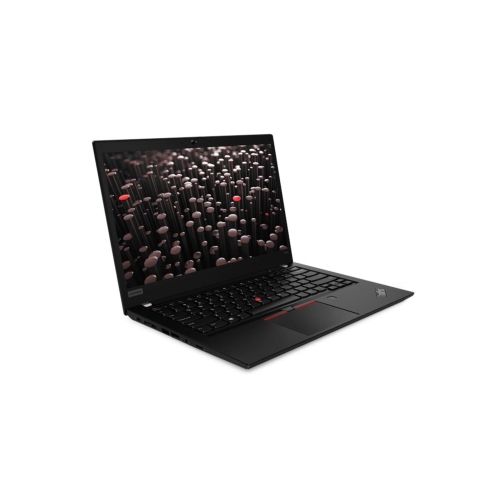
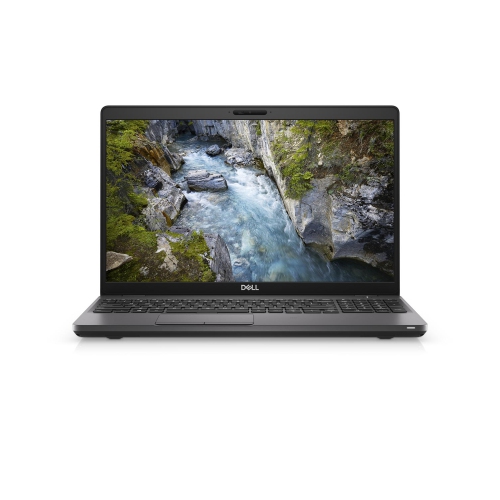
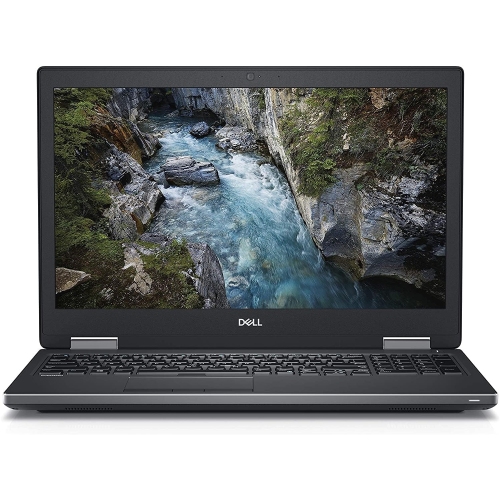
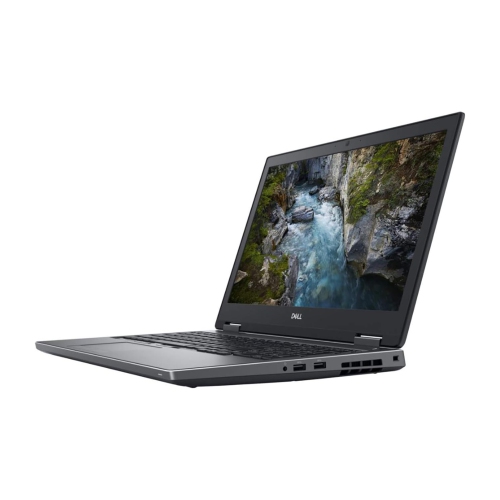
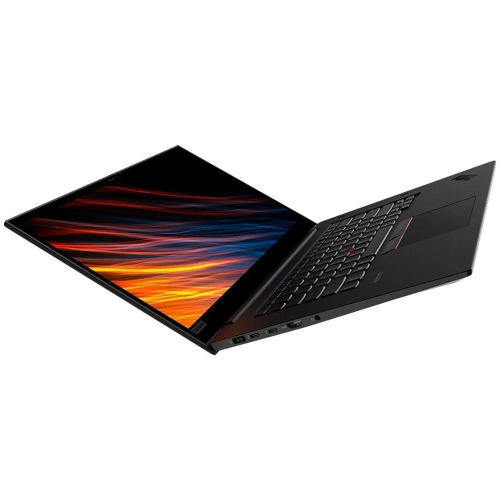
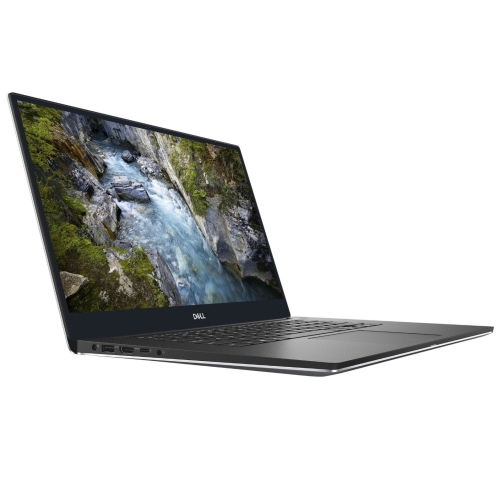
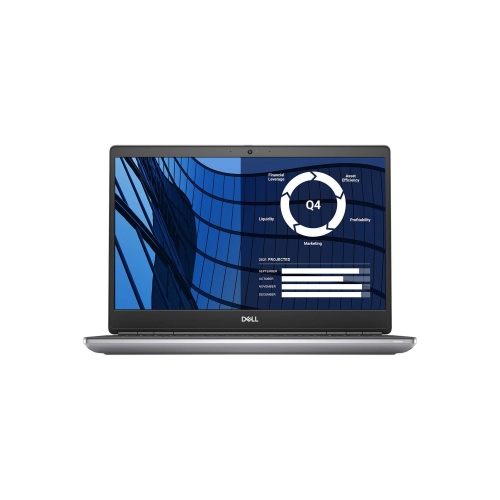
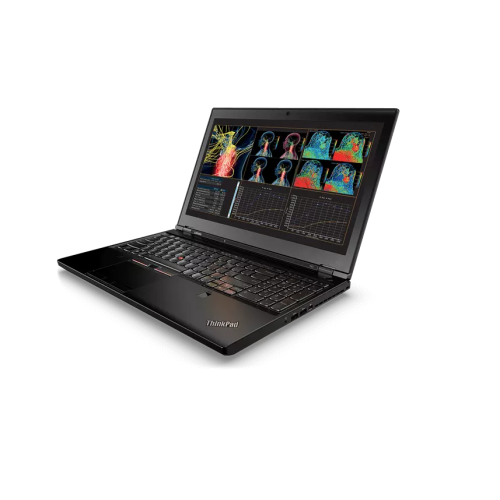
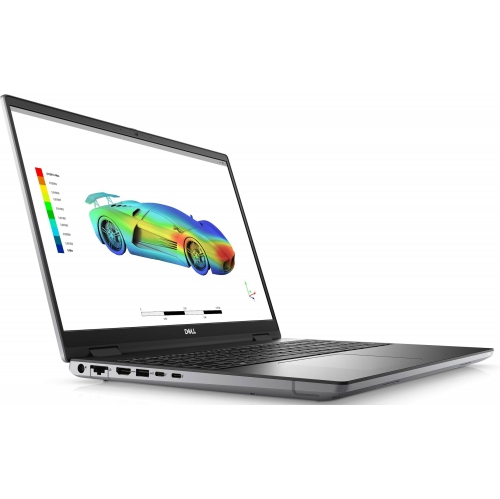
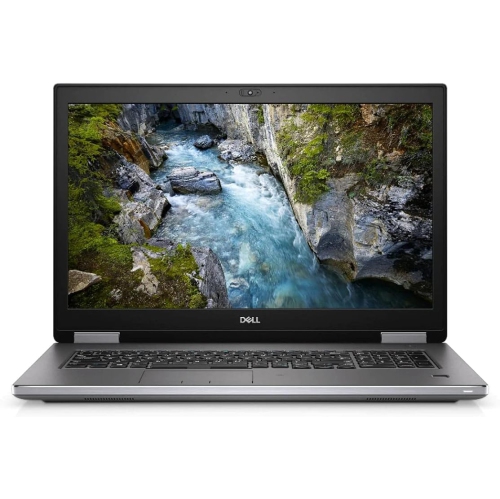
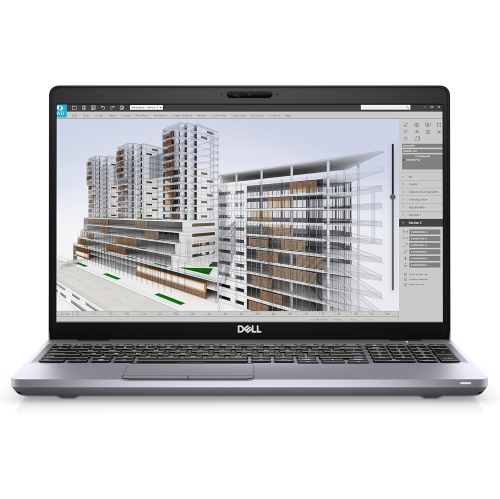

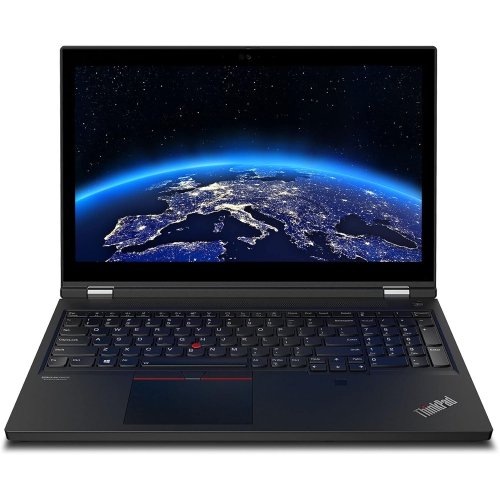
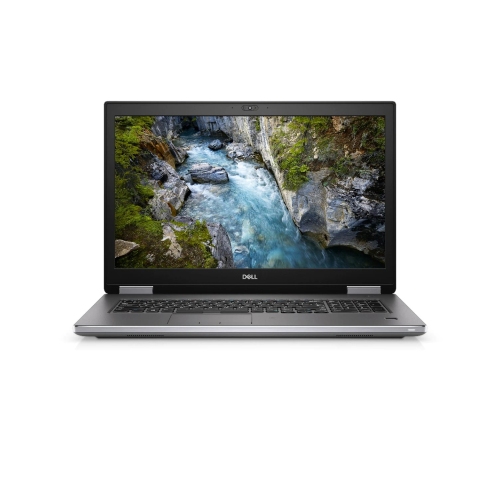
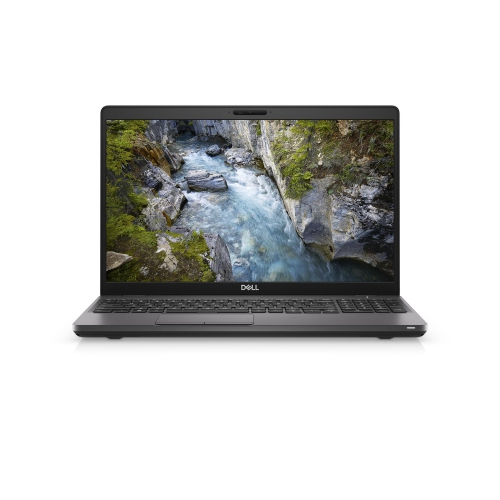
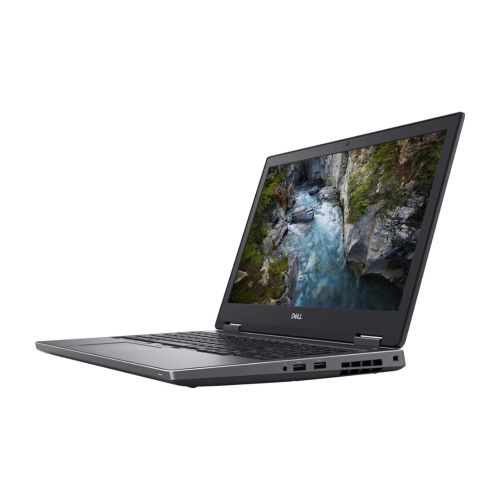
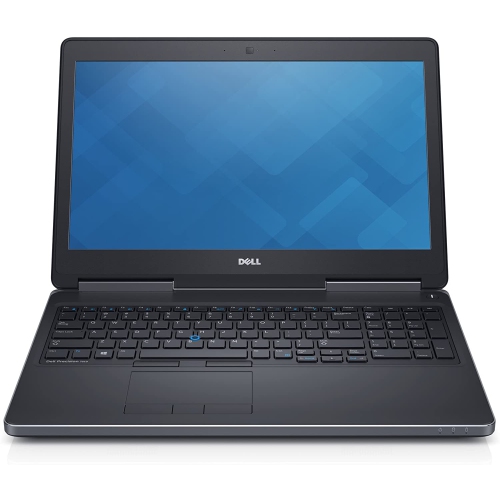
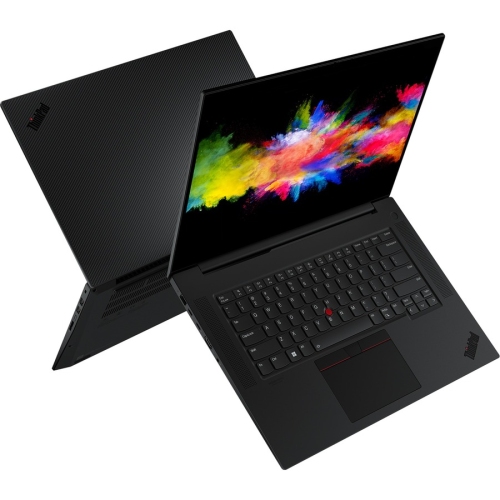
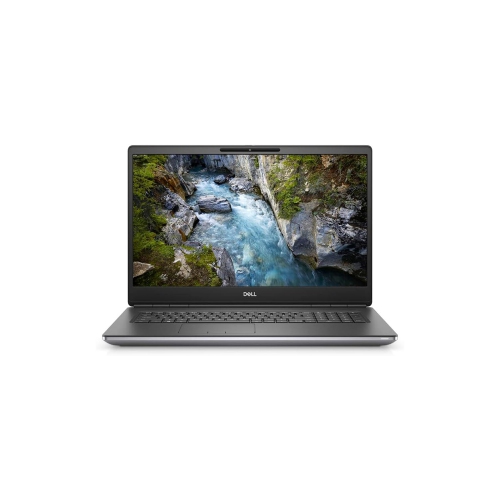
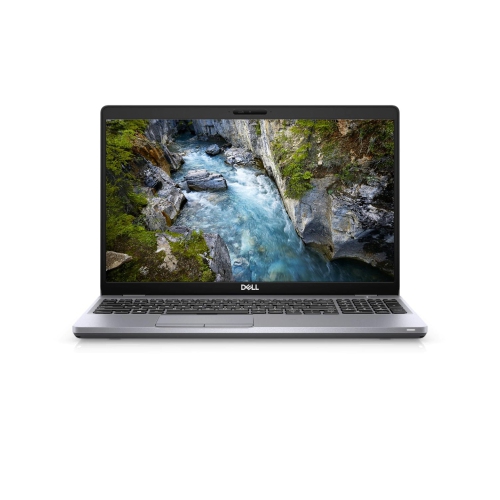
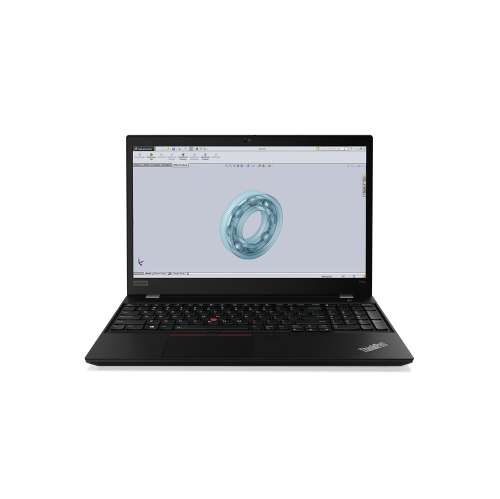
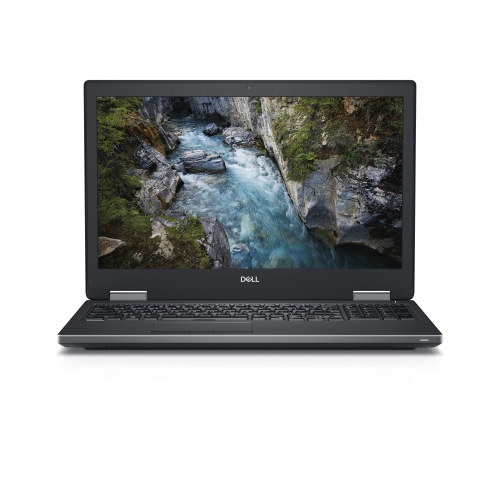
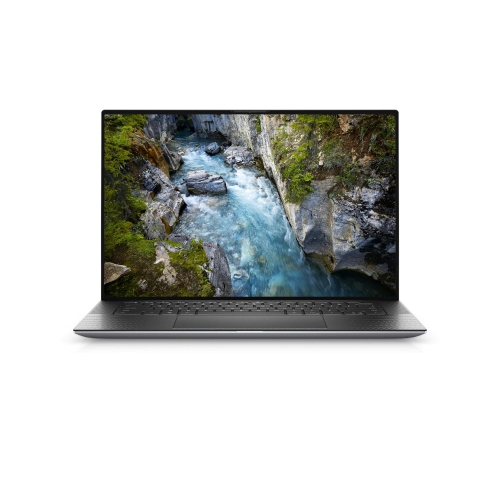
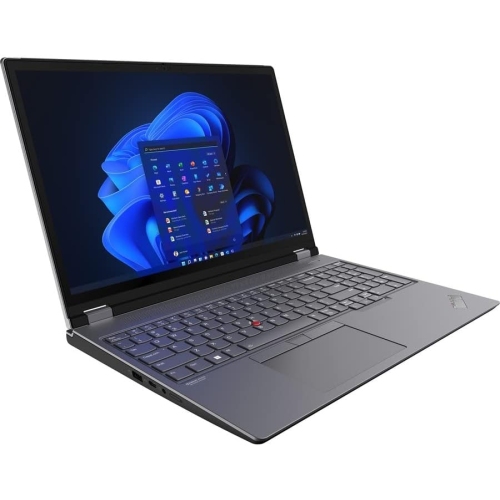
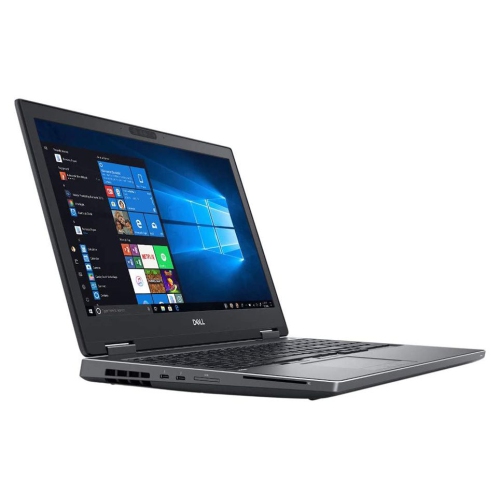
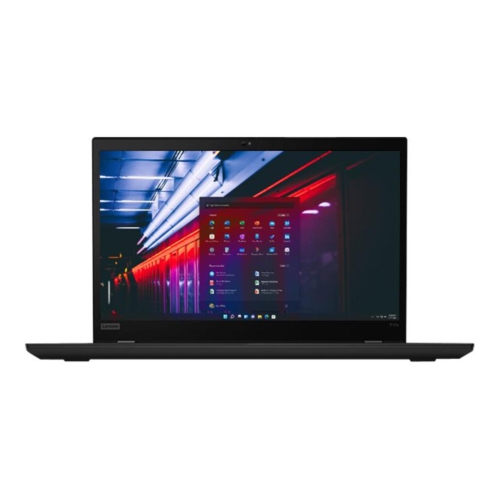
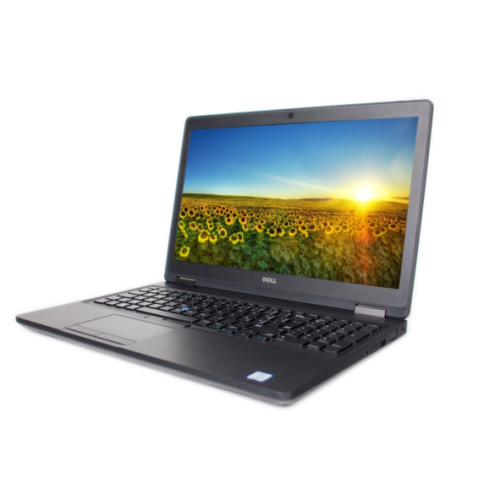
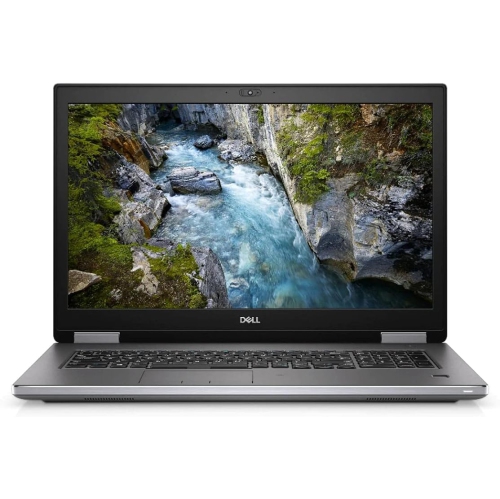
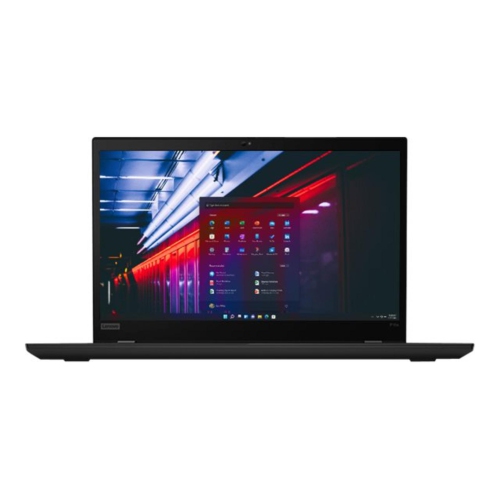
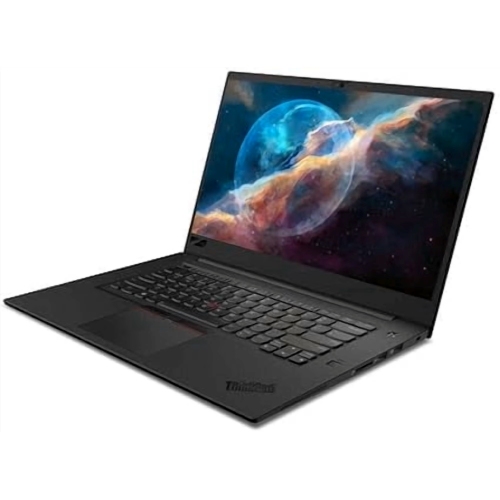
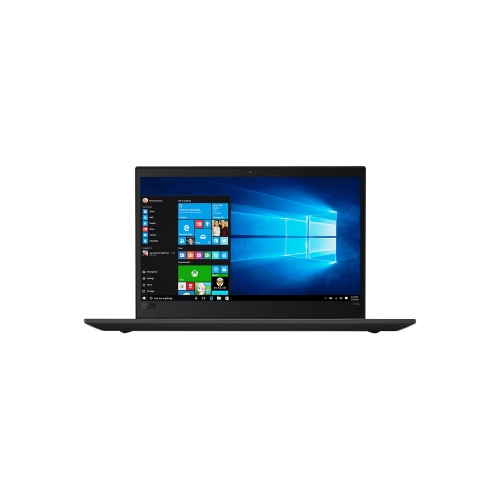
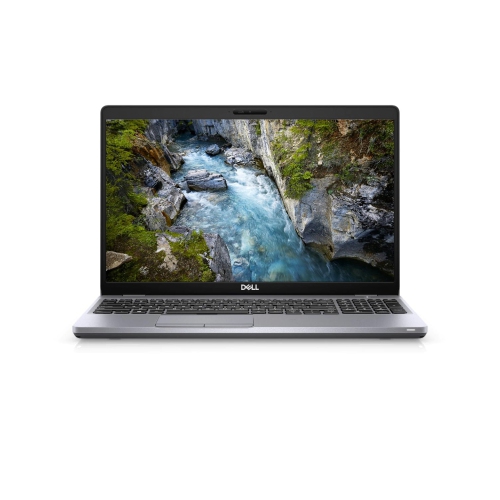
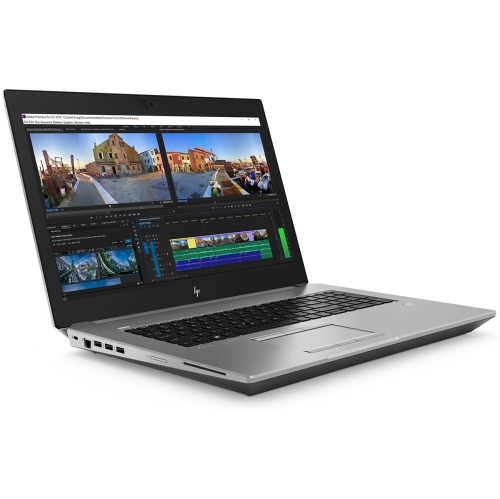
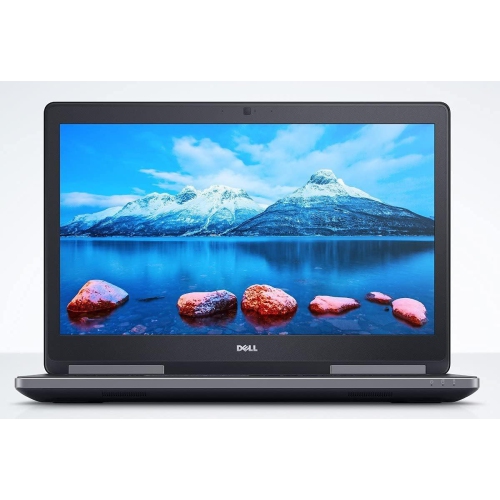
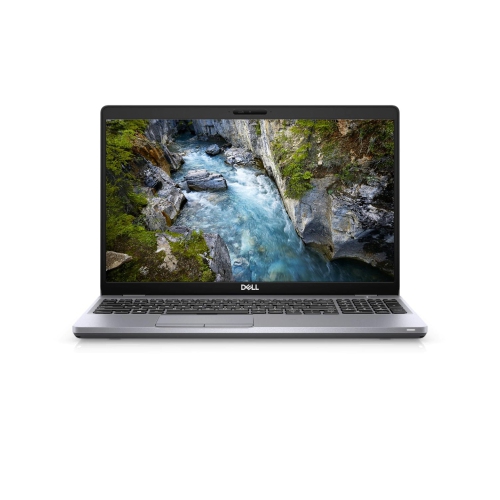
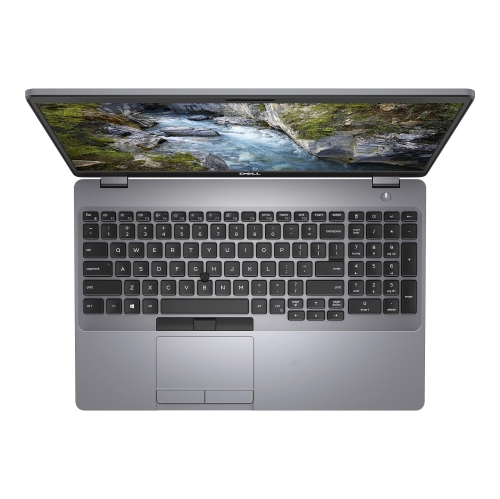
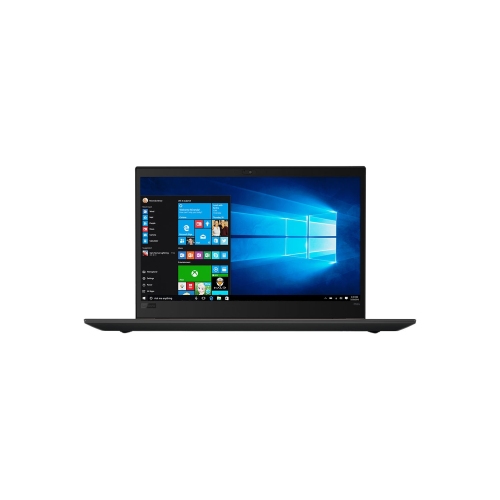
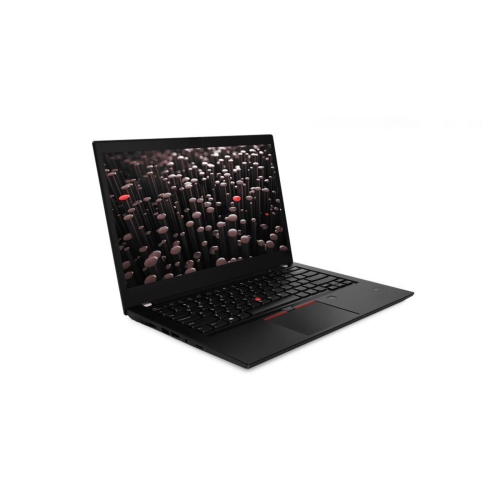
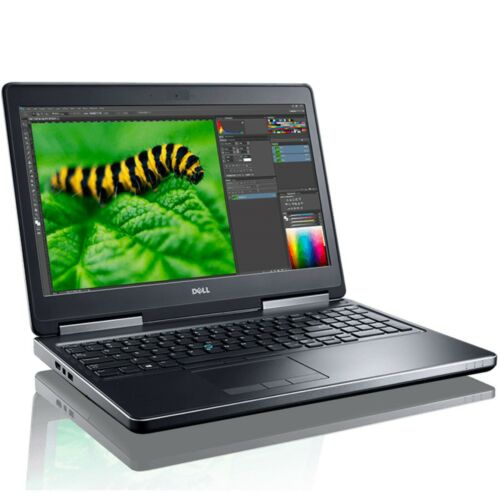
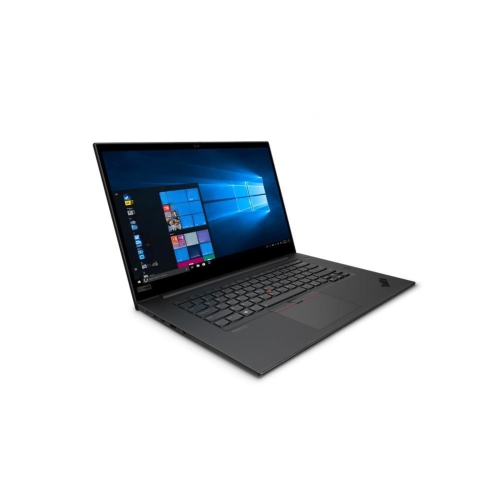
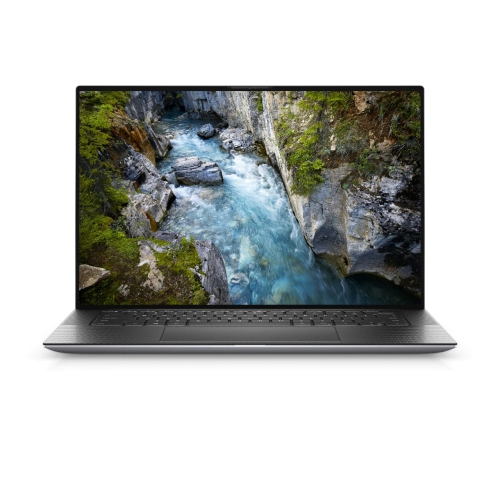
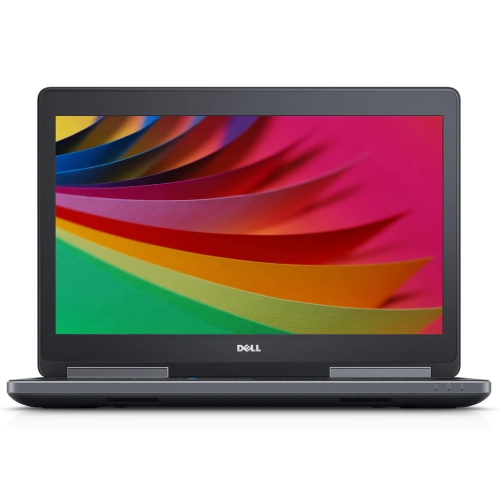
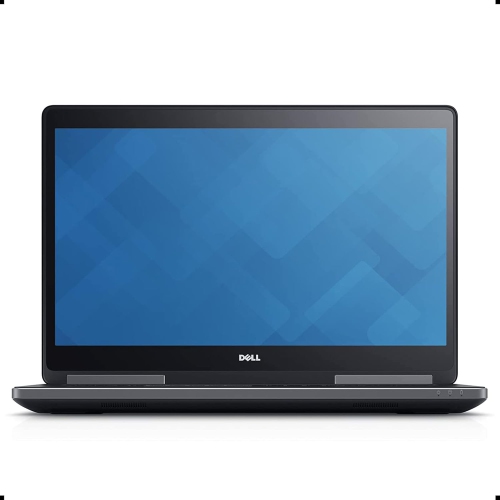
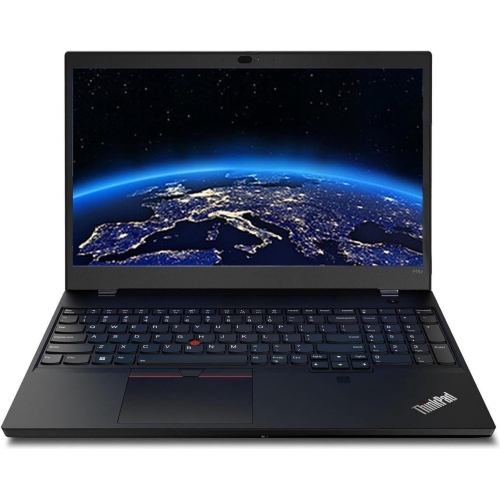
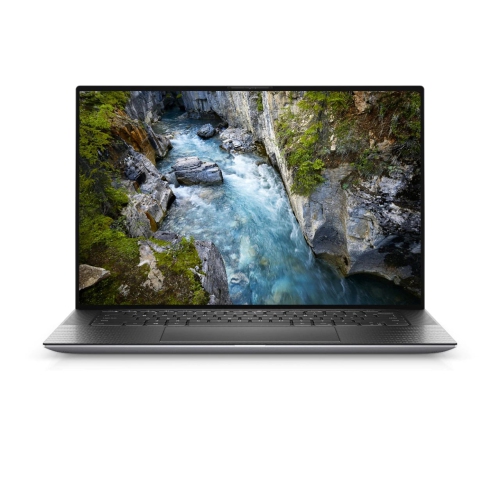
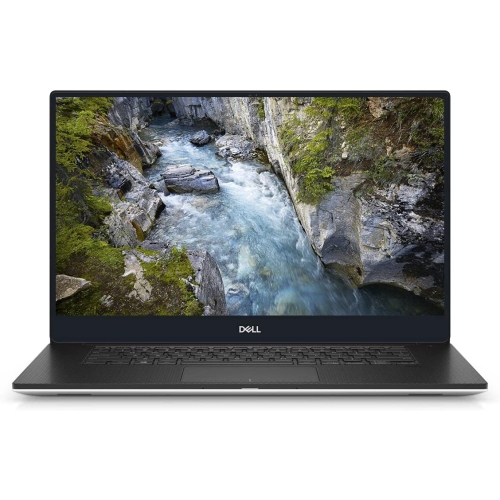
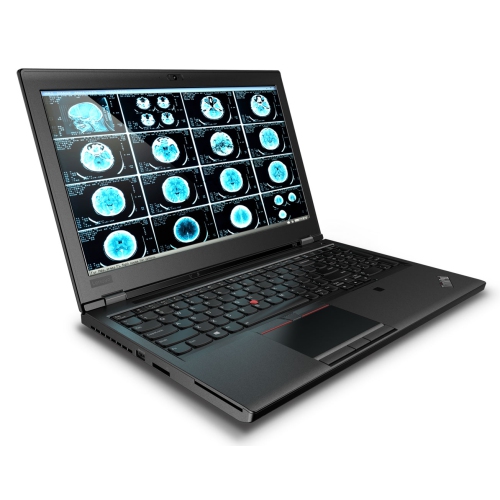
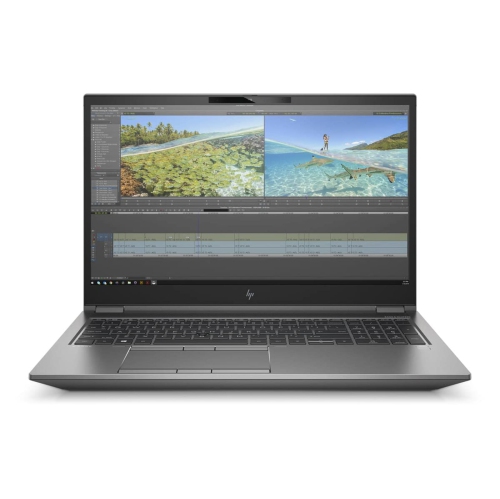
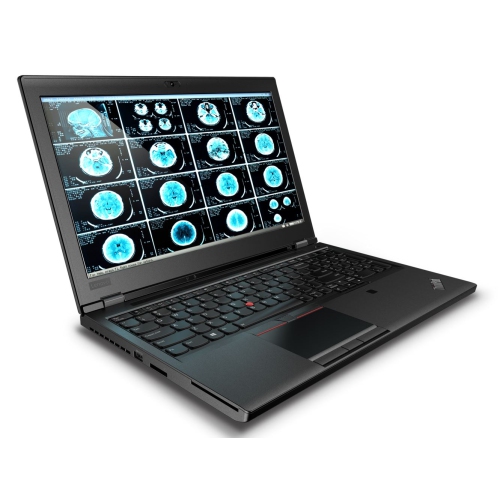
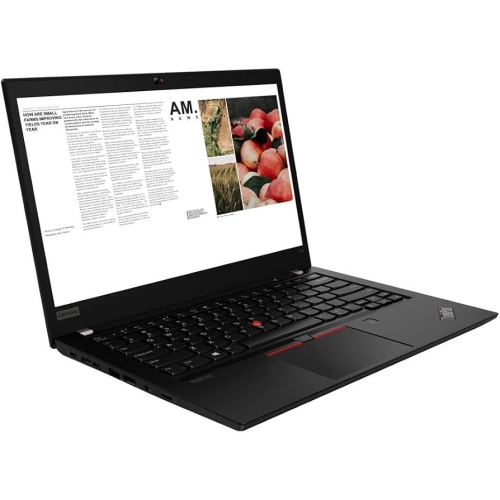
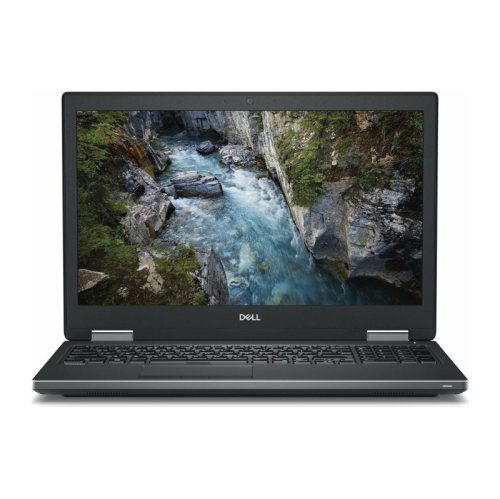
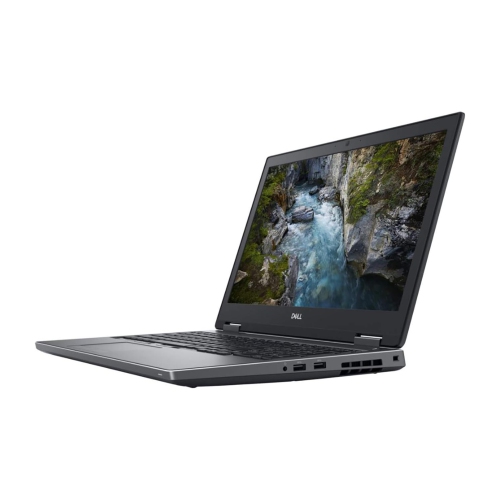
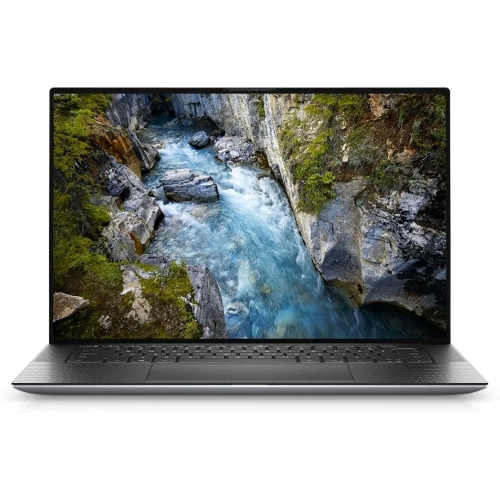
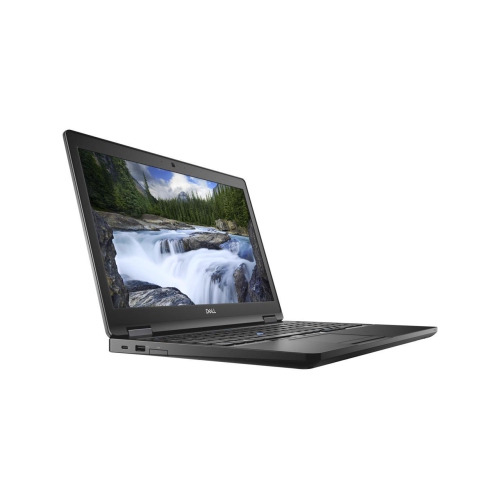
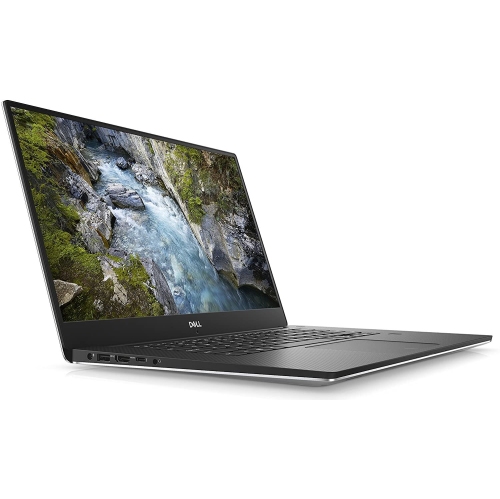
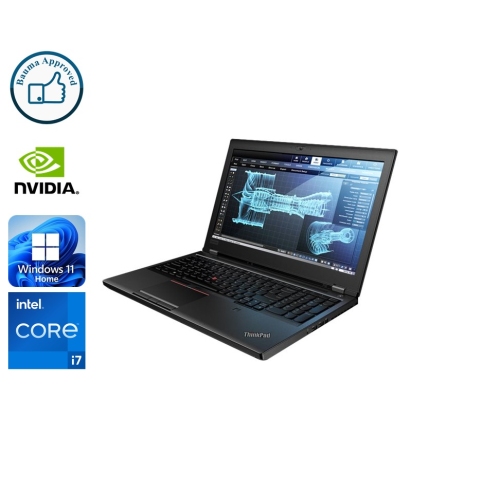
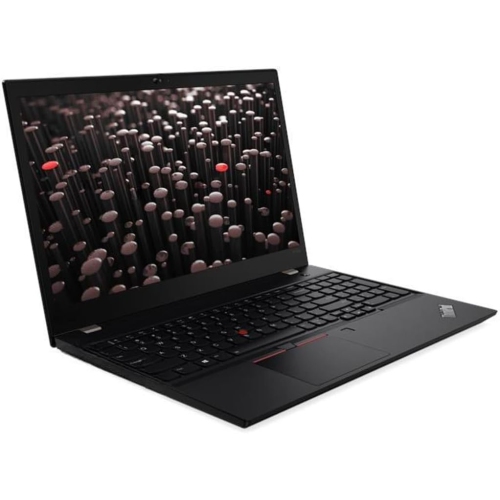
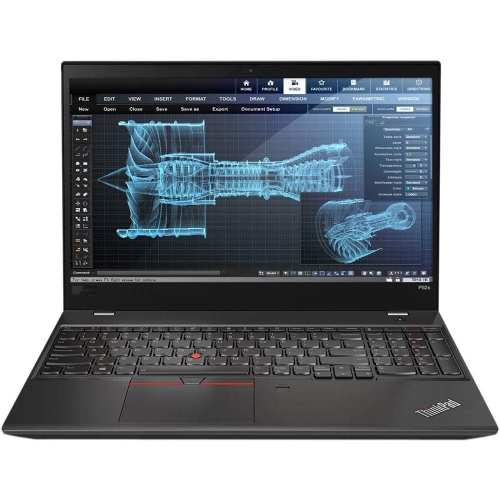
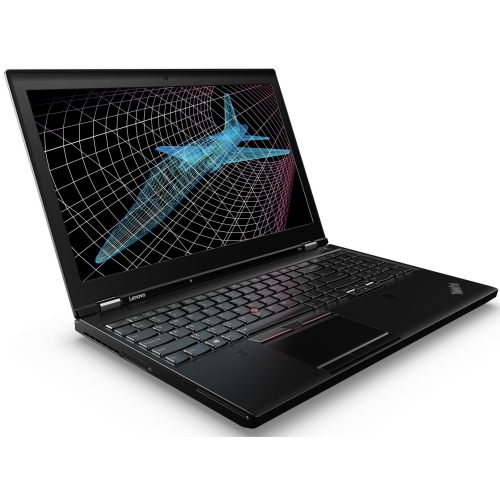
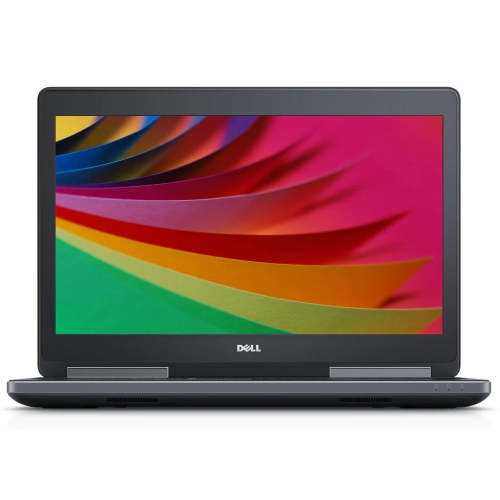
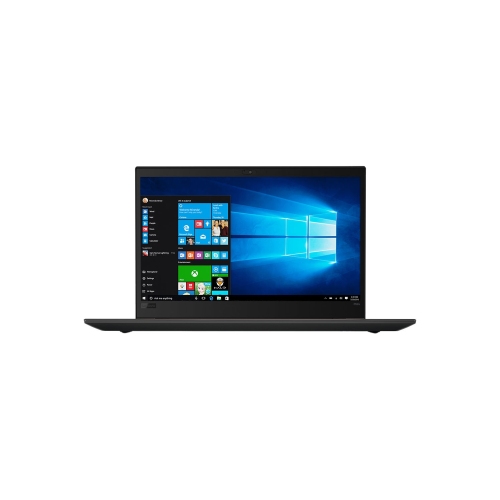
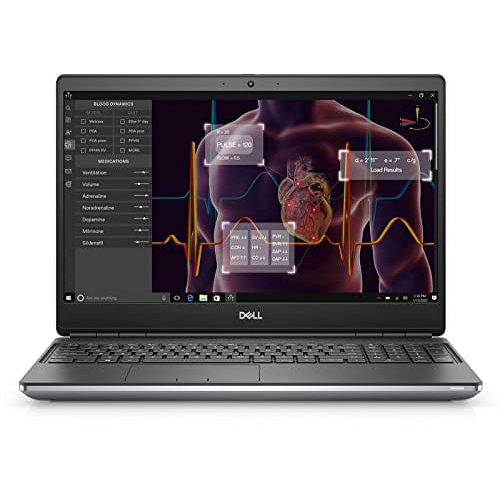
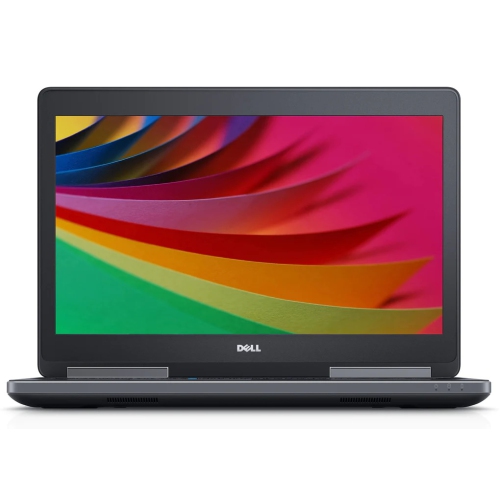
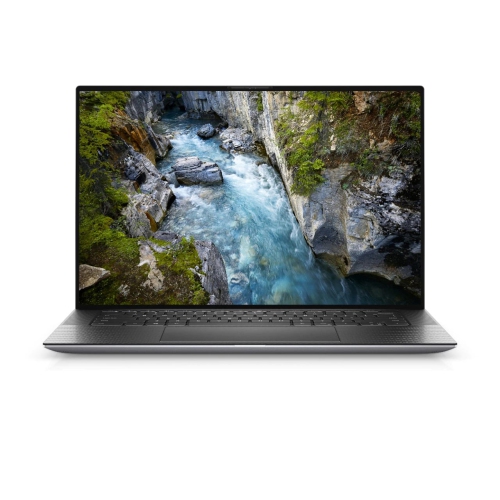
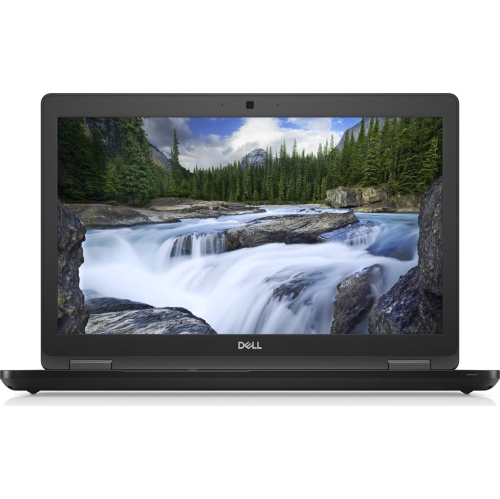
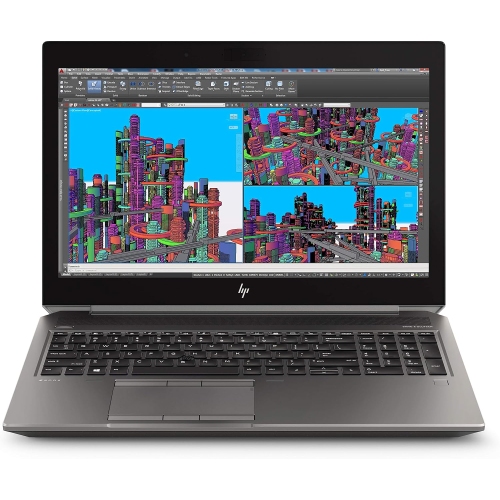
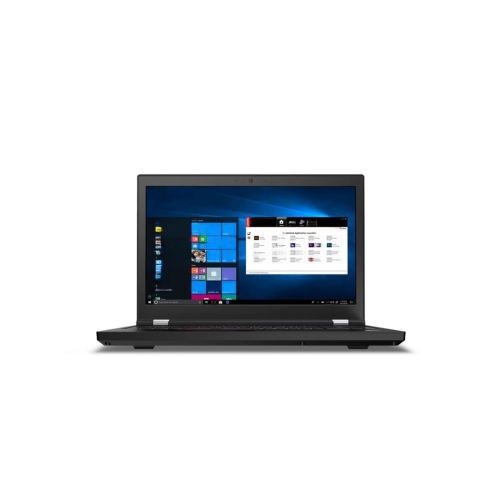
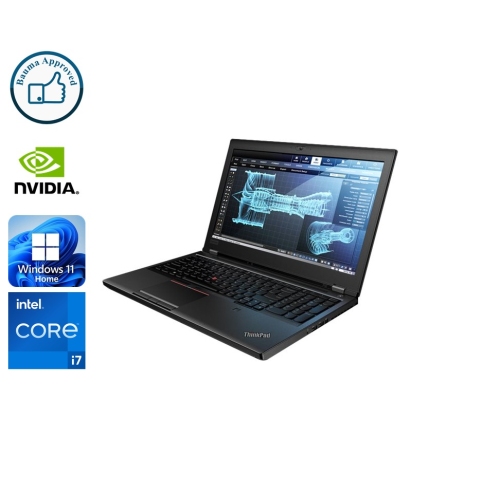
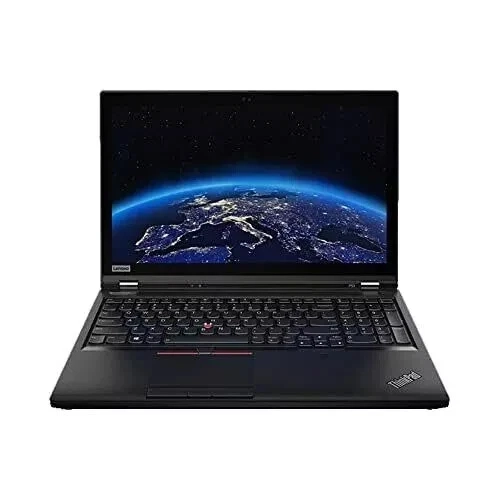
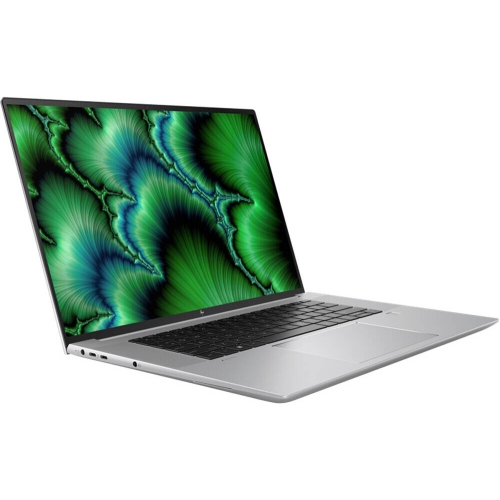
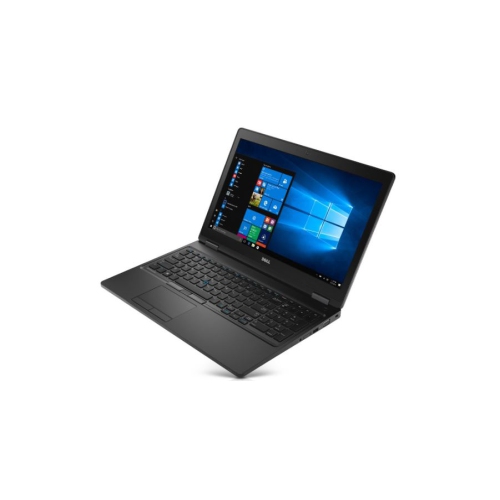
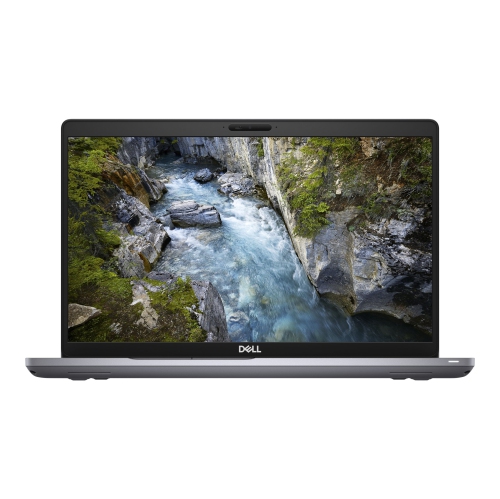
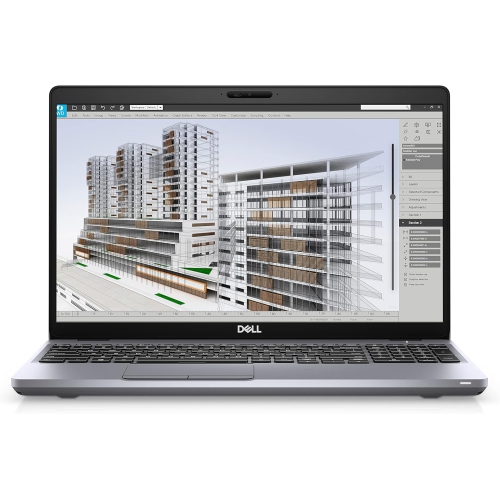
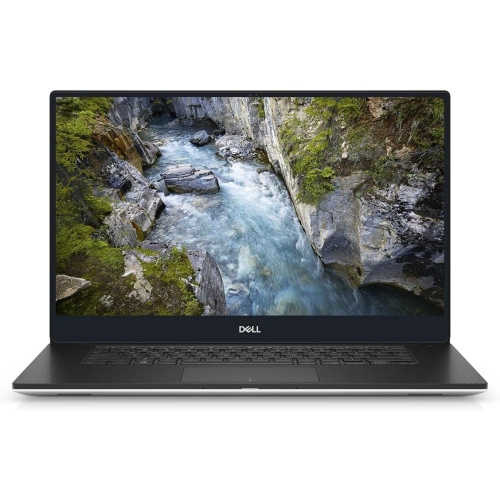
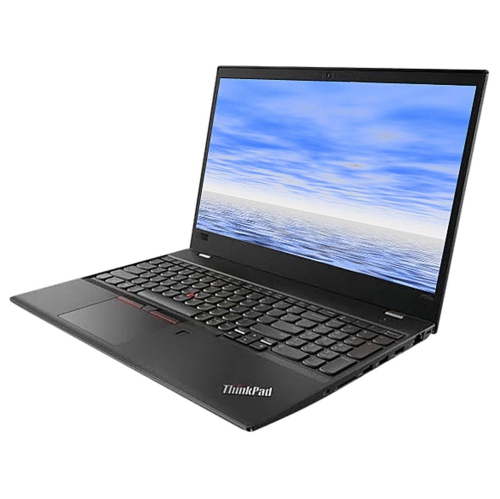
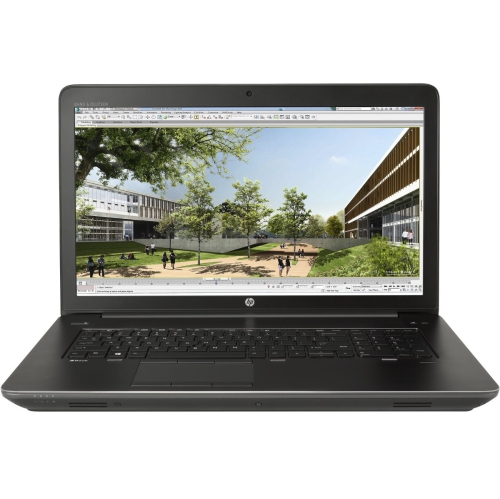
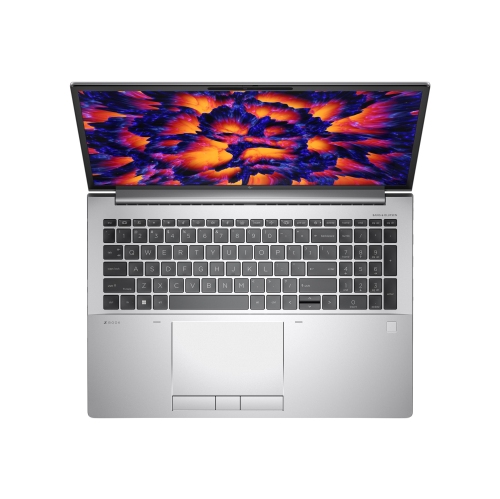
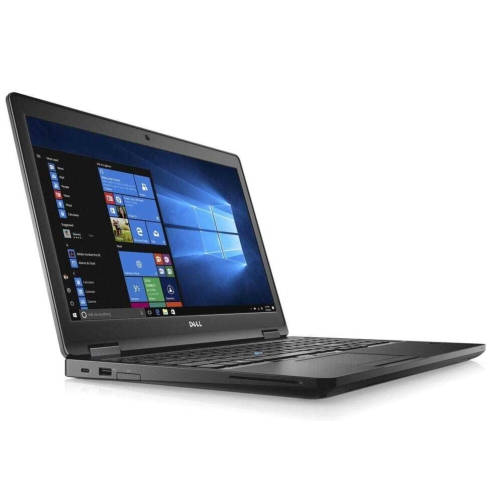
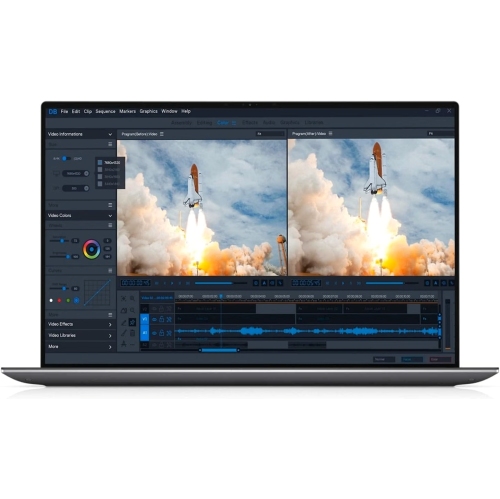
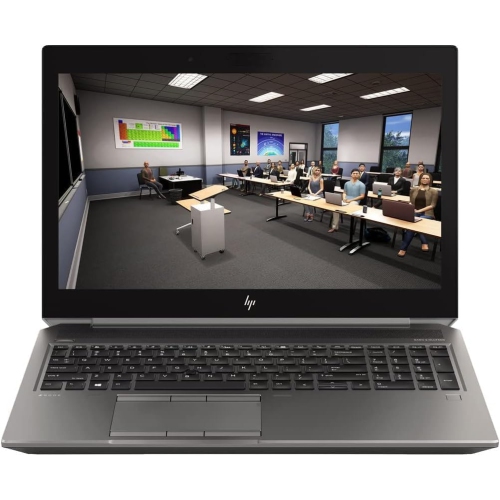
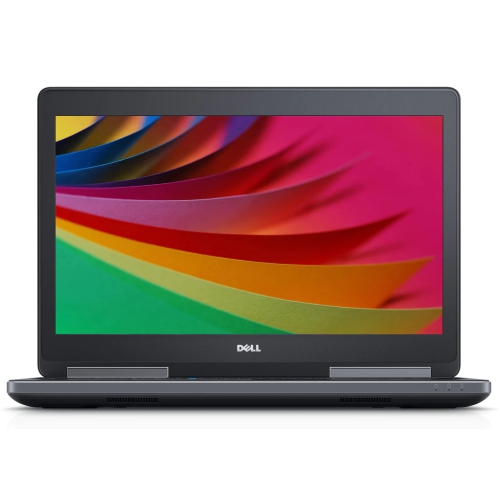
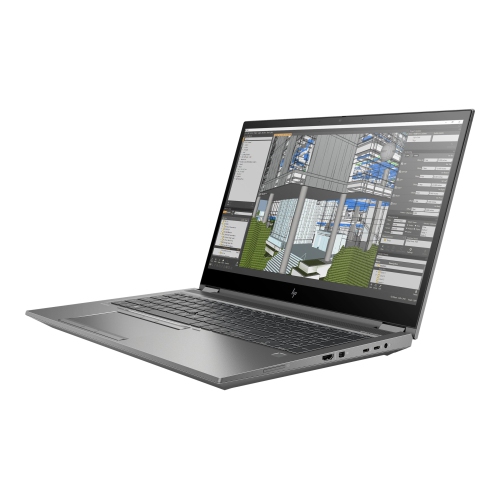
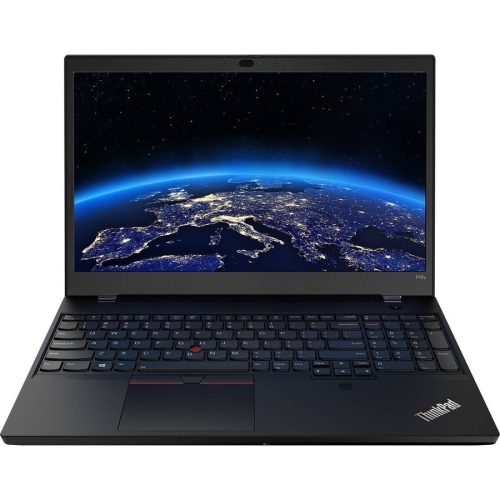
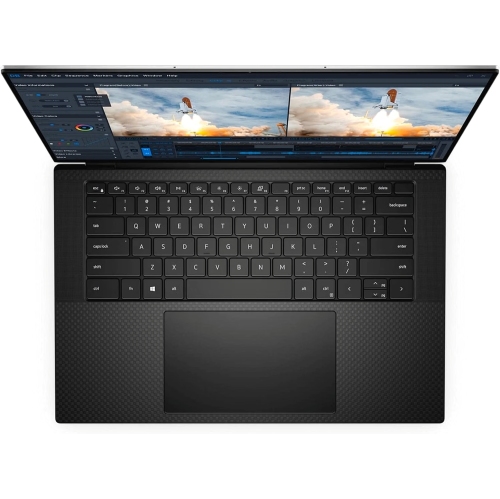
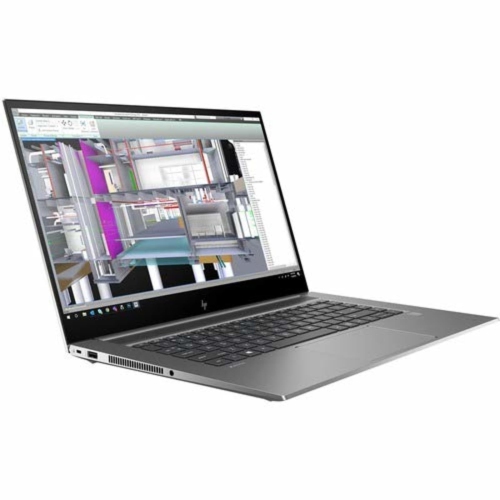
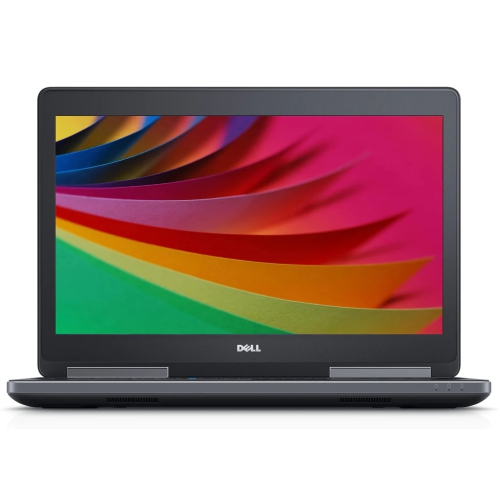
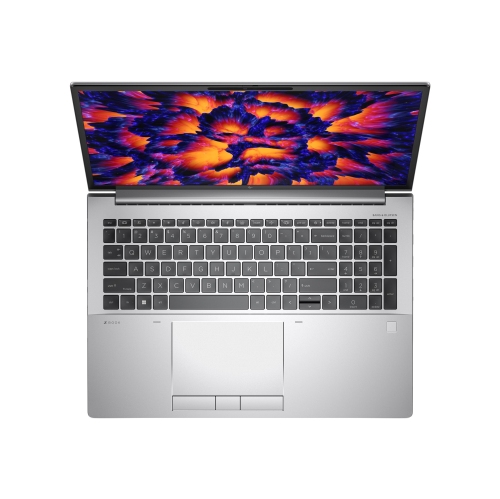
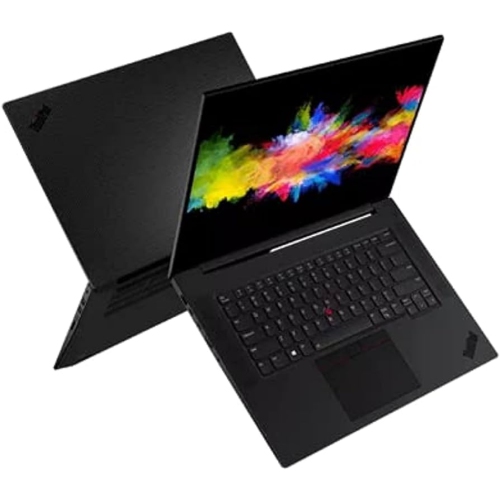
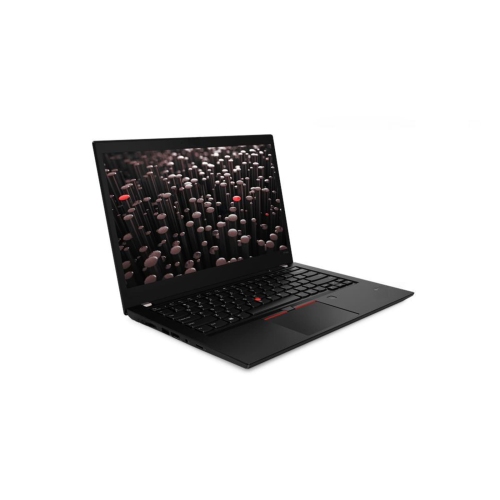
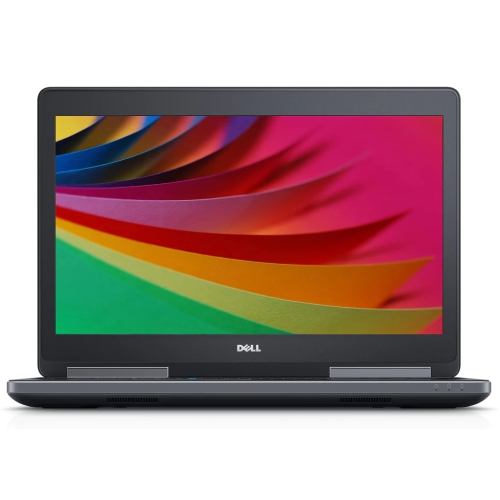
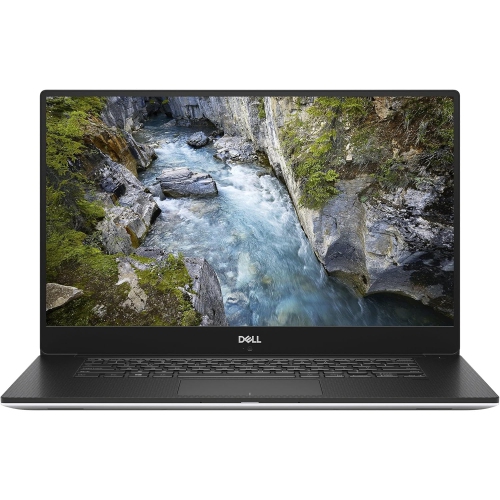
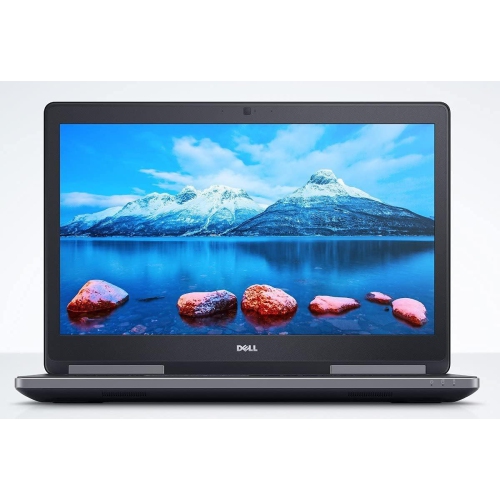
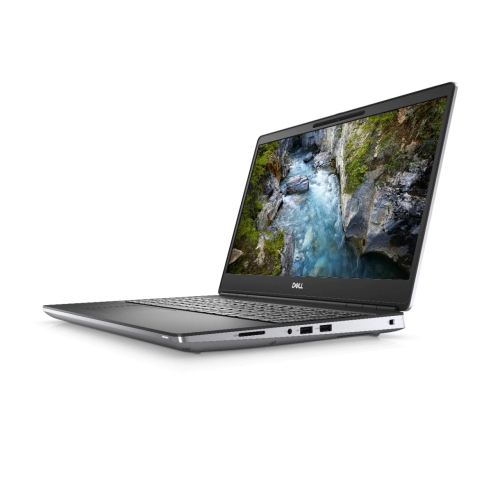
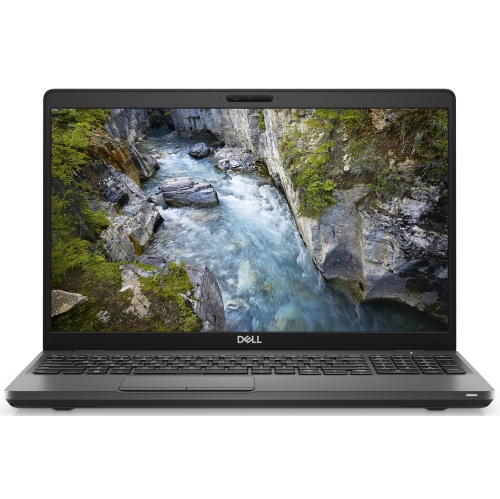
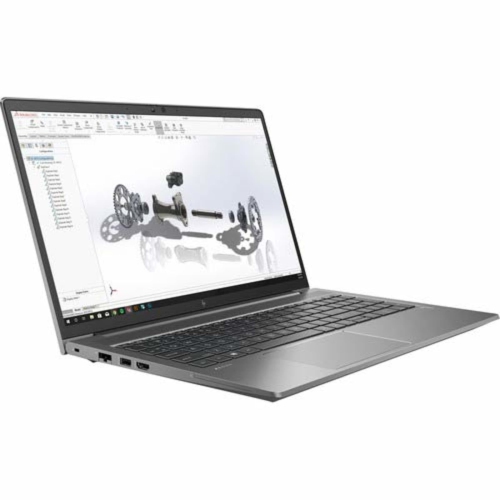
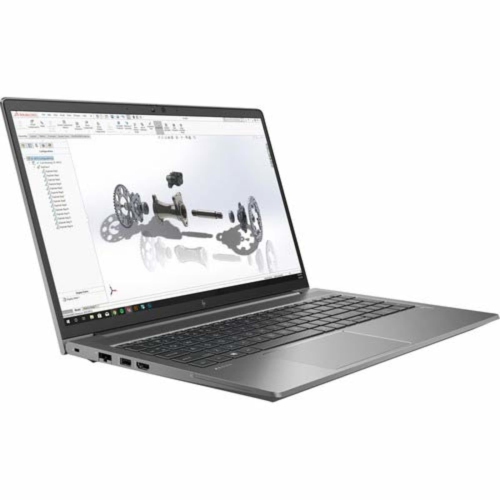
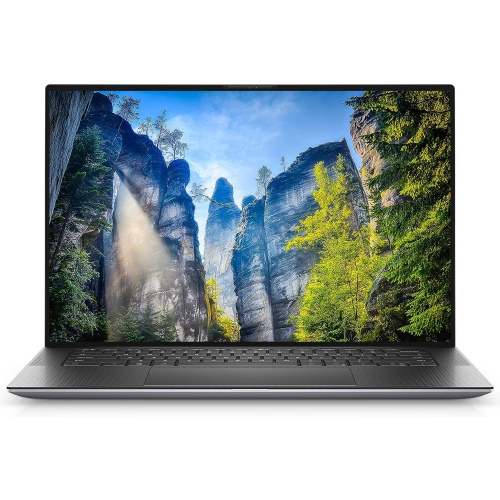
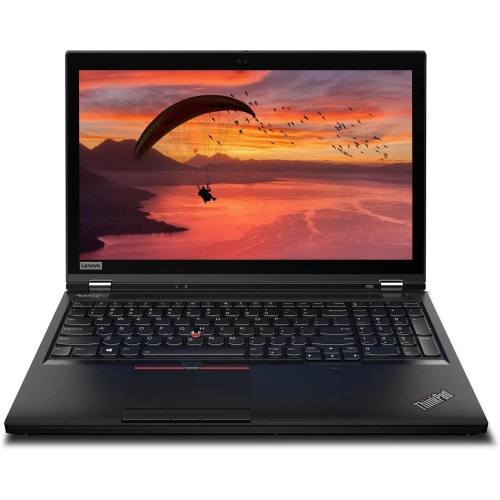
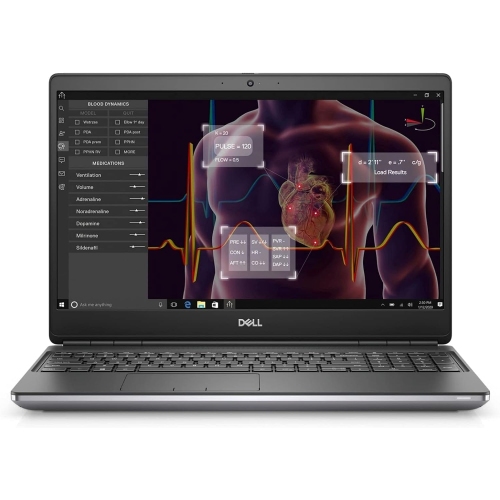
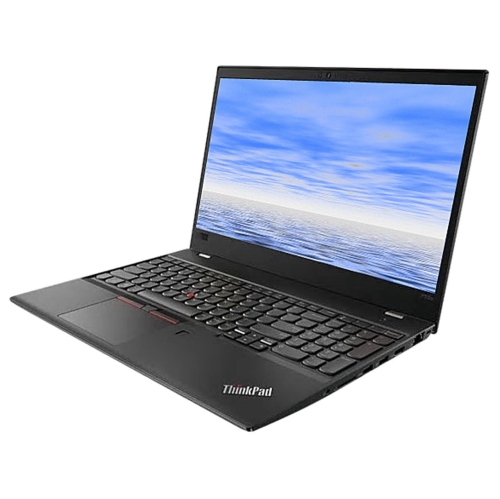
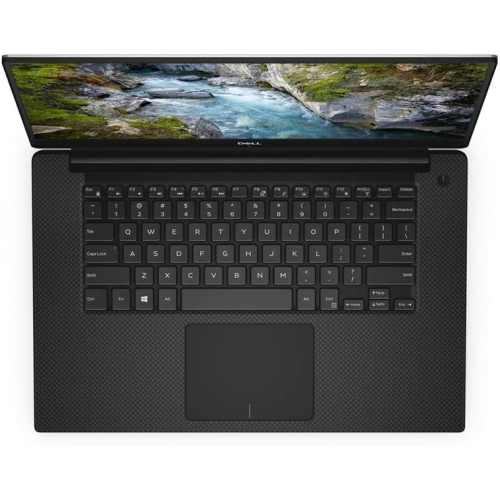
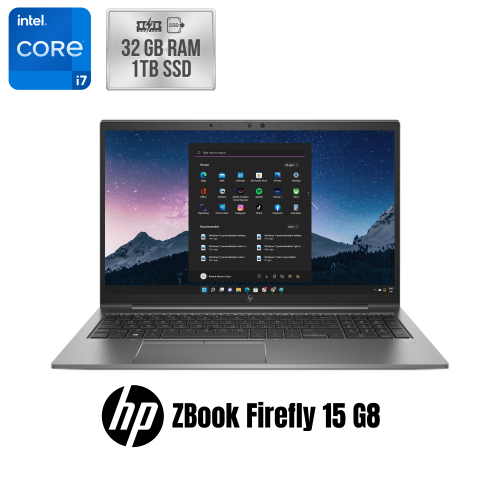
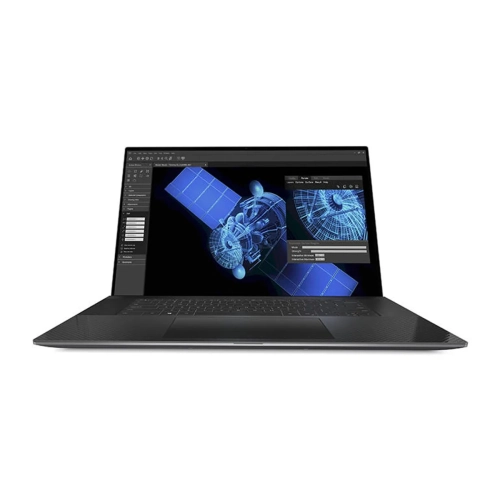
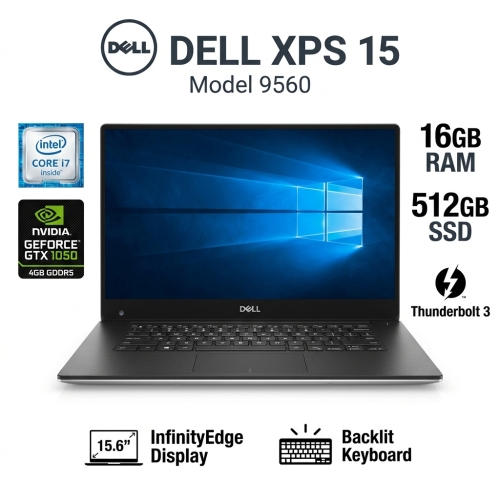
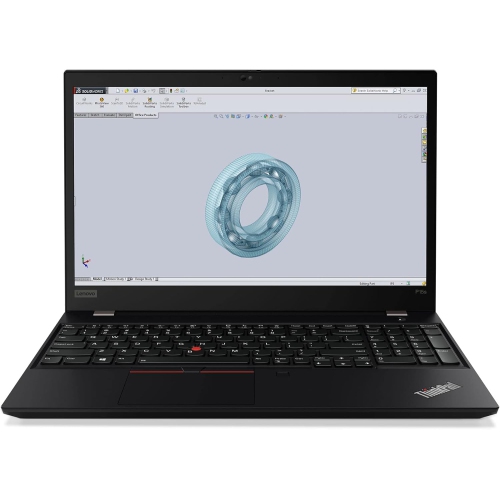
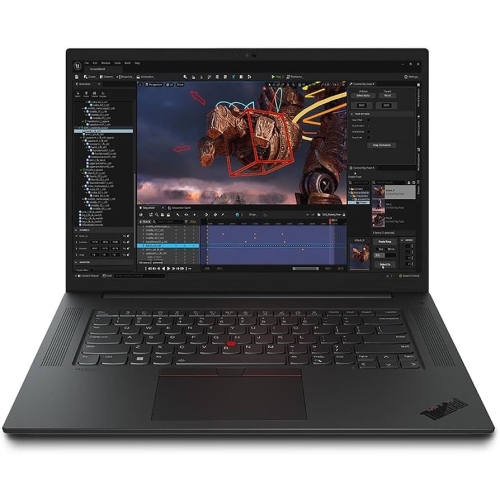
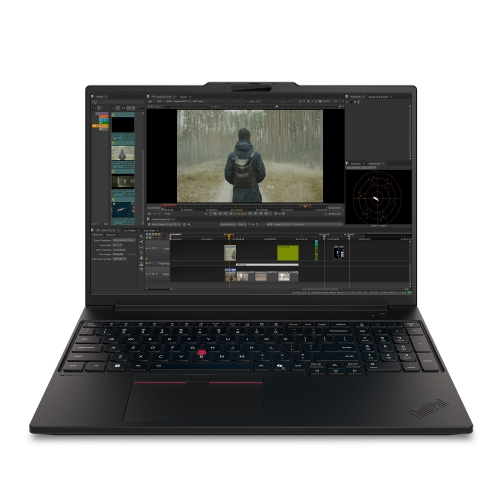
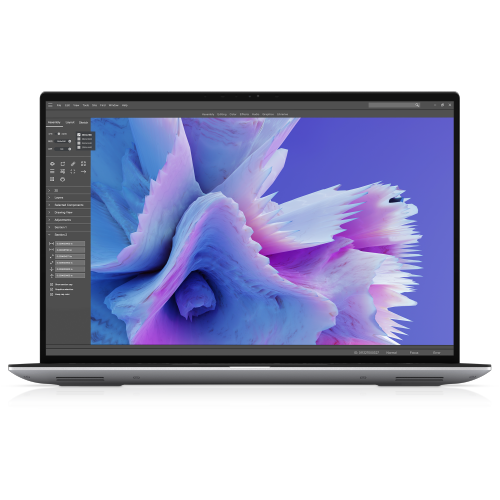
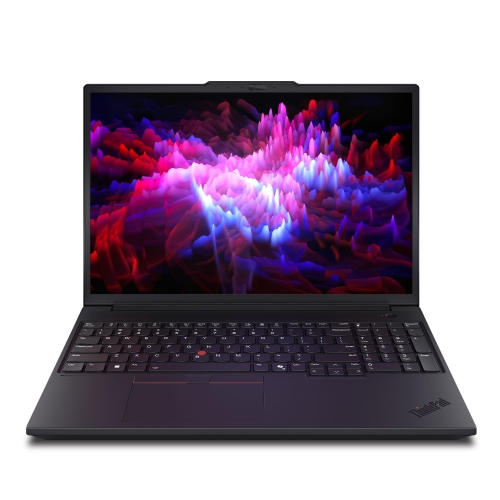
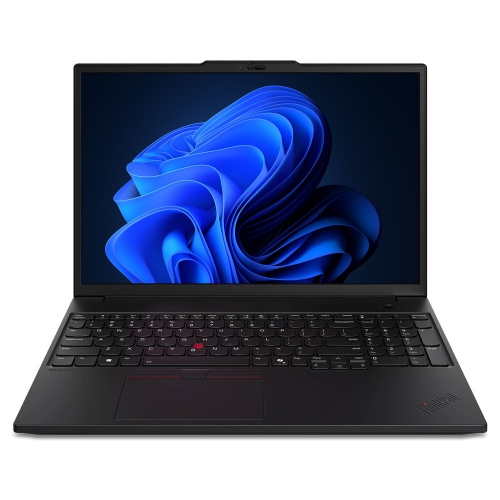
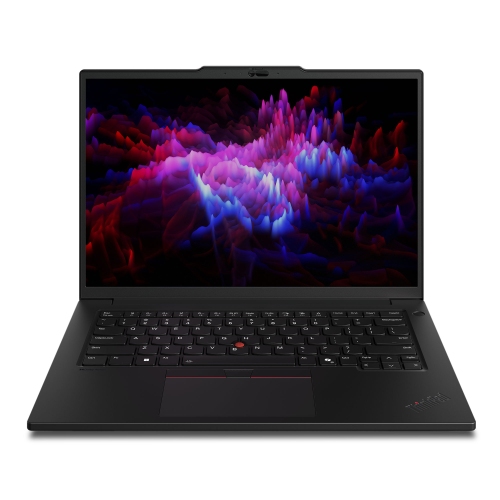
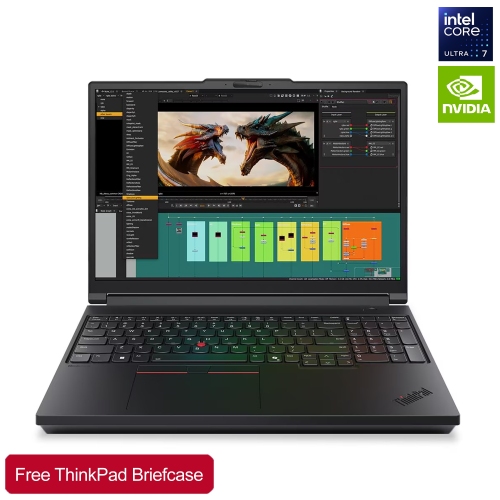
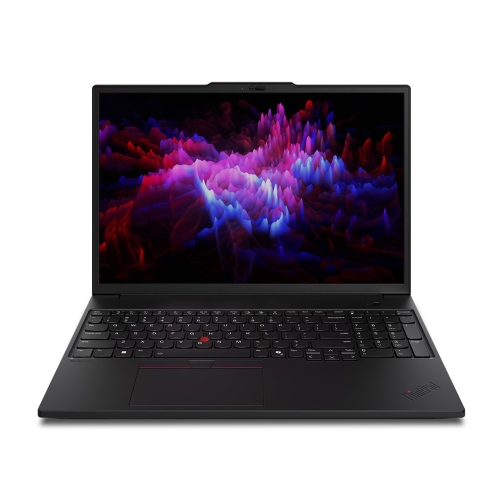
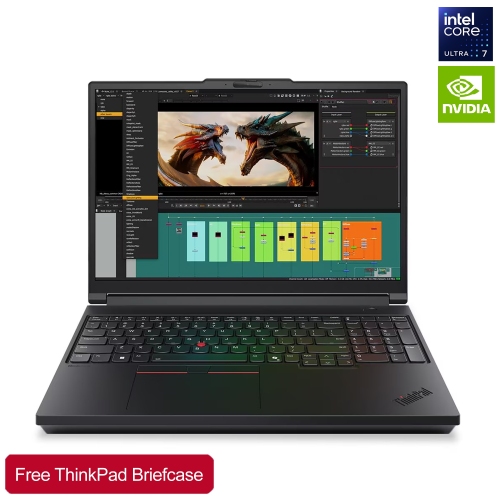
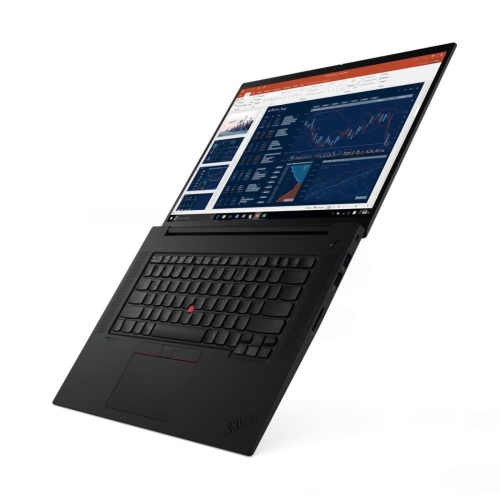
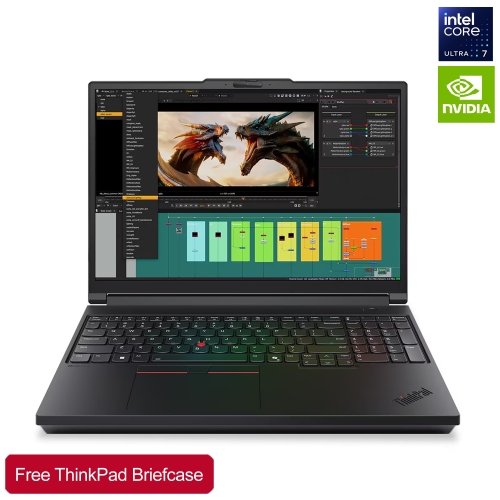
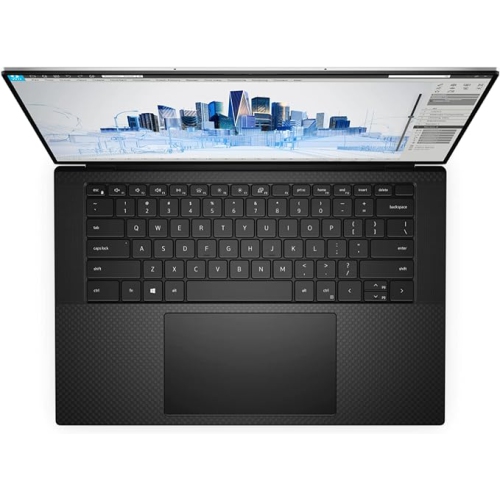
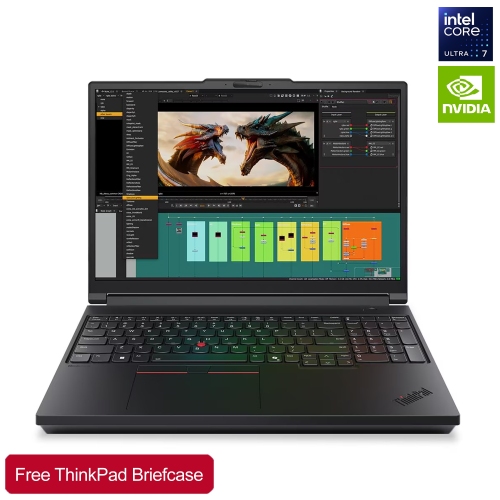
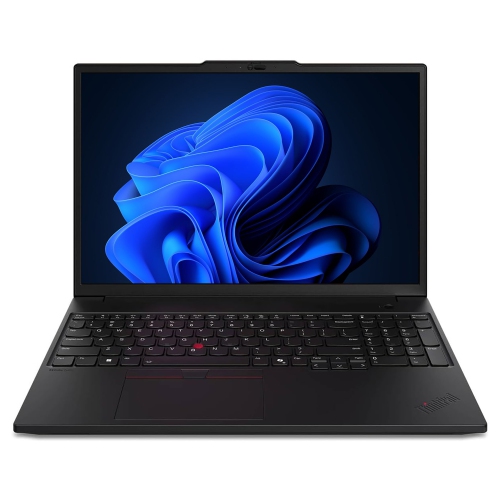
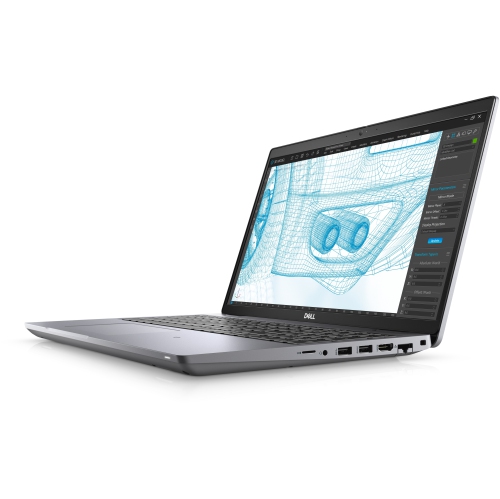
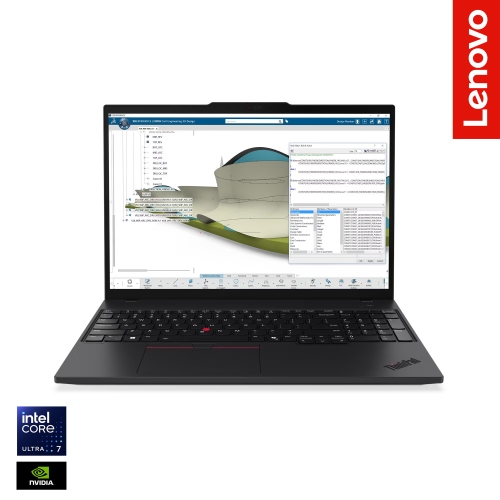
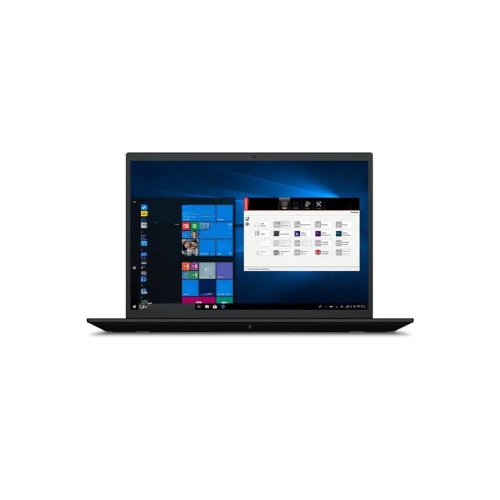
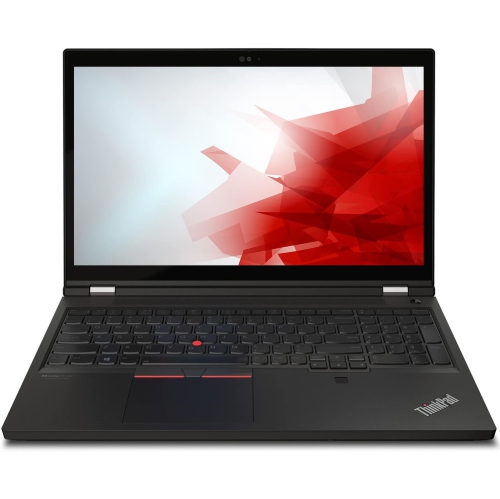
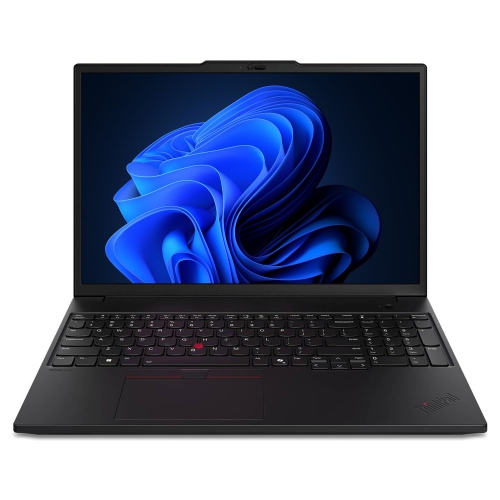
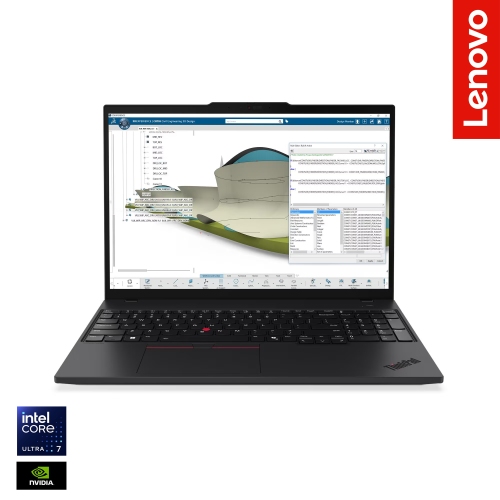
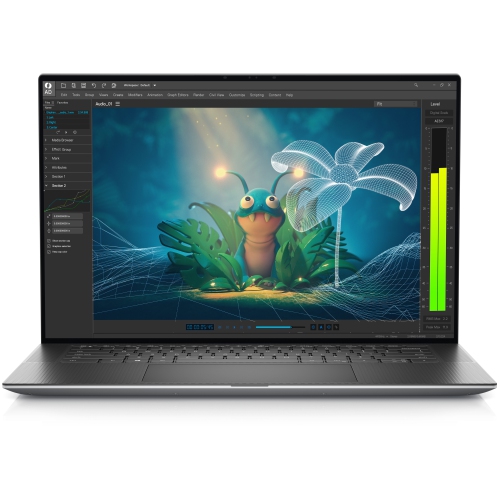
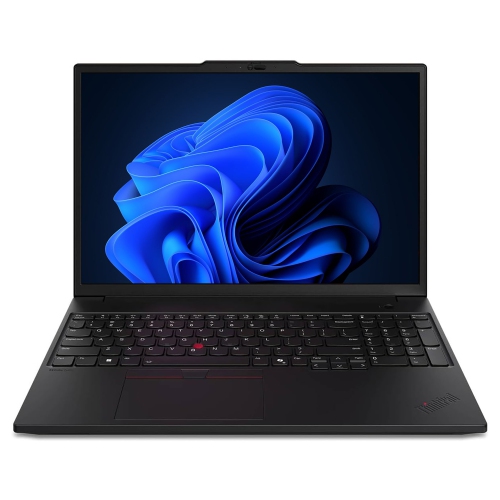
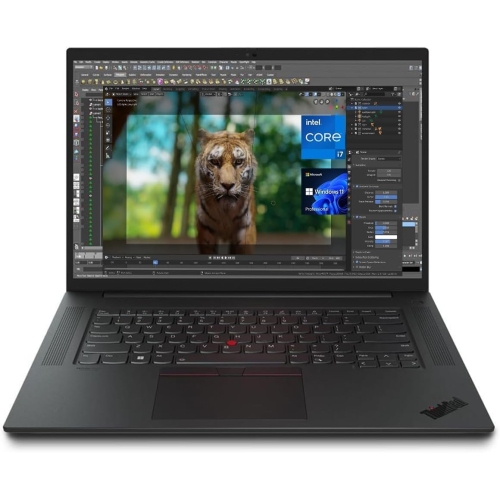
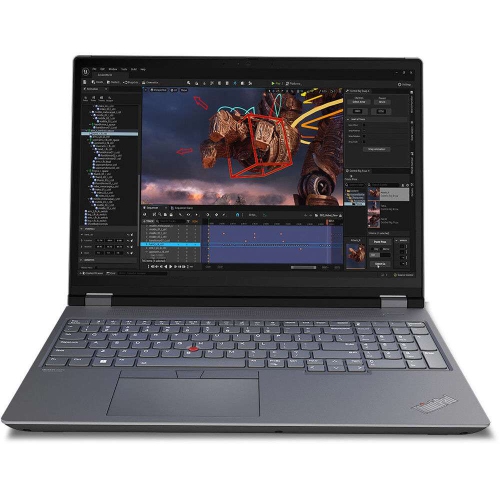
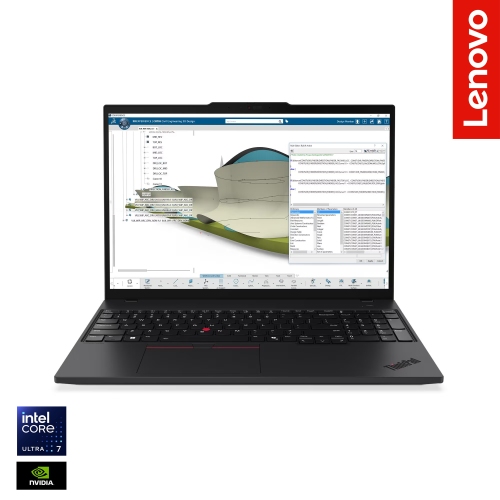
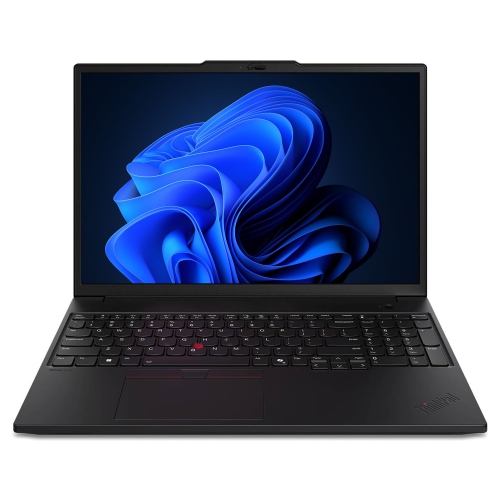
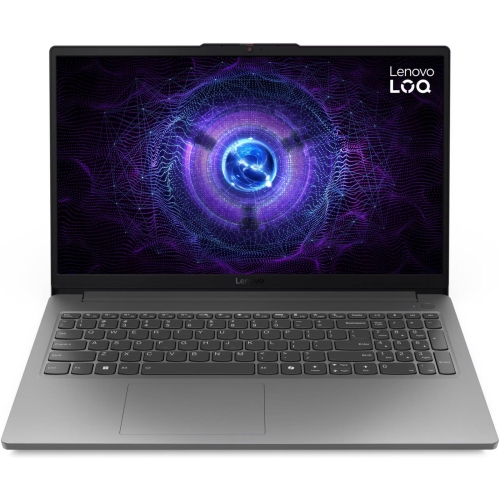
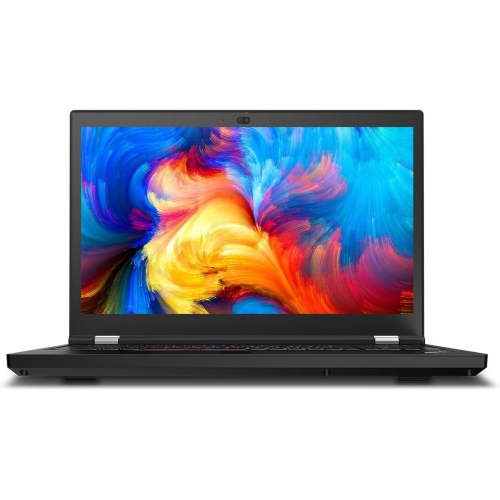
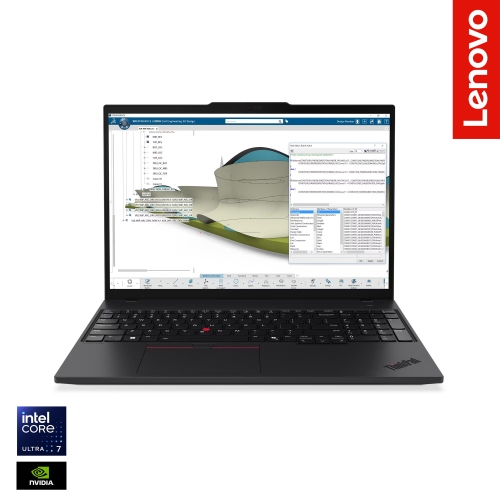
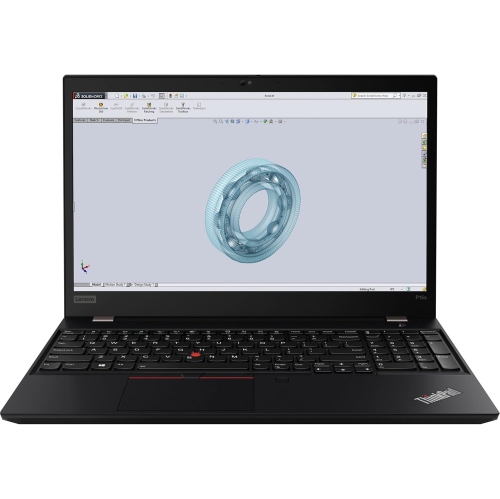
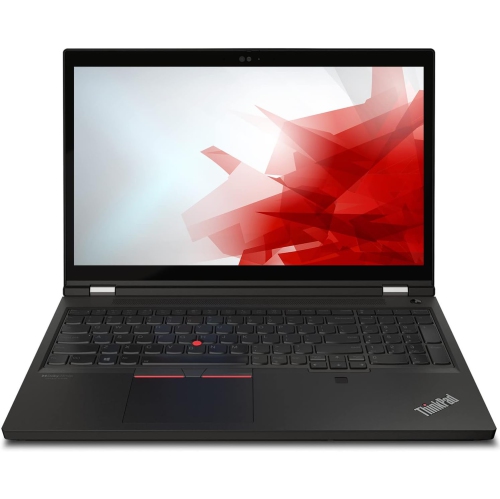
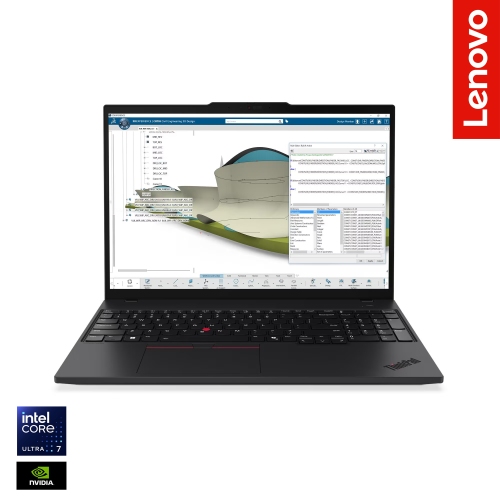
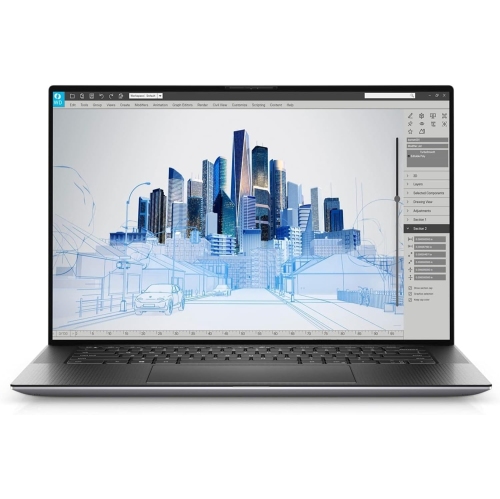
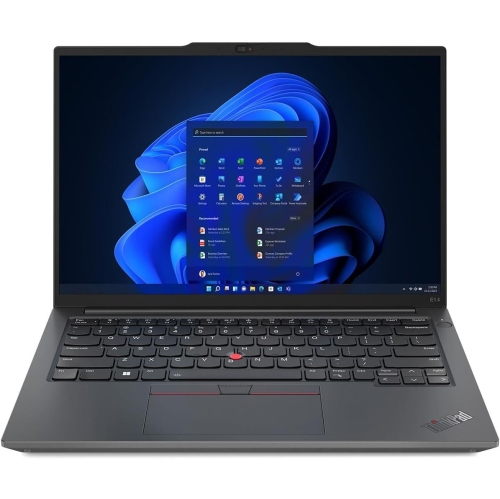
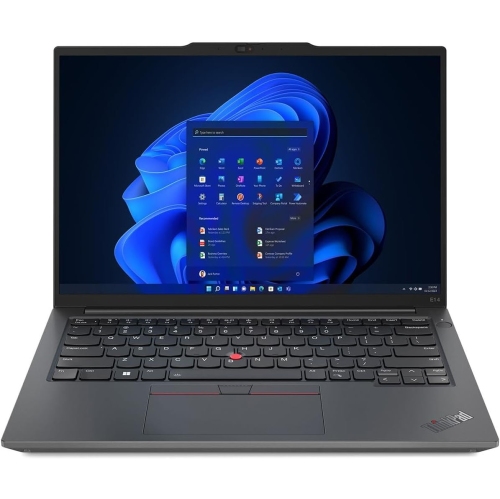
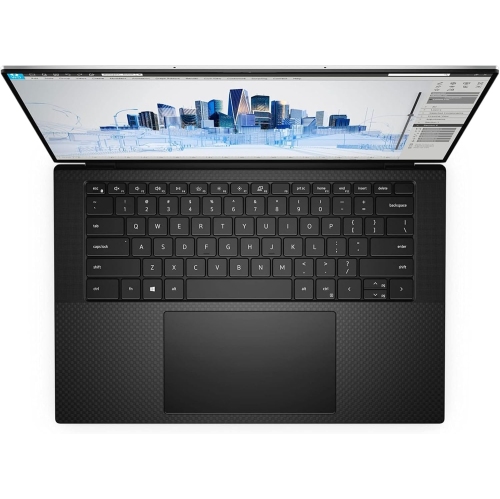
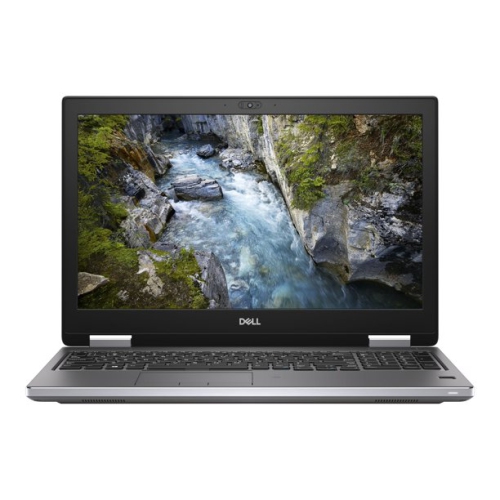
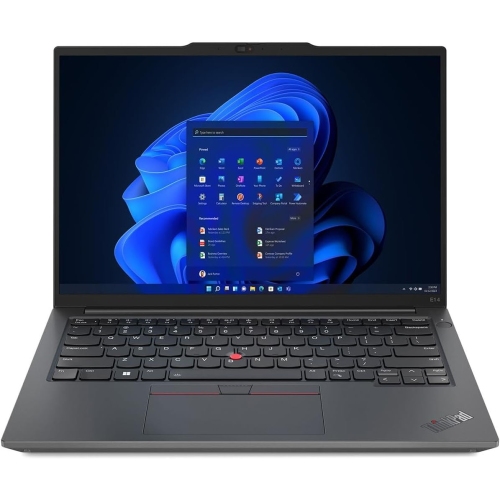
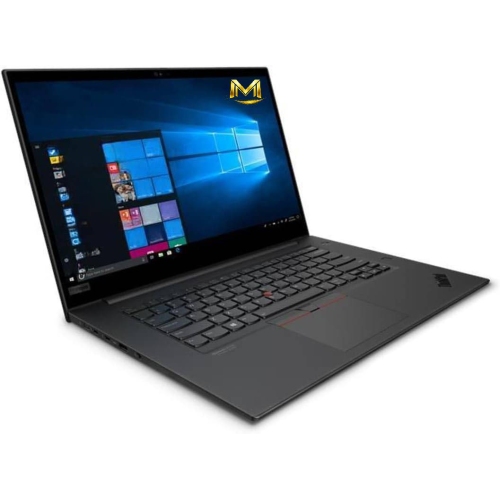
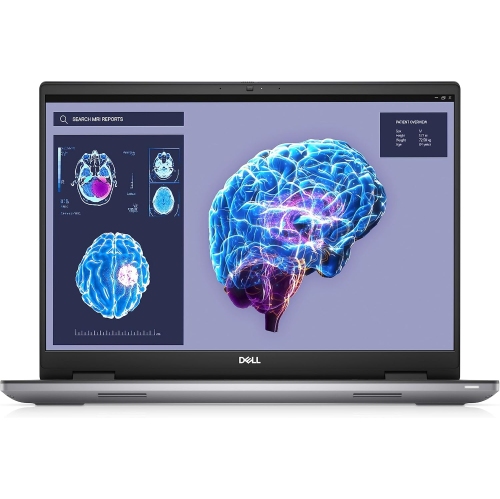
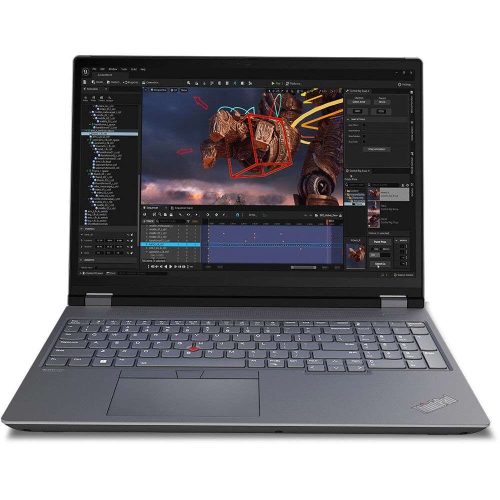
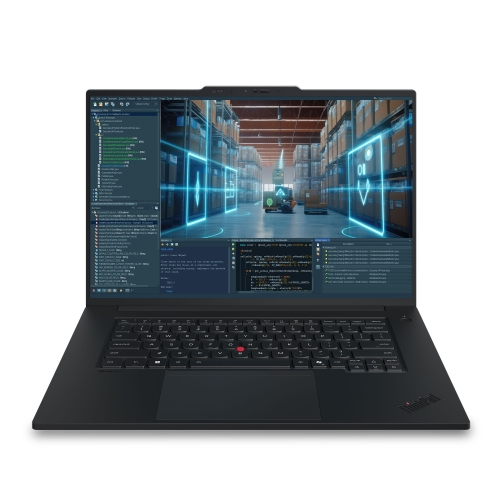
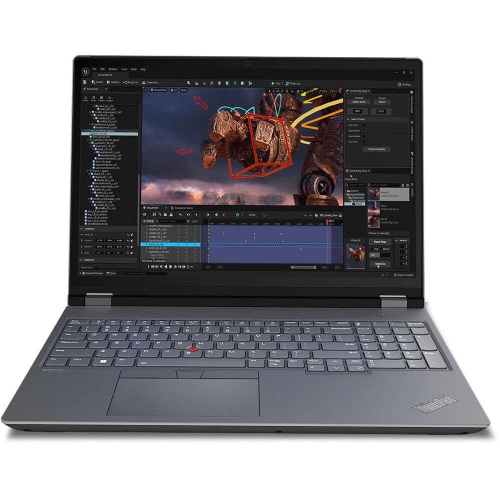

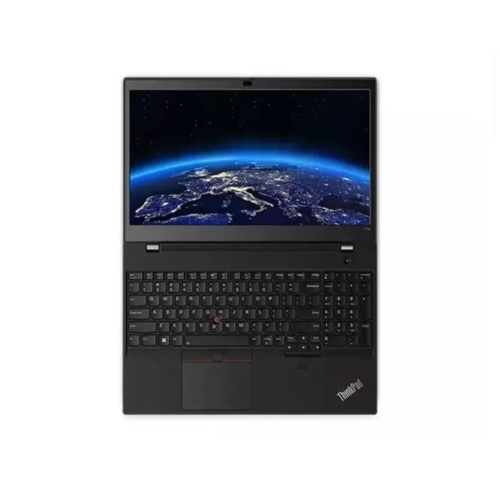
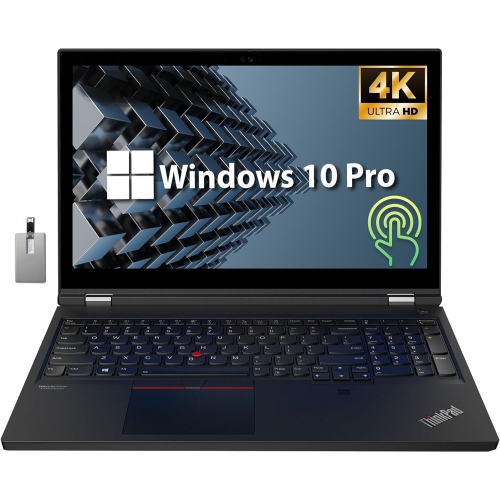
Professional graphics power for demanding creative and technical work
Nvidia Quadro laptops are mobile workstations designed for demanding professional applications rather than everyday browsing and basic office tasks. Although the Quadro name has been retired as manufacturers transition to newer NVIDIA RTX and RTX PRO professional graphics branding, shoppers still use “Nvidia Quadro laptops” to describe portable computers with workstation-class graphics, certified drivers, and the stability needed for specialized software. These systems are commonly used for computer-aided design, 3D modelling, architecture, engineering, product development, scientific visualization, animation, video production, and other workloads that place sustained pressure on the graphics processor. A regular consumer laptop may open a 3D file or edit a high-resolution video, but a mobile workstation is built to handle larger assemblies, detailed textures, complex lighting, simulations, and long rendering sessions with greater consistency. Professional graphics drivers are an important part of that experience. They are tested with selected industry applications to improve compatibility, accuracy, and reliability, which can help reduce visual errors, crashes, or unexpected behaviour when working in programs used for design, construction, manufacturing, and content creation. This makes these laptops a practical choice for architects reviewing a building model at a job site, engineers adjusting a mechanical design between meetings, or artists moving from a studio workstation to a client presentation. They can also suit students in technical programs who want a capable computer for coursework, portfolios, and internships, although the right configuration depends on the software requirements of their school or workplace. For shoppers comparing current models, it is useful to search by both the familiar Quadro term and the newer professional RTX terminology so that relevant workstation graphics options are not overlooked. For creative workflows that focus more heavily on photography, video, graphic design, and creator-focused tools, browsing NVIDIA Studio Laptops may also provide helpful context, while professional mobile workstations remain especially well suited to technical and engineering applications.
Graphics memory, system memory, processor performance, and cooling all deserve close attention when choosing among Nvidia Quadro laptops. Higher video memory allows a workstation GPU to keep larger models, high-resolution textures, multiple viewports, and complex timelines readily available, which is valuable when a project contains thousands of components or several layers of detailed data. System RAM is equally important because CAD assemblies, simulations, virtual machines, and large media projects can quickly use more memory than a typical home computer. A generous amount of RAM helps keep applications responsive when switching between a design program, reference documents, spreadsheets, and communication tools. The processor influences tasks such as compiling, simulation, exporting, rendering, and data processing, so shoppers should consider both the number of cores and the sustained performance available during lengthy workloads. Cooling is easy to overlook in a product listing, yet it has a direct effect on how well a laptop maintains performance over time. Larger vents, multiple fans, heat pipes, and a sturdy chassis can help manage heat during a long render or a full day of modelling. Screen size and resolution should reflect the way the computer will be used: a larger display provides more room for toolbars and side-by-side views, while a smaller format is easier to carry through classrooms, offices, job sites, and client meetings. A high-quality panel with accurate colour reproduction is particularly useful for visual design, photography, animation, and video work. Check the available ports as well, since a workstation may need to connect to external displays, fast storage, memory cards, wired networks, drawing peripherals, or specialized equipment. Fast solid-state storage helps applications launch quickly and makes large project files easier to manage, while expandable or replaceable storage can be helpful for growing libraries of models, footage, and reference material. Battery life will vary with screen brightness, software, graphics use, and power settings; demanding professional work is often best performed near an outlet, while lighter planning, note-taking, and document work can be handled away from a desk.
The best Nvidia Quadro laptop for one person may be excessive or insufficient for another, so the most useful starting point is the application and file size rather than the name on the graphics specification. Someone working mainly with 2D drawings and documents may need a different balance than a designer handling real-time 3D visualization, a researcher processing large datasets, or an editor working with multiple high-resolution video streams. Look for certification information if stability with a particular professional application is essential, and confirm the software developer’s recommended graphics memory, processor, operating system, and driver requirements before purchasing. Security features can also matter when a laptop stores confidential client plans, product designs, or research data. Options such as biometric sign-in, hardware-based security, encrypted storage support, and a privacy-focused webcam configuration may be valuable for people moving between home, office, campus, and travel. Build quality, keyboard comfort, webcam clarity, and weight are practical considerations for a workstation that may be carried every day, especially when reviewing designs with a team or presenting a model in a room filled with bright windows. These laptops are often selected as graduation gifts or career-starting investments for students entering architecture, engineering, animation, film, industrial design, and technical research, but they are best chosen with the recipient’s software list and workflow in mind rather than as a surprise based only on graphics memory. During the warmer and cooler parts of the year alike, a capable mobile workstation can support work from a quiet home office, a busy studio, a lecture hall, or a temporary project site. Compare the graphics class, certified driver support, memory, storage, display, connectivity, portability, and warranty coverage together to find a system that feels dependable not only when opening a project, but also after hours of detailed work when responsiveness and stability matter most.
Graphics memory, system memory, processor performance, and cooling all deserve close attention when choosing among Nvidia Quadro laptops. Higher video memory allows a workstation GPU to keep larger models, high-resolution textures, multiple viewports, and complex timelines readily available, which is valuable when a project contains thousands of components or several layers of detailed data. System RAM is equally important because CAD assemblies, simulations, virtual machines, and large media projects can quickly use more memory than a typical home computer. A generous amount of RAM helps keep applications responsive when switching between a design program, reference documents, spreadsheets, and communication tools. The processor influences tasks such as compiling, simulation, exporting, rendering, and data processing, so shoppers should consider both the number of cores and the sustained performance available during lengthy workloads. Cooling is easy to overlook in a product listing, yet it has a direct effect on how well a laptop maintains performance over time. Larger vents, multiple fans, heat pipes, and a sturdy chassis can help manage heat during a long render or a full day of modelling. Screen size and resolution should reflect the way the computer will be used: a larger display provides more room for toolbars and side-by-side views, while a smaller format is easier to carry through classrooms, offices, job sites, and client meetings. A high-quality panel with accurate colour reproduction is particularly useful for visual design, photography, animation, and video work. Check the available ports as well, since a workstation may need to connect to external displays, fast storage, memory cards, wired networks, drawing peripherals, or specialized equipment. Fast solid-state storage helps applications launch quickly and makes large project files easier to manage, while expandable or replaceable storage can be helpful for growing libraries of models, footage, and reference material. Battery life will vary with screen brightness, software, graphics use, and power settings; demanding professional work is often best performed near an outlet, while lighter planning, note-taking, and document work can be handled away from a desk.
The best Nvidia Quadro laptop for one person may be excessive or insufficient for another, so the most useful starting point is the application and file size rather than the name on the graphics specification. Someone working mainly with 2D drawings and documents may need a different balance than a designer handling real-time 3D visualization, a researcher processing large datasets, or an editor working with multiple high-resolution video streams. Look for certification information if stability with a particular professional application is essential, and confirm the software developer’s recommended graphics memory, processor, operating system, and driver requirements before purchasing. Security features can also matter when a laptop stores confidential client plans, product designs, or research data. Options such as biometric sign-in, hardware-based security, encrypted storage support, and a privacy-focused webcam configuration may be valuable for people moving between home, office, campus, and travel. Build quality, keyboard comfort, webcam clarity, and weight are practical considerations for a workstation that may be carried every day, especially when reviewing designs with a team or presenting a model in a room filled with bright windows. These laptops are often selected as graduation gifts or career-starting investments for students entering architecture, engineering, animation, film, industrial design, and technical research, but they are best chosen with the recipient’s software list and workflow in mind rather than as a surprise based only on graphics memory. During the warmer and cooler parts of the year alike, a capable mobile workstation can support work from a quiet home office, a busy studio, a lecture hall, or a temporary project site. Compare the graphics class, certified driver support, memory, storage, display, connectivity, portability, and warranty coverage together to find a system that feels dependable not only when opening a project, but also after hours of detailed work when responsiveness and stability matter most.
Top selling and popular products
-
 Your price for this item is $449
 -
 Your price for this item is $3099
 -
 Your price for this item is $664.05
 -
 Your price for this item is $599.68
 -
 Your price for this item is $259
 -
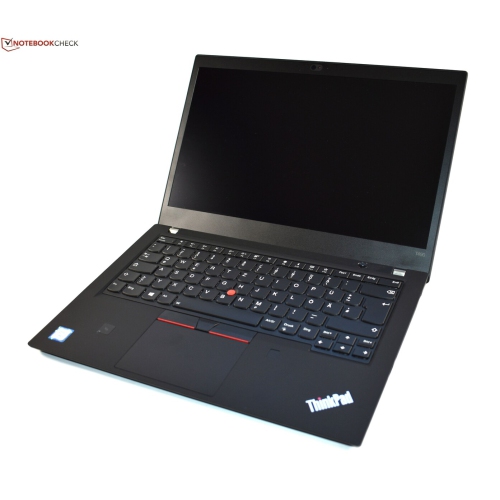 Your price for this item is $499.99
 -
 Your price for this item is $418.98
 -
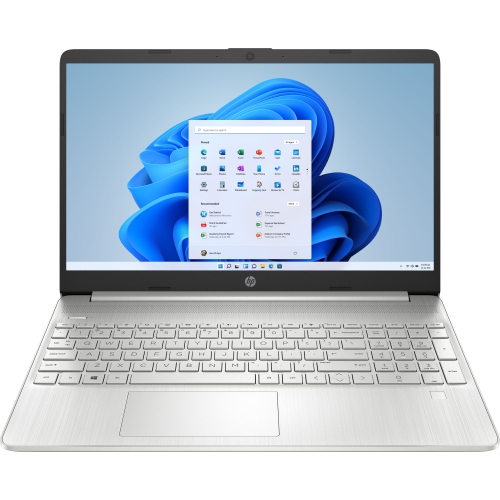 Your price for this item is $829
Discover more categories related to Nvidia Quadro Laptops
Top Collections:
Pokemon Centers, Best Cameras for Sports Photography, Kindle Devices, Samsung Galaxy Phones, Canon G7X Cameras, Pokémon 30th Celebration Cards, Refurbished Apple Laptops, iPhone 15 Apple, Laptops for Students, Budget Smartphones
Some products may be subject to Environmental Handling Fees
(EHF) depending on your province.
Learn more about EHFs.