NVMe Solid State Drives
Upgrade your storage experience with nvme solid state drives, designed to deliver fast and reliable performance for your computer. Whether you’re building a new system or looking to enhance your current setup, nvme solid state drives offer an efficient solution for managing large files, running demanding applications, and improving overall responsiveness. Explore a wide selection of options at Best Buy Canada to find the right fit for your needs and take your computing to the next level.
Sort

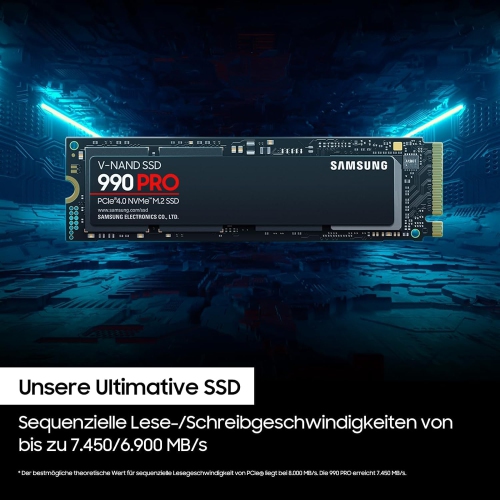

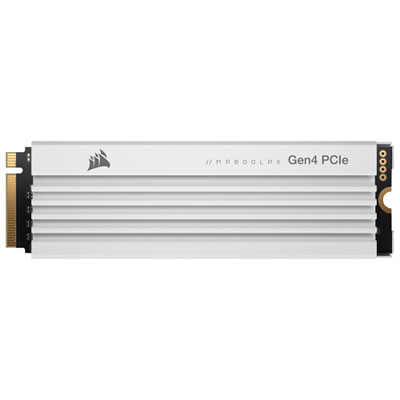
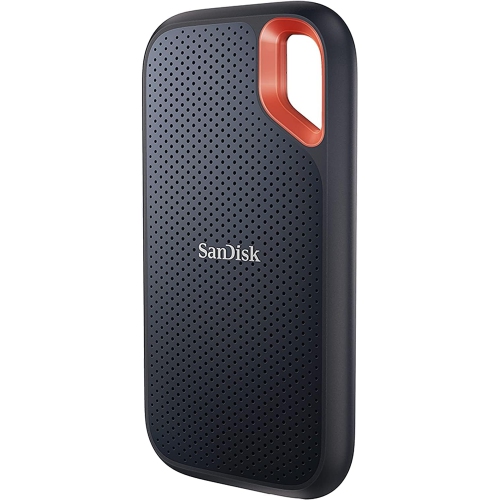
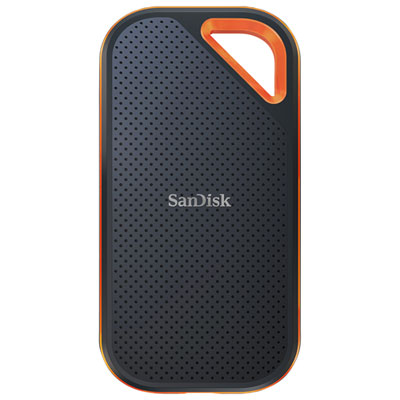
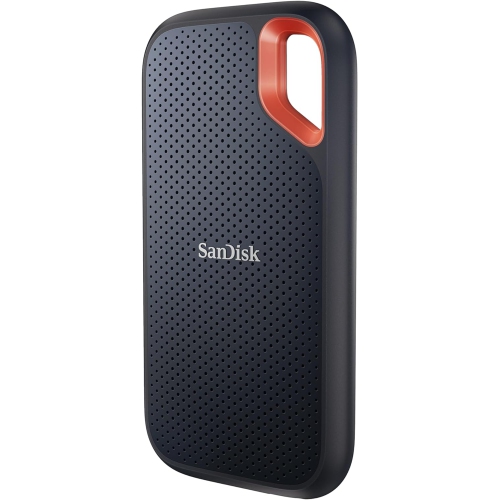

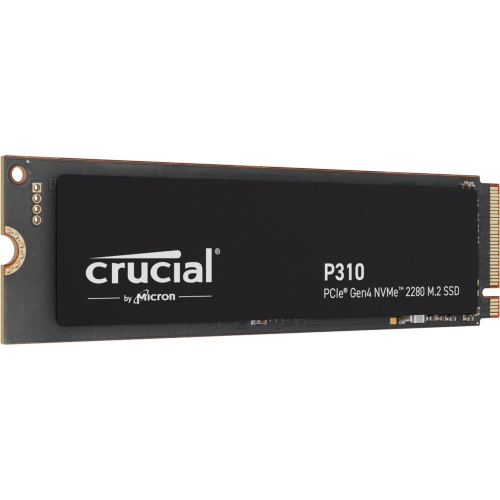
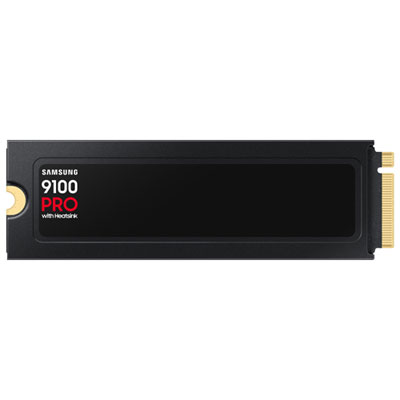
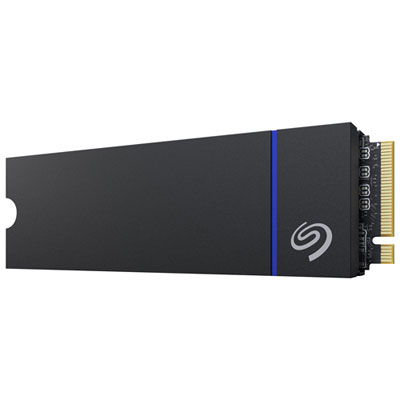
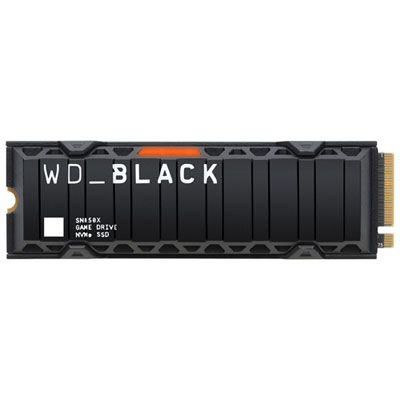
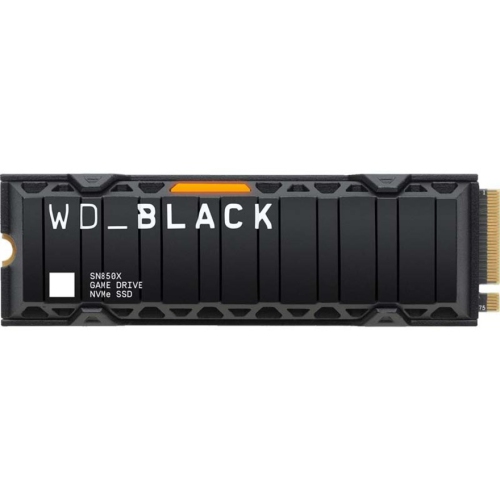
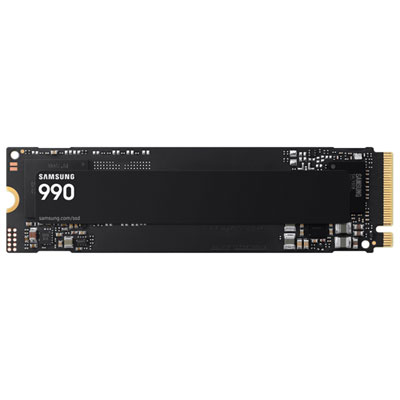
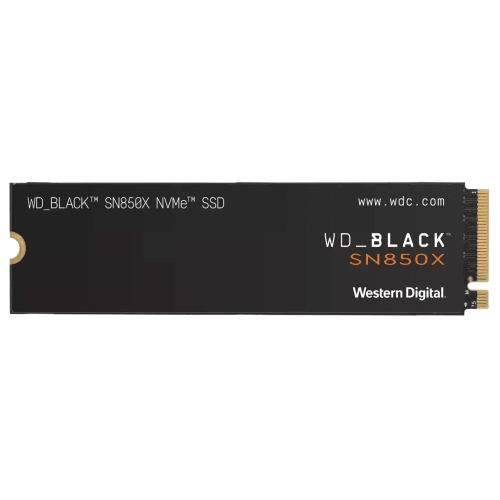
How PCIe storage can speed up compatible computers
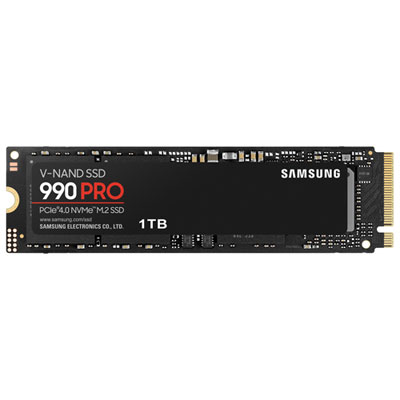
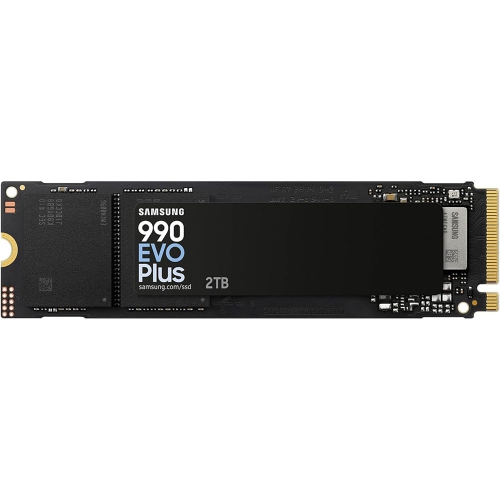
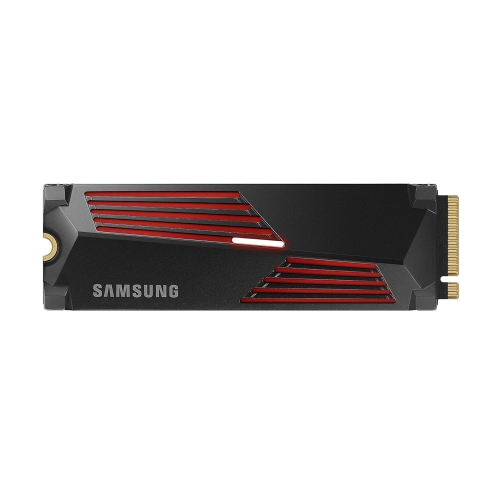
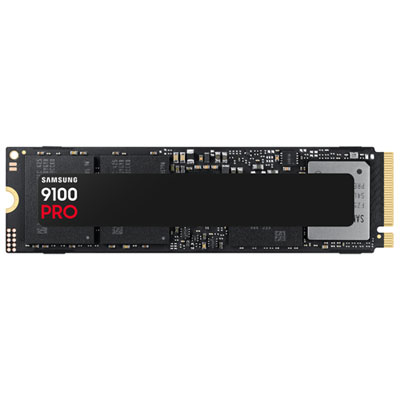
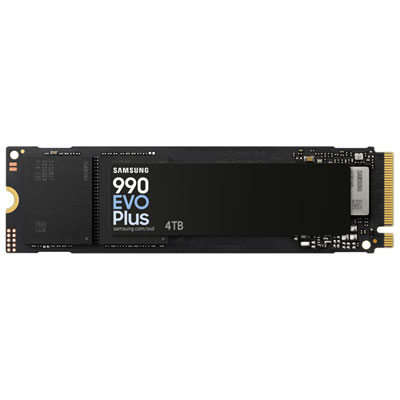
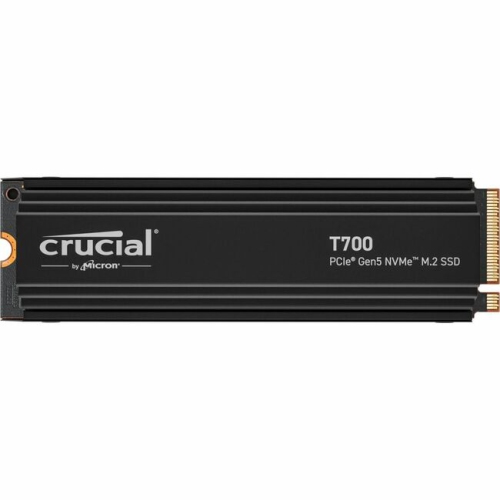
NVMe solid state drives are compact storage devices designed to move data quickly through a computer’s PCIe interface. Unlike older hard disk drives, which rely on spinning platters and a moving read/write head, or SATA solid state drives, which use a slower connection, NVMe drives communicate directly with the system’s high-speed PCIe lanes. That difference can be felt from the moment a computer starts: the operating system can load in less time, applications open with less hesitation, and large folders can be copied without the same prolonged pauses. Depending on the drive and the PCIe generation supported by the host device, sequential read and write speeds can range from roughly 3,000 MB/s to more than 7,000 MB/s, although real-world performance also depends on the computer, workload, available cooling, and the type of files being transferred. An NVMe SSD is especially useful for someone who regularly works with large photographs, 4K or 8K video, music projects, 3D assets, virtual machines, or large game libraries. A gaming computer equipped with fast storage can spend less time loading maps and streaming detailed environments, while a home or office PC can feel more responsive when several applications are open at once. For a family member setting up a new desktop, a student managing design or media coursework, or a PC enthusiast refreshing an older system, an NVMe drive can be a practical gift that improves everyday use without taking up space on a desk. Its small circuit-board design also means there are no data or power cables to route, helping keep the inside of a compatible computer neat and easier to maintain.
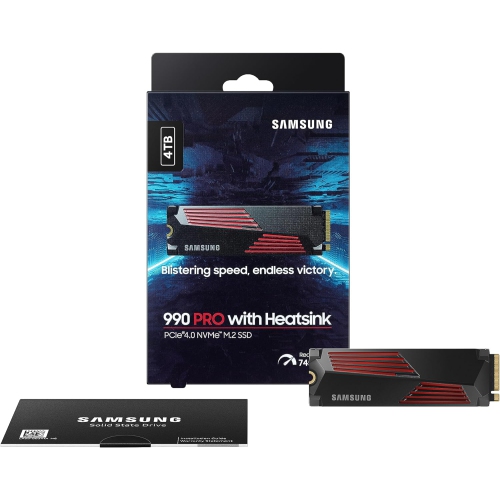
Before choosing an NVMe solid state drive, check the device’s specifications rather than assuming every drive will fit every computer. Most desktop PCs and many laptops use the M.2 format, with M.2 2280 being the familiar size: approximately 22 mm wide and 80 mm long. The mounting screw position, available clearance, and motherboard slot should all match that format. Smaller computers and portable gaming devices may use M.2 2230 drives, which are approximately 22 mm wide and 30 mm long. Shoppers looking for a shorter physical design can explore Compact NVMe Drives, while those upgrading a standard desktop or laptop should confirm the required length before ordering. Compatibility also includes the interface and supported PCIe generation. A newer PCIe drive may work in a system built for an earlier generation, but it will generally operate at the older system’s maximum speed; likewise, a computer cannot gain the full benefit of a high-performance drive unless its motherboard or expansion slot supports the appropriate PCIe standard. Capacity is another important consideration. A smaller drive may suit an operating system, office software, and a modest selection of files, while a larger capacity is more comfortable for game installations, video libraries, raw photo collections, and creative projects that grow over time. It is wise to leave some free space available because a nearly full SSD may have less room for background management and temporary files. Also look at sequential and random performance, endurance ratings, warranty coverage, and whether the drive includes or supports a heatsink. Sustained transfers can create heat, and a motherboard heatsink or separate cooling solution may help maintain consistent performance in a well-equipped desktop. For laptops and compact devices, clearance is particularly important because a heatsink that fits a desktop may not fit beneath a thin cover.
The way an NVMe drive will be used should guide the final choice. Everyday computing, including web browsing, schoolwork, video calls, document creation, and photo organisation, benefits from the quick response of NVMe storage without requiring the highest available specifications. Gaming systems may place greater value on capacity, fast loading, and reliable performance during frequent installs and updates. Video editors and photographers often appreciate both speed and generous storage, since a single project can include thousands of source files, high-resolution previews, and multiple exported versions. A drive used as a scratch disk or active project drive should have enough endurance for repeated writing, while a secondary drive used mainly for a game library or media collection may have different priorities. Installation is generally straightforward in a compatible desktop or laptop, but it involves opening the device, locating the M.2 slot, inserting the drive at an angle, and securing it with the proper mounting hardware. Anyone replacing a boot drive should plan for the operating system and files, either by performing a fresh installation or cloning the existing storage with suitable software; backing up important documents before starting is essential. Some computers may also require a firmware setting or a storage driver during setup, and a laptop manufacturer’s service instructions can clarify whether the drive is user-replaceable. Whether it becomes the primary storage for a new build, a faster home for demanding applications, or an additional space for games and creative files, an NVMe solid state drive offers a quiet, cable-free way to make compatible computers feel quicker and more capable through the cooler months and beyond.
Before choosing an NVMe solid state drive, check the device’s specifications rather than assuming every drive will fit every computer. Most desktop PCs and many laptops use the M.2 format, with M.2 2280 being the familiar size: approximately 22 mm wide and 80 mm long. The mounting screw position, available clearance, and motherboard slot should all match that format. Smaller computers and portable gaming devices may use M.2 2230 drives, which are approximately 22 mm wide and 30 mm long. Shoppers looking for a shorter physical design can explore Compact NVMe Drives, while those upgrading a standard desktop or laptop should confirm the required length before ordering. Compatibility also includes the interface and supported PCIe generation. A newer PCIe drive may work in a system built for an earlier generation, but it will generally operate at the older system’s maximum speed; likewise, a computer cannot gain the full benefit of a high-performance drive unless its motherboard or expansion slot supports the appropriate PCIe standard. Capacity is another important consideration. A smaller drive may suit an operating system, office software, and a modest selection of files, while a larger capacity is more comfortable for game installations, video libraries, raw photo collections, and creative projects that grow over time. It is wise to leave some free space available because a nearly full SSD may have less room for background management and temporary files. Also look at sequential and random performance, endurance ratings, warranty coverage, and whether the drive includes or supports a heatsink. Sustained transfers can create heat, and a motherboard heatsink or separate cooling solution may help maintain consistent performance in a well-equipped desktop. For laptops and compact devices, clearance is particularly important because a heatsink that fits a desktop may not fit beneath a thin cover.
The way an NVMe drive will be used should guide the final choice. Everyday computing, including web browsing, schoolwork, video calls, document creation, and photo organisation, benefits from the quick response of NVMe storage without requiring the highest available specifications. Gaming systems may place greater value on capacity, fast loading, and reliable performance during frequent installs and updates. Video editors and photographers often appreciate both speed and generous storage, since a single project can include thousands of source files, high-resolution previews, and multiple exported versions. A drive used as a scratch disk or active project drive should have enough endurance for repeated writing, while a secondary drive used mainly for a game library or media collection may have different priorities. Installation is generally straightforward in a compatible desktop or laptop, but it involves opening the device, locating the M.2 slot, inserting the drive at an angle, and securing it with the proper mounting hardware. Anyone replacing a boot drive should plan for the operating system and files, either by performing a fresh installation or cloning the existing storage with suitable software; backing up important documents before starting is essential. Some computers may also require a firmware setting or a storage driver during setup, and a laptop manufacturer’s service instructions can clarify whether the drive is user-replaceable. Whether it becomes the primary storage for a new build, a faster home for demanding applications, or an additional space for games and creative files, an NVMe solid state drive offers a quiet, cable-free way to make compatible computers feel quicker and more capable through the cooler months and beyond.
Top selling and popular products
-
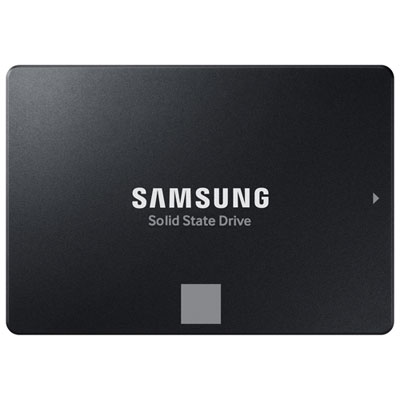 Your price for this item is $554.99
 -
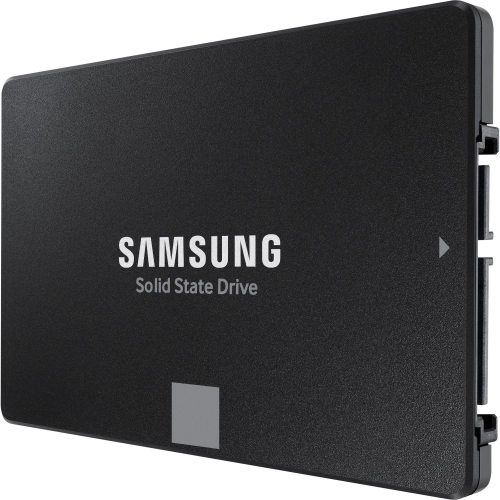 Your price for this item is $649.99
 -
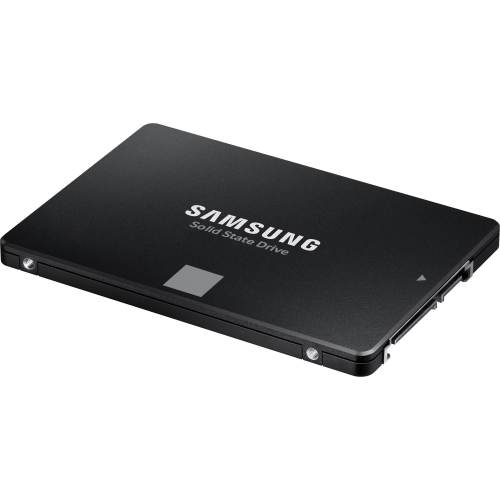 Your price for this item is $389.99
 -
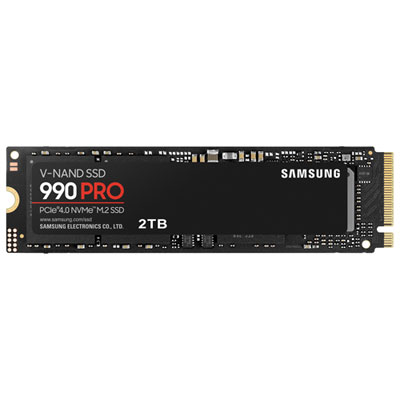 Your price for this item is $874.99
 -
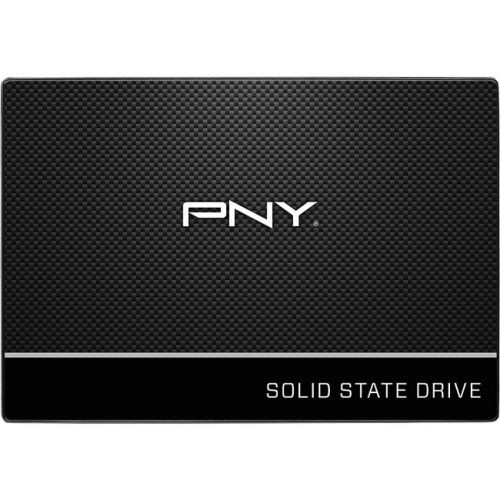 Your price for this item is $106.93
 -
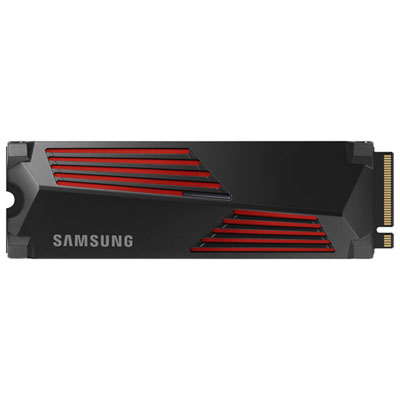 Your price for this item is $544.99
 -
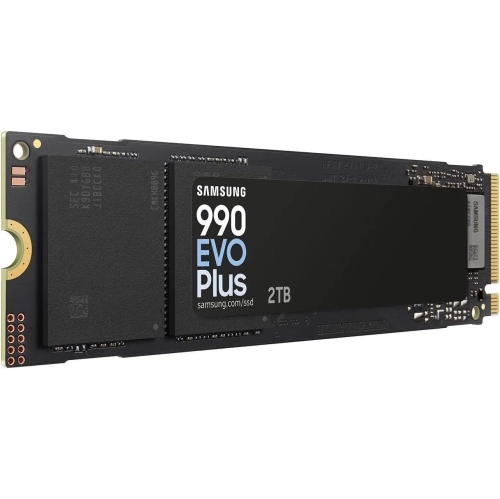 Your price for this item is $639.99
 -
 Your price for this item is $124.99
Discover more categories related to NVMe Solid State Drives

Top Collections:
Pokemon Centers, Kindle Devices, Best Cameras for Sports Photography, Best Budget Office Chairs, Pokémon 30th Celebration Cards, Apple iPhones 16, Canon G7X Cameras, iPhone 15 Apple, Flip Phones, Samsung Galaxy Phones
Some products may be subject to Environmental Handling Fees
(EHF) depending on your province.
Learn more about EHFs.