OLED LED Monitors
Dive into the world of vibrant visuals and cutting-edge technology with OLED LED monitors. Designed to deliver stunning picture quality, these monitors boast rich colors, deep contrasts, and a viewing experience that truly stands out. Whether you're enhancing your home office setup or elevating your gaming adventures, OLED LED monitors offer an immersive experience that caters to professionals and entertainment enthusiasts alike. Explore a range of options that balance sleek design with advanced performance, ensuring you find the perfect fit for your needs. Discover the future of display technology and bring every detail to life with an OLED LED monitor.
Sort
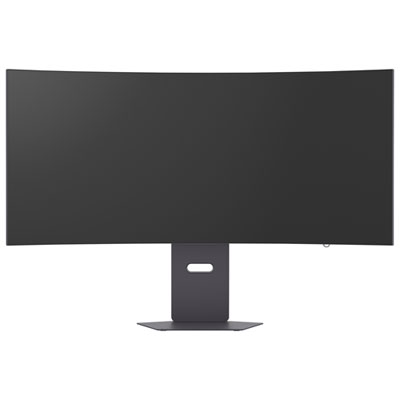

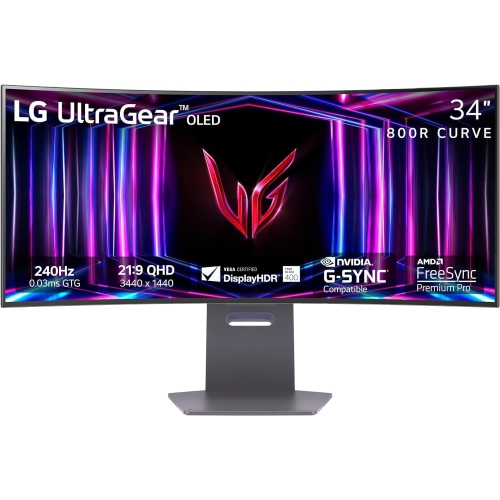
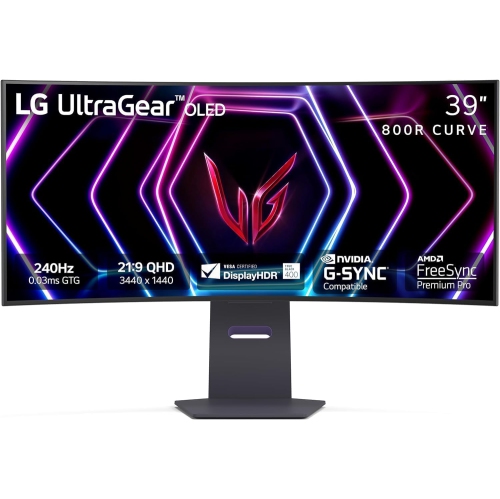



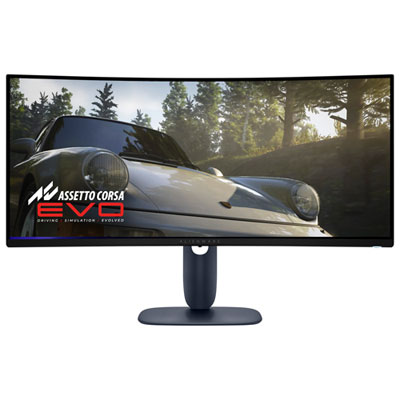
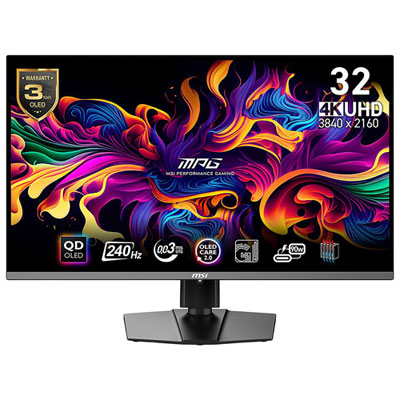
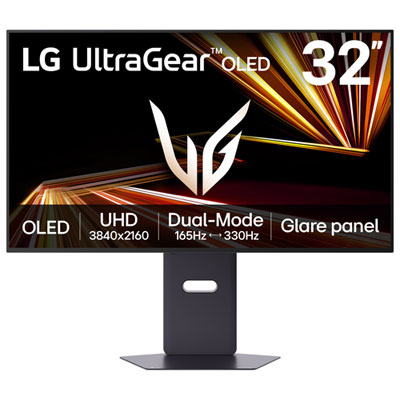
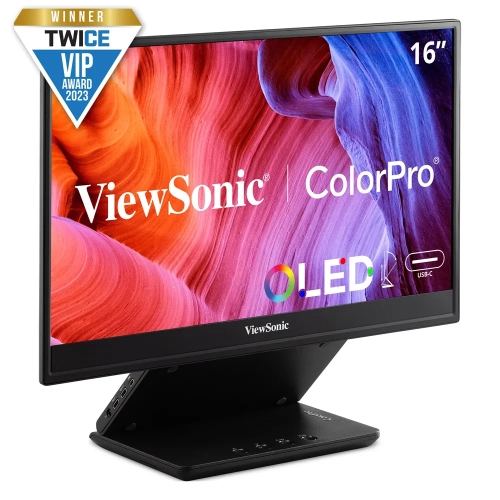
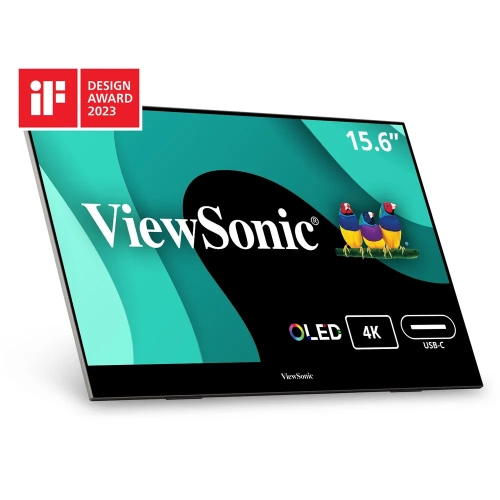
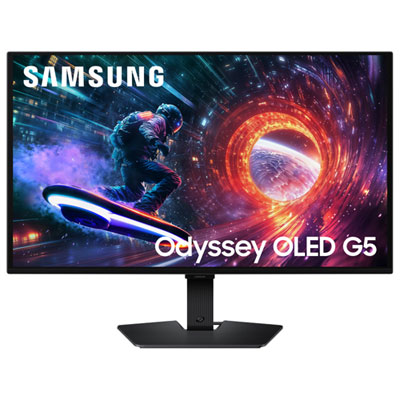
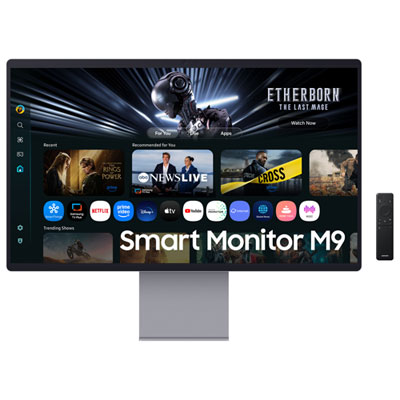
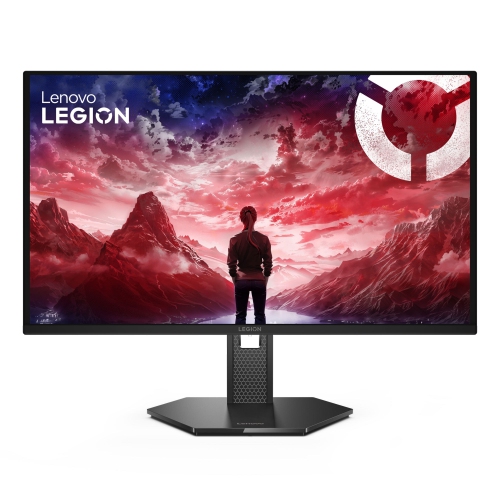
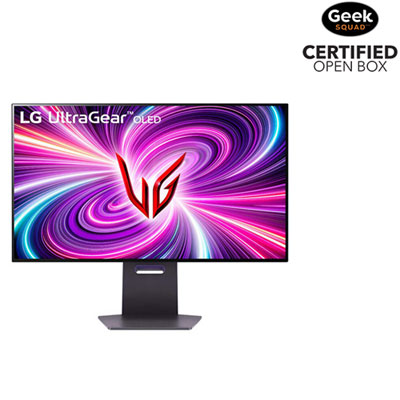
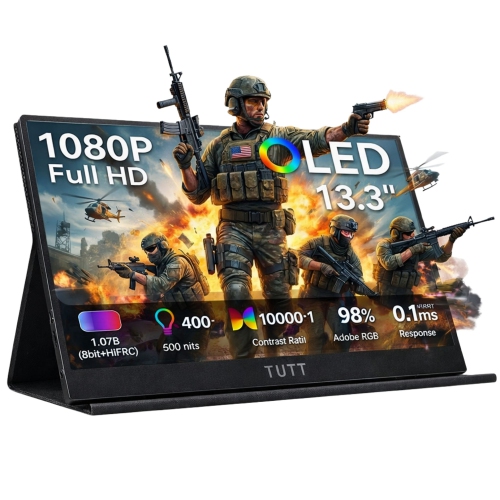
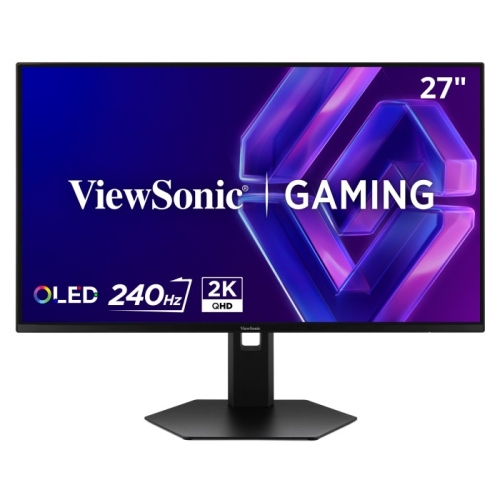


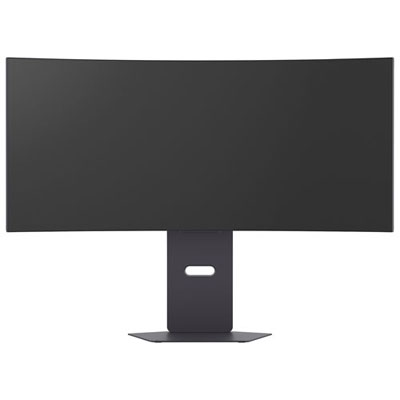
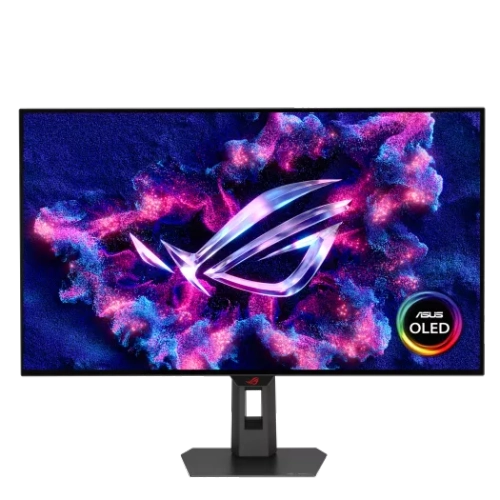
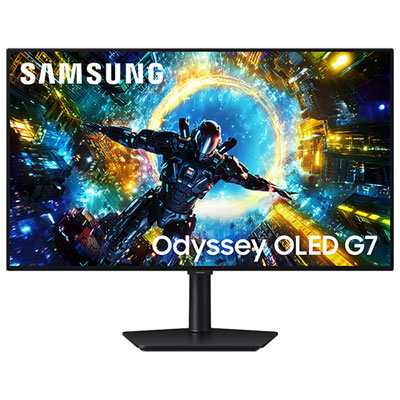
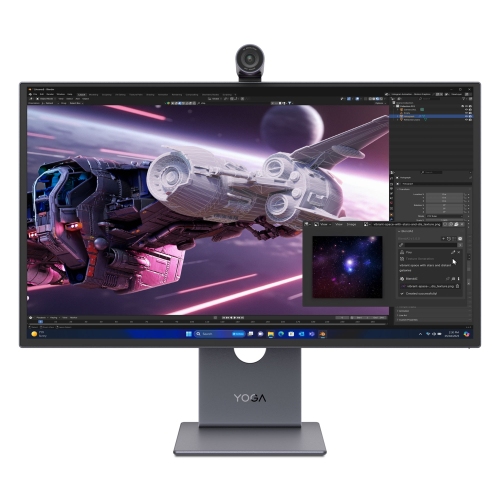
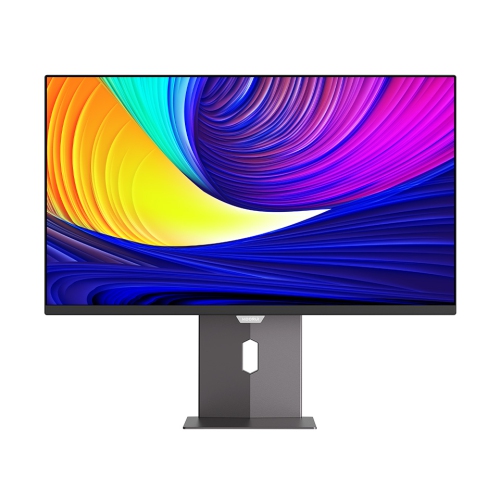
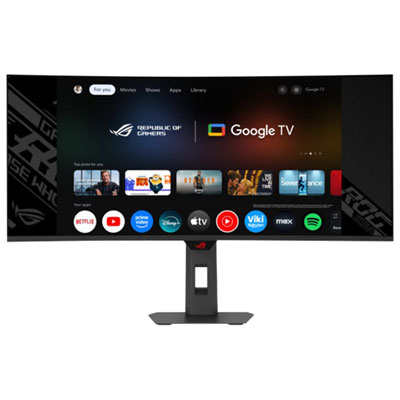
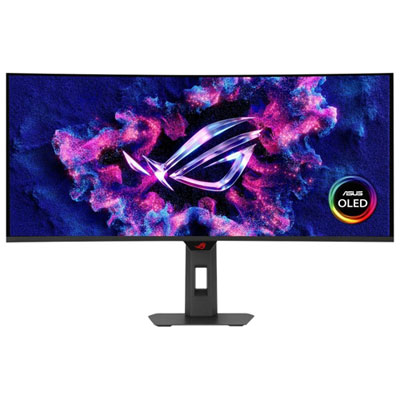
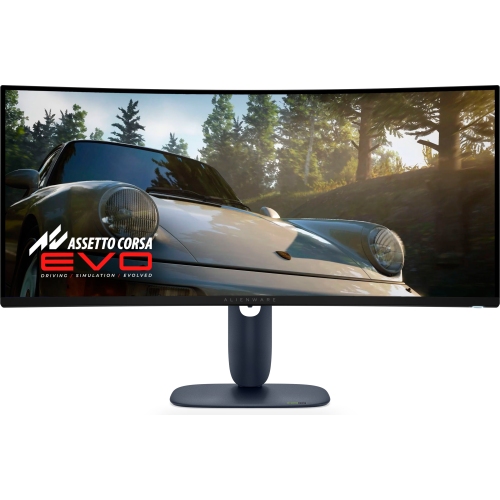
How panel type affects gaming, work, and room brightness
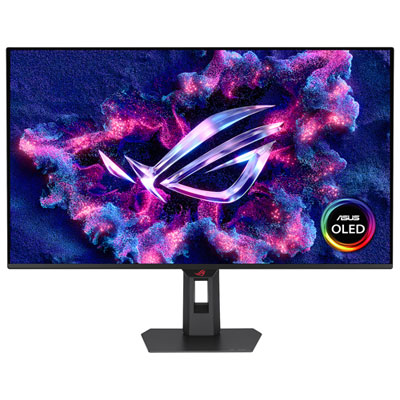
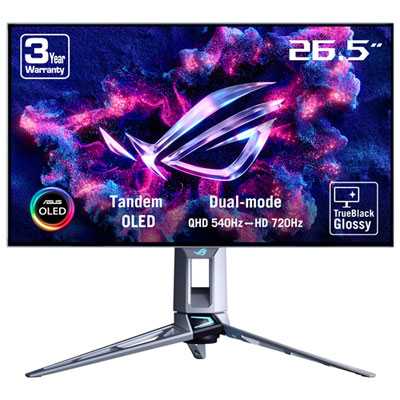
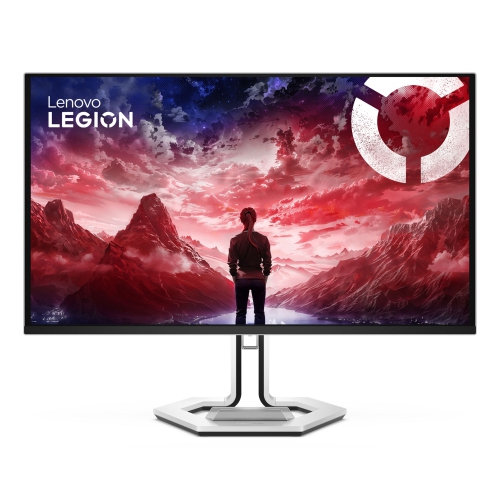
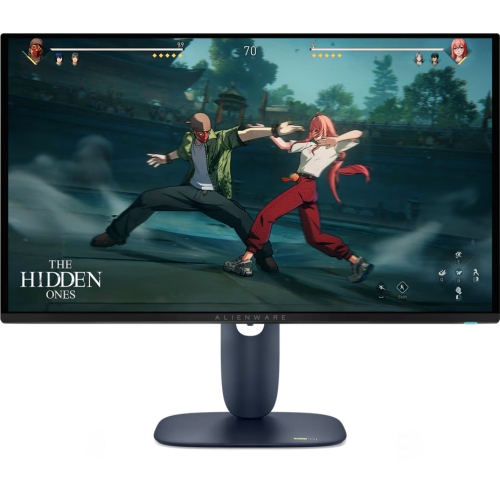
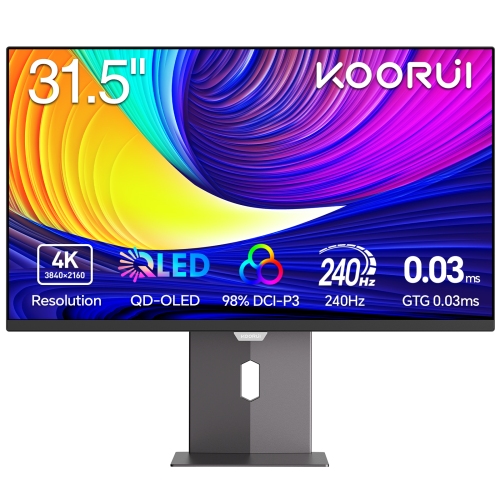
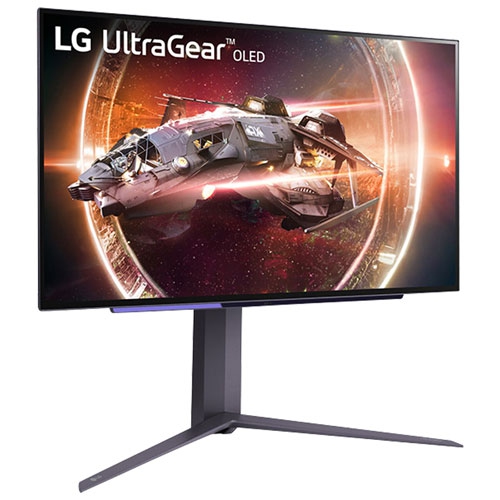
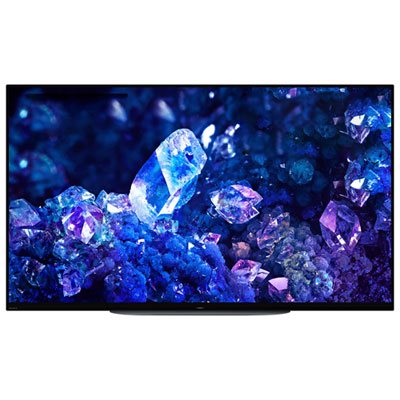
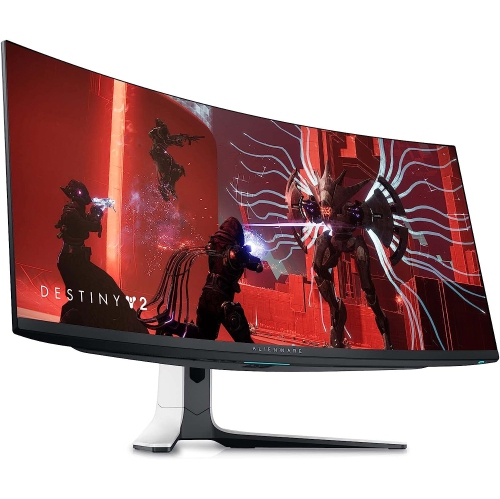
OLED LED monitors bring together two distinct display technologies, each suited to different viewing habits, workspaces, and budgets. OLED monitors use self-lit pixels, allowing each pixel to switch off independently and produce deep, true blacks with exceptionally strong contrast. This can make dark scenes look rich and dimensional, with bright details standing out against a near-black background. OLED panels also offer extremely fast pixel response times, which helps reduce motion blur and ghosting during fast-paced games, sports, action films, and other moving content. LED monitors, commonly referring to LCD screens with an LED backlight, remain a versatile choice for everyday computing, home offices, schoolwork, streaming, and general entertainment. They are often available at a wider range of price points and can deliver high sustained brightness, making them practical in rooms with large windows or strong overhead lighting. Some LED models use advanced backlighting, including local dimming, to improve contrast and HDR performance. When comparing OLED LED monitors, consider how the screen will fit into your daily routine rather than focusing on one specification alone. A display for competitive gaming may benefit from a high refresh rate, very fast response time, and adaptive sync support, while a screen for spreadsheets, documents, video calls, and web browsing may place greater emphasis on text clarity, comfortable brightness, ergonomic adjustment, and a size that leaves enough room on the desk. Resolution also affects the experience: sharper resolutions can make small text, detailed images, and modern games look more refined, while a lower resolution may be easier for a computer to drive at higher frame rates. Screen size and aspect ratio should match both the available desk space and the applications you use most. A wide display can make timelines, spreadsheets, and multi-window workflows easier to manage, while a more compact monitor may suit a small study area, dorm room, or secondary workstation.
OLED monitors are particularly appealing to gamers, film enthusiasts, and creative users who value rich contrast, smooth motion, and an immersive image. A dark game environment can appear more atmospheric when shadows remain genuinely dark instead of looking slightly grey, and fast camera movement can stay clean when the panel responds quickly. Creative professionals working with photographs, video, animation, or design may also appreciate the visual depth and contrast of OLED, although colour accuracy, calibration options, viewing modes, and connectivity remain important considerations. LED monitors can be a strong fit for users who spend long hours working with static windows, menus, taskbars, or documents and prefer a display that does not require special attention to prolonged on-screen elements. OLED technology can be used confidently for many types of work, but static content displayed for extended periods may contribute to image retention or burn-in over time. Modern OLED monitors commonly include features such as pixel shifting, screen savers, automatic brightness adjustments, and panel maintenance cycles to help manage this risk. It is worth reviewing how these tools operate and following the manufacturer’s recommendations, especially if the monitor will show the same desktop layout throughout the day. Brightness is another practical difference: LED monitors often maintain higher brightness across a larger portion of the screen, which can be helpful in a sunlit room, whereas OLED can look especially impressive in controlled or dimmer lighting. Think about where the monitor will sit, how much daylight reaches the desk, and whether reflections from windows or lamps could distract from the image. A matte or anti-glare finish may be helpful in a bright workspace, while a glossy finish can provide a vivid presentation when reflections are manageable. For either panel type, check the available inputs, including HDMI, DisplayPort, USB-C, and USB hubs, to ensure the monitor works with a desktop computer, laptop, game console, or other devices. USB-C models may simplify a laptop setup by carrying video, data, and power through one cable, while built-in speakers, headphone outputs, and adjustable stands can reduce the need for extra accessories.
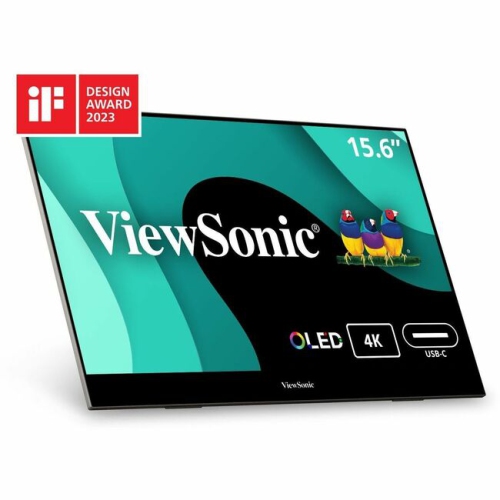
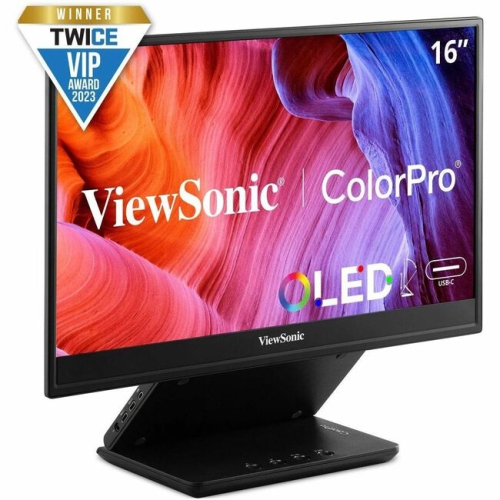
An OLED LED monitor can also be a thoughtful gift for someone setting up a first gaming station, refreshing a home office, building a creative workspace, or spending more time with entertainment during the cooler months. The best choice depends on the recipient’s computer or console, desk dimensions, preferred games and applications, and the lighting in the room. Gamers may look for a high refresh rate and a screen size that keeps the entire action easy to follow, while students and remote workers may value height adjustment, an uncluttered connection layout, and a comfortable image for extended reading. A monitor with multiple inputs can be useful for households where one screen serves several roles, such as connecting a work laptop during the day and a gaming system or streaming device later on. For a cleaner setup, look for a stand with tilt, swivel, height, or pivot adjustment, or confirm that the monitor supports a compatible mounting pattern. A correctly positioned screen can help keep the top edge near eye level and reduce the need to lean forward during long sessions. Portable OLED displays offer another option for people who move between rooms, travel for work, or need a second screen without a permanent desk installation; browse OLED Portable Monitors for displays designed with mobility in mind. Before choosing, compare the monitor’s dimensions with the desk, measure the distance from the viewer’s seat, and confirm that the computer can support the desired resolution and refresh rate. HDR support, colour gamut, calibration controls, response time, refresh rate, adaptive sync, viewing angles, warranty coverage, and included cables can all influence the day-to-day experience. Whether the priority is cinematic contrast, crisp productivity, bright-room visibility, or dependable versatility, the right OLED or LED monitor can make a desk feel more capable and a screen-based routine more comfortable from the first connection.
OLED monitors are particularly appealing to gamers, film enthusiasts, and creative users who value rich contrast, smooth motion, and an immersive image. A dark game environment can appear more atmospheric when shadows remain genuinely dark instead of looking slightly grey, and fast camera movement can stay clean when the panel responds quickly. Creative professionals working with photographs, video, animation, or design may also appreciate the visual depth and contrast of OLED, although colour accuracy, calibration options, viewing modes, and connectivity remain important considerations. LED monitors can be a strong fit for users who spend long hours working with static windows, menus, taskbars, or documents and prefer a display that does not require special attention to prolonged on-screen elements. OLED technology can be used confidently for many types of work, but static content displayed for extended periods may contribute to image retention or burn-in over time. Modern OLED monitors commonly include features such as pixel shifting, screen savers, automatic brightness adjustments, and panel maintenance cycles to help manage this risk. It is worth reviewing how these tools operate and following the manufacturer’s recommendations, especially if the monitor will show the same desktop layout throughout the day. Brightness is another practical difference: LED monitors often maintain higher brightness across a larger portion of the screen, which can be helpful in a sunlit room, whereas OLED can look especially impressive in controlled or dimmer lighting. Think about where the monitor will sit, how much daylight reaches the desk, and whether reflections from windows or lamps could distract from the image. A matte or anti-glare finish may be helpful in a bright workspace, while a glossy finish can provide a vivid presentation when reflections are manageable. For either panel type, check the available inputs, including HDMI, DisplayPort, USB-C, and USB hubs, to ensure the monitor works with a desktop computer, laptop, game console, or other devices. USB-C models may simplify a laptop setup by carrying video, data, and power through one cable, while built-in speakers, headphone outputs, and adjustable stands can reduce the need for extra accessories.
An OLED LED monitor can also be a thoughtful gift for someone setting up a first gaming station, refreshing a home office, building a creative workspace, or spending more time with entertainment during the cooler months. The best choice depends on the recipient’s computer or console, desk dimensions, preferred games and applications, and the lighting in the room. Gamers may look for a high refresh rate and a screen size that keeps the entire action easy to follow, while students and remote workers may value height adjustment, an uncluttered connection layout, and a comfortable image for extended reading. A monitor with multiple inputs can be useful for households where one screen serves several roles, such as connecting a work laptop during the day and a gaming system or streaming device later on. For a cleaner setup, look for a stand with tilt, swivel, height, or pivot adjustment, or confirm that the monitor supports a compatible mounting pattern. A correctly positioned screen can help keep the top edge near eye level and reduce the need to lean forward during long sessions. Portable OLED displays offer another option for people who move between rooms, travel for work, or need a second screen without a permanent desk installation; browse OLED Portable Monitors for displays designed with mobility in mind. Before choosing, compare the monitor’s dimensions with the desk, measure the distance from the viewer’s seat, and confirm that the computer can support the desired resolution and refresh rate. HDR support, colour gamut, calibration controls, response time, refresh rate, adaptive sync, viewing angles, warranty coverage, and included cables can all influence the day-to-day experience. Whether the priority is cinematic contrast, crisp productivity, bright-room visibility, or dependable versatility, the right OLED or LED monitor can make a desk feel more capable and a screen-based routine more comfortable from the first connection.
Top selling and popular products
-
 Your price for this item is $279.97
 -
 Your price for this item is $275
 -
 Your price for this item is $299
 -
 Your price for this item is $559.68
 -
 Your price for this item is $209.99
 -
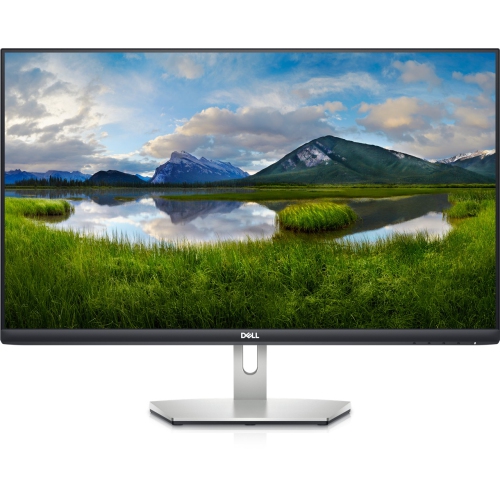 Your price for this item is $239.99
 -
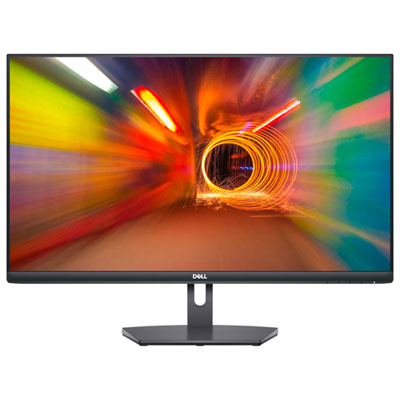 Your price for this item is $179.95
 -
 Your price for this item is $3299.99
Discover more categories related to OLED LED Monitors
Top Collections:
Pokemon Centers, Kindle Devices, Best Budget Office Chairs, Apple iPhones 16, Best Laptops for Writers, iPhone 15 Apple, Canon G7X Cameras, Refurbished Apple Laptops, Alarm Clock, Motorola Razr Phones
Some products may be subject to Environmental Handling Fees
(EHF) depending on your province.
Learn more about EHFs.