OLED Computer Monitors
Discover a new level of visual clarity with OLED computer monitors, designed to enhance your workspace and elevate your entertainment experience. Whether you’re editing photos, gaming, or multitasking, OLED computer monitors deliver impressive visuals for both work and play. Browse a wide selection to find the perfect monitor that fits your needs and complements your setup.
Sort
Why true blacks make bright details stand out
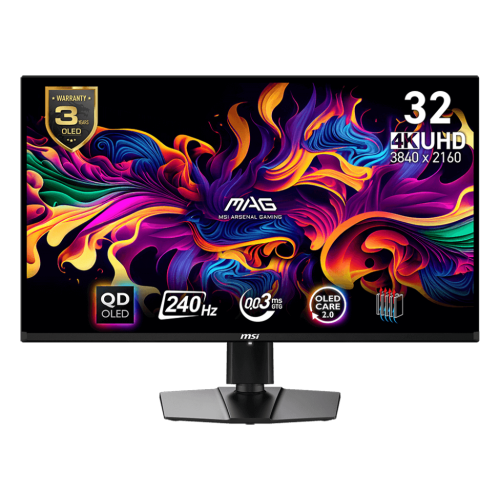
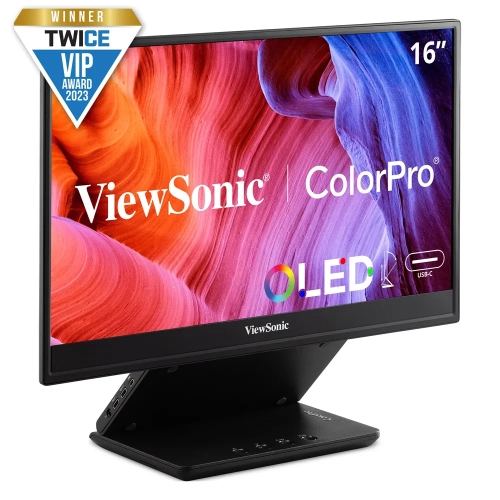
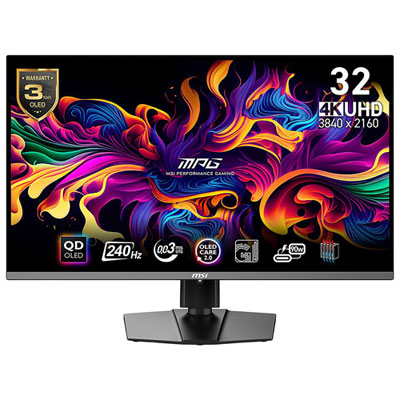
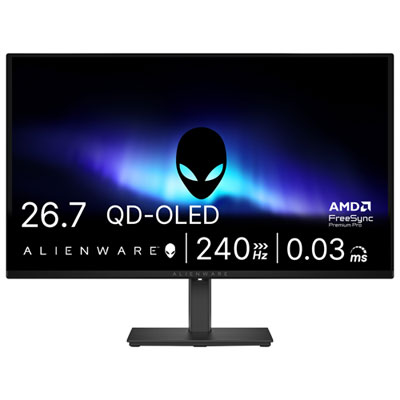
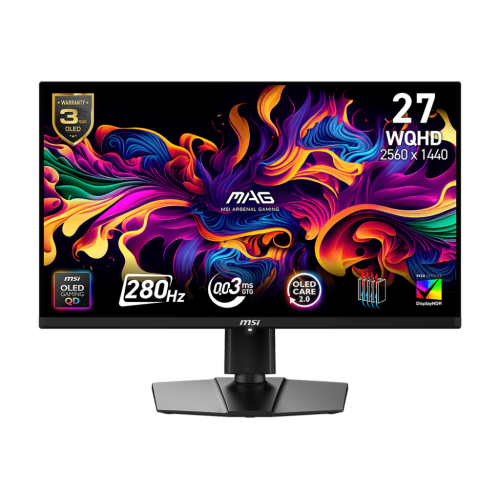
OLED computer monitors use self-emissive pixels, meaning each pixel produces its own light rather than relying on a separate backlight. When a pixel switches off, it creates a true black, giving OLED displays exceptionally strong contrast between bright highlights and dark areas. That difference is visible in everyday scenes: stars stand out against a night sky, shadowy game corridors retain depth, and films show dark backgrounds without the backlight glow associated with many LCD screens. OLED technology also supports very fast pixel transitions, helping moving objects look clear with less trailing behind them. Some monitors advertise response times as low as 0.03 milliseconds, though test methods vary and pixel response time is not the same as overall input lag. For PC gamers, that responsiveness can make quick camera movements and fast action easier to follow. For photographers, video editors, and people who enjoy watching films at a desk, the appeal also includes rich colour and wide viewing angles. Colour accuracy still depends on the monitor’s settings, calibration, and supported colour spaces; vivid colour alone does not guarantee faithful reproduction. OLED monitor panels include variations such as QD-OLED and WOLED, which use different approaches to producing colour and can differ in brightness, screen finish, and how they handle room light. High dynamic range, or HDR, can add impact to sunlight, reflections, and other bright details when both the display and the content support it well. Small highlights may appear much brighter than a mostly white screen because OLED brightness can vary with the image being displayed. In a dim room, these qualities can make games and video particularly engaging, while a desk beside a large window places greater importance on reflection handling and usable brightness. The OLED LED Monitors collection provides another place to explore displays in this category, with individual specifications helping distinguish panel technology and intended use.
Screen size, resolution, and shape influence how an OLED monitor fits into a workspace as much as its picture quality does. A 27-inch display with a 2560 × 1440 resolution offers a familiar balance of desktop space and gaming demands, while a 32-inch 4K display provides more pixels for fine detail, large images, and multiple windows. Higher resolution does not automatically mean more comfortable text: operating system scaling, viewing distance, and personal preference all affect readability. Some OLED subpixel layouts can produce visible colour fringing around small lettering, making text rendering a worthwhile consideration for anyone spending long days in spreadsheets, documents, or coding applications. Ultrawide OLED monitors provide a broader canvas for editing timelines, arranging several applications side by side, or enjoying games that support a wider aspect ratio. Curved screens can bring the edges of a wide display closer to the viewer, although their shape takes more planning on a shallow desk. A monitor’s listed size measures the diagonal of the screen, not its width or the space occupied by its stand. Stand depth, clearance beneath shelves, and room for speakers matter in a compact setup. Height adjustment, tilt, and swivel help position the screen comfortably, while a compatible monitor arm can free desk space when the display’s mounting pattern and weight meet the arm’s requirements. For gaming, refresh rate describes how often the display updates each second. OLED monitors with 240Hz or 360Hz refresh rates can deliver very smooth motion, but the computer must generate enough frames to take full advantage of that capability. Running demanding games at 4K and high frame rates generally requires a more powerful graphics card than running them at 1440p. Variable refresh rate support can reduce tearing when compatible hardware is connected. HDMI and DisplayPort capabilities, supported resolutions, and cable bandwidth determine which display modes are possible, so the connector’s shape alone does not tell the full story. For a laptop-based desk, USB-C video input and power delivery, where supported, can simplify cabling; a built-in USB hub or KVM switch can also make sharing peripherals between two computers more convenient.
An OLED monitor suits a range of personal setups, from a dedicated gaming desk to a creative workspace that doubles as a place to watch films after work. It can also be a thoughtful gift for an experienced PC gamer or visual creator when the recipient’s computer connections, desk dimensions, and preferred screen format are known. Someone who alternates between games, video, and creative applications has different needs from someone who keeps the same dashboard open throughout every workday. OLED panels can develop permanent image retention, often called burn-in, when static elements receive prolonged, uneven use. Persistent taskbars, channel logos, and fixed application panels are examples of content that can contribute to this wear. Built-in features such as pixel shifting, static-image dimming, and panel maintenance cycles help manage the risk, but they do not eliminate it. Allowing the monitor to enter standby as directed by its manufacturer can give automatic maintenance routines time to run. Sensible habits include using a screen timeout, avoiding unnecessarily high brightness, and varying displayed content during extended sessions. Warranty terms also deserve attention because coverage for burn-in differs between monitors. Physical care is straightforward but requires a gentle touch: thin panels and coated screen surfaces should not be pressed, scrubbed, or sprayed directly. A clean, soft microfibre cloth and the manufacturer’s cleaning directions are the safest starting points, with harsh household cleaners kept away from the display. Housing and stand construction vary, often combining plastic panels with metal support components; a stable base and secure mounting hardware help protect the screen from accidental knocks. Keeping ventilation openings clear supports normal heat management, particularly when the monitor sits close to a wall or beneath shelving. Screen finish affects daily use too. Glossy surfaces can give images a crisp appearance but show distinct reflections, while matte treatments diffuse reflections and may change the perceived texture of bright areas. Thoughtful lamp placement and blinds can improve viewing comfort without pushing brightness to its maximum. With suitable desk placement, compatible hardware, and care that reflects how OLED panels work, these monitors bring strong contrast and clear motion to both focused screen time and relaxed entertainment.
Screen size, resolution, and shape influence how an OLED monitor fits into a workspace as much as its picture quality does. A 27-inch display with a 2560 × 1440 resolution offers a familiar balance of desktop space and gaming demands, while a 32-inch 4K display provides more pixels for fine detail, large images, and multiple windows. Higher resolution does not automatically mean more comfortable text: operating system scaling, viewing distance, and personal preference all affect readability. Some OLED subpixel layouts can produce visible colour fringing around small lettering, making text rendering a worthwhile consideration for anyone spending long days in spreadsheets, documents, or coding applications. Ultrawide OLED monitors provide a broader canvas for editing timelines, arranging several applications side by side, or enjoying games that support a wider aspect ratio. Curved screens can bring the edges of a wide display closer to the viewer, although their shape takes more planning on a shallow desk. A monitor’s listed size measures the diagonal of the screen, not its width or the space occupied by its stand. Stand depth, clearance beneath shelves, and room for speakers matter in a compact setup. Height adjustment, tilt, and swivel help position the screen comfortably, while a compatible monitor arm can free desk space when the display’s mounting pattern and weight meet the arm’s requirements. For gaming, refresh rate describes how often the display updates each second. OLED monitors with 240Hz or 360Hz refresh rates can deliver very smooth motion, but the computer must generate enough frames to take full advantage of that capability. Running demanding games at 4K and high frame rates generally requires a more powerful graphics card than running them at 1440p. Variable refresh rate support can reduce tearing when compatible hardware is connected. HDMI and DisplayPort capabilities, supported resolutions, and cable bandwidth determine which display modes are possible, so the connector’s shape alone does not tell the full story. For a laptop-based desk, USB-C video input and power delivery, where supported, can simplify cabling; a built-in USB hub or KVM switch can also make sharing peripherals between two computers more convenient.
An OLED monitor suits a range of personal setups, from a dedicated gaming desk to a creative workspace that doubles as a place to watch films after work. It can also be a thoughtful gift for an experienced PC gamer or visual creator when the recipient’s computer connections, desk dimensions, and preferred screen format are known. Someone who alternates between games, video, and creative applications has different needs from someone who keeps the same dashboard open throughout every workday. OLED panels can develop permanent image retention, often called burn-in, when static elements receive prolonged, uneven use. Persistent taskbars, channel logos, and fixed application panels are examples of content that can contribute to this wear. Built-in features such as pixel shifting, static-image dimming, and panel maintenance cycles help manage the risk, but they do not eliminate it. Allowing the monitor to enter standby as directed by its manufacturer can give automatic maintenance routines time to run. Sensible habits include using a screen timeout, avoiding unnecessarily high brightness, and varying displayed content during extended sessions. Warranty terms also deserve attention because coverage for burn-in differs between monitors. Physical care is straightforward but requires a gentle touch: thin panels and coated screen surfaces should not be pressed, scrubbed, or sprayed directly. A clean, soft microfibre cloth and the manufacturer’s cleaning directions are the safest starting points, with harsh household cleaners kept away from the display. Housing and stand construction vary, often combining plastic panels with metal support components; a stable base and secure mounting hardware help protect the screen from accidental knocks. Keeping ventilation openings clear supports normal heat management, particularly when the monitor sits close to a wall or beneath shelving. Screen finish affects daily use too. Glossy surfaces can give images a crisp appearance but show distinct reflections, while matte treatments diffuse reflections and may change the perceived texture of bright areas. Thoughtful lamp placement and blinds can improve viewing comfort without pushing brightness to its maximum. With suitable desk placement, compatible hardware, and care that reflects how OLED panels work, these monitors bring strong contrast and clear motion to both focused screen time and relaxed entertainment.
Top selling and popular products
-
 Your price for this item is $279.97
 -
 Your price for this item is $275
 -
 Your price for this item is $299
 -
 Your price for this item is $559.68
 -
 Your price for this item is $209.99
 -
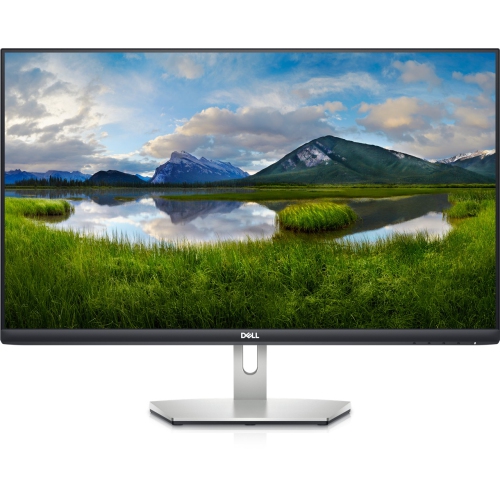 Your price for this item is $239.99
 -
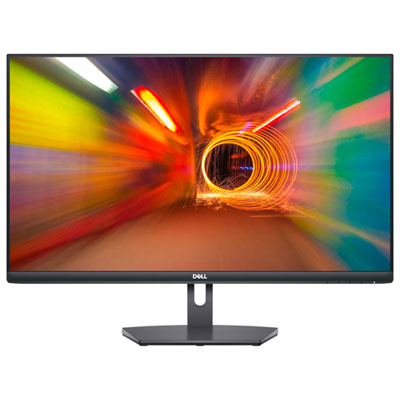 Your price for this item is $179.95
 -
 Your price for this item is $3299.99
Discover more categories related to OLED Computer Monitors
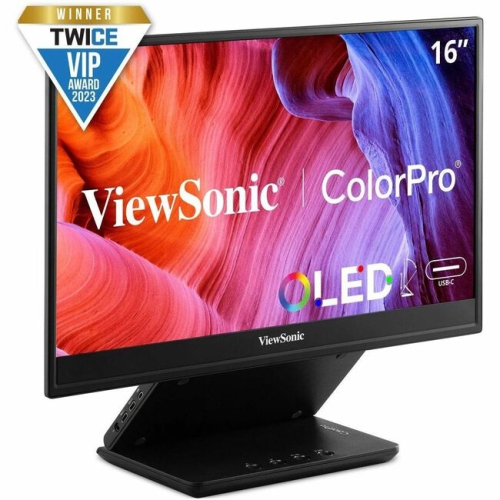
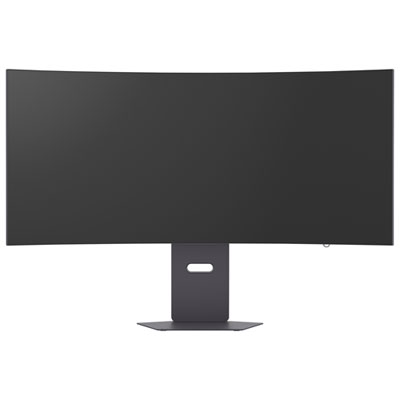
Top Collections:
Pokemon Centers, Kindle Devices, Best Budget Office Chairs, Apple iPhones 16, Best Laptops for Writers, iPhone 15 Apple, Canon G7X Cameras, Refurbished Apple Laptops, Alarm Clock, Motorola Razr Phones
Some products may be subject to Environmental Handling Fees
(EHF) depending on your province.
Learn more about EHFs.