PC Locks
Enhance the security of your valuable technology with a range of pc locks designed to provide peace of mind and protection. Whether you're in an office, at school, or on the go, these essential tools help safeguard your computer from theft and unauthorized access. With various styles and locking mechanisms available, finding the right pc lock to suit your needs is simple. Explore options that offer a balance between convenience and security, ensuring your devices remain safe wherever you are.
Sort
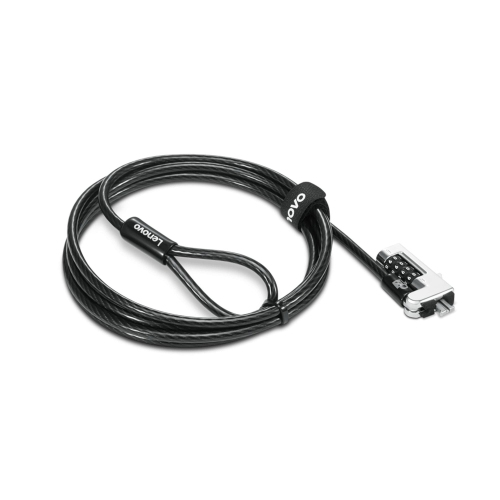
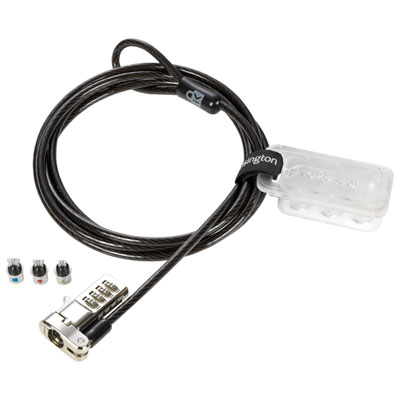
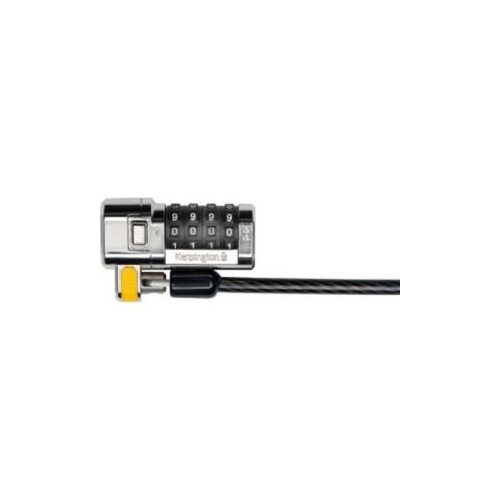
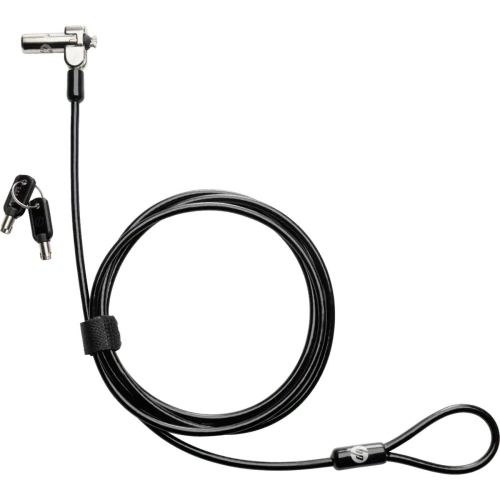
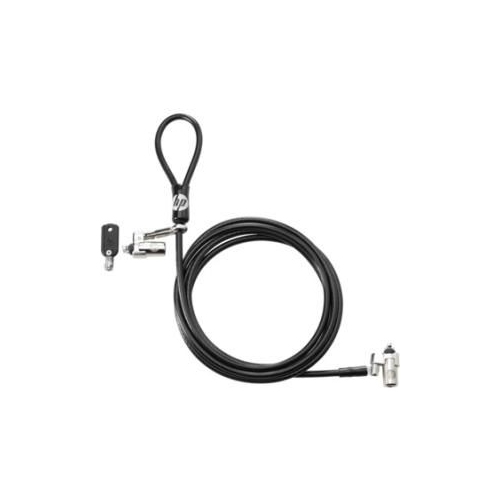
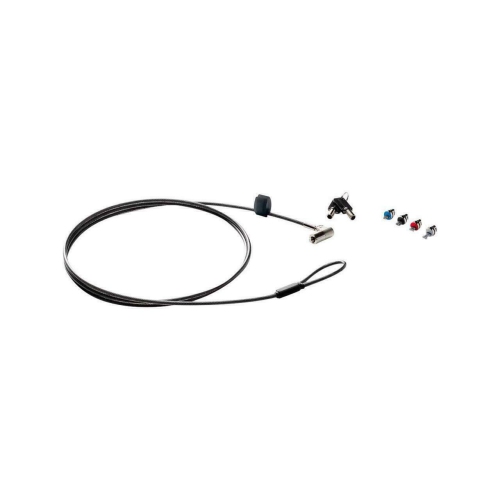
Physical security for shared workspaces and everyday computer use
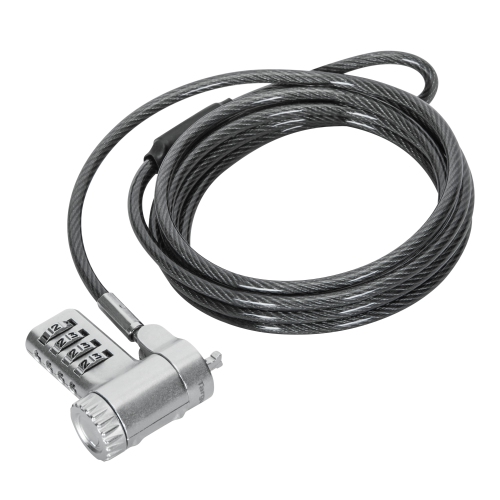
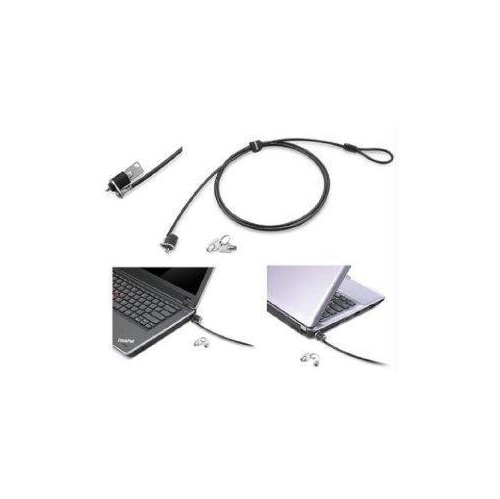
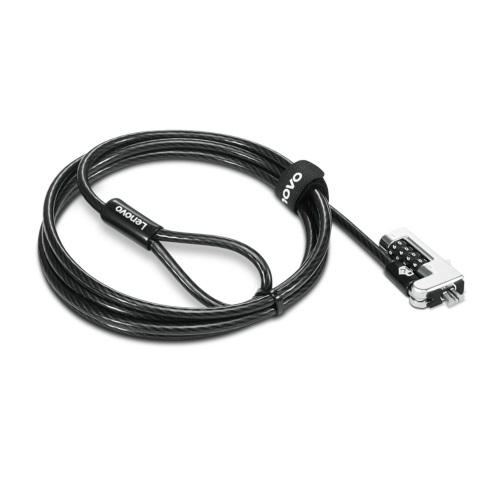
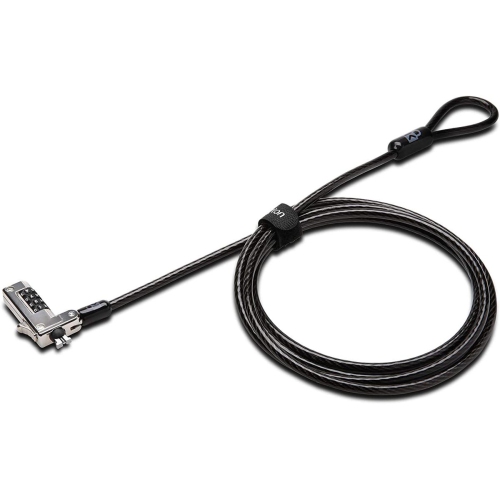
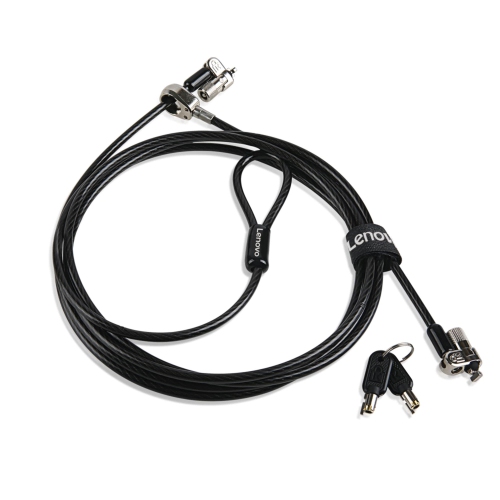
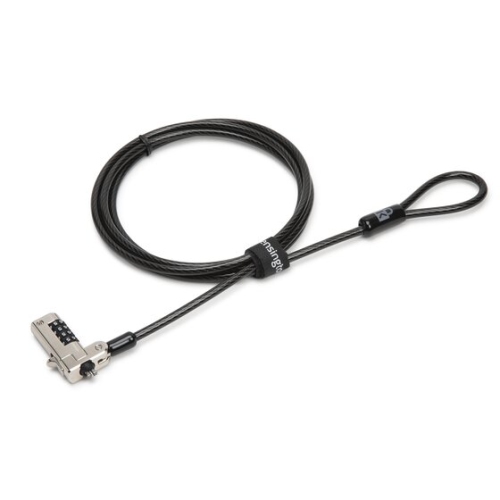
PC locks help protect computers and the information stored on them when devices are used in shared, public, or busy spaces. A physical PC lock typically combines a durable security cable or locking mechanism with a compatible security slot on a laptop, desktop computer, monitor, docking station, or other equipment. The cable can be secured to a fixed point, such as a heavy desk frame or a purpose-built anchor, making it more difficult for someone to quickly pick up and remove the device. This type of security is especially useful in offices with open workstations, reception areas, classrooms, libraries, retail counters, healthcare settings, and home offices where other people may have access to the room. It can also be helpful for anyone who regularly works from shared spaces or travels between locations with a laptop. Before choosing a lock, check the computer or monitor for its security slot and identify the slot style. Common connection points include standard K-Slots, Nano slots, and Noble Wedge slots, and these designs are not always interchangeable. Product descriptions may also indicate the supported device type, cable length, locking method, and whether an adapter is included for equipment without a built-in slot. A longer cable can provide more flexibility around a desk leg or anchoring point, while a shorter cable may create a neater setup in a compact workstation. Consider the location as well as the computer: a lock is most effective when attached to a solid, difficult-to-move anchor rather than a lightweight accessory or detachable part of the desk. For a desktop tower, look for a solution suited to the chassis and the way the tower is positioned. For a laptop or monitor, confirm that the cable will not interfere with ventilation, ports, hinges, display adjustment, or everyday movement. Some PC locks use a key, while others use a combination or another locking format. A key-based option can be straightforward for a small team with a designated key holder, while a combination style may be convenient when several authorized people need access without sharing a physical key. Keep any key or combination information in a secure place and make sure authorized users know how to release the lock without forcing the cable or connector.
PC locks are designed to discourage opportunistic removal and add a visible layer of physical security, but they work best as part of a broader computer security routine. Locking the hardware in place does not automatically protect an unlocked screen, exposed files, or an account that remains signed in. On a Windows PC, pressing the Windows key and L at the same time instantly locks the screen, making it a useful habit whenever you step away, even for a short conversation or a trip to the printer. Set up a PIN, password, or other supported sign-in method so that returning to work is quick while access remains limited to authorized users. Automatic screen-lock settings can provide an additional safeguard when someone forgets to use the shortcut. For sensitive workplaces, administrators may also use software tools or system policies to restrict access to selected files, folders, applications, or system functions. These digital controls serve a different purpose from a physical cable lock: software helps protect accounts and data, while a physical lock helps prevent the device itself from being carried away. Together, they can support a more complete approach to computer protection. When comparing options, pay attention to the construction of the cable, the strength and fit of the locking head, the attachment method, and the manufacturer’s compatibility information. A slim connector may be preferable for a thin laptop, while a wider or reinforced design may be more suitable for a monitor or desktop tower. Also consider how often the device will be moved. A permanent desk setup may benefit from a lock that stays attached, whereas a mobile worker may prefer a compact design that can be packed with a laptop and connected quickly at a temporary workstation. Take care when routing the cable so it does not create a tripping hazard or place tension on the computer’s port. A tidy route along the rear or side of a desk can keep the workspace comfortable while preserving access to power, charging, headphones, and other accessories. If you are equipping several workstations, matching slot types and locking systems can make setup and key management simpler, although compatibility should still be checked for every computer model.
The right PC lock depends on the equipment, the space, and the level of access that needs to be controlled. A student using a laptop in a residence or study area may value a lightweight cable that is easy to carry between rooms. A small business may use locks to help secure computers at front desks, shared counters, meeting rooms, or hot desks after staff have left for the day. At home, a PC lock can add reassurance when a computer is positioned near an entrance, in a common area, or in a room used by guests, children, or service providers. It may also be a practical addition to a workstation assembled for remote work, gaming, creative projects, or financial administration. For someone setting up a new office or replacing an older computer, a compatible lock can be a useful accessory that supports everyday security without changing the way the computer is used. If you are shopping for another type of household locking solution, you can also browse Simple Locks for additional options. Before purchasing, confirm the exact slot type rather than relying only on the computer’s brand or general category, since two laptops that look similar may use different security connections. Measure the route to the intended anchor, consider whether a key or combination is more convenient, and review the lock’s intended use for laptops, monitors, desktop towers, or compatible accessories. During the warmer months and into the cooler months, routines often shift between home, school, office, and shared spaces, making a reliable locking habit useful wherever a computer is left unattended. A PC lock will not replace strong passwords, updated software, encrypted storage, backups, or awareness of the surrounding space, but it can provide a simple, practical barrier against quick removal. With the right fit and a secure anchoring point, it helps keep valuable equipment where it belongs while giving users greater confidence when they need to step away.
PC locks are designed to discourage opportunistic removal and add a visible layer of physical security, but they work best as part of a broader computer security routine. Locking the hardware in place does not automatically protect an unlocked screen, exposed files, or an account that remains signed in. On a Windows PC, pressing the Windows key and L at the same time instantly locks the screen, making it a useful habit whenever you step away, even for a short conversation or a trip to the printer. Set up a PIN, password, or other supported sign-in method so that returning to work is quick while access remains limited to authorized users. Automatic screen-lock settings can provide an additional safeguard when someone forgets to use the shortcut. For sensitive workplaces, administrators may also use software tools or system policies to restrict access to selected files, folders, applications, or system functions. These digital controls serve a different purpose from a physical cable lock: software helps protect accounts and data, while a physical lock helps prevent the device itself from being carried away. Together, they can support a more complete approach to computer protection. When comparing options, pay attention to the construction of the cable, the strength and fit of the locking head, the attachment method, and the manufacturer’s compatibility information. A slim connector may be preferable for a thin laptop, while a wider or reinforced design may be more suitable for a monitor or desktop tower. Also consider how often the device will be moved. A permanent desk setup may benefit from a lock that stays attached, whereas a mobile worker may prefer a compact design that can be packed with a laptop and connected quickly at a temporary workstation. Take care when routing the cable so it does not create a tripping hazard or place tension on the computer’s port. A tidy route along the rear or side of a desk can keep the workspace comfortable while preserving access to power, charging, headphones, and other accessories. If you are equipping several workstations, matching slot types and locking systems can make setup and key management simpler, although compatibility should still be checked for every computer model.
The right PC lock depends on the equipment, the space, and the level of access that needs to be controlled. A student using a laptop in a residence or study area may value a lightweight cable that is easy to carry between rooms. A small business may use locks to help secure computers at front desks, shared counters, meeting rooms, or hot desks after staff have left for the day. At home, a PC lock can add reassurance when a computer is positioned near an entrance, in a common area, or in a room used by guests, children, or service providers. It may also be a practical addition to a workstation assembled for remote work, gaming, creative projects, or financial administration. For someone setting up a new office or replacing an older computer, a compatible lock can be a useful accessory that supports everyday security without changing the way the computer is used. If you are shopping for another type of household locking solution, you can also browse Simple Locks for additional options. Before purchasing, confirm the exact slot type rather than relying only on the computer’s brand or general category, since two laptops that look similar may use different security connections. Measure the route to the intended anchor, consider whether a key or combination is more convenient, and review the lock’s intended use for laptops, monitors, desktop towers, or compatible accessories. During the warmer months and into the cooler months, routines often shift between home, school, office, and shared spaces, making a reliable locking habit useful wherever a computer is left unattended. A PC lock will not replace strong passwords, updated software, encrypted storage, backups, or awareness of the surrounding space, but it can provide a simple, practical barrier against quick removal. With the right fit and a secure anchoring point, it helps keep valuable equipment where it belongs while giving users greater confidence when they need to step away.
Top selling and popular products
-
 Your price for this item is $24.99
 -
 Your price for this item is $54.99
 -
 Your price for this item is $43.68
 -
 Your price for this item is $60.38
 -
 Your price for this item is $49.88
 -
 Your price for this item is $48.99
 -
 Your price for this item is $83.14
 -
 Your price for this item is $51.99
Discover more categories related to PC Locks
Top Collections:
Pokemon Centers, Kindle Devices, Best Budget Office Chairs, Apple iPhones 16, Best Laptops for Writers, iPhone 15 Apple, Canon G7X Cameras, Refurbished Apple Laptops, Alarm Clock, Motorola Razr Phones
Some products may be subject to Environmental Handling Fees
(EHF) depending on your province.
Learn more about EHFs.