Portable Computer Monitors
Portable Computer Monitors offer the perfect solution for anyone seeking flexibility and convenience on the go. Whether you need a second screen for work, school, gaming, or travel, these compact displays make it easy to expand your workspace wherever you are. With a variety of sizes and designs available, Portable Computer Monitors are ideal for boosting productivity and enhancing your viewing experience at home or on the road. Explore the latest options to find the right fit for your needs.
Sort
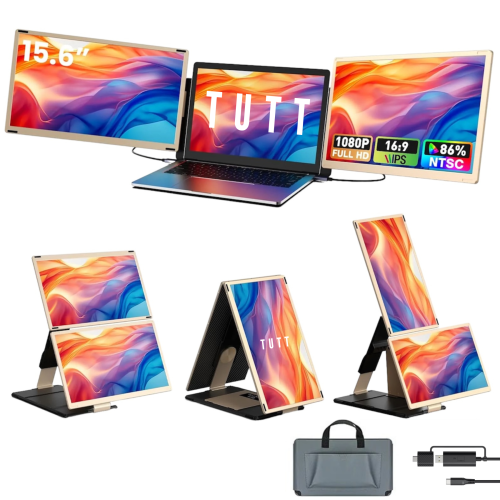
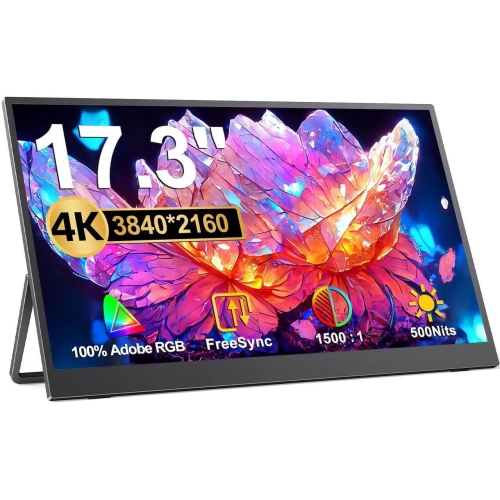
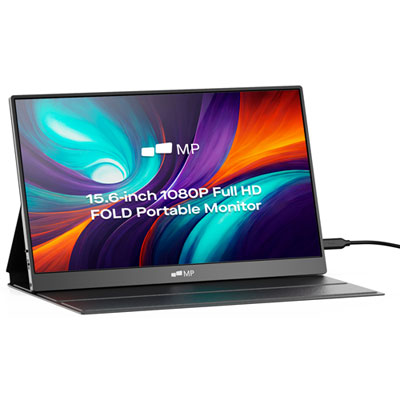
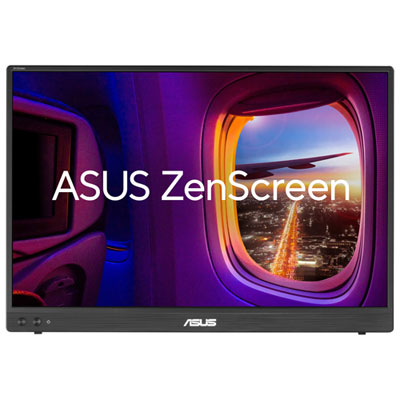
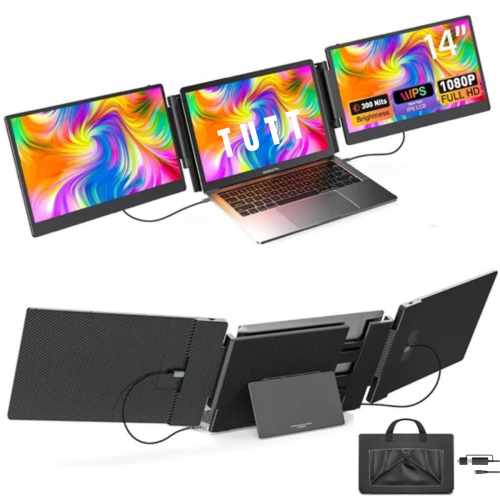
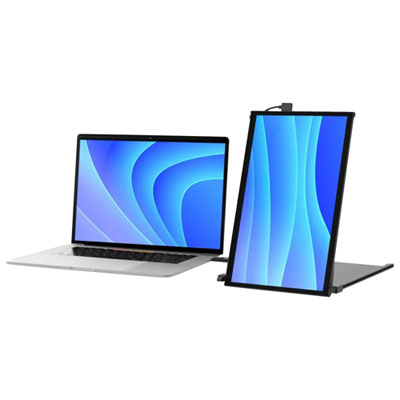
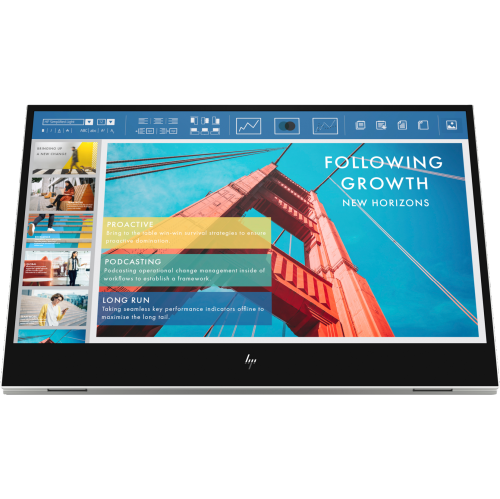
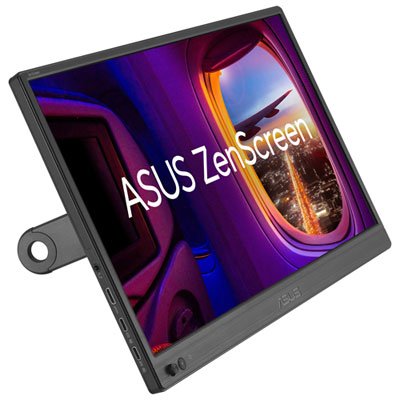
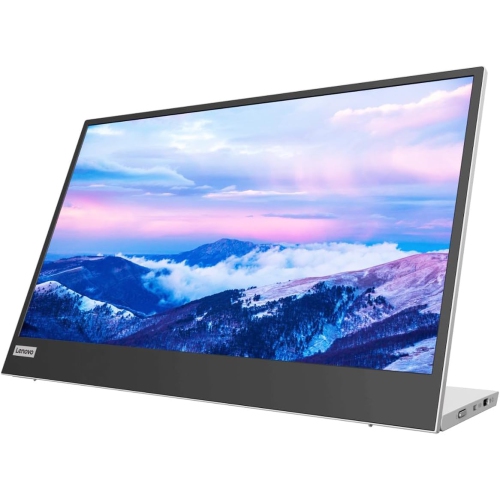
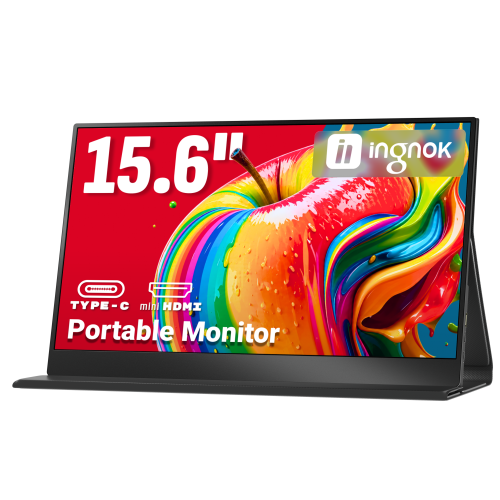
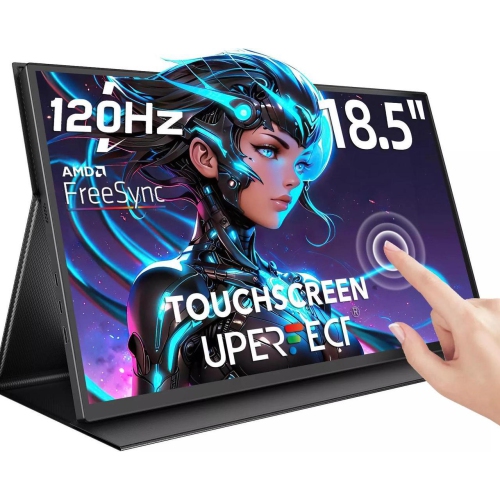
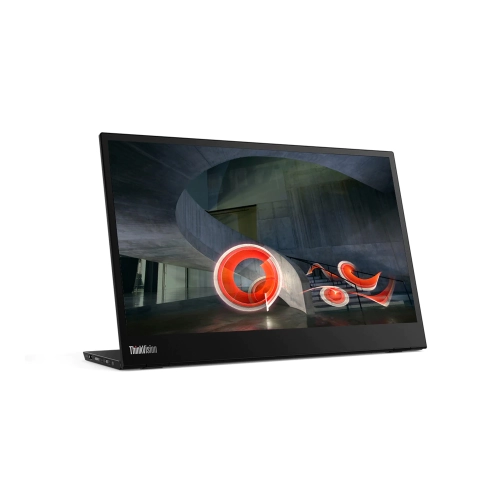
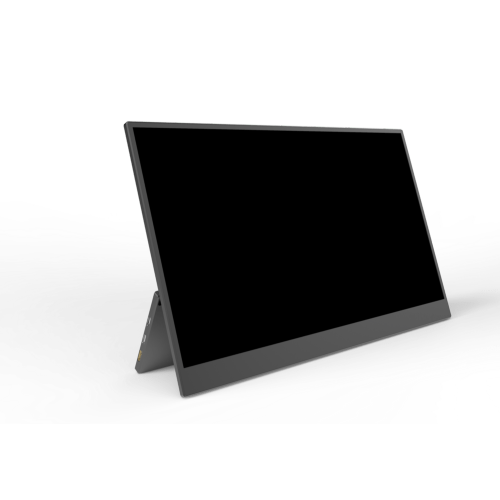
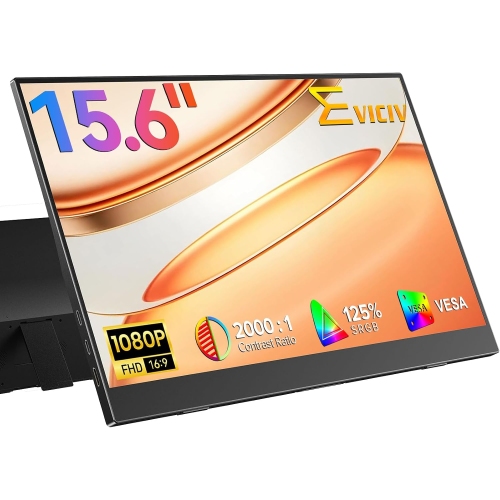

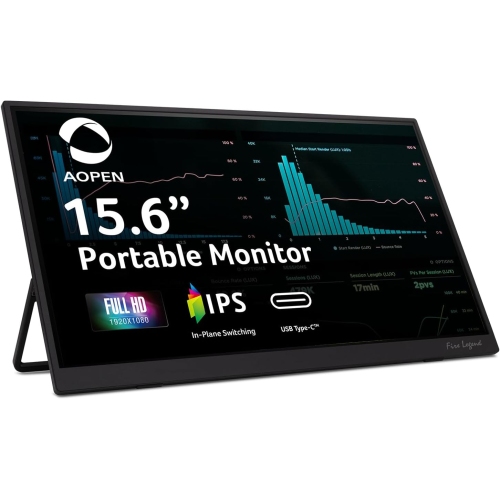
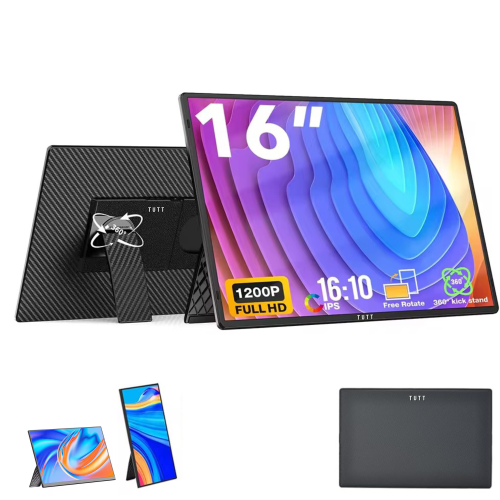

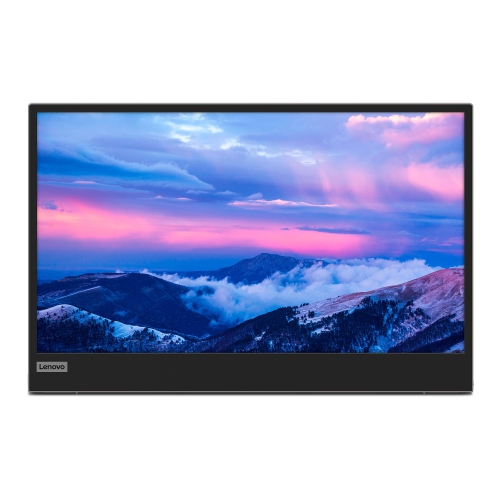
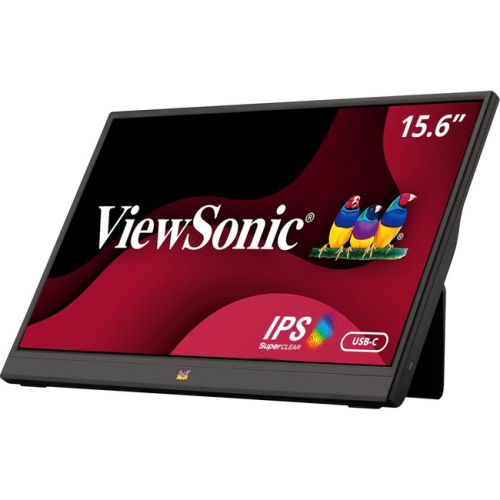
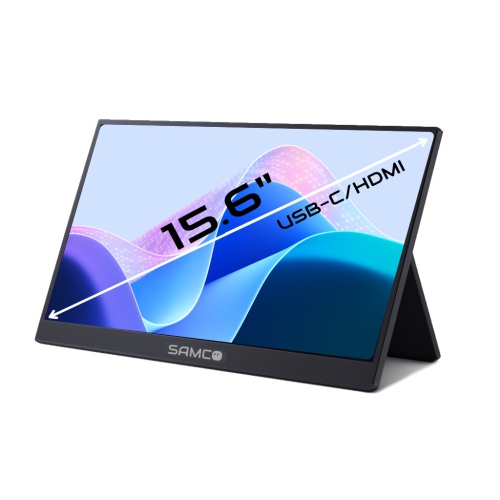
Extra screen space that travels with your laptop
Portable computer monitors are lightweight external screens that connect to a laptop or another compatible device to add display space for work, study, entertainment, and creative projects. They can function as a second screen beside a laptop or form part of a larger multi-screen setup, depending on the computer’s capabilities. Their slim shape makes them easier to carry between locations than a conventional desktop monitor, while a folding cover, kickstand, or separate stand holds the screen upright during use. The practical benefit is having more information visible at once: a spreadsheet can stay open beside a report, lecture notes can sit alongside a recorded lesson, and reference images can remain visible while a design takes shape on the main display. Explore Portable Monitors for Laptops for screen options suited to laptop-based setups. Screen size affects both comfort and portability. A smaller display takes up less room in a backpack and fits more easily on a narrow table, while a larger screen provides more space for detailed documents or several open windows. Overall dimensions matter as much as the diagonal measurement, especially when the monitor needs to fit into an existing laptop bag. Resolution also influences the experience. Full HD can provide clear text and useful workspace for everyday tasks, while higher resolutions can reveal finer detail in photographs, graphics, and video. On a compact screen, higher resolution may call for display scaling to keep menus and text comfortably readable. Panel characteristics deserve attention, too. Wide viewing angles help when sharing a screen with a colleague, and colour accuracy matters for photography or visual design. A matte surface can reduce distracting reflections, whereas a glossy finish may reflect nearby lights more noticeably. Brightness should suit the places where the display will be used; a bright room can make a dim screen harder to read. These differences shape how comfortable a portable monitor feels during a short presentation or a longer work session.
Connections determine whether a portable monitor will work smoothly with a particular computer. A USB-C port can sometimes carry video, power, and touch data through one cable, but the connector shape alone does not confirm those capabilities. The computer must support video output through that port, commonly through DisplayPort Alt Mode or a compatible Thunderbolt connection, and the cable must support the required signal. Some USB-C cables are intended primarily for charging and will not carry video. HDMI connections provide another common route for the picture, although a monitor using HDMI typically needs a separate power connection. Mini HDMI and full-size HDMI also require different cable ends, so checking both devices helps avoid an awkward setup. Power requirements vary: some portable displays draw enough power from the computer, while others need an external power source, particularly at higher brightness settings. A display with a built-in battery offers a different arrangement but adds charging needs and may add weight. For a shared workspace, a simple cable layout can make the difference between settling in quickly and spending several minutes untangling adapters. Once connected, an extended desktop provides separate workspace on each screen, while mirroring shows the same content on both displays for demonstrations or presentations. Support for multiple external monitors depends on the computer’s hardware, operating system, and connection method. Touchscreen features also depend on software compatibility and may require an additional data connection rather than working through HDMI alone. For video calls, keeping the meeting window on one screen and notes on the other can make information easier to follow without repeatedly switching tabs. For entertainment, response time, refresh rate, and audio options become more relevant. A higher refresh rate can make motion look smoother when the connected device supports it, while built-in speakers offer convenience rather than a guaranteed replacement for headphones or separate speakers. Connections to a game console, tablet, or phone should be checked against that device’s video-output support rather than assumed from the available ports.
Portability is about the complete setup, not just the display’s weight. The monitor, stand, protective cover, power adapter, and cables all contribute to what goes into a bag and how much room is needed on arrival. Metal housings can feel rigid and substantial, while plastic housings may help keep weight down; neither material alone establishes how well a screen will handle daily transport. Hinge construction, stand stability, protected corners, and a well-fitting sleeve all influence everyday durability. A folding cover is useful for shielding the screen from scratches, but it does not make the panel resistant to pressure from an overfilled bag. Keeping chargers, keys, and other hard objects away from the screen helps protect its surface. During setup, a firm, level work surface gives the stand a more dependable footing than soft furniture, and enough space behind the display allows a kickstand to open fully. Adjustable tilt can help reduce reflections, while portrait orientation is useful for long documents, coding, and page layouts when the monitor and stand support it. For longer sessions, placing the screen at a comfortable viewing height and keeping frequently used windows nearby can reduce repeated head turning. Some portable displays accept a mounting bracket, but the mounting pattern, weight limit, and required accessories need to match. Care is generally straightforward: disconnect the display before cleaning, use a soft microfibre cloth, and follow the manufacturer’s directions for any cleaning solution. Avoid pressing hard on the panel or spraying liquid directly onto it. Allow cables to bend naturally rather than straining their connectors during packing. A portable monitor can be a practical gift for a student balancing research and assignments, a professional moving between workspaces, or someone who enjoys a flexible computer setup. Matching the recipient’s computer connections, carrying habits, and preferred screen size makes the gift more useful than choosing by display size alone. With those details considered, an additional screen can provide familiar workspace wherever a suitable table and compatible device are ready.
Connections determine whether a portable monitor will work smoothly with a particular computer. A USB-C port can sometimes carry video, power, and touch data through one cable, but the connector shape alone does not confirm those capabilities. The computer must support video output through that port, commonly through DisplayPort Alt Mode or a compatible Thunderbolt connection, and the cable must support the required signal. Some USB-C cables are intended primarily for charging and will not carry video. HDMI connections provide another common route for the picture, although a monitor using HDMI typically needs a separate power connection. Mini HDMI and full-size HDMI also require different cable ends, so checking both devices helps avoid an awkward setup. Power requirements vary: some portable displays draw enough power from the computer, while others need an external power source, particularly at higher brightness settings. A display with a built-in battery offers a different arrangement but adds charging needs and may add weight. For a shared workspace, a simple cable layout can make the difference between settling in quickly and spending several minutes untangling adapters. Once connected, an extended desktop provides separate workspace on each screen, while mirroring shows the same content on both displays for demonstrations or presentations. Support for multiple external monitors depends on the computer’s hardware, operating system, and connection method. Touchscreen features also depend on software compatibility and may require an additional data connection rather than working through HDMI alone. For video calls, keeping the meeting window on one screen and notes on the other can make information easier to follow without repeatedly switching tabs. For entertainment, response time, refresh rate, and audio options become more relevant. A higher refresh rate can make motion look smoother when the connected device supports it, while built-in speakers offer convenience rather than a guaranteed replacement for headphones or separate speakers. Connections to a game console, tablet, or phone should be checked against that device’s video-output support rather than assumed from the available ports.
Portability is about the complete setup, not just the display’s weight. The monitor, stand, protective cover, power adapter, and cables all contribute to what goes into a bag and how much room is needed on arrival. Metal housings can feel rigid and substantial, while plastic housings may help keep weight down; neither material alone establishes how well a screen will handle daily transport. Hinge construction, stand stability, protected corners, and a well-fitting sleeve all influence everyday durability. A folding cover is useful for shielding the screen from scratches, but it does not make the panel resistant to pressure from an overfilled bag. Keeping chargers, keys, and other hard objects away from the screen helps protect its surface. During setup, a firm, level work surface gives the stand a more dependable footing than soft furniture, and enough space behind the display allows a kickstand to open fully. Adjustable tilt can help reduce reflections, while portrait orientation is useful for long documents, coding, and page layouts when the monitor and stand support it. For longer sessions, placing the screen at a comfortable viewing height and keeping frequently used windows nearby can reduce repeated head turning. Some portable displays accept a mounting bracket, but the mounting pattern, weight limit, and required accessories need to match. Care is generally straightforward: disconnect the display before cleaning, use a soft microfibre cloth, and follow the manufacturer’s directions for any cleaning solution. Avoid pressing hard on the panel or spraying liquid directly onto it. Allow cables to bend naturally rather than straining their connectors during packing. A portable monitor can be a practical gift for a student balancing research and assignments, a professional moving between workspaces, or someone who enjoys a flexible computer setup. Matching the recipient’s computer connections, carrying habits, and preferred screen size makes the gift more useful than choosing by display size alone. With those details considered, an additional screen can provide familiar workspace wherever a suitable table and compatible device are ready.
Top selling and popular products
-
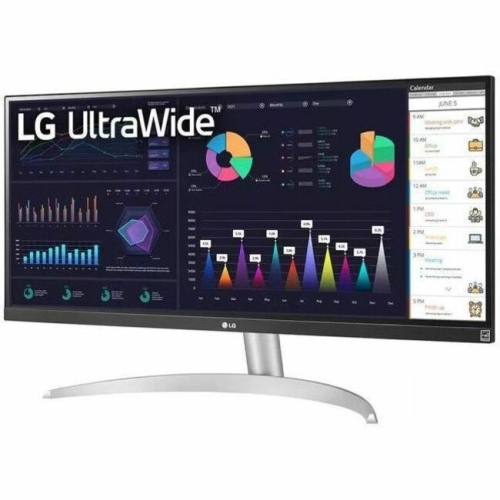 Your price for this item is $2237.68
-
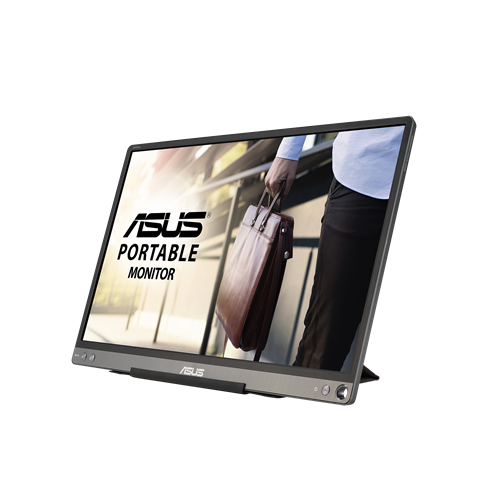 Your price for this item is $320.68
-
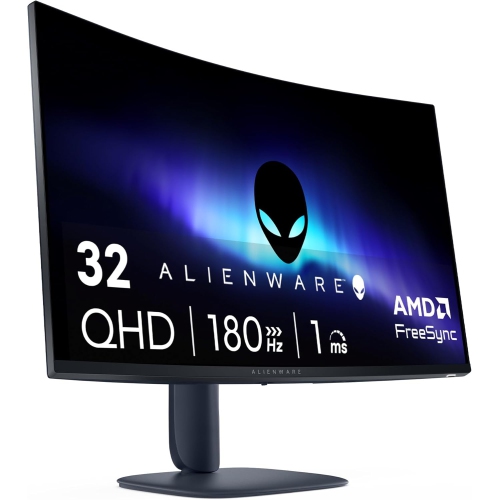 Your price for this item is $469
-
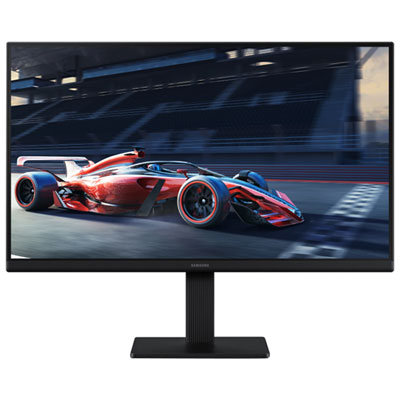 Your price for this item is $149.99
-
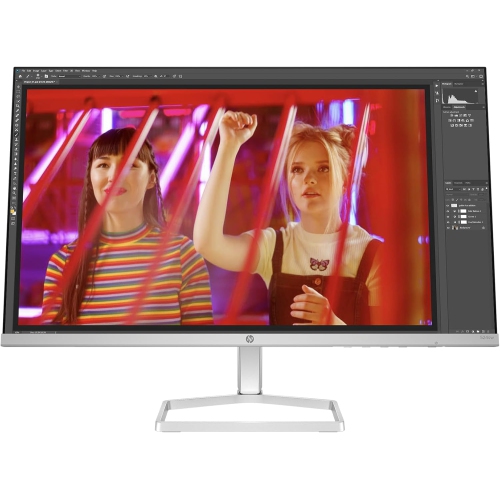 Your price for this item is $265.99
-
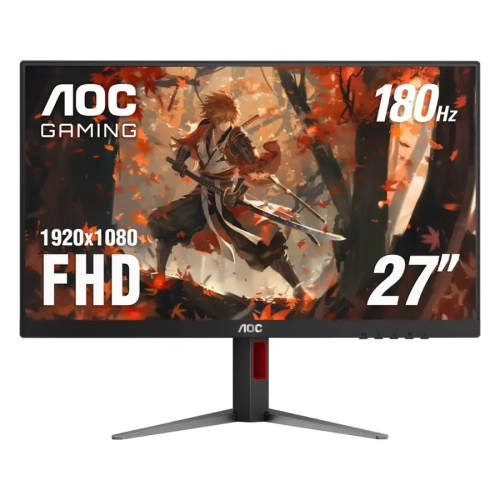 Your price for this item is $229.99
-
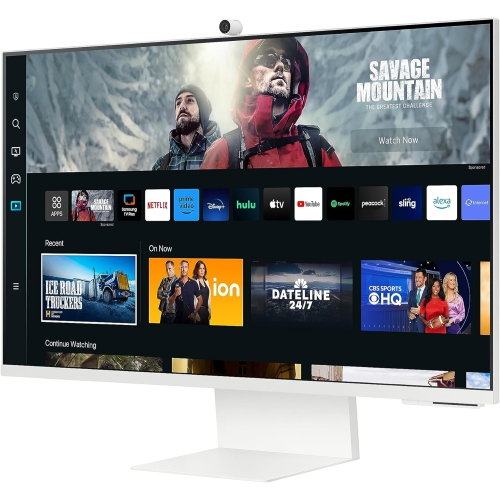 Your price for this item is $1138.68
-
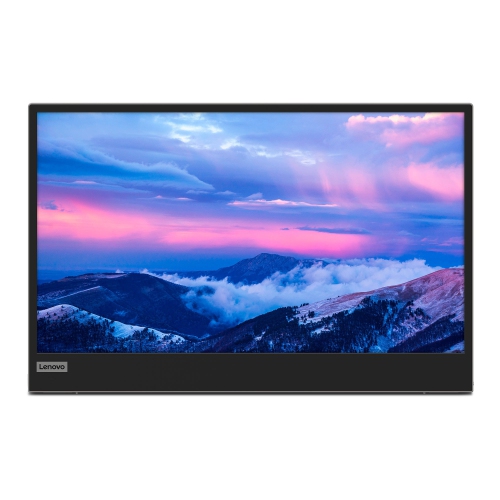 Your price for this item is $355.68
Discover more categories related to Portable Computer Monitors
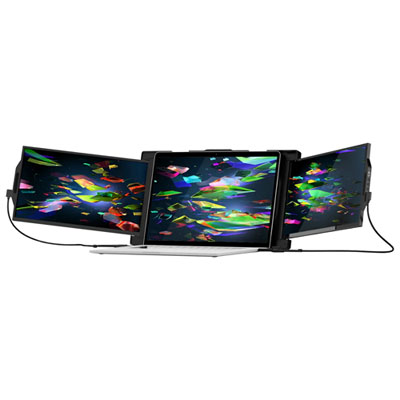
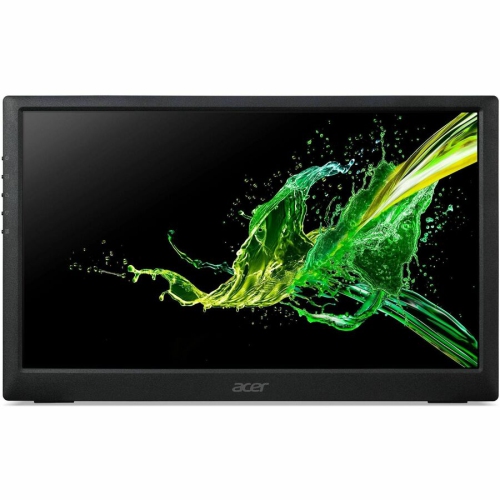
Top Collections:
Best Black Friday Deals This Year, Best Black Friday Deals On Electronics, Kindle Devices, Pokemon Centers, Best Black Friday Deals On Apple Products, Best Cameras for Sports Photography, Dyson Airwrap, Pokémon 30th Celebration Cards, Apple iPhone 17 Pro, Canon G7X Cameras
Some products may be subject to Environmental Handling Fees
(EHF) depending on your province.
Learn more about EHFs.