Power Strips With Usb
Looking for a convenient way to power up multiple devices simultaneously? Look no further than our selection of power strips with USB ports. These versatile gadgets are designed to provide you with the ultimate charging solution, combining traditional power outlets with built-in USB ports. Whether you need to charge your smartphone, tablet, laptop, or any other USB-powered device, these power strips are here to keep your electronics juiced up and ready to go. Say goodbye to the hassle of searching for available outlets or dealing with bulky adapters – our collection of power strips with USB ports has got you covered.
Sort
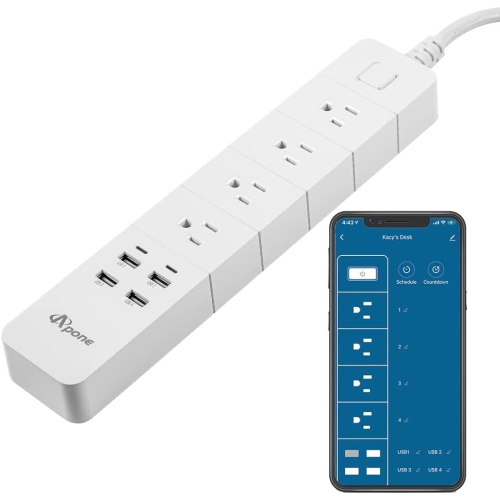
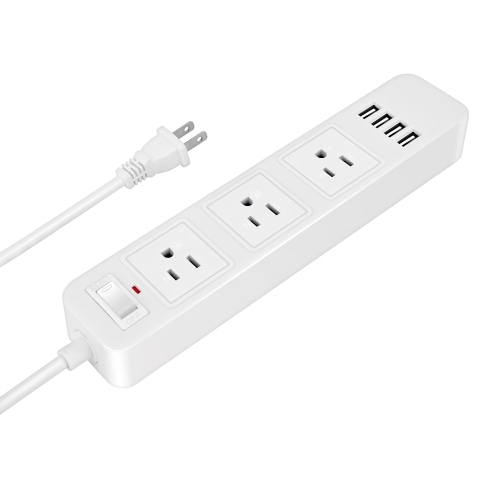
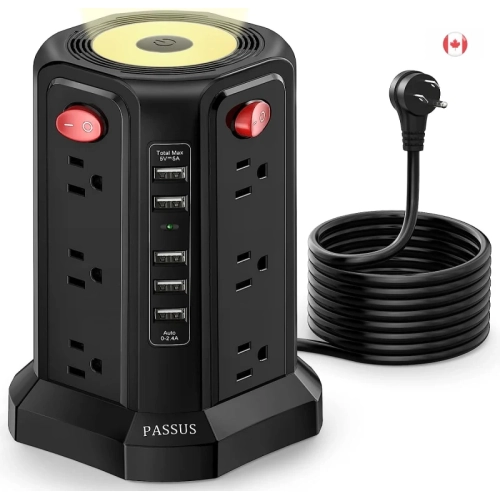
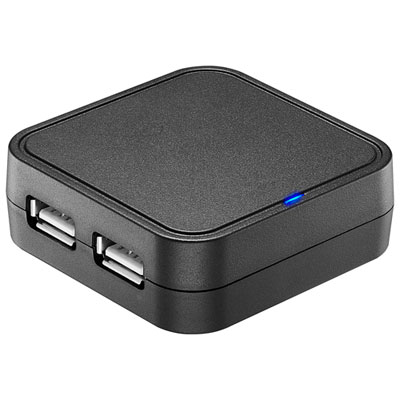
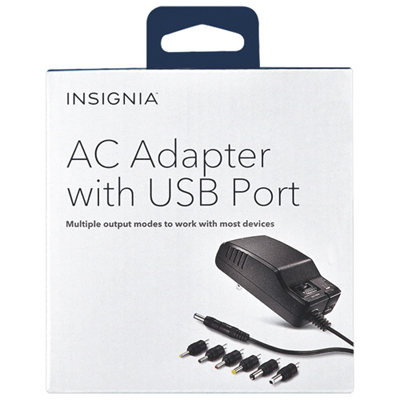
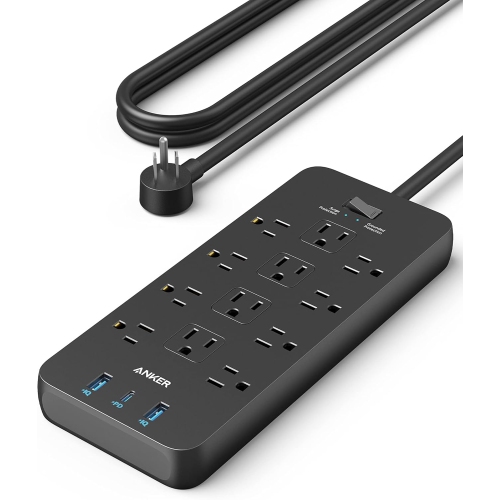
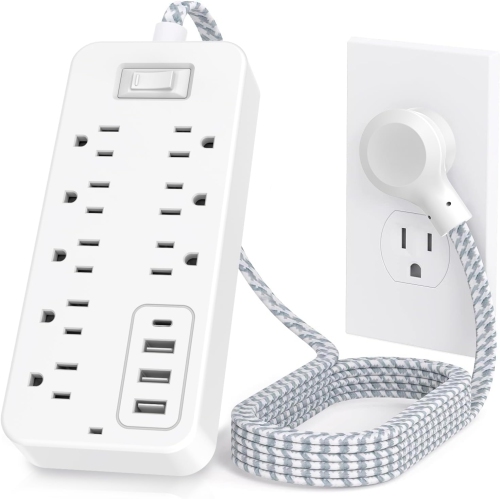
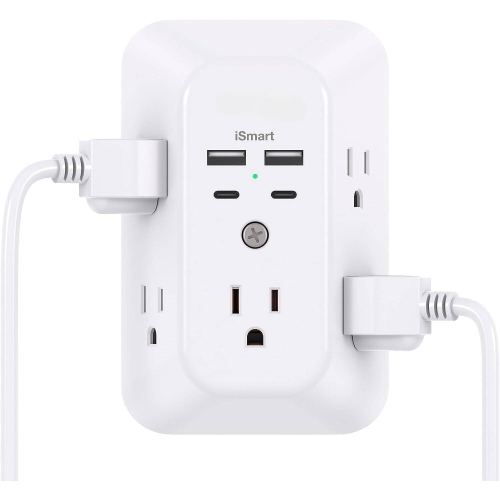
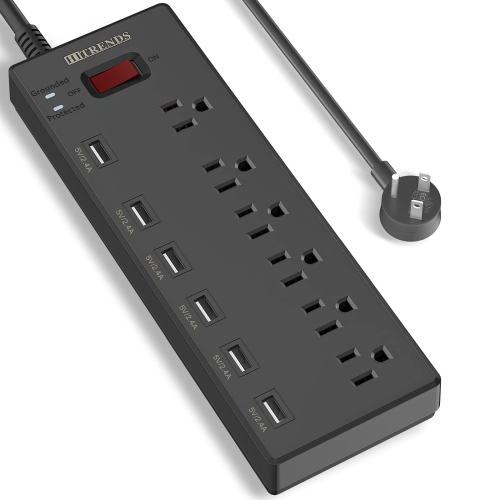
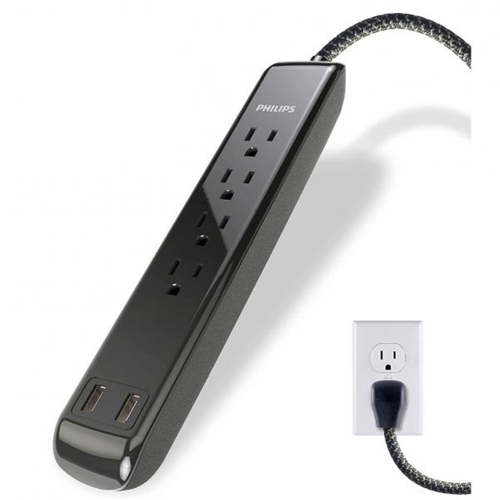
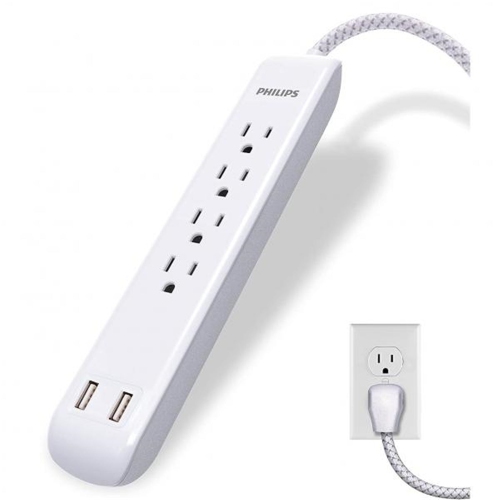
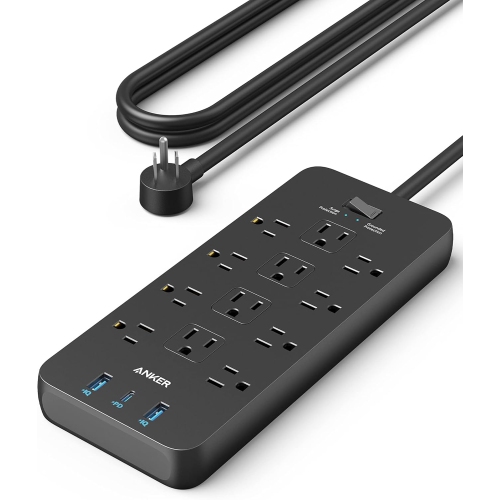
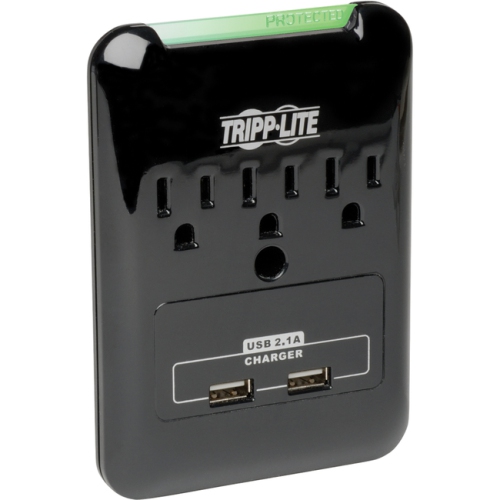
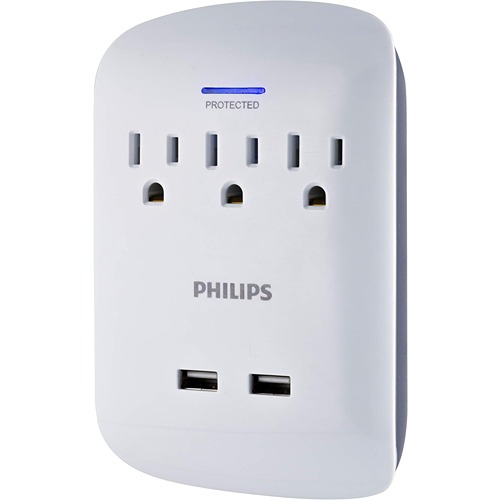
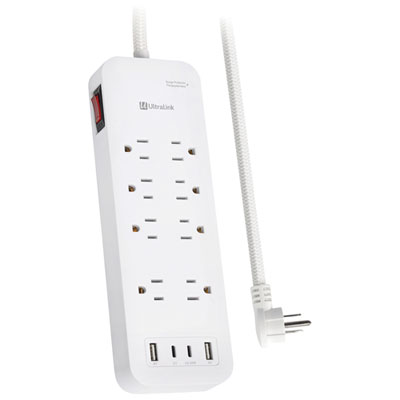
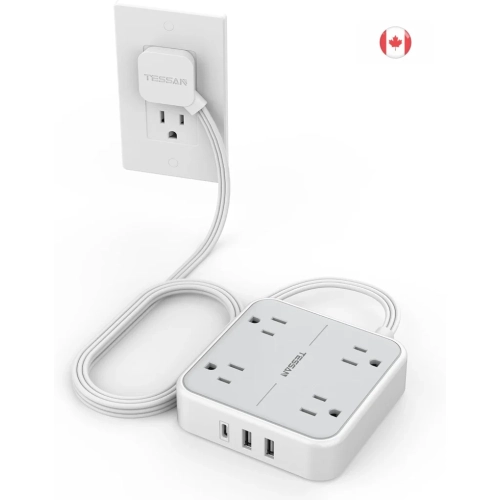
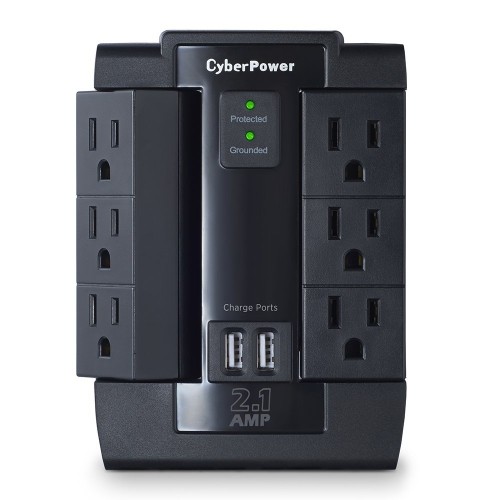
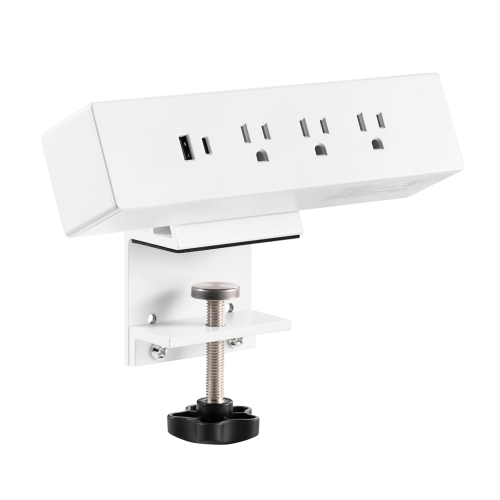
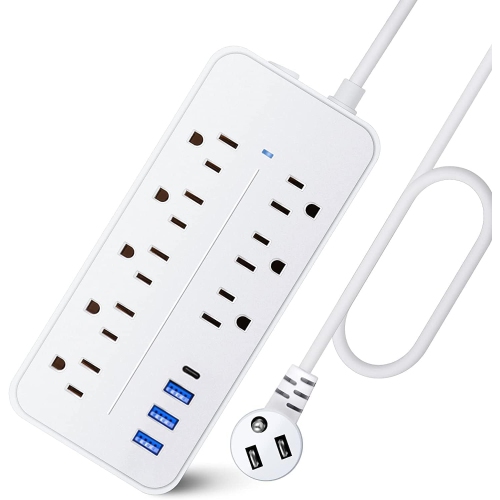
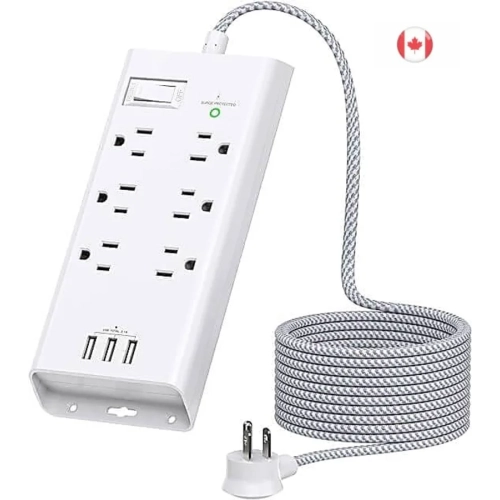

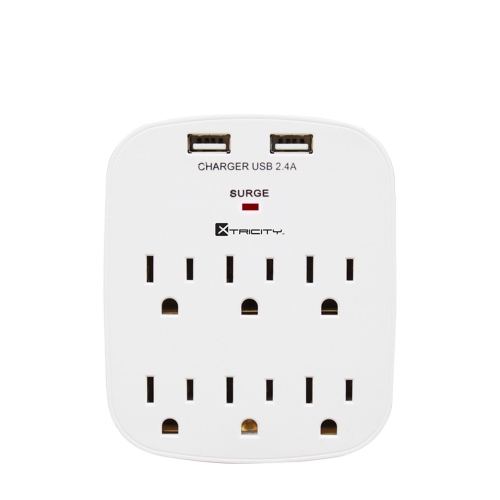
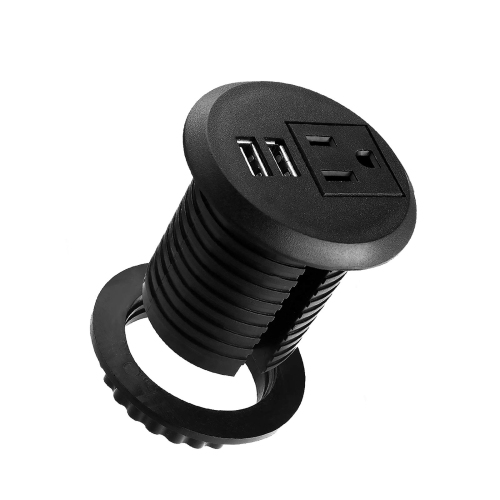
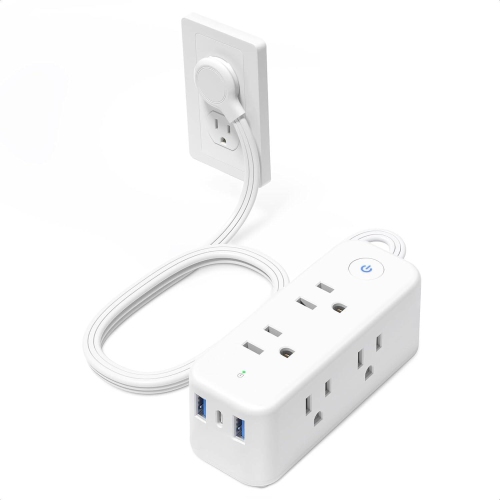

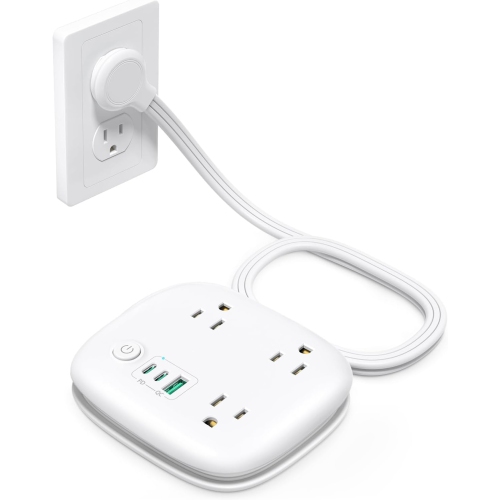
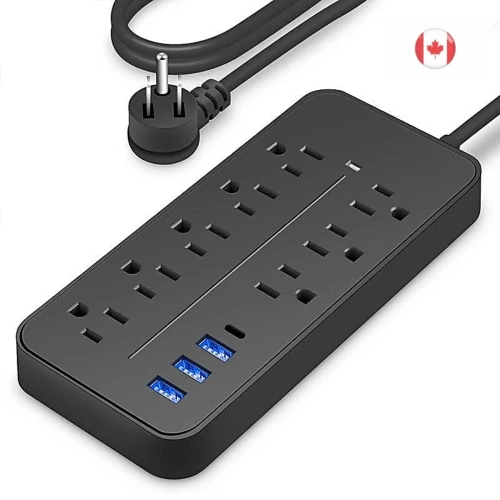

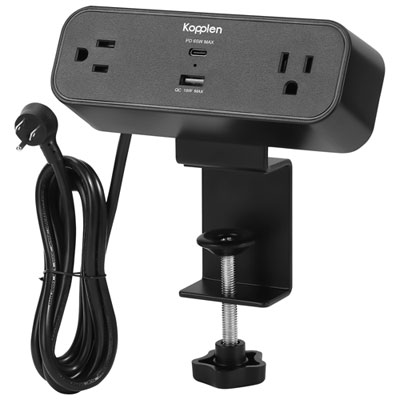
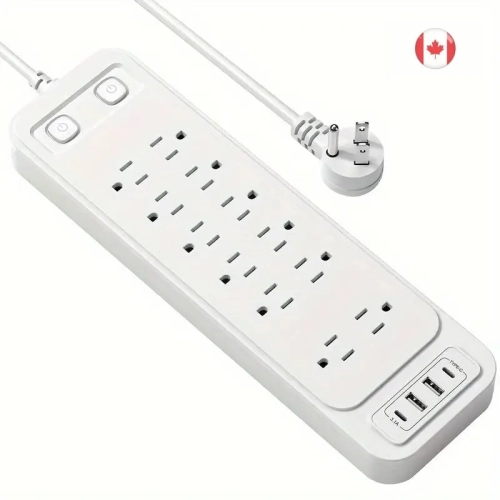

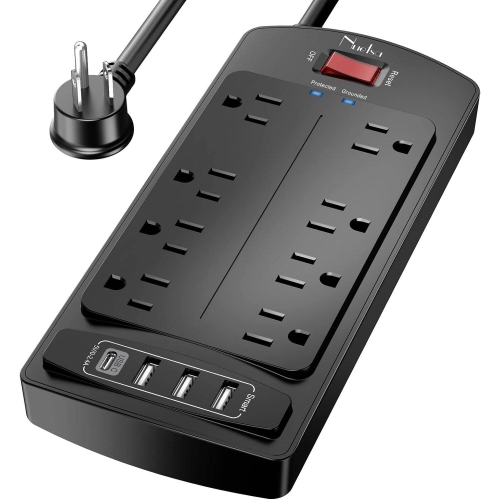
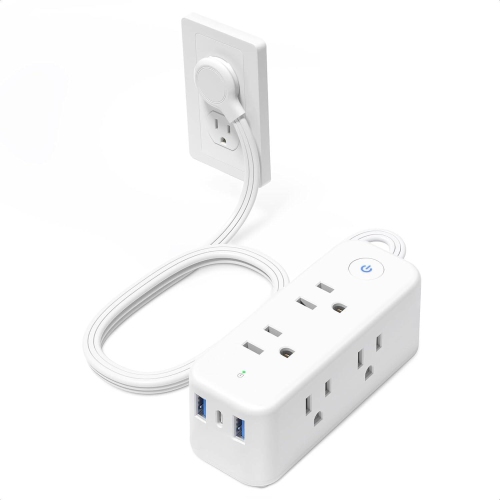
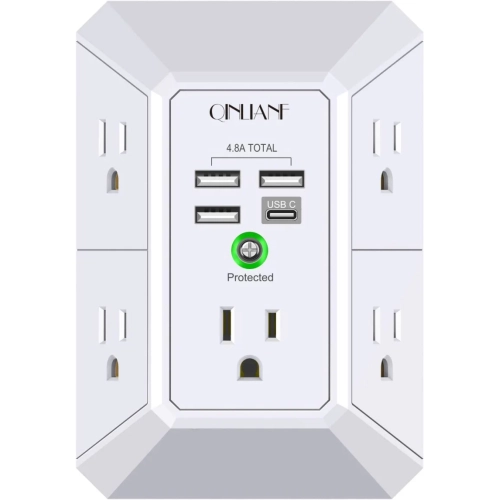
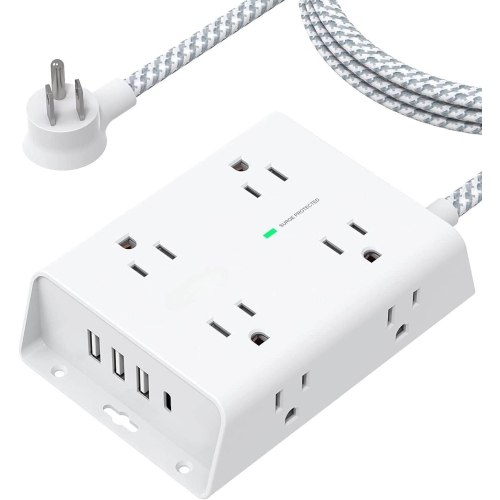
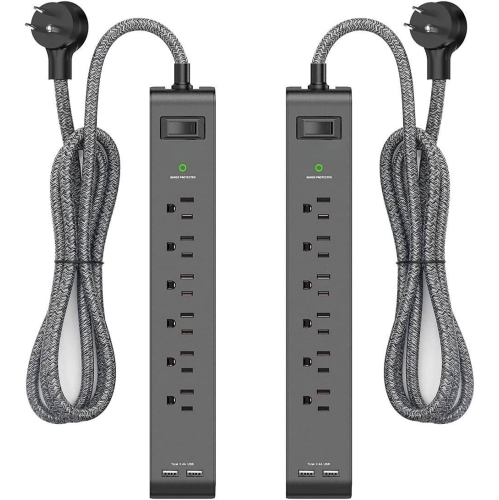
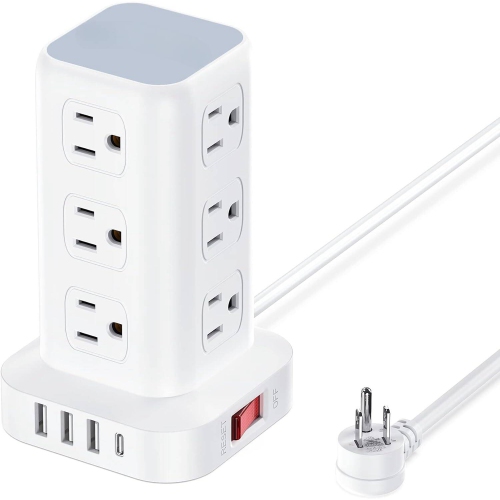
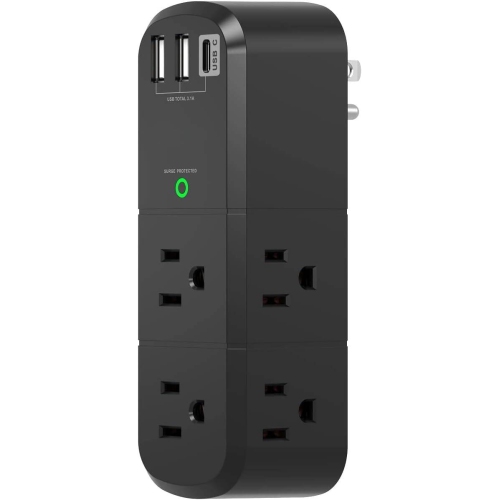
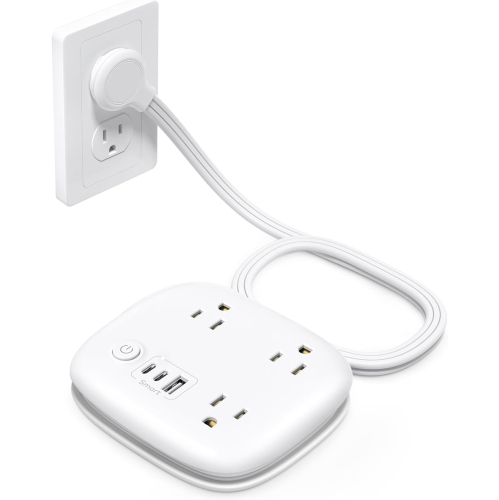
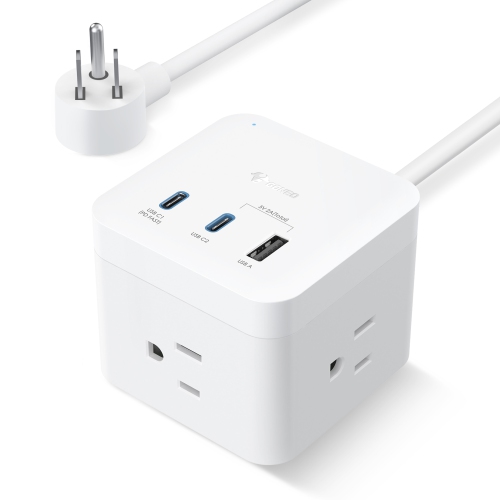
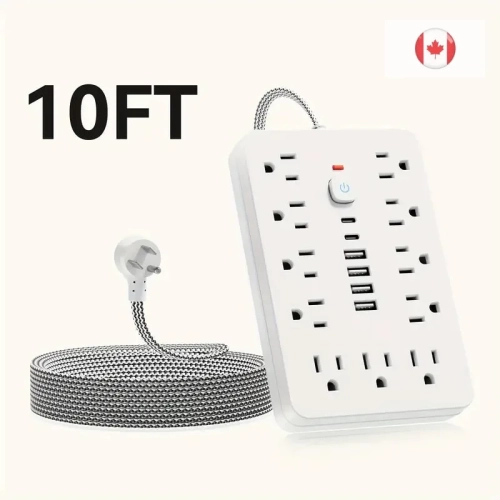
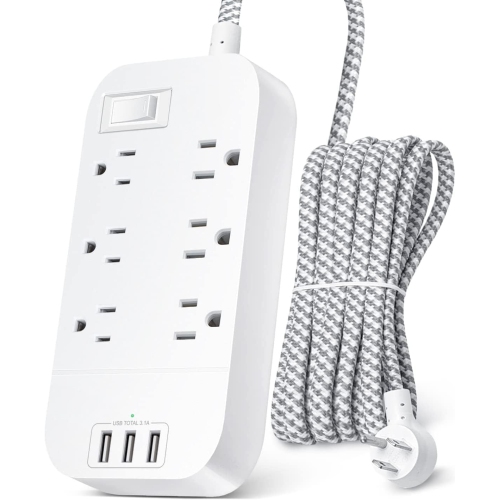
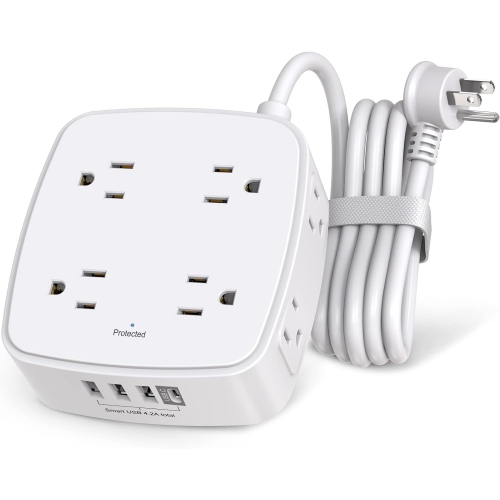
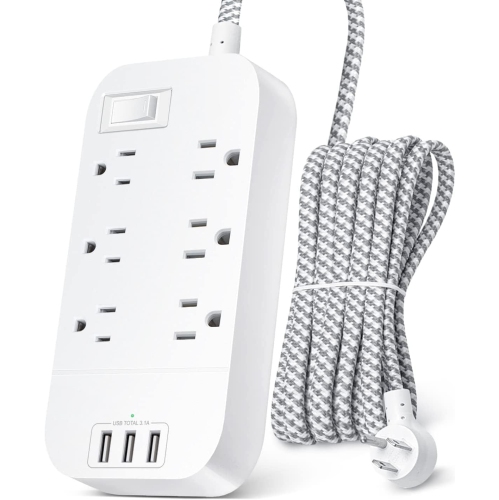
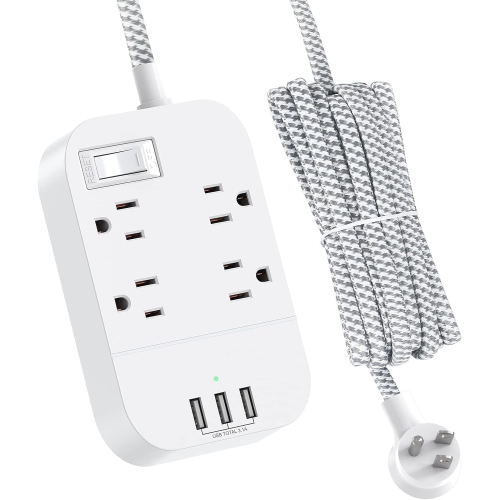
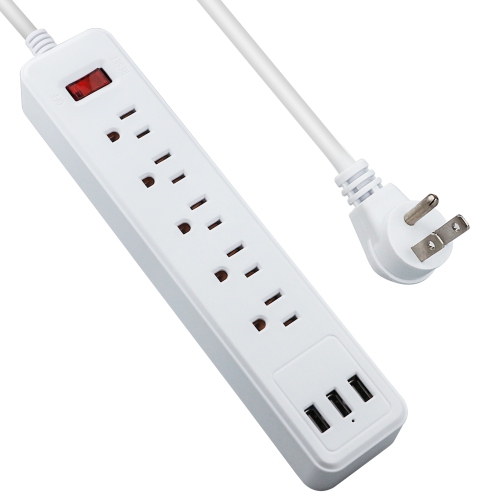
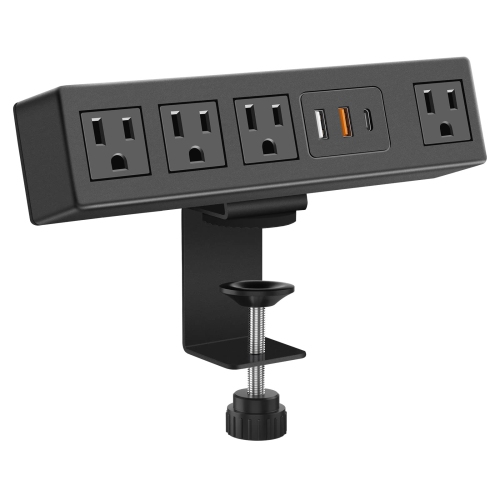
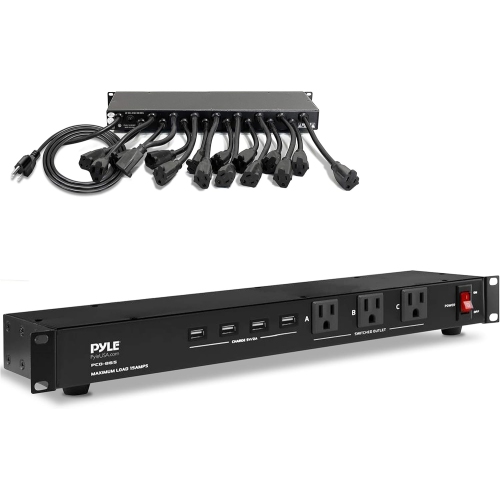
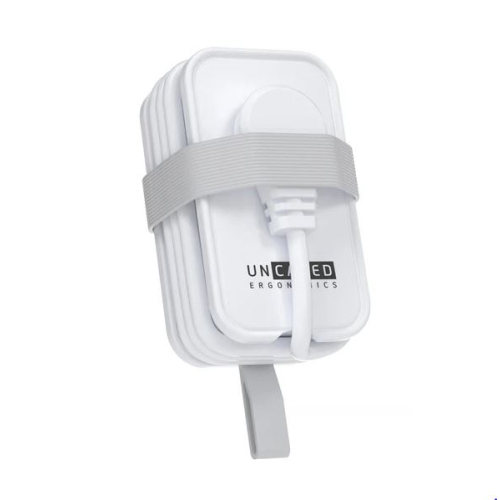
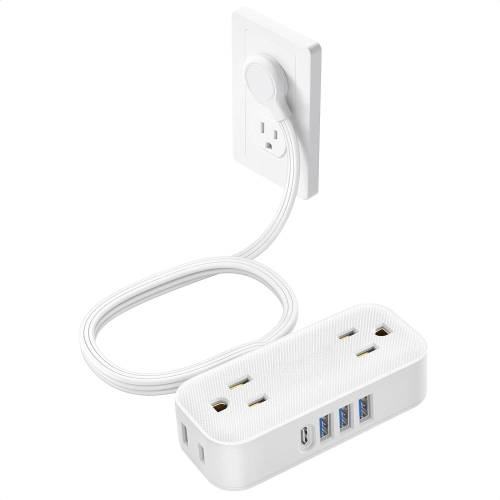
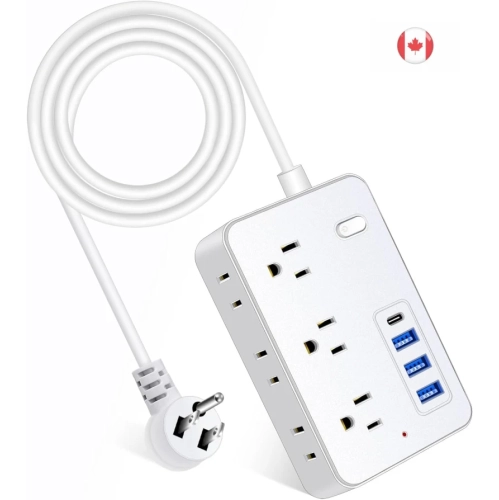
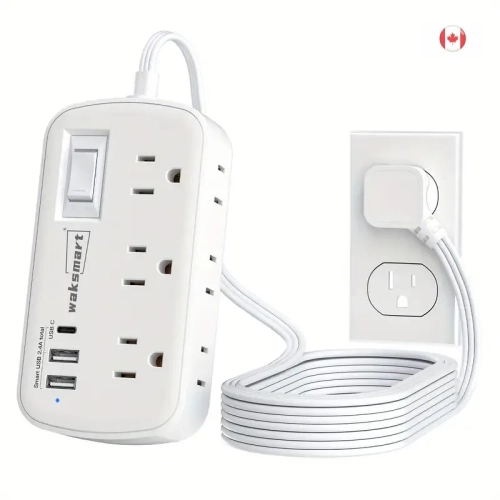
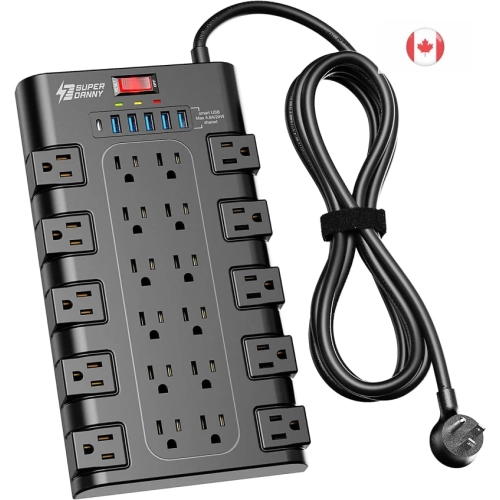
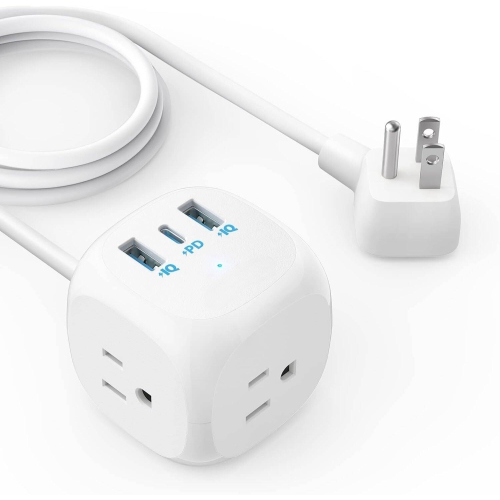
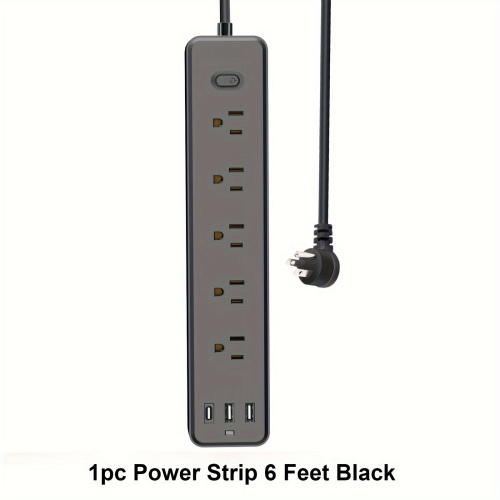
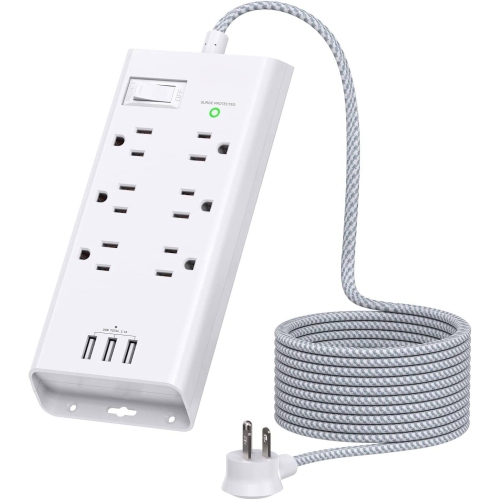
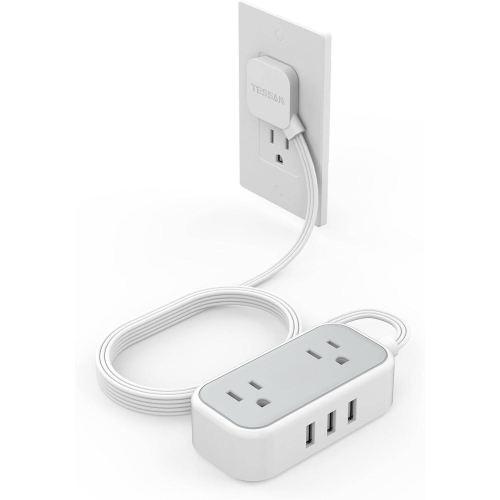
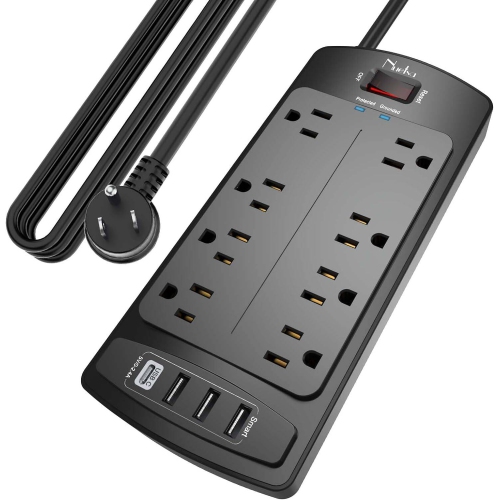
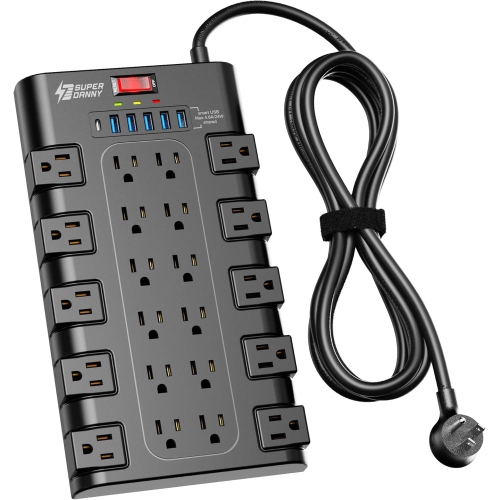
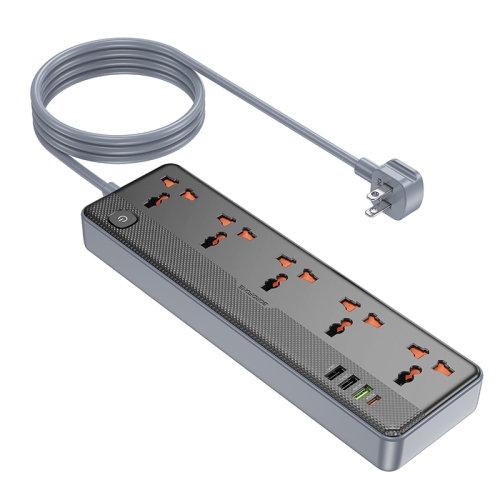
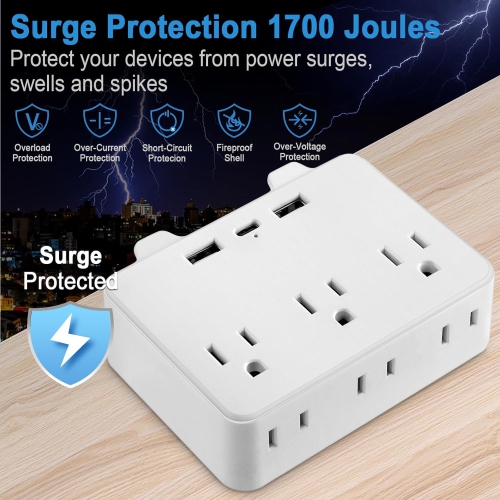
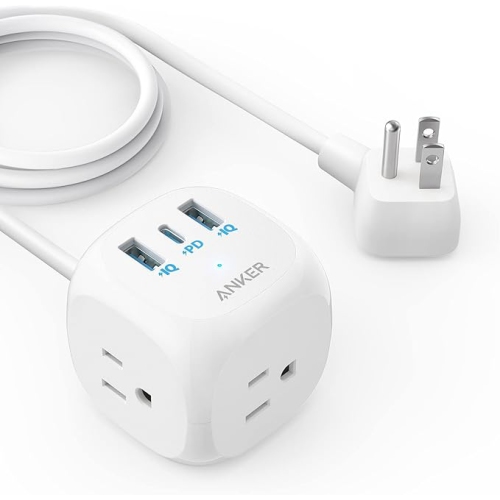
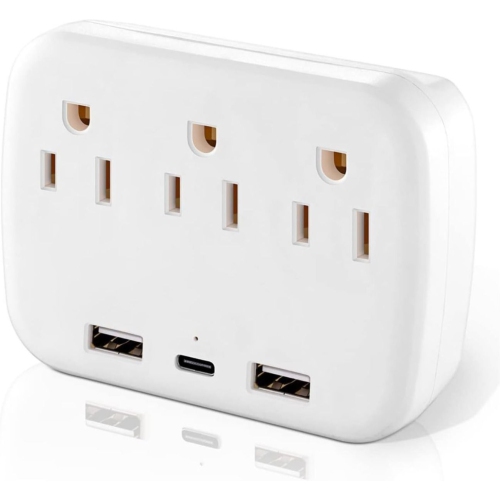
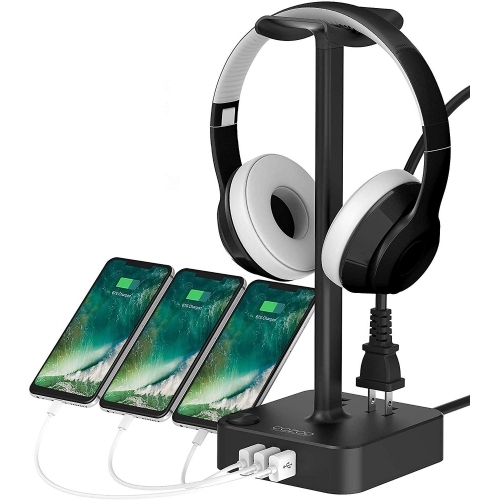
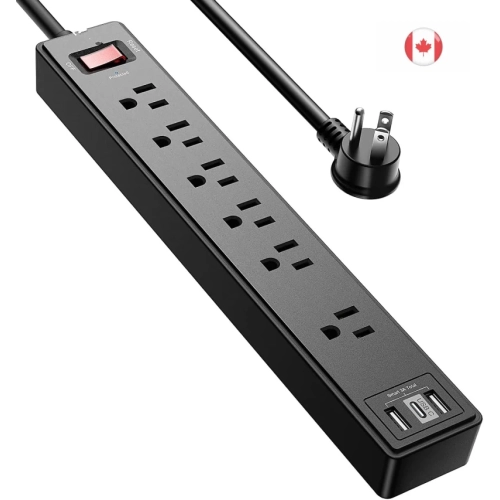
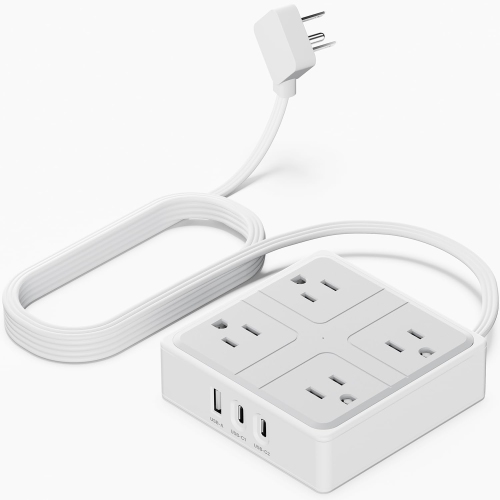
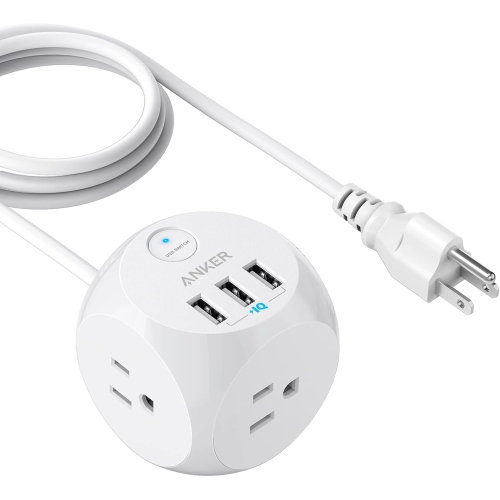
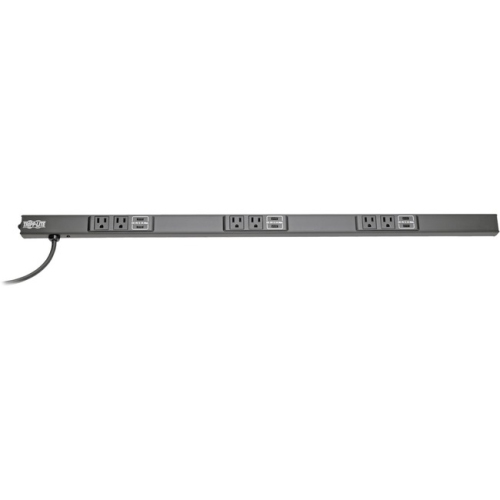
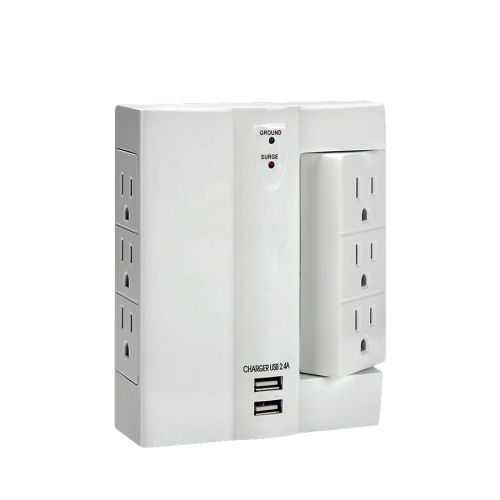

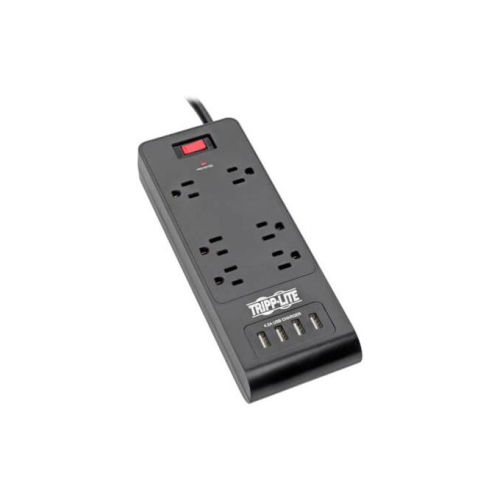
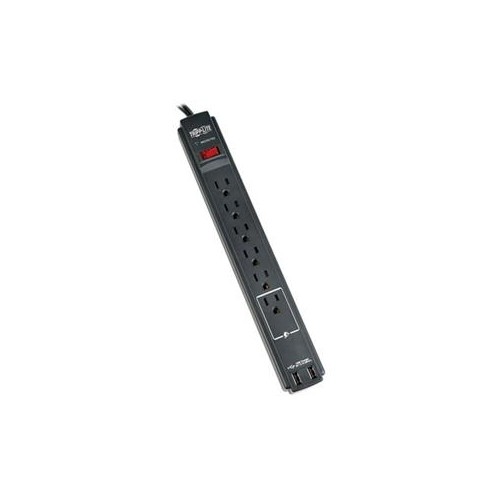
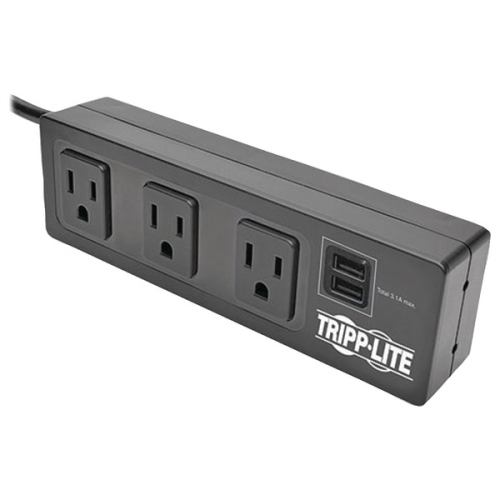

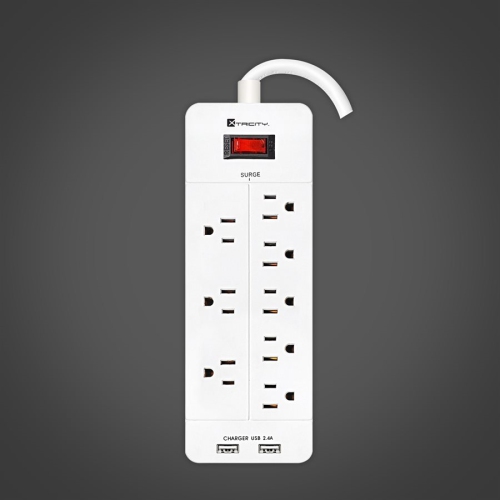
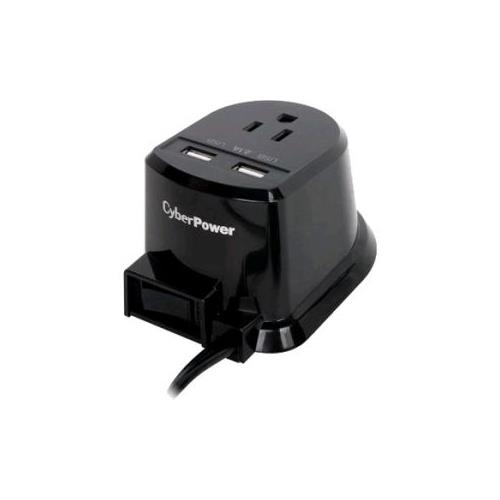
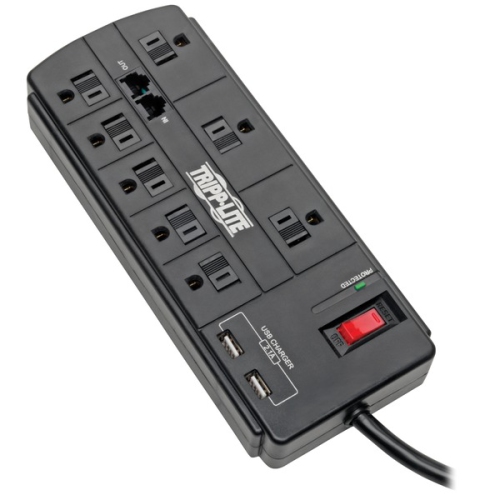
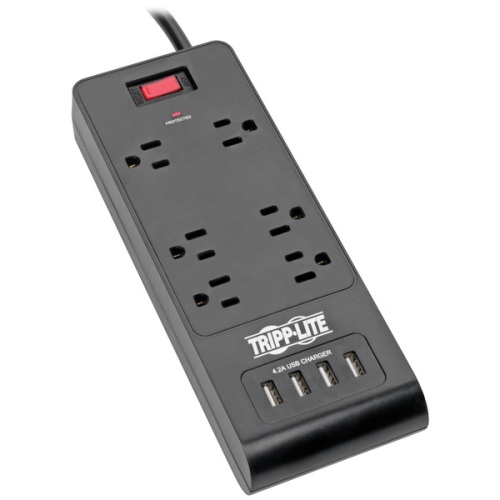
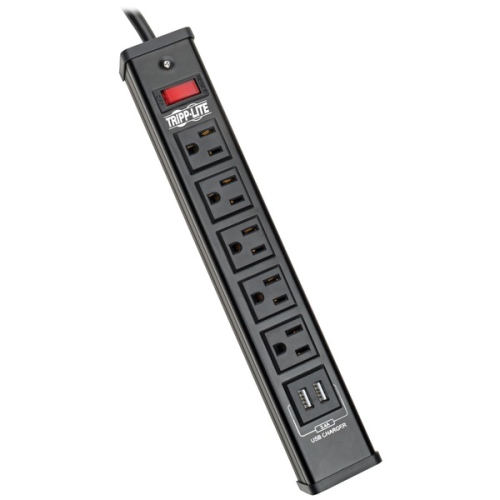
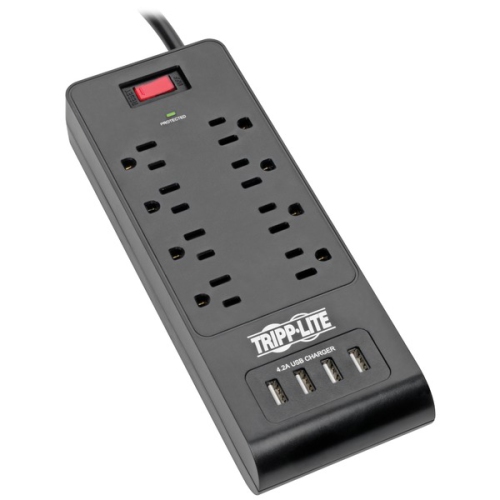
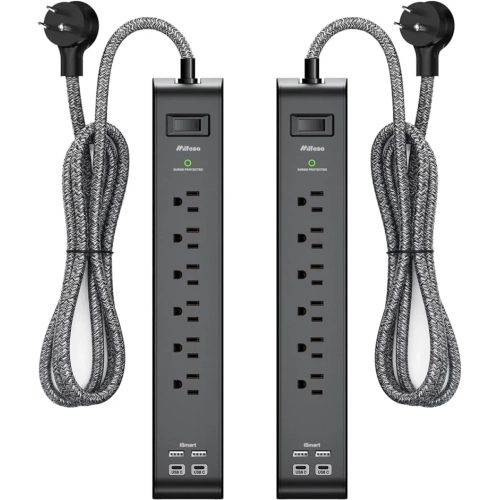
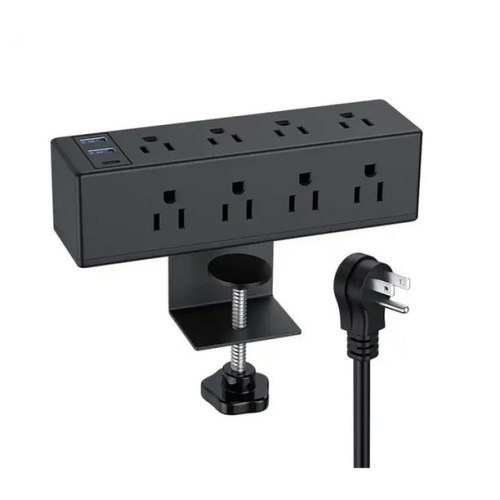
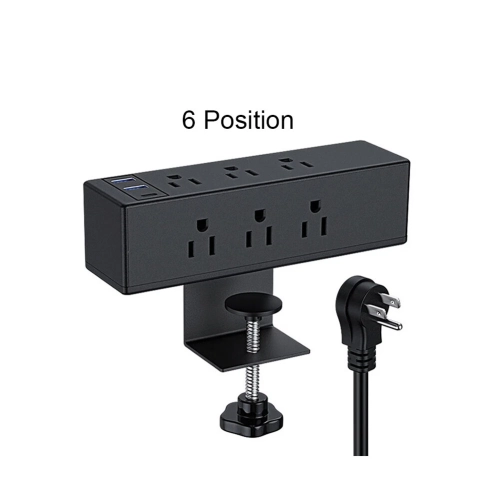
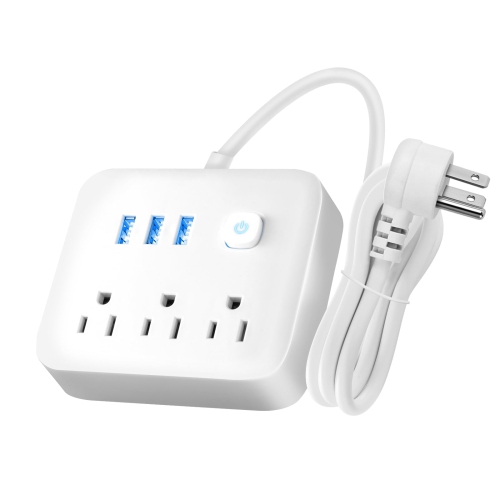
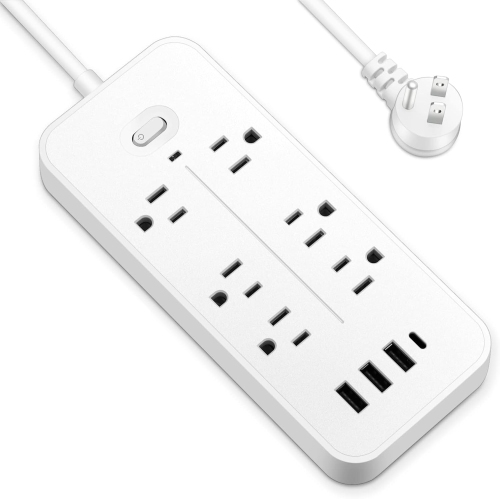
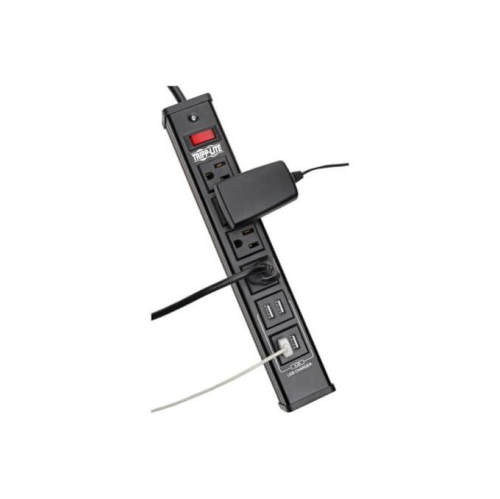


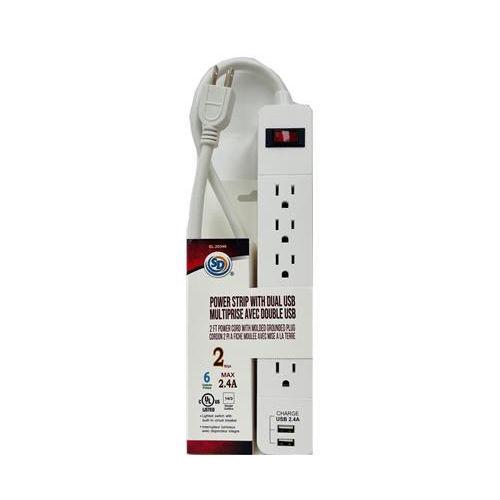

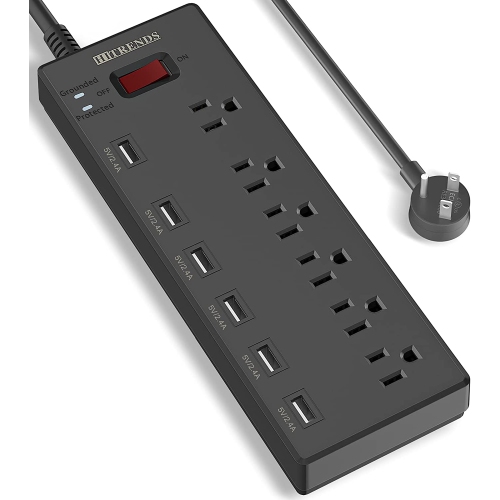
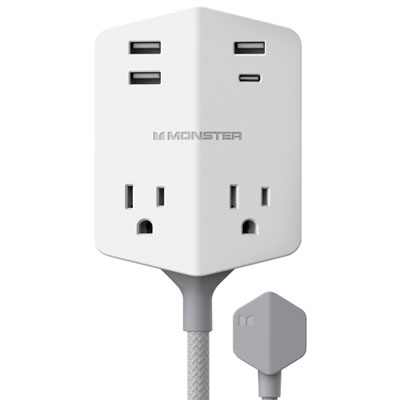
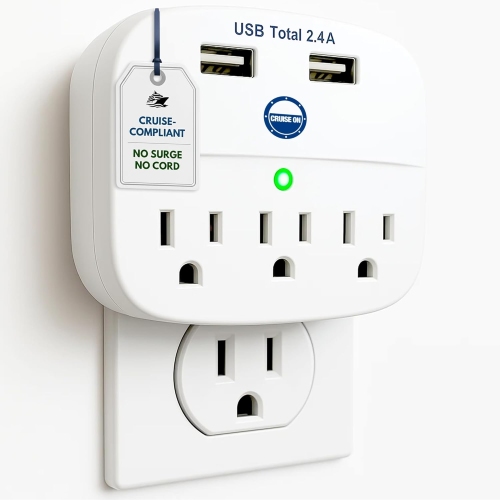
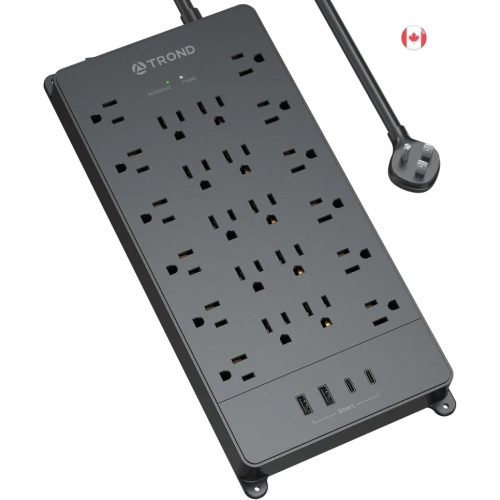
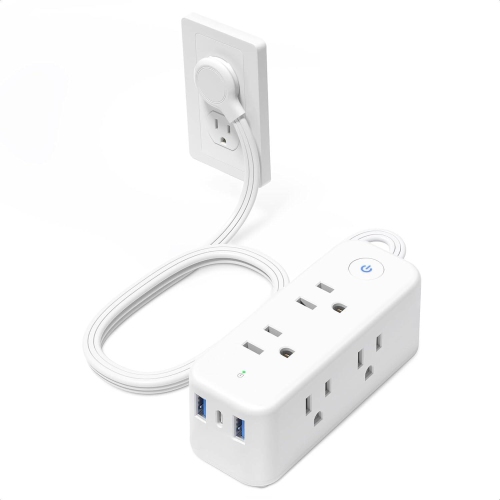

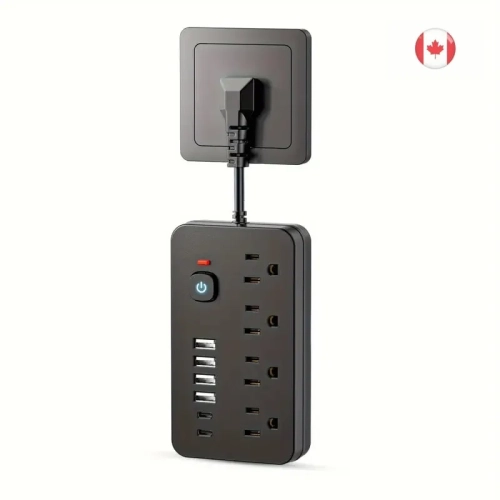
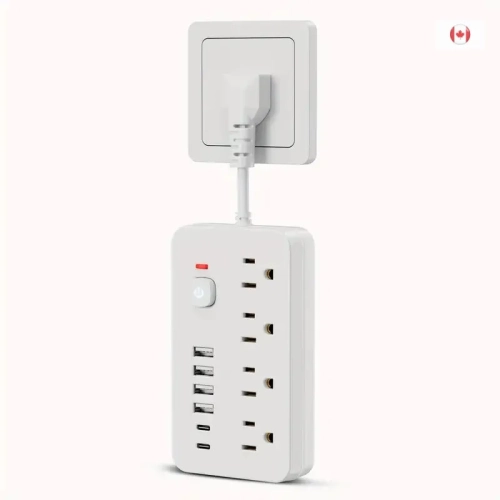

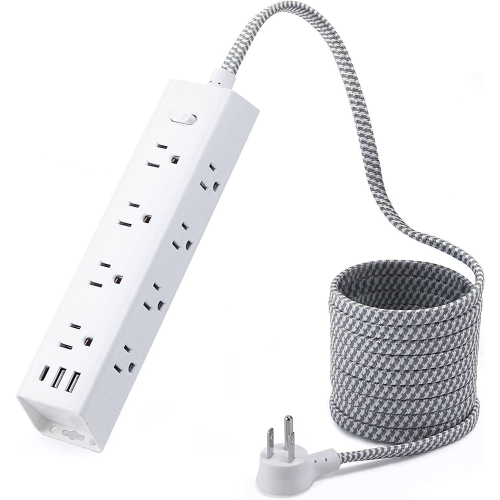
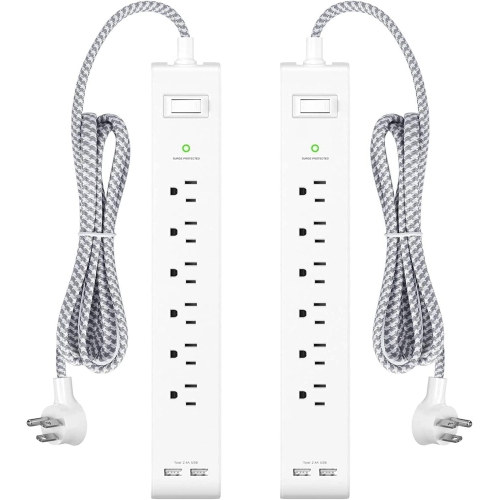
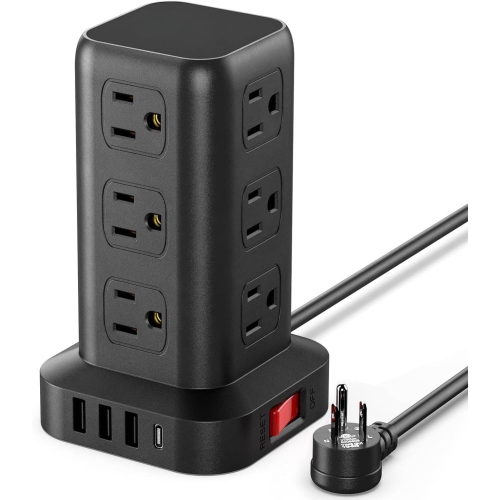
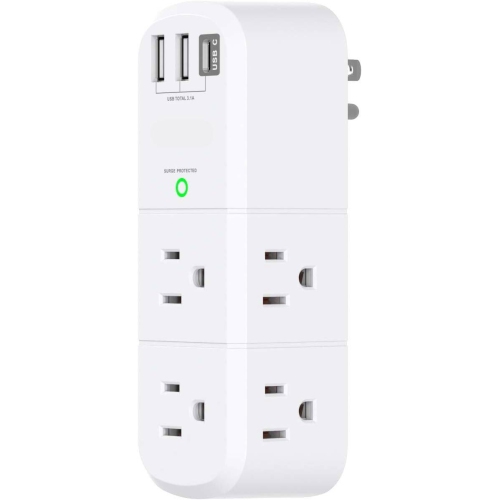
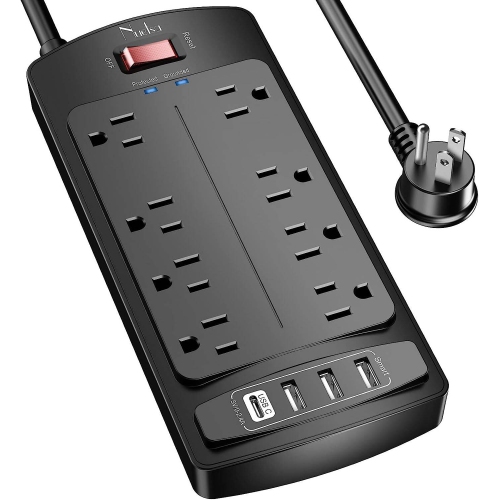
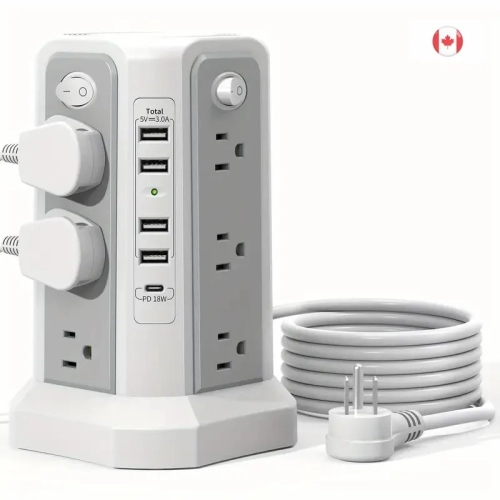
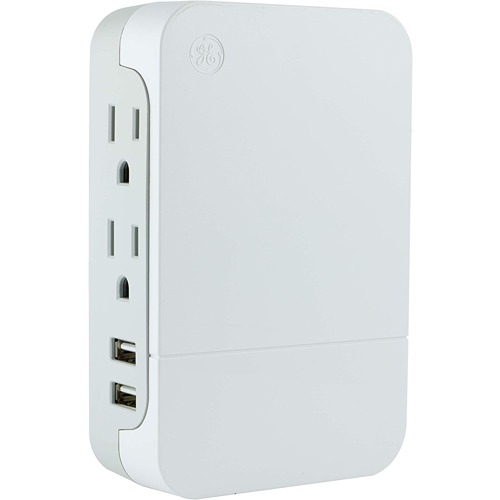
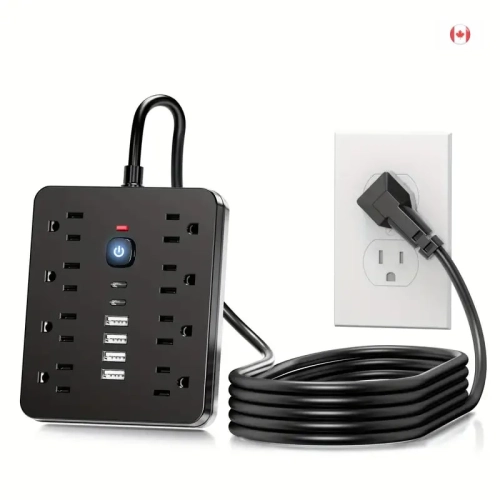
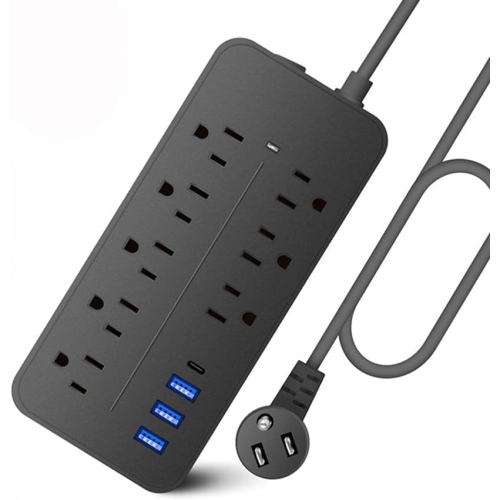
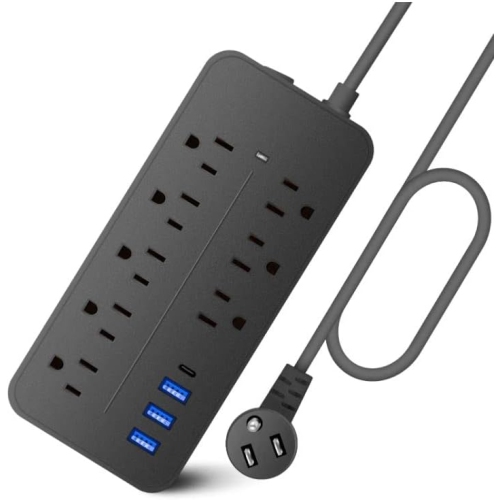
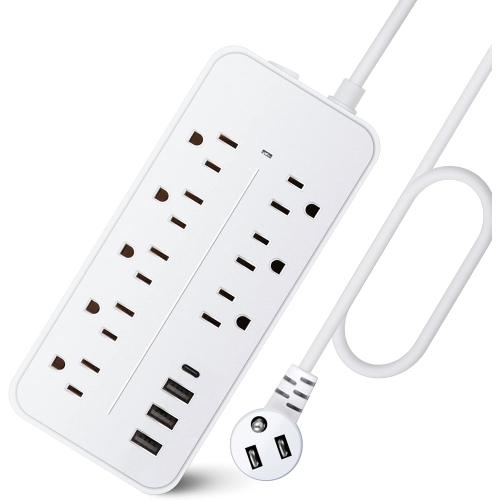
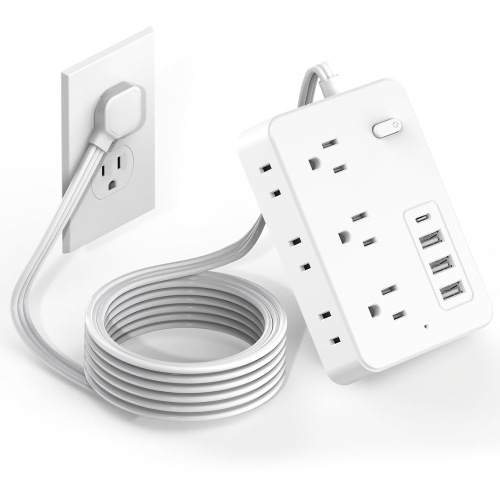
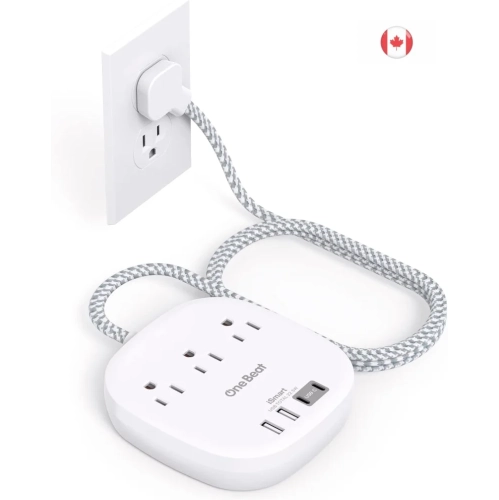
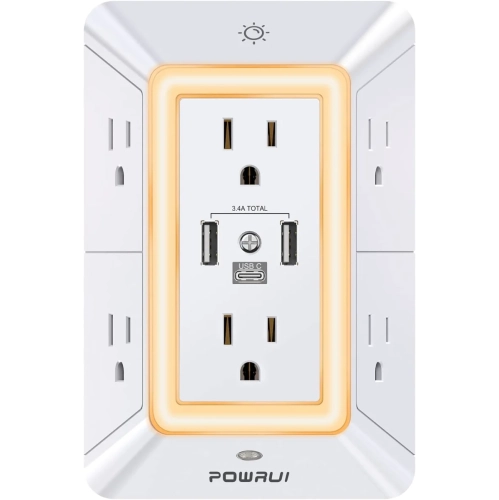
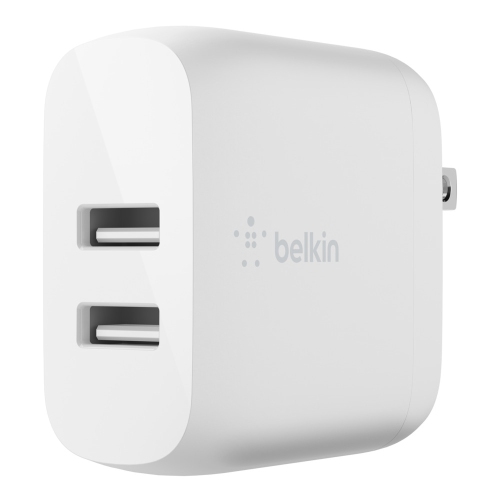
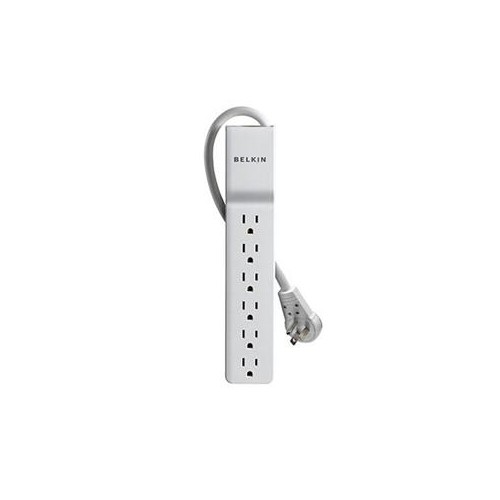
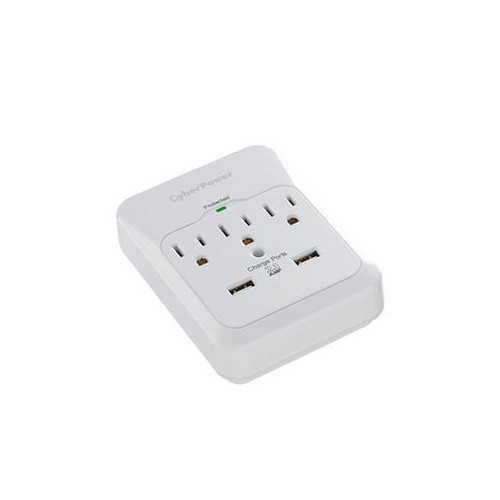
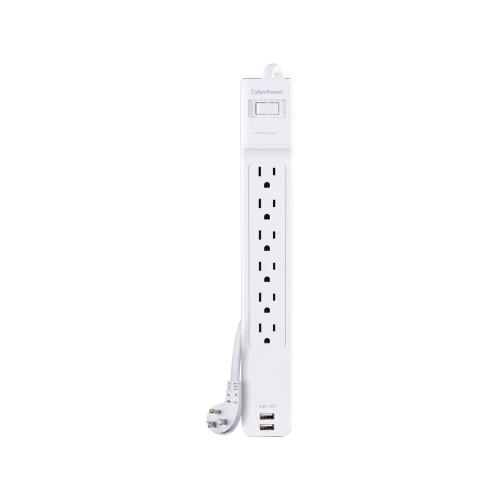
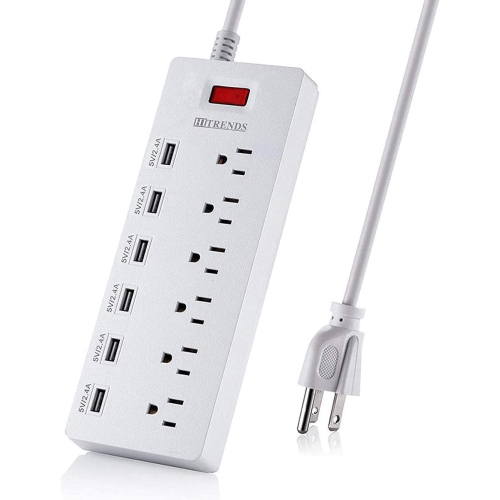
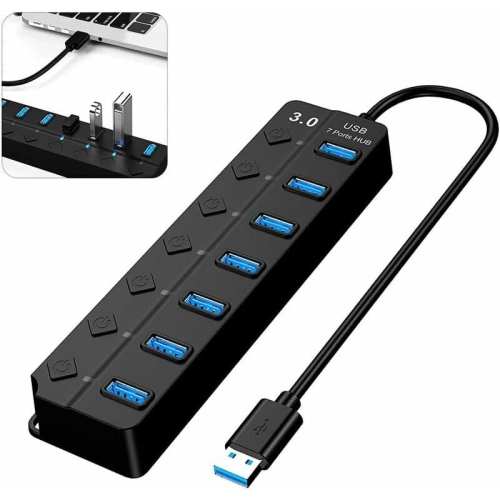
One wall outlet for desk power and device charging
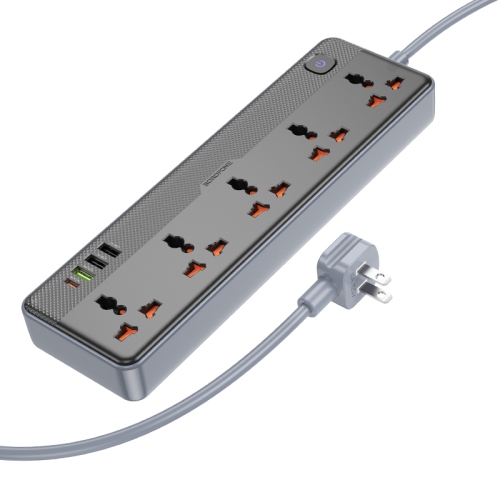
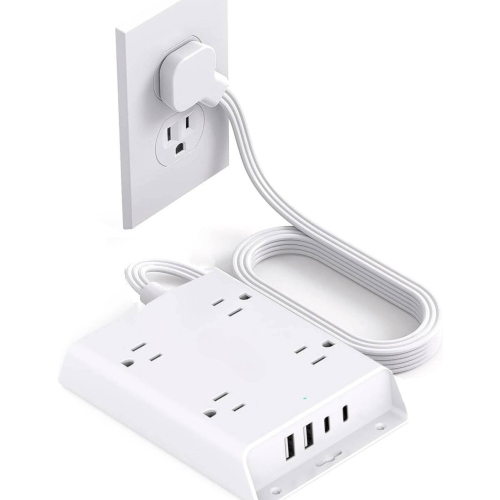
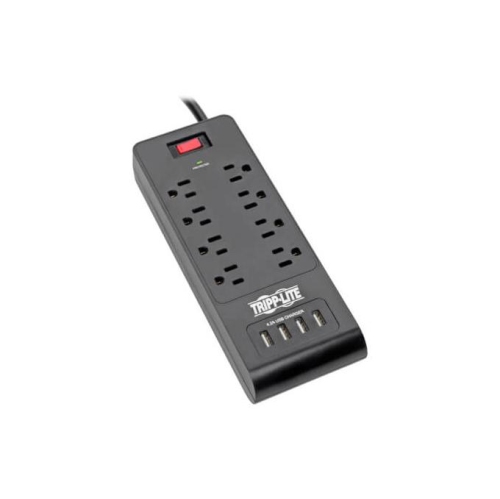
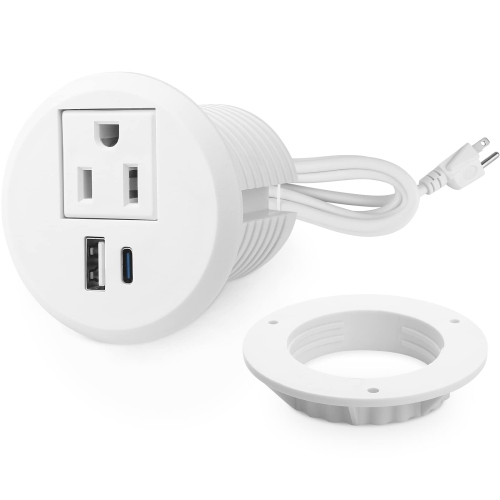
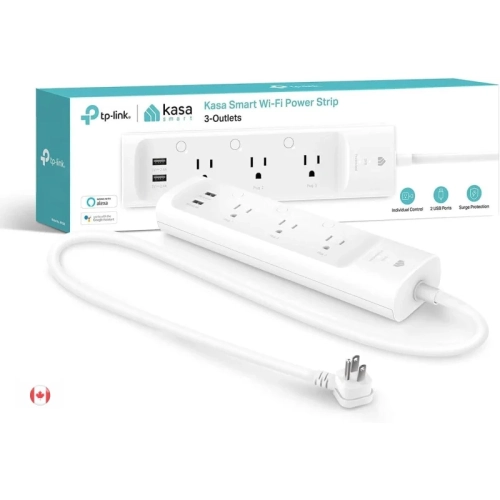
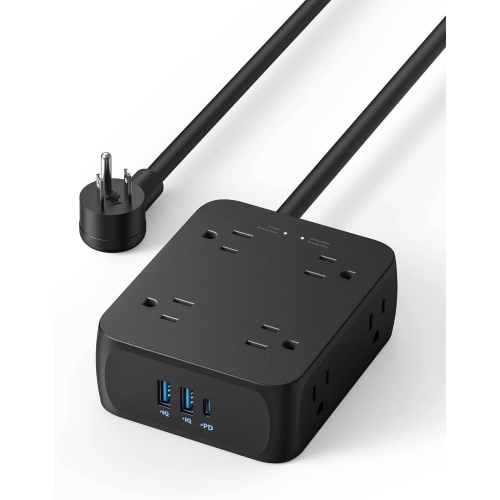
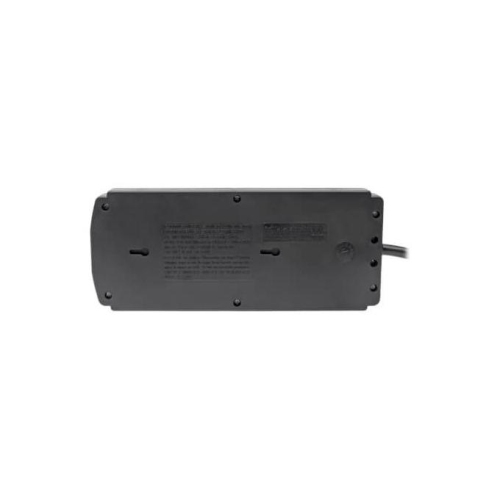
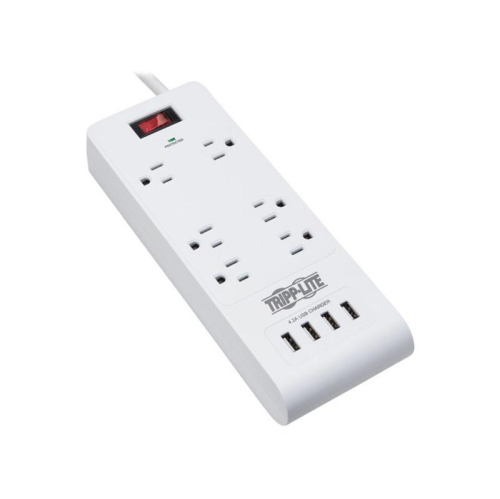
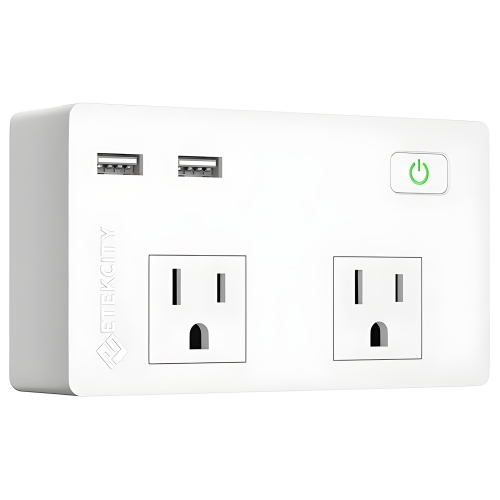
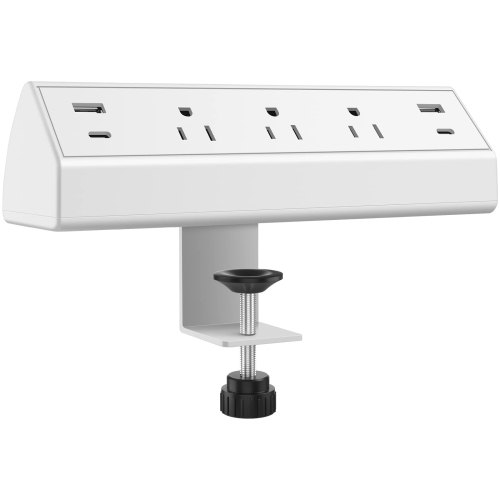
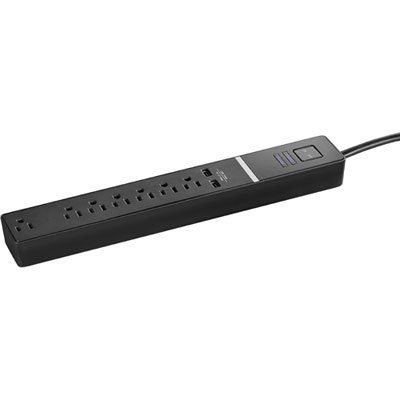
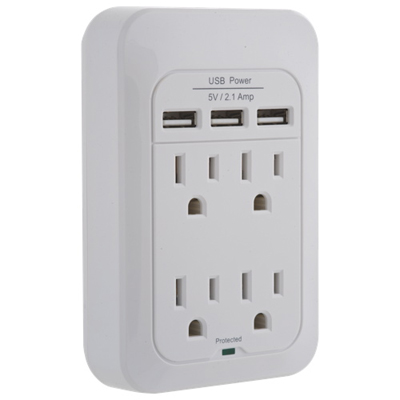
Power strips with USB combine multiple AC outlets with built-in USB charging ports, giving everyday electronics a shared connection to a wall outlet. They suit spaces where devices with conventional plugs sit alongside phones, tablets, wireless headphones, e-readers, and other rechargeable accessories. On a home office desk, that might mean powering a monitor and task lamp while charging a phone without its separate wall adapter. Beside a bed, it can mean keeping a reading light plugged in while a phone and headphones charge within reach. The main differences between designs are the number and spacing of AC outlets, the mix of USB-A and USB-C ports, the charging output, and the shape and length of the cord. USB-A ports work with many familiar charging cables, while USB-C ports support newer devices and may offer higher output. A USB-C connector alone does not guarantee fast charging: the port, device, and cable must support compatible charging standards and sufficient power. USB Power Delivery, often shortened to USB PD, is a feature worth looking for when charging compatible tablets or laptops, although not every USB-equipped strip can supply enough power for a laptop. Charging specifications may list both an individual port rating and a total shared output. If several devices are connected at once, that shared limit can reduce the power each device receives. For example, a phone charging on its own may receive more power than it does when a tablet is connected beside it. Built-in USB ports generally provide charging rather than data transfer, so they do not replace a computer’s USB hub. For a broader mix of outlet configurations, Multi Outlet Power Strips include layouts suited to different plug arrangements. The most useful configuration is one that accommodates the devices used together, rather than simply offering the highest port count.
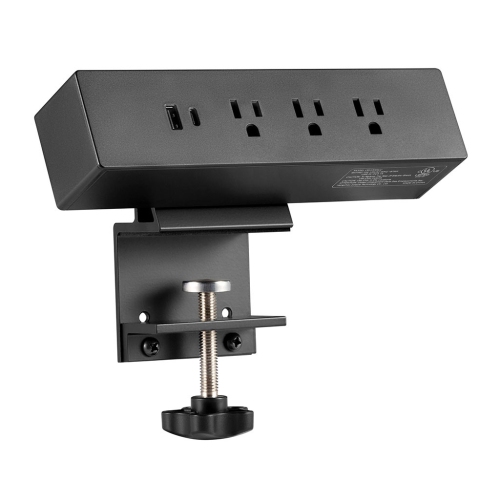
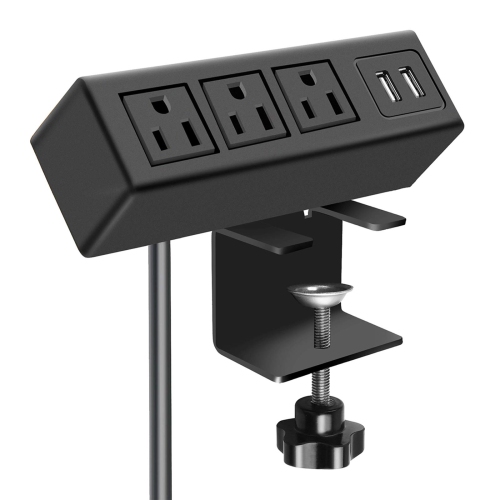
Physical fit makes a noticeable difference once a power strip is placed behind a desk, beside a sofa, or on a bedside table. Closely grouped AC outlets can work well with narrow plugs, but chunky adapters may cover neighbouring sockets. Wider spacing or outlets arranged on several sides can make room for those larger adapters without leaving usable connections blocked. A long, narrow housing often fits along the back edge of a workstation, while a compact square or upright design may suit a shared charging spot on a tabletop. Vertical layouts can keep several cables accessible, though they need a stable surface and enough clearance to avoid being knocked over. A flat wall plug can reduce the gap needed behind furniture; its cord direction also matters when the outlet is close to a bed frame or cabinet. Cord length should reach the wall comfortably without tension or a loose run across a walkway. Excess cable can become awkward beneath a chair, while a cord that is too short may pull against its plug whenever furniture shifts. Some housings include mounting slots for attachment beneath a desk or along a work surface, provided they are installed as directed and remain accessible. Common construction details include moulded plastic housings, insulated cords, and reinforced sections where the cord enters the body. Some models specify flame-retardant housing materials, but this does not make them fireproof or remove the need to follow electrical ratings. A sturdy base, secure sockets, and well-supported cord entry points are practical details for spaces where devices are plugged in and unplugged regularly. For students, remote workers, or households sharing a charging area, these everyday fit considerations can matter more than an elaborate shape. Indicator lights deserve attention, too: a clearly visible light is helpful under a desk but can be distracting beside a pillow. Individual outlet switches, where included, offer control over connected equipment without repeatedly reaching behind furniture to unplug it.
Electrical protection and intended use are equally important because a power strip adds connection points, not extra electrical capacity. A standard USB power strip is not automatically a surge protector. Surge protection must be stated in the specifications, and a joule rating describes how much surge energy the protective components are rated to absorb. A higher rating generally indicates greater rated absorption capacity, but it is not a guarantee against every electrical event. A surge-protection status light, when provided, can help distinguish active protection from a light that merely shows the strip is receiving power. Overload protection is a separate feature designed to interrupt power when the strip’s rated load is exceeded; neither feature should be assumed unless listed. Look for certification markings accepted in Canada, along with clearly stated voltage, current, and power ratings. The combined demand of connected equipment must remain within the strip’s limits and the capacity of the household circuit. High-draw appliances such as space heaters, kettles, and portable air conditioners generally belong directly in a suitable wall outlet, following the appliance manufacturer’s instructions, rather than on a strip used for desk accessories. Plug a power strip directly into a wall receptacle instead of linking strips together, and keep its cord out from under rugs or furniture legs where damage or trapped heat may go unnoticed. Most indoor designs should stay away from sinks, damp floors, and outdoor exposure unless specifically rated for those conditions. For routine care, disconnect the strip from the wall and wipe the housing with a dry cloth; do not spray cleaning liquid into outlets or ports. Stop using it if the housing cracks, the cord frays, sockets become loose, or there are scorch marks or unusual heat. As a practical housewarming gift or addition to a study space, a USB power strip is most useful when its connections match the recipient’s devices and its layout suits their room. With suitable charging output, sensible outlet spacing, and a safe position, it can make a busy desk or bedside setup easier to use without a cluster of separate USB wall adapters.
Physical fit makes a noticeable difference once a power strip is placed behind a desk, beside a sofa, or on a bedside table. Closely grouped AC outlets can work well with narrow plugs, but chunky adapters may cover neighbouring sockets. Wider spacing or outlets arranged on several sides can make room for those larger adapters without leaving usable connections blocked. A long, narrow housing often fits along the back edge of a workstation, while a compact square or upright design may suit a shared charging spot on a tabletop. Vertical layouts can keep several cables accessible, though they need a stable surface and enough clearance to avoid being knocked over. A flat wall plug can reduce the gap needed behind furniture; its cord direction also matters when the outlet is close to a bed frame or cabinet. Cord length should reach the wall comfortably without tension or a loose run across a walkway. Excess cable can become awkward beneath a chair, while a cord that is too short may pull against its plug whenever furniture shifts. Some housings include mounting slots for attachment beneath a desk or along a work surface, provided they are installed as directed and remain accessible. Common construction details include moulded plastic housings, insulated cords, and reinforced sections where the cord enters the body. Some models specify flame-retardant housing materials, but this does not make them fireproof or remove the need to follow electrical ratings. A sturdy base, secure sockets, and well-supported cord entry points are practical details for spaces where devices are plugged in and unplugged regularly. For students, remote workers, or households sharing a charging area, these everyday fit considerations can matter more than an elaborate shape. Indicator lights deserve attention, too: a clearly visible light is helpful under a desk but can be distracting beside a pillow. Individual outlet switches, where included, offer control over connected equipment without repeatedly reaching behind furniture to unplug it.
Electrical protection and intended use are equally important because a power strip adds connection points, not extra electrical capacity. A standard USB power strip is not automatically a surge protector. Surge protection must be stated in the specifications, and a joule rating describes how much surge energy the protective components are rated to absorb. A higher rating generally indicates greater rated absorption capacity, but it is not a guarantee against every electrical event. A surge-protection status light, when provided, can help distinguish active protection from a light that merely shows the strip is receiving power. Overload protection is a separate feature designed to interrupt power when the strip’s rated load is exceeded; neither feature should be assumed unless listed. Look for certification markings accepted in Canada, along with clearly stated voltage, current, and power ratings. The combined demand of connected equipment must remain within the strip’s limits and the capacity of the household circuit. High-draw appliances such as space heaters, kettles, and portable air conditioners generally belong directly in a suitable wall outlet, following the appliance manufacturer’s instructions, rather than on a strip used for desk accessories. Plug a power strip directly into a wall receptacle instead of linking strips together, and keep its cord out from under rugs or furniture legs where damage or trapped heat may go unnoticed. Most indoor designs should stay away from sinks, damp floors, and outdoor exposure unless specifically rated for those conditions. For routine care, disconnect the strip from the wall and wipe the housing with a dry cloth; do not spray cleaning liquid into outlets or ports. Stop using it if the housing cracks, the cord frays, sockets become loose, or there are scorch marks or unusual heat. As a practical housewarming gift or addition to a study space, a USB power strip is most useful when its connections match the recipient’s devices and its layout suits their room. With suitable charging output, sensible outlet spacing, and a safe position, it can make a busy desk or bedside setup easier to use without a cluster of separate USB wall adapters.
Top selling and popular products
-
 Your price for this item is $24.97
 -
 Your price for this item is $28.97
 -
 Your price for this item is $389.82
 -
 Your price for this item is $190
 -
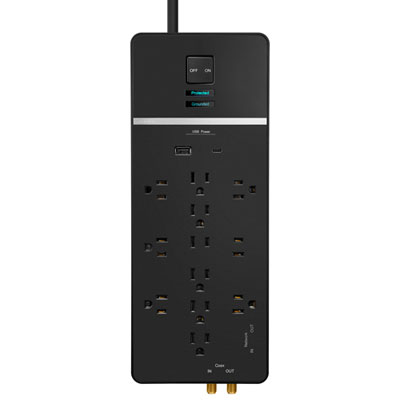 Your price for this item is $89.99
 -
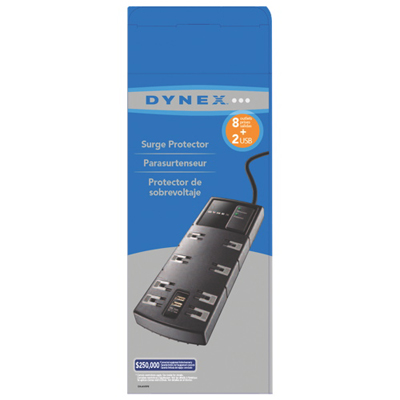 Your price for this item is $29.97
 -
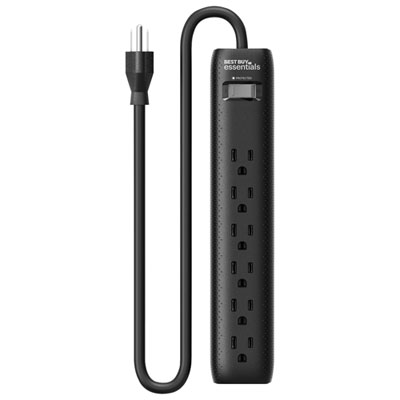 Your price for this item is $14.99
 -
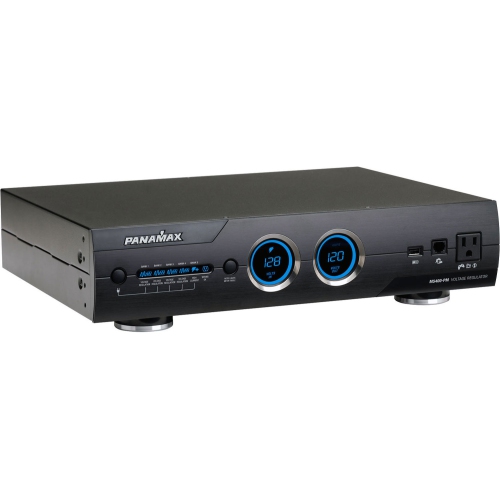 Your price for this item is $1329
Discover more categories related to Power Strips With Usb
Top Collections:
Pokemon Centers, Kindle Devices, Best Budget Office Chairs, Apple iPhones 16, Best Laptops for Writers, iPhone 15 Apple, Canon G7X Cameras, Refurbished Apple Laptops, Alarm Clock, Motorola Razr Phones
Some products may be subject to Environmental Handling Fees
(EHF) depending on your province.
Learn more about EHFs.