Premium Computer Cases
Premium Computer Cases offer the ideal foundation for building a reliable and stylish desktop setup. Designed to accommodate a range of components, these cases provide a polished look that complements any workspace or gaming station. Discover options that support various form factors and configurations, making it easy to find the right fit for your needs. With Premium Computer Cases, you can enjoy both functionality and aesthetics as you create your perfect PC build.
Sort
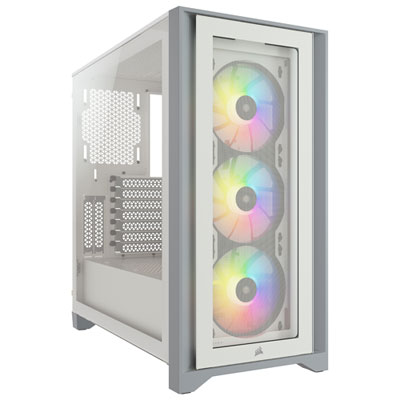
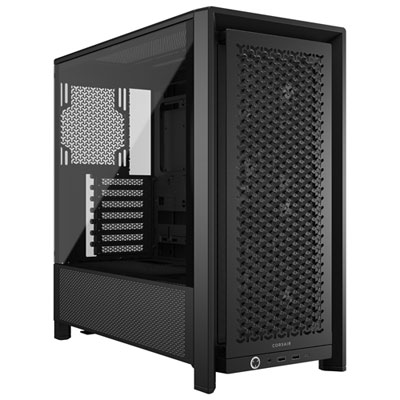
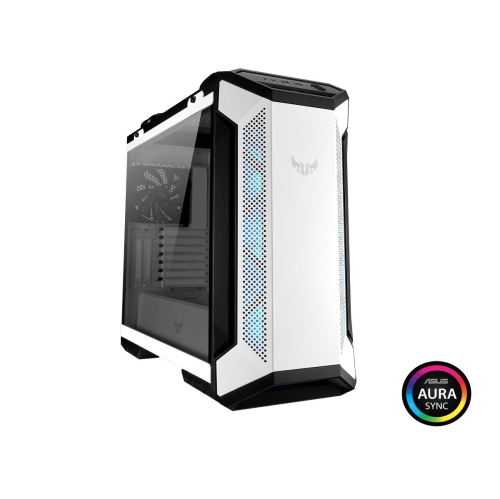
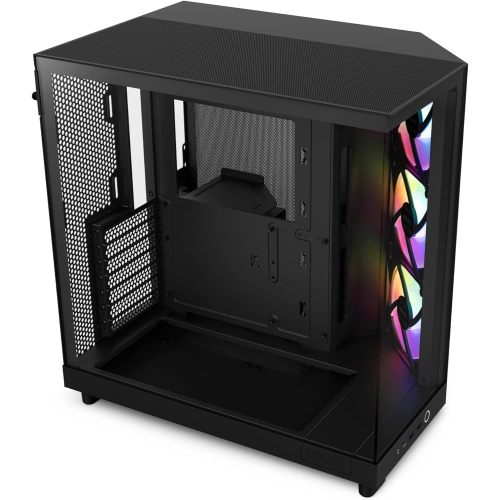
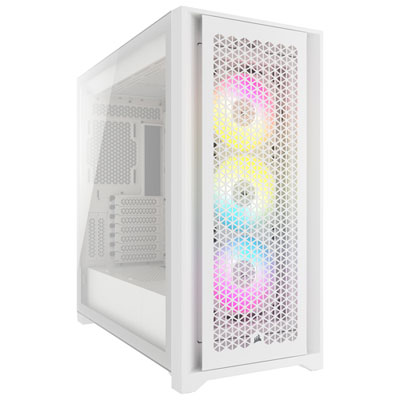
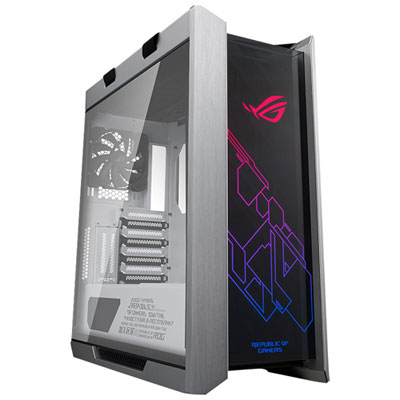
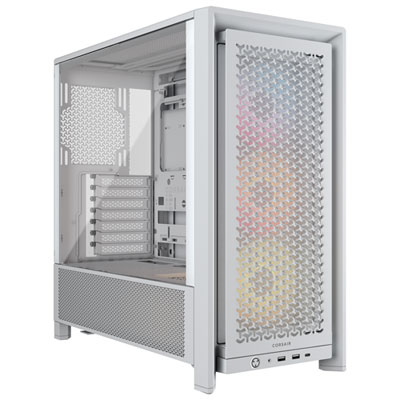
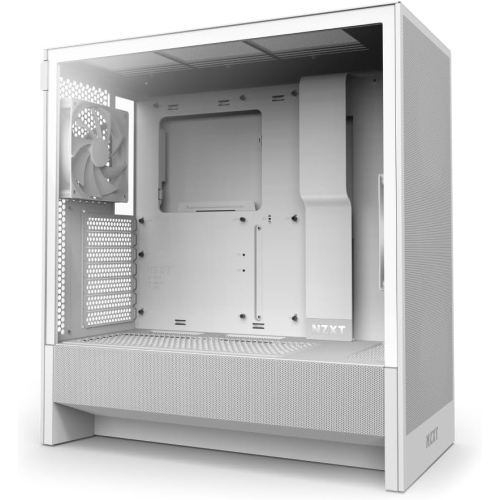
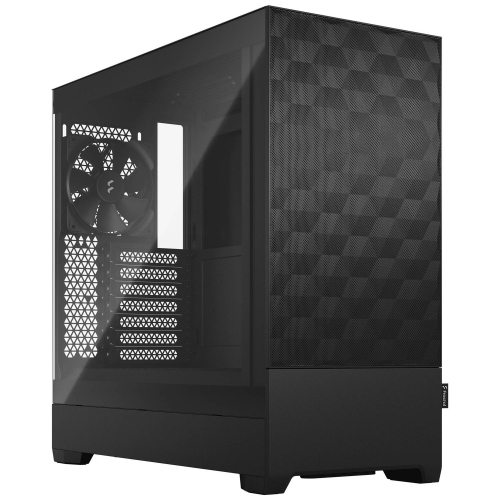


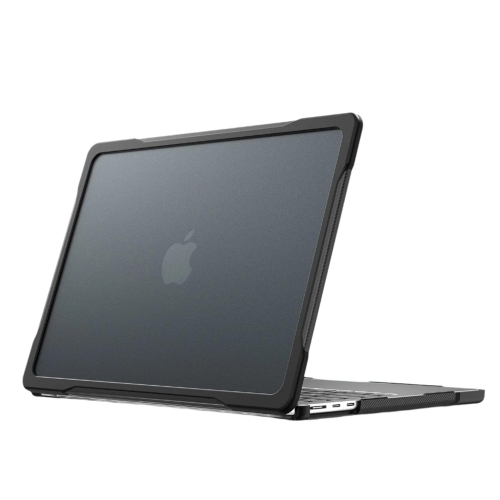
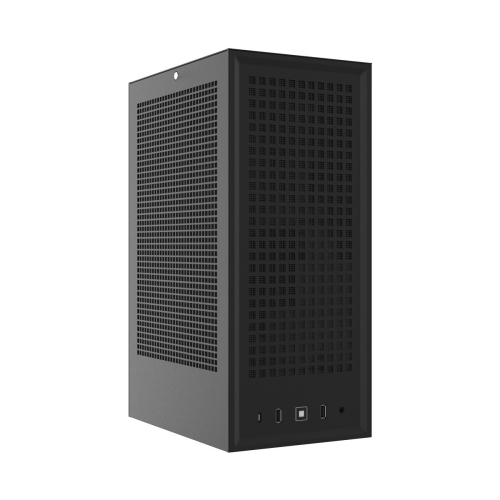

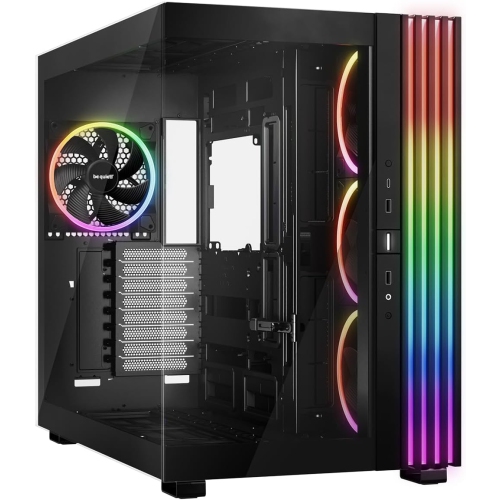
The case details that simplify builds and upgrades
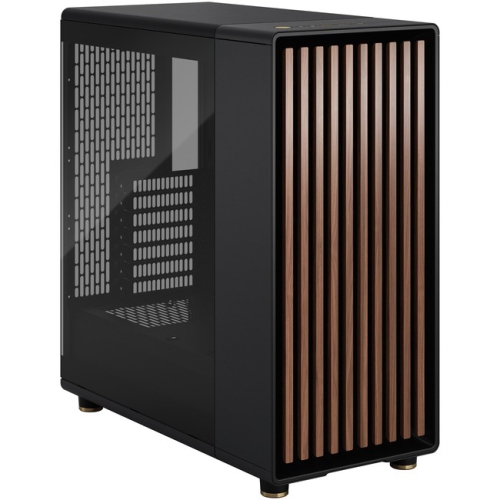
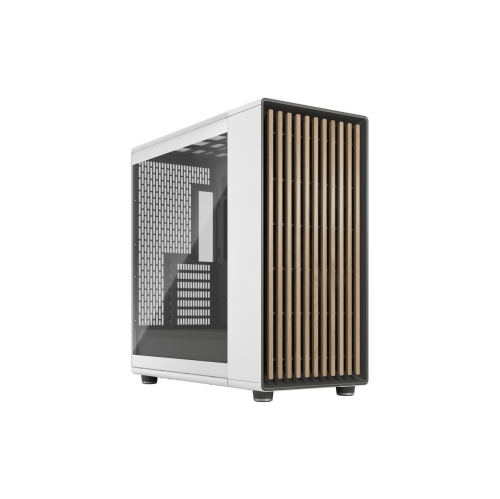
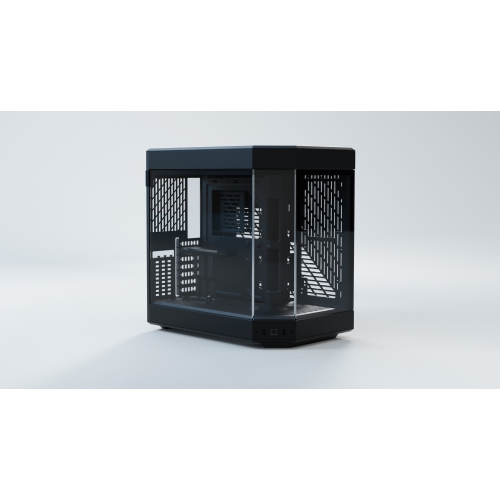
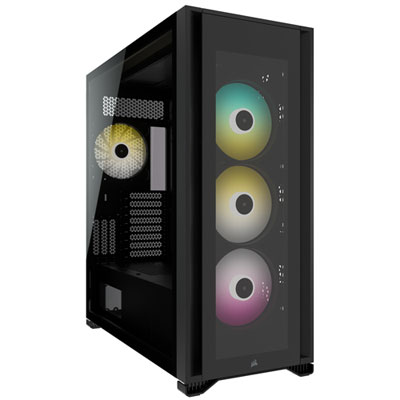
Premium computer cases are desktop PC enclosures distinguished by refined materials, precise construction, thoughtful internal layouts, and room for capable cooling systems. Their appeal goes beyond appearance: a well-designed chassis gives components a secure home while making assembly, cleaning, and future upgrades more manageable. They suit gaming PCs, creative workstations, and carefully planned everyday desktops where finish, acoustics, and accessibility matter alongside performance. Aluminium panels can provide a crisp, understated exterior, while steel structures offer rigidity and tempered-glass windows put the finished build on display. Material alone does not define quality; panel alignment, smooth edges, sturdy mounting points, and secure fasteners all contribute to how a case feels during assembly and regular use. A restrained tower with solid panels can blend into a home office, while a panoramic glass design can turn neatly routed cables and coordinated lighting into part of a desk setup. Full-tower, mid-tower, and compact cases offer different balances of internal room and external footprint, but those labels do not guarantee component compatibility. Motherboard support, graphics card clearance, power supply dimensions, and CPU cooler height provide a more useful picture of what fits inside. ATX, micro-ATX, and Mini-ITX support should match the intended motherboard, while larger motherboard formats require particular attention to the case manufacturer’s stated dimensions. A spacious enclosure may suit someone planning several storage drives or an elaborate cooling arrangement; a compact premium case may appeal to someone who wants a smaller desktop without giving up a carefully finished appearance. The space around the computer matters too. Room for cable connections behind the chassis, clearance beside ventilation panels, and access to the power button can make a noticeable difference in daily use. A tower that looks proportionate beside a monitor also needs a stable surface capable of supporting the completed system, especially when substantial glass panels and heavy components add weight.
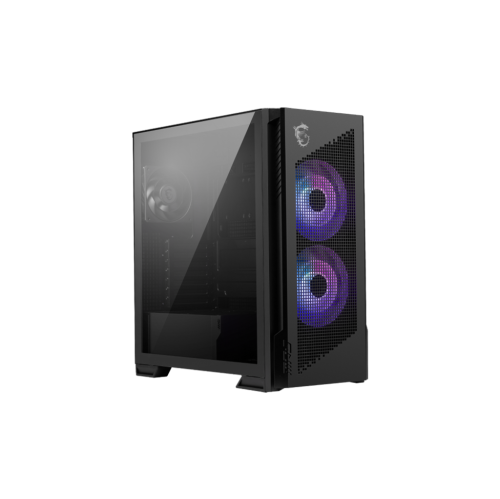
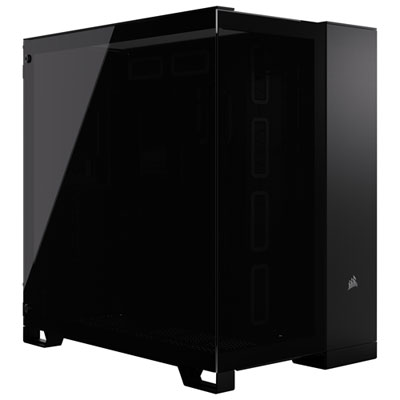
Cooling capability is one of the clearest distinctions between premium PC case designs, although a larger enclosure is not automatically better at moving air. Mesh intake panels, unobstructed ventilation paths, and well-positioned fan mounts help direct fresh air towards heat-producing components and carry warm air out. Glass-fronted designs can also support effective cooling, but their side vents, intake spacing, and fan placement deserve attention because the visible front panel may not admit air directly. Dual-chamber layouts typically separate the main components from some combination of the power supply, storage, and cable routing, creating a cleaner display area without necessarily increasing usable clearance everywhere. Modular brackets and removable trays can make a dense build easier to assemble, particularly when mounting fans or connecting cables near the top of the motherboard. For liquid-cooled systems, radiator support involves more than the advertised radiator length. The combined thickness of the radiator and fans, nearby memory modules, motherboard heatsinks, and graphics card length can determine whether the intended arrangement works. Similarly, a case may accept a long graphics card with an open front compartment but offer less clearance once a front-mounted radiator is installed. Large air coolers need sufficient space between the motherboard and side panel, while graphics cards with side-facing power connectors need room for the cable bend specified by the component manufacturer. These details are especially relevant to gaming systems used for extended sessions and workstations handling rendering or video editing. Noise is another consideration: generous ventilation can allow fans to move air effectively at lower speeds, while vibration-isolating mounts and securely fitted panels can reduce rattles. Sound-dampening materials may soften some noise, but they do not replace a balanced cooling layout. Fan mounting capacity also differs from included equipment, so the number, size, and placement of supplied fans help clarify what a chassis provides before the rest of the build is assembled.
The everyday value of a premium desktop case often shows up in smaller details: a side panel that opens cleanly, a dust filter that slides out without moving the entire computer, or enough space behind the motherboard tray to close the panel without pressing on bundled cables. Cable channels, reusable straps, and well-placed routing openings can keep wiring clear of fans and make later changes less awkward. Accessible expansion slots and storage mounts matter when adding a capture card or another drive, while front-panel USB connections are most useful when the motherboard has the matching internal headers. A front USB-C port, for example, needs the appropriate connection to function as intended. Headphone connections and power controls should also remain easy to reach in the computer’s planned position, whether it sits on a desktop or beside it. For a gaming-focused setup, Best Gaming Computer Cases offers a related selection centred on that intended use. For any build, durable finishes and serviceable parts help the enclosure remain useful as internal hardware changes. Removable filters make routine dust removal simpler, though they still need regular attention, especially in homes with pets. Exterior care depends on the material and finish; a soft cloth and the manufacturer’s cleaning directions help protect coated metal and glass. Tempered-glass panels need careful handling during removal and should rest on a soft, stable surface rather than tile or stone. An enthusiast receiving a case as a gift may appreciate its craftsmanship and display potential, but compatibility with planned components and the available desk space remains important. For a first custom desktop, accessible mounting points and clear internal organization can make assembly less frustrating. For an experienced builder, removable structural sections, generous cable space, and flexible component placement may be the stronger draw. The most satisfying premium computer cases bring these practical qualities together with an appearance that feels at home in the space where the computer will be used.
Cooling capability is one of the clearest distinctions between premium PC case designs, although a larger enclosure is not automatically better at moving air. Mesh intake panels, unobstructed ventilation paths, and well-positioned fan mounts help direct fresh air towards heat-producing components and carry warm air out. Glass-fronted designs can also support effective cooling, but their side vents, intake spacing, and fan placement deserve attention because the visible front panel may not admit air directly. Dual-chamber layouts typically separate the main components from some combination of the power supply, storage, and cable routing, creating a cleaner display area without necessarily increasing usable clearance everywhere. Modular brackets and removable trays can make a dense build easier to assemble, particularly when mounting fans or connecting cables near the top of the motherboard. For liquid-cooled systems, radiator support involves more than the advertised radiator length. The combined thickness of the radiator and fans, nearby memory modules, motherboard heatsinks, and graphics card length can determine whether the intended arrangement works. Similarly, a case may accept a long graphics card with an open front compartment but offer less clearance once a front-mounted radiator is installed. Large air coolers need sufficient space between the motherboard and side panel, while graphics cards with side-facing power connectors need room for the cable bend specified by the component manufacturer. These details are especially relevant to gaming systems used for extended sessions and workstations handling rendering or video editing. Noise is another consideration: generous ventilation can allow fans to move air effectively at lower speeds, while vibration-isolating mounts and securely fitted panels can reduce rattles. Sound-dampening materials may soften some noise, but they do not replace a balanced cooling layout. Fan mounting capacity also differs from included equipment, so the number, size, and placement of supplied fans help clarify what a chassis provides before the rest of the build is assembled.
The everyday value of a premium desktop case often shows up in smaller details: a side panel that opens cleanly, a dust filter that slides out without moving the entire computer, or enough space behind the motherboard tray to close the panel without pressing on bundled cables. Cable channels, reusable straps, and well-placed routing openings can keep wiring clear of fans and make later changes less awkward. Accessible expansion slots and storage mounts matter when adding a capture card or another drive, while front-panel USB connections are most useful when the motherboard has the matching internal headers. A front USB-C port, for example, needs the appropriate connection to function as intended. Headphone connections and power controls should also remain easy to reach in the computer’s planned position, whether it sits on a desktop or beside it. For a gaming-focused setup, Best Gaming Computer Cases offers a related selection centred on that intended use. For any build, durable finishes and serviceable parts help the enclosure remain useful as internal hardware changes. Removable filters make routine dust removal simpler, though they still need regular attention, especially in homes with pets. Exterior care depends on the material and finish; a soft cloth and the manufacturer’s cleaning directions help protect coated metal and glass. Tempered-glass panels need careful handling during removal and should rest on a soft, stable surface rather than tile or stone. An enthusiast receiving a case as a gift may appreciate its craftsmanship and display potential, but compatibility with planned components and the available desk space remains important. For a first custom desktop, accessible mounting points and clear internal organization can make assembly less frustrating. For an experienced builder, removable structural sections, generous cable space, and flexible component placement may be the stronger draw. The most satisfying premium computer cases bring these practical qualities together with an appearance that feels at home in the space where the computer will be used.
Top selling and popular products
-
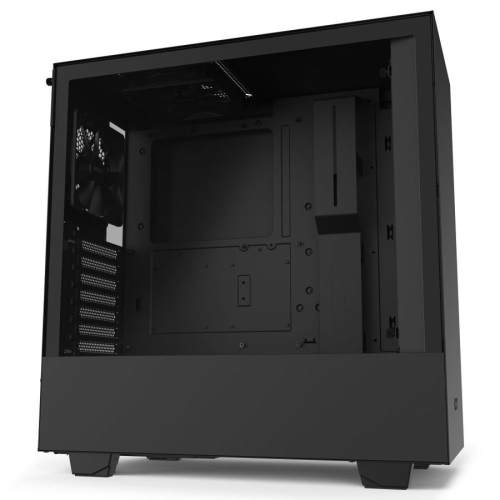 Your price for this item is $299
-
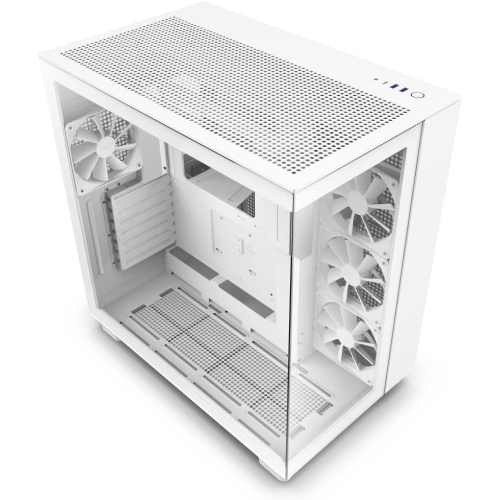 Your price for this item is $514.68
-
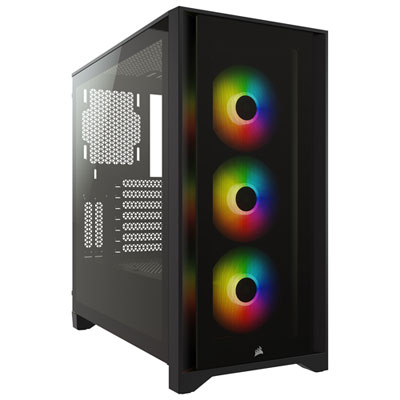 Your price for this item is $149.97
-
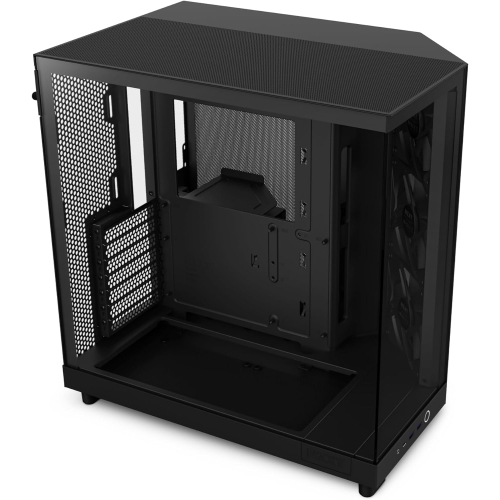 Your price for this item is $186.99
-
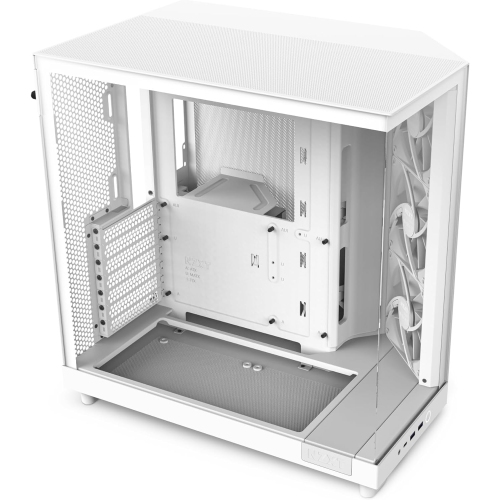 Your price for this item is $131.99
-
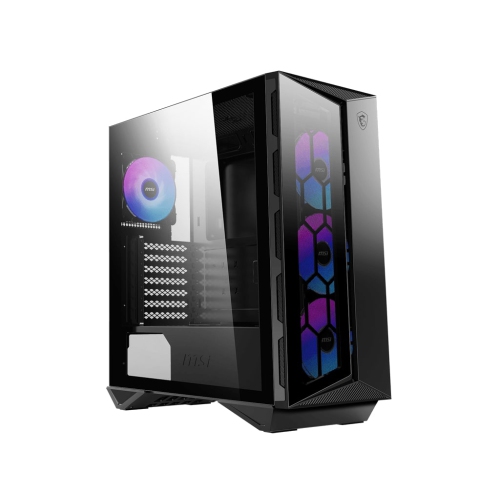 Your price for this item is $157.68
-
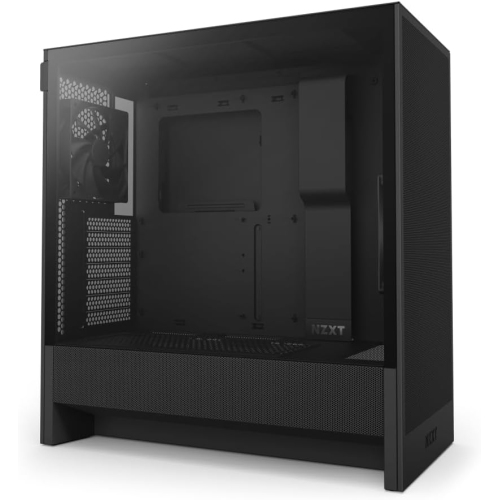 Your price for this item is $164.99
-
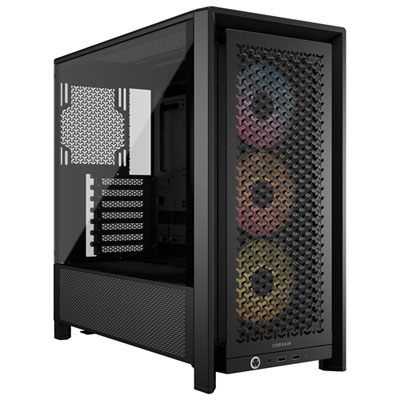 Your price for this item is $154.99
Discover more categories related to Premium Computer Cases

Top Collections:
Pokemon Centers, Kindle Devices, Best Black Friday Deals This Year, Pokémon 30th Celebration Cards, Best Black Friday Deals On Electronics, Best Cameras for Sports Photography, Best Black Friday Deals On Apple Products, Canon G7X Cameras, iPhone 15 Apple, Candle Warmer Lights
Some products may be subject to Environmental Handling Fees
(EHF) depending on your province.
Learn more about EHFs.