Productivity Monitors
Boost your productivity to new heights with our selection of productivity monitors. Designed to enhance your work efficiency and streamline your tasks, these monitors offer stunning visuals and innovative features that will revolutionize the way you work. Whether you're a professional looking to optimize your workflow or a student aiming for peak performance, our range of productivity monitors will cater to all your needs. With sleek designs, crisp displays, and advanced technologies, these monitors are the perfect addition to any workspace. Upgrade your productivity game today and take your work to the next level with our exceptional collection of productivity monitors.
Sort
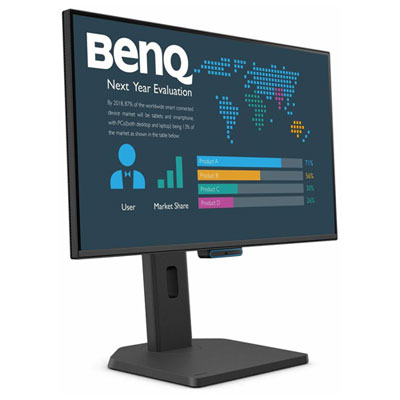
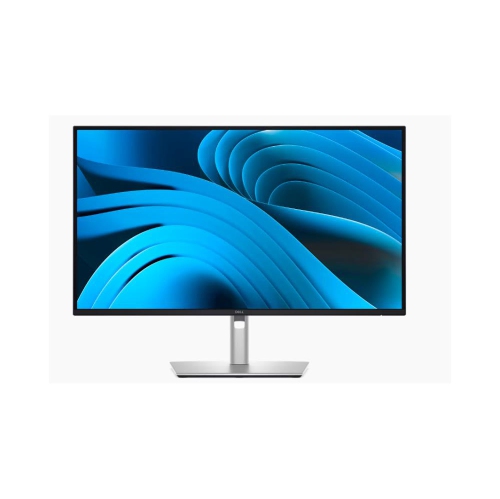
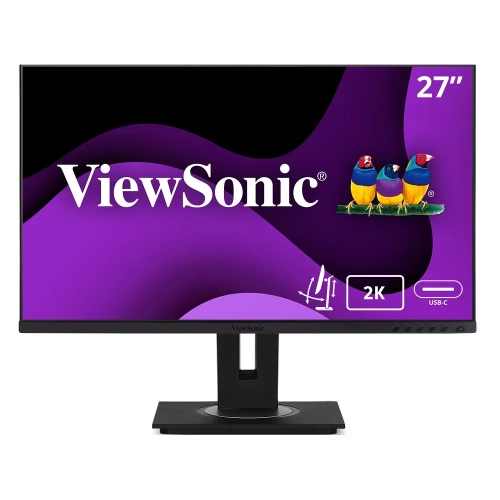
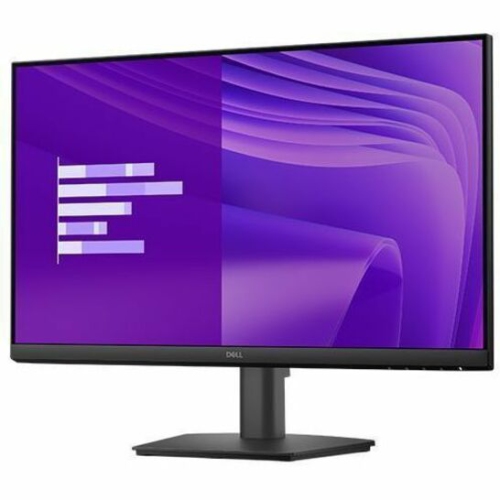

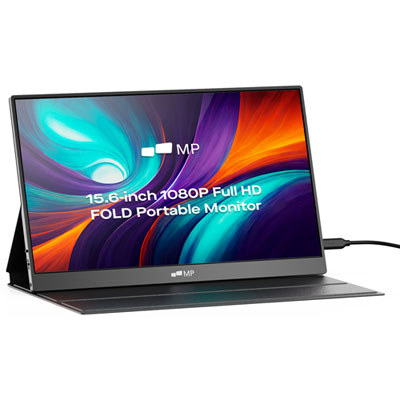
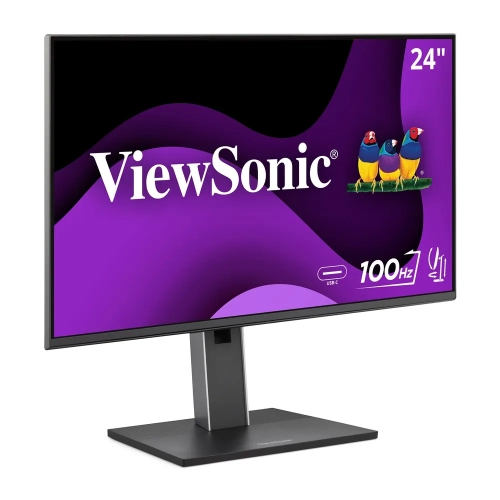
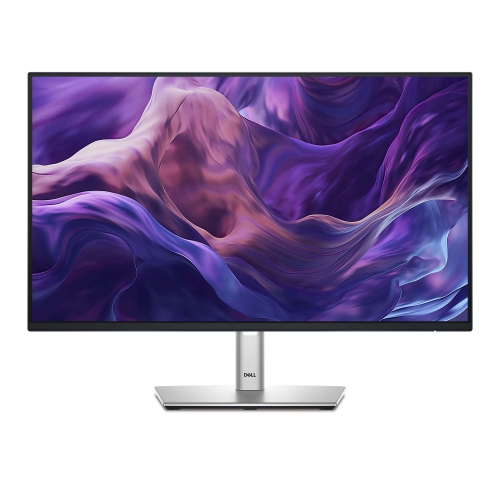
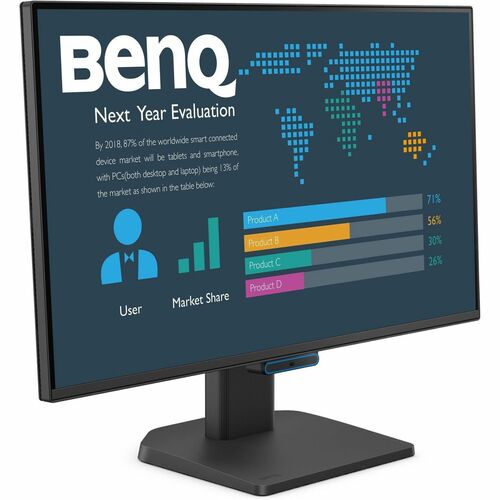

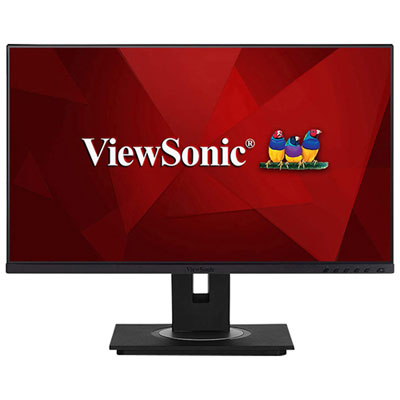
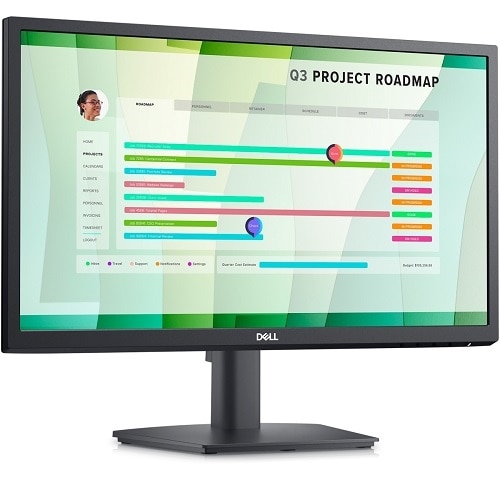
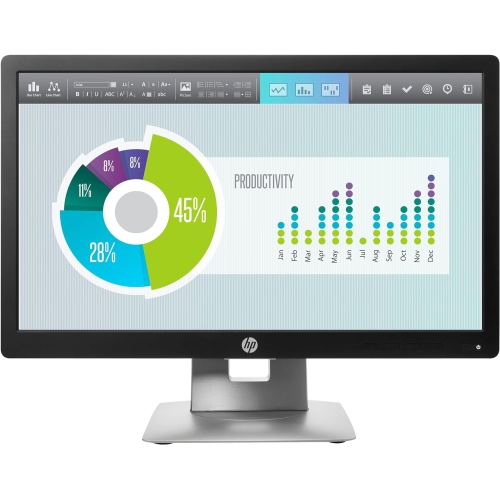
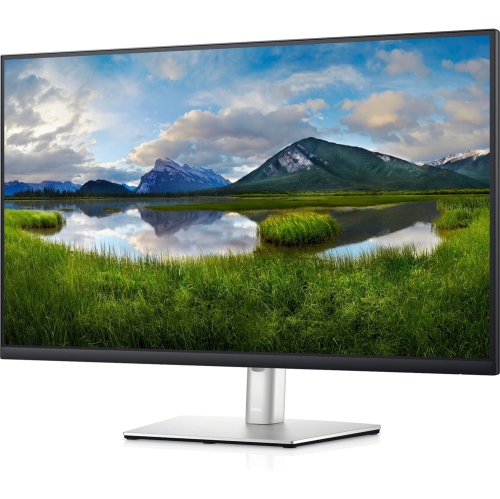

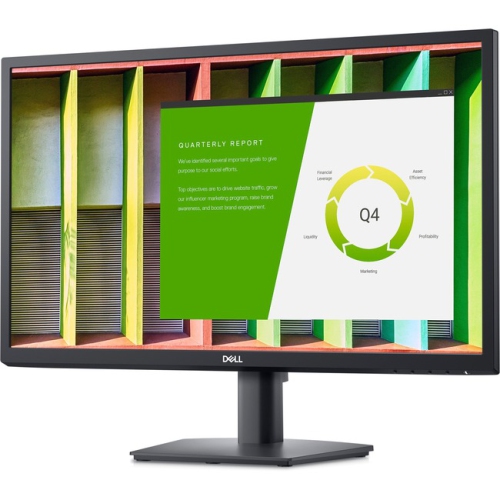
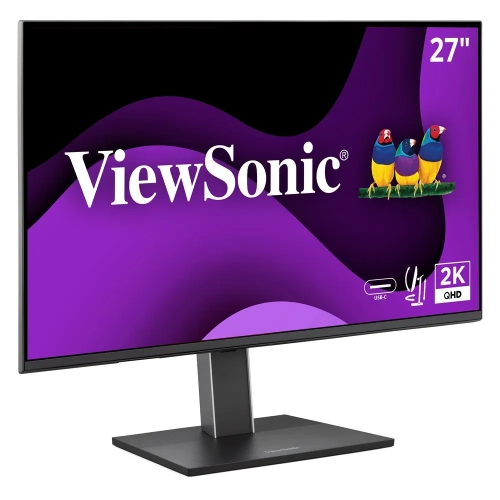
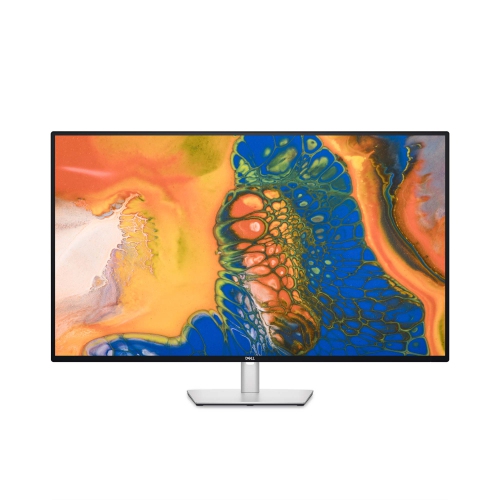
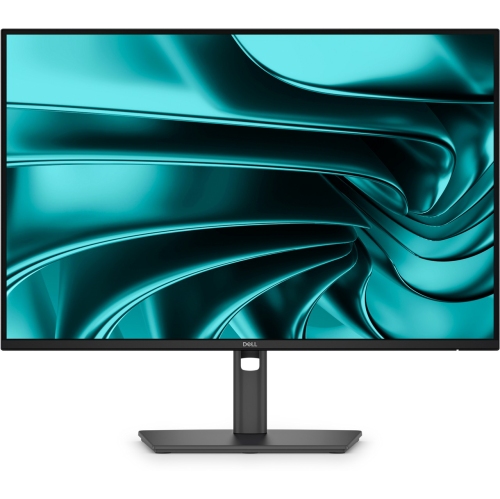
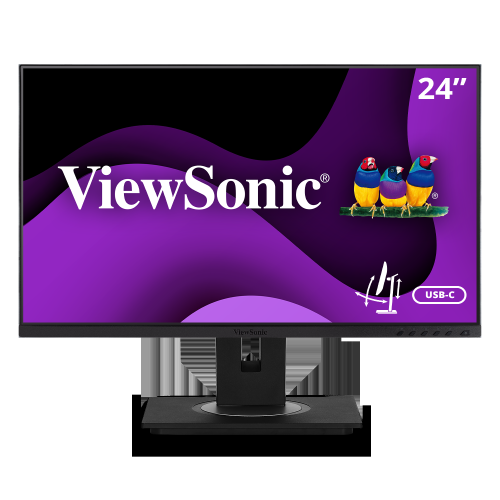
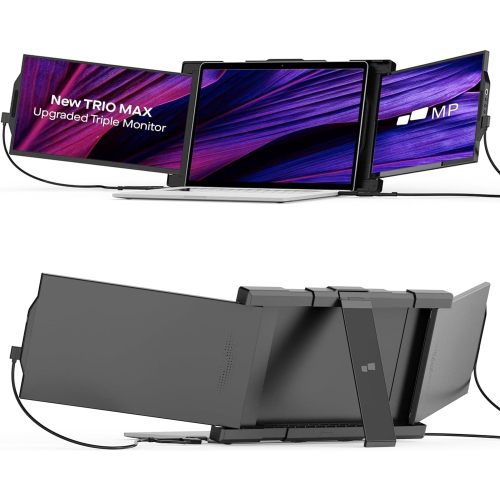

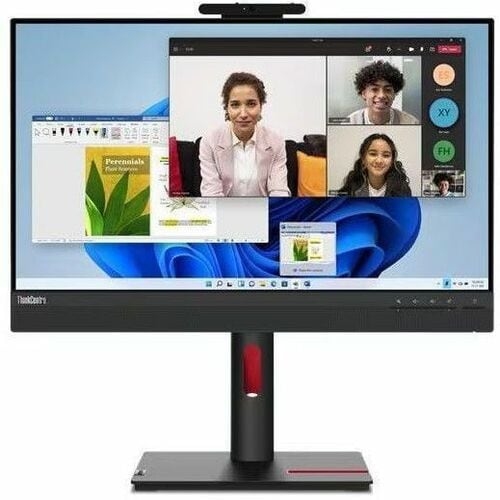
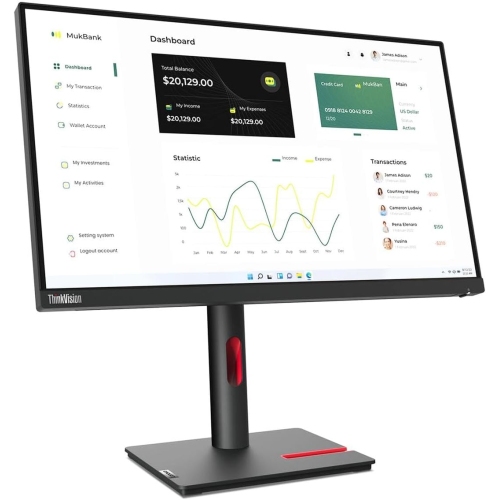
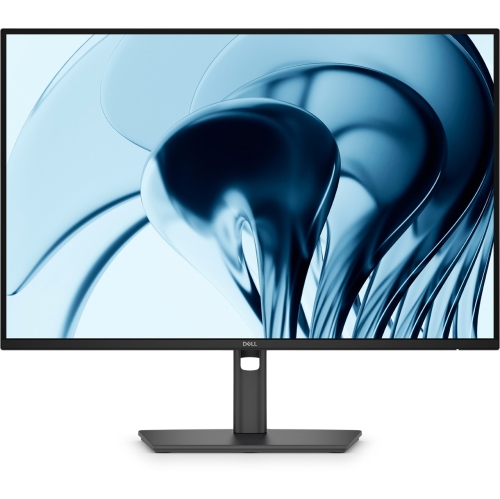
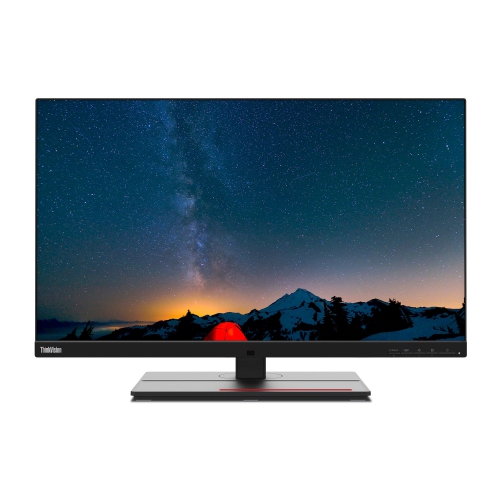
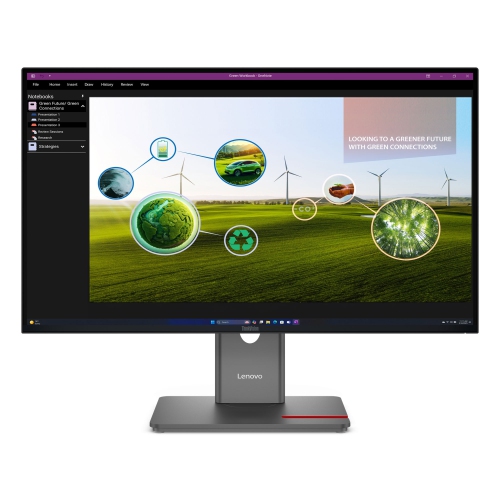
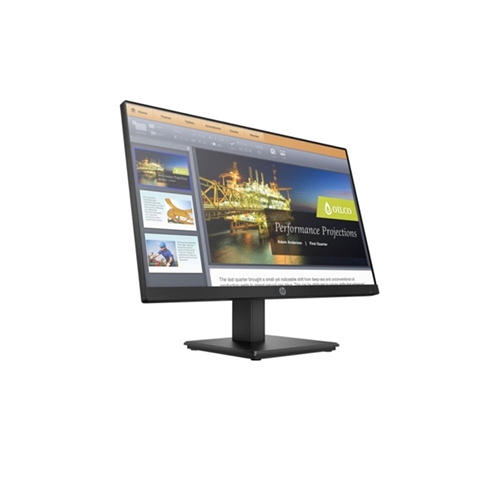
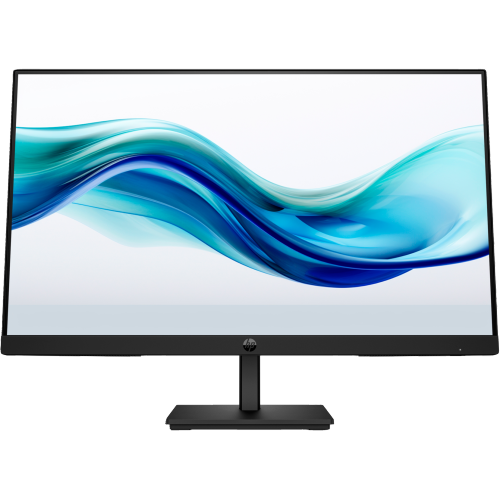
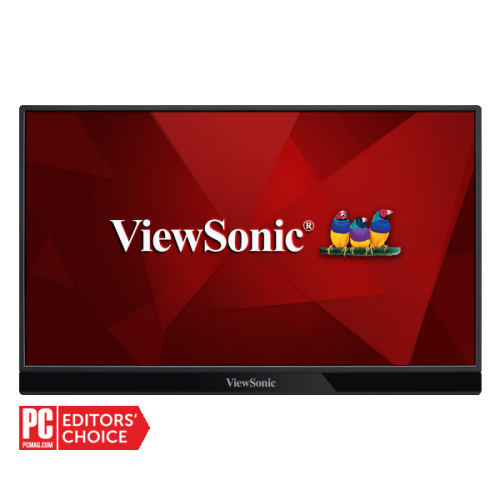
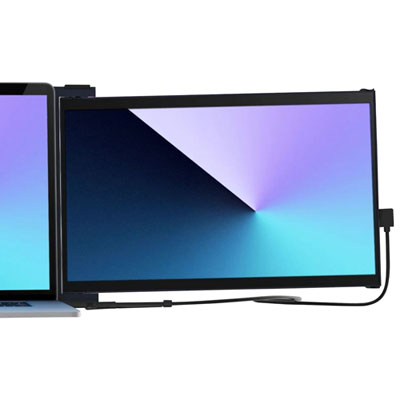
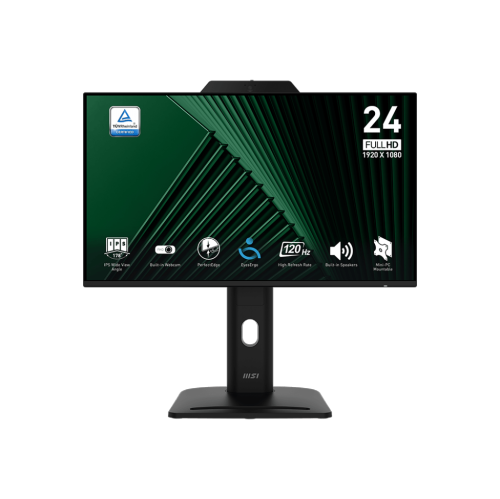
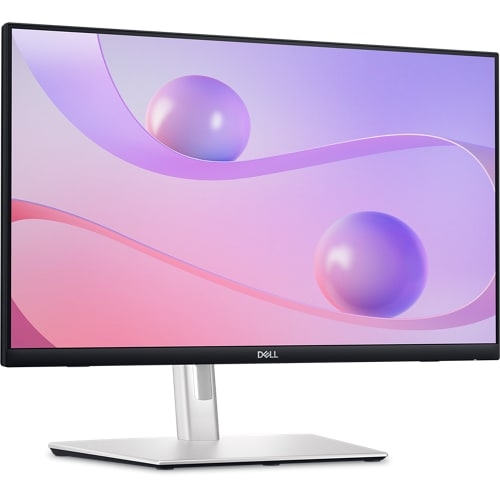
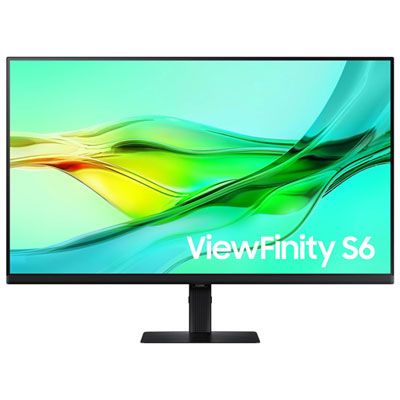
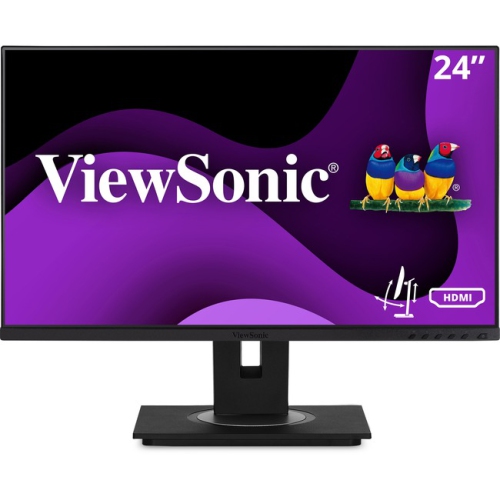
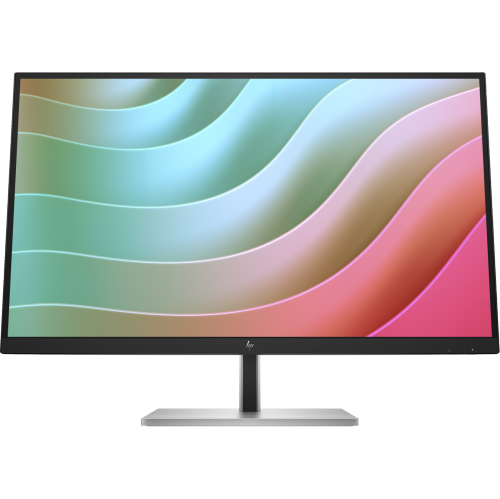

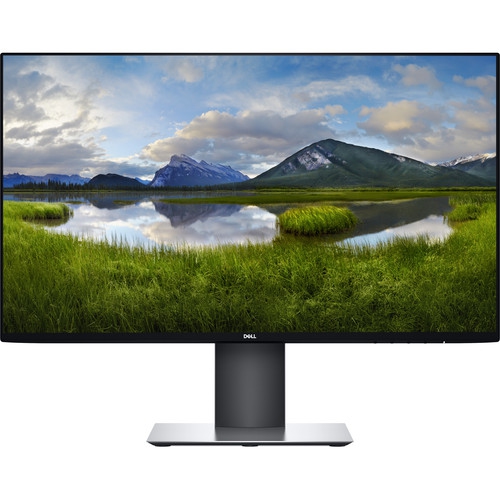
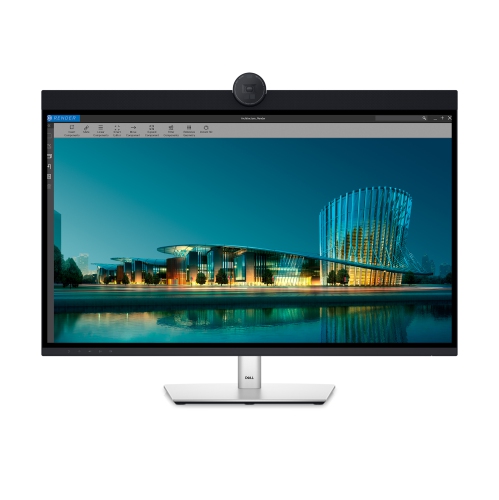
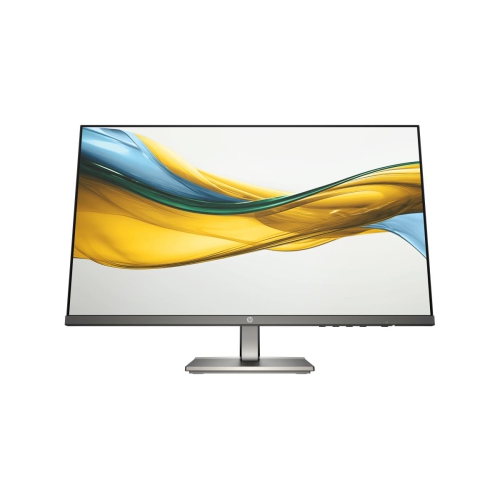
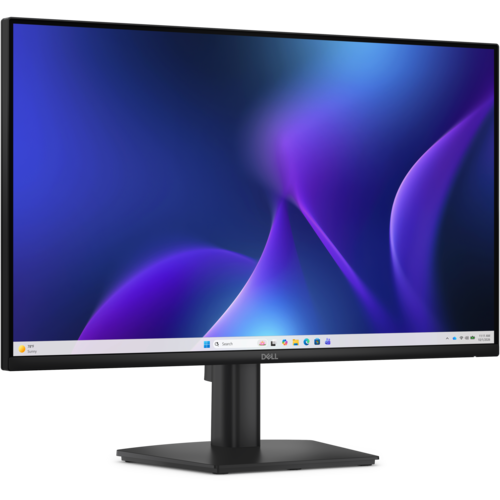
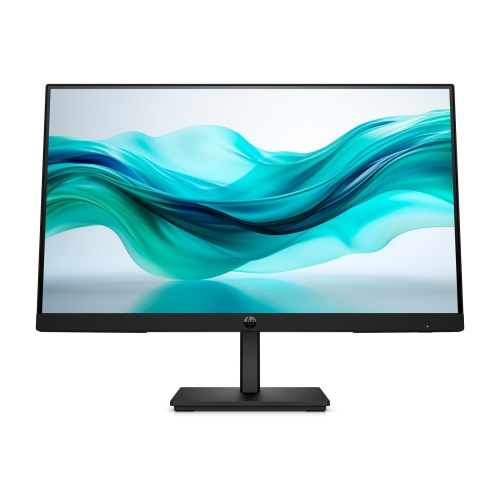
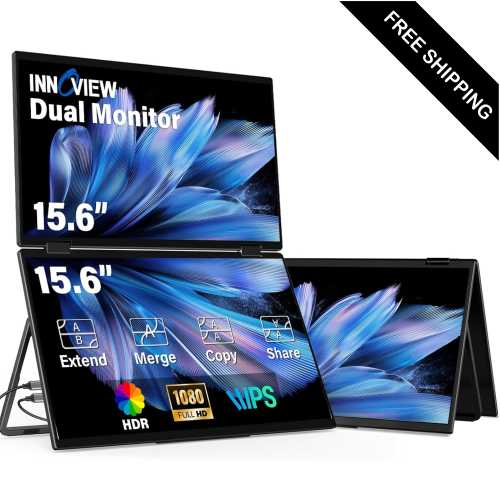
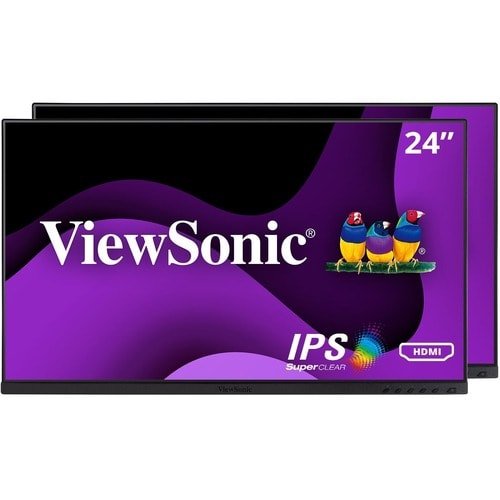
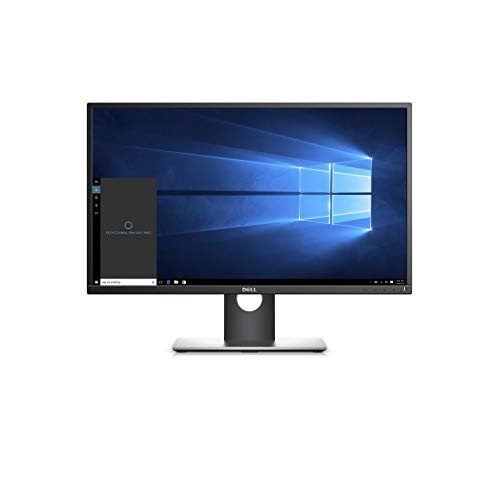

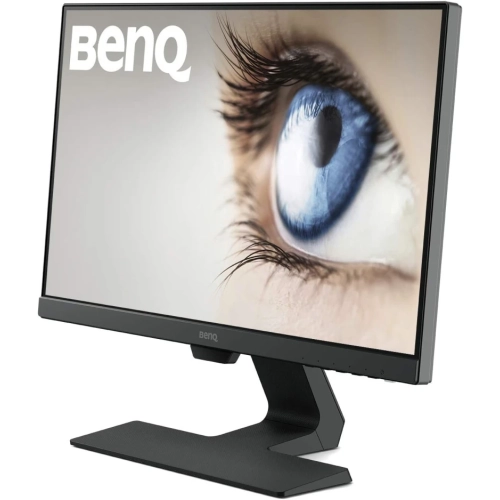
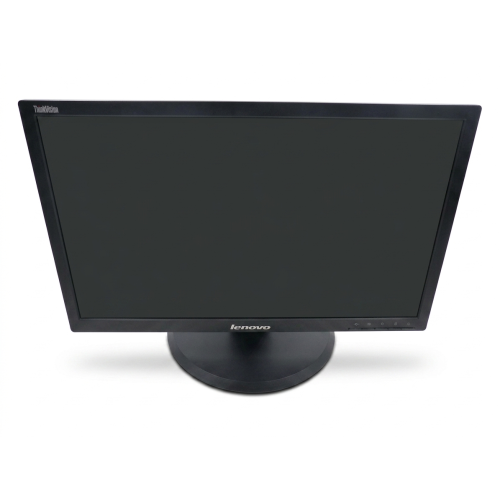
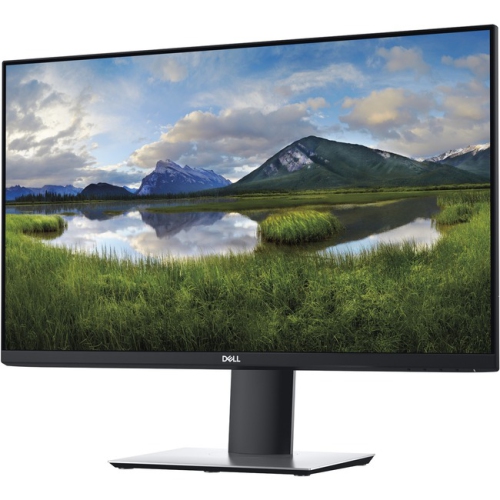
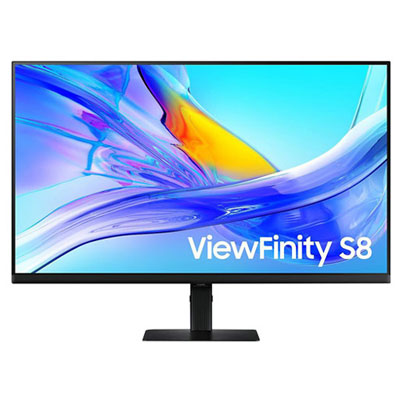



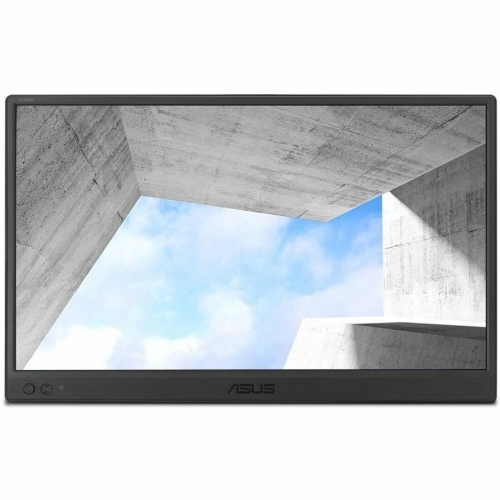
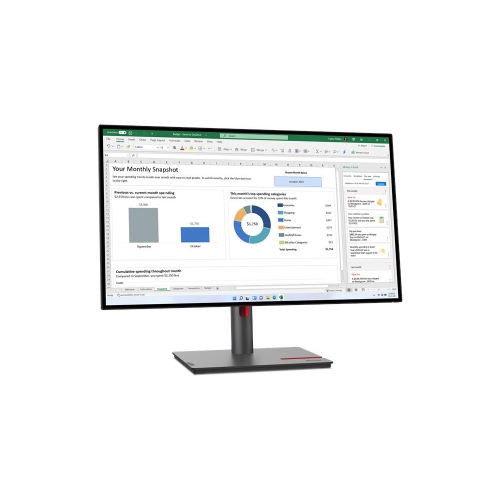

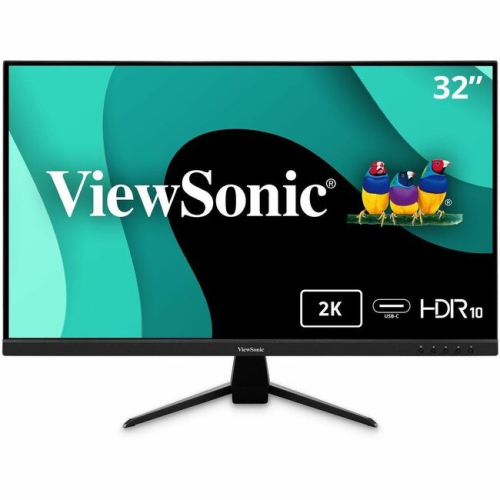
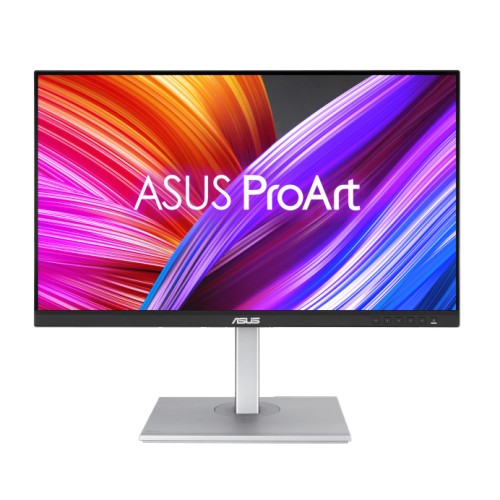
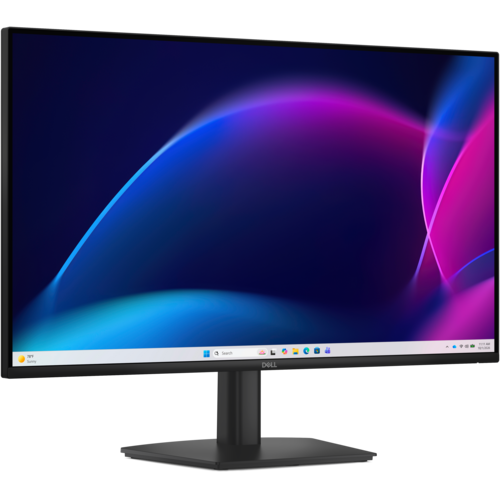
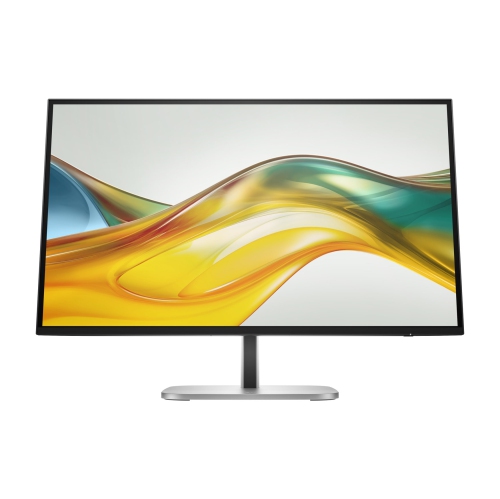
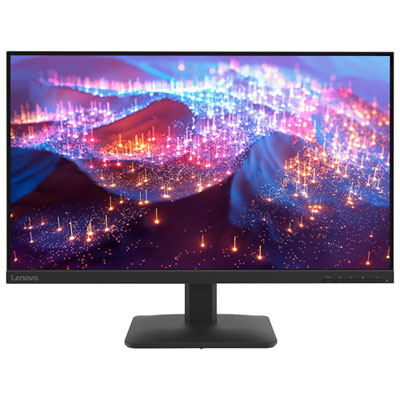
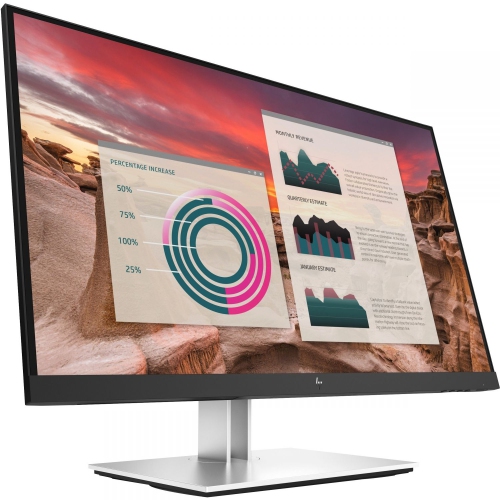
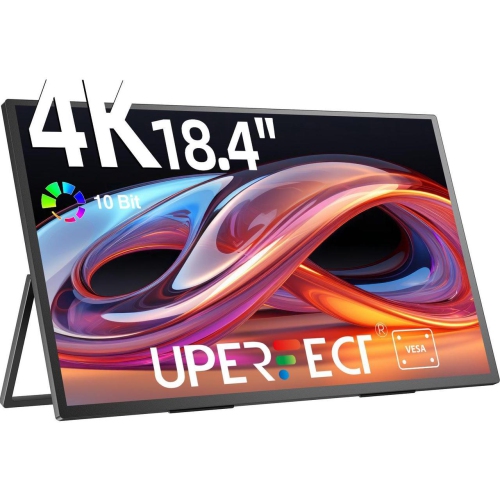

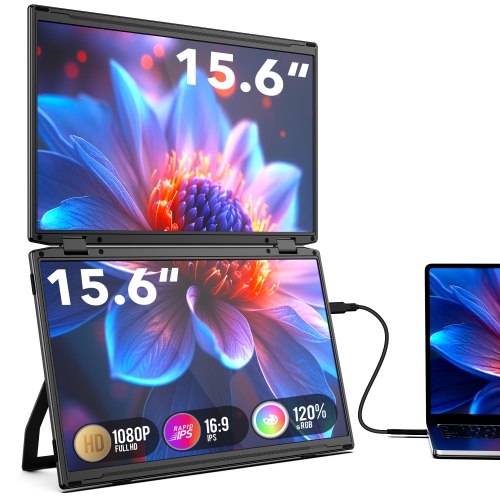
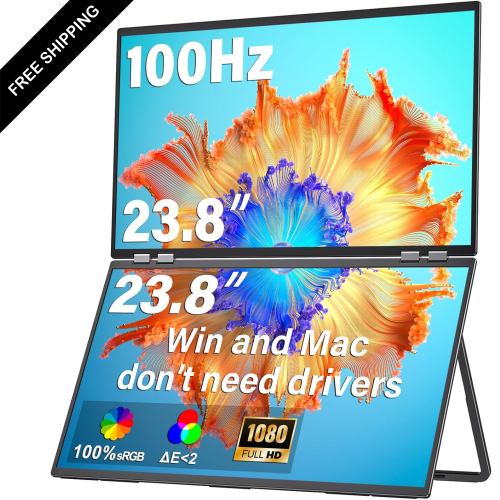
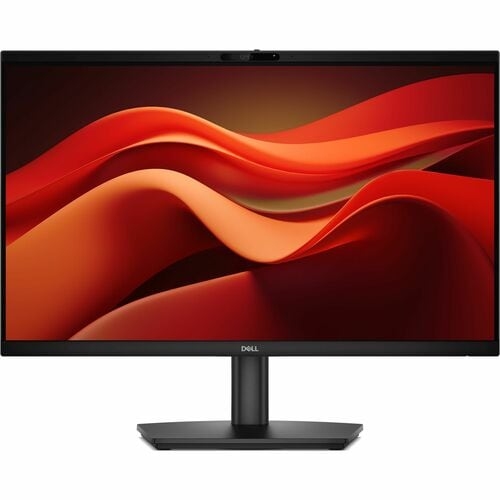
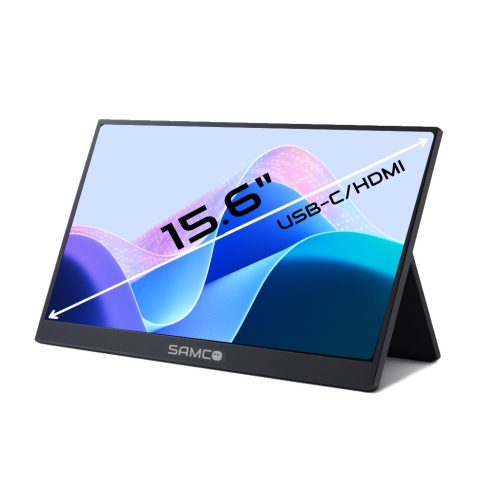
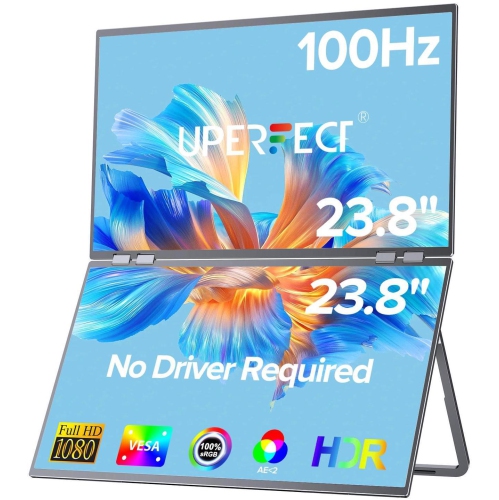
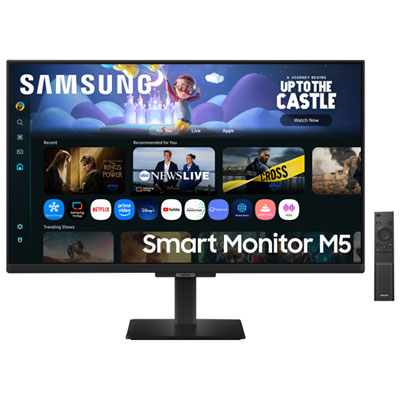
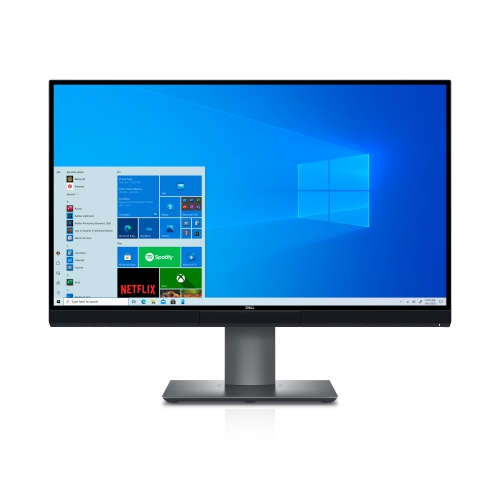
A clearer, more comfortable workspace for everyday computer work
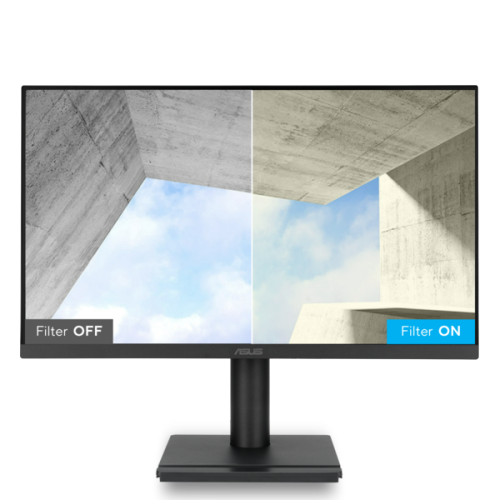
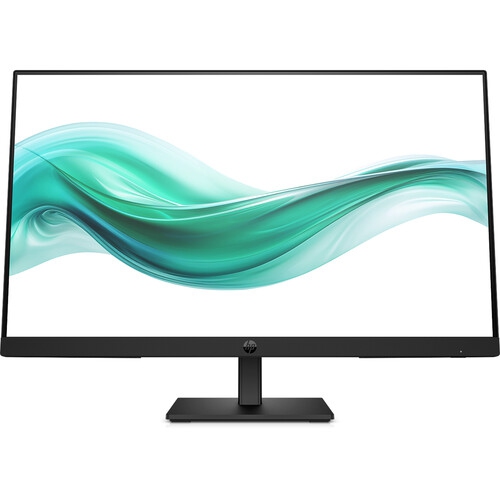
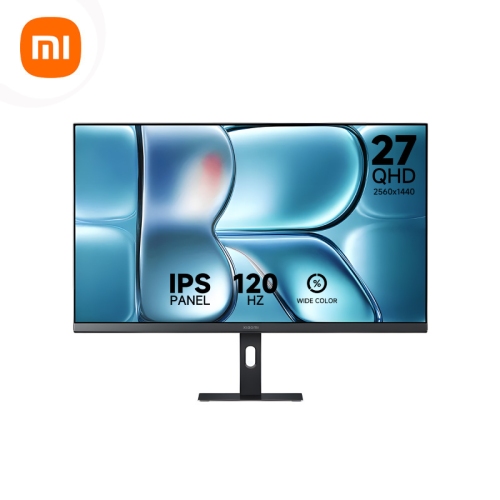
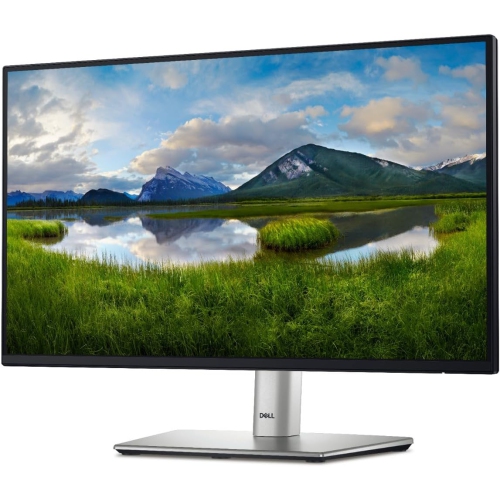
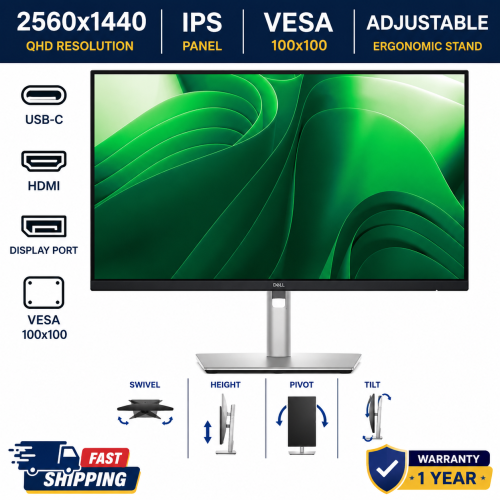
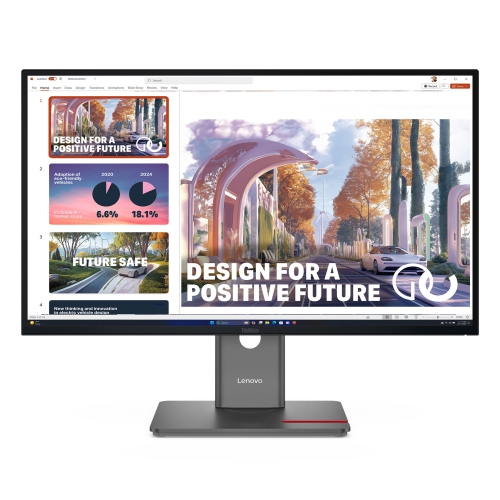
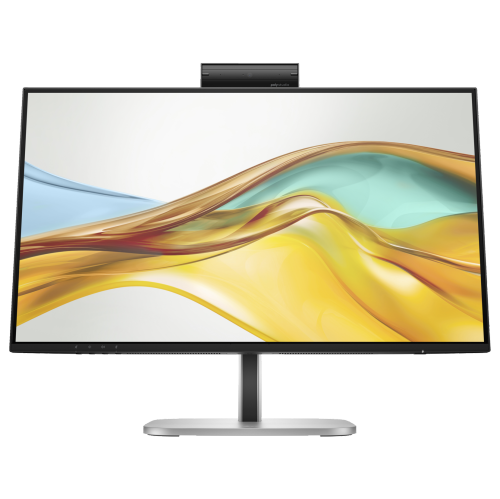
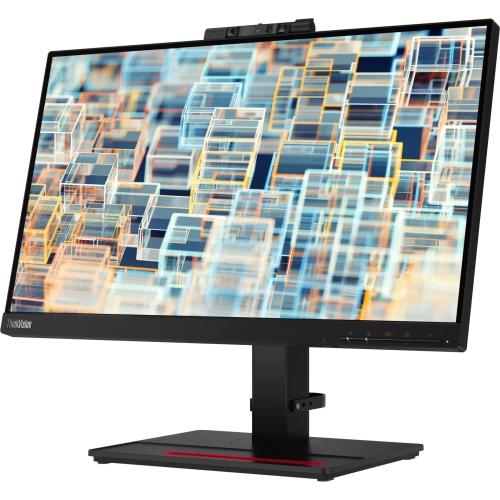
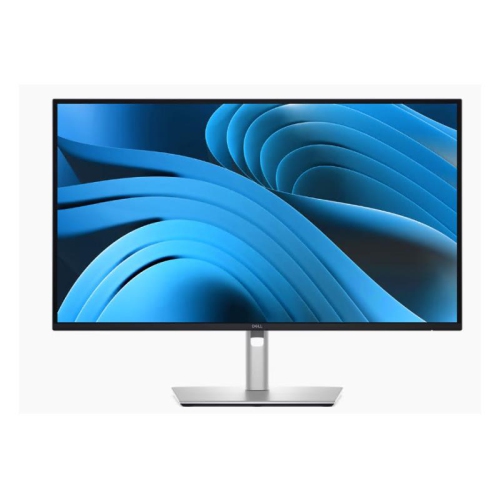
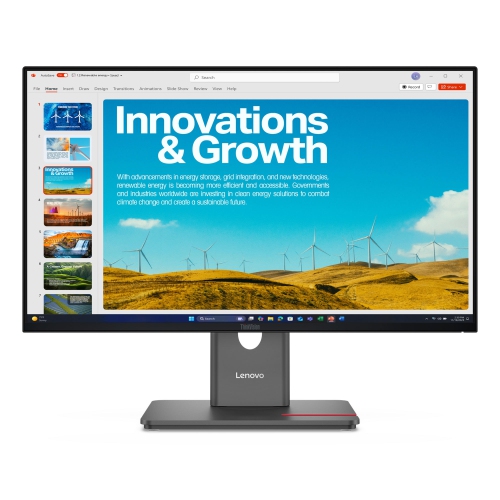
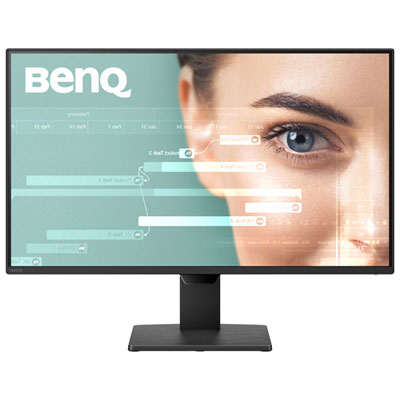
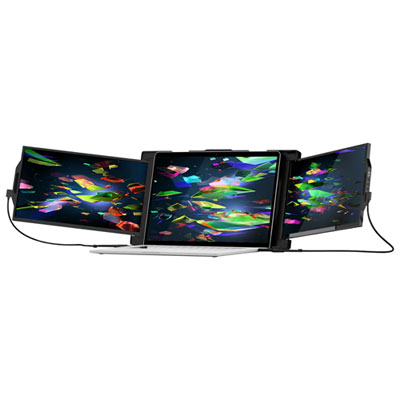
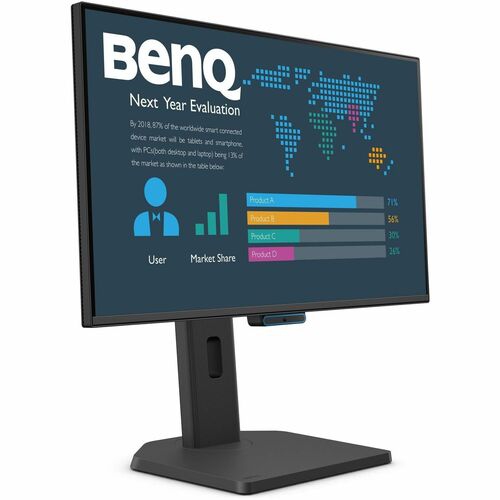
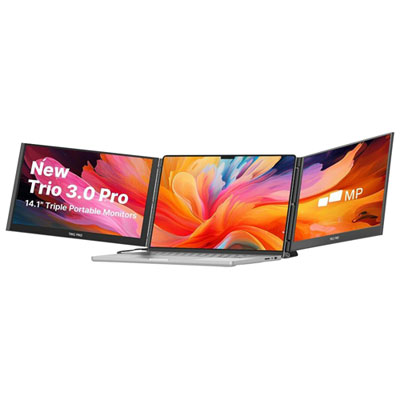
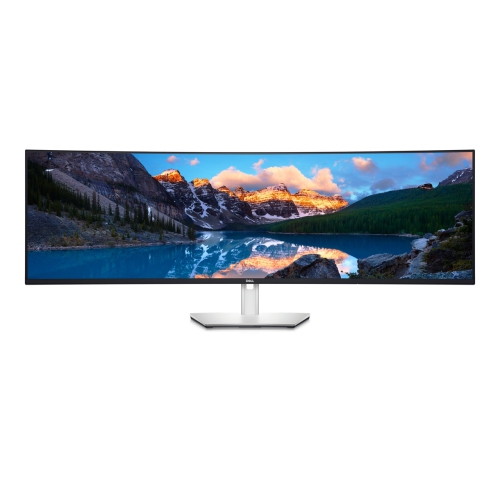
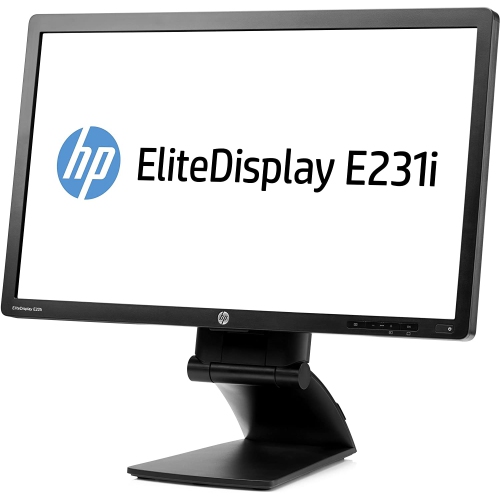
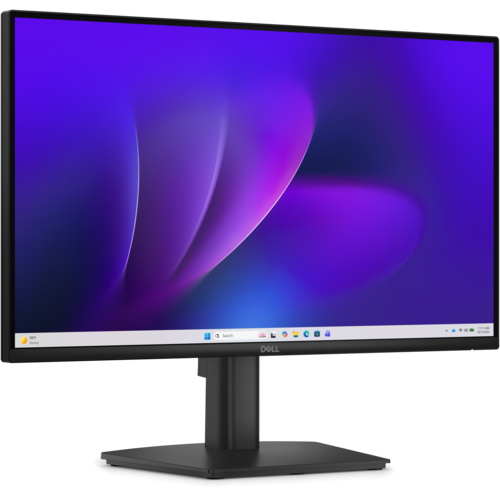
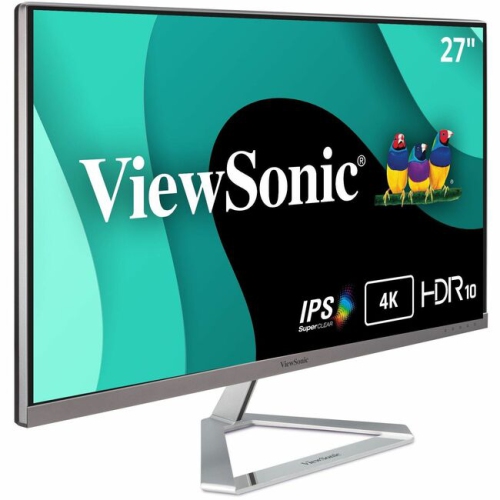
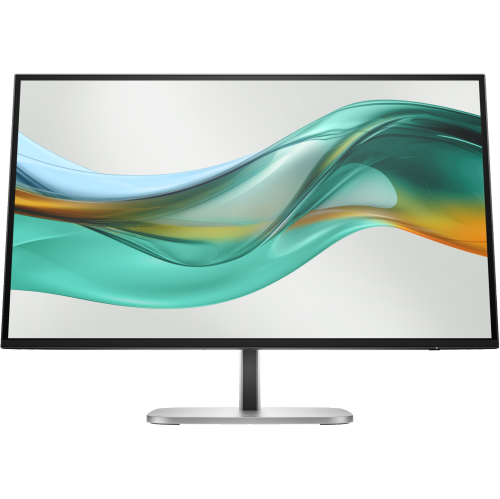
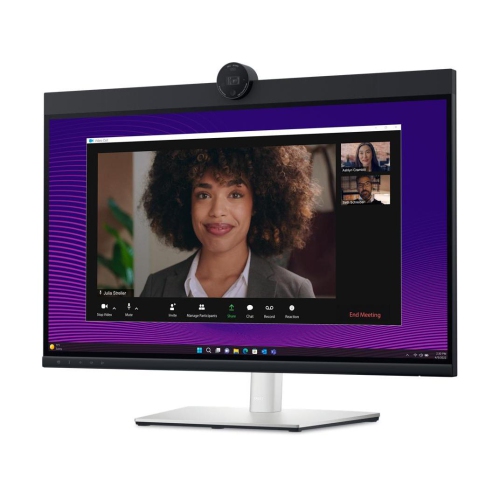
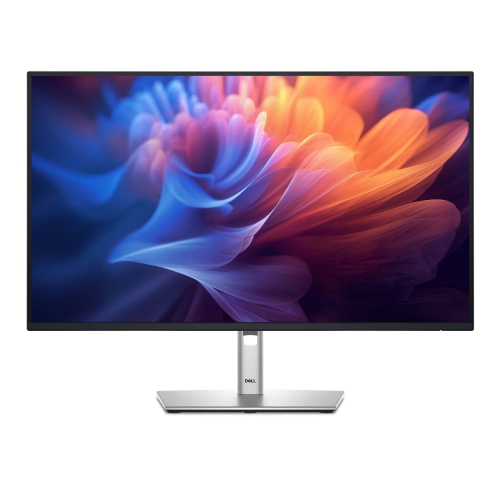
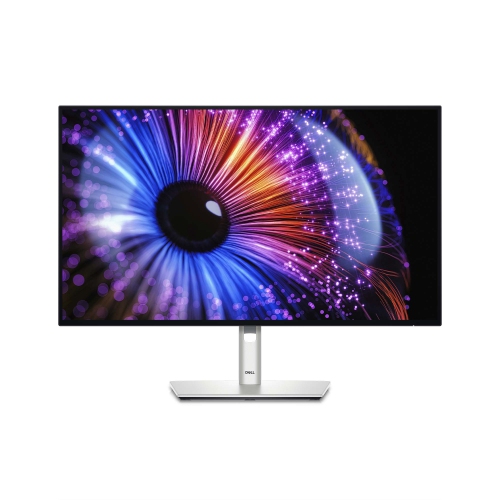
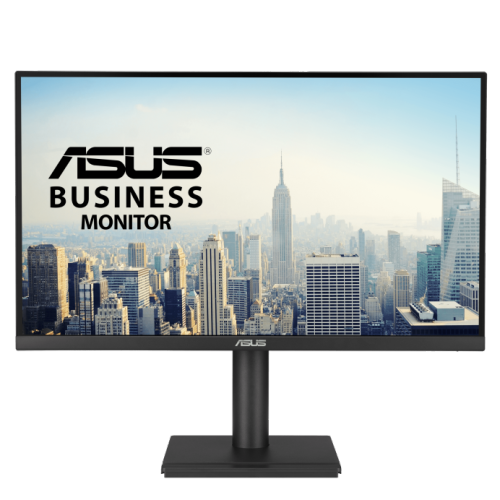
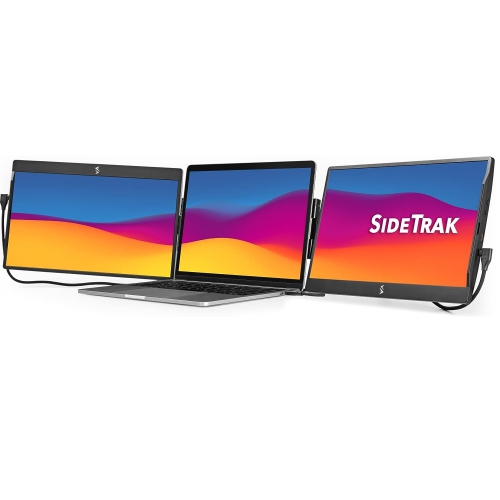
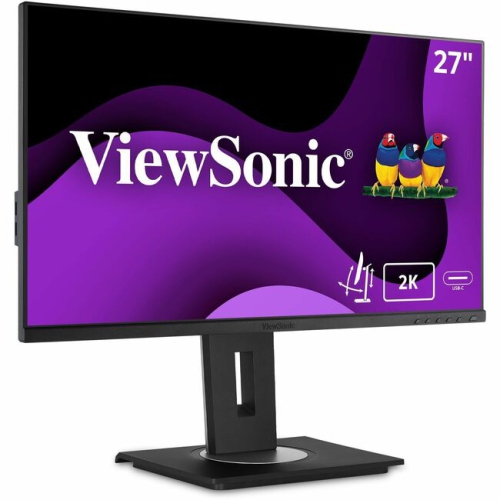
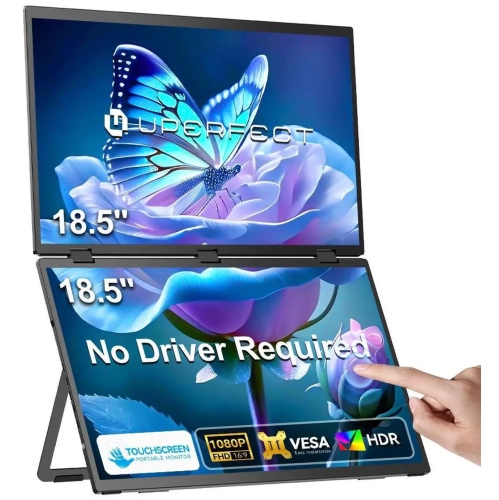
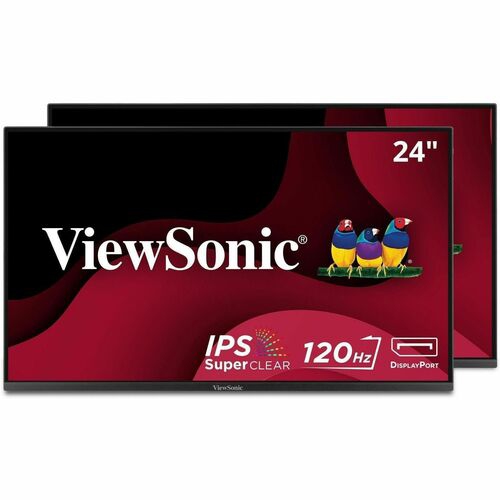
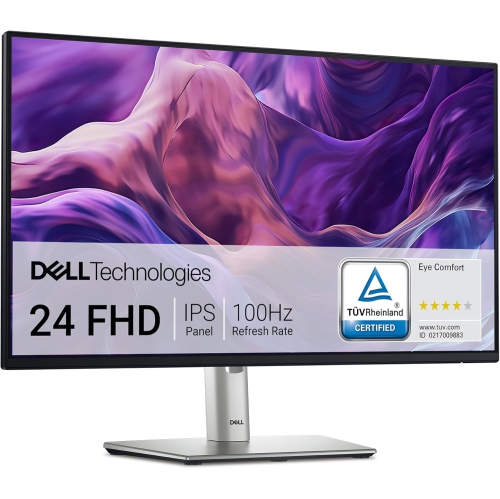
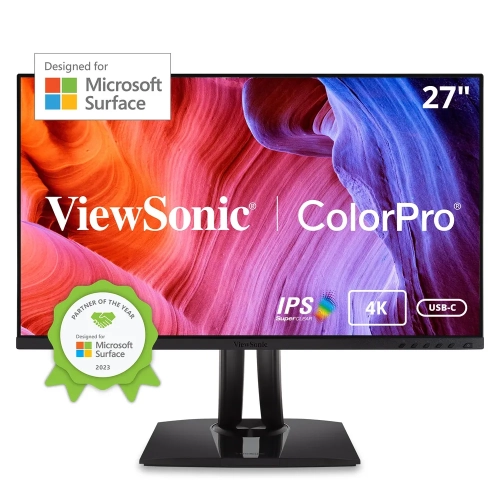
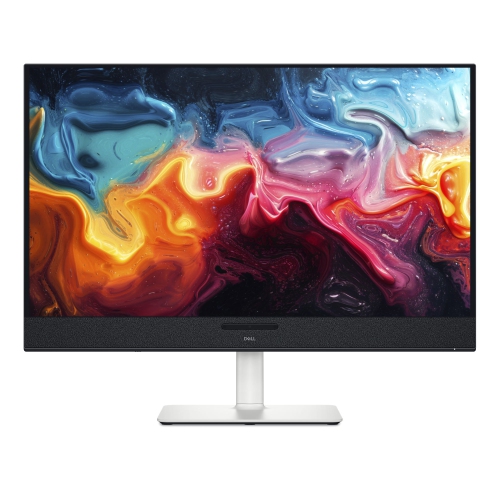
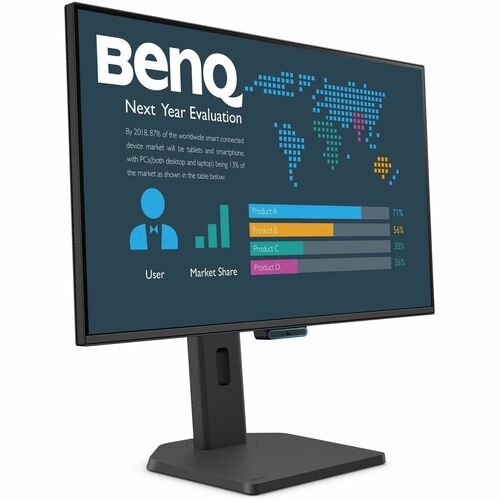
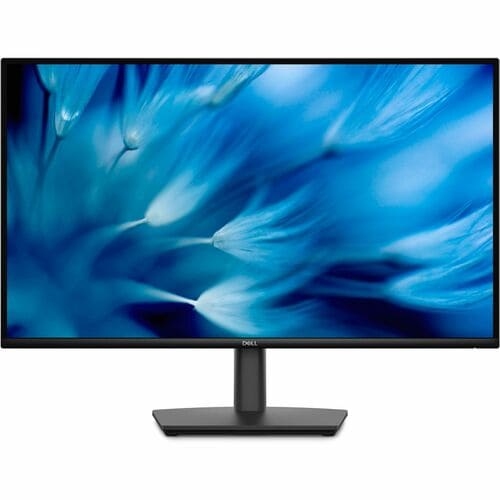
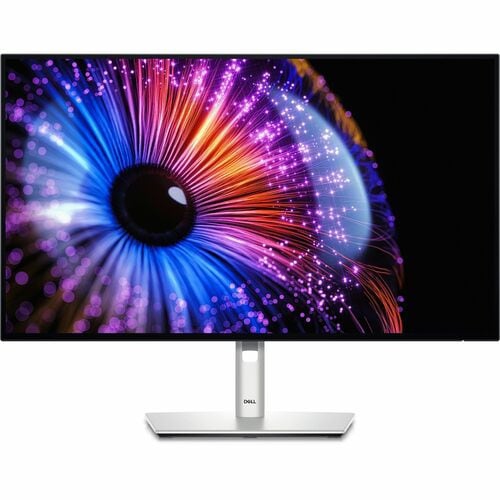
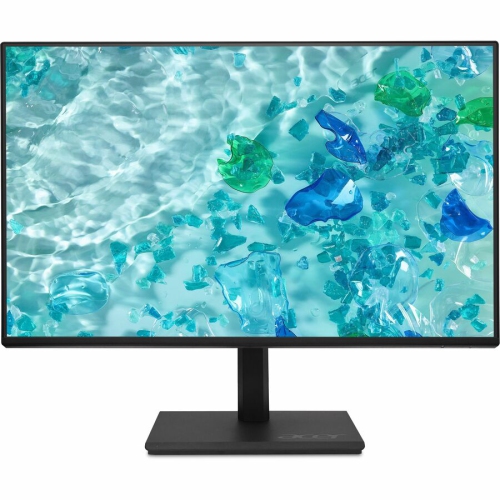
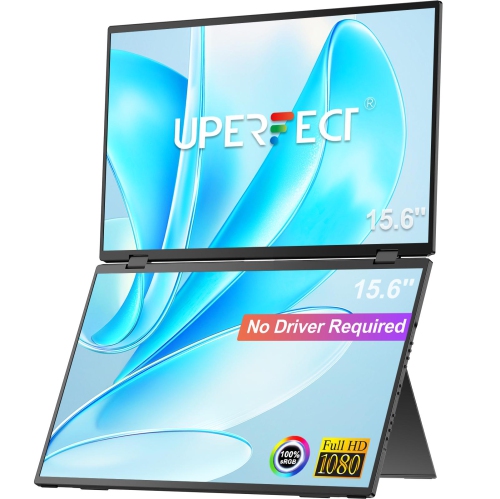
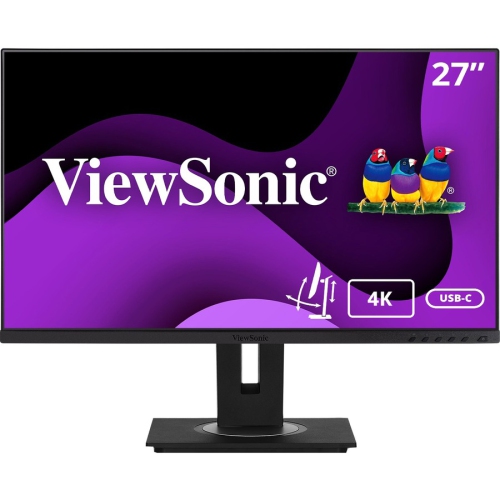
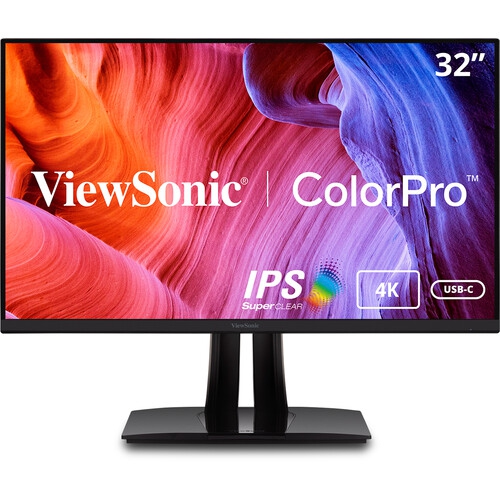
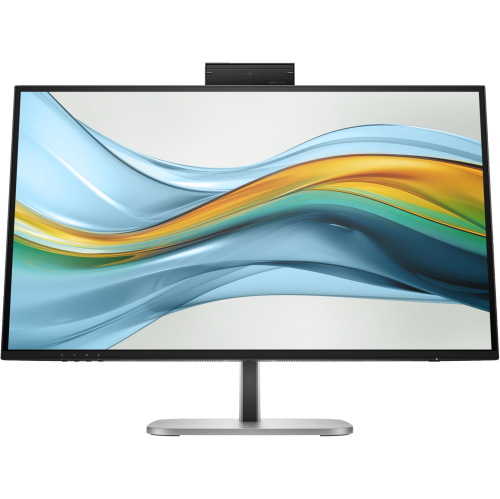
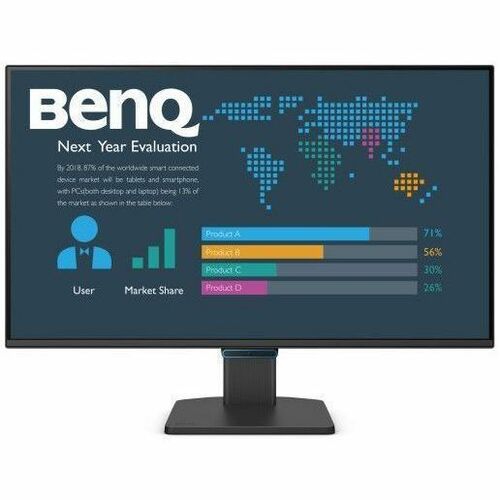
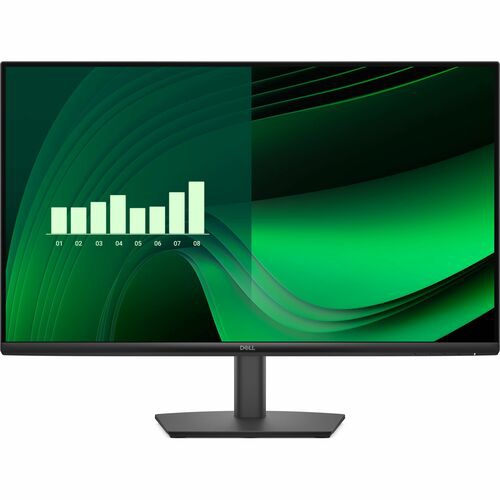
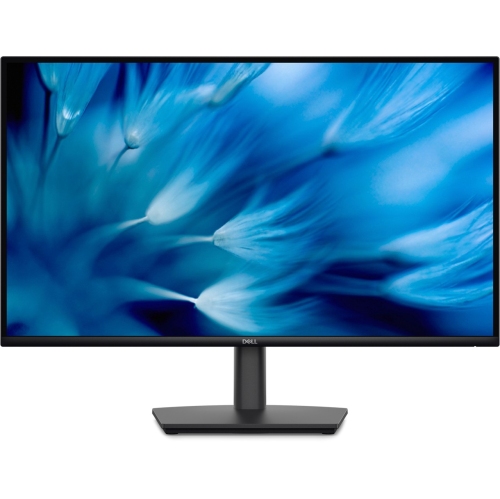
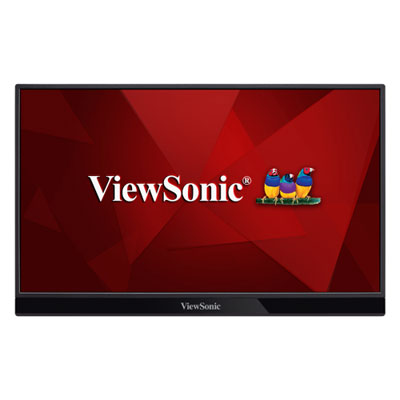
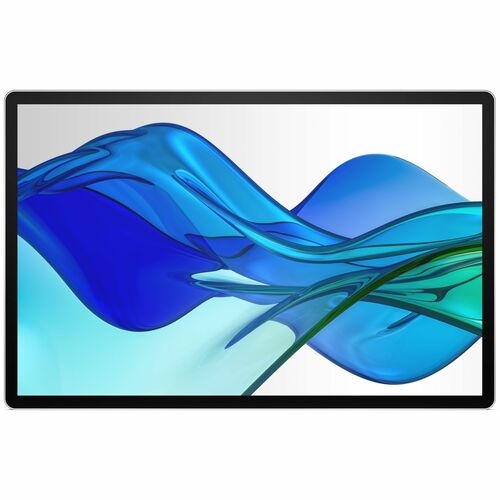
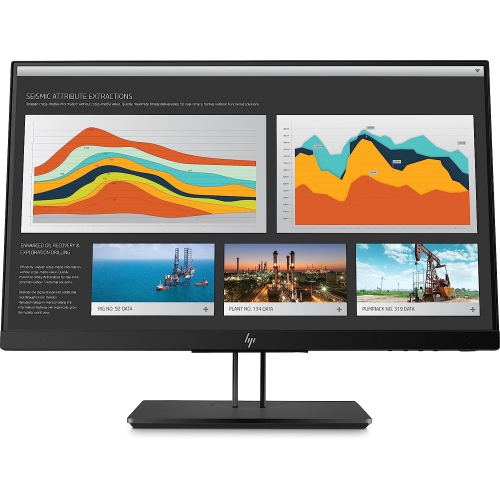
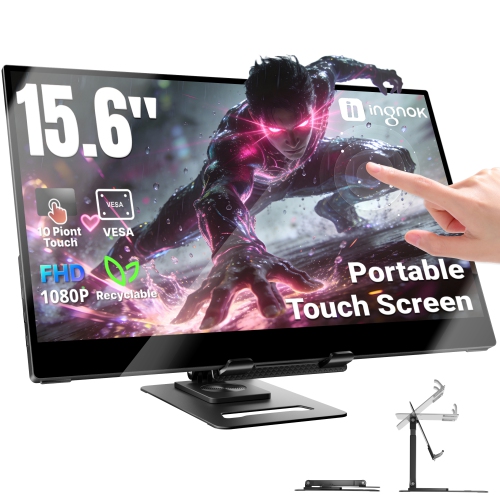
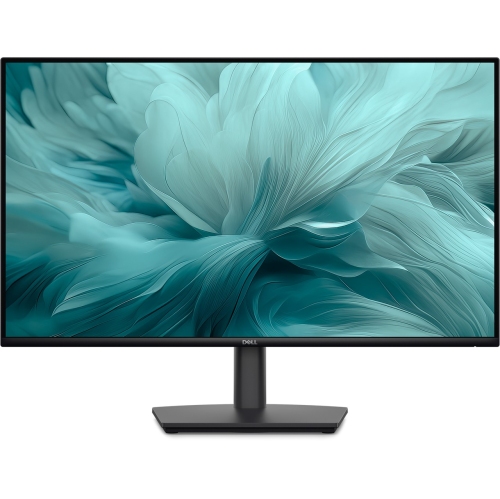
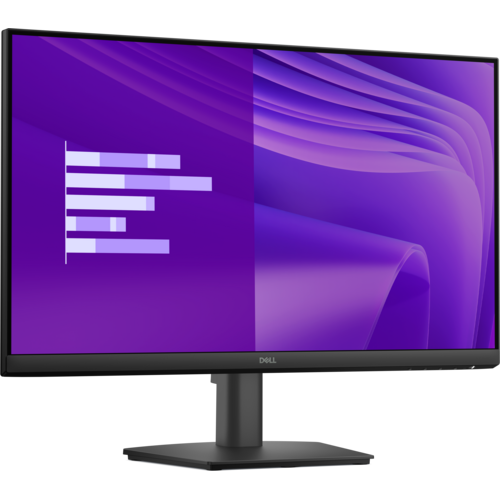
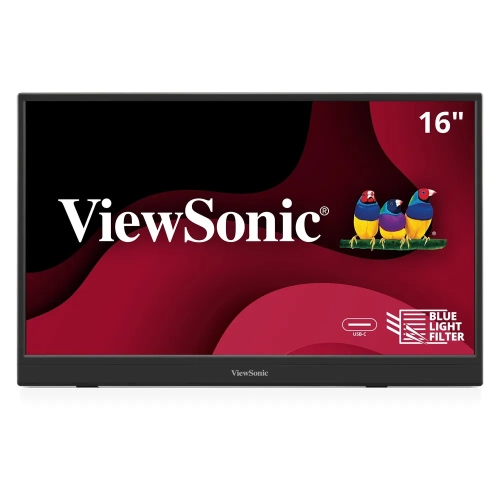
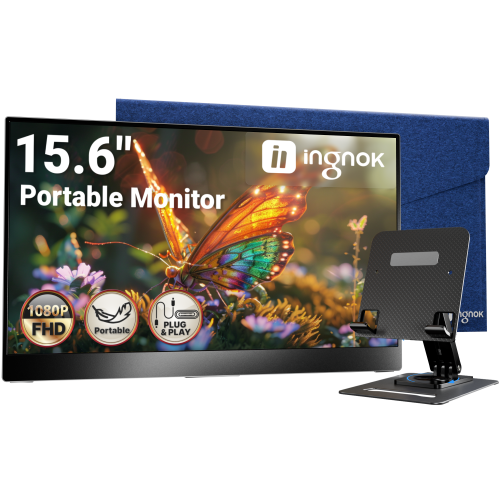
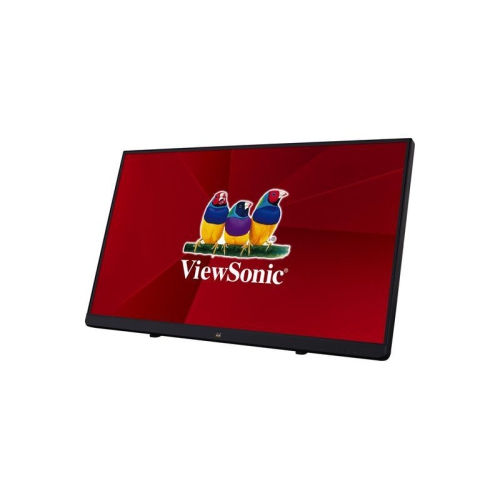
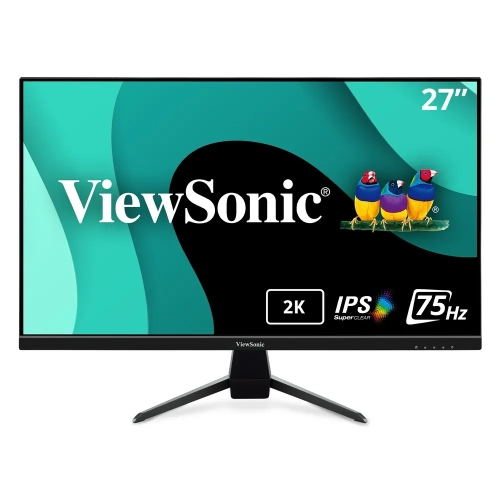
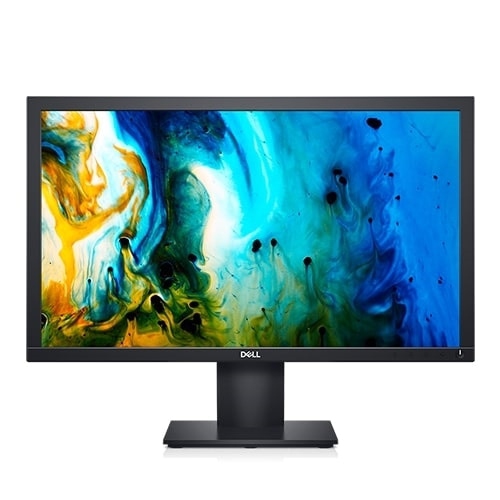
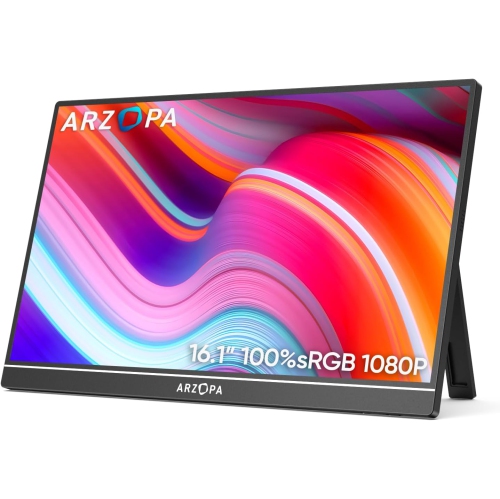
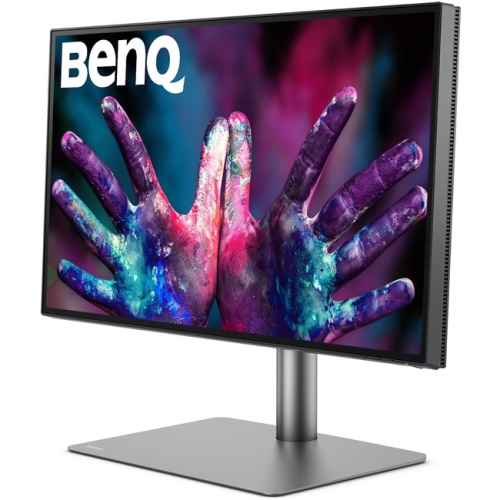
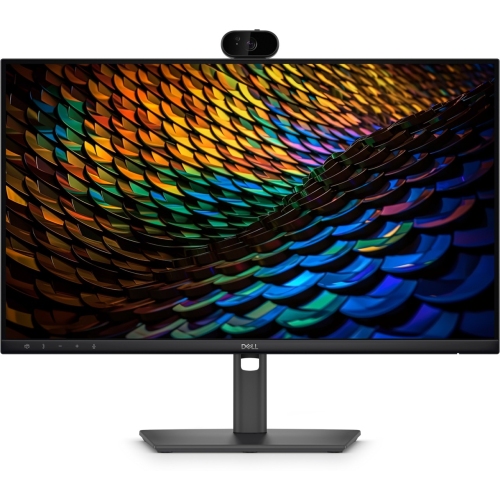
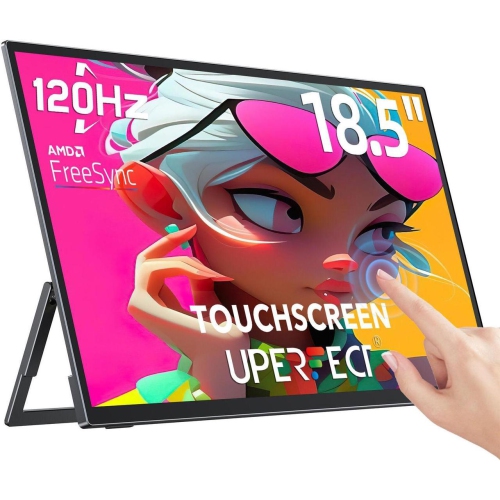
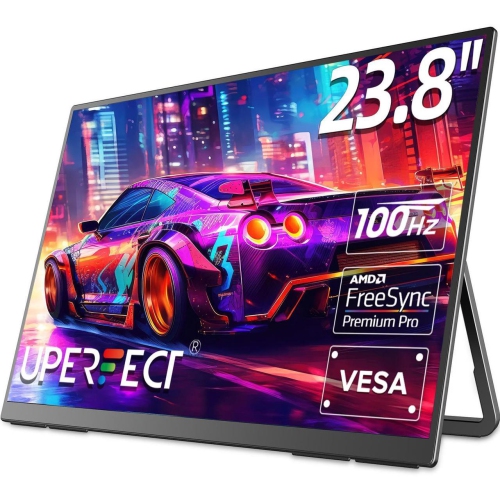
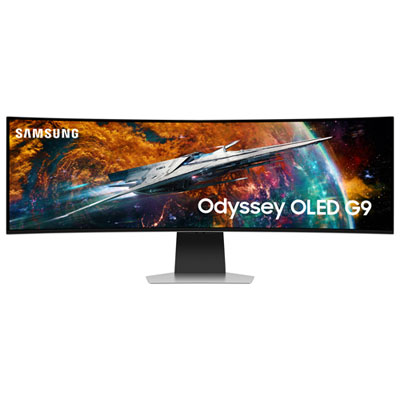
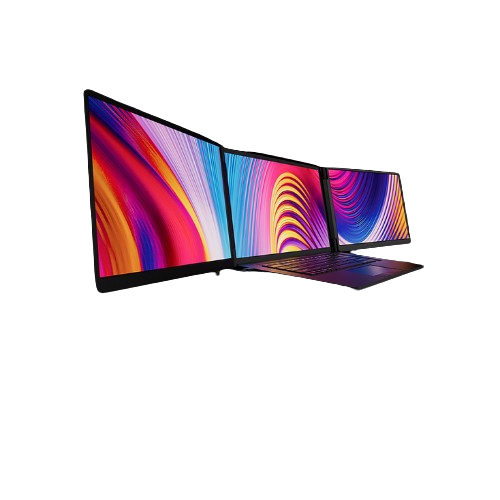
Productivity monitors are designed to make everyday computer work more comfortable, organized, and efficient, whether you are answering messages, preparing reports, reviewing spreadsheets, attending video calls, editing documents, researching online, or keeping several applications open at once. A larger display can reduce the need to switch between windows, while a higher resolution keeps text, charts, and fine interface details looking crisp. For many home offices and shared workspaces, a 24-inch or 27-inch monitor offers a practical balance of viewing space and desk footprint. A 27-inch QHD monitor, with a resolution of 2560 x 1440, provides noticeably more room and sharper text than a standard 1080p display without requiring as much graphics power or desk space as a larger 4K screen. A 31.5-inch or larger monitor can be helpful for detailed spreadsheets, timelines, dashboards, and side-by-side documents, provided your desk has enough depth for a comfortable viewing distance. A 4K monitor is particularly useful for reading small text, working with high-resolution images, managing detailed designs, or fitting several windows into one expansive workspace. Ultrawide monitors offer another approach, giving you a broad horizontal canvas for comparing documents, organizing research, monitoring communications, or placing a video call beside your main task. Some users prefer one large screen for a cleaner, more continuous workspace, while others find that two smaller monitors make it easier to dedicate one display to communication and another to focused work. Consider the applications you use most often, the dimensions of your desk, and how far you normally sit from the screen before choosing a size. The panel type also affects the experience: IPS displays are widely valued for consistent colour and broad viewing angles, which can be useful when collaborating with someone beside you, while a smooth refresh rate can make scrolling through long webpages and documents feel more fluid. Productivity does not necessarily require gaming-focused specifications, but a display that feels responsive and clear can make long stretches of reading, writing, and file management easier on the eyes and more pleasant throughout the day.
Connections and adjustability can be just as important as the panel itself. A monitor with USB-C connectivity may let a compatible laptop send video, transfer data, and receive power through one cable, helping reduce the tangle of adapters and chargers on a compact desk. Power delivery varies by model, so check whether the monitor supplies enough wattage for your laptop; options providing around 90W or more can be especially convenient for many work-focused notebooks, although the computer’s requirements should always be confirmed. A built-in USB hub can keep a keyboard, mouse, webcam, headset, or external storage connected to the monitor instead of occupying valuable ports on your computer. Some displays include Ethernet or Thunderbolt connectivity for fast, dependable connections and straightforward docking, while HDMI and DisplayPort remain useful for desktop computers, older laptops, and multi-monitor arrangements. If you plan to connect more than one device, look for multiple input options and features that make switching between them simple. An adjustable stand can have a meaningful effect on comfort during a full day at the desk. Height adjustment helps position the top of the screen near eye level, tilt lets you angle the display to reduce glare, swivel supports shared viewing, and pivot allows portrait orientation for lengthy documents, coding, messaging feeds, or web pages. A VESA-compatible design may also give you the option of using a monitor arm later. Look for built-in comfort features such as a matte or anti-glare coating, brightness controls, low-blue-light settings, and flicker-reduction technology, especially if your work involves extended reading. A productivity monitor can be a thoughtful gift for a student setting up a study area, a remote worker refining a home office, a freelancer managing multiple clients, or a family member who spends time organizing finances, appointments, photographs, and personal projects. During the cooler months, when more work and study may take place indoors, a well-sized monitor can help turn a kitchen table, bedroom corner, or dedicated office into a more capable workstation. To browse displays aimed at demanding visual tasks and responsive everyday use, explore Performance Monitors. Before making a purchase, check your computer’s available ports, supported resolution, operating system compatibility, desk measurements, and mounting options. Thinking through these practical details helps ensure the monitor fits naturally into your routine, supports the way you work, and remains useful as your projects, devices, and workspace evolve.
Connections and adjustability can be just as important as the panel itself. A monitor with USB-C connectivity may let a compatible laptop send video, transfer data, and receive power through one cable, helping reduce the tangle of adapters and chargers on a compact desk. Power delivery varies by model, so check whether the monitor supplies enough wattage for your laptop; options providing around 90W or more can be especially convenient for many work-focused notebooks, although the computer’s requirements should always be confirmed. A built-in USB hub can keep a keyboard, mouse, webcam, headset, or external storage connected to the monitor instead of occupying valuable ports on your computer. Some displays include Ethernet or Thunderbolt connectivity for fast, dependable connections and straightforward docking, while HDMI and DisplayPort remain useful for desktop computers, older laptops, and multi-monitor arrangements. If you plan to connect more than one device, look for multiple input options and features that make switching between them simple. An adjustable stand can have a meaningful effect on comfort during a full day at the desk. Height adjustment helps position the top of the screen near eye level, tilt lets you angle the display to reduce glare, swivel supports shared viewing, and pivot allows portrait orientation for lengthy documents, coding, messaging feeds, or web pages. A VESA-compatible design may also give you the option of using a monitor arm later. Look for built-in comfort features such as a matte or anti-glare coating, brightness controls, low-blue-light settings, and flicker-reduction technology, especially if your work involves extended reading. A productivity monitor can be a thoughtful gift for a student setting up a study area, a remote worker refining a home office, a freelancer managing multiple clients, or a family member who spends time organizing finances, appointments, photographs, and personal projects. During the cooler months, when more work and study may take place indoors, a well-sized monitor can help turn a kitchen table, bedroom corner, or dedicated office into a more capable workstation. To browse displays aimed at demanding visual tasks and responsive everyday use, explore Performance Monitors. Before making a purchase, check your computer’s available ports, supported resolution, operating system compatibility, desk measurements, and mounting options. Thinking through these practical details helps ensure the monitor fits naturally into your routine, supports the way you work, and remains useful as your projects, devices, and workspace evolve.
Top selling and popular products
-
 Your price for this item is $299
 -
 Your price for this item is $469
 -
 Your price for this item is $149.99
 -
 Your price for this item is $329.99
 -
 Your price for this item is $499
 -
 Your price for this item is $199.99
 -
 Your price for this item is $249.99
 -
 Your price for this item is $569.99
Discover more categories related to Productivity Monitors

Top Collections:
Pokemon Centers, Kindle Devices, Best Budget Office Chairs, Canon G7X Cameras, Apple iPhones 16, Samsung Galaxy Phones, Refurbished Apple Laptops, Laptops for Students, iPhone 15 Apple, Budget Smartphones
Some products may be subject to Environmental Handling Fees
(EHF) depending on your province.
Learn more about EHFs.