Performance Monitors
Looking to enhance your work or gaming experience? Look no further than our collection of performance monitors. These cutting-edge displays are designed to deliver stunning visuals, smooth motion, and exceptional clarity, allowing you to immerse yourself in every detail. Whether you're a creative professional seeking accurate color reproduction or a competitive gamer looking for lightning-fast response times, our range of performance monitors has something to suit every need. Elevate your productivity, elevate your entertainment, and elevate your overall computing experience with the latest advancements in display technology.
Sort


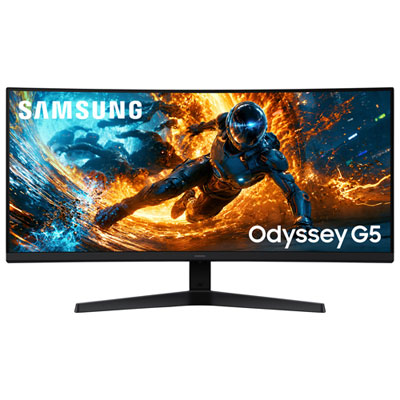
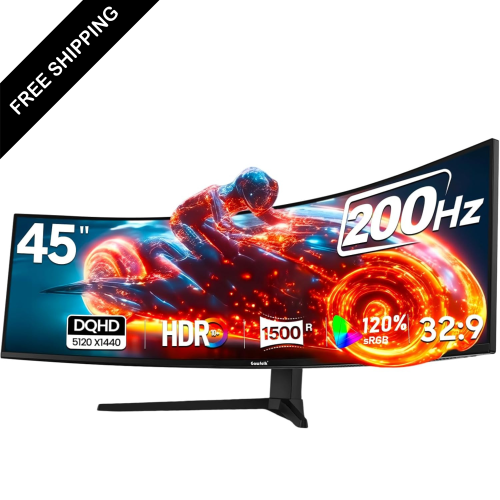
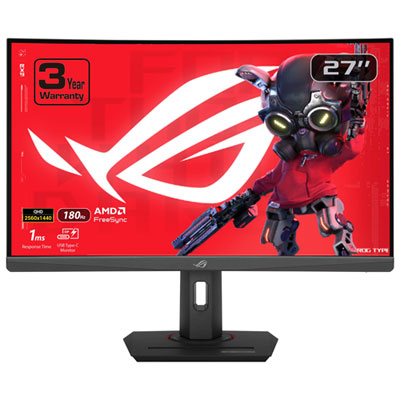
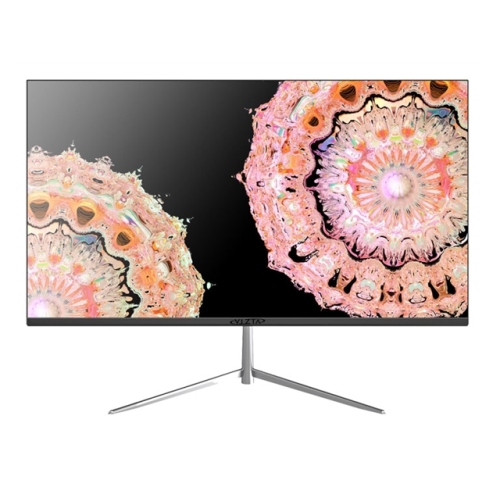
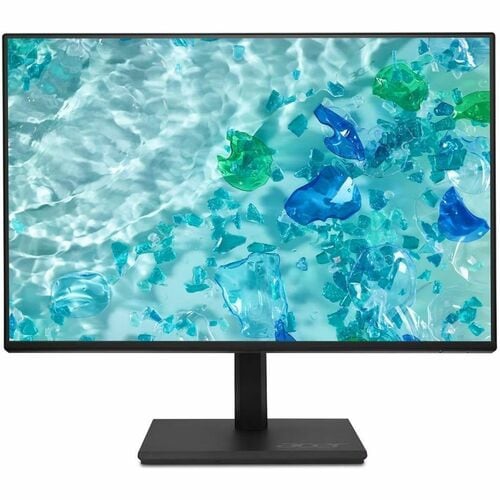
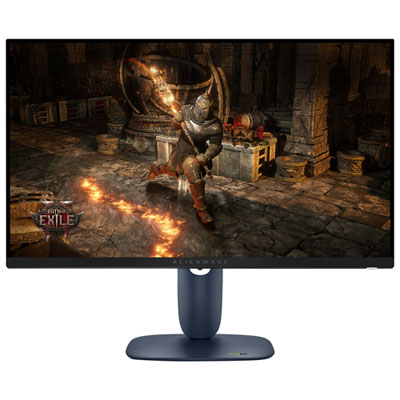
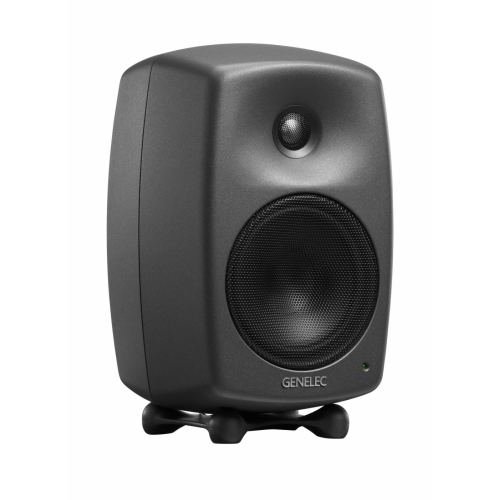

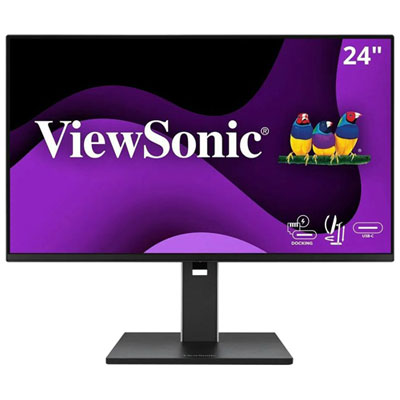


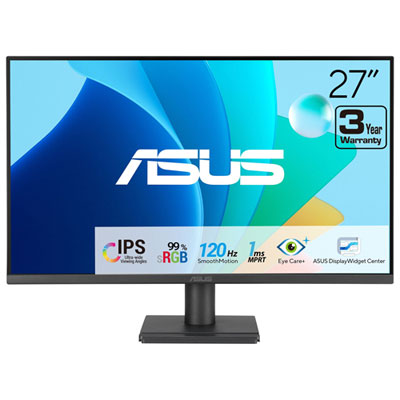
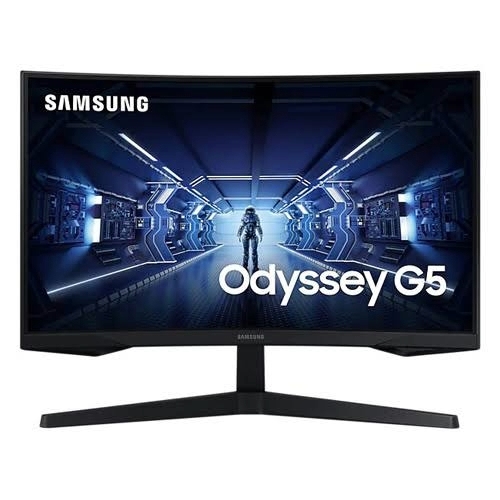
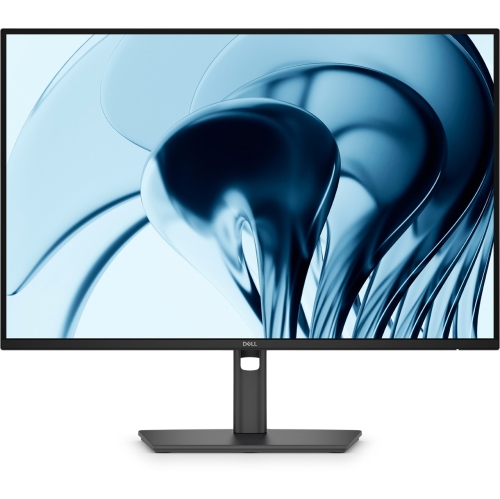
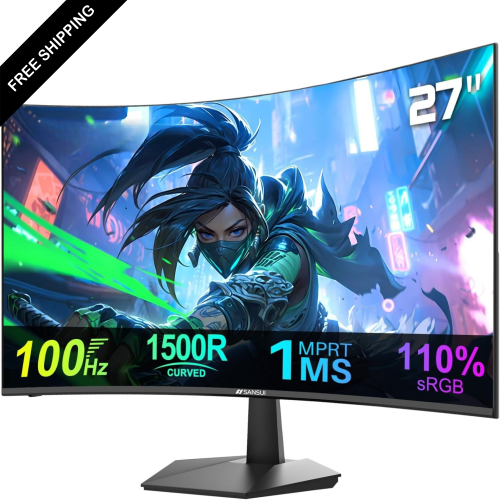
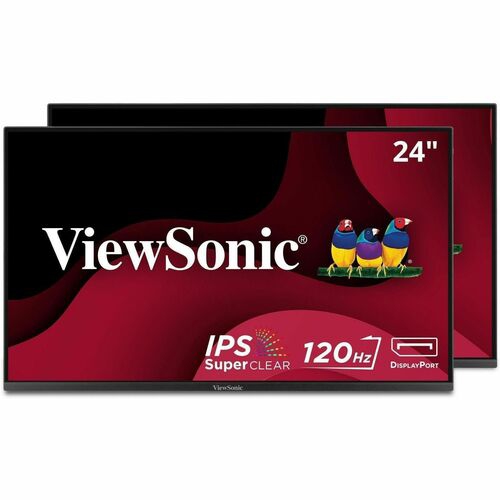
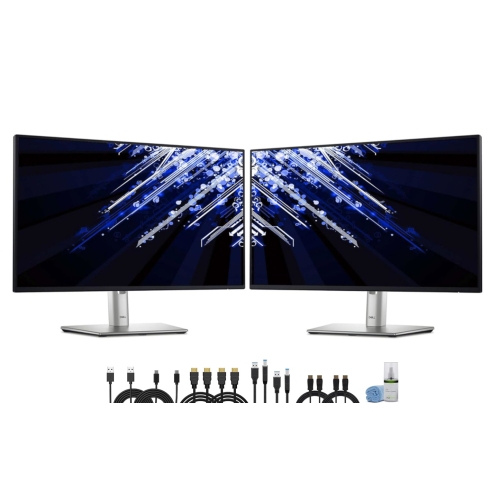
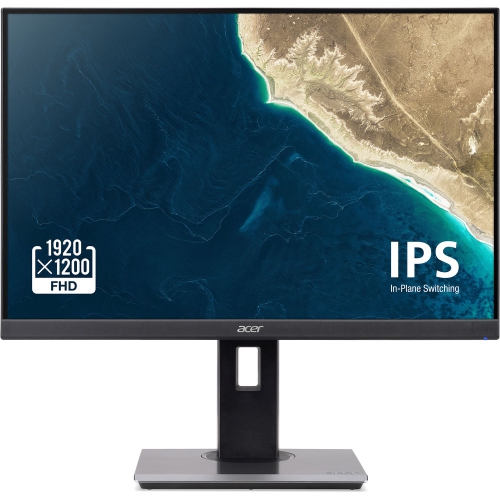
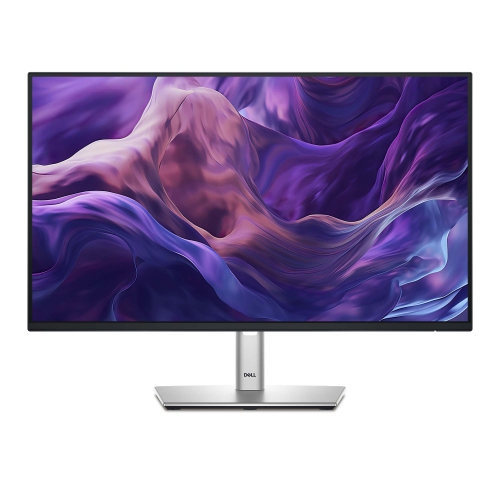
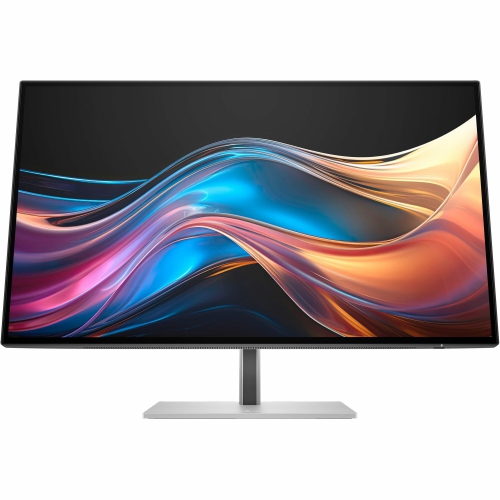
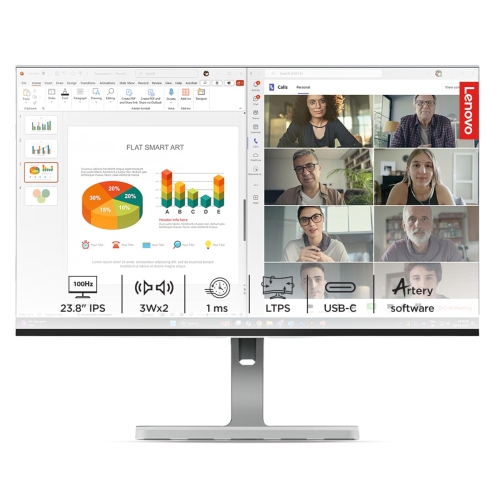
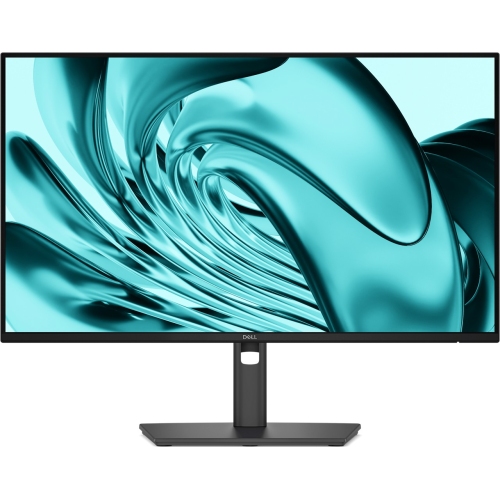
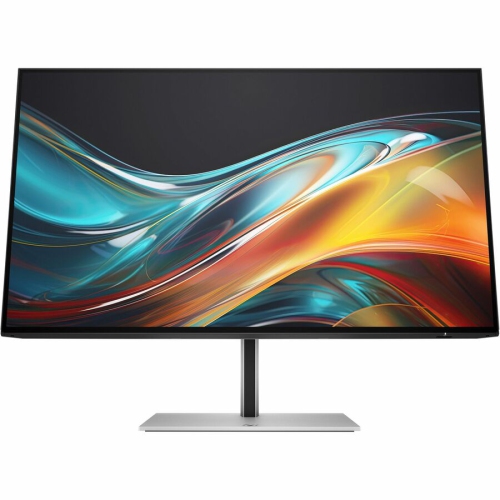
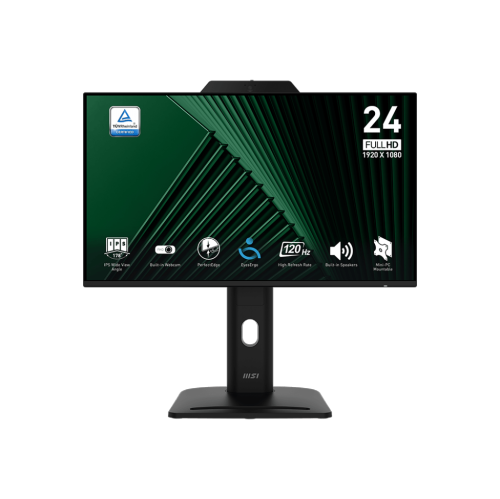
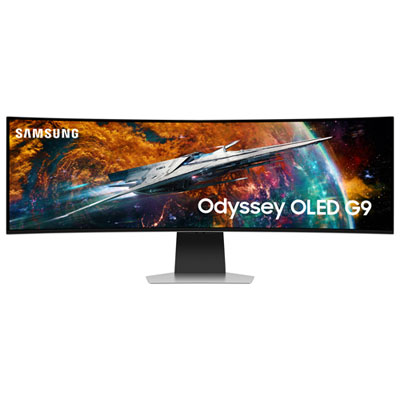
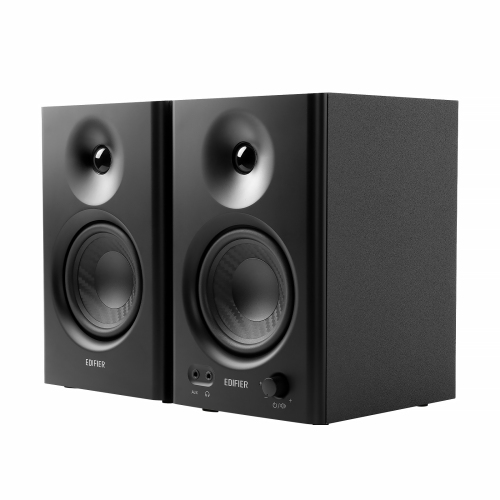

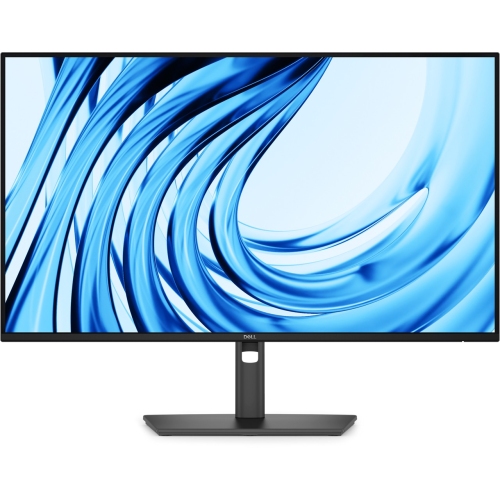

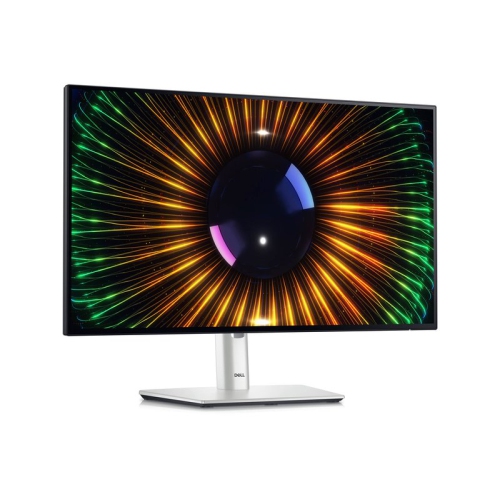
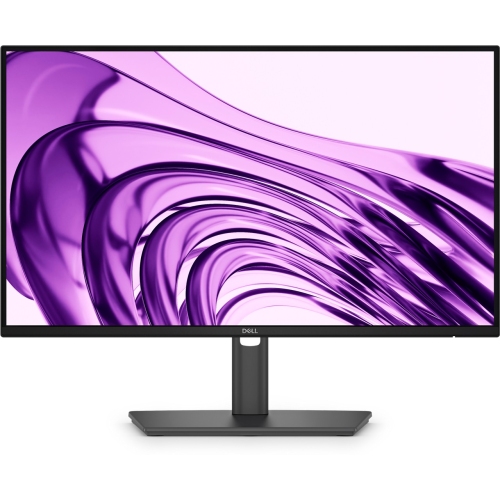
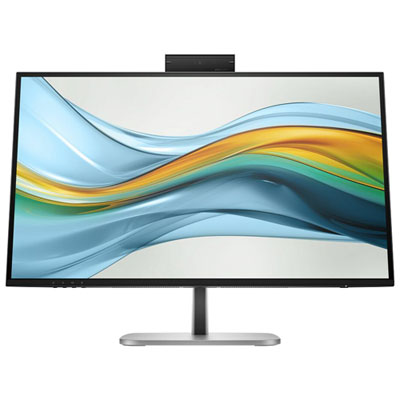
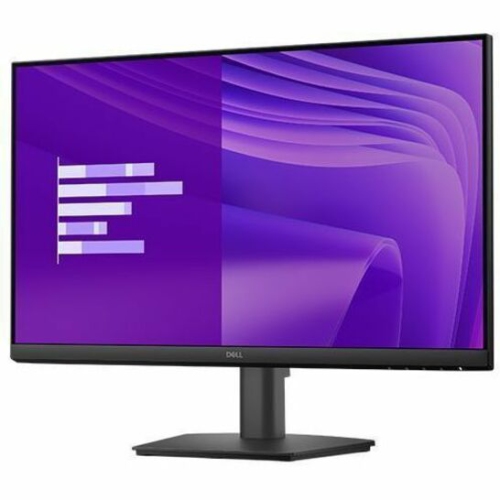

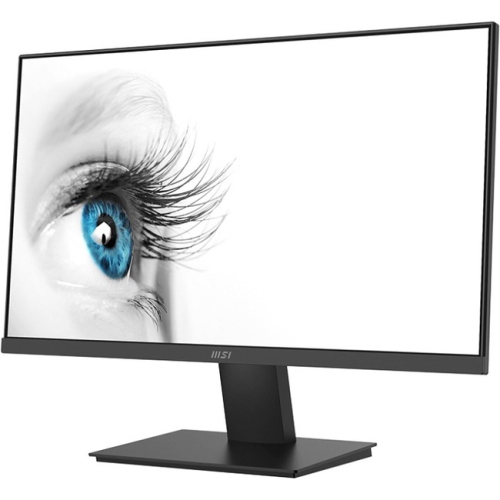
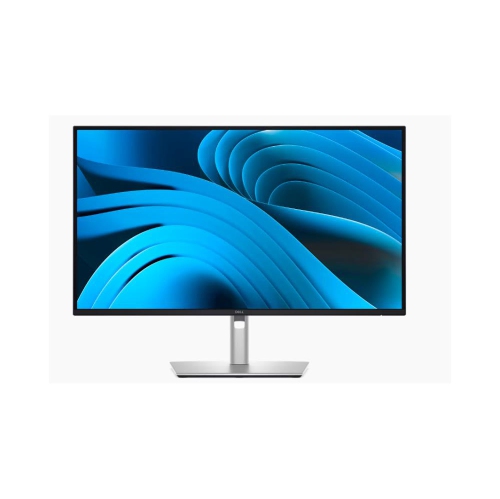

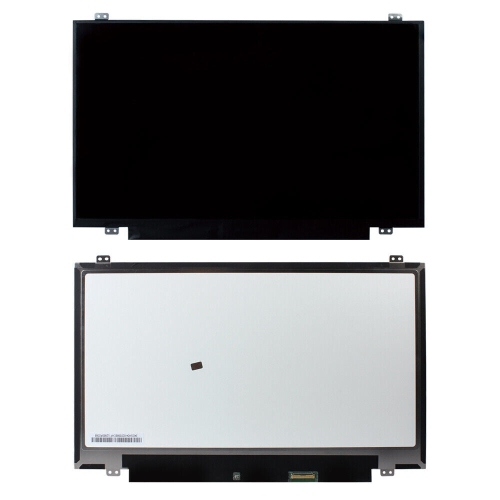
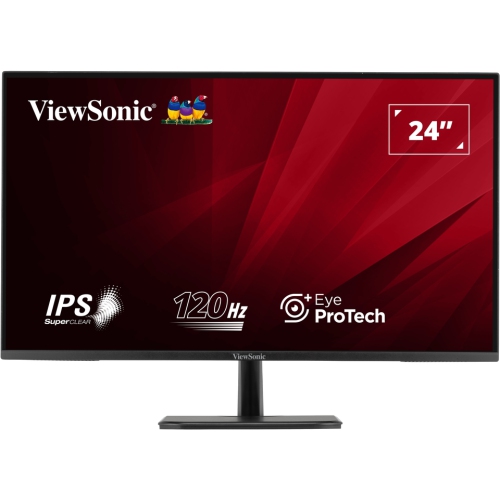
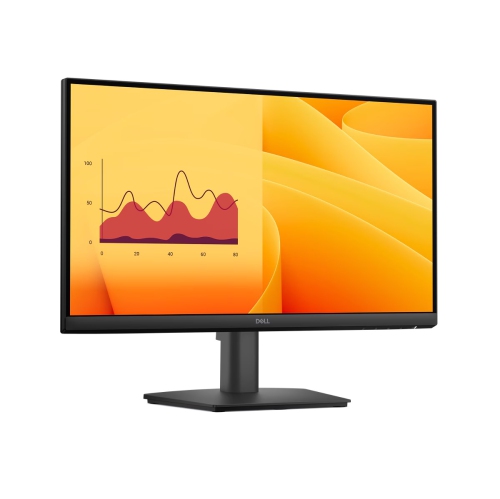
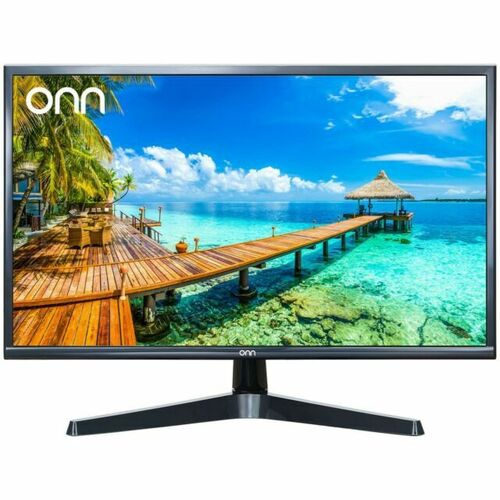
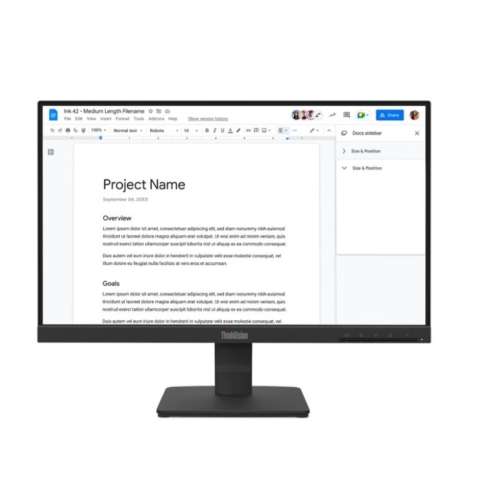
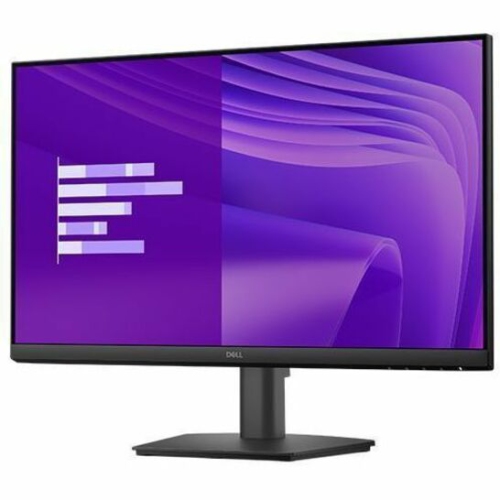
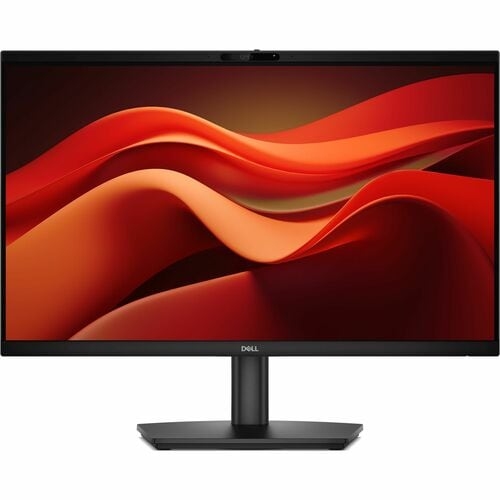
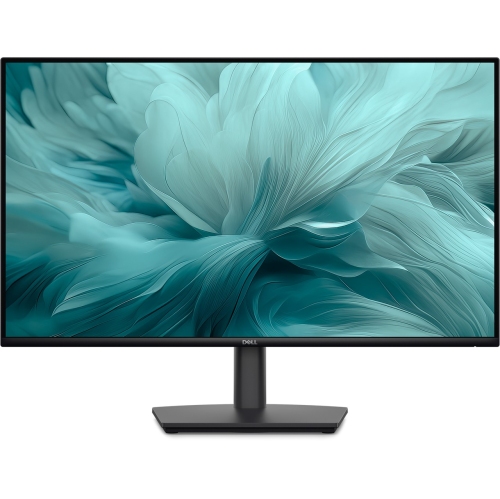
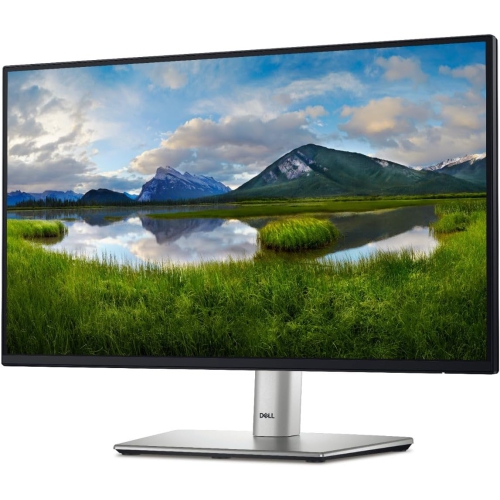
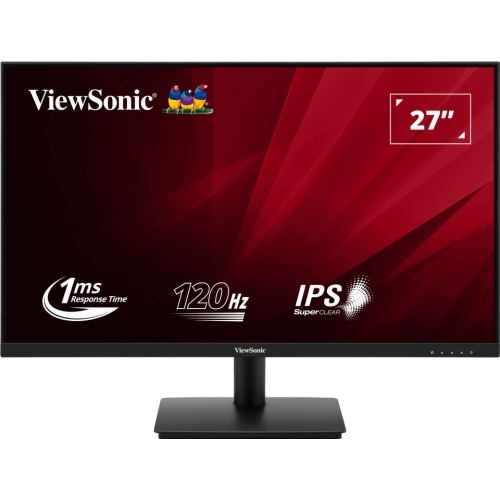

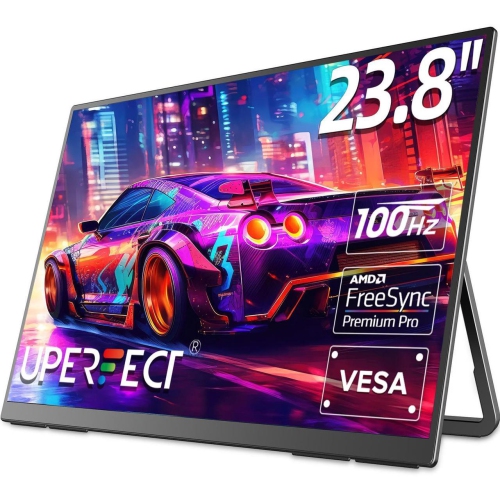
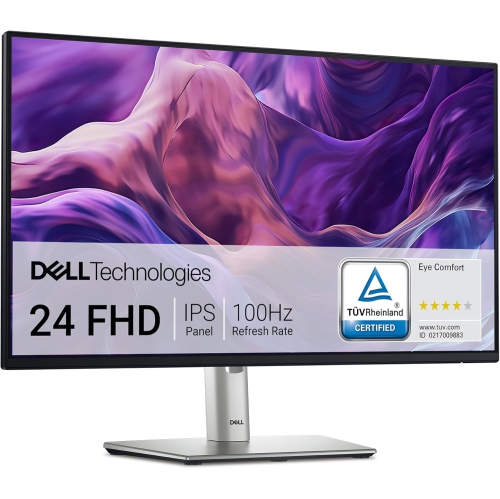
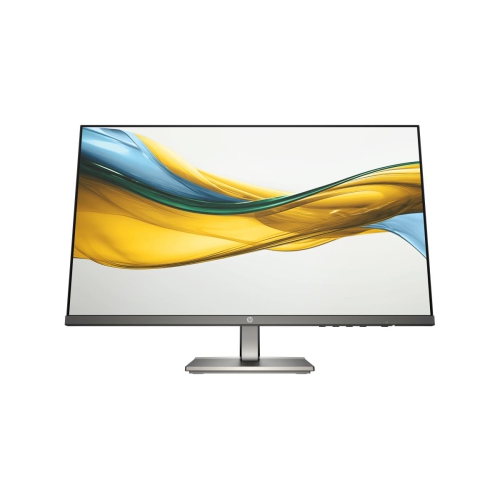
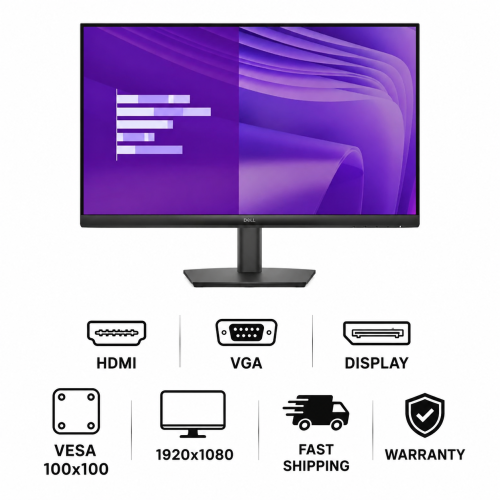



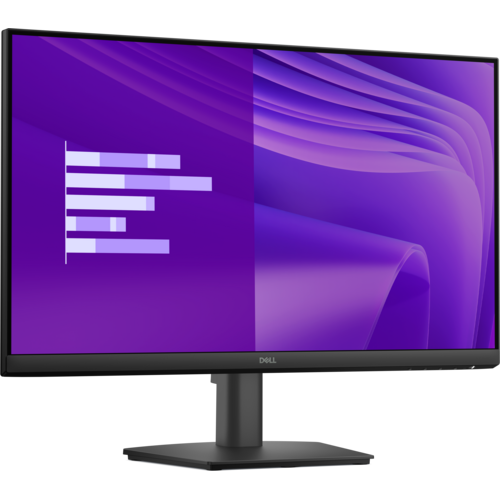
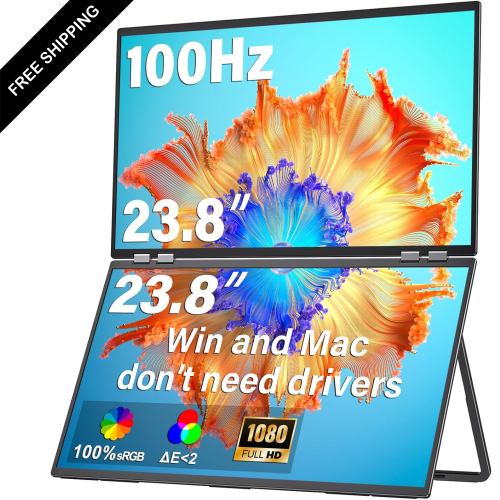
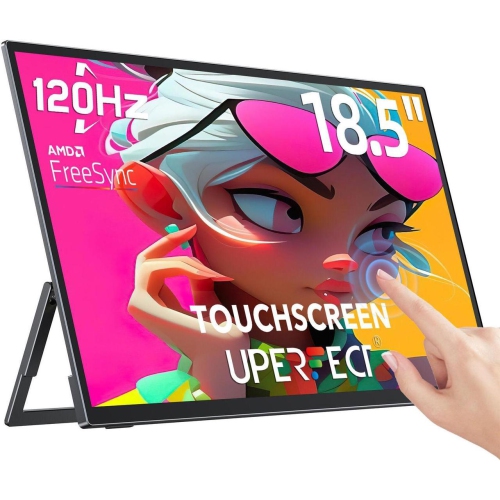
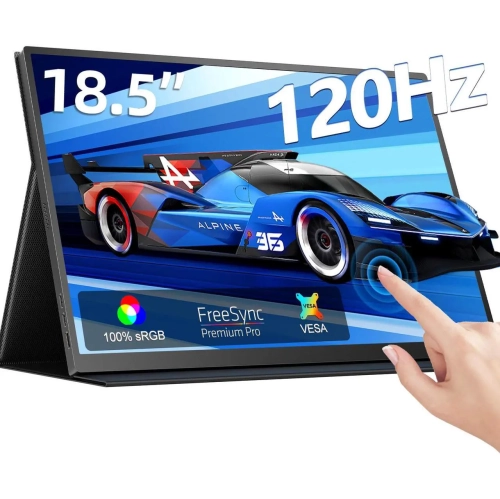
Understand refresh rates, connectivity, comfort, and Windows monitoring tools
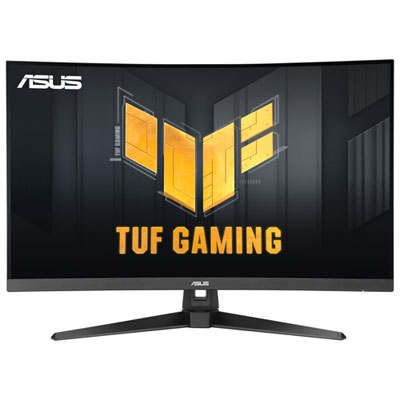
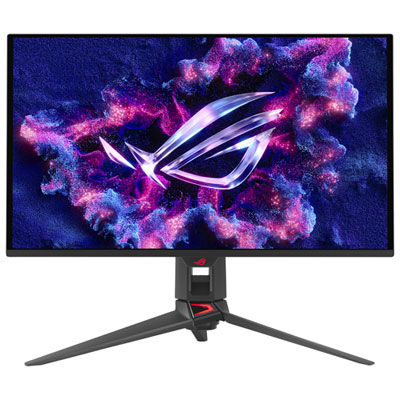
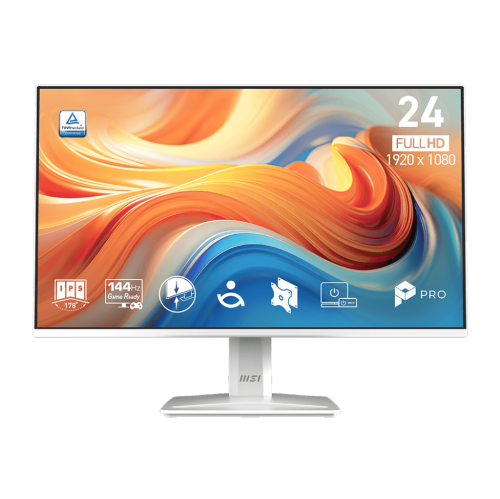
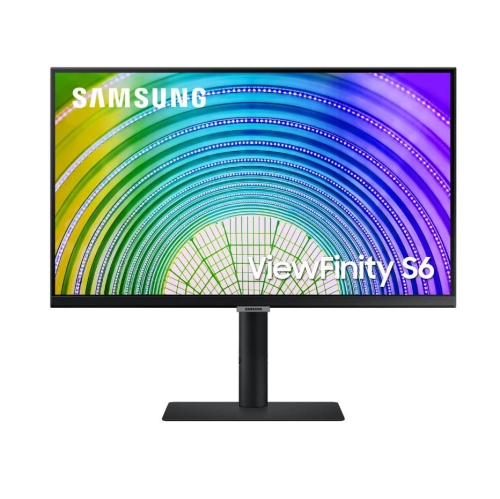
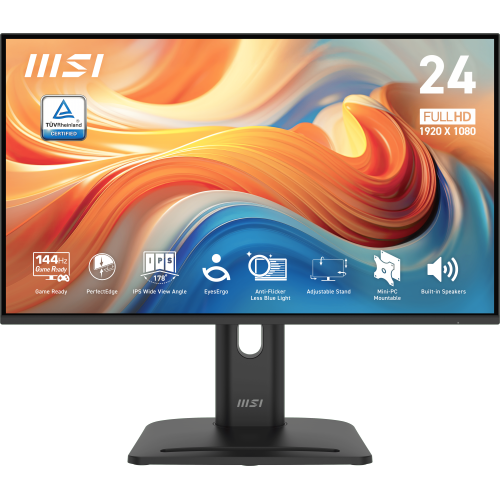
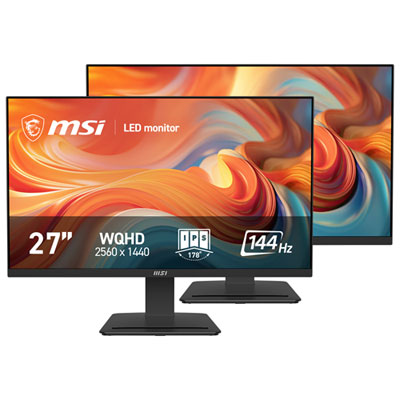
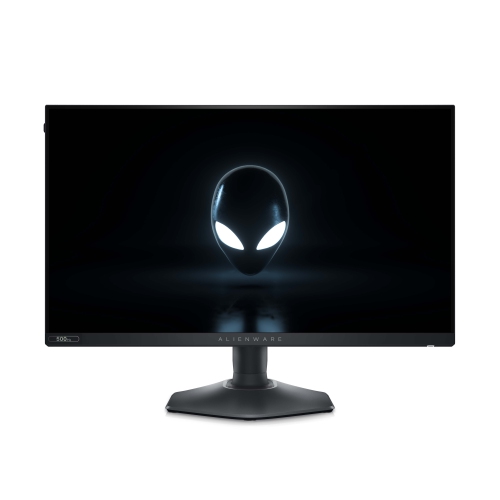
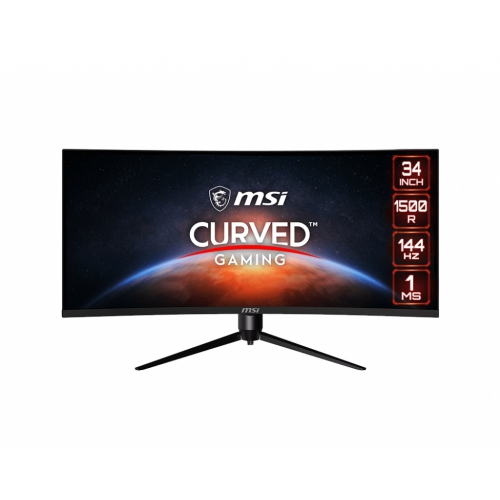
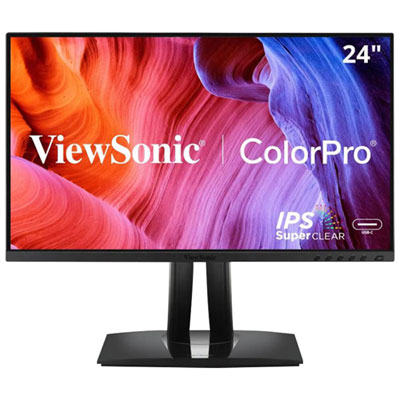
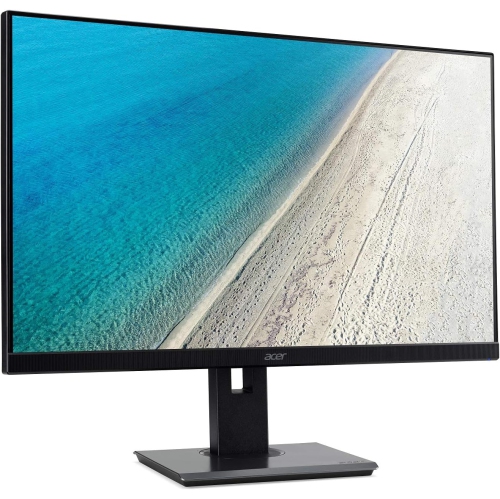
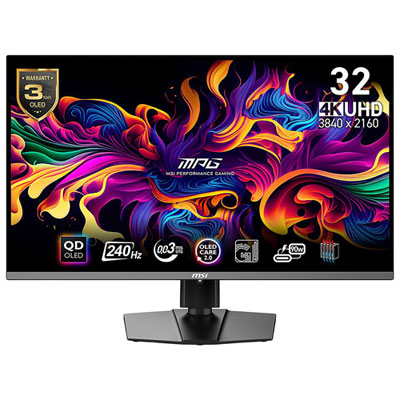
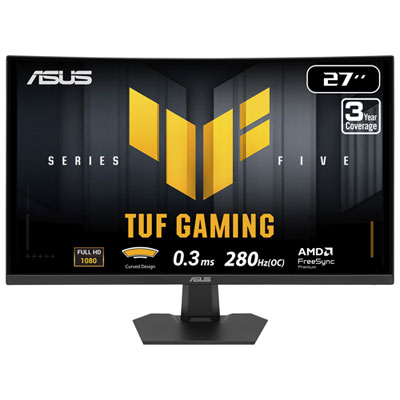
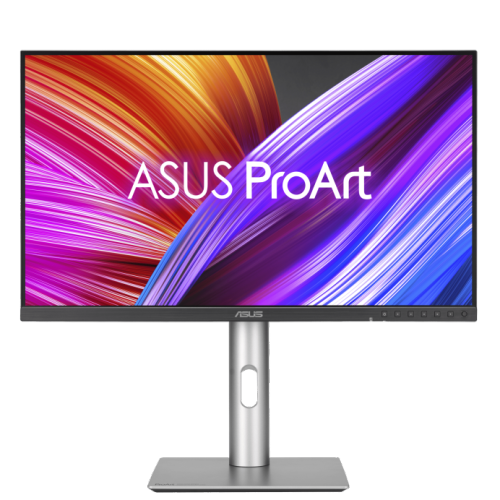
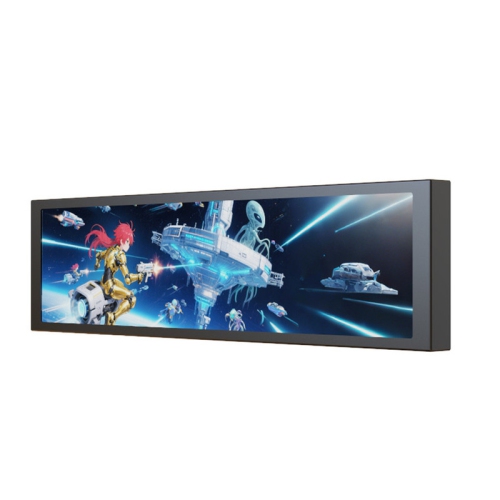
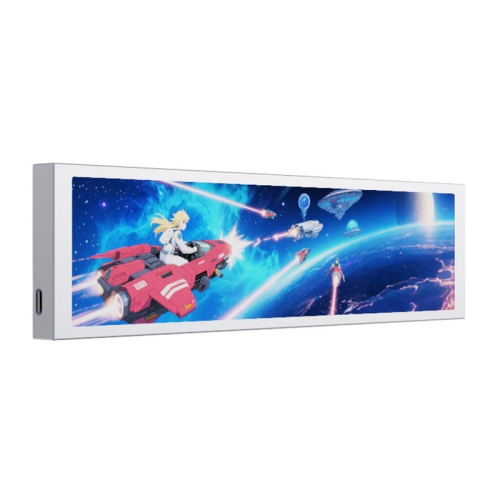
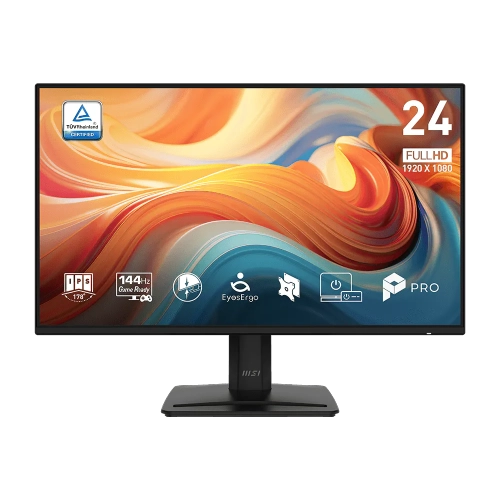
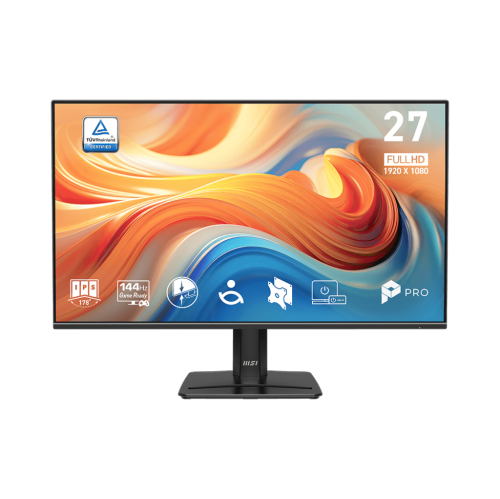
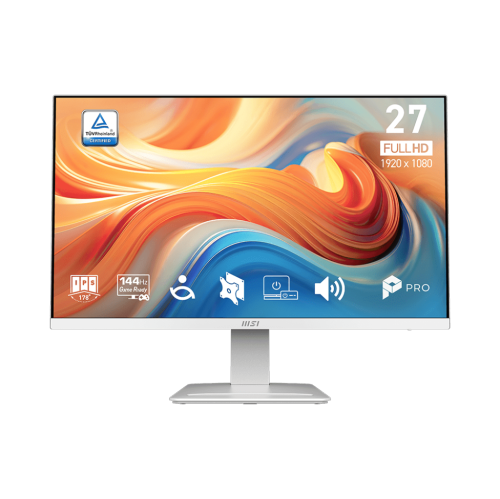
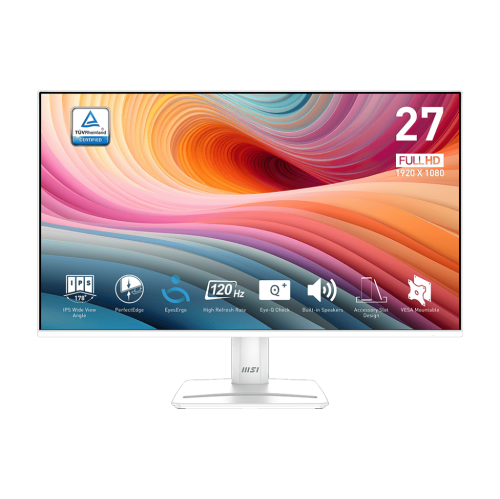
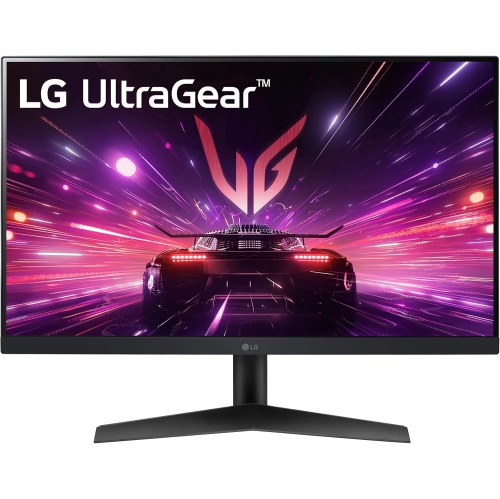
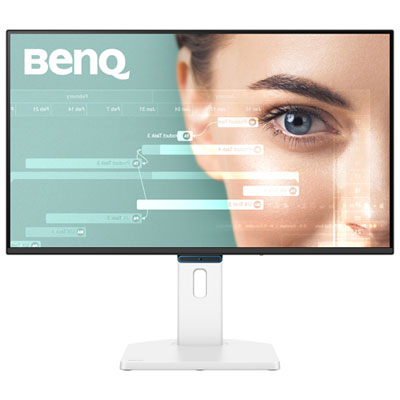
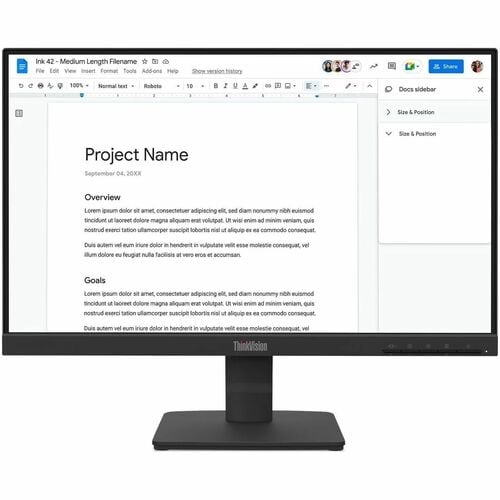
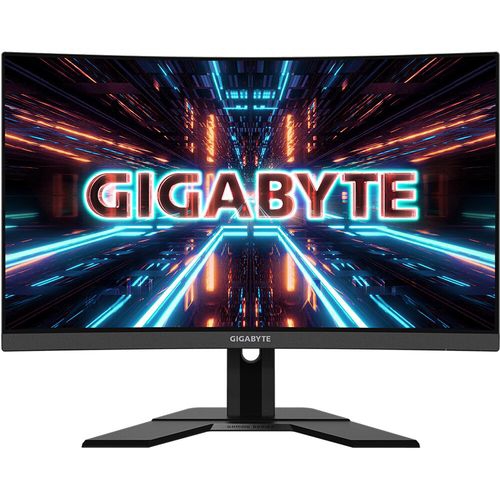
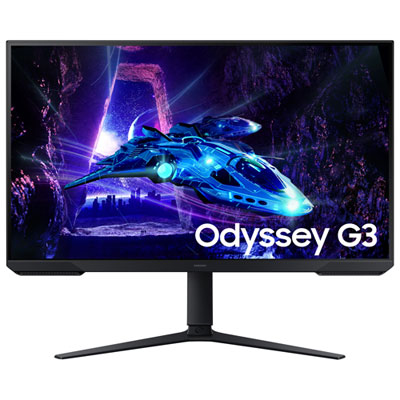
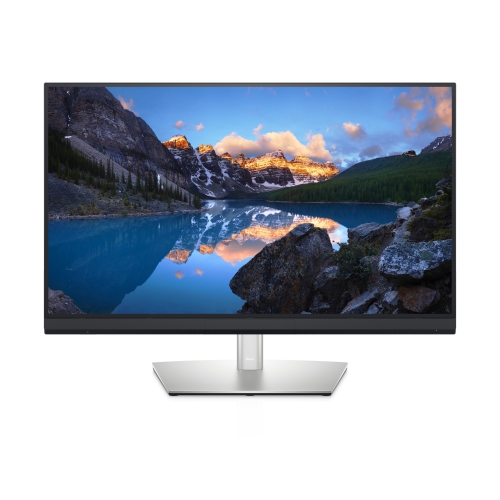
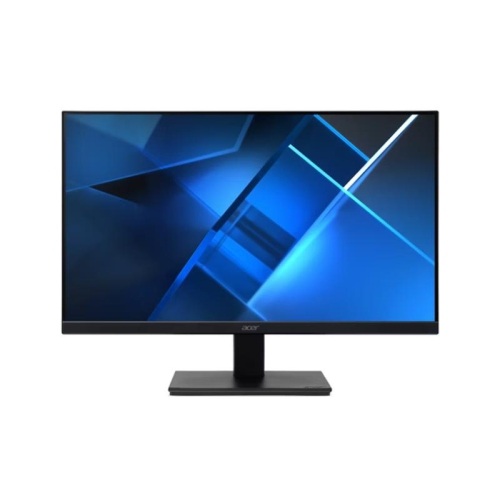
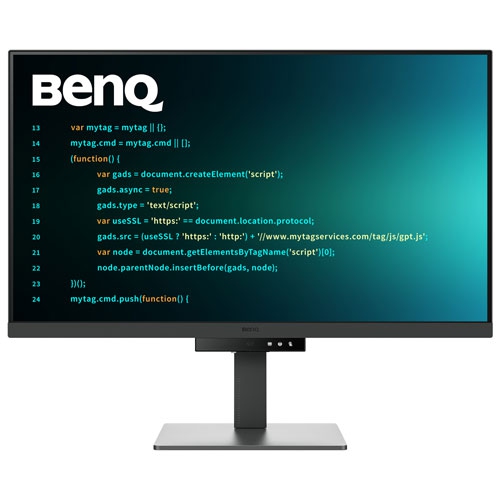
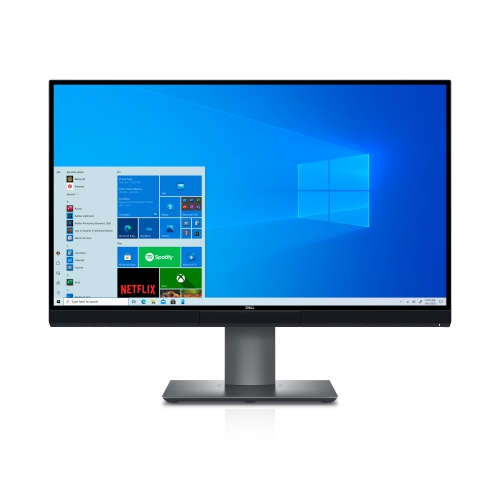
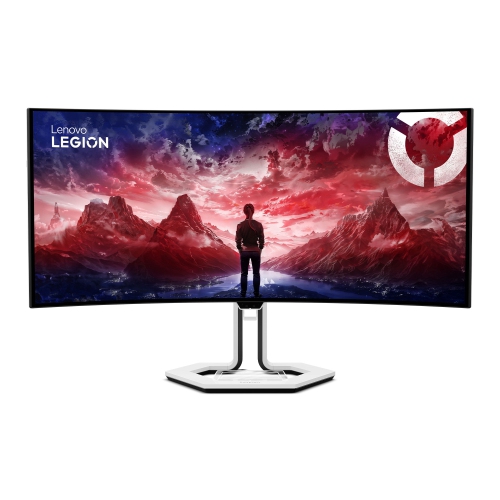
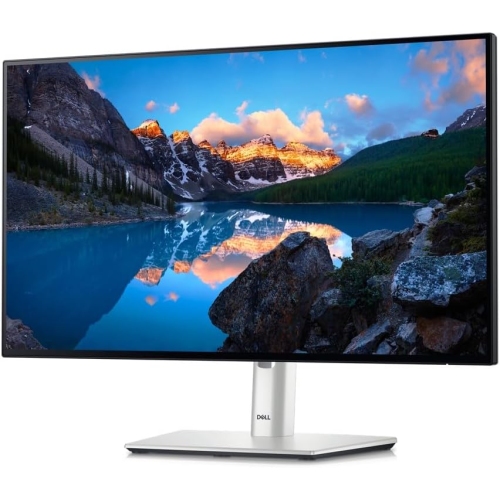
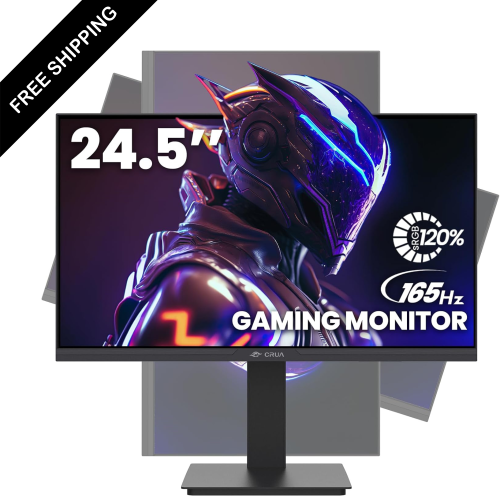
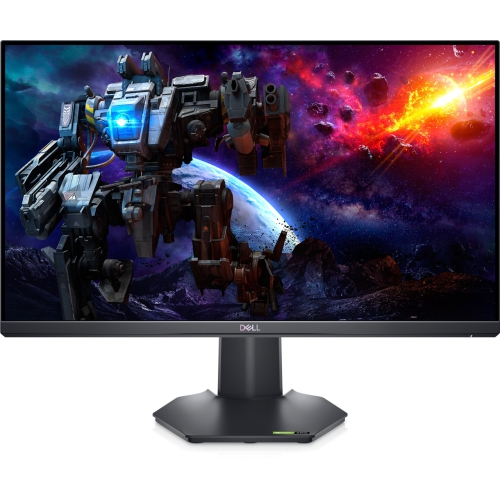
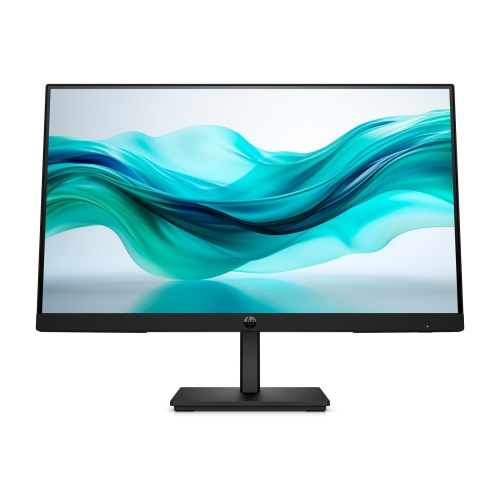
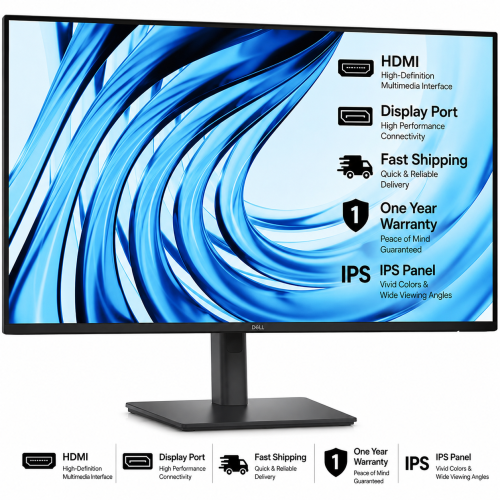
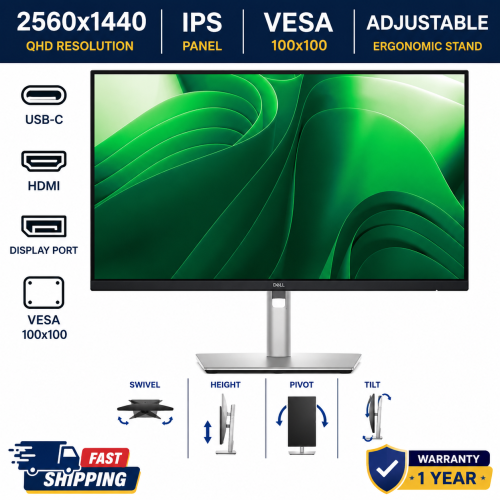
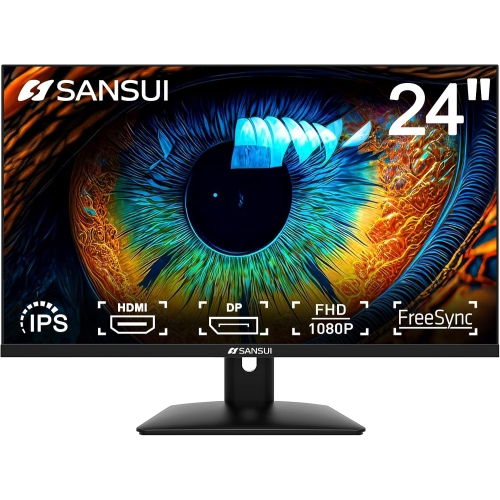
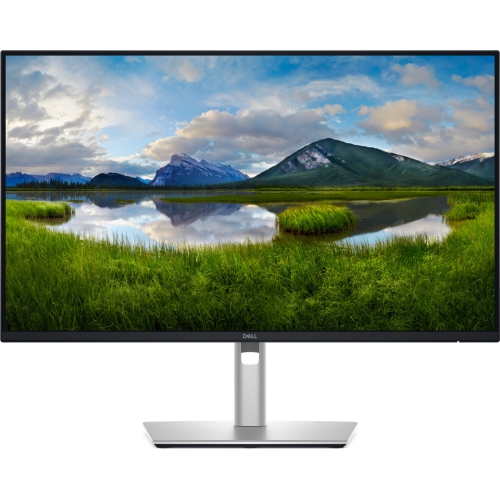
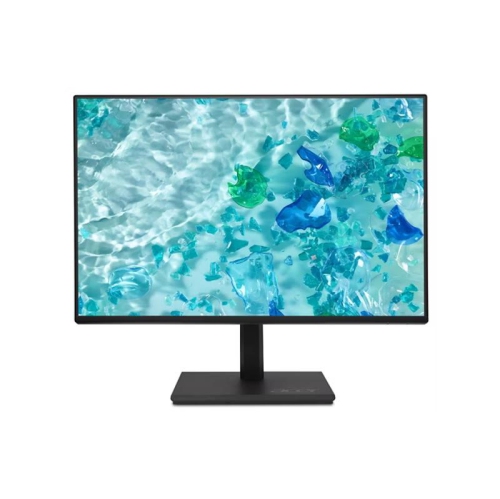
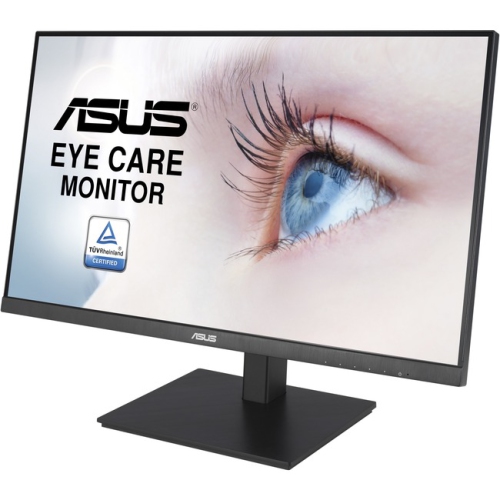
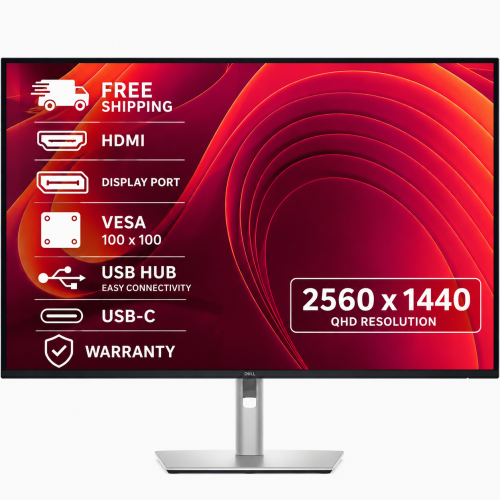
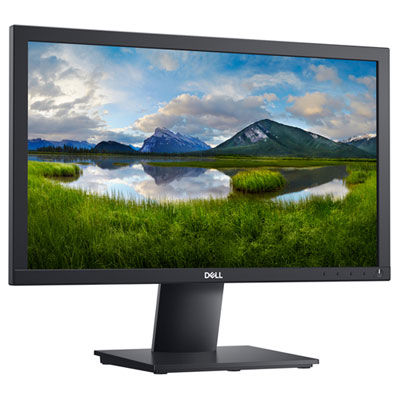
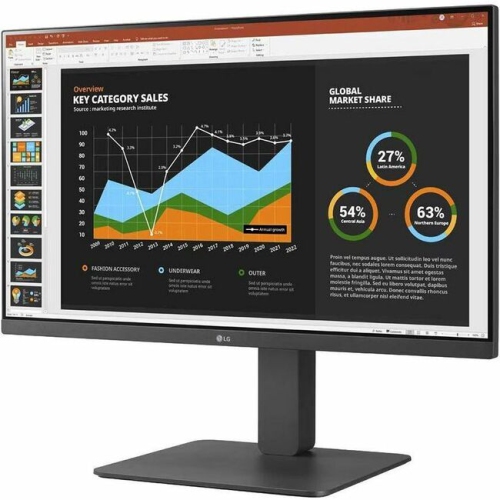
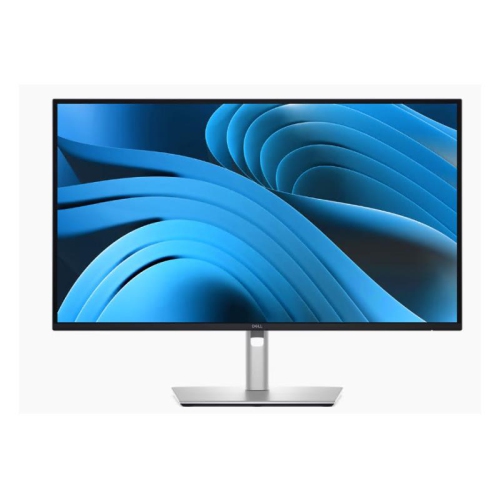
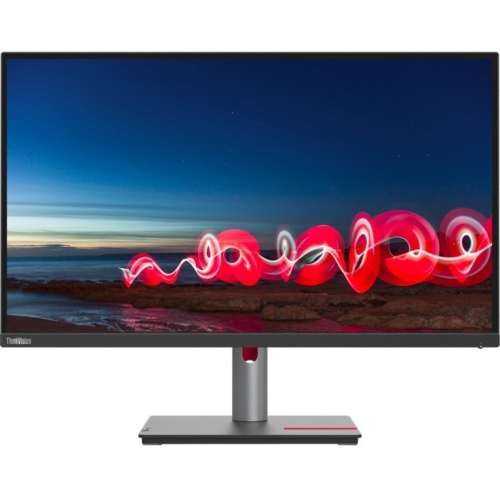
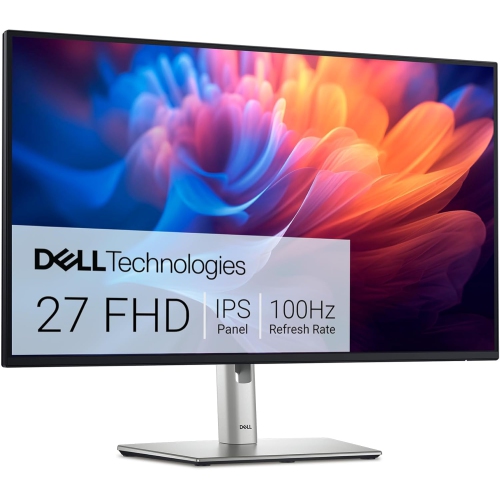
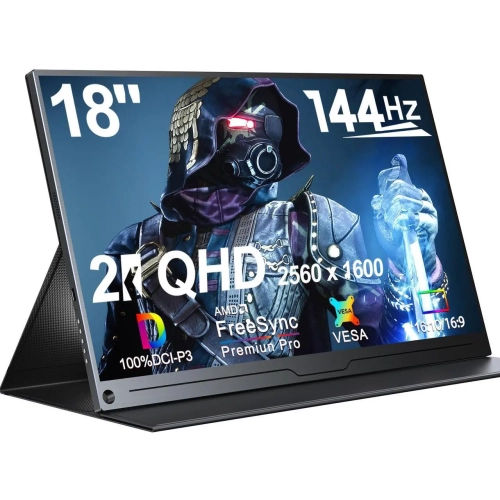
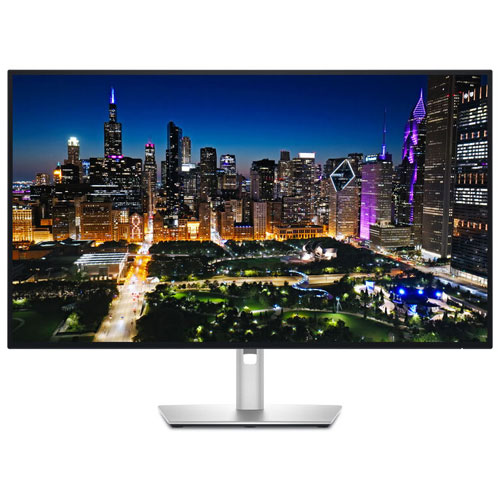
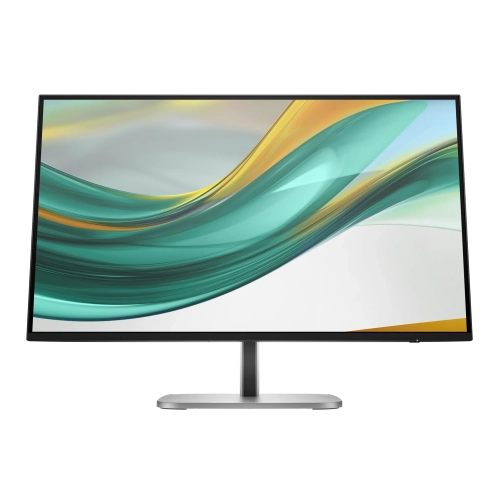
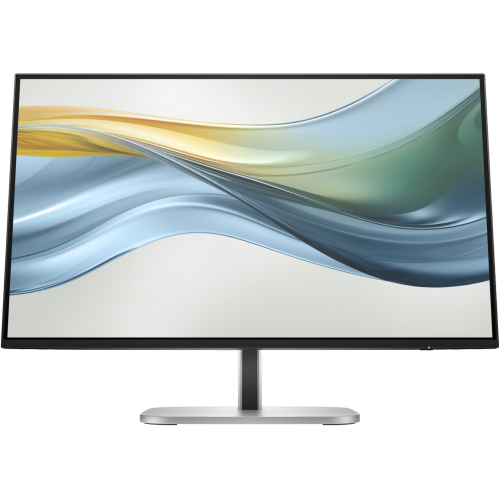
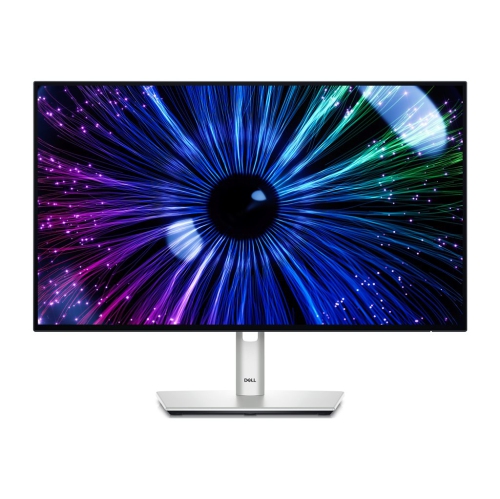
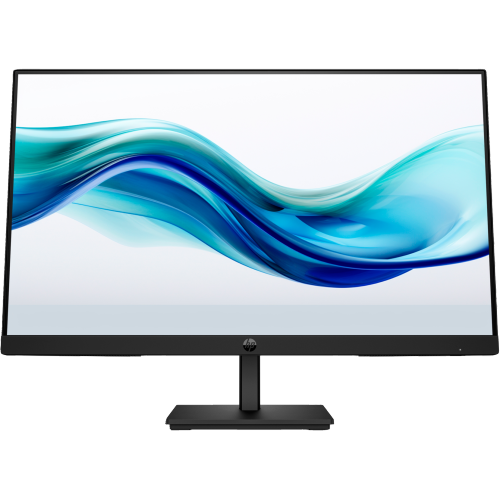
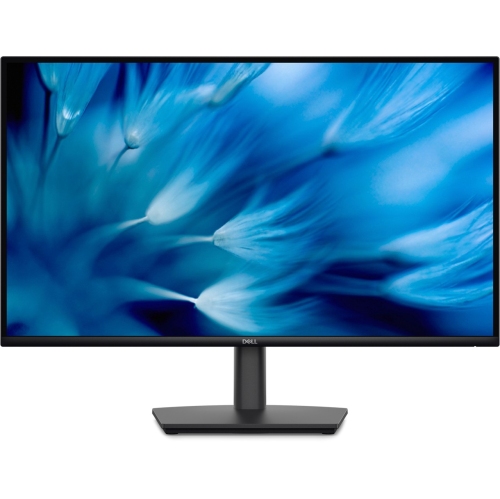
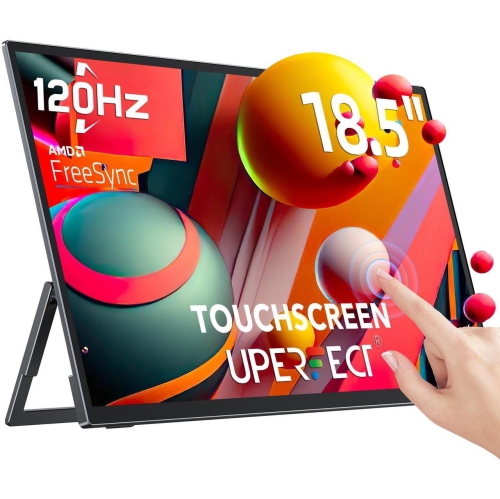
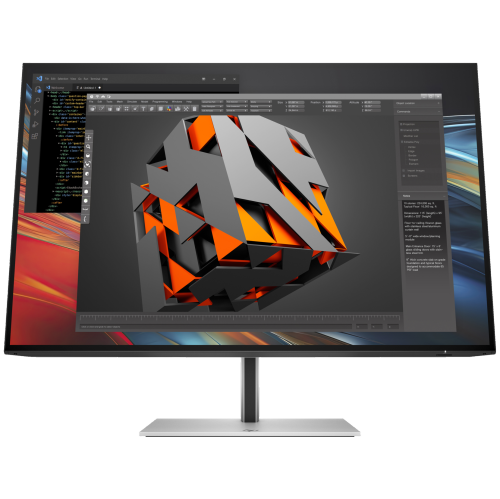
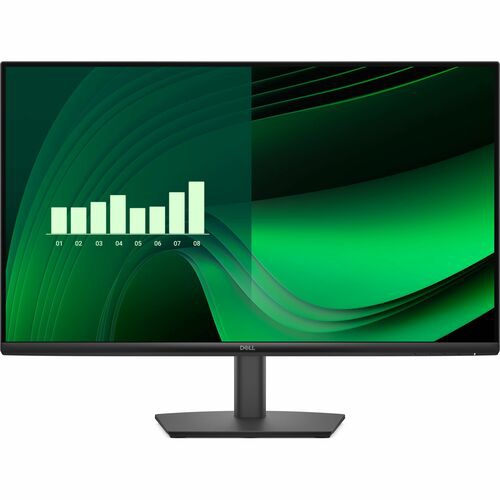
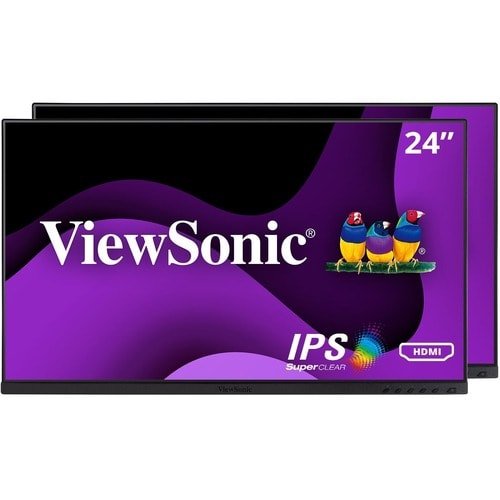
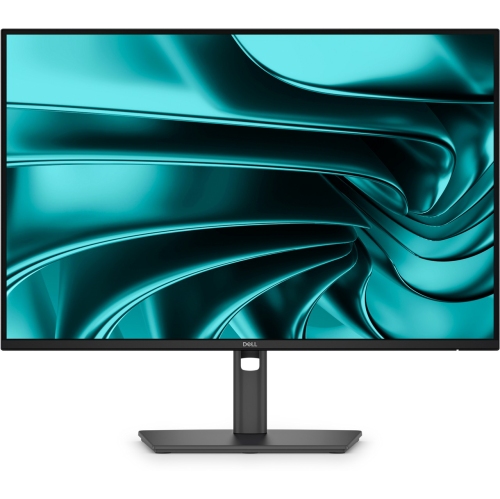
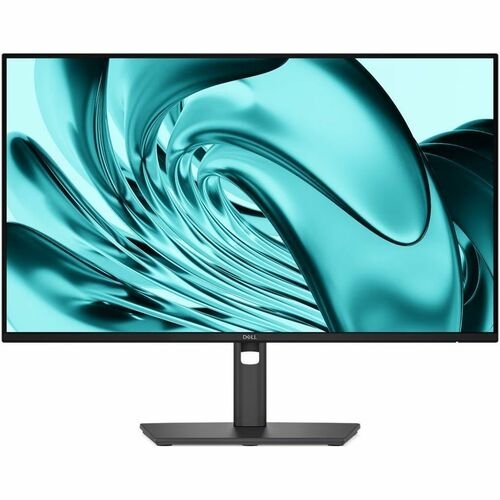
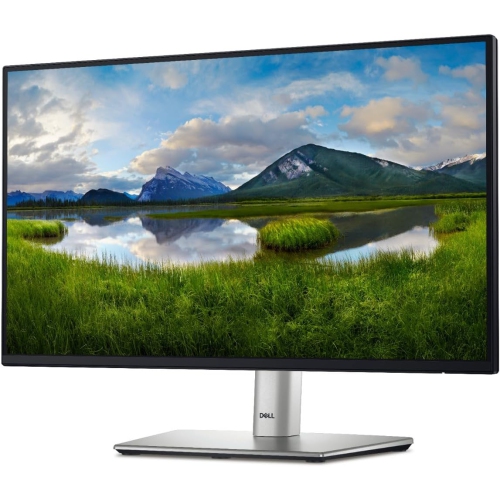
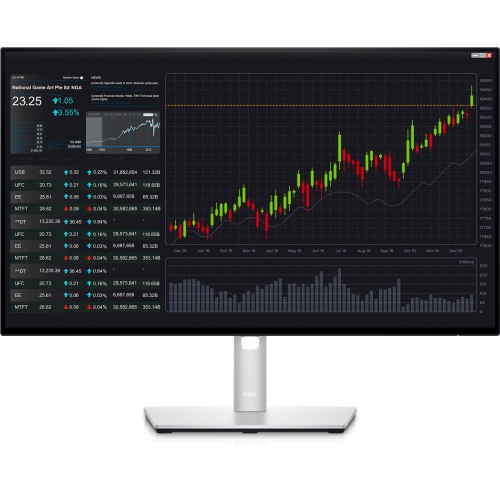
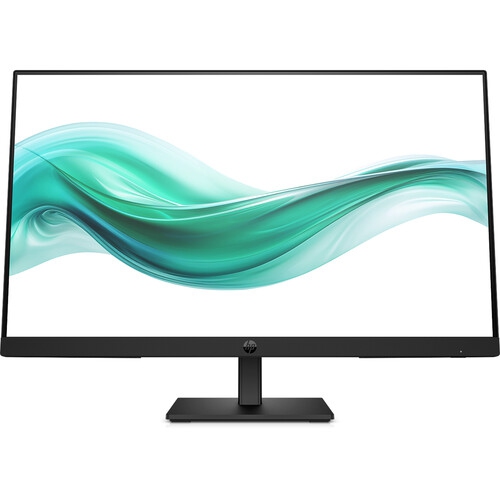
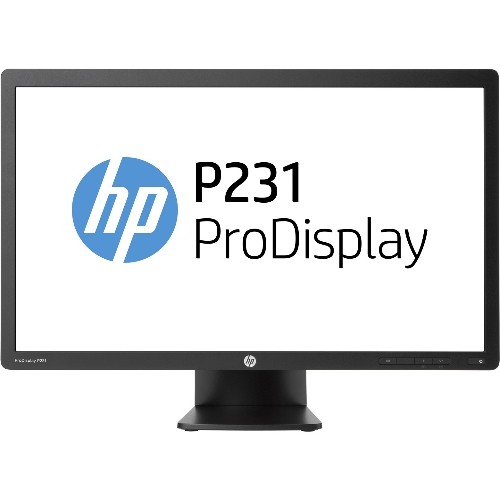
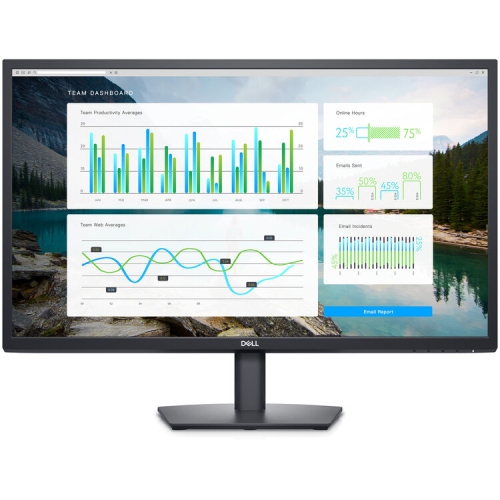
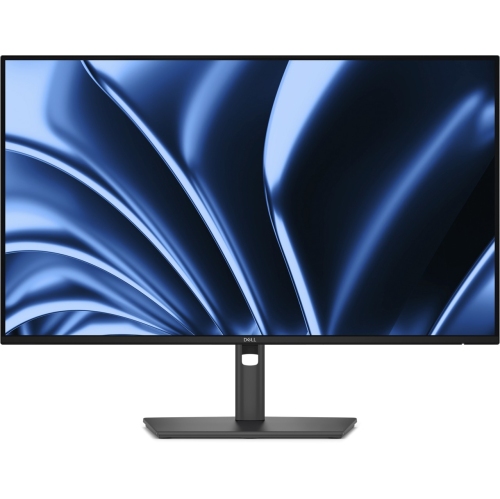
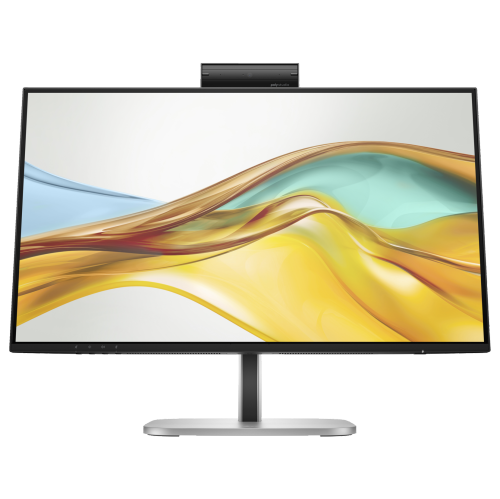
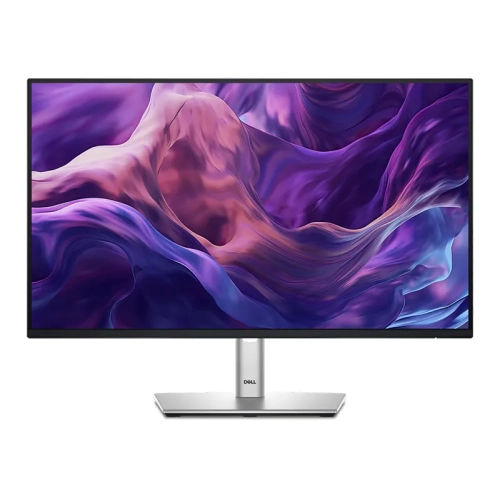
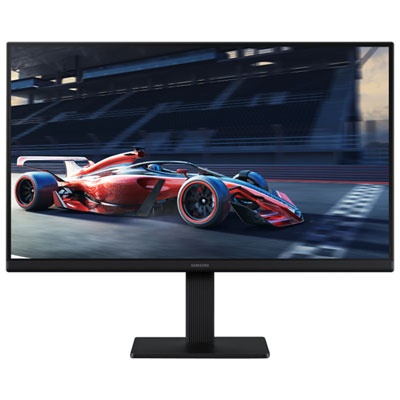
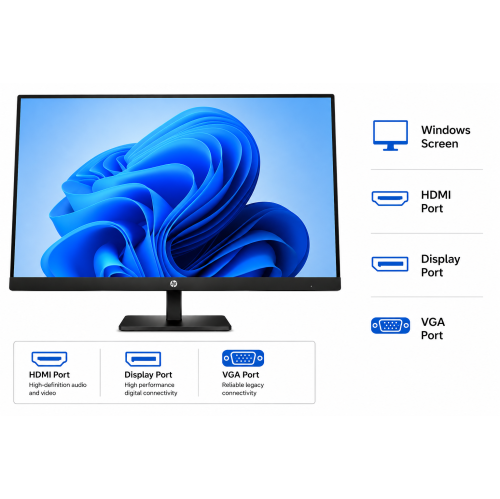
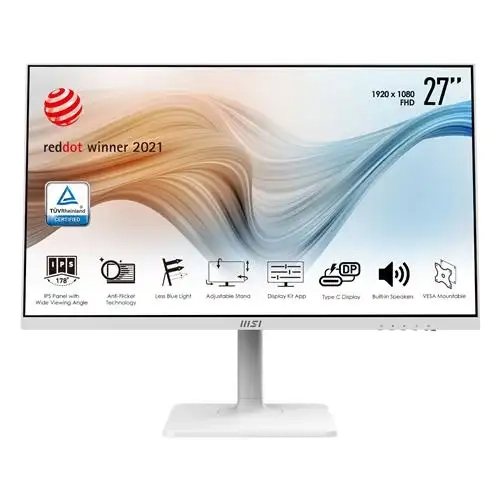
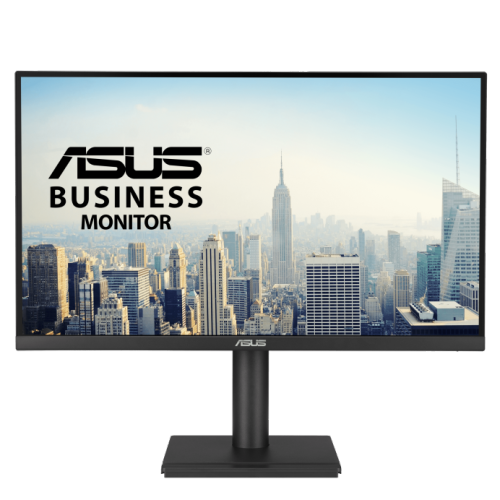
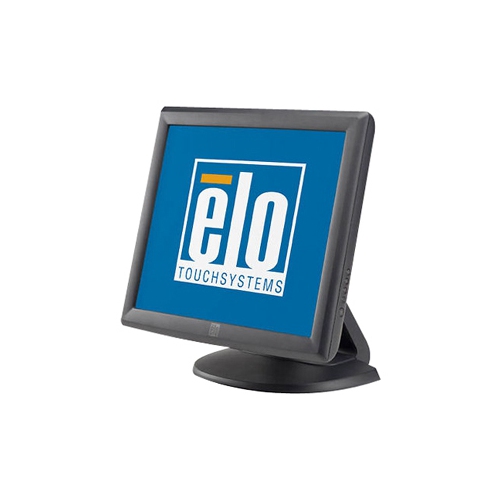
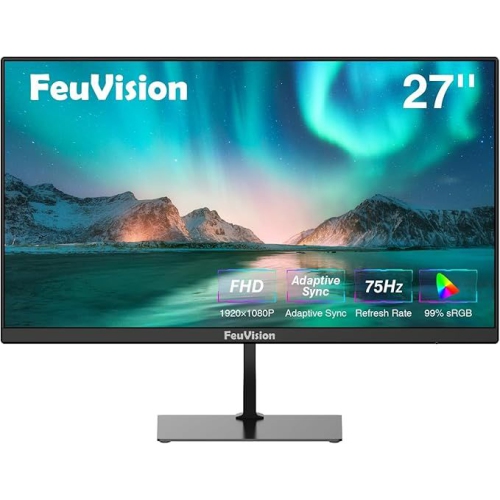
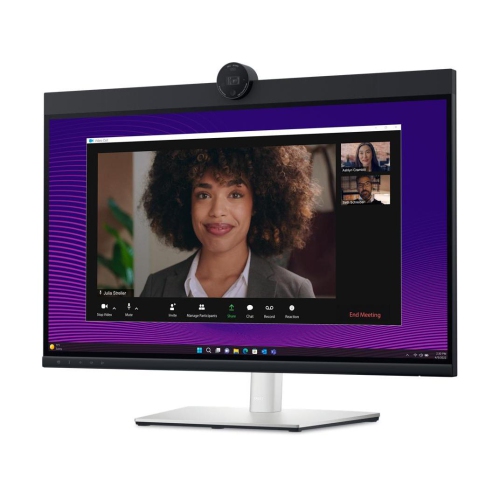
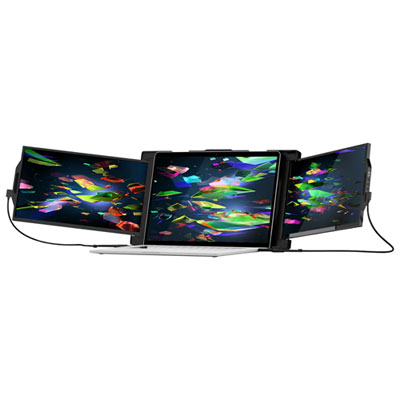
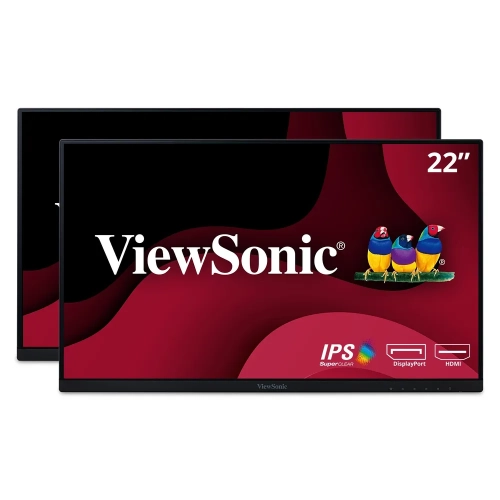
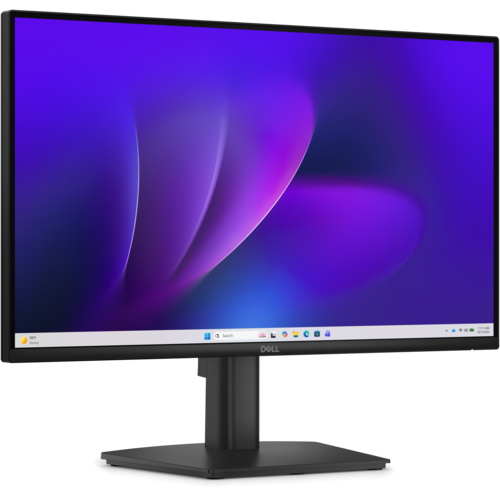
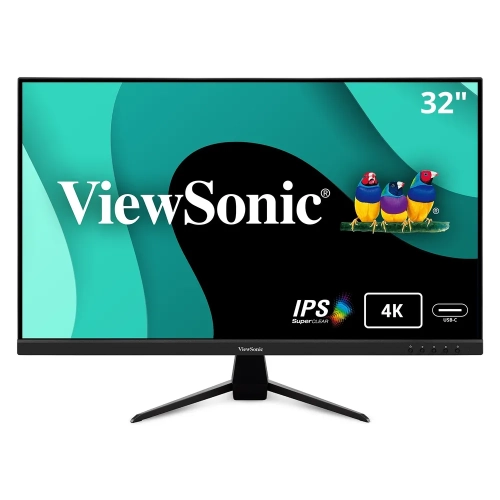
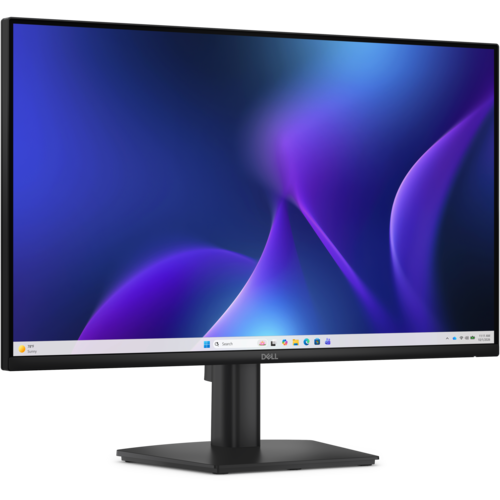
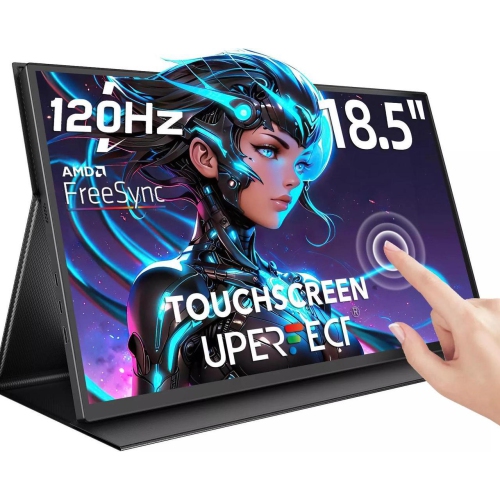
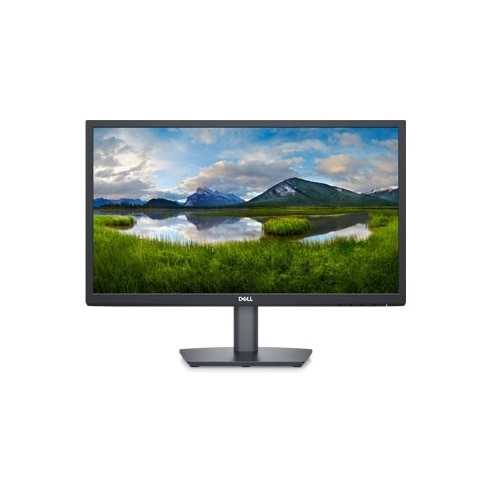
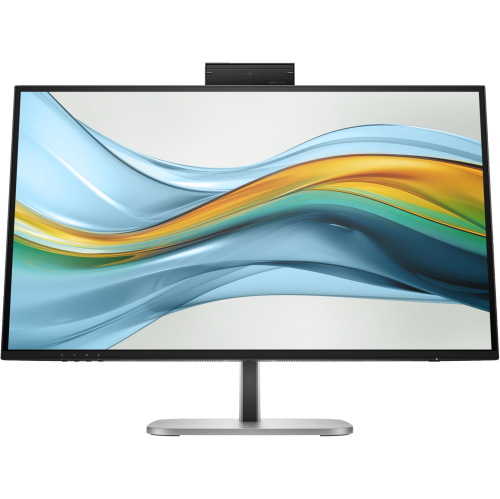
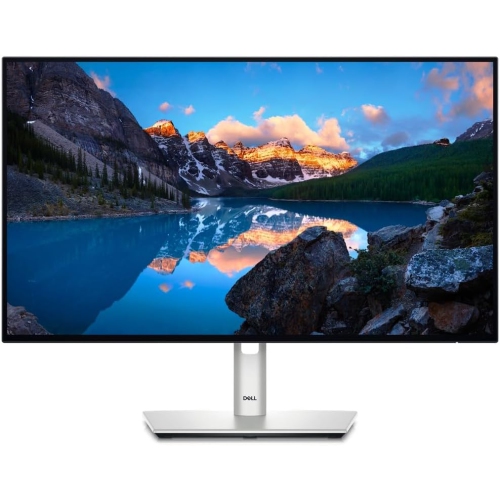
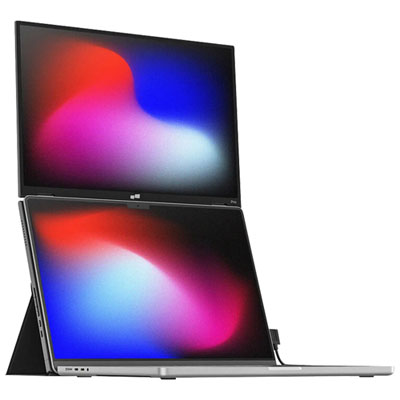
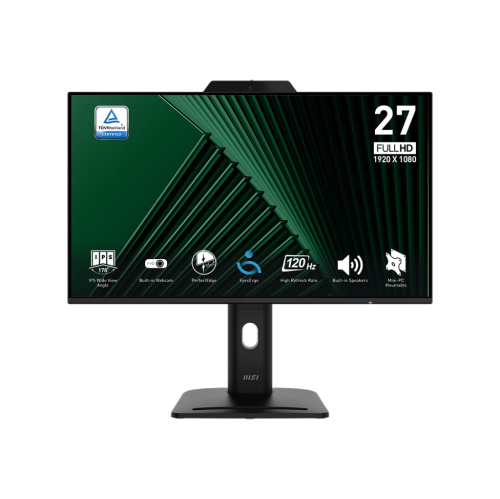
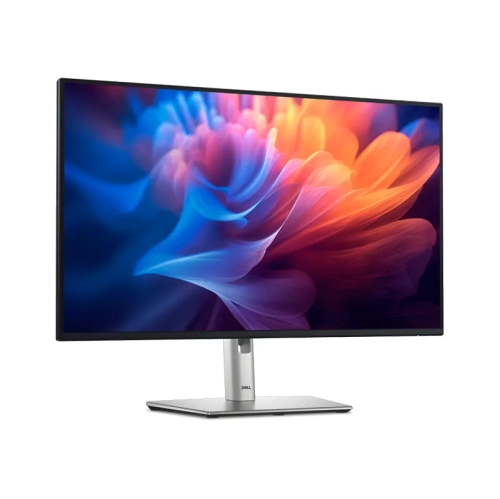
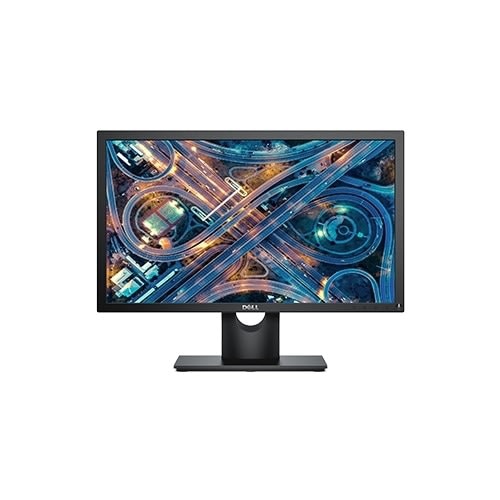
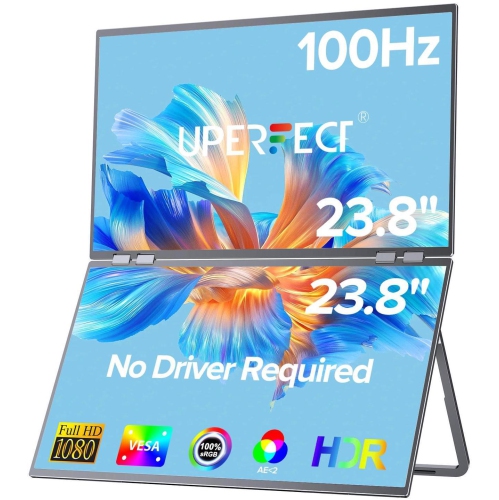
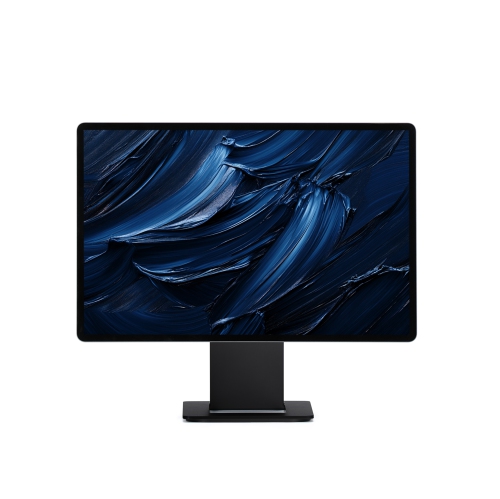
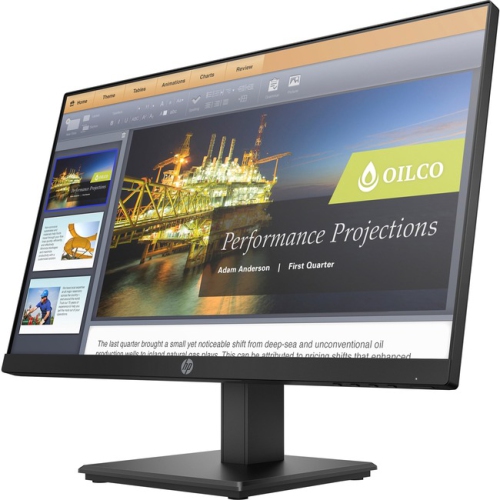
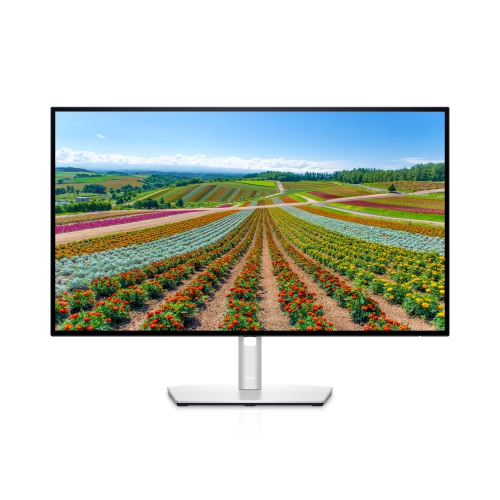
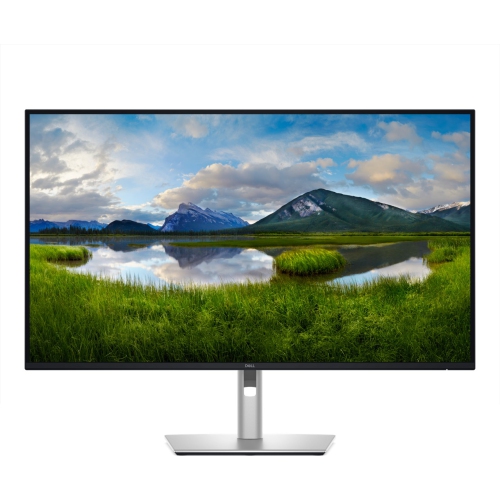
Performance monitors are displays designed to help a computer feel faster, smoother, and more responsive, particularly during gaming, creative work, multitasking, and other demanding activities. Unlike a standard office display, a performance-focused monitor may offer a higher refresh rate, faster response time, adaptive sync support, a sharper resolution, or a combination of these features. Refresh rate, measured in hertz (Hz), indicates how many times the screen can update each second; a higher rate can make camera movement, scrolling, and fast action appear more fluid. Response time describes how quickly pixels change from one colour to another, which can help reduce visible ghosting behind moving objects. Adaptive sync technology can coordinate the display’s refresh rate with a compatible computer’s graphics output, helping reduce tearing and stuttering when frame rates fluctuate. Resolution also matters: a higher resolution can make text, menus, photographs, and game environments look more detailed, while a larger screen can provide more room for windows, timelines, maps, and dashboards. When comparing performance monitors, consider the computer or console they will be connected to, the graphics hardware available, the ports required, and the type of content shown most often. A monitor with impressive specifications may not deliver its full potential if the connected system cannot produce the necessary frame rates or if the chosen cable does not support the desired resolution and refresh rate. HDMI and DisplayPort connections are common, while USB-C may be useful for compatible laptops and can sometimes carry video, data, and power through one cable. Built-in speakers, a headphone output, USB ports, height adjustment, tilt, swivel, and a VESA-compatible mounting pattern can also make a noticeable difference in a well-organized workspace.
The phrase “performance monitor” can also refer to Performance Monitor, the built-in Windows administrative tool used to track, analyse, and log hardware, software, and service activity. This software utility is separate from a performance monitor display, although the two can be useful together when diagnosing a computer. To open Performance Monitor in Windows, press the Windows key, type “perfmon” or “Performance Monitor,” and press Enter. The main interface typically opens with a live graph showing Processor Time. Right-clicking the graph and choosing “Add Counters” allows users to monitor additional measurements, including processor usage, memory, disk activity, and network performance. Live graphs can help identify what is happening at a particular moment, while logged data can reveal patterns over a longer period. Data Collector Sets can group performance counters and event traces into custom logs that run on a schedule, and configured alerts can notify users or trigger an action when a selected threshold is reached. A physical display with clear detail and smooth motion can make these graphs easier to read, especially when several windows are arranged side by side. It can also support practical tasks such as watching resource usage during a demanding application, checking whether a storage device is becoming a bottleneck, or keeping a reference document visible while working. For a dual-monitor setup, matching screen size and resolution can make movement between displays feel more natural, while a second screen with a different orientation may be useful for long documents, code, chat windows, or monitoring panels. During the cooler months, a comfortable indoor workspace often becomes a regular place for study, work, creative projects, and entertainment, making adjustability and viewing comfort just as important as speed-related specifications.
Performance monitors can suit PC gamers, students, home-office users, streamers, photographers, video editors, software developers, and anyone who regularly works with several applications at once. Competitive players may prioritize high refresh rates and quick response times for a more immediate on-screen experience, while story-driven games and media may place greater emphasis on resolution, contrast, colour support, and screen size. Creators can benefit from a detailed display with dependable colour reproduction, broad viewing angles, and enough workspace for editing tools and source material. For productivity, a wide or ultrawide format can reduce the need to switch constantly between windows, while a compact display may fit better on a smaller desk or shared workspace. Consider where the monitor will sit, how far away it will be viewed, and whether the stand provides enough height adjustment to keep the top of the screen near eye level. A comfortable viewing position can help make long sessions feel less tiring, particularly when reading fine text or reviewing detailed images. Parents, relatives, and friends may also choose a performance monitor as a practical gift for a student, gamer, or remote worker, especially when an existing laptop or desktop would benefit from a larger and more capable screen. Before purchasing, check the device’s available video outputs, desk dimensions, mounting needs, operating system compatibility, and any included cables. Exploring related options such as Hub Monitors can also help shoppers compare displays with built-in connectivity for accessories and peripherals. The right choice balances performance specifications with everyday comfort, connection flexibility, workspace limitations, and the way the screen will actually be used.
The phrase “performance monitor” can also refer to Performance Monitor, the built-in Windows administrative tool used to track, analyse, and log hardware, software, and service activity. This software utility is separate from a performance monitor display, although the two can be useful together when diagnosing a computer. To open Performance Monitor in Windows, press the Windows key, type “perfmon” or “Performance Monitor,” and press Enter. The main interface typically opens with a live graph showing Processor Time. Right-clicking the graph and choosing “Add Counters” allows users to monitor additional measurements, including processor usage, memory, disk activity, and network performance. Live graphs can help identify what is happening at a particular moment, while logged data can reveal patterns over a longer period. Data Collector Sets can group performance counters and event traces into custom logs that run on a schedule, and configured alerts can notify users or trigger an action when a selected threshold is reached. A physical display with clear detail and smooth motion can make these graphs easier to read, especially when several windows are arranged side by side. It can also support practical tasks such as watching resource usage during a demanding application, checking whether a storage device is becoming a bottleneck, or keeping a reference document visible while working. For a dual-monitor setup, matching screen size and resolution can make movement between displays feel more natural, while a second screen with a different orientation may be useful for long documents, code, chat windows, or monitoring panels. During the cooler months, a comfortable indoor workspace often becomes a regular place for study, work, creative projects, and entertainment, making adjustability and viewing comfort just as important as speed-related specifications.
Performance monitors can suit PC gamers, students, home-office users, streamers, photographers, video editors, software developers, and anyone who regularly works with several applications at once. Competitive players may prioritize high refresh rates and quick response times for a more immediate on-screen experience, while story-driven games and media may place greater emphasis on resolution, contrast, colour support, and screen size. Creators can benefit from a detailed display with dependable colour reproduction, broad viewing angles, and enough workspace for editing tools and source material. For productivity, a wide or ultrawide format can reduce the need to switch constantly between windows, while a compact display may fit better on a smaller desk or shared workspace. Consider where the monitor will sit, how far away it will be viewed, and whether the stand provides enough height adjustment to keep the top of the screen near eye level. A comfortable viewing position can help make long sessions feel less tiring, particularly when reading fine text or reviewing detailed images. Parents, relatives, and friends may also choose a performance monitor as a practical gift for a student, gamer, or remote worker, especially when an existing laptop or desktop would benefit from a larger and more capable screen. Before purchasing, check the device’s available video outputs, desk dimensions, mounting needs, operating system compatibility, and any included cables. Exploring related options such as Hub Monitors can also help shoppers compare displays with built-in connectivity for accessories and peripherals. The right choice balances performance specifications with everyday comfort, connection flexibility, workspace limitations, and the way the screen will actually be used.
Top selling and popular products
-
 Your price for this item is $299
 -
 Your price for this item is $469
 -
 Your price for this item is $149.99
 -
 Your price for this item is $329.99
 -
 Your price for this item is $499
 -
 Your price for this item is $199.99
 -
 Your price for this item is $249.99
 -
 Your price for this item is $569.99
Discover more categories related to Performance Monitors

Top Collections:
Pokemon Centers, Kindle Devices, Best Budget Office Chairs, Canon G7X Cameras, Apple iPhones 16, Samsung Galaxy Phones, Refurbished Apple Laptops, Laptops for Students, iPhone 15 Apple, Budget Smartphones
Some products may be subject to Environmental Handling Fees
(EHF) depending on your province.
Learn more about EHFs.