Professional Monitors
Upgrade your workspace with our selection of professional monitors. Whether you're a graphic designer, video editor, or simply someone who values crisp visuals and accurate colors, these monitors are designed to meet the demands of professionals like you. With high resolution displays, wide color gamuts, and advanced features, our professional monitors deliver exceptional image quality and precise color reproduction. Enhance your productivity and elevate your viewing experience with the perfect monitor for your professional needs.
Sort
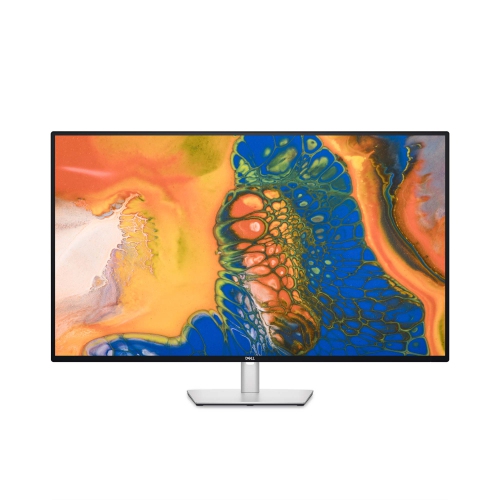
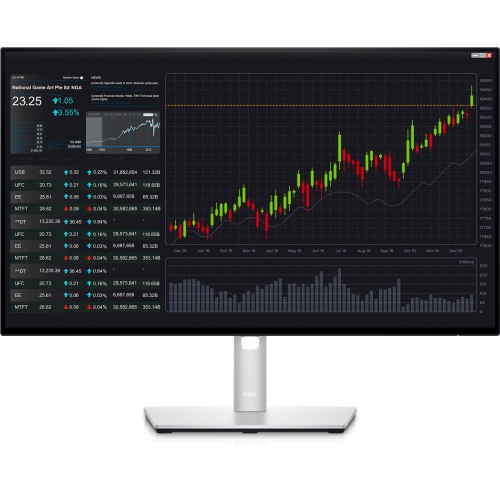
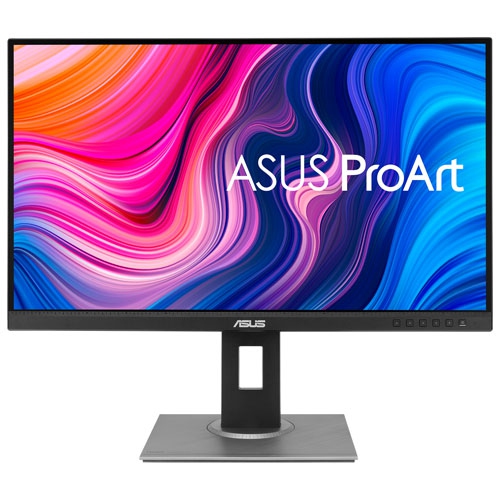
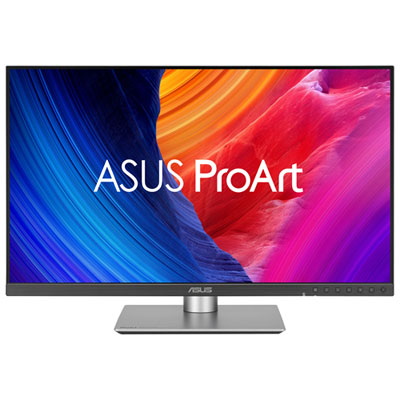
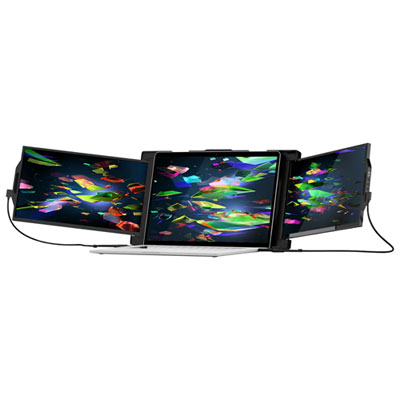

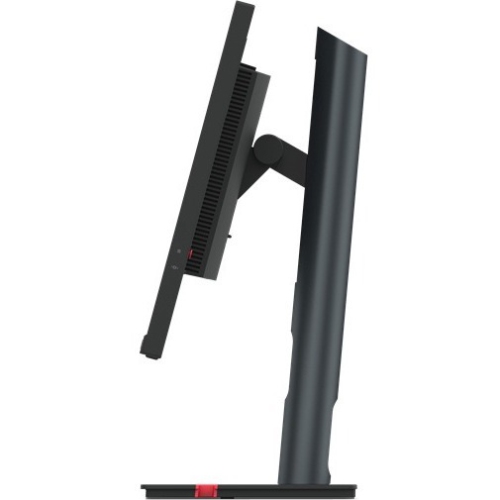
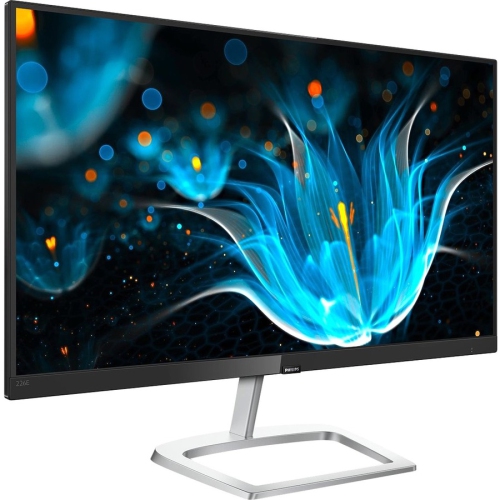
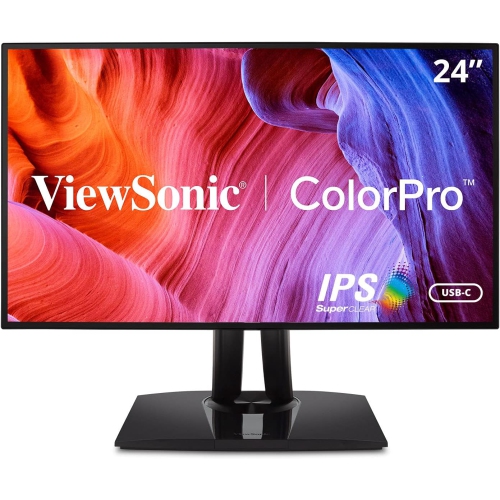
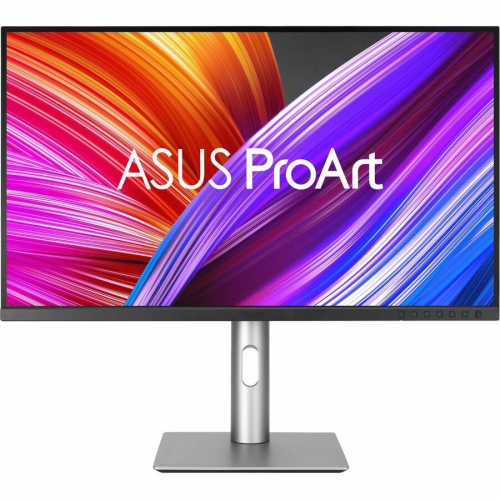
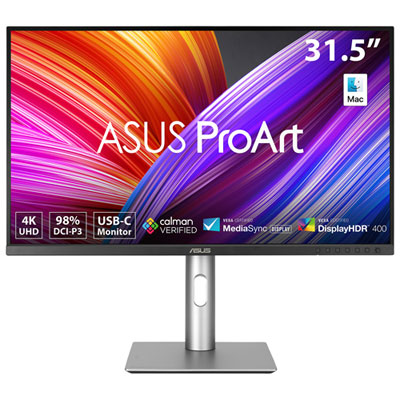
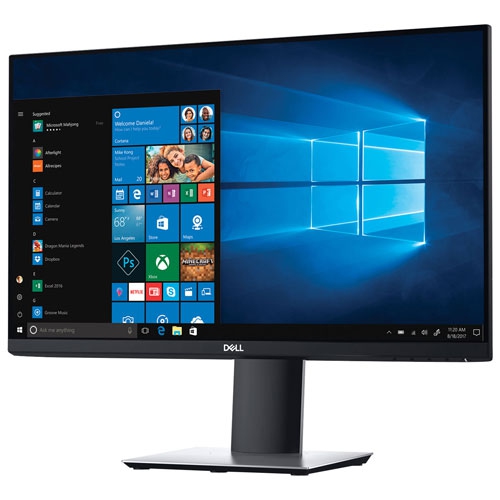
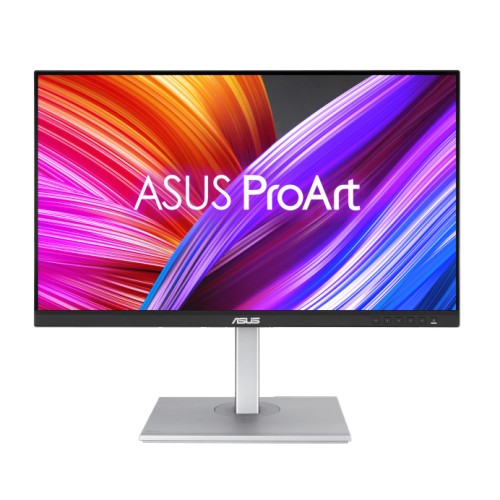
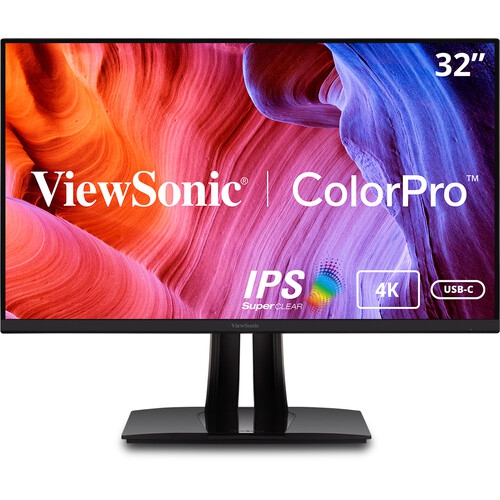
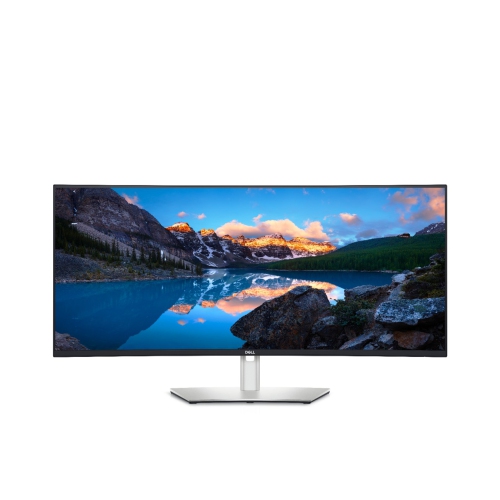
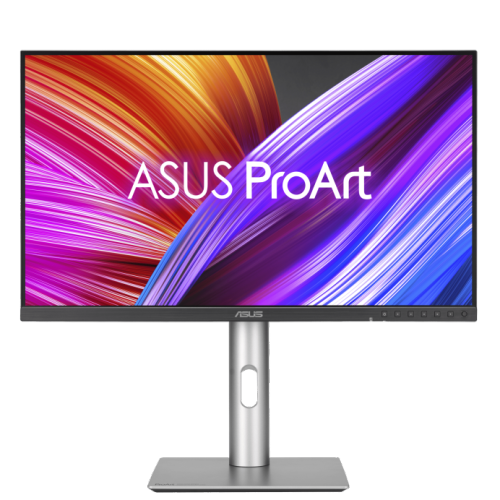
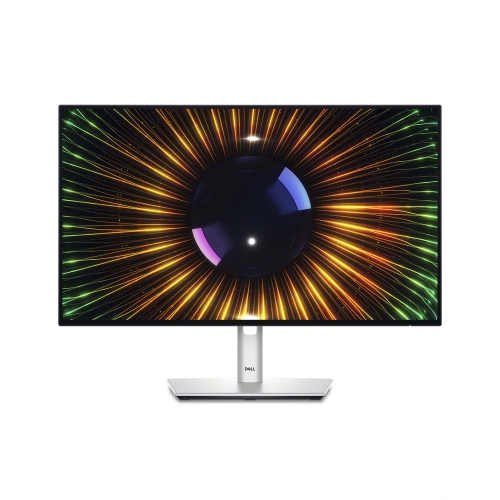
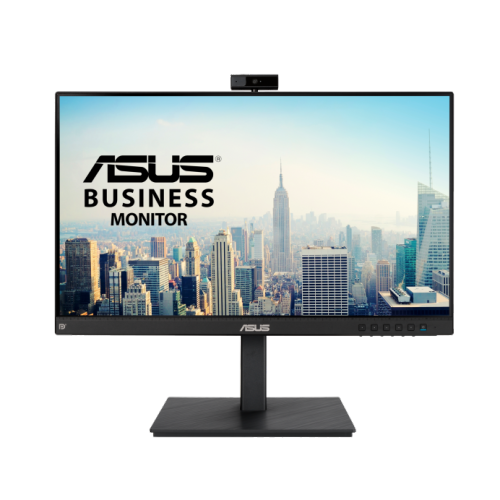
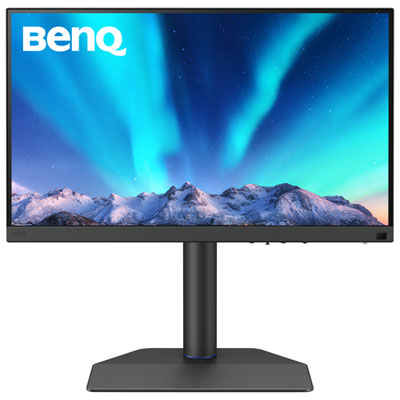

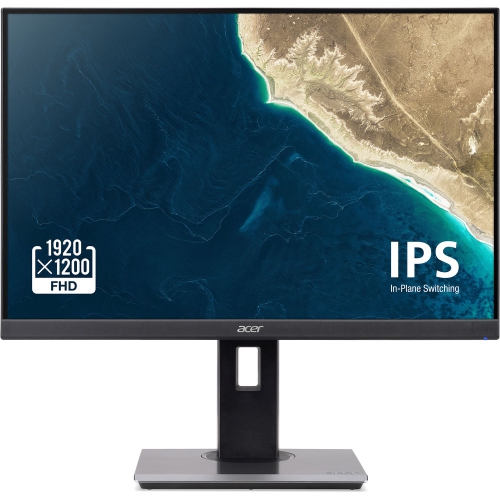
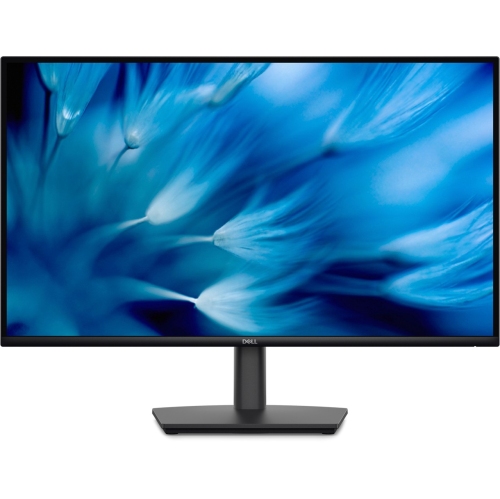
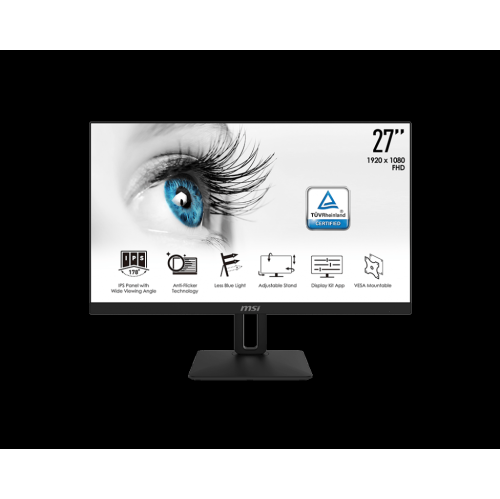


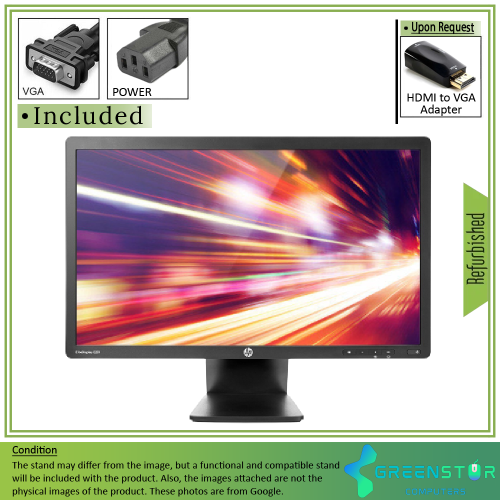
The display features that support demanding daily work
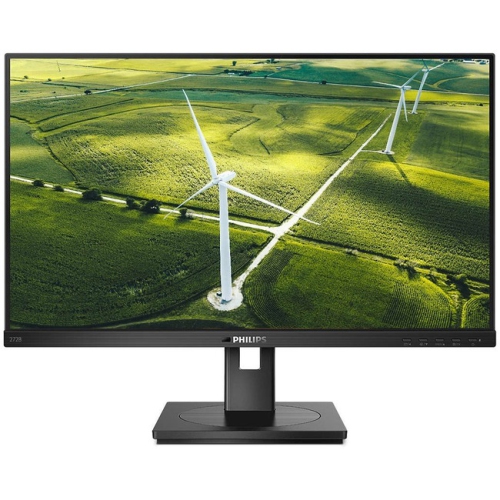
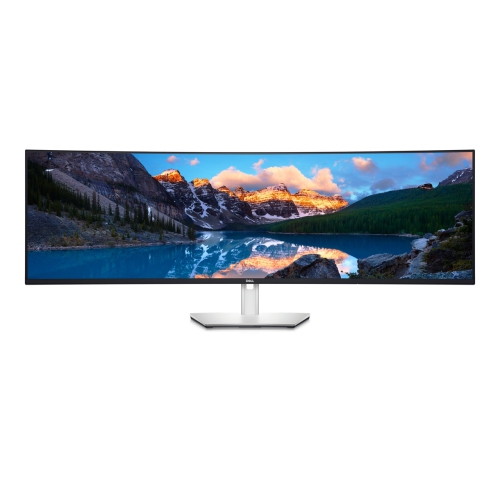
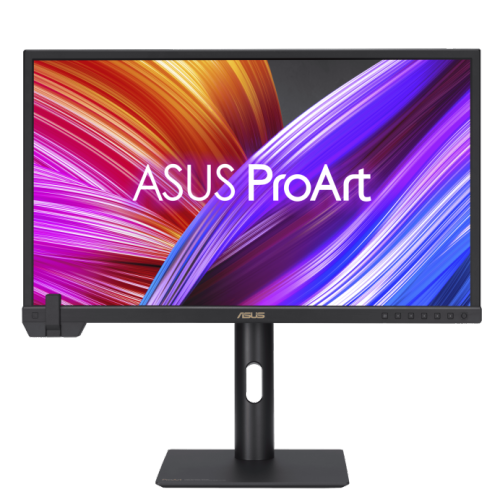
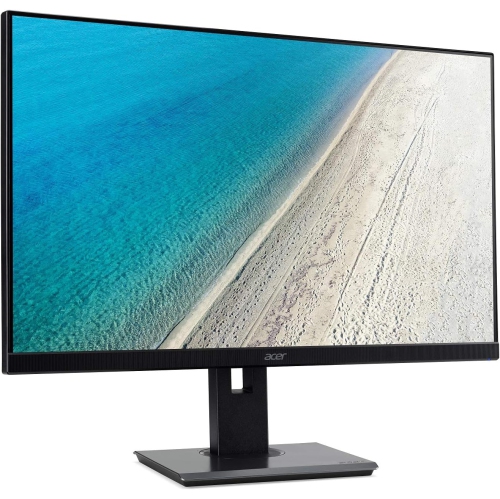
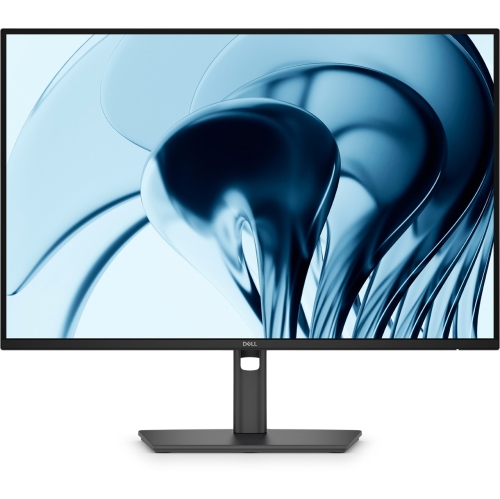
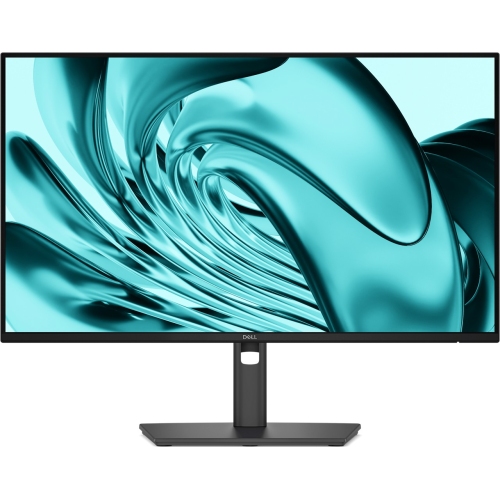
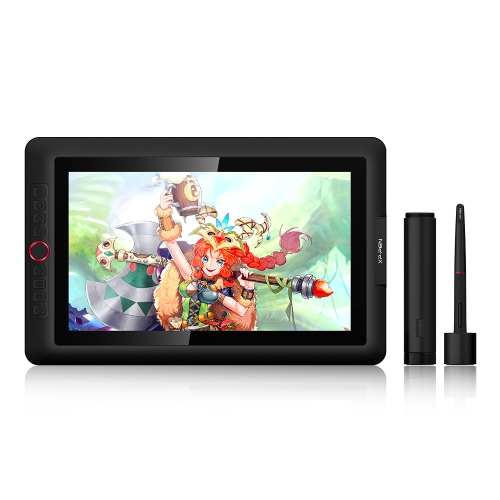
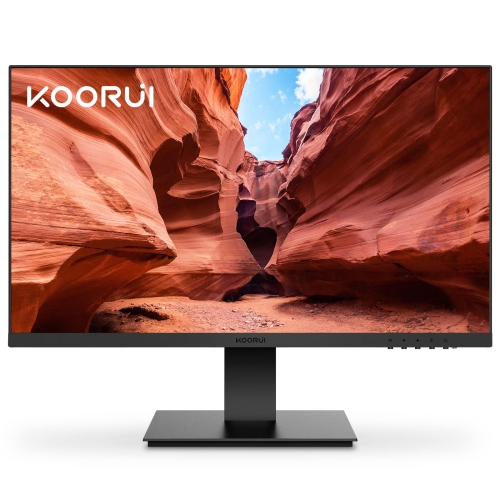
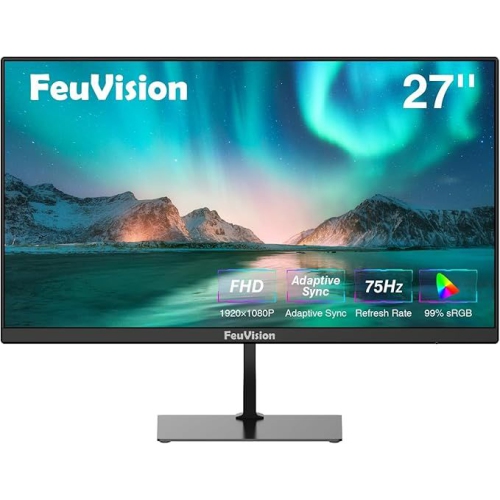
Professional monitors are designed for people who expect more from a display than a basic picture on a desk. They support the long stretches of focused work that come with design, photography, video editing, programming, architecture, finance, research, administration, and other demanding roles. A suitable screen can make fine details easier to inspect, text more comfortable to read, and a busy desktop easier to manage. For a photographer, accurate colour helps an image on screen stay closer to the finished print or online portfolio. For a video editor, a sharp panel with dependable colour coverage can make it easier to review footage, graphics, and subtle changes in lighting. For a developer or analyst, a clear high-resolution display provides room for code, spreadsheets, dashboards, and reference material without constant window switching. Professional monitors can also be a practical choice for a home office, particularly when a laptop screen feels cramped during a full day of meetings, documents, and browser tabs. When choosing among professional monitors, begin with the kind of work the screen will handle most often. Resolution is an important starting point: Full HD can suit straightforward office duties, while QHD offers a useful balance of clarity and workspace for many 27-inch displays. Higher resolutions can provide even more room for detailed creative projects, large spreadsheets, or multiple application windows, provided the computer can drive the display properly. Screen size matters as well. A compact monitor can fit neatly into a smaller desk or shared workspace, whereas a larger panel may help when working with timelines, layered layouts, technical drawings, or side-by-side documents. An ultrawide format can be helpful for people who prefer one continuous workspace rather than several separate screens. Consider viewing distance and desk depth alongside the diagonal measurement so the display feels natural rather than overwhelming.
Colour performance is one of the clearest differences between an everyday display and a professional monitor. Coverage ratings such as 100% sRGB or broad DCI-P3 coverage indicate how much of a particular colour space the panel can reproduce, while factory calibration can provide a dependable starting point straight out of the box. These details are especially relevant to photographers, illustrators, digital artists, content creators, and anyone preparing work for print or client review. Colour accuracy is not the only consideration: contrast, brightness, viewing angles, and panel consistency also influence how comfortable and predictable the screen feels. IPS panels are often selected for their wide viewing angles and reliable colour presentation, while other panel types may appeal to people prioritizing contrast or fast response. A higher refresh rate can make scrolling, moving windows, and cursor movement feel smoother, even in a primarily office-oriented setup. Response time and adaptive synchronization may be worthwhile for professionals who also use the same computer for entertainment after work, although colour and ergonomic features should remain the priority for a work-focused purchase. Connectivity can shape the entire experience. HDMI and DisplayPort are common choices for desktop computers, while USB-C can simplify a laptop setup by carrying video, data, and power through one cable when the monitor supports USB-C Power Delivery. Built-in USB hubs can keep a keyboard, mouse, camera, or storage accessory connected close at hand, reducing the need to reach behind the desk. Some displays include speakers, a headphone connection, or network features, which may be convenient in a compact workspace. Before purchasing, check the computer’s ports, required cables, supported resolution, and power needs so the monitor can deliver the intended performance without additional adapters or compromises. Shoppers comparing options for a dedicated work area may also find useful context in Monitor For Professional Productivity, especially when matching display features to common office routines.
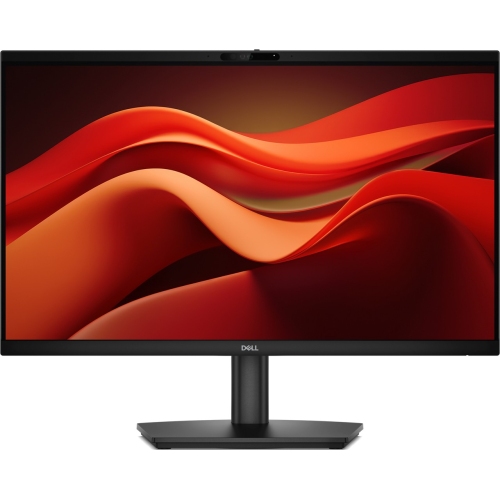
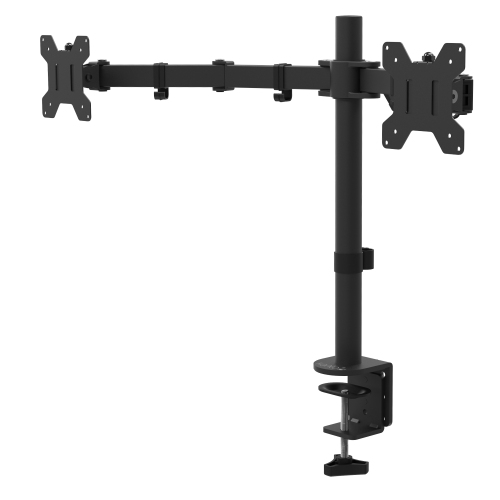
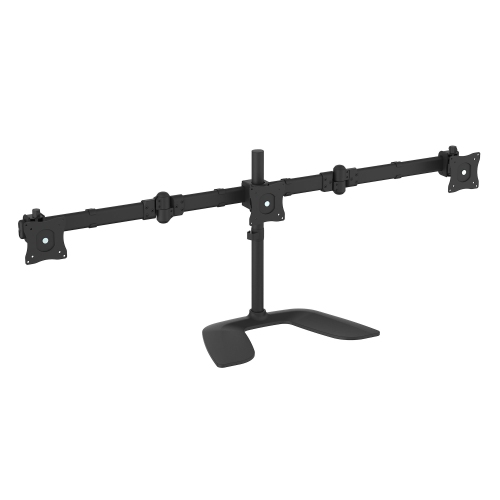
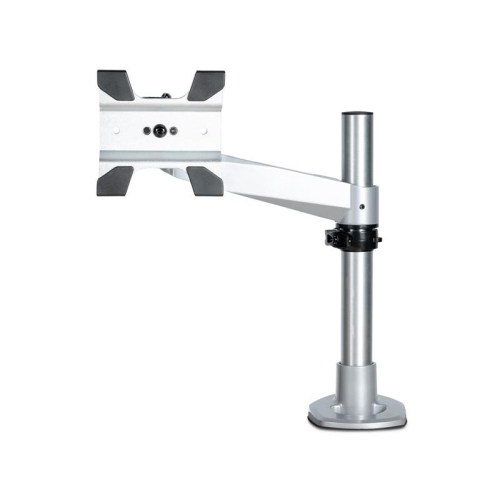
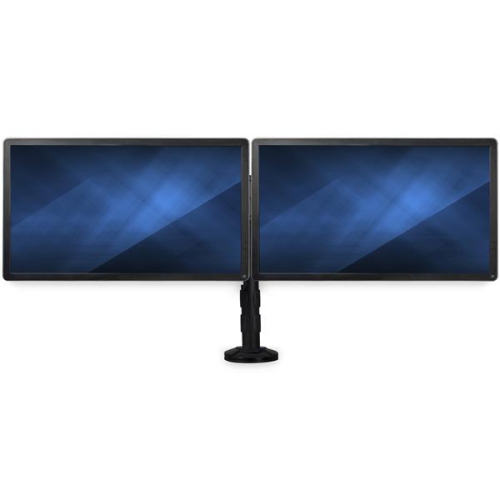
Ergonomics often determines whether a professional monitor remains comfortable after the novelty of a new setup has passed. A stand with height adjustment lets the top edge of the screen sit closer to eye level, helping reduce the habit of leaning forward during a long document review. Tilt adjustment can help manage reflections from windows and overhead lighting, while swivel makes it easier to share information with someone seated nearby. Pivot rotation is useful for reading lengthy documents, reviewing code, or working on portrait-oriented layouts. VESA compatibility can provide additional flexibility for a monitor arm or multi-display arrangement, but shoppers should confirm the mounting pattern and weight requirements before buying accessories. A tidy setup is not only visually pleasing; it can make daily work feel less interrupted. Think about where the monitor will sit in relation to a laptop, desk lamp, webcam, and frequently used notebooks. Someone who spends mornings moving between video calls and reports may appreciate a display with a built-in camera or simple one-cable connection, while a creative professional may place greater value on colour controls, a larger resolution, or a matte finish that limits distracting reflections. Multi-monitor users should compare bezel widths, stand footprints, and alignment options so the screens can sit together naturally. Professional monitors can also make thoughtful gifts for a graduate setting up a first work-from-home station, a freelancer refreshing a shared studio, or a family member who has shifted to remote work and is still relying on a small laptop screen. The best fit depends on the recipient’s computer, desk, software, and working habits, so practical details such as available space and connectivity are worth checking before choosing. During the cooler months, when more time may be spent working, studying, or creating indoors, a dependable display can become the central tool of a comfortable workspace: bright enough for early starts, precise enough for careful visual work, and flexible enough to adapt as projects change. By weighing resolution, colour coverage, panel type, refresh rate, connectivity, adjustability, and desk compatibility together, shoppers can select professional monitors that feel purposeful from the first setup and continue supporting productive routines well beyond a single project.
Colour performance is one of the clearest differences between an everyday display and a professional monitor. Coverage ratings such as 100% sRGB or broad DCI-P3 coverage indicate how much of a particular colour space the panel can reproduce, while factory calibration can provide a dependable starting point straight out of the box. These details are especially relevant to photographers, illustrators, digital artists, content creators, and anyone preparing work for print or client review. Colour accuracy is not the only consideration: contrast, brightness, viewing angles, and panel consistency also influence how comfortable and predictable the screen feels. IPS panels are often selected for their wide viewing angles and reliable colour presentation, while other panel types may appeal to people prioritizing contrast or fast response. A higher refresh rate can make scrolling, moving windows, and cursor movement feel smoother, even in a primarily office-oriented setup. Response time and adaptive synchronization may be worthwhile for professionals who also use the same computer for entertainment after work, although colour and ergonomic features should remain the priority for a work-focused purchase. Connectivity can shape the entire experience. HDMI and DisplayPort are common choices for desktop computers, while USB-C can simplify a laptop setup by carrying video, data, and power through one cable when the monitor supports USB-C Power Delivery. Built-in USB hubs can keep a keyboard, mouse, camera, or storage accessory connected close at hand, reducing the need to reach behind the desk. Some displays include speakers, a headphone connection, or network features, which may be convenient in a compact workspace. Before purchasing, check the computer’s ports, required cables, supported resolution, and power needs so the monitor can deliver the intended performance without additional adapters or compromises. Shoppers comparing options for a dedicated work area may also find useful context in Monitor For Professional Productivity, especially when matching display features to common office routines.
Ergonomics often determines whether a professional monitor remains comfortable after the novelty of a new setup has passed. A stand with height adjustment lets the top edge of the screen sit closer to eye level, helping reduce the habit of leaning forward during a long document review. Tilt adjustment can help manage reflections from windows and overhead lighting, while swivel makes it easier to share information with someone seated nearby. Pivot rotation is useful for reading lengthy documents, reviewing code, or working on portrait-oriented layouts. VESA compatibility can provide additional flexibility for a monitor arm or multi-display arrangement, but shoppers should confirm the mounting pattern and weight requirements before buying accessories. A tidy setup is not only visually pleasing; it can make daily work feel less interrupted. Think about where the monitor will sit in relation to a laptop, desk lamp, webcam, and frequently used notebooks. Someone who spends mornings moving between video calls and reports may appreciate a display with a built-in camera or simple one-cable connection, while a creative professional may place greater value on colour controls, a larger resolution, or a matte finish that limits distracting reflections. Multi-monitor users should compare bezel widths, stand footprints, and alignment options so the screens can sit together naturally. Professional monitors can also make thoughtful gifts for a graduate setting up a first work-from-home station, a freelancer refreshing a shared studio, or a family member who has shifted to remote work and is still relying on a small laptop screen. The best fit depends on the recipient’s computer, desk, software, and working habits, so practical details such as available space and connectivity are worth checking before choosing. During the cooler months, when more time may be spent working, studying, or creating indoors, a dependable display can become the central tool of a comfortable workspace: bright enough for early starts, precise enough for careful visual work, and flexible enough to adapt as projects change. By weighing resolution, colour coverage, panel type, refresh rate, connectivity, adjustability, and desk compatibility together, shoppers can select professional monitors that feel purposeful from the first setup and continue supporting productive routines well beyond a single project.
Top selling and popular products
-
 Your price for this item is $299
 -
 Your price for this item is $599
 -
 Your price for this item is $94.99
 -
 Your price for this item is $329.99
 -
 Your price for this item is $499
 -
 Your price for this item is $265.99
 -
 Your price for this item is $1299.97
 -
 Your price for this item is $249.99
Discover more categories related to Professional Monitors


Top Collections:
Pokemon Centers, Kindle Devices, Best Budget Office Chairs, Apple iPhones 16, Best Laptops for Writers, iPhone 15 Apple, Canon G7X Cameras, Refurbished Apple Laptops, Alarm Clock, Motorola Razr Phones
Some products may be subject to Environmental Handling Fees
(EHF) depending on your province.
Learn more about EHFs.