Professional Monitors for Graphic Design
If you're a graphic designer, you spend your days looking at and working with images. You need a monitor that can keep up with your creative process and deliver the best possible results. Here are some of the best professional monitors for graphic designers.
Sort
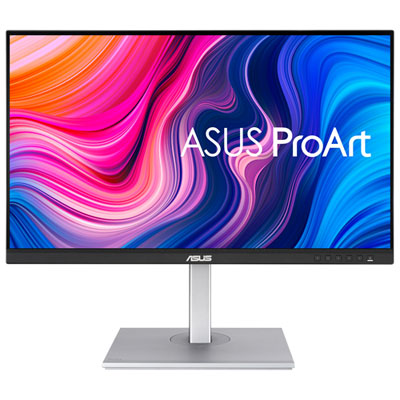

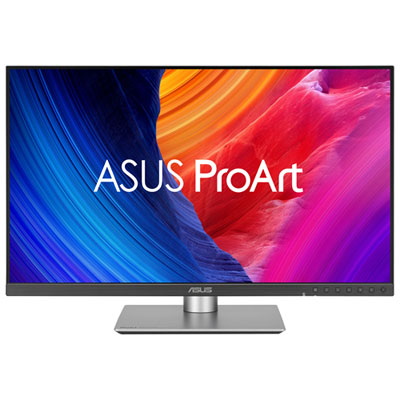

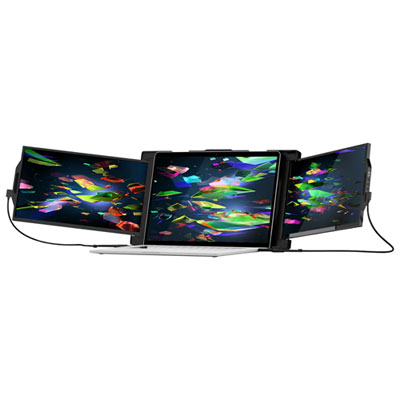
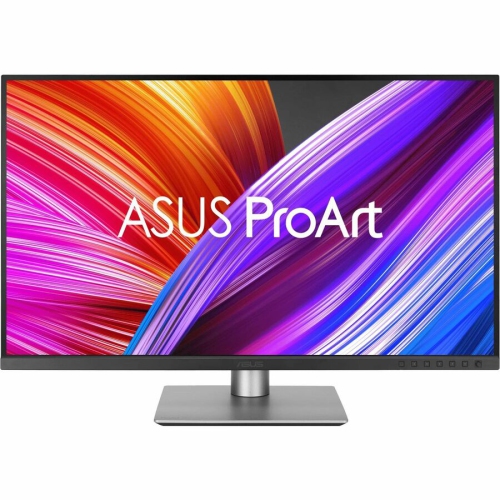
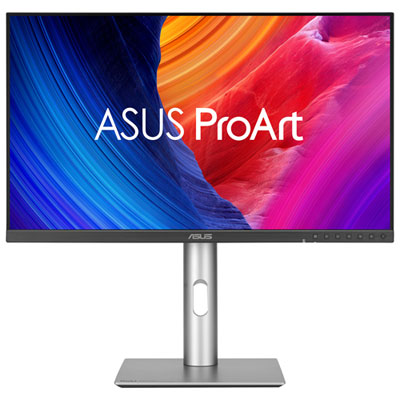
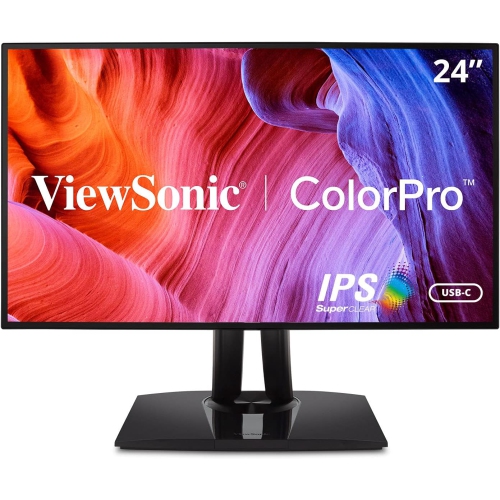
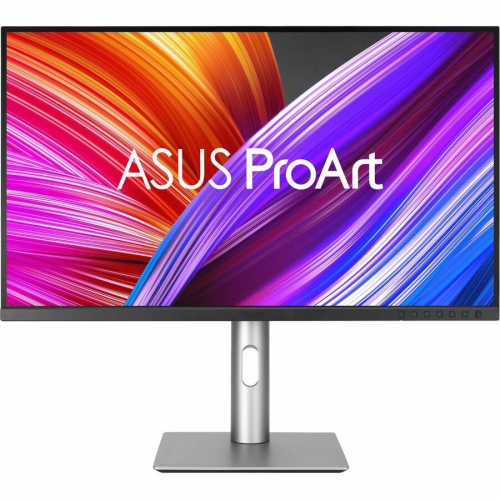
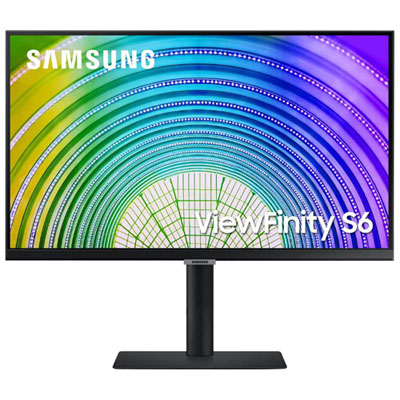
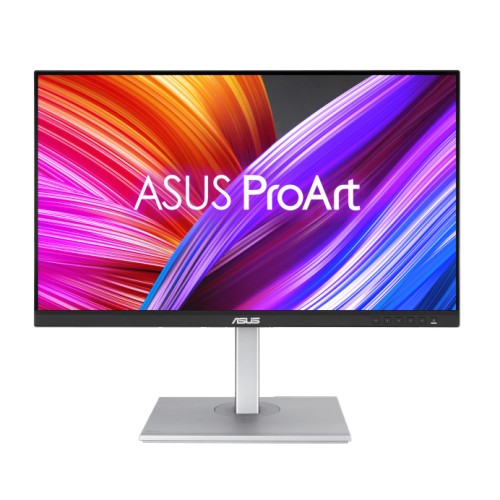
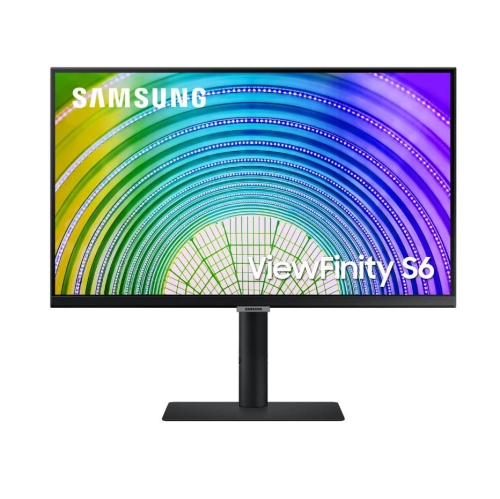
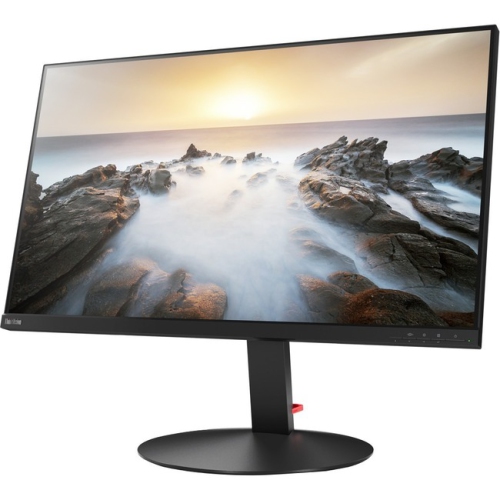
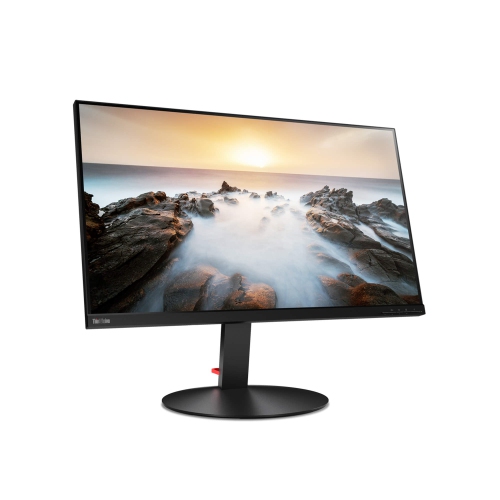

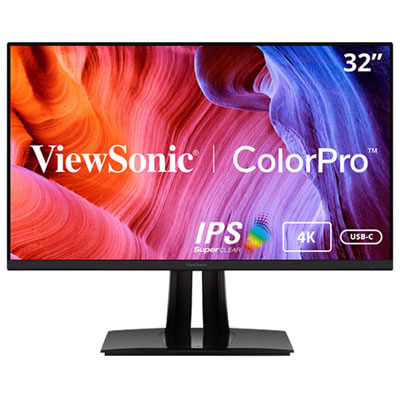
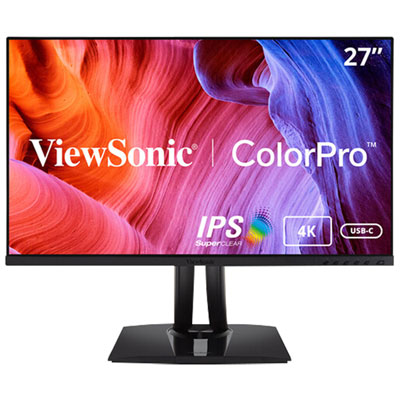

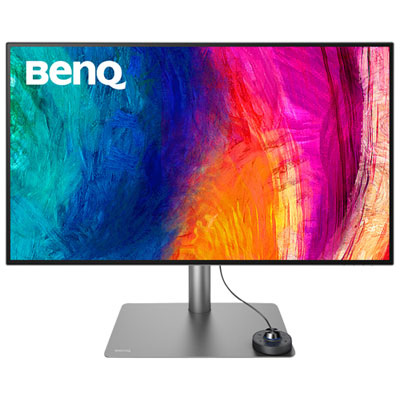
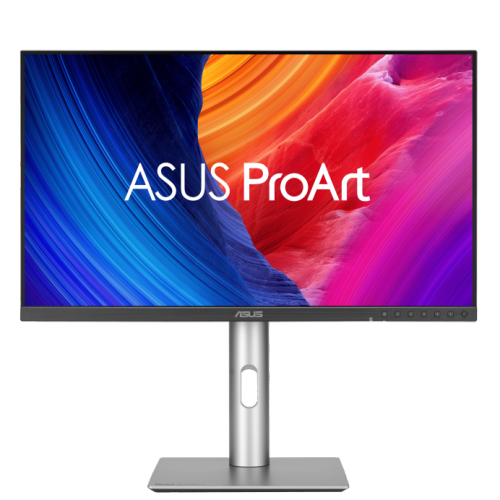
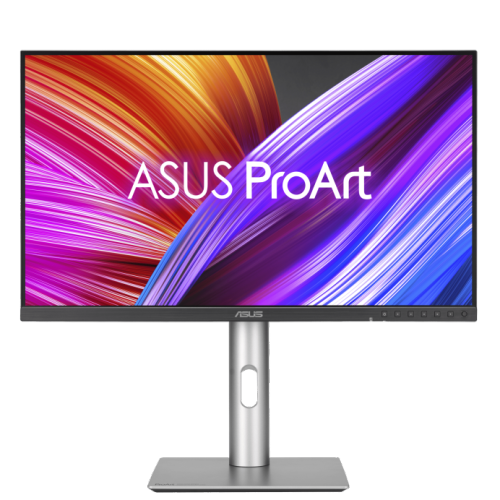
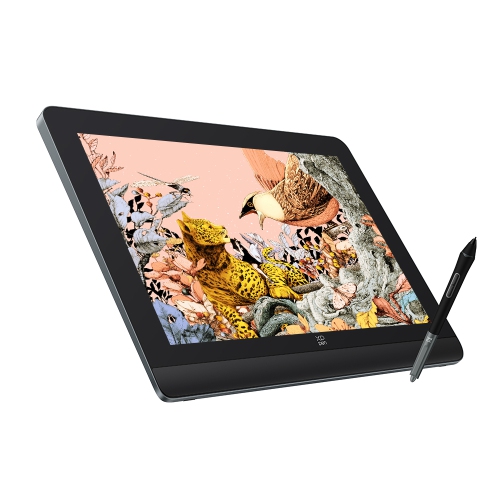
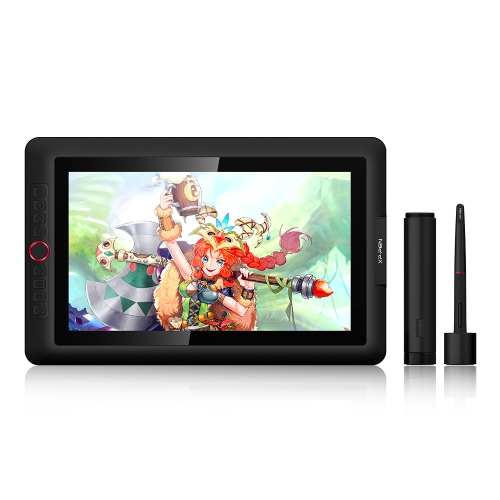
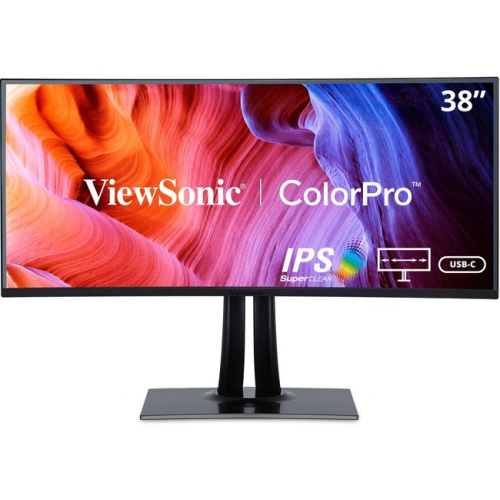
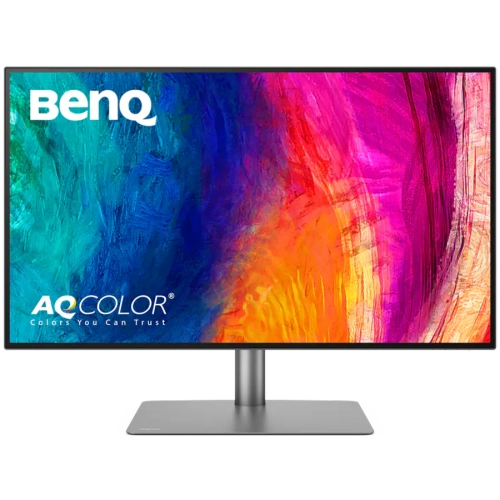

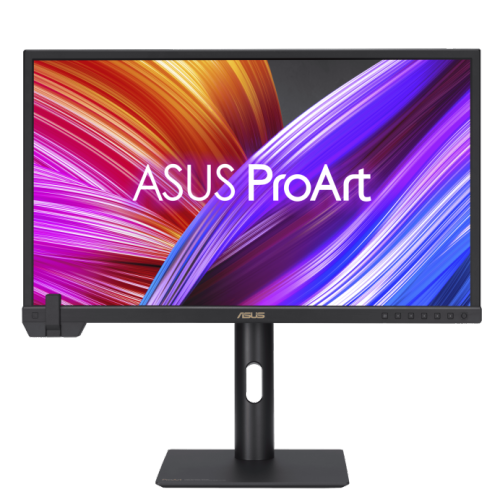
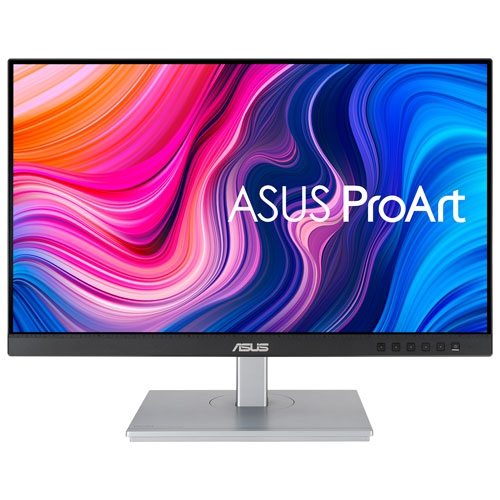
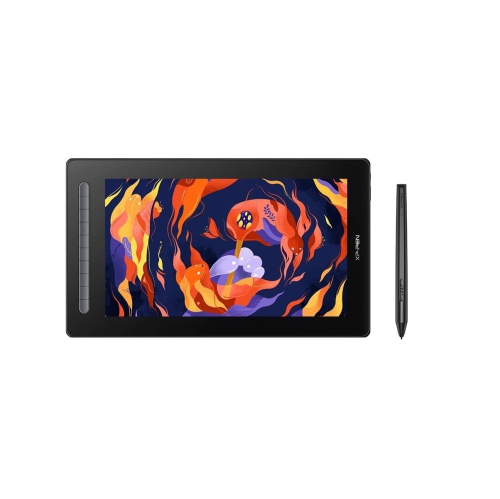
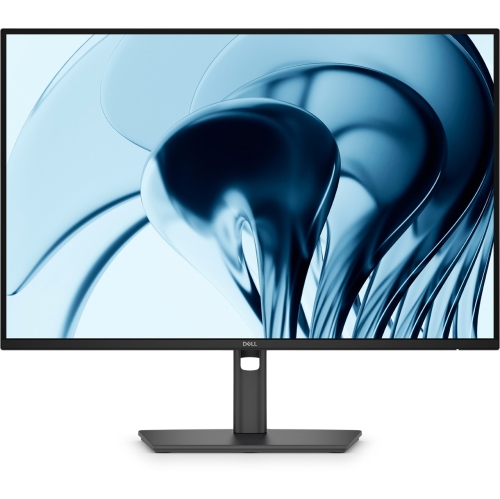
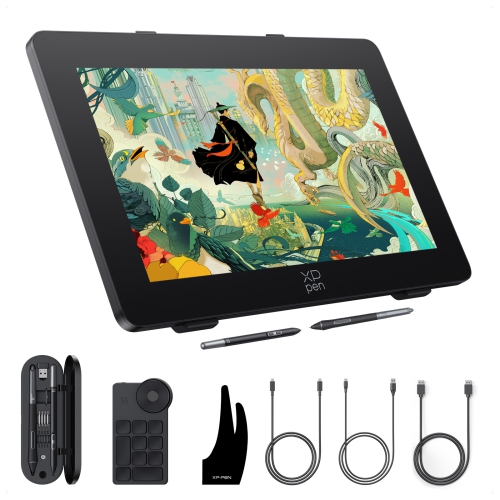
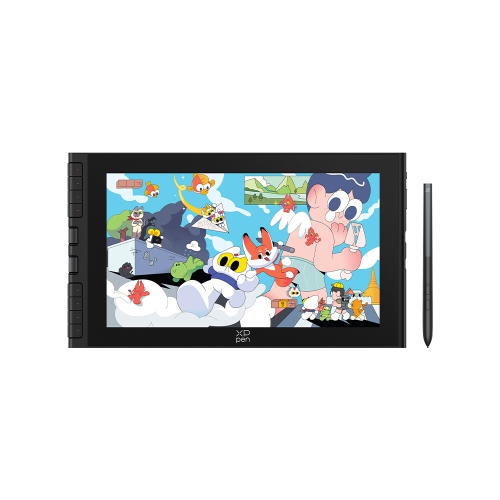

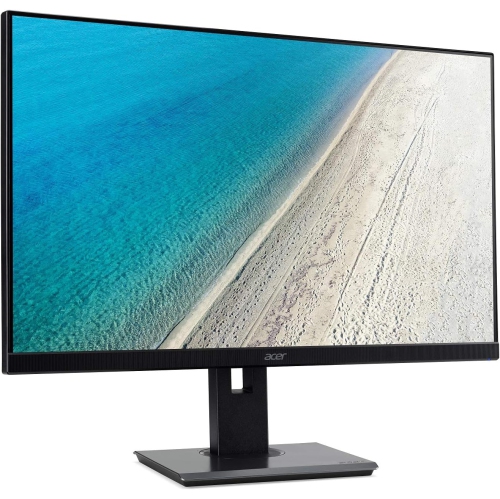
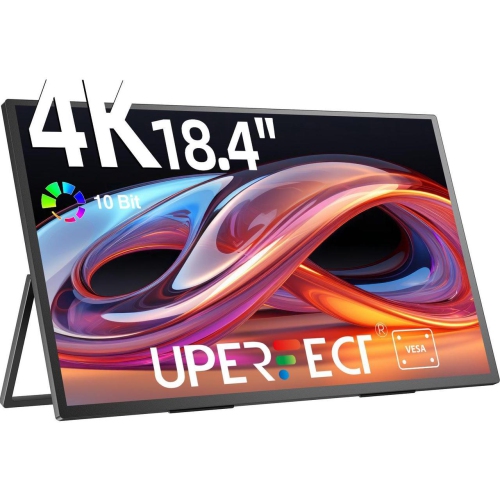
Colour accuracy and calibration for confident design work
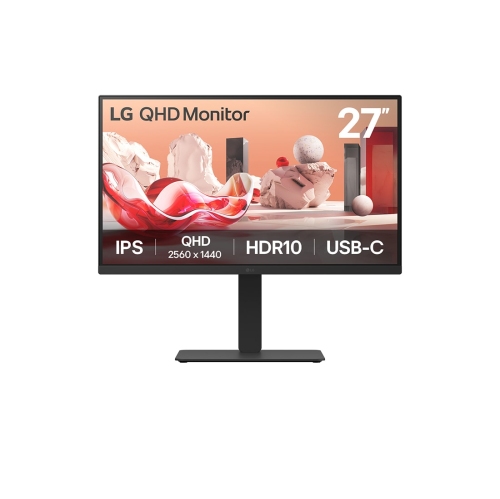
Professional monitors for graphic design are built for people who need to see fine details, subtle colour shifts, and clean typography with confidence. Whether you are developing a brand identity, preparing packaging artwork, retouching photography, illustrating a campaign, or laying out pages for print, the display on your desk plays an important role in the final result. A sharp 4K UHD resolution of 3840 x 2160 provides a generous working canvas with crisp edges, making it easier to inspect small type, adjust anchor points, refine masking, and compare multiple artboards without losing clarity. Screen size also affects how naturally your work fits into view. A 27-inch monitor can offer an excellent balance of detail and desk space, while a 32-inch display gives complex timelines, tool panels, reference images, and full-size artwork more room to breathe. A larger screen can be especially helpful when working with wide layouts or viewing a design at close to its intended output size. Look for a panel with strong sRGB coverage for web and general digital work, along with broad Adobe RGB or DCI-P3 coverage when your projects involve professional photography, video, modern digital cinema, or print workflows that benefit from a wider colour range. Coverage alone is not the whole story: factory calibration, a low Delta E value, and a consistent panel help colours appear more predictable from one session to the next. In practical terms, accurate colour can make the difference between a warm neutral that feels inviting and one that looks slightly green, or between a deep navy that prints as intended and one that appears unexpectedly muted. These details become particularly noticeable when a designer is matching a client’s established colour palette across logos, brochures, websites, social media graphics, and presentation materials.
Calibration features deserve close attention when a monitor will be part of a professional design workflow. Some advanced displays include an integrated colourimeter or self-calibration sensor that measures the screen and adjusts its colour profile at scheduled intervals, reducing the need for separate measuring equipment. Other monitors work with external calibration devices and downloadable software, giving users control over brightness, white point, gamma, and colour space. Hardware calibration is useful for studios where several people share a display or where work must remain consistent over long projects, but it is only one part of a dependable setup. Keep the screen away from direct sunlight and strong overhead glare, and consider a monitor hood or carefully positioned room lighting if reflections make dark areas difficult to judge. A matte or low-reflection coating can make a busy workspace more comfortable, while a high-quality panel with even brightness helps prevent one side of an image from appearing lighter than the other. For designers who move between digital and physical outputs, a monitor that supports multiple colour modes can simplify the process of checking a design for web, print, or video. It is also worth considering the type of work done most often. Static graphic design may place the greatest emphasis on resolution, uniformity, and colour precision, while motion graphics and interactive design can benefit from a higher refresh rate and smooth on-screen movement. A fast refresh rate is not a substitute for colour accuracy, but it can make scrolling through large canvases, reviewing animation, and navigating complex interfaces feel more fluid. A dependable stand is just as important during long creative sessions. Height adjustment, tilt, swivel, and 90-degree pivot support allow the screen to be positioned at a comfortable viewing angle, whether you are reviewing a portrait poster, coding a responsive layout, or sharing a concept with someone seated nearby.
Connectivity can have a meaningful effect on the way a professional monitor fits into your workspace. USB-C is convenient for compatible laptops because one cable may carry the video signal, transfer data, connect peripherals, and charge the computer through power delivery. This can help keep a compact desk clear of adapters and reduce the time spent reconnecting equipment when moving between a home office, studio, classroom, or client meeting. HDMI and DisplayPort inputs are useful for desktop computers, workstations, and additional devices, while a built-in USB hub can provide easy access to a keyboard, mouse, card reader, or other accessories. Some monitors also include a KVM switch, allowing one keyboard and mouse to control two connected computers, which is helpful for designers who divide their time between a work machine and a personal laptop. Pay attention to the monitor’s power delivery rating and the requirements of your computer, since larger laptops and demanding workflows may need more charging capacity. Built-in speakers, a webcam, and a headphone connection can be convenient for remote reviews, although dedicated creative equipment may still provide better sound or video quality. These displays are a practical choice for graphic designers, illustrators, photographers, architects, students in visual arts programs, marketing teams, and small businesses creating their own materials. They can also make a thoughtful gift for a design student setting up a first studio, a photographer refining a portfolio, or a freelancer who has outgrown a basic office monitor. Before choosing, consider the computer’s available ports, the desk’s depth, the viewing distance, and the applications used every day. Someone working primarily in browser-based design tools may value USB-C simplicity and comfortable text rendering, while a print professional may prioritize Adobe RGB coverage, calibration controls, and uniformity. If your projects extend beyond still graphics into video editing, animation, photography, and other visual disciplines, explore Professional Monitors for Content Creation for displays suited to a broader creative workflow. During the cooler months, when more work and study often take place indoors, a carefully chosen monitor can make a desk feel more capable and comfortable, turning a crowded collection of windows into a clear, accurate workspace where ideas are easier to develop and finish.
Calibration features deserve close attention when a monitor will be part of a professional design workflow. Some advanced displays include an integrated colourimeter or self-calibration sensor that measures the screen and adjusts its colour profile at scheduled intervals, reducing the need for separate measuring equipment. Other monitors work with external calibration devices and downloadable software, giving users control over brightness, white point, gamma, and colour space. Hardware calibration is useful for studios where several people share a display or where work must remain consistent over long projects, but it is only one part of a dependable setup. Keep the screen away from direct sunlight and strong overhead glare, and consider a monitor hood or carefully positioned room lighting if reflections make dark areas difficult to judge. A matte or low-reflection coating can make a busy workspace more comfortable, while a high-quality panel with even brightness helps prevent one side of an image from appearing lighter than the other. For designers who move between digital and physical outputs, a monitor that supports multiple colour modes can simplify the process of checking a design for web, print, or video. It is also worth considering the type of work done most often. Static graphic design may place the greatest emphasis on resolution, uniformity, and colour precision, while motion graphics and interactive design can benefit from a higher refresh rate and smooth on-screen movement. A fast refresh rate is not a substitute for colour accuracy, but it can make scrolling through large canvases, reviewing animation, and navigating complex interfaces feel more fluid. A dependable stand is just as important during long creative sessions. Height adjustment, tilt, swivel, and 90-degree pivot support allow the screen to be positioned at a comfortable viewing angle, whether you are reviewing a portrait poster, coding a responsive layout, or sharing a concept with someone seated nearby.
Connectivity can have a meaningful effect on the way a professional monitor fits into your workspace. USB-C is convenient for compatible laptops because one cable may carry the video signal, transfer data, connect peripherals, and charge the computer through power delivery. This can help keep a compact desk clear of adapters and reduce the time spent reconnecting equipment when moving between a home office, studio, classroom, or client meeting. HDMI and DisplayPort inputs are useful for desktop computers, workstations, and additional devices, while a built-in USB hub can provide easy access to a keyboard, mouse, card reader, or other accessories. Some monitors also include a KVM switch, allowing one keyboard and mouse to control two connected computers, which is helpful for designers who divide their time between a work machine and a personal laptop. Pay attention to the monitor’s power delivery rating and the requirements of your computer, since larger laptops and demanding workflows may need more charging capacity. Built-in speakers, a webcam, and a headphone connection can be convenient for remote reviews, although dedicated creative equipment may still provide better sound or video quality. These displays are a practical choice for graphic designers, illustrators, photographers, architects, students in visual arts programs, marketing teams, and small businesses creating their own materials. They can also make a thoughtful gift for a design student setting up a first studio, a photographer refining a portfolio, or a freelancer who has outgrown a basic office monitor. Before choosing, consider the computer’s available ports, the desk’s depth, the viewing distance, and the applications used every day. Someone working primarily in browser-based design tools may value USB-C simplicity and comfortable text rendering, while a print professional may prioritize Adobe RGB coverage, calibration controls, and uniformity. If your projects extend beyond still graphics into video editing, animation, photography, and other visual disciplines, explore Professional Monitors for Content Creation for displays suited to a broader creative workflow. During the cooler months, when more work and study often take place indoors, a carefully chosen monitor can make a desk feel more capable and comfortable, turning a crowded collection of windows into a clear, accurate workspace where ideas are easier to develop and finish.
Top selling and popular products
-
 Your price for this item is $299
 -
 Your price for this item is $599
 -
 Your price for this item is $149.99
 -
 Your price for this item is $329.99
 -
 Your price for this item is $499
 -
 Your price for this item is $249.99
 -
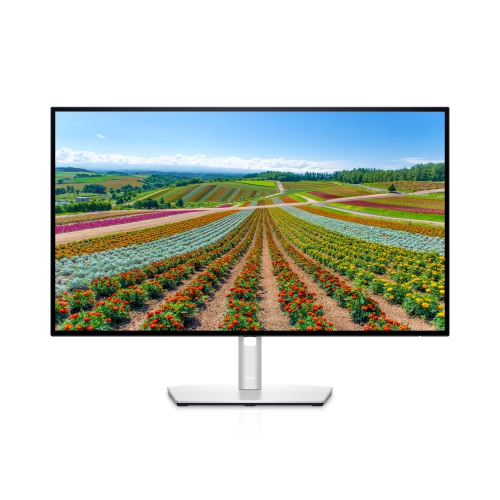 Your price for this item is $569.99
 -
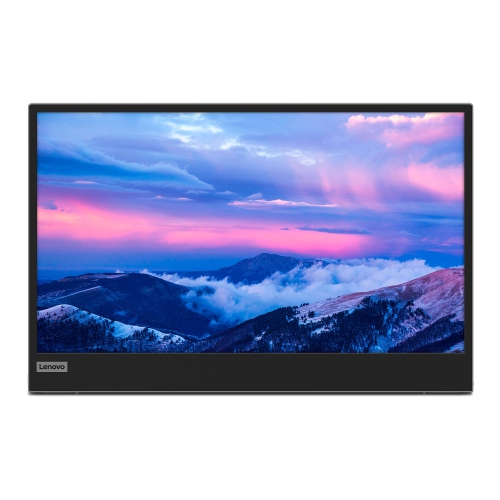 Your price for this item is $362.68
Discover more categories related to Professional Monitors for Graphic Design
Top Collections:
Pokemon Centers, Budget 4K TVs, Best Budget Office Chairs, Kindle Devices, Canon G7X Cameras, Apple iPhones 16, iPhone 15 Apple, Laptops for Business Work, Xiaomi Phones, Flip Phones
Some products may be subject to Environmental Handling Fees
(EHF) depending on your province.
Learn more about EHFs.