Pure Sine Wave UPS
Experience the pinnacle of power protection and efficiency with pure sine wave UPS systems. Designed to deliver clean, reliable electricity, these uninterruptible power supplies are perfect for safeguarding sensitive electronics, ensuring optimal performance and longevity. Whether you're working from home, managing a small business, or protecting your home entertainment system, a pure sine wave UPS provides the stable power you need to keep everything running smoothly. Explore our selection to find the ideal solution for your power backup needs and enjoy peace of mind knowing your devices are protected against unexpected outages and fluctuations.
Sort
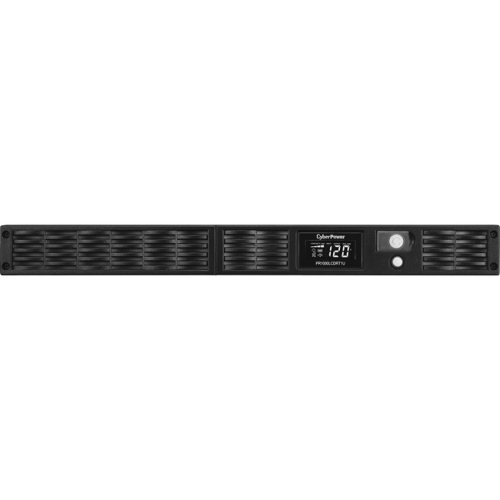
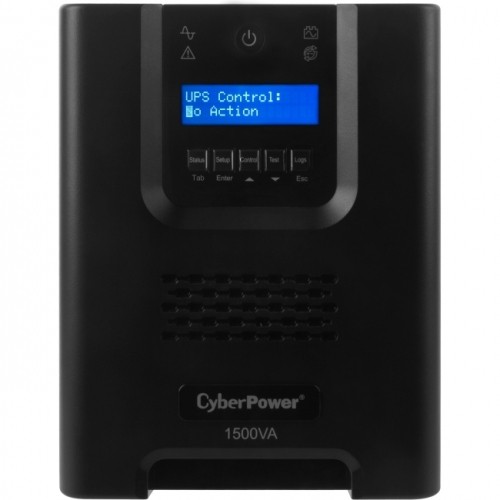
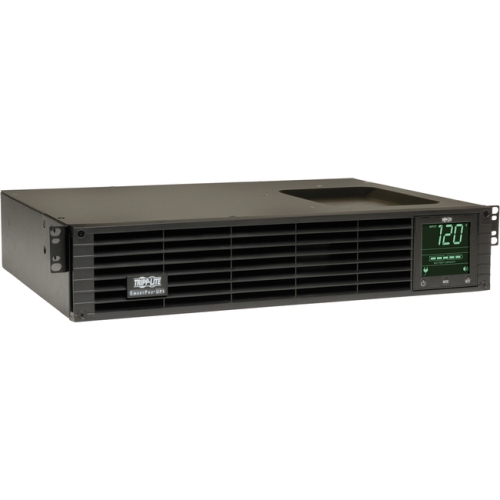
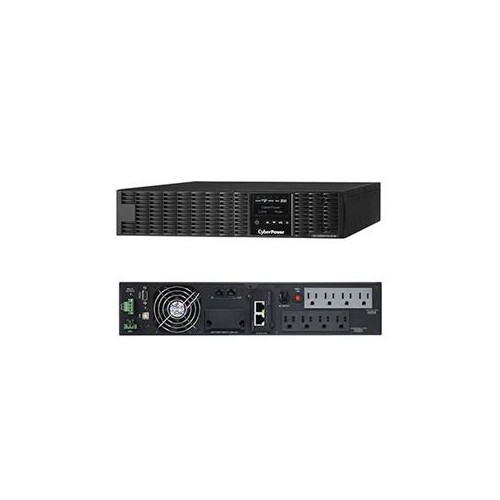
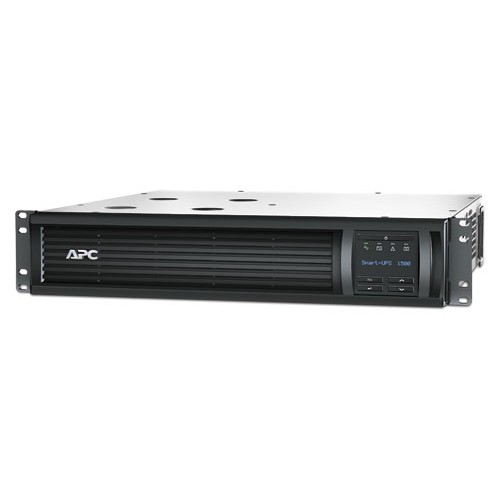

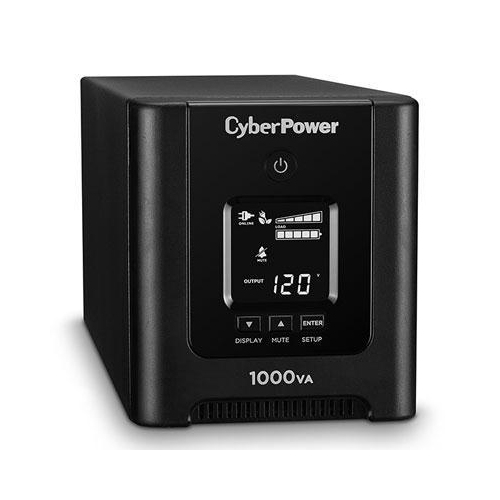
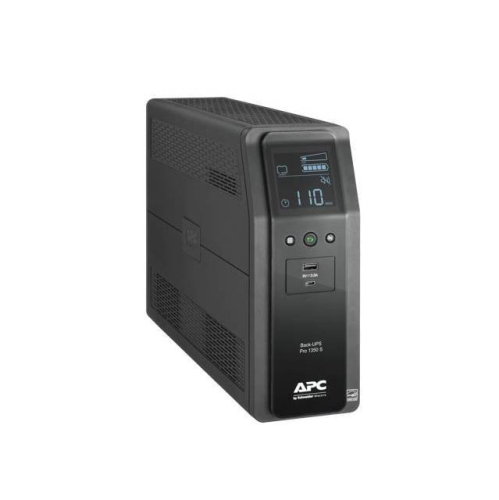
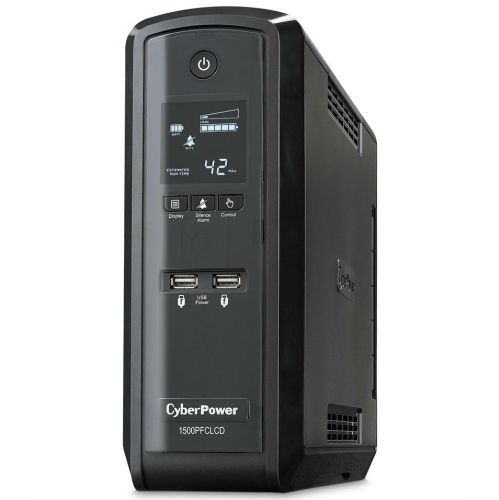
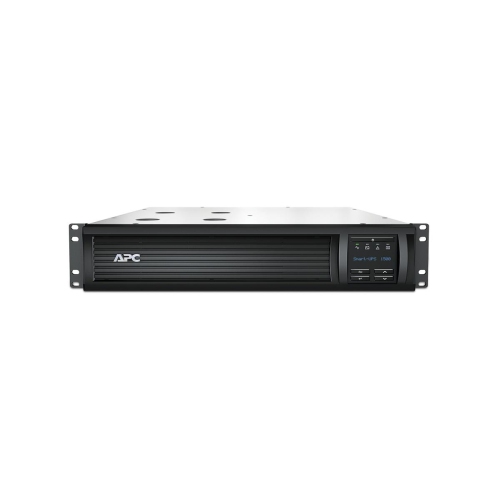
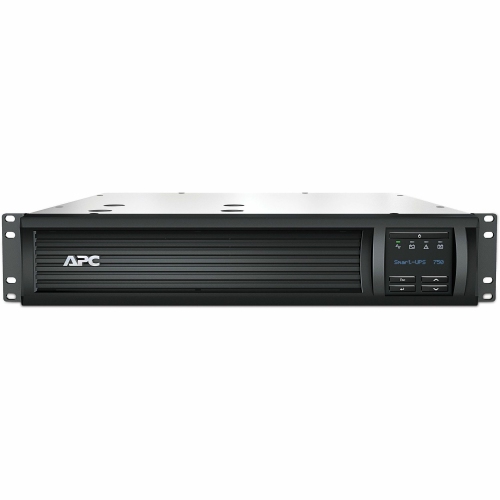

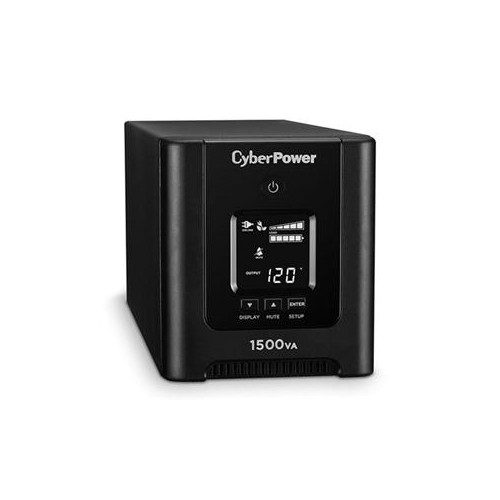
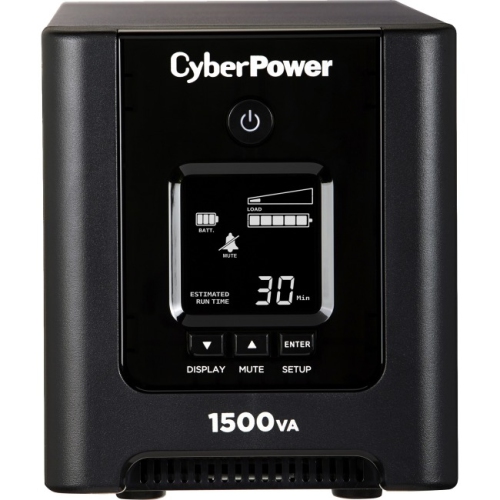
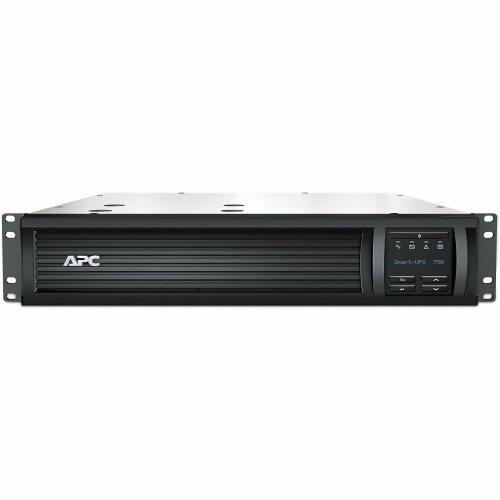
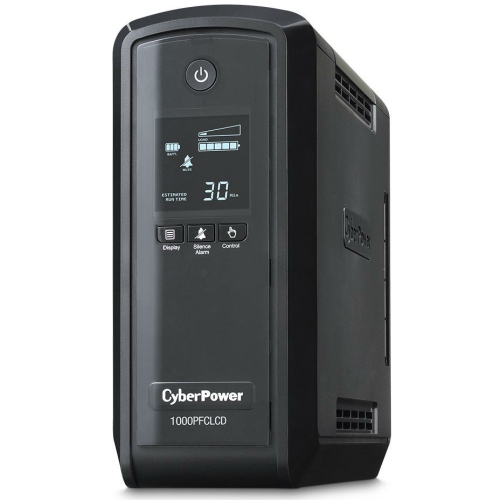
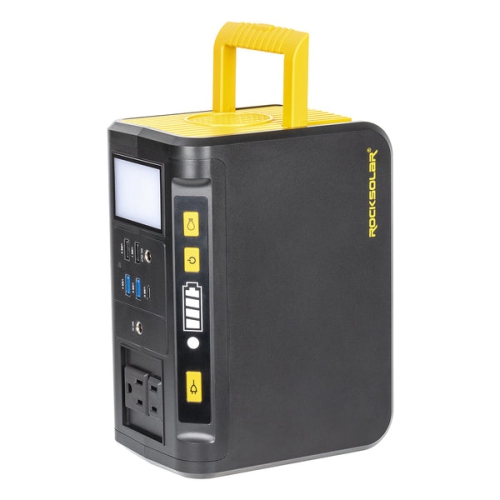
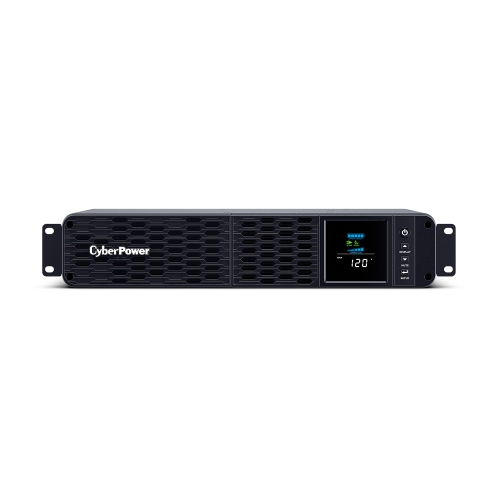
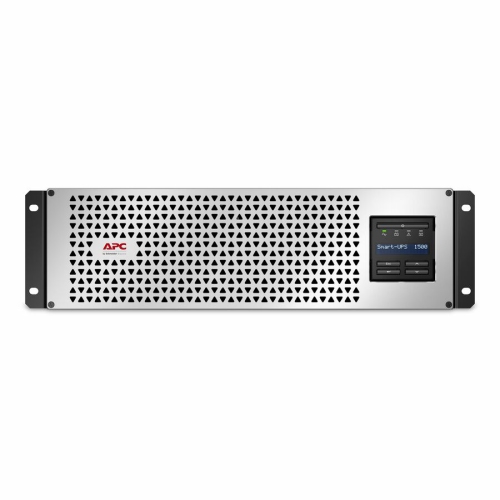
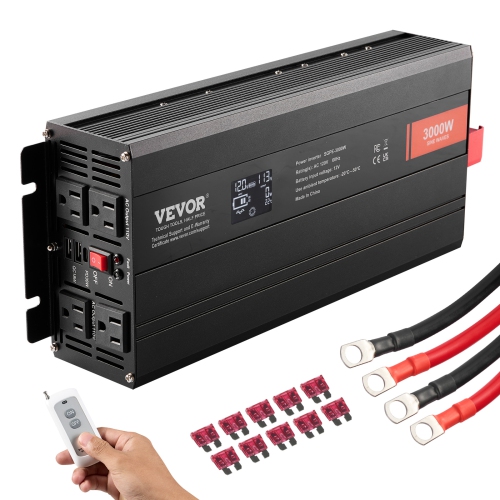
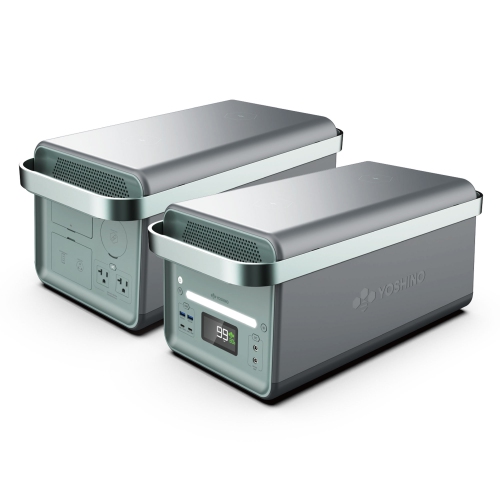
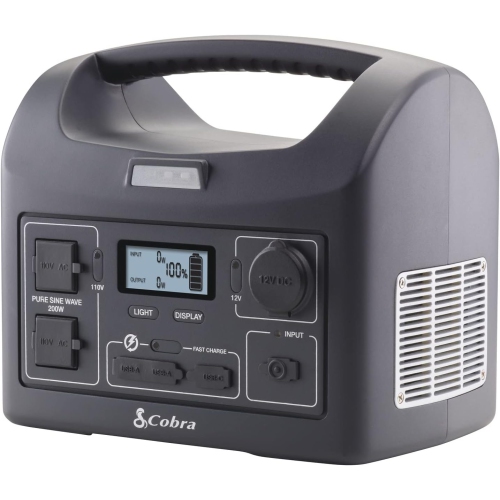
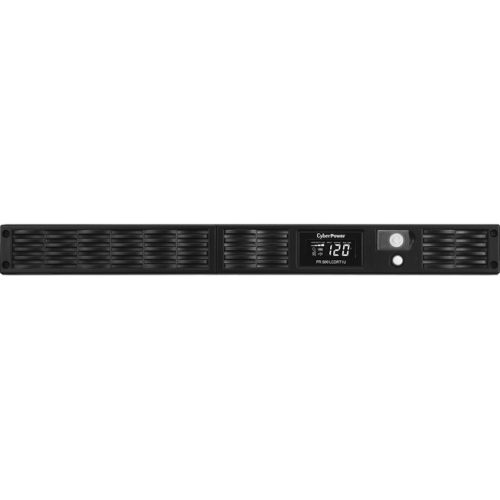
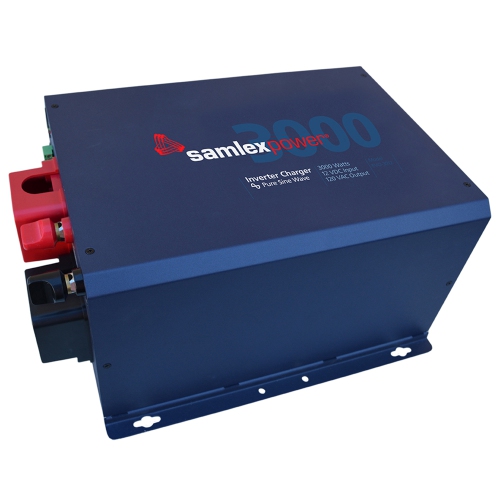
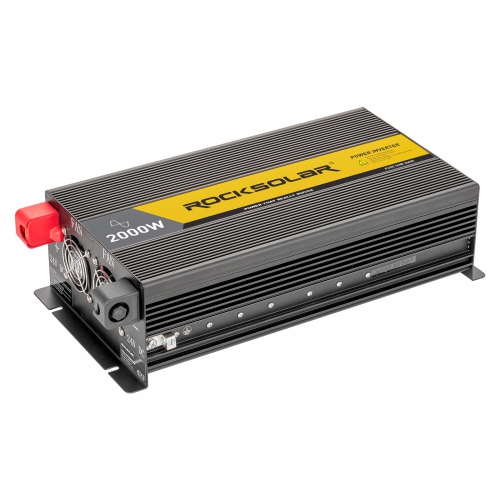

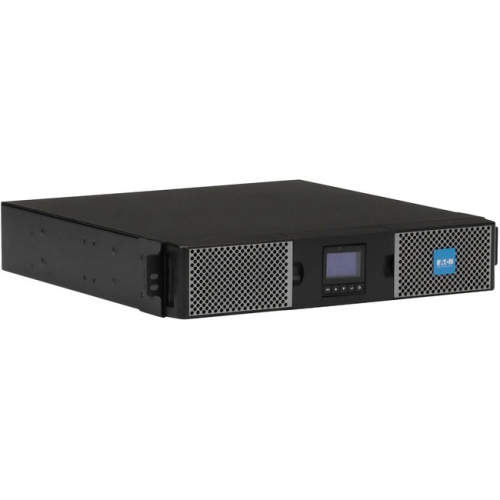
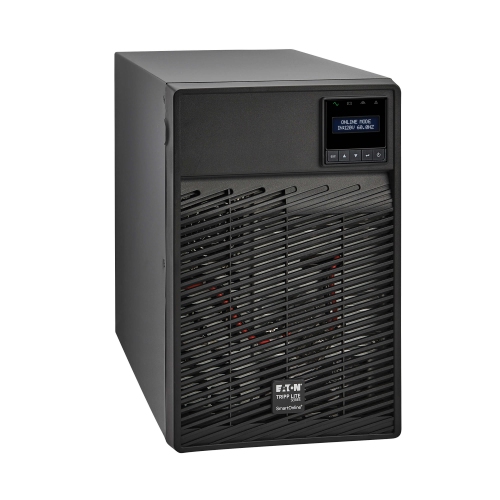
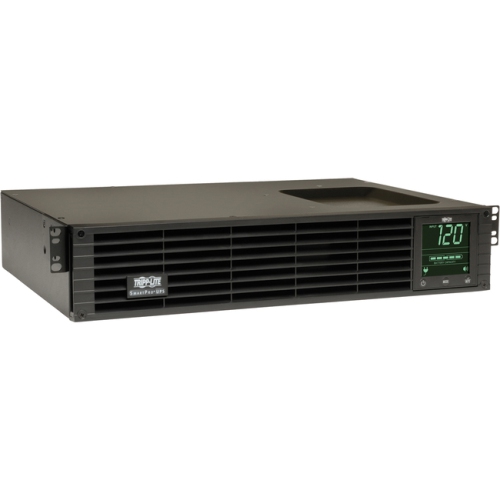
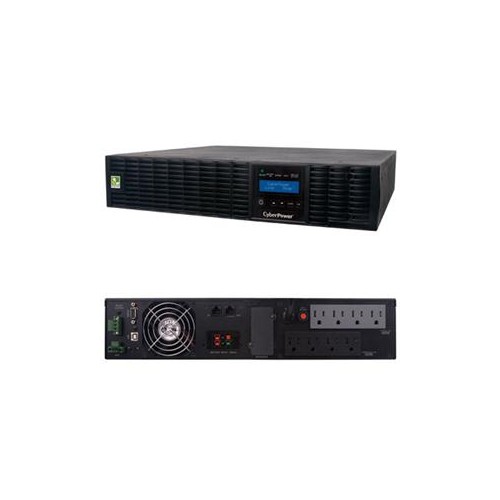
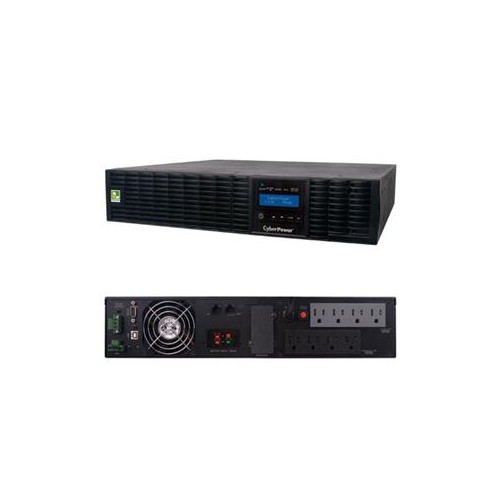
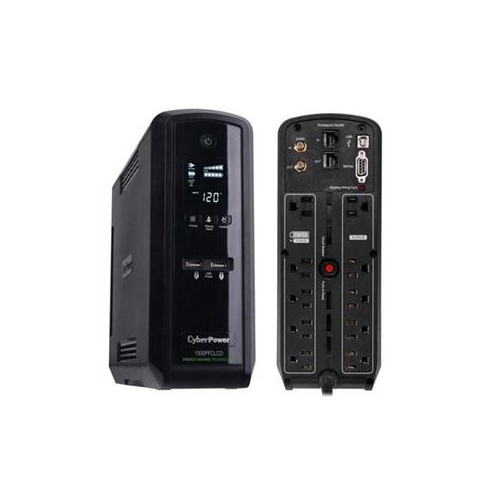
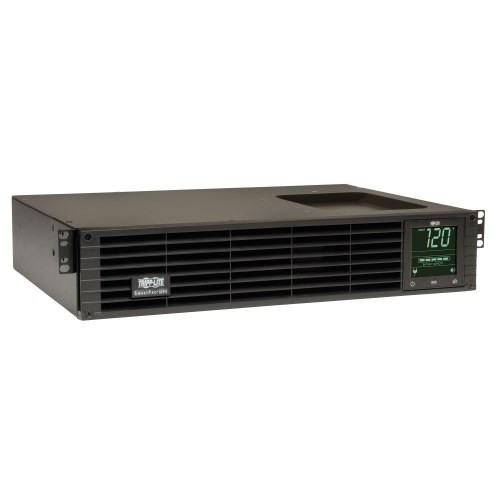
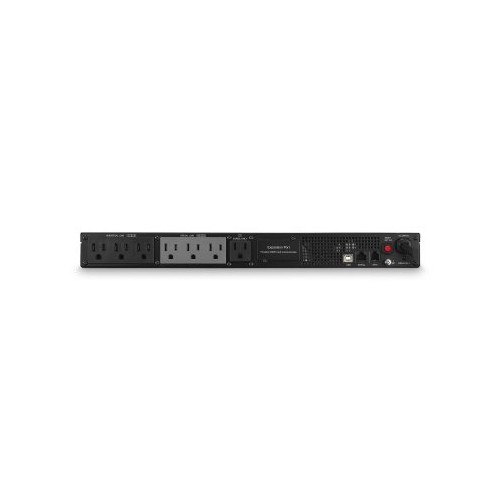
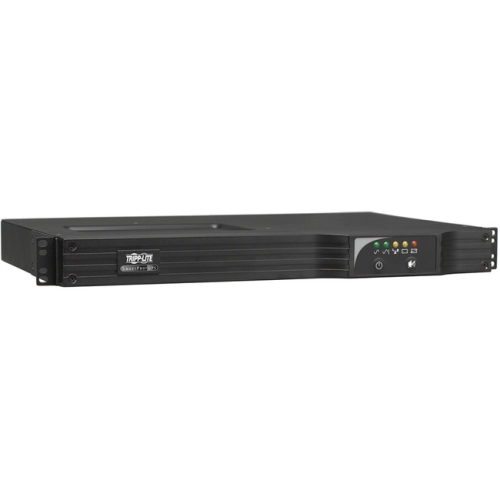
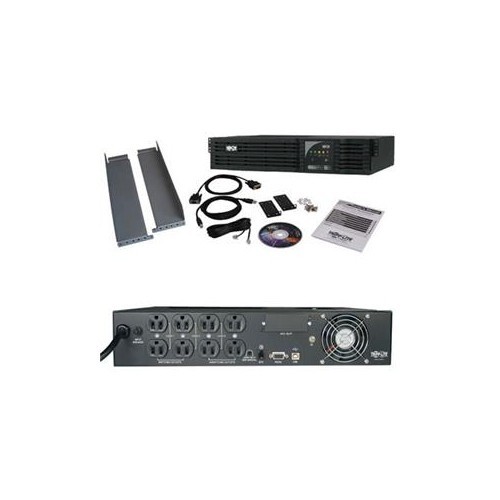
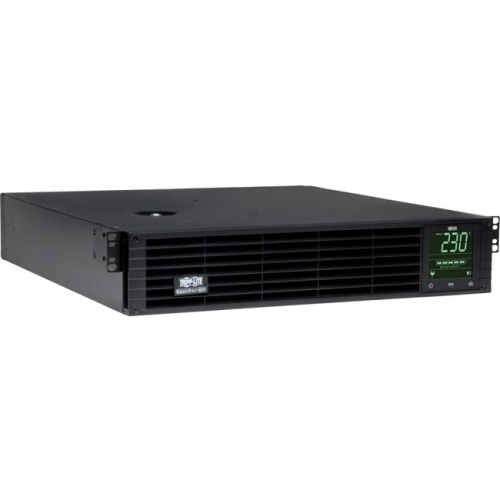
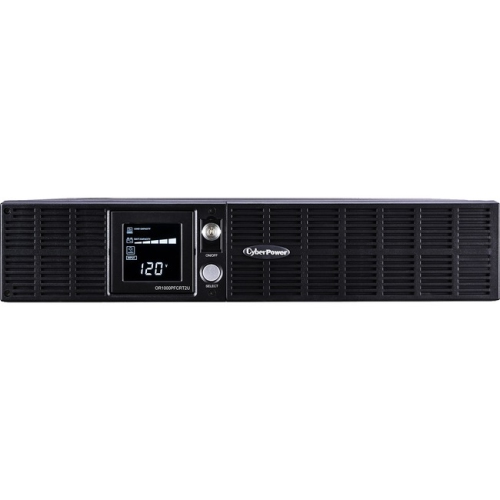
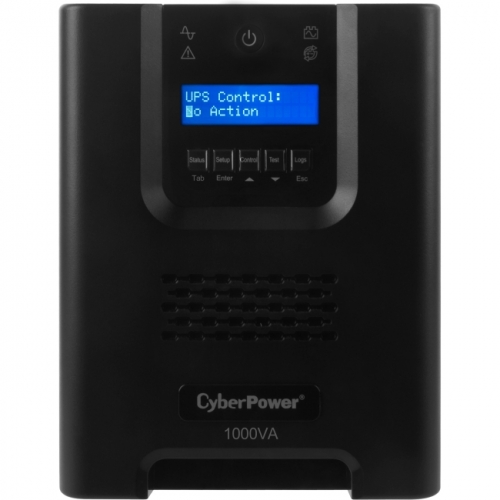
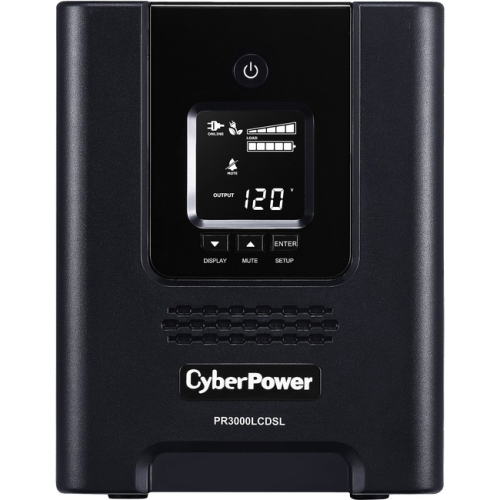
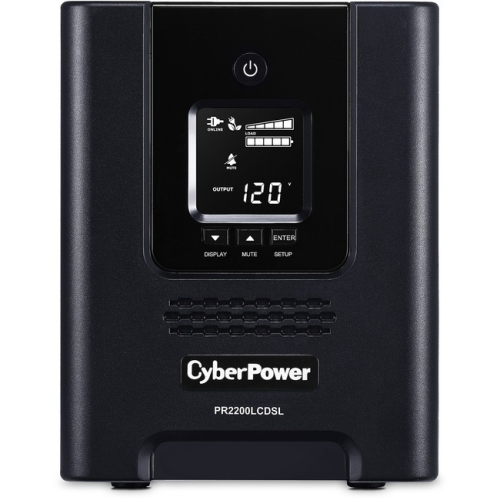


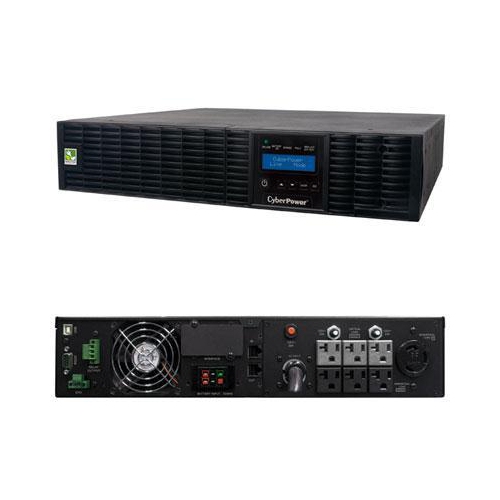
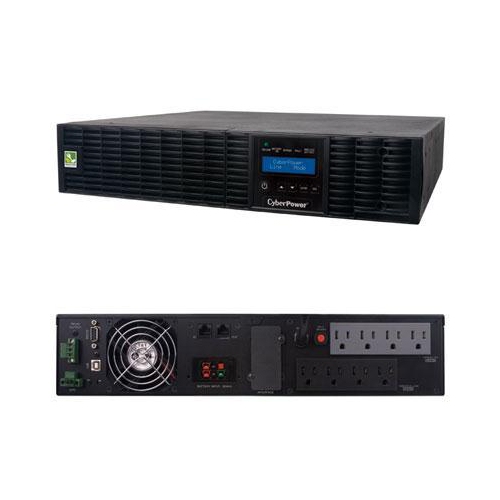
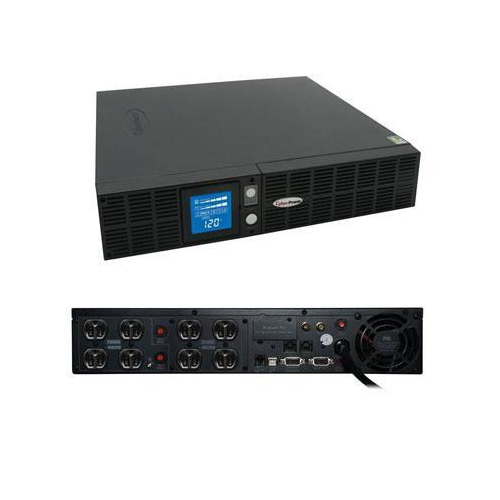
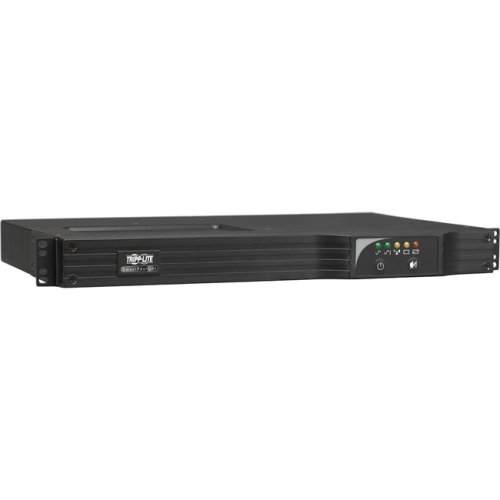
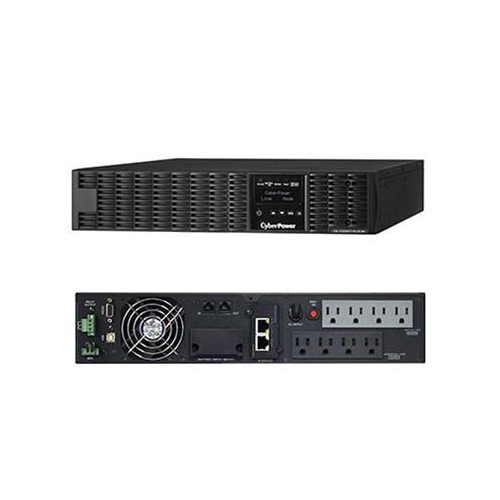

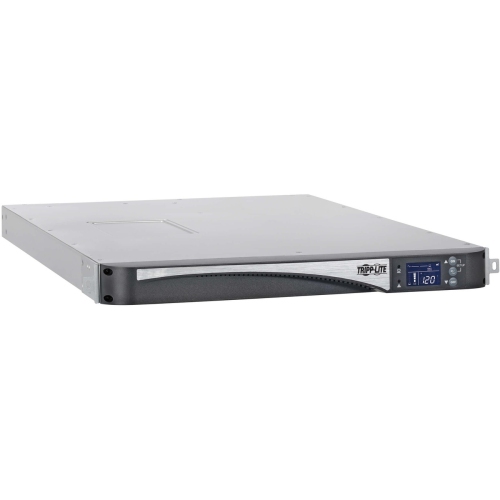
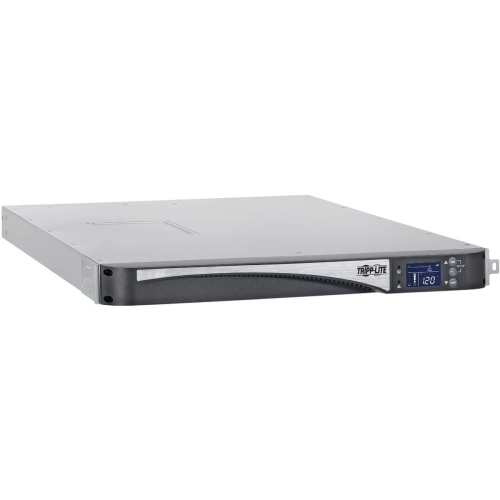
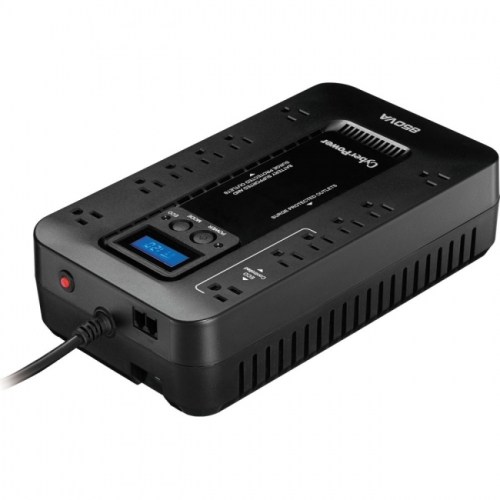

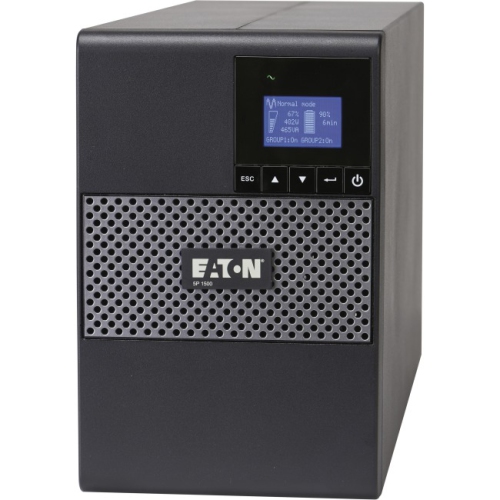
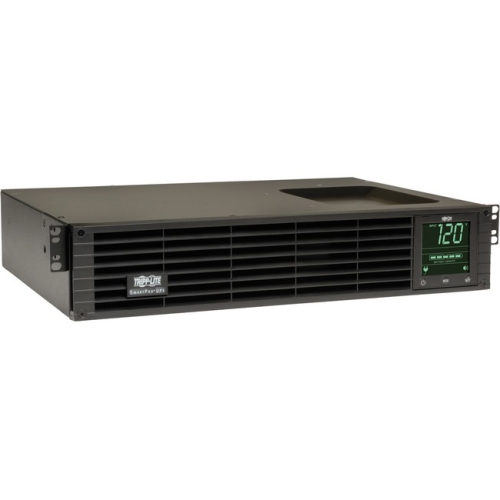
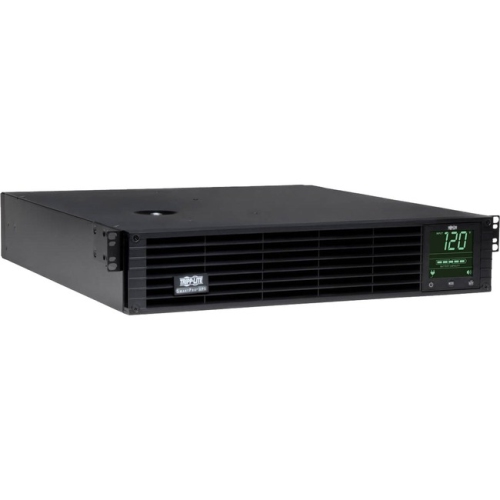
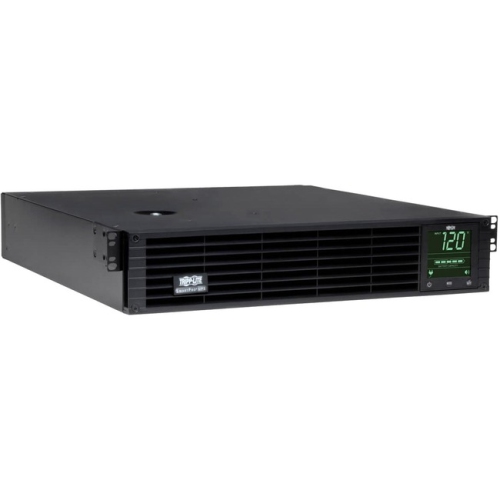
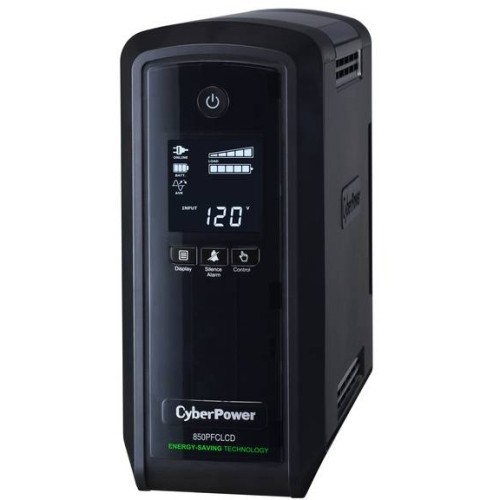
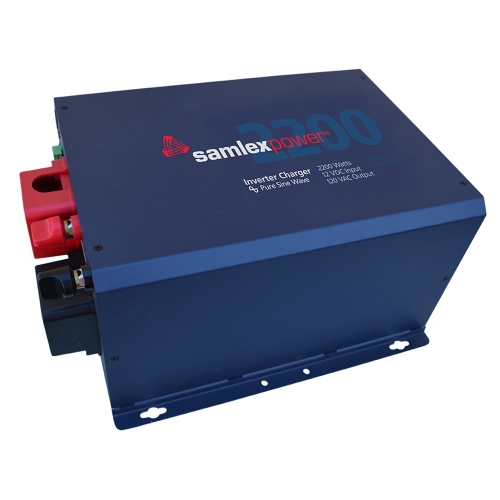
Reliable backup power for sensitive computers and connected equipment
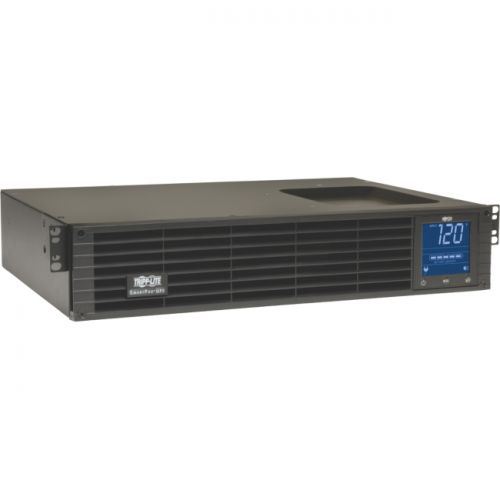
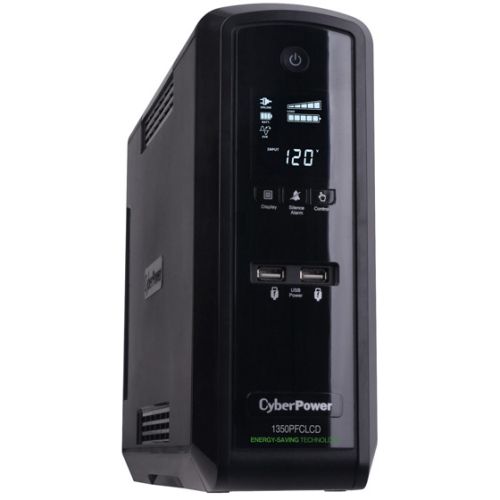
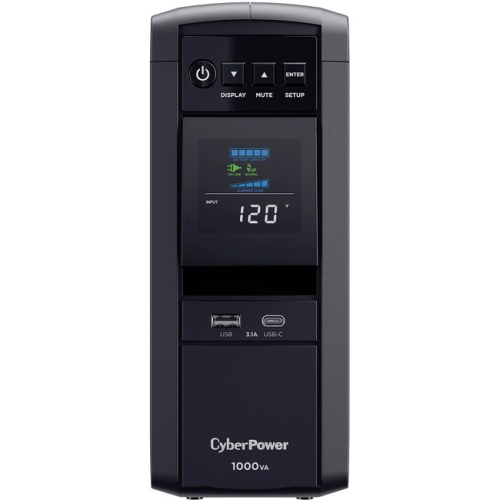
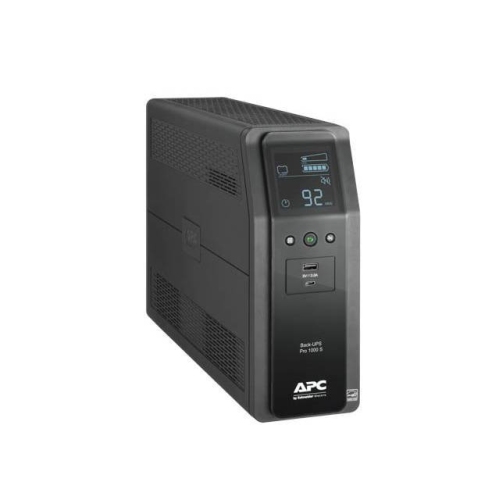
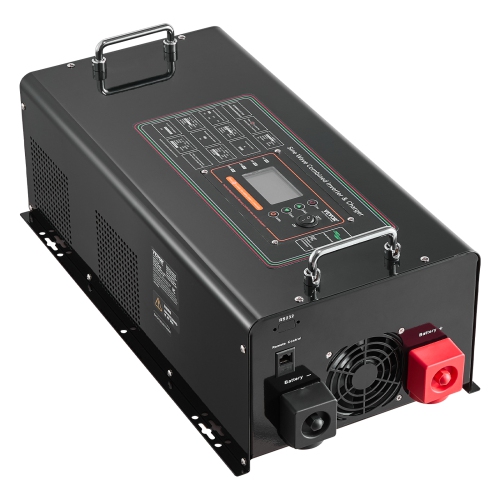
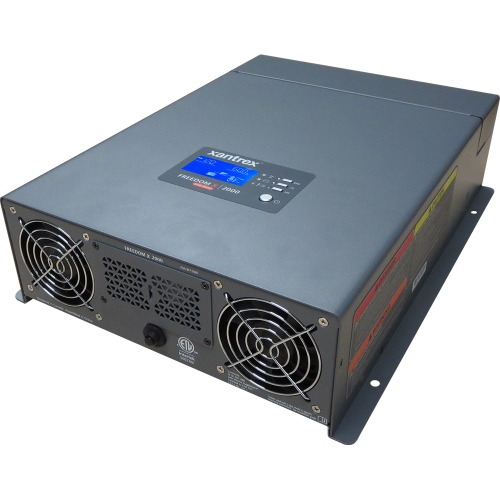
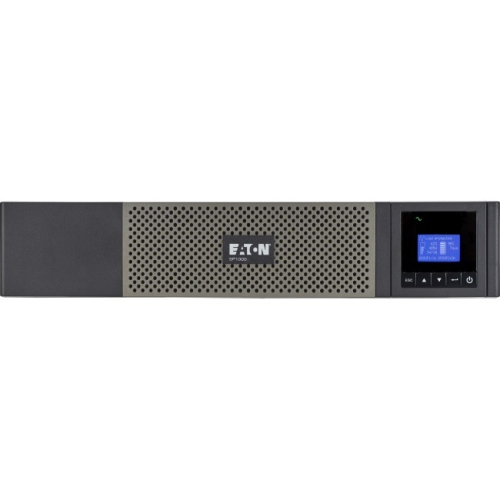
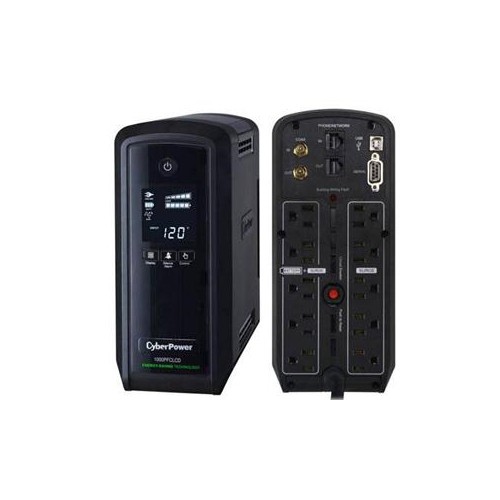
Pure sine wave UPS systems provide battery-backed power with a smooth electrical waveform that closely matches the electricity supplied by a standard wall outlet. When utility power fails, fluctuates, or briefly drops, the UPS switches connected equipment to battery power while continuing to deliver clean, stable current. This can be especially important for computers and other electronics with active power factor correction (PFC), including many gaming PCs, high-performance workstations, network-attached storage systems, and professional editing computers. A lower-cost backup unit may produce a stepped or simulated waveform that works well with some basic equipment, but certain power supplies can buzz, shut down, restart, or refuse to run properly when they receive it. Pure sine wave output helps reduce the chance of those interruptions and gives sensitive electronics a more consistent source of power during an outage. It can also be useful for equipment with motors, transformers, or demanding power supplies, such as networking hardware, communications equipment, high-end audio components, and select home office devices. The purpose of a UPS is not to keep every appliance running indefinitely; it is to provide a short window of dependable backup power, giving you time to save work, finish a controlled shutdown, or remain connected while a brief interruption passes. During the cooler months, when storms, heavy wind, and local power disruptions can affect home offices and entertainment setups, a pure sine wave UPS can add welcome reassurance. It may also be a practical gift for someone setting up a gaming station, recording space, home business, small server room, or workstation where an unexpected shutdown could interrupt a project or damage unsaved work.
Choosing the right unit starts with identifying everything that needs backup power and adding up its actual power requirements. UPS capacity is commonly shown in volt-amperes (VA) and watts (W): VA describes the apparent capacity of the unit, while the watt rating indicates how much real power it can deliver to connected equipment. The watt figure is particularly important, because a high VA number does not always mean the UPS can support a powerful computer or several demanding devices at once. Check the input ratings on your PC, monitor, modem, router, storage drive, audio equipment, or other electronics, then choose a UPS with enough watt capacity to handle their combined load. Leaving some headroom is helpful for startup demands, future upgrades, and periods when a computer is working hard. A system with a 1,000 VA rating may suit a modest workstation and networking equipment, while a high-performance gaming computer, larger workstation, or multiple displays may call for a higher-capacity tower. Runtime varies according to the connected load: the more equipment drawing power, the less time the battery will provide. Manufacturers often list estimated runtime at different loads, so compare those figures rather than relying on a single maximum-runtime claim. Consider which outlets are battery backed and which provide surge protection only, as well as the spacing of the outlets if your equipment uses large power adapters. Automatic voltage regulation (AVR) can correct certain overvoltage and undervoltage conditions without switching to battery, helping preserve runtime for a genuine outage. A fast transfer time, audible alerts, a clear display, and replaceable batteries can also make everyday ownership easier. For a home office, USB charging ports and a compact design may be priorities; for a server or network setup, communication ports, monitoring software, rack compatibility, and graceful shutdown support may matter more.
Think of a pure sine wave UPS as part of a complete power protection plan rather than a replacement for a surge strip or a whole-home backup system. Connect only equipment that truly needs battery support, such as a computer, monitor, modem, router, or storage device, and avoid plugging in high-draw appliances like heaters, kettles, laser printers, refrigerators, or vacuum cleaners unless the manufacturer specifically says the UPS is designed for that load. Keep the unit in a dry, well-ventilated location with room around its air vents, and follow the instructions for its initial charge and battery testing. A UPS may click or sound an alert during a power event, and its display can help show the current load, estimated runtime, and battery condition. Network equipment can often be kept online long enough to preserve an internet connection during a short interruption, while a computer can remain active long enough to save files and shut down properly. Audio enthusiasts may appreciate the clean output for reducing unwanted buzzing, and creators working on large photo, video, or music projects may value the extra protection against abrupt power loss. It can also be a thoughtful housewarming or graduation gift for someone building a first home office, assembling a gaming setup, or moving important work into a dedicated studio. If your needs centre on running compatible equipment from a battery or another off-grid power source rather than maintaining backup power during an outage, explore Pure Sine Power Inverters as a related category. Before purchasing, confirm the total wattage, desired runtime, outlet arrangement, physical size, noise level, battery replacement options, and equipment compatibility. Matching those details to the electronics you rely on will help ensure the UPS responds smoothly when stable power matters most.
Choosing the right unit starts with identifying everything that needs backup power and adding up its actual power requirements. UPS capacity is commonly shown in volt-amperes (VA) and watts (W): VA describes the apparent capacity of the unit, while the watt rating indicates how much real power it can deliver to connected equipment. The watt figure is particularly important, because a high VA number does not always mean the UPS can support a powerful computer or several demanding devices at once. Check the input ratings on your PC, monitor, modem, router, storage drive, audio equipment, or other electronics, then choose a UPS with enough watt capacity to handle their combined load. Leaving some headroom is helpful for startup demands, future upgrades, and periods when a computer is working hard. A system with a 1,000 VA rating may suit a modest workstation and networking equipment, while a high-performance gaming computer, larger workstation, or multiple displays may call for a higher-capacity tower. Runtime varies according to the connected load: the more equipment drawing power, the less time the battery will provide. Manufacturers often list estimated runtime at different loads, so compare those figures rather than relying on a single maximum-runtime claim. Consider which outlets are battery backed and which provide surge protection only, as well as the spacing of the outlets if your equipment uses large power adapters. Automatic voltage regulation (AVR) can correct certain overvoltage and undervoltage conditions without switching to battery, helping preserve runtime for a genuine outage. A fast transfer time, audible alerts, a clear display, and replaceable batteries can also make everyday ownership easier. For a home office, USB charging ports and a compact design may be priorities; for a server or network setup, communication ports, monitoring software, rack compatibility, and graceful shutdown support may matter more.
Think of a pure sine wave UPS as part of a complete power protection plan rather than a replacement for a surge strip or a whole-home backup system. Connect only equipment that truly needs battery support, such as a computer, monitor, modem, router, or storage device, and avoid plugging in high-draw appliances like heaters, kettles, laser printers, refrigerators, or vacuum cleaners unless the manufacturer specifically says the UPS is designed for that load. Keep the unit in a dry, well-ventilated location with room around its air vents, and follow the instructions for its initial charge and battery testing. A UPS may click or sound an alert during a power event, and its display can help show the current load, estimated runtime, and battery condition. Network equipment can often be kept online long enough to preserve an internet connection during a short interruption, while a computer can remain active long enough to save files and shut down properly. Audio enthusiasts may appreciate the clean output for reducing unwanted buzzing, and creators working on large photo, video, or music projects may value the extra protection against abrupt power loss. It can also be a thoughtful housewarming or graduation gift for someone building a first home office, assembling a gaming setup, or moving important work into a dedicated studio. If your needs centre on running compatible equipment from a battery or another off-grid power source rather than maintaining backup power during an outage, explore Pure Sine Power Inverters as a related category. Before purchasing, confirm the total wattage, desired runtime, outlet arrangement, physical size, noise level, battery replacement options, and equipment compatibility. Matching those details to the electronics you rely on will help ensure the UPS responds smoothly when stable power matters most.
Top selling and popular products
-
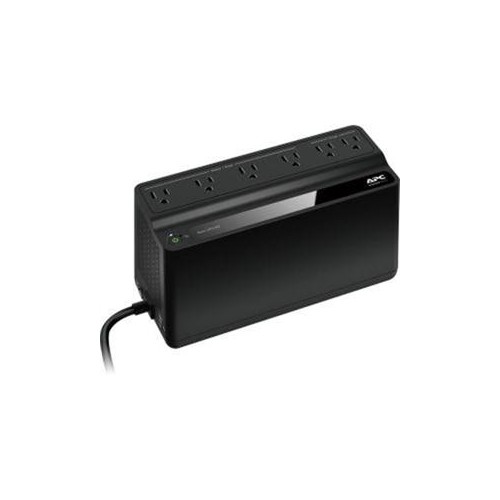 Your price for this item is $106.68
 -
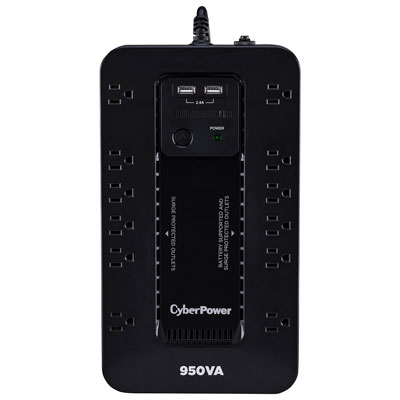 Your price for this item is $149.99
 -
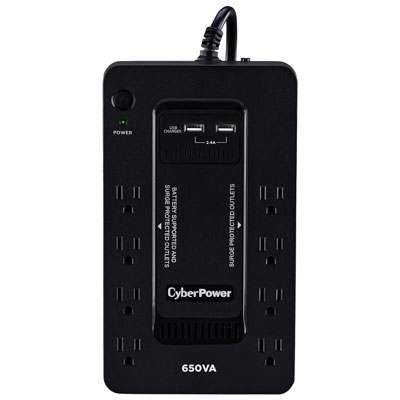 Your price for this item is $99.99
 -
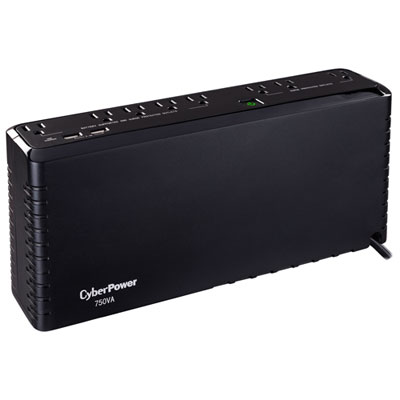 Your price for this item is $119.99
 -
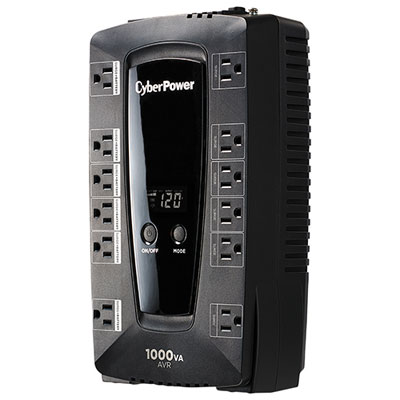 Your price for this item is $149.99
 -
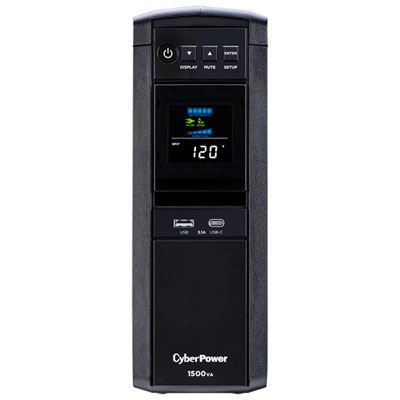 Your price for this item is $299.99
 -
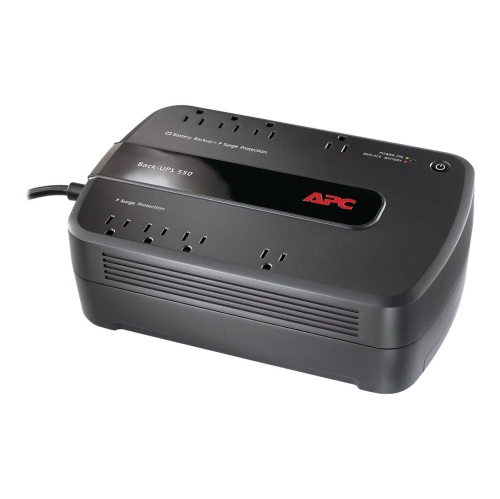 Your price for this item is $170.99
 -
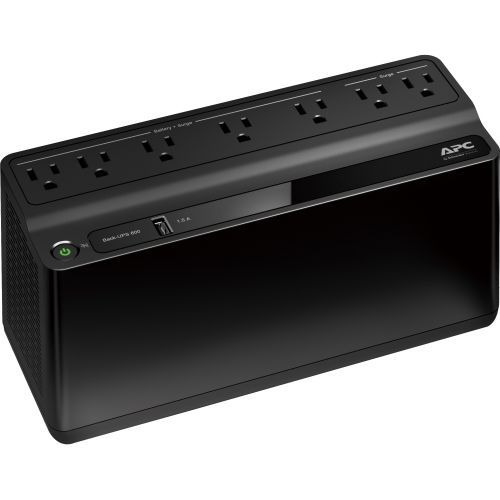 Your price for this item is $171.53
Discover more categories related to Pure Sine Wave UPS
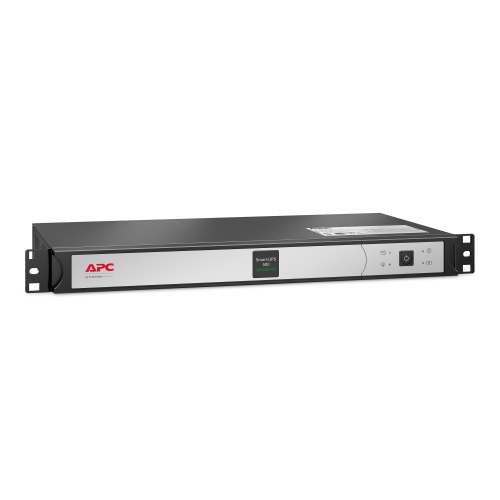
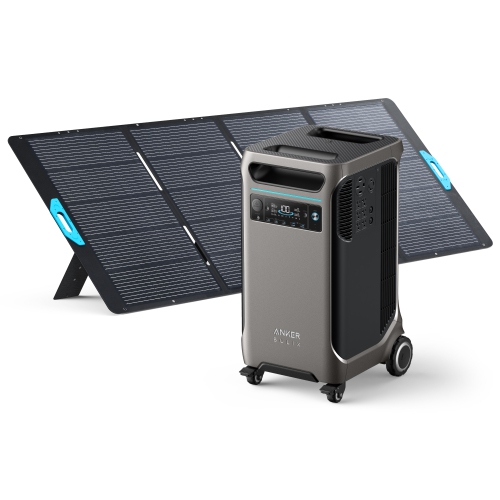
Top Collections:
Pokemon Centers, Kindle Devices, Best Budget Office Chairs, Apple iPhones 16, Best Laptops for Writers, iPhone 15 Apple, Canon G7X Cameras, Refurbished Apple Laptops, Alarm Clock, Motorola Razr Phones
Some products may be subject to Environmental Handling Fees
(EHF) depending on your province.
Learn more about EHFs.