RAM for Video Editing
RAM for Video Editing is essential for achieving smooth and efficient performance when working with high-resolution videos and complex editing software. The right memory allows editors to handle large files, multitask seamlessly, and speed up rendering processes. Explore a wide selection of RAM options designed to meet the demands of video editing, whether you are building a new workstation or upgrading your current setup. Find the perfect fit to help enhance your workflow and keep your creative projects running effortlessly.
Sort
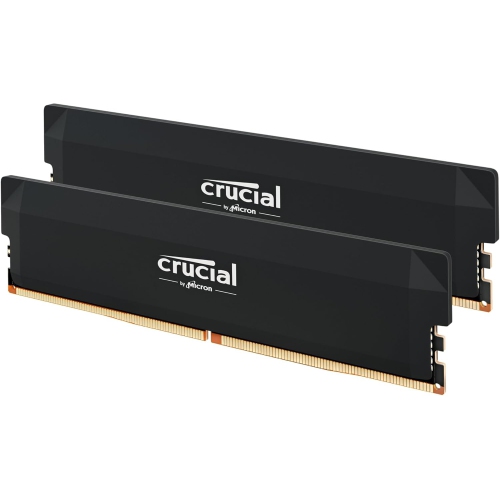
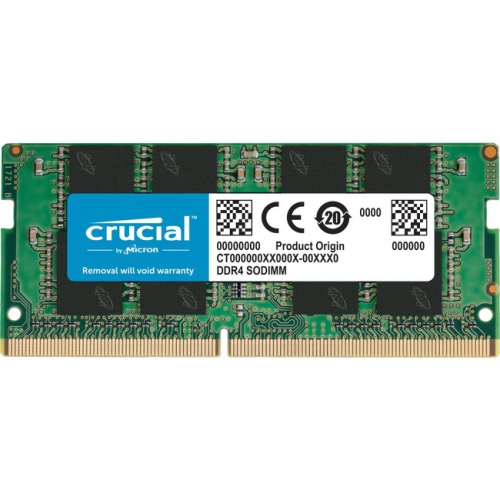
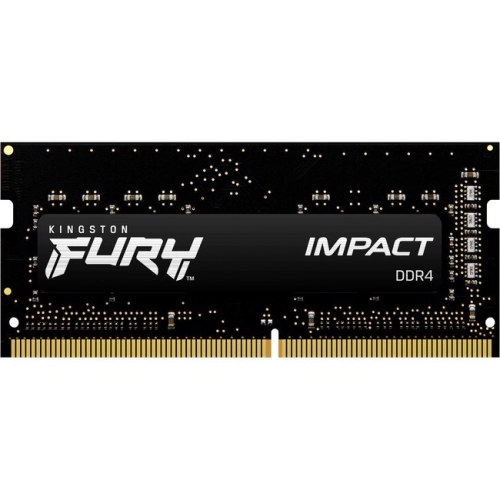
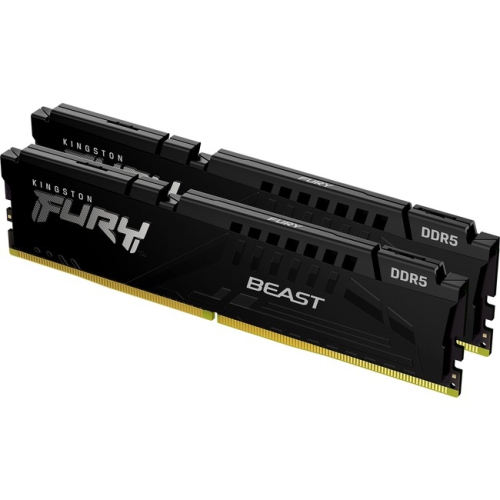
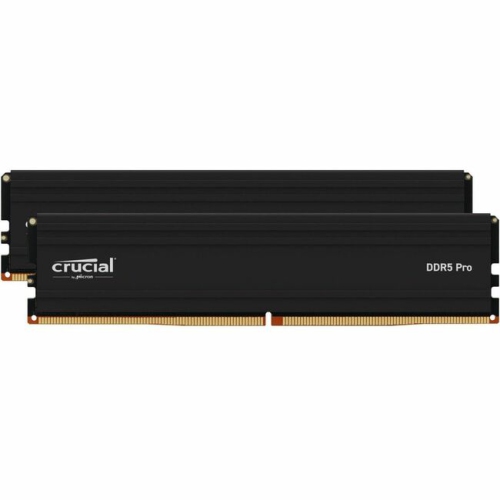
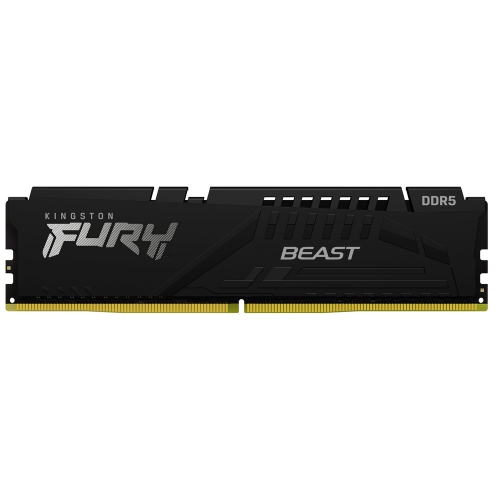
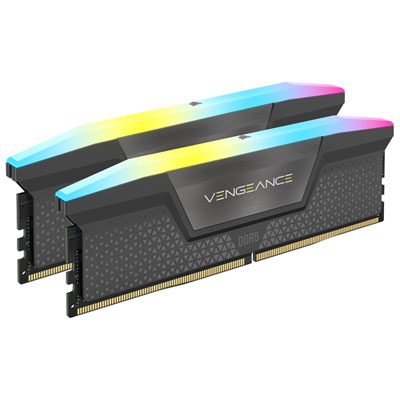
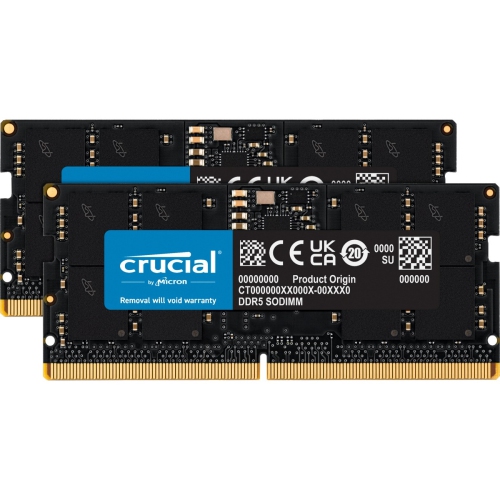
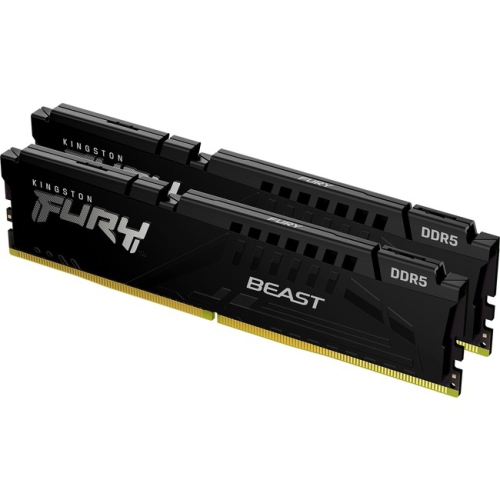
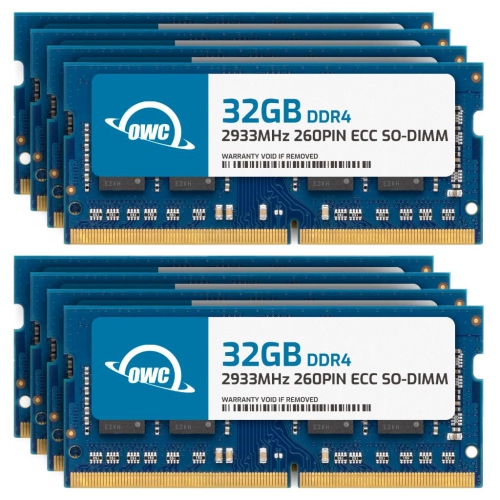

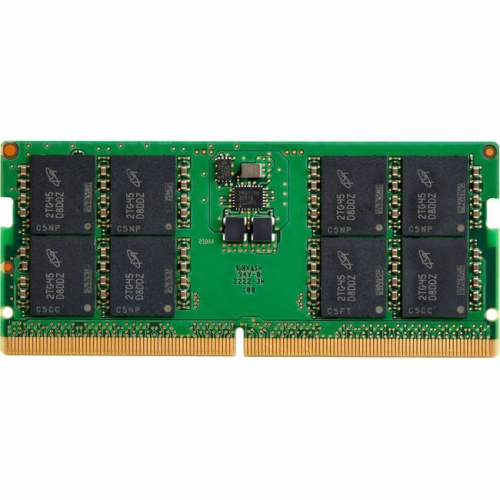
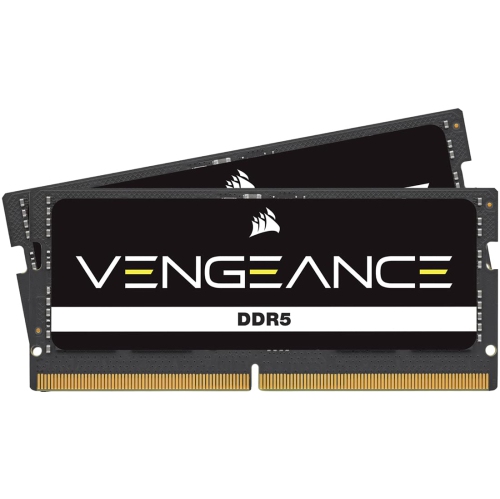
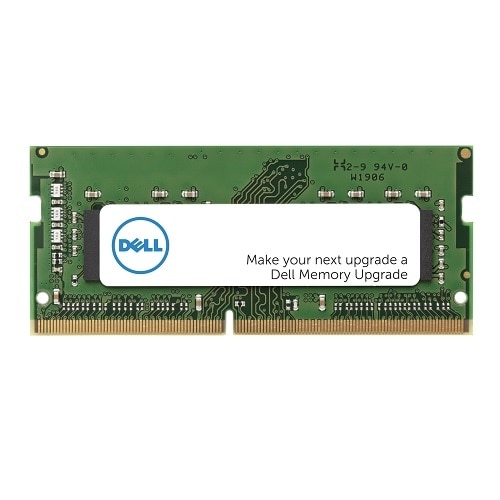
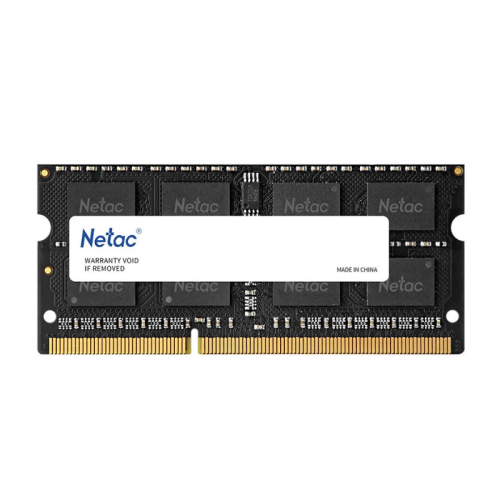

RAM for Video Editing
When it comes to video editing, the right RAM can make all the difference between a seamless creative process and a frustrating, lag-filled experience. Whether you’re piecing together a family vacation montage, editing a cinematic short film, or working through a series of client projects, sufficient memory is crucial for maintaining smooth playback, efficient multitasking, and rapid rendering. As the weather warms and creative projects pick up steam, many editors—both hobbyists and professionals—find themselves upgrading their systems to handle more complex timelines, higher resolutions, and increasingly demanding effects. For those managing 1080p footage or basic 4K edits, 16GB of RAM is generally considered the minimum, allowing for manageable performance and light multitasking. However, as you start layering effects, colour grading, or working with multiple streams of high-resolution footage, 32GB of RAM quickly becomes the sweet spot. This capacity supports not only smoother 4K editing but also the ability to run editing software alongside other essential applications—think web browsers full of reference tabs, music streaming, or even background rendering tasks—without slowdowns.
For seasoned professionals or anyone diving into 6K, 8K, or 360-degree video, or those who rely heavily on motion graphics and applications like Adobe After Effects, 64GB or more is often necessary to prevent bottlenecks. Insufficient RAM forces your system to use slower hard drive storage, which can result in choppy previews and longer export times—an experience familiar to anyone who’s ever watched a progress bar crawl by frame by frame. Dual-channel configurations, such as two 16GB modules instead of a single 32GB stick, can also provide a noticeable boost in bandwidth, helping your system keep up with the rapid data demands of modern editing suites. Faster RAM speeds, measured in MHz, further enhance performance, especially when scrubbing through dense timelines or previewing effects in real-time. It’s worth noting that Mac systems with Apple Silicon often require less RAM for comparable workflows, thanks to their unified architecture, but even these benefit from ample memory when tackling particularly intensive projects.
RAM upgrades aren’t just for the editing professional; they make a thoughtful gift for students in film school, aspiring YouTubers, or anyone building out a home studio as a summer project. The right memory kit can breathe new life into an aging workstation or help a new build reach its full potential, enabling smoother collaboration and faster turnaround times during busy production seasons. As you consider your full editing setup, don’t overlook the importance of fast storage—pairing robust memory with dedicated SSDs For Video Editing Files can dramatically reduce load times and keep your creative momentum going. Whether you’re editing under the bright summer sun or settling in for a long session as the days grow shorter, investing in the right RAM ensures your workflow remains efficient, responsive, and ready for whatever project comes next.
For seasoned professionals or anyone diving into 6K, 8K, or 360-degree video, or those who rely heavily on motion graphics and applications like Adobe After Effects, 64GB or more is often necessary to prevent bottlenecks. Insufficient RAM forces your system to use slower hard drive storage, which can result in choppy previews and longer export times—an experience familiar to anyone who’s ever watched a progress bar crawl by frame by frame. Dual-channel configurations, such as two 16GB modules instead of a single 32GB stick, can also provide a noticeable boost in bandwidth, helping your system keep up with the rapid data demands of modern editing suites. Faster RAM speeds, measured in MHz, further enhance performance, especially when scrubbing through dense timelines or previewing effects in real-time. It’s worth noting that Mac systems with Apple Silicon often require less RAM for comparable workflows, thanks to their unified architecture, but even these benefit from ample memory when tackling particularly intensive projects.
RAM upgrades aren’t just for the editing professional; they make a thoughtful gift for students in film school, aspiring YouTubers, or anyone building out a home studio as a summer project. The right memory kit can breathe new life into an aging workstation or help a new build reach its full potential, enabling smoother collaboration and faster turnaround times during busy production seasons. As you consider your full editing setup, don’t overlook the importance of fast storage—pairing robust memory with dedicated SSDs For Video Editing Files can dramatically reduce load times and keep your creative momentum going. Whether you’re editing under the bright summer sun or settling in for a long session as the days grow shorter, investing in the right RAM ensures your workflow remains efficient, responsive, and ready for whatever project comes next.
Top selling and popular products
-
 Your price for this item is $201.98
 -
 Your price for this item is $3000
 -
 Your price for this item is $1614.05
 -
 Your price for this item is $1456.68
 -
 Your price for this item is $41.99
 -
 Your price for this item is $36.99
 -
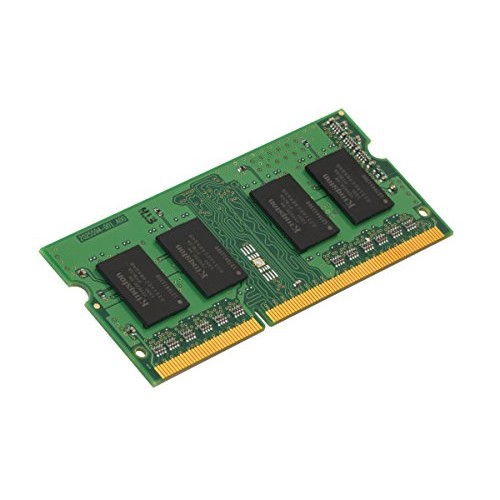 Your price for this item is $54.97
 -
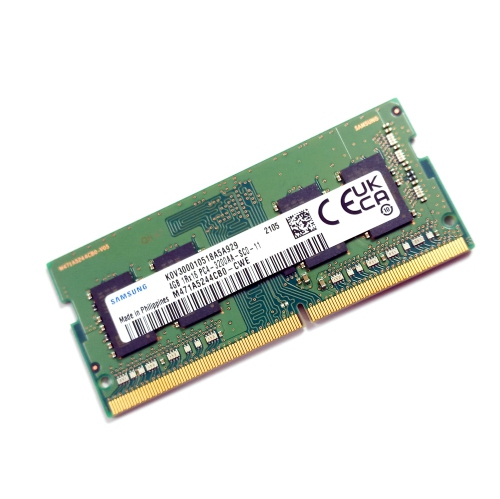 Your price for this item is $9.99
Discover more categories related to RAM for Video Editing
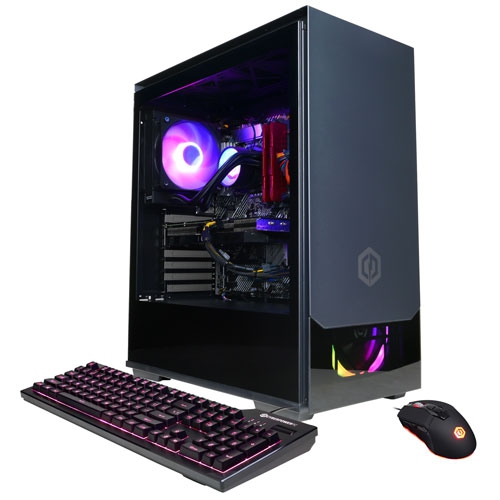

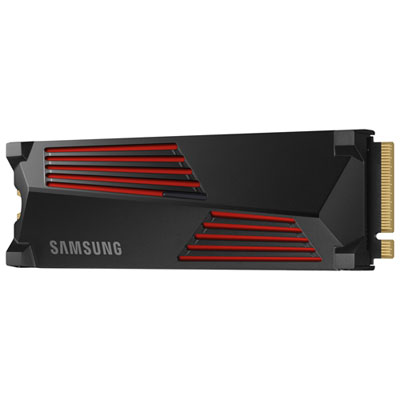
Top Collections:
RAM Upgrades for PC, Best Laptops for Home Use, Best Wi-Fi Routers, Best Fridges, Best Vacuum Cleaners, Best Quality Dishwashers, Good Android Phones, Best Cell Phones Under $500, Best Noise Cancelling Headphones, Best Quality Doorbell Cameras
Some products may be subject to Environmental Handling Fees
(EHF) depending on your province.
Learn more about EHFs.