Red And Black Mechanical Keyboards
A mechanical keyboard is a great choice for gamers and typists who want to improve their accuracy and speed. It's also a good choice for people who spend a lot of time on the computer. Here are some great red and black mechanical keyboards.
Sort
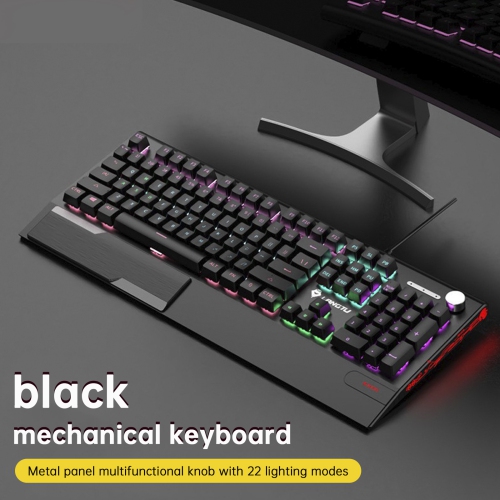
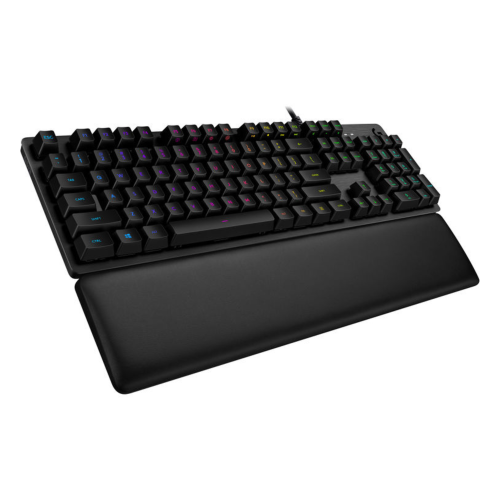
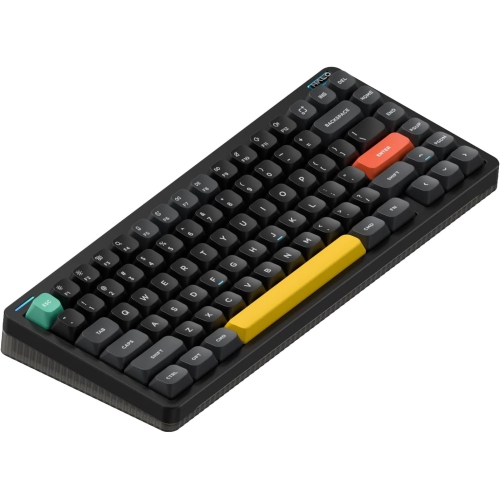

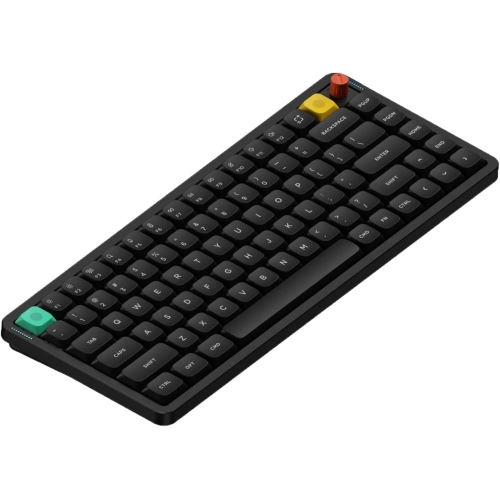

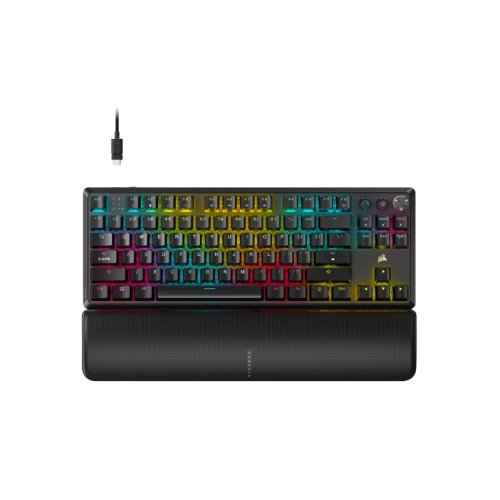
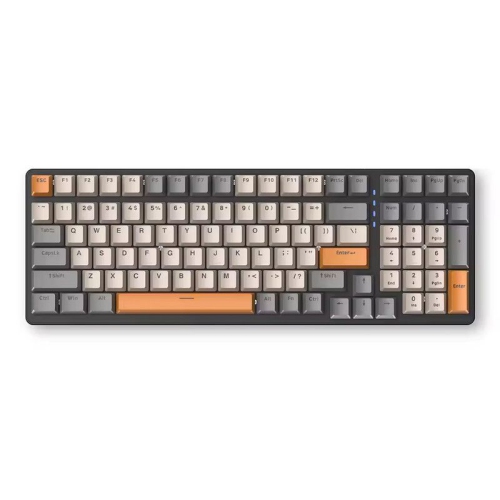
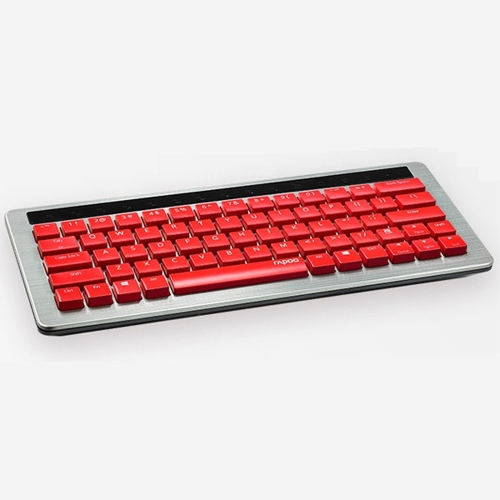
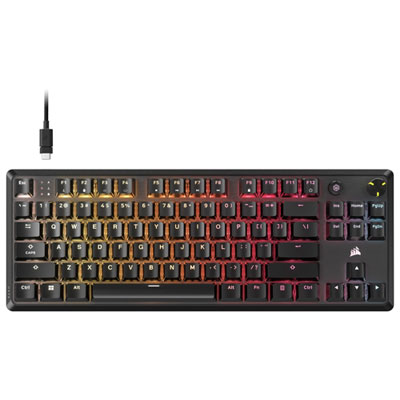
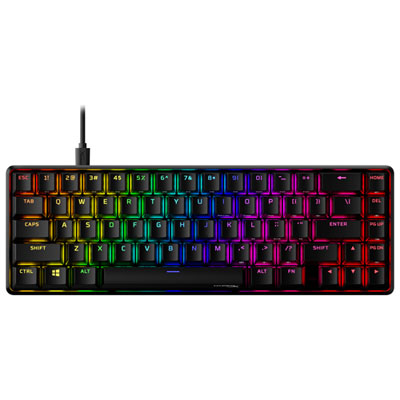
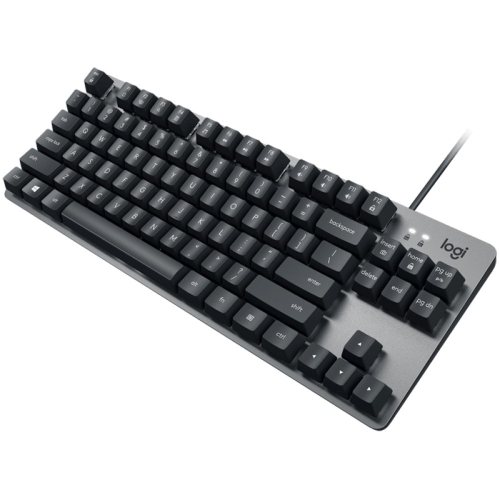
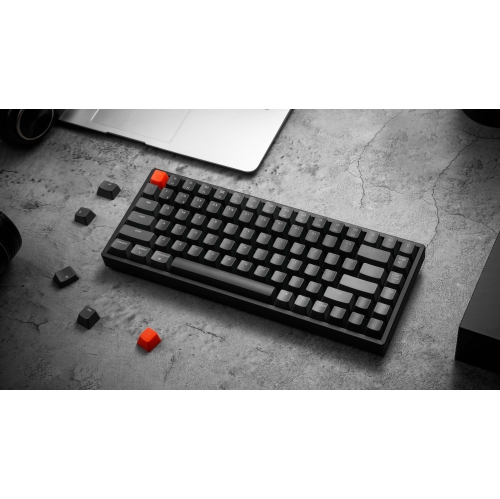
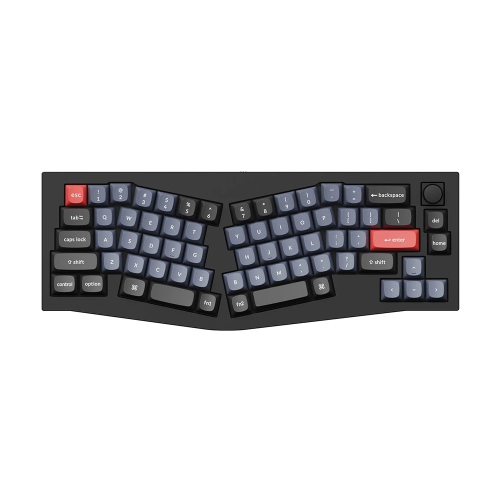
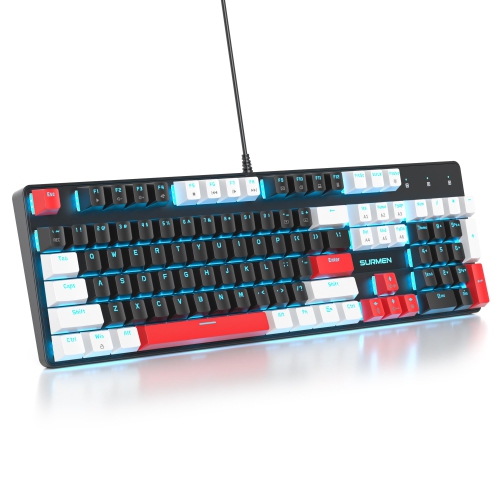
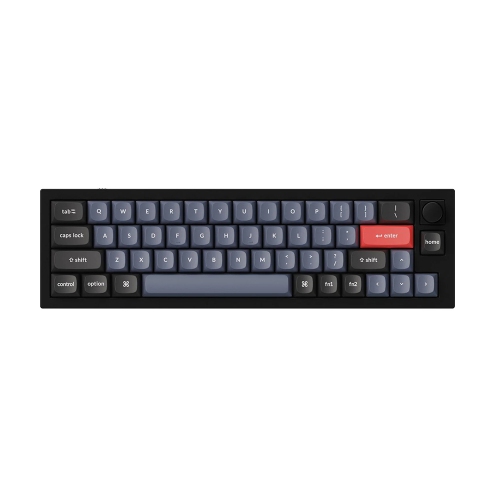
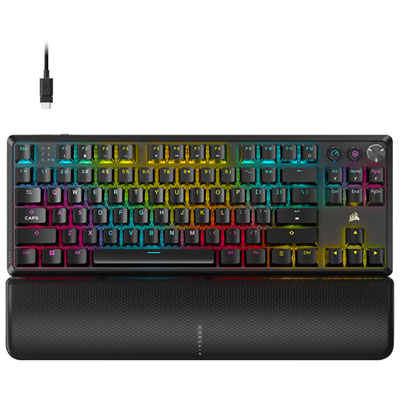
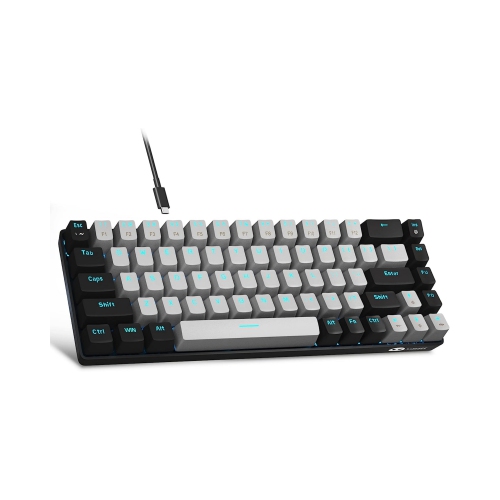
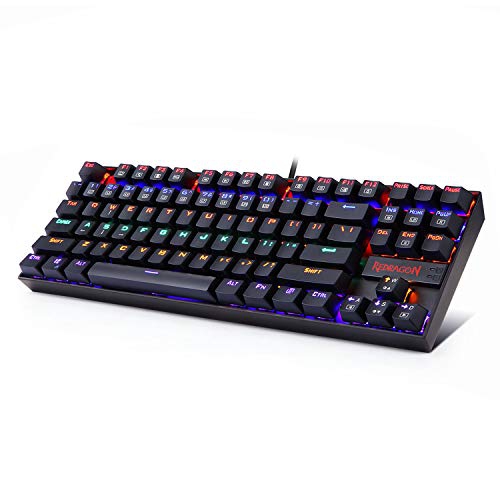
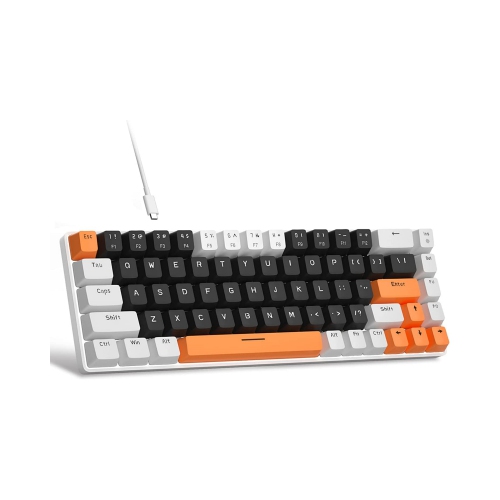
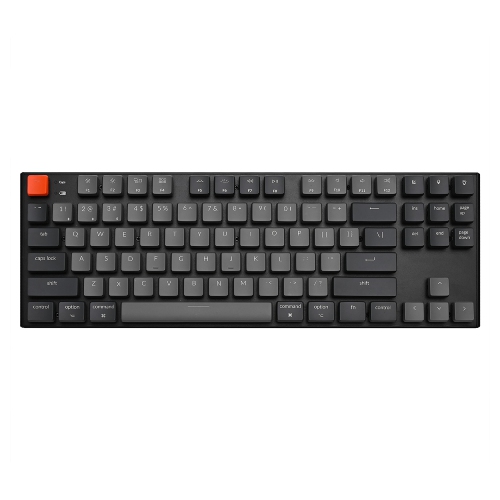
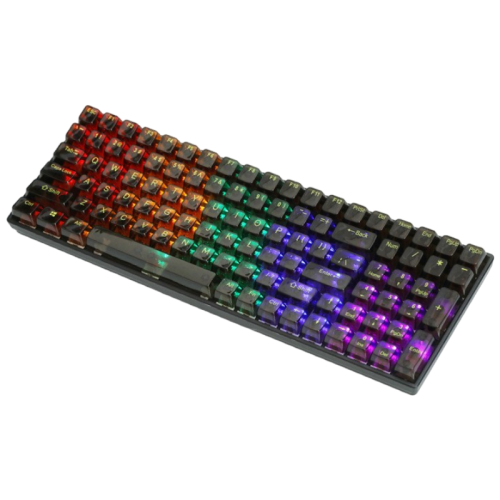
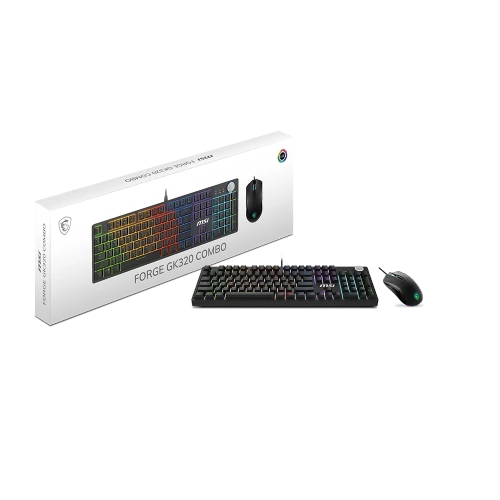
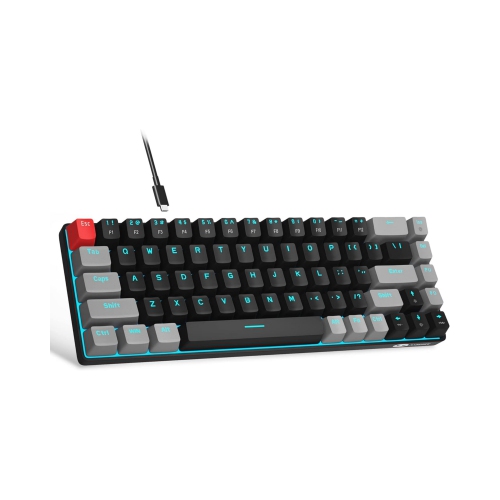
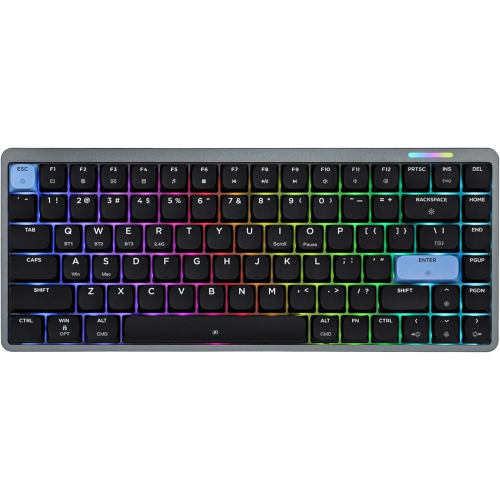
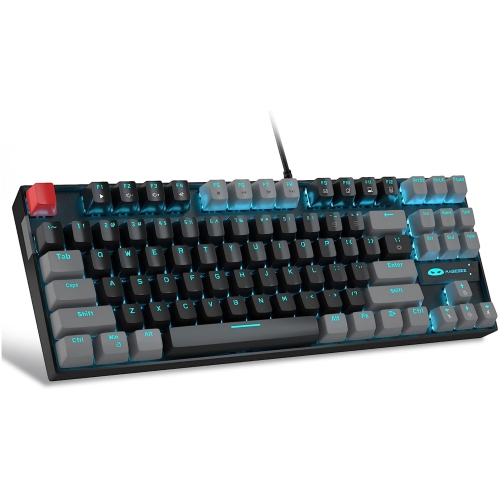
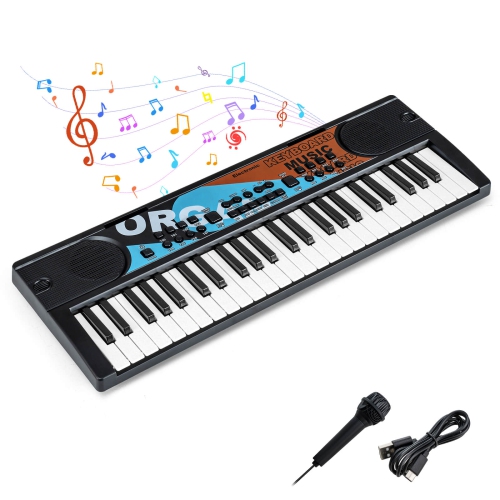
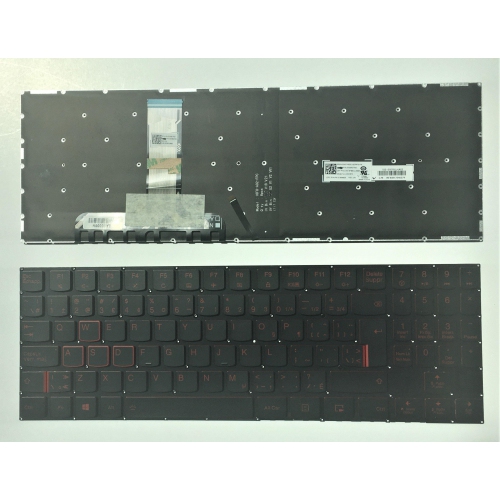
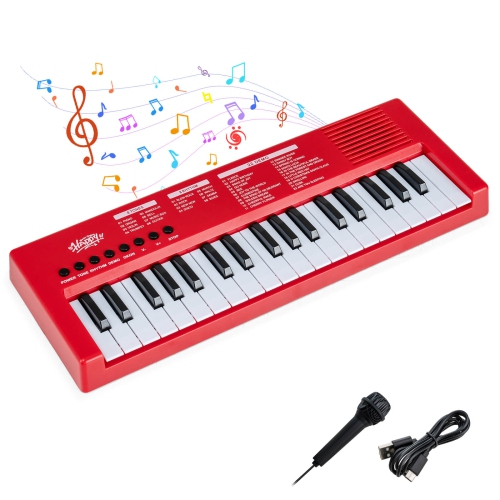
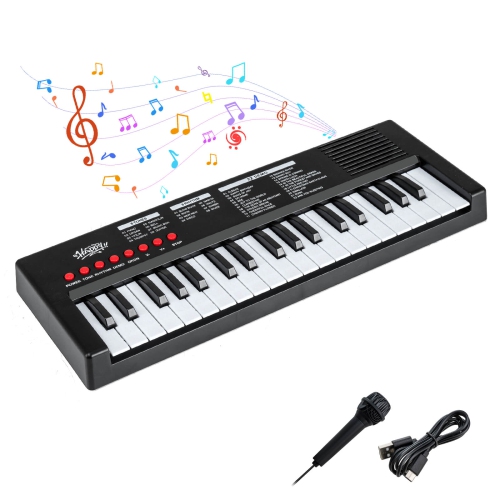
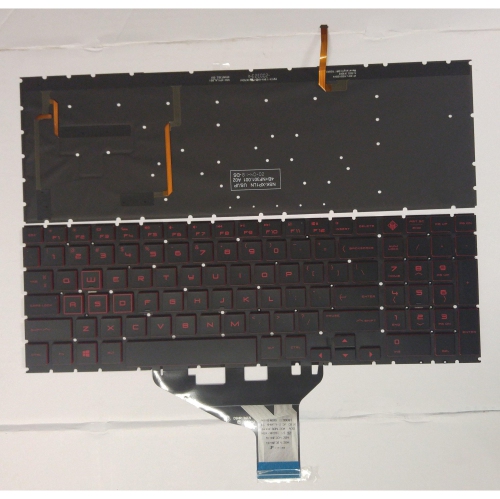
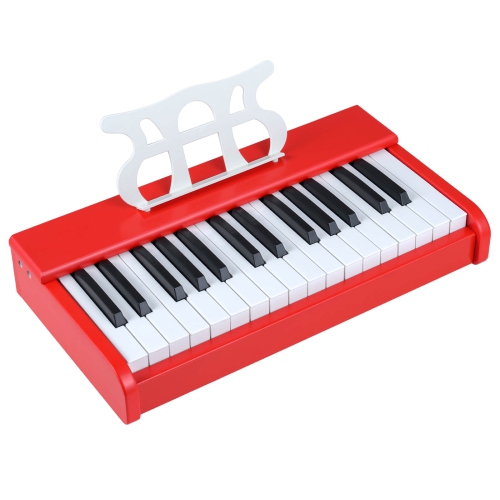
Switches, layouts, and connectivity shape the typing experience
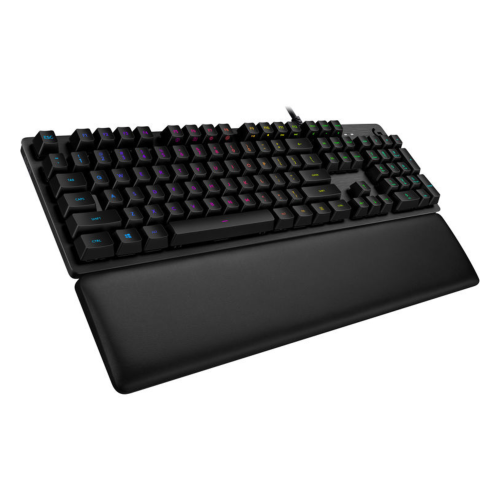
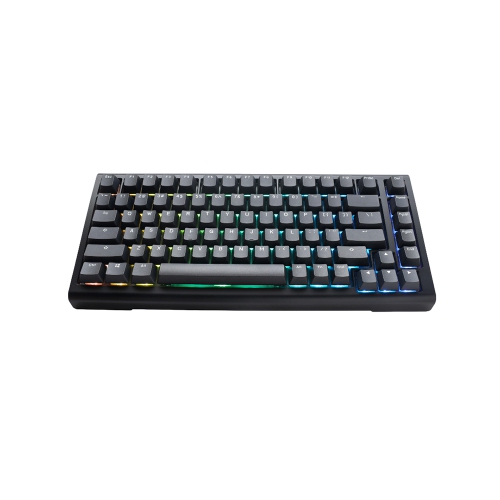
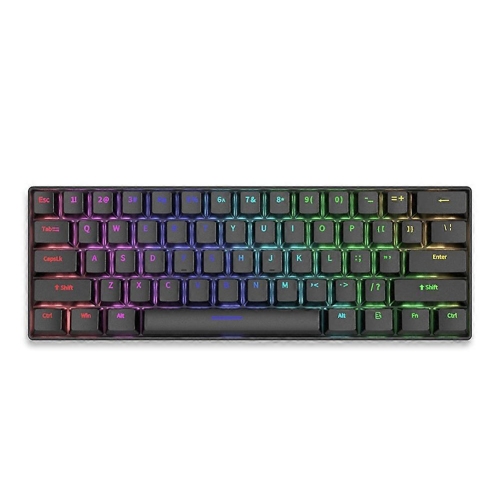
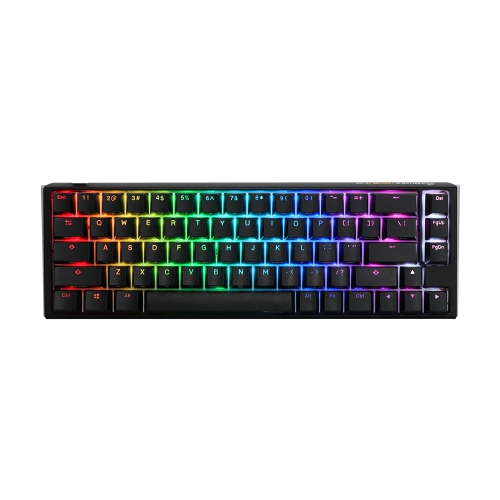
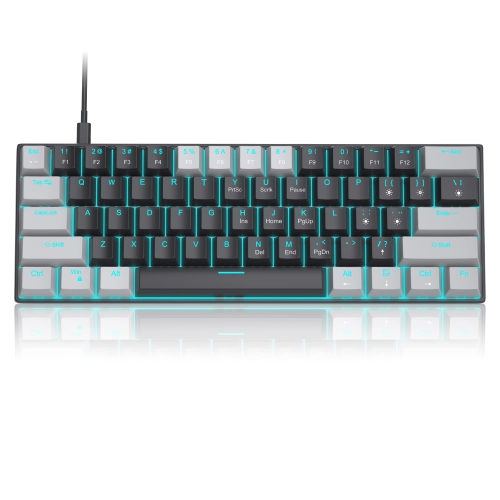
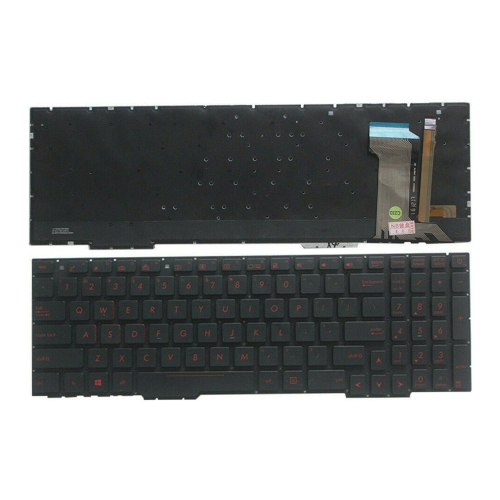
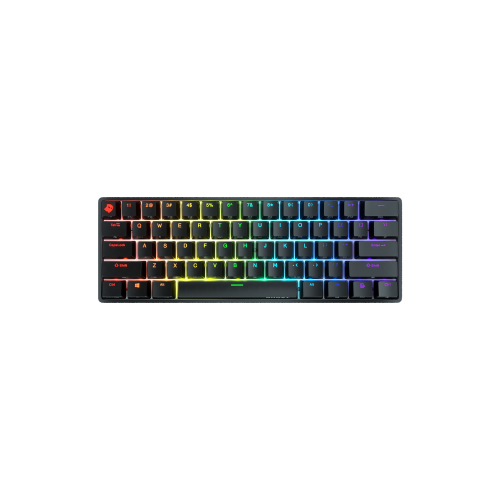
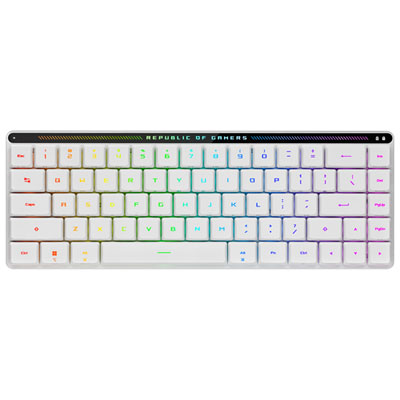
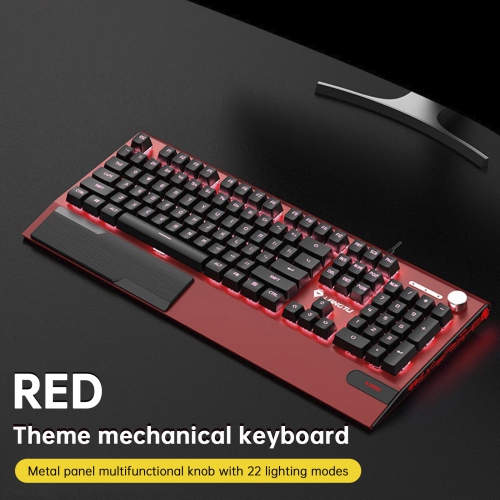
Red and black mechanical keyboards bring together a bold visual style and the tactile performance many people look for in a dedicated keyboard. The colour combination can appear in several ways: some keyboards have a black case with red keycaps, others use red accents around a primarily black design, and some offer interchangeable keycaps that let you adjust the look over time. The contrast stands out on a gaming desk, home office, dorm room, or creative workstation without requiring a matching collection of accessories. Mechanical keyboards use individual switches beneath each key rather than a single membrane layer, giving each press a distinct feel and response. For gaming, that can make rapid inputs feel precise and deliberate. For typing, the consistent movement can make long sessions feel more engaging, particularly for people who enjoy the rhythm and sound of a physical key press. Red and black mechanical keyboards are also useful for shared spaces because their appearance can shift from understated to expressive depending on the lighting, keycap arrangement, and desk setup around them. When browsing this selection, it helps to separate the colour theme from the switch type. A keyboard described as red and black may simply refer to its exterior finish or keycap colourway, while a keyboard with red or black switches is referring to the internal mechanism. Red switches are generally linear, moving smoothly from the top of the key press to the bottom without a noticeable tactile bump. They are often chosen by gamers and typists who prefer a light, uninterrupted action. Black switches are also commonly linear, but they typically require more force to press, which can feel more substantial and help prevent accidental inputs for some users. Switch preferences are personal, and the best choice depends on how firmly you type, how much sound you prefer, and whether the keyboard will be used mainly for play, work, study, or a mixture of activities.
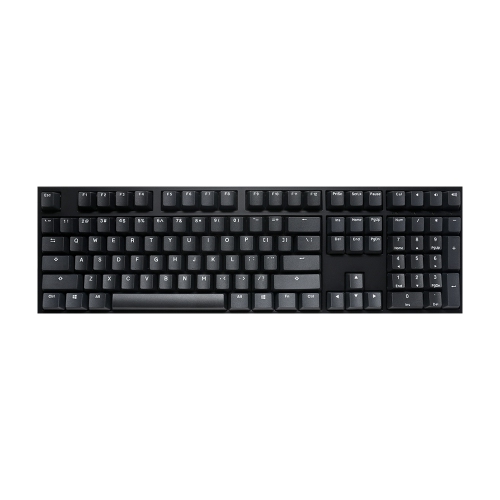
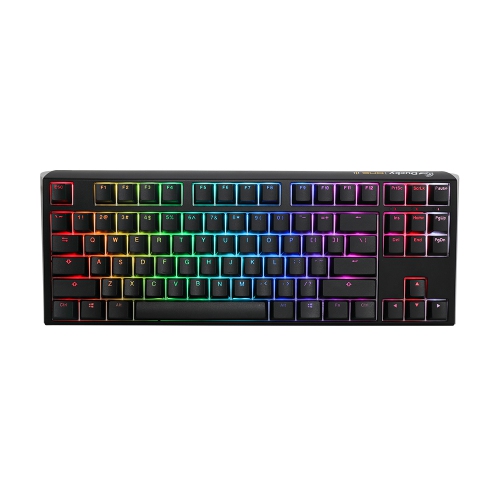
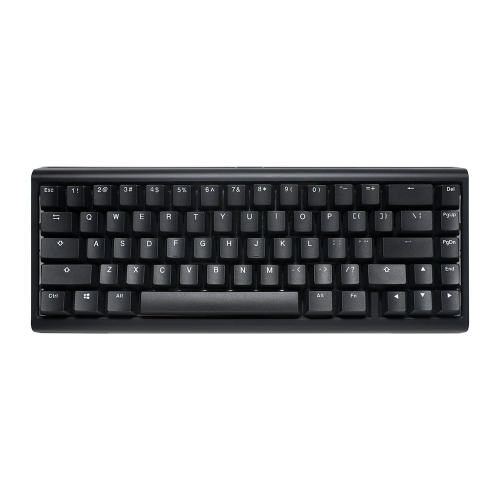
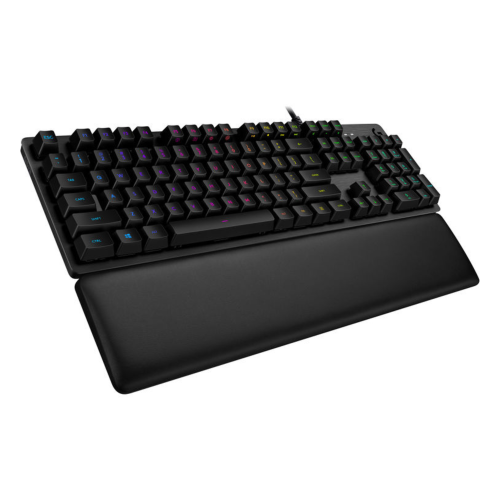
Layout is another important consideration because the size of a mechanical keyboard affects both the available keys and the amount of desk space it occupies. A full-size layout includes the number pad, function row, navigation cluster, and arrow keys, making it a practical choice for spreadsheets, accounting, data entry, and anyone who frequently enters numbers. A tenkeyless, or TKL, layout removes the number pad while retaining the function row and navigation keys, leaving more room for a mouse without making the keyboard feel too compact. Smaller 75% layouts keep most essential controls in a tighter arrangement, while 60% keyboards remove the function row, navigation cluster, and dedicated arrow keys in favour of a highly space-efficient design. Compact keyboards can be appealing for smaller desks, travel between home and school, or gaming setups where broad mouse movement is important, although users may need to access certain commands through function-key combinations. Before choosing a layout, consider the programs and games used most often, along with whether dedicated arrow keys, media controls, or a number pad are part of the daily routine. Connectivity can shape the experience as well. Wired USB models provide a straightforward plug-and-play connection and do not require charging, making them well suited to fixed desktops, competitive play, and workstations where reliability is the priority. Wireless models can reduce cable clutter and make it easier to move between a desktop, laptop, or compatible device, while keyboards with multiple connection modes may offer additional flexibility through Bluetooth, a wireless receiver, or a wired cable. Compatibility varies by model, so it is wise to check support for the operating system and devices being used. Other details can make a noticeable difference during everyday use, including detachable cables, adjustable feet, backlighting, programmable keys, media controls, and the ability to replace or customize keycaps. RGB or single-colour lighting can help make legends easier to see in a dim room, while adjustable brightness and lighting effects let users create a calmer or more dramatic appearance. A sturdy frame may give the keyboard a grounded feel, but portability, key spacing, and overall weight should also be considered when the keyboard needs to move between locations.
Red and black mechanical keyboards can suit a wide range of users. Gamers may appreciate the combination of quick, smooth switch movement, a compact layout, and a high-contrast design that complements a gaming station. Students can use a smaller model to keep a laptop or monitor area organised while gaining a more comfortable typing surface for assignments and research. Writers, programmers, and office users may prefer a full-size or TKL design that provides familiar access to navigation keys and frequent shortcuts. The same keyboard can also make a thoughtful gift for someone building a first desktop setup, refreshing a study area, or adding personality to a home office. For a gift, it is helpful to consider the recipient’s current keyboard, desk size, preferred devices, and tolerance for typing sound. A compact layout may be exciting for an enthusiast but less convenient for someone who relies on a number pad, while a linear switch may be a comfortable all-purpose choice for a household where the keyboard is used for both gaming and work. People who are sensitive to noise may want to look for quieter switch designs or consider using a desk mat and key dampening accessories, whereas those who enjoy a pronounced mechanical sound may prefer a more audible setup. Key feel can also change with the construction of the keyboard, keycap material, stabilizers, and mounting style, so specifications provide useful guidance but do not always tell the whole story. For a coordinated desk, browse the selection of Black Mechanical Keyboards as another way to find a darker style with similar mechanical features. Whether it is used for evening gaming during the cooler months, quiet study sessions, daily office work, or creative projects at home, a red and black mechanical keyboard offers a practical way to combine responsive control with a distinctive look. Reviewing the switch type, layout, connection method, compatibility, lighting, and customization options before purchase can make it easier to choose a keyboard that feels natural from the first keystroke and remains useful across a variety of tasks.
Layout is another important consideration because the size of a mechanical keyboard affects both the available keys and the amount of desk space it occupies. A full-size layout includes the number pad, function row, navigation cluster, and arrow keys, making it a practical choice for spreadsheets, accounting, data entry, and anyone who frequently enters numbers. A tenkeyless, or TKL, layout removes the number pad while retaining the function row and navigation keys, leaving more room for a mouse without making the keyboard feel too compact. Smaller 75% layouts keep most essential controls in a tighter arrangement, while 60% keyboards remove the function row, navigation cluster, and dedicated arrow keys in favour of a highly space-efficient design. Compact keyboards can be appealing for smaller desks, travel between home and school, or gaming setups where broad mouse movement is important, although users may need to access certain commands through function-key combinations. Before choosing a layout, consider the programs and games used most often, along with whether dedicated arrow keys, media controls, or a number pad are part of the daily routine. Connectivity can shape the experience as well. Wired USB models provide a straightforward plug-and-play connection and do not require charging, making them well suited to fixed desktops, competitive play, and workstations where reliability is the priority. Wireless models can reduce cable clutter and make it easier to move between a desktop, laptop, or compatible device, while keyboards with multiple connection modes may offer additional flexibility through Bluetooth, a wireless receiver, or a wired cable. Compatibility varies by model, so it is wise to check support for the operating system and devices being used. Other details can make a noticeable difference during everyday use, including detachable cables, adjustable feet, backlighting, programmable keys, media controls, and the ability to replace or customize keycaps. RGB or single-colour lighting can help make legends easier to see in a dim room, while adjustable brightness and lighting effects let users create a calmer or more dramatic appearance. A sturdy frame may give the keyboard a grounded feel, but portability, key spacing, and overall weight should also be considered when the keyboard needs to move between locations.
Red and black mechanical keyboards can suit a wide range of users. Gamers may appreciate the combination of quick, smooth switch movement, a compact layout, and a high-contrast design that complements a gaming station. Students can use a smaller model to keep a laptop or monitor area organised while gaining a more comfortable typing surface for assignments and research. Writers, programmers, and office users may prefer a full-size or TKL design that provides familiar access to navigation keys and frequent shortcuts. The same keyboard can also make a thoughtful gift for someone building a first desktop setup, refreshing a study area, or adding personality to a home office. For a gift, it is helpful to consider the recipient’s current keyboard, desk size, preferred devices, and tolerance for typing sound. A compact layout may be exciting for an enthusiast but less convenient for someone who relies on a number pad, while a linear switch may be a comfortable all-purpose choice for a household where the keyboard is used for both gaming and work. People who are sensitive to noise may want to look for quieter switch designs or consider using a desk mat and key dampening accessories, whereas those who enjoy a pronounced mechanical sound may prefer a more audible setup. Key feel can also change with the construction of the keyboard, keycap material, stabilizers, and mounting style, so specifications provide useful guidance but do not always tell the whole story. For a coordinated desk, browse the selection of Black Mechanical Keyboards as another way to find a darker style with similar mechanical features. Whether it is used for evening gaming during the cooler months, quiet study sessions, daily office work, or creative projects at home, a red and black mechanical keyboard offers a practical way to combine responsive control with a distinctive look. Reviewing the switch type, layout, connection method, compatibility, lighting, and customization options before purchase can make it easier to choose a keyboard that feels natural from the first keystroke and remains useful across a variety of tasks.
Top selling and popular products
-
 Your price for this item is $39.99
 -
 Your price for this item is $89.98
 -
 Your price for this item is $319.95
 -
 Your price for this item is $364.95
 -
 Your price for this item is $149.99
 -
 Your price for this item is $124
 -
 Your price for this item is $94.99
 -
 Your price for this item is $139.95
Discover more categories related to Red And Black Mechanical Keyboards
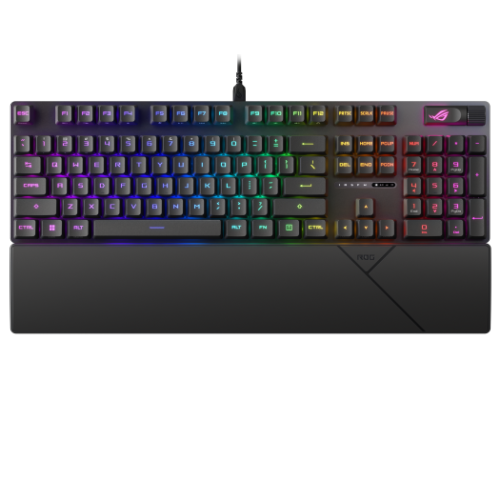
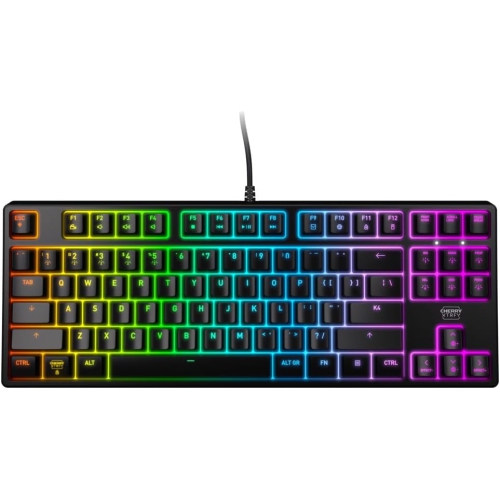
Top Collections:
Pokemon Centers, Kindle Devices, Best Cameras for Sports Photography, Pokémon 30th Celebration Cards, Apple iPhones 16, Canon G7X Cameras, iPhone 15 Apple, Flip Phones, Samsung Galaxy Phones, Alarm Clock
Some products may be subject to Environmental Handling Fees
(EHF) depending on your province.
Learn more about EHFs.